


What is Content Curation?
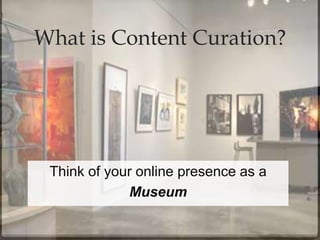
Think of your online presence as a
Museum
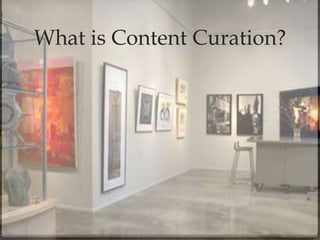
What is Content Curation?
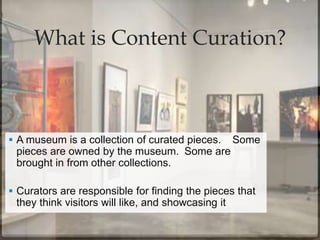
 A museum is a collection of curated pieces. Some
pieces are owned by the museum. Some are
brought in from other collections.
 Curators are responsible for finding the pieces that
they think visitors will like, and showcasing it
You’re probably already
doing it.
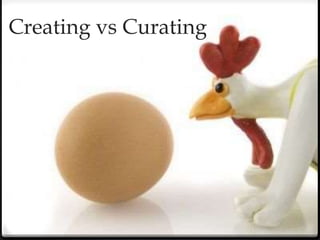
Creating vs Curating
Pure creation is demanding.
Pure automation doesn’t engage.
Curating content can provide the best of both.
~Lee Odden, Feb. 2013
http://www.toprankblog.com/
Why Curate?
Why Curate?
Fundraise
Why Curate?
Fundraise
Competitive Research
Why Curate?
Fundraise
Competitive Research
Extend reach
Why Curate?
Fundraise
Competitive Research
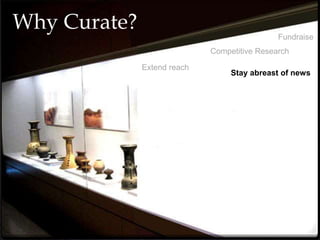
Stay abreast of news
Extend reach
Why Curate?
Fundraise
Competitive Research
Stay abreast of news
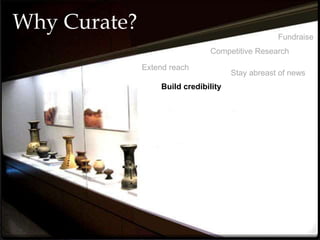
Build credibility
Extend reach
Why Curate?
Fundraise
Competitive Research
Stay abreast of news
Build credibility
Extend reach
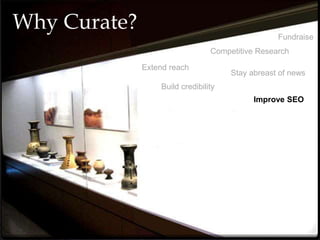
Improve SEO
Why Curate?
Fundraise
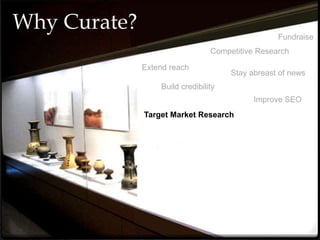
Target Market Research
Competitive Research
Stay abreast of news
Build credibility
Extend reach
Improve SEO
Why Curate?
Fundraise
Target Market Research
Competitive Research
Stay abreast of news
Marketing
Build credibility
Extend reach
Improve SEO
Why Curate?
Fundraise
Target Market Research
Uncovering trends
Competitive Research
Stay abreast of news
Marketing
Build credibility
Extend reach
Improve SEO
Why Curate?
Lead generation
Fundraise
Target Market Research
Uncovering trends
Competitive Research
Stay abreast of news
Marketing
Build credibility
Extend reach
Improve SEO
Why Curate?
Lead generation
Fundraise
Target Market Research
Uncovering trends
Competitive Research
Stay abreast of news
Marketing
Building relationships
Build credibility
Extend reach
Improve SEO
Why Curate?
Lead generation
Fundraise
Target Market Research
Uncovering trends
Competitive Research
Stay abreast of news
Professional Development
Marketing
Building relationships
Build credibility
Extend reach
Improve SEO
Why Curate?
Lead generation
Fundraise
Target Market Research
Uncovering trends
Competitive Research
Stay abreast of news
Professional Development
Marketing
Building relationships
Build credibility
Extend reach
Improve SEO
Creating links
Why Curate?
Lead generation
Fundraise
Target Market Research
Uncovering trends
Competitive Research
Stay abreast of news
Professional Development
Marketing
Building relationships
Find new customers
Build credibility
Extend reach
Improve SEO
Creating links
Why Curate?
Lead generation
Fundraise
Target Market Research
Uncovering trends
Competitive Research
Stay abreast of news
Professional Development
Marketing
Building relationships
Find new customers
Build credibility
Extend reach
Improve SEO
Highlight industry connections
Creating links
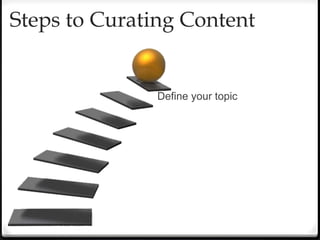
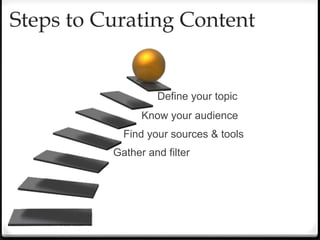
Steps to Curating Content
Define your topic
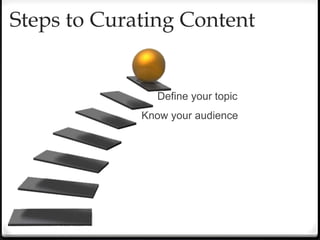
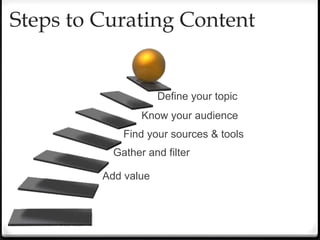
Steps to Curating Content
Define your topic
Know your audience
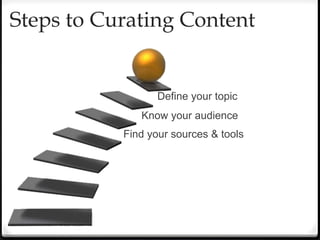
Steps to Curating Content
Define your topic
Know your audience
Find your sources & tools
Steps to Curating Content
Define your topic
Know your audience
Find your sources & tools
Gather and filter
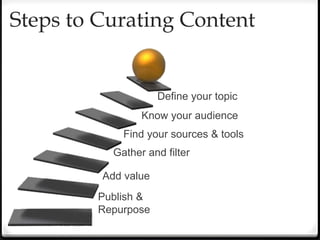
Steps to Curating Content
Define your topic
Know your audience
Find your sources & tools
Gather and filter
Add value
Steps to Curating Content
Define your topic
Know your audience
Find your sources & tools
Gather and filter
Add value
Publish &
Repurpose
Step 1
Could be related to:
• Sales/marketing goals
• Business problems
• Customer pain points
One main topic,
with related niche topics
Define your topic
• Who are they?
• Why are they interested in your
topic ?
• Where do they look for content ?
• What types of media do they
consume ?
• Where are they currently getting
information ?
• What do you want your niche
to be ?
Know Your Audience
Step 2
Find your sources
Sources can be varied:
• Thought leaders (via
blogs, RSS, Twitter feed,
FB pages)
• News sources (via RSS,
email subscription)
• Topical (via Google
Alerts, StumpleUpon,
Flipboard, SmartBrief)
Step 3
Choose your content wisely
• Pick content from a variety of
format types (video, images,
blog posts, articles,
infographics, presentations,
etc).
• Use content from platforms
you (and your audience) are
already on.
Gather and Filter
Step 4
• Why are you sharing this?
• What is your opinion on the
piece?
• What would you like people to do
with this?
• How does this benefit the reader?
Add Value
Step 5
Publishing or sharing your curated
content can be as easy as clicking
“Tweet this” or as complicated as
writing a summary blog post,
creating a poll for your readers, or
writing a follow-up blog post.
Don’t forget to attribute! It builds
relationships with the original
authors (and you probably don’t
want to be thought of as a thief!).
Publish & Repurpose
Step 6
Building Your Toolbox
Here is a quick snapshot of my favourite content
curation tools:
• Google Alerts
• Hootsuite
• Flipboard
• Scoop.it, paper.li
• RSS
• SmartBrief
• Pinterest
• AllTop
• Reddit, Digg, StumbleUpon
• Tumblr
• YouTube, Vimeo
• Mashable
-
To Summarize
• Create your goal, purpose or focus of content to
curate
• Examine your audience to meet their needs
• Collect sources and curation tools
• Add value to the content shared
• Publish and Repurpose
If You Can’t Be a Creator, Then Be a Curator
Bharati Ahuja, October 31, 2012
http://searchenginewatch.com/article/2221068/If-You-Cant-Be-a-Creator-Then-Be-a-Curator
14 Sources for Content Curation Inspiration
By PAWAN DESHPANDE published DECEMBER 6, 2012
http://contentmarketinginstitute.com/2012/12/sources-content-curation-inspiration/
3 Essential Content Curation Best Practices to Boost Content
Marketing Performance
By Lee Odden on Feb 25th, 2013
http://www.toprankblog.com/2013/02/content-curation-best-
practices/?goback=%2Egmp_3946859%2Egde_3946859_member_218449102
Curata
http://www.curata.com/resources/
Beth Kanter
http://www.bethkanter.org/content-curation-101/
http://www.bethkanter.org/content-curation/
Sources
Shannon Harvey
Digital Strategist & Community Manager,
Getinvolved.ca
shannon.k.harvey@gmail.com
@shannonkharvey
http://www.linkedin.com/in/shannonkharvey
Keep in touch

Content (Curation) is King

  • 2.
    What is ContentCuration?
  • 3.
    What is ContentCuration? Think of your online presence as a Museum
  • 4.
    What is ContentCuration?  A museum is a collection of curated pieces. Some pieces are owned by the museum. Some are brought in from other collections.  Curators are responsible for finding the pieces that they think visitors will like, and showcasing it
  • 5.
  • 6.
  • 7.
    Pure creation isdemanding. Pure automation doesn’t engage. Curating content can provide the best of both. ~Lee Odden, Feb. 2013 http://www.toprankblog.com/
  • 8.
  • 9.
  • 10.
  • 11.
  • 12.
  • 13.
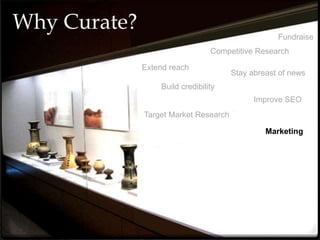
    Why Curate? Fundraise Competitive Research Stayabreast of news Build credibility Extend reach
  • 14.
    Why Curate? Fundraise Competitive Research Stayabreast of news Build credibility Extend reach Improve SEO
  • 15.
    Why Curate? Fundraise Target MarketResearch Competitive Research Stay abreast of news Build credibility Extend reach Improve SEO
  • 16.
    Why Curate? Fundraise Target MarketResearch Competitive Research Stay abreast of news Marketing Build credibility Extend reach Improve SEO
  • 17.
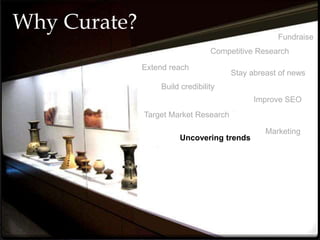
    Why Curate? Fundraise Target MarketResearch Uncovering trends Competitive Research Stay abreast of news Marketing Build credibility Extend reach Improve SEO
  • 18.
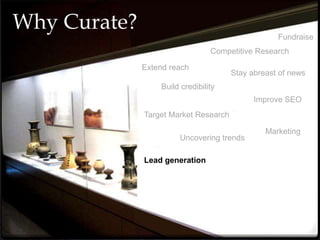
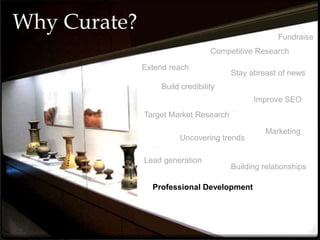
    Why Curate? Lead generation Fundraise TargetMarket Research Uncovering trends Competitive Research Stay abreast of news Marketing Build credibility Extend reach Improve SEO
  • 19.
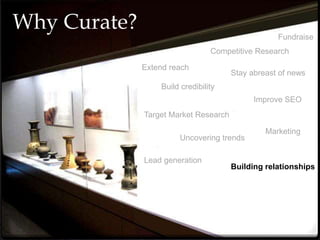
    Why Curate? Lead generation Fundraise TargetMarket Research Uncovering trends Competitive Research Stay abreast of news Marketing Building relationships Build credibility Extend reach Improve SEO
  • 20.
    Why Curate? Lead generation Fundraise TargetMarket Research Uncovering trends Competitive Research Stay abreast of news Professional Development Marketing Building relationships Build credibility Extend reach Improve SEO
  • 21.
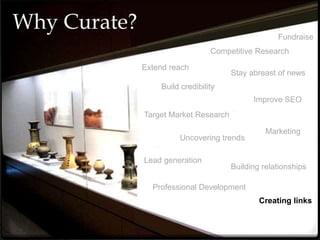
    Why Curate? Lead generation Fundraise TargetMarket Research Uncovering trends Competitive Research Stay abreast of news Professional Development Marketing Building relationships Build credibility Extend reach Improve SEO Creating links
  • 22.
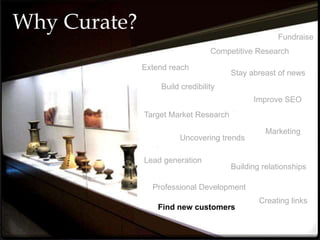
    Why Curate? Lead generation Fundraise TargetMarket Research Uncovering trends Competitive Research Stay abreast of news Professional Development Marketing Building relationships Find new customers Build credibility Extend reach Improve SEO Creating links
  • 23.
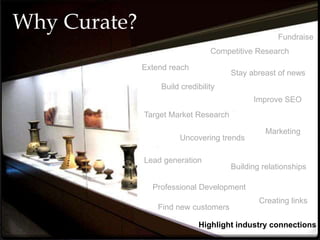
    Why Curate? Lead generation Fundraise TargetMarket Research Uncovering trends Competitive Research Stay abreast of news Professional Development Marketing Building relationships Find new customers Build credibility Extend reach Improve SEO Highlight industry connections Creating links
  • 24.
  • 25.
    Steps to CuratingContent Define your topic
  • 26.
    Steps to CuratingContent Define your topic Know your audience
  • 27.
    Steps to CuratingContent Define your topic Know your audience Find your sources & tools
  • 28.
    Steps to CuratingContent Define your topic Know your audience Find your sources & tools Gather and filter
  • 29.
    Steps to CuratingContent Define your topic Know your audience Find your sources & tools Gather and filter Add value
  • 30.
    Steps to CuratingContent Define your topic Know your audience Find your sources & tools Gather and filter Add value Publish & Repurpose
  • 31.
    Step 1 Could berelated to: • Sales/marketing goals • Business problems • Customer pain points One main topic, with related niche topics Define your topic
  • 32.
    • Who arethey? • Why are they interested in your topic ? • Where do they look for content ? • What types of media do they consume ? • Where are they currently getting information ? • What do you want your niche to be ? Know Your Audience Step 2
  • 33.
    Find your sources Sourcescan be varied: • Thought leaders (via blogs, RSS, Twitter feed, FB pages) • News sources (via RSS, email subscription) • Topical (via Google Alerts, StumpleUpon, Flipboard, SmartBrief) Step 3
  • 34.
    Choose your contentwisely • Pick content from a variety of format types (video, images, blog posts, articles, infographics, presentations, etc). • Use content from platforms you (and your audience) are already on. Gather and Filter Step 4
  • 35.
    • Why areyou sharing this? • What is your opinion on the piece? • What would you like people to do with this? • How does this benefit the reader? Add Value Step 5
  • 36.
    Publishing or sharingyour curated content can be as easy as clicking “Tweet this” or as complicated as writing a summary blog post, creating a poll for your readers, or writing a follow-up blog post. Don’t forget to attribute! It builds relationships with the original authors (and you probably don’t want to be thought of as a thief!). Publish & Repurpose Step 6
  • 37.
  • 38.
    Building Your Toolbox Hereis a quick snapshot of my favourite content curation tools: • Google Alerts • Hootsuite • Flipboard • Scoop.it, paper.li • RSS • SmartBrief • Pinterest • AllTop • Reddit, Digg, StumbleUpon • Tumblr • YouTube, Vimeo • Mashable -
  • 39.
    To Summarize • Createyour goal, purpose or focus of content to curate • Examine your audience to meet their needs • Collect sources and curation tools • Add value to the content shared • Publish and Repurpose
  • 40.
    If You Can’tBe a Creator, Then Be a Curator Bharati Ahuja, October 31, 2012 http://searchenginewatch.com/article/2221068/If-You-Cant-Be-a-Creator-Then-Be-a-Curator 14 Sources for Content Curation Inspiration By PAWAN DESHPANDE published DECEMBER 6, 2012 http://contentmarketinginstitute.com/2012/12/sources-content-curation-inspiration/ 3 Essential Content Curation Best Practices to Boost Content Marketing Performance By Lee Odden on Feb 25th, 2013 http://www.toprankblog.com/2013/02/content-curation-best- practices/?goback=%2Egmp_3946859%2Egde_3946859_member_218449102 Curata http://www.curata.com/resources/ Beth Kanter http://www.bethkanter.org/content-curation-101/ http://www.bethkanter.org/content-curation/ Sources
  • 41.
    Shannon Harvey Digital Strategist& Community Manager, Getinvolved.ca shannon.k.harvey@gmail.com @shannonkharvey http://www.linkedin.com/in/shannonkharvey Keep in touch

Editor's Notes

  • #6 You’re probably already doing content curation. Have you ever published a “best of” article? Do you retweet or share interesting posts? Do you pass along relevant information in e-mails or newsletters, adding your own two cents before hitting “Send”? Each of these is a nascent form of content curation. You’re selecting content, adding value, and sharing with your audience.
  • #7 Curating content is not always faster. You have to have your tools set up to find the content, then you need to filter it personally, and be strategic about how you want to desemminate it (but we’ll get into that later). For example, I created this presentation, but in researching and creating the presentation, I curated all the content – I visited blogs to find information, I gathered images from the web, and I put it all together to make this presentation – hence why you’re probably already doing it!
  • #25 Step 1: Identify – pick your topic Step 2: Follow – find your sources Step 3: Organize – review, filter, & categorize Step 4: Create – add value Step 5: Share – publish & promote
  • #26 Step 1: Identify – pick your topic Step 2: Follow – find your sources Step 3: Organize – review, filter, & categorize Step 4: Create – add value Step 5: Share – publish & promote
  • #27 Step 1: Identify – pick your topic Step 2: Follow – find your sources Step 3: Organize – review, filter, & categorize Step 4: Create – add value Step 5: Share – publish & promote
  • #28 Step 1: Identify – pick your topic Step 2: Follow – find your sources Step 3: Organize – review, filter, & categorize Step 4: Create – add value Step 5: Share – publish & promote
  • #29 Step 1: Identify – pick your topic Step 2: Follow – find your sources Step 3: Organize – review, filter, & categorize Step 4: Create – add value Step 5: Share – publish & promote
  • #30 Step 1: Identify – pick your topic Step 2: Follow – find your sources Step 3: Organize – review, filter, & categorize Step 4: Create – add value Step 5: Share – publish & promote
  • #31 Step 1: Identify – pick your topic Step 2: Follow – find your sources Step 3: Organize – review, filter, & categorize Step 4: Create – add value Step 5: Share – publish & promote