www.cybrosys.com
How to Publish a Product in
Odoo 14 Website
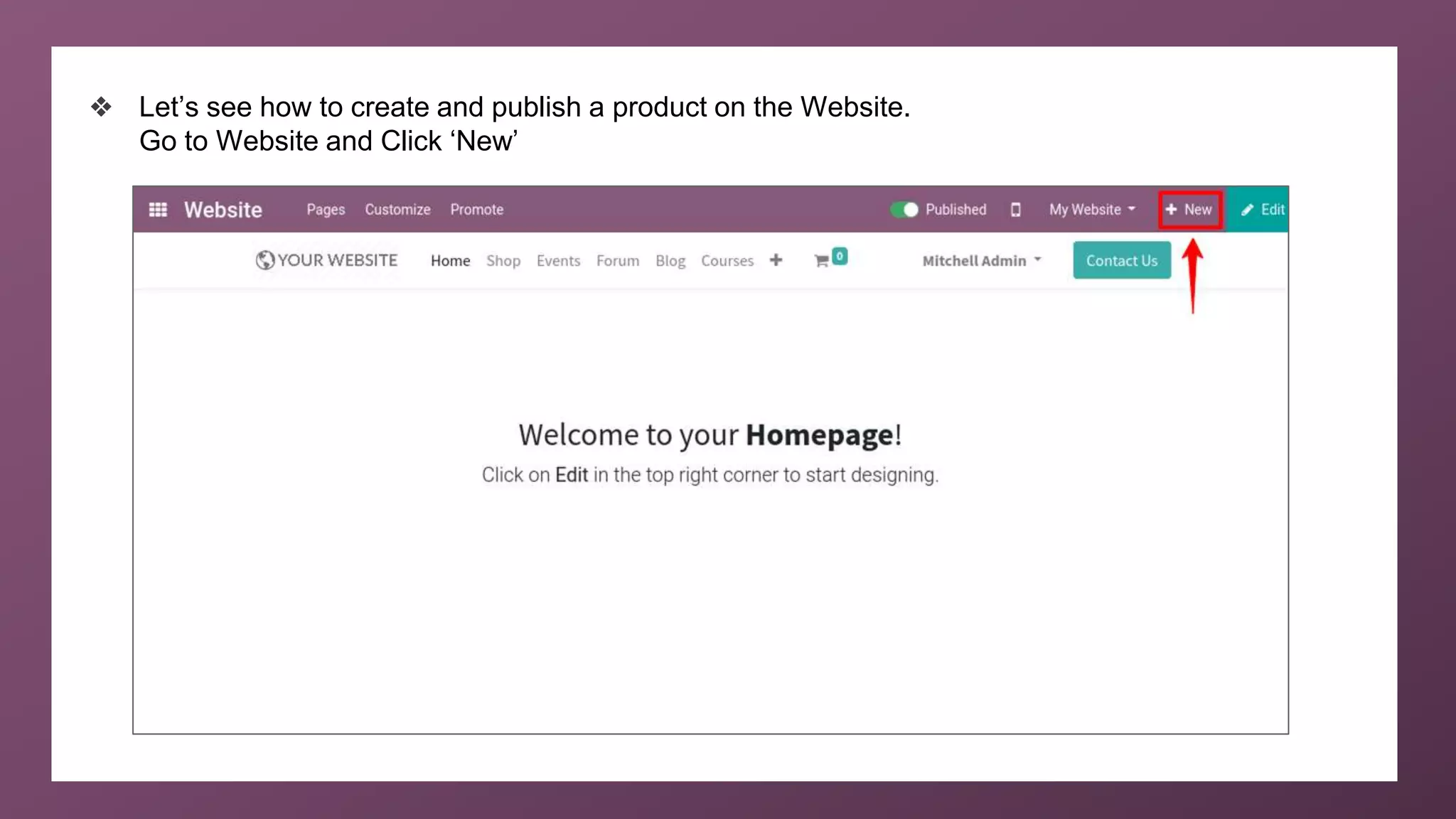
❖ Let’s see how to create and publish a product on the Website.
Go to Website and Click ‘New’
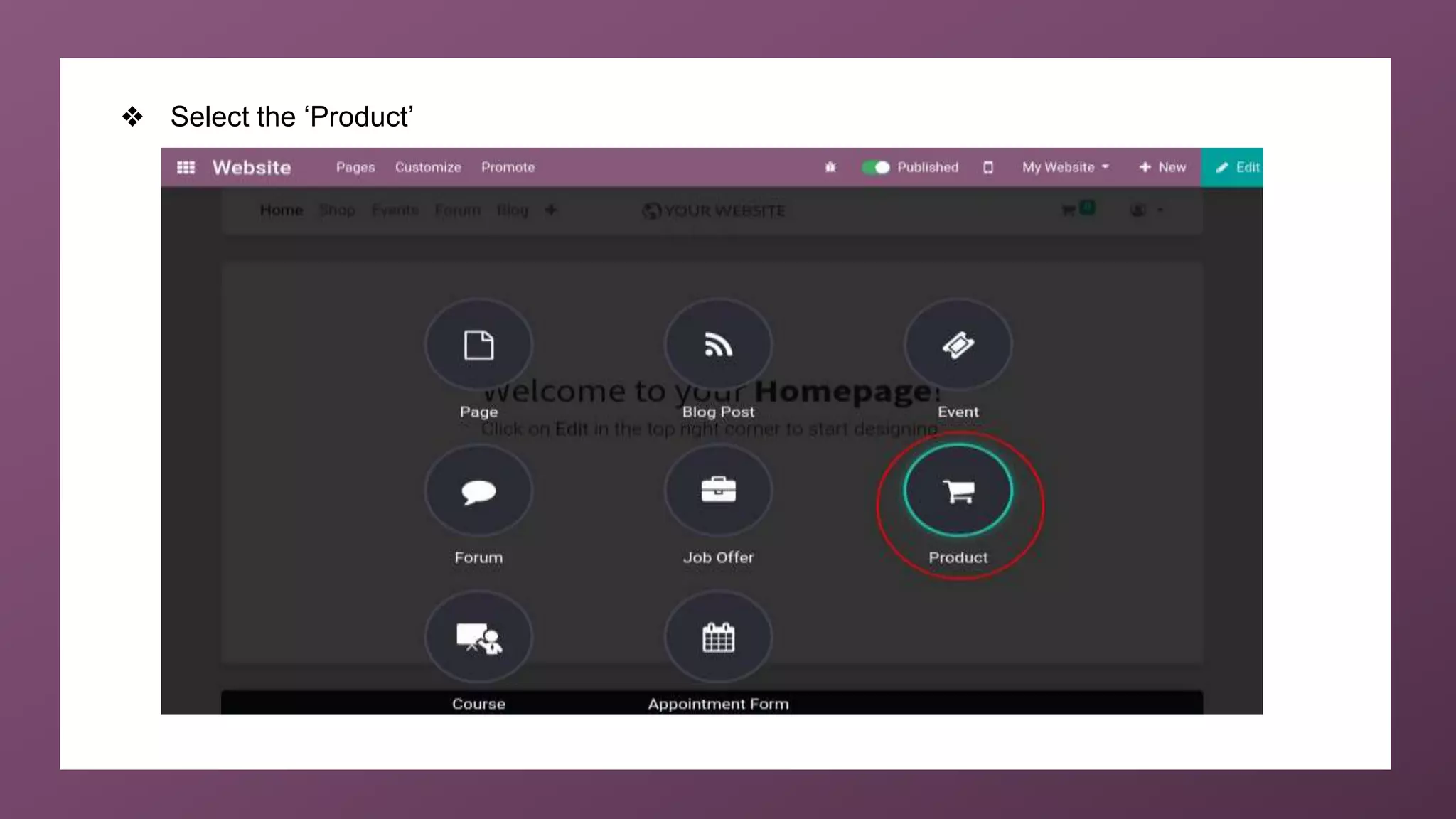
❖ Select the ‘Product’
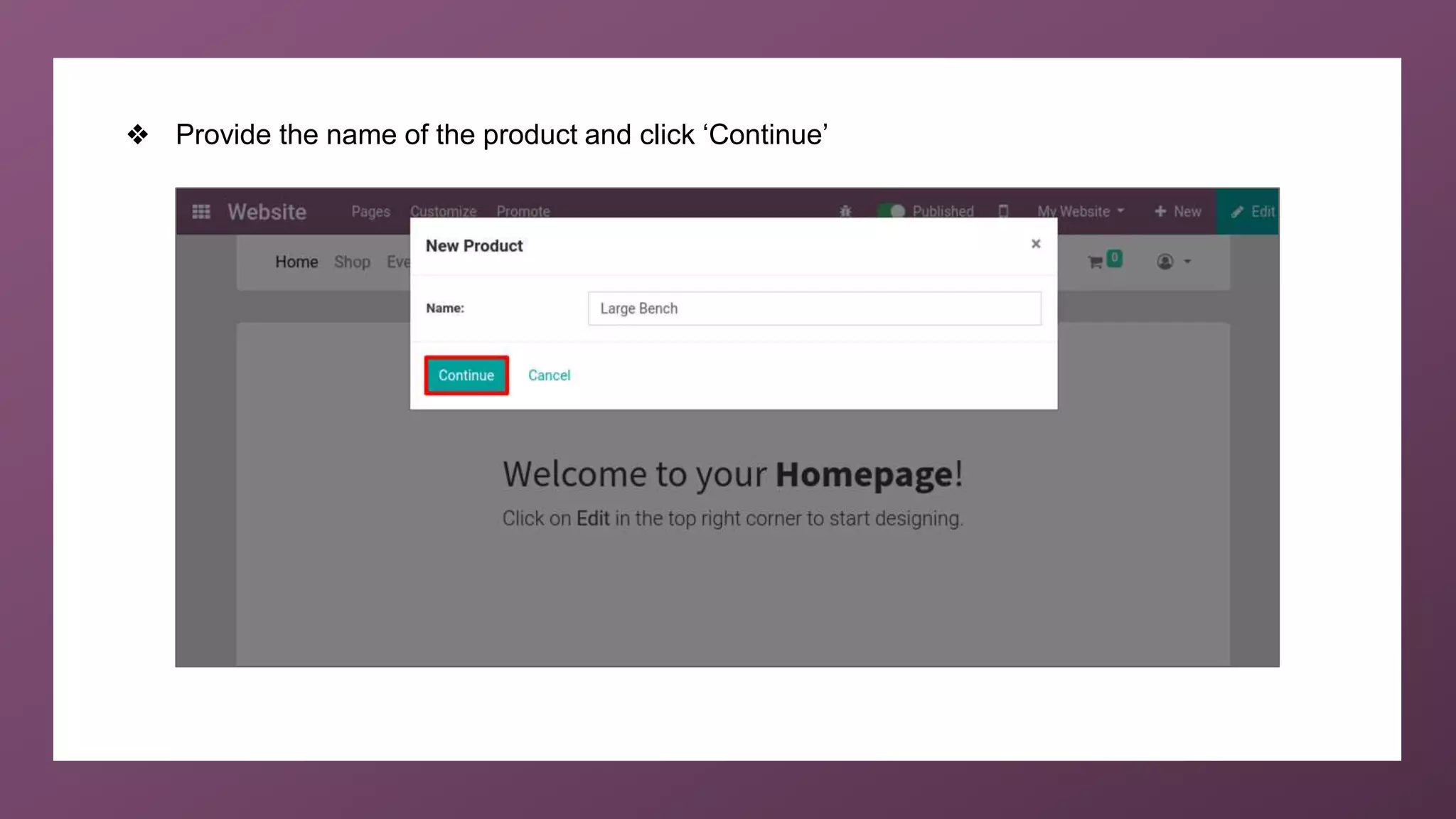
❖ Provide the name of the product and click ‘Continue’
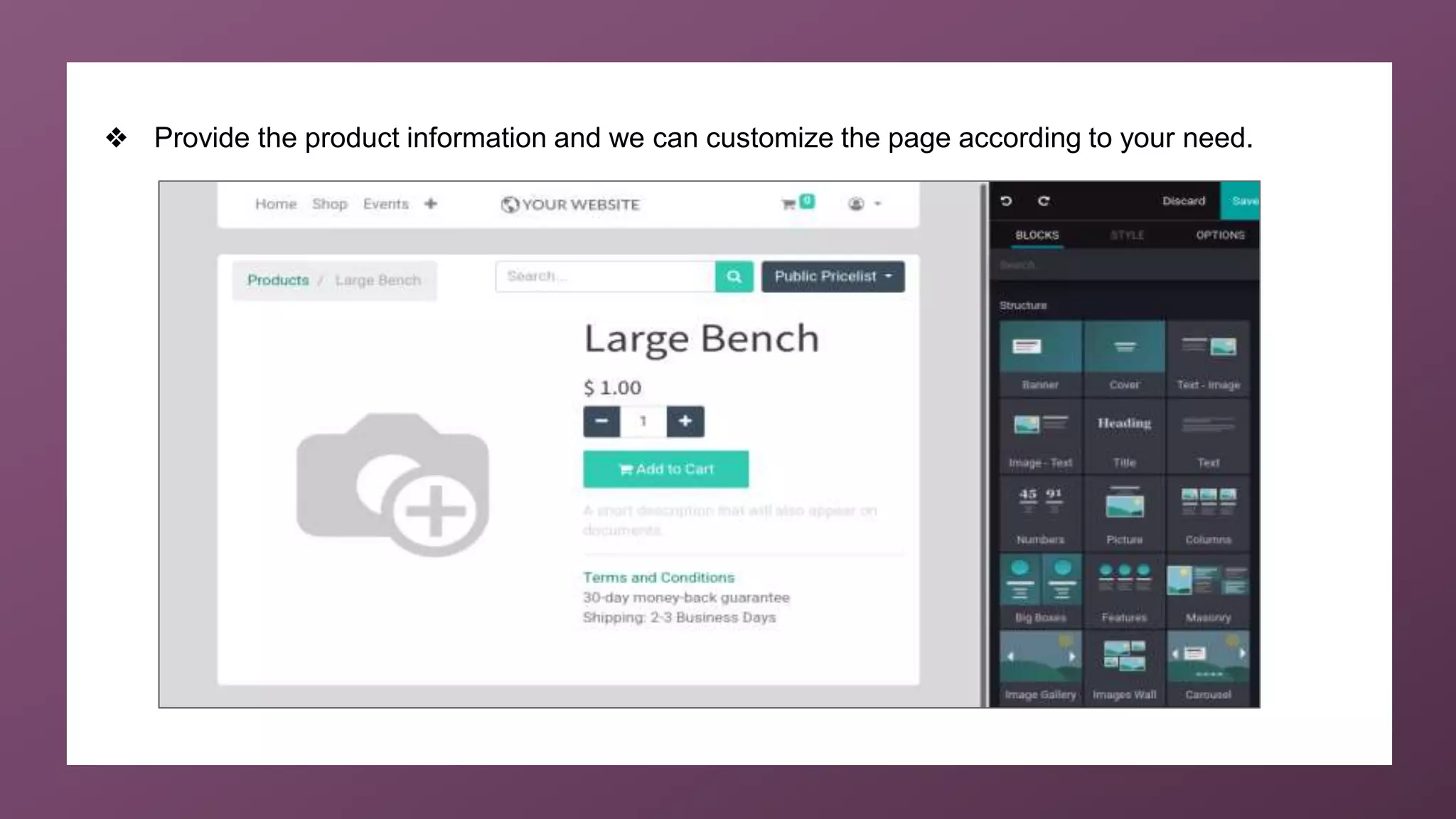
❖ Provide the product information and we can customize the page according to your need.
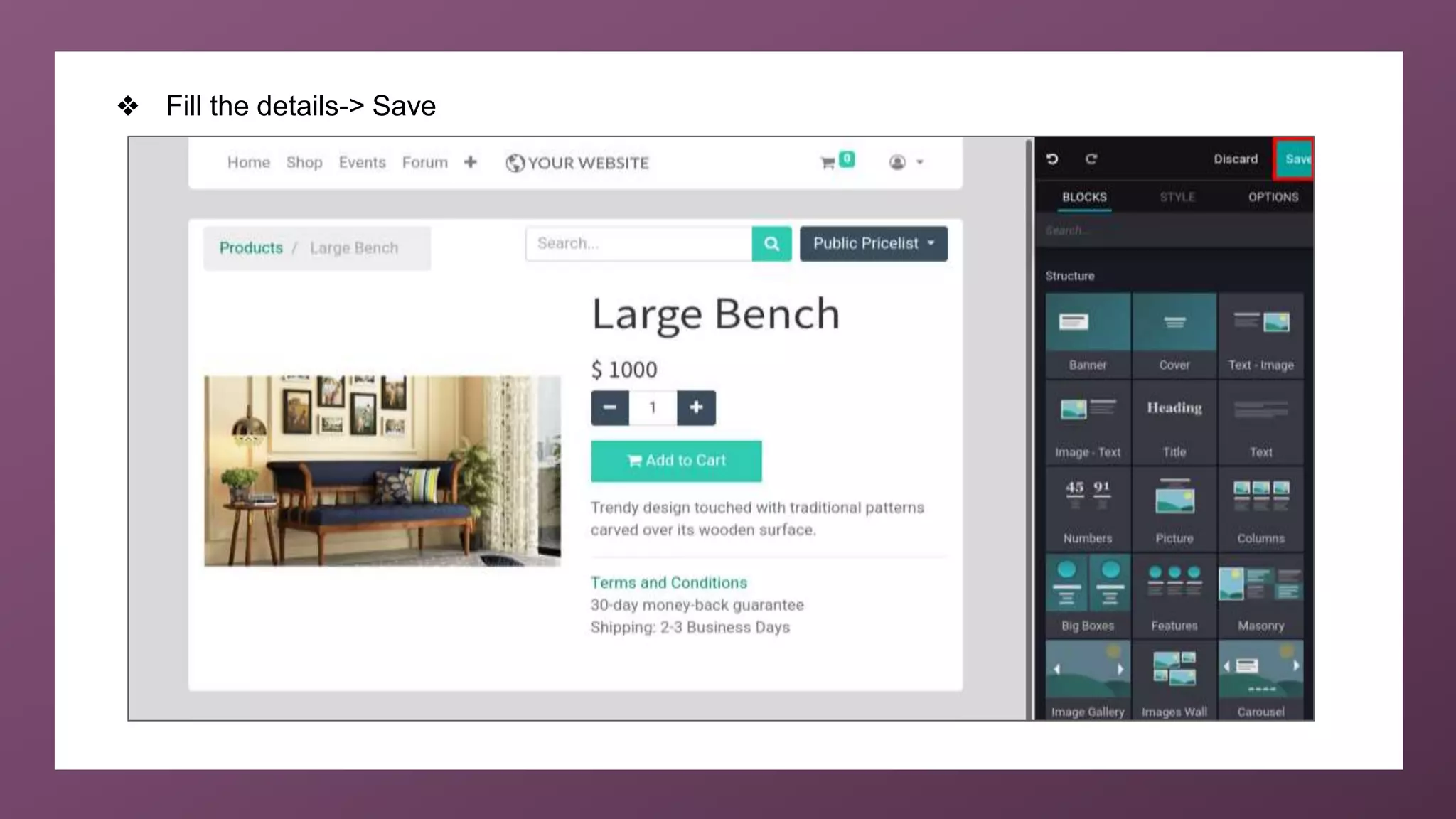
❖ Fill the details-> Save
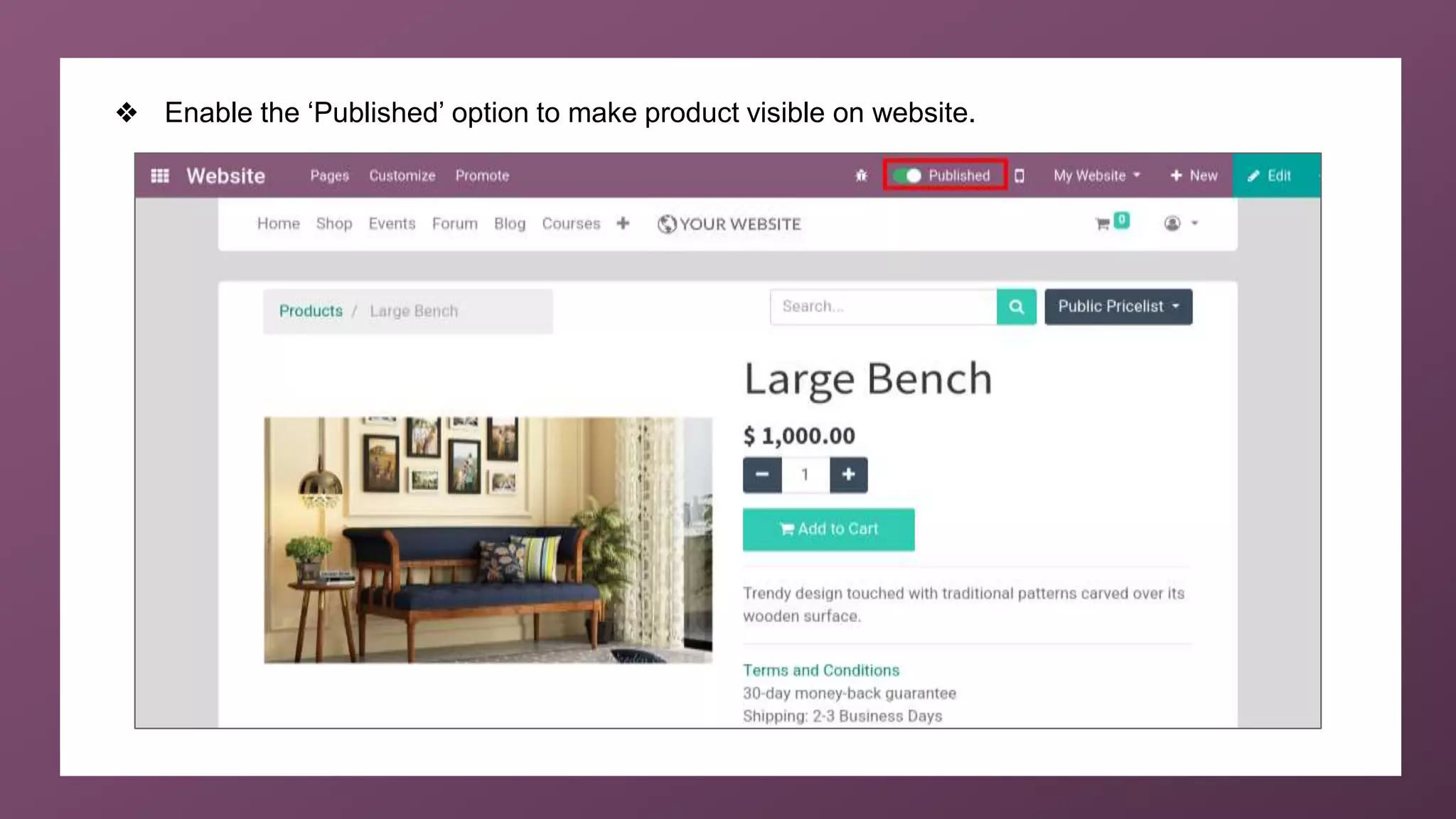
❖ Enable the ‘Published’ option to make product visible on website.
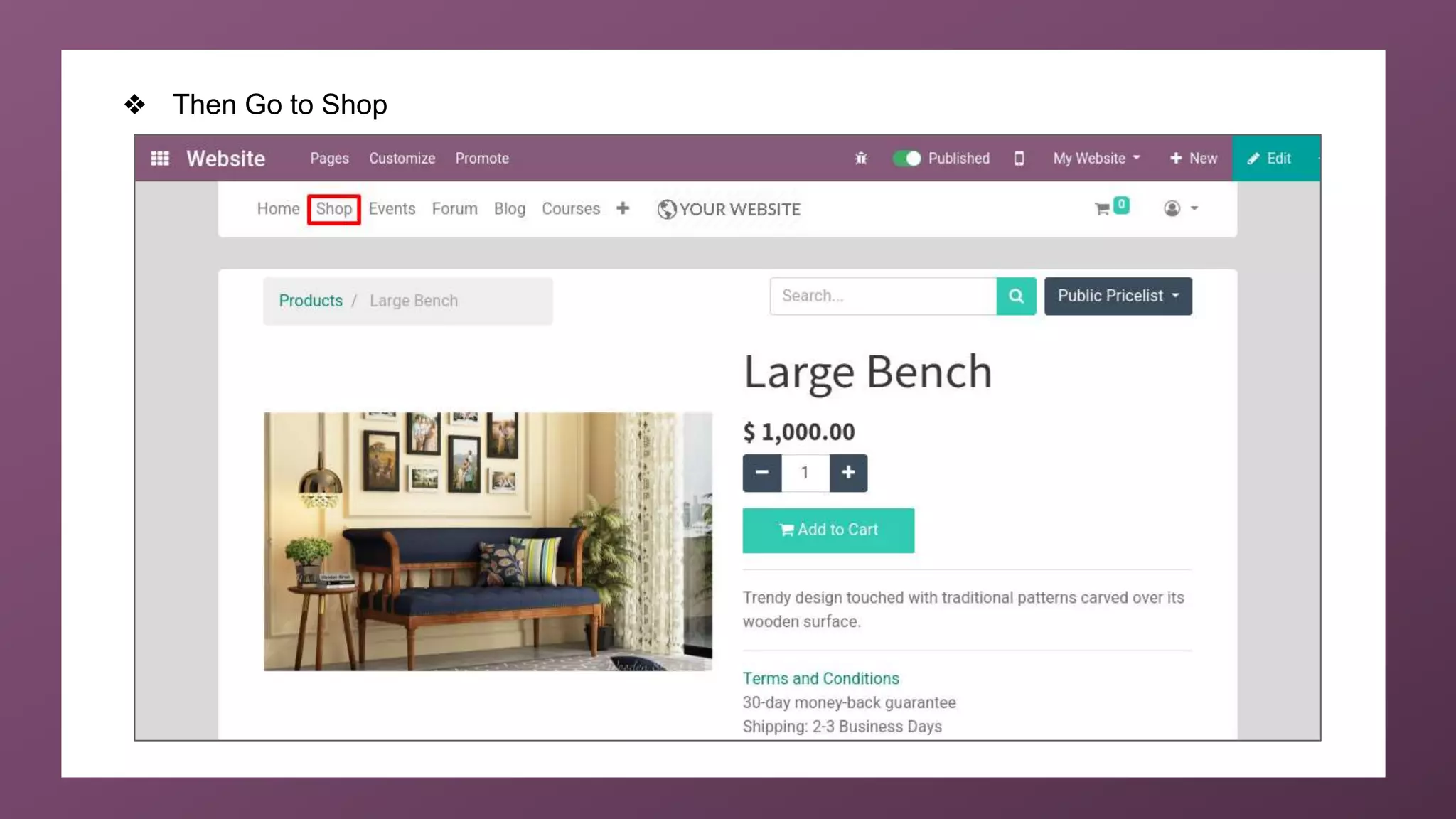
❖ Then Go to Shop
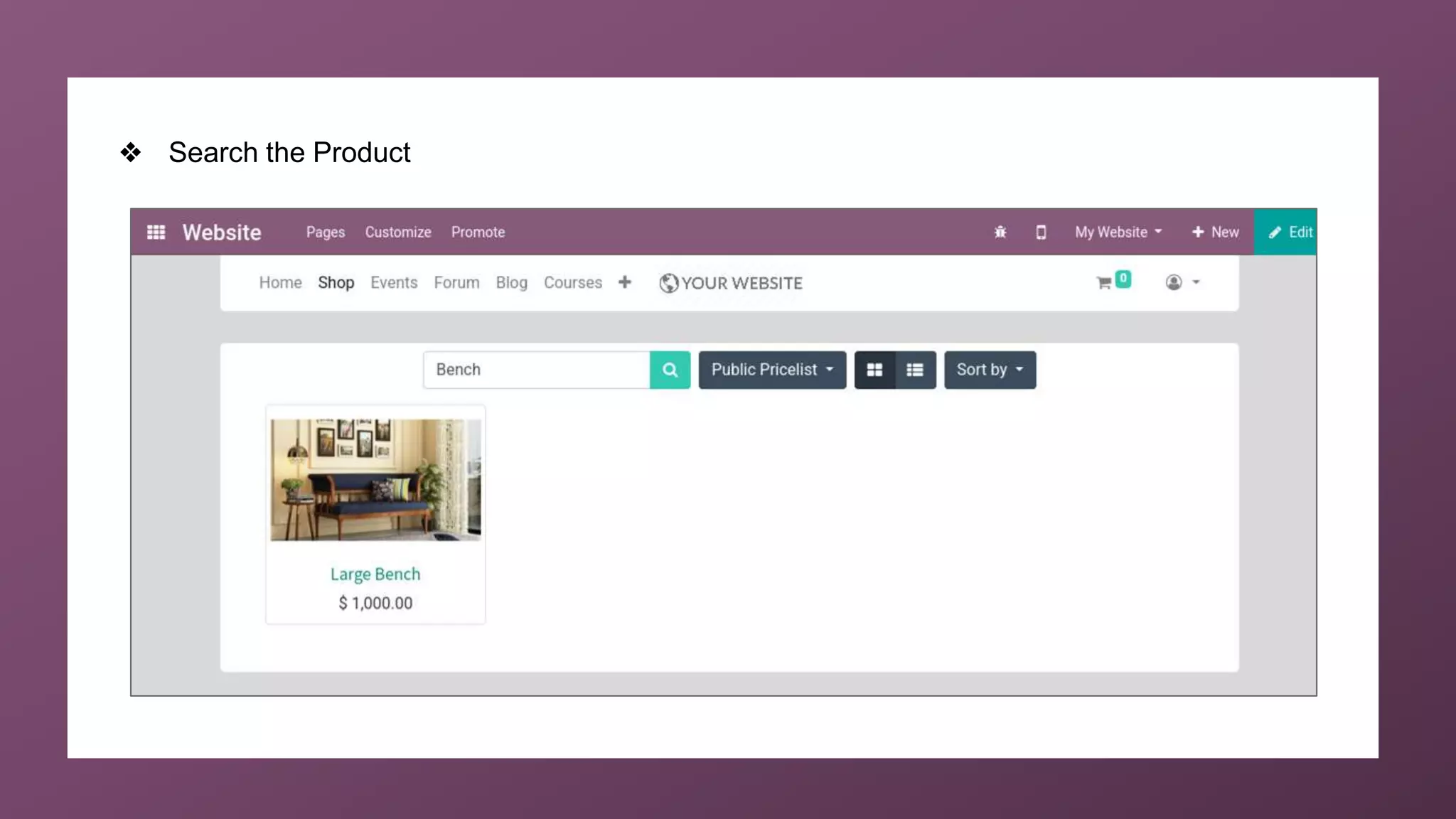
❖ Search the Product
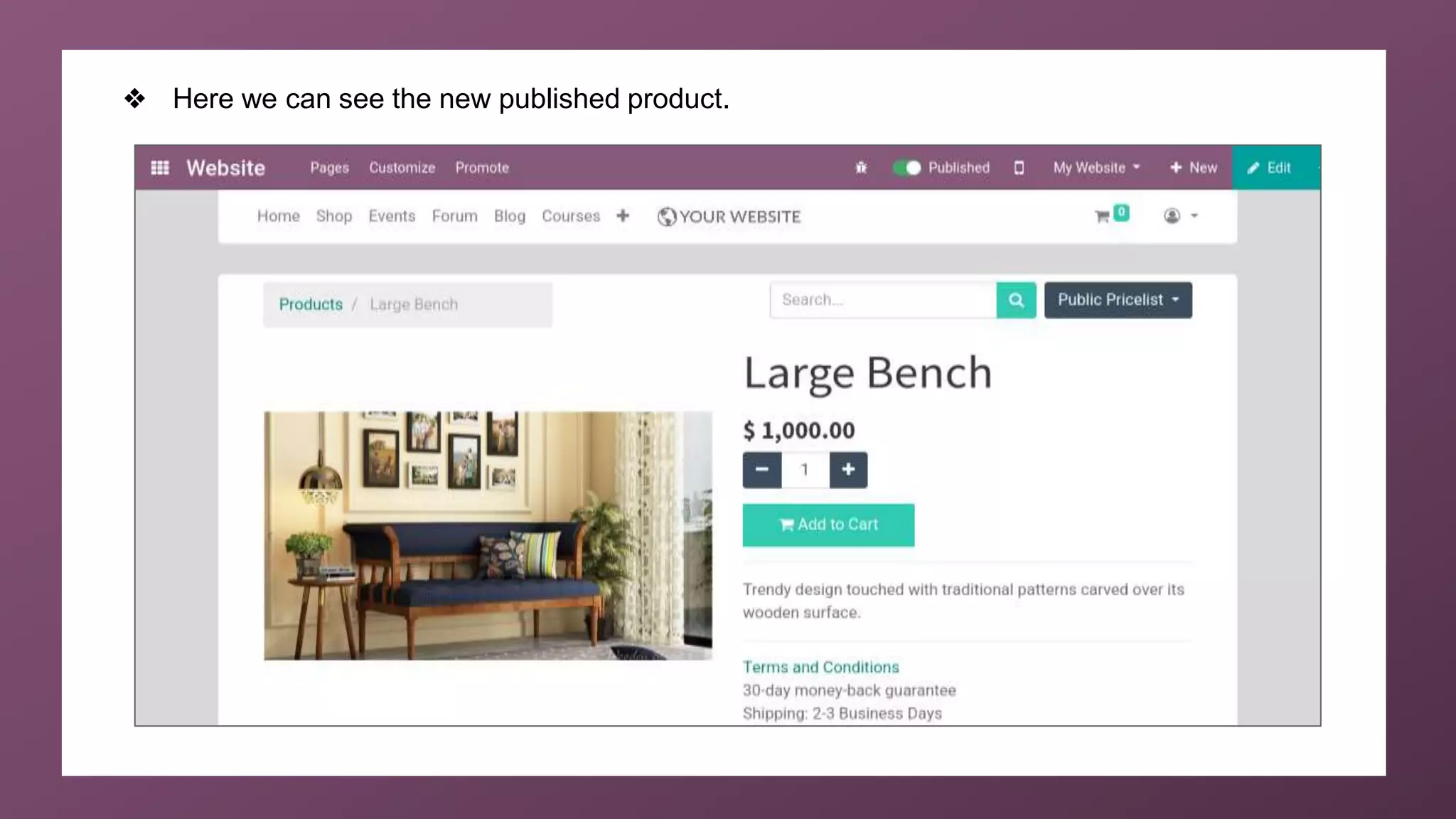
❖ Here we can see the new published product.
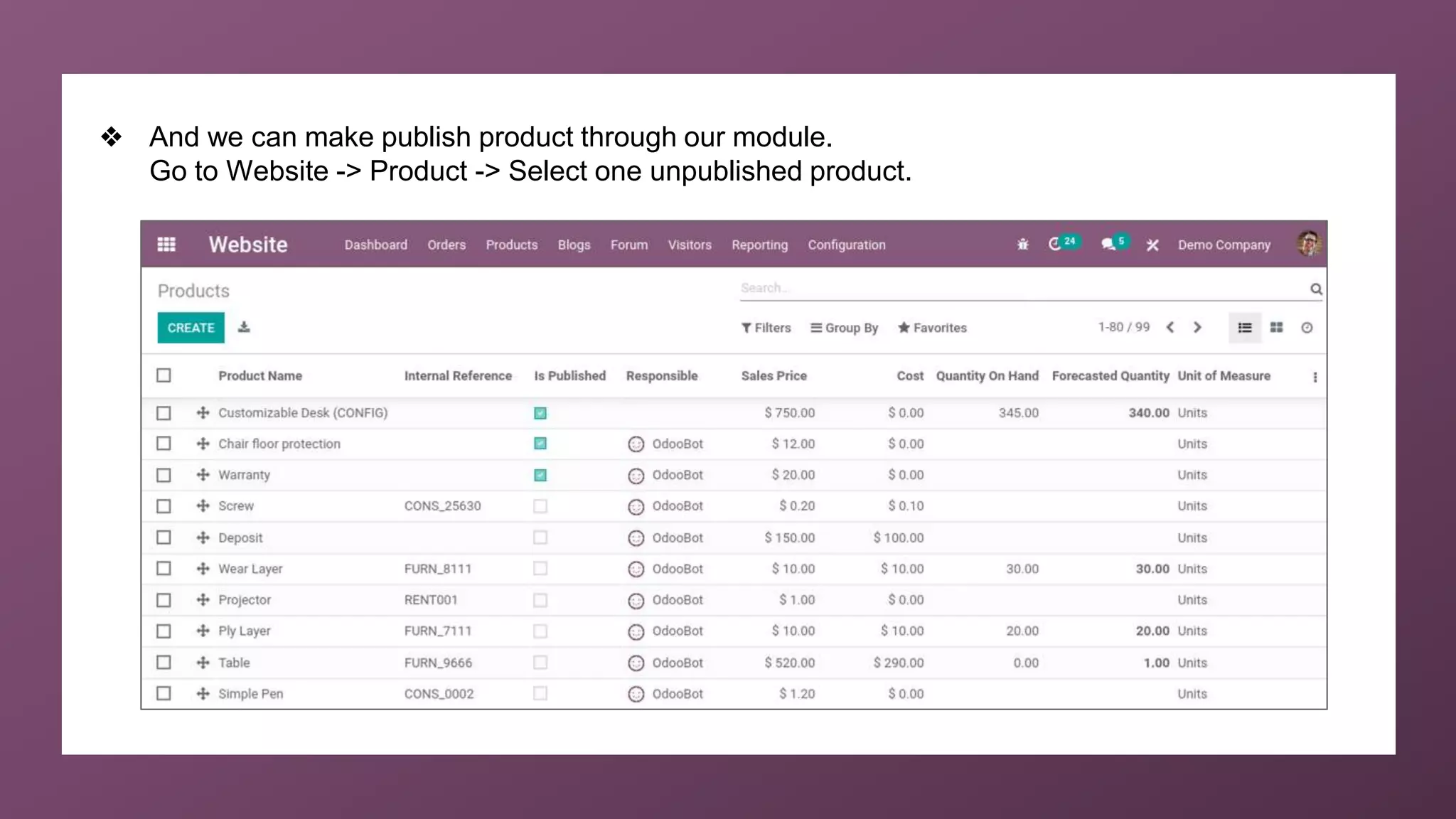
❖ And we can make publish product through our module.
Go to Website -> Product -> Select one unpublished product.
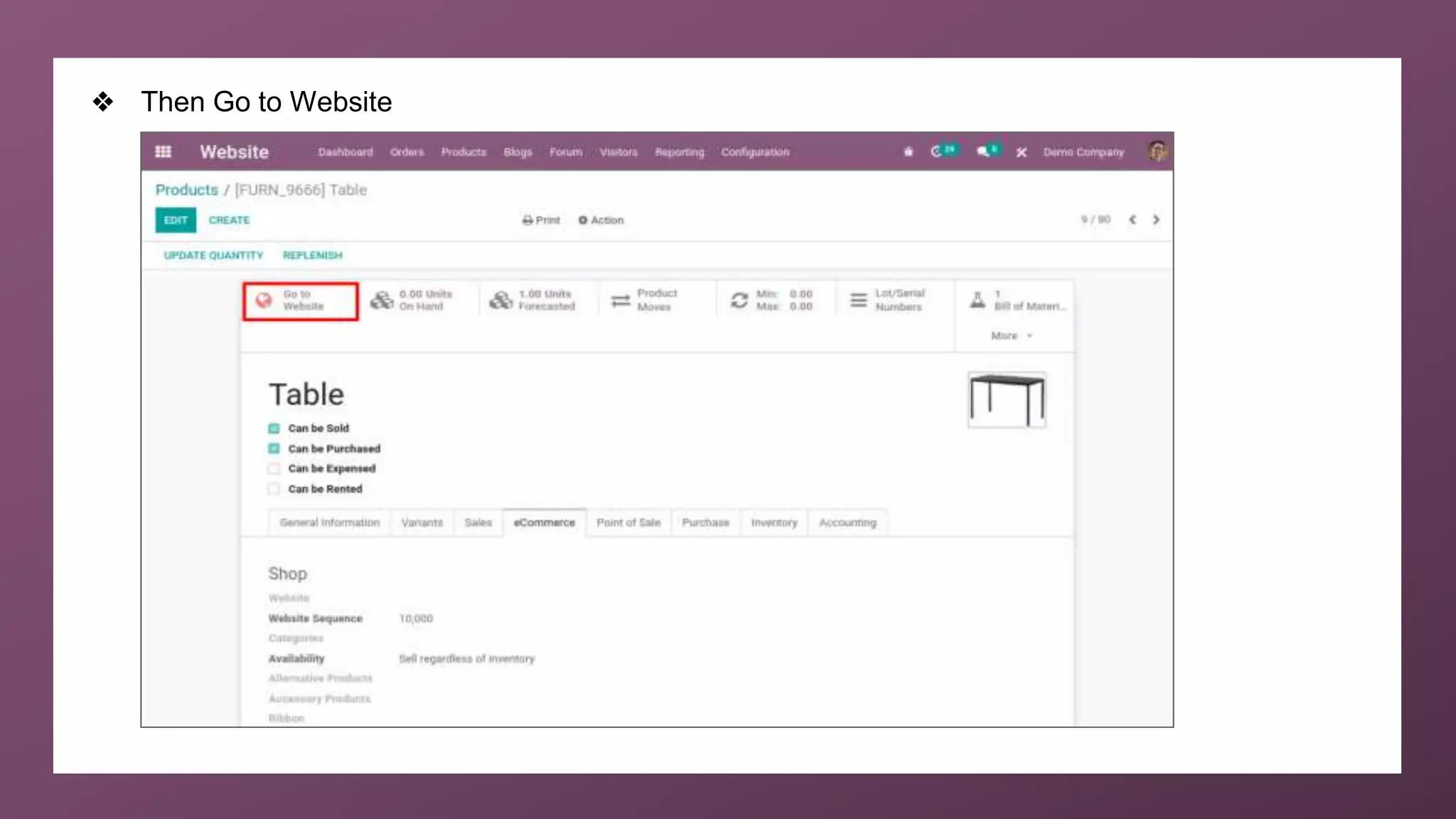
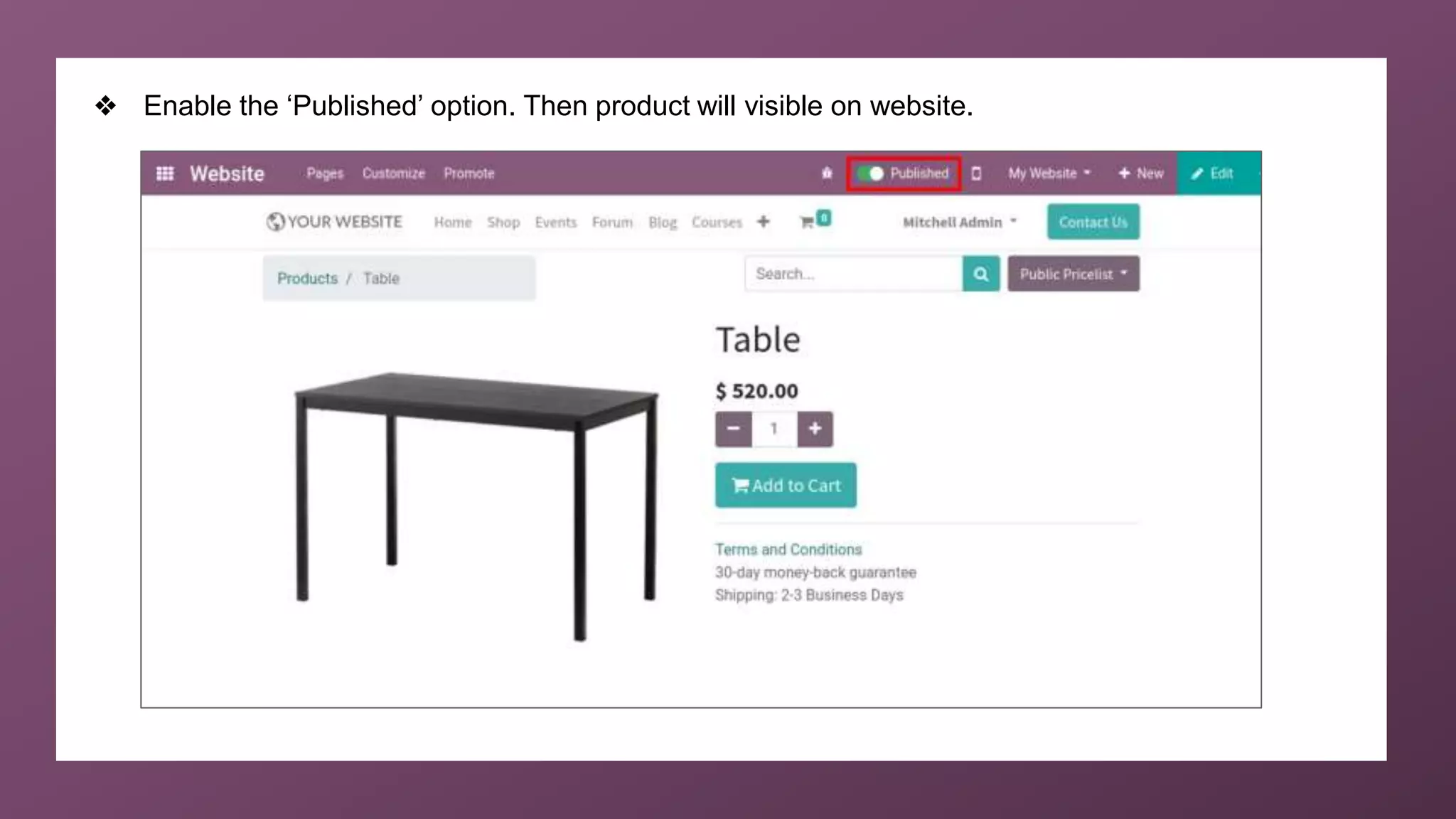
❖ Then Go to Website
❖ Enable the ‘Published’ option. Then product will visible on website.
For More
Details
Check our company website for related blogs and Odoo
book.
Odoo for Beginners - Odoo V14
How to Create a Custom Theme in Odoo 14 Website?
Check our YouTube channel for functional and technical
videos in Odoo.
How to Publish a Product in Odoo 14 Website
Thank You

How to Publish a Product in Odoo 14 Website?