
COMPUTER PRESENTATIONSUBMITED BYMAYANK YADAV
Introduction to Computers
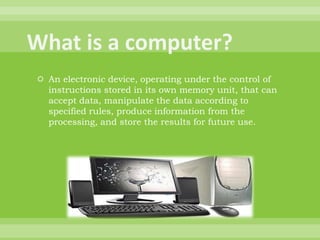
What is a computer?An electronic device, operating under the control of instructions stored in its own memory unit, that can accept data, manipulate the data according to specified rules, produce information from the processing, and store the results for future use.
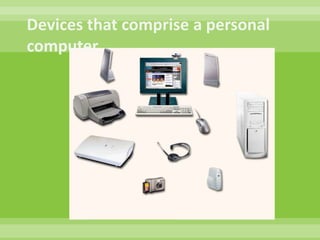
Devices that comprise a personal computer.
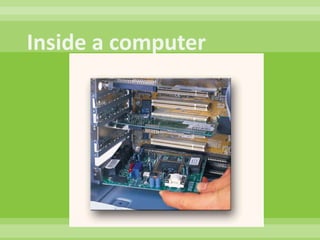
Inside a computer
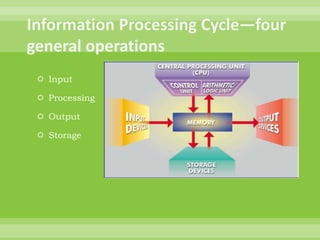
Information Processing Cycle—four general operationsInputProcessingOutputStorage
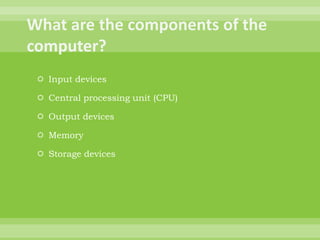
What are the components of the computer?Input devicesCentral processing unit (CPU)Output devicesMemoryStorage devices
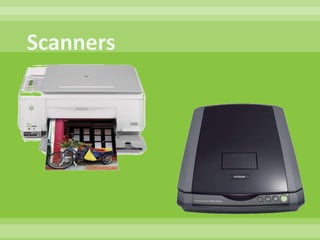
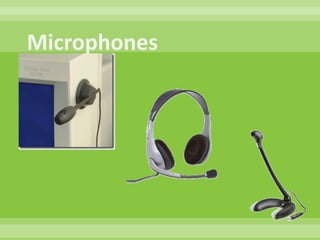
Input DevicesKeyboardMouseDigital cameraScannerMicrophone
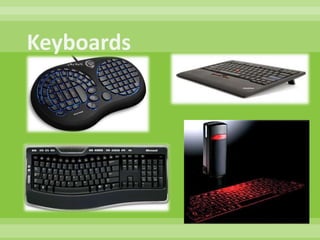
Keyboards
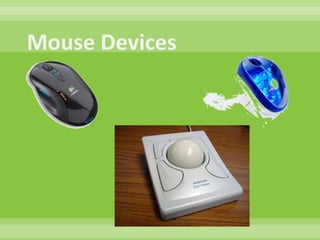
Mouse Devices
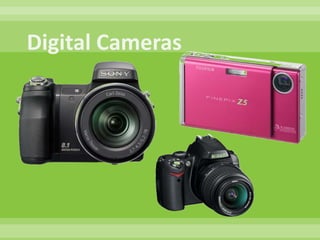
Digital Cameras
Scanners
Microphones
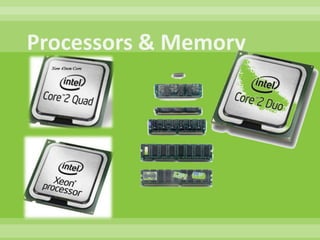
Central Processing UnitMade up of the control unit and arithmetic/logic unitThe brains of the CPU is the processor. There are different brands and speedsPentium made by IntelCeleron made by IntelAthlon made by AMDMemoryRAM—also called Random Access Memory
Processors & Memory
Data RepresentationByte—one character of dataKilobyte—one thousand bytes of dataMegabyte—one million bytesGigabyte—one billion bytesTerabyte—one trillion bytesPetabyte—one quadrillion bytesExabyte—one quintillion bytesZettabyte—one sextillion bytesYottabyte—one septillion bytes
Output DevicesPrintersImpact printersDot matrix printersNonimpact printersInk jetLaserColorB & WMonitorsCRT’SLCD’S
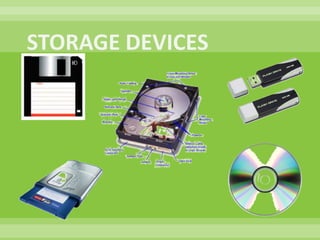
STORAGE DEVICESFloppy Disks3.5-inch disks store 1.44M of dataMust be formattedTrackssectorsHard DisksSpins at 5,400 – 7,200 rpm (revolutions per minute)Can store anywhere between 10G – 250G+ of dataCD’s—Compact DiscsAvailable in a variety of formats—CD-ROM, CD-R, CD-RWA typical CD holds about 650 MB of dataDVD’sAvailable as DVD-ROM, DVD-R, DVD-RWCan hold 4.7 GB of dataZip Drives—high capacity floppy disk drive; has lost popularityZip disks can hold from 100 MB – 250 MB of dataUSB Flash DriveStorage capacity between 32 MB – 4 GB
STORAGE DEVICES
Software—Can be categorized into four typesSystem softwareApplication softwareEducational softwareEntertainment software
System SoftwareControls the operations of computer equipmentOperating System software tells the computer how to:LoadStoreExecuteOS is loaded into memory when the computer is turned onThis process is called bootingMost OS’s use a Graphical User Interface (GUI)Provides visual cues such as iconsEach icon represents an application
Application SoftwarePrograms that tell a computer how to produce informationCommonly used applicationsWord processingSpreadsheetDatabasePresentationFinancialEmailTaxing
Educational SoftwareSoftware that can be used for learning purposesExamples include:Jump Start SeriesMavis Beacon Teaches TypingReader RabbitEncarta or World BookMath BlasterRosetta Stone Spanish
Entertainment SoftwareSports gamesMadden NFLMLBThe SimsWorld of WarcraftRollercoaster TycoonFinal FantasyHaloMystHalf LifeBarbie Fashion Show
THANKYOU

Computer Presentation By Mayank