U.V.PATEL COLLEGE OF ENGINEERING
Seminar(2IT505)
Submitted By,
Patel Nensi P. (16012021042)
Outline
 INTRODUCTION
What is network ?
What Is Computer Networks ?
Applications
 TYPES OF NETWORK
 WHAT IS TOPOLOGY?
Types of topologies
 REFERENCES
INTRODUCTION
 What is network?
 A Network is a set of devices connected by
communication links.
 A node can be a computer , printer or any other
device capable of sending or receiving data generated
by other nodes on the network.
INTRODUCTION
 What is computer networks?
 A computer network is a system in which multiple
computers are connected to each other to share
information and resources.
[Computer network]
INTRODUCTION
 Applications of the Computer Networks:
 Share resources from one computer to another.
 Create files and store them in one computer,
access those files from the other computer(s)
connected over the network.
 Connect a printer, scanner, or a fax machine to
one computer within the network and let other
computers of the network use the machines
available over the network.
TYPES OF NETWORKS
 LAN - Local Area Network
 WAN - Wide Area Network
 MAN - Metropolitan Area Network
 PAN - Personal Area Network
 CAN – Campus Area Network
TYPES OF NETWORKS
 LAN(Local Area Network):
 LAN is a computer network that interconnects
computers within a limited area such as a
residence, school, laboratory, university campus
or office building.
[Local area network]
TYPES OF NETWORKS
 WAN (Wide Area Network):
 WAN is a communications network that spans a
large geographic area such as across cities, states,
or countries.
[Wide area network]
TYPES OF NETWORKS
 MAN (Metropolitan Area Network):
 MAN is similar to a LAN but spans an entire city or
campus. MANs are formed by connecting multiple
LANs. Thus, MANs are larger than LANs but smaller
than WAN.
[metropolitan area network]
TYPES OF NETWORKS
 PAN (Personal Area Network):
 PAN is a computer network for interconnecting
devices centered on an individual person's workspace.
A PAN provides data transmission amongst devices
such as computers, smartphones , tablets and personal
digital assistants.
[personal area network]
TYPES OF NETWORKS
 CAN (Campus Area Network):
 CAN is a computer network made up of an
interconnection of local area networks within a
limited geographical area.
[campus area network]
WHAT IS TOPOLOGY?
 Think of a topology as a network's virtual shape
or structure. This shape does not necessarily
correspond to the actual physical layout of the
devices on the network.
 The topology of a network is the geometric
representation of the relationship of all the links
and linking devices to one another.
TYPES OF TOPOLOGIES
 BUS TOPOLOGY
 RING TOPOLOGY
 STAR TOPOLOGY
 TREE TOPOLOGY
 MESH TOPOLOGY
TYPES OF TOPOLOGIES
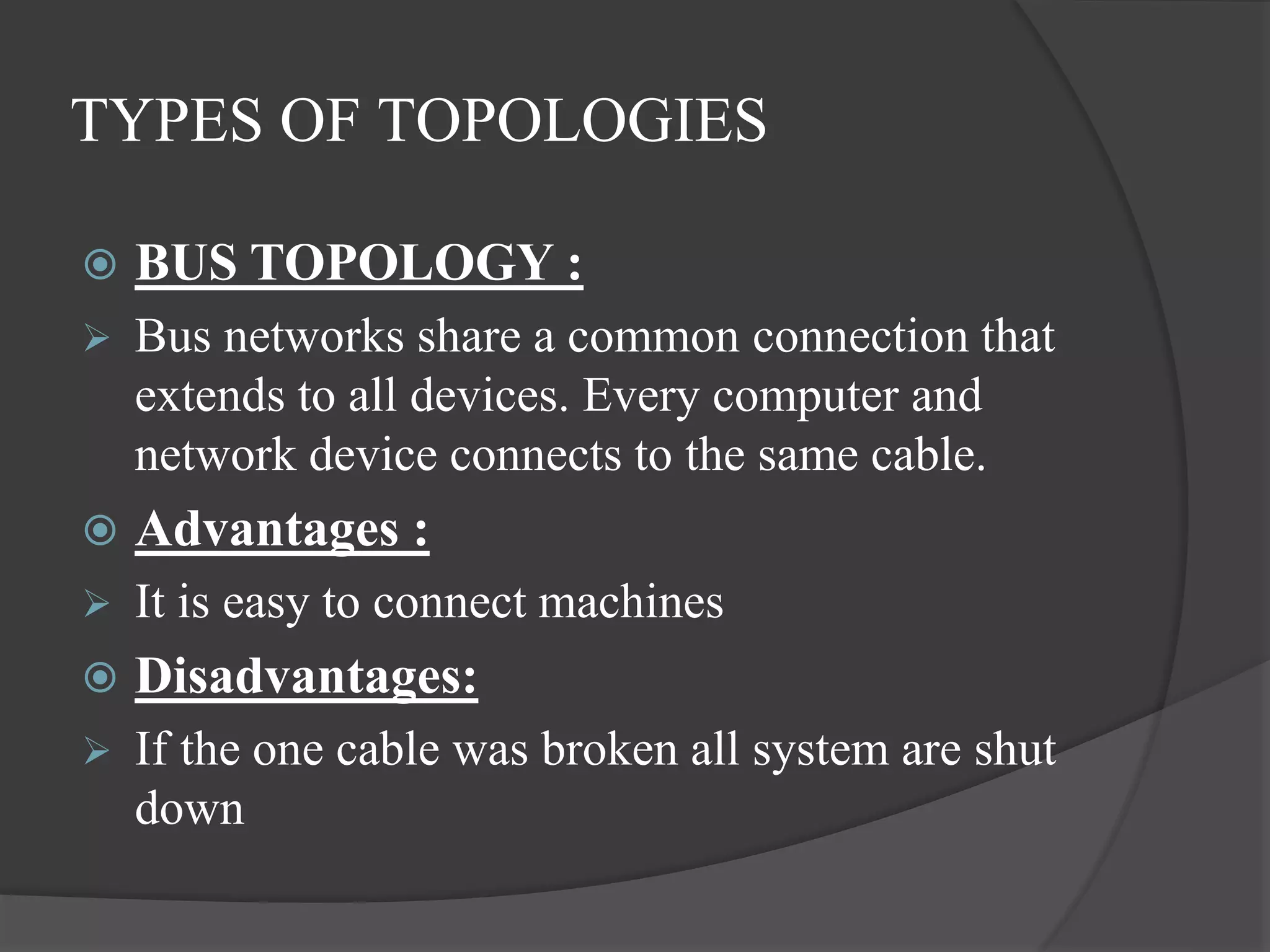
 BUS TOPOLOGY :
 Bus networks share a common connection that
extends to all devices. Every computer and
network device connects to the same cable.
 Advantages :
 It is easy to connect machines
 Disadvantages:
 If the one cable was broken all system are shut
down
TYPES OF TOPOLOGIES
 RING TOPOLOGY:
 Each device in a ring network is attached to two
other devices, and the last device connects to
the first to form a circular network.
 Advantages :
 It spends larger distance than other
 Disadvantages :
 If the one machine was crashed than whole
system is shut down
TYPES OF TOPOLOGIES
 STAR TOPOLOGY :
 A star topology typically uses a network hub
and is common in-home networks. Every
device has its own connection to the hub. The
performance of a star network depends on the
hub.
TYPES OF TOPOLOGIES
 Advantages :
 If here a one machine is crashed it does
not effect other machine.
 Disadvantages :
 If the HUB is crash than the whole
networks fails
TYPES OF TOPOLOGIES
 TREE TOPOLOGY :
 Tree topology is a combines of star and bus
topologies and also call as hybrid topology.
 Advantages :
 Point - to - point connection for each device
 Disadvantages :
 If there is a problem with the main cable, the
entire network goes down.
TYPES OF TOPOLOGIES
 MESH TOPOLOGY :
 In Mesh topology all machines are connected
with each other.
 Advantages :
 Here a one machine is down that is no effect to
the other machine.
 Disadvantages :
 It is more costly than other.
REFERENCES
[1]https://tse4.mm.bing.net/th?id=OIP.4C_cvJOnrUCEkVZ
gMYwyyAHaE8&pid=15.1&P=0&w=240&h=161
[2]LAN:http://static.ccm2.net/ccm.net/faq/images/2761-lan-
s-.png
[3]Can:http://www.learnabhi.com/wp-
content/uploads/2018/02/can.jpg
[4]Wan:http://www.learnabhi.com/wp-
content/uploads/2018/02/can.jpg
[5]MAN:https://learnonit.files.wordpress.com/2014/03/metr
opolitan-area-network.jpg
[6]PAN:https://ictlounge.com/Images/pan_large.jpg

Computer networks

  • 1.
    U.V.PATEL COLLEGE OFENGINEERING Seminar(2IT505) Submitted By, Patel Nensi P. (16012021042)
  • 2.
    Outline  INTRODUCTION What isnetwork ? What Is Computer Networks ? Applications  TYPES OF NETWORK  WHAT IS TOPOLOGY? Types of topologies  REFERENCES
  • 3.
    INTRODUCTION  What isnetwork?  A Network is a set of devices connected by communication links.  A node can be a computer , printer or any other device capable of sending or receiving data generated by other nodes on the network.
  • 4.
    INTRODUCTION  What iscomputer networks?  A computer network is a system in which multiple computers are connected to each other to share information and resources. [Computer network]
  • 5.
    INTRODUCTION  Applications ofthe Computer Networks:  Share resources from one computer to another.  Create files and store them in one computer, access those files from the other computer(s) connected over the network.  Connect a printer, scanner, or a fax machine to one computer within the network and let other computers of the network use the machines available over the network.
  • 6.
    TYPES OF NETWORKS LAN - Local Area Network  WAN - Wide Area Network  MAN - Metropolitan Area Network  PAN - Personal Area Network  CAN – Campus Area Network
  • 7.
    TYPES OF NETWORKS LAN(Local Area Network):  LAN is a computer network that interconnects computers within a limited area such as a residence, school, laboratory, university campus or office building. [Local area network]
  • 8.
    TYPES OF NETWORKS WAN (Wide Area Network):  WAN is a communications network that spans a large geographic area such as across cities, states, or countries. [Wide area network]
  • 9.
    TYPES OF NETWORKS MAN (Metropolitan Area Network):  MAN is similar to a LAN but spans an entire city or campus. MANs are formed by connecting multiple LANs. Thus, MANs are larger than LANs but smaller than WAN. [metropolitan area network]
  • 10.
    TYPES OF NETWORKS PAN (Personal Area Network):  PAN is a computer network for interconnecting devices centered on an individual person's workspace. A PAN provides data transmission amongst devices such as computers, smartphones , tablets and personal digital assistants. [personal area network]
  • 11.
    TYPES OF NETWORKS CAN (Campus Area Network):  CAN is a computer network made up of an interconnection of local area networks within a limited geographical area. [campus area network]
  • 12.
    WHAT IS TOPOLOGY? Think of a topology as a network's virtual shape or structure. This shape does not necessarily correspond to the actual physical layout of the devices on the network.  The topology of a network is the geometric representation of the relationship of all the links and linking devices to one another.
  • 13.
    TYPES OF TOPOLOGIES BUS TOPOLOGY  RING TOPOLOGY  STAR TOPOLOGY  TREE TOPOLOGY  MESH TOPOLOGY
  • 14.
    TYPES OF TOPOLOGIES BUS TOPOLOGY :  Bus networks share a common connection that extends to all devices. Every computer and network device connects to the same cable.  Advantages :  It is easy to connect machines  Disadvantages:  If the one cable was broken all system are shut down
  • 15.
    TYPES OF TOPOLOGIES RING TOPOLOGY:  Each device in a ring network is attached to two other devices, and the last device connects to the first to form a circular network.  Advantages :  It spends larger distance than other  Disadvantages :  If the one machine was crashed than whole system is shut down
  • 16.
    TYPES OF TOPOLOGIES STAR TOPOLOGY :  A star topology typically uses a network hub and is common in-home networks. Every device has its own connection to the hub. The performance of a star network depends on the hub.
  • 17.
    TYPES OF TOPOLOGIES Advantages :  If here a one machine is crashed it does not effect other machine.  Disadvantages :  If the HUB is crash than the whole networks fails
  • 18.
    TYPES OF TOPOLOGIES TREE TOPOLOGY :  Tree topology is a combines of star and bus topologies and also call as hybrid topology.  Advantages :  Point - to - point connection for each device  Disadvantages :  If there is a problem with the main cable, the entire network goes down.
  • 19.
    TYPES OF TOPOLOGIES MESH TOPOLOGY :  In Mesh topology all machines are connected with each other.  Advantages :  Here a one machine is down that is no effect to the other machine.  Disadvantages :  It is more costly than other.
  • 20.