Student Name: Hamza Anwar
Roll No: F24-BSCS-1068
Class: BS Computer Science (M-B)
Semester: 2nd
Submitted To: Sir Inam Ul Haq
Computer Memory
Title :
Subtitle:
A Key Component in Digital Logic Design.
What is Computer Memory?
Introduction
 Memory is where a computer stores data
and instructions.
 It helps the computer perform tasks by holding
information temporarily or permanently.
Why Memory is Important
It lets the CPU access data quickly.
Without memory, the computer can't run programs
or store files.
It makes data processing fast and efficient.
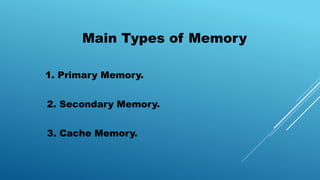
Main Types of Memory
1. Primary Memory.
2. Secondary Memory.
3. Cache Memory.
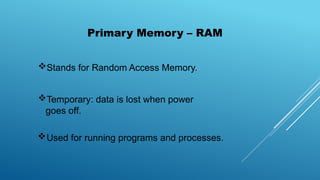
Stands for Random Access Memory.
Temporary: data is lost when power
goes off.
Used for running programs and processes.
Primary Memory – RAM
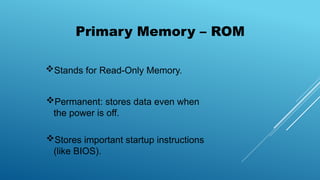
Primary Memory – ROM
Stands for Read-Only Memory.
Permanent: stores data even when
the power is off.
Stores important startup instructions
(like BIOS).
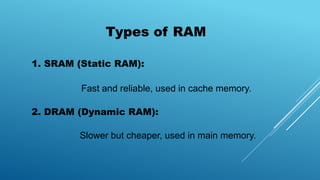
Types of RAM
1. SRAM (Static RAM):
Fast and reliable, used in cache memory.
2. DRAM (Dynamic RAM):
Slower but cheaper, used in main memory.
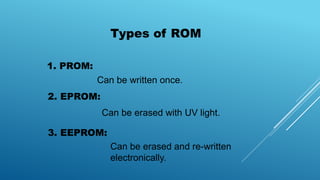
Types of ROM
1. PROM:
2. EPROM:
3. EEPROM:
Can be written once.
Can be erased with UV light.
Can be erased and re-written
electronically.
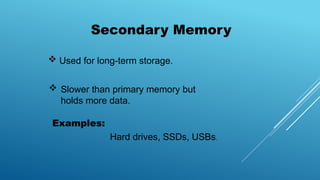
Secondary Memory
 Used for long-term storage.
 Slower than primary memory but
holds more data.
Examples:
Hard drives, SSDs, USBs.
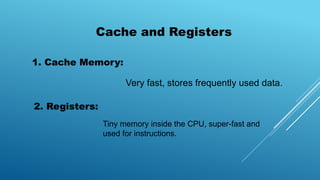
Cache and Registers
1. Cache Memory:
Very fast, stores frequently used data.
2. Registers:
Tiny memory inside the CPU, super-fast and
used for instructions.
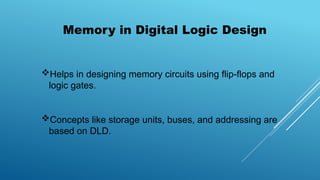
Memory in Digital Logic Design
Helps in designing memory circuits using flip-flops and
logic gates.
Concepts like storage units, buses, and addressing are
based on DLD.
Conclusion
 Understanding its types and structure helps in both
hardware and software design.
 Strong memory systems lead to better speed and
performance.
 Memory is a vital part of any computer system.

Computer Memory in Digital logic design.pptx

  • 1.
    Student Name: HamzaAnwar Roll No: F24-BSCS-1068 Class: BS Computer Science (M-B) Semester: 2nd Submitted To: Sir Inam Ul Haq
  • 2.
    Computer Memory Title : Subtitle: AKey Component in Digital Logic Design.
  • 3.
    What is ComputerMemory? Introduction  Memory is where a computer stores data and instructions.  It helps the computer perform tasks by holding information temporarily or permanently.
  • 4.
    Why Memory isImportant It lets the CPU access data quickly. Without memory, the computer can't run programs or store files. It makes data processing fast and efficient.
  • 5.
    Main Types ofMemory 1. Primary Memory. 2. Secondary Memory. 3. Cache Memory.
  • 6.
    Stands for RandomAccess Memory. Temporary: data is lost when power goes off. Used for running programs and processes. Primary Memory – RAM
  • 7.
    Primary Memory –ROM Stands for Read-Only Memory. Permanent: stores data even when the power is off. Stores important startup instructions (like BIOS).
  • 8.
    Types of RAM 1.SRAM (Static RAM): Fast and reliable, used in cache memory. 2. DRAM (Dynamic RAM): Slower but cheaper, used in main memory.
  • 9.
    Types of ROM 1.PROM: 2. EPROM: 3. EEPROM: Can be written once. Can be erased with UV light. Can be erased and re-written electronically.
  • 10.
    Secondary Memory  Usedfor long-term storage.  Slower than primary memory but holds more data. Examples: Hard drives, SSDs, USBs.
  • 11.
    Cache and Registers 1.Cache Memory: Very fast, stores frequently used data. 2. Registers: Tiny memory inside the CPU, super-fast and used for instructions.
  • 12.
    Memory in DigitalLogic Design Helps in designing memory circuits using flip-flops and logic gates. Concepts like storage units, buses, and addressing are based on DLD.
  • 13.
    Conclusion  Understanding itstypes and structure helps in both hardware and software design.  Strong memory systems lead to better speed and performance.  Memory is a vital part of any computer system.