This presentation is all about the internal and external memory storage in computer system..
It provide a overall of the different memories in computer..
Introduction
■ A memoryis just like a human brain computer.
■ It is used to store data and instructions.
■ A computer memory is a storage space in
computer where data is processed and
instructions required for processing.
■ Memory is divided into large number of small
parts called cell.
4.
Memory can be
dividedinto three
parts
■ Cache memory
■ Primary memory/Main Memory
■ Secondary memory
5.
Cache memory
■ Cachememory is Very high speed
semiconductor memory which can speed up
CPU.
■ It acts as a buffer between CPU & main
memory.
■ It is used to hold that data and program which
are most frequently used by CPU.
6.
Advantages of cache
memory
■Faster than main memory
■ Consume less access time
■ Temporary use
■ Executed within short period of
time
7.
Main Memory
■ Primarymemory holds the memory when
working in the computer.
■ There are two types of memory
■ RAM(Random access memory)
■ ROM(Read only memory )
8.
Features of mainmemory
■ These are semiconductor memory
■ Faster than secondary memory
■ Data is lost when the power supply is off.
■ A computer cannot run without main
memory
■ It is working memory of computer.
9.
Random Access Memory
■A random access memory is the best
known memory of computer.
■ RAM is considered as a volatile memory.
■ RAM is made up of small chips.
■ RAM has two options
■ Reading operation. •Writing operation
10.
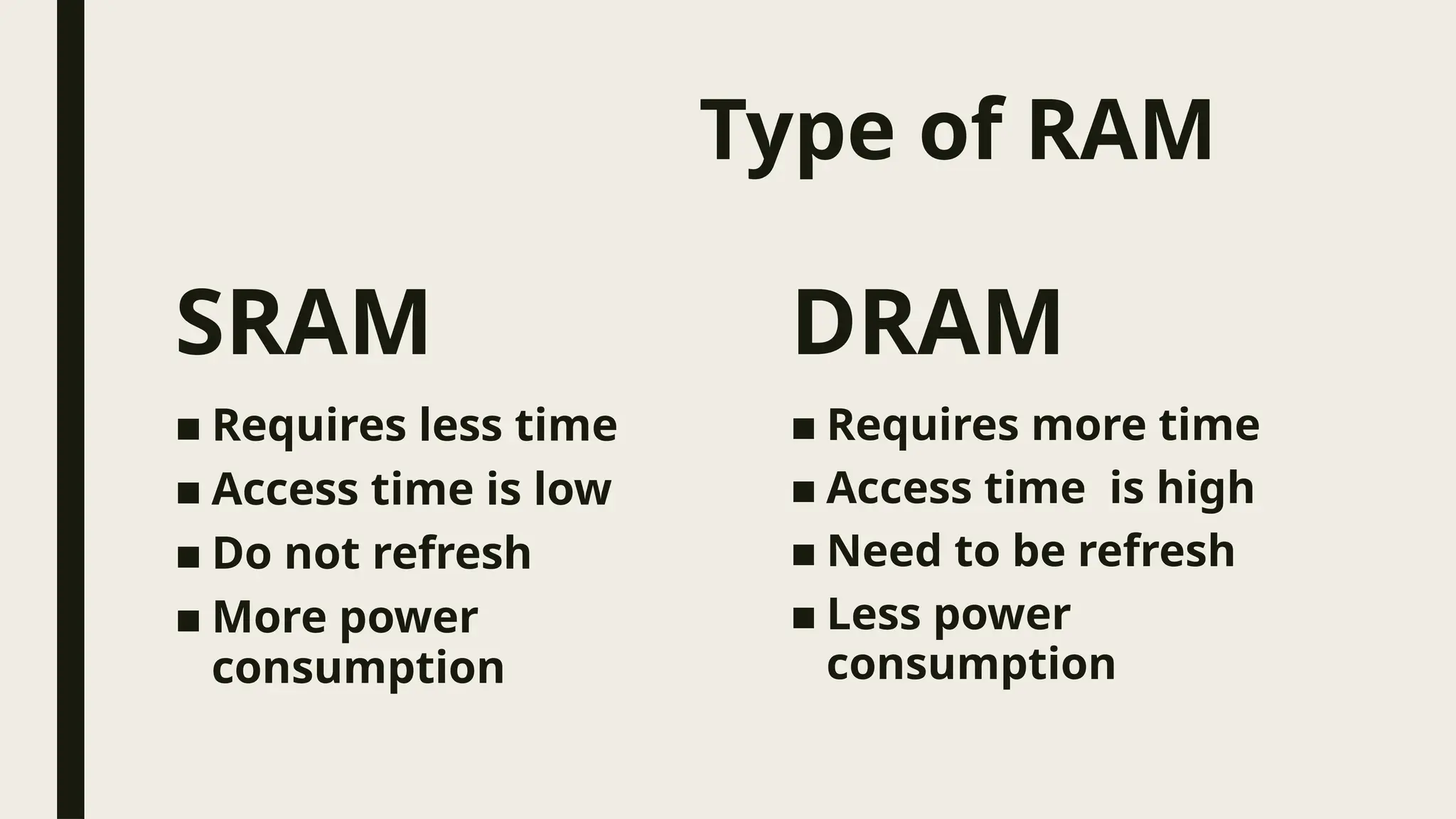
Type of RAM
SRAM
■Requires less time
■ Access time is low
■ Do not refresh
■ More power
consumption
DRAM
■ Requires more time
■ Access time is high
■ Need to be refresh
■ Less power
consumption
11.
ROM
■ ROM isused to hold a program that executes
automatically by the computer every time
when it is turned on or reset.
■ It is non-volatile memory.
■ ROM chips contains permanent information.
■ Rom is where the basic instructions the
computer needed to be stored.
12.
Types of ROM
■PROM(Programmable Read Only
Memory)
■ EPROM(Erasable Programmable Read
Only Memory)
■ EEPROM( Electrically Erasable
Programmable Read Only Memory)
13.
Secondary memory
■ Usedin computer system to overcome the
limitations of primary memory.
■ Has an operating speed far slower than main
memory.
■ Used to store large amount of data on
permanent basis.
■ It is known as a auxiliary memory.
14.
Features of secondary
memory
■These are magnetic & optical memories.
■ It is known as a backup memory .
■ It is Non- volatile memory.
■ Slower than main memory.
■ Computer can run without main memory.
15.
Types of secondarymemory
■ Magnetic disk
1. Floppy disk
2. Hard disk
■ Optical disk
1. CD- ROM
2. CD-R
3. DVD
16.
Conclusion
■ In conclusion,wecan say that memory is a
storage space in the computer in which we can
store data and information.Mainly memory is
divided into two parts: Primary memory &
Secondary memory. Primary memory is the
main memory of the computer and a computer
cannot run without primary memory while
computer can run without secondary memory.