WELCOME
Hii, everyone. My name is Raj Solanki,
and I am currently in Class 10. Today, I will be
presenting a brief look into the essential
components that make up a computer system. Our
presentation will cover both internal and external
hardware, providing a clear understanding of their
functions and importance.
HARDWARE
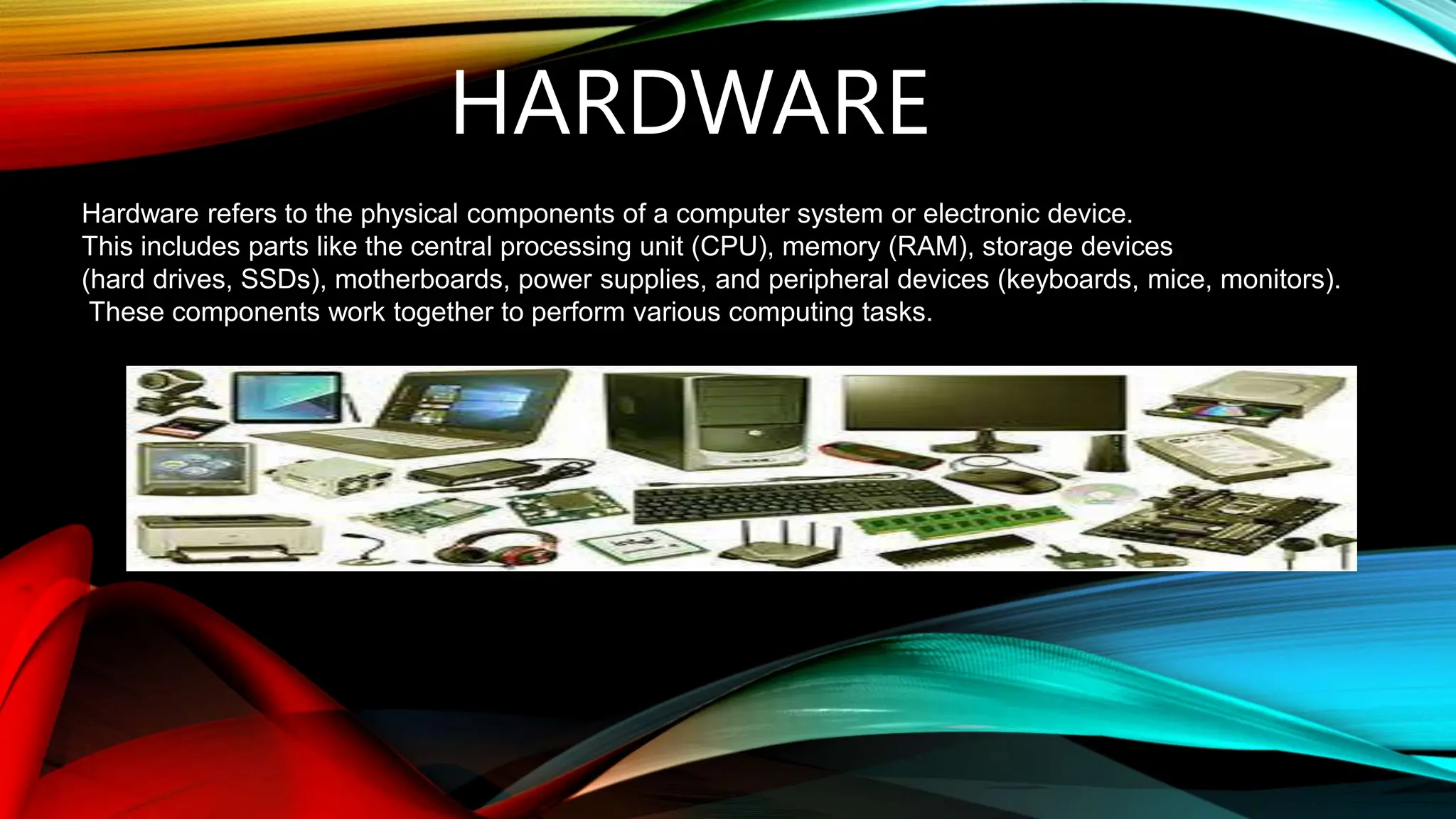
Hardware refers to the physical components of a computer system or electronic device.
This includes parts like the central processing unit (CPU), memory (RAM), storage devices
(hard drives, SSDs), motherboards, power supplies, and peripheral devices (keyboards, mice, monitors).
These components work together to perform various computing tasks.
TYPES OF COMPUTER
HARDWARE
1.External hardware
2.Internal hardware
EXTERNAL HARDWARE
External hardware refers to peripheral devices that are connected to the computer
from the outside and are not housed within the computer's main case. These
devices often enhance the computer's functionality or provide additional input
and output capabilities.
EXAMPLES OF EXTERNAL
HARDWARE
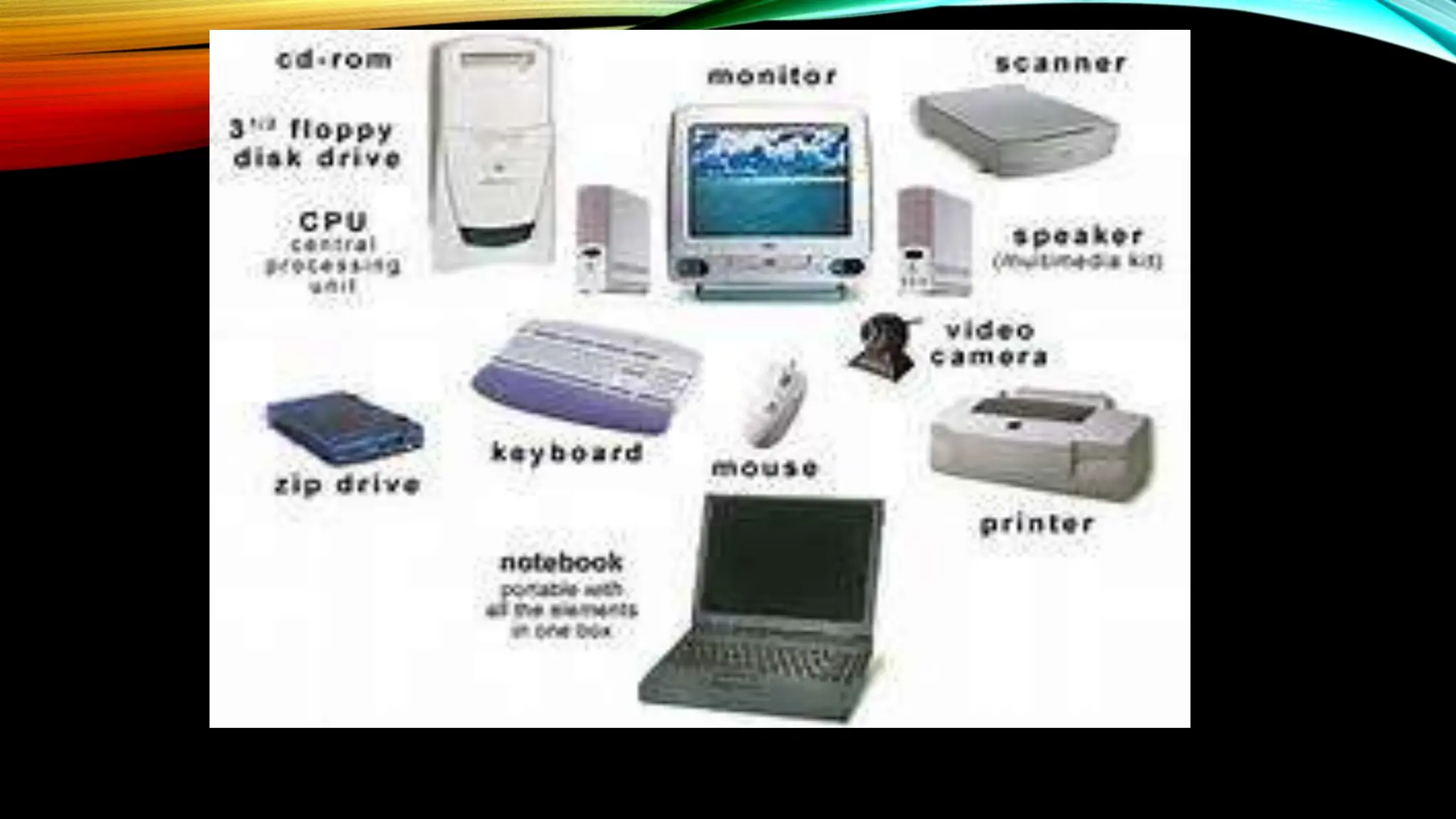
•Keyboards: Used for inputting text and commands.
•Mice: Pointing devices used to interact with the graphical user interface.
•Printers: Output devices used to produce physical copies of documents.
•Monitors: Display screens that show visual output from the computer.
•External Hard Drives: Storage devices used for additional or backup storage.
•Scanners: Devices used to digitize physical documents and images.
•Webcams: Cameras used for video recording or video conferencing.
INTERNAL HARDWARE
Internal hardware refers to the components located inside a computer's case that
are essential for the computer's operation. These components work together to
process data, run applications, and perform various tasks.
EXAMPLES OF INTERNAL
HARDWARE
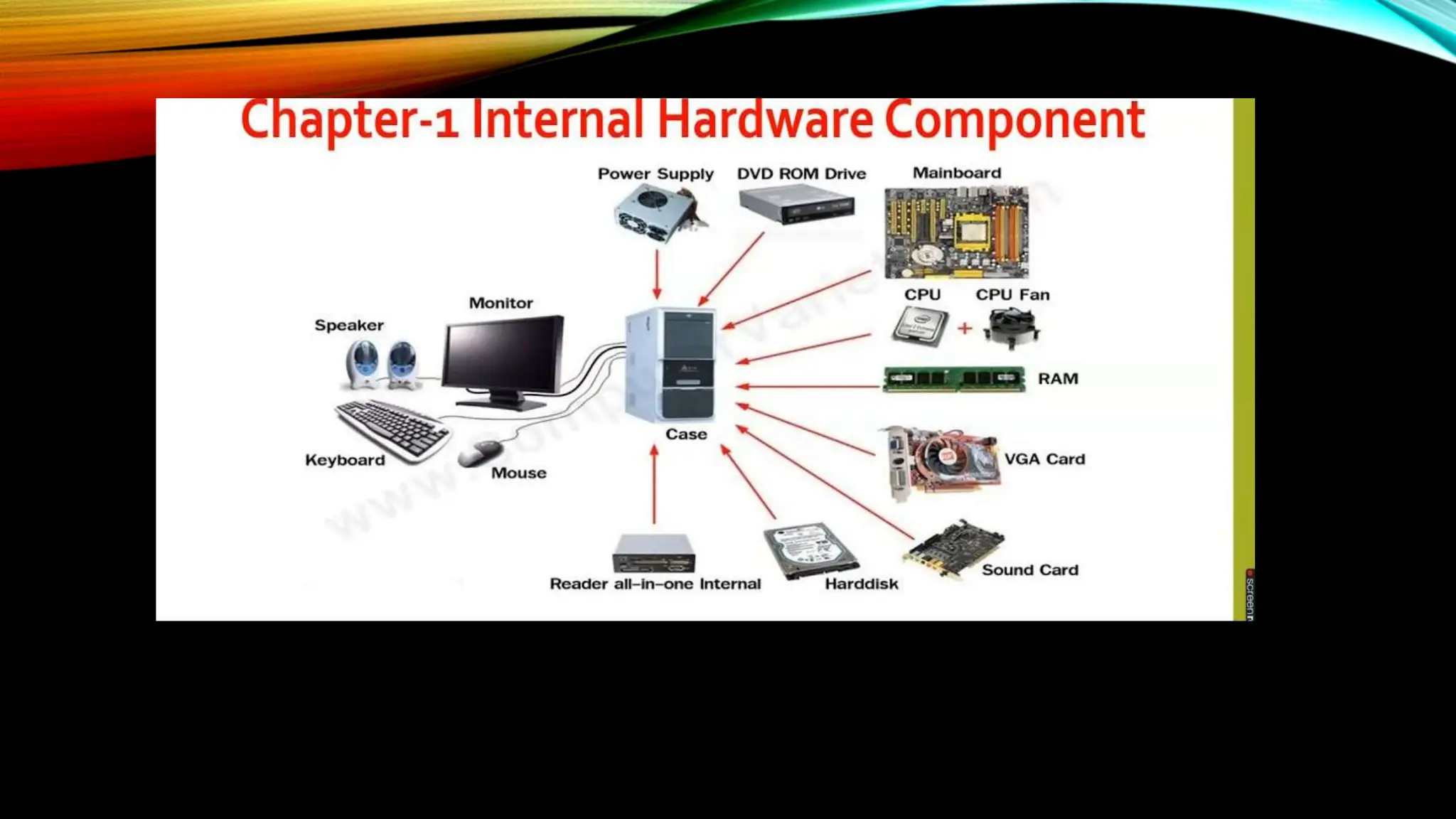
•Motherboard: Connects all components and facilitates communication between them.
•RAM (Random Access Memory): Temporary storage for active data and programs.
•HDD (Hard Disk Drive): Long-term data storage using spinning disks.
•SSD (Solid State Drive): Faster long-term storage using flash memory.
•PSU (Power Supply Unit): Provides power to all computer components.
•GPU (Graphics Processing Unit): Renders images and video for display.
•Cooling Systems (Fans, Heat Sinks): Prevents overheating by dissipating heat.
THANK YOU

Computer HARDWARE presenattion by CWD students class 10

  • 1.
    WELCOME Hii, everyone. Myname is Raj Solanki, and I am currently in Class 10. Today, I will be presenting a brief look into the essential components that make up a computer system. Our presentation will cover both internal and external hardware, providing a clear understanding of their functions and importance.
  • 2.
    HARDWARE Hardware refers tothe physical components of a computer system or electronic device. This includes parts like the central processing unit (CPU), memory (RAM), storage devices (hard drives, SSDs), motherboards, power supplies, and peripheral devices (keyboards, mice, monitors). These components work together to perform various computing tasks.
  • 3.
    TYPES OF COMPUTER HARDWARE 1.Externalhardware 2.Internal hardware
  • 4.
    EXTERNAL HARDWARE External hardwarerefers to peripheral devices that are connected to the computer from the outside and are not housed within the computer's main case. These devices often enhance the computer's functionality or provide additional input and output capabilities.
  • 6.
    EXAMPLES OF EXTERNAL HARDWARE •Keyboards:Used for inputting text and commands. •Mice: Pointing devices used to interact with the graphical user interface. •Printers: Output devices used to produce physical copies of documents. •Monitors: Display screens that show visual output from the computer. •External Hard Drives: Storage devices used for additional or backup storage. •Scanners: Devices used to digitize physical documents and images. •Webcams: Cameras used for video recording or video conferencing.
  • 7.
    INTERNAL HARDWARE Internal hardwarerefers to the components located inside a computer's case that are essential for the computer's operation. These components work together to process data, run applications, and perform various tasks.
  • 9.
    EXAMPLES OF INTERNAL HARDWARE •Motherboard:Connects all components and facilitates communication between them. •RAM (Random Access Memory): Temporary storage for active data and programs. •HDD (Hard Disk Drive): Long-term data storage using spinning disks. •SSD (Solid State Drive): Faster long-term storage using flash memory. •PSU (Power Supply Unit): Provides power to all computer components. •GPU (Graphics Processing Unit): Renders images and video for display. •Cooling Systems (Fans, Heat Sinks): Prevents overheating by dissipating heat.
  • 10.