HARDWARE
About hardware
Hardware refers to the physical components of a computer that can be seen or touched. These
components are required for a computer to function and enable it to perform tasks such as input,
output, storage, communication, and processing.
Hardware can be classified as internal or external, depending on whether it’s located inside or
outside the computer. Internal hardware is usually required for the computer to run, while external
hardware enhances its functionality.
Types Of Computer Hardware
1. Computer memory
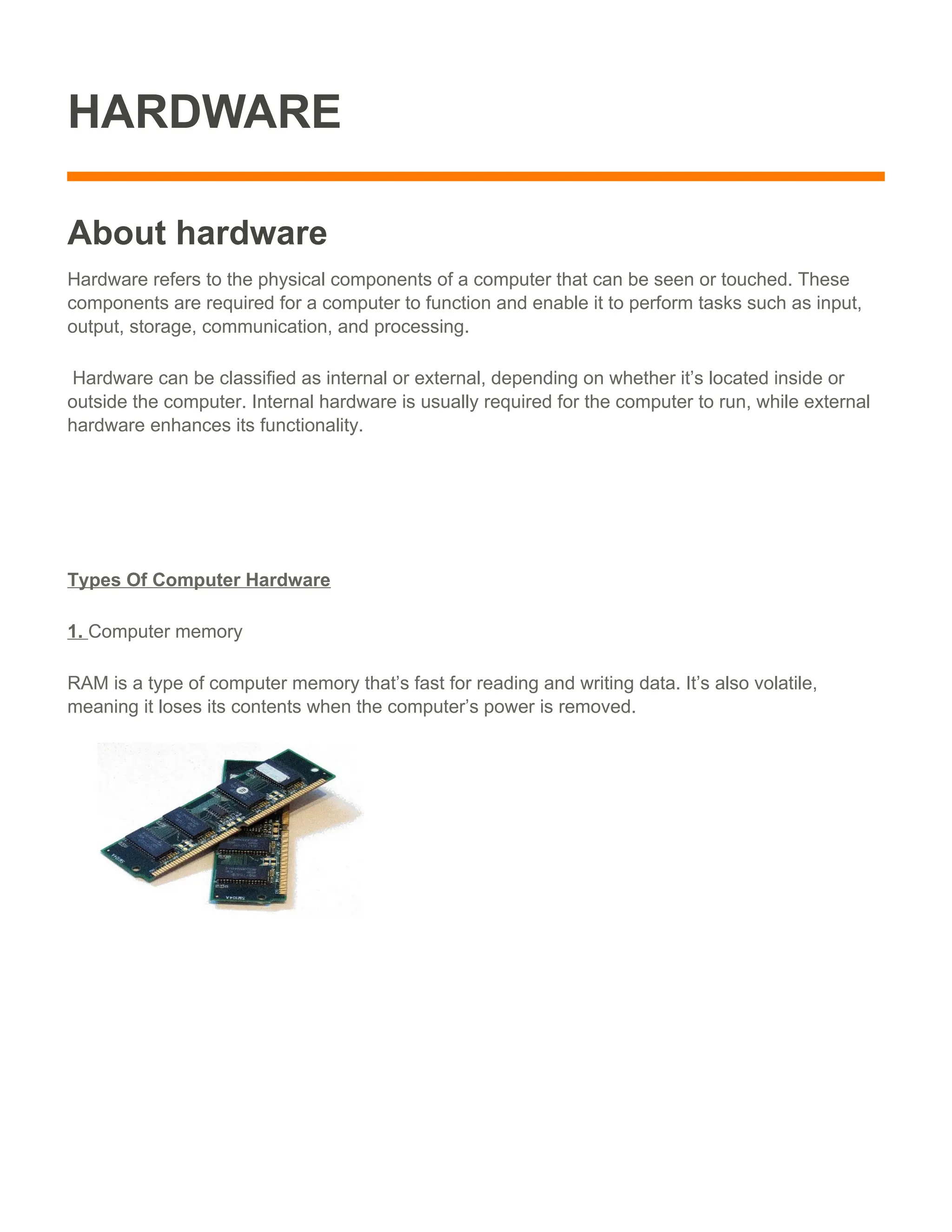
RAM is a type of computer memory that’s fast for reading and writing data. It’s also volatile,
meaning it loses its contents when the computer’s power is removed.
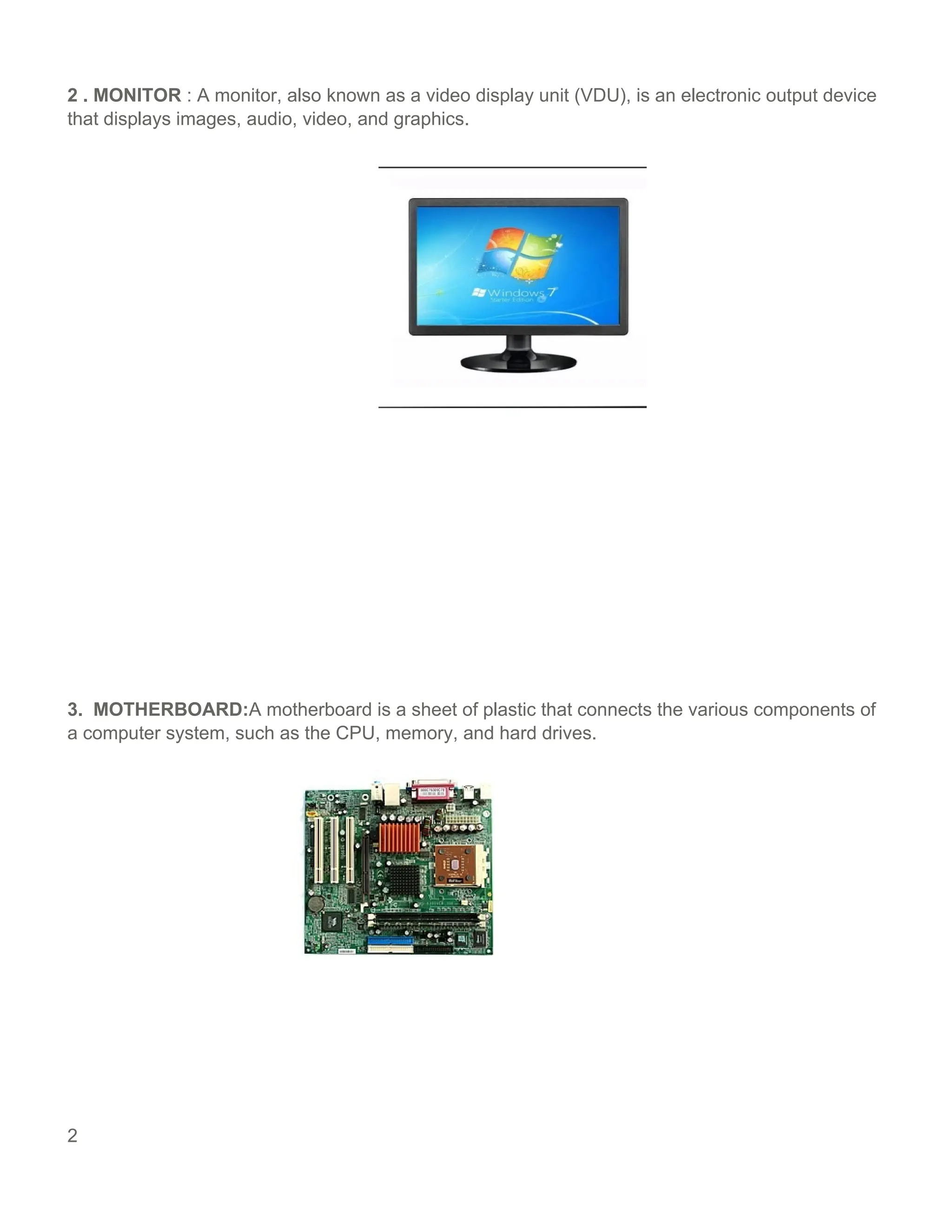
2 . MONITOR : A monitor, also known as a video display unit (VDU), is an electronic output device
that displays images, audio, video, and graphics.
3. MOTHERBOARD:A motherboard is a sheet of plastic that connects the various components of
a computer system, such as the CPU, memory, and hard drives.
2
4. CENTRAL PROCESSING UNIT(CPU) :A CPU is the part of the computer that retrieves,
stores, processes, and executes instructions. It’s often referred to as the Central processing unit .
5. MOUSE
A mouse is a handheld device that controls the cursor on a computer screen. It allows
users to point to or select objects on the screen.
3
6 .Input devices. The devices that you can use to feed data into a computer to be processed
by software applications.
7.Printer. The printer is an external hardware output device. Printer converts digital data
stored on a computer or other device into a physical copy.
8. Output device: An output device is a hardware component of a computer system that
displays information to users.
9. Power supply
A power supply converts electrical current from a power source, like an outlet, battery, or
generator, into the correct format for a device.
4
5

Computer Hardware : external and internal

  • 1.
    HARDWARE About hardware Hardware refersto the physical components of a computer that can be seen or touched. These components are required for a computer to function and enable it to perform tasks such as input, output, storage, communication, and processing. Hardware can be classified as internal or external, depending on whether it’s located inside or outside the computer. Internal hardware is usually required for the computer to run, while external hardware enhances its functionality. Types Of Computer Hardware 1. Computer memory RAM is a type of computer memory that’s fast for reading and writing data. It’s also volatile, meaning it loses its contents when the computer’s power is removed.
  • 2.
    2 . MONITOR: A monitor, also known as a video display unit (VDU), is an electronic output device that displays images, audio, video, and graphics. 3. MOTHERBOARD:A motherboard is a sheet of plastic that connects the various components of a computer system, such as the CPU, memory, and hard drives. 2
  • 3.
    4. CENTRAL PROCESSINGUNIT(CPU) :A CPU is the part of the computer that retrieves, stores, processes, and executes instructions. It’s often referred to as the Central processing unit . 5. MOUSE A mouse is a handheld device that controls the cursor on a computer screen. It allows users to point to or select objects on the screen. 3
  • 4.
    6 .Input devices.The devices that you can use to feed data into a computer to be processed by software applications. 7.Printer. The printer is an external hardware output device. Printer converts digital data stored on a computer or other device into a physical copy. 8. Output device: An output device is a hardware component of a computer system that displays information to users. 9. Power supply A power supply converts electrical current from a power source, like an outlet, battery, or generator, into the correct format for a device. 4
  • 5.