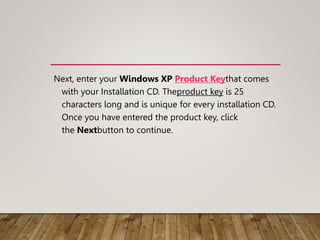
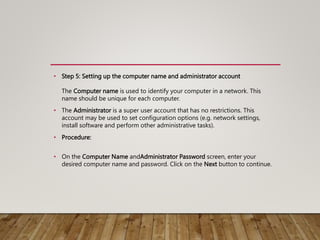
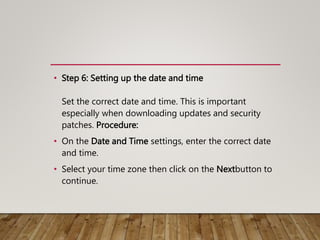
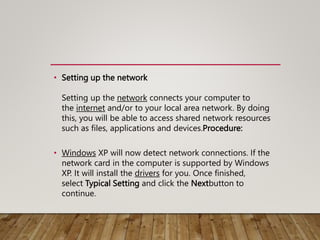
The document outlines the process of setting up basic computer peripherals and installing the Windows XP operating system. It details essential components like the monitor, keyboard, and mouse, as well as step-by-step instructions for configuring boot options, partitioning the hard drive, formatting, and setting up various system settings. It emphasizes the importance of the operating system as an interface for user interaction and lists ten key steps for installation.