Interrupt
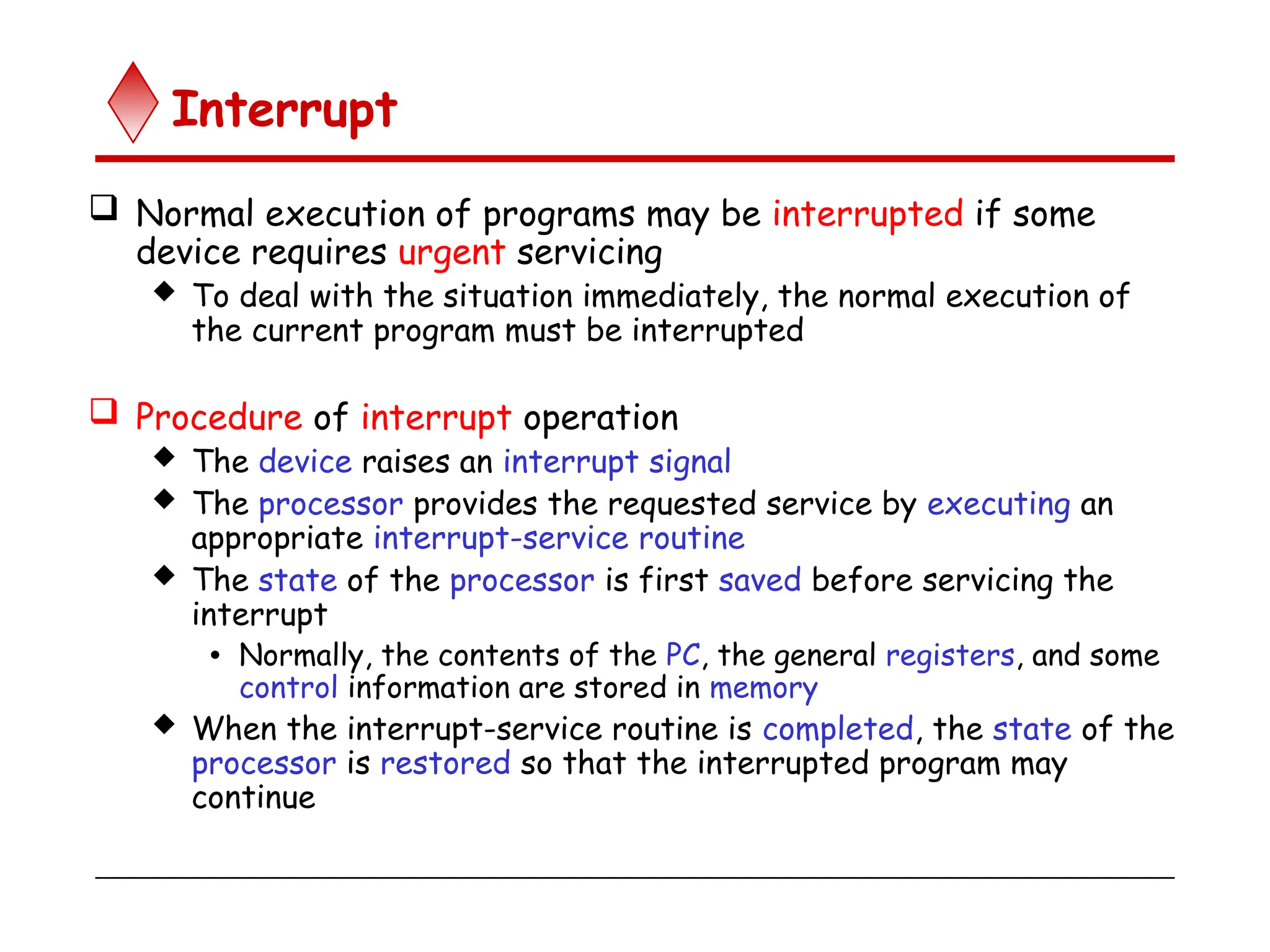
 Normal execution of programs may be interrupted if some
device requires urgent servicing
 To deal with the situation immediately, the normal execution of
the current program must be interrupted
 Procedure of interrupt operation
 The device raises an interrupt signal
 The processor provides the requested service by executing an
appropriate interrupt-service routine
 The state of the processor is first saved before servicing the
interrupt
• Normally, the contents of the PC, the general registers, and some
control information are stored in memory
 When the interrupt-service routine is completed, the state of the
processor is restored so that the interrupted program may
continue
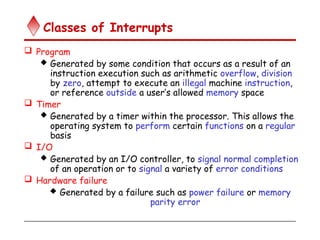
Classes of Interrupts
 Program
 Generated by some condition that occurs as a result of an
instruction execution such as arithmetic overflow, division
by zero, attempt to execute an illegal machine instruction,
or reference outside a user’s allowed memory space
 Timer
 Generated by a timer within the processor. This allows the
operating system to perform certain functions on a regular
basis
 I/O
 Generated by an I/O controller, to signal normal completion
of an operation or to signal a variety of error conditions
 Hardware failure
 Generated by a failure such as power failure or memory
parity error
Bus Structures
 A group of lines that serves a connecting path for several
devices is called a bus
 In addition to the lines that carry the data, the bus must
have lines for address and control purposes
 The simplest way to interconnect functional units is to use a
single bus, as shown below
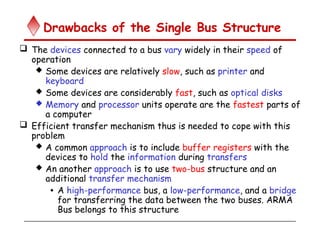
Drawbacks of the Single Bus Structure
 The devices connected to a bus vary widely in their speed of
operation
 Some devices are relatively slow, such as printer and
keyboard
 Some devices are considerably fast, such as optical disks
 Memory and processor units operate are the fastest parts of
a computer
 Efficient transfer mechanism thus is needed to cope with this
problem
 A common approach is to include buffer registers with the
devices to hold the information during transfers
 An another approach is to use two-bus structure and an
additional transfer mechanism
• A high-performance bus, a low-performance, and a bridge
for transferring the data between the two buses. ARMA
Bus belongs to this structure
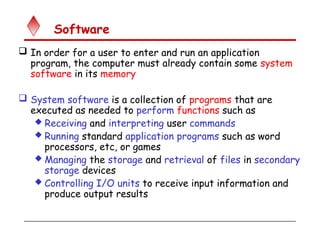
Software
 In order for a user to enter and run an application
program, the computer must already contain some system
software in its memory
 System software is a collection of programs that are
executed as needed to perform functions such as
 Receiving and interpreting user commands
 Running standard application programs such as word
processors, etc, or games
 Managing the storage and retrieval of files in secondary
storage devices
 Controlling I/O units to receive input information and
produce output results
Software
 Translating programs from source form prepared by
the user into object form consisting of machine
instructions
 Linking and running user-written application programs
with existing standard library routines, such as
numerical computation packages
 System software is thus responsible for the
coordination of all activities in a computing system
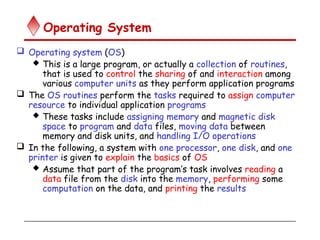
Operating System
 Operating system (OS)
 This is a large program, or actually a collection of routines,
that is used to control the sharing of and interaction among
various computer units as they perform application programs
 The OS routines perform the tasks required to assign computer
resource to individual application programs
 These tasks include assigning memory and magnetic disk
space to program and data files, moving data between
memory and disk units, and handling I/O operations
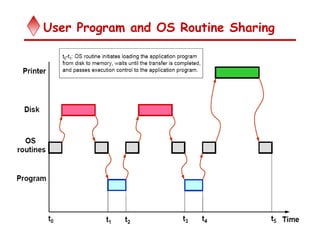
 In the following, a system with one processor, one disk, and one
printer is given to explain the basics of OS
 Assume that part of the program’s task involves reading a
data file from the disk into the memory, performing some
computation on the data, and printing the results
User Program and OS Routine Sharing
Multiprogramming or Multitasking
Performance
 The speed with which a computer executes programs
is affected by the design of its hardware and its
machine language instructions
 Because programs are usually written in a high-level
language, performance is also affected by the
compiler that translates programs into machine
languages
 For best performance, the following factors must be
considered
 Compiler
 Instruction set
 Hardware design
Performance
 Processor circuits are controlled by a timing signal
called a clock
 The clock defines regular time intervals, called clock cycles
 To execute a machine instruction, the processor
divides the action to be performed into a sequence of
basic steps, such that each step can be completed in
one clock cycle
 Let the length P of one clock cycle, its inverse is the
clock rate, R=1/P
 Basic performance equation
 T=(NxS)/R, where T is the processor time required to
execute a program, N is the number of instruction executions,
and S is the average number of basic steps needed to execute
one machine instruction
Performance Improvement
 Pipelining and superscalar operation
 Pipelining: by overlapping the execution of successive
instructions
 Superscalar: different instructions are concurrently
executed with multiple instruction pipelines. This means that
multiple functional units are needed
 Clock rate improvement
 Improving the integrated-circuit technology makes
logic circuits faster, which reduces the time needed
to complete a basic step
Performance Improvement
 Reducing amount of processing done in one basic
step also makes it possible to reduce the clock
period, P.
 However, if the actions that have to be performed
by an instruction remain the same, the number of
basic steps needed may increase
 Reduce the number of basic steps to execute
 Reduced instruction set computers (RISC) and
 complex instruction set computers (CISC)

computer Architecture - input output interrupt

  • 1.
    Interrupt  Normal executionof programs may be interrupted if some device requires urgent servicing  To deal with the situation immediately, the normal execution of the current program must be interrupted  Procedure of interrupt operation  The device raises an interrupt signal  The processor provides the requested service by executing an appropriate interrupt-service routine  The state of the processor is first saved before servicing the interrupt • Normally, the contents of the PC, the general registers, and some control information are stored in memory  When the interrupt-service routine is completed, the state of the processor is restored so that the interrupted program may continue
  • 2.
    Classes of Interrupts Program  Generated by some condition that occurs as a result of an instruction execution such as arithmetic overflow, division by zero, attempt to execute an illegal machine instruction, or reference outside a user’s allowed memory space  Timer  Generated by a timer within the processor. This allows the operating system to perform certain functions on a regular basis  I/O  Generated by an I/O controller, to signal normal completion of an operation or to signal a variety of error conditions  Hardware failure  Generated by a failure such as power failure or memory parity error
  • 3.
    Bus Structures  Agroup of lines that serves a connecting path for several devices is called a bus  In addition to the lines that carry the data, the bus must have lines for address and control purposes  The simplest way to interconnect functional units is to use a single bus, as shown below
  • 4.
    Drawbacks of theSingle Bus Structure  The devices connected to a bus vary widely in their speed of operation  Some devices are relatively slow, such as printer and keyboard  Some devices are considerably fast, such as optical disks  Memory and processor units operate are the fastest parts of a computer  Efficient transfer mechanism thus is needed to cope with this problem  A common approach is to include buffer registers with the devices to hold the information during transfers  An another approach is to use two-bus structure and an additional transfer mechanism • A high-performance bus, a low-performance, and a bridge for transferring the data between the two buses. ARMA Bus belongs to this structure
  • 5.
    Software  In orderfor a user to enter and run an application program, the computer must already contain some system software in its memory  System software is a collection of programs that are executed as needed to perform functions such as  Receiving and interpreting user commands  Running standard application programs such as word processors, etc, or games  Managing the storage and retrieval of files in secondary storage devices  Controlling I/O units to receive input information and produce output results
  • 6.
    Software  Translating programsfrom source form prepared by the user into object form consisting of machine instructions  Linking and running user-written application programs with existing standard library routines, such as numerical computation packages  System software is thus responsible for the coordination of all activities in a computing system
  • 7.
    Operating System  Operatingsystem (OS)  This is a large program, or actually a collection of routines, that is used to control the sharing of and interaction among various computer units as they perform application programs  The OS routines perform the tasks required to assign computer resource to individual application programs  These tasks include assigning memory and magnetic disk space to program and data files, moving data between memory and disk units, and handling I/O operations  In the following, a system with one processor, one disk, and one printer is given to explain the basics of OS  Assume that part of the program’s task involves reading a data file from the disk into the memory, performing some computation on the data, and printing the results
  • 8.
    User Program andOS Routine Sharing
  • 9.
  • 10.
    Performance  The speedwith which a computer executes programs is affected by the design of its hardware and its machine language instructions  Because programs are usually written in a high-level language, performance is also affected by the compiler that translates programs into machine languages  For best performance, the following factors must be considered  Compiler  Instruction set  Hardware design
  • 11.
    Performance  Processor circuitsare controlled by a timing signal called a clock  The clock defines regular time intervals, called clock cycles  To execute a machine instruction, the processor divides the action to be performed into a sequence of basic steps, such that each step can be completed in one clock cycle  Let the length P of one clock cycle, its inverse is the clock rate, R=1/P  Basic performance equation  T=(NxS)/R, where T is the processor time required to execute a program, N is the number of instruction executions, and S is the average number of basic steps needed to execute one machine instruction
  • 12.
    Performance Improvement  Pipeliningand superscalar operation  Pipelining: by overlapping the execution of successive instructions  Superscalar: different instructions are concurrently executed with multiple instruction pipelines. This means that multiple functional units are needed  Clock rate improvement  Improving the integrated-circuit technology makes logic circuits faster, which reduces the time needed to complete a basic step
  • 13.
    Performance Improvement  Reducingamount of processing done in one basic step also makes it possible to reduce the clock period, P.  However, if the actions that have to be performed by an instruction remain the same, the number of basic steps needed may increase  Reduce the number of basic steps to execute  Reduced instruction set computers (RISC) and  complex instruction set computers (CISC)