Effective .NET Framework based Development:  Exception Handing and Memory Management Brad Abrams Lead Program Manager Common Language Runtime Team Microsoft Corporation  [email_address]   http:// blogs.msdn.com /brada
Agenda Exception  “ Cleaner, more elegant, and wrong.”  Raymond Chen  ( http:// blogs.msdn.com/oldnewthing / ) Memory Management “I'm addicted to deterministic destruction”  Chris Sells  ( http:// www.sellsbrothers.com / )
Exception Handling Questions Throwing an exception What exception to throw? What data to include in the exception? Managing resources What resources need to be cleaned up? When should they be cleaned up? Catching an Exception When to catch an exception? How to report the error? What to do with the control follow: terminate the app, abort the transaction, ignore the exception, disable some functionality, etc.?
When to Throw? Exceptions rather than error codes Robust: failures get noticed Your method is defined to do something… If it succeeds in performing its purpose, return If it fails to do what it was written to do, throw an exception
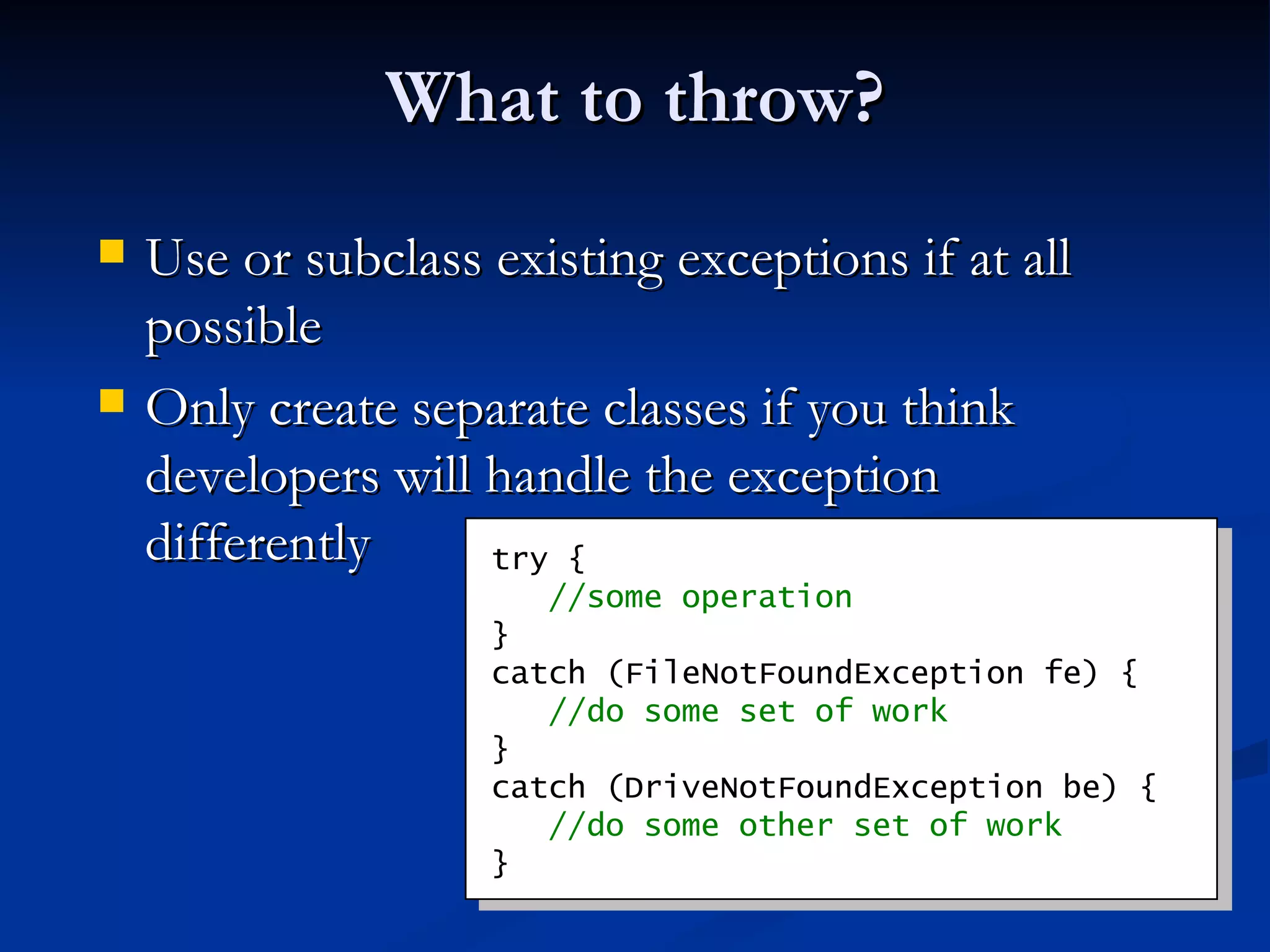
What to throw? Use or subclass existing exceptions if at all possible Only create separate classes if you think developers will handle the exception differently try {   //some operation } catch (FileNotFoundException fe) {   //do some set of work } catch (DriveNotFoundException be) {   //do some other set of work }
Throwing an Exception Do not just map error codes on to a single exception with an error code property ( e.g. , the WMIException) Use separate exception types Error Messages Consider localization  Use a complete sentence (end in a period) Don’t expose privacy related information (such as file paths)
Performance Minimize the number of exceptions you throw in your API’s success code-paths You don’t pay for exceptions until you throw in managed code Throwing exceptions degrades performance Perf counters tell you exactly how many exceptions your application is throwing Only an issue when using exceptions as control flow Consider providing a way to avoid an exception being thrown
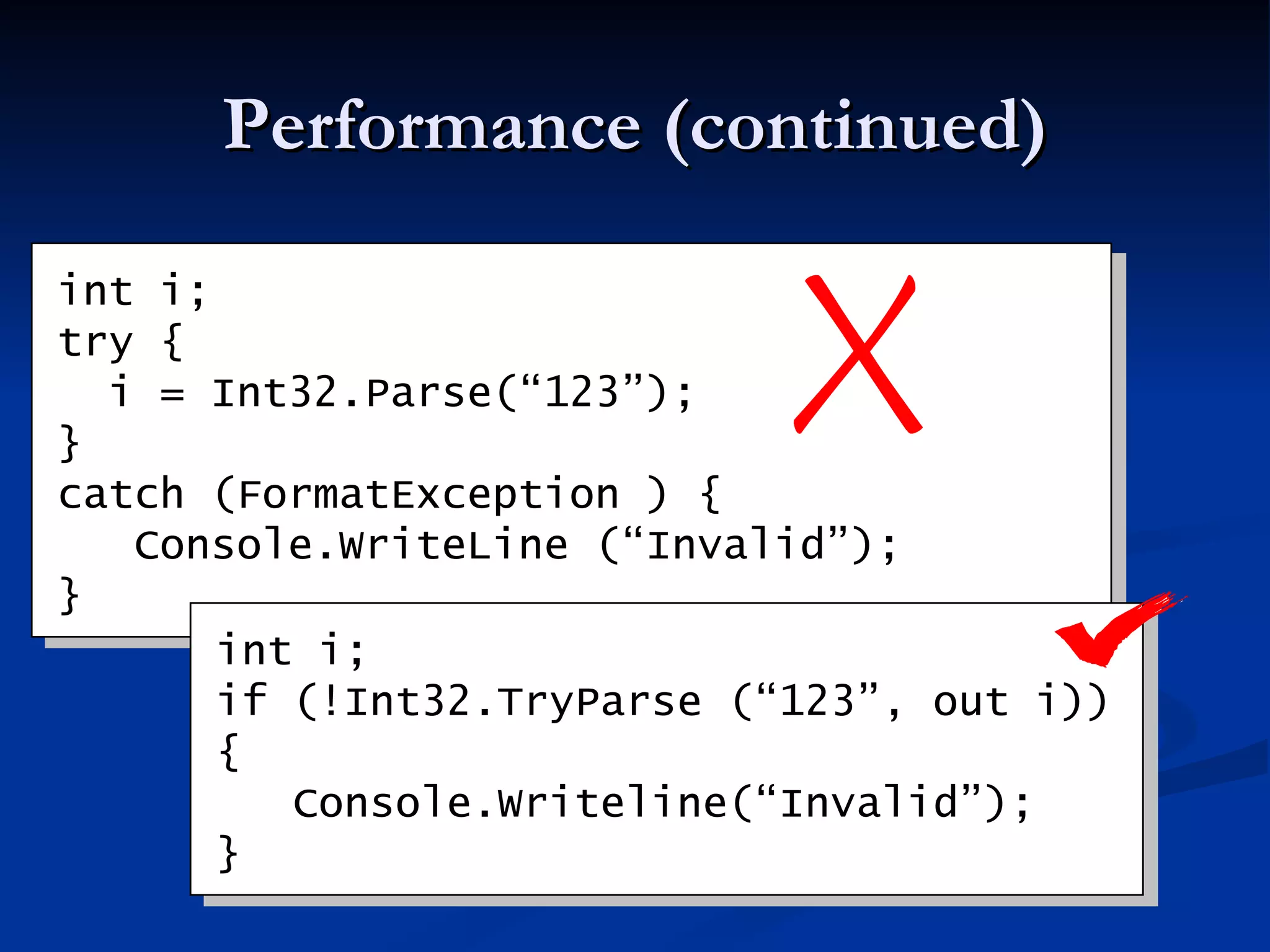
Performance (continued) int i; try {   i = Int32.Parse(“123”); }  catch (FormatException ) {   Console.WriteLine (“Invalid”); } int i; if (!Int32.TryParse (“123”, out i)) {   Console.Writeline(“Invalid”); }
Managing Resources You should use try..finally 10 times as often as try..catch Catches eat exceptions making it hard to debug Finally allows you to clean up, but let the exception continue
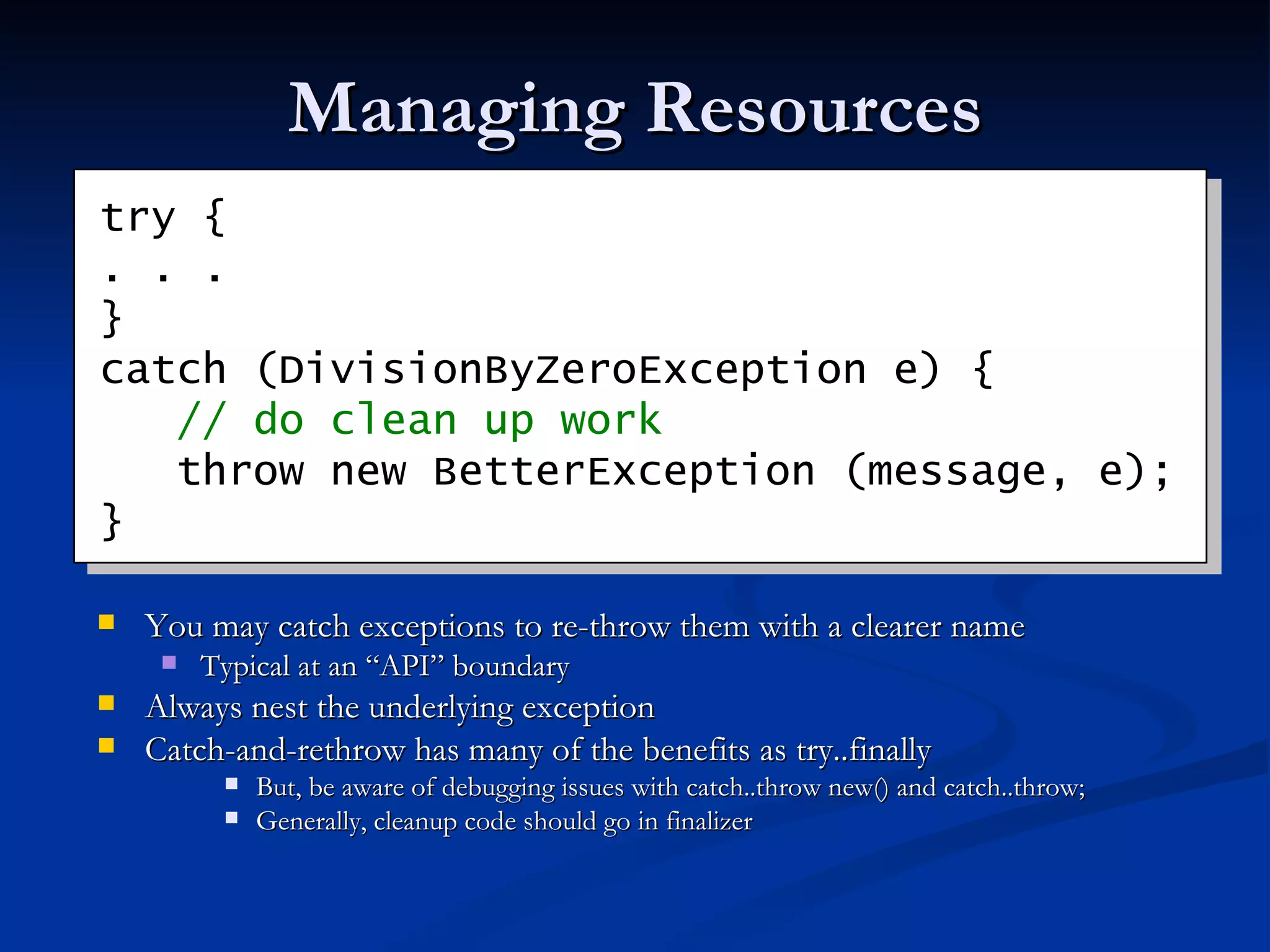
Managing Resources You may catch exceptions to re-throw them with a clearer name Typical at an “API” boundary Always nest the underlying exception Catch-and-rethrow has many of the benefits as try..finally But, be aware of debugging issues with catch..throw new() and catch..throw; Generally, cleanup code should go in finalizer try { . . . } catch (DivisionByZeroException e) {   // do clean up work   throw new BetterException (message, e); }
Catching Exceptions Do not catch and eat exceptions Exceptions should be handled only where there is enough context to do the right thing That generally means exceptions should be caught as high in the application as possible Mistake – catch the exception, report the error and rethrow it.  Only catch where you can handle it Mistake – catch the exception, turn it into a bool pass/fail and return the bool 
Catching Exceptions Consider including a try/catch at the top of a thread’s stack if the error can be handled properly Unhandled exceptions at the top of the main thread will terminate the app In 2.0, unhandled exceptions at the top of the stack on any thread will terminate the app But avoid catch blocks in finalizers Be aware: In many cases it is “appropriate” to let the app terminate  Be aware of (but ignore) exceptions that don’t inherit from System.Exception Allowed in V1.0\V1.1, likely addressed in V2.0
catch (Exception e) is your friend Myth: Catching Exception is evil This is motivated by a desire to avoid catching low level exceptions such as OutOfMemoryException, and StackOverflowException Do catch every exception you should handle  Don’t attempt to catch every exception a method could throw Its ugly, version brittle, and difficult to test Catch what you need to handle, let the rest pass
Agenda Exception  “ Cleaner, more elegant, and wrong.”  Raymond Chen  ( http:// blogs.msdn.com/oldnewthing / ) Memory Management “I'm addicted to deterministic destruction”  Chris Sells  ( http:// www.sellsbrothers.com / )
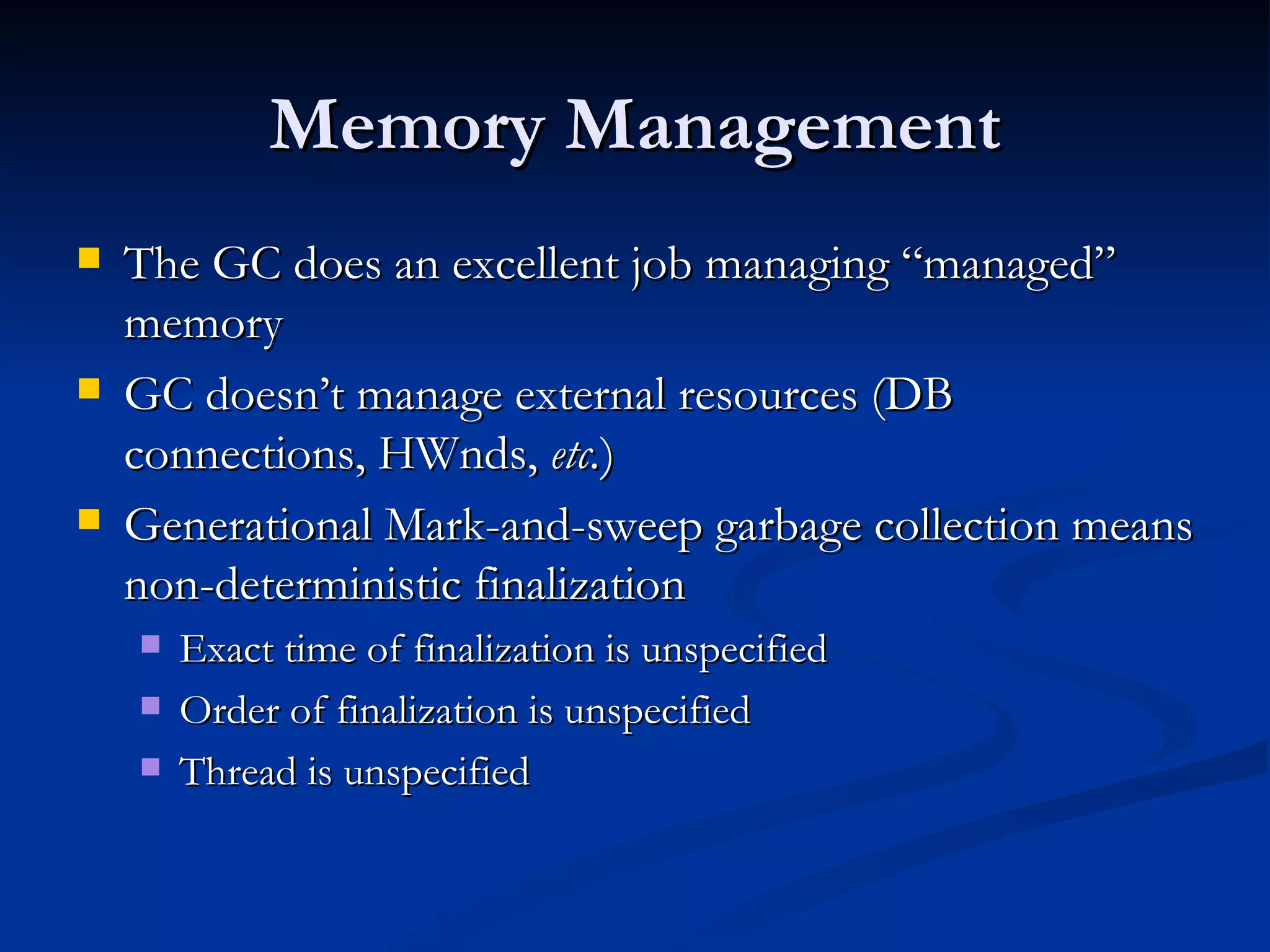
Memory Management The GC does an excellent job managing “managed” memory GC doesn’t manage external resources (DB connections, HWnds,  etc. ) Generational Mark-and-sweep garbage collection means non-deterministic finalization Exact time of finalization is unspecified Order of finalization is unspecified Thread is unspecified
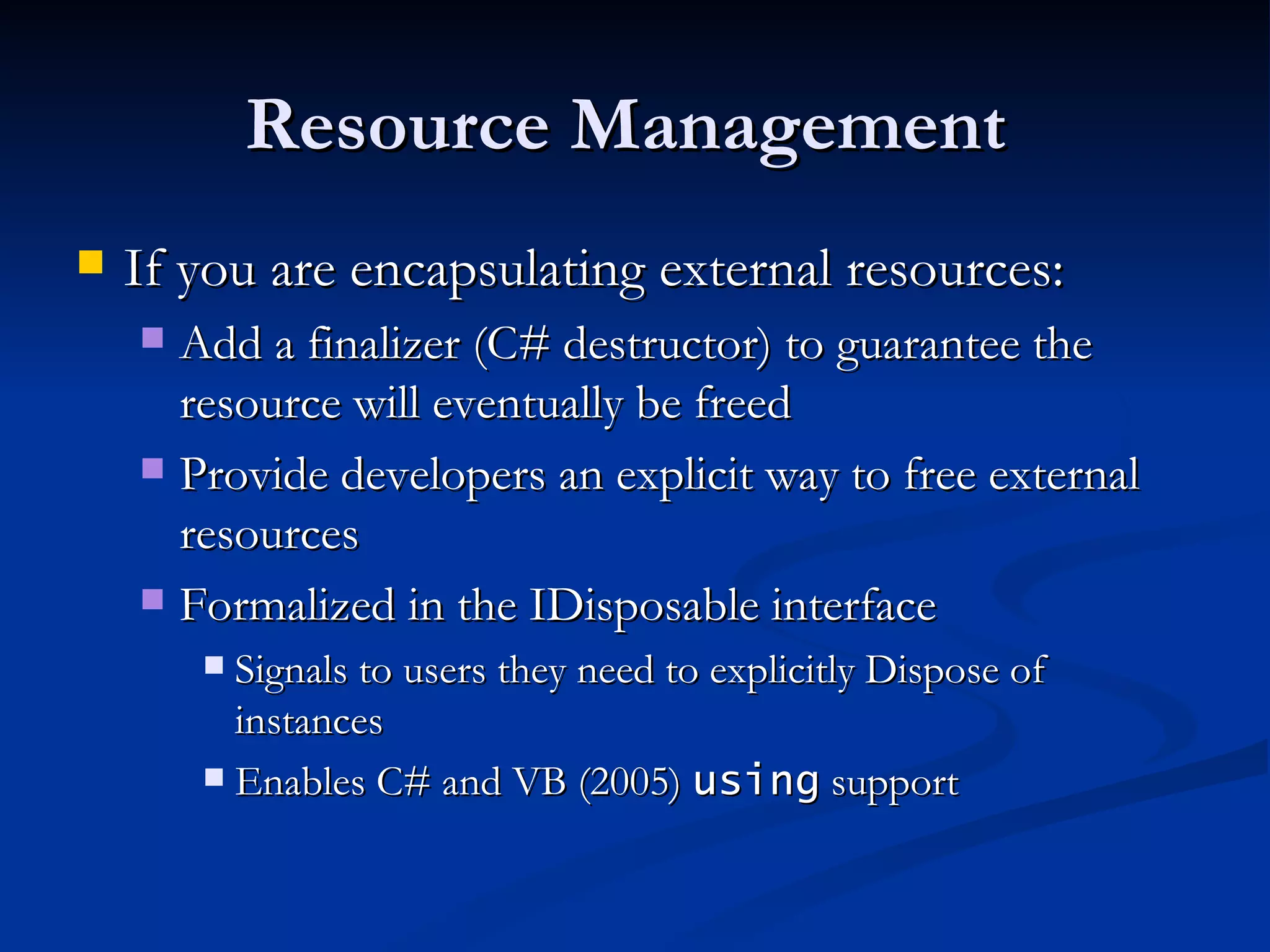
Resource Management  If you are encapsulating external resources: Add a finalizer (C# destructor) to guarantee the resource will eventually be freed Provide developers an explicit way to free external resources Formalized in the IDisposable interface Signals to users they need to explicitly Dispose of instances Enables C# and VB (2005)  using  support
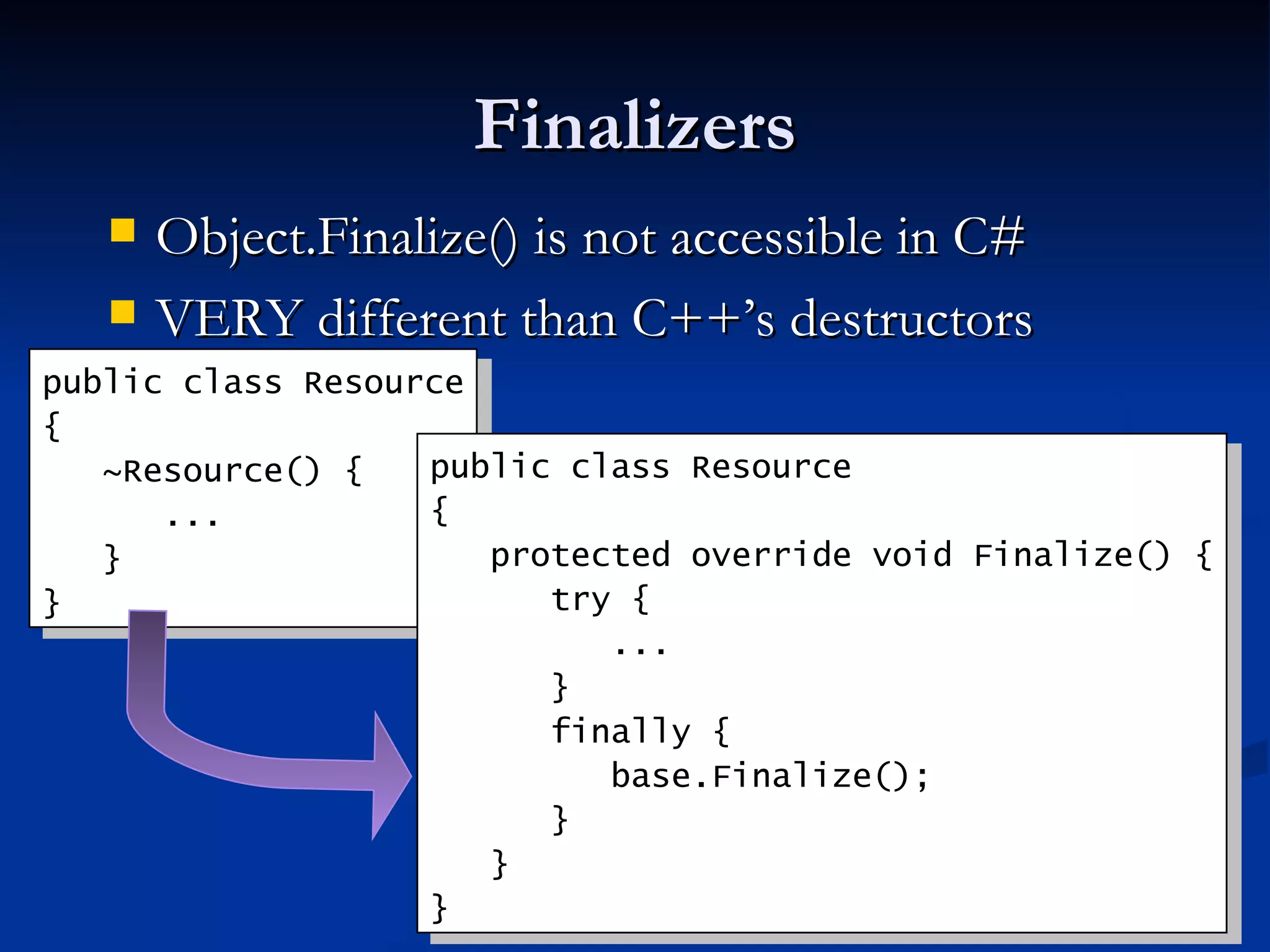
Finalizers Object.Finalize() is not accessible in C# VERY different than C++’s destructors public class Resource { ~Resource() { ... } } public class Resource { protected override void Finalize() { try { ... } finally { base.Finalize(); } } }
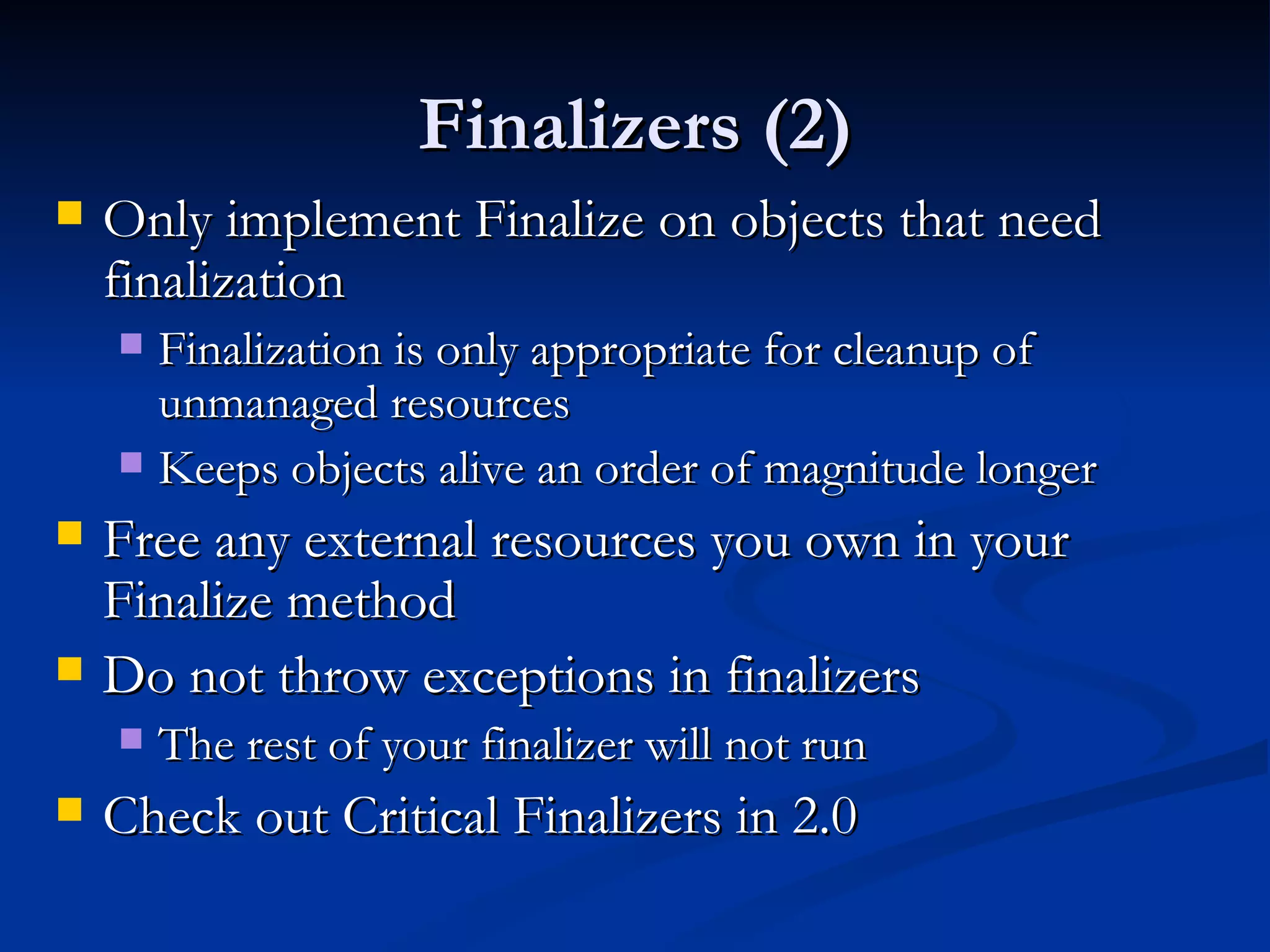
Finalizers (2) Only implement Finalize on objects that need finalization Finalization is only appropriate for cleanup of unmanaged resources Keeps objects alive an order of magnitude longer Free any external resources you own in your Finalize method Do not throw exceptions in finalizers The rest of your finalizer will not run  Check out Critical Finalizers in 2.0
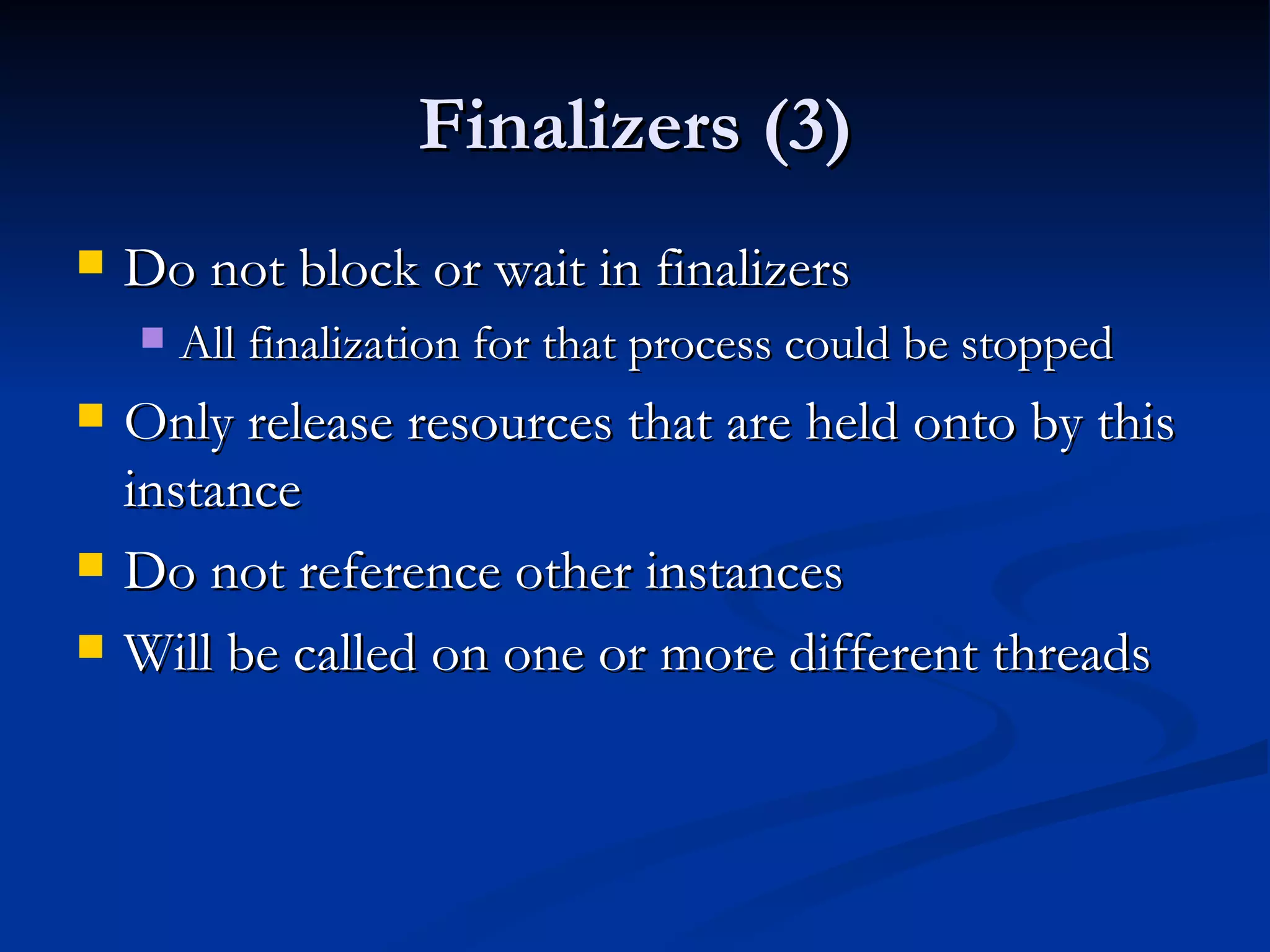
Finalizers (3) Do not block or wait in finalizers All finalization for that process could be stopped Only release resources that are held onto by this instance Do not reference other instances Will be called on one or more different threads
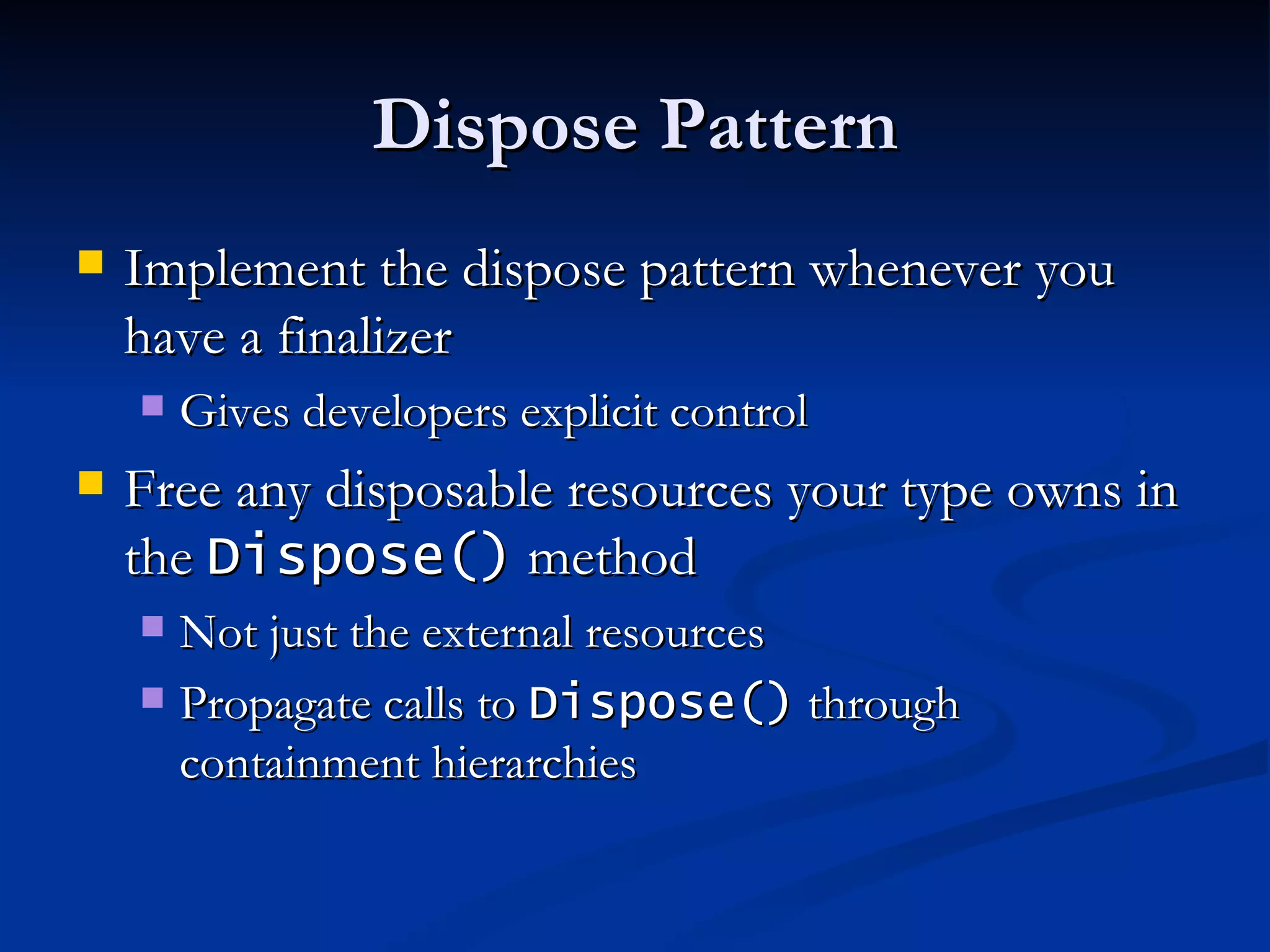
Dispose Pattern Implement the dispose pattern whenever you have a finalizer Gives developers explicit control Free any disposable resources your type owns in the  Dispose()  method Not just the external resources Propagate calls to  Dispose()  through containment hierarchies
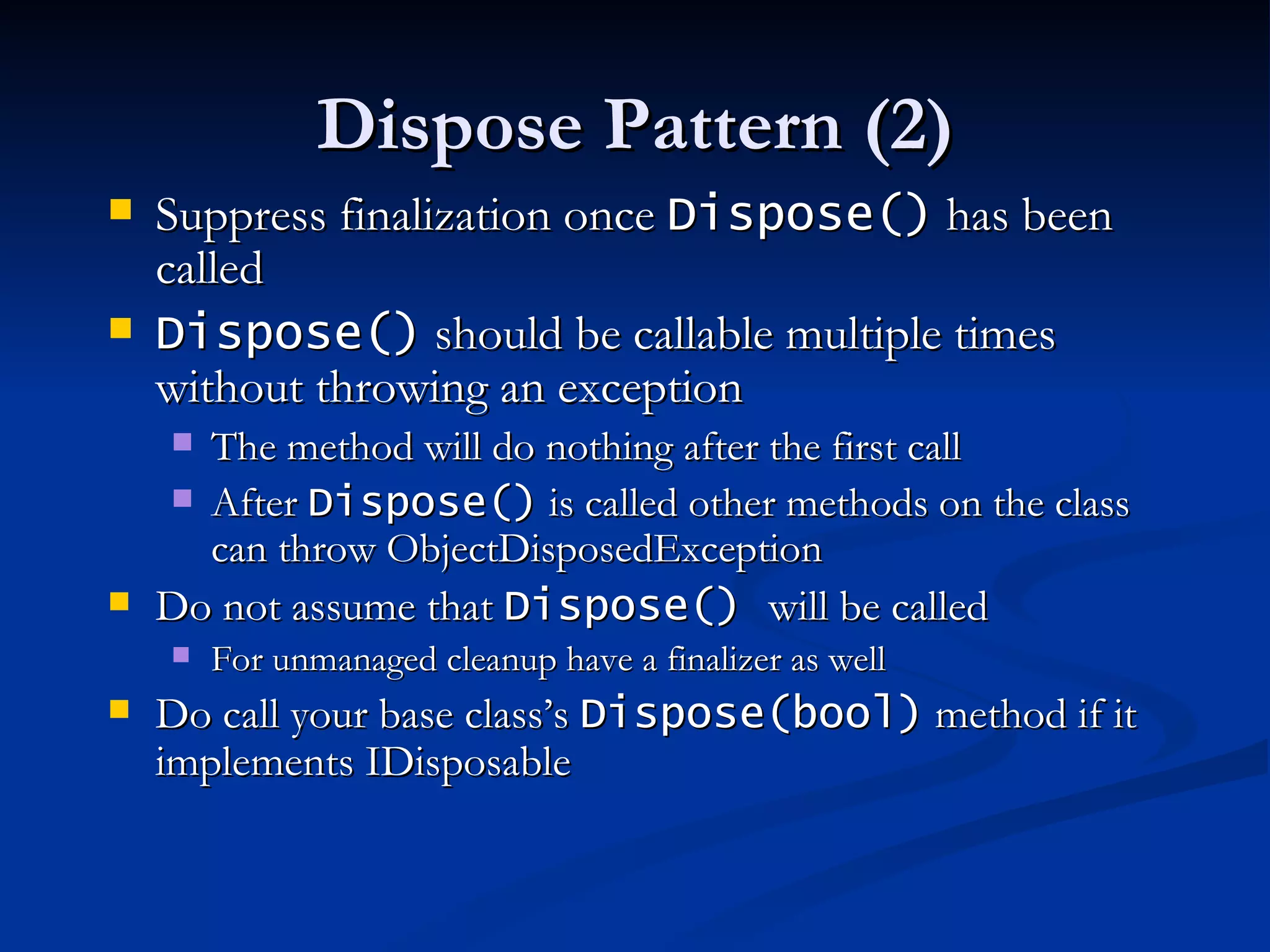
Dispose Pattern (2) Suppress finalization once  Dispose()  has been called Dispose()  should be callable multiple times without throwing an exception The method will do nothing after the first call After  Dispose()  is called other methods on the class can throw ObjectDisposedException  Do not assume that  Dispose()  will be called For unmanaged cleanup have a finalizer as well Do call your base class’s  Dispose(bool)  method if it implements IDisposable
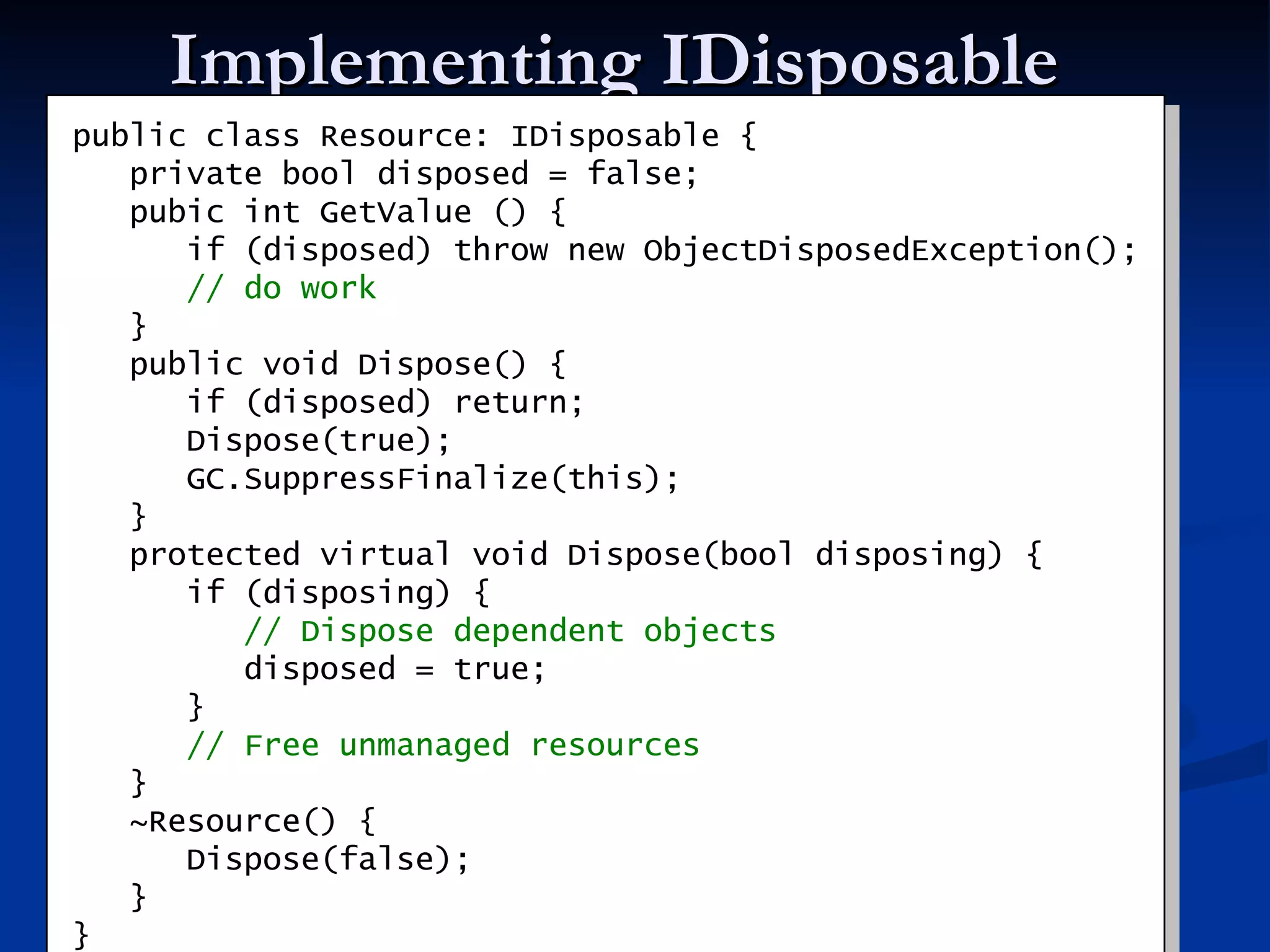
Implementing IDisposable public class Resource: IDisposable { private bool disposed = false; pubic int GetValue () {   if (disposed) throw new ObjectDisposedException(); // do work } public void Dispose() { if (disposed) return; Dispose(true); GC.SuppressFinalize(this); } protected virtual void Dispose(bool disposing) { if (disposing) { // Dispose dependent objects disposed = true; } // Free unmanaged resources } ~Resource() { Dispose(false); } }
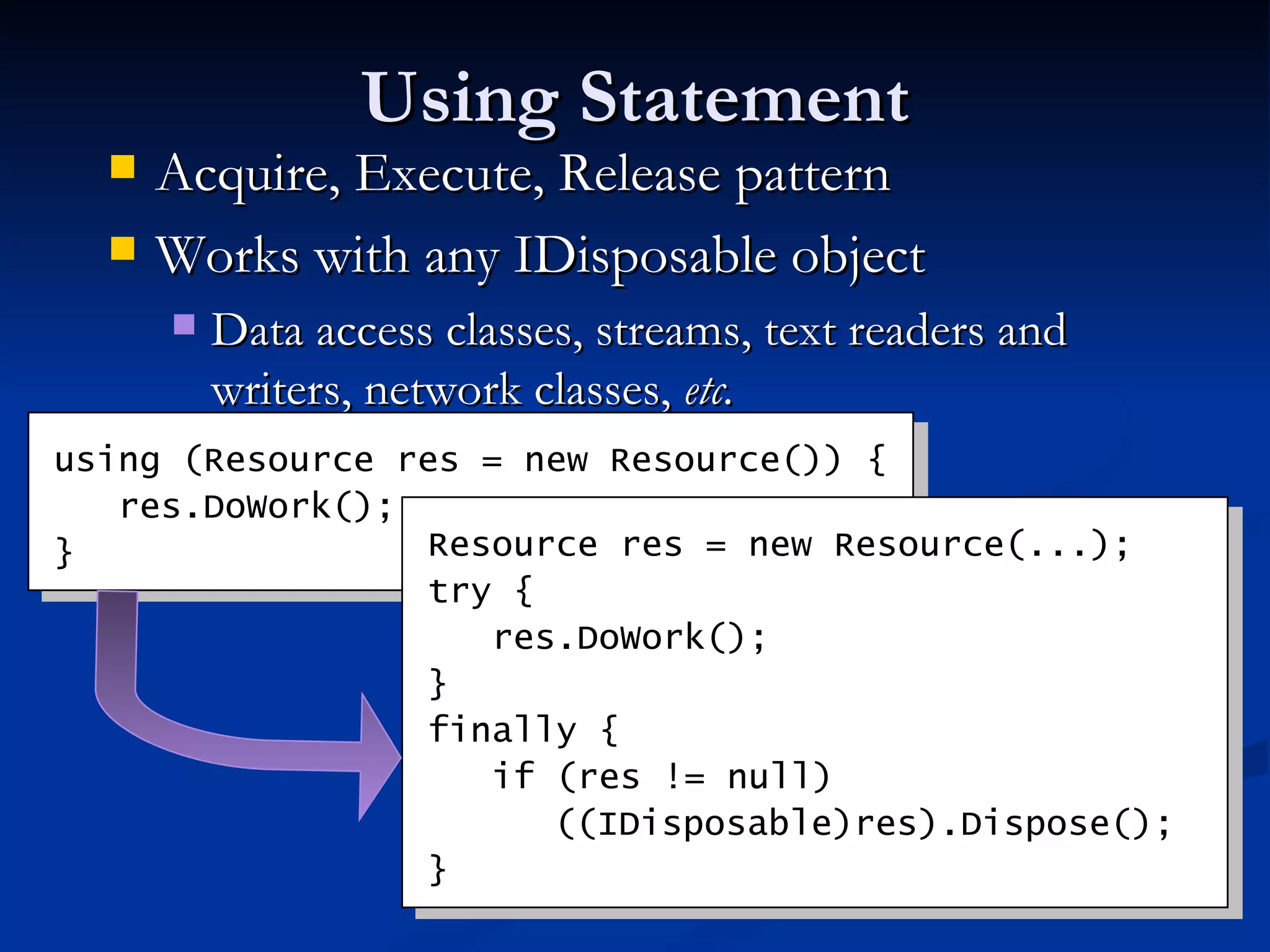
Using Statement Acquire, Execute, Release pattern Works with any IDisposable object Data access classes, streams, text readers and writers, network classes,  etc. using (Resource res = new Resource()) { res.DoWork(); } Resource res = new Resource(...); try { res.DoWork(); } finally { if (res != null)  ((IDisposable)res).Dispose(); }
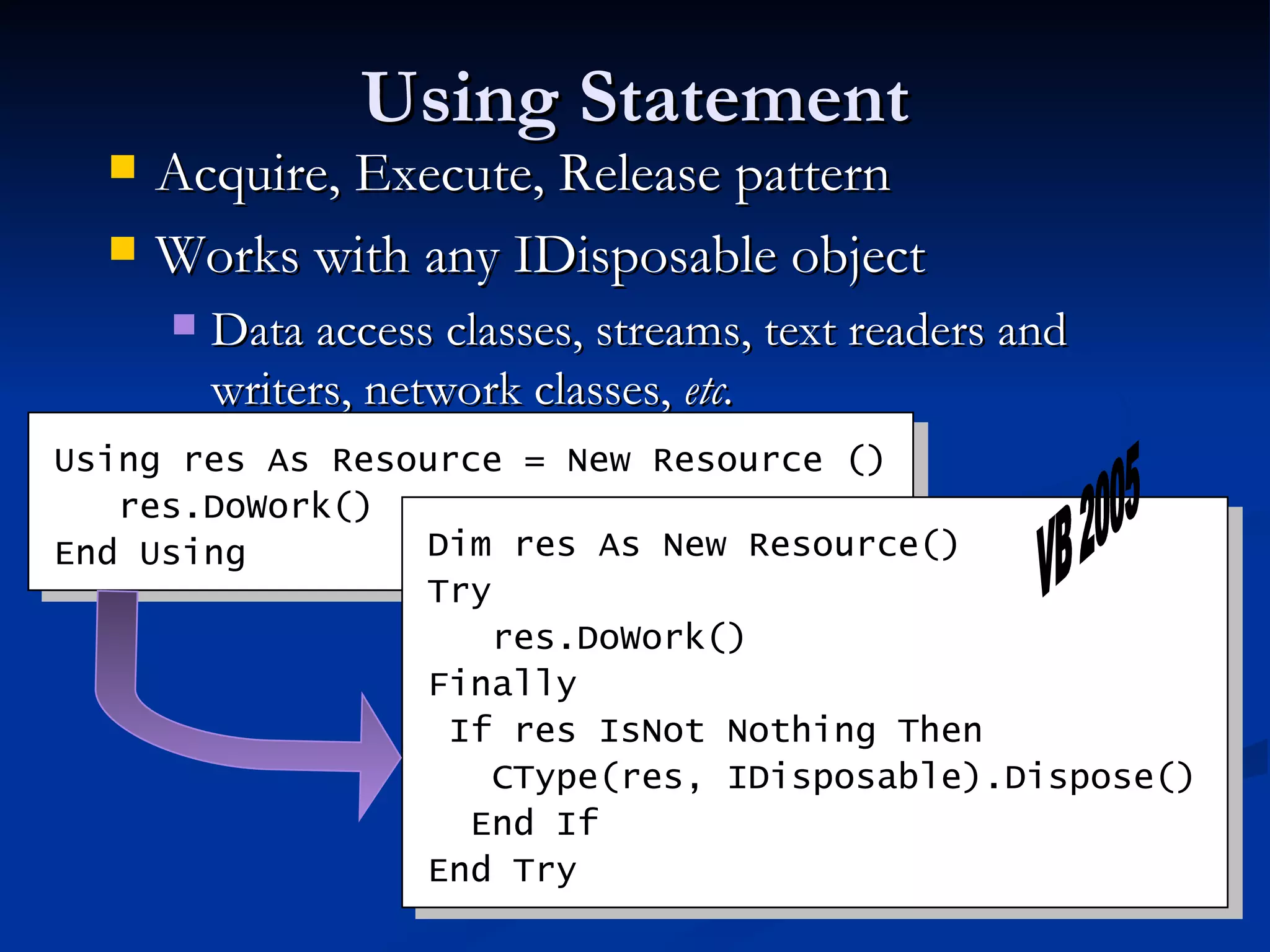
Using Statement Acquire, Execute, Release pattern Works with any IDisposable object Data access classes, streams, text readers and writers, network classes,  etc. Using res As Resource = New Resource   () res.DoWork() End Using Dim res As New Resource() Try res.DoWork() Finally If res IsNot Nothing Then CType(res, IDisposable).Dispose() End If End Try VB 2005
Using Statement (2) Can you find the “bug” in this code? Will input and output always be closed? static void Copy(string sourceName, string destName) { Stream input = File.OpenRead(sourceName); Stream output = File.Create(destName); byte[] b = new byte[65536]; int n; while ((n = input.Read(b, 0, b.Length)) != 0) { output.Write(b, 0, n); } output.Close(); input.Close(); }
Using Statement (3) static void Copy(string sourceName, string destName)   { Stream input = File.OpenRead(sourceName); Stream output = File.Create(destName); try   { byte[] b = new byte[65536]; int n; while ((n = input.Read(b, 0, b.Length)) != 0)   { output.Write(b, 0, n); } } finally   { output.Close(); input.Close(); } }
Using Statement (4) static void Copy(string sourceName, string destName) { Stream input = File.OpenRead(sourceName); try { Stream output = File.Create(destName); try { byte[] b = new byte[65536]; int n; while ((n = input.Read(b, 0, b.Length)) != 0) { output.Write(b, 0, n); } } finally { output.Close(); } } finally { input.Close(); } }
Using Statement (4) Code is correct and much more readable with using statements Types should implement IDisposable to take advantage of this support static void Copy(string sourceName, string destName) { using (Stream input = File.OpenRead(sourceName)) using (Stream output = File.Create(destName)) { byte[] b = new byte[65536]; int n; while ((n = input.Read(b, 0, b.Length)) != 0) { output.Write(b, 0, n); } } }
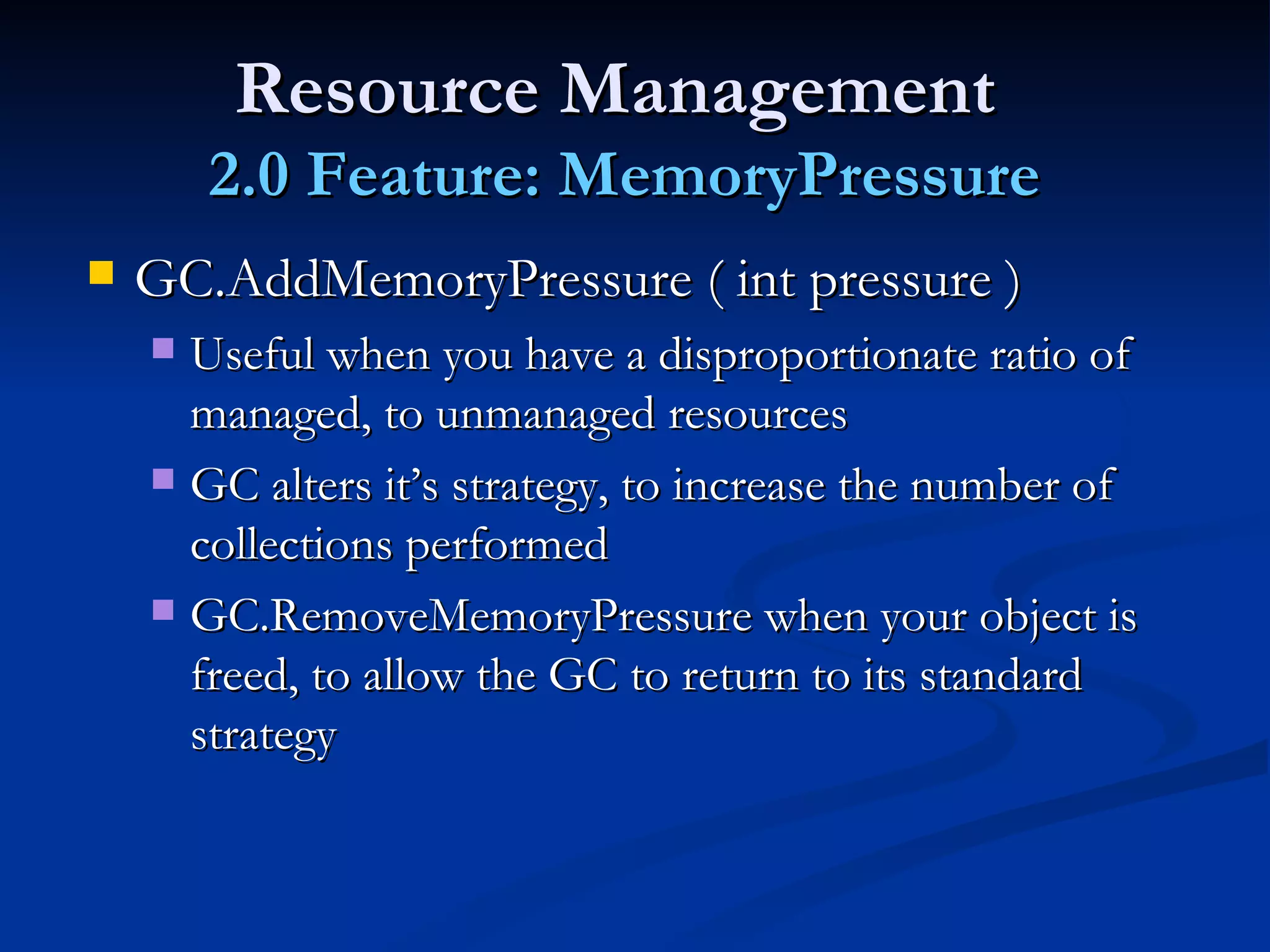
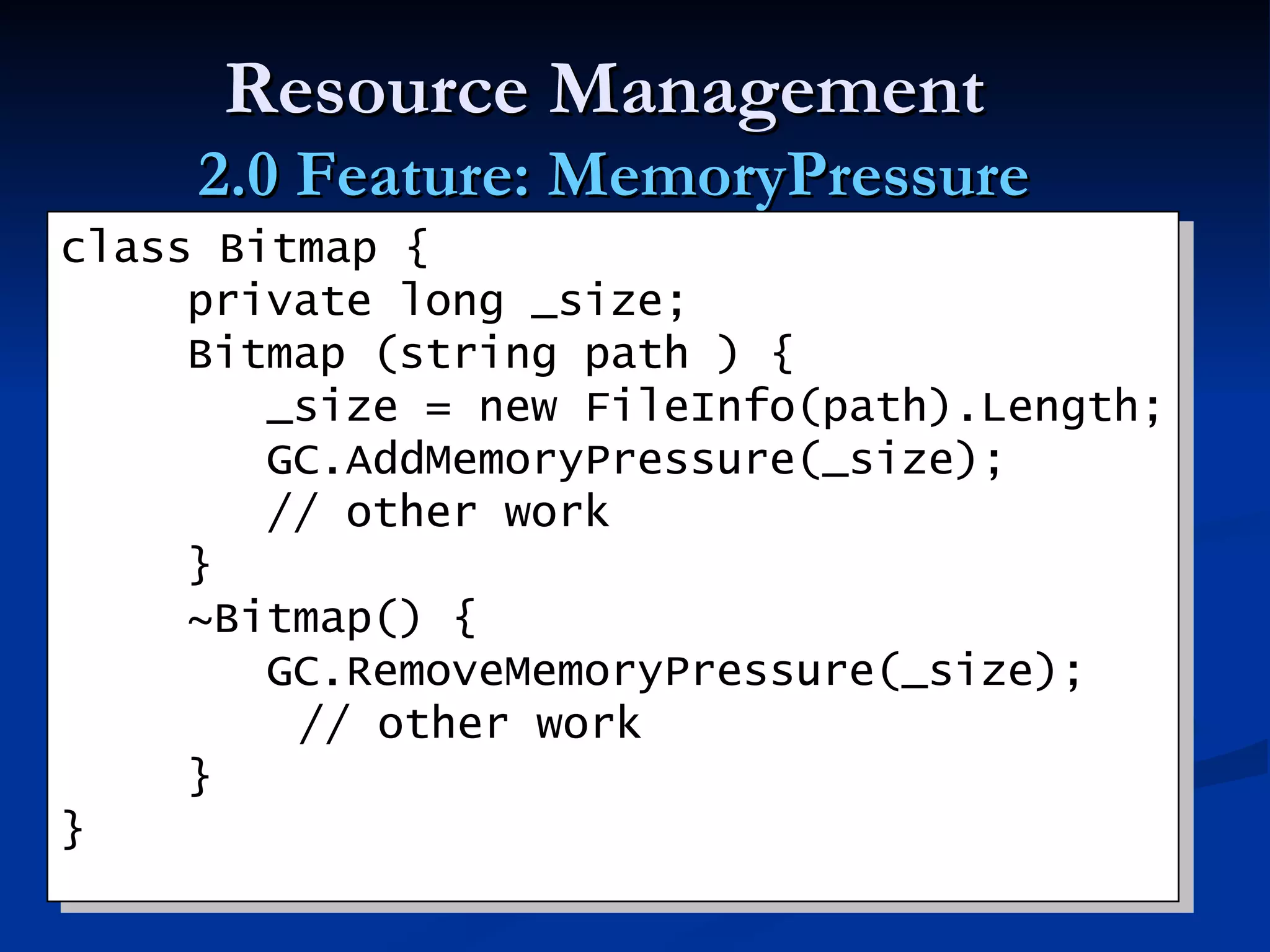
Resource Management  2.0 Feature: MemoryPressure GC.AddMemoryPressure ( int pressure ) Useful when you have a disproportionate ratio of managed, to unmanaged resources GC alters it’s strategy, to increase the number of collections performed GC.RemoveMemoryPressure when your object is freed, to allow the GC to return to its standard strategy
Resource Management  2.0 Feature: MemoryPressure class Bitmap { private long _size; Bitmap (string path ) {   _size = new FileInfo(path).Length;   GC.AddMemoryPressure(_size);   // other work } ~Bitmap() {   GC.RemoveMemoryPressure(_size);   // other work } }
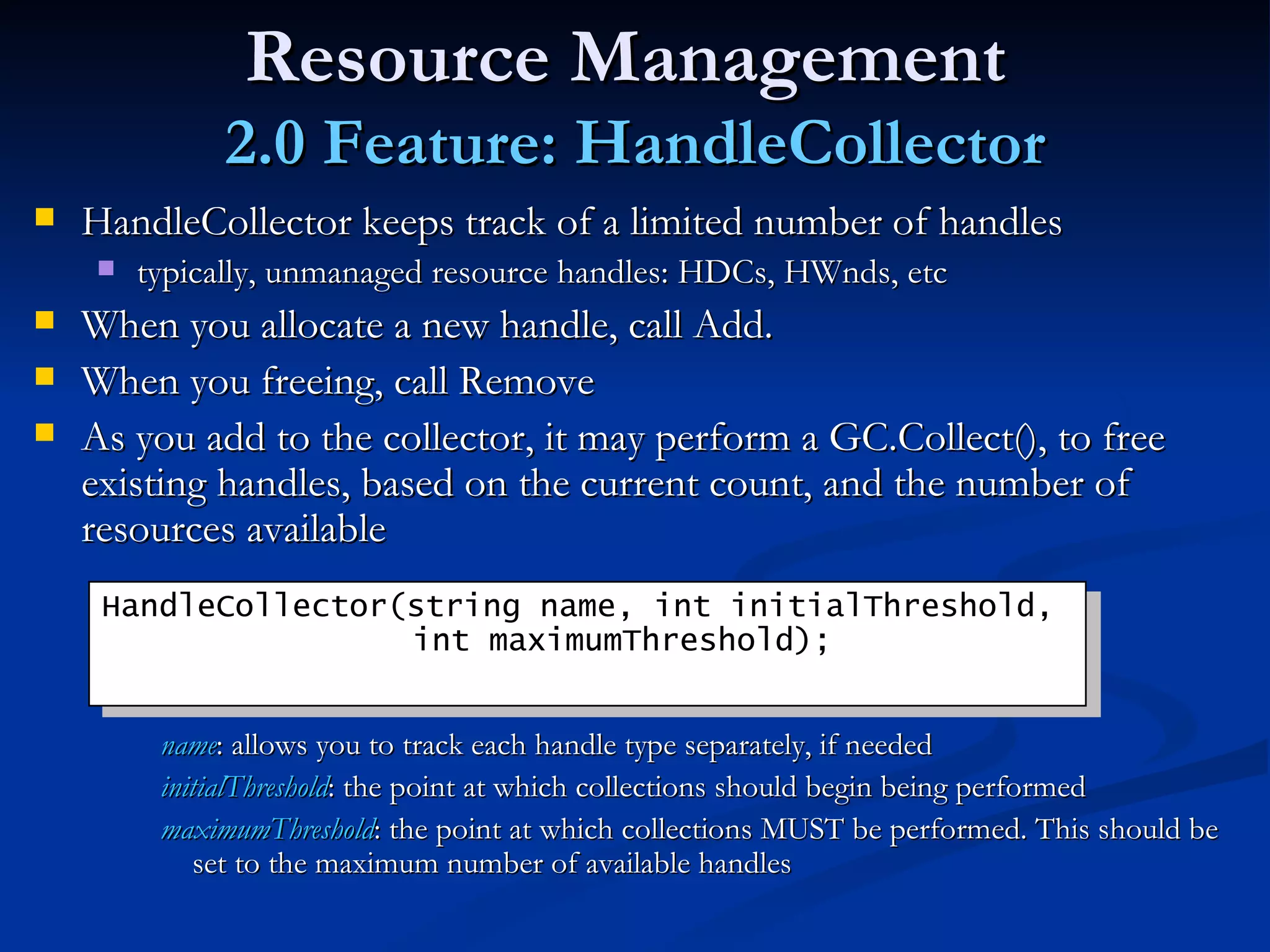
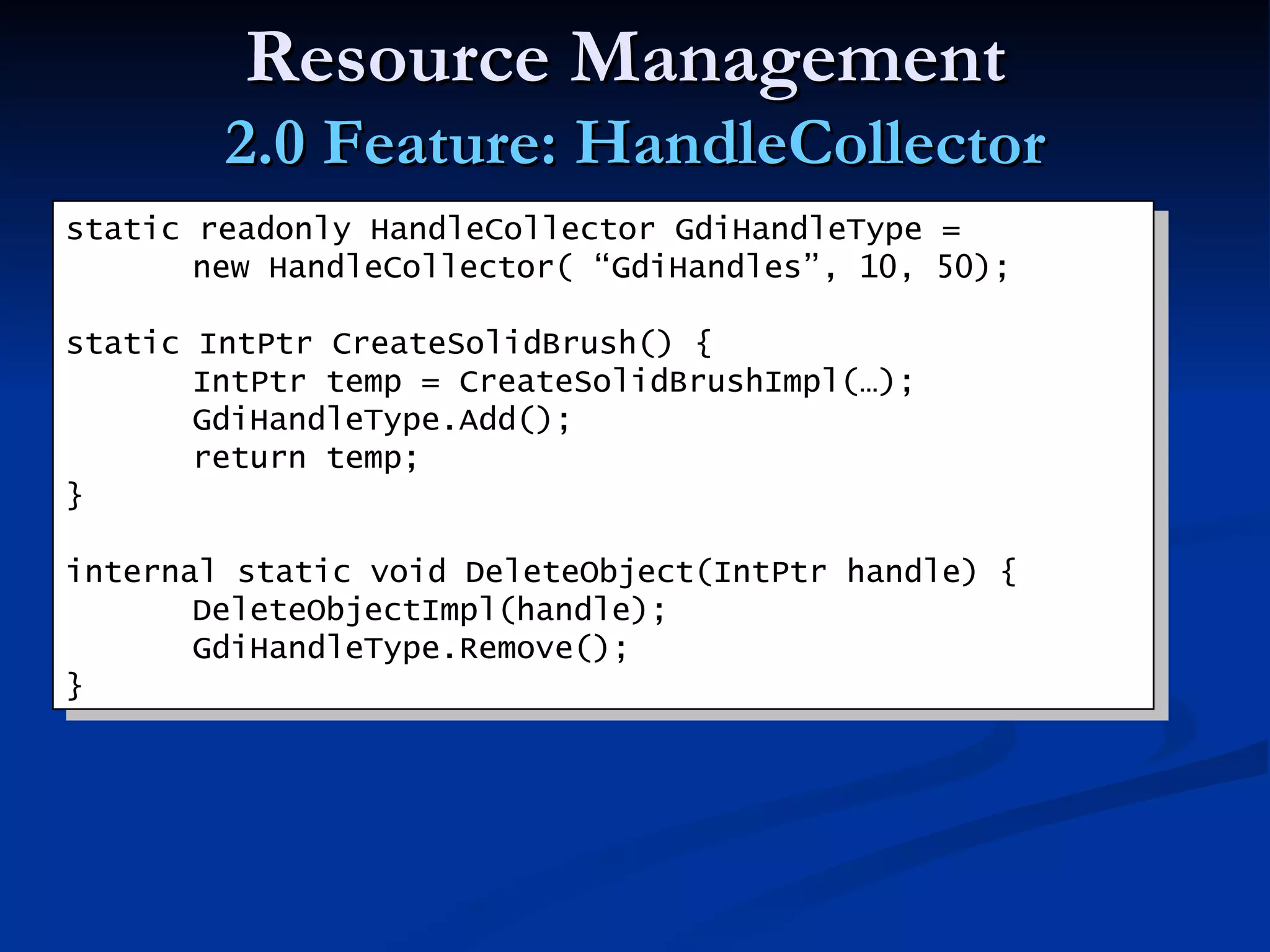
Resource Management  2.0 Feature: HandleCollector HandleCollector keeps track of a limited number of handles  typically, unmanaged resource handles: HDCs, HWnds, etc When you allocate a new handle, call Add.  When you freeing, call Remove As you add to the collector, it may perform a GC.Collect(), to free existing handles, based on the current count, and the number of resources available name : allows you to track each handle type separately, if needed initialThreshold : the point at which collections should begin being performed maximumThreshold : the point at which collections MUST be performed. This should be set to the maximum number of available handles HandleCollector(string name, int initialThreshold,    int maximumThreshold);
Resource Management  2.0 Feature: HandleCollector static readonly HandleCollector GdiHandleType =  new HandleCollector( “GdiHandles”, 10, 50); static IntPtr CreateSolidBrush() { IntPtr temp = CreateSolidBrushImpl(…); GdiHandleType.Add(); return temp; } internal static void DeleteObject(IntPtr handle) { DeleteObjectImpl(handle); GdiHandleType.Remove(); }
More Information My Blog:  http://blogs.msdn.com/brada The SLAR Designing .NET Class Libraries:  http://msdn.microsoft.com/netframework/programming/classlibraries/   FxCop is your ally in the fight:  http://www.gotdotnet.com/team/fxcop/   .NET Framework Resource Management  whitepaper Resource Management with the CLR: The IDisposable Pattern  Special thanks to  Brian Harry  for significant input in the exceptions section Applied Microsoft .NET Framework Programming
Back up
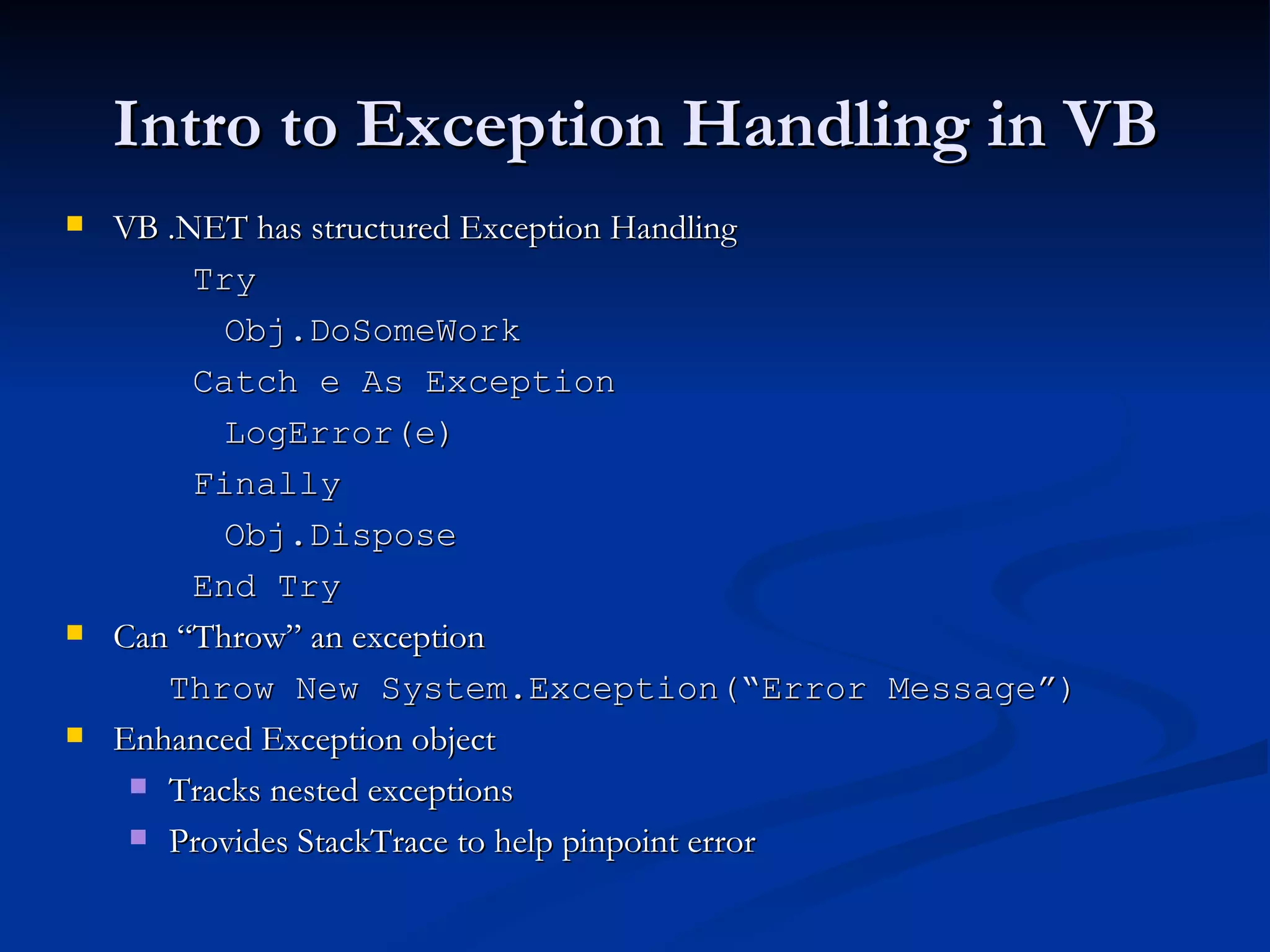
Intro to Exception Handling in VB VB .NET has structured Exception Handling Try Obj.DoSomeWork Catch e As Exception LogError(e) Finally Obj.Dispose End Try Can “Throw” an exception Throw New System.Exception(“Error Message”)   Enhanced Exception object Tracks nested exceptions Provides StackTrace to help pinpoint error
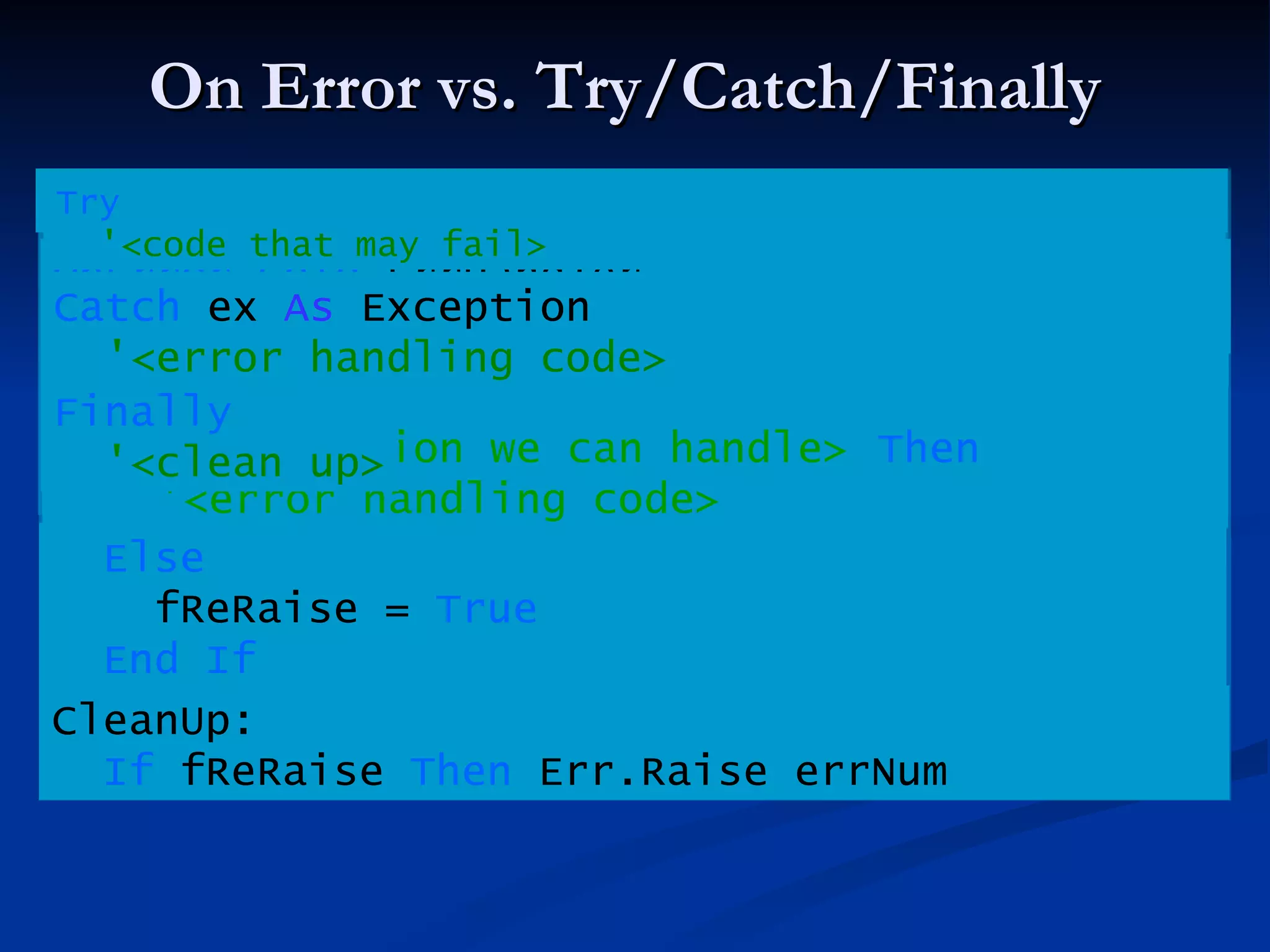
On Error vs. Try/Catch/Finally Try '<code that may fail> Catch  ex  As  Exception '<error handling code> Finally '<clean up> End Try fReRaise =  False OnError GoTo  ErrHandler '<code that may fail> GoTo  CleanUp ErrHandler: If  '<condition we can handle>   Then '<error handling code> Else fReRaise =  True End If CleanUp: If  fReRaise  Then  Err.Raise errNum OnError GoTo  ErrHandler '<code that may fail> ErrHandler: If  '<condition we can handle>   Then '<error handling code> fReRaise =  False Try '<code that may fail> Else fReRaise =  True End If CleanUp: If  fReRaise  Then  Err.Raise errNum Catch  ex  As  Exception '<error handling code> Finally '<clean up>
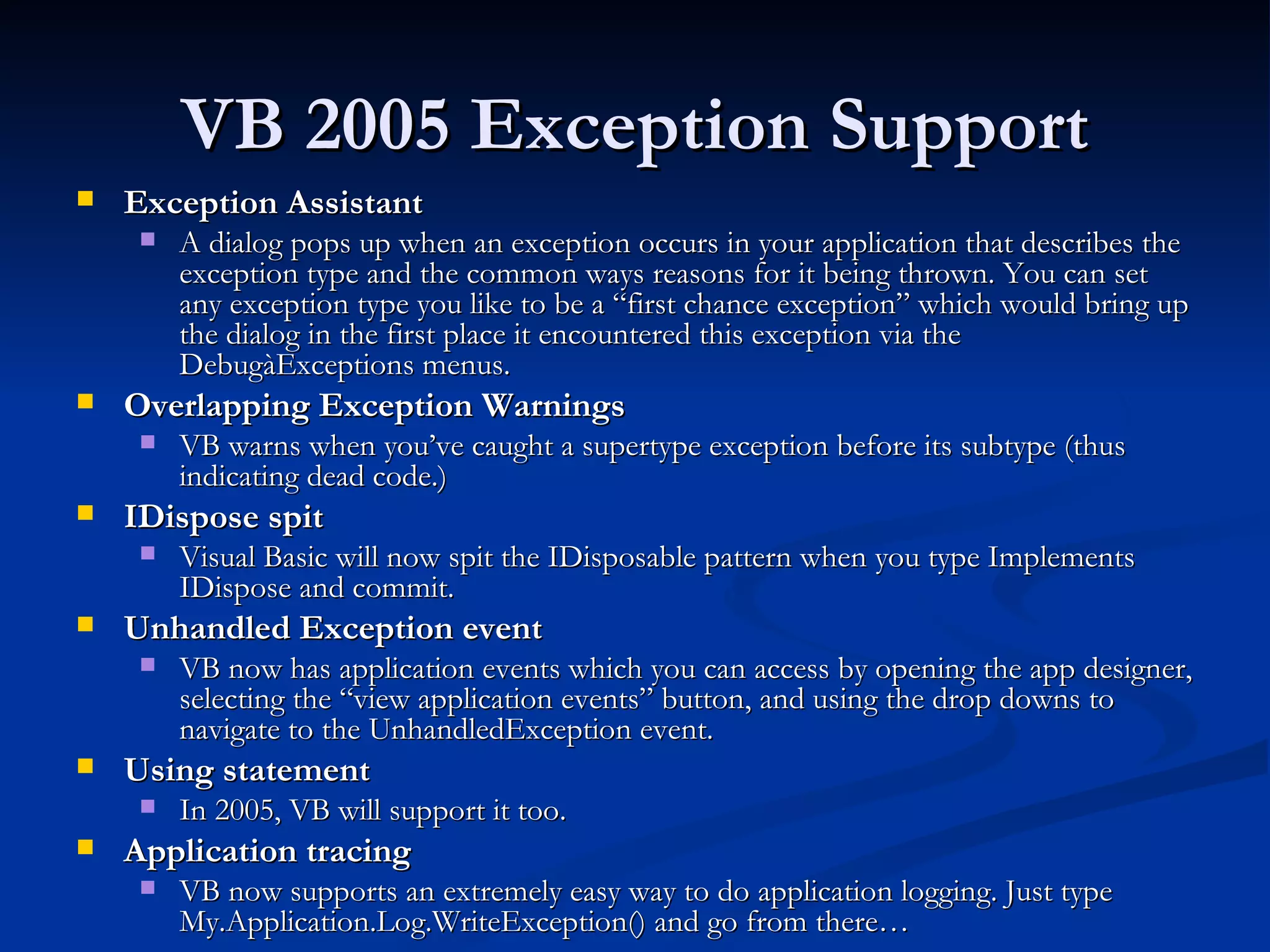
VB 2005 Exception Support Exception Assistant   A dialog pops up when an exception occurs in your application that describes the exception type and the common ways reasons for it being thrown. You can set any exception type you like to be a “first chance exception” which would bring up the dialog in the first place it encountered this exception via the DebugàExceptions menus.   Overlapping Exception Warnings  VB warns when you’ve caught a supertype exception before its subtype (thus indicating dead code.) IDispose spit   Visual Basic will now spit the IDisposable pattern when you type Implements IDispose and commit.   Unhandled Exception event   VB now has application events which you can access by opening the app designer, selecting the “view application events” button, and using the drop downs to navigate to the UnhandledException event.  Using statement  In 2005, VB will support it too.  Application tracing  VB now supports an extremely easy way to do application logging. Just type My.Application.Log.WriteException() and go from there…
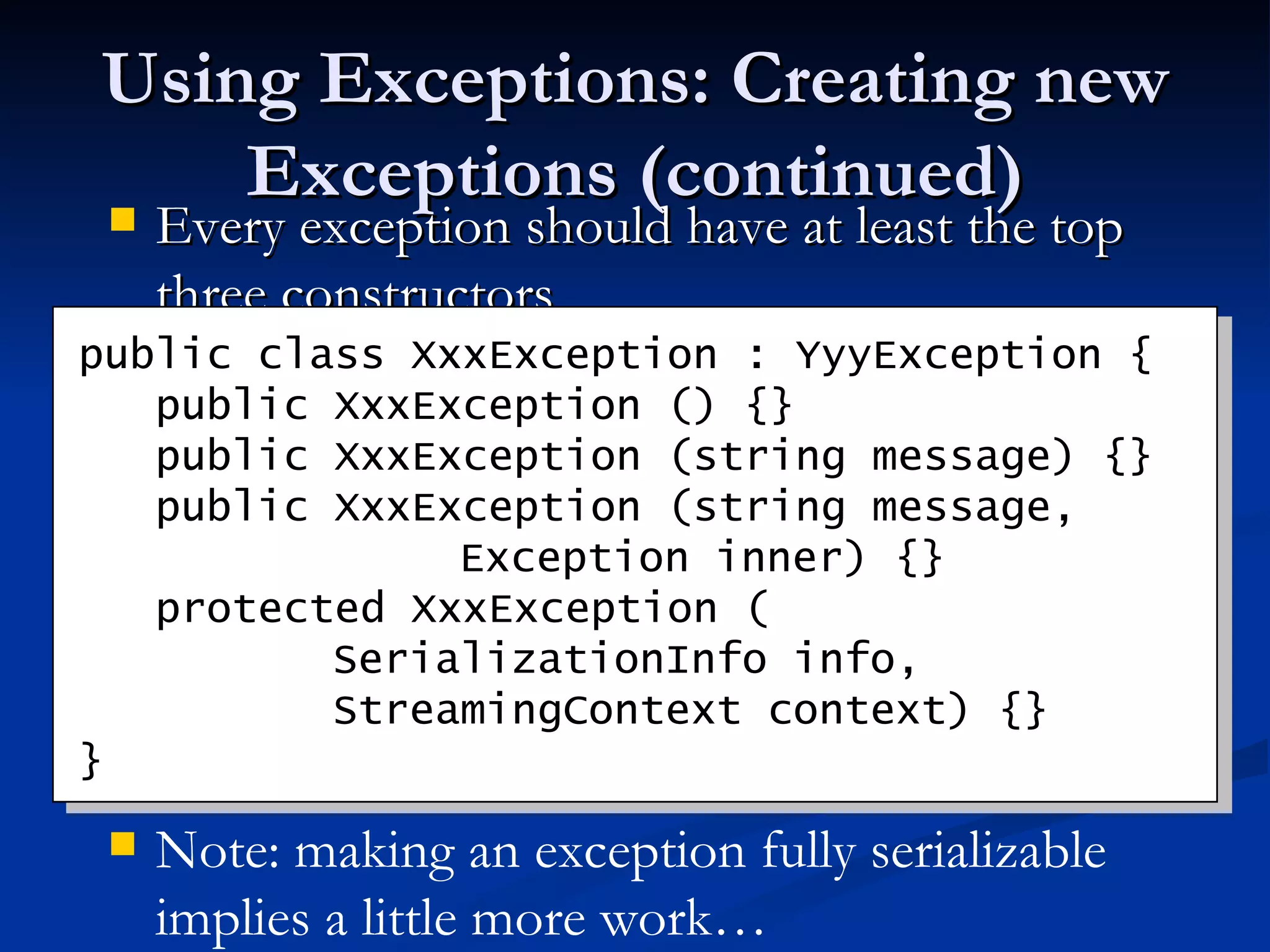
Using Exceptions: Creating new Exceptions (continued) Every exception should have at least the top three constructors public class XxxException : YyyException {   public XxxException () {}   public   XxxException (string message) {}   public   XxxException (string message,  Exception inner) {}   protected   XxxException ( SerializationInfo info, StreamingContext context) {} } Note: making an exception fully serializable implies a little more work…
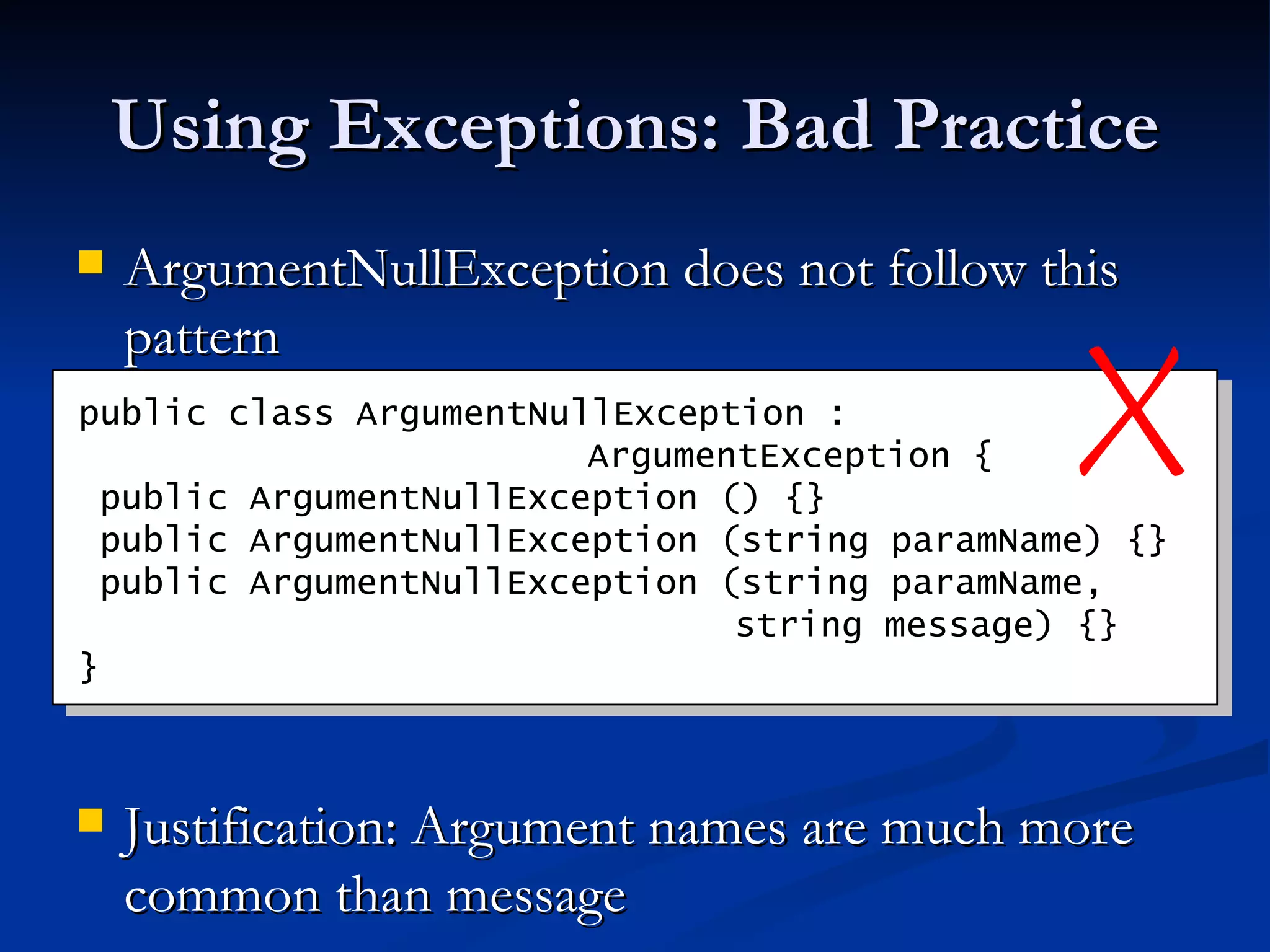
Using Exceptions: Bad Practice ArgumentNullException does not follow this pattern Justification: Argument names are much more common than message public class ArgumentNullException :    ArgumentException {   public ArgumentNullException   () {}  public   ArgumentNullException   (string paramName) {}  public   ArgumentNullException   (string paramName,   string message) {} }
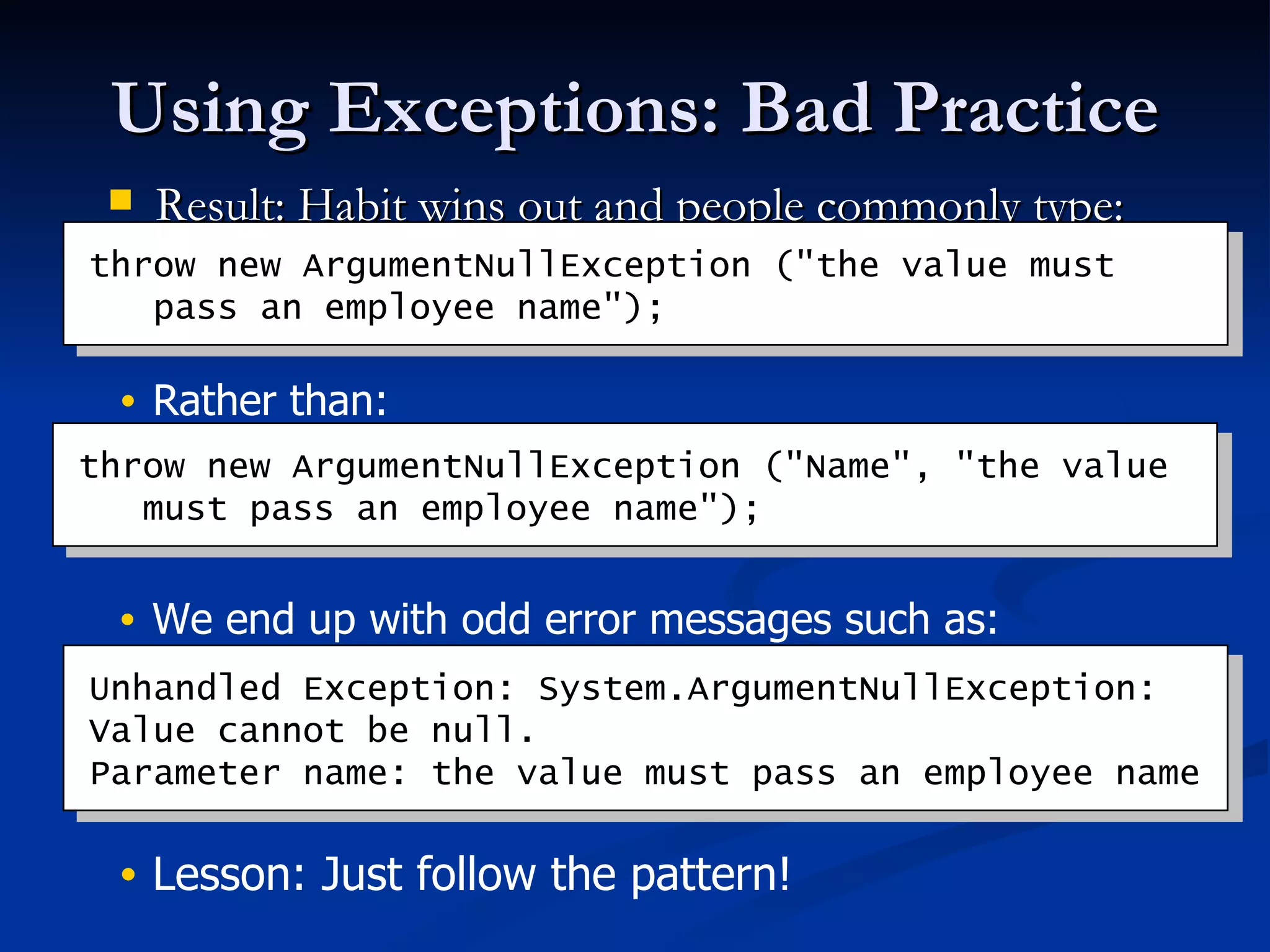
Using Exceptions: Bad Practice Result: Habit wins out and people commonly type: throw new ArgumentNullException (&quot;the value must   pass an employee name&quot;); throw new ArgumentNullException (&quot;Name&quot;, &quot;the value   must pass an employee name&quot;); Unhandled Exception: System.ArgumentNullException: Value cannot be null. Parameter name: the value must pass an employee name Rather than: We end up with odd error messages such as: Lesson: Just follow the pattern!

CLR Exception Handing And Memory Management

  • 1.
    Effective .NET Frameworkbased Development: Exception Handing and Memory Management Brad Abrams Lead Program Manager Common Language Runtime Team Microsoft Corporation [email_address] http:// blogs.msdn.com /brada
  • 2.
    Agenda Exception “ Cleaner, more elegant, and wrong.” Raymond Chen ( http:// blogs.msdn.com/oldnewthing / ) Memory Management “I'm addicted to deterministic destruction” Chris Sells ( http:// www.sellsbrothers.com / )
  • 3.
    Exception Handling QuestionsThrowing an exception What exception to throw? What data to include in the exception? Managing resources What resources need to be cleaned up? When should they be cleaned up? Catching an Exception When to catch an exception? How to report the error? What to do with the control follow: terminate the app, abort the transaction, ignore the exception, disable some functionality, etc.?
  • 4.
    When to Throw?Exceptions rather than error codes Robust: failures get noticed Your method is defined to do something… If it succeeds in performing its purpose, return If it fails to do what it was written to do, throw an exception
  • 5.
    What to throw?Use or subclass existing exceptions if at all possible Only create separate classes if you think developers will handle the exception differently try { //some operation } catch (FileNotFoundException fe) { //do some set of work } catch (DriveNotFoundException be) { //do some other set of work }
  • 6.
    Throwing an ExceptionDo not just map error codes on to a single exception with an error code property ( e.g. , the WMIException) Use separate exception types Error Messages Consider localization Use a complete sentence (end in a period) Don’t expose privacy related information (such as file paths)
  • 7.
    Performance Minimize thenumber of exceptions you throw in your API’s success code-paths You don’t pay for exceptions until you throw in managed code Throwing exceptions degrades performance Perf counters tell you exactly how many exceptions your application is throwing Only an issue when using exceptions as control flow Consider providing a way to avoid an exception being thrown
  • 8.
    Performance (continued) inti; try { i = Int32.Parse(“123”); } catch (FormatException ) { Console.WriteLine (“Invalid”); } int i; if (!Int32.TryParse (“123”, out i)) { Console.Writeline(“Invalid”); }
  • 9.
    Managing Resources Youshould use try..finally 10 times as often as try..catch Catches eat exceptions making it hard to debug Finally allows you to clean up, but let the exception continue
  • 10.
    Managing Resources Youmay catch exceptions to re-throw them with a clearer name Typical at an “API” boundary Always nest the underlying exception Catch-and-rethrow has many of the benefits as try..finally But, be aware of debugging issues with catch..throw new() and catch..throw; Generally, cleanup code should go in finalizer try { . . . } catch (DivisionByZeroException e) { // do clean up work throw new BetterException (message, e); }
  • 11.
    Catching Exceptions Donot catch and eat exceptions Exceptions should be handled only where there is enough context to do the right thing That generally means exceptions should be caught as high in the application as possible Mistake – catch the exception, report the error and rethrow it. Only catch where you can handle it Mistake – catch the exception, turn it into a bool pass/fail and return the bool 
  • 12.
    Catching Exceptions Considerincluding a try/catch at the top of a thread’s stack if the error can be handled properly Unhandled exceptions at the top of the main thread will terminate the app In 2.0, unhandled exceptions at the top of the stack on any thread will terminate the app But avoid catch blocks in finalizers Be aware: In many cases it is “appropriate” to let the app terminate Be aware of (but ignore) exceptions that don’t inherit from System.Exception Allowed in V1.0\V1.1, likely addressed in V2.0
  • 13.
    catch (Exception e)is your friend Myth: Catching Exception is evil This is motivated by a desire to avoid catching low level exceptions such as OutOfMemoryException, and StackOverflowException Do catch every exception you should handle Don’t attempt to catch every exception a method could throw Its ugly, version brittle, and difficult to test Catch what you need to handle, let the rest pass
  • 14.
    Agenda Exception “ Cleaner, more elegant, and wrong.” Raymond Chen ( http:// blogs.msdn.com/oldnewthing / ) Memory Management “I'm addicted to deterministic destruction” Chris Sells ( http:// www.sellsbrothers.com / )
  • 15.
    Memory Management TheGC does an excellent job managing “managed” memory GC doesn’t manage external resources (DB connections, HWnds, etc. ) Generational Mark-and-sweep garbage collection means non-deterministic finalization Exact time of finalization is unspecified Order of finalization is unspecified Thread is unspecified
  • 16.
    Resource Management If you are encapsulating external resources: Add a finalizer (C# destructor) to guarantee the resource will eventually be freed Provide developers an explicit way to free external resources Formalized in the IDisposable interface Signals to users they need to explicitly Dispose of instances Enables C# and VB (2005) using support
  • 17.
    Finalizers Object.Finalize() isnot accessible in C# VERY different than C++’s destructors public class Resource { ~Resource() { ... } } public class Resource { protected override void Finalize() { try { ... } finally { base.Finalize(); } } }
  • 18.
    Finalizers (2) Onlyimplement Finalize on objects that need finalization Finalization is only appropriate for cleanup of unmanaged resources Keeps objects alive an order of magnitude longer Free any external resources you own in your Finalize method Do not throw exceptions in finalizers The rest of your finalizer will not run Check out Critical Finalizers in 2.0
  • 19.
    Finalizers (3) Donot block or wait in finalizers All finalization for that process could be stopped Only release resources that are held onto by this instance Do not reference other instances Will be called on one or more different threads
  • 20.
    Dispose Pattern Implementthe dispose pattern whenever you have a finalizer Gives developers explicit control Free any disposable resources your type owns in the Dispose() method Not just the external resources Propagate calls to Dispose() through containment hierarchies
  • 21.
    Dispose Pattern (2)Suppress finalization once Dispose() has been called Dispose() should be callable multiple times without throwing an exception The method will do nothing after the first call After Dispose() is called other methods on the class can throw ObjectDisposedException Do not assume that Dispose() will be called For unmanaged cleanup have a finalizer as well Do call your base class’s Dispose(bool) method if it implements IDisposable
  • 22.
    Implementing IDisposable publicclass Resource: IDisposable { private bool disposed = false; pubic int GetValue () { if (disposed) throw new ObjectDisposedException(); // do work } public void Dispose() { if (disposed) return; Dispose(true); GC.SuppressFinalize(this); } protected virtual void Dispose(bool disposing) { if (disposing) { // Dispose dependent objects disposed = true; } // Free unmanaged resources } ~Resource() { Dispose(false); } }
  • 23.
    Using Statement Acquire,Execute, Release pattern Works with any IDisposable object Data access classes, streams, text readers and writers, network classes, etc. using (Resource res = new Resource()) { res.DoWork(); } Resource res = new Resource(...); try { res.DoWork(); } finally { if (res != null) ((IDisposable)res).Dispose(); }
  • 24.
    Using Statement Acquire,Execute, Release pattern Works with any IDisposable object Data access classes, streams, text readers and writers, network classes, etc. Using res As Resource = New Resource () res.DoWork() End Using Dim res As New Resource() Try res.DoWork() Finally If res IsNot Nothing Then CType(res, IDisposable).Dispose() End If End Try VB 2005
  • 25.
    Using Statement (2)Can you find the “bug” in this code? Will input and output always be closed? static void Copy(string sourceName, string destName) { Stream input = File.OpenRead(sourceName); Stream output = File.Create(destName); byte[] b = new byte[65536]; int n; while ((n = input.Read(b, 0, b.Length)) != 0) { output.Write(b, 0, n); } output.Close(); input.Close(); }
  • 26.
    Using Statement (3)static void Copy(string sourceName, string destName) { Stream input = File.OpenRead(sourceName); Stream output = File.Create(destName); try { byte[] b = new byte[65536]; int n; while ((n = input.Read(b, 0, b.Length)) != 0) { output.Write(b, 0, n); } } finally { output.Close(); input.Close(); } }
  • 27.
    Using Statement (4)static void Copy(string sourceName, string destName) { Stream input = File.OpenRead(sourceName); try { Stream output = File.Create(destName); try { byte[] b = new byte[65536]; int n; while ((n = input.Read(b, 0, b.Length)) != 0) { output.Write(b, 0, n); } } finally { output.Close(); } } finally { input.Close(); } }
  • 28.
    Using Statement (4)Code is correct and much more readable with using statements Types should implement IDisposable to take advantage of this support static void Copy(string sourceName, string destName) { using (Stream input = File.OpenRead(sourceName)) using (Stream output = File.Create(destName)) { byte[] b = new byte[65536]; int n; while ((n = input.Read(b, 0, b.Length)) != 0) { output.Write(b, 0, n); } } }
  • 29.
    Resource Management 2.0 Feature: MemoryPressure GC.AddMemoryPressure ( int pressure ) Useful when you have a disproportionate ratio of managed, to unmanaged resources GC alters it’s strategy, to increase the number of collections performed GC.RemoveMemoryPressure when your object is freed, to allow the GC to return to its standard strategy
  • 30.
    Resource Management 2.0 Feature: MemoryPressure class Bitmap { private long _size; Bitmap (string path ) { _size = new FileInfo(path).Length; GC.AddMemoryPressure(_size); // other work } ~Bitmap() { GC.RemoveMemoryPressure(_size); // other work } }
  • 31.
    Resource Management 2.0 Feature: HandleCollector HandleCollector keeps track of a limited number of handles typically, unmanaged resource handles: HDCs, HWnds, etc When you allocate a new handle, call Add. When you freeing, call Remove As you add to the collector, it may perform a GC.Collect(), to free existing handles, based on the current count, and the number of resources available name : allows you to track each handle type separately, if needed initialThreshold : the point at which collections should begin being performed maximumThreshold : the point at which collections MUST be performed. This should be set to the maximum number of available handles HandleCollector(string name, int initialThreshold, int maximumThreshold);
  • 32.
    Resource Management 2.0 Feature: HandleCollector static readonly HandleCollector GdiHandleType = new HandleCollector( “GdiHandles”, 10, 50); static IntPtr CreateSolidBrush() { IntPtr temp = CreateSolidBrushImpl(…); GdiHandleType.Add(); return temp; } internal static void DeleteObject(IntPtr handle) { DeleteObjectImpl(handle); GdiHandleType.Remove(); }
  • 33.
    More Information MyBlog: http://blogs.msdn.com/brada The SLAR Designing .NET Class Libraries: http://msdn.microsoft.com/netframework/programming/classlibraries/ FxCop is your ally in the fight: http://www.gotdotnet.com/team/fxcop/ .NET Framework Resource Management whitepaper Resource Management with the CLR: The IDisposable Pattern Special thanks to Brian Harry for significant input in the exceptions section Applied Microsoft .NET Framework Programming
  • 34.
  • 35.
    Intro to ExceptionHandling in VB VB .NET has structured Exception Handling Try Obj.DoSomeWork Catch e As Exception LogError(e) Finally Obj.Dispose End Try Can “Throw” an exception Throw New System.Exception(“Error Message”) Enhanced Exception object Tracks nested exceptions Provides StackTrace to help pinpoint error
  • 36.
    On Error vs.Try/Catch/Finally Try '<code that may fail> Catch ex As Exception '<error handling code> Finally '<clean up> End Try fReRaise = False OnError GoTo ErrHandler '<code that may fail> GoTo CleanUp ErrHandler: If '<condition we can handle> Then '<error handling code> Else fReRaise = True End If CleanUp: If fReRaise Then Err.Raise errNum OnError GoTo ErrHandler '<code that may fail> ErrHandler: If '<condition we can handle> Then '<error handling code> fReRaise = False Try '<code that may fail> Else fReRaise = True End If CleanUp: If fReRaise Then Err.Raise errNum Catch ex As Exception '<error handling code> Finally '<clean up>
  • 37.
    VB 2005 ExceptionSupport Exception Assistant A dialog pops up when an exception occurs in your application that describes the exception type and the common ways reasons for it being thrown. You can set any exception type you like to be a “first chance exception” which would bring up the dialog in the first place it encountered this exception via the DebugàExceptions menus.   Overlapping Exception Warnings VB warns when you’ve caught a supertype exception before its subtype (thus indicating dead code.) IDispose spit Visual Basic will now spit the IDisposable pattern when you type Implements IDispose and commit.   Unhandled Exception event VB now has application events which you can access by opening the app designer, selecting the “view application events” button, and using the drop downs to navigate to the UnhandledException event. Using statement In 2005, VB will support it too. Application tracing VB now supports an extremely easy way to do application logging. Just type My.Application.Log.WriteException() and go from there…
  • 38.
    Using Exceptions: Creatingnew Exceptions (continued) Every exception should have at least the top three constructors public class XxxException : YyyException { public XxxException () {} public XxxException (string message) {} public XxxException (string message, Exception inner) {} protected XxxException ( SerializationInfo info, StreamingContext context) {} } Note: making an exception fully serializable implies a little more work…
  • 39.
    Using Exceptions: BadPractice ArgumentNullException does not follow this pattern Justification: Argument names are much more common than message public class ArgumentNullException : ArgumentException { public ArgumentNullException () {} public ArgumentNullException (string paramName) {} public ArgumentNullException (string paramName, string message) {} }
  • 40.
    Using Exceptions: BadPractice Result: Habit wins out and people commonly type: throw new ArgumentNullException (&quot;the value must pass an employee name&quot;); throw new ArgumentNullException (&quot;Name&quot;, &quot;the value must pass an employee name&quot;); Unhandled Exception: System.ArgumentNullException: Value cannot be null. Parameter name: the value must pass an employee name Rather than: We end up with odd error messages such as: Lesson: Just follow the pattern!