CLIENT-SIDE
PERFORMANCE TESTING
Anand Bagmar
Software Quality Evangelist
ABOUT ME
@BagmarAnand
Blog - essenceoftesting
about.me/anand.bagmar
WHAT DO YOU EXPECT FROM THIS WORKSHOP?
Why do we have to think
about, or, do
Performance Testing?
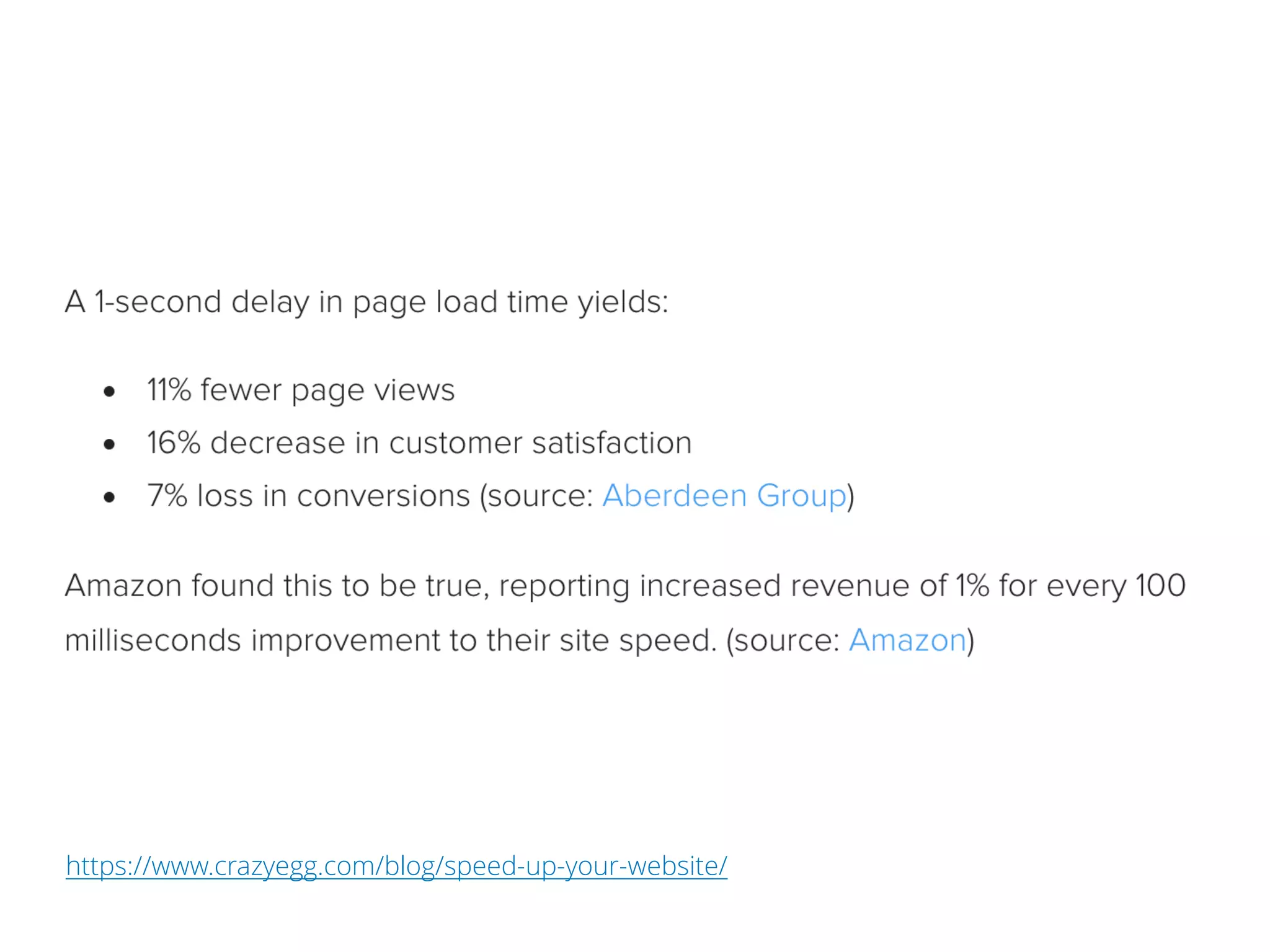
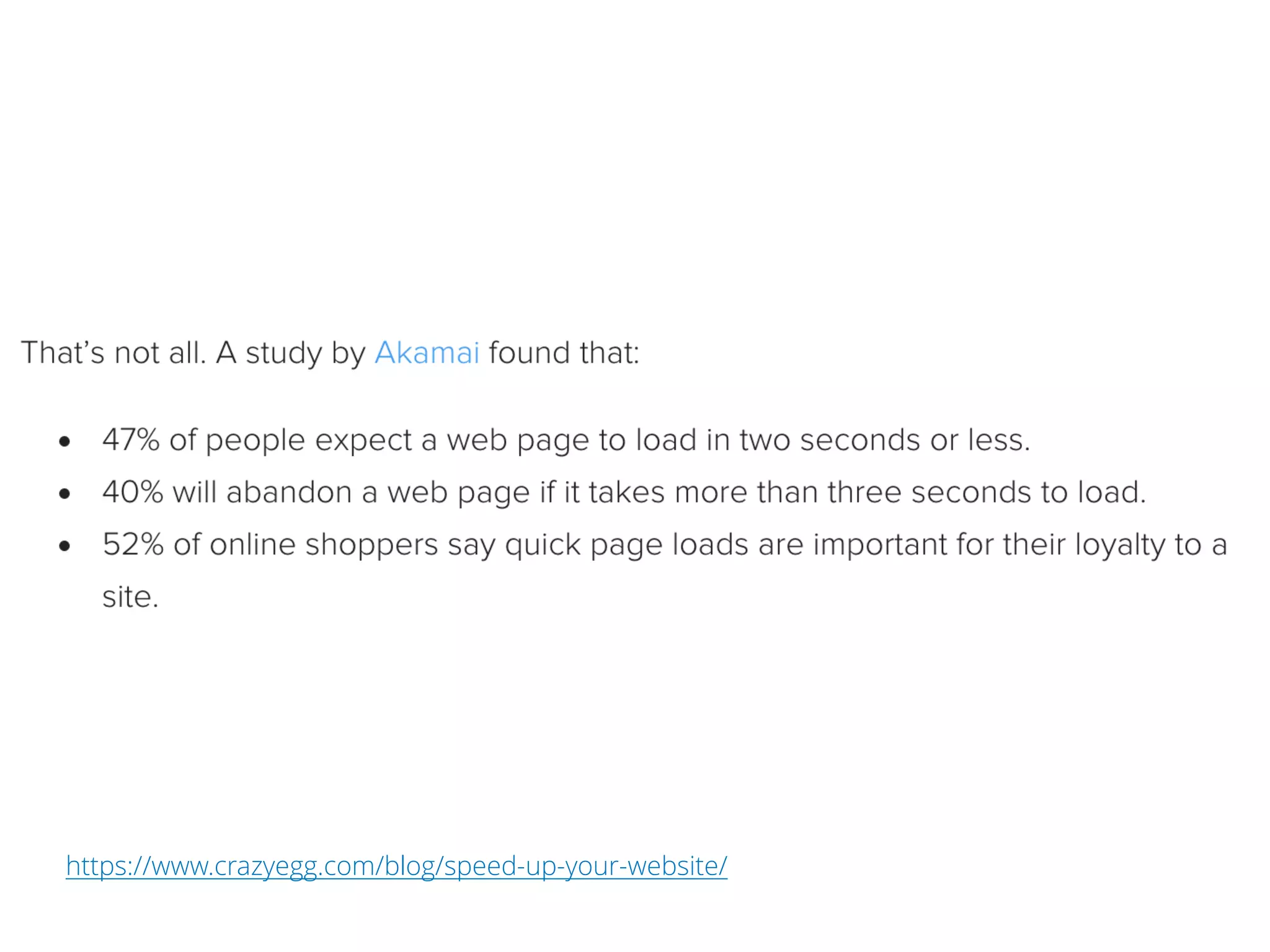
https://www.crazyegg.com/blog/speed-up-your-website/
What is
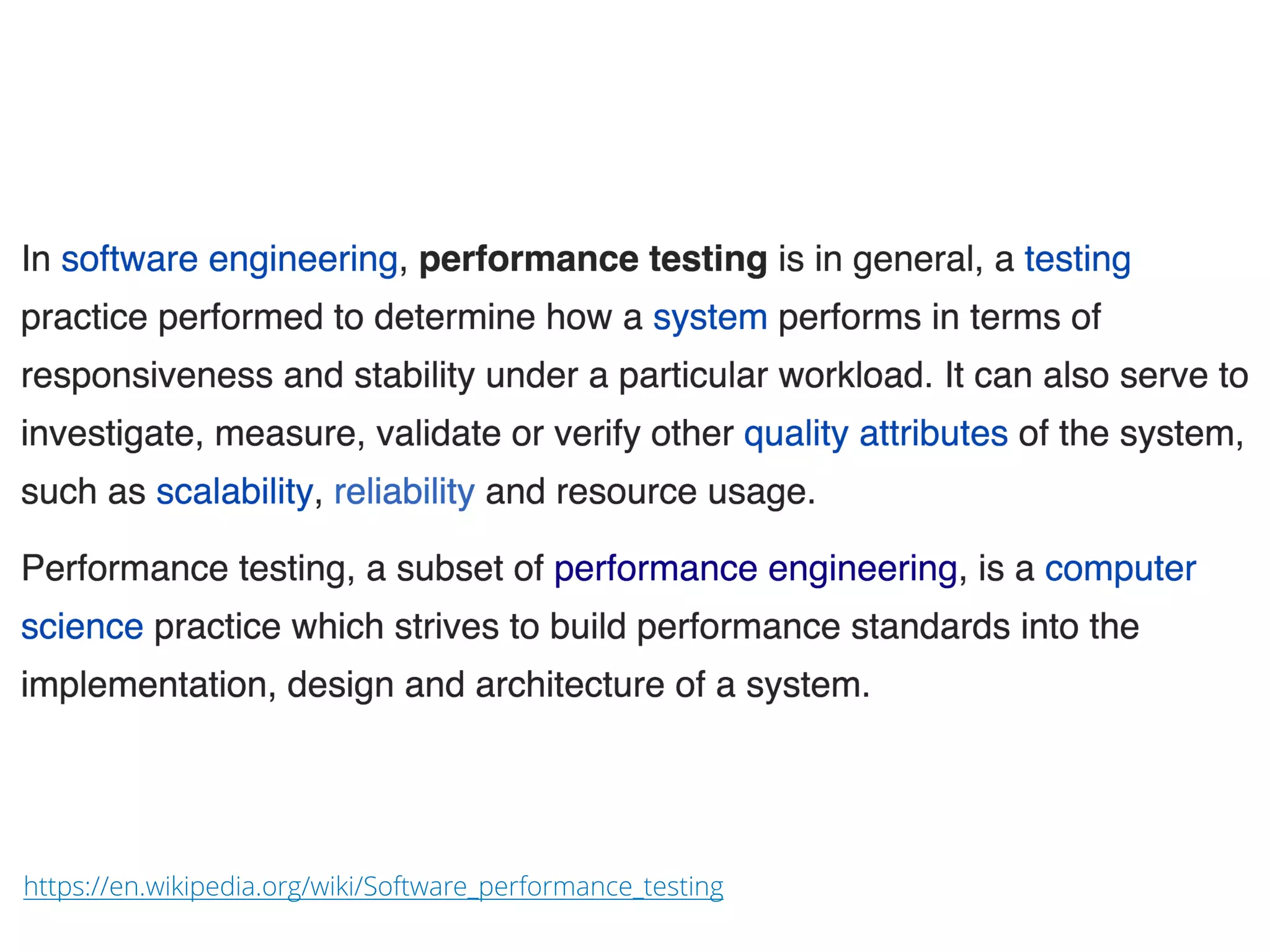
Performance Testing?
https://en.wikipedia.org/wiki/Software_performance_testing
What is
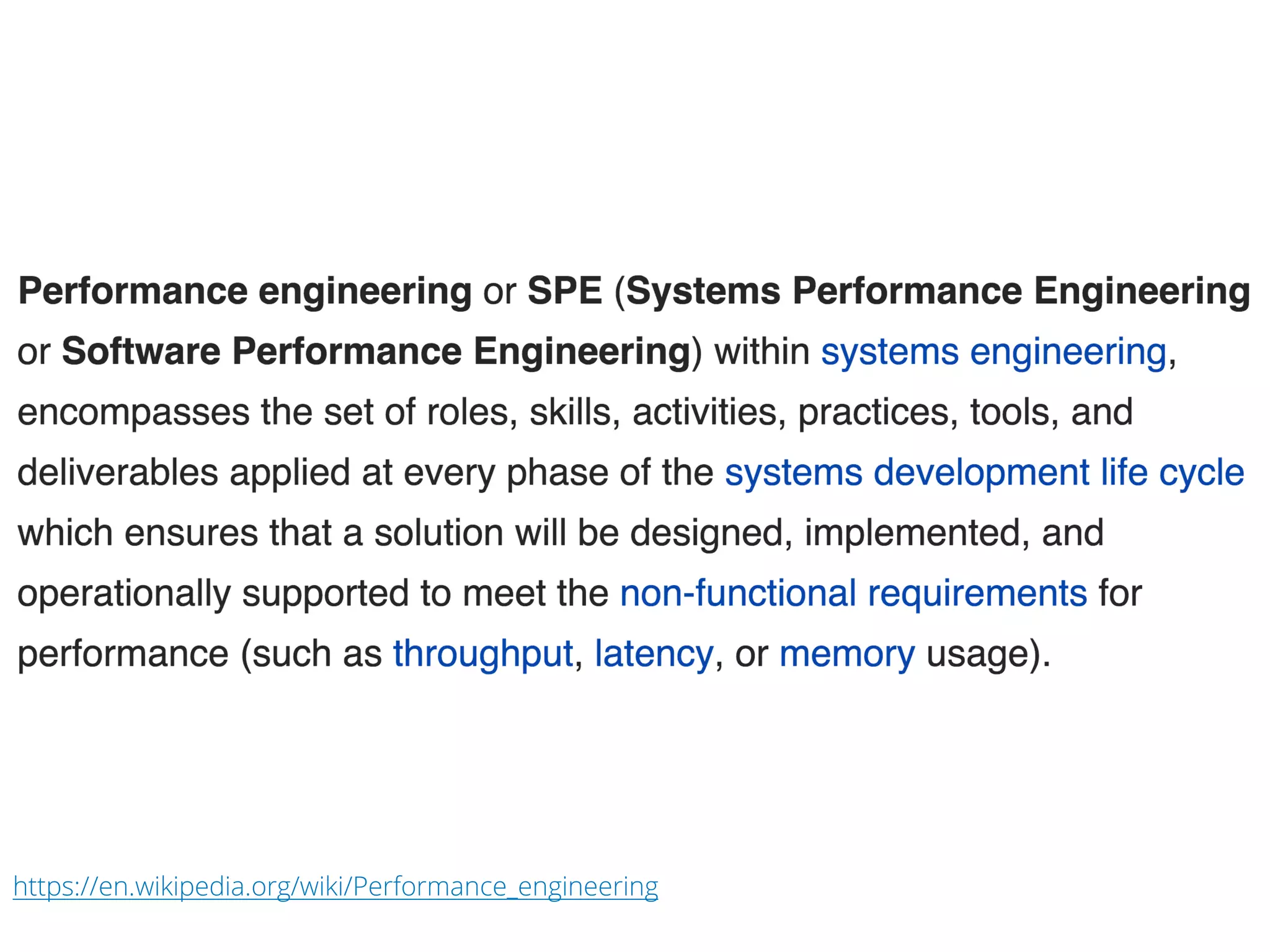
Performance Engineering?
https://en.wikipedia.org/wiki/Performance_engineering
Techniques to improve
Performance
TECHNIQUES TO IMPROVE PERFORMANCE
We need to understand, and optimize
¨ Architecture, and
¨ How content gets delivered to the end-user
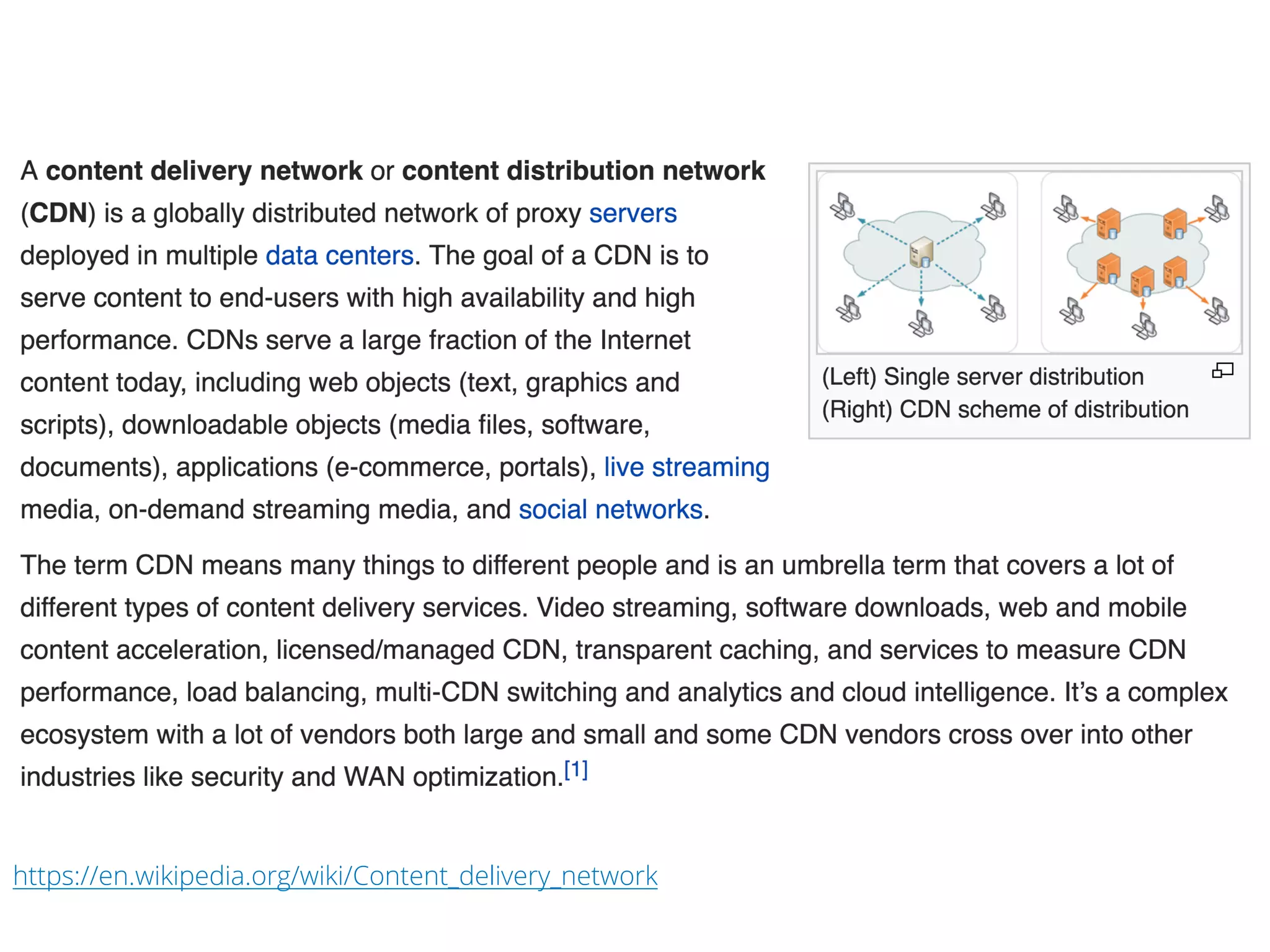
CDN – Content Delivery
Network
https://en.wikipedia.org/wiki/Content_delivery_network
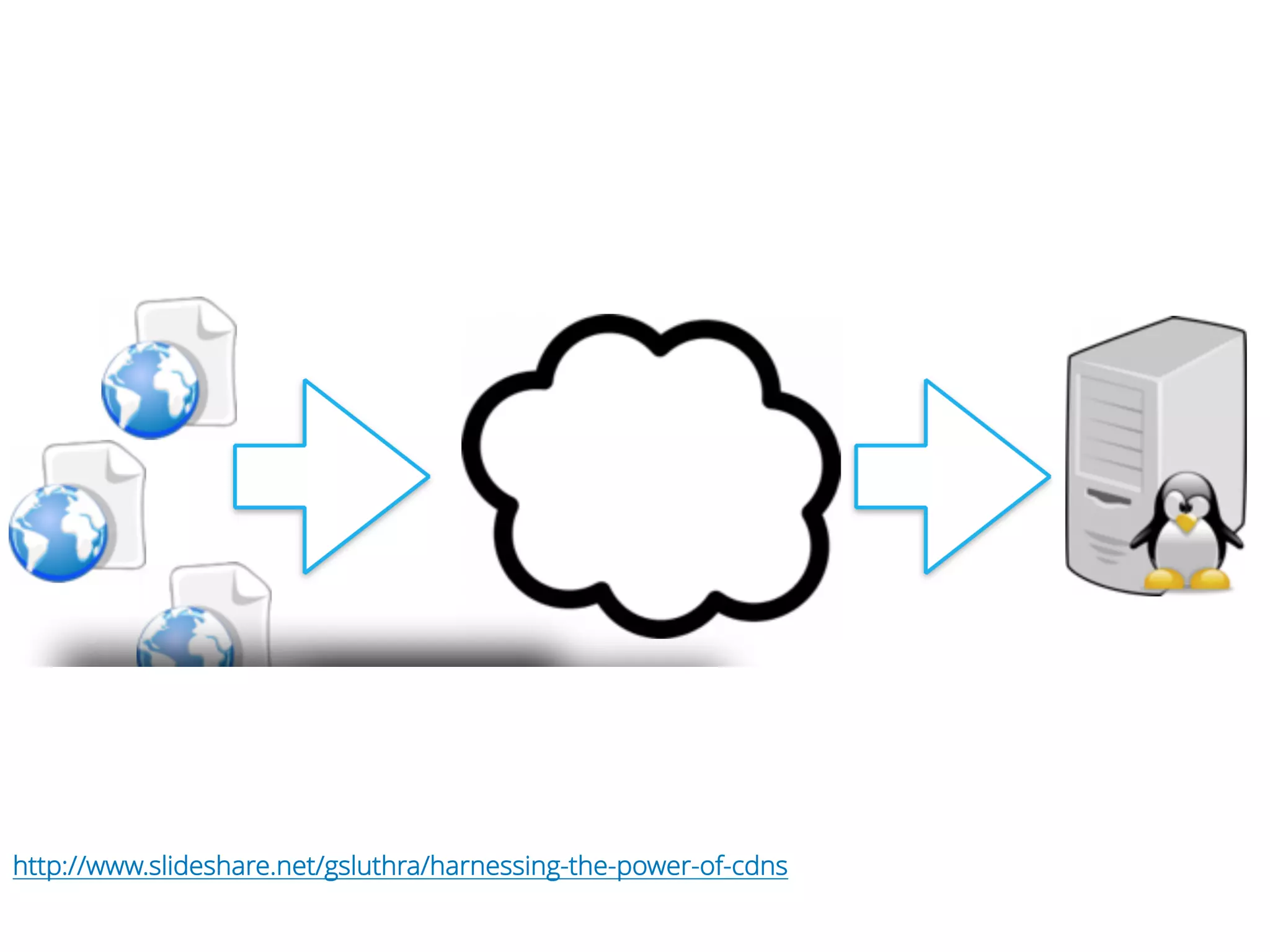
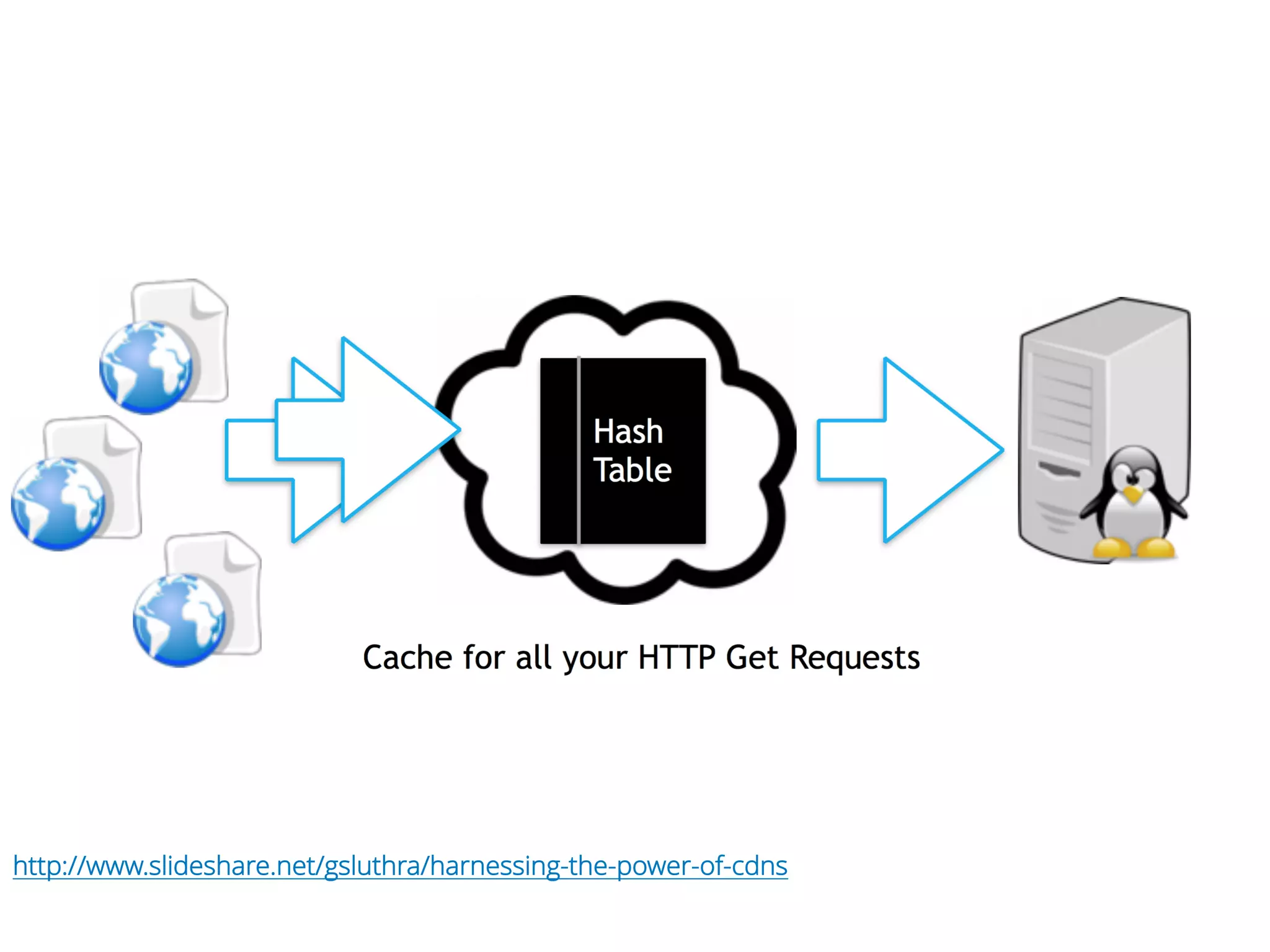
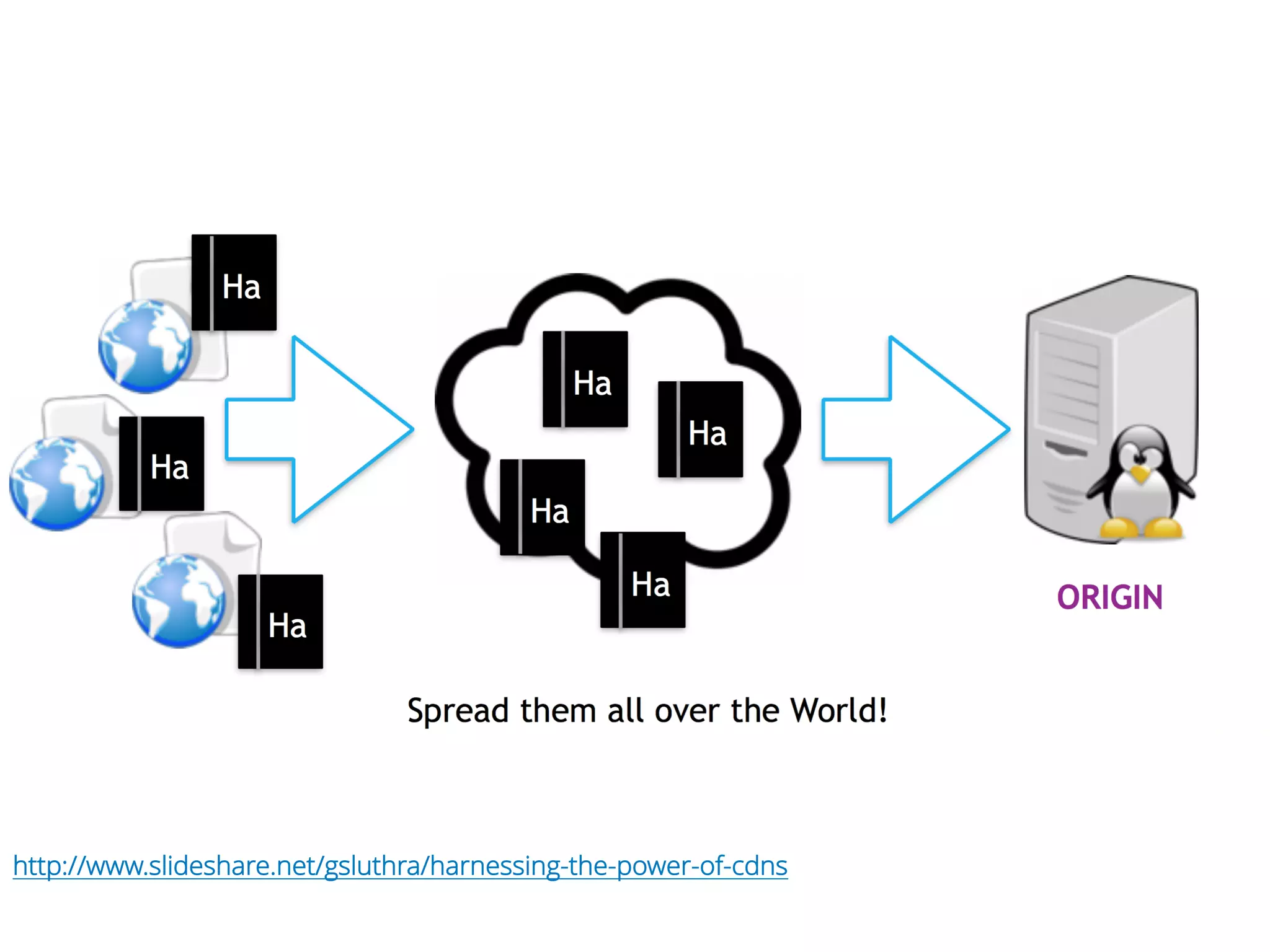
How does CDN work?
http://www.slideshare.net/gsluthra/harnessing-the-power-of-cdns
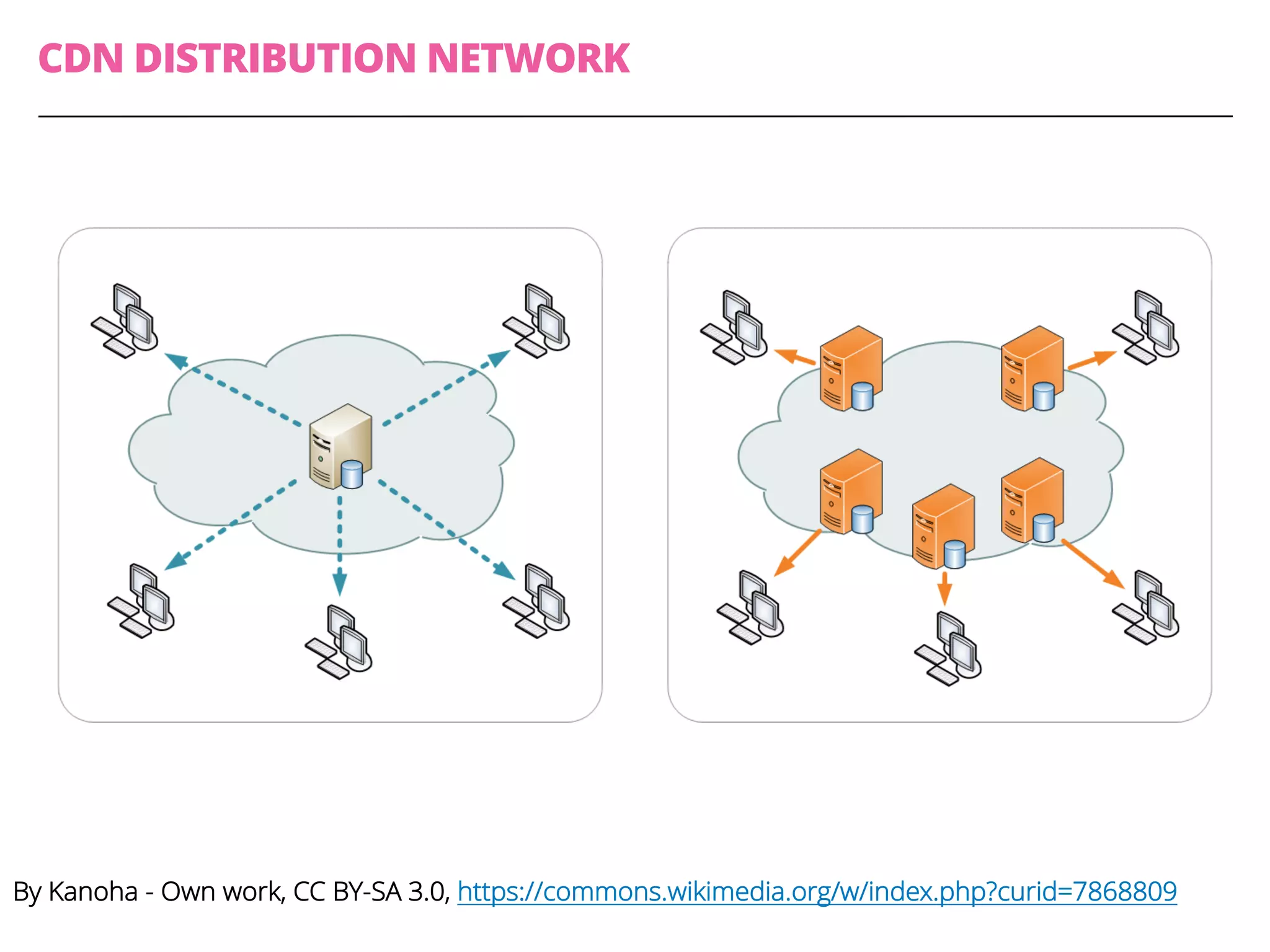
By Kanoha - Own work, CC BY-SA 3.0, https://commons.wikimedia.org/w/index.php?curid=7868809
CDN DISTRIBUTION NETWORK
This work great, but ...
Are there any
problems / limitations
of CDNs?
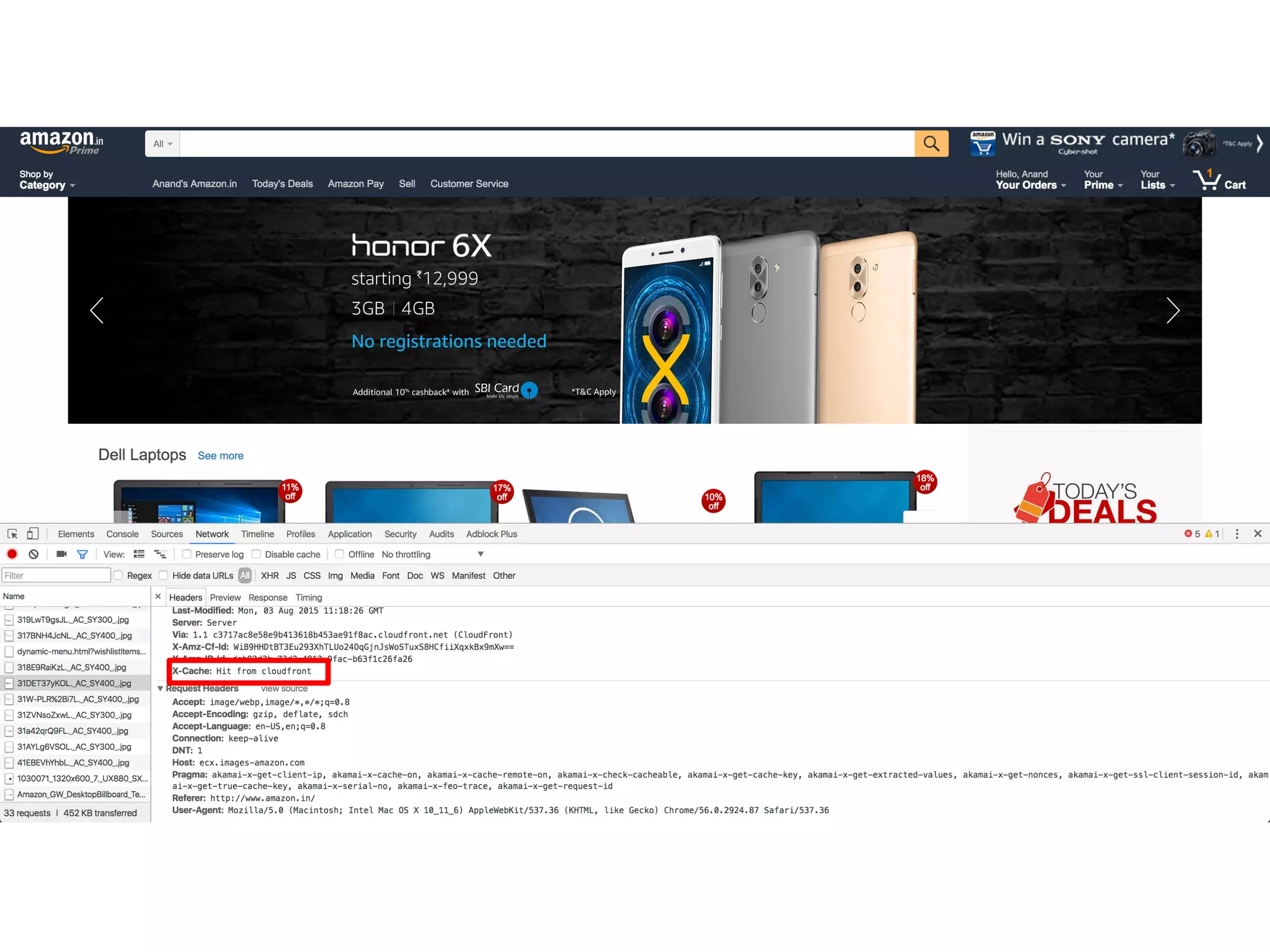
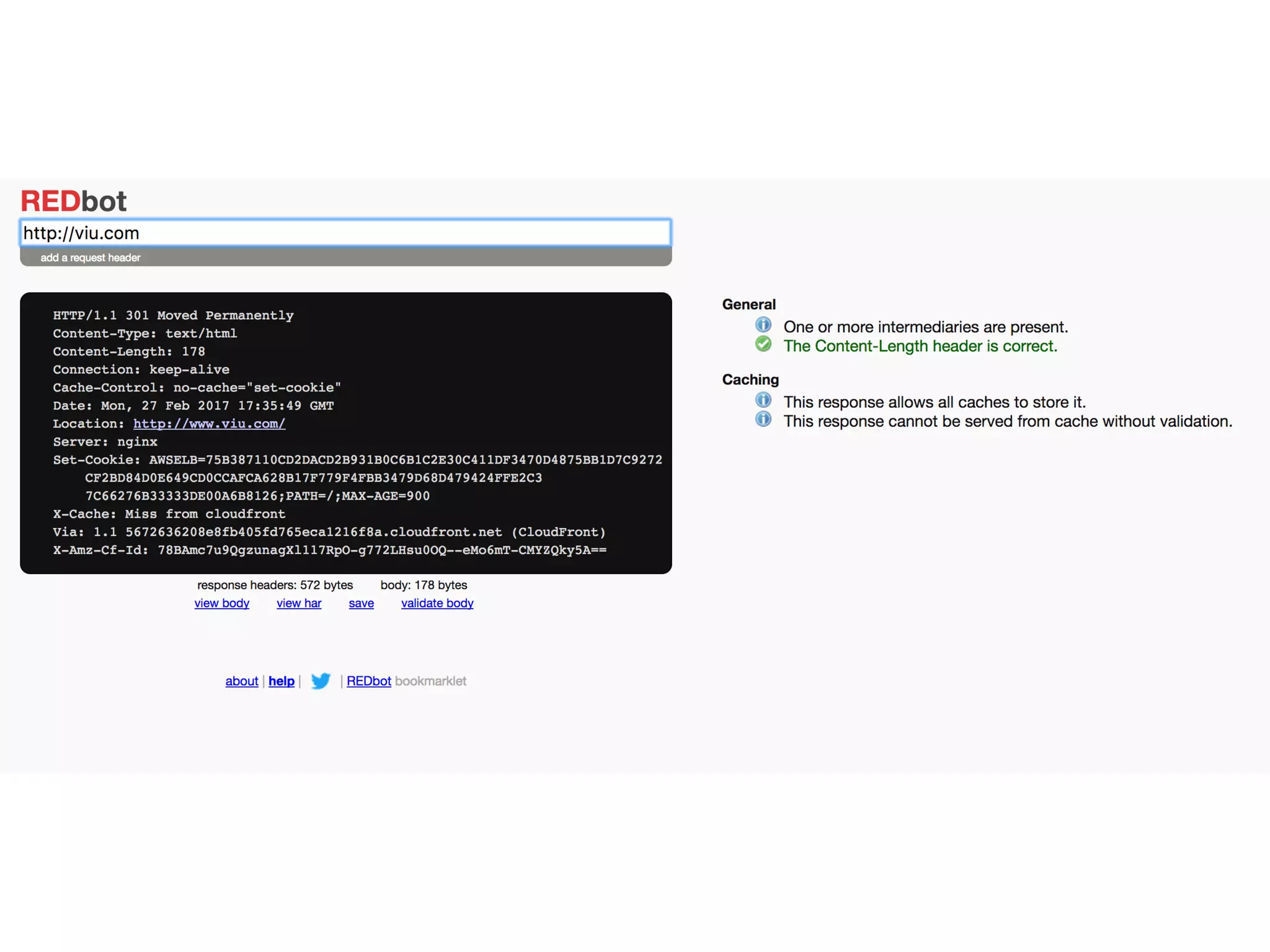
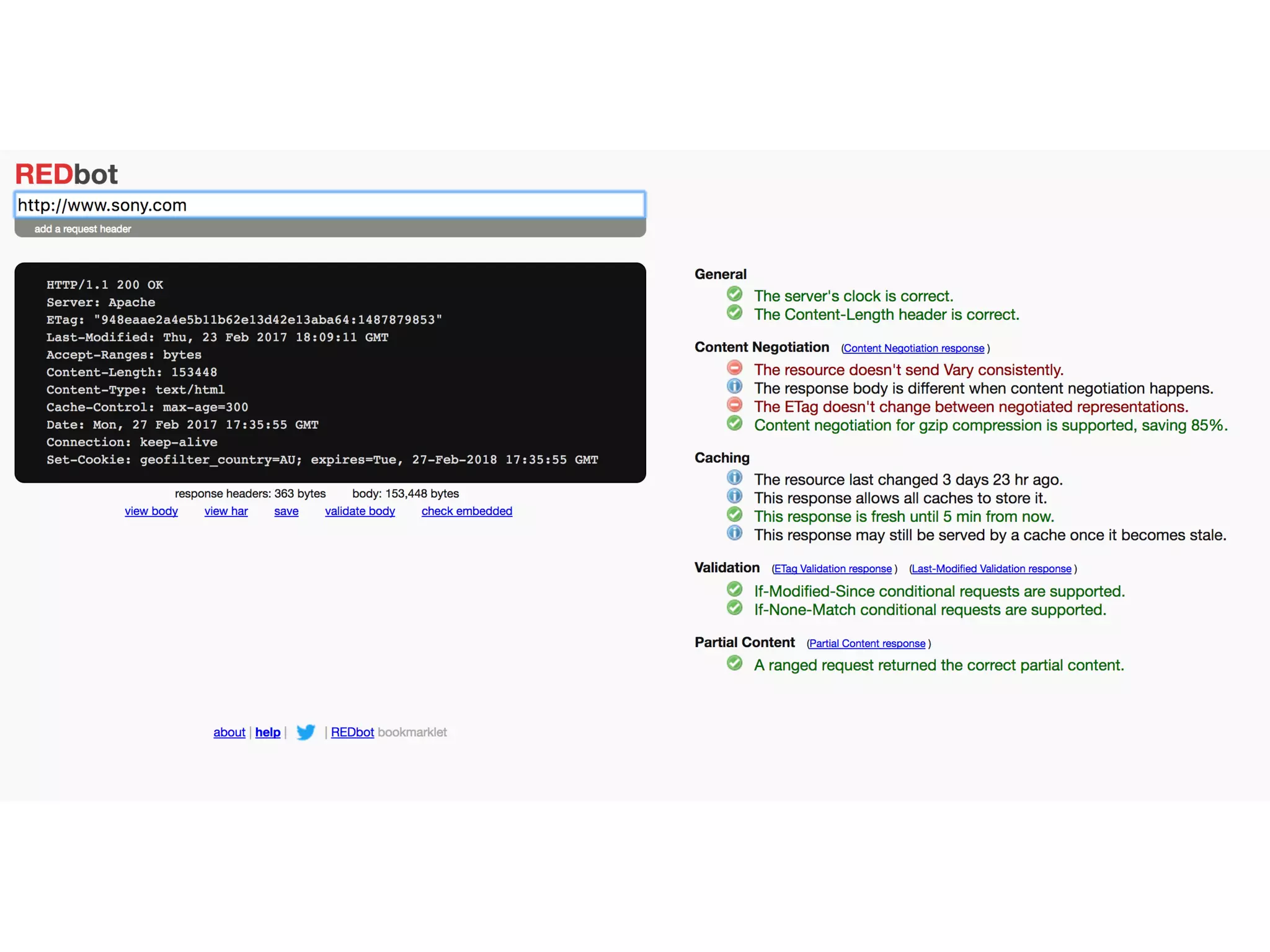
Caching!
In computing, a cache (/ˈkæʃ/ KASH) is a component that stores
data so future requests for that data can be served faster; the data
stored in a cache might be the results of an earlier computation, or
the duplicates of data stored elsewhere.
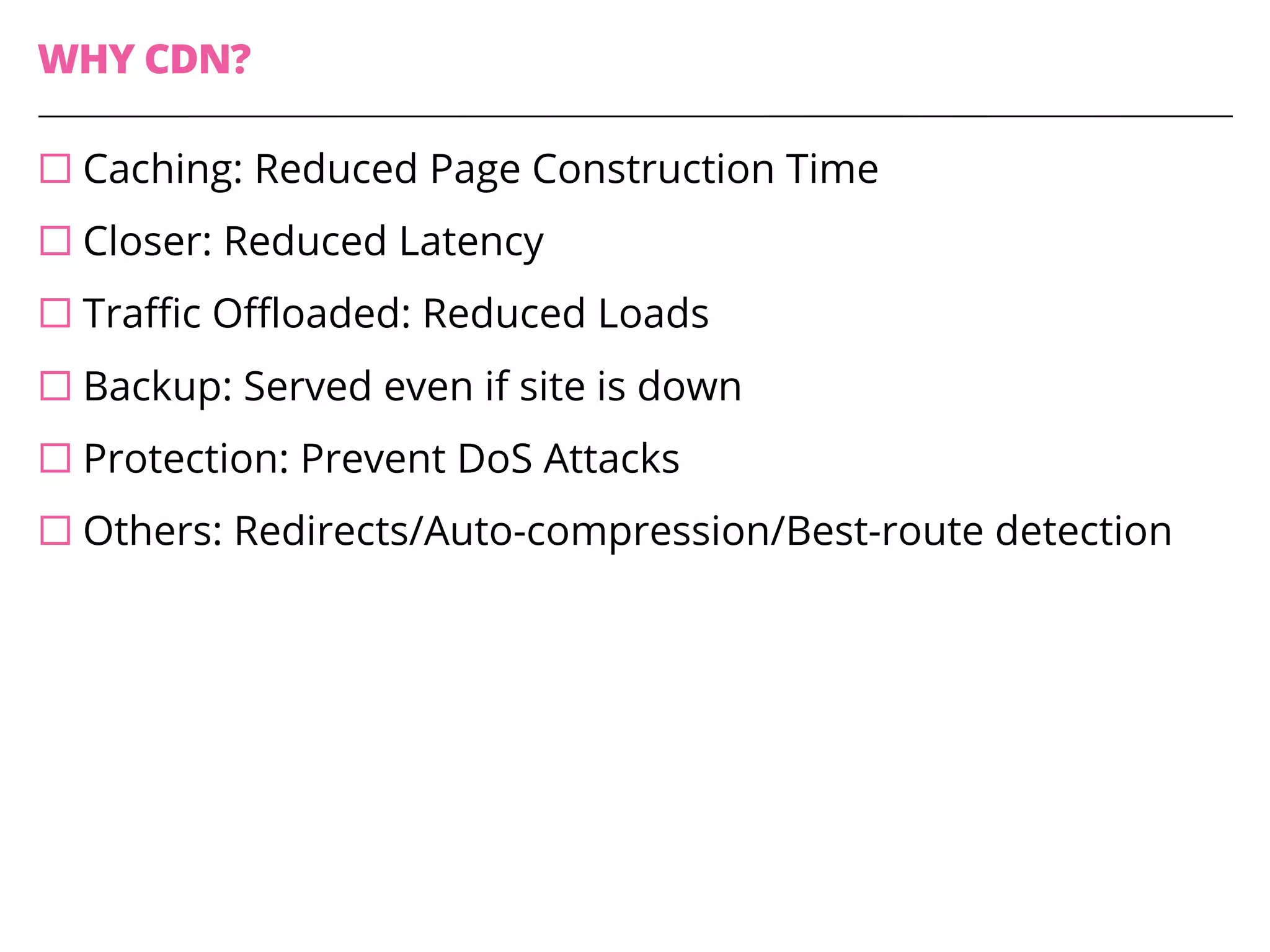
WHY CDN?
¨ Caching: Reduced Page Construction Time
¨ Closer: Reduced Latency
¨ Traffic Offloaded: Reduced Loads
¨ Backup: Served even if site is down
¨ Protection: Prevent DoS Attacks
¨ Others: Redirects/Auto-compression/Best-route detection
Where can caching be
done?
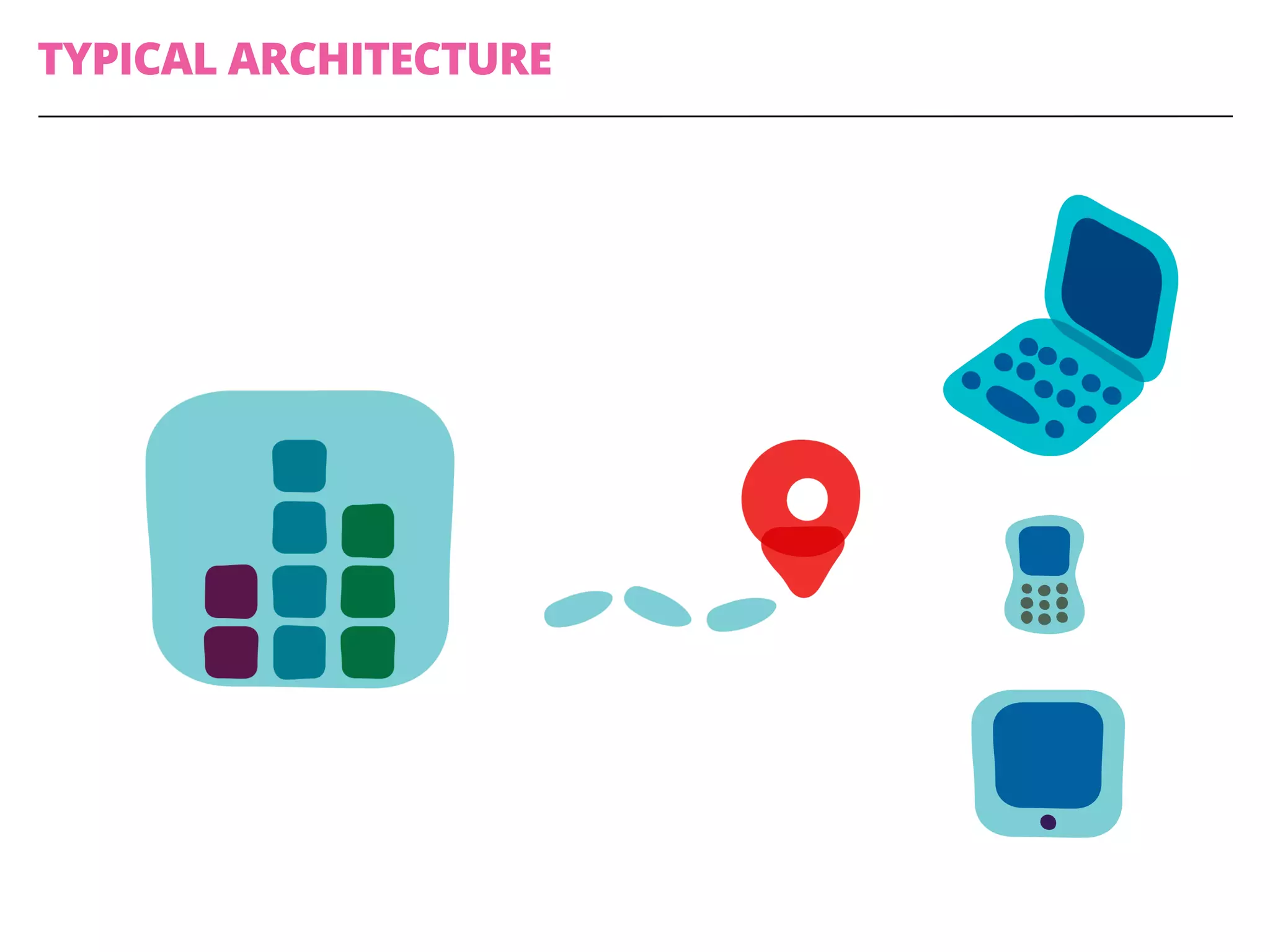
TYPICAL ARCHITECTURE
Lets draw!
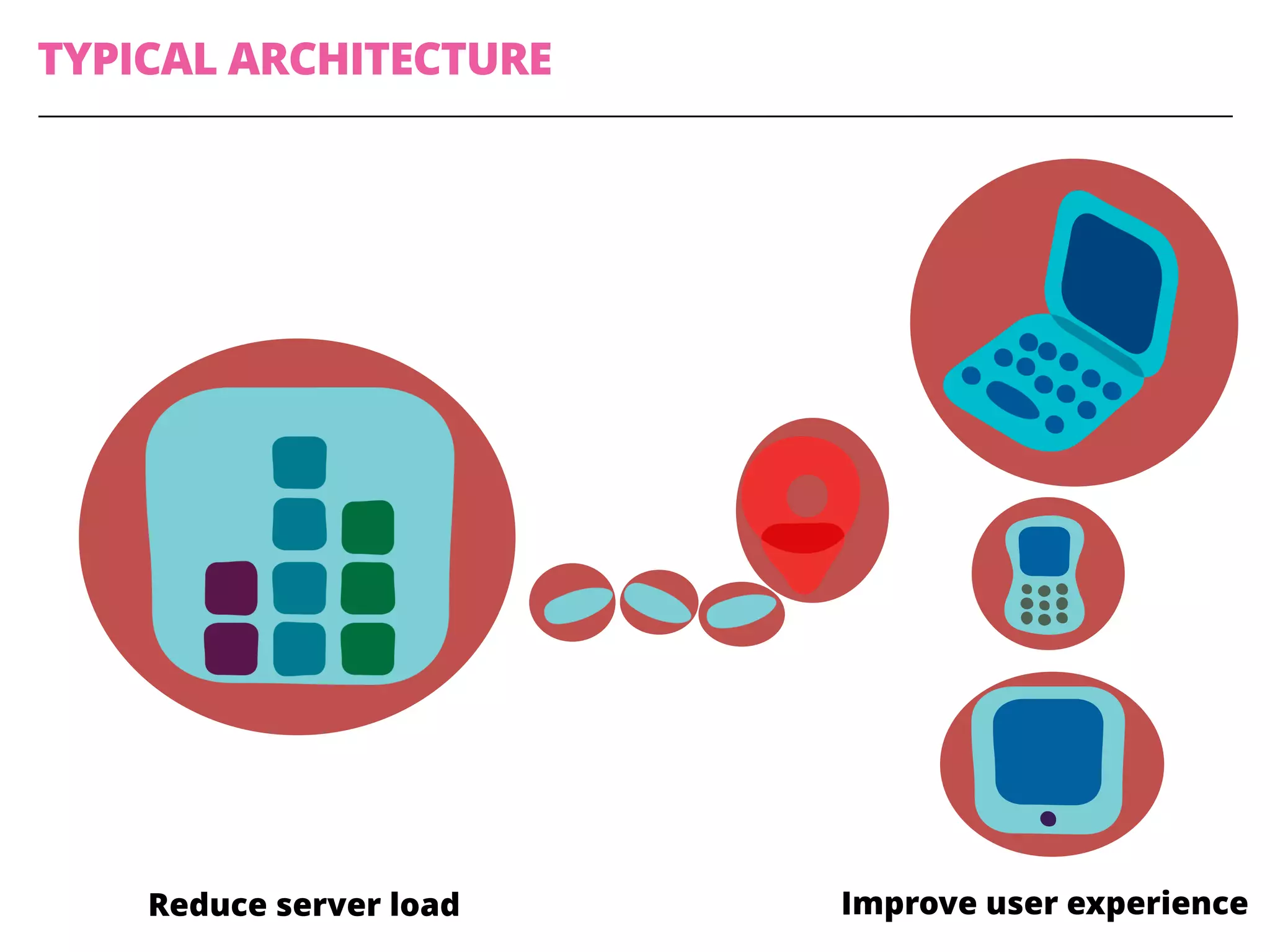
TYPICAL ARCHITECTURE
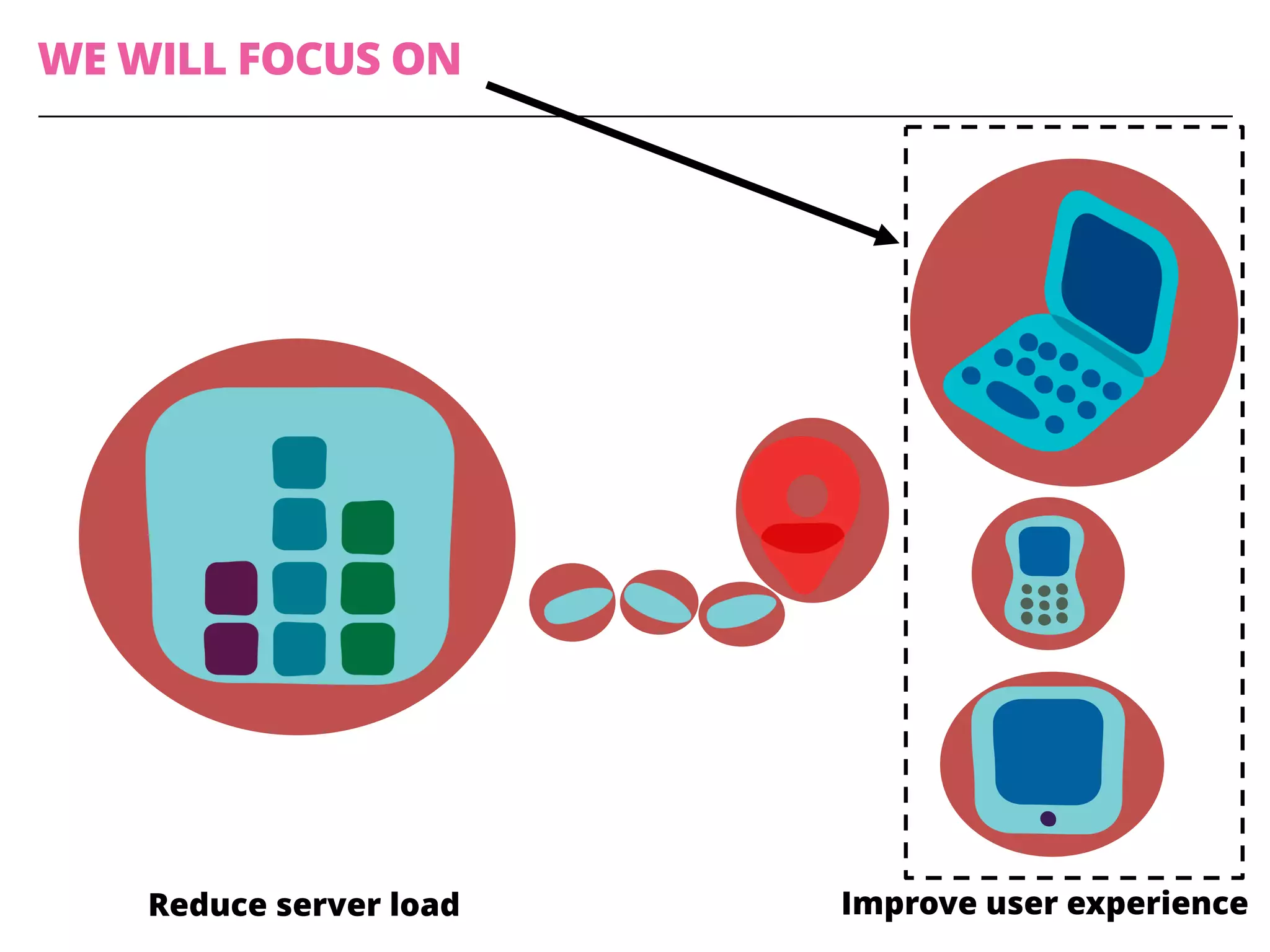
Improve user experienceReduce server load
TYPES OF CACHES
¨ Web browser
¨ Proxy
¨ CDNs
¨ Reverse Proxies
¨ Web Server’s / Specialized Caches
WE WILL FOCUS ON
Improve user experienceReduce server load
Client-side Performance
Testing
To fix performance issues, we need
to be able to measure it first!
Measuring Client-side
Performance
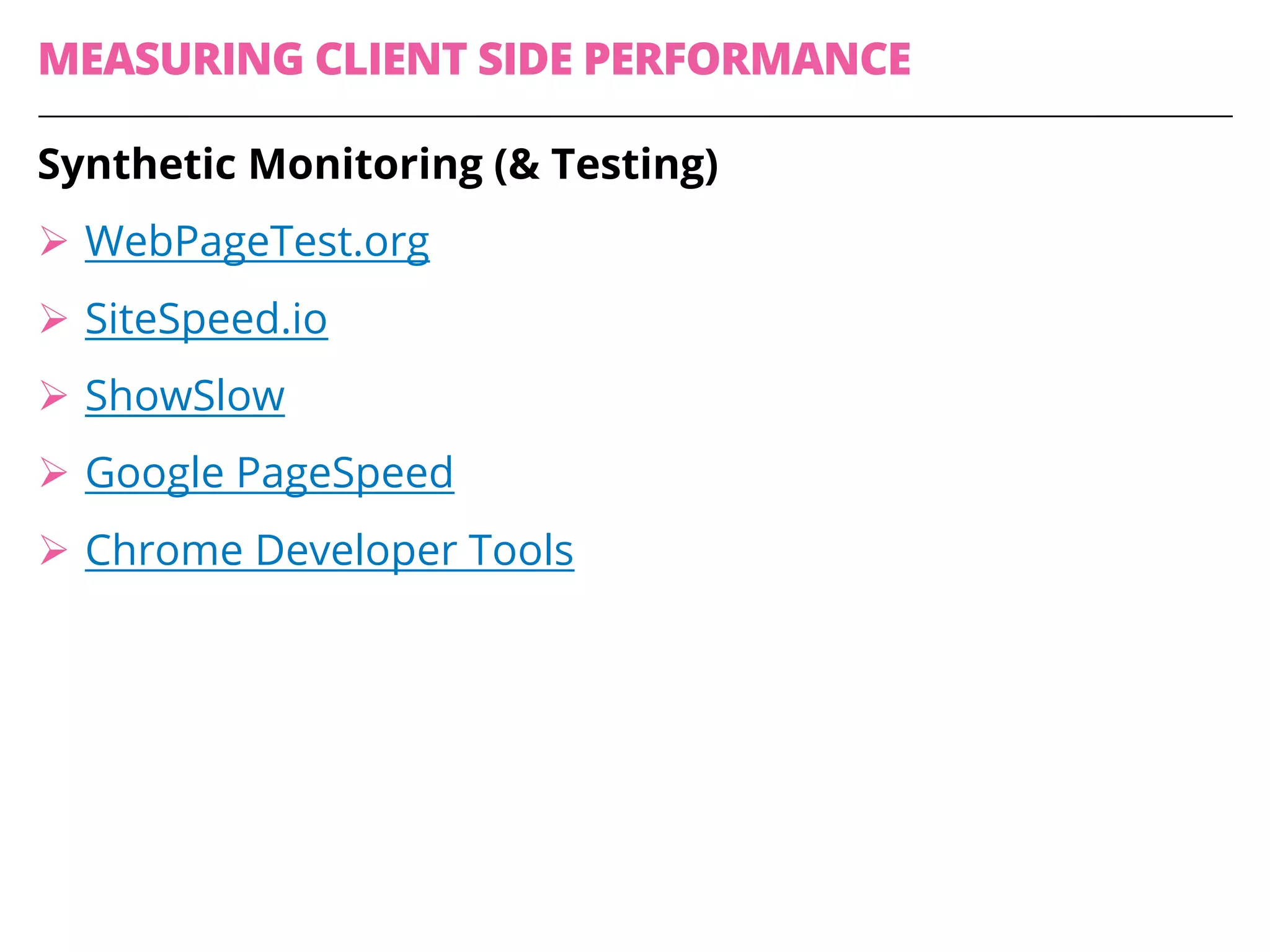
MEASURING CLIENT SIDE PERFORMANCE
Synthetic Monitoring (& Testing)
Ø WebPageTest.org
Ø SiteSpeed.io
Ø ShowSlow
Ø Google PageSpeed
Ø Chrome Developer Tools
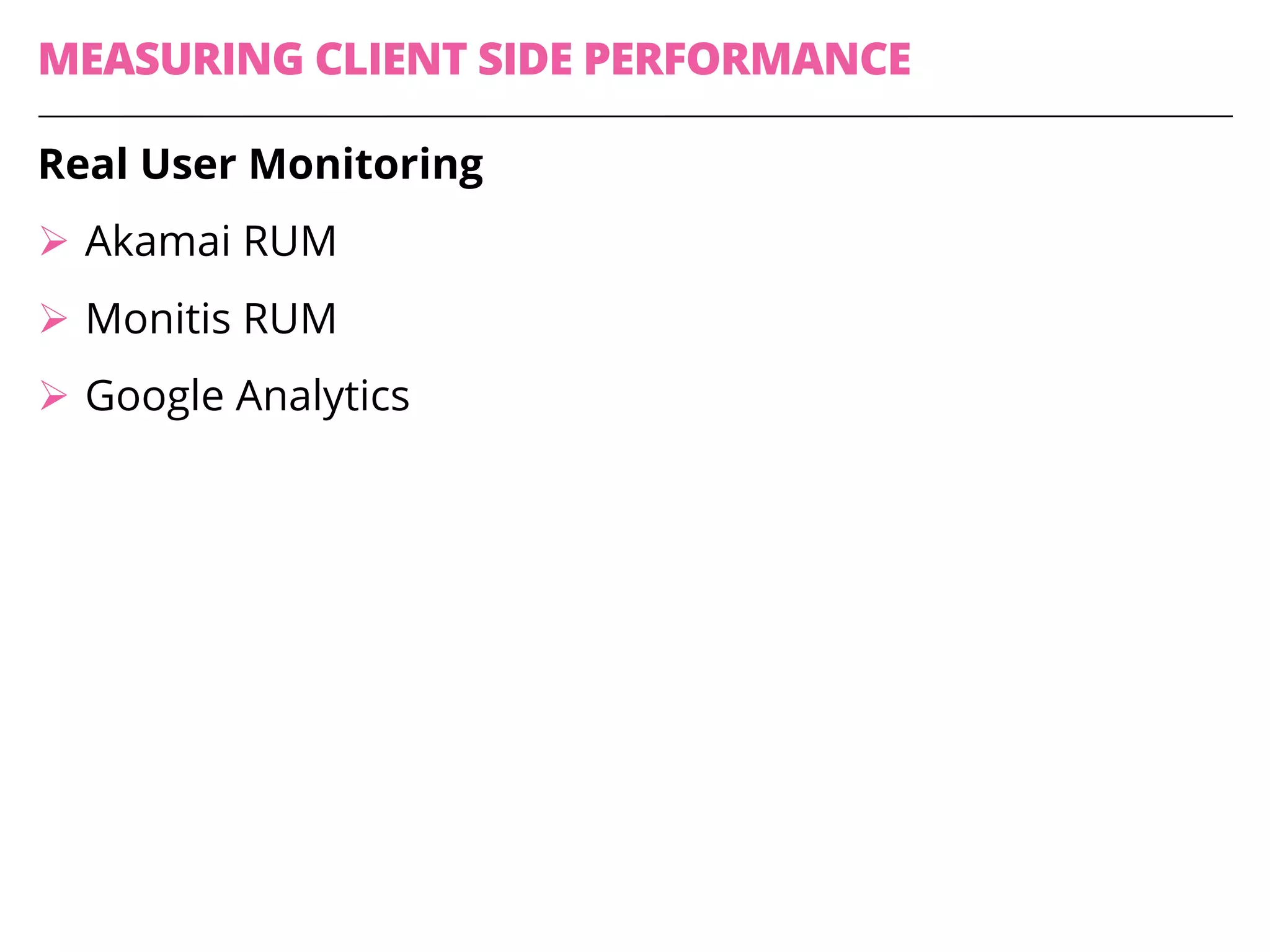
MEASURING CLIENT SIDE PERFORMANCE
Real User Monitoring
Ø Akamai RUM
Ø Monitis RUM
Ø Google Analytics
WebPageTest
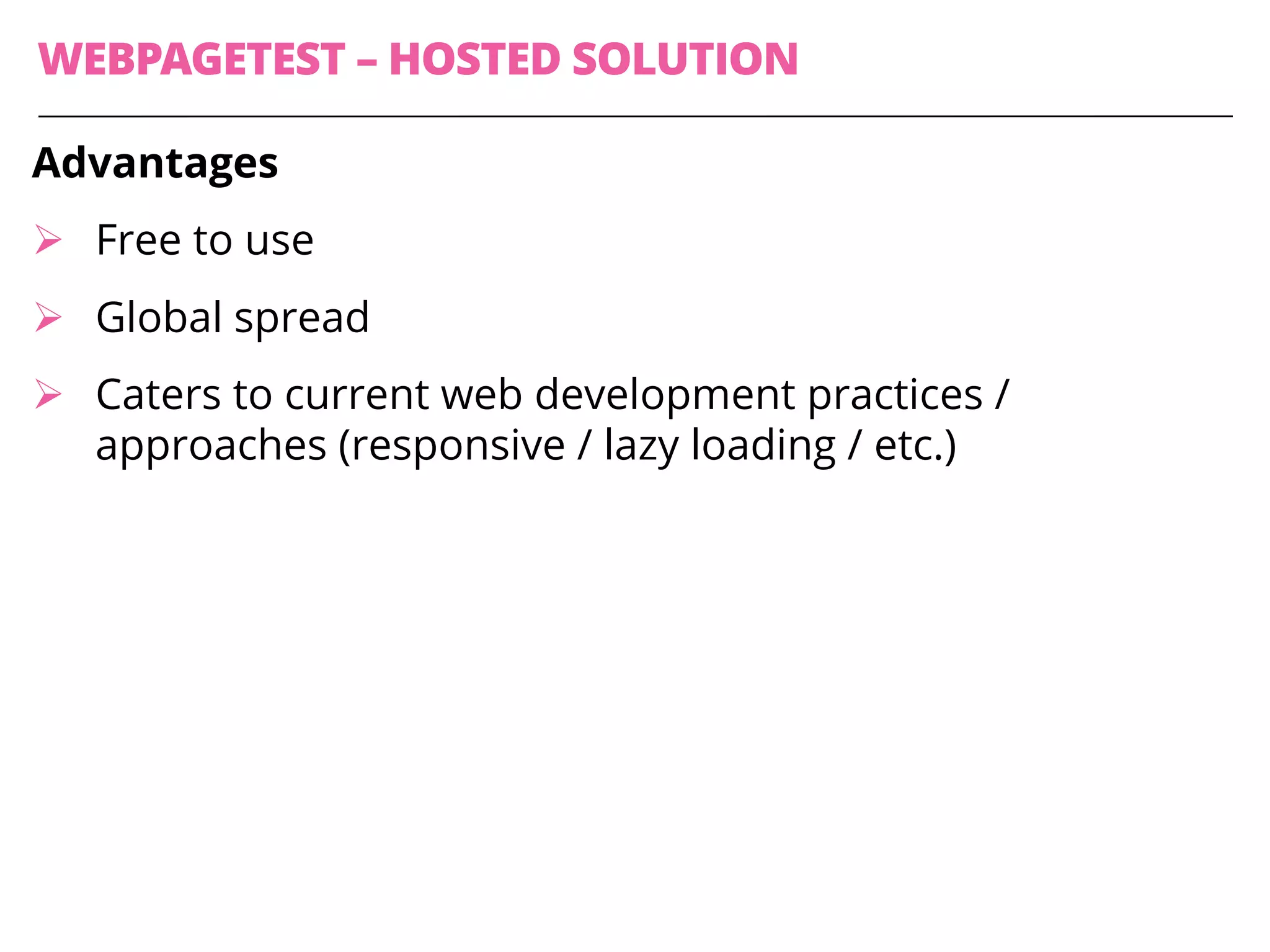
WEBPAGETEST – HOSTED SOLUTION
Advantages
Ø Free to use
Ø Global spread
Ø Caters to current web development practices /
approaches (responsive / lazy loading / etc.)
https://www.webpagetest.org/
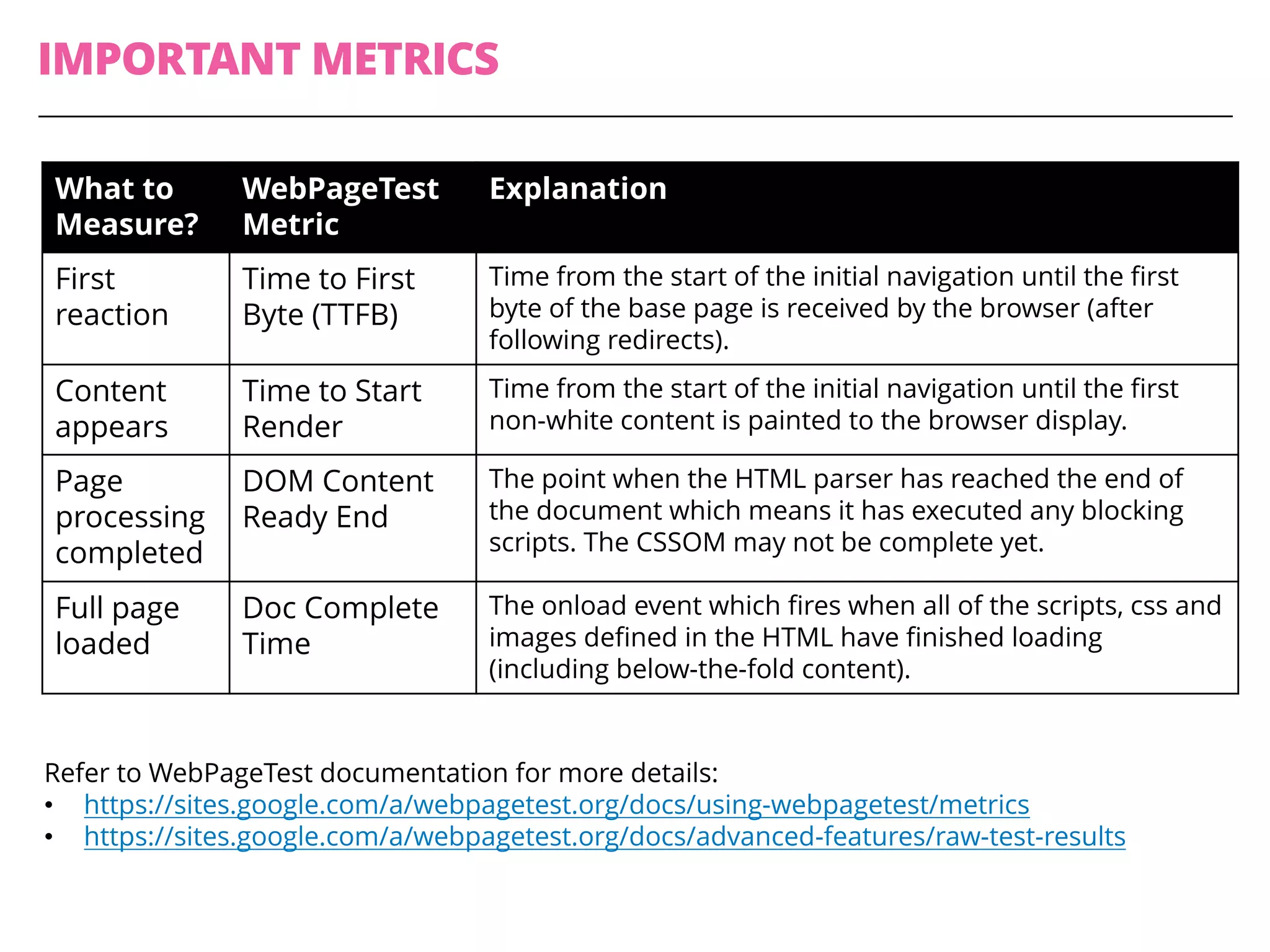
IMPORTANT METRICS
What to
Measure?
WebPageTest
Metric
Explanation
First
reaction
Time to First
Byte (TTFB)
Time from the start of the initial navigation until the first
byte of the base page is received by the browser (after
following redirects).
Content
appears
Time to Start
Render
Time from the start of the initial navigation until the first
non-white content is painted to the browser display.
Page
processing
completed
DOM Content
Ready End
The point when the HTML parser has reached the end of
the document which means it has executed any blocking
scripts. The CSSOM may not be complete yet.
Full page
loaded
Doc Complete
Time
The onload event which fires when all of the scripts, css and
images defined in the HTML have finished loading
(including below-the-fold content).
Refer to WebPageTest documentation for more details:
• https://sites.google.com/a/webpagetest.org/docs/using-webpagetest/metrics
• https://sites.google.com/a/webpagetest.org/docs/advanced-features/raw-test-results
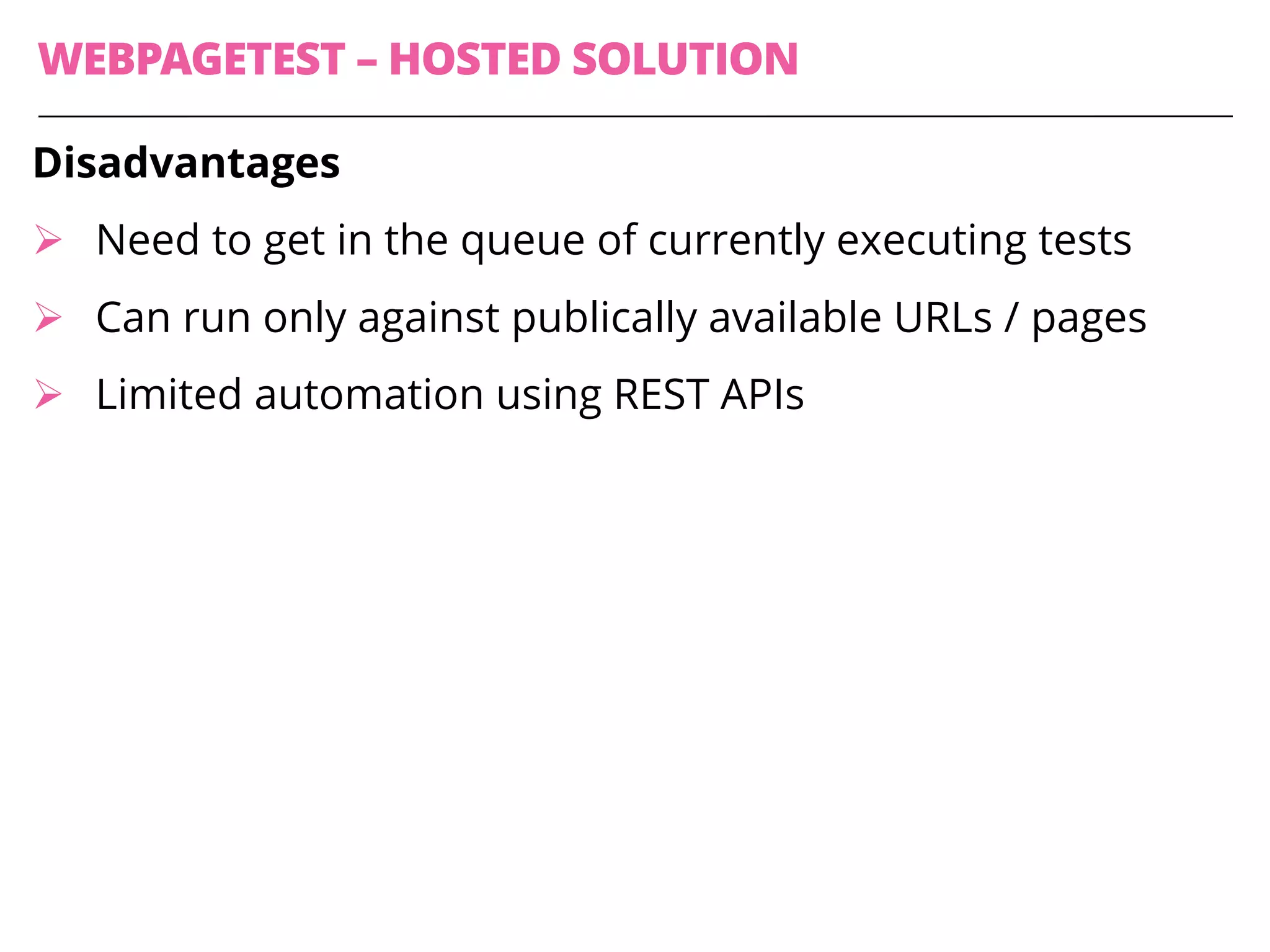
WEBPAGETEST – HOSTED SOLUTION
Disadvantages
Ø Need to get in the queue of currently executing tests
Ø Can run only against publically available URLs / pages
Ø Limited automation using REST APIs
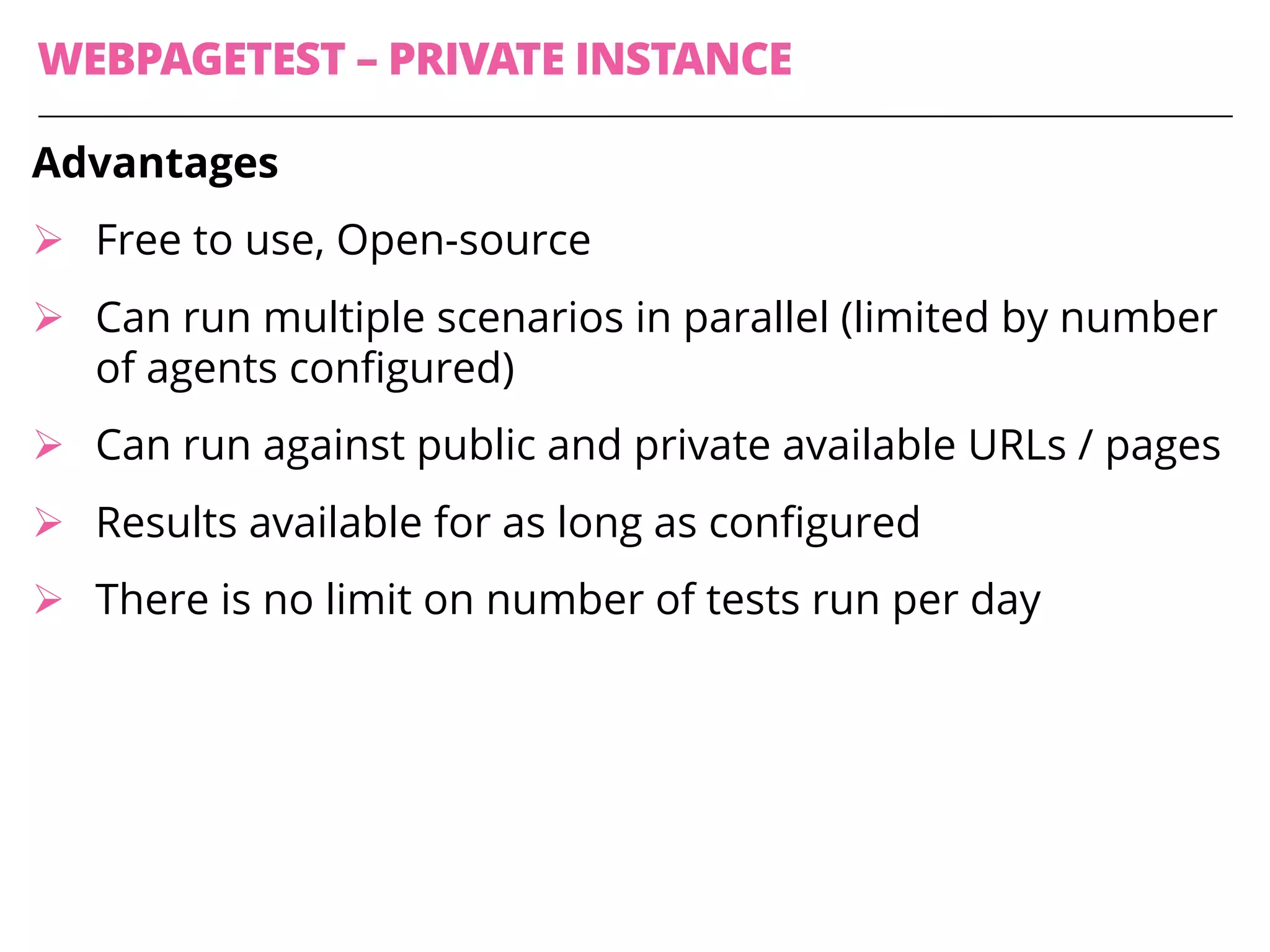
WEBPAGETEST – PRIVATE INSTANCE
Advantages
Ø Free to use, Open-source
Ø Can run multiple scenarios in parallel (limited by number
of agents configured)
Ø Can run against public and private available URLs / pages
Ø Results available for as long as configured
Ø There is no limit on number of tests run per day
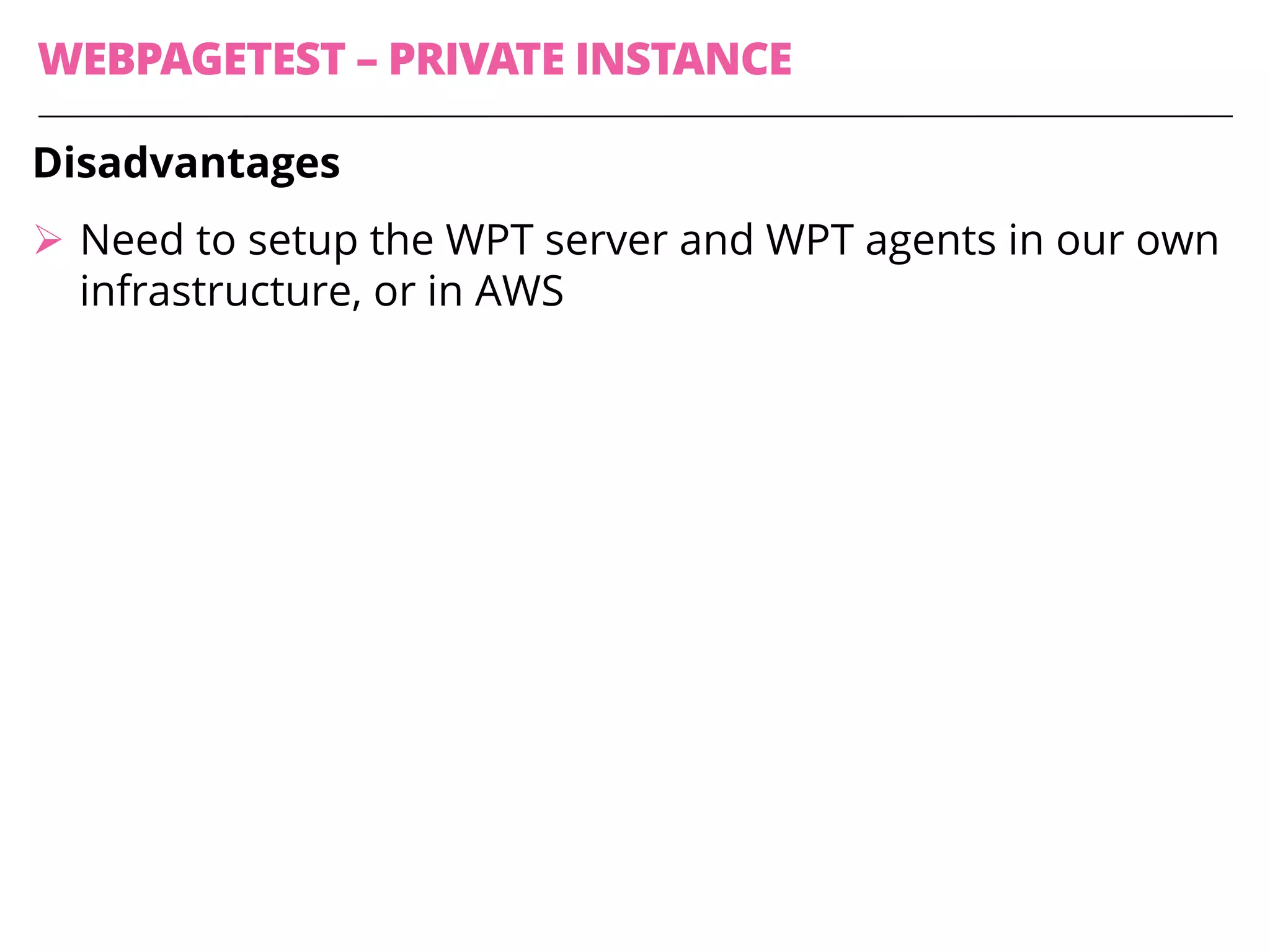
WEBPAGETEST – PRIVATE INSTANCE
Disadvantages
Ø Need to setup the WPT server and WPT agents in our own
infrastructure, or in AWS
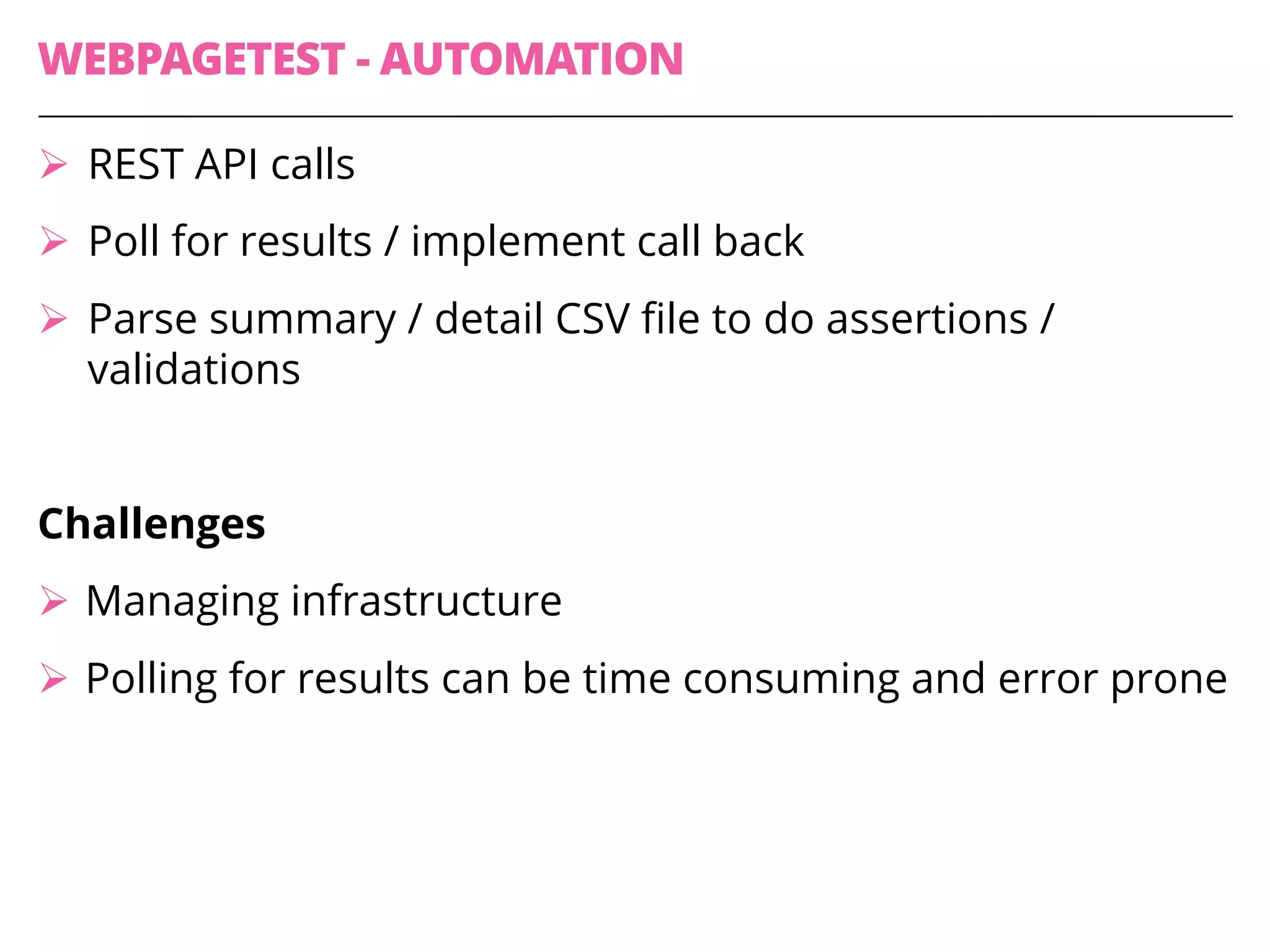
WEBPAGETEST - AUTOMATION
Ø REST API calls
Ø Poll for results / implement call back
Ø Parse summary / detail CSV file to do assertions /
validations
Challenges
Ø Managing infrastructure
Ø Polling for results can be time consuming and error prone
YSlow
YSLOW
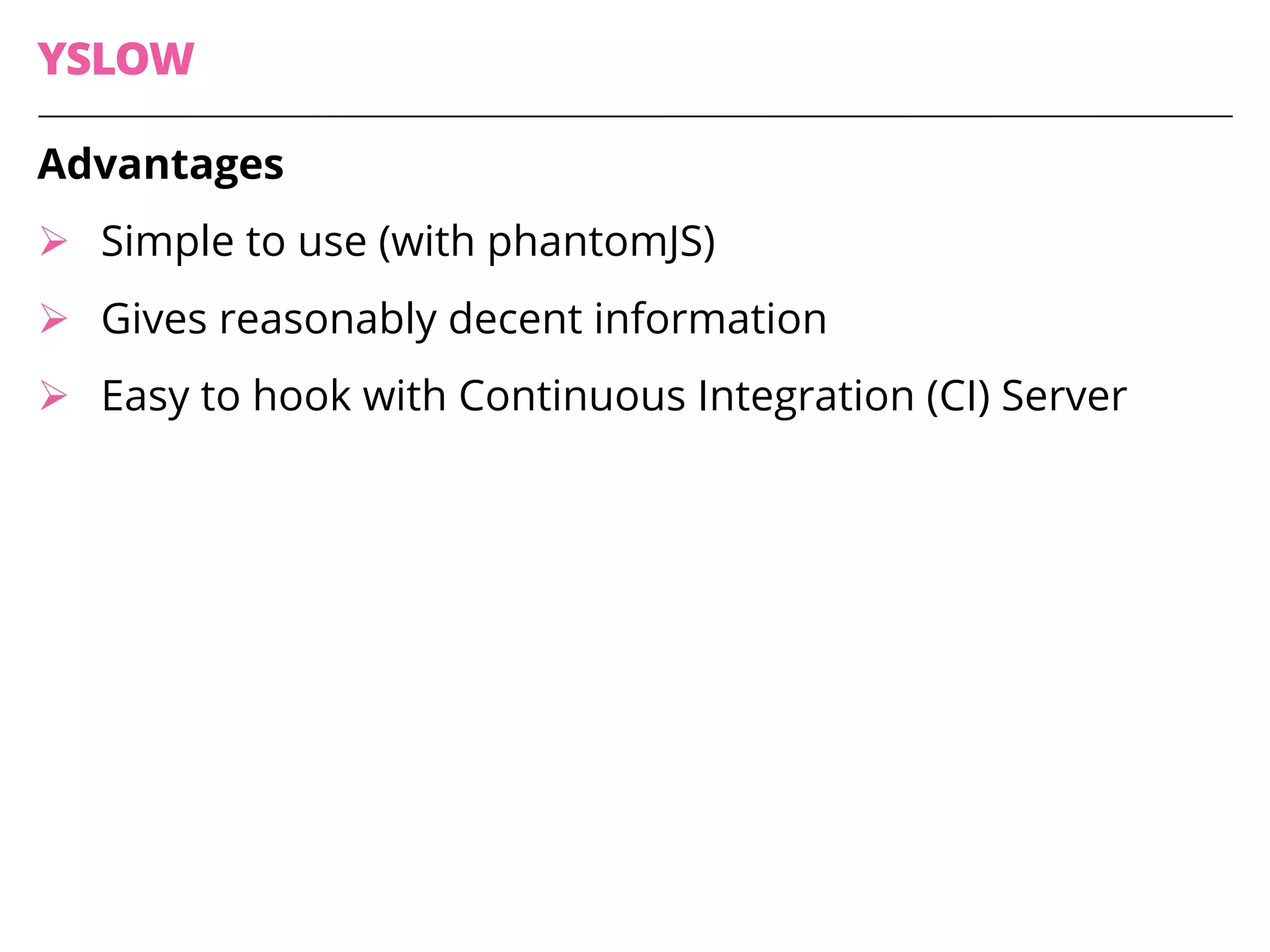
Advantages
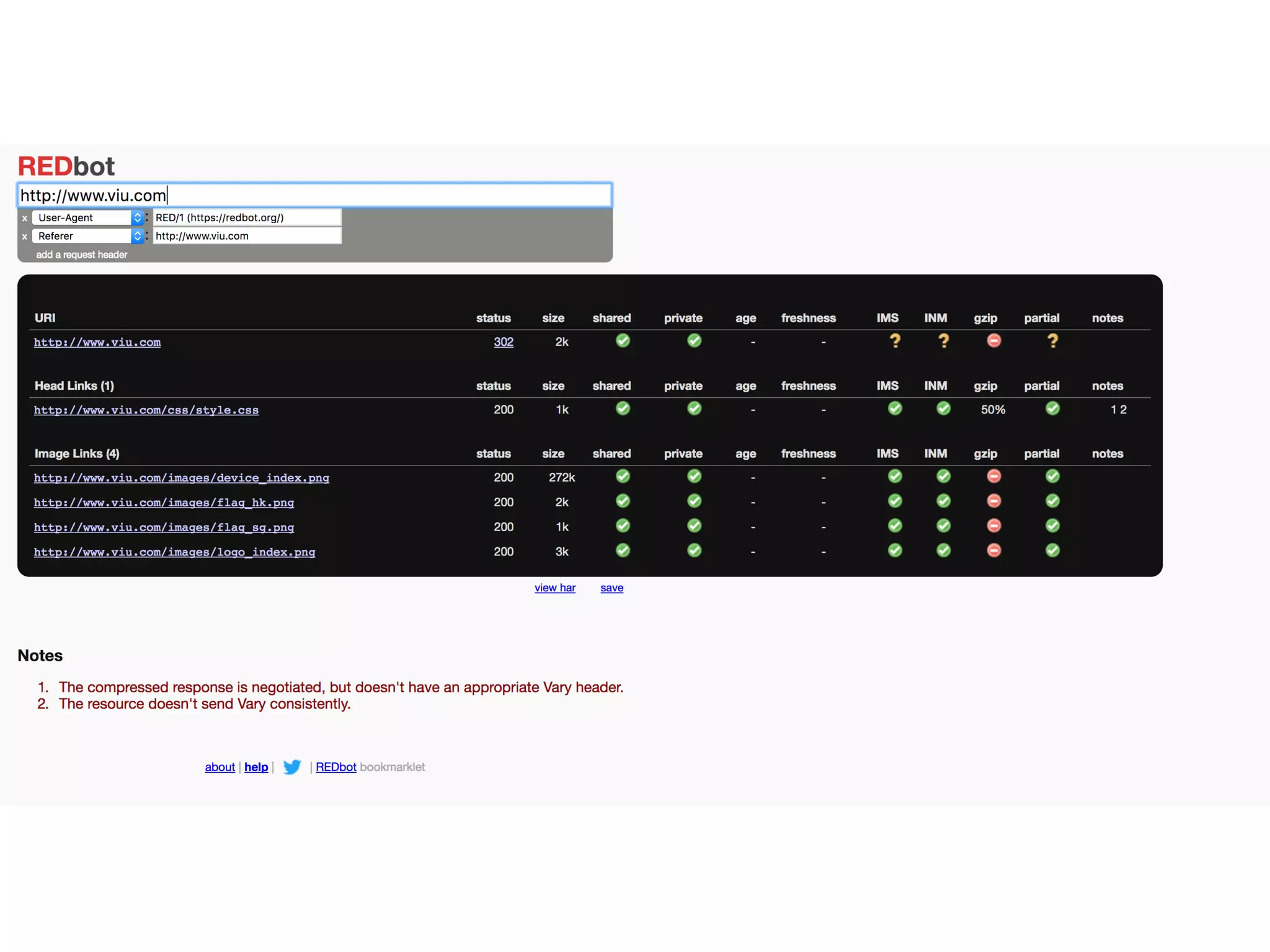
Ø Simple to use (with phantomJS)
Ø Gives reasonably decent information
Ø Easy to hook with Continuous Integration (CI) Server
http://phantomjs.org/download.html
https://github.com/anandbagmar/client-side-perf-tests
YSLOW
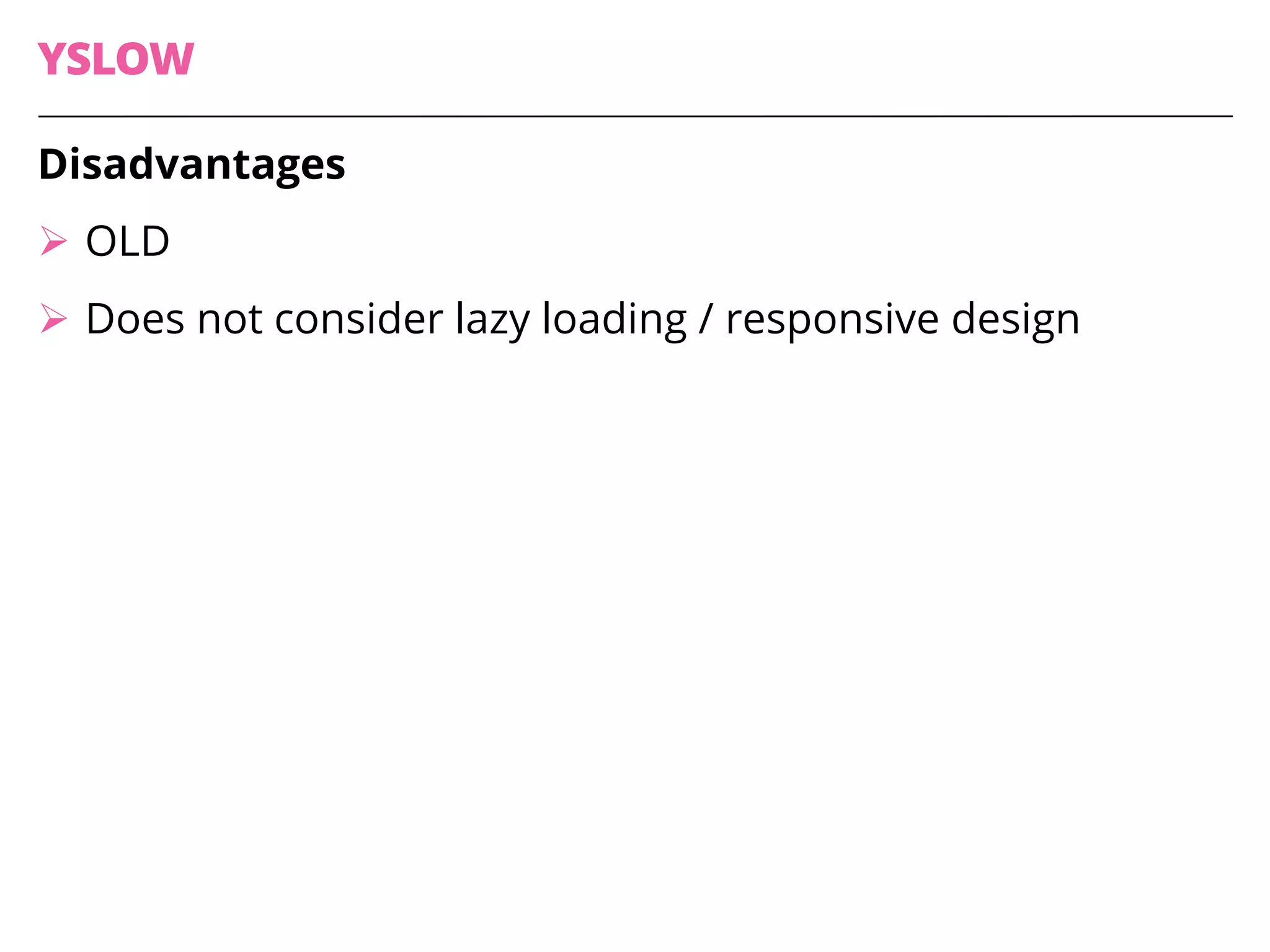
Disadvantages
Ø OLD
Ø Does not consider lazy loading / responsive design
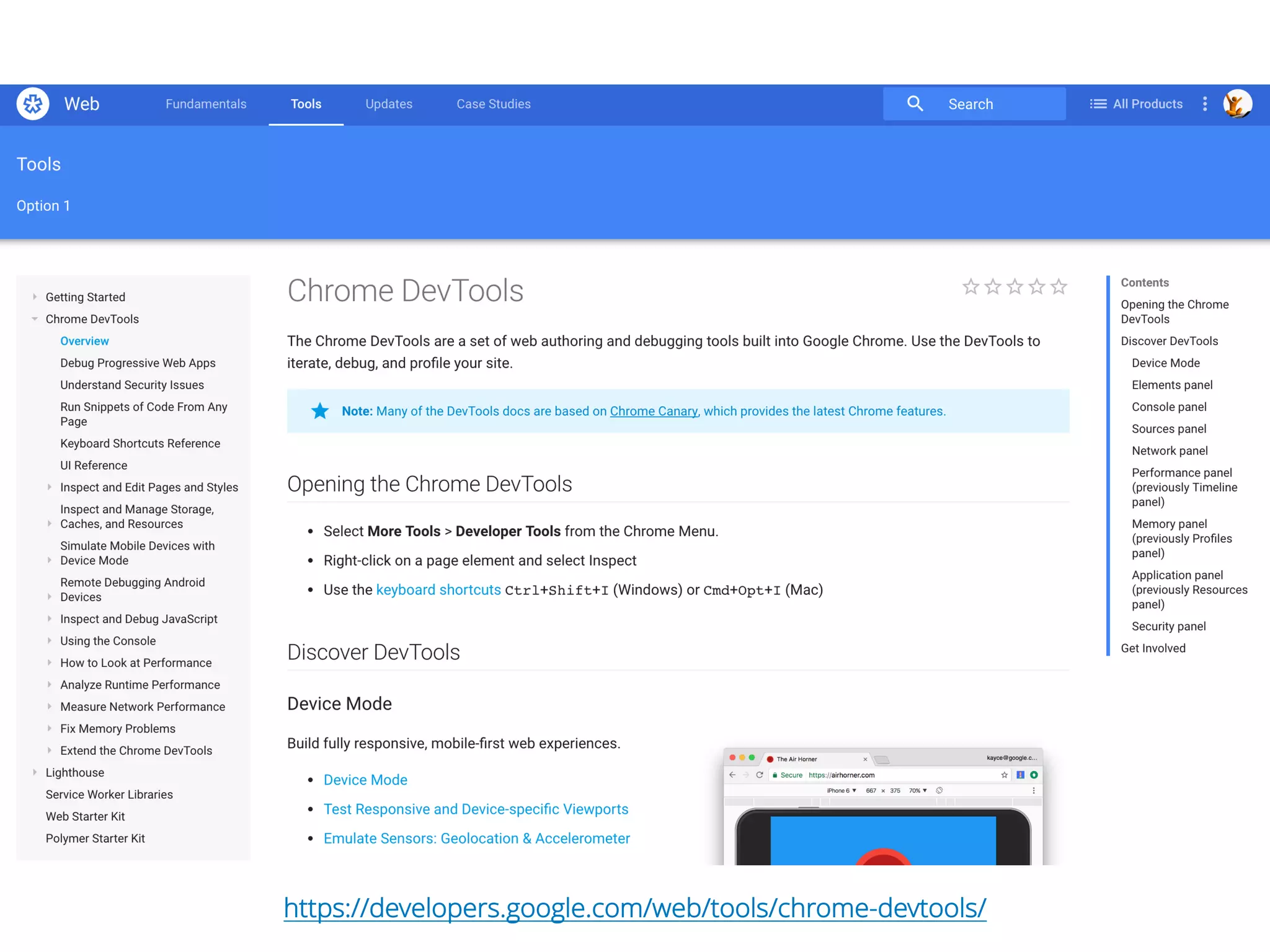
Chrome Developer
Tools
https://developers.google.com/web/tools/chrome-devtools/
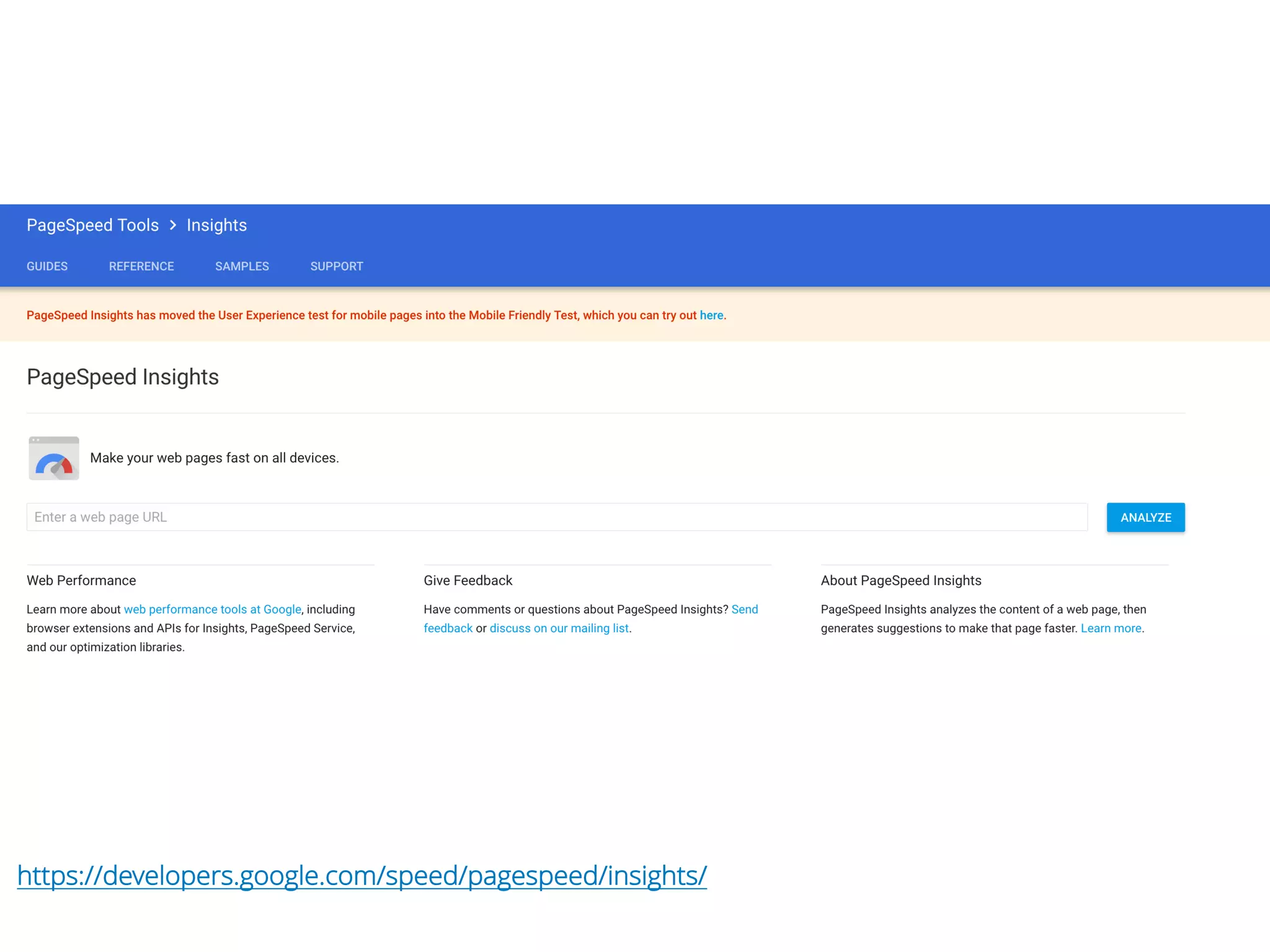
Google’s PageSpeed
Score
https://developers.google.com/speed/pagespeed/insights/
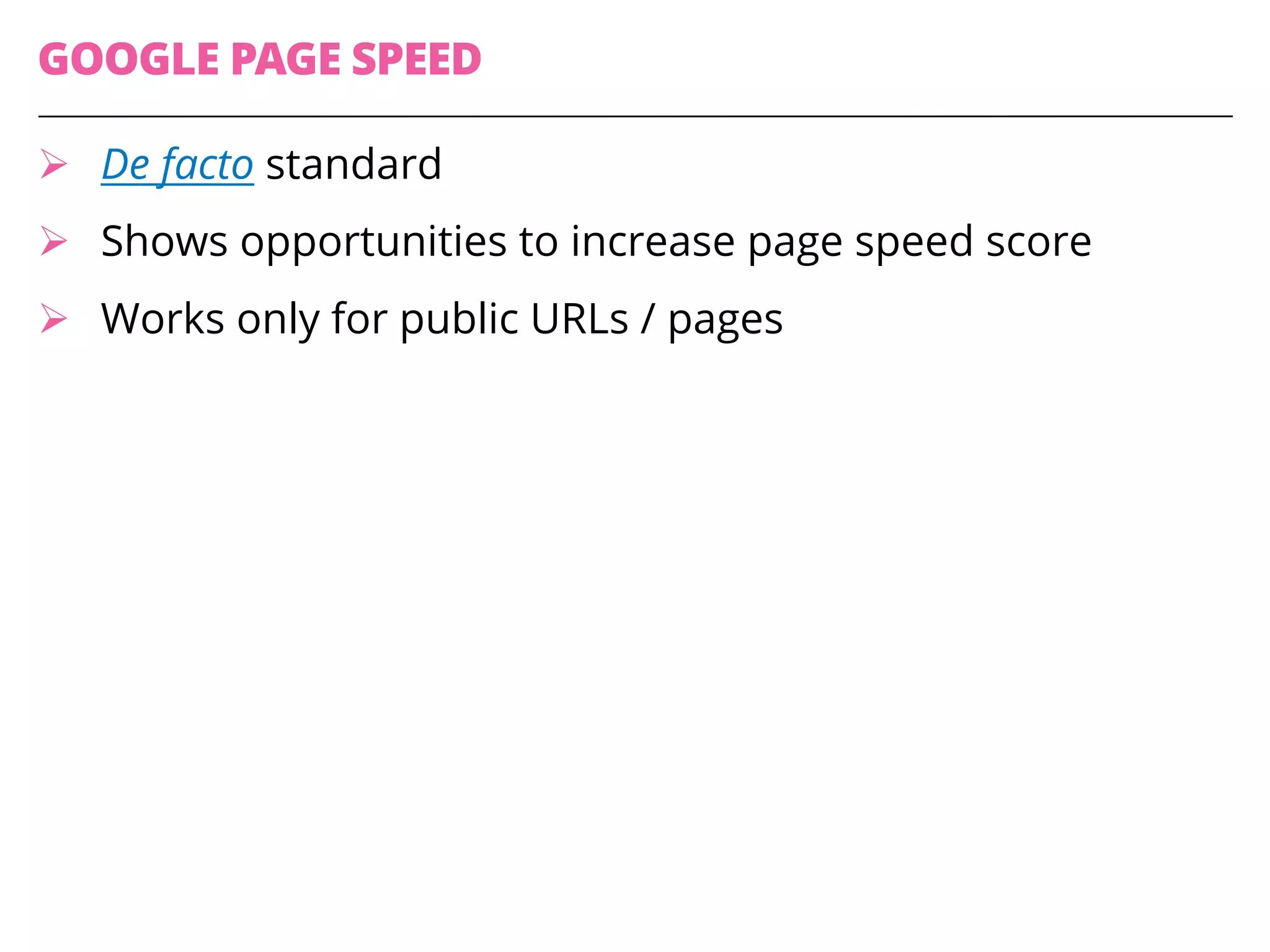
GOOGLE PAGE SPEED
Ø De facto standard
Ø Shows opportunities to increase page speed score
Ø Works only for public URLs / pages
RESOURCES
Ø www.webpagetest.org
Ø Page Speed
Ø PhantomJS – YSlow
Ø Sample automation –client-side-perf-tests
Ø Chrome Developer Tools
@BagmarAnand
Blog - essenceoftesting
about.me/anand.bagmar
THANK YOU

Client-Side Performance Testing