Cucumber is a software tool that computer programmers use for testing
other software. It runs automated acceptance tests written in a
behaviour-driven development (BDD) style. Cucumber is written in the
Ruby programming language.
Cucumber is Aslak Hellesoy's rewrite of RSpec's "Story runner"(In April
2008), which was originally written by Dan North.
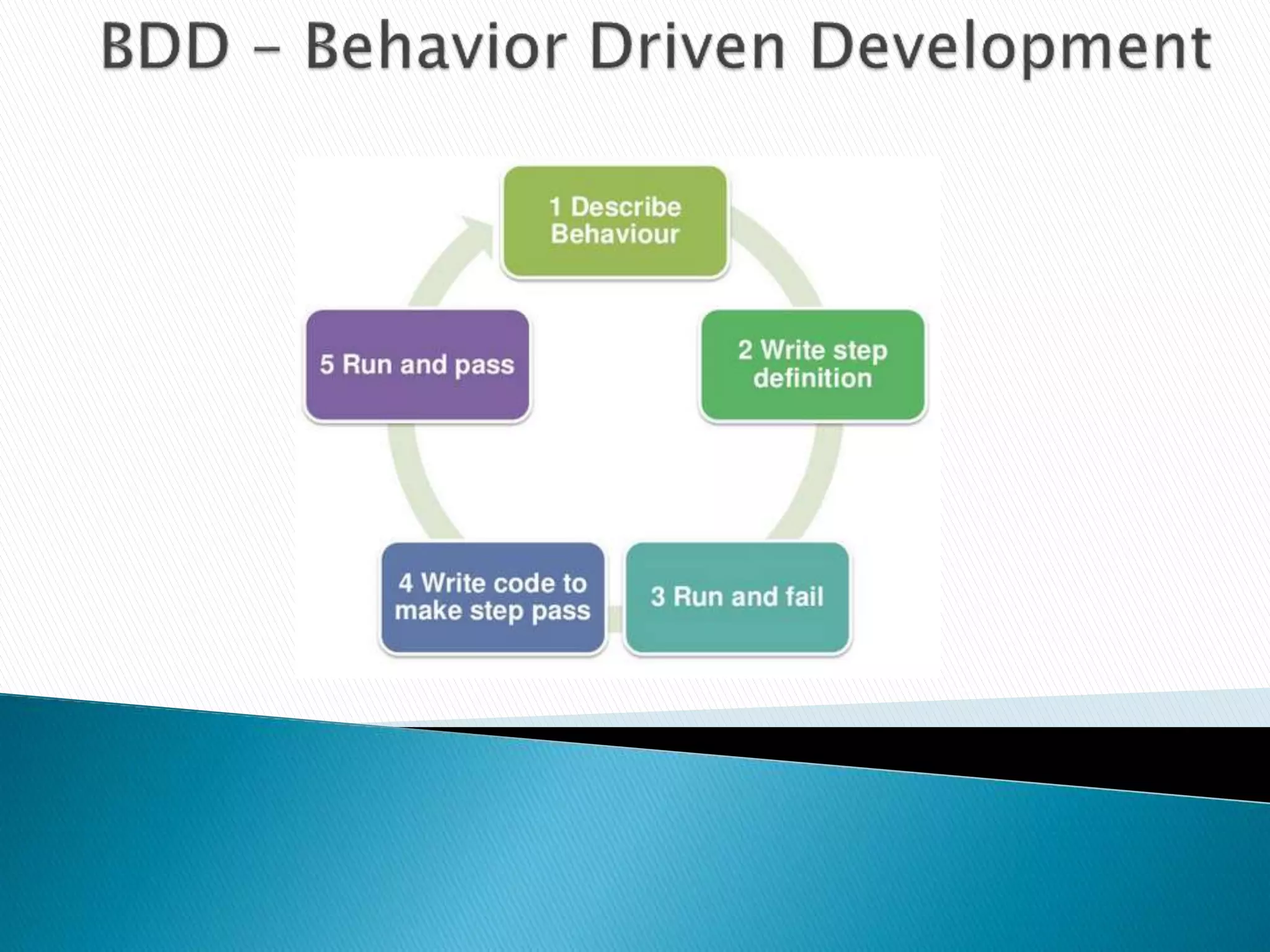
Cucumber is a tool which facilitate BDD.Cucumber is not a Browser
Automation tool, but it works well with Browser Automation tools such
as Selenium Web driver
One of the least Technical tools
A very active open source project
Supports a variety of languages
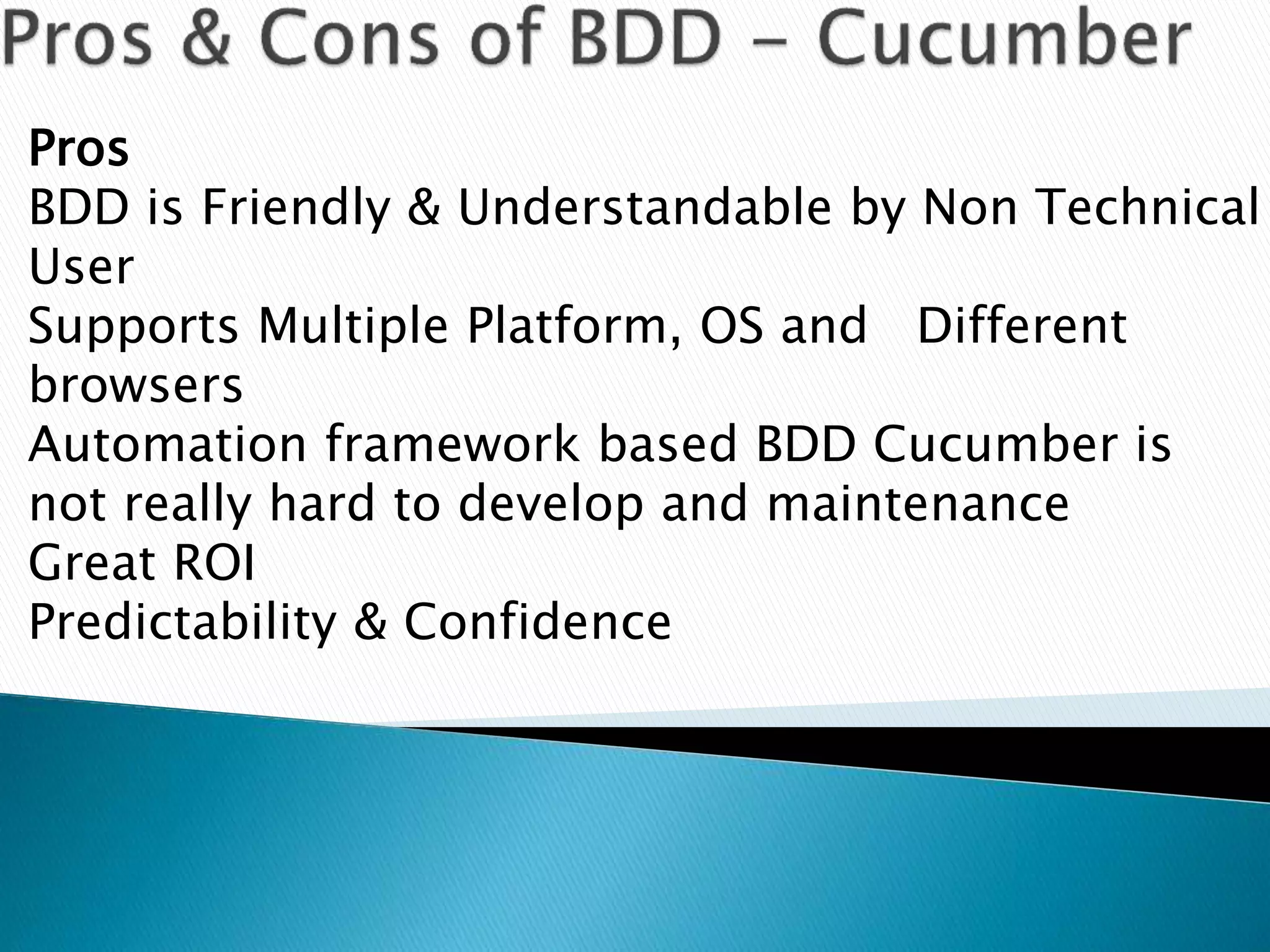
Pros
BDD is Friendly & Understandable by Non Technical
User
Supports Multiple Platform, OS and Different
browsers
Automation framework based BDD Cucumber is
not really hard to develop and maintenance
Great ROI
Predictability & Confidence
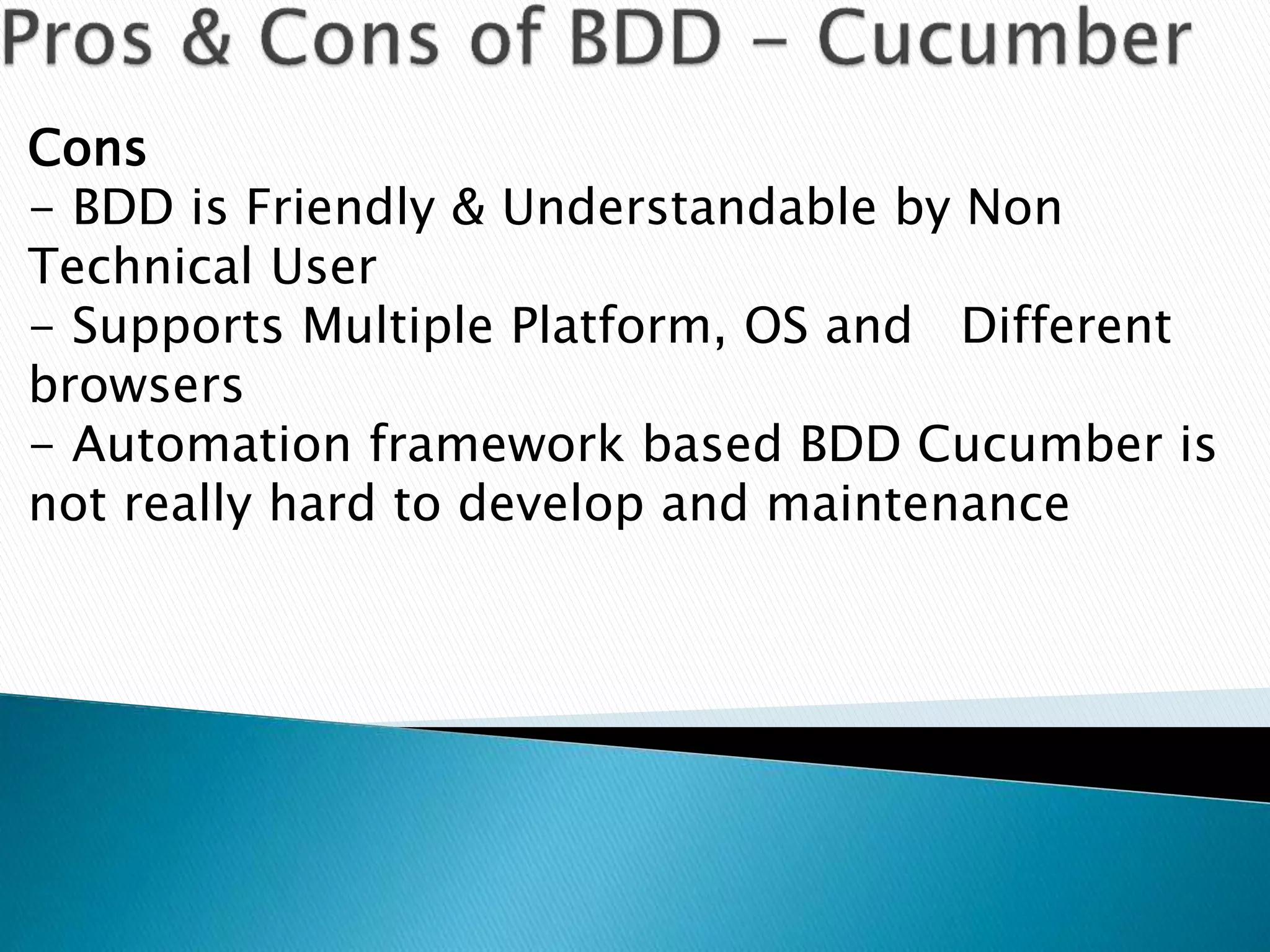
Cons
- BDD is Friendly & Understandable by Non
Technical User
- Supports Multiple Platform, OS and Different
browsers
- Automation framework based BDD Cucumber is
not really hard to develop and maintenance
Gherkin is the format for Cucumber Specifications. Technically speaking
it is line based language with a well-defined syntax, but it’s so simple
that you don’t have to know how to program in order to use it. Gherkin
Syntax:
Feature: Summary
Scenario: Title
Given [Some Initial Context- Past tense]
When [An event occurs - Present tense]
Then [Ensures some outcome - Future Tense]
Gherkin documents are stored in regular text files with a .feature file extension.
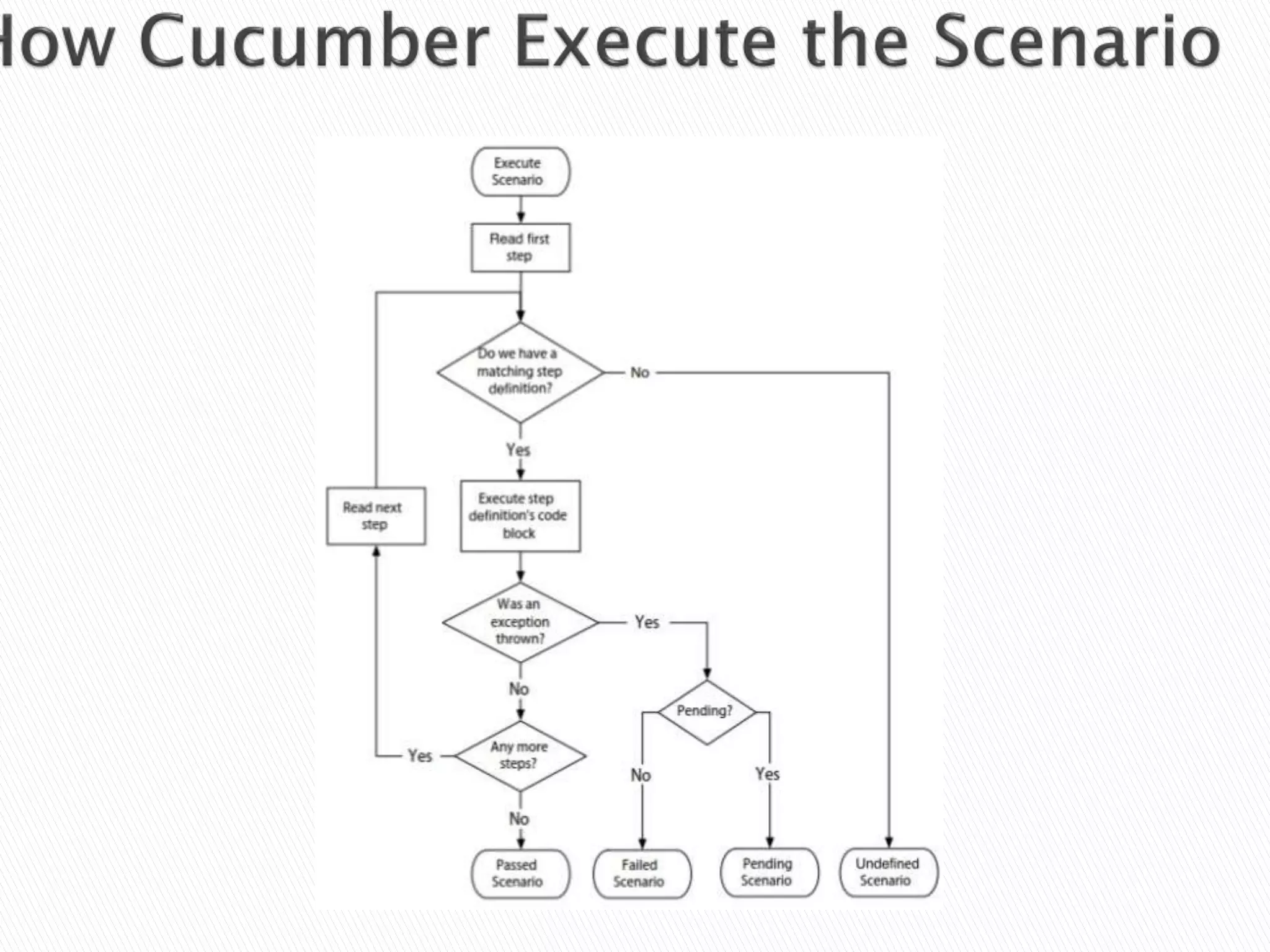
When you run Cucumber, it will generate a report that verifies whether or not the
software behaves the way the Gherkin document says.
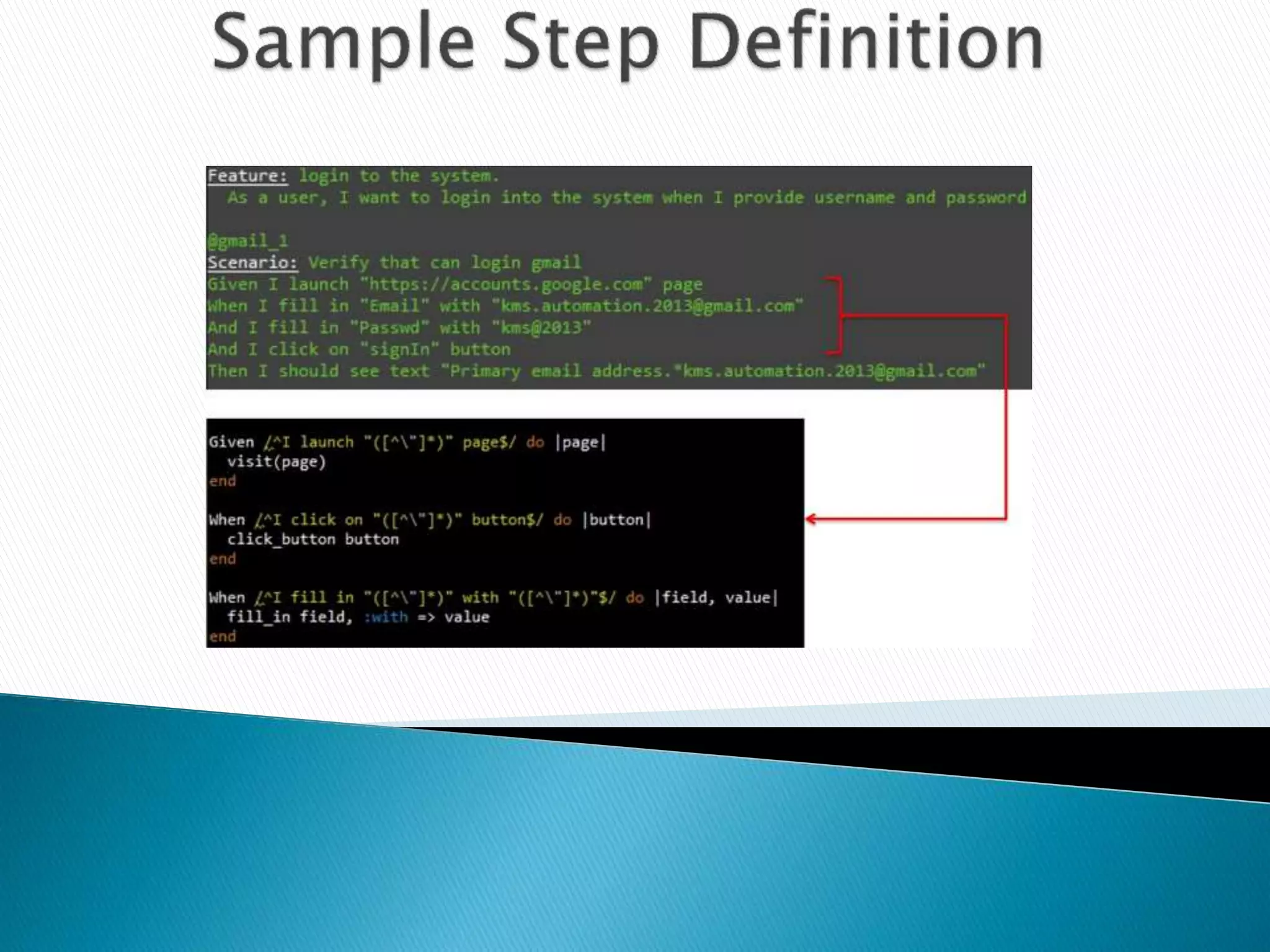
Testers can write some code that translates the text in the Gherkin document into
interactions with the software.
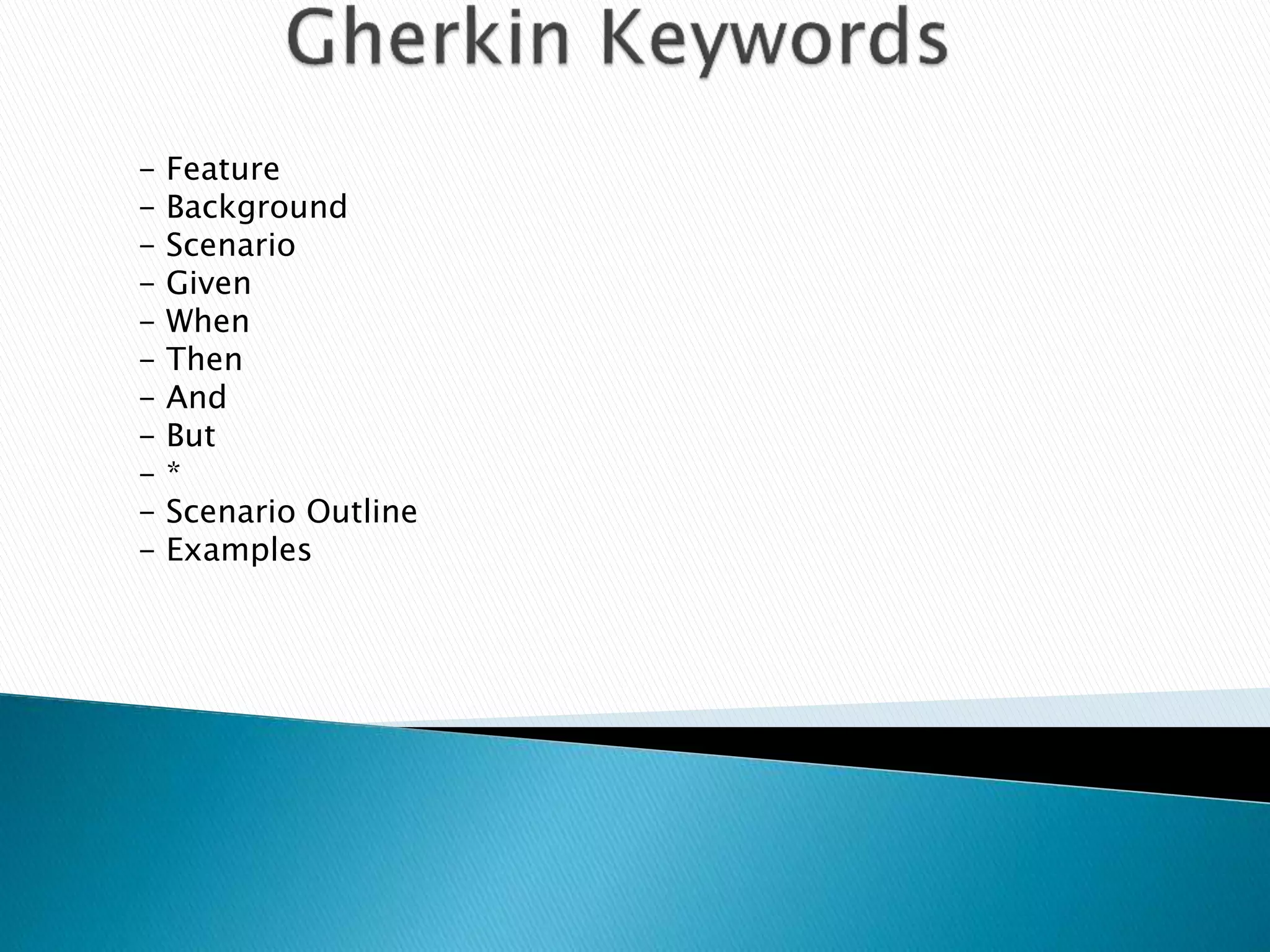
- Feature
- Background
- Scenario
- Given
- When
- Then
- And
- But
- *
- Scenario Outline
- Examples
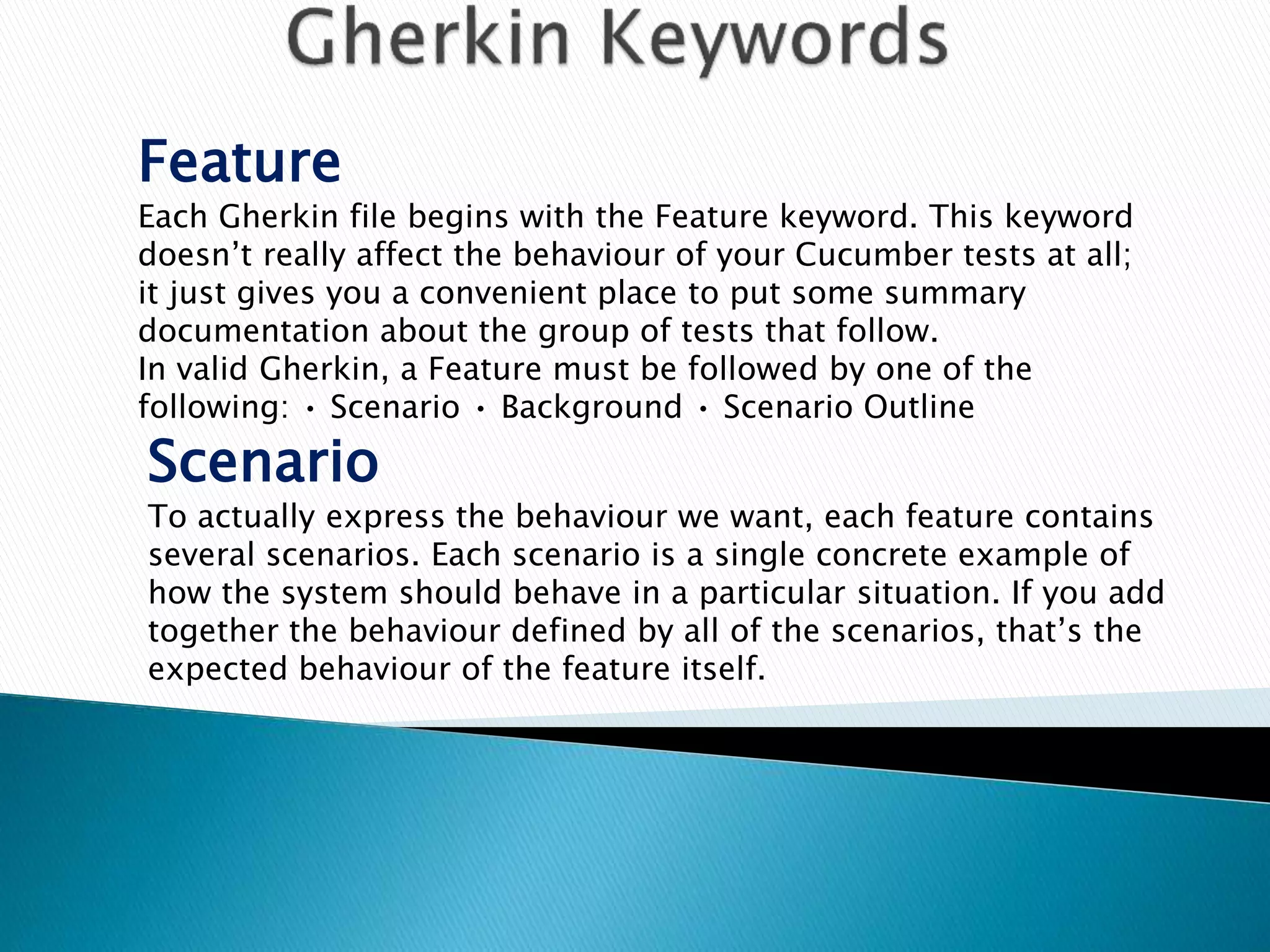
Feature
Each Gherkin file begins with the Feature keyword. This keyword
doesn’t really affect the behaviour of your Cucumber tests at all;
it just gives you a convenient place to put some summary
documentation about the group of tests that follow.
In valid Gherkin, a Feature must be followed by one of the
following: • Scenario • Background • Scenario Outline
Scenario
To actually express the behaviour we want, each feature contains
several scenarios. Each scenario is a single concrete example of
how the system should behave in a particular situation. If you add
together the behaviour defined by all of the scenarios, that’s the
expected behaviour of the feature itself.
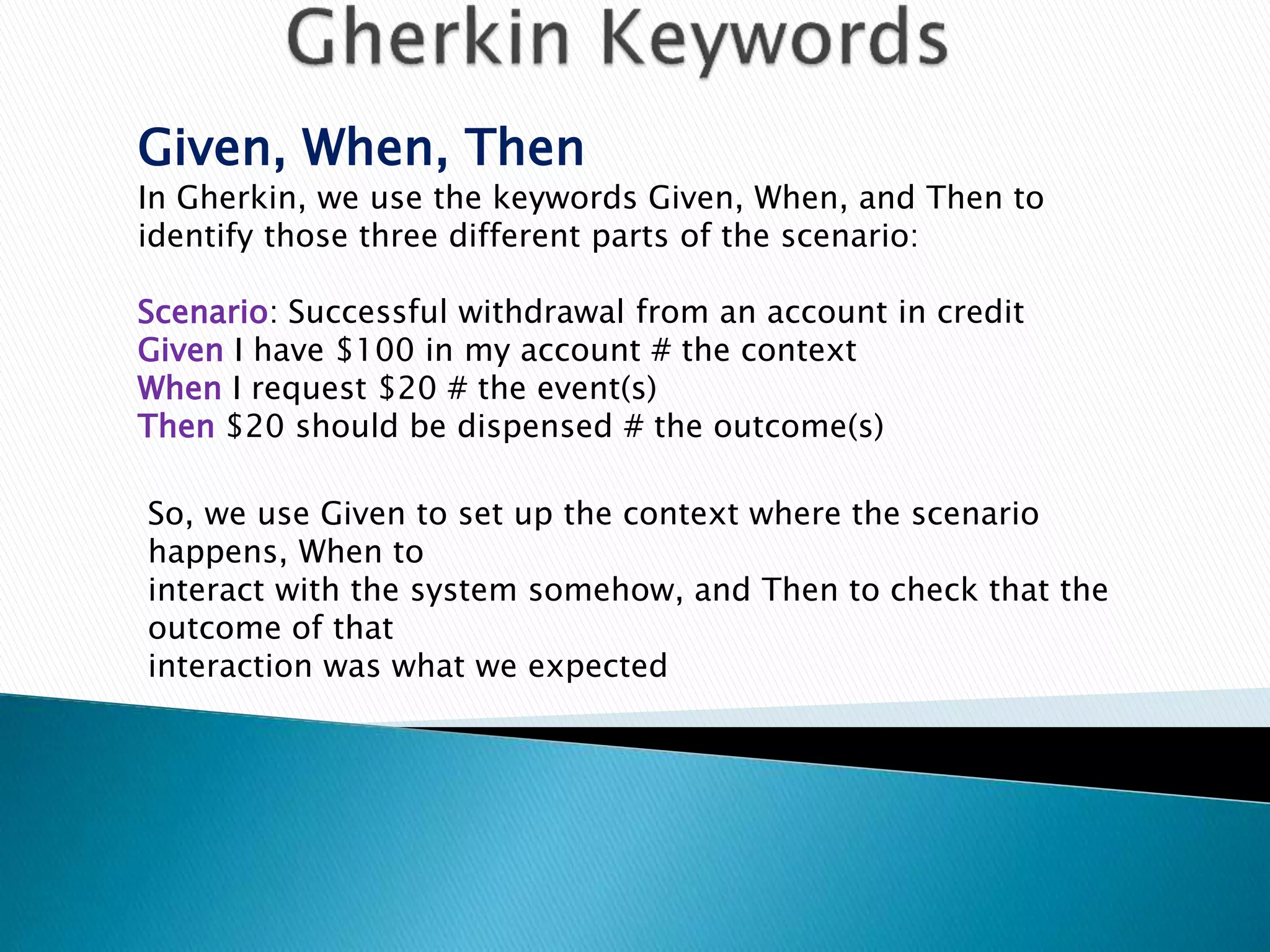
Given, When, Then
In Gherkin, we use the keywords Given, When, and Then to
identify those three different parts of the scenario:
Scenario: Successful withdrawal from an account in credit
Given I have $100 in my account # the context
When I request $20 # the event(s)
Then $20 should be dispensed # the outcome(s)
So, we use Given to set up the context where the scenario
happens, When to
interact with the system somehow, and Then to check that the
outcome of that
interaction was what we expected
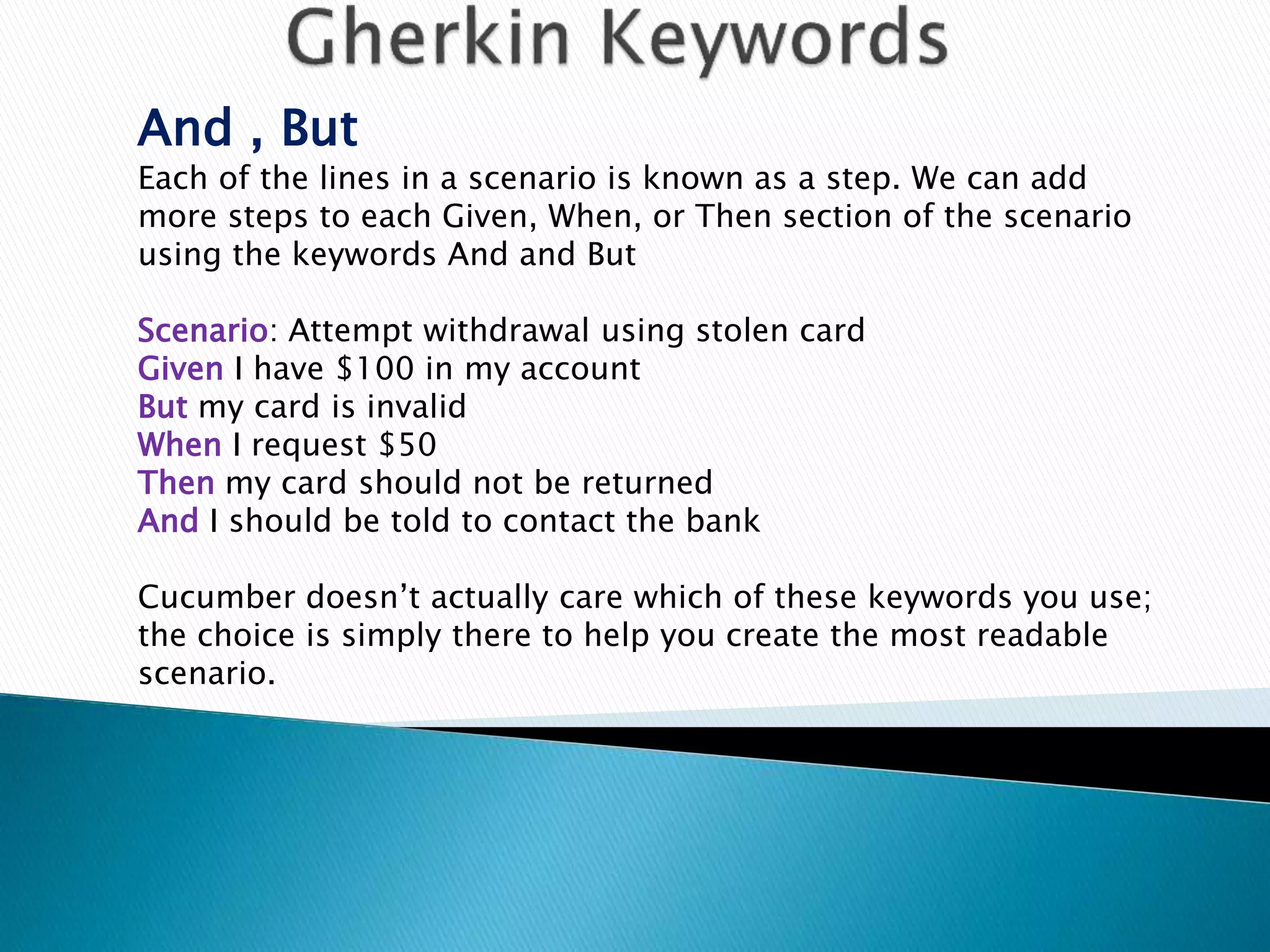
And , But
Each of the lines in a scenario is known as a step. We can add
more steps to each Given, When, or Then section of the scenario
using the keywords And and But
Scenario: Attempt withdrawal using stolen card
Given I have $100 in my account
But my card is invalid
When I request $50
Then my card should not be returned
And I should be told to contact the bank
Cucumber doesn’t actually care which of these keywords you use;
the choice is simply there to help you create the most readable
scenario.
https://cukes.info/
http://www.slideshare.net/kmstechnology
http://www.slideshare.net/alan_parkinson
http://chrismdp.com/2013/01/bdd-is-not-cucumber/
Cucumber & gherkin language

Cucumber & gherkin language

  • 2.
    Cucumber is asoftware tool that computer programmers use for testing other software. It runs automated acceptance tests written in a behaviour-driven development (BDD) style. Cucumber is written in the Ruby programming language. Cucumber is Aslak Hellesoy's rewrite of RSpec's "Story runner"(In April 2008), which was originally written by Dan North. Cucumber is a tool which facilitate BDD.Cucumber is not a Browser Automation tool, but it works well with Browser Automation tools such as Selenium Web driver One of the least Technical tools A very active open source project Supports a variety of languages
  • 10.
    Pros BDD is Friendly& Understandable by Non Technical User Supports Multiple Platform, OS and Different browsers Automation framework based BDD Cucumber is not really hard to develop and maintenance Great ROI Predictability & Confidence
  • 11.
    Cons - BDD isFriendly & Understandable by Non Technical User - Supports Multiple Platform, OS and Different browsers - Automation framework based BDD Cucumber is not really hard to develop and maintenance
  • 12.
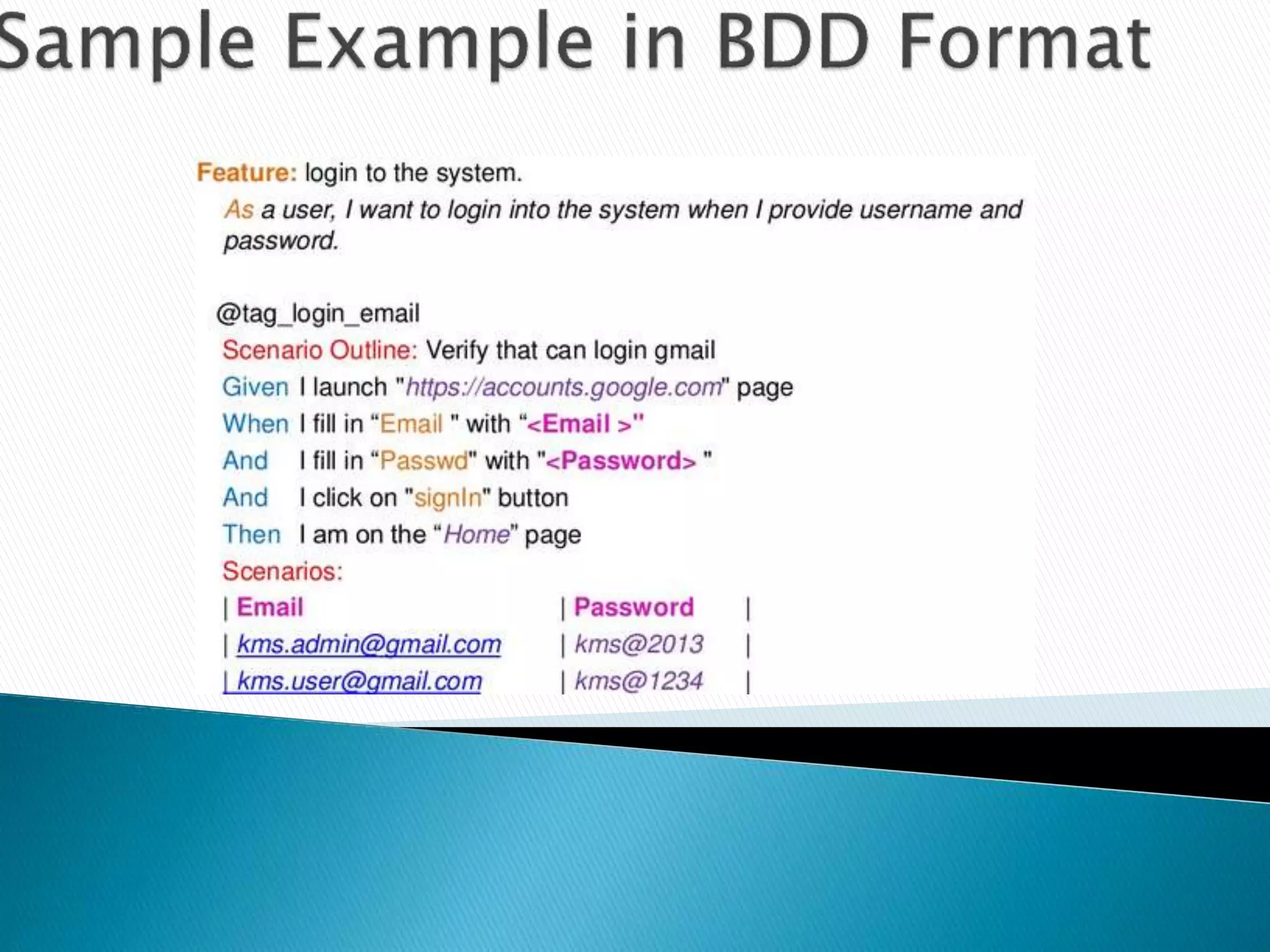
    Gherkin is theformat for Cucumber Specifications. Technically speaking it is line based language with a well-defined syntax, but it’s so simple that you don’t have to know how to program in order to use it. Gherkin Syntax: Feature: Summary Scenario: Title Given [Some Initial Context- Past tense] When [An event occurs - Present tense] Then [Ensures some outcome - Future Tense] Gherkin documents are stored in regular text files with a .feature file extension. When you run Cucumber, it will generate a report that verifies whether or not the software behaves the way the Gherkin document says. Testers can write some code that translates the text in the Gherkin document into interactions with the software.
  • 13.
    - Feature - Background -Scenario - Given - When - Then - And - But - * - Scenario Outline - Examples
  • 14.
    Feature Each Gherkin filebegins with the Feature keyword. This keyword doesn’t really affect the behaviour of your Cucumber tests at all; it just gives you a convenient place to put some summary documentation about the group of tests that follow. In valid Gherkin, a Feature must be followed by one of the following: • Scenario • Background • Scenario Outline Scenario To actually express the behaviour we want, each feature contains several scenarios. Each scenario is a single concrete example of how the system should behave in a particular situation. If you add together the behaviour defined by all of the scenarios, that’s the expected behaviour of the feature itself.
  • 15.
    Given, When, Then InGherkin, we use the keywords Given, When, and Then to identify those three different parts of the scenario: Scenario: Successful withdrawal from an account in credit Given I have $100 in my account # the context When I request $20 # the event(s) Then $20 should be dispensed # the outcome(s) So, we use Given to set up the context where the scenario happens, When to interact with the system somehow, and Then to check that the outcome of that interaction was what we expected
  • 16.
    And , But Eachof the lines in a scenario is known as a step. We can add more steps to each Given, When, or Then section of the scenario using the keywords And and But Scenario: Attempt withdrawal using stolen card Given I have $100 in my account But my card is invalid When I request $50 Then my card should not be returned And I should be told to contact the bank Cucumber doesn’t actually care which of these keywords you use; the choice is simply there to help you create the most readable scenario.
  • 18.

Editor's Notes

  • #2 Intro myself Sar topic cucu 3 star 10 min Ny 1 cn crrct
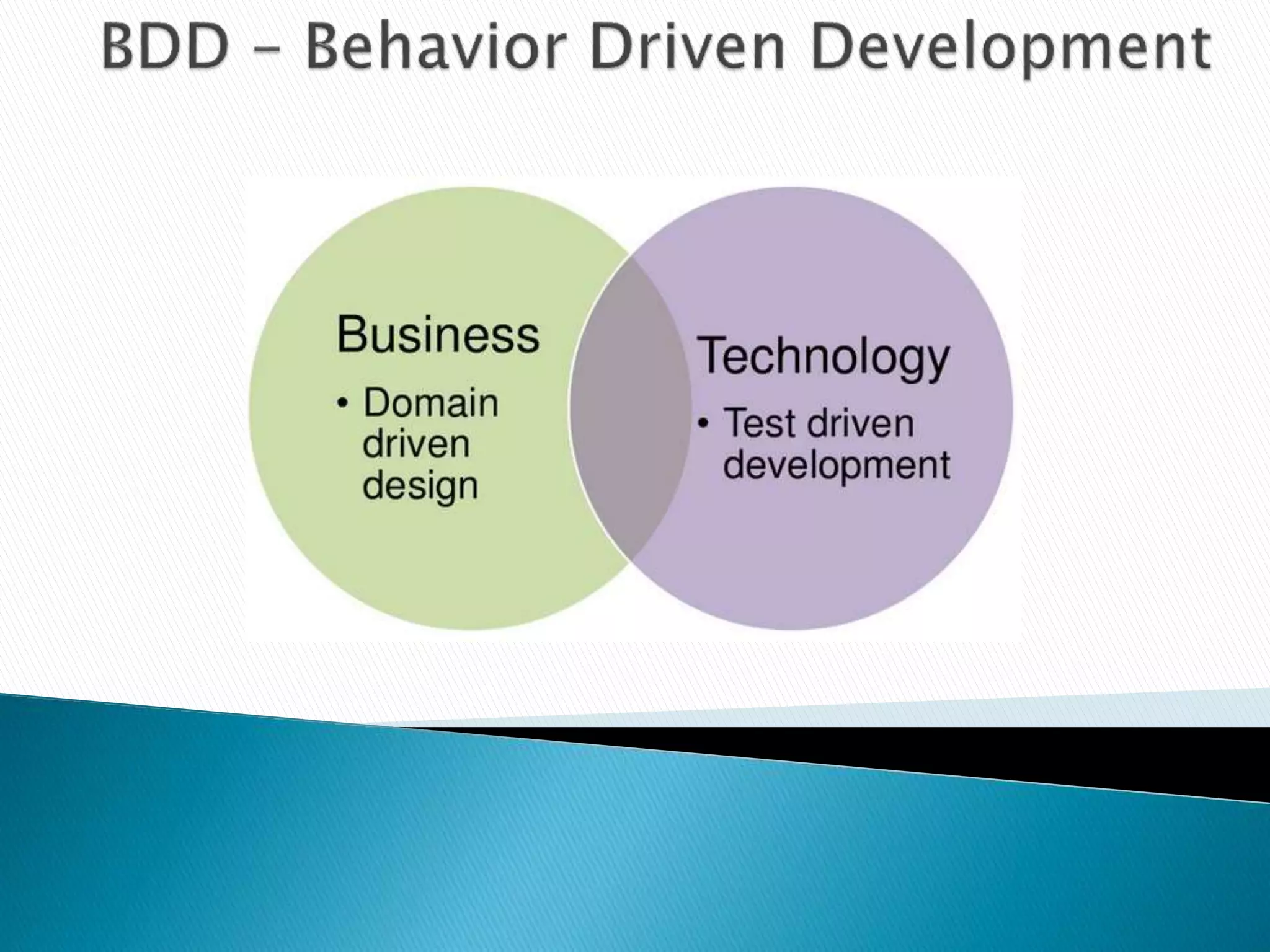
  • #4 DDD: domain that needs to be understood, because that’s the bit in the system being built that distinguishes your company’s business from your competitor Ex: Contactless Tesco / Sainsbury TDD: is a software development process that relies on the repetition of a very short developmentcycle: first the developer writes an (initially failing) automated test case that defines a desired improvement or new function, then produces the minimum amount of code to pass that test,  The concept is to "get something working now and perfect it later
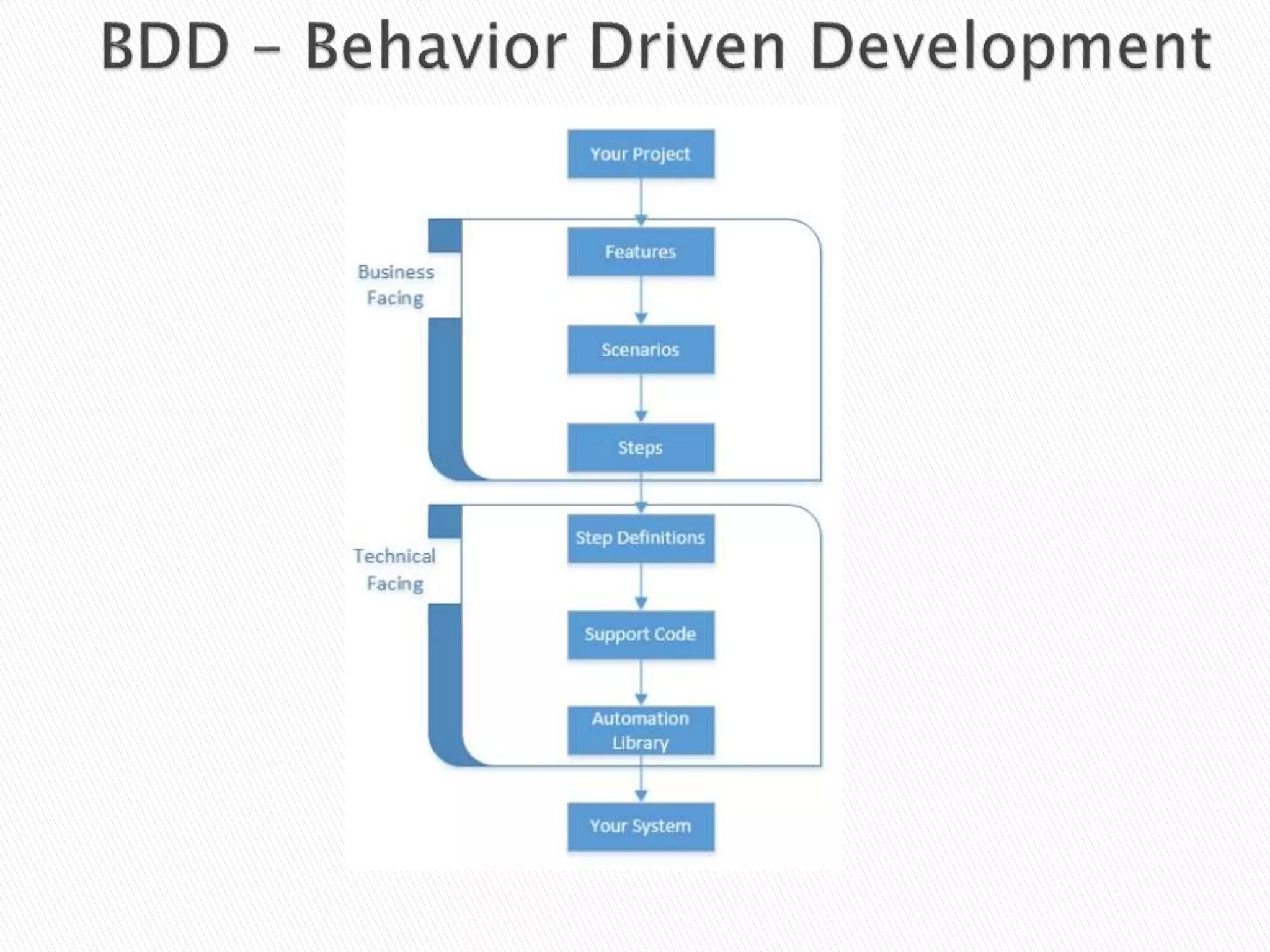
  • #5 Biz Facing: Feature File/ Dev Testers PO will sit together n discuss about the feature ask further clarification Tech Facing: Step Defs
  • #10 Kindly ask Srikanth or else Sriram ask them to explain this slide
  • #13 Coloured Keywords – Syntax . Feature Extension Tag Glue Explanation
  • #14 Tag Glue Explanation
  • #15 Tag Glue Explanation
  • #16 Tag Glue Explanation
  • #17 Tag Glue Explanation
  • #18 Tag Glue Explanation