Client Side
Performance Testing
using Blazemeter
- Gowthamraj Palani
QA, Thoughtworks
What are we
covering today?
1. Why Client Side Performance
Testing?
2. Client Side Performance Testing?
3. Client side VS Server side
Performance Testing
4. Blazemeter and its features
5. Blazemeter - Demo
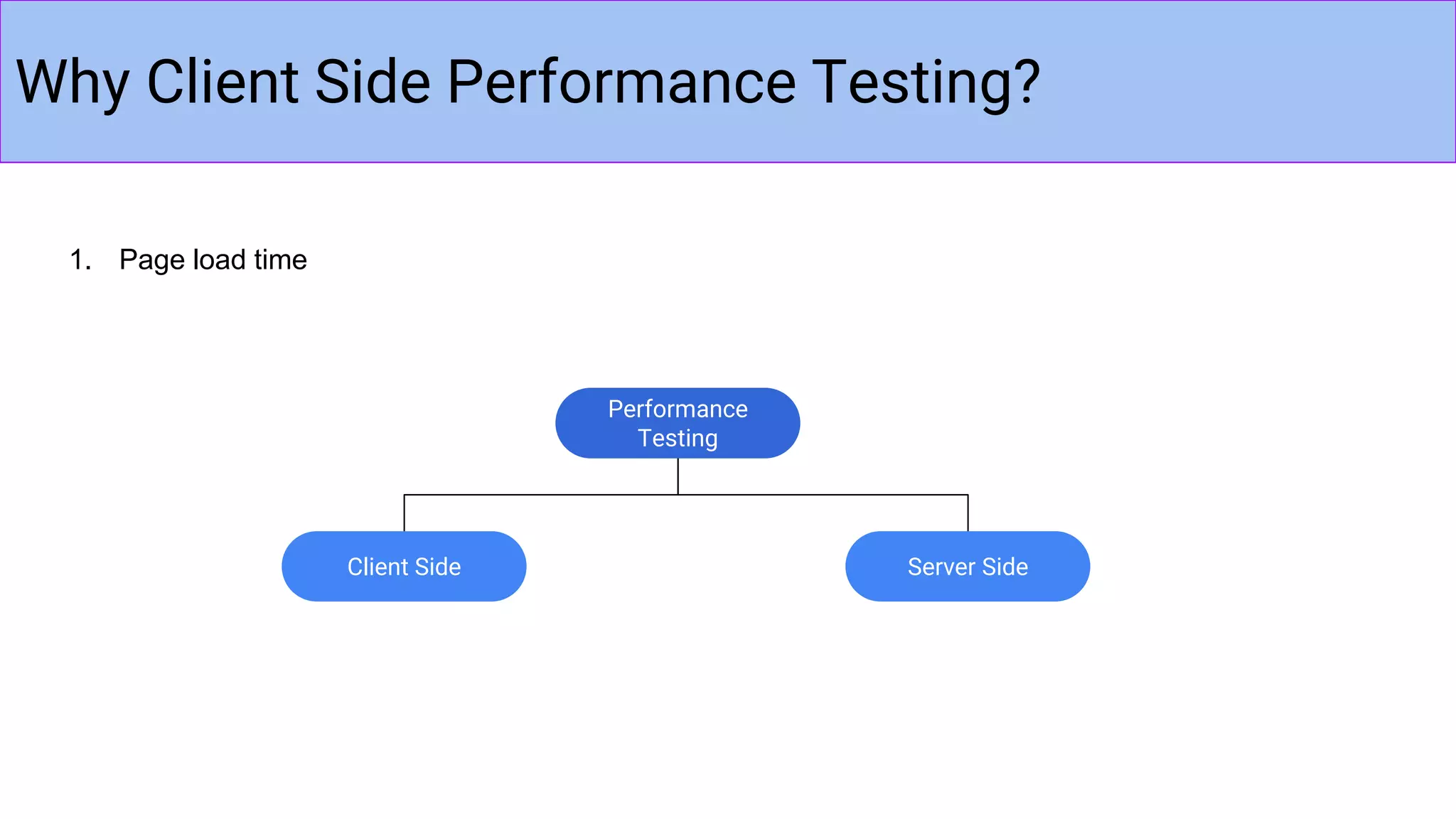
Why Client Side Performance Testing?
1. Page load time
Performance
Testing
Server SideClient Side
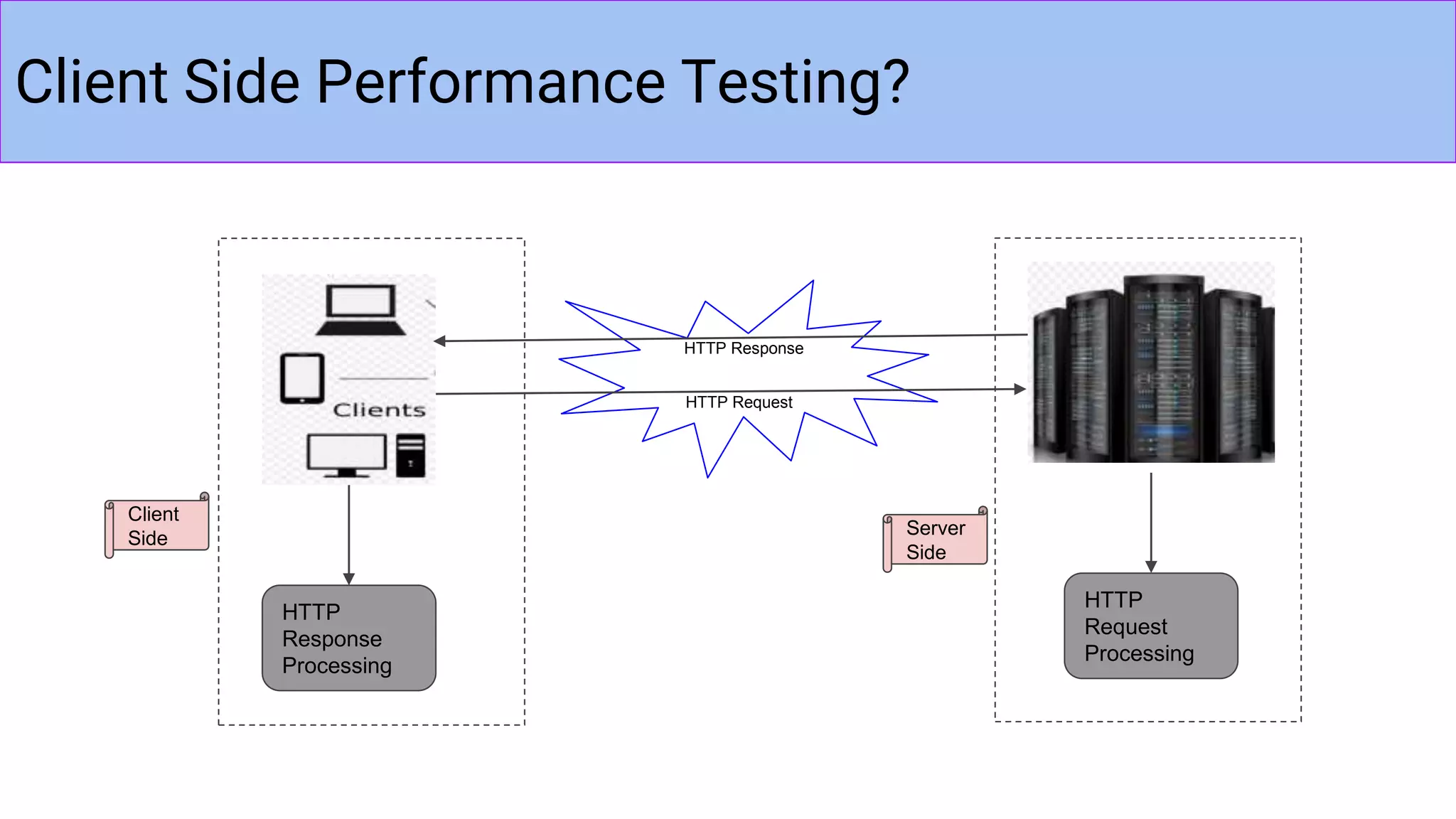
Client Side Performance Testing?
HTTP
Response
Processing
HTTP Request
HTTP Response
Client
Side
Server
Side
HTTP
Request
Processing
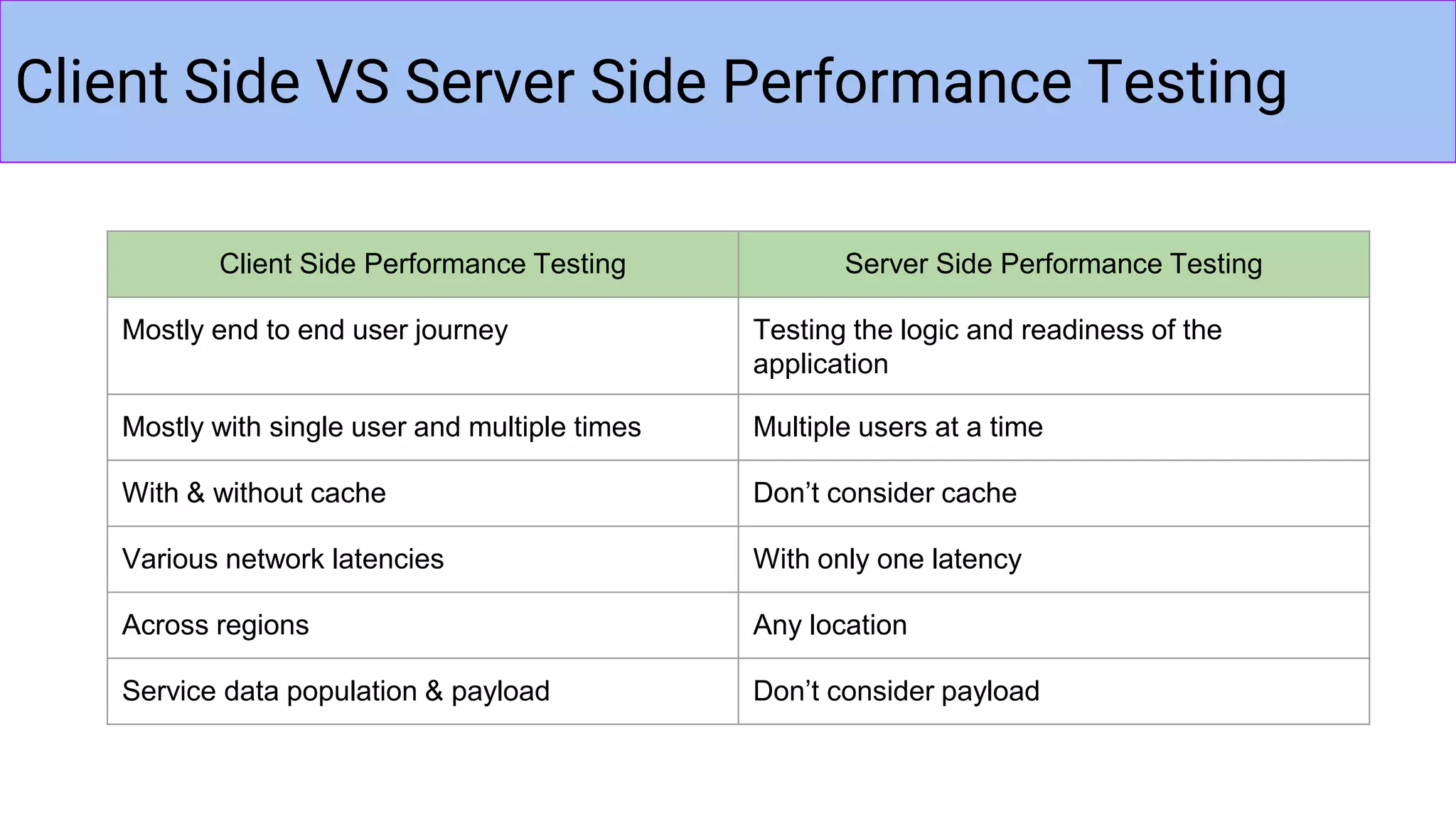
Client Side VS Server Side Performance Testing
Client Side Performance Testing Server Side Performance Testing
Mostly end to end user journey Testing the logic and readiness of the
application
Mostly with single user and multiple times Multiple users at a time
With & without cache Don’t consider cache
Various network latencies With only one latency
Across regions Any location
Service data population & payload Don’t consider payload
BLAZEMETER
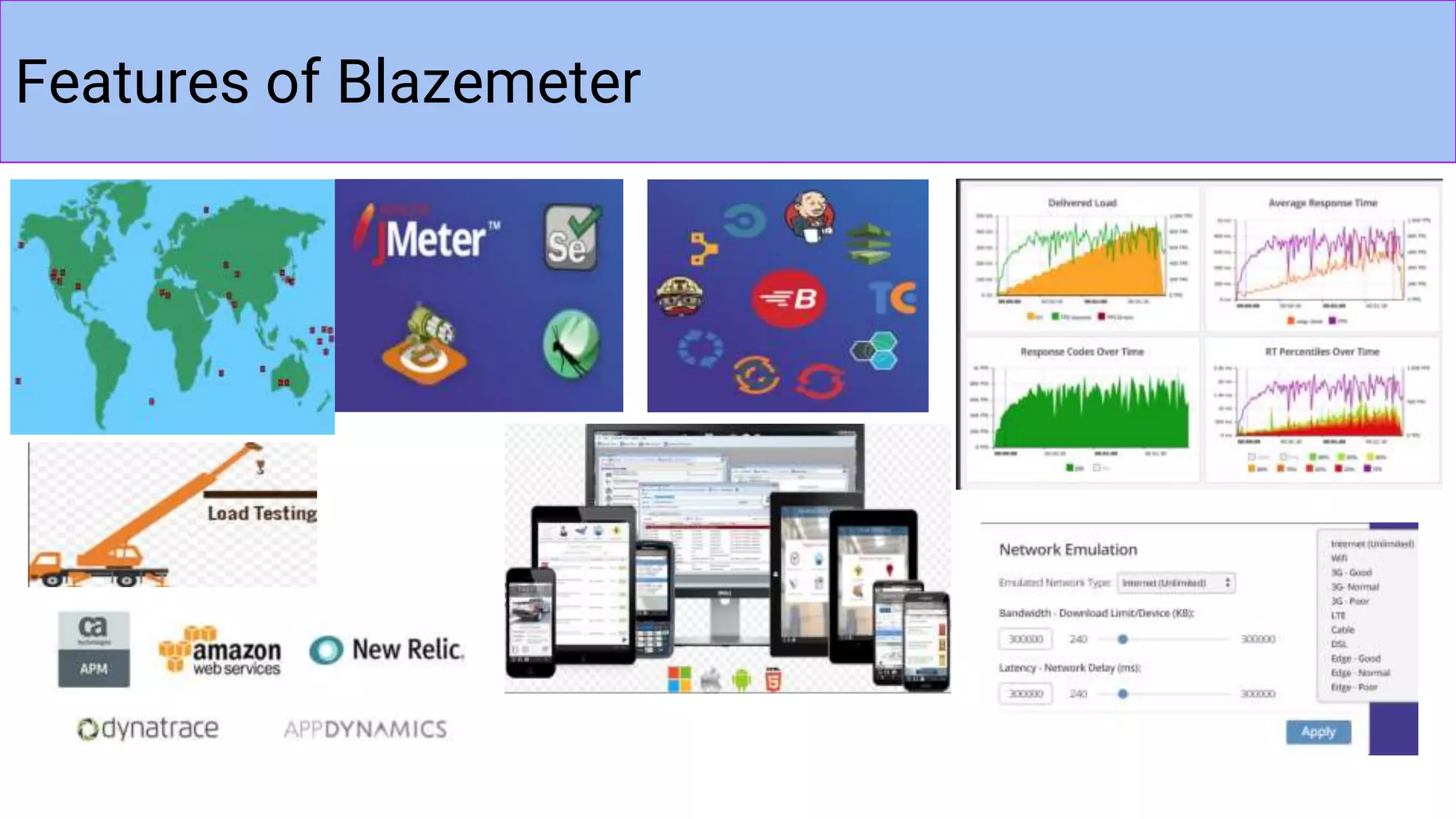
Features of Blazemeter
DEMO
Blazemeter + Jmeter scripts
Prerequisites
Thank You!!!

Client side performance testing using blazemeter

  • 1.
    Client Side Performance Testing usingBlazemeter - Gowthamraj Palani QA, Thoughtworks
  • 2.
    What are we coveringtoday? 1. Why Client Side Performance Testing? 2. Client Side Performance Testing? 3. Client side VS Server side Performance Testing 4. Blazemeter and its features 5. Blazemeter - Demo
  • 3.
    Why Client SidePerformance Testing? 1. Page load time Performance Testing Server SideClient Side
  • 4.
    Client Side PerformanceTesting? HTTP Response Processing HTTP Request HTTP Response Client Side Server Side HTTP Request Processing
  • 5.
    Client Side VSServer Side Performance Testing Client Side Performance Testing Server Side Performance Testing Mostly end to end user journey Testing the logic and readiness of the application Mostly with single user and multiple times Multiple users at a time With & without cache Don’t consider cache Various network latencies With only one latency Across regions Any location Service data population & payload Don’t consider payload
  • 6.
  • 7.
  • 8.
  • 9.
  • 10.

Editor's Notes

  • #4  For any web application, page load time is an important metric. Any longer the page takes than the threshold, we are in a risk of losing our customers. To speed up the response time, we require strong servers and a well prepared testing application. This is where performance testing comes to play in. More than 80% of customers don’t like the pages taking more time to load. So, our application has to respond quick enough according to customers need. So, it should be as fast as possible.
  • #5 How many have already worked in / heared about Client Side Performance Testing? When you say client side, it means it involves all the activities done by user. That is we will be standing in users’ shoes and we play with the application. Here mostly we test an end to end user journey of the application and ensure no page takes more than our threshold time to load. Lets consider consider a web application, client side performance includes browser rendering, JS/AJAX calling, socket responses, service data population etc. Question : Under what conditions do we test client side performance or what are the possible things that affect client side performance? So, it differs based on network latency, operating systems, browser version, environment settings, firewall, antivirus etc. Server side: We test code logic and the application readiness. Load testing, Stress testing etc are Server side testing.
  • #6 Testing the logic and readiness of the application - we will validate the time taken by every request to process at the backend like DB data fetch time etc. Multiple users at a time - Load and stress testing With & without cache - very important thing to consider. We will test the application with cache and also after clearing cache. Sometime we will do testing in the fresh copy of the app. (after uninstalling and reinstalling the app) Various network latencies - 3g, 4g, Wifi
  • #7 Blazemeter is a load and performance tool, enables us to run our tests from various locations under various network latencies. We can create tests either by recording or writing our own taurus or jmeter scripts. Today we will see how to record an application from mobile, modify the scripts using jmeter and playback the tests.
  • #8 Load & Performance testing Can use Jmeter, Taurus, selenium, HAR files as input Real Time reporting and comprehensive analytics Monitoring tool integration like New Relic, AppDynamcis etc. Delivery pipelines integration - Jenkins, Bamboo, Travis, Teamcity, CircleCI Can record desktop and mobile apps Simulate production network conditions Sandbox tests from various locations
  • #10 Java 1.8 Apache-Jmeter 3.0 or later (download) Desktop / mobile application Android / IOS device with certificate installed