Paul Durrant
Principal Software Engineer, Citrix
Citrix Certified Administrator Certification
Agenda
• Background
• The XenServer 6.0.2 (a.k.a. legacy) drivers
• The XenServer 6.1 (a.k.a. standard) drivers
• Open Source
• ‘Upstream’ Drivers
• XenServer PV Device
• Interfaces
• Building and Installing
“A history of the Windows PV drivers and a brief tour of the ‘upstream’
drivers and their interfaces”
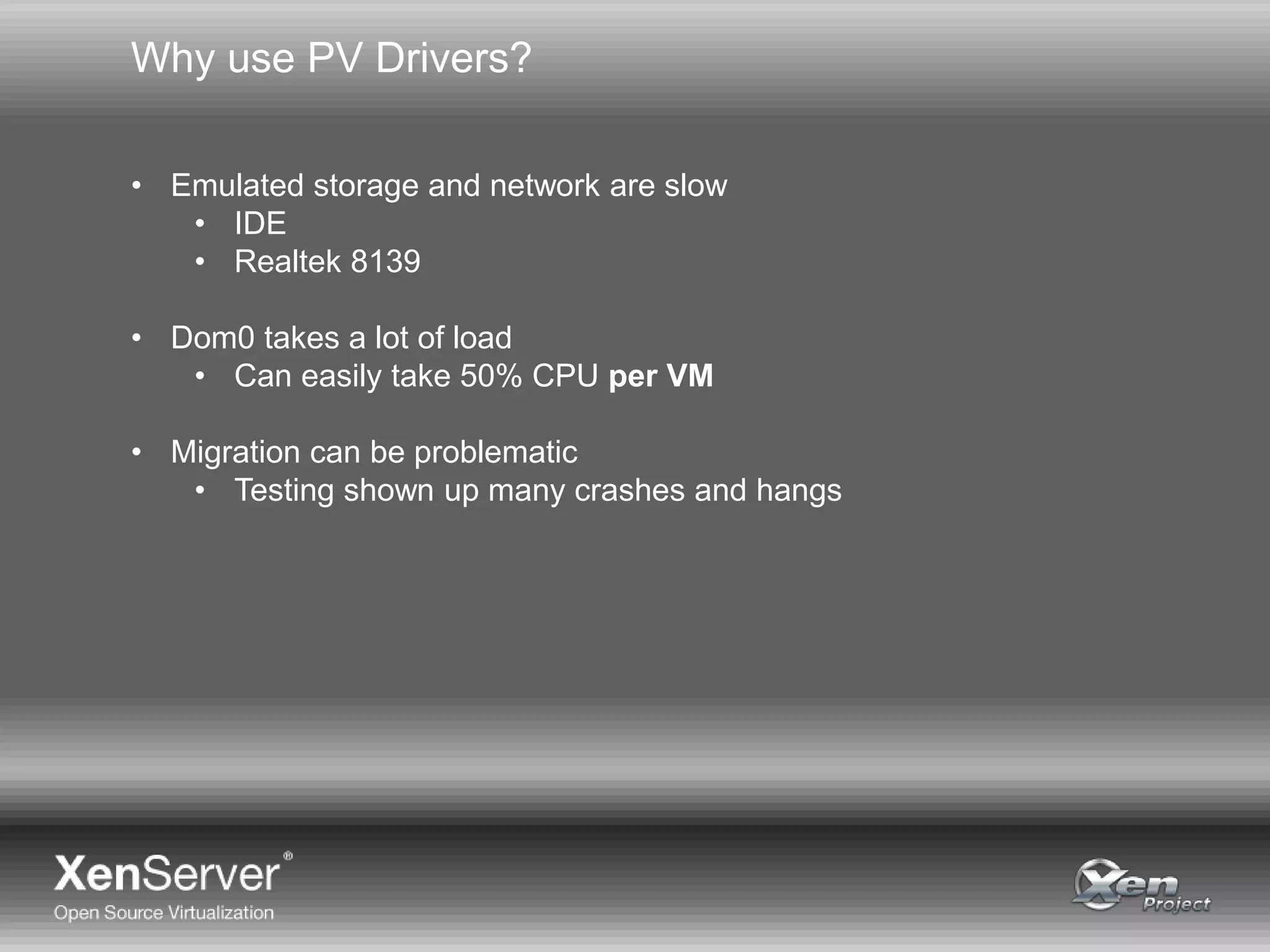
Why use PV Drivers?
• Emulated storage and network are slow
• IDE
• Realtek 8139
• Dom0 takes a lot of load
• Can easily take 50% CPU per VM
• Migration can be problematic
• Testing shown up many crashes and hangs
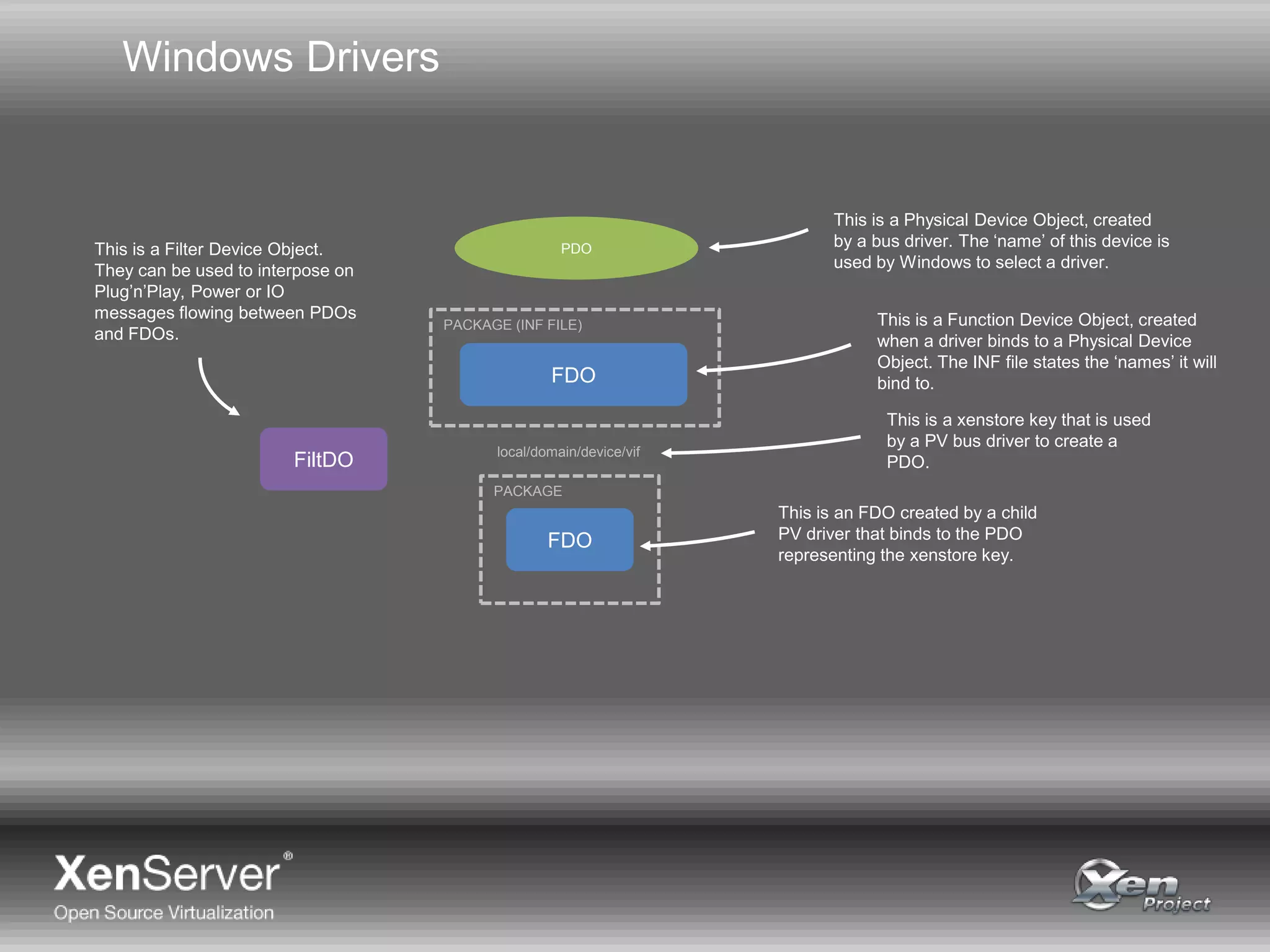
Windows Drivers
PDO
FDO
FDO
PACKAGE (INF FILE)
PACKAGE
local/domain/device/vif
This is a Function Device Object, created
when a driver binds to a Physical Device
Object. The INF file states the ‘names’ it will
bind to.
This is a Physical Device Object, created
by a bus driver. The ‘name’ of this device is
used by Windows to select a driver.
This is a xenstore key that is used
by a PV bus driver to create a
PDO.
This is an FDO created by a child
PV driver that binds to the PDO
representing the xenstore key.
FiltDO
This is a Filter Device Object.
They can be used to interpose on
Plug’n’Play, Power or IO
messages flowing between PDOs
and FDOs.
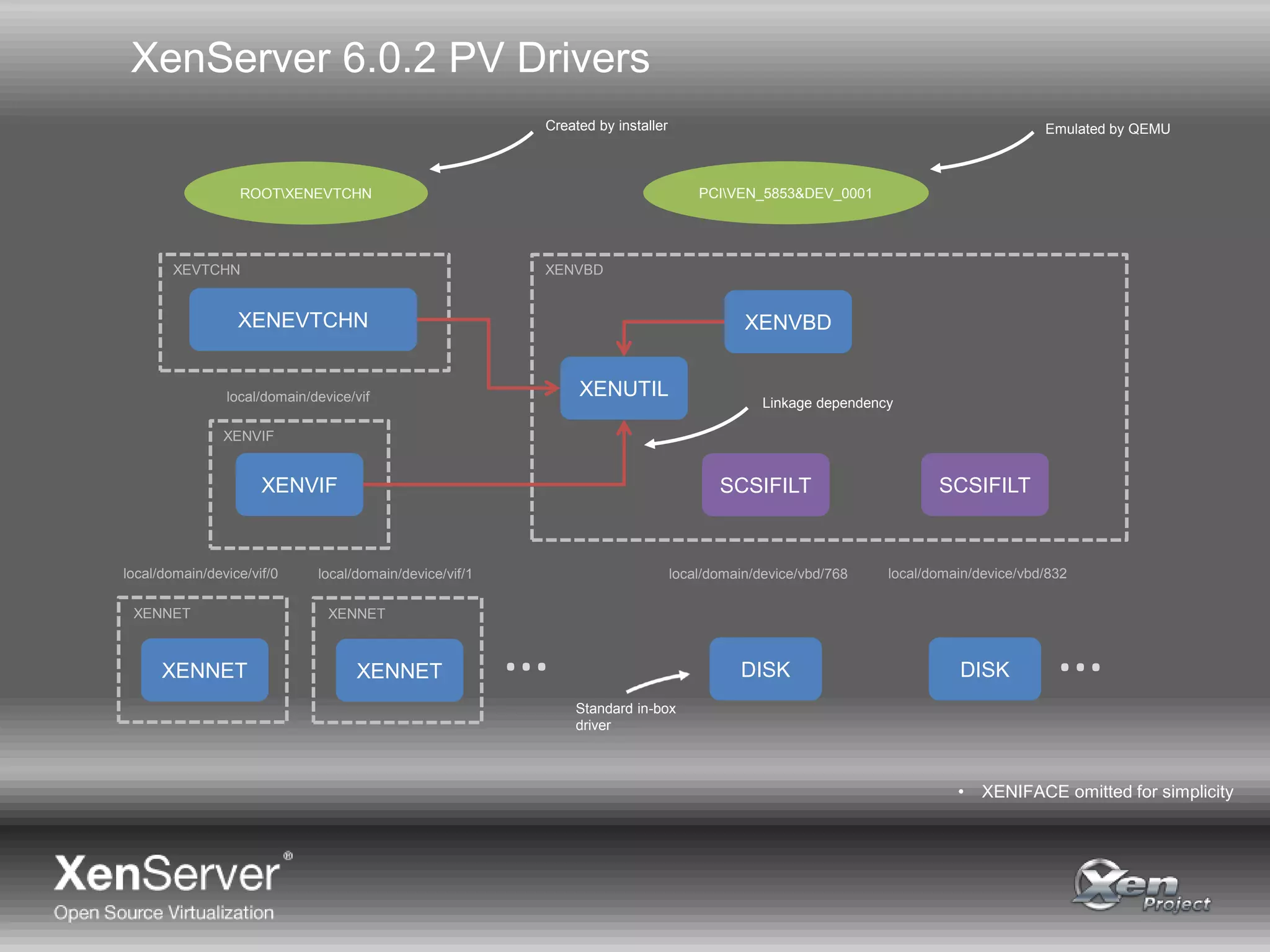
XenServer 6.0.2 PV Drivers
ROOTXENEVTCHN PCIVEN_5853&DEV_0001
XENVBDXENEVTCHN
DISK
XENVIF
XENNET
XENUTIL
XENVBDXEVTCHN
XENVIF
XENNET
local/domain/device/vif
local/domain/device/vif/0
XENNET
XENNET
local/domain/device/vif/1 local/domain/device/vbd/768
DISK
local/domain/device/vbd/832
SCSIFILT SCSIFILT
……
Created by installer Emulated by QEMU
Standard in-box
driver
Linkage dependency
• XENIFACE omitted for simplicity
XenServer 6.0.2 PV Drivers
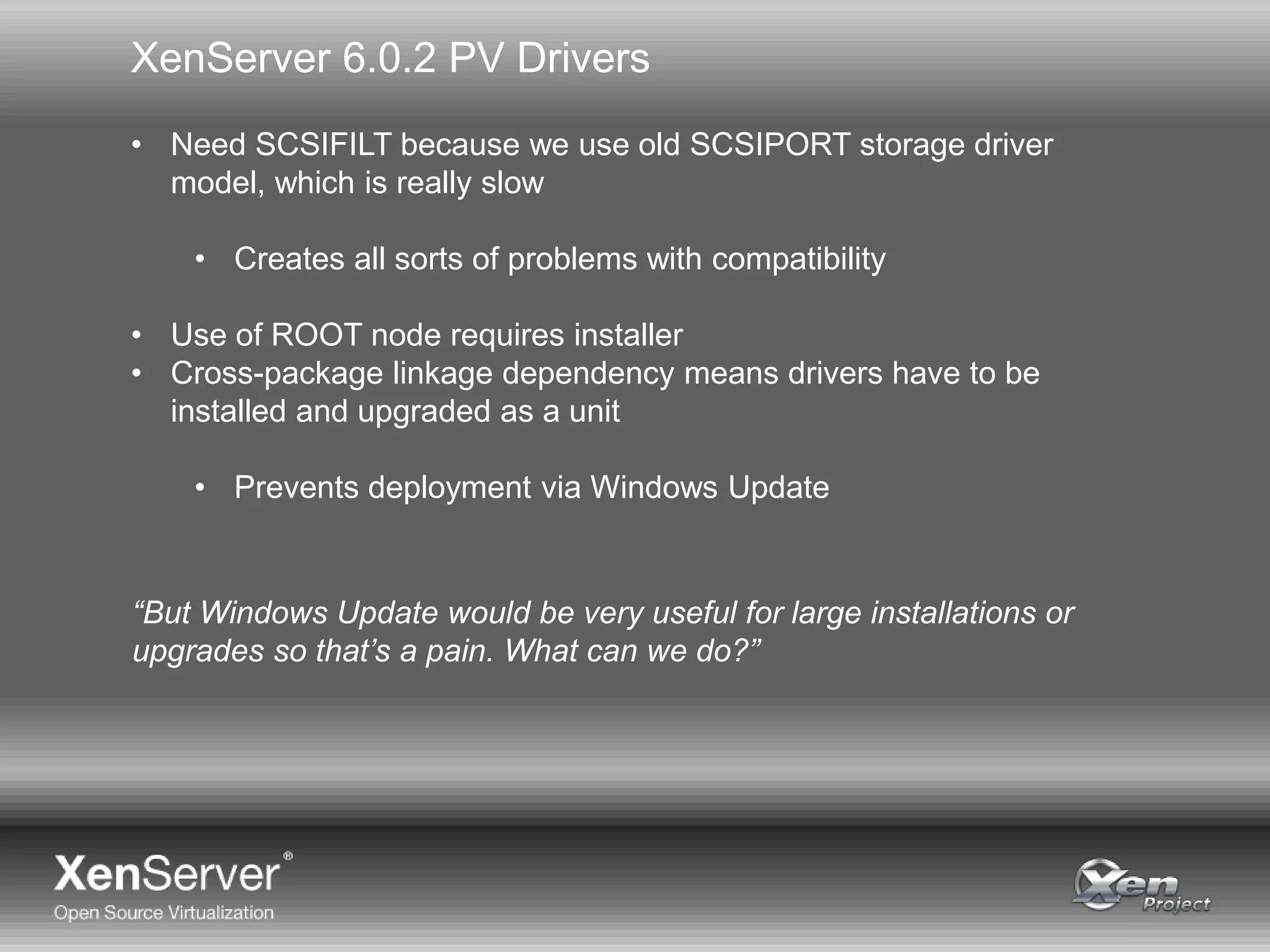
• Need SCSIFILT because we use old SCSIPORT storage driver
model, which is really slow
• Creates all sorts of problems with compatibility
• Use of ROOT node requires installer
• Cross-package linkage dependency means drivers have to be
installed and upgraded as a unit
• Prevents deployment via Windows Update
“But Windows Update would be very useful for large installations or
upgrades so that’s a pain. What can we do?”
Enter Windows 8
Enter Windows 8
• With the new WDK Microsoft decided:
• You can only use Visual Studio 2012 to build…
…so throw away your existing build scripts
• They only support building for OS back to Vista…
…so you’re going to have to have two binaries if you want to
support XP and Server 2003 like it or not
“So, we’re going to have to do something.”
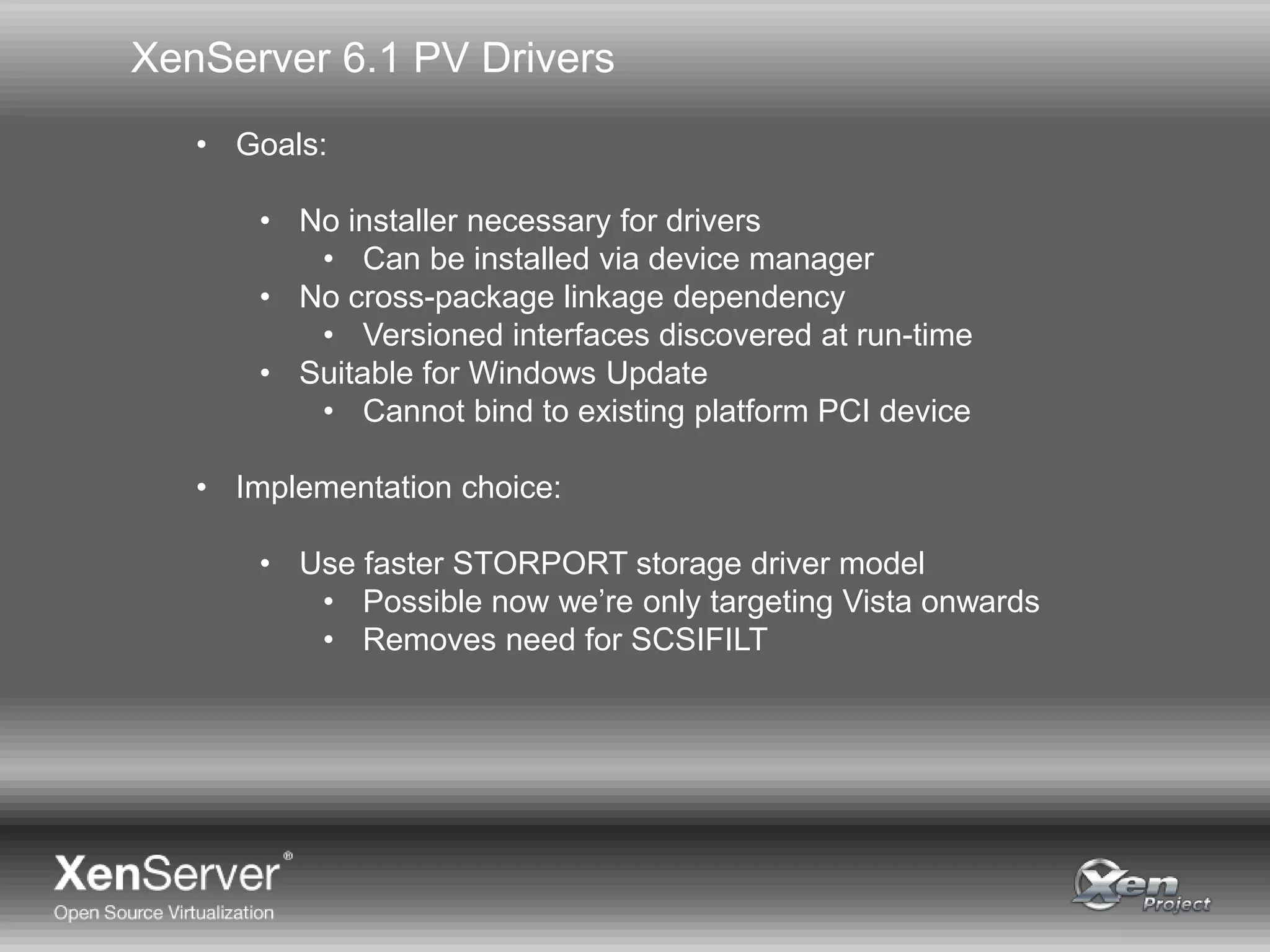
XenServer 6.1 PV Drivers
• Goals:
• No installer necessary for drivers
• Can be installed via device manager
• No cross-package linkage dependency
• Versioned interfaces discovered at run-time
• Suitable for Windows Update
• Cannot bind to existing platform PCI device
• Implementation choice:
• Use faster STORPORT storage driver model
• Possible now we’re only targeting Vista onwards
• Removes need for SCSIFILT
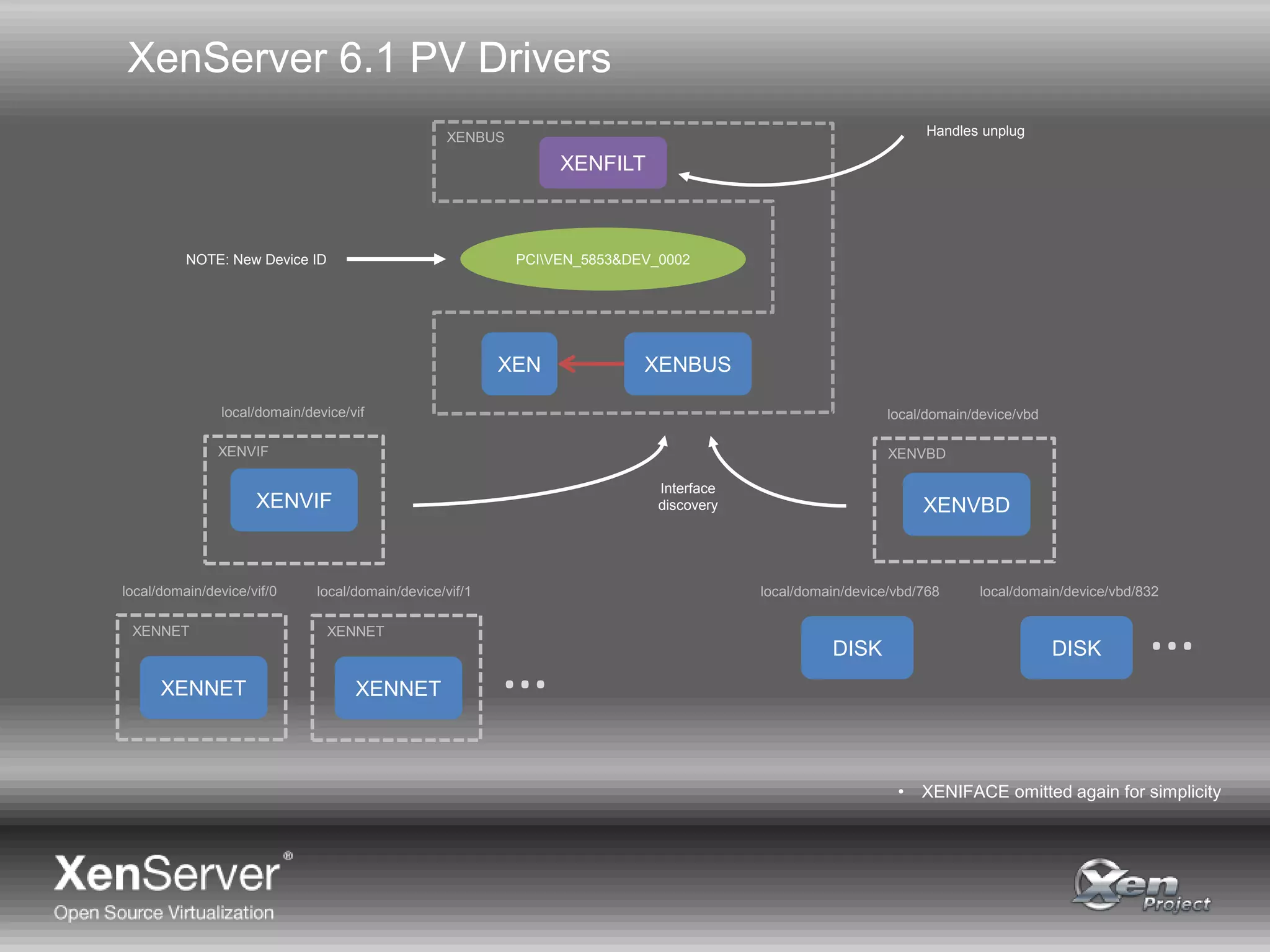
XenServer 6.1 PV Drivers
PCIVEN_5853&DEV_0002
XENVBD
DISK
XENVIF
XENNET
XENVBDXENVIF
XENNET
local/domain/device/vif
local/domain/device/vif/0
XENNET
XENNET
local/domain/device/vif/1 local/domain/device/vbd/768
DISK
local/domain/device/vbd/832
…
…
local/domain/device/vbd
XENBUS
XENBUS
XENFILT
XEN
Interface
discovery
• XENIFACE omitted again for simplicity
NOTE: New Device ID
Handles unplug
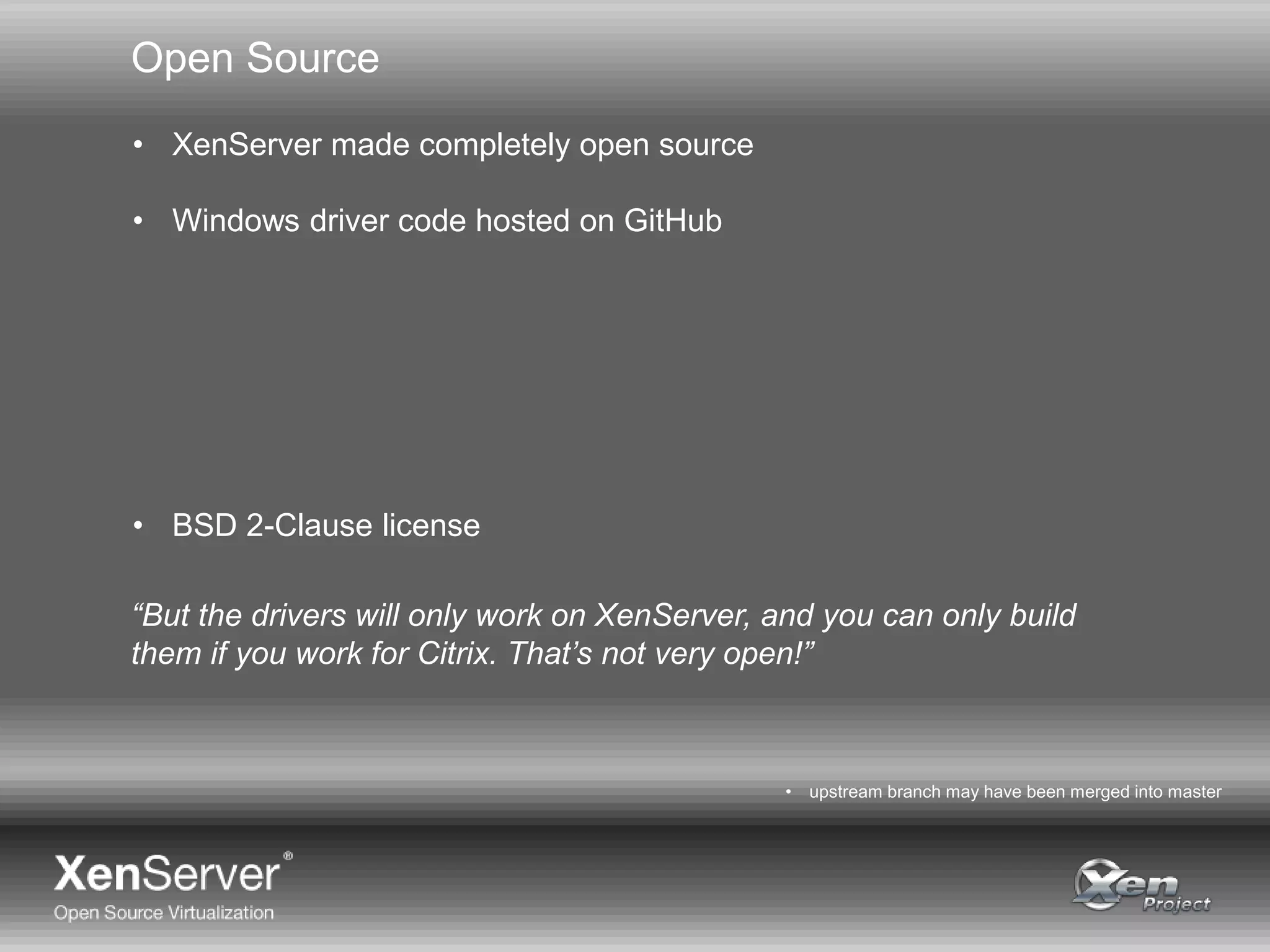
Open Source
• XenServer made completely open source
• Windows driver code hosted on GitHub
• BSD 2-Clause license
• upstream branch may have been merged into master
“But the drivers will only work on XenServer, and you can only build
them if you work for Citrix. That’s not very open!”
http://www.testwarrior.com/1Y0-A17-practice-exam.html
http://www.testwarrior.com/1Y0-A19-practice-exam.html
http://www.testwarrior.com/1Y0-A20-practice-exam.html
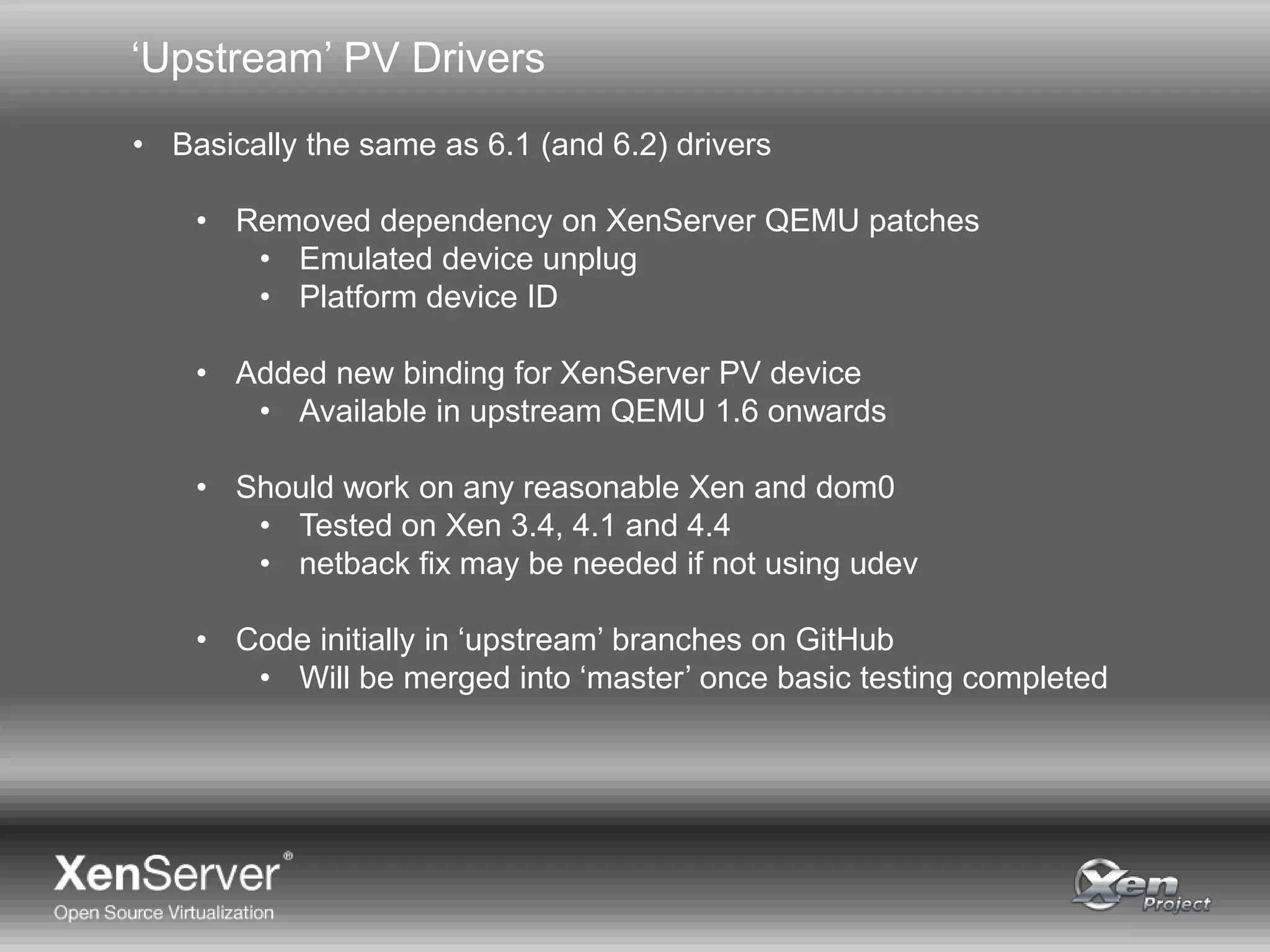
‘Upstream’ PV Drivers
• Basically the same as 6.1 (and 6.2) drivers
• Removed dependency on XenServer QEMU patches
• Emulated device unplug
• Platform device ID
• Added new binding for XenServer PV device
• Available in upstream QEMU 1.6 onwards
• Should work on any reasonable Xen and dom0
• Tested on Xen 3.4, 4.1 and 4.4
• netback fix may be needed if not using udev
• Code initially in ‘upstream’ branches on GitHub
• Will be merged into ‘master’ once basic testing completed
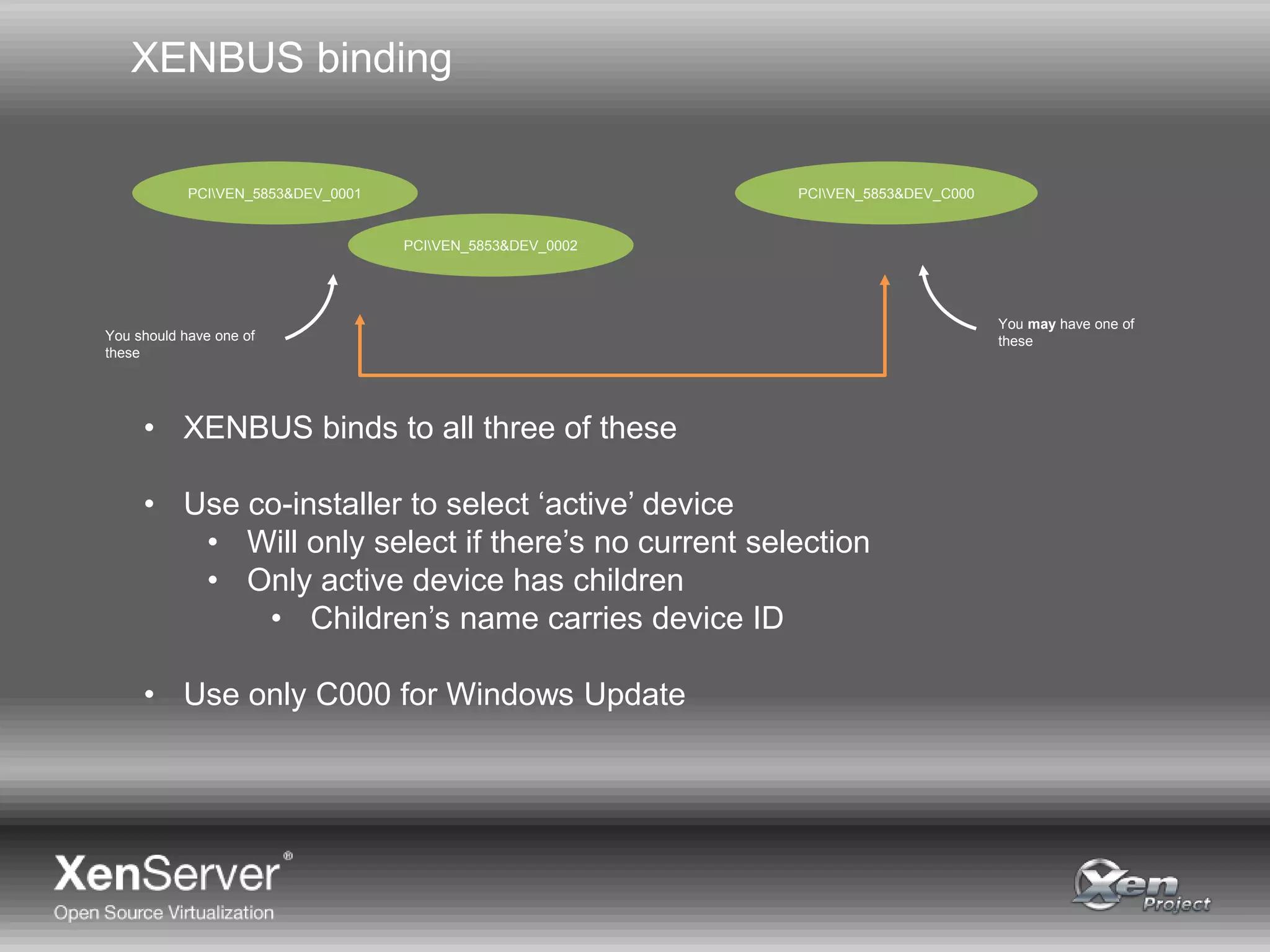
XENBUS binding
PCIVEN_5853&DEV_0001
PCIVEN_5853&DEV_0002
PCIVEN_5853&DEV_C000
You should have one of
these
You may have one of
these
• XENBUS binds to all three of these
• Use co-installer to select ‘active’ device
• Will only select if there’s no current selection
• Only active device has children
• Children’s name carries device ID
• Use only C000 for Windows Update
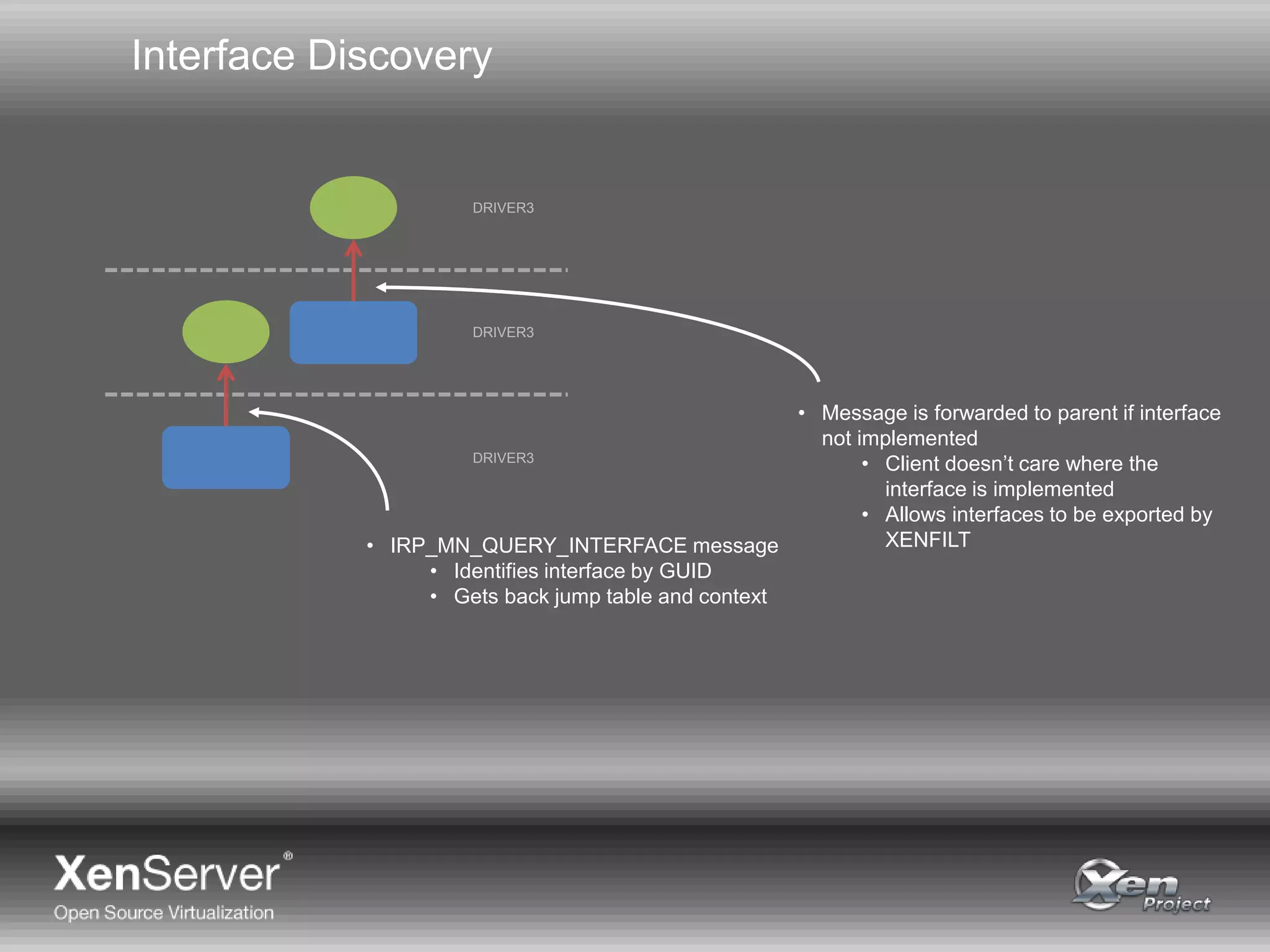
Interface Discovery
• IRP_MN_QUERY_INTERFACE message
• Identifies interface by GUID
• Gets back jump table and context
DRIVER3
DRIVER3
DRIVER3
• Message is forwarded to parent if interface
not implemented
• Client doesn’t care where the
interface is implemented
• Allows interfaces to be exported by
XENFILT
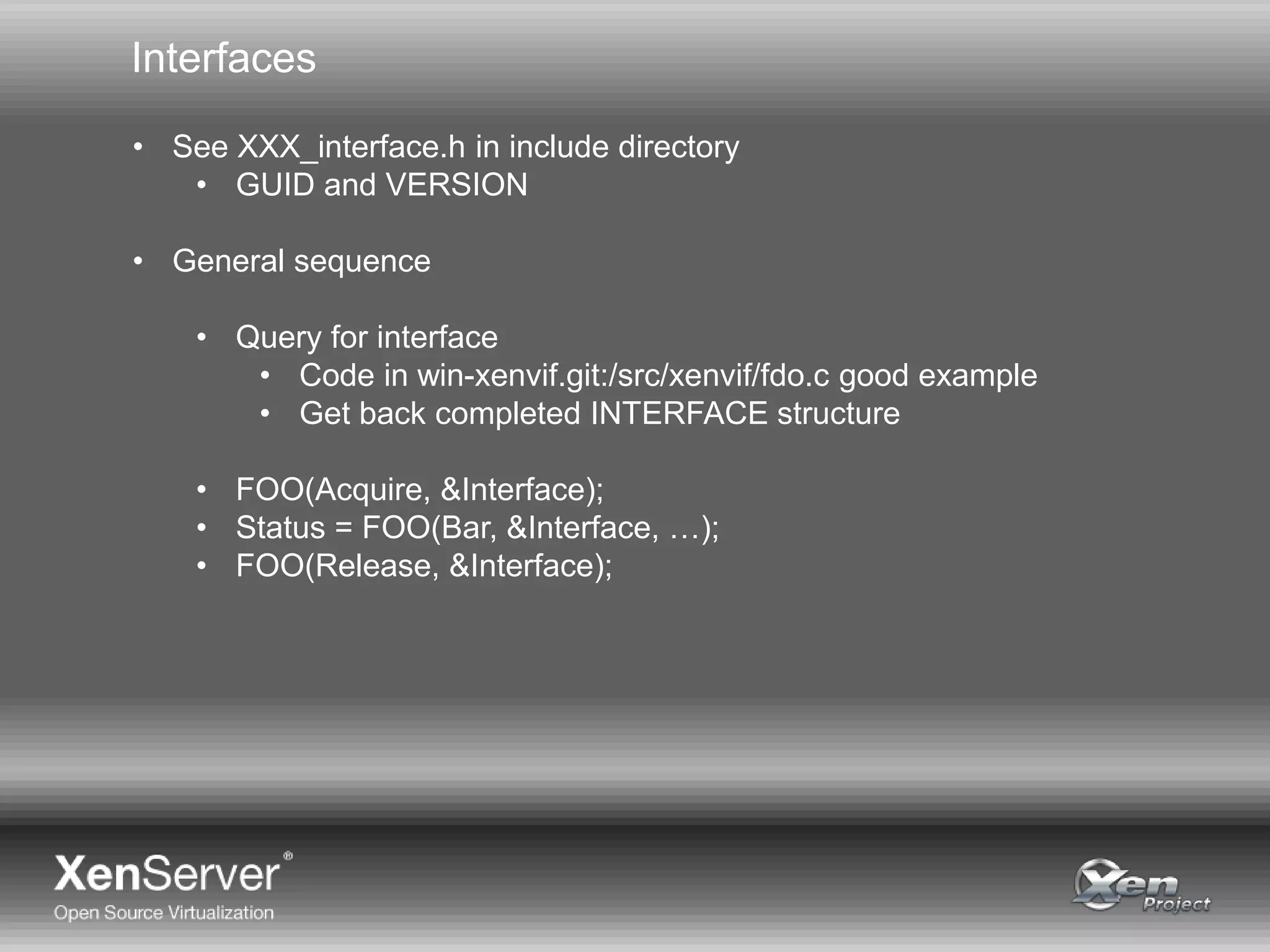
Interfaces
• See XXX_interface.h in include directory
• GUID and VERSION
• General sequence
• Query for interface
• Code in win-xenvif.git:/src/xenvif/fdo.c good example
• Get back completed INTERFACE structure
• FOO(Acquire, &Interface);
• Status = FOO(Bar, &Interface, …);
• FOO(Release, &Interface);
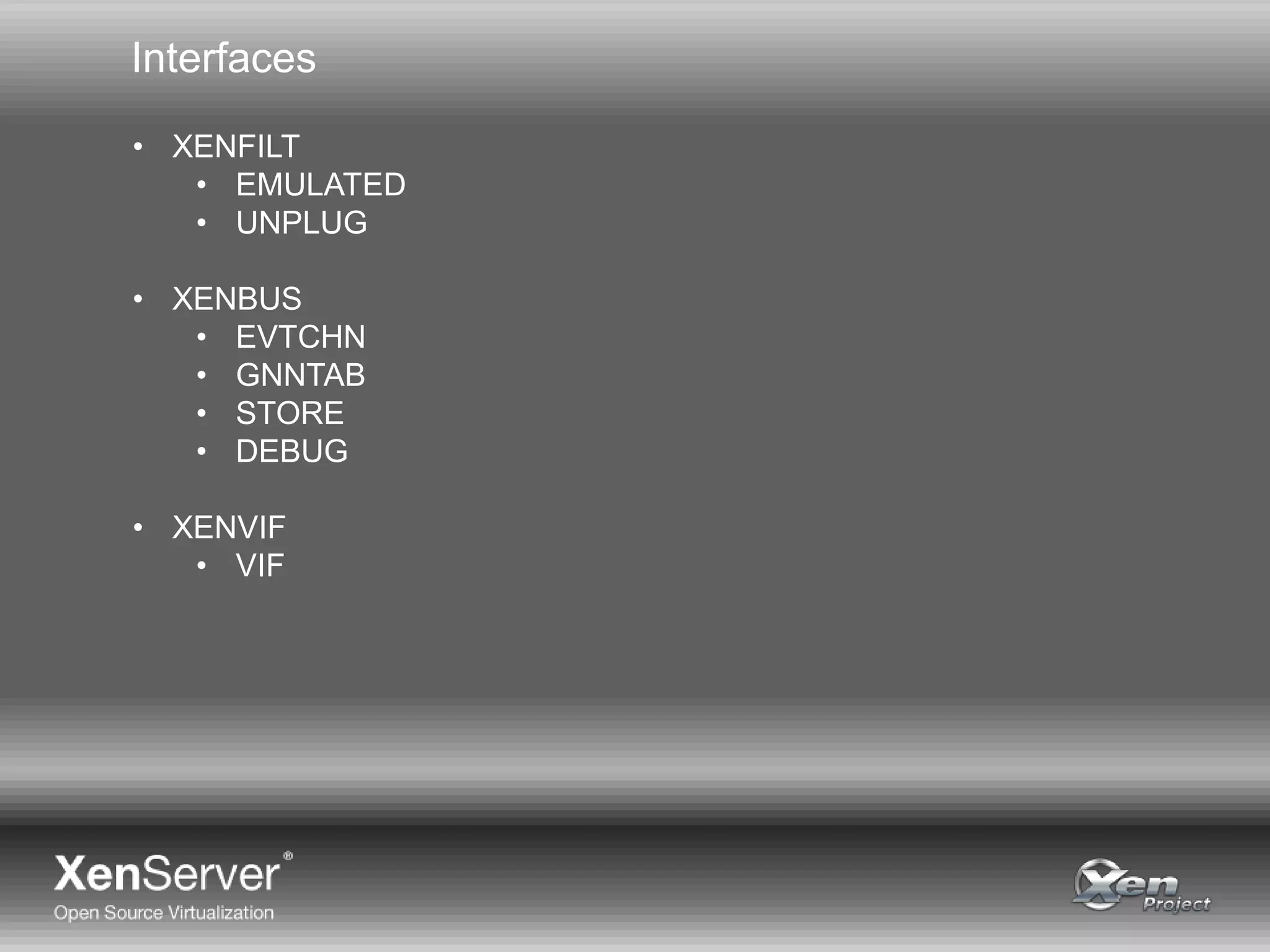
Interfaces
• XENFILT
• EMULATED
• UNPLUG
• XENBUS
• EVTCHN
• GNNTAB
• STORE
• DEBUG
• XENVIF
• VIF
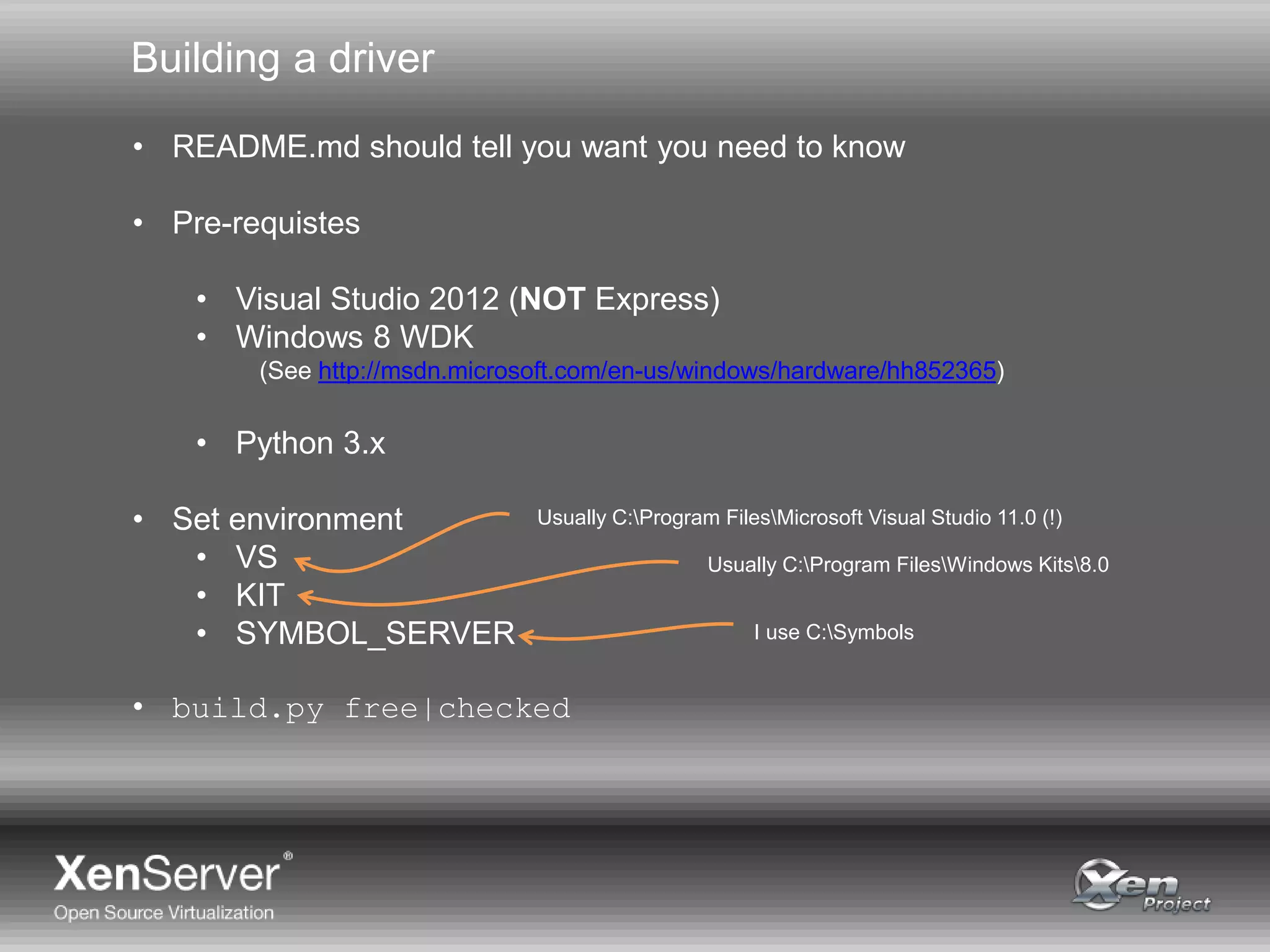
Building a driver
• README.md should tell you want you need to know
• Pre-requistes
• Visual Studio 2012 (NOT Express)
• Windows 8 WDK
(See http://msdn.microsoft.com/en-us/windows/hardware/hh852365)
• Python 3.x
• Set environment
• VS
• KIT
• SYMBOL_SERVER
• build.py free|checked
Usually C:Program FilesMicrosoft Visual Studio 11.0 (!)
Usually C:Program FilesWindows Kits8.0
I use C:Symbols
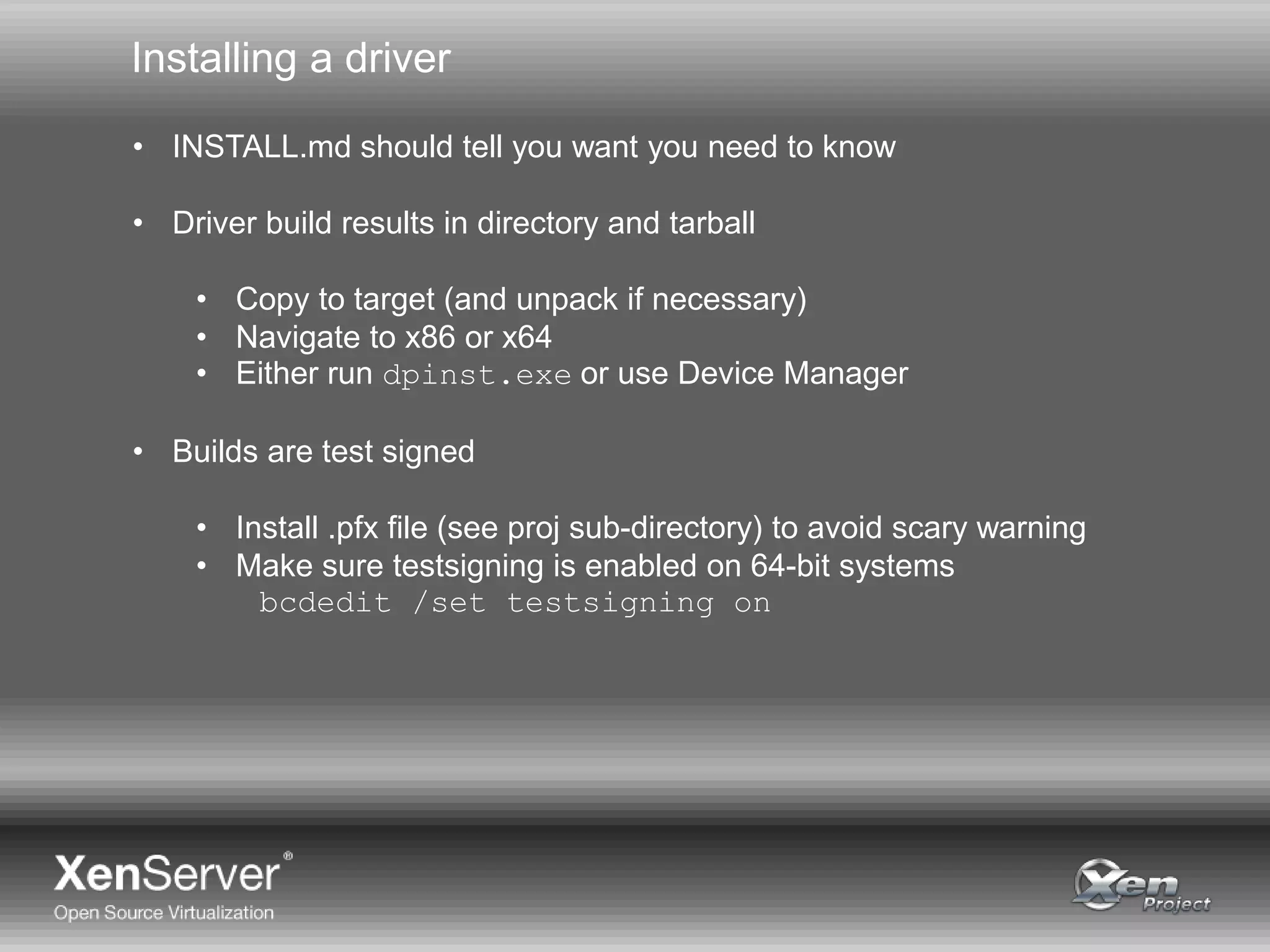
Installing a driver
• INSTALL.md should tell you want you need to know
• Driver build results in directory and tarball
• Copy to target (and unpack if necessary)
• Navigate to x86 or x64
• Either run dpinst.exe or use Device Manager
• Builds are test signed
• Install .pfx file (see proj sub-directory) to avoid scary warning
• Make sure testsigning is enabled on 64-bit systems
bcdedit /set testsigning on
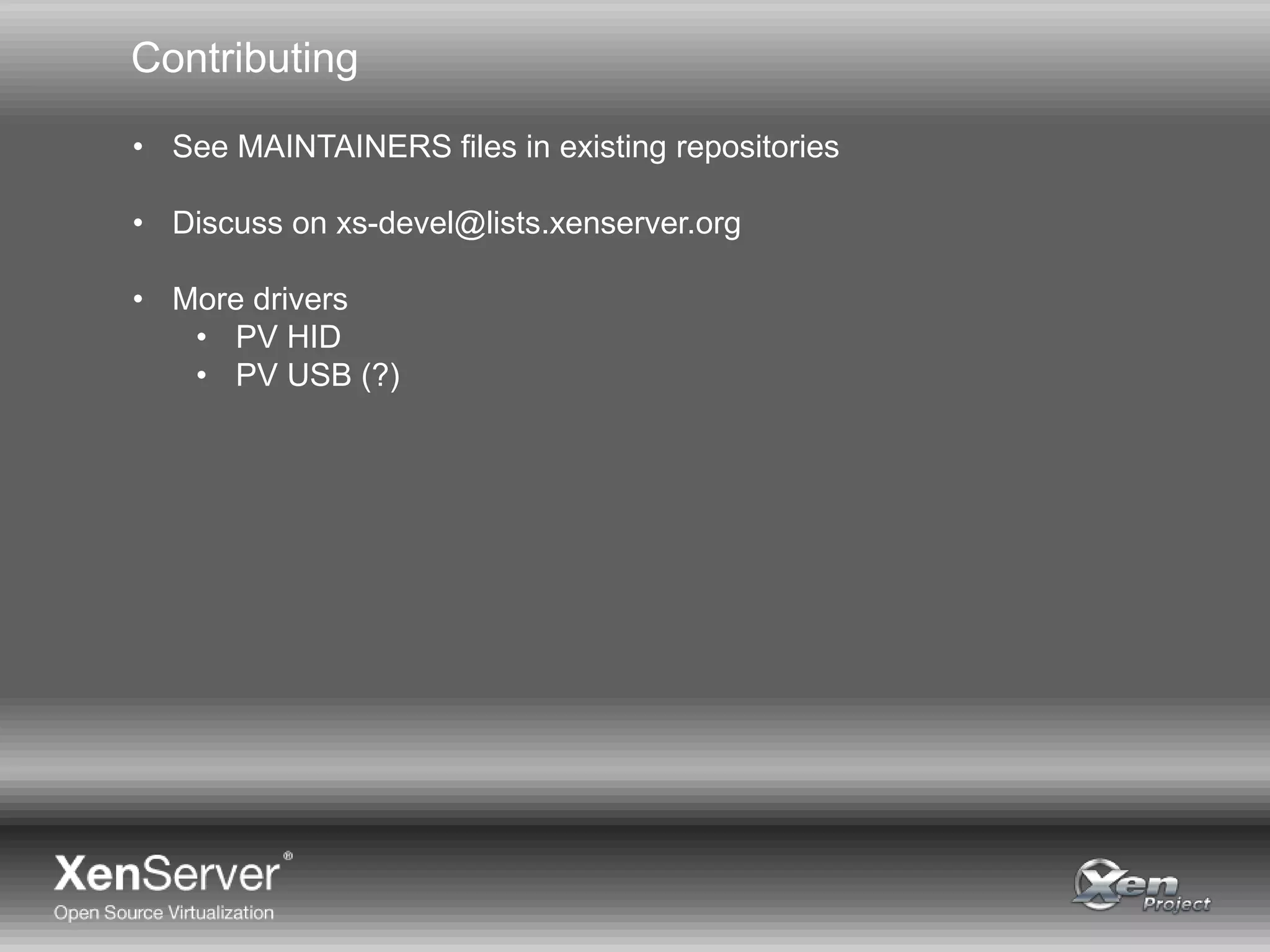
Contributing
• See MAINTAINERS files in existing repositories
• Discuss on xs-devel@lists.xenserver.org
• More drivers
• PV HID
• PV USB (?)
Q&A
www.testwarrior.com

Citrix certified administrator certification

  • 1.
    Paul Durrant Principal SoftwareEngineer, Citrix Citrix Certified Administrator Certification
  • 2.
    Agenda • Background • TheXenServer 6.0.2 (a.k.a. legacy) drivers • The XenServer 6.1 (a.k.a. standard) drivers • Open Source • ‘Upstream’ Drivers • XenServer PV Device • Interfaces • Building and Installing “A history of the Windows PV drivers and a brief tour of the ‘upstream’ drivers and their interfaces”
  • 3.
    Why use PVDrivers? • Emulated storage and network are slow • IDE • Realtek 8139 • Dom0 takes a lot of load • Can easily take 50% CPU per VM • Migration can be problematic • Testing shown up many crashes and hangs
  • 4.
    Windows Drivers PDO FDO FDO PACKAGE (INFFILE) PACKAGE local/domain/device/vif This is a Function Device Object, created when a driver binds to a Physical Device Object. The INF file states the ‘names’ it will bind to. This is a Physical Device Object, created by a bus driver. The ‘name’ of this device is used by Windows to select a driver. This is a xenstore key that is used by a PV bus driver to create a PDO. This is an FDO created by a child PV driver that binds to the PDO representing the xenstore key. FiltDO This is a Filter Device Object. They can be used to interpose on Plug’n’Play, Power or IO messages flowing between PDOs and FDOs.
  • 5.
    XenServer 6.0.2 PVDrivers ROOTXENEVTCHN PCIVEN_5853&DEV_0001 XENVBDXENEVTCHN DISK XENVIF XENNET XENUTIL XENVBDXEVTCHN XENVIF XENNET local/domain/device/vif local/domain/device/vif/0 XENNET XENNET local/domain/device/vif/1 local/domain/device/vbd/768 DISK local/domain/device/vbd/832 SCSIFILT SCSIFILT …… Created by installer Emulated by QEMU Standard in-box driver Linkage dependency • XENIFACE omitted for simplicity
  • 6.
    XenServer 6.0.2 PVDrivers • Need SCSIFILT because we use old SCSIPORT storage driver model, which is really slow • Creates all sorts of problems with compatibility • Use of ROOT node requires installer • Cross-package linkage dependency means drivers have to be installed and upgraded as a unit • Prevents deployment via Windows Update “But Windows Update would be very useful for large installations or upgrades so that’s a pain. What can we do?”
  • 7.
  • 8.
    Enter Windows 8 •With the new WDK Microsoft decided: • You can only use Visual Studio 2012 to build… …so throw away your existing build scripts • They only support building for OS back to Vista… …so you’re going to have to have two binaries if you want to support XP and Server 2003 like it or not “So, we’re going to have to do something.”
  • 9.
    XenServer 6.1 PVDrivers • Goals: • No installer necessary for drivers • Can be installed via device manager • No cross-package linkage dependency • Versioned interfaces discovered at run-time • Suitable for Windows Update • Cannot bind to existing platform PCI device • Implementation choice: • Use faster STORPORT storage driver model • Possible now we’re only targeting Vista onwards • Removes need for SCSIFILT
  • 10.
    XenServer 6.1 PVDrivers PCIVEN_5853&DEV_0002 XENVBD DISK XENVIF XENNET XENVBDXENVIF XENNET local/domain/device/vif local/domain/device/vif/0 XENNET XENNET local/domain/device/vif/1 local/domain/device/vbd/768 DISK local/domain/device/vbd/832 … … local/domain/device/vbd XENBUS XENBUS XENFILT XEN Interface discovery • XENIFACE omitted again for simplicity NOTE: New Device ID Handles unplug
  • 11.
    Open Source • XenServermade completely open source • Windows driver code hosted on GitHub • BSD 2-Clause license • upstream branch may have been merged into master “But the drivers will only work on XenServer, and you can only build them if you work for Citrix. That’s not very open!” http://www.testwarrior.com/1Y0-A17-practice-exam.html http://www.testwarrior.com/1Y0-A19-practice-exam.html http://www.testwarrior.com/1Y0-A20-practice-exam.html
  • 12.
    ‘Upstream’ PV Drivers •Basically the same as 6.1 (and 6.2) drivers • Removed dependency on XenServer QEMU patches • Emulated device unplug • Platform device ID • Added new binding for XenServer PV device • Available in upstream QEMU 1.6 onwards • Should work on any reasonable Xen and dom0 • Tested on Xen 3.4, 4.1 and 4.4 • netback fix may be needed if not using udev • Code initially in ‘upstream’ branches on GitHub • Will be merged into ‘master’ once basic testing completed
  • 13.
    XENBUS binding PCIVEN_5853&DEV_0001 PCIVEN_5853&DEV_0002 PCIVEN_5853&DEV_C000 You shouldhave one of these You may have one of these • XENBUS binds to all three of these • Use co-installer to select ‘active’ device • Will only select if there’s no current selection • Only active device has children • Children’s name carries device ID • Use only C000 for Windows Update
  • 14.
    Interface Discovery • IRP_MN_QUERY_INTERFACEmessage • Identifies interface by GUID • Gets back jump table and context DRIVER3 DRIVER3 DRIVER3 • Message is forwarded to parent if interface not implemented • Client doesn’t care where the interface is implemented • Allows interfaces to be exported by XENFILT
  • 15.
    Interfaces • See XXX_interface.hin include directory • GUID and VERSION • General sequence • Query for interface • Code in win-xenvif.git:/src/xenvif/fdo.c good example • Get back completed INTERFACE structure • FOO(Acquire, &Interface); • Status = FOO(Bar, &Interface, …); • FOO(Release, &Interface);
  • 16.
    Interfaces • XENFILT • EMULATED •UNPLUG • XENBUS • EVTCHN • GNNTAB • STORE • DEBUG • XENVIF • VIF
  • 17.
    Building a driver •README.md should tell you want you need to know • Pre-requistes • Visual Studio 2012 (NOT Express) • Windows 8 WDK (See http://msdn.microsoft.com/en-us/windows/hardware/hh852365) • Python 3.x • Set environment • VS • KIT • SYMBOL_SERVER • build.py free|checked Usually C:Program FilesMicrosoft Visual Studio 11.0 (!) Usually C:Program FilesWindows Kits8.0 I use C:Symbols
  • 18.
    Installing a driver •INSTALL.md should tell you want you need to know • Driver build results in directory and tarball • Copy to target (and unpack if necessary) • Navigate to x86 or x64 • Either run dpinst.exe or use Device Manager • Builds are test signed • Install .pfx file (see proj sub-directory) to avoid scary warning • Make sure testsigning is enabled on 64-bit systems bcdedit /set testsigning on
  • 19.
    Contributing • See MAINTAINERSfiles in existing repositories • Discuss on xs-devel@lists.xenserver.org • More drivers • PV HID • PV USB (?)
  • 20.