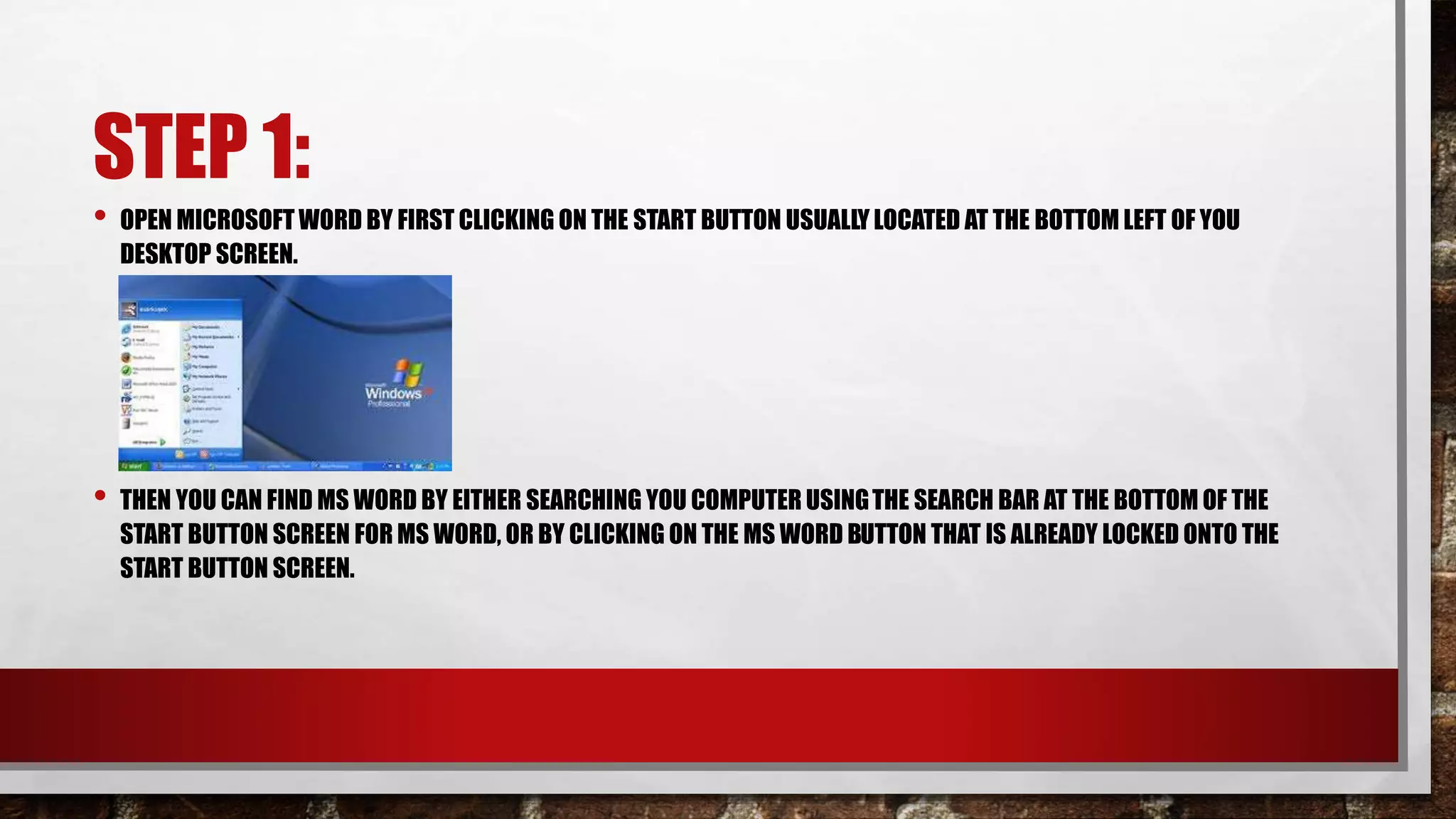
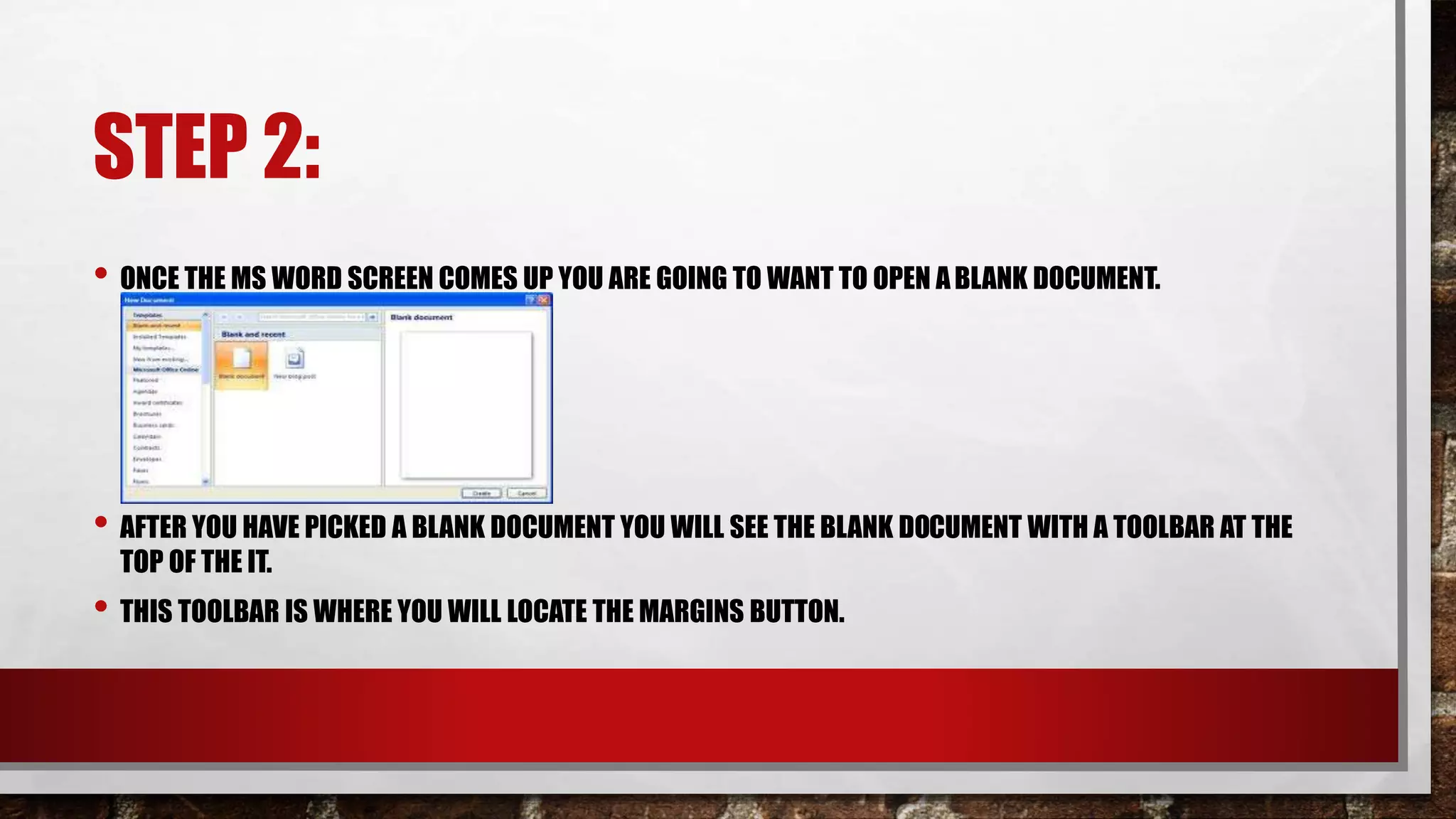
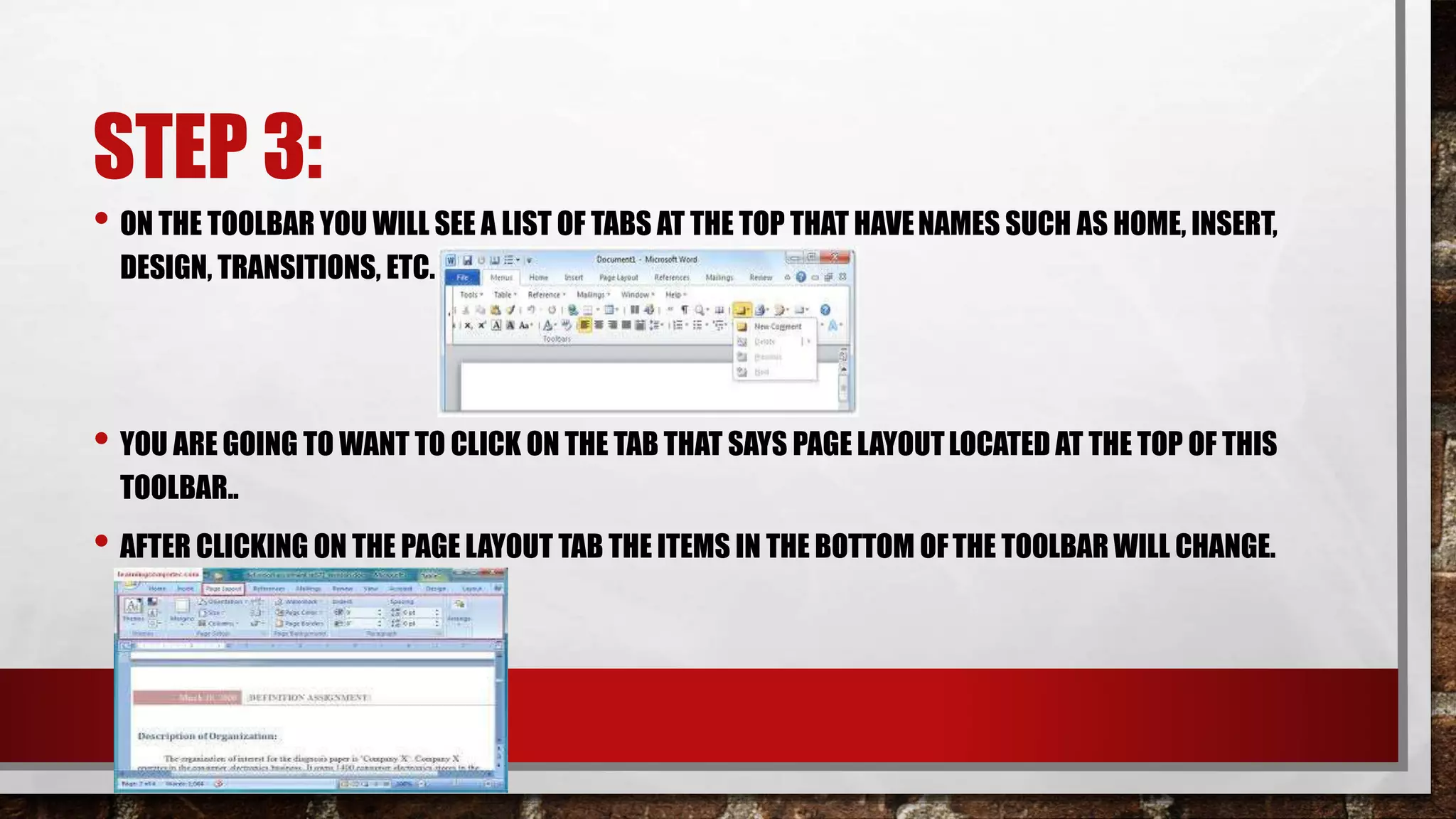
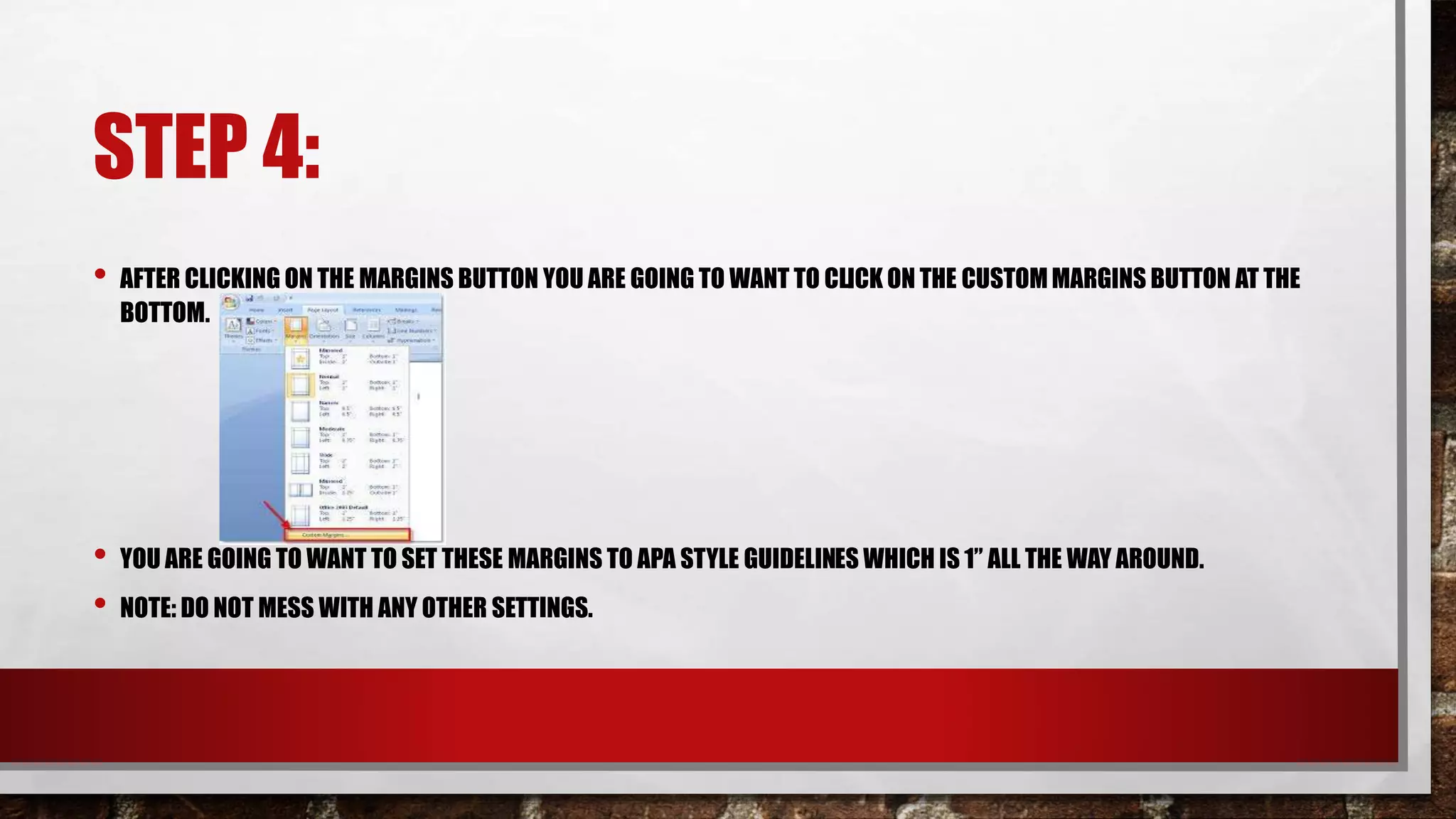
This document provides instructions for setting margins in Microsoft Word according to APA style guidelines. It outlines 4 steps: 1) Open MS Word, 2) Open a blank document, 3) Click the "Page Layout" tab, and 4) Click "Custom Margins" and set all margins to 1 inch. The instructions provide details for finding and clicking the necessary buttons on the Word toolbar to complete each step.