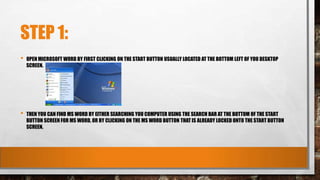
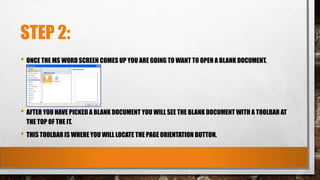
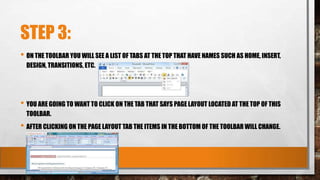
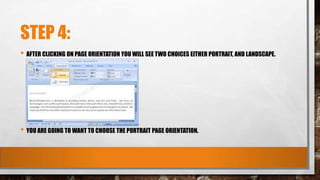
This document provides instructions for opening Microsoft Word and selecting the page orientation in a blank document. It outlines 4 steps: 1) Open MS Word by clicking the Start button and searching or clicking the MS Word icon. 2) Open a blank document which will display a toolbar. 3) Click the Page Layout tab in the toolbar to change the bottom options. 4) Choose between Portrait and Landscape page orientations by clicking Page Orientation.