Socorro Hernandez
   Debbie Morales
        6/22/2010
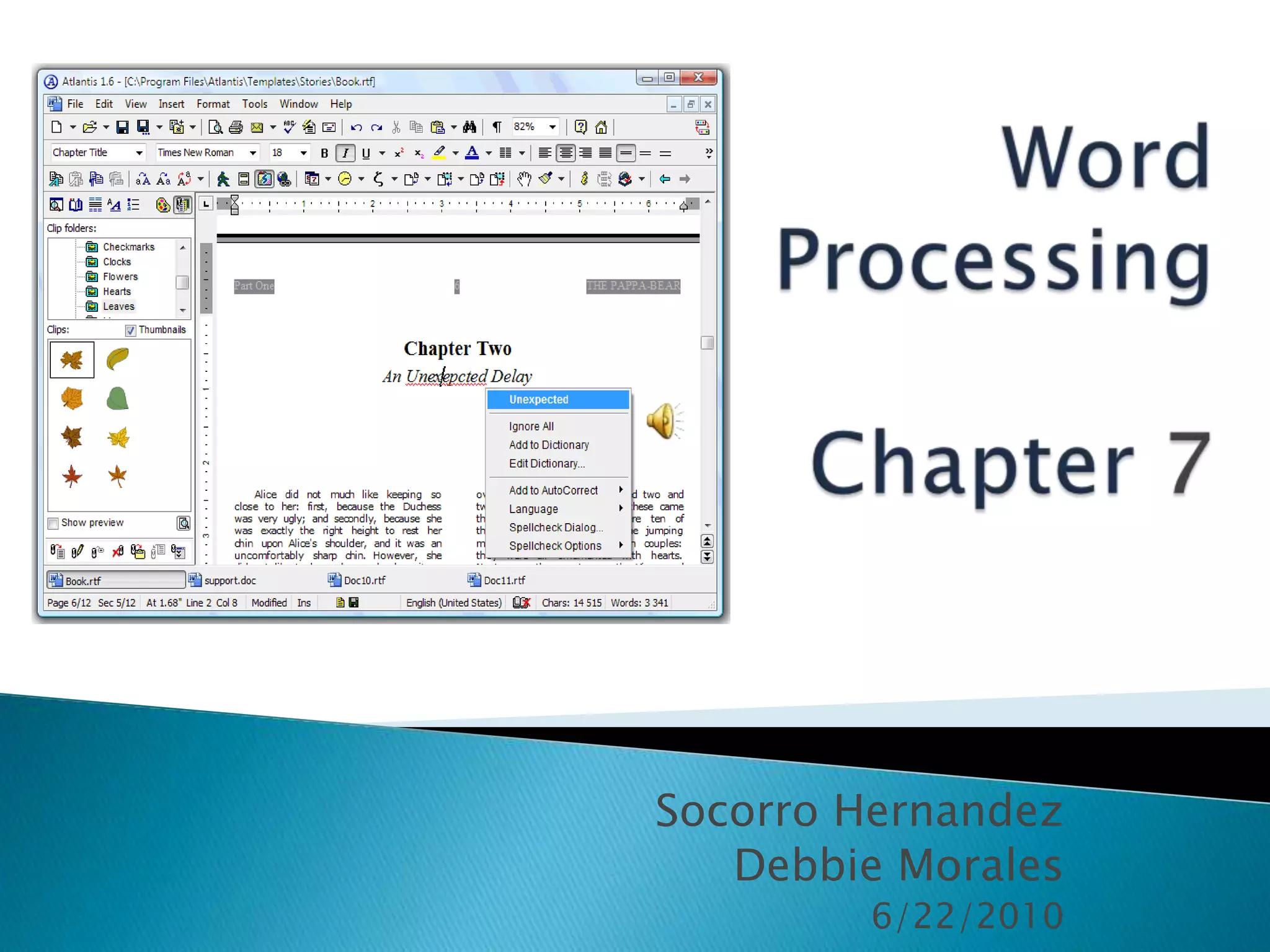
Word
 Processing


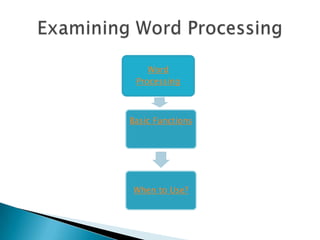
Basic Functions


When to Use?
 Word processing is a commonly used
  application that is easily learned.
 It has three key functions:
1. Entering and editing text
2. Organizing information
3. Inserting objects and hyperlinks
If students use spell check on the computer, will
they be able to spell correctly when not using the
              computer? Explain why or why not.
   Edit
                      http://www.thefreedict
                       ionary.com/hyperlink


                      http://www.utexas.edu/its/training/hando
                       uts/UTOPIA_WordGS/


                   Different ways to
Variety of tools
                   hyperlink
 Is it a higher-order thinking for your
  students to use word processing in the
  daily curriculum?

   Why?
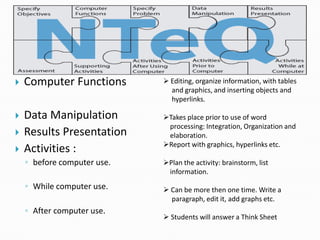
   Computer Functions        Editing, organize information, with tables
                               and graphics, and inserting objects and
                               hyperlinks.

   Data Manipulation        Takes place prior to use of word
                              processing: Integration, Organization and
   Results Presentation      elaboration.
                             Report with graphics, hyperlinks etc.
   Activities :
    ◦ before computer use.   Plan the activity: brainstorm, list
                              information.
    ◦ While computer use.     Can be more then one time. Write a
                               paragraph, edit it, add graphs etc.
    ◦ After computer use.
                              Students will answer a Think Sheet
NTeQ components Unique to Technology
                  Integration Lessons
                  http://www.nteq.com/?p=present
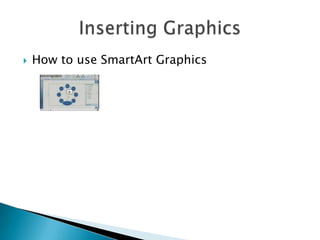
   How to use SmartArt Graphics
What are the advantages and disadvantages of
 using Word Processing with an NTeQ model?
   First, create a brochure in Microsoft word.
   Go to the website www.doc.google.com
   Write your Google email address on a strip of
    paper.
   Exchange with a classmate.
   You will be writing in a word document.

Chapter7 v2

  • 1.
    Socorro Hernandez Debbie Morales 6/22/2010
  • 2.
  • 3.
     Word processingis a commonly used application that is easily learned.  It has three key functions: 1. Entering and editing text 2. Organizing information 3. Inserting objects and hyperlinks
  • 4.
    If students usespell check on the computer, will they be able to spell correctly when not using the computer? Explain why or why not.
  • 5.
    Edit  http://www.thefreedict ionary.com/hyperlink  http://www.utexas.edu/its/training/hando uts/UTOPIA_WordGS/ Different ways to Variety of tools hyperlink
  • 6.
     Is ita higher-order thinking for your students to use word processing in the daily curriculum?  Why?
  • 7.
    Computer Functions  Editing, organize information, with tables and graphics, and inserting objects and hyperlinks.  Data Manipulation Takes place prior to use of word processing: Integration, Organization and  Results Presentation elaboration. Report with graphics, hyperlinks etc.  Activities : ◦ before computer use. Plan the activity: brainstorm, list information. ◦ While computer use.  Can be more then one time. Write a paragraph, edit it, add graphs etc. ◦ After computer use.  Students will answer a Think Sheet
  • 8.
    NTeQ components Uniqueto Technology Integration Lessons http://www.nteq.com/?p=present
  • 9.
    How to use SmartArt Graphics
  • 10.
    What are theadvantages and disadvantages of using Word Processing with an NTeQ model?
  • 12.
    First, create a brochure in Microsoft word.  Go to the website www.doc.google.com  Write your Google email address on a strip of paper.  Exchange with a classmate.  You will be writing in a word document.