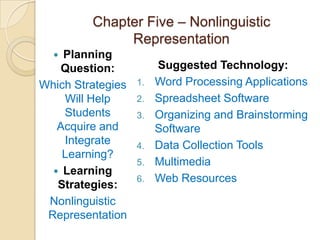
This chapter discusses using nonlinguistic representation to help students acquire and integrate learning. It recommends using graphic organizers, physical models, mental pictures, and kinesthetic activities to represent knowledge. Specific technologies are also discussed that can help with nonlinguistic representation, including word processing, spreadsheets, organizing software, data collection tools, multimedia, and web resources. The chapter provides examples of how these technologies can be used to create visuals, graphs, diagrams and other nonlinguistic representations of concepts to improve student understanding.


![How tutoring helps [benefits of tutoring]](https://cdn.slidesharecdn.com/ss_thumbnails/howtutoringhelpsbenefitsoftutoring-210920142049-thumbnail.jpg?width=640&height=640&fit=bounds)


