Networking
Chapter - 27
Mrs. L. Priya
Head & Assit. Professor
Dept. of Comp. Sci.
Sri Kaliswari College
Sivakasi
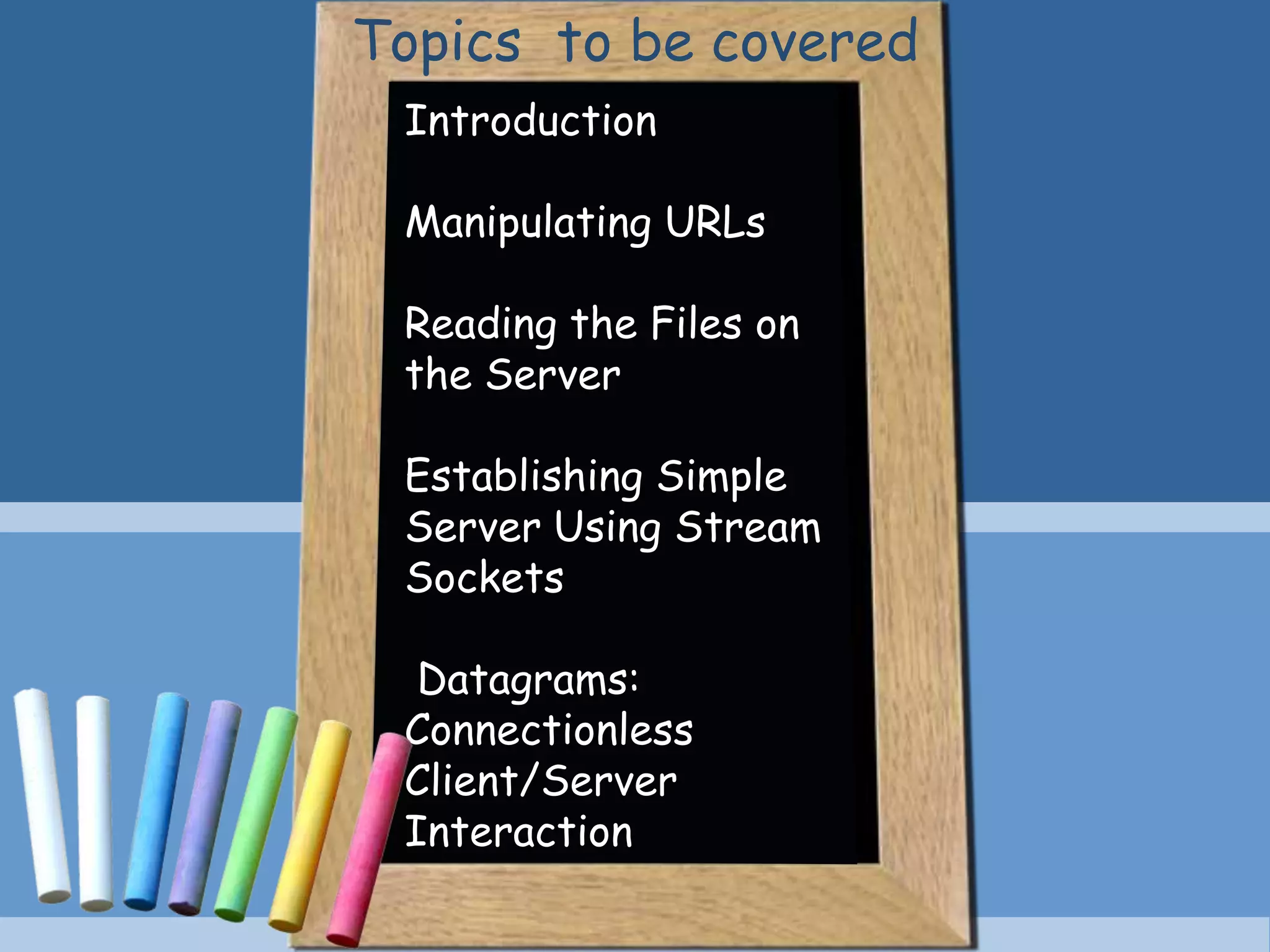
Introduction
Manipulating URLs
Reading the Files on
the Server
Establishing Simple
Server Using Stream
Sockets
Datagrams:
Connectionless
Client/Server
Interaction
Topics to be covered
Introduction
Topics to be covered
•Built – in Networking Facilities – Easy to Program
•Classes and Interfaces declared in java.net package
•Packages for Stream Based Communications and Packet
based Communication.
•Focus on C/S relationship – client requests and server
responds
•Socket Based Communications – Read from a Socket and
Write to a socket.
Introduction
Introduction – Stream Sockets
•Data flows between process in continuous streams
•Connection Oriented Service
•Protocol used – TCP (Transmission Control Protocol)
Introduction – Datagram Sockets
•Individual Packets of Information are transmitted.
•Connection Less Service – does not guarantee that
packets arrive in any particular order (May be lost or
duplicated).
•Protocol used – UDP (User Datagram Protocol)
Manipulating
URLS
Topics to be covered
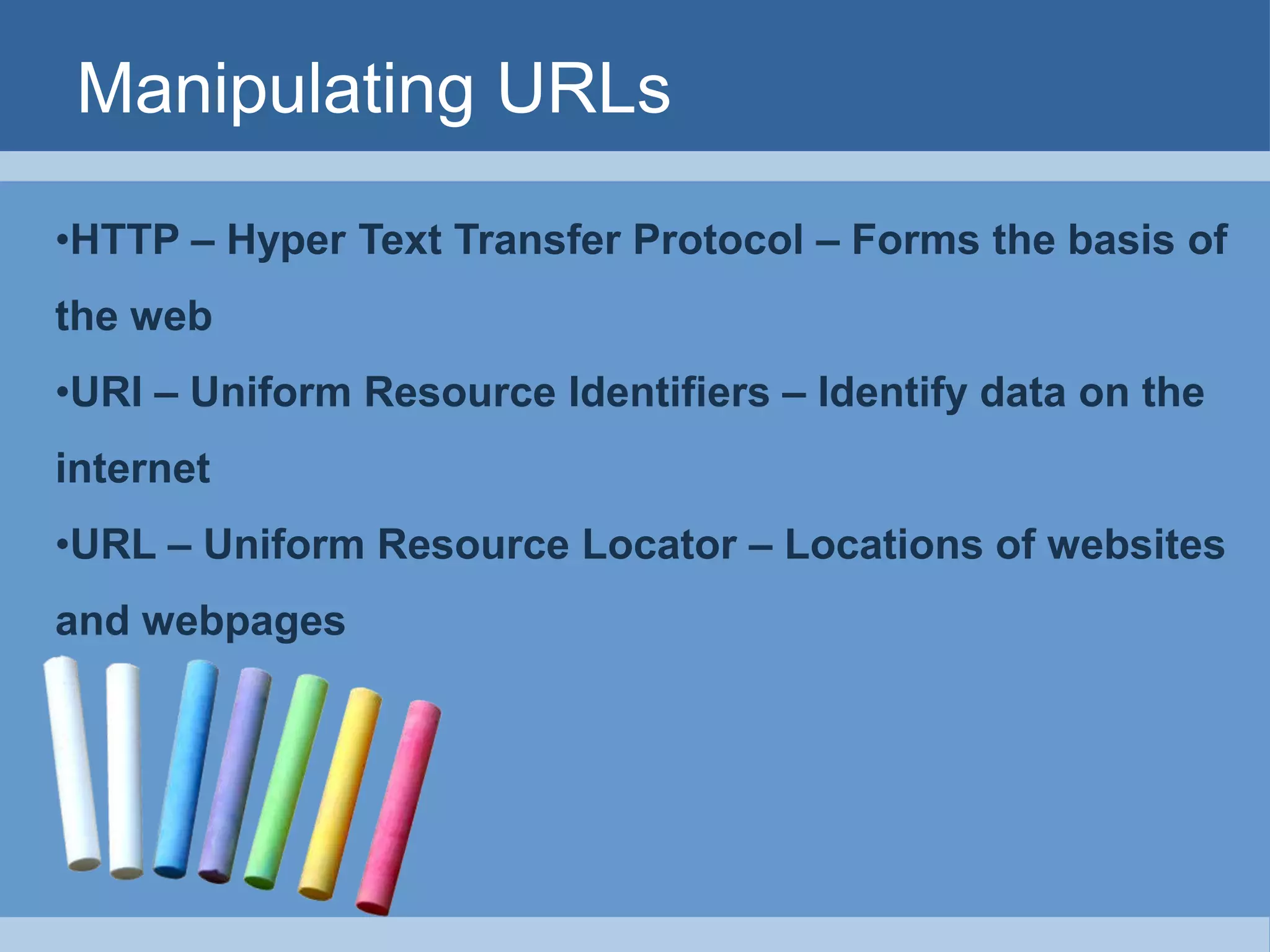
Manipulating URLs
•HTTP – Hyper Text Transfer Protocol – Forms the basis of
the web
•URI – Uniform Resource Identifiers – Identify data on the
internet
•URL – Uniform Resource Locator – Locations of websites
and webpages
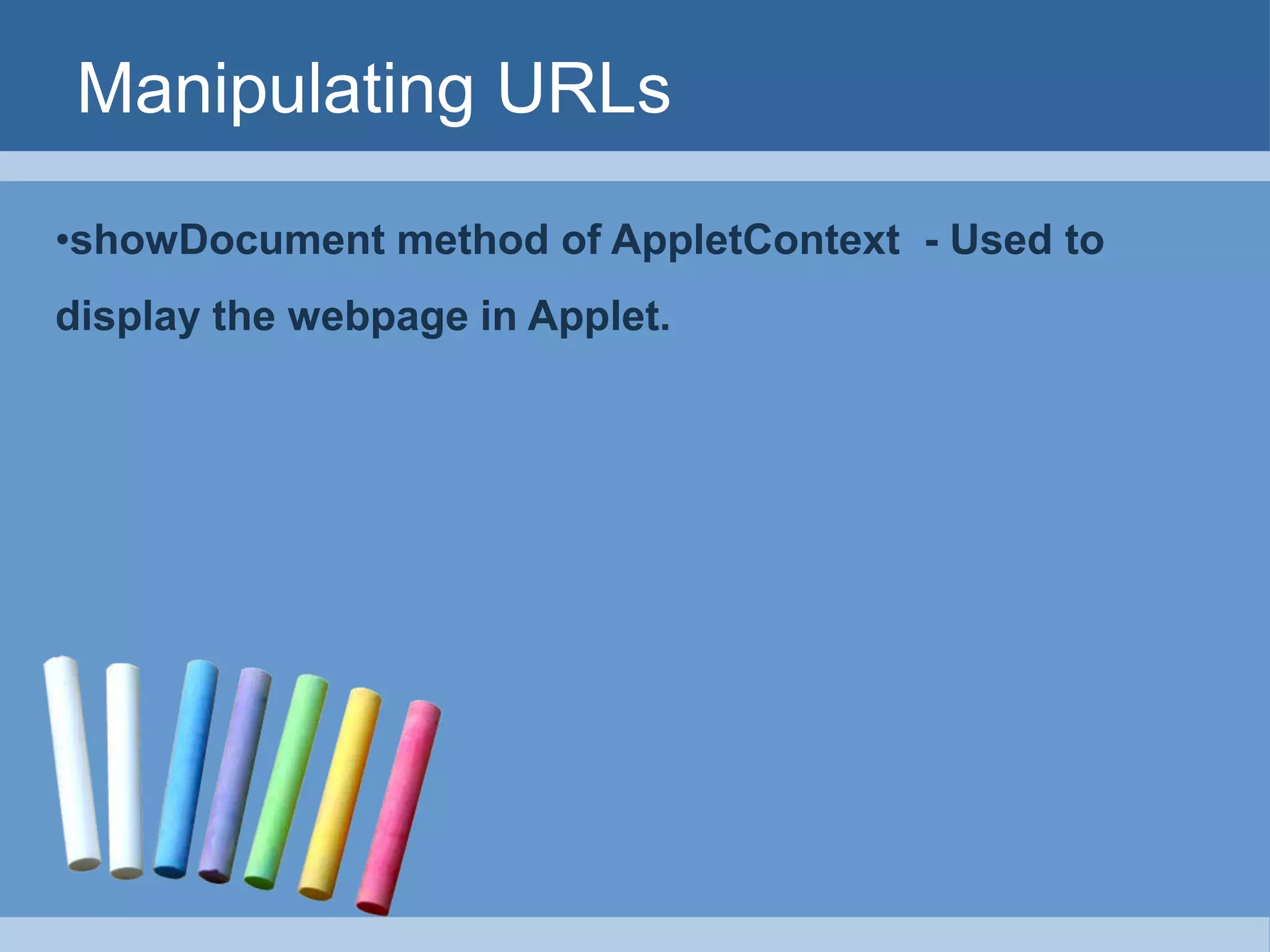
Manipulating URLs
•showDocument method of AppletContext - Used to
display the webpage in Applet.
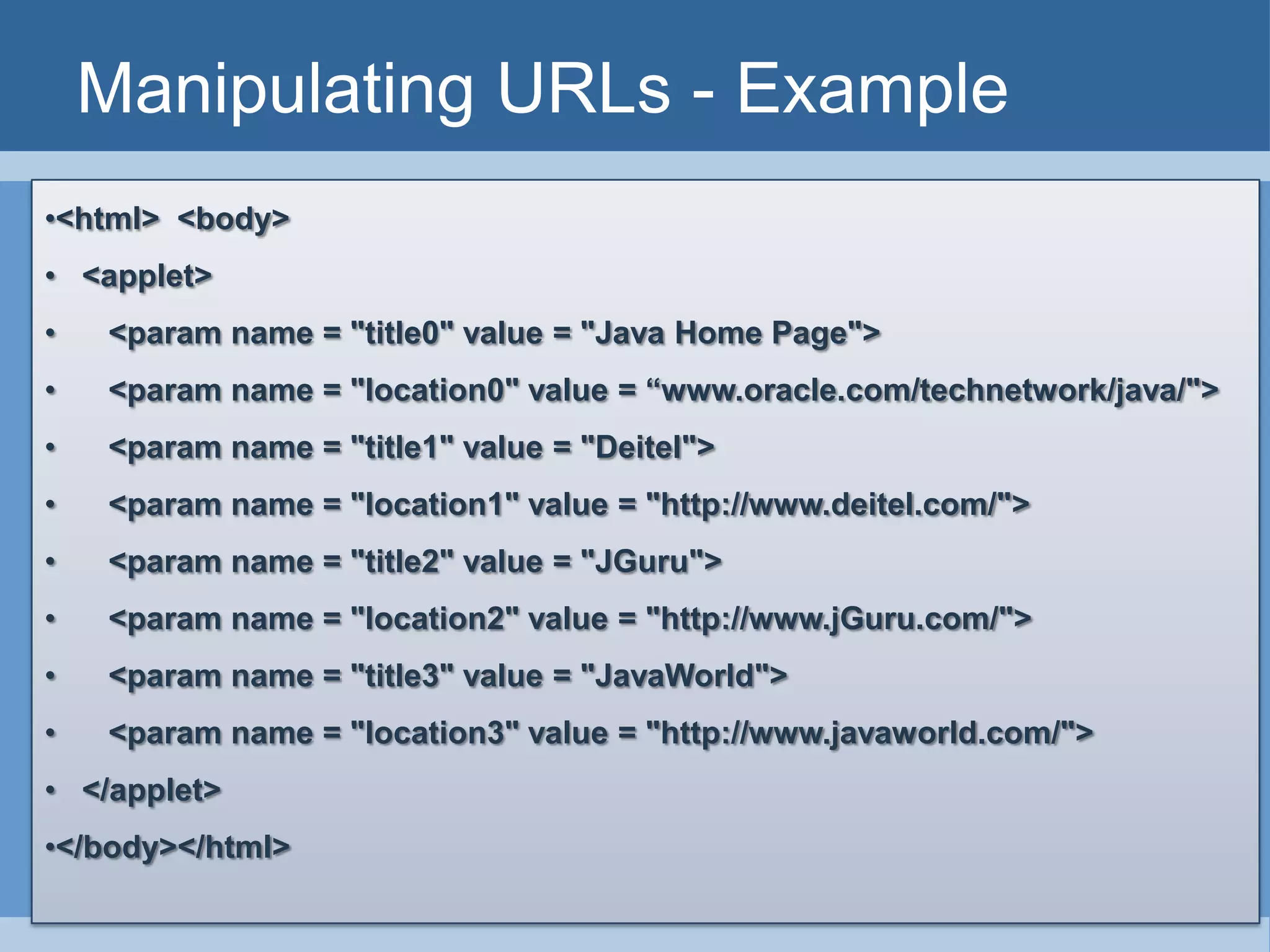
Manipulating URLs - Example
•<html> <body>
• <applet>
• <param name = "title0" value = "Java Home Page">
• <param name = "location0" value = “www.oracle.com/technetwork/java/">
• <param name = "title1" value = "Deitel">
• <param name = "location1" value = "http://www.deitel.com/">
• <param name = "title2" value = "JGuru">
• <param name = "location2" value = "http://www.jGuru.com/">
• <param name = "title3" value = "JavaWorld">
• <param name = "location3" value = "http://www.javaworld.com/">
• </applet>
•</body></html>
Manipulating URLs - Example
public class SiteSelector extends Japplet
{
public void init()
{ title = getParameter( "title0“ );
location = getParameter( "location0“);
try
{ URL url = new URL( location ); // convert location to URL
AppletContext browser = getAppletContext();
browser.showDocument(url);
} // end try
catch ( MalformedURLException urlException )
{ urlException.printStackTrace();
} // end catch
Reading a
File on a
Web Server
Topics to be covered
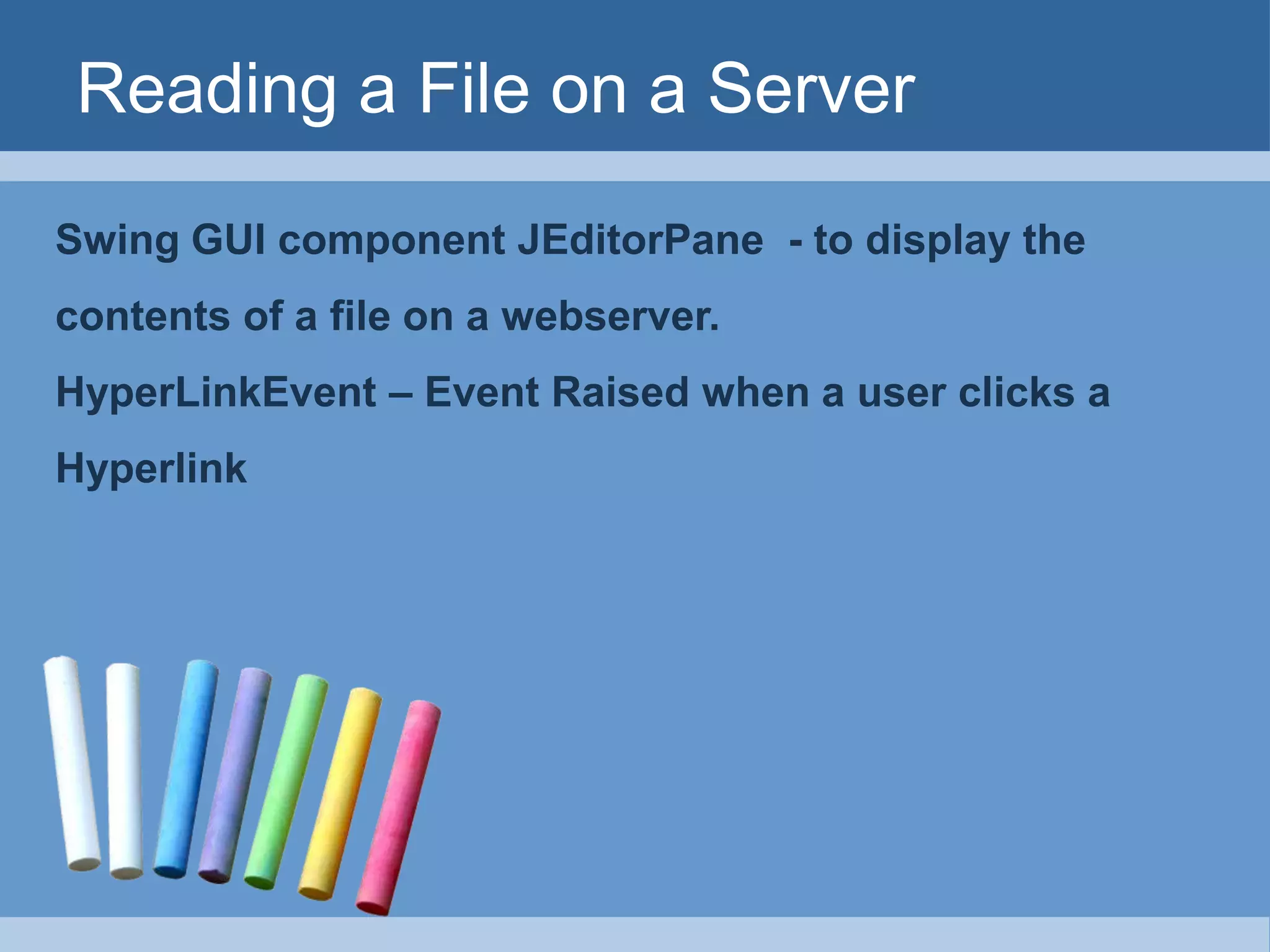
Reading a File on a Server
Swing GUI component JEditorPane - to display the
contents of a file on a webserver.
HyperLinkEvent – Event Raised when a user clicks a
Hyperlink
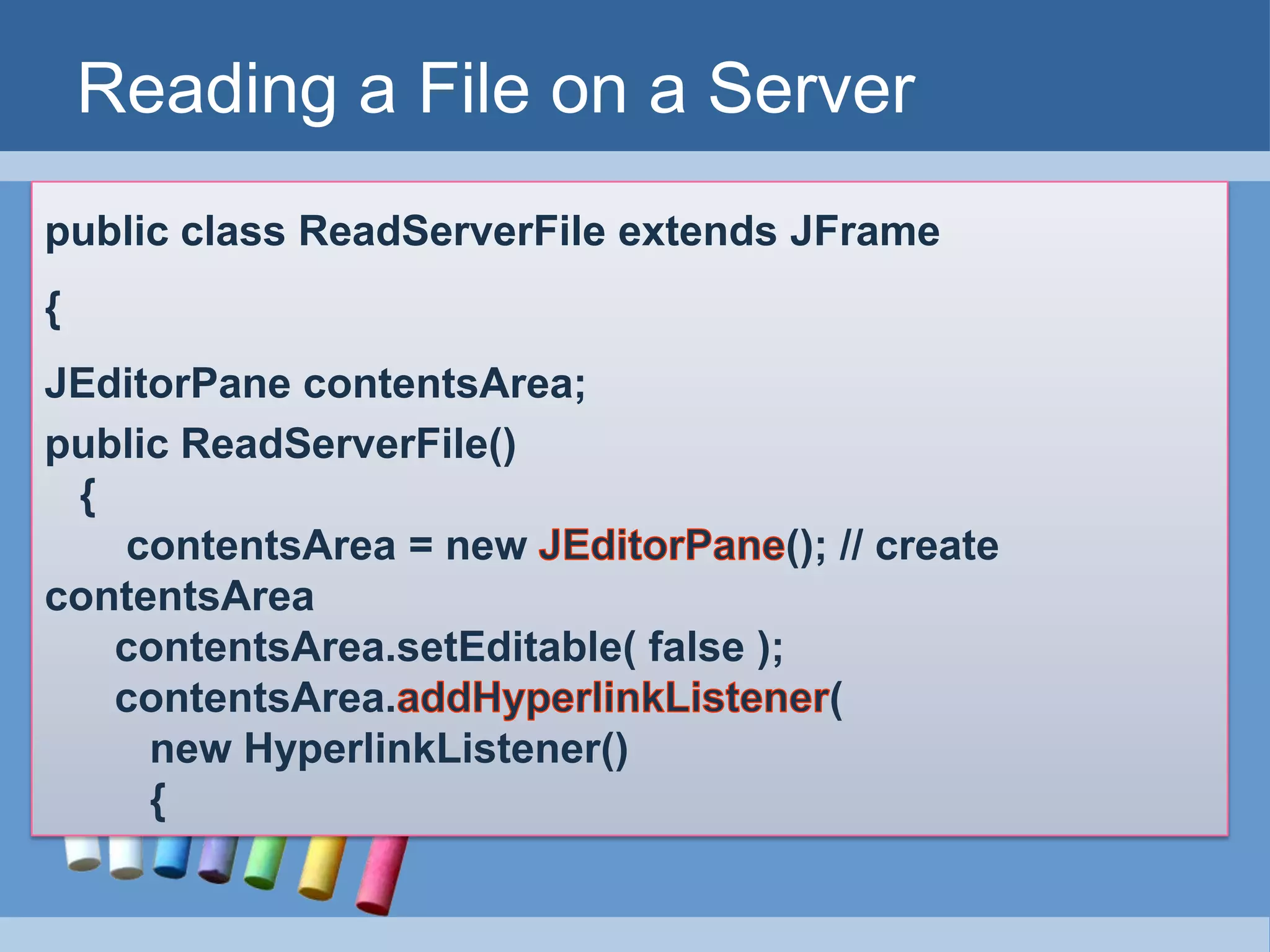
Reading a File on a Server
public class ReadServerFile extends JFrame
{
JEditorPane contentsArea;
public ReadServerFile()
{
contentsArea = new (); // create
contentsArea
contentsArea.setEditable( false );
contentsArea. (
new HyperlinkListener()
{
Reading a File on a Server
public void ( HyperlinkEvent event )
{
if ( event.getEventType() ==
)
{
location = .toString();
contentsArea. ( location ); ;
}
} // end method hyperlinkUpdate
} // end inner class
); // end call to addHyperlinkListener
}
}
Establishing
Simple
Server Using
Stream
Sockets
Topic to be covered
Establishing Simple Server Using
Stream Sockets
Step 1 : Create a ServerSocket
Step 2 : Wait for a Connection
Step 3 : Get the Socket’s I/O Streams
Step 4 : Perform the Processing
Step 5 : Close the Connection
STEP – 1 : Create a Server Socket
Call the ServerSocket constructor
ServerSocket server =
new ServerSocket(portnum,quelength)
Portnum  Registers available TCP port number
Quelength  Max. Number of Clients that can wait
This constructor establishes the port
where the server waits for connection
from clients 
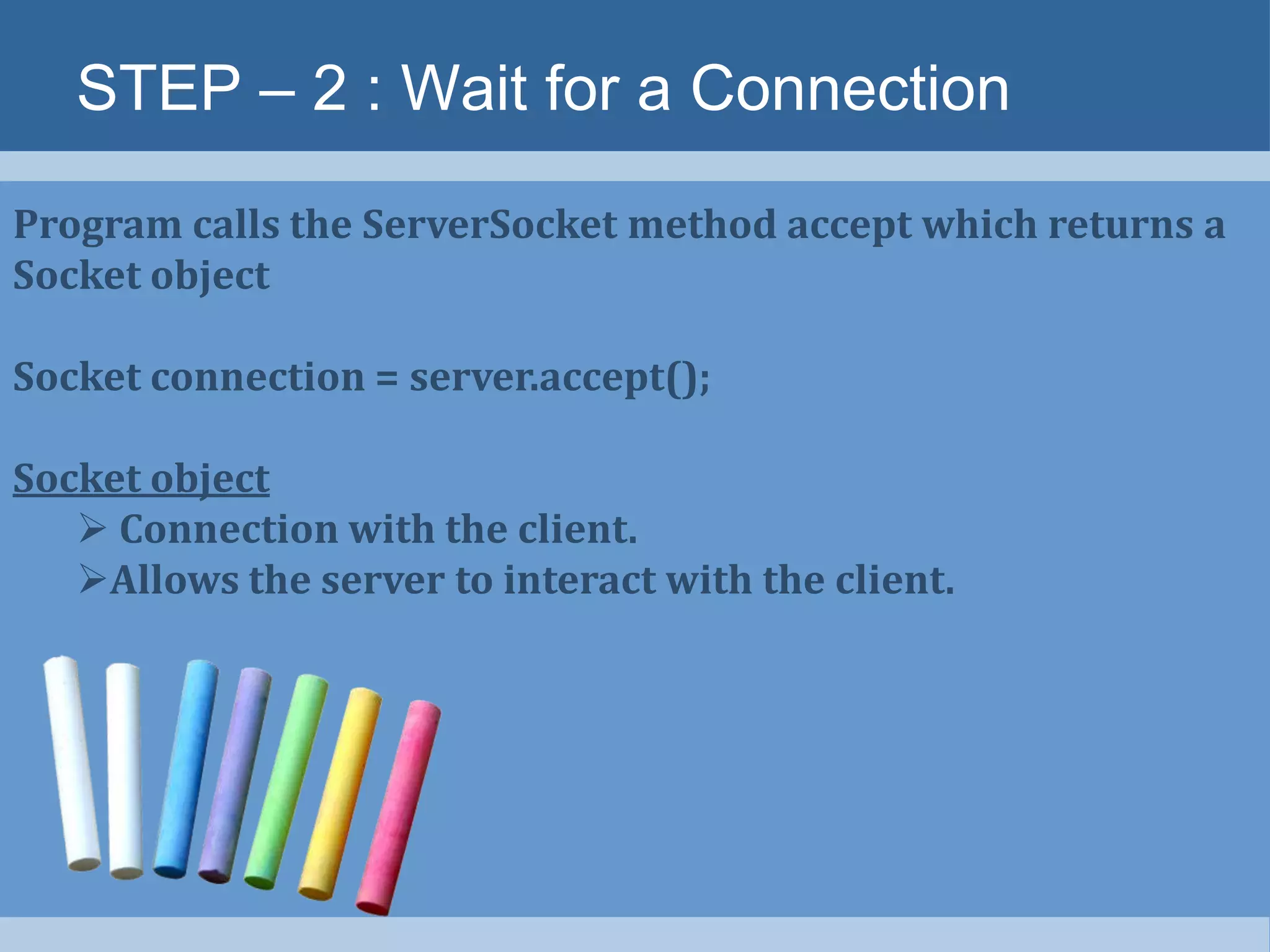
STEP – 2 : Wait for a Connection
Program calls the ServerSocket method accept which returns a
Socket object
Socket connection = server.accept();
Socket object
 Connection with the client.
Allows the server to interact with the client.
STEP – 3 : Get the Sockets I/O Stream
Get the I/P and O/P stream for Communications.
Server sends information to client via OutputStream
calls the method getOutputStream to get the reference
Server receives information from the client via InputStream
calls the method getInputStream to get the reference
Methods write and read of Stream objects
send / receive individual /sequence of
bytes.
STEP – 3 : Get the Sockets I/O Stream
ObjectInputStream input =
new ObjectInputStream(connection.getInputStream());
ObjectOutputStream output =
new ObjectOutputStream(connection.getOutputStream());
STEP – 4 : Perform the Processing
Client and Server communicates via
InputStream and OutputStream
STEP – 5 : Close the Connection
Server closes the connection via close method
Establishing Simple Client Using
Stream Sockets
Step 1 : Create a Socket to connect to the Server
Step 2 : Get the Sockets I/O Streams
Step 3 : Perform the Processing
Step 4 : Close the Connection
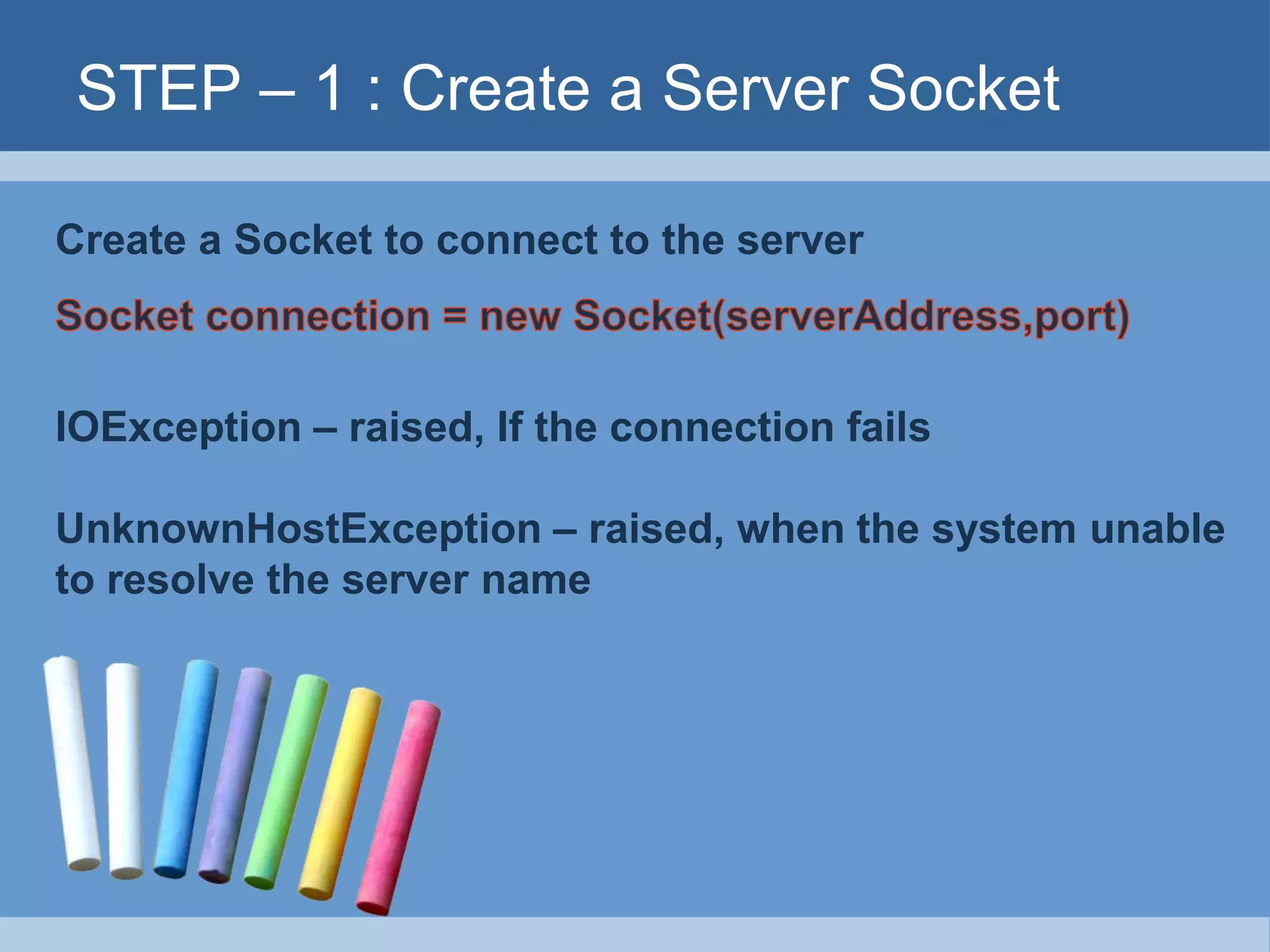
STEP – 1 : Create a Server Socket
Create a Socket to connect to the server
IOException – raised, If the connection fails
UnknownHostException – raised, when the system unable
to resolve the server name
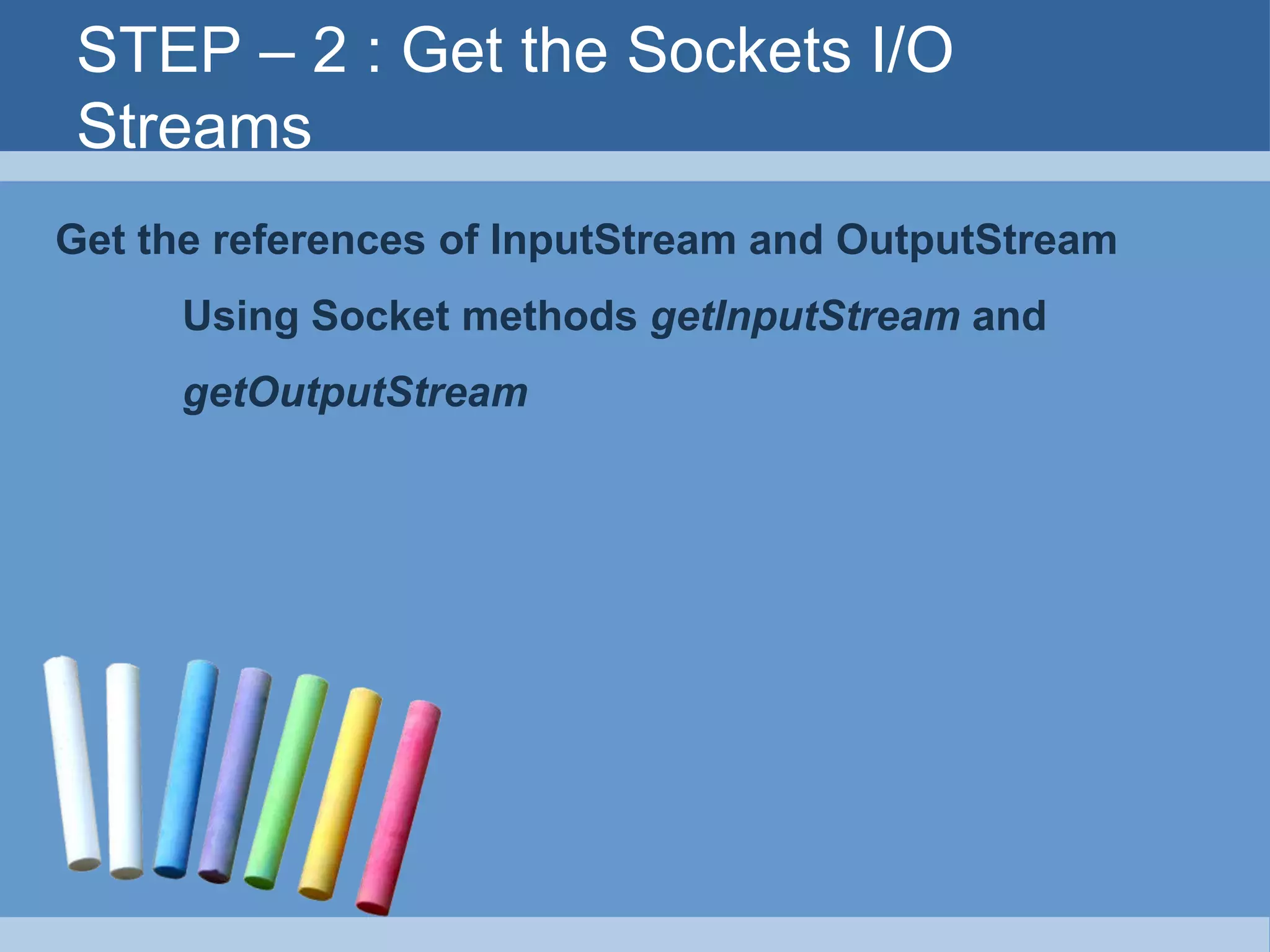
STEP – 2 : Get the Sockets I/O
Streams
Get the references of InputStream and OutputStream
Using Socket methods getInputStream and
getOutputStream
STEP – 3 : Perform the processing
Client and Server communicates via the InputStream and
OutputStream.
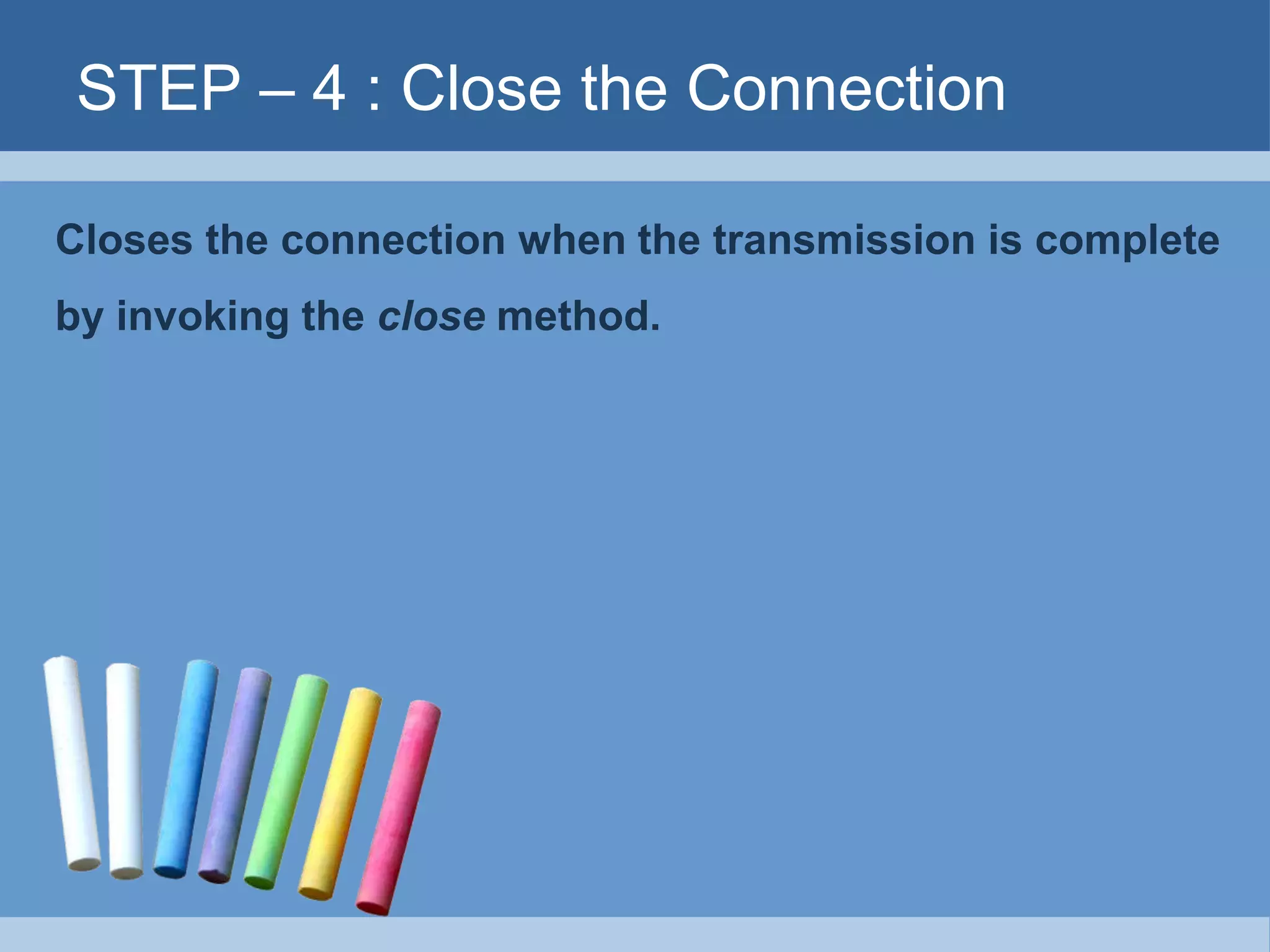
STEP – 4 : Close the Connection
Closes the connection when the transmission is complete
by invoking the close method.
Client / Server Interaction with Stream
socket connections -
java.io.*;
java.net.*;
javax.swing.*;
public class Server extends JFrame
{
private ObjectOutputStream output;
private ObjectInputStream input;
private ServerSocket server;
private Socket connection;
public Server()
{
server = new ServerSocket( 12345, 100 );
connection = server.accept();
Client / Server Interaction with Stream
socket connections -
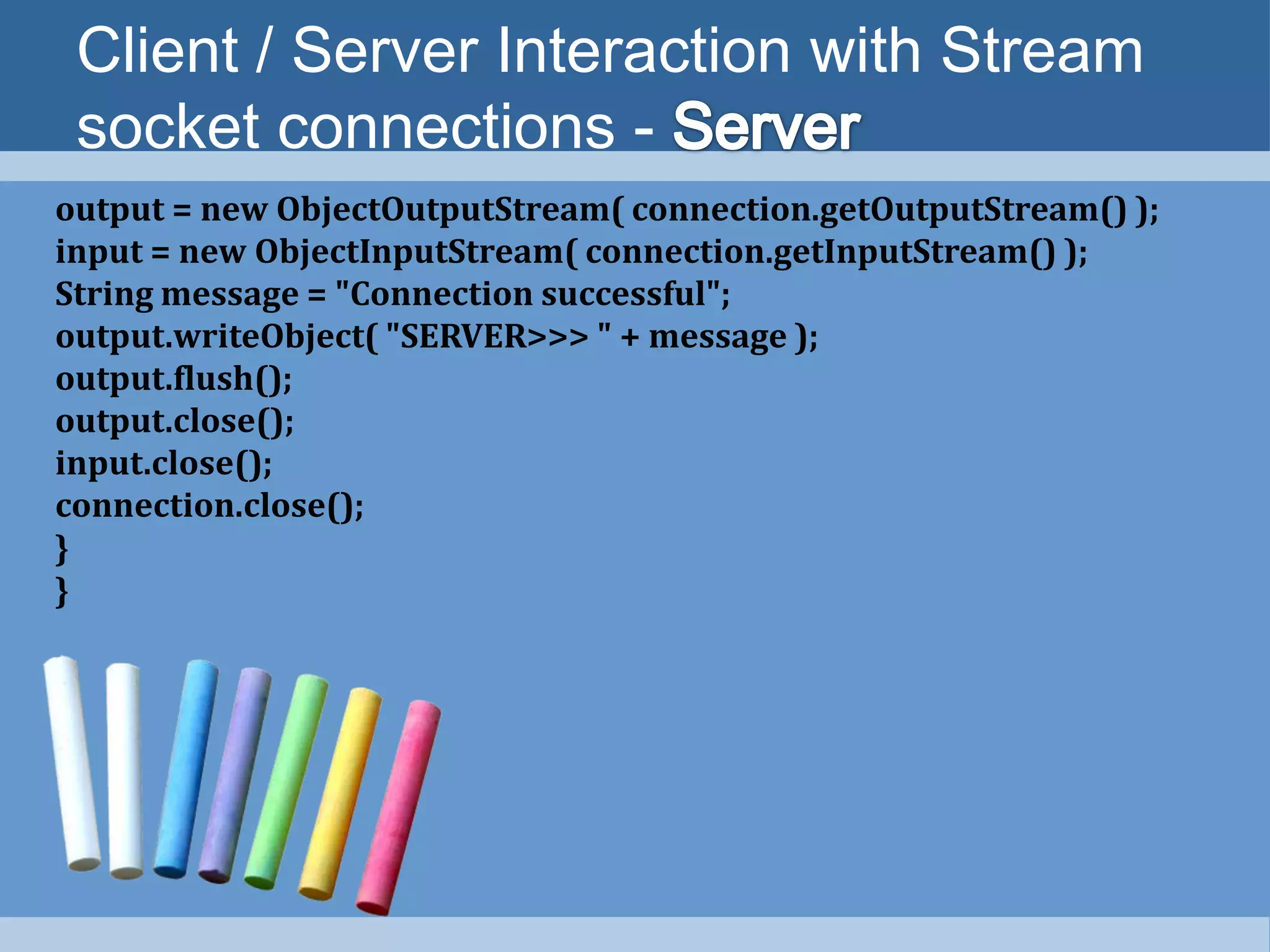
output = new ObjectOutputStream( connection.getOutputStream() );
input = new ObjectInputStream( connection.getInputStream() );
String message = "Connection successful";
output.writeObject( "SERVER>>> " + message );
output.flush();
output.close();
input.close();
connection.close();
}
}
Client / Server Interaction with Stream
socket connections -
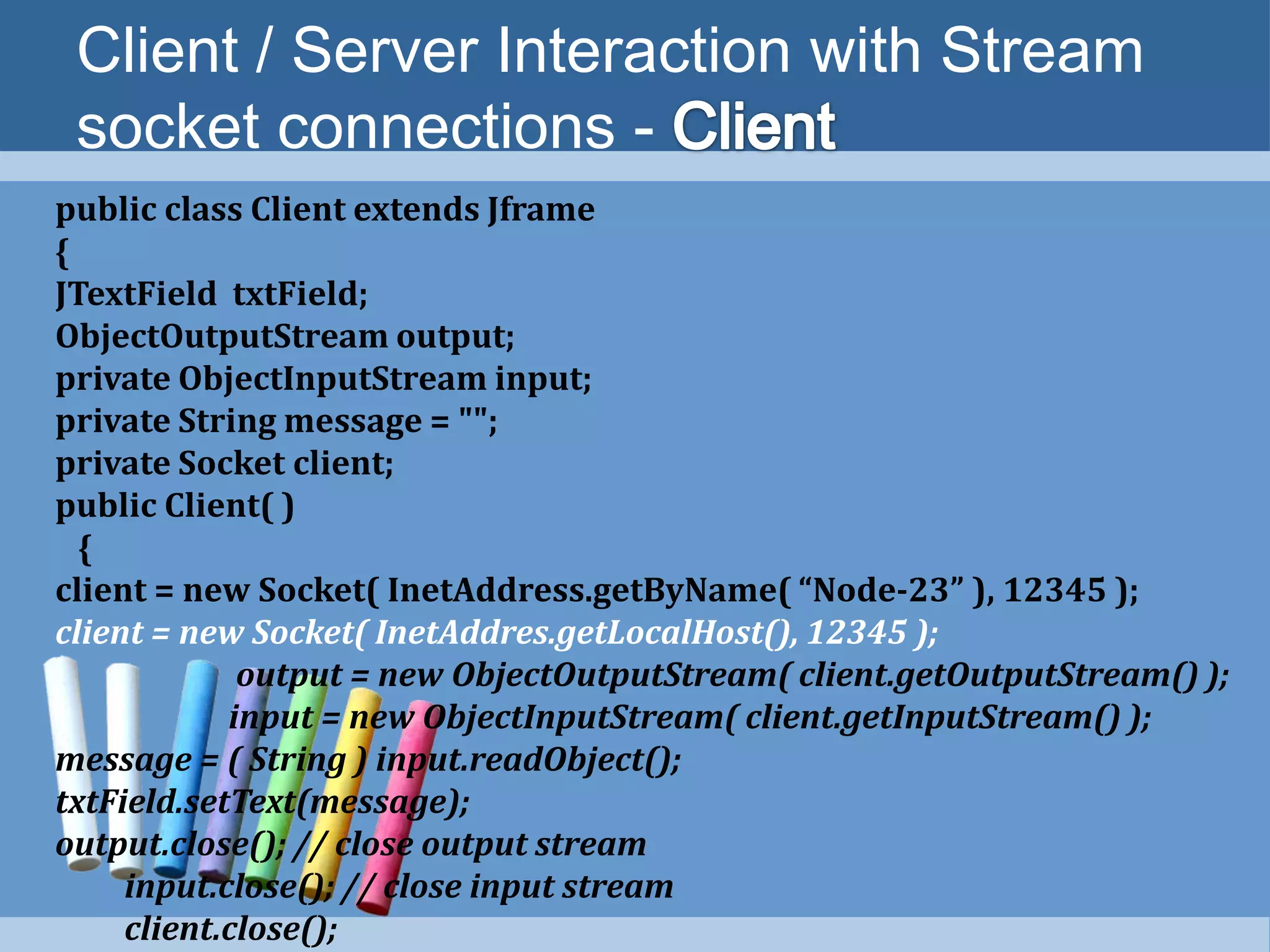
public class Client extends Jframe
{
JTextField txtField;
ObjectOutputStream output;
private ObjectInputStream input;
private String message = "";
private Socket client;
public Client( )
{
client = new Socket( InetAddress.getByName( “Node-23” ), 12345 );
client = new Socket( InetAddres.getLocalHost(), 12345 );
output = new ObjectOutputStream( client.getOutputStream() );
input = new ObjectInputStream( client.getInputStream() );
message = ( String ) input.readObject();
txtField.setText(message);
output.close(); // close output stream
input.close(); // close input stream
client.close();
Client / Server Interaction with Stream
socket connections -
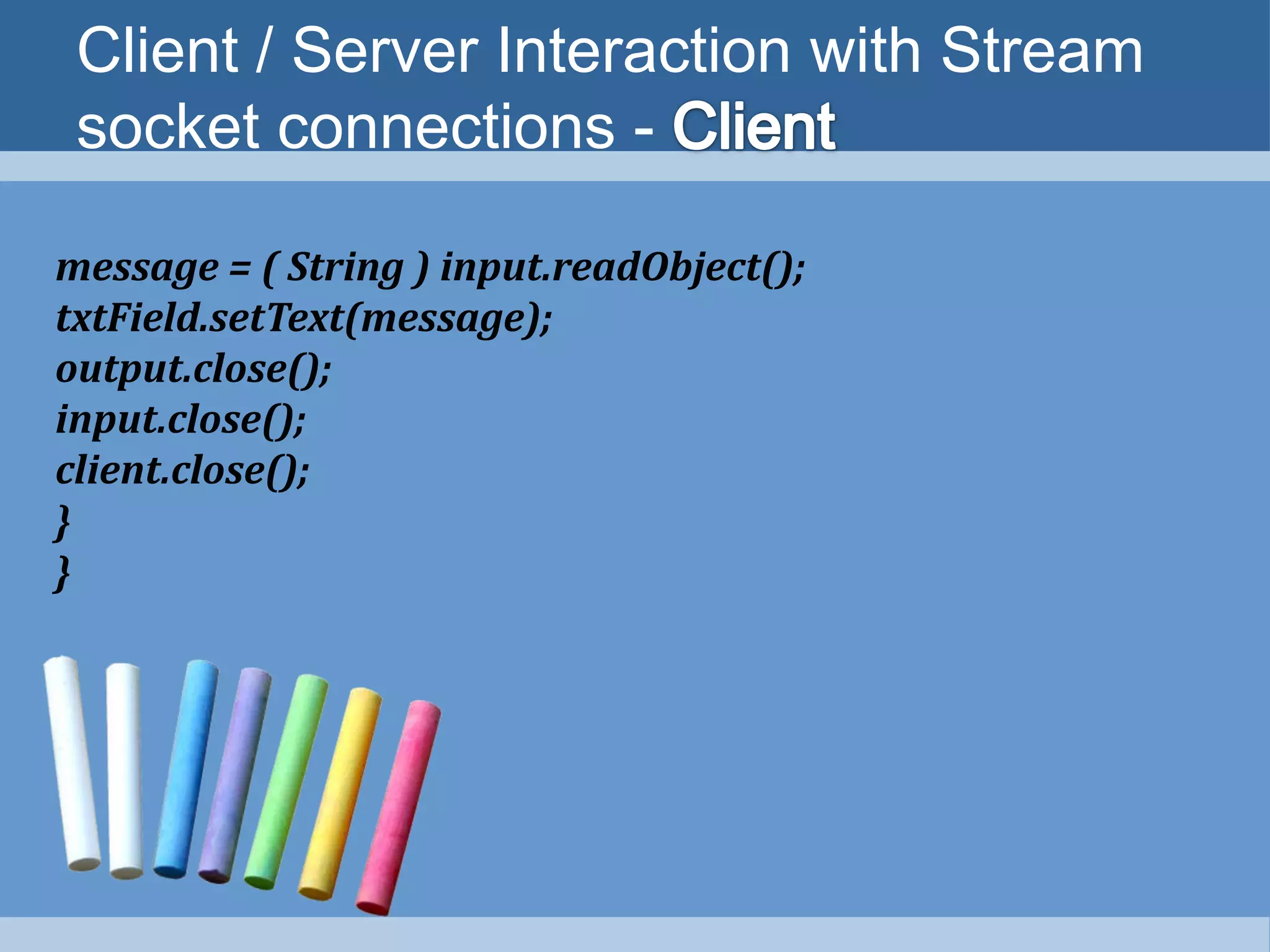
message = ( String ) input.readObject();
txtField.setText(message);
output.close();
input.close();
client.close();
}
}
Datagrams:
Connectionless
Client/Server
Interaction
Topic to be covered
Datagrams : Connectionless Client/Server
Interaction
Connectionless Transmission
- like a mail is carried via the postal service.
- Message break into separate pieces and
sequentially numbered.
- Letters may arrive in order or not.
-Receiver reassembles the pieces into sequential
order
Protocol - UDP
Datagrams : Connectionless Client/Server
Interaction – SERVER class
DatagramPackets : Packets used to send and receive
information.
DatagramSocket : Sends and Receives the packets.
SocketException : if the DatagramSocket constructor fails
to bind to the port
Datagrams : Connectionless Client/Server
Interaction – SERVER class
import java.net.*;
import java.io.*;
import javax.swing.*;
public class Server extends JFrame
{ JTextArea txtarea;
public Server()
{
Txtarea = new JTextArea(10,40);
socket = new DatagramSocket( 5000 );
byte[] data = new byte[ 100 ]; // set up packet
DatagramPacket receivePacket =
new DatagramPacket( data, data.length );
Datagrams : Connectionless Client/Server
Interaction – SERVER class
socket.receive( receivePacket );
txtArea.setText( "nPacket received:" +
"nFrom host: " + receivePacket.getAddress() +
"nHost port: " + receivePacket.getPort() +
"nLength: " + receivePacket.getLength() +
"nContaining:nt" +
new String( receivePacket.getData(),
0, receivePacket.getLength() ) );
}
}
Datagrams : Connectionless Client/Server
Interaction – CLIENT class
import java.net.*;
import java.io.*;
import javax.swing.*;
public class Client extends JFrame
{
public Server()
{
String msg = “Welcome to Datagram”;
byte[] data = msg.getBytes();
DatagramPacket sendPacket = new DatagramPacket( data,
data.length, InetAddress.getLocalHost(), 5000 );
socket.send( sendPacket );
}
}

Chapter 27 Networking - Deitel & Deitel

  • 1.
    Networking Chapter - 27 Mrs.L. Priya Head & Assit. Professor Dept. of Comp. Sci. Sri Kaliswari College Sivakasi
  • 2.
    Introduction Manipulating URLs Reading theFiles on the Server Establishing Simple Server Using Stream Sockets Datagrams: Connectionless Client/Server Interaction Topics to be covered
  • 3.
  • 4.
    •Built – inNetworking Facilities – Easy to Program •Classes and Interfaces declared in java.net package •Packages for Stream Based Communications and Packet based Communication. •Focus on C/S relationship – client requests and server responds •Socket Based Communications – Read from a Socket and Write to a socket. Introduction
  • 5.
    Introduction – StreamSockets •Data flows between process in continuous streams •Connection Oriented Service •Protocol used – TCP (Transmission Control Protocol)
  • 6.
    Introduction – DatagramSockets •Individual Packets of Information are transmitted. •Connection Less Service – does not guarantee that packets arrive in any particular order (May be lost or duplicated). •Protocol used – UDP (User Datagram Protocol)
  • 7.
  • 8.
    Manipulating URLs •HTTP –Hyper Text Transfer Protocol – Forms the basis of the web •URI – Uniform Resource Identifiers – Identify data on the internet •URL – Uniform Resource Locator – Locations of websites and webpages
  • 9.
    Manipulating URLs •showDocument methodof AppletContext - Used to display the webpage in Applet.
  • 10.
    Manipulating URLs -Example •<html> <body> • <applet> • <param name = "title0" value = "Java Home Page"> • <param name = "location0" value = “www.oracle.com/technetwork/java/"> • <param name = "title1" value = "Deitel"> • <param name = "location1" value = "http://www.deitel.com/"> • <param name = "title2" value = "JGuru"> • <param name = "location2" value = "http://www.jGuru.com/"> • <param name = "title3" value = "JavaWorld"> • <param name = "location3" value = "http://www.javaworld.com/"> • </applet> •</body></html>
  • 11.
    Manipulating URLs -Example public class SiteSelector extends Japplet { public void init() { title = getParameter( "title0“ ); location = getParameter( "location0“); try { URL url = new URL( location ); // convert location to URL AppletContext browser = getAppletContext(); browser.showDocument(url); } // end try catch ( MalformedURLException urlException ) { urlException.printStackTrace(); } // end catch
  • 12.
    Reading a File ona Web Server Topics to be covered
  • 13.
    Reading a Fileon a Server Swing GUI component JEditorPane - to display the contents of a file on a webserver. HyperLinkEvent – Event Raised when a user clicks a Hyperlink
  • 14.
    Reading a Fileon a Server public class ReadServerFile extends JFrame { JEditorPane contentsArea; public ReadServerFile() { contentsArea = new (); // create contentsArea contentsArea.setEditable( false ); contentsArea. ( new HyperlinkListener() {
  • 15.
    Reading a Fileon a Server public void ( HyperlinkEvent event ) { if ( event.getEventType() == ) { location = .toString(); contentsArea. ( location ); ; } } // end method hyperlinkUpdate } // end inner class ); // end call to addHyperlinkListener } }
  • 16.
  • 17.
    Establishing Simple ServerUsing Stream Sockets Step 1 : Create a ServerSocket Step 2 : Wait for a Connection Step 3 : Get the Socket’s I/O Streams Step 4 : Perform the Processing Step 5 : Close the Connection
  • 18.
    STEP – 1: Create a Server Socket Call the ServerSocket constructor ServerSocket server = new ServerSocket(portnum,quelength) Portnum  Registers available TCP port number Quelength  Max. Number of Clients that can wait This constructor establishes the port where the server waits for connection from clients 
  • 19.
    STEP – 2: Wait for a Connection Program calls the ServerSocket method accept which returns a Socket object Socket connection = server.accept(); Socket object  Connection with the client. Allows the server to interact with the client.
  • 20.
    STEP – 3: Get the Sockets I/O Stream Get the I/P and O/P stream for Communications. Server sends information to client via OutputStream calls the method getOutputStream to get the reference Server receives information from the client via InputStream calls the method getInputStream to get the reference Methods write and read of Stream objects send / receive individual /sequence of bytes.
  • 21.
    STEP – 3: Get the Sockets I/O Stream ObjectInputStream input = new ObjectInputStream(connection.getInputStream()); ObjectOutputStream output = new ObjectOutputStream(connection.getOutputStream());
  • 22.
    STEP – 4: Perform the Processing Client and Server communicates via InputStream and OutputStream
  • 23.
    STEP – 5: Close the Connection Server closes the connection via close method
  • 24.
    Establishing Simple ClientUsing Stream Sockets Step 1 : Create a Socket to connect to the Server Step 2 : Get the Sockets I/O Streams Step 3 : Perform the Processing Step 4 : Close the Connection
  • 25.
    STEP – 1: Create a Server Socket Create a Socket to connect to the server IOException – raised, If the connection fails UnknownHostException – raised, when the system unable to resolve the server name
  • 26.
    STEP – 2: Get the Sockets I/O Streams Get the references of InputStream and OutputStream Using Socket methods getInputStream and getOutputStream
  • 27.
    STEP – 3: Perform the processing Client and Server communicates via the InputStream and OutputStream.
  • 28.
    STEP – 4: Close the Connection Closes the connection when the transmission is complete by invoking the close method.
  • 29.
    Client / ServerInteraction with Stream socket connections - java.io.*; java.net.*; javax.swing.*; public class Server extends JFrame { private ObjectOutputStream output; private ObjectInputStream input; private ServerSocket server; private Socket connection; public Server() { server = new ServerSocket( 12345, 100 ); connection = server.accept();
  • 30.
    Client / ServerInteraction with Stream socket connections - output = new ObjectOutputStream( connection.getOutputStream() ); input = new ObjectInputStream( connection.getInputStream() ); String message = "Connection successful"; output.writeObject( "SERVER>>> " + message ); output.flush(); output.close(); input.close(); connection.close(); } }
  • 31.
    Client / ServerInteraction with Stream socket connections - public class Client extends Jframe { JTextField txtField; ObjectOutputStream output; private ObjectInputStream input; private String message = ""; private Socket client; public Client( ) { client = new Socket( InetAddress.getByName( “Node-23” ), 12345 ); client = new Socket( InetAddres.getLocalHost(), 12345 ); output = new ObjectOutputStream( client.getOutputStream() ); input = new ObjectInputStream( client.getInputStream() ); message = ( String ) input.readObject(); txtField.setText(message); output.close(); // close output stream input.close(); // close input stream client.close();
  • 32.
    Client / ServerInteraction with Stream socket connections - message = ( String ) input.readObject(); txtField.setText(message); output.close(); input.close(); client.close(); } }
  • 33.
  • 34.
    Datagrams : ConnectionlessClient/Server Interaction Connectionless Transmission - like a mail is carried via the postal service. - Message break into separate pieces and sequentially numbered. - Letters may arrive in order or not. -Receiver reassembles the pieces into sequential order Protocol - UDP
  • 35.
    Datagrams : ConnectionlessClient/Server Interaction – SERVER class DatagramPackets : Packets used to send and receive information. DatagramSocket : Sends and Receives the packets. SocketException : if the DatagramSocket constructor fails to bind to the port
  • 36.
    Datagrams : ConnectionlessClient/Server Interaction – SERVER class import java.net.*; import java.io.*; import javax.swing.*; public class Server extends JFrame { JTextArea txtarea; public Server() { Txtarea = new JTextArea(10,40); socket = new DatagramSocket( 5000 ); byte[] data = new byte[ 100 ]; // set up packet DatagramPacket receivePacket = new DatagramPacket( data, data.length );
  • 37.
    Datagrams : ConnectionlessClient/Server Interaction – SERVER class socket.receive( receivePacket ); txtArea.setText( "nPacket received:" + "nFrom host: " + receivePacket.getAddress() + "nHost port: " + receivePacket.getPort() + "nLength: " + receivePacket.getLength() + "nContaining:nt" + new String( receivePacket.getData(), 0, receivePacket.getLength() ) ); } }
  • 38.
    Datagrams : ConnectionlessClient/Server Interaction – CLIENT class import java.net.*; import java.io.*; import javax.swing.*; public class Client extends JFrame { public Server() { String msg = “Welcome to Datagram”; byte[] data = msg.getBytes(); DatagramPacket sendPacket = new DatagramPacket( data, data.length, InetAddress.getLocalHost(), 5000 ); socket.send( sendPacket ); } }