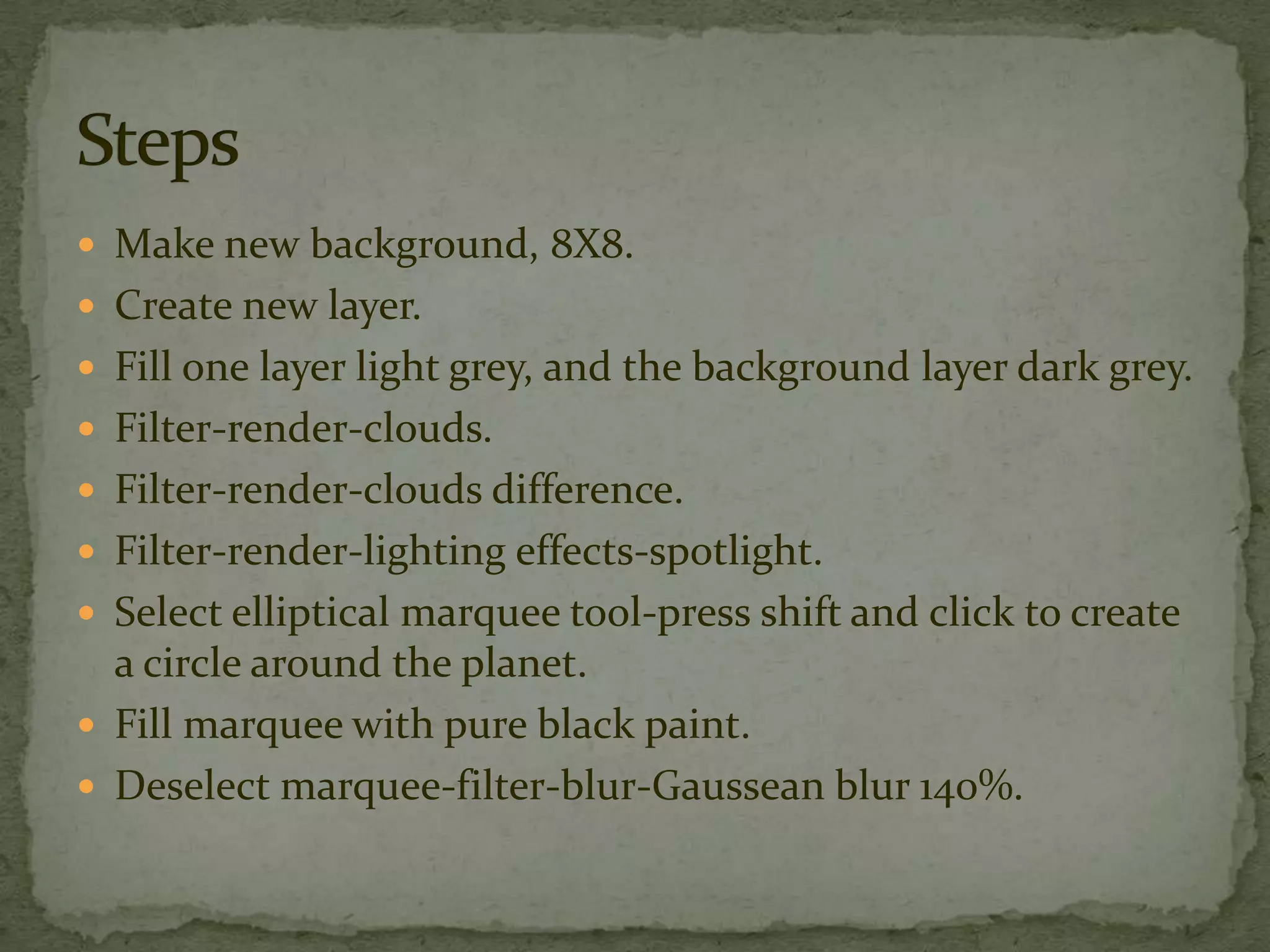
The document provides instructions for creating a planet scene in an image editing program. It tells the user to make a new 8x8 pixel background, add a new layer, fill one layer light grey and the background dark grey. It then instructs to apply cloud and difference cloud filters. Next, it says to add a spotlight lighting effect and create a black circular marquee around the planet. Finally, it tells the user to fill the marquee with black and apply Gaussian blur at 140%.