Business Source Complete
Access to Bloomberg
Businessweek, Investors
Business Daily, Fortune, Forbes,
Fast Company, and more
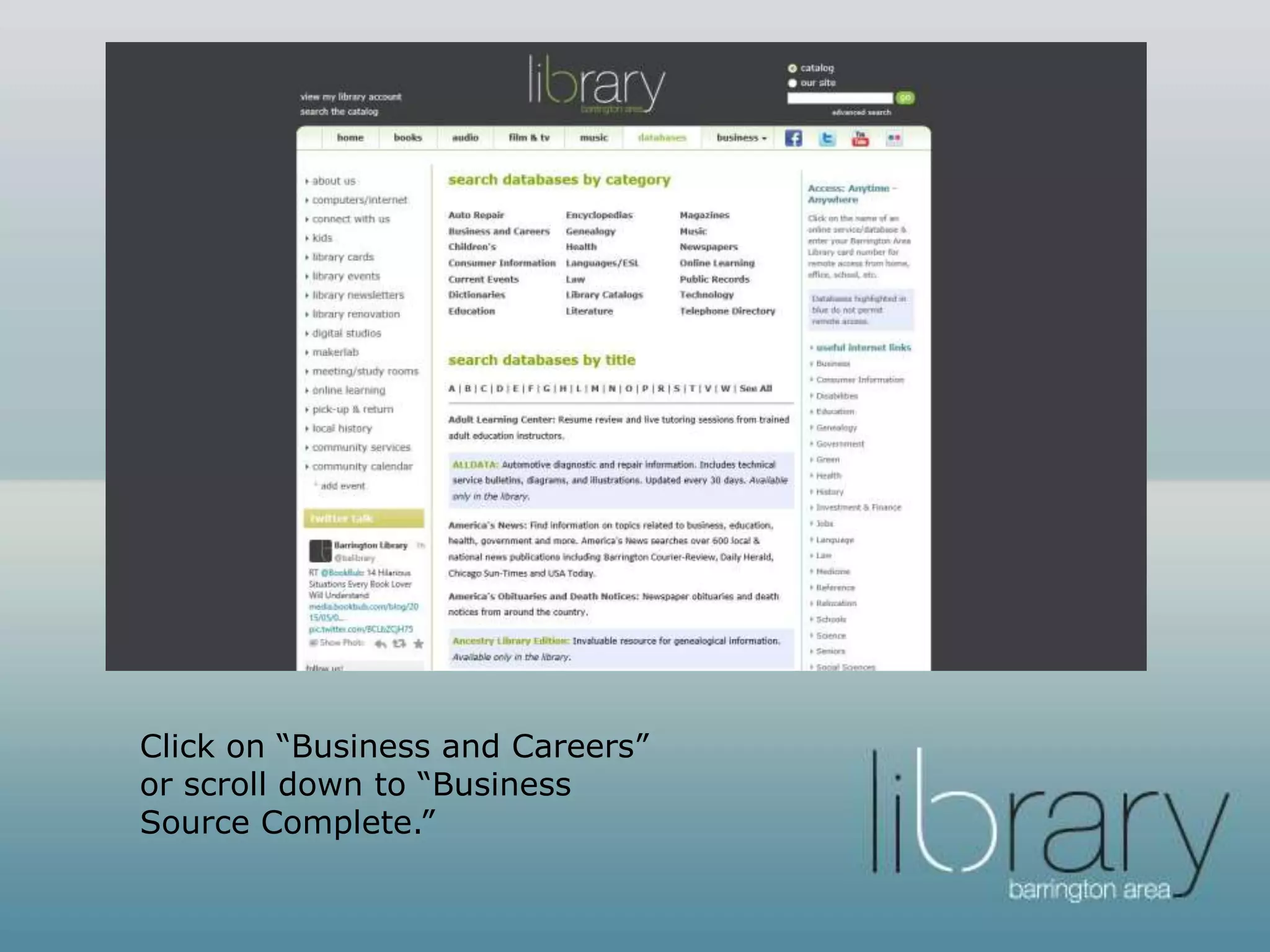
Go to balibrary.org and click
“databases”
Click on “Business and Careers”
or scroll down to “Business
Source Complete.”
Click on “Business Source Complete.”
You will need to enter your
Barrington Area Library card to gain
remote access.
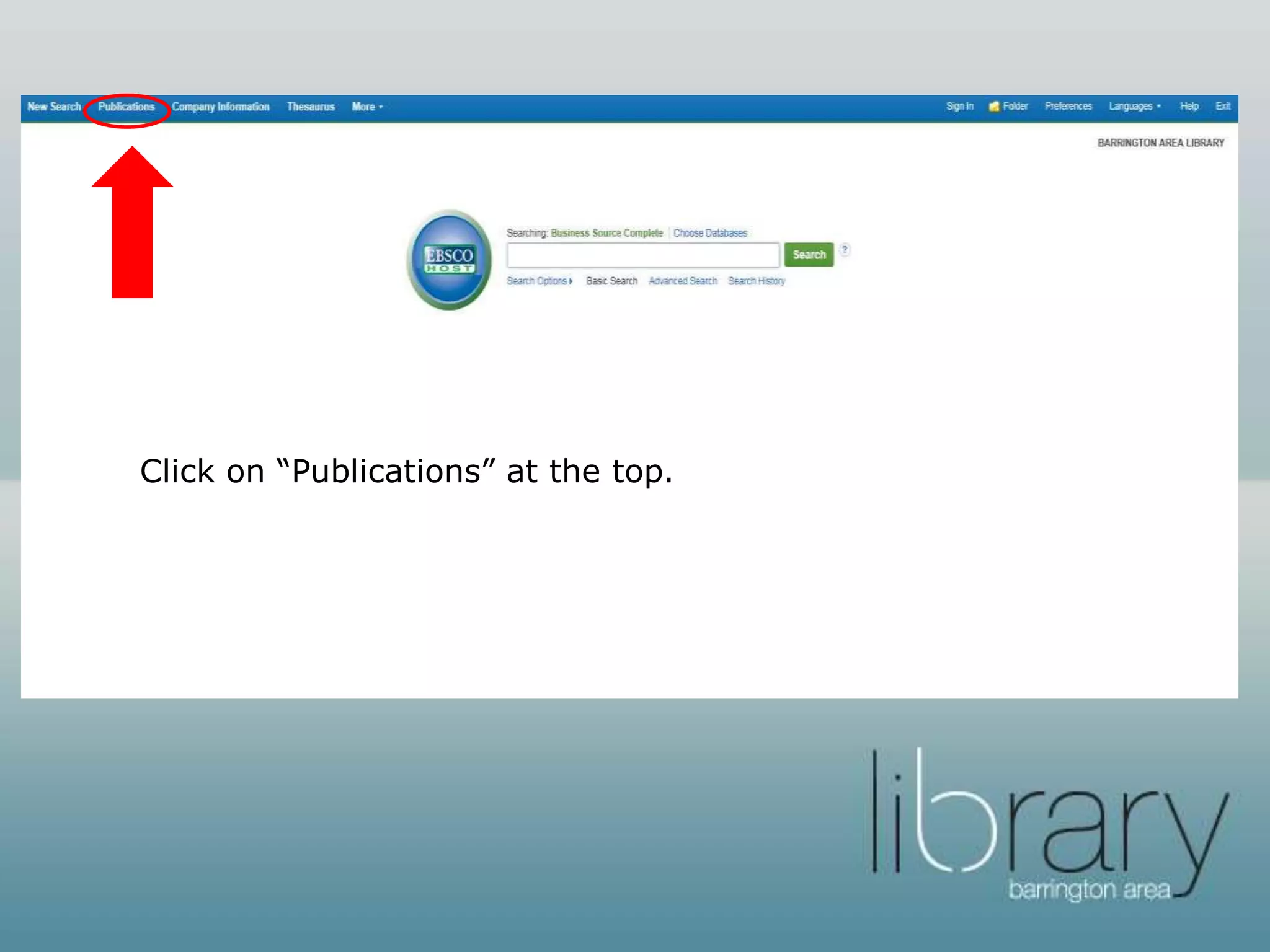
Click on “Publications” at the top.
Type in the name of the magazine
or journal that you want to read
and click “browse.” Business
Source Complete has full-text
access to Bloomberg
Businessweek, Investor’s Business
Daily, Fortune, Forbes, Fast
Company, Money, and others.
When you find your periodical, you
will see if its full text and if its
available as a PDF and/or HTML.
Click on the title when you are
ready to read.
Peruse the available issues by clicking
the “+” sign next to the month you
want to read.
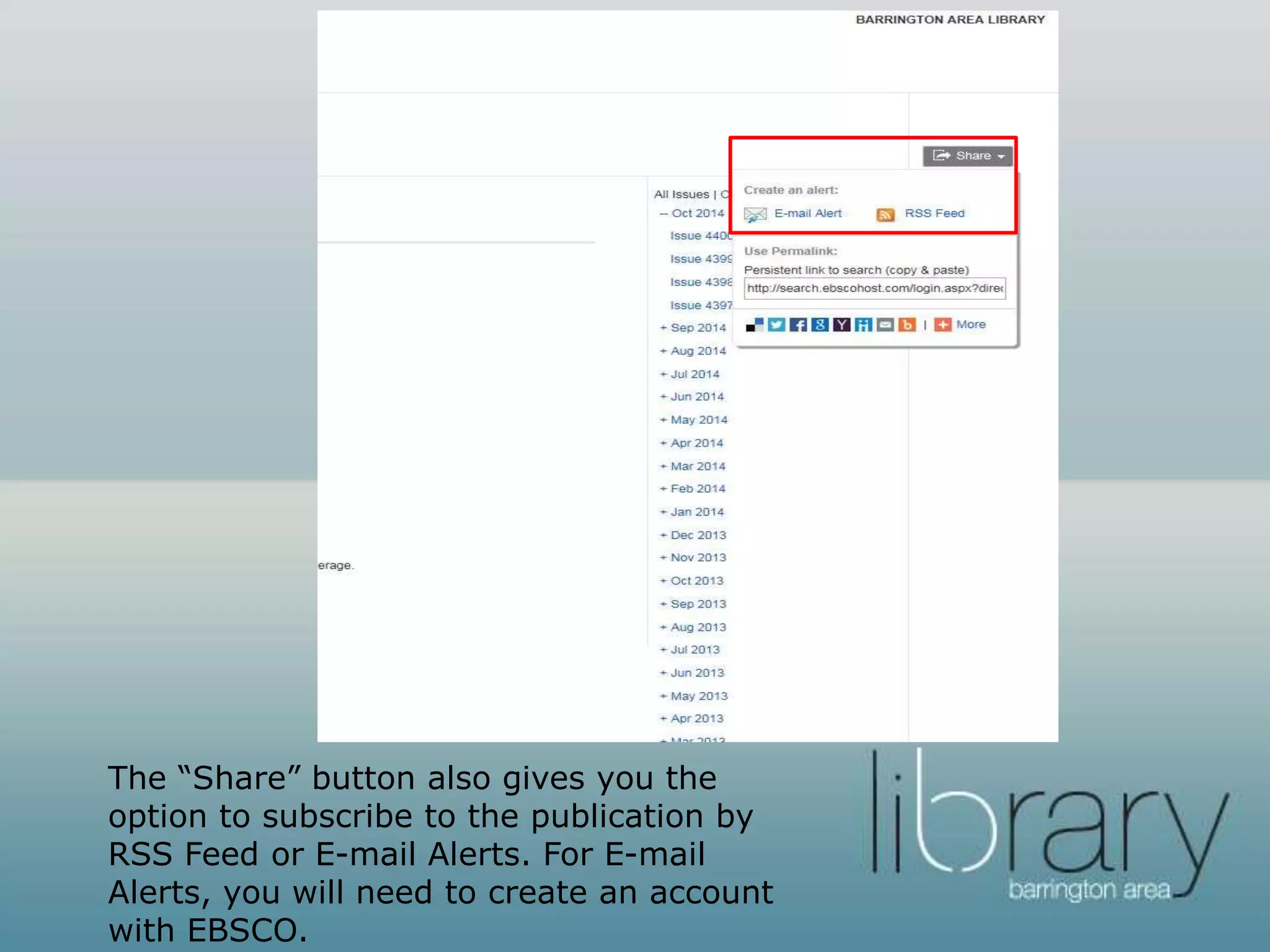
The “Share” button also gives you the
option to subscribe to the publication by
RSS Feed or E-mail Alerts. For E-mail
Alerts, you will need to create an account
with EBSCO.
Select the version that you’d like to
read. Enjoy!
Want to learn more?
• The Barrington Area Library’s Slide Share
account has tutorials on other business
databases available with your Barrington Area
Library Card.
• Access these tutorials here.
Questions?
• You can visit the Adult Services Reference
Desk, call us at (847) 382-1300 x 1, text is at
66746 (type code askbal the first time you
send a text), or send us an email.
• Thank you for using the Barrington Area
Library! For more information on our business
resources, check out our business page at
balibrary.org/business

Business Publications on Business Source Complete

  • 1.
    Business Source Complete Accessto Bloomberg Businessweek, Investors Business Daily, Fortune, Forbes, Fast Company, and more
  • 2.
    Go to balibrary.organd click “databases”
  • 3.
    Click on “Businessand Careers” or scroll down to “Business Source Complete.”
  • 4.
    Click on “BusinessSource Complete.” You will need to enter your Barrington Area Library card to gain remote access.
  • 5.
  • 6.
    Type in thename of the magazine or journal that you want to read and click “browse.” Business Source Complete has full-text access to Bloomberg Businessweek, Investor’s Business Daily, Fortune, Forbes, Fast Company, Money, and others.
  • 7.
    When you findyour periodical, you will see if its full text and if its available as a PDF and/or HTML. Click on the title when you are ready to read.
  • 8.
    Peruse the availableissues by clicking the “+” sign next to the month you want to read.
  • 9.
    The “Share” buttonalso gives you the option to subscribe to the publication by RSS Feed or E-mail Alerts. For E-mail Alerts, you will need to create an account with EBSCO.
  • 10.
    Select the versionthat you’d like to read. Enjoy!
  • 11.
    Want to learnmore? • The Barrington Area Library’s Slide Share account has tutorials on other business databases available with your Barrington Area Library Card. • Access these tutorials here.
  • 12.
    Questions? • You canvisit the Adult Services Reference Desk, call us at (847) 382-1300 x 1, text is at 66746 (type code askbal the first time you send a text), or send us an email. • Thank you for using the Barrington Area Library! For more information on our business resources, check out our business page at balibrary.org/business