

















Building Secure Apps

                                                  Dave Bouwman
http://www.flickr.com/photos/heraklit/169566548
NOT Server
Configuration 101
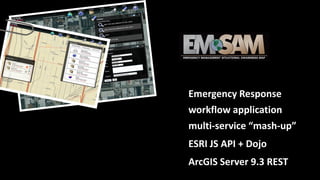
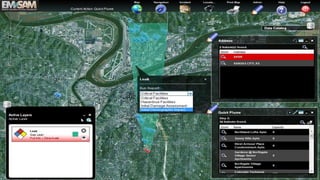
Emergency Response
workflow application
multi-service “mash-up”
ESRI JS API + Dojo
ArcGIS Server 9.3 REST
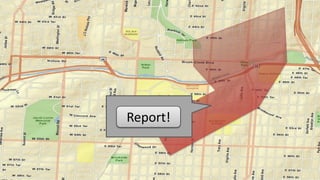
Report!
Human Impacts
http://www.flickr.com/photos/pedrosimoes7/393217457
Material Impacts
http://www.flickr.com/photos/kenneth_hynek/3844780152
Wx Events
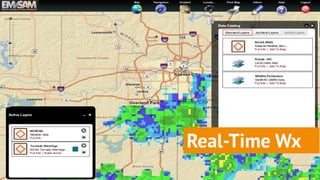
Real-Time Wx
Plume Modeling
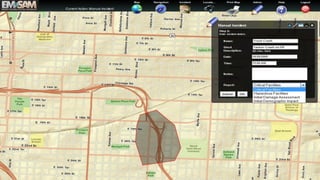
Ad-Hoc Incidents
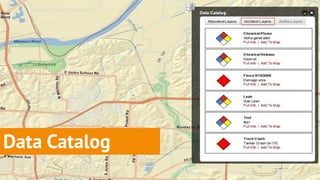
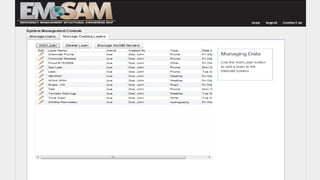
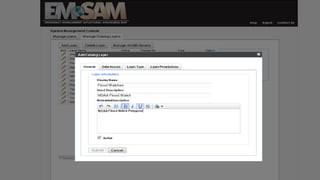
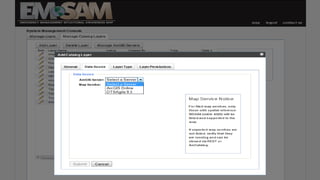
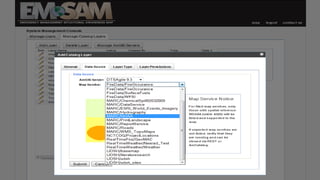
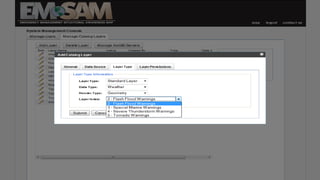
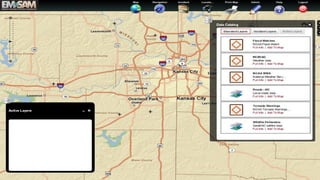
Data Catalog
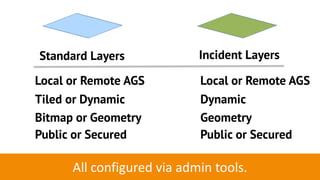
Standard Layers             Incident Layers

Local or Remote AGS         Local or Remote AGS
Tiled or Dynamic            Dynamic
Bitmap or Geometry          Geometry
Public or Secured           Public or Secured

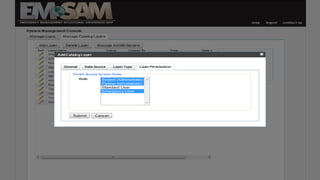
      All configured via admin tools.
Security:
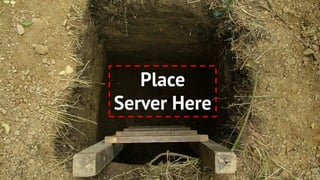
Secrets
Place
Server Here
Identity   Access
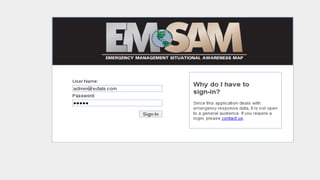
LOGIN:   dave
PASSWORD:   ******
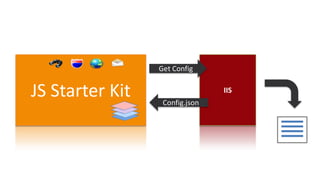
Get Config


JS Starter Kit    Config.json
                                IIS
Identity
Matters
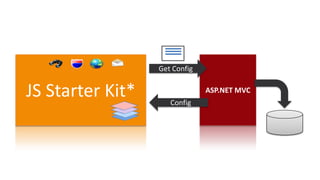
Get Config


JS Starter Kit*      Config
                               ASP.NET MVC
Locking up ArcGIS Server
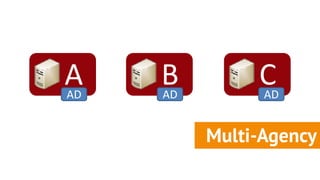
A
AD
     B
     AD
               CAD


          Multi-Agency
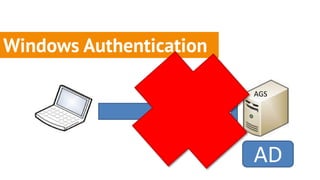
Windows Authentication

                               AGS


                         IIS
                               AD
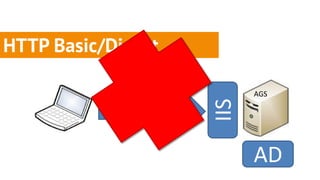
HTTP Basic/Digest
             dave
             *******
                             AGS


                       IIS
                             AD
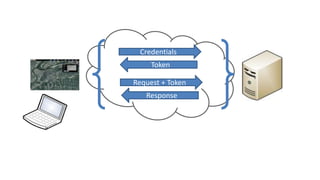
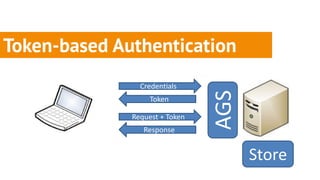
Token-based Authentication
                Credentials


                                AGS
                   Token

              Request + Token
                 Response


                                      Store
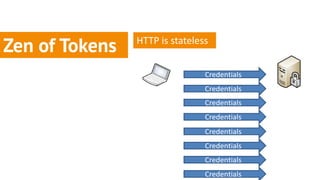
HTTP is stateless
Zen of Tokens
                                Credentials
                                Credentials
                                Credentials
                                Credentials
                                Credentials
                                Credentials
                                Credentials
                                Credentials
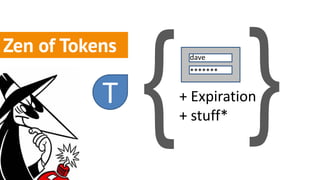
Zen of Tokens
         dave
         *******   = long risk
                     high life
Zen of Tokens    dave
                 *******


           T    + Expiration
                + stuff*
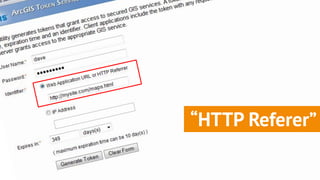
“HTTP Referer”
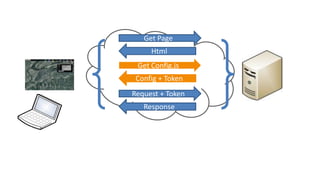
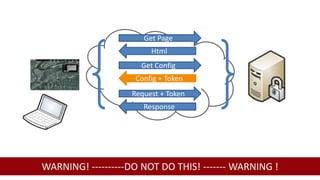
Get Page
                        Html
                     Get Config
                    Config + Token
                   Request + Token
                      Response


WARNING! ----------DO NOT DO THIS! ------- WARNING !
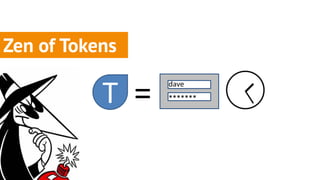
Zen of Tokens

           T =
                 dave
                 *******
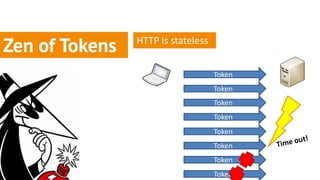
HTTP is stateless
Zen of Tokens
                                    Token
                                    Token
                                    Token
                                    Token
                                    Token
                                    Token
                                    Token
                                    Token
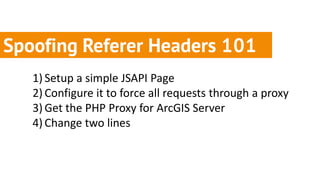
Spoofing Referer Headers 101
   1) Setup a simple JSAPI Page
   2) Configure it to force all requests through a proxy
   3) Get the PHP Proxy for ArcGIS Server
   4) Change two lines
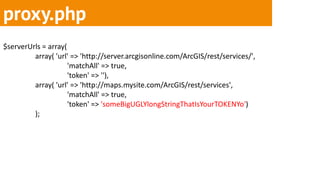
proxy.php
$serverUrls = array(
         array( 'url' => 'http://server.arcgisonline.com/ArcGIS/rest/services/',
                     'matchAll' => true,
                     'token' => ''),
         array( 'url' => 'http://maps.mysite.com/ArcGIS/rest/services',
                     'matchAll' => true,
                     'token' => 'someBigUGLYlongStringThatIsYourTOKENYo')
         );
proxy.php
   $options = array(
            CURLOPT_URL => $targetUrl,
            CURLOPT_HEADER => false,
            CURLOPT_HTTPHEADER => array(
            'Content-Type: ' . $_SERVER['CONTENT_TYPE'],
            'Referer: ' . ‘http://mysite.com/maps.html’),
   CURLOPT_RETURNTRANSFER => true );
Zen of Tokens
                Exposed
                   tokens
                MUST quickly!
                 expire
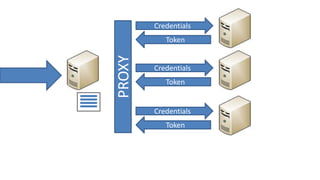
Hiding Tokens behind a Proxy
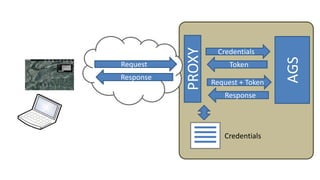
PROXY
                    Credentials


                                     AGS
Request                 Token
Response
                   Request + Token
                      Response


                      Credentials
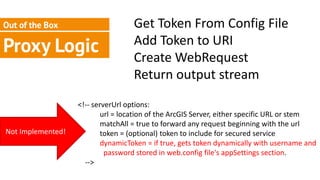
Out of the Box                     Get Token From Config File
                                   Add Token to URI
Proxy Logic                        Create WebRequest
                                   Return output stream
                   <!-- serverUrl options:
                           url = location of the ArcGIS Server, either specific URL or stem
                           matchAll = true to forward any request beginning with the url
Not Implemented!           token = (optional) token to include for secured service
                           dynamicToken = if true, gets token dynamically with username and
                            password stored in web.config file's appSettings section.
                     -->
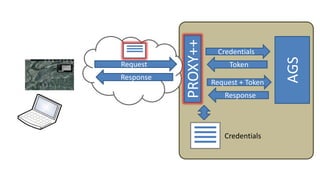
PROXY++
                      Credentials


                                       AGS
Request                   Token
Response
                     Request + Token
                        Response


                        Credentials
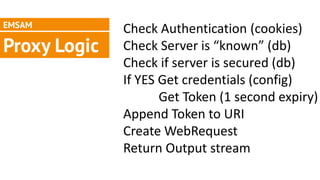
EMSAM
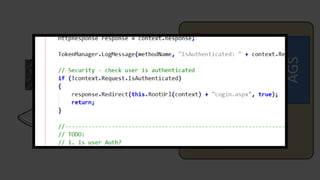
              Check Authentication (cookies)
Proxy Logic   Check Server is “known” (db)
              Check if server is secured (db)
              If YES Get credentials (config)
                     Get Token (1 second expiry)
              Append Token to URI
              Create WebRequest
              Return Output stream
PROXY++
                      Credentials


                                       AGS
Request                   Token
Response
                     Request + Token
                        Response


                        Credentials
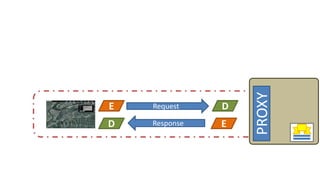
https://
PROXY
E   Request    D
D   Response   E
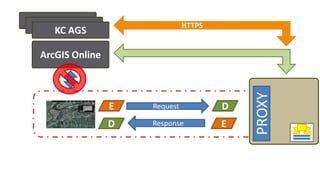
KC AGS
 KC AGS                       HTTPS
   KC AGS

ArcGIS Online


                                          PROXY
                E   Request           D
                D   Response          E
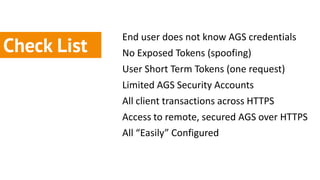
End user does not know AGS credentials
Check List   No Exposed Tokens (spoofing)
             User Short Term Tokens (one request)
             Limited AGS Security Accounts
             All client transactions across HTTPS
             Access to remote, secured AGS over HTTPS
             All “Easily” Configured
Secure!
%
90
 increase
Everything is


                                                      a tradeoff.

http://www.flickr.com/photos/ericmcgregor/103895441
Think like a hacker.
https://
Questions?
It’s not secure
                  until it’s secure.
Credentials
           Token


PROXY
        Credentials
           Token


        Credentials
           Token
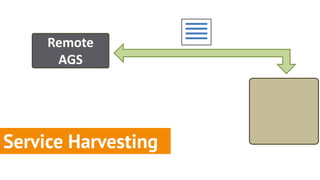
Remote
      AGS


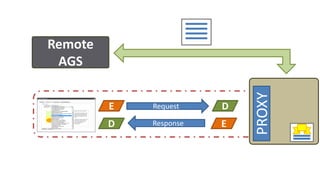
Service Harvesting
Remote
 AGS


                            PROXY
         E   Request    D
         D   Response   E
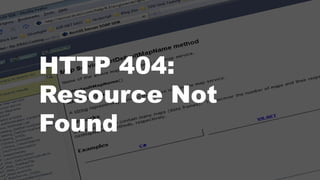
HTTP 404:
Resource Not
Found
The best laid plans…
http://www.flickr.com/photos/ericmcgregor/103895441
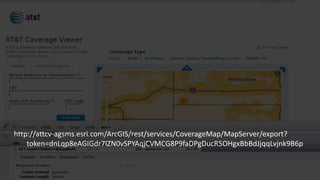
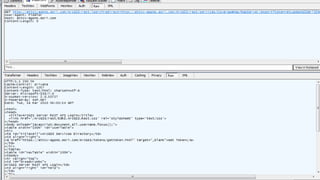
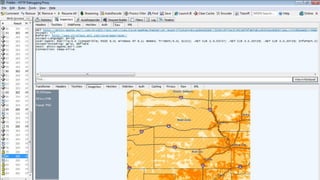
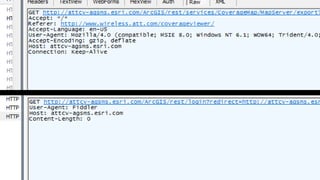
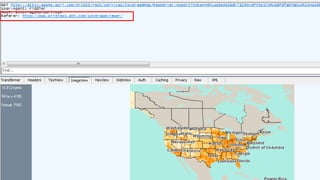
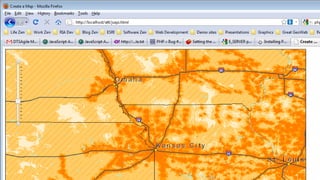
http://attcv-agsms.esri.com/ArcGIS/rest/services/CoverageMap/MapServer/export?
    token=dnLqp8eAGIGdr7IZN0vSPYAqjCVMCG8P9faDPgDucR5OHgxBbBdJjqqLvjnk9B6p
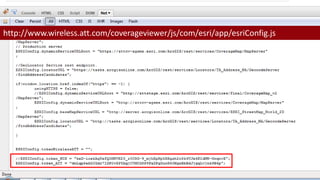
http://www.wireless.att.com/coverageviewer/js/com/esri/app/esriConfig.js
Referer Header
ArcGIS Server
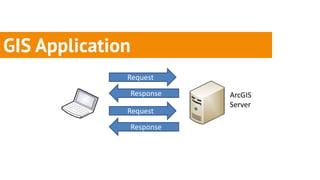
GIS Application
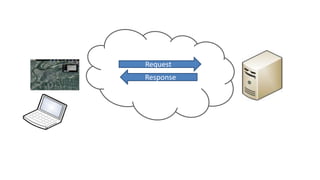
              Request

              Response   ArcGIS
                         Server
              Request

              Response
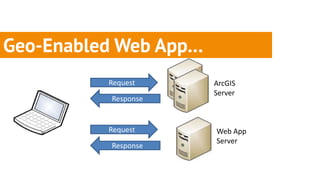
Geo-Enabled Web App…
          Request      ArcGIS
                       Server
          Response


          Request      Web App
                       Server
          Response
Default: Open
Dude… I’s tryin to be cool
here - where are tokens??
Locking the Door
What’s the secret?
http://www.flickr.com/photos/nige_mar/4322149444
Locking it up.
Windows Authentication
        HTTP Basic/Digest
Token-based Authentication
Request
Response
Credentials
     Token

Request + Token
   Response
Get Page
     Html
 Get Config.js
 Config + Token
Request + Token
   Response

Building Secure Systems with ArcGIS Server