Building Connected Devices
With Thingsquare and Contiki
Day 2
Yesterday
• Learned about how to prototype apps
• Learned about the high-level operation of
the protocols
• Got a bit of background
Today
• Deep-dive into the protocols
• More information about Contiki
Contiki
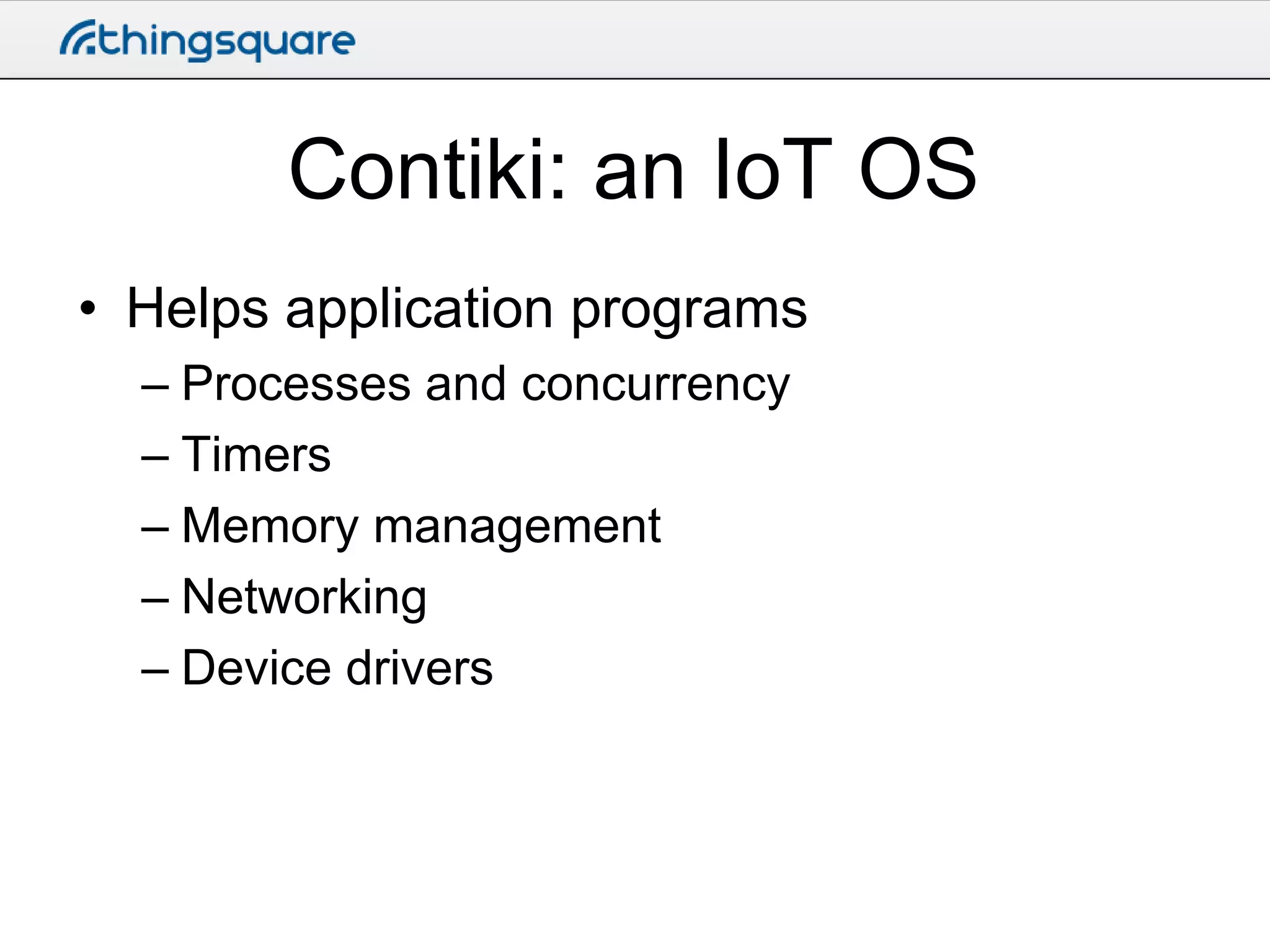
Contiki: an IoT OS
• Helps application programs
– Processes and concurrency
– Timers
– Memory management
– Networking
– Device drivers
Timers
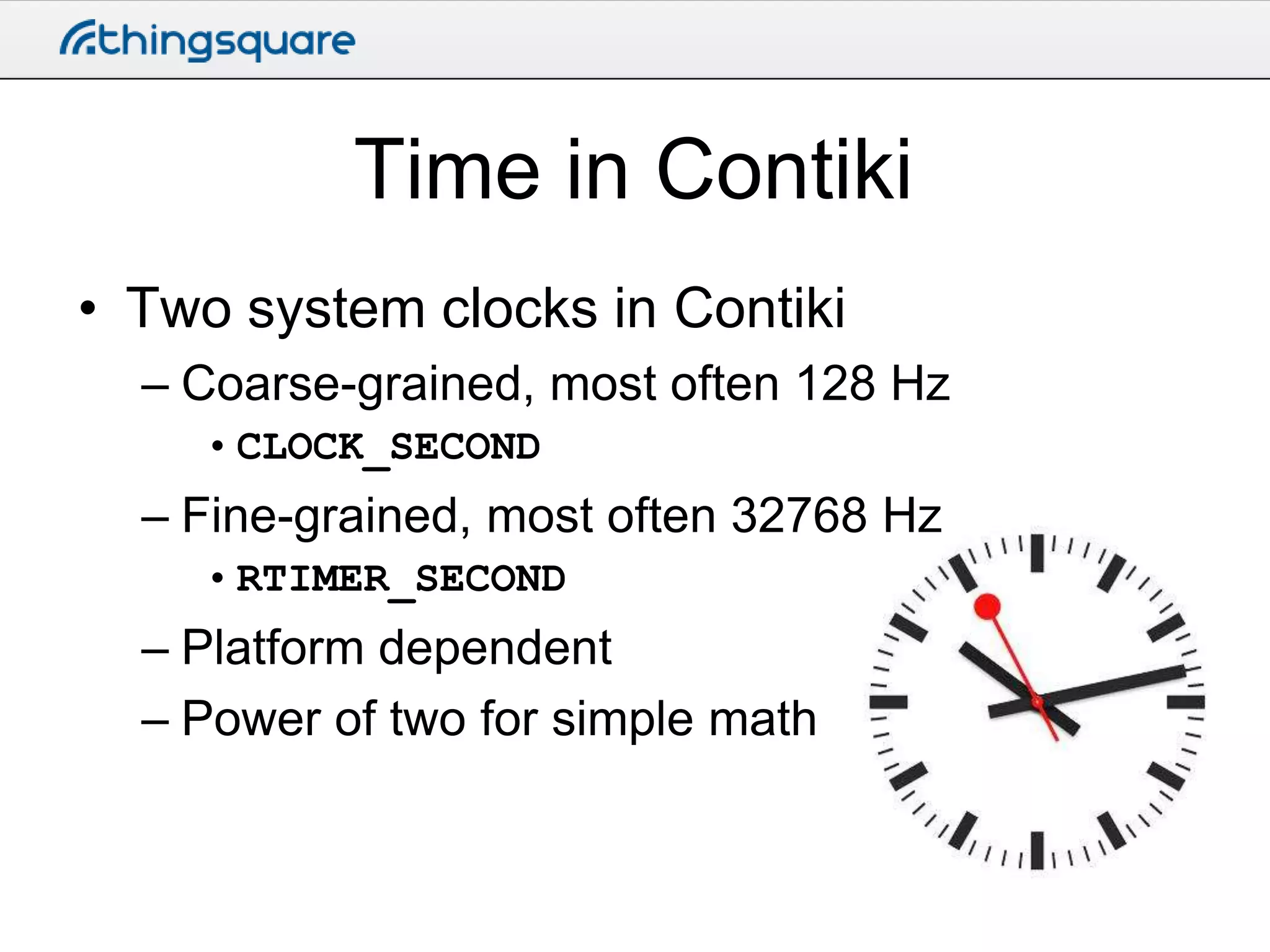
Time in Contiki
• Two system clocks in Contiki
– Coarse-grained, most often 128 Hz
• CLOCK_SECOND

– Fine-grained, most often 32768 Hz
• RTIMER_SECOND

– Platform dependent
– Power of two for simple math
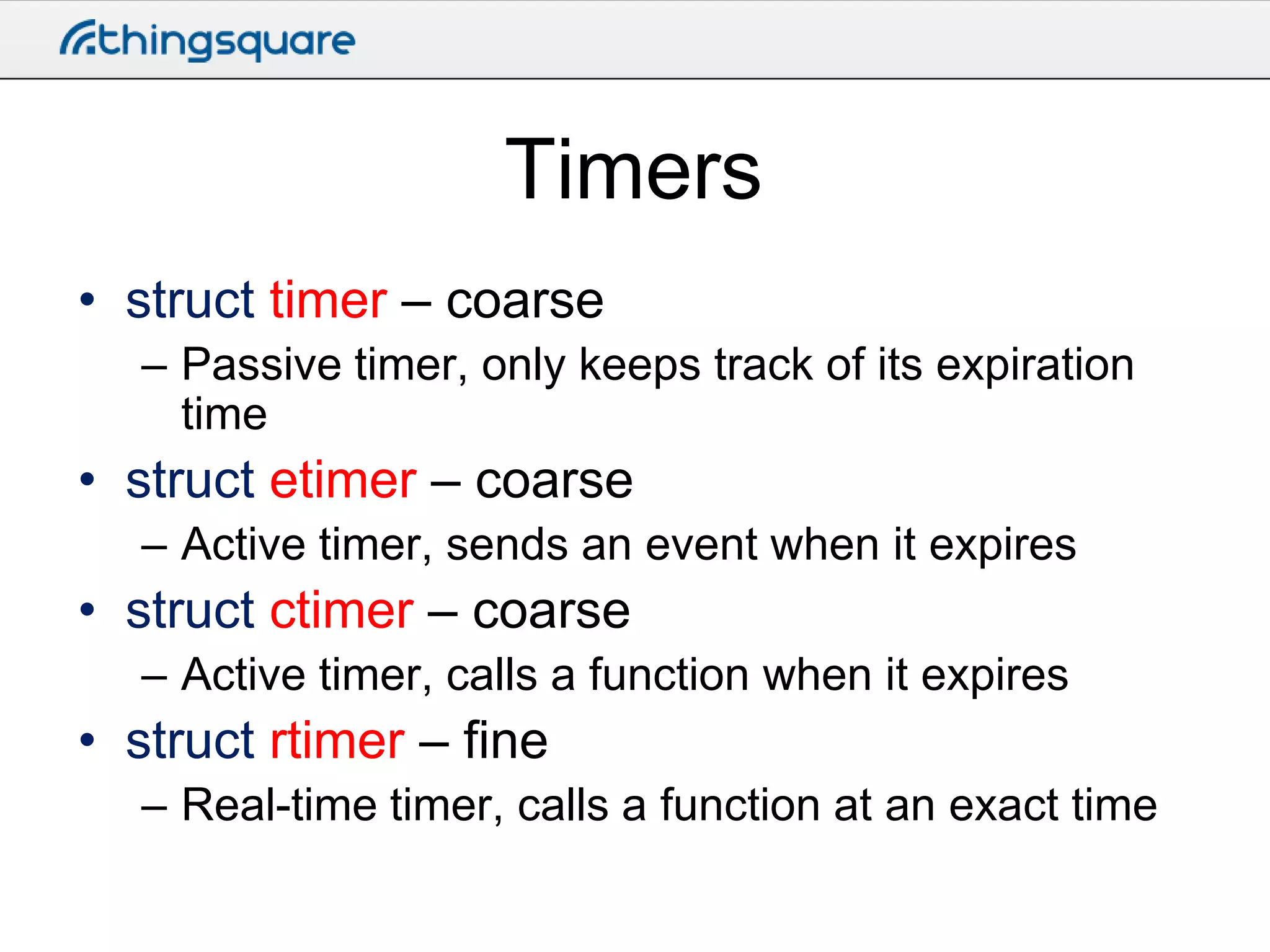
Timers
• struct timer – coarse
– Passive timer, only keeps track of its expiration
time

• struct etimer – coarse
– Active timer, sends an event when it expires

• struct ctimer – coarse
– Active timer, calls a function when it expires

• struct rtimer – fine
– Real-time timer, calls a function at an exact time
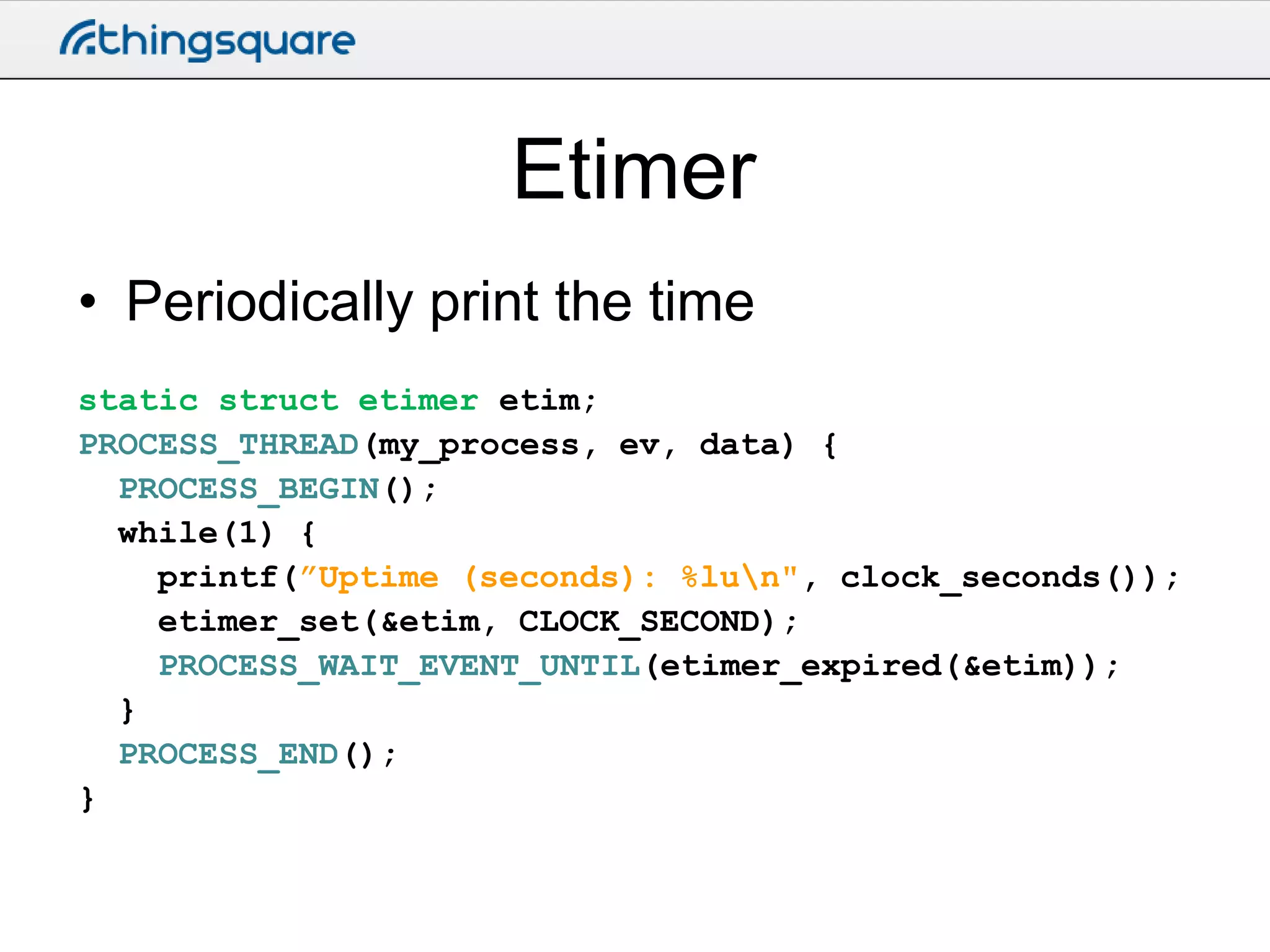
Etimer
• Periodically print the time
static struct etimer etim;
PROCESS_THREAD(my_process, ev, data) {
PROCESS_BEGIN();
while(1) {
printf(”Uptime (seconds): %lun", clock_seconds());
etimer_set(&etim, CLOCK_SECOND);
PROCESS_WAIT_EVENT_UNTIL(etimer_expired(&etim));
}
PROCESS_END();
}
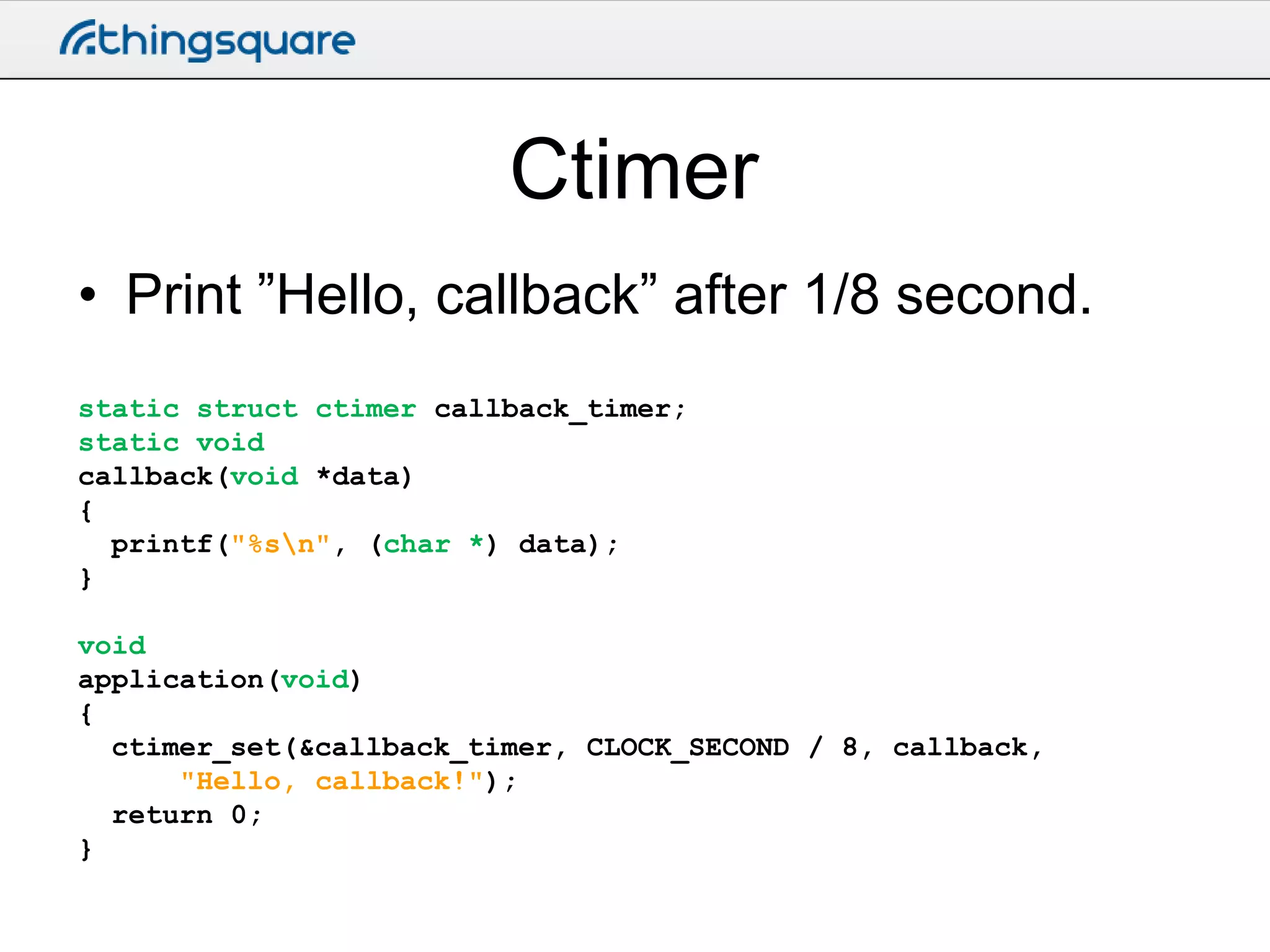
Ctimer
• Print ”Hello, callback” after 1/8 second.
static struct ctimer callback_timer;
static void
callback(void *data)
{
printf("%sn", (char *) data);
}
void
application(void)
{
ctimer_set(&callback_timer, CLOCK_SECOND / 8, callback,
"Hello, callback!");
return 0;
}
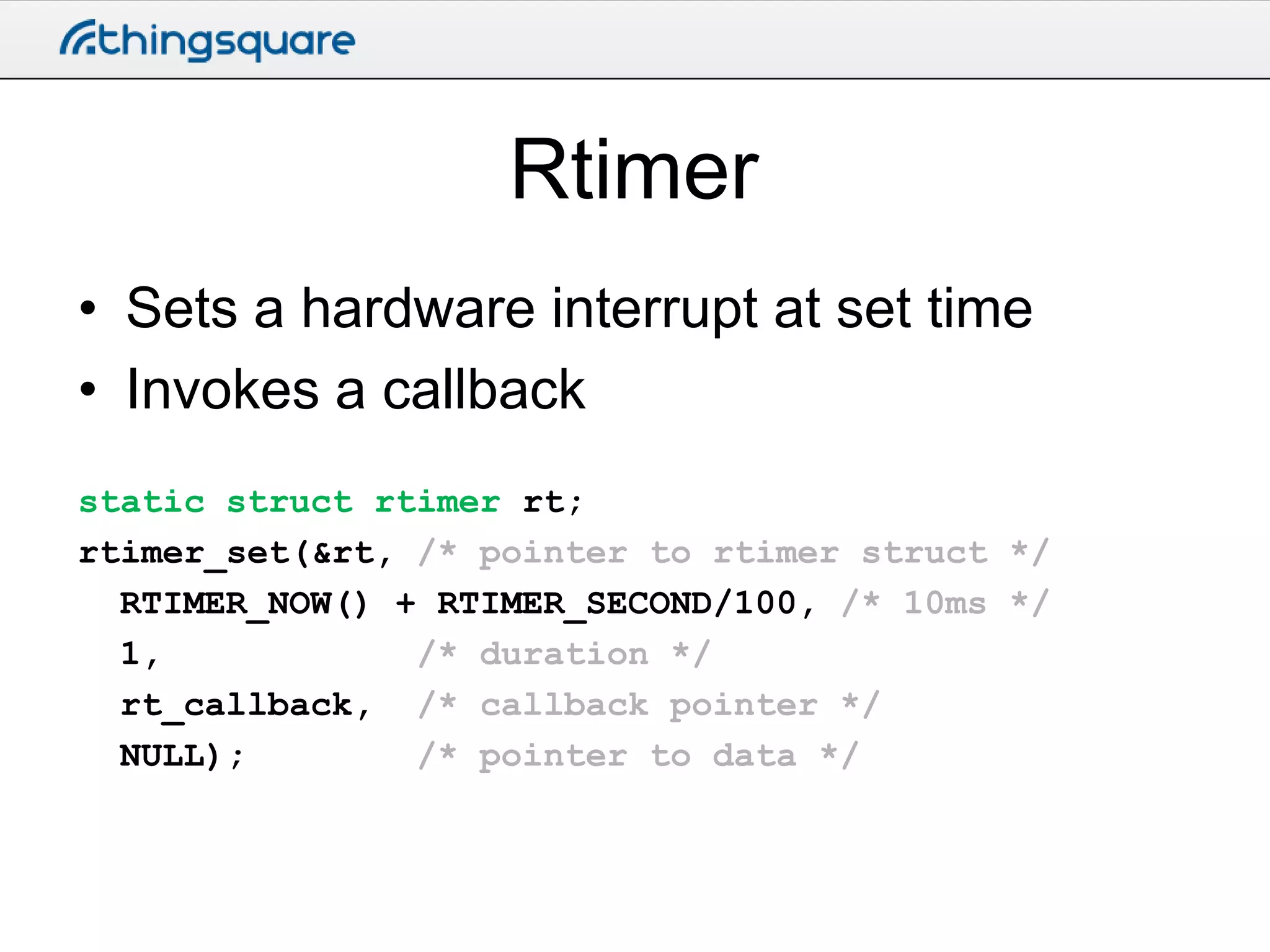
Rtimer
• Sets a hardware interrupt at set time
• Invokes a callback
static struct rtimer rt;
rtimer_set(&rt, /* pointer to rtimer struct */
RTIMER_NOW() + RTIMER_SECOND/100, /* 10ms */
1,
/* duration */
rt_callback, /* callback pointer */
NULL);
/* pointer to data */
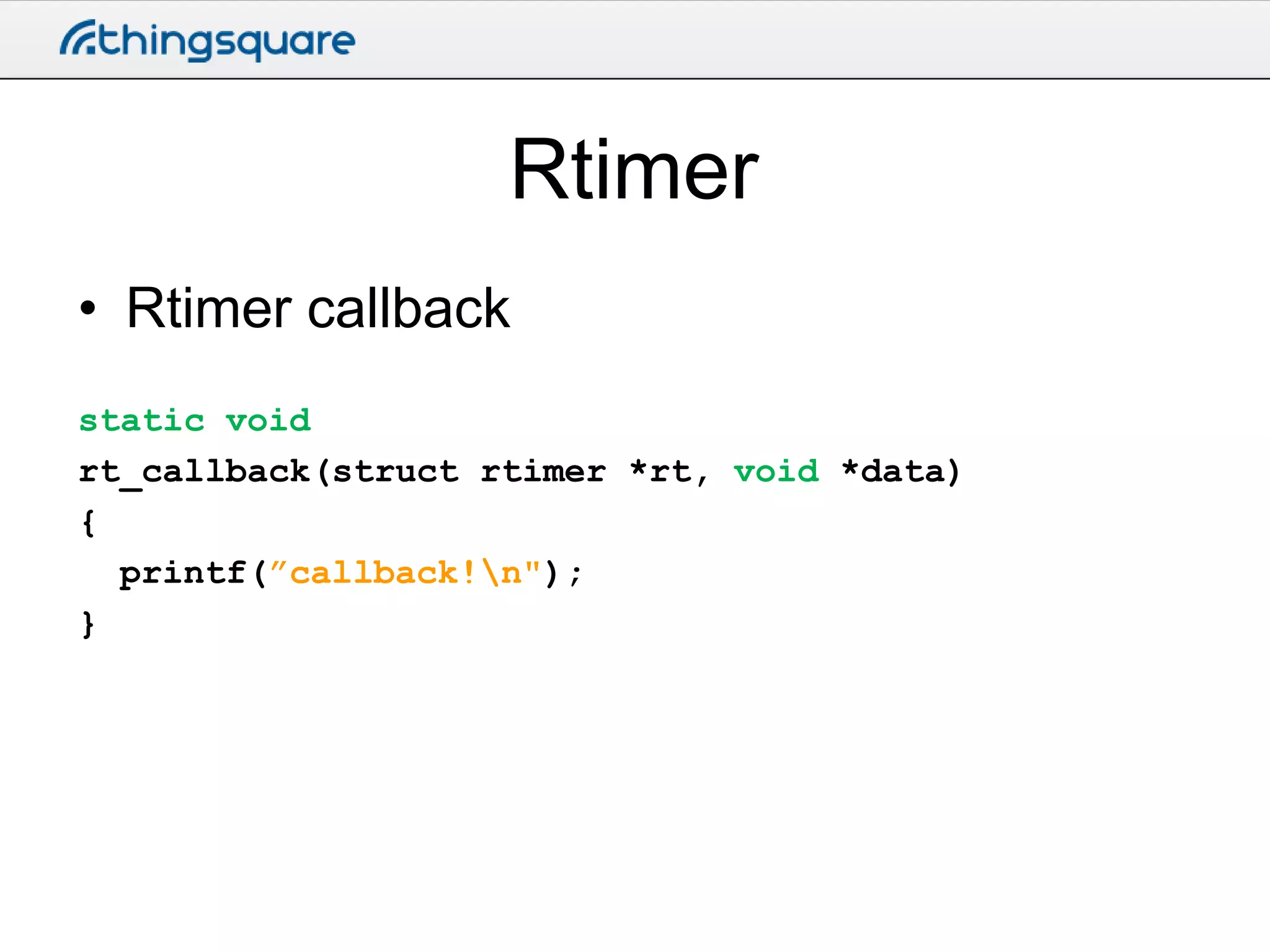
Rtimer
• Rtimer callback
static void
rt_callback(struct rtimer *rt, void *data)
{
printf(”callback!n");
}
Hands-on: blink.c
• See the blink.c example on the
Thingsquare cloud
• Uses etimer to blink LEDs
• Note the use of etimer_reset() to provide a
stable timer
Processes and events
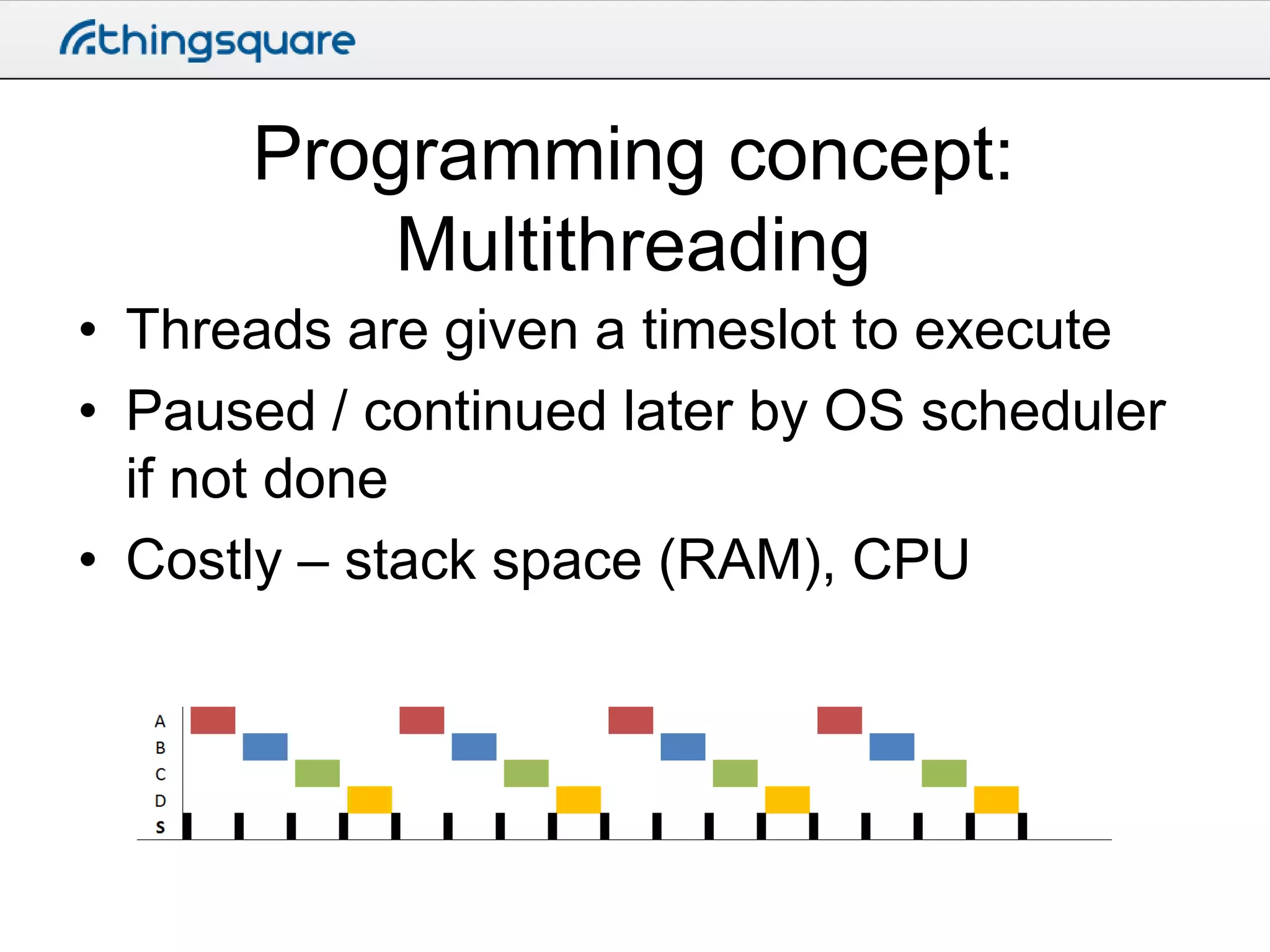
Programming concept:
Multithreading
• Threads are given a timeslot to execute
• Paused / continued later by OS scheduler
if not done
• Costly – stack space (RAM), CPU
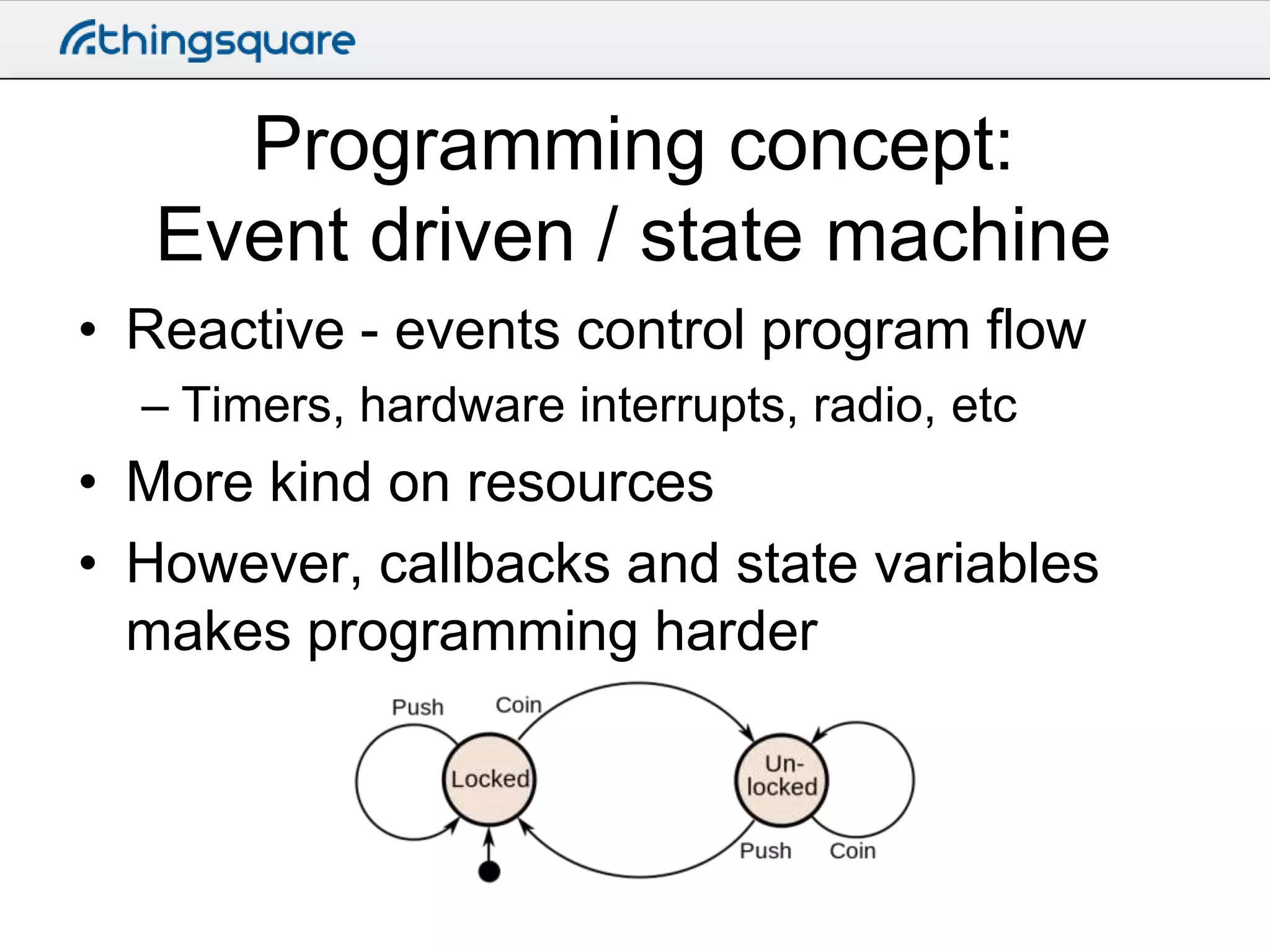
Programming concept:
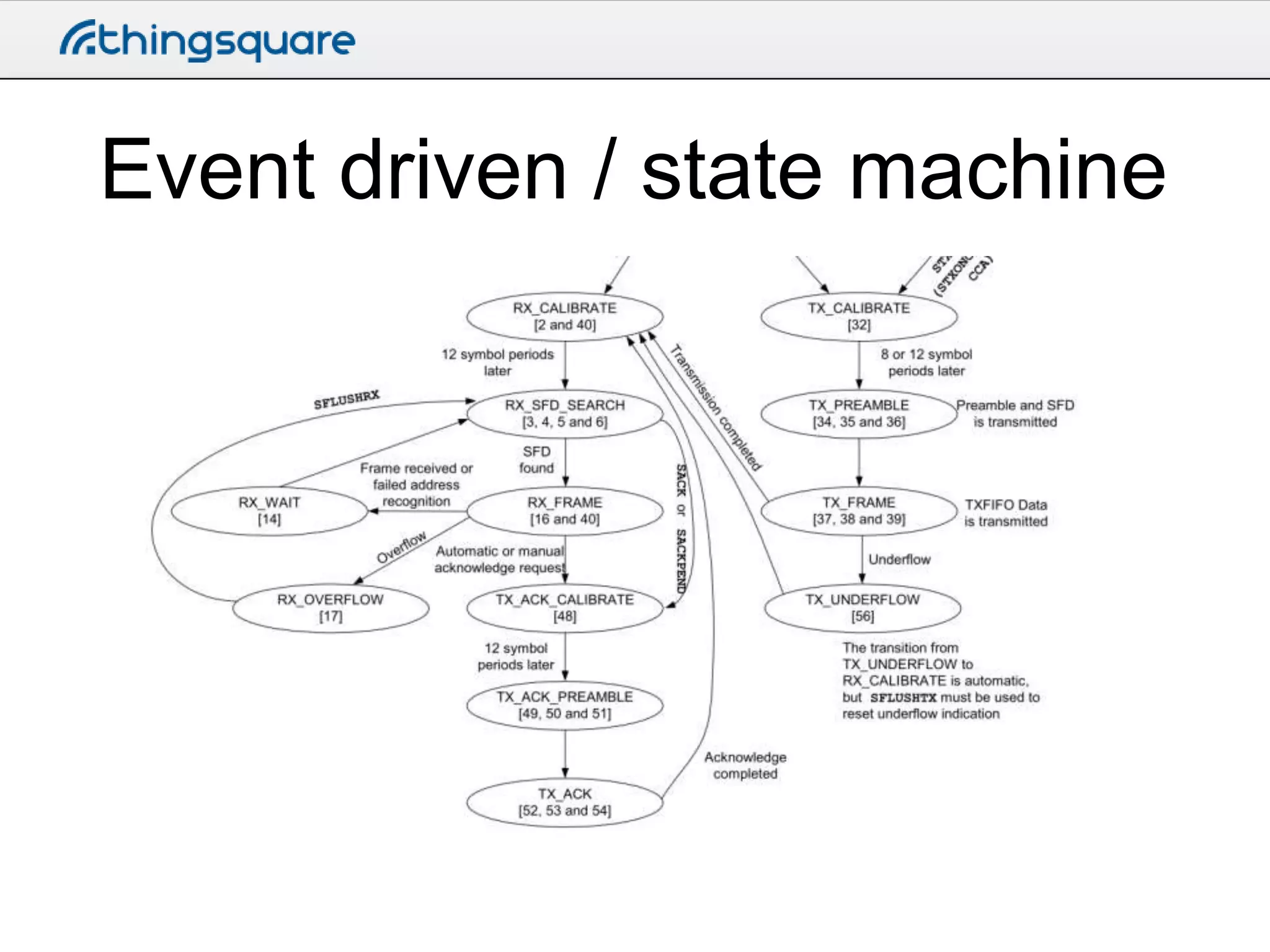
Event driven / state machine
• Reactive - events control program flow
– Timers, hardware interrupts, radio, etc

• More kind on resources
• However, callbacks and state variables
makes programming harder
Event driven / state machine
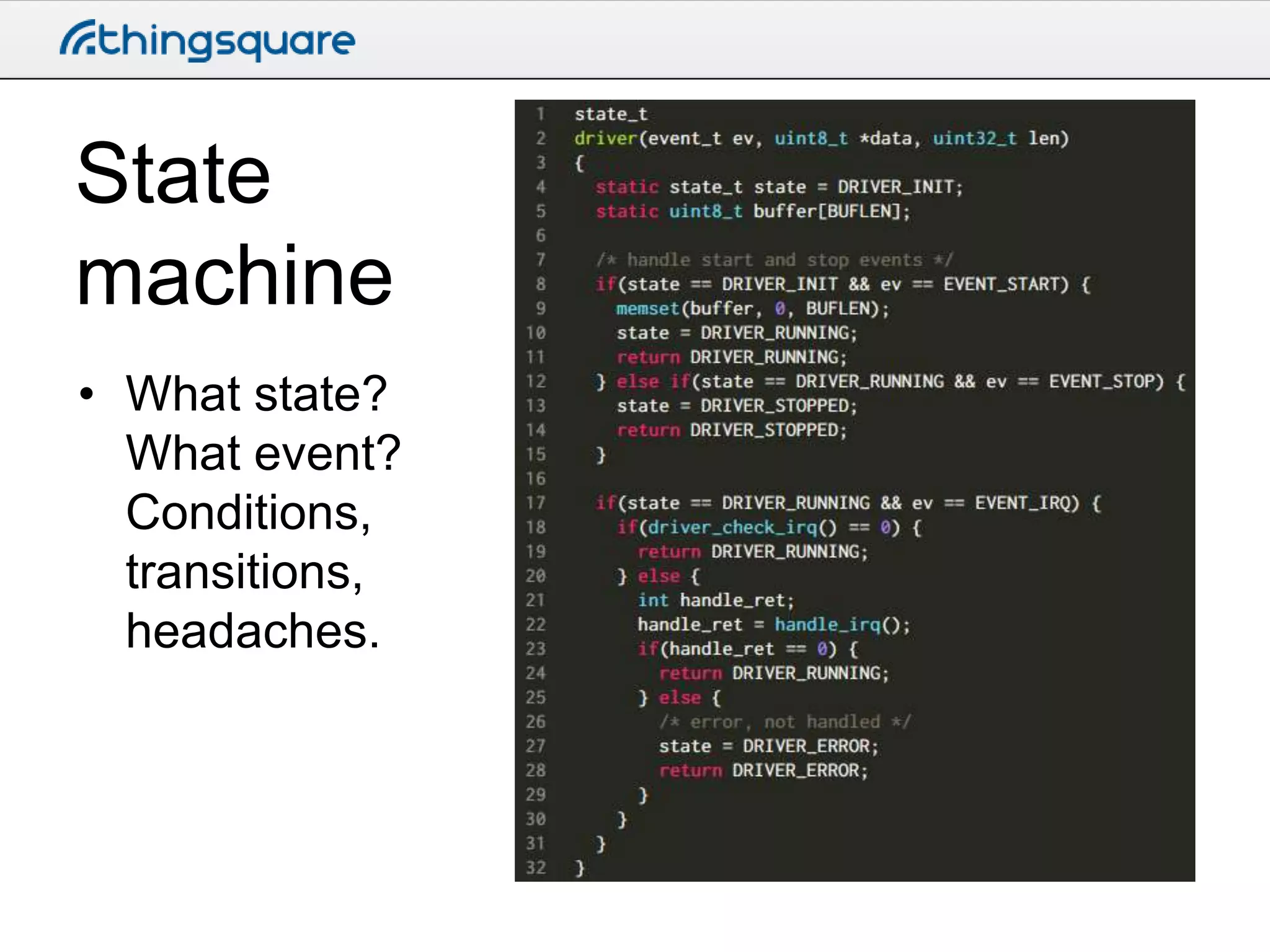
State
machine
• What state?
What event?
Conditions,
transitions,
headaches.
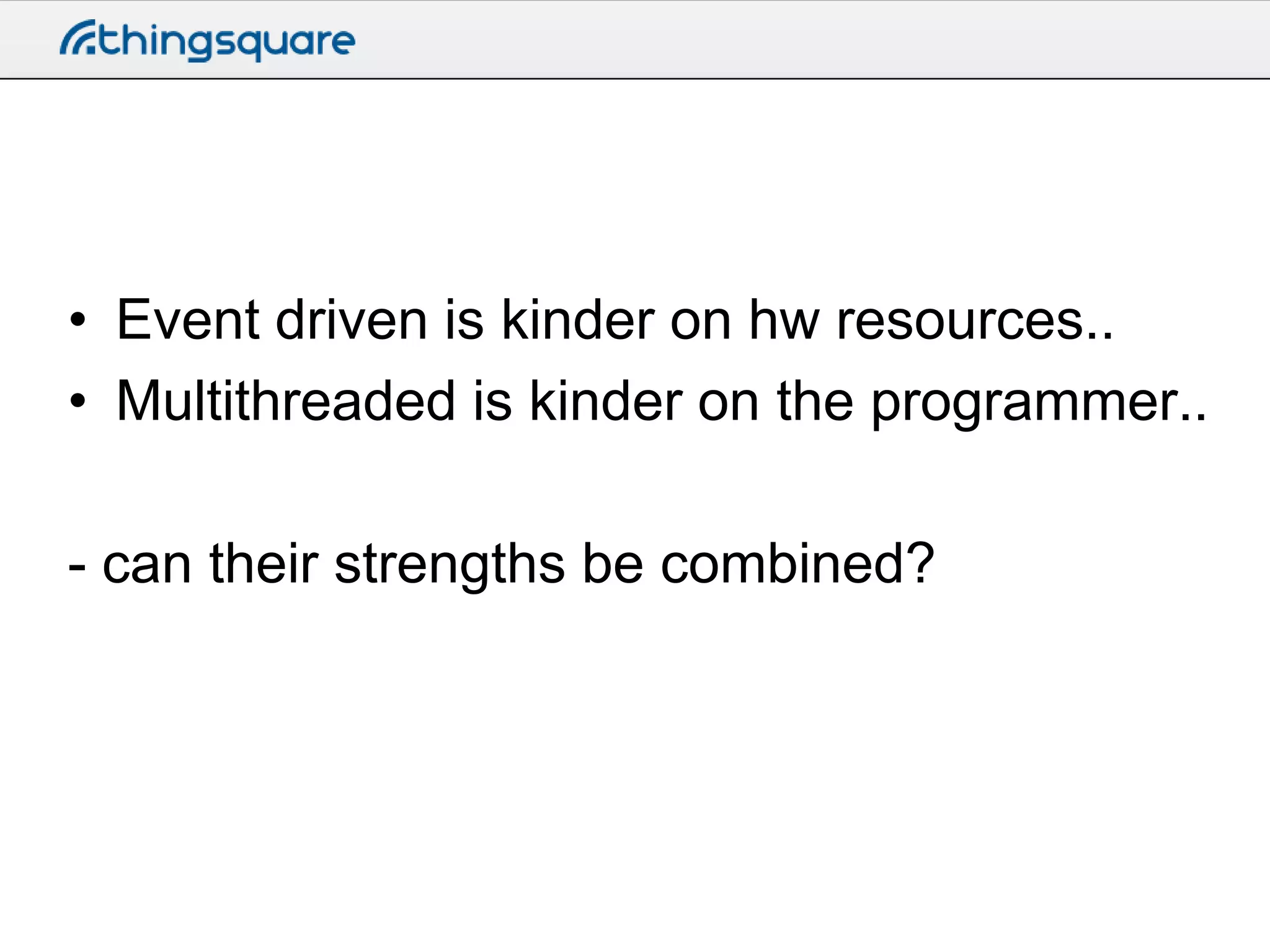
• Event driven is kinder on hw resources..
• Multithreaded is kinder on the programmer..
- can their strengths be combined?
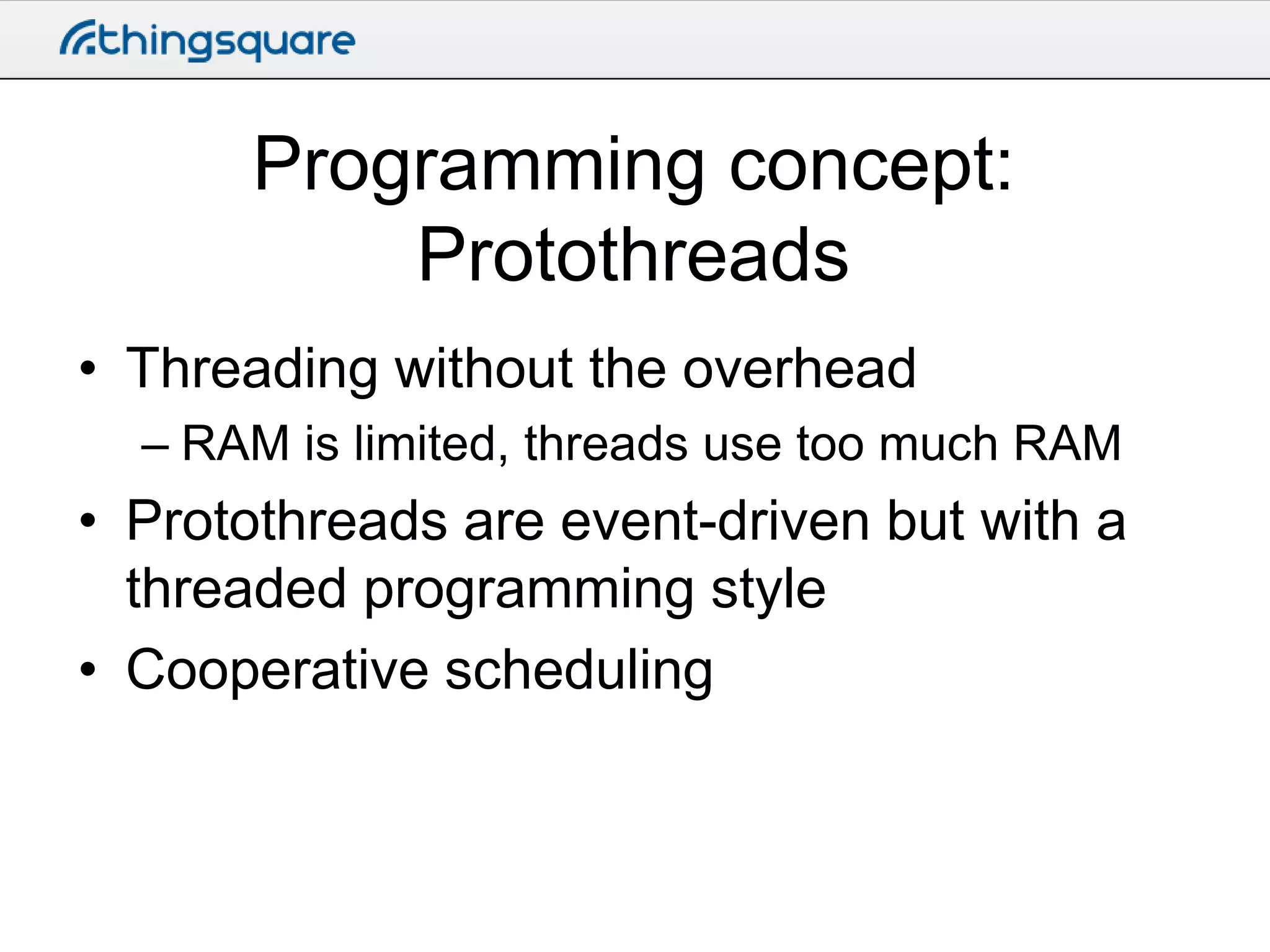
Programming concept:
Protothreads
• Threading without the overhead
– RAM is limited, threads use too much RAM

• Protothreads are event-driven but with a
threaded programming style
• Cooperative scheduling
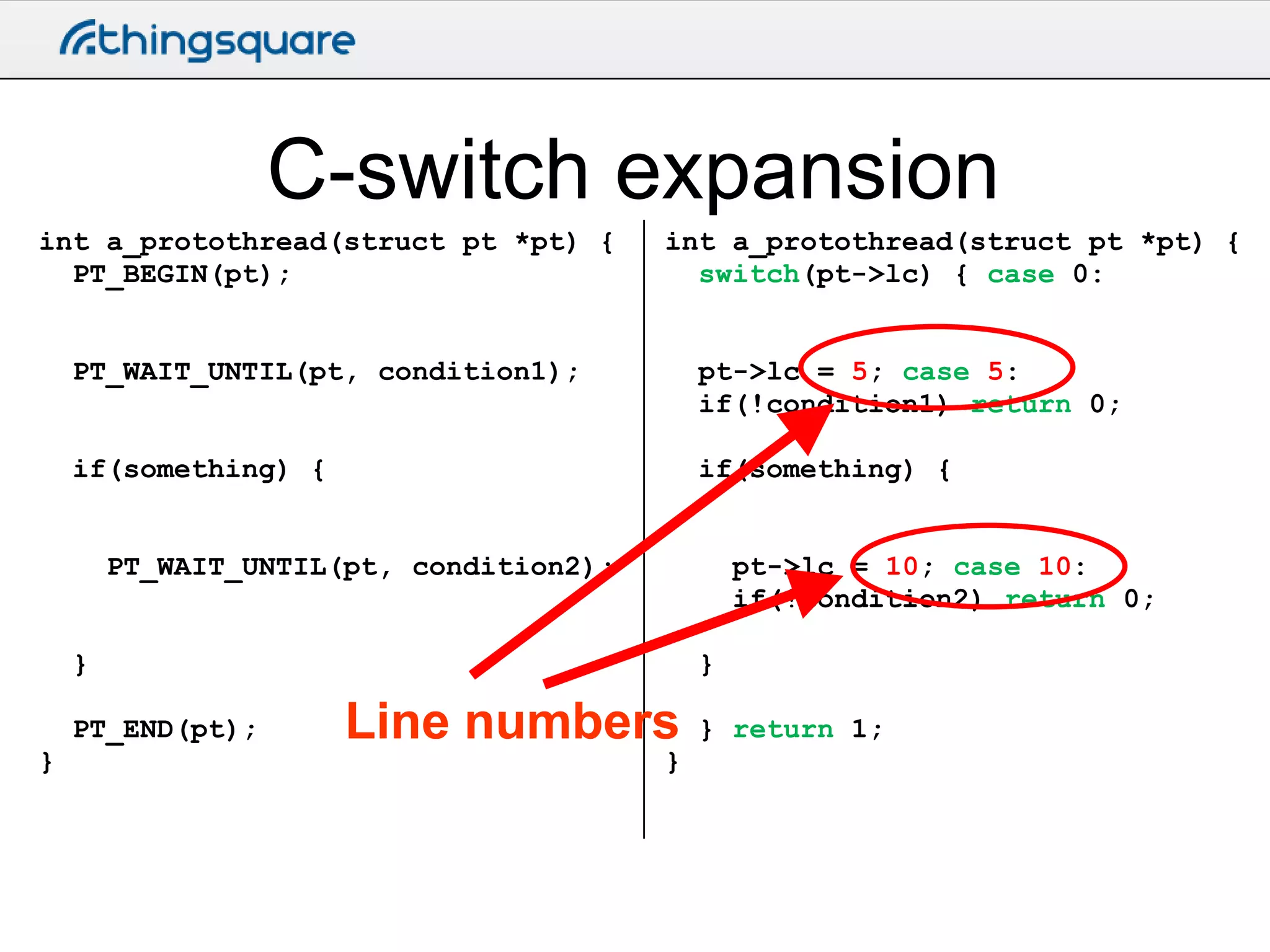
C-switch expansion
int a_protothread(struct pt *pt) {
PT_BEGIN(pt);

int a_protothread(struct pt *pt) {
switch(pt->lc) { case 0:

PT_WAIT_UNTIL(pt, condition1);

pt->lc = 5; case 5:
if(!condition1) return 0;

if(something) {

if(something) {

PT_WAIT_UNTIL(pt, condition2);

pt->lc = 10; case 10:
if(!condition2) return 0;

}
PT_END(pt);
}

}

Line numbers

}

} return 1;
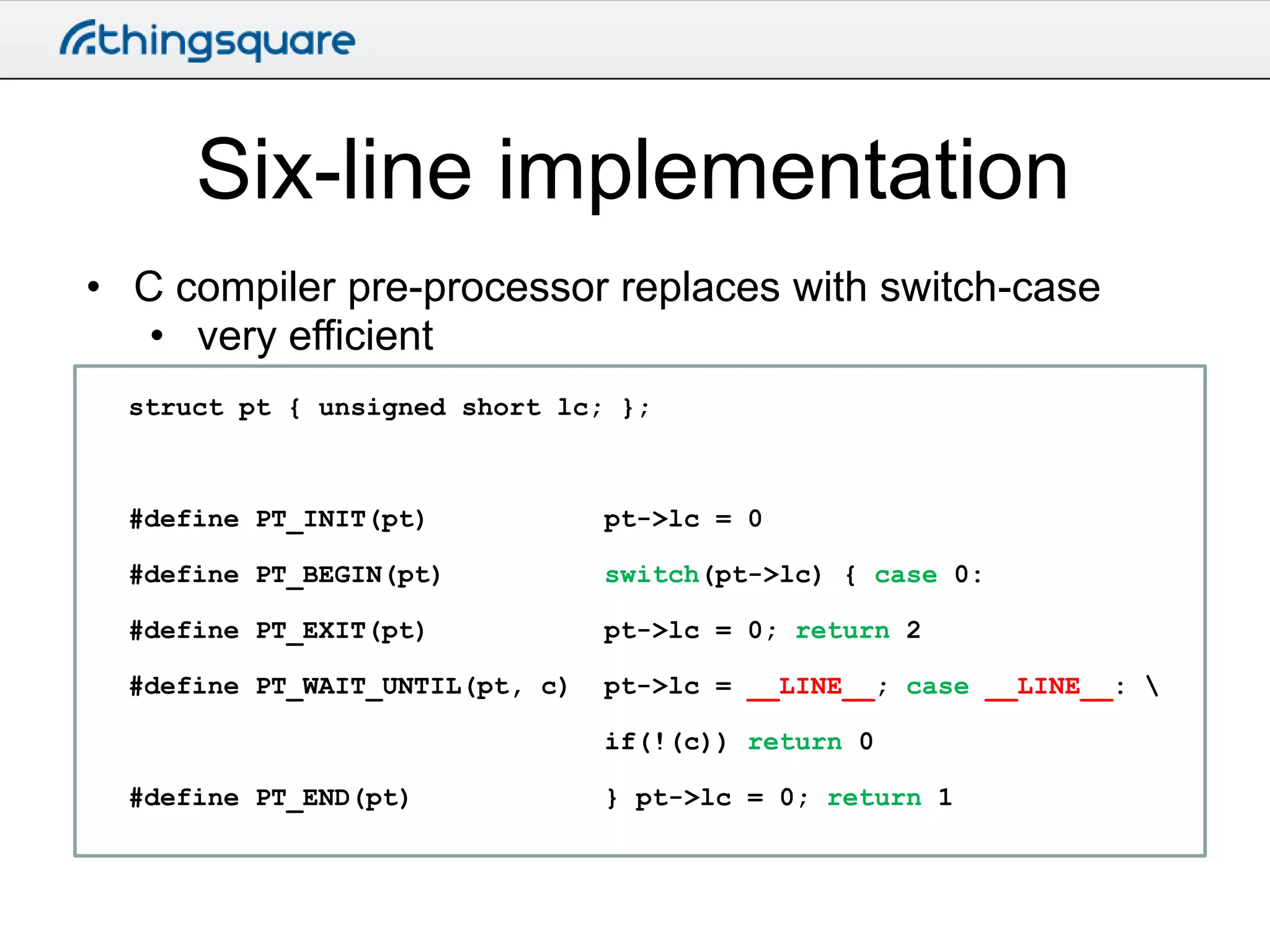
Six-line implementation
• C compiler pre-processor replaces with switch-case
• very efficient
struct pt { unsigned short lc; };

#define PT_INIT(pt)

pt->lc = 0

#define PT_BEGIN(pt)

switch(pt->lc) { case 0:

#define PT_EXIT(pt)

pt->lc = 0; return 2

#define PT_WAIT_UNTIL(pt, c)

pt->lc = __LINE__; case __LINE__: 
if(!(c)) return 0

#define PT_END(pt)

} pt->lc = 0; return 1
Protothread limitations
• Automatic variables not stored across a
blocking wait
– Workaround: use static local variables instead

• Constraints on the use of switch()
constructs in programs
– Workaround: don’t use switches
Contiki processes
• Contiki processes are very lightweight
– Execution is event-driven
– Can receive events from other processes
– Must not block in busy-wait loop
• while(1) will crash the device

• Contiki processes are protothreads
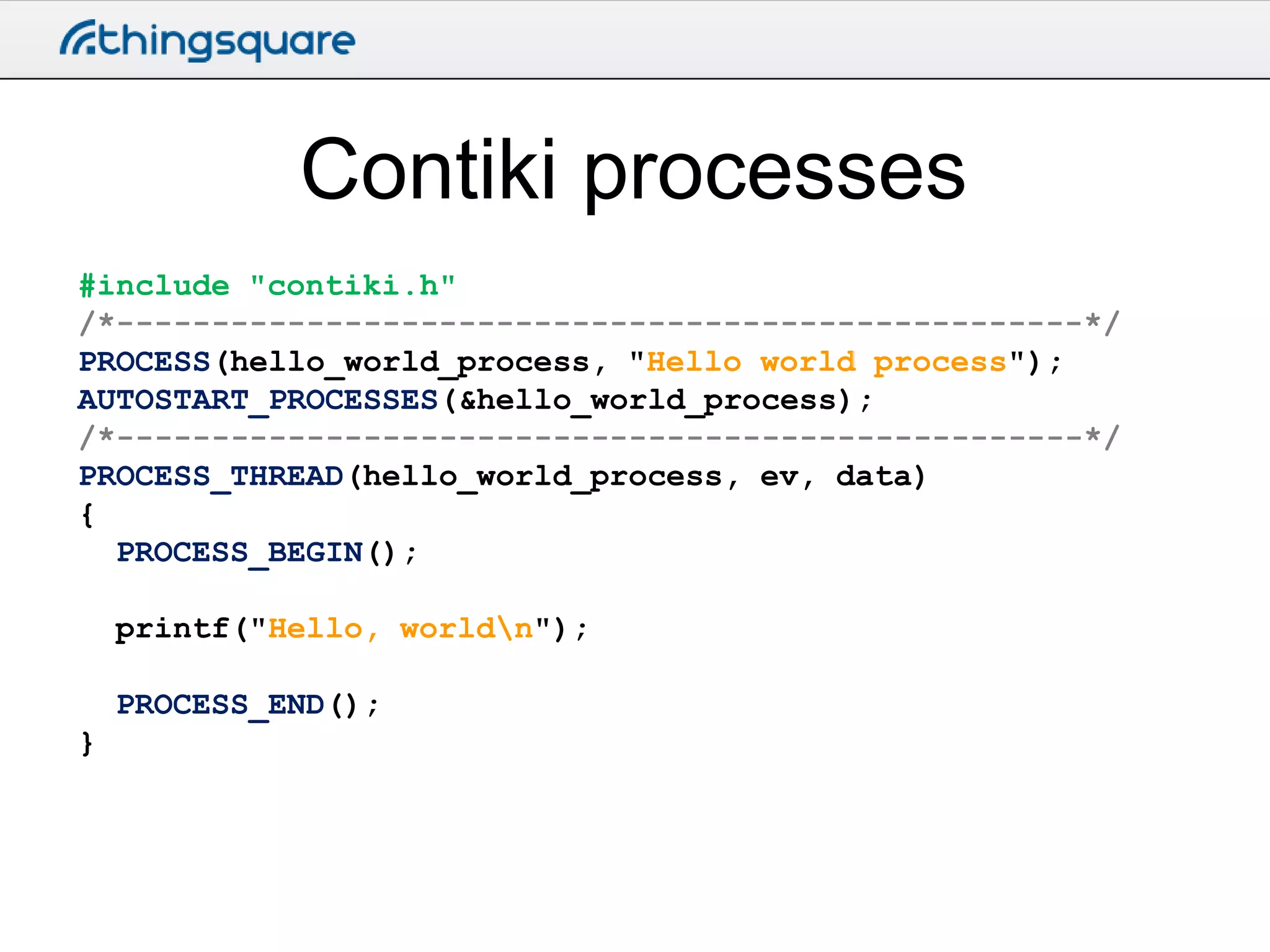
Contiki processes
#include "contiki.h"
/*---------------------------------------------------*/
PROCESS(hello_world_process, "Hello world process");
AUTOSTART_PROCESSES(&hello_world_process);
/*---------------------------------------------------*/
PROCESS_THREAD(hello_world_process, ev, data)
{
PROCESS_BEGIN();
printf("Hello, worldn");
PROCESS_END();
}
Contiki events
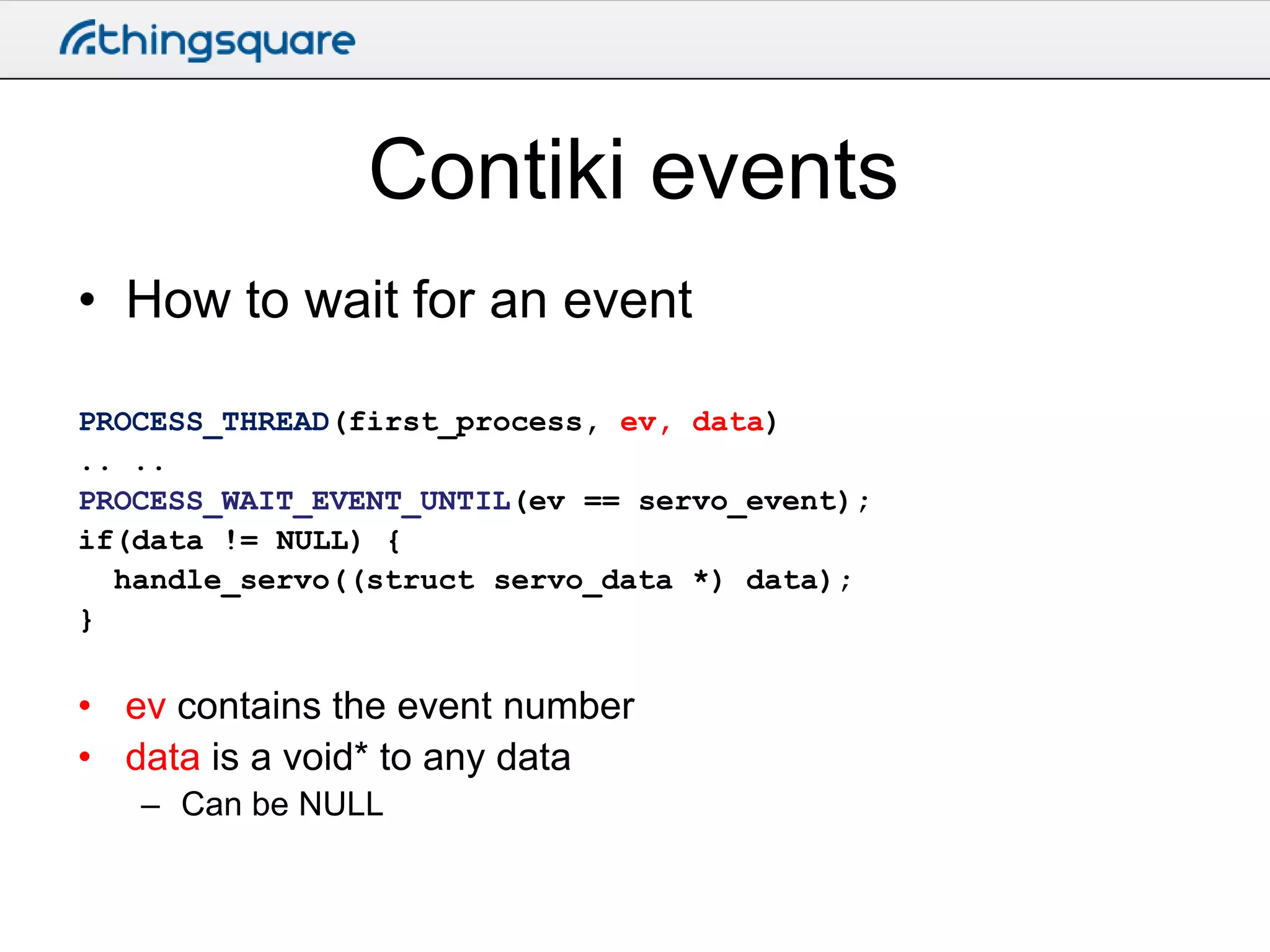
• How to wait for an event
PROCESS_THREAD(first_process, ev, data)
.. ..
PROCESS_WAIT_EVENT_UNTIL(ev == servo_event);
if(data != NULL) {
handle_servo((struct servo_data *) data);
}

• ev contains the event number
• data is a void* to any data
– Can be NULL
Hands-on: blink.c
• See how PROCESS_BEGIN(),
PROCESS_END(),
PROCESS_WAIT_UNTIL() are used
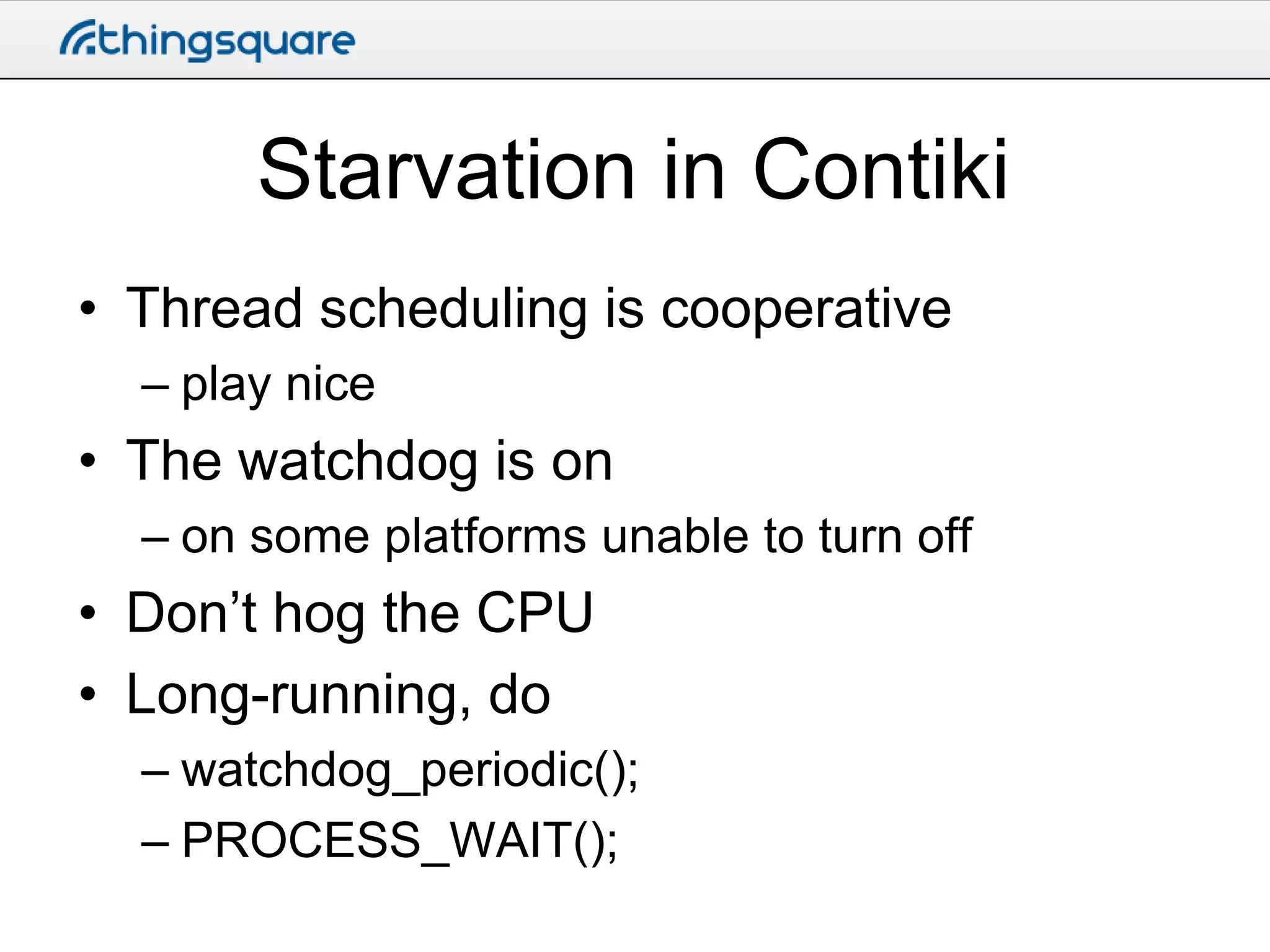
Starvation in Contiki
• Thread scheduling is cooperative
– play nice

• The watchdog is on
– on some platforms unable to turn off

• Don’t hog the CPU
• Long-running, do
– watchdog_periodic();
– PROCESS_WAIT();
Memory management
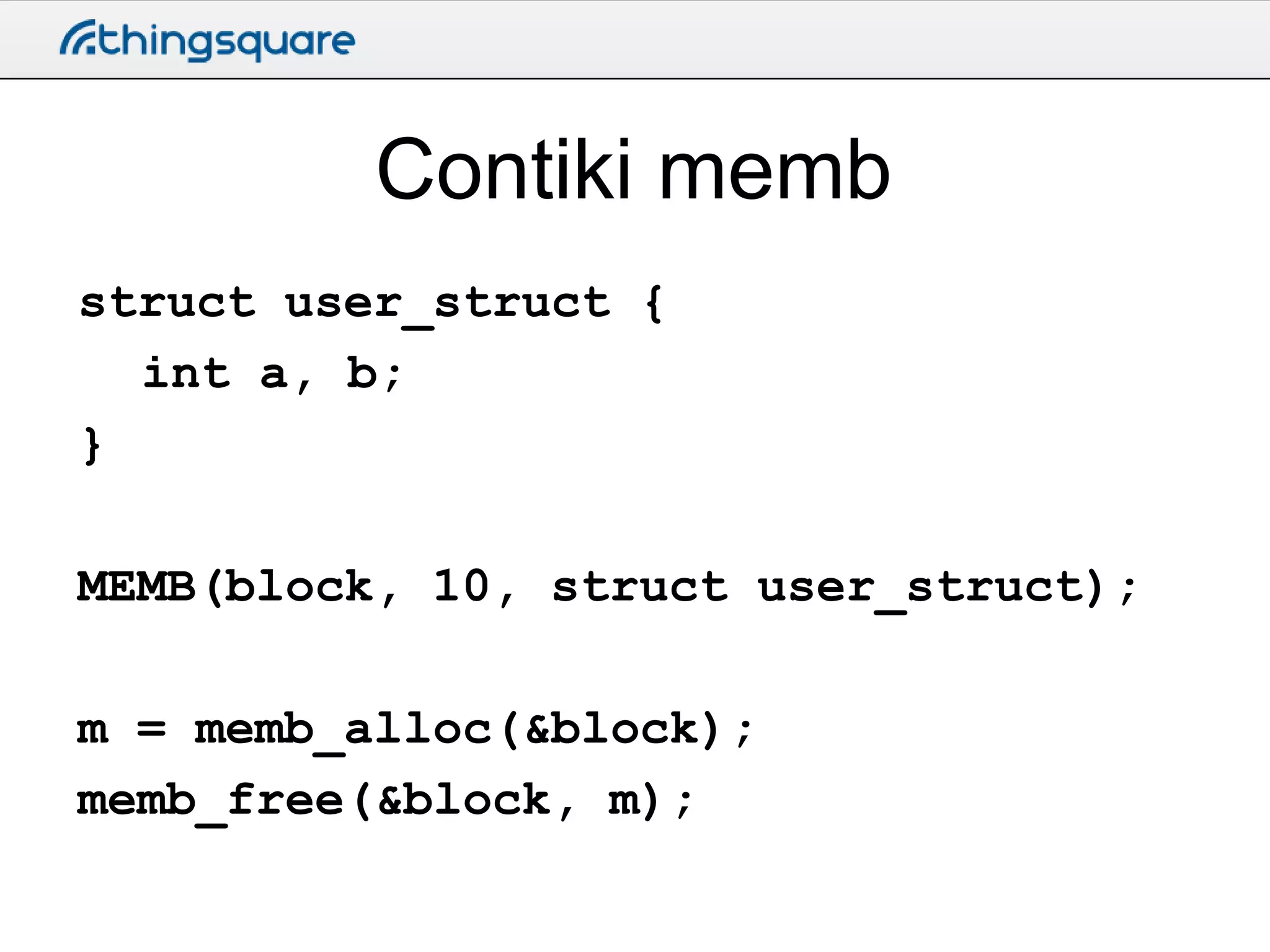
Contiki memb
struct user_struct {
int a, b;
}
MEMB(block, 10, struct user_struct);
m = memb_alloc(&block);
memb_free(&block, m);
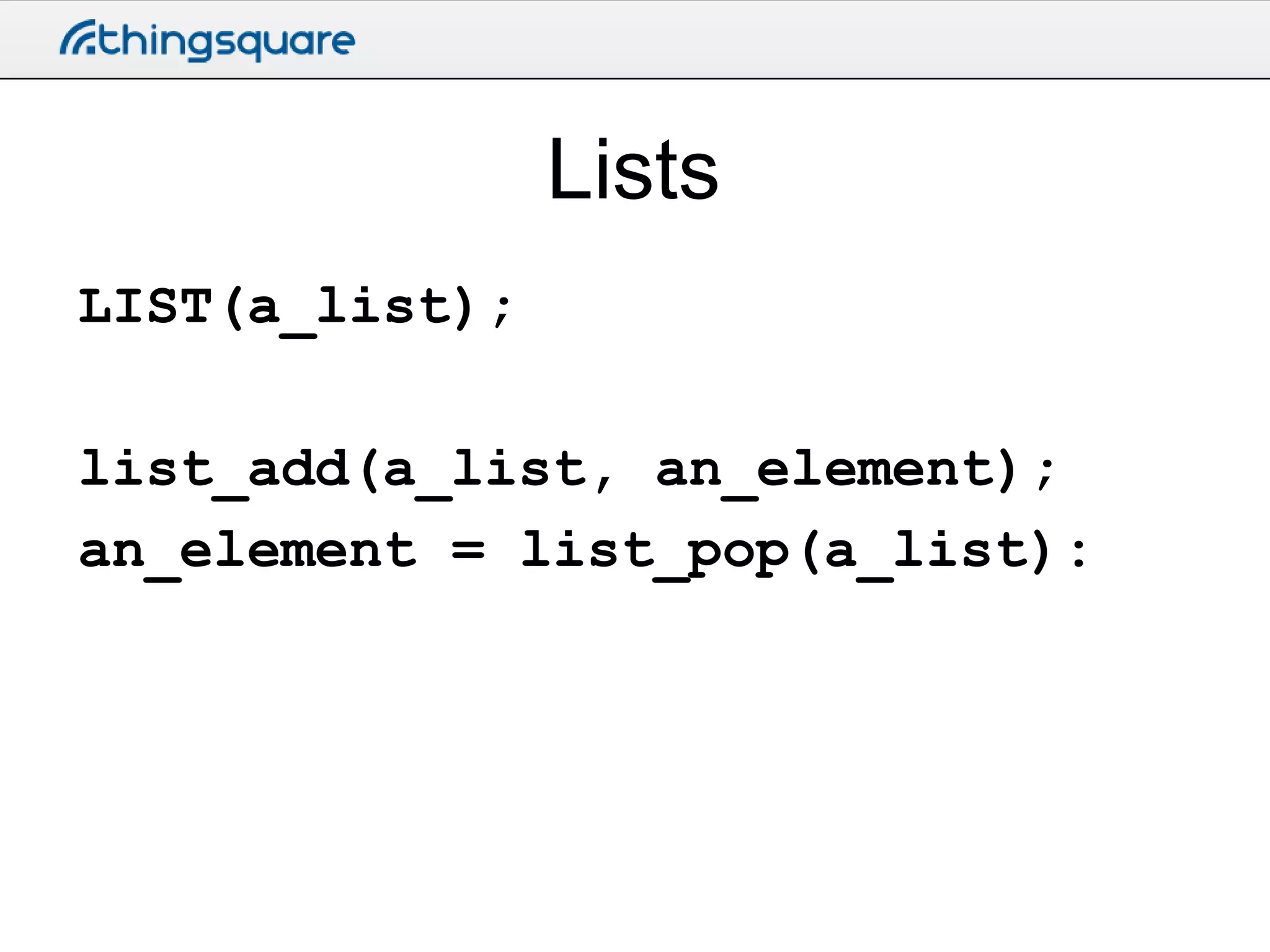
Lists
LIST(a_list);

list_add(a_list, an_element);
an_element = list_pop(a_list):
Networking
Contiki netstacks
• Three network stacks
– IPv6
– IPv4
– Rime
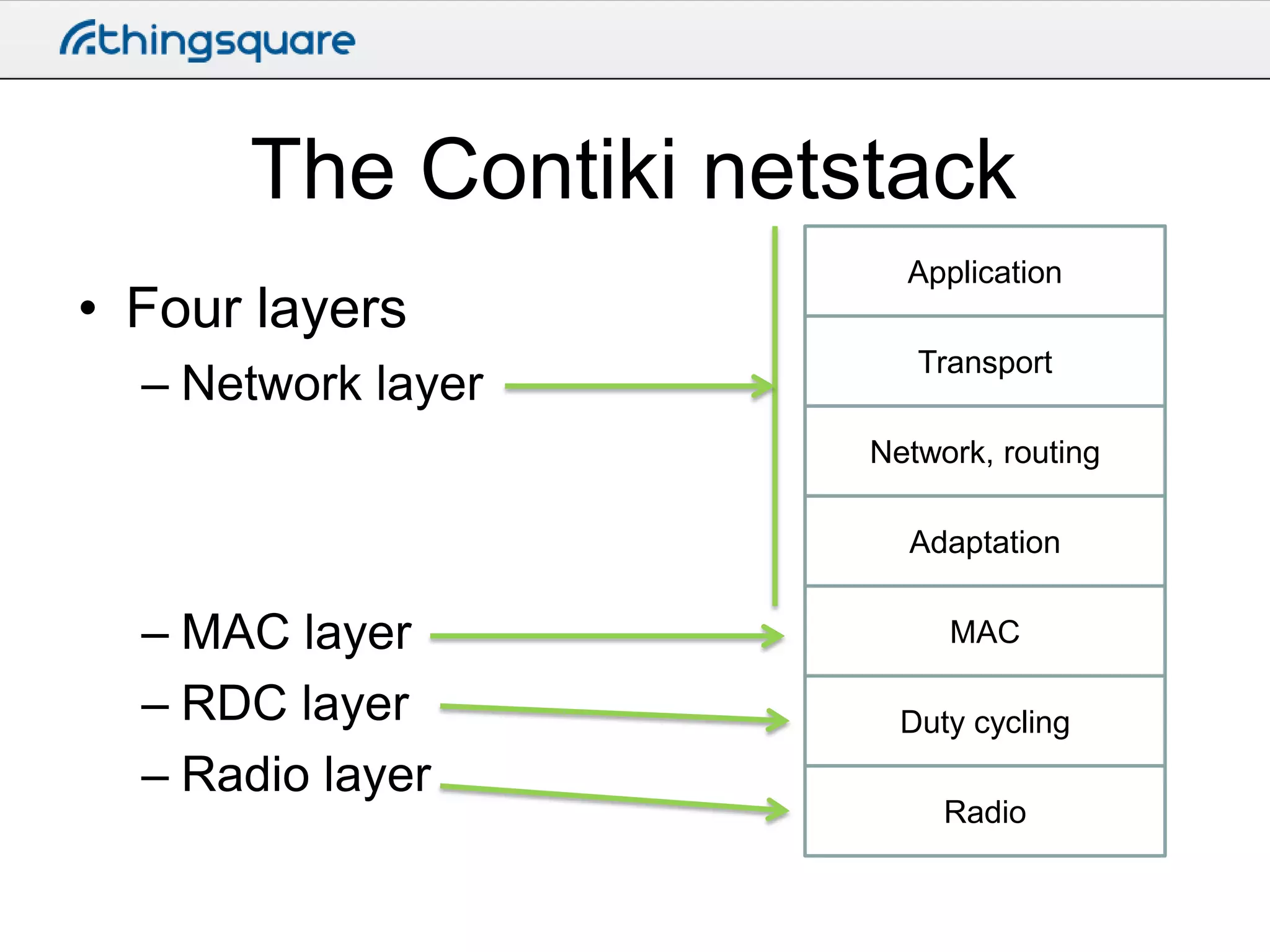
The Contiki netstack
• Four layers
– Network layer

Application
Transport

Network, routing
Adaptation

– MAC layer
– RDC layer
– Radio layer

MAC
Duty cycling
Radio
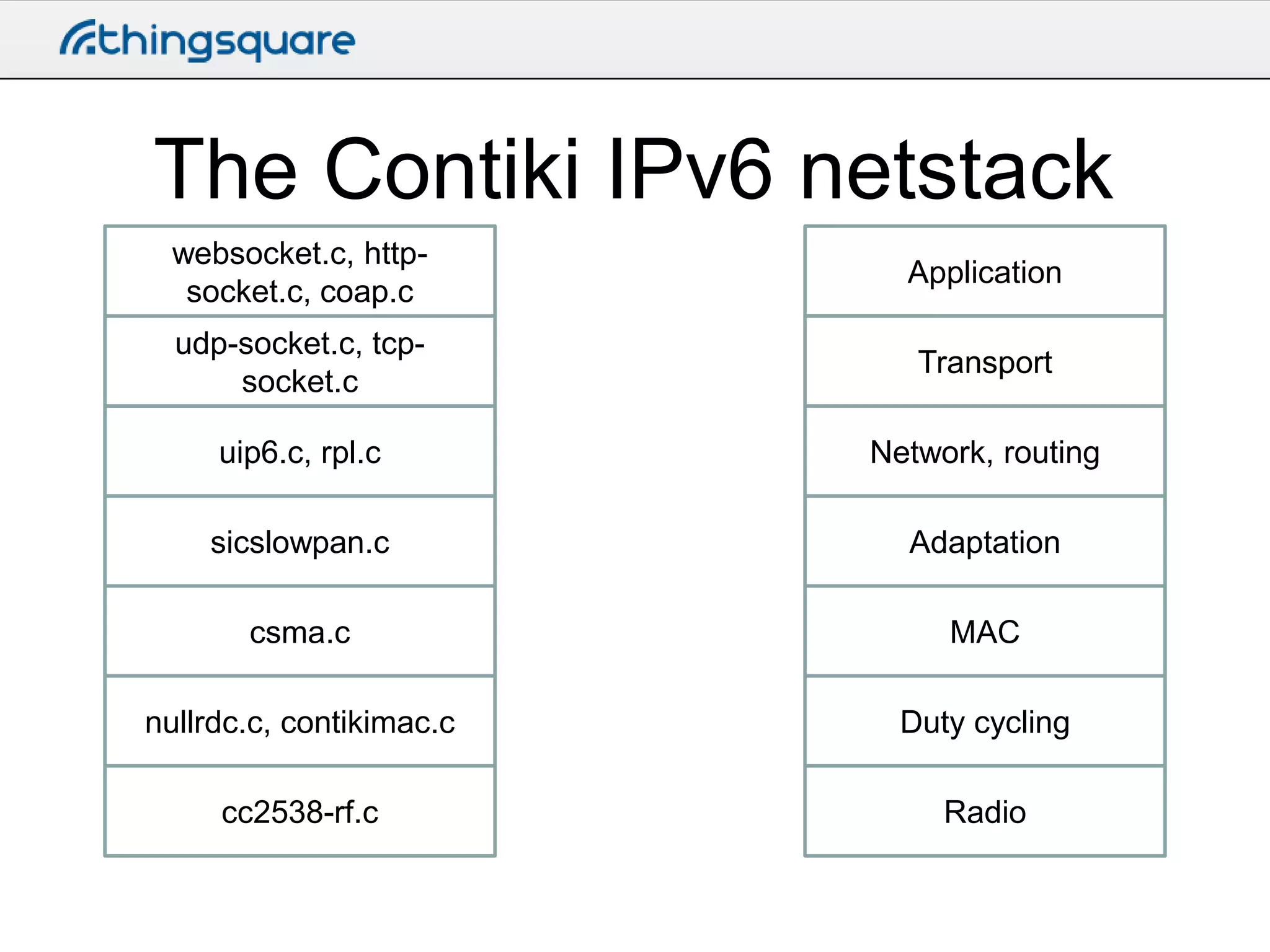
The Contiki IPv6 netstack
websocket.c, httpsocket.c, coap.c

Application

udp-socket.c, tcpsocket.c

Transport

uip6.c, rpl.c

Network, routing

sicslowpan.c

Adaptation

csma.c

MAC

nullrdc.c, contikimac.c

Duty cycling

cc2538-rf.c

Radio
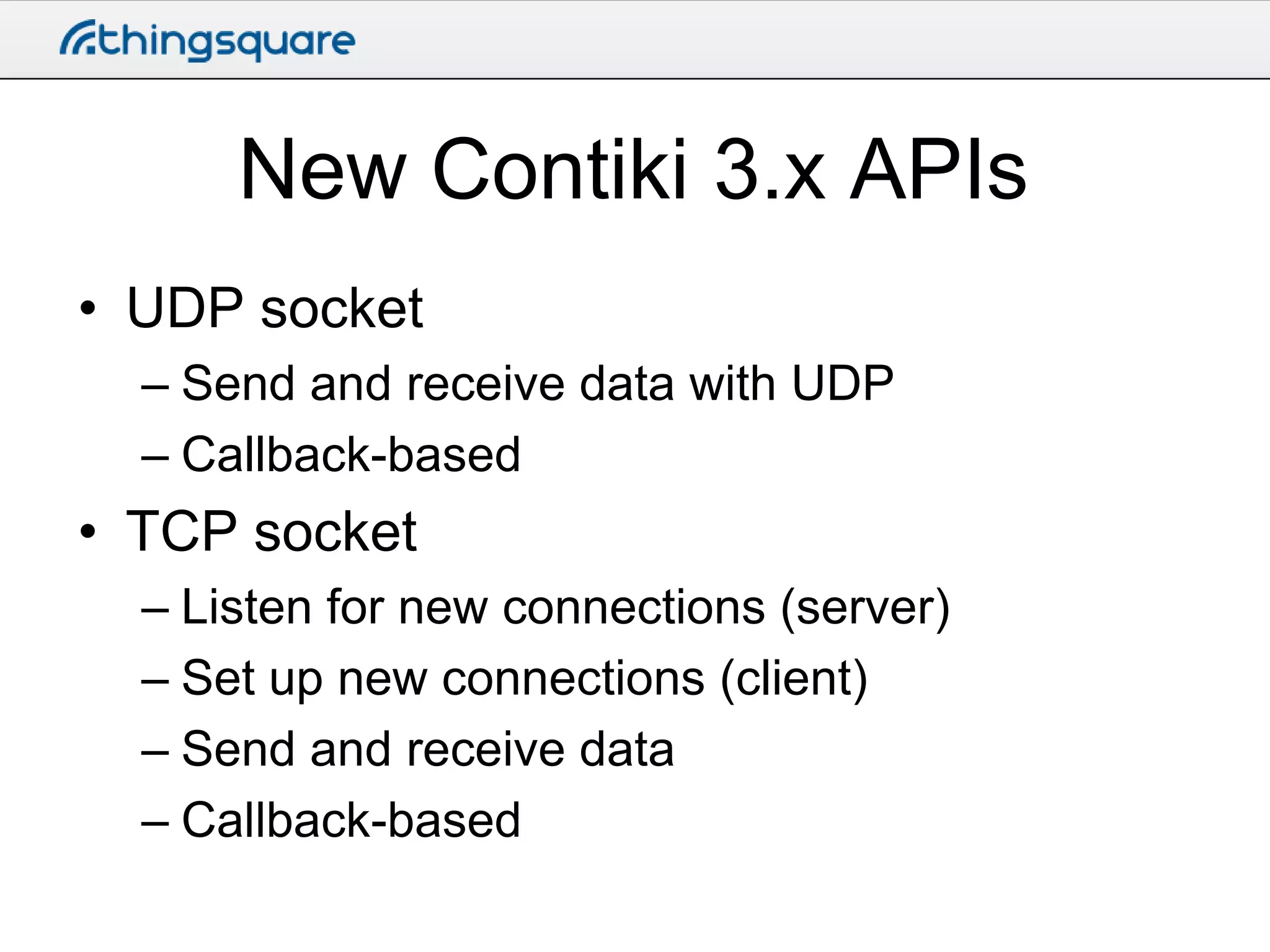
New Contiki 3.x APIs
• UDP socket
– Send and receive data with UDP
– Callback-based

• TCP socket
– Listen for new connections (server)
– Set up new connections (client)
– Send and receive data
– Callback-based
UDP socket API
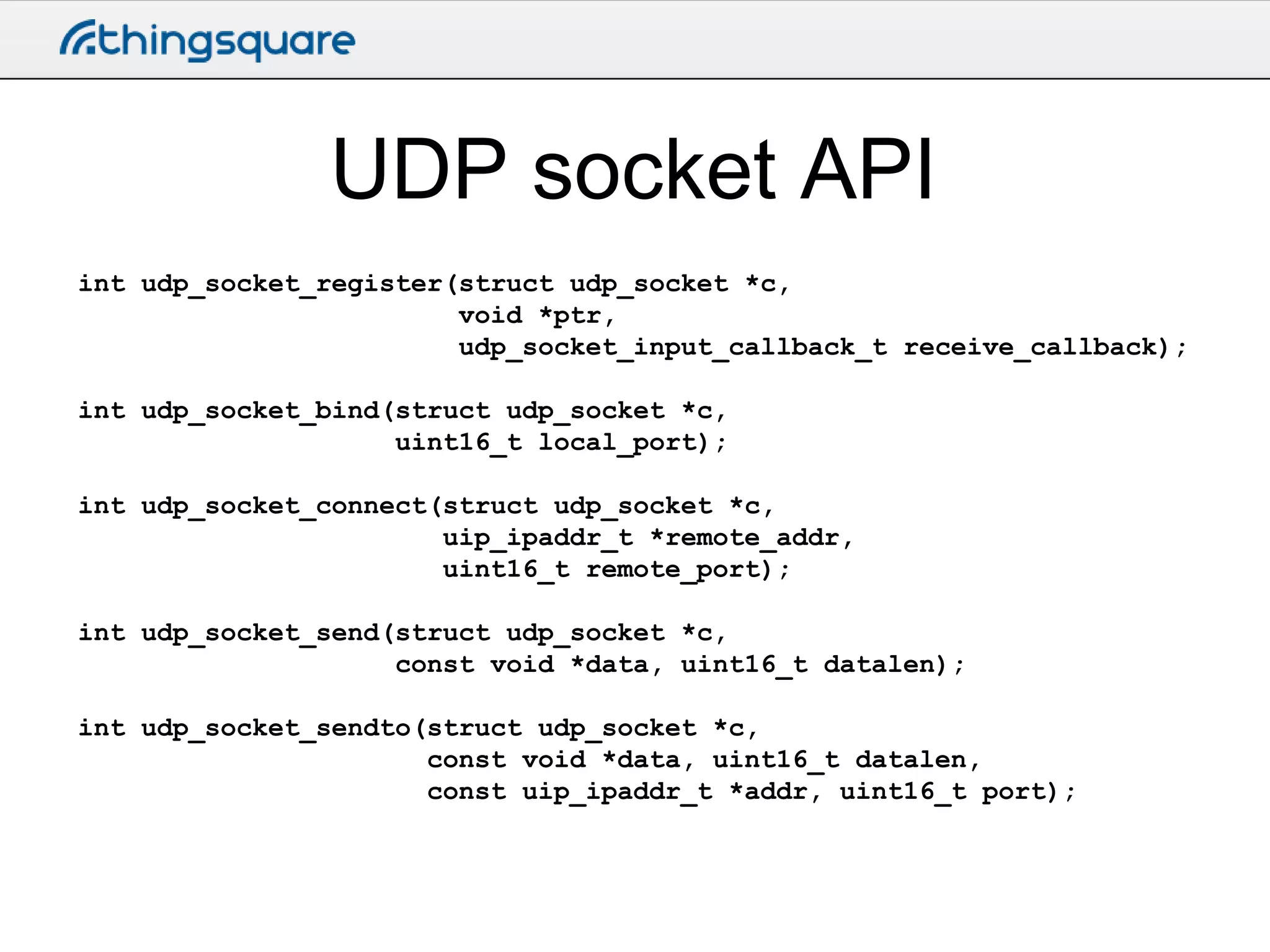
int udp_socket_register(struct udp_socket *c,
void *ptr,
udp_socket_input_callback_t receive_callback);
int udp_socket_bind(struct udp_socket *c,
uint16_t local_port);
int udp_socket_connect(struct udp_socket *c,
uip_ipaddr_t *remote_addr,
uint16_t remote_port);
int udp_socket_send(struct udp_socket *c,
const void *data, uint16_t datalen);
int udp_socket_sendto(struct udp_socket *c,
const void *data, uint16_t datalen,
const uip_ipaddr_t *addr, uint16_t port);
UDP socket API
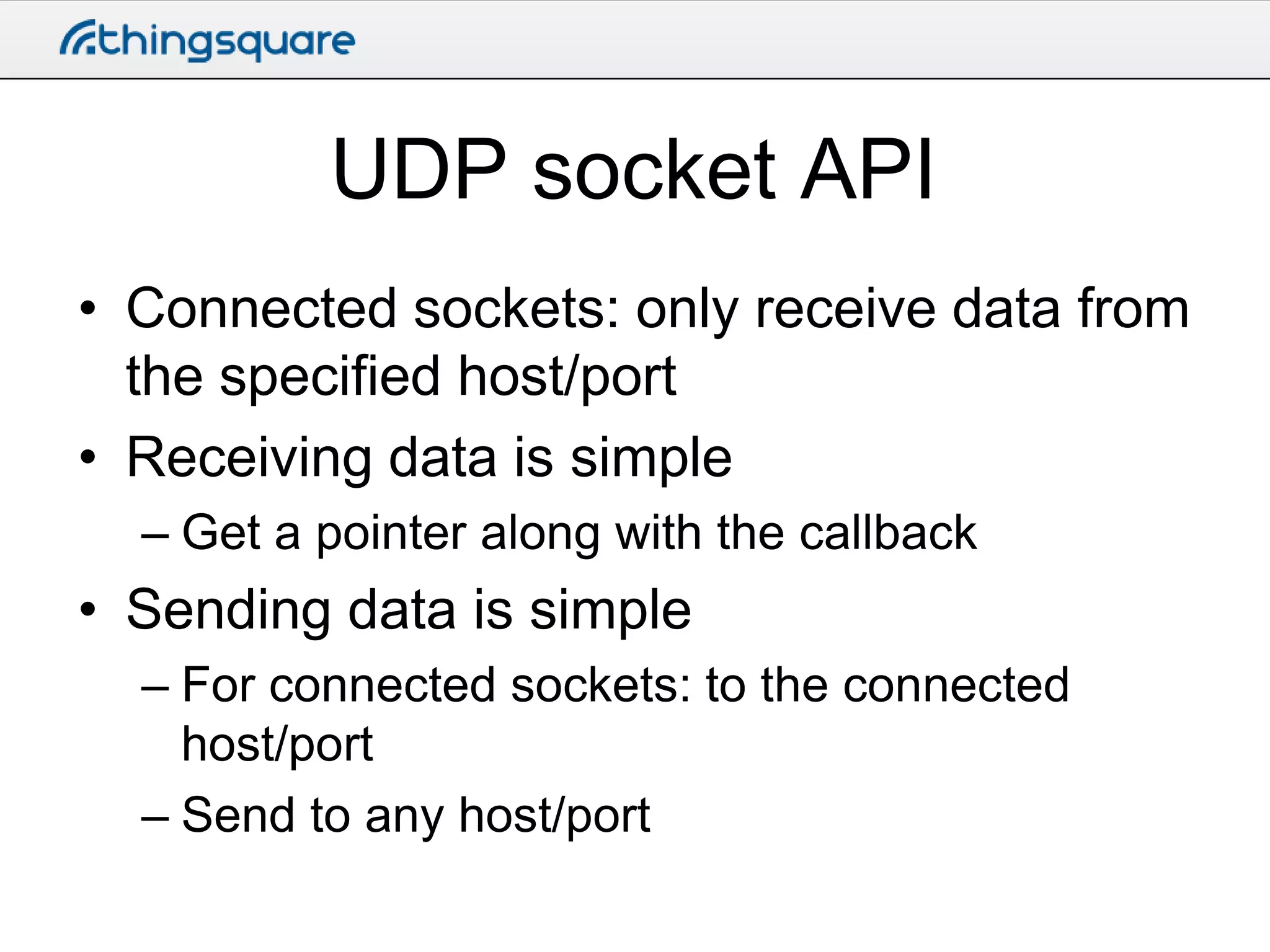
• Connected sockets: only receive data from
the specified host/port
• Receiving data is simple
– Get a pointer along with the callback

• Sending data is simple
– For connected sockets: to the connected
host/port
– Send to any host/port
TCP socket API
• TCP significantly trickier than UDP
– Connections
– Retransmissions
– Buffers
TCP socket API
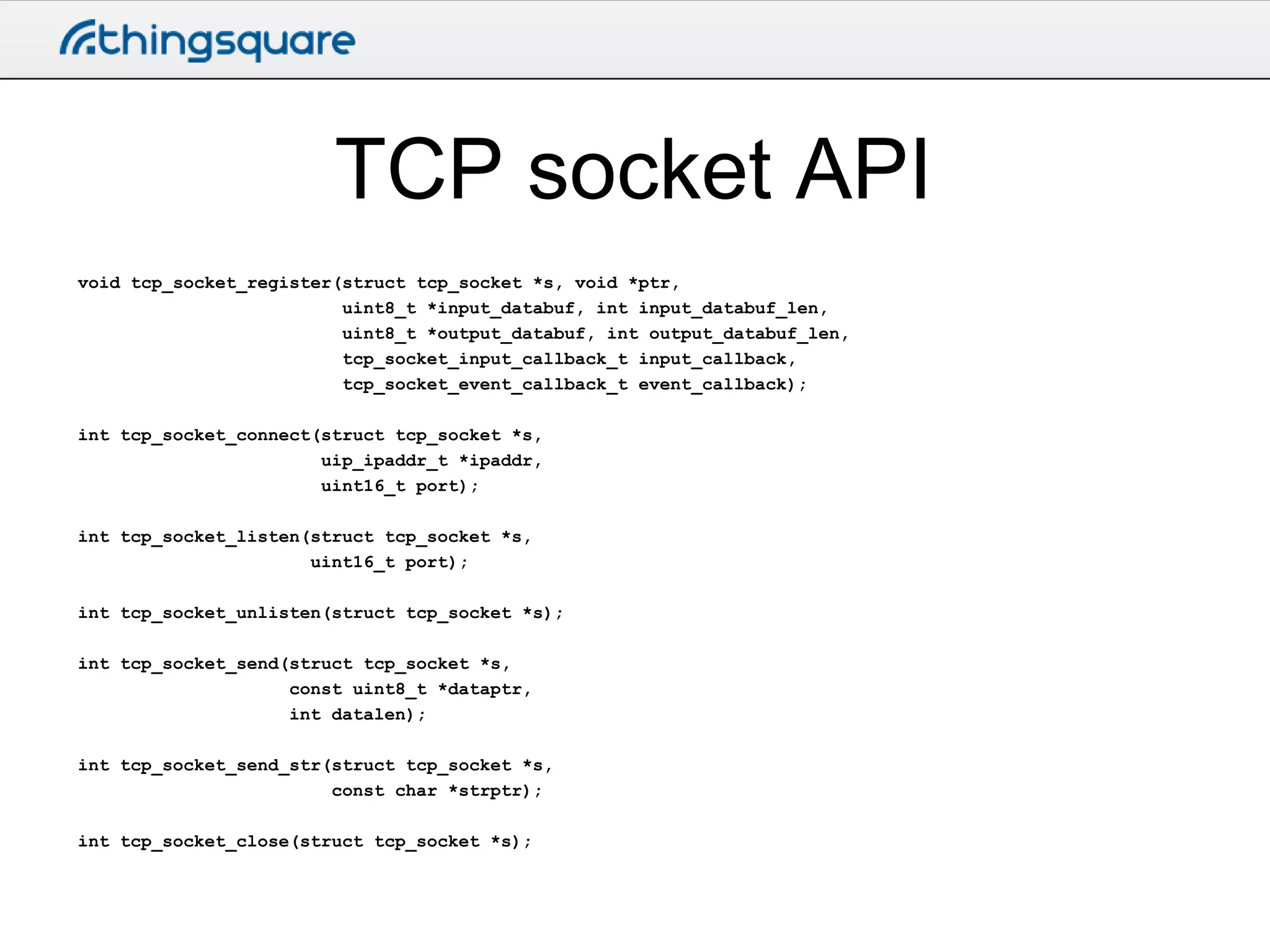
void tcp_socket_register(struct tcp_socket *s, void *ptr,
uint8_t *input_databuf, int input_databuf_len,
uint8_t *output_databuf, int output_databuf_len,
tcp_socket_input_callback_t input_callback,
tcp_socket_event_callback_t event_callback);
int tcp_socket_connect(struct tcp_socket *s,
uip_ipaddr_t *ipaddr,
uint16_t port);
int tcp_socket_listen(struct tcp_socket *s,
uint16_t port);
int tcp_socket_unlisten(struct tcp_socket *s);

int tcp_socket_send(struct tcp_socket *s,
const uint8_t *dataptr,
int datalen);
int tcp_socket_send_str(struct tcp_socket *s,
const char *strptr);
int tcp_socket_close(struct tcp_socket *s);
TCP socket API
• Caller must provide input and output
buffers
– The caller knows how much data it is going to
be sending and receiving

• Sending data is easy
– Just call the send function

• Receiving data is trickier
– Data may be retained in the buffer
Contiki directories and toolchains
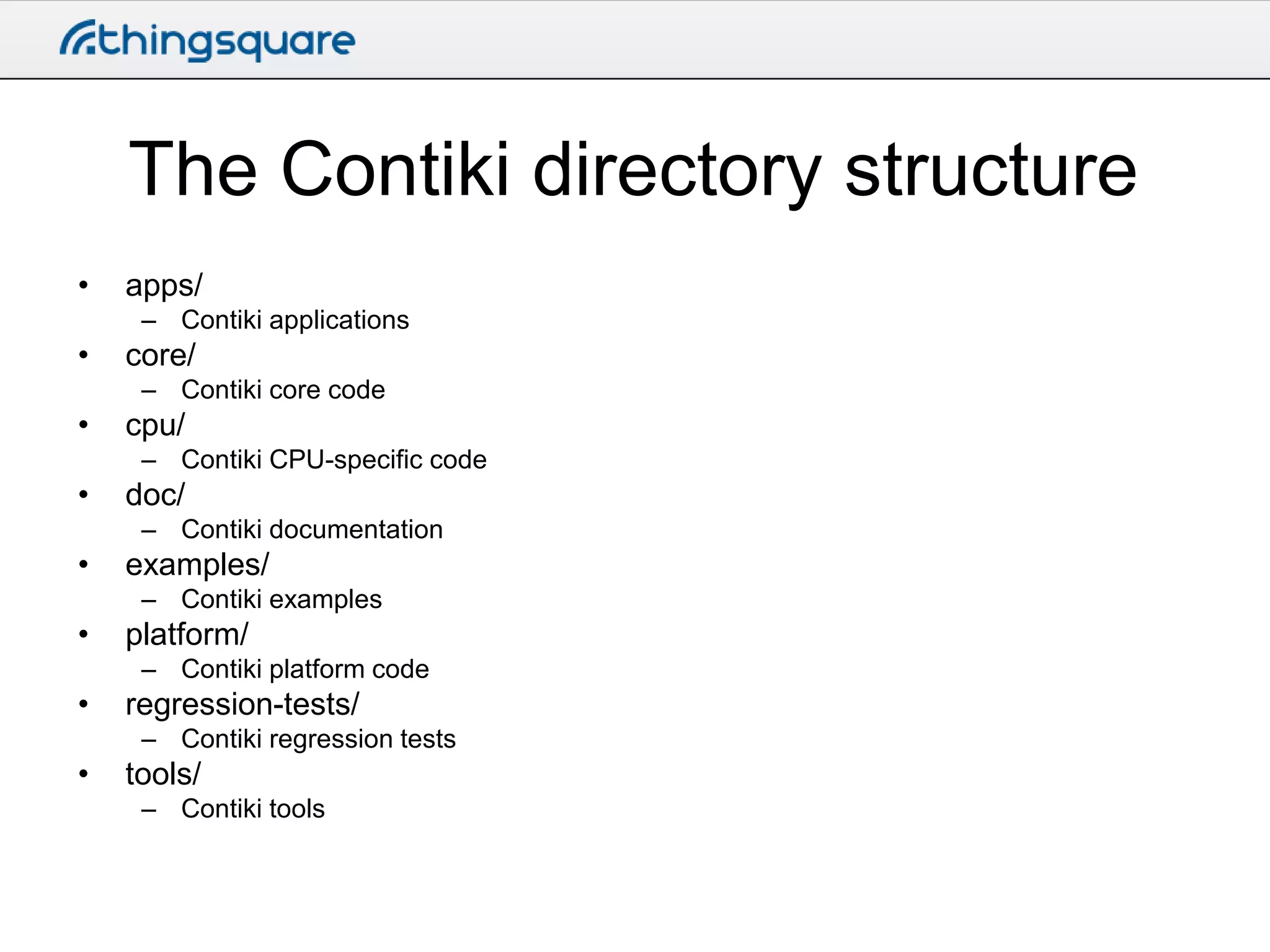
The Contiki directory structure
•

apps/
– Contiki applications

•

core/
– Contiki core code

•

cpu/
– Contiki CPU-specific code

•

doc/
– Contiki documentation

•

examples/
– Contiki examples

•

platform/
– Contiki platform code

•

regression-tests/
– Contiki regression tests

•

tools/
– Contiki tools
Contiki 3.x directories
• dev/
– Device drivers

• More fine-grained control through modules
– New subdirectories under sys/net/
A project directory
• examples/hello-world
– Makefile
• Contains the top-level rules to build the project

– project-conf.h
• Project configuration
• Optional – must be explicitly enabled by Makefile

– hello-world.c
• Project source code file
Toolchain Installation
• Embedded compiler toolchains with built-in
IDE
– IAR

• Gcc
– Compiler
– Linker
– Use external editor (Eclipse, Emacs, vi, …)
Instant Contiki
• Full toolchain installation in a Linux VM
• Runs in VMware Player
• Compile in Instant Contiki, run on the
hardware
Building firmware images
• Use C compiler to compile the full Contiki
source code
• Compile in a project directory
• Need to change something? Re-compile
Contiki firmware images
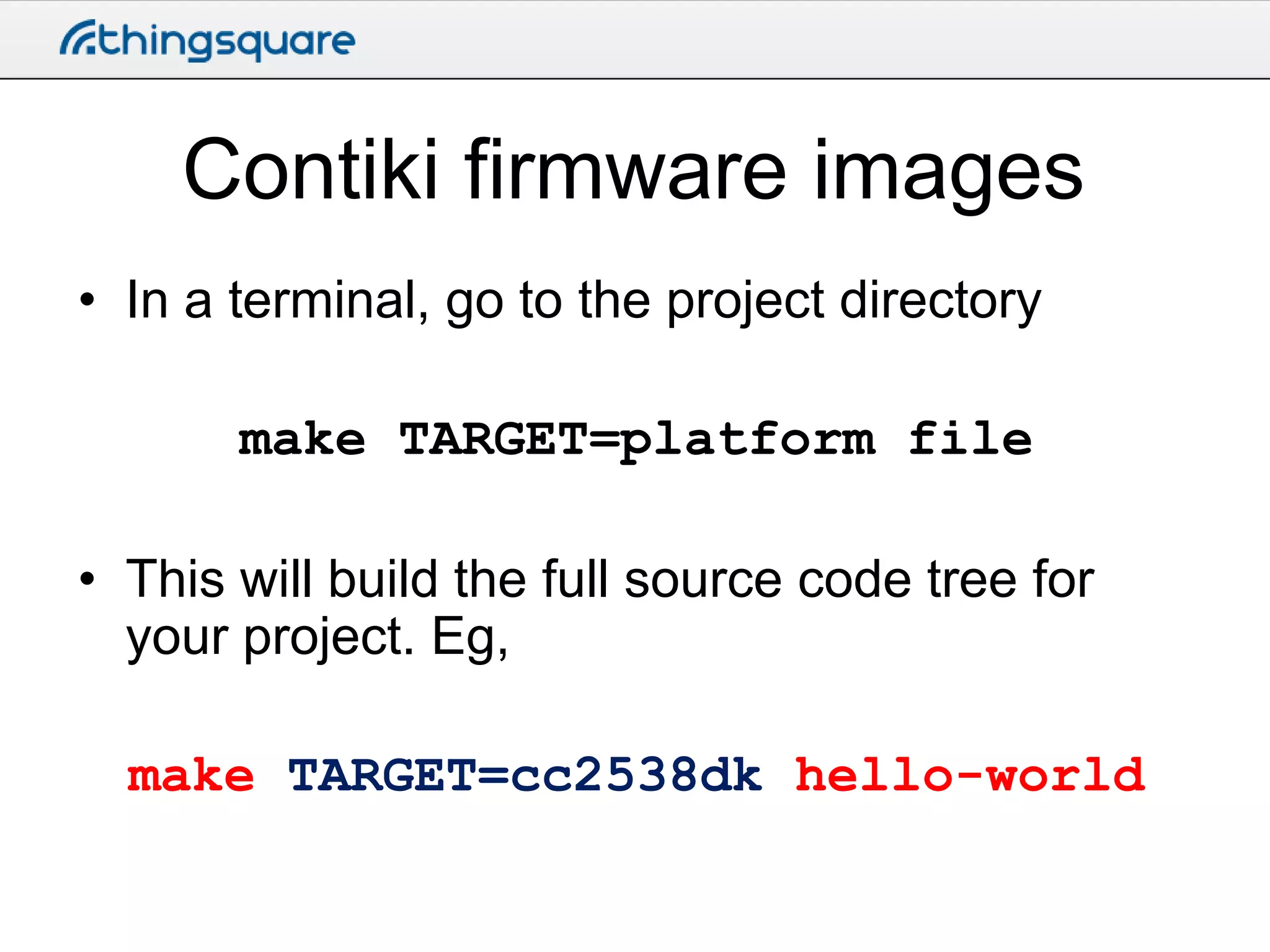
• In a terminal, go to the project directory

make TARGET=platform file
• This will build the full source code tree for
your project. Eg,
make TARGET=cc2538dk hello-world
Configuration
• Two layers of configuration
– Platform level
• Buffer sizes, radio drivers, etc

– Project level
• RDC mechanisms

• Don’t touch the platform configuration
• Do touch the project configuration
Uploading the firmware
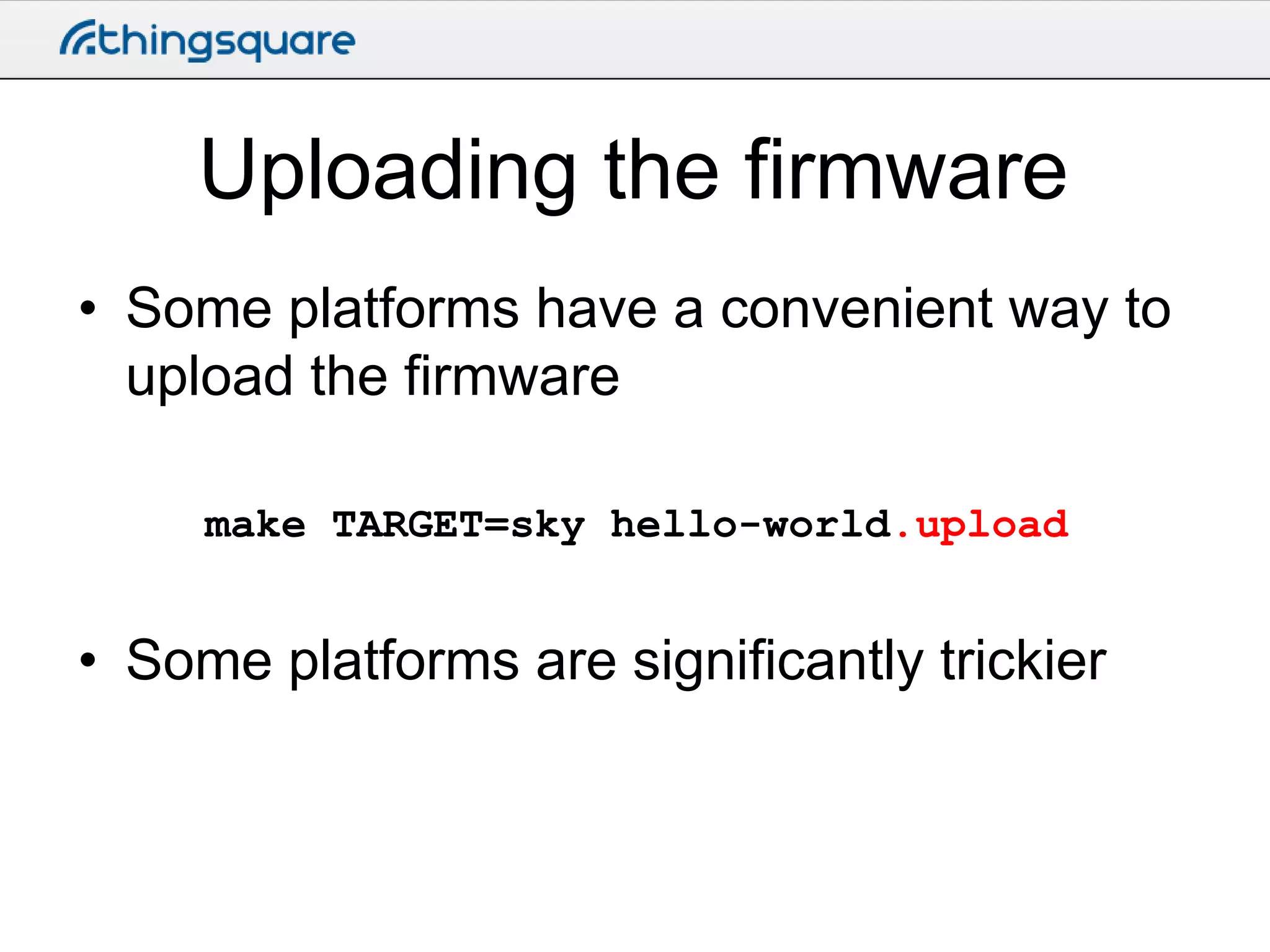
• Some platforms have a convenient way to
upload the firmware
make TARGET=sky hello-world.upload

• Some platforms are significantly trickier
Save target
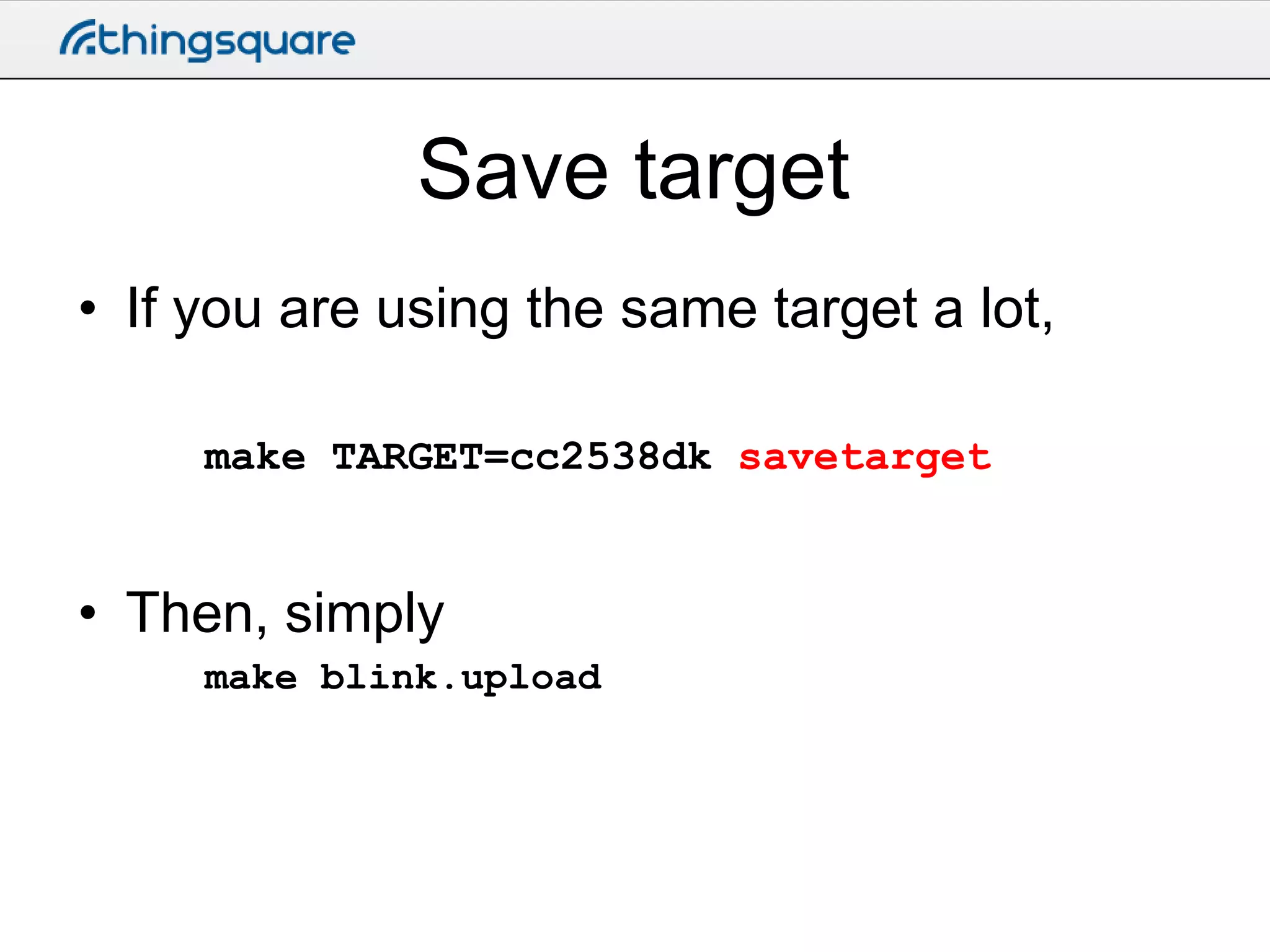
• If you are using the same target a lot,
make TARGET=cc2538dk savetarget

• Then, simply
make blink.upload
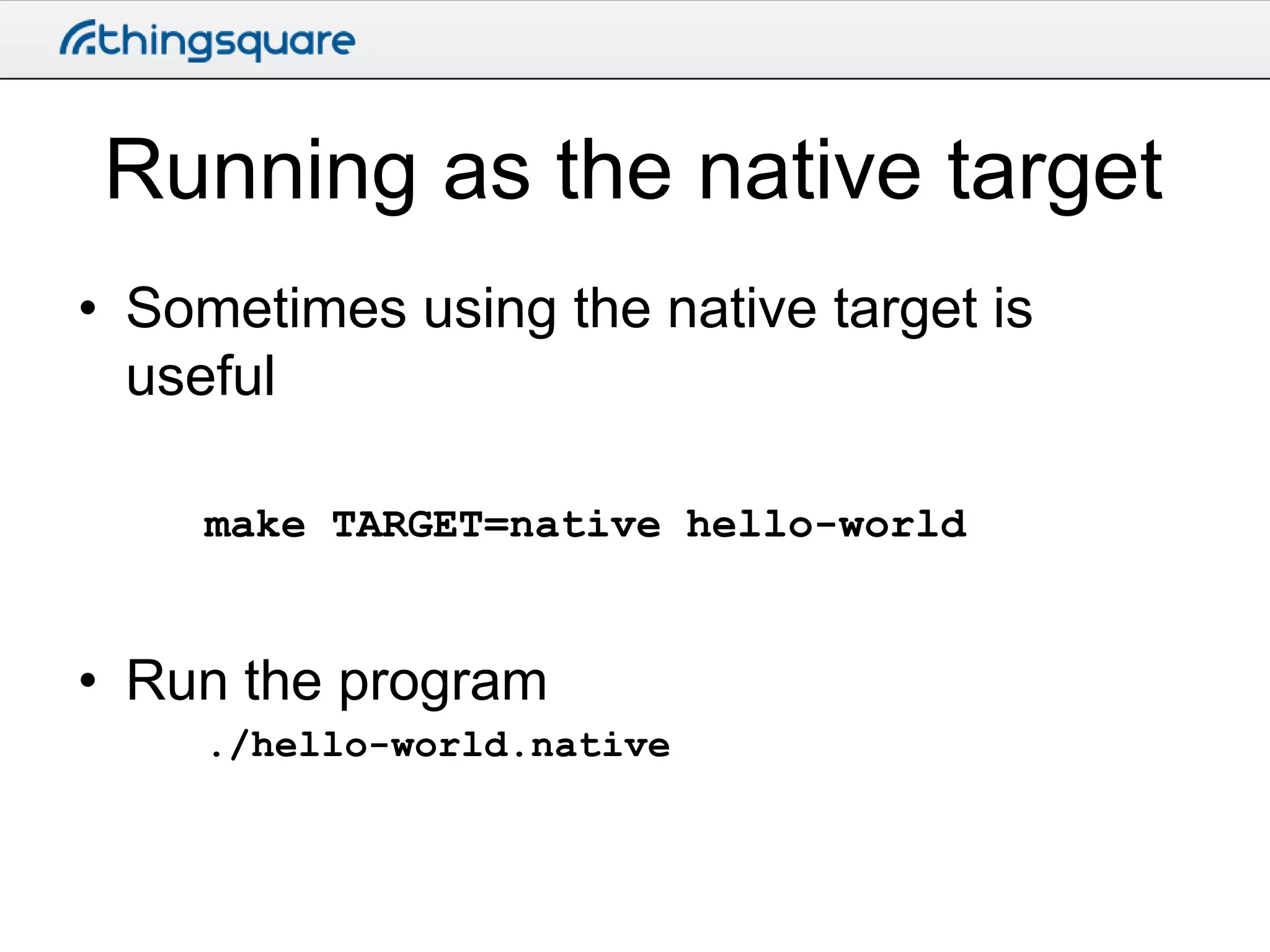
Running as the native target
• Sometimes using the native target is
useful
make TARGET=native hello-world

• Run the program
./hello-world.native
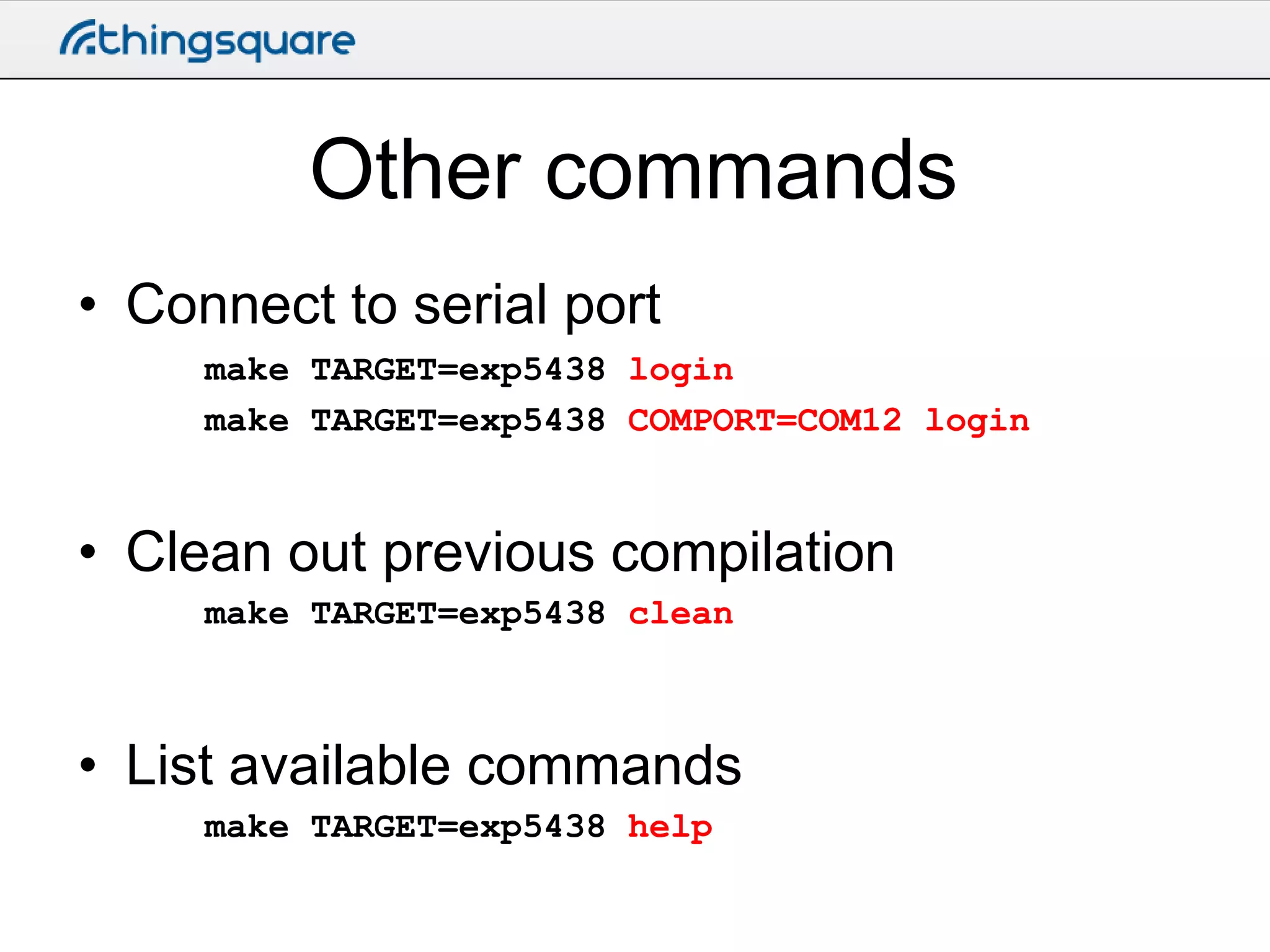
Other commands
• Connect to serial port
make TARGET=exp5438 login
make TARGET=exp5438 COMPORT=COM12 login

• Clean out previous compilation
make TARGET=exp5438 clean

• List available commands
make TARGET=exp5438 help
Cooja
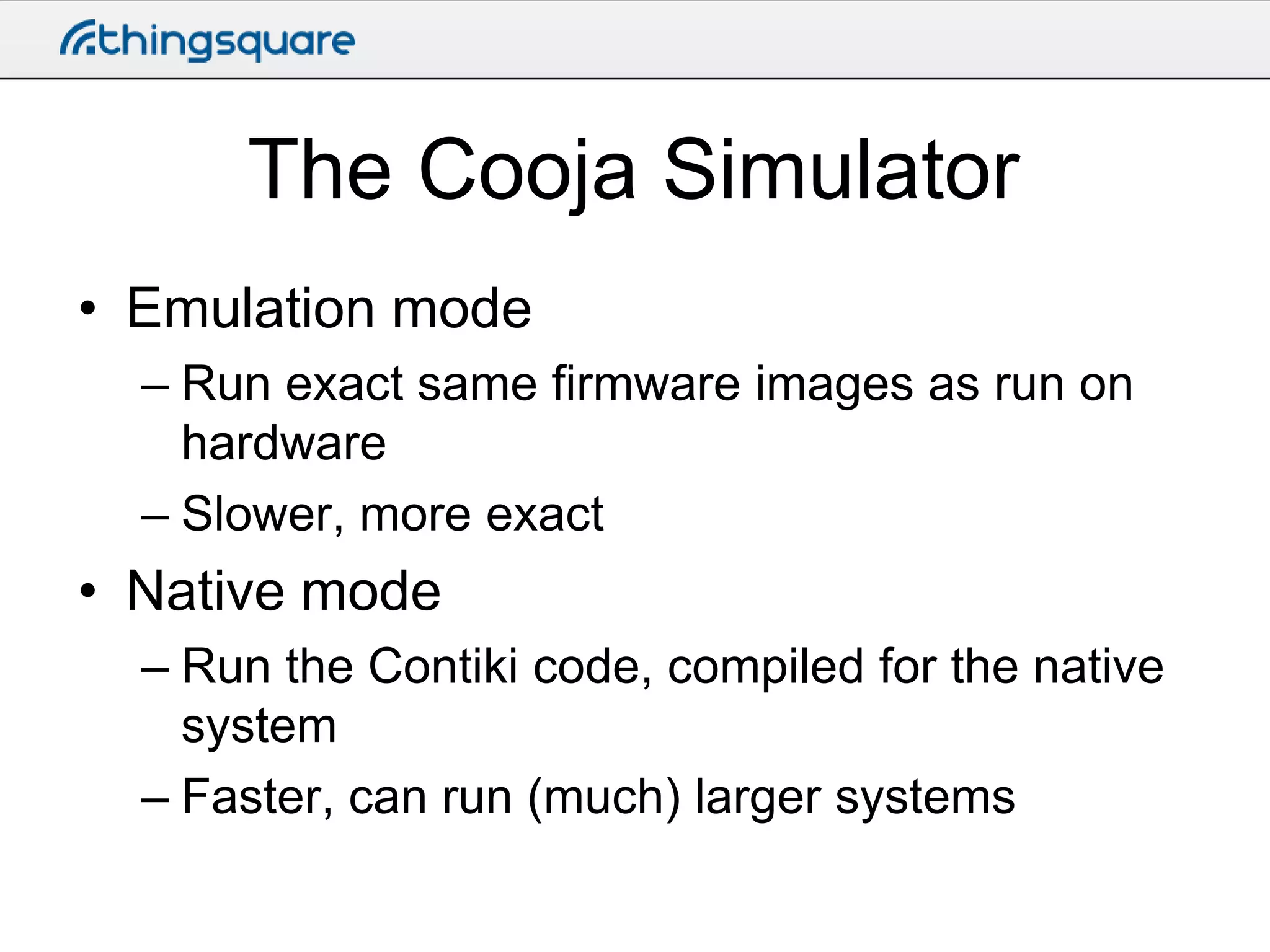
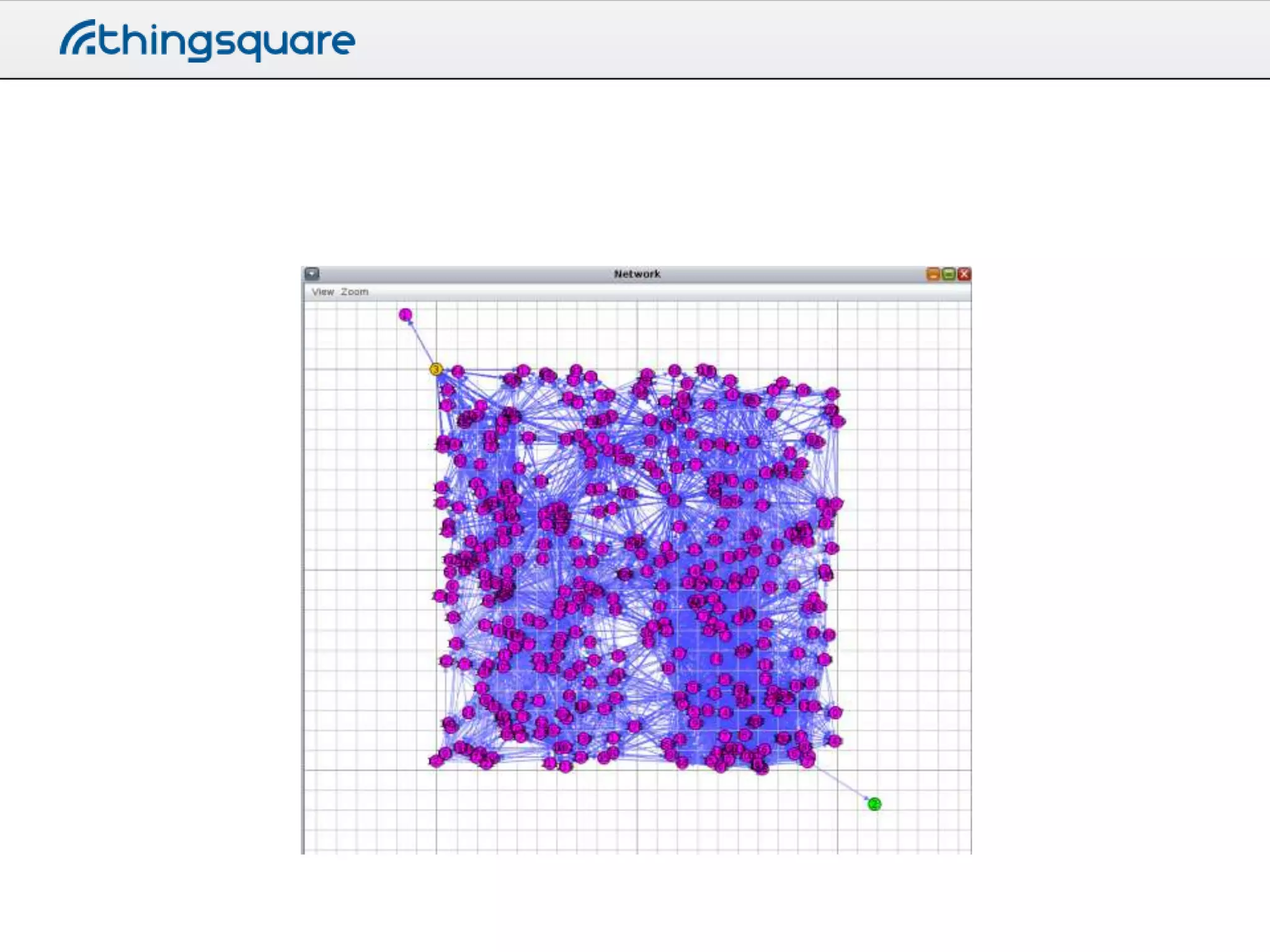
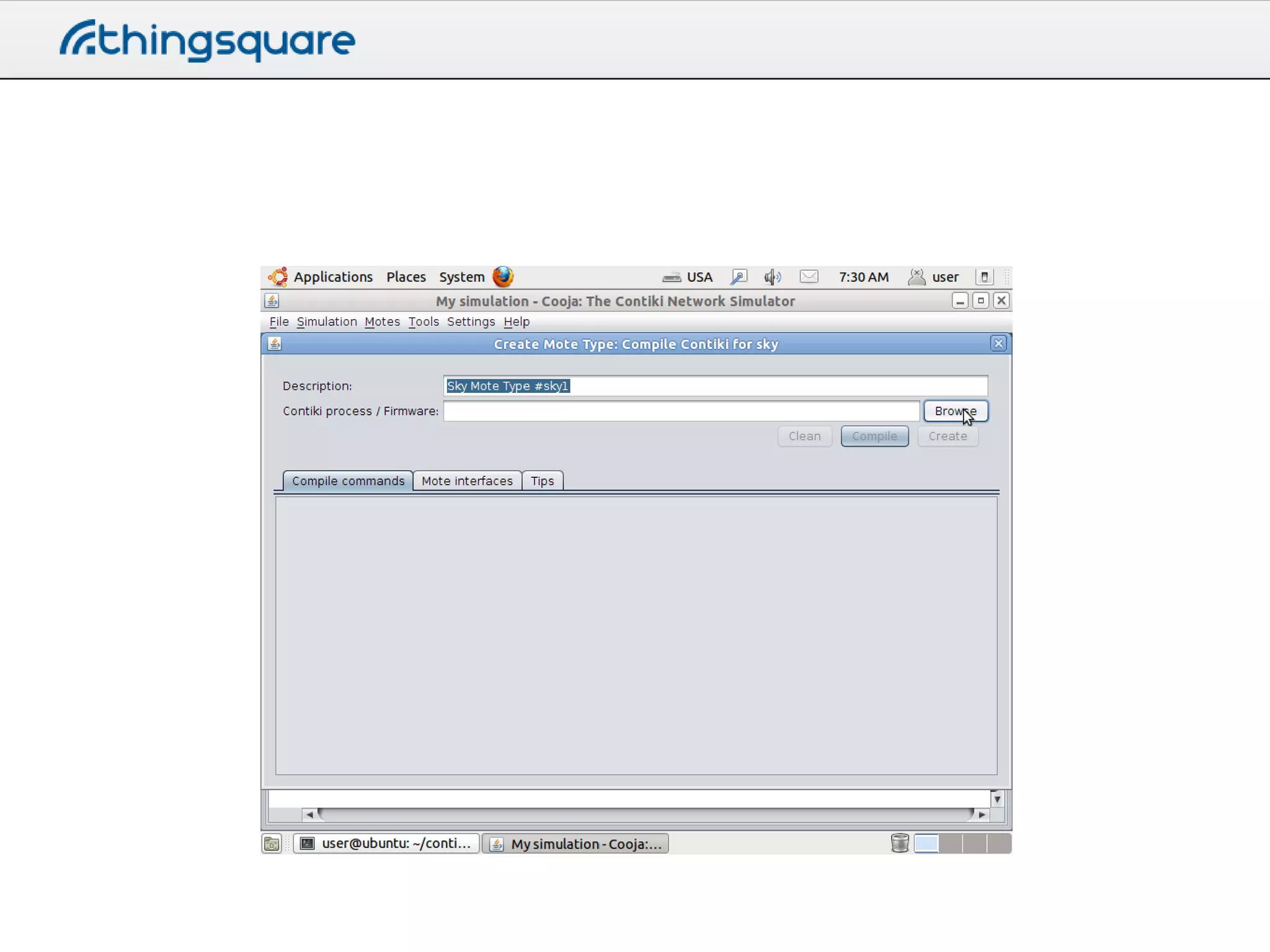
The Cooja Simulator
• Emulation mode
– Run exact same firmware images as run on
hardware
– Slower, more exact

• Native mode
– Run the Contiki code, compiled for the native
system
– Faster, can run (much) larger systems
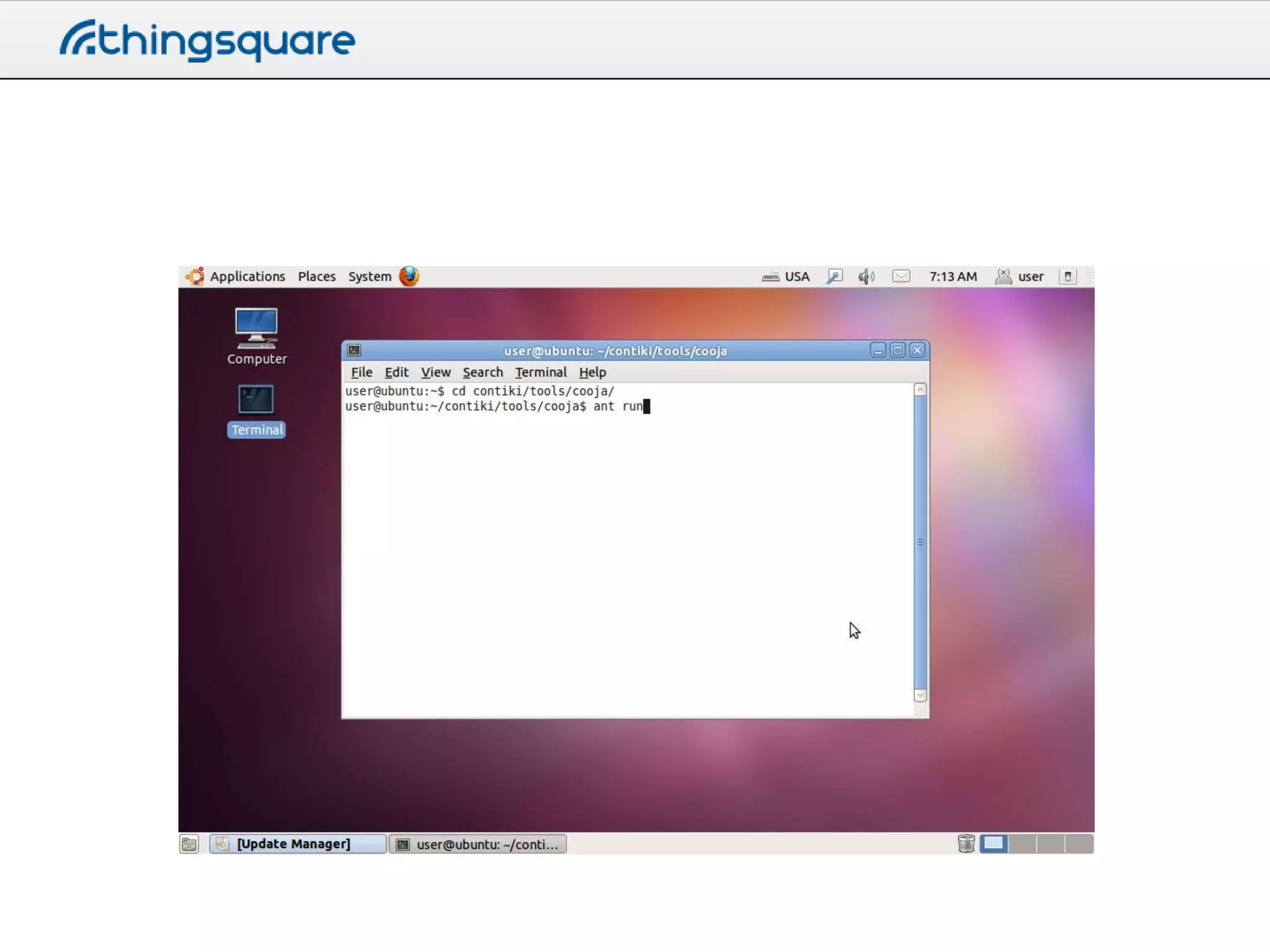
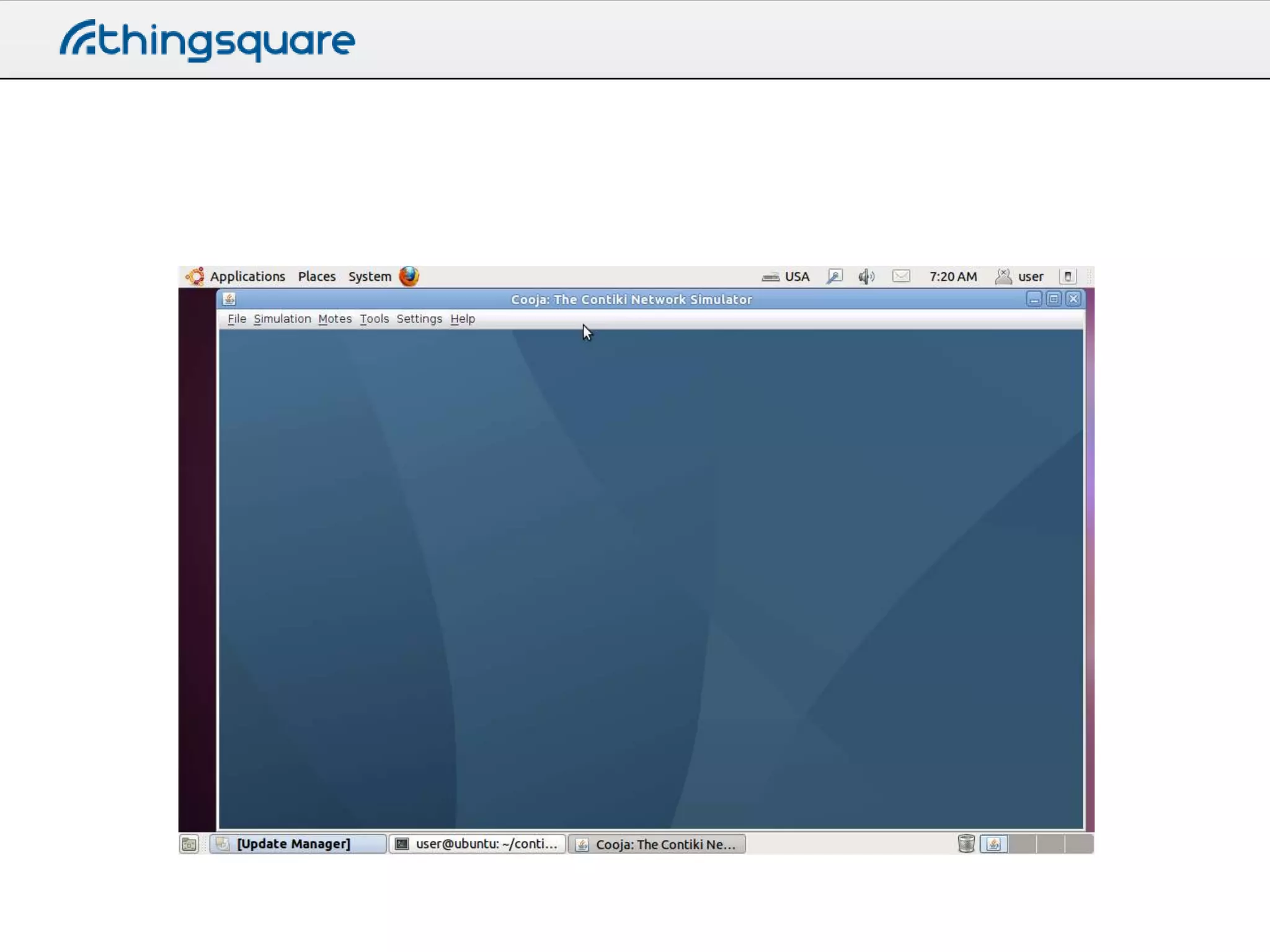
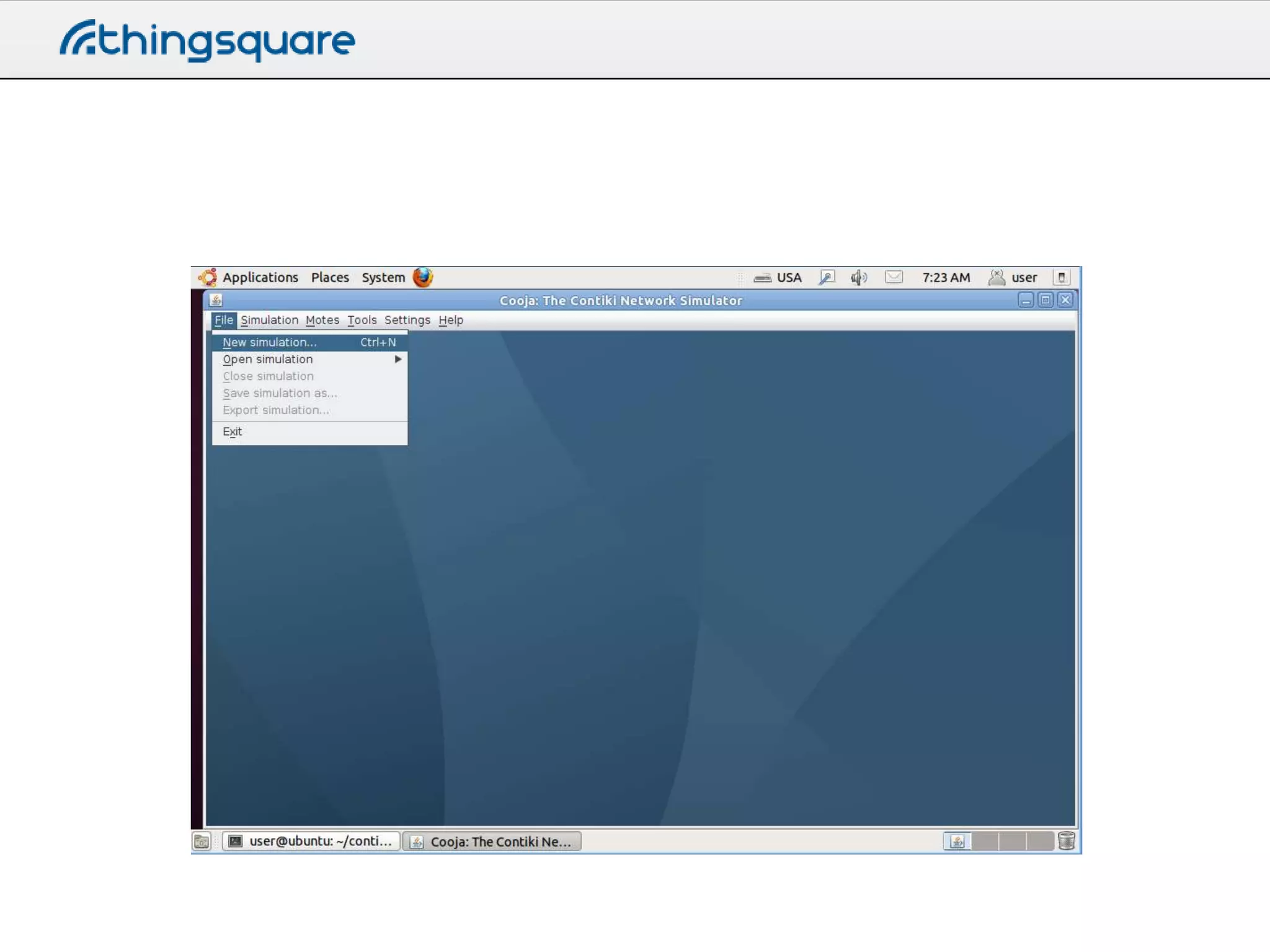
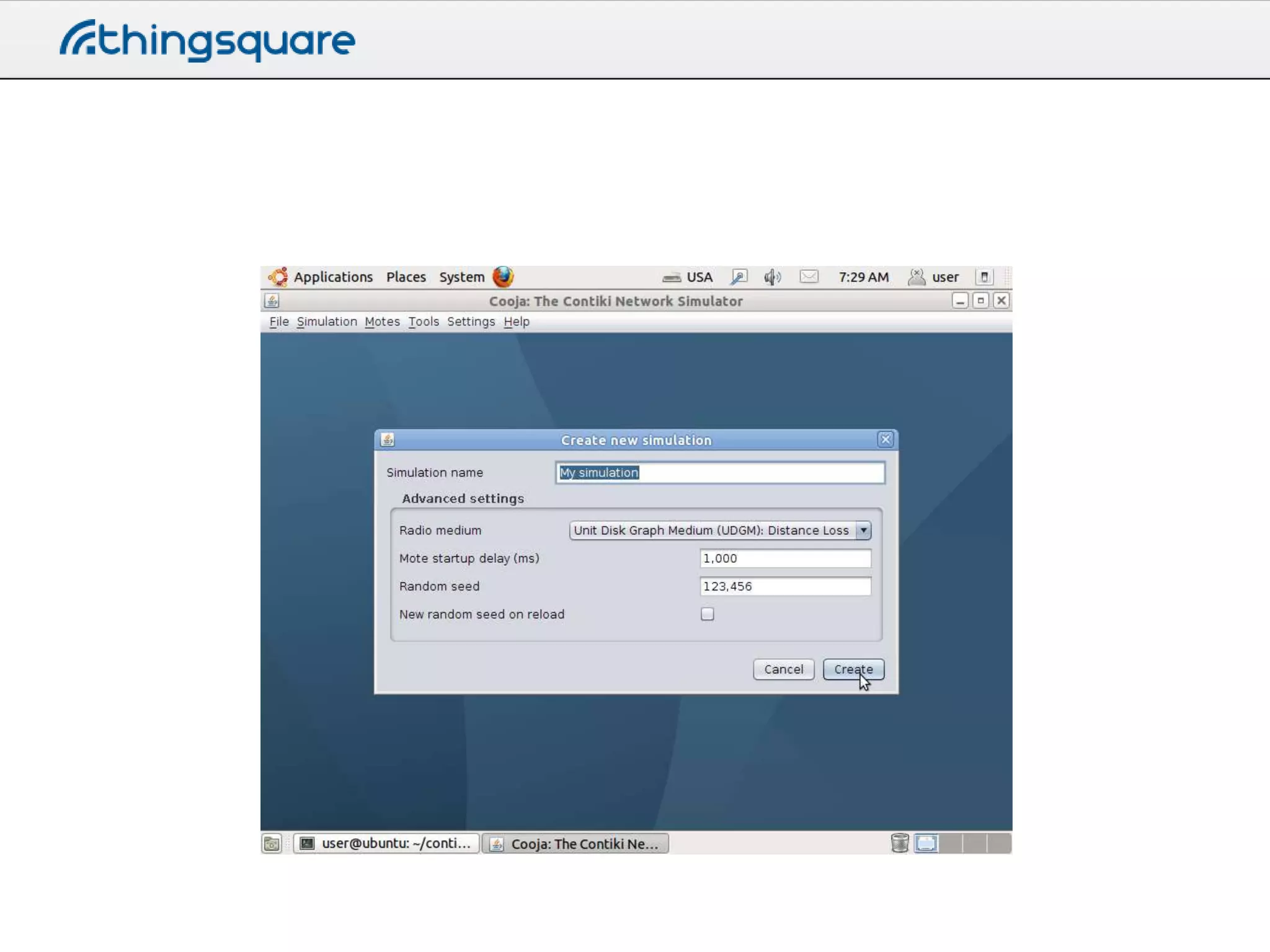
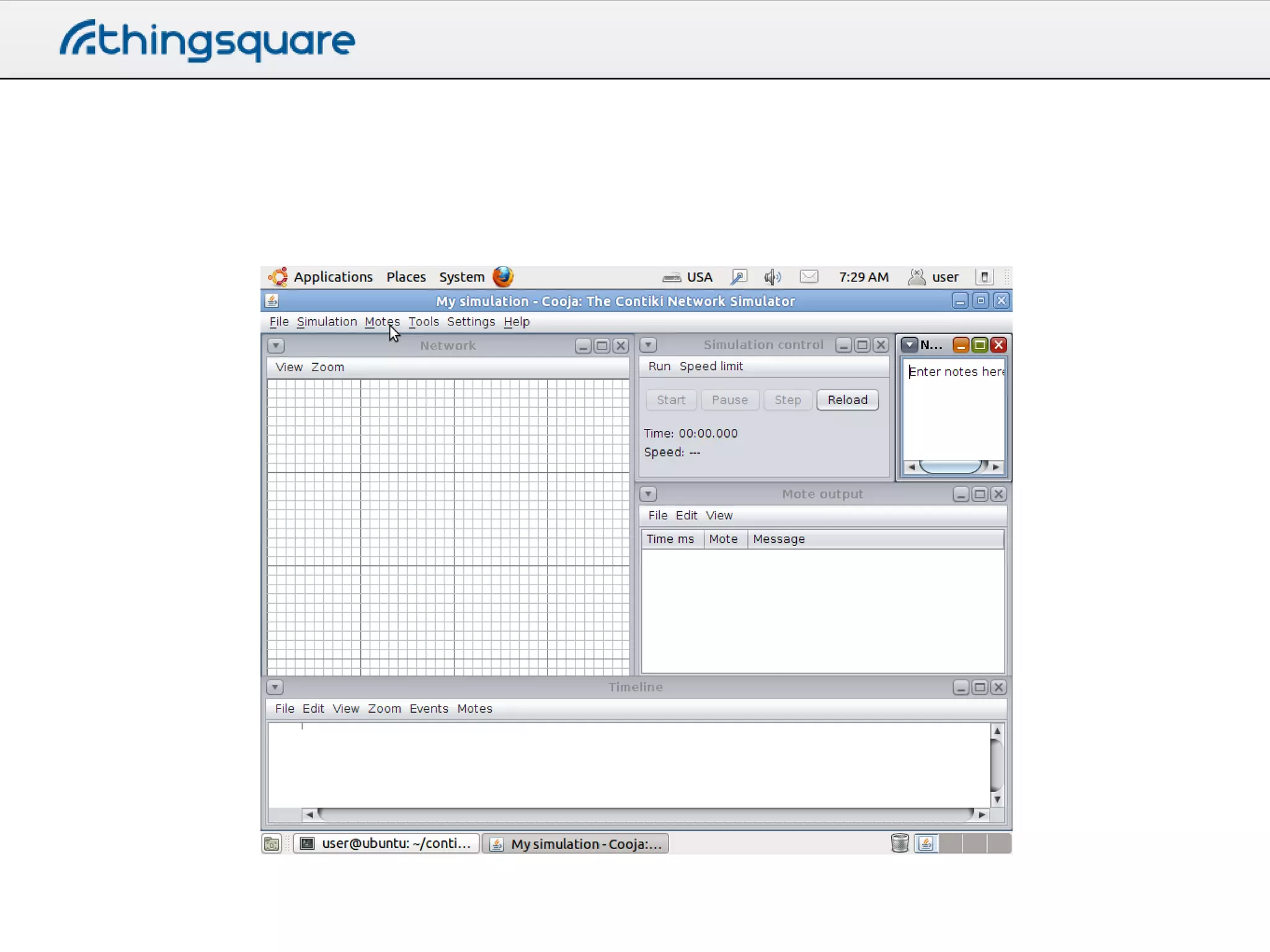
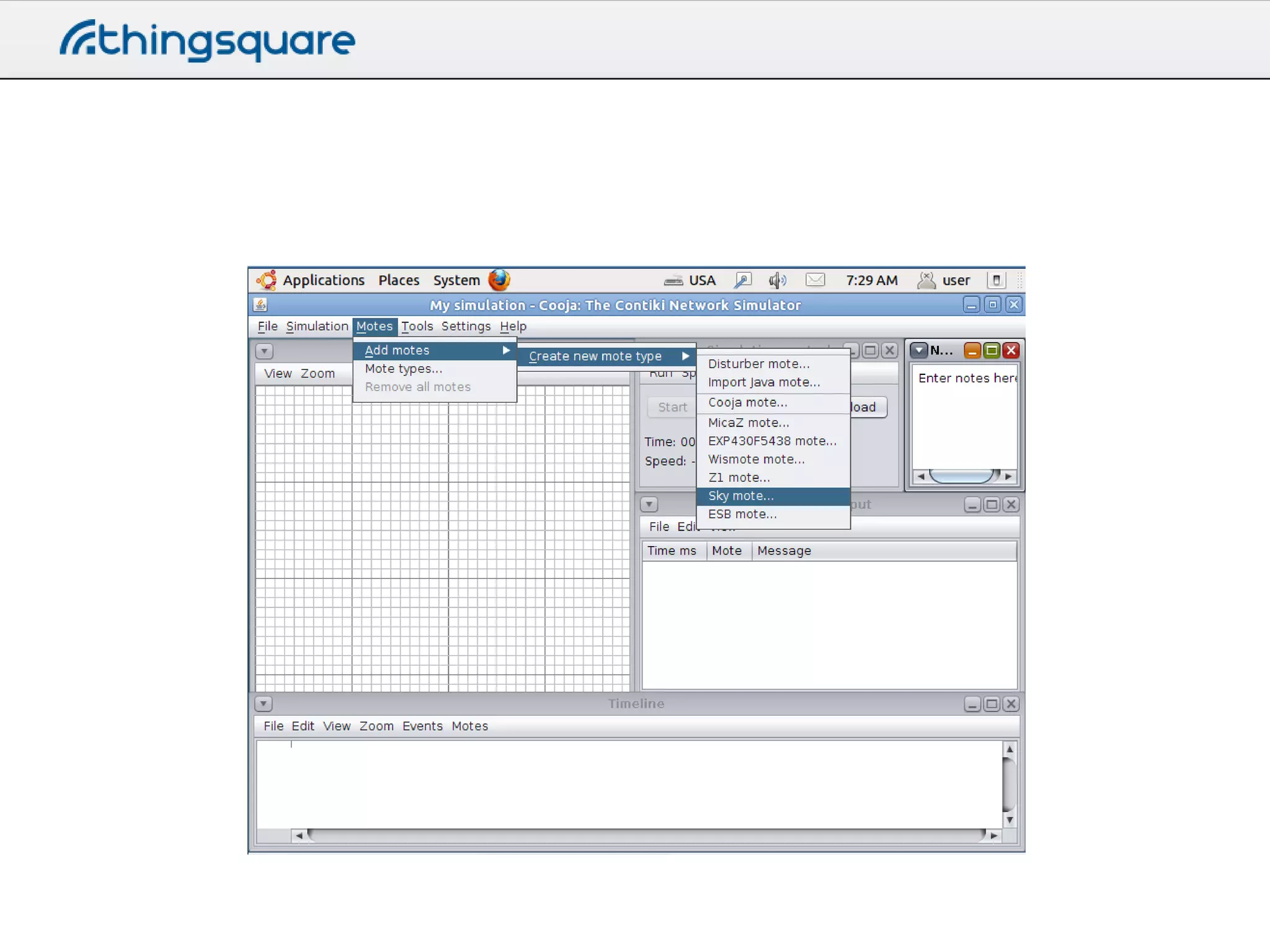
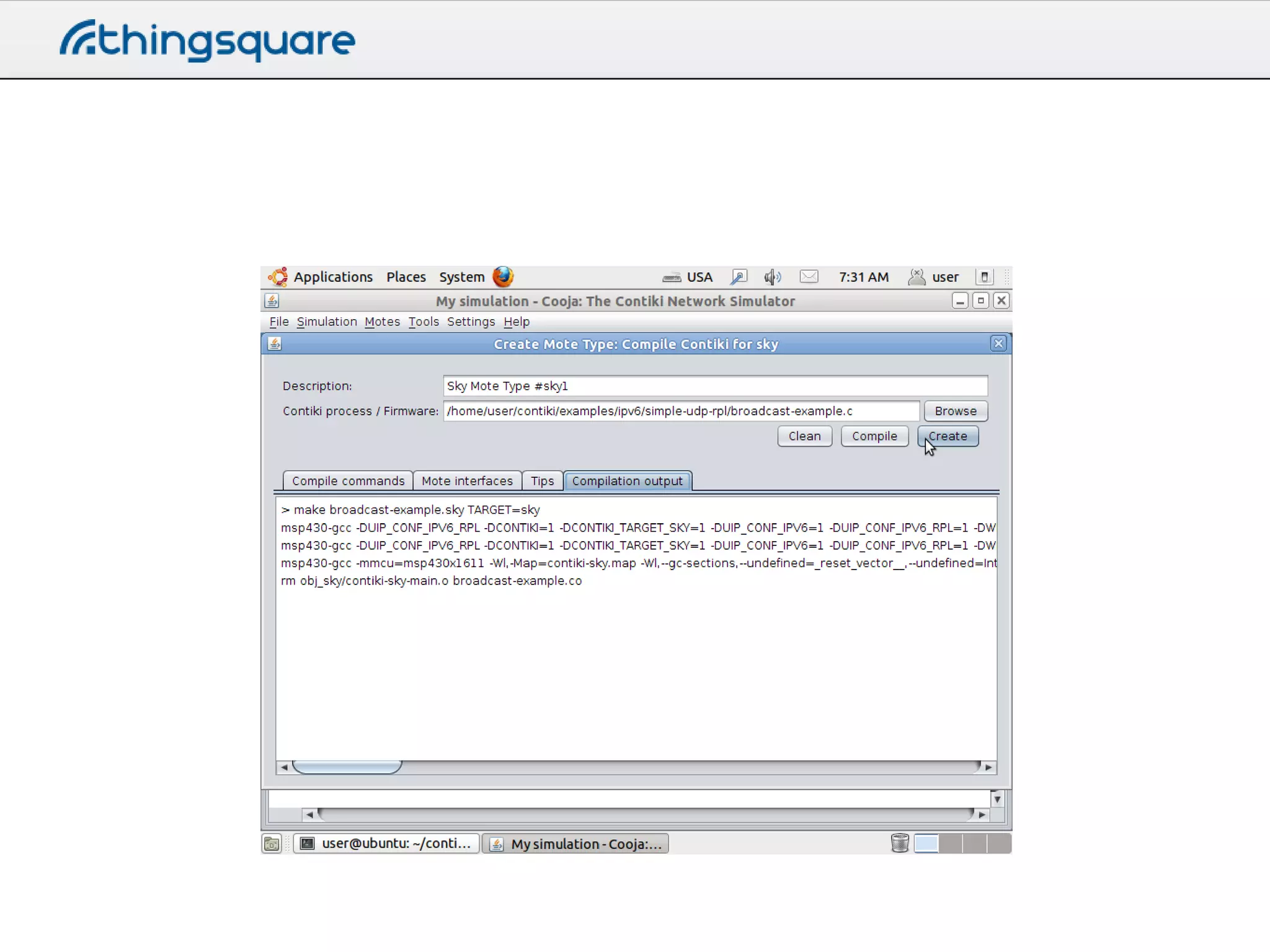
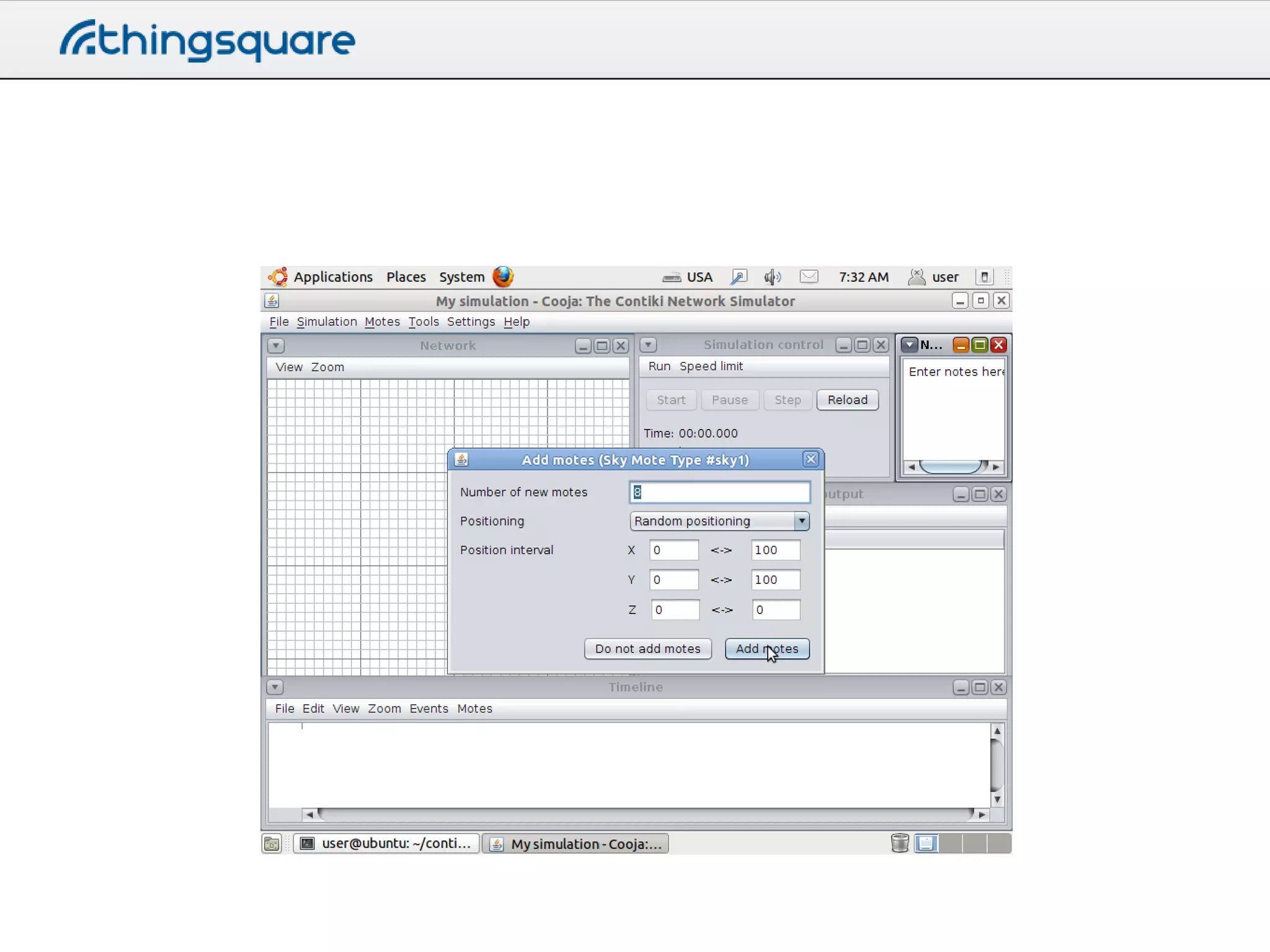
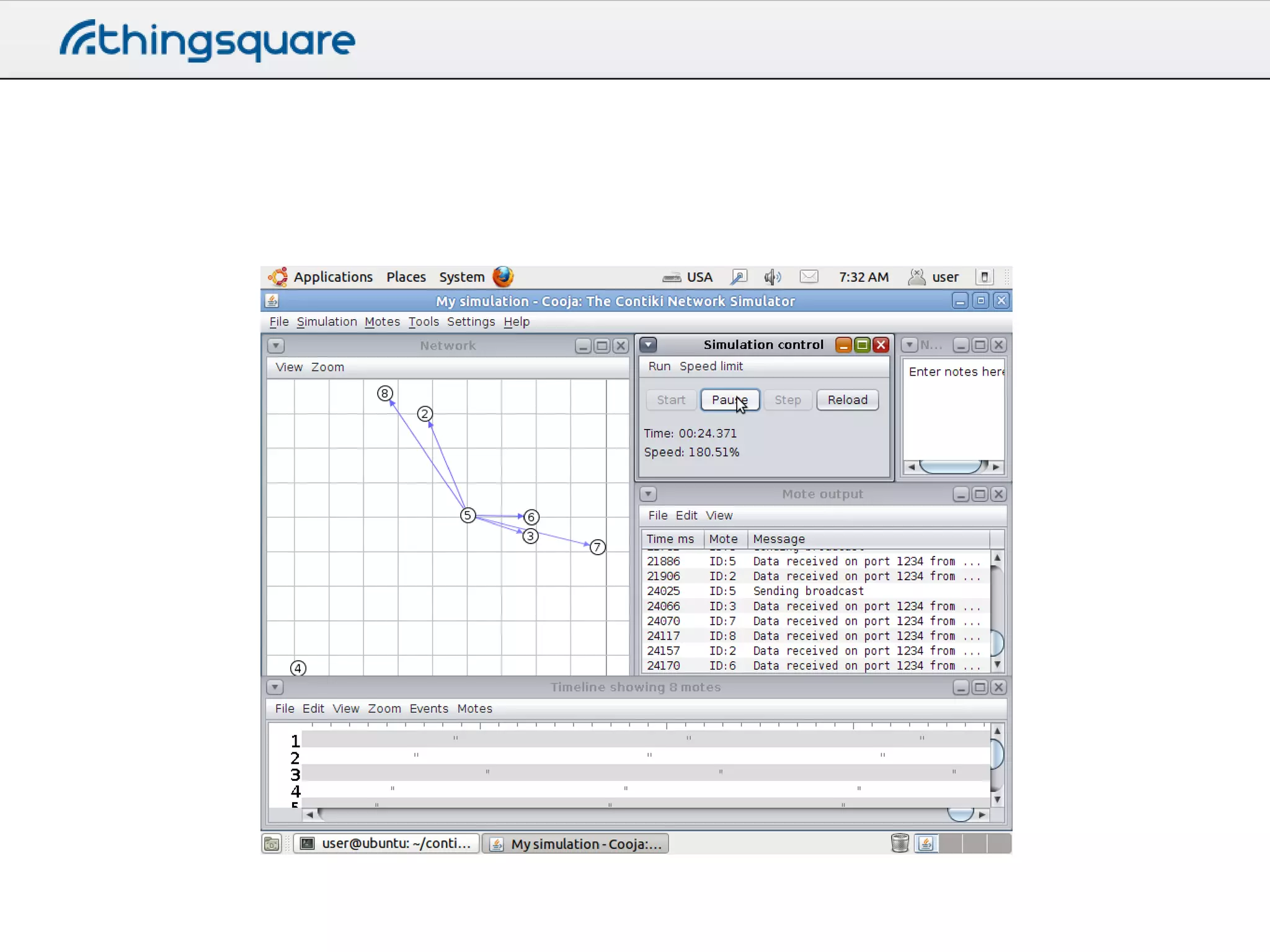
Running Cooja
• Go to the Cooja directory
– cd tools/cooja
– ant run
The Contiki regression tests
• A great resource for seeing Cooja
simulation setups
• contiki/regression-tests/
More

http://thingsquare.com

Building the Internet of Things with Thingsquare and Contiki - day 2 part 1

  • 1.
    Building Connected Devices WithThingsquare and Contiki Day 2
  • 2.
    Yesterday • Learned abouthow to prototype apps • Learned about the high-level operation of the protocols • Got a bit of background
  • 3.
    Today • Deep-dive intothe protocols • More information about Contiki
  • 4.
  • 5.
    Contiki: an IoTOS • Helps application programs – Processes and concurrency – Timers – Memory management – Networking – Device drivers
  • 6.
  • 7.
    Time in Contiki •Two system clocks in Contiki – Coarse-grained, most often 128 Hz • CLOCK_SECOND – Fine-grained, most often 32768 Hz • RTIMER_SECOND – Platform dependent – Power of two for simple math
  • 8.
    Timers • struct timer– coarse – Passive timer, only keeps track of its expiration time • struct etimer – coarse – Active timer, sends an event when it expires • struct ctimer – coarse – Active timer, calls a function when it expires • struct rtimer – fine – Real-time timer, calls a function at an exact time
  • 9.
    Etimer • Periodically printthe time static struct etimer etim; PROCESS_THREAD(my_process, ev, data) { PROCESS_BEGIN(); while(1) { printf(”Uptime (seconds): %lun", clock_seconds()); etimer_set(&etim, CLOCK_SECOND); PROCESS_WAIT_EVENT_UNTIL(etimer_expired(&etim)); } PROCESS_END(); }
  • 10.
    Ctimer • Print ”Hello,callback” after 1/8 second. static struct ctimer callback_timer; static void callback(void *data) { printf("%sn", (char *) data); } void application(void) { ctimer_set(&callback_timer, CLOCK_SECOND / 8, callback, "Hello, callback!"); return 0; }
  • 11.
    Rtimer • Sets ahardware interrupt at set time • Invokes a callback static struct rtimer rt; rtimer_set(&rt, /* pointer to rtimer struct */ RTIMER_NOW() + RTIMER_SECOND/100, /* 10ms */ 1, /* duration */ rt_callback, /* callback pointer */ NULL); /* pointer to data */
  • 12.
    Rtimer • Rtimer callback staticvoid rt_callback(struct rtimer *rt, void *data) { printf(”callback!n"); }
  • 13.
    Hands-on: blink.c • Seethe blink.c example on the Thingsquare cloud • Uses etimer to blink LEDs • Note the use of etimer_reset() to provide a stable timer
  • 14.
  • 15.
    Programming concept: Multithreading • Threadsare given a timeslot to execute • Paused / continued later by OS scheduler if not done • Costly – stack space (RAM), CPU
  • 16.
    Programming concept: Event driven/ state machine • Reactive - events control program flow – Timers, hardware interrupts, radio, etc • More kind on resources • However, callbacks and state variables makes programming harder
  • 17.
    Event driven /state machine
  • 18.
    State machine • What state? Whatevent? Conditions, transitions, headaches.
  • 19.
    • Event drivenis kinder on hw resources.. • Multithreaded is kinder on the programmer.. - can their strengths be combined?
  • 20.
    Programming concept: Protothreads • Threadingwithout the overhead – RAM is limited, threads use too much RAM • Protothreads are event-driven but with a threaded programming style • Cooperative scheduling
  • 21.
    C-switch expansion int a_protothread(structpt *pt) { PT_BEGIN(pt); int a_protothread(struct pt *pt) { switch(pt->lc) { case 0: PT_WAIT_UNTIL(pt, condition1); pt->lc = 5; case 5: if(!condition1) return 0; if(something) { if(something) { PT_WAIT_UNTIL(pt, condition2); pt->lc = 10; case 10: if(!condition2) return 0; } PT_END(pt); } } Line numbers } } return 1;
  • 22.
    Six-line implementation • Ccompiler pre-processor replaces with switch-case • very efficient struct pt { unsigned short lc; }; #define PT_INIT(pt) pt->lc = 0 #define PT_BEGIN(pt) switch(pt->lc) { case 0: #define PT_EXIT(pt) pt->lc = 0; return 2 #define PT_WAIT_UNTIL(pt, c) pt->lc = __LINE__; case __LINE__: if(!(c)) return 0 #define PT_END(pt) } pt->lc = 0; return 1
  • 23.
    Protothread limitations • Automaticvariables not stored across a blocking wait – Workaround: use static local variables instead • Constraints on the use of switch() constructs in programs – Workaround: don’t use switches
  • 24.
    Contiki processes • Contikiprocesses are very lightweight – Execution is event-driven – Can receive events from other processes – Must not block in busy-wait loop • while(1) will crash the device • Contiki processes are protothreads
  • 25.
    Contiki processes #include "contiki.h" /*---------------------------------------------------*/ PROCESS(hello_world_process,"Hello world process"); AUTOSTART_PROCESSES(&hello_world_process); /*---------------------------------------------------*/ PROCESS_THREAD(hello_world_process, ev, data) { PROCESS_BEGIN(); printf("Hello, worldn"); PROCESS_END(); }
  • 26.
    Contiki events • Howto wait for an event PROCESS_THREAD(first_process, ev, data) .. .. PROCESS_WAIT_EVENT_UNTIL(ev == servo_event); if(data != NULL) { handle_servo((struct servo_data *) data); } • ev contains the event number • data is a void* to any data – Can be NULL
  • 27.
    Hands-on: blink.c • Seehow PROCESS_BEGIN(), PROCESS_END(), PROCESS_WAIT_UNTIL() are used
  • 28.
    Starvation in Contiki •Thread scheduling is cooperative – play nice • The watchdog is on – on some platforms unable to turn off • Don’t hog the CPU • Long-running, do – watchdog_periodic(); – PROCESS_WAIT();
  • 29.
  • 30.
    Contiki memb struct user_struct{ int a, b; } MEMB(block, 10, struct user_struct); m = memb_alloc(&block); memb_free(&block, m);
  • 31.
  • 32.
  • 33.
    Contiki netstacks • Threenetwork stacks – IPv6 – IPv4 – Rime
  • 34.
    The Contiki netstack •Four layers – Network layer Application Transport Network, routing Adaptation – MAC layer – RDC layer – Radio layer MAC Duty cycling Radio
  • 35.
    The Contiki IPv6netstack websocket.c, httpsocket.c, coap.c Application udp-socket.c, tcpsocket.c Transport uip6.c, rpl.c Network, routing sicslowpan.c Adaptation csma.c MAC nullrdc.c, contikimac.c Duty cycling cc2538-rf.c Radio
  • 36.
    New Contiki 3.xAPIs • UDP socket – Send and receive data with UDP – Callback-based • TCP socket – Listen for new connections (server) – Set up new connections (client) – Send and receive data – Callback-based
  • 37.
    UDP socket API intudp_socket_register(struct udp_socket *c, void *ptr, udp_socket_input_callback_t receive_callback); int udp_socket_bind(struct udp_socket *c, uint16_t local_port); int udp_socket_connect(struct udp_socket *c, uip_ipaddr_t *remote_addr, uint16_t remote_port); int udp_socket_send(struct udp_socket *c, const void *data, uint16_t datalen); int udp_socket_sendto(struct udp_socket *c, const void *data, uint16_t datalen, const uip_ipaddr_t *addr, uint16_t port);
  • 38.
    UDP socket API •Connected sockets: only receive data from the specified host/port • Receiving data is simple – Get a pointer along with the callback • Sending data is simple – For connected sockets: to the connected host/port – Send to any host/port
  • 39.
    TCP socket API •TCP significantly trickier than UDP – Connections – Retransmissions – Buffers
  • 40.
    TCP socket API voidtcp_socket_register(struct tcp_socket *s, void *ptr, uint8_t *input_databuf, int input_databuf_len, uint8_t *output_databuf, int output_databuf_len, tcp_socket_input_callback_t input_callback, tcp_socket_event_callback_t event_callback); int tcp_socket_connect(struct tcp_socket *s, uip_ipaddr_t *ipaddr, uint16_t port); int tcp_socket_listen(struct tcp_socket *s, uint16_t port); int tcp_socket_unlisten(struct tcp_socket *s); int tcp_socket_send(struct tcp_socket *s, const uint8_t *dataptr, int datalen); int tcp_socket_send_str(struct tcp_socket *s, const char *strptr); int tcp_socket_close(struct tcp_socket *s);
  • 41.
    TCP socket API •Caller must provide input and output buffers – The caller knows how much data it is going to be sending and receiving • Sending data is easy – Just call the send function • Receiving data is trickier – Data may be retained in the buffer
  • 42.
  • 43.
    The Contiki directorystructure • apps/ – Contiki applications • core/ – Contiki core code • cpu/ – Contiki CPU-specific code • doc/ – Contiki documentation • examples/ – Contiki examples • platform/ – Contiki platform code • regression-tests/ – Contiki regression tests • tools/ – Contiki tools
  • 44.
    Contiki 3.x directories •dev/ – Device drivers • More fine-grained control through modules – New subdirectories under sys/net/
  • 45.
    A project directory •examples/hello-world – Makefile • Contains the top-level rules to build the project – project-conf.h • Project configuration • Optional – must be explicitly enabled by Makefile – hello-world.c • Project source code file
  • 46.
    Toolchain Installation • Embeddedcompiler toolchains with built-in IDE – IAR • Gcc – Compiler – Linker – Use external editor (Eclipse, Emacs, vi, …)
  • 47.
    Instant Contiki • Fulltoolchain installation in a Linux VM • Runs in VMware Player • Compile in Instant Contiki, run on the hardware
  • 48.
    Building firmware images •Use C compiler to compile the full Contiki source code • Compile in a project directory • Need to change something? Re-compile
  • 49.
    Contiki firmware images •In a terminal, go to the project directory make TARGET=platform file • This will build the full source code tree for your project. Eg, make TARGET=cc2538dk hello-world
  • 50.
    Configuration • Two layersof configuration – Platform level • Buffer sizes, radio drivers, etc – Project level • RDC mechanisms • Don’t touch the platform configuration • Do touch the project configuration
  • 51.
    Uploading the firmware •Some platforms have a convenient way to upload the firmware make TARGET=sky hello-world.upload • Some platforms are significantly trickier
  • 52.
    Save target • Ifyou are using the same target a lot, make TARGET=cc2538dk savetarget • Then, simply make blink.upload
  • 53.
    Running as thenative target • Sometimes using the native target is useful make TARGET=native hello-world • Run the program ./hello-world.native
  • 54.
    Other commands • Connectto serial port make TARGET=exp5438 login make TARGET=exp5438 COMPORT=COM12 login • Clean out previous compilation make TARGET=exp5438 clean • List available commands make TARGET=exp5438 help
  • 55.
  • 56.
    The Cooja Simulator •Emulation mode – Run exact same firmware images as run on hardware – Slower, more exact • Native mode – Run the Contiki code, compiled for the native system – Faster, can run (much) larger systems
  • 58.
    Running Cooja • Goto the Cooja directory – cd tools/cooja – ant run
  • 69.
    The Contiki regressiontests • A great resource for seeing Cooja simulation setups • contiki/regression-tests/
  • 70.