
DRUPAL SITE BUILDING
CHECKLIST
Drupal Consulting, Development, andTraining
evolvingweb.ca
Suzanne Kennedy, Co-founder
@suzanne_kennedy
SITE BUILDING PROCESS
SITE BUILDING PLANNING
• Planning content types and fields
• Creating sample content
• Information architecture: menus and layouts
• Layout strategy: Panels, Context, Display Suite,Views
• Planning out Features
SITE BUILDING:
IMPLEMENTATION
• Building out ContentTypes,Views, and Panels
• Configuring Module
• Theming
• Exporting Configuration to Features
SITE BUILDING: CLEAN-UP
• Testing
• Improving the admin UI
• Testing with Sample Content
• Documentation
SITE BUILDING: DEPLOYMENT
• Switching over to Production Settings
• Caching & aggregation
• Security
SITE BUILDING CHECKLIST
WHY HAVE A CHECKLIST?
• Cleaner configuration, less cruft
• Smoother launch
• Consistency
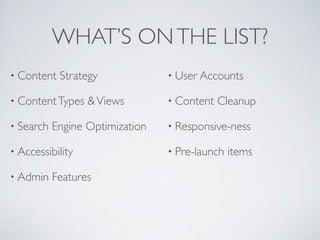
WHAT’S ONTHE LIST?
• Content Strategy
• ContentTypes &Views
• Search Engine Optimization
• Accessibility
• Admin Features
• User Accounts
• Content Cleanup
• Responsive-ness
• Pre-launch items
bit.ly/drupal-checklist
CONTENT STRATEGY
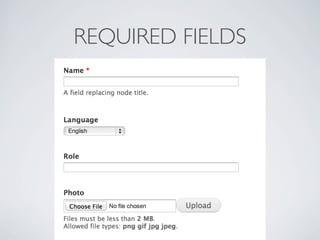
REQUIRED FIELDS
DEFAULTVALUES
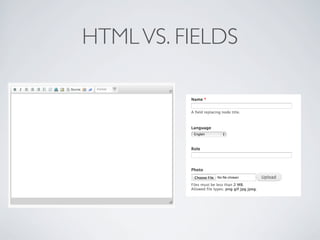
HTMLVS. FIELDS
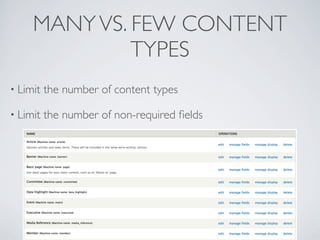
MANYVS. FEW CONTENT
TYPES
• Limit the number of content types
• Limit the number of non-required fields
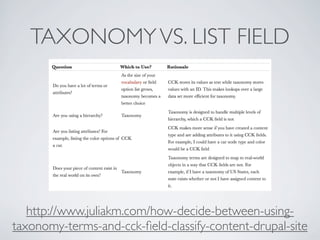
TAXONOMYVS. LIST FIELD
http://www.juliakm.com/how-decide-between-using-
taxonomy-terms-and-cck-field-classify-content-drupal-site
CONTENT STRATEGY
CHECKLIST
Make fields required
Set a default on fields
Choose free HTML vs. individual fields
Choose the number of content types
Decide on taxonomy vs. list fields
SEOTOOLS
Add Google Analytics
drupal.org/project/google_analytics
Configure URL Aliases
drupal.org/project/pathauto
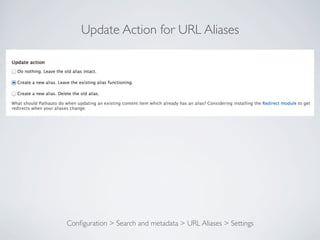
Update Aliases
Update Action for URL Aliases
Configuration > Search and metadata > URL Aliases > Settings
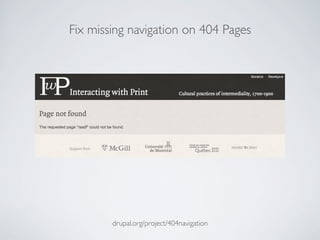
Fix missing navigation on 404 Pages
drupal.org/project/404navigation
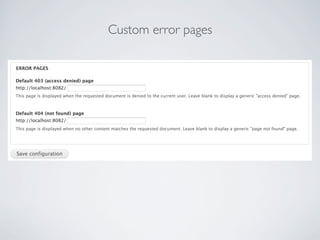
Custom error pages
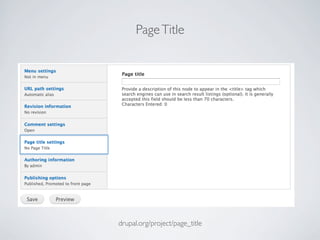
PageTitle
drupal.org/project/page_title
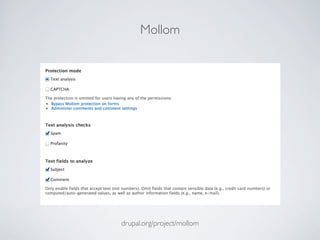
Mollom
drupal.org/project/mollom
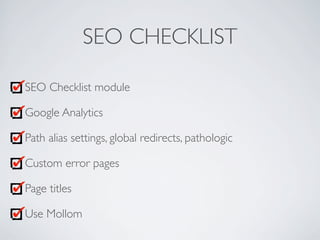
SEO CHECKLIST
SEO Checklist module
Google Analytics
Path alias settings, global redirects, pathologic
Custom error pages
Page titles
Use Mollom
FORTHE ADMIN
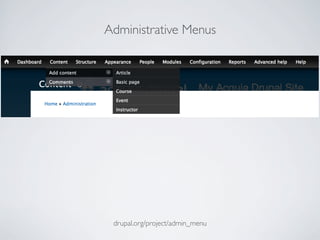
Administrative Menus
drupal.org/project/admin_menu
WYSIWYG API
drupal.org/project/wysiwyg
Embedded Images
drupal.org/project/insert drupal.org/project/image_resize_filter
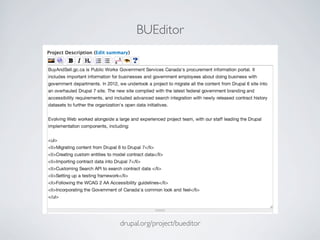
BUEditor
drupal.org/project/bueditor
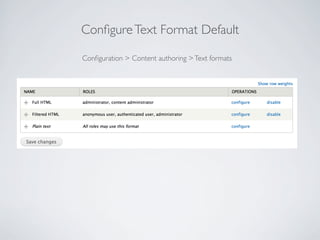
ConfigureText Format Default
Configuration > Content authoring >Text formats
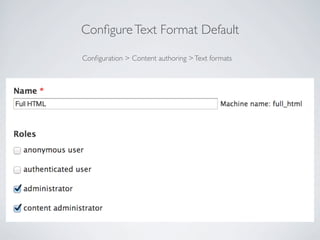
ConfigureText Format Default
Configuration > Content authoring >Text formats
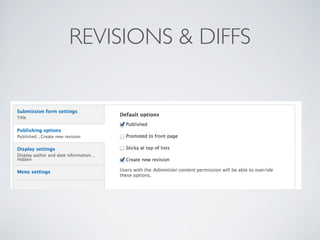
REVISIONS & DIFFS
USETHE DIFF MODULE
https://drupal.org/project/diff
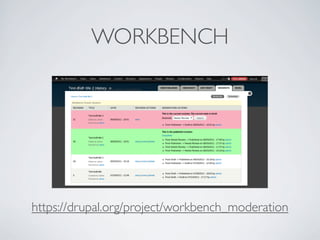
WORKBENCH
https://drupal.org/project/workbench_moderation
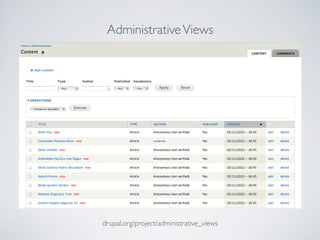
AdministrativeViews
drupal.org/project/administrative_views
DraggableViews
drupal.org/project/draggable_views
ADMIN UI CHECKLIST
Use administrativeViews
Build custom adminViews
Use DraggableViews
Configure your WYSIWYG editor or use BUEditor
Configure text formats, consider using Better Formats
Embedding images
ACCESSIBILITY
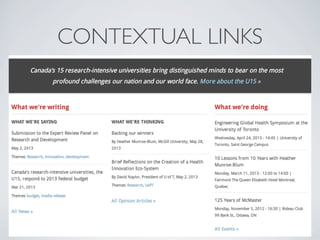
CONTEXTUAL LINKS
ALTTEXT ON IMAGES
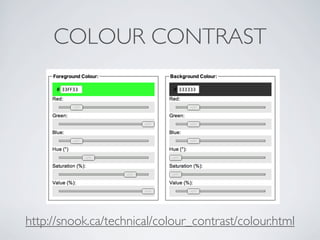
COLOUR CONTRAST
http://snook.ca/technical/colour_contrast/colour.html
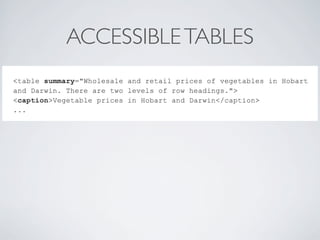
ACCESSIBLETABLES
USE WAVETOOLBAR
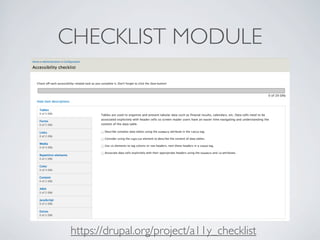
CHECKLIST MODULE
https://drupal.org/project/a11y_checklist
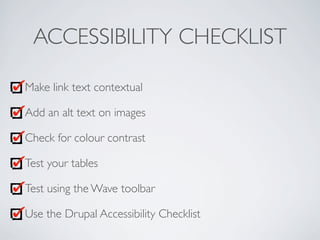
ACCESSIBILITY CHECKLIST
Make link text contextual
Add an alt text on images
Check for colour contrast
Test your tables
Test using the Wave toolbar
Use the Drupal Accessibility Checklist
RESPONSIVE DESIGN
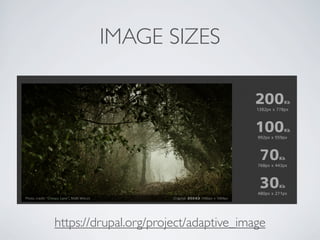
IMAGE SIZES
https://drupal.org/project/adaptive_image
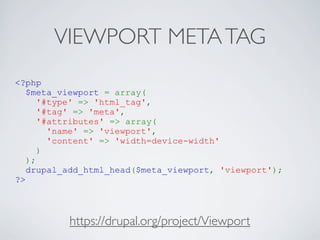
VIEWPORT METATAG
<?php
$meta_viewport = array(
'#type' => 'html_tag',
'#tag' => 'meta',
'#attributes' => array(
'name' => 'viewport',
'content' => 'width=device-width'
)
);
drupal_add_html_head($meta_viewport, 'viewport');
?>
https://drupal.org/project/Viewport
IE WORK-AROUND
Versions 6-8 don’t support media queries
In your .info file:
stylesheets-conditional[lt IE 9][all][] = ie-960.css
TEST!
• mattkersley.com/responsive/
• screensiz.es
• browserstack.com
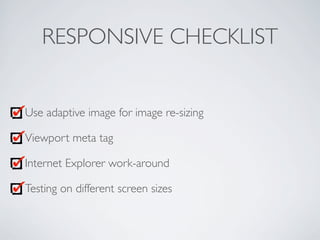
RESPONSIVE CHECKLIST
Use adaptive image for image re-sizing
Viewport meta tag
Internet Explorer work-around
Testing on different screen sizes
USER ACCOUNTS
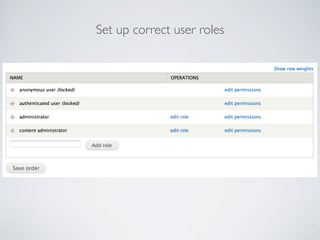
Set up correct user roles
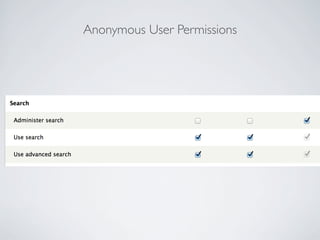
Anonymous User Permissions
Test the permissions for each role
drupal.org/project/masquerade
USE LOGIN REDIRECT
https://drupal.org/project/login_redirect
USERS CHECKLIST
Configure permissions & test with Masquerade
Check setting for creating user accounts
Configure User Emails
Login redirect
CONTENTTYPES
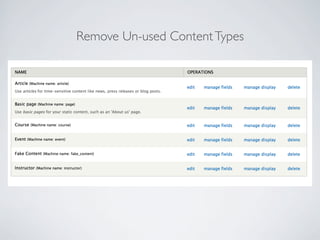
Remove Un-used ContentTypes
Manage Display: Is everything is the correct order?
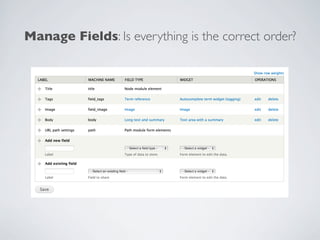
Manage Fields: Is everything is the correct order?
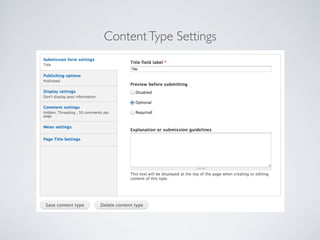
ContentType Settings
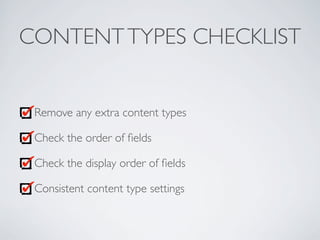
CONTENTTYPES CHECKLIST
Remove any extra content types
Check the order of fields
Check the display order of fields
Consistent content type settings
VIEWS
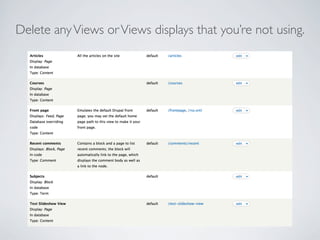
Delete anyViews orViews displays that you’re not using.
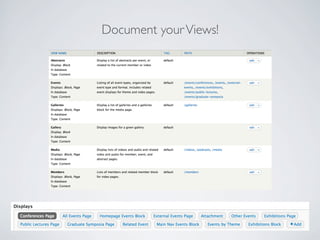
Document yourViews!
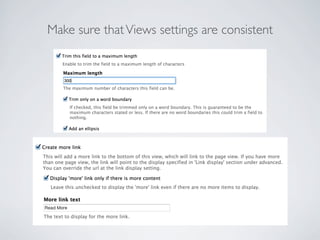
Make sure thatViews settings are consistent
Check permissions for Views
VIEWS CHECKLIST
Remove extraViews andViews displays
Document yourViews thoroughly
ConsistentView modes or field settings inViews
ReviewViews permissions
CONTENT CLEANUP
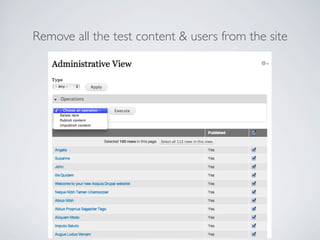
Remove all the test content & users from the site
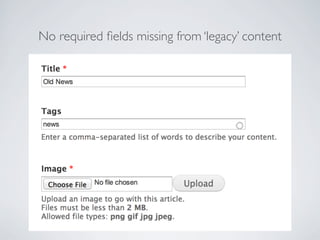
No required fields missing from ‘legacy’ content
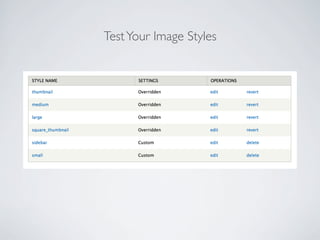
TestYour Image Styles
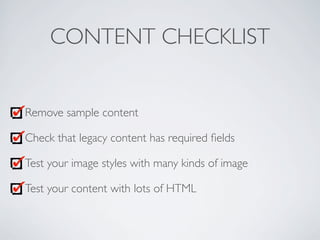
CONTENT CHECKLIST
Remove sample content
Check that legacy content has required fields
Test your image styles with many kinds of image
Test your content with lots of HTML
PRE-LAUNCH CHECKLIST
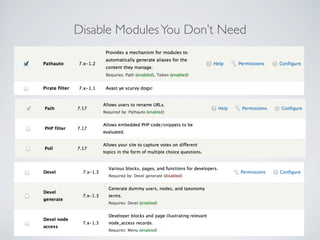
Disable ModulesYou Don’t Need
Turn on Caching & Aggregation
Configuration > Development > Performance
Modules up-to-date
Configuration > Modules > Update
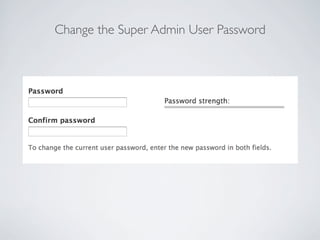
Change the Super Admin User Password
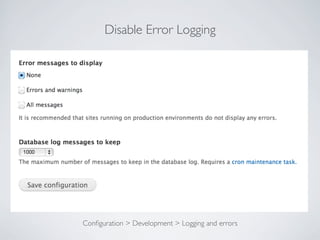
Disable Error Logging
Configuration > Development > Logging and errors
Security Review
drupal.org/project/security_review
PRE-LAUNCH CHECKLIST
Disable modules
Turn on caching and aggregation
Update modules
Change passwords
Disable error logging
Security review
CONTRIB MODULES
• Views Bulk Operations
• Google Analytics
• Pathauto
• PageTitle
• Mollom
• AdministrativeViews
• DraggableViews
• AdministrativeViews
• WYSIWYG API
• BUEditor
• Insert
• Image Resize Filter
• Security Review
• 404 Navigation
• Masquerade
TRAINING PROGRAM
We offer public and private Drupal training sessions.
evolvingweb.ca/training
THANKYOU!
Drupal Consulting, Development, andTraining
evolvingweb.ca
Suzanne Kennedy, Co-founder
@suzanne_kennedy

Best Practice Checklist for Building a Drupal Website