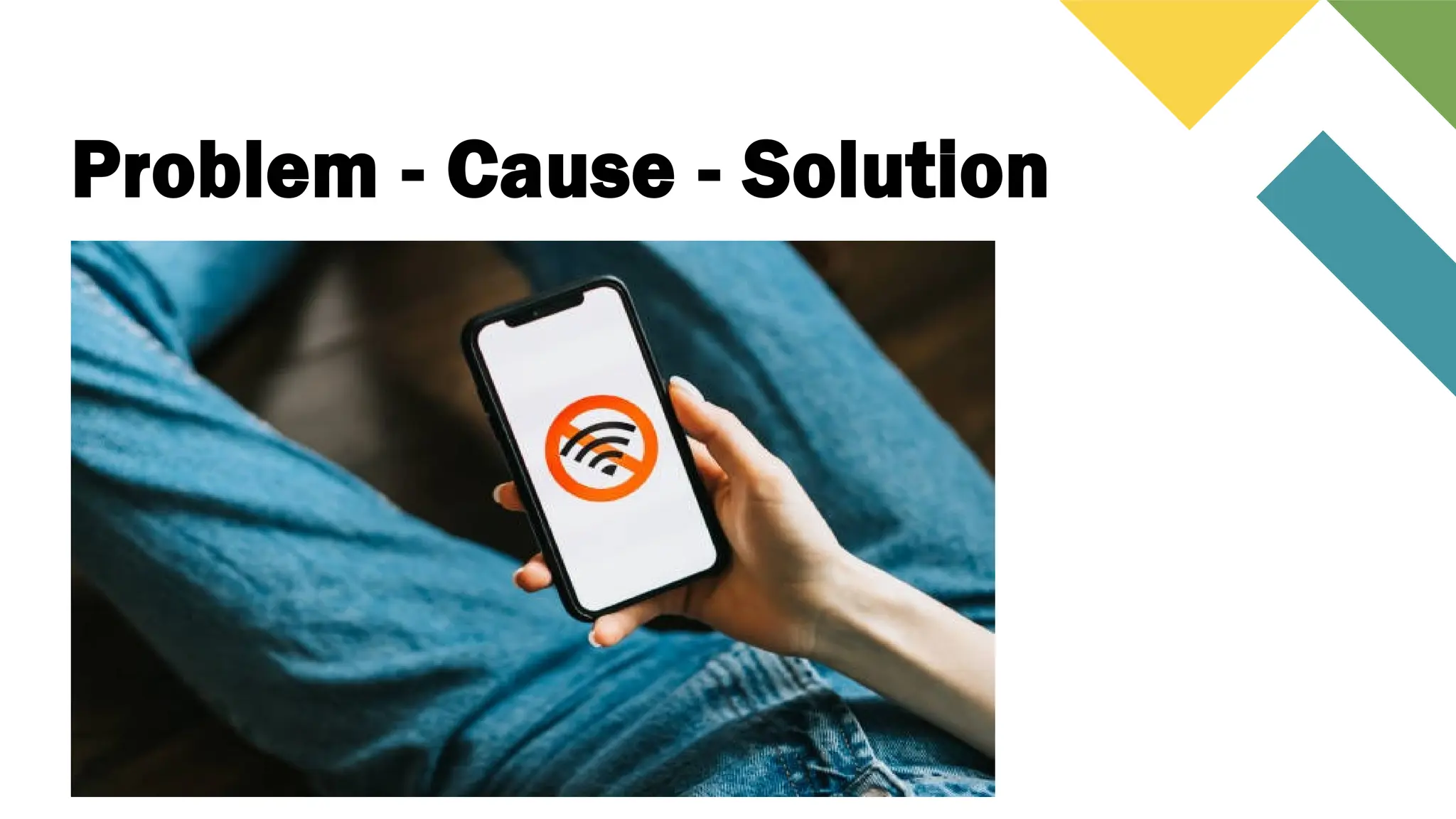
Problem - Cause - Solution
Basic troubleshooting
and repair techniques
What is troubleshooting?
It is the process of identifying and solving problems or issues a
device or system.
• Identifying the problem.
• Isolating the Cause.
• Fix the problem.
• Verify the solution.
Troubleshooting and repair
• Check for loose cables.
• Test the outlet.
• Faulty PSU.
• Check the inside parts
(CPU, RAM, Video Card)
PC will not turn on.
Problem Cause / Solution
Troubleshooting and repair
• Unplugged Network Cable.
• Router/Modem is off.
• Update your device.
No internet connection
Problem Cause / Solution
Troubleshooting and repair
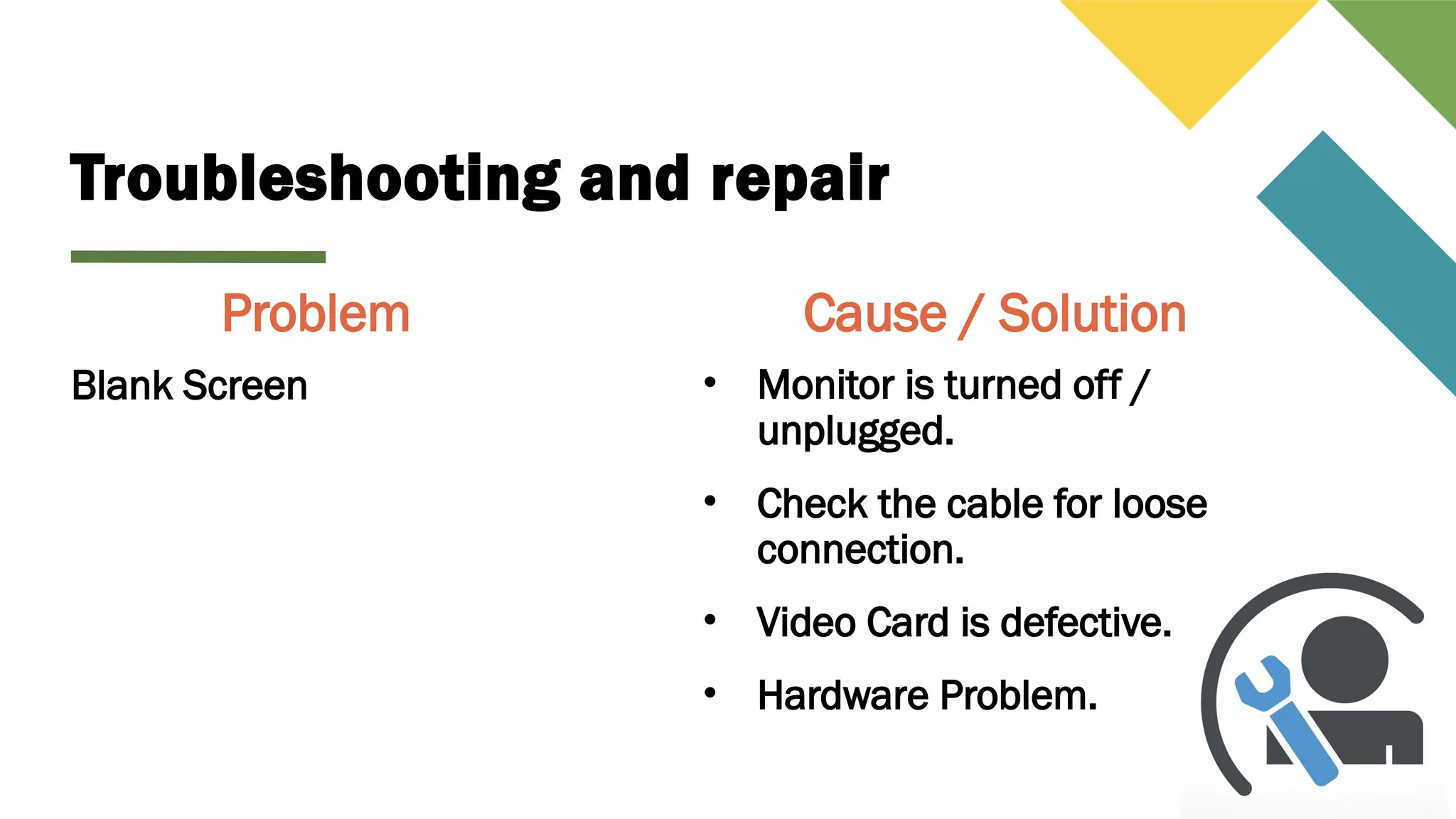
• Monitor is turned off /
unplugged.
• Check the cable for loose
connection.
• Video Card is defective.
• Hardware Problem.
Blank Screen
Problem Cause / Solution
Troubleshooting and repair
• Connector is
loose/unplugged.
• Defective device.
Mouse / Keyboard is not
functioning.
Problem Cause / Solution
Troubleshooting and repair
• RAM issue.
• Press Ctrl + Alt + Del to
open the taskbar.
• Restart your computer.
Application is frozen.
Problem Cause / Solution
Troubleshooting and repair
• Check the fans for
possible dust issue.
• Clean the fans.
Noisy Computer
Problem Cause / Solution
Troubleshooting and repair
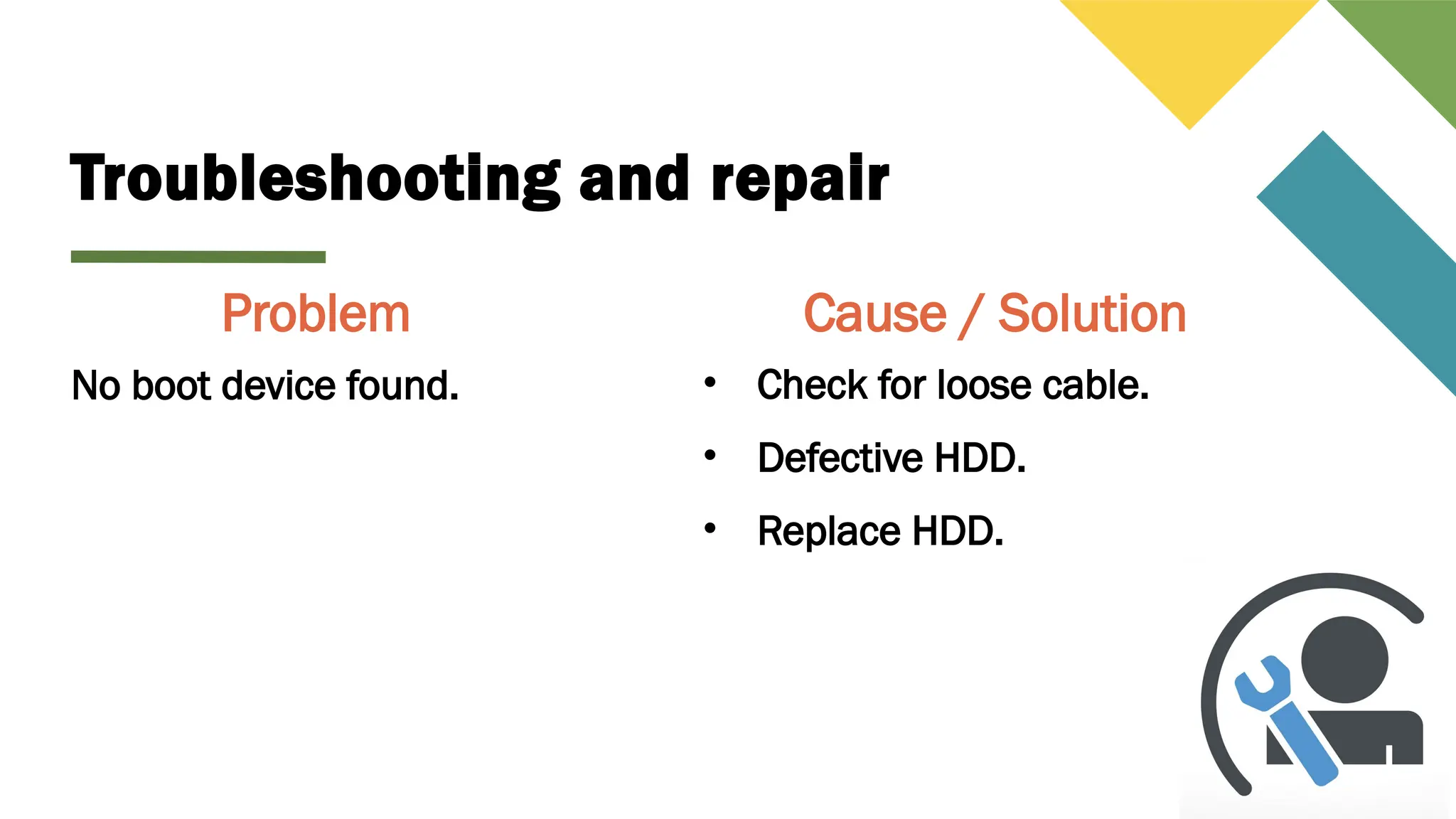
• Check for loose cable.
• Defective HDD.
• Replace HDD.
No boot device found.
Problem Cause / Solution
Troubleshooting and repair
• Check if the printer is
turned on.
• Check for loose cable.
• No paper in the paper tray.
• No ink.
Printer is not functioning.
Problem Cause / Solution
Troubleshooting and repair
• Check for viruses.
• Delete unnecessary files.
• Upgrade your hardware.
PC runs slowly.
Problem Cause / Solution
Basic-troubleshooting-and-repair-techniques.pptx

Basic-troubleshooting-and-repair-techniques.pptx