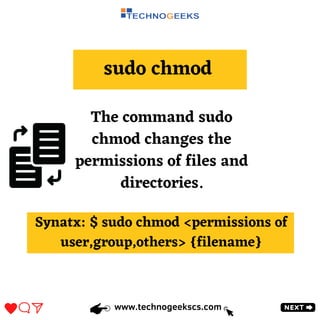
The document discusses important Linux commands used in AWS including cat, ls, rm, sudo chmod, mkdir, rmdir, sudo yum update, and sudo yum -y install. Cat displays file contents, ls lists directory contents, rm removes files and directories, sudo chmod changes file permissions, mkdir creates directories, rmdir removes directories, sudo yum update performs system updates, and sudo yum -y install installs packages. The document provides syntax examples for each command.

![ls Command
www.technogeekscs.com
The ls command lists the
contents of a directory on
your system. It displays
information about each file
and directory in the
current working directory.
Synatx: $ ls [OPTIONS][FILES]](https://image.slidesharecdn.com/basiclinuxcommandsusedinaws-230227132953-0d961000/85/Basic-Linux-Commands-Used-In-AWS-3-320.jpg)
![mkdir
www.technogeekscs.com
The command mkdir
used to create a new
directory .
Synatx:$ mkdir [option] dir_name](https://image.slidesharecdn.com/basiclinuxcommandsusedinaws-230227132953-0d961000/85/Basic-Linux-Commands-Used-In-AWS-6-320.jpg)