Yves Goeleven
Solution Architect & Azure MVP
• Particular Software / NServiceBus
• Side projects
• MessageHandler: Event stream processing & event sourcing framework
• Dish: Static site generator
• ClubManagement.io: Progressive Web Apps for managing sports clubs
• Azure MVP since 2010
• Co-founder & board member @ AZUG.be
• Board member @ Basket Lummen
This means I’m
old & develop
software
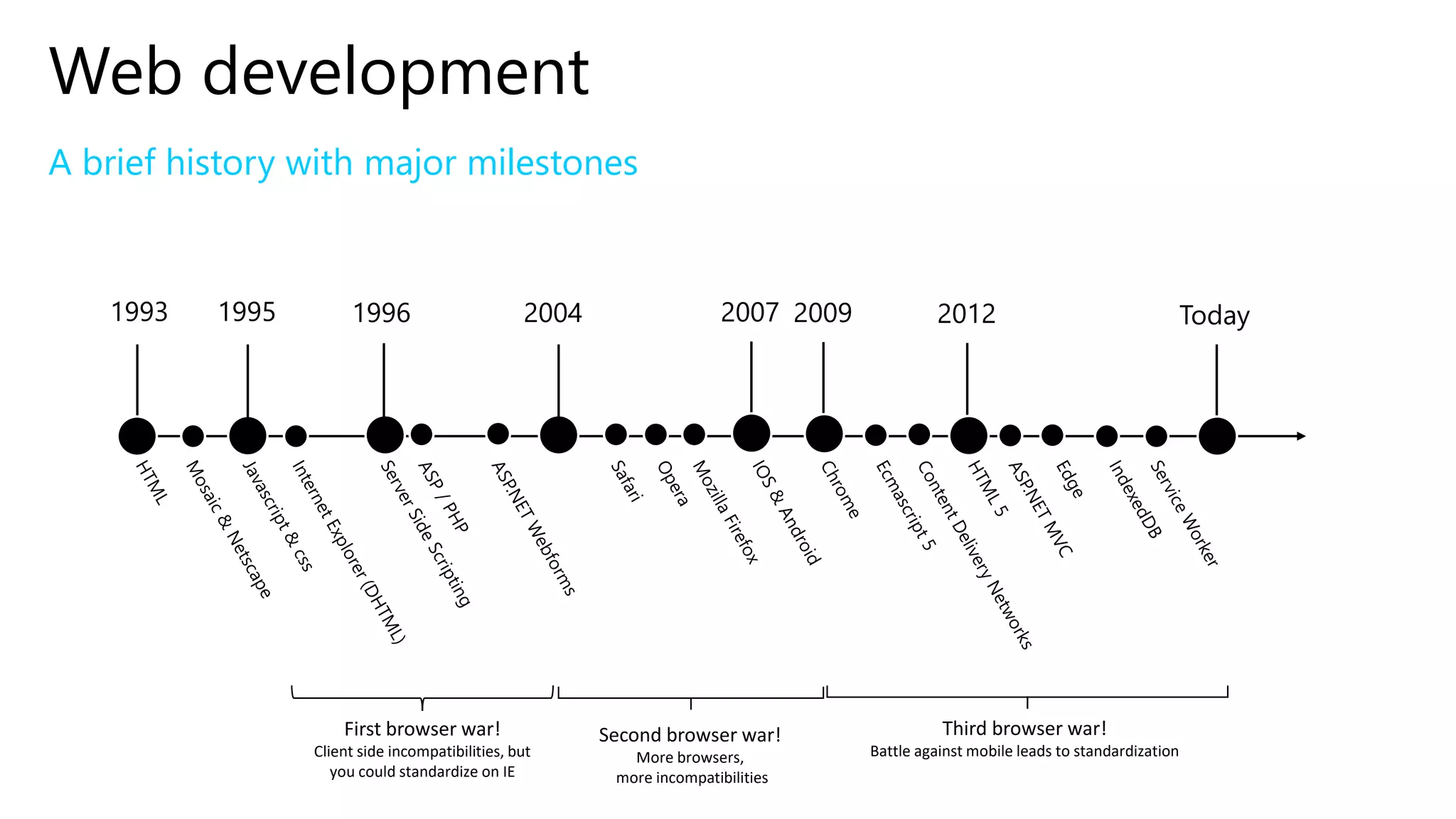
Web development
A brief history with major milestones
1993 Today1995
First browser war!
Client side incompatibilities, but
you could standardize on IE
1996 2004
Second browser war!
More browsers,
more incompatibilities
20092007
Third browser war!
Battle against mobile leads to standardization
2012
Revenge of the static website
Why?
3 reasons
• It’s cheap!
• It’s simple!
• Single codebase for any app (PWA)
• Web, desktop & mobile apps!
• Offline
The story of basketlummen.be
Cost
Model
Simple
Architecture
Offline App
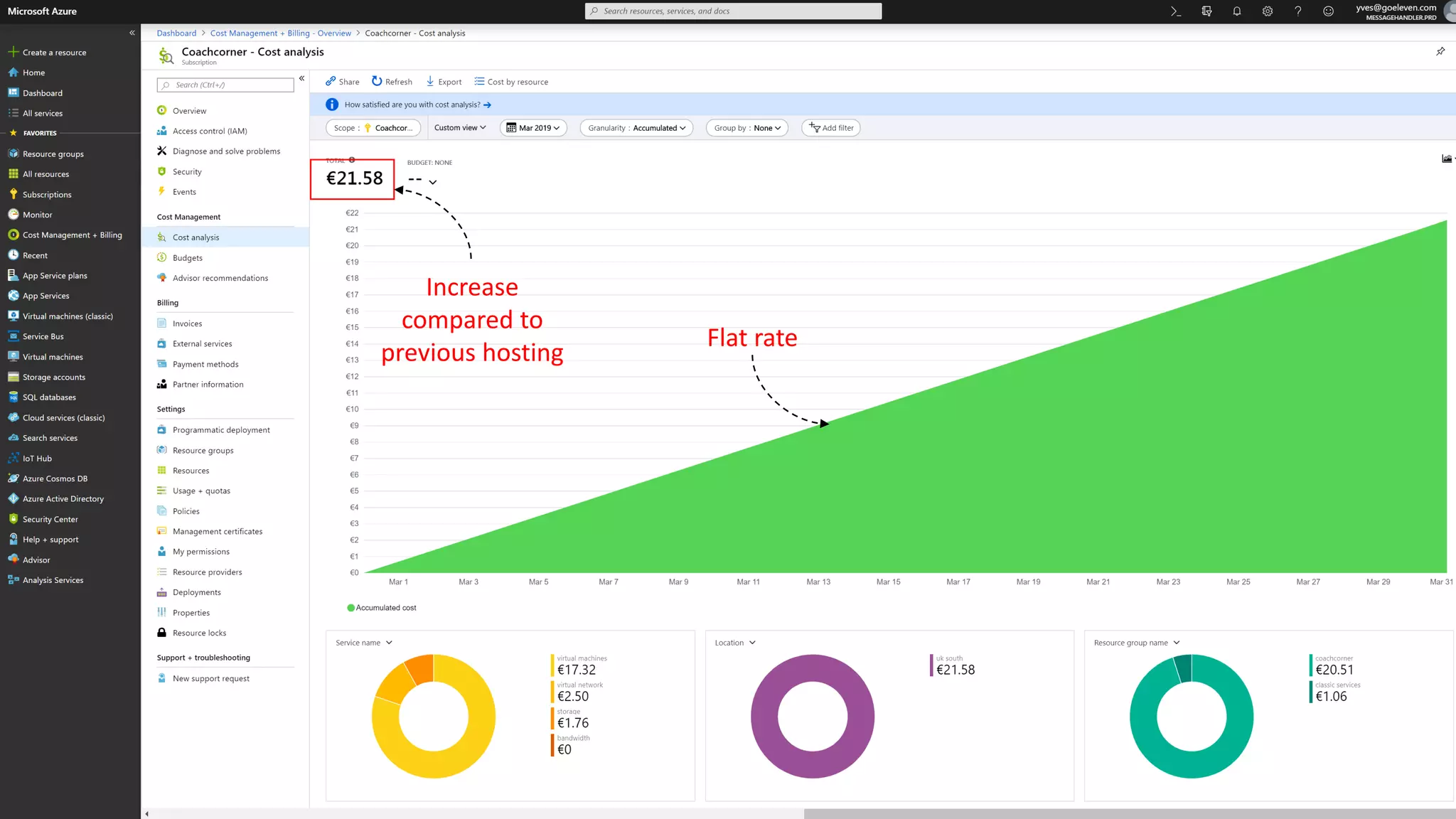
Increase
compared to
previous hosting
Flat rate
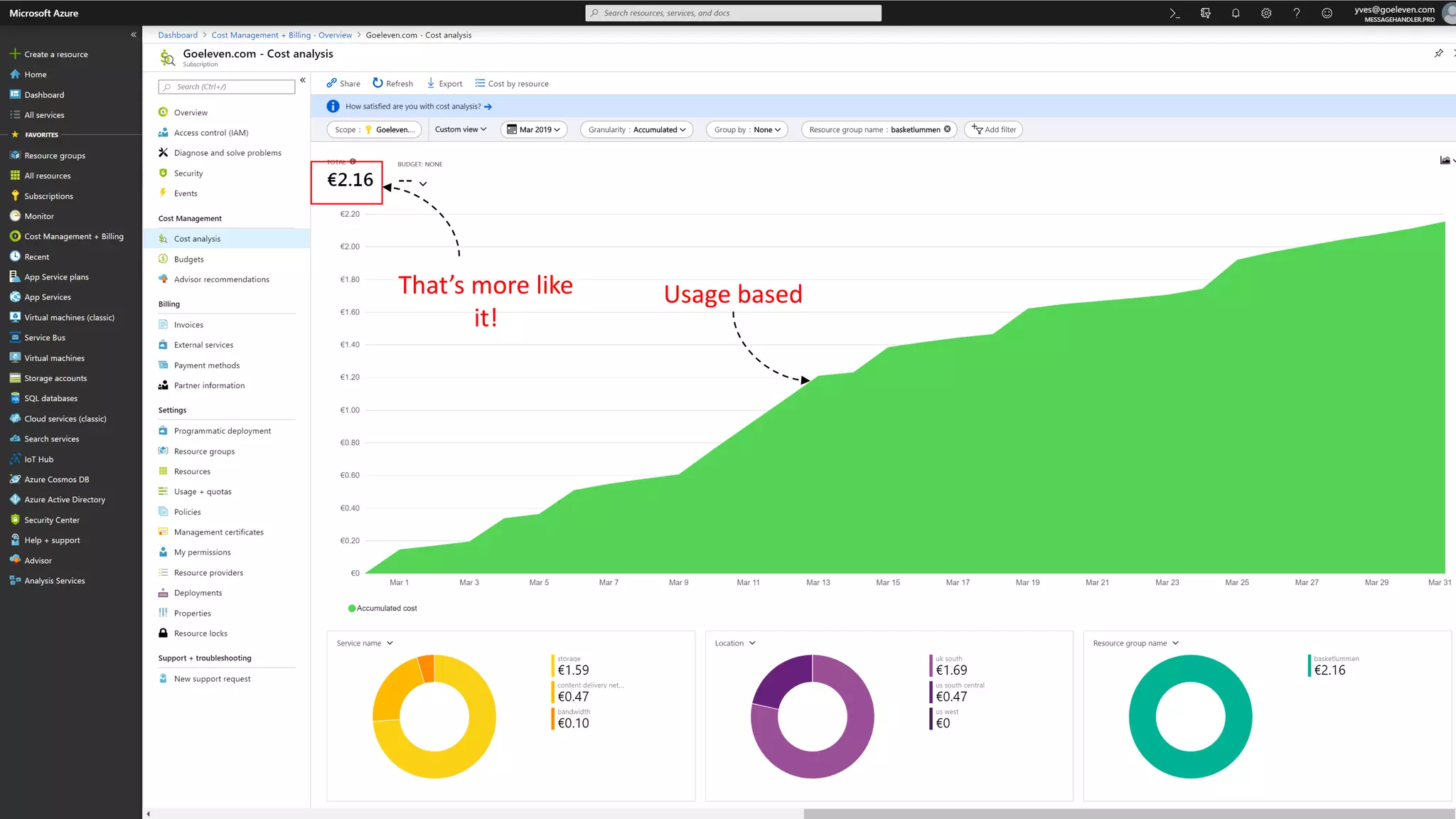
That’s more like
it!
Usage based
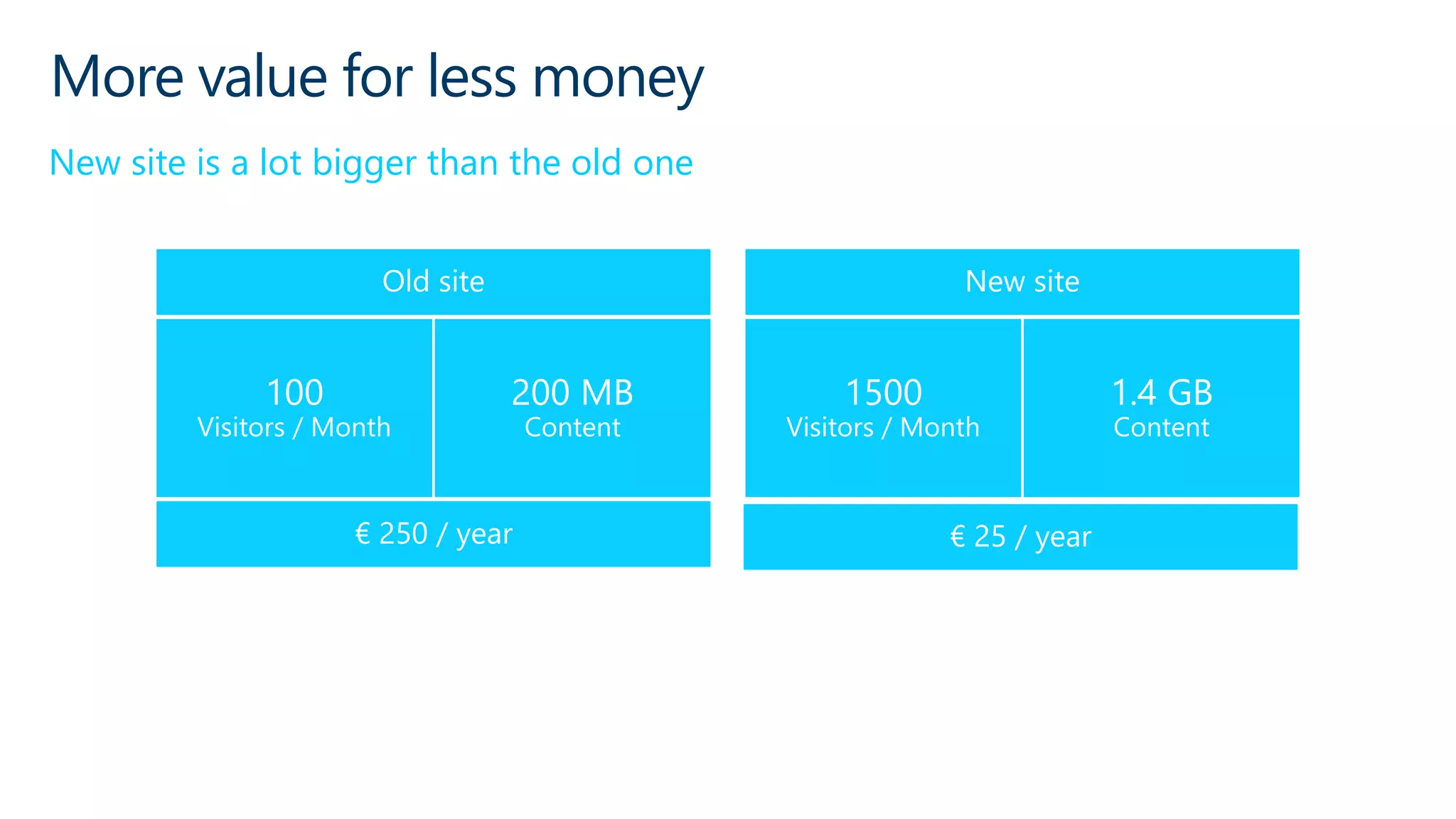
More value for less money
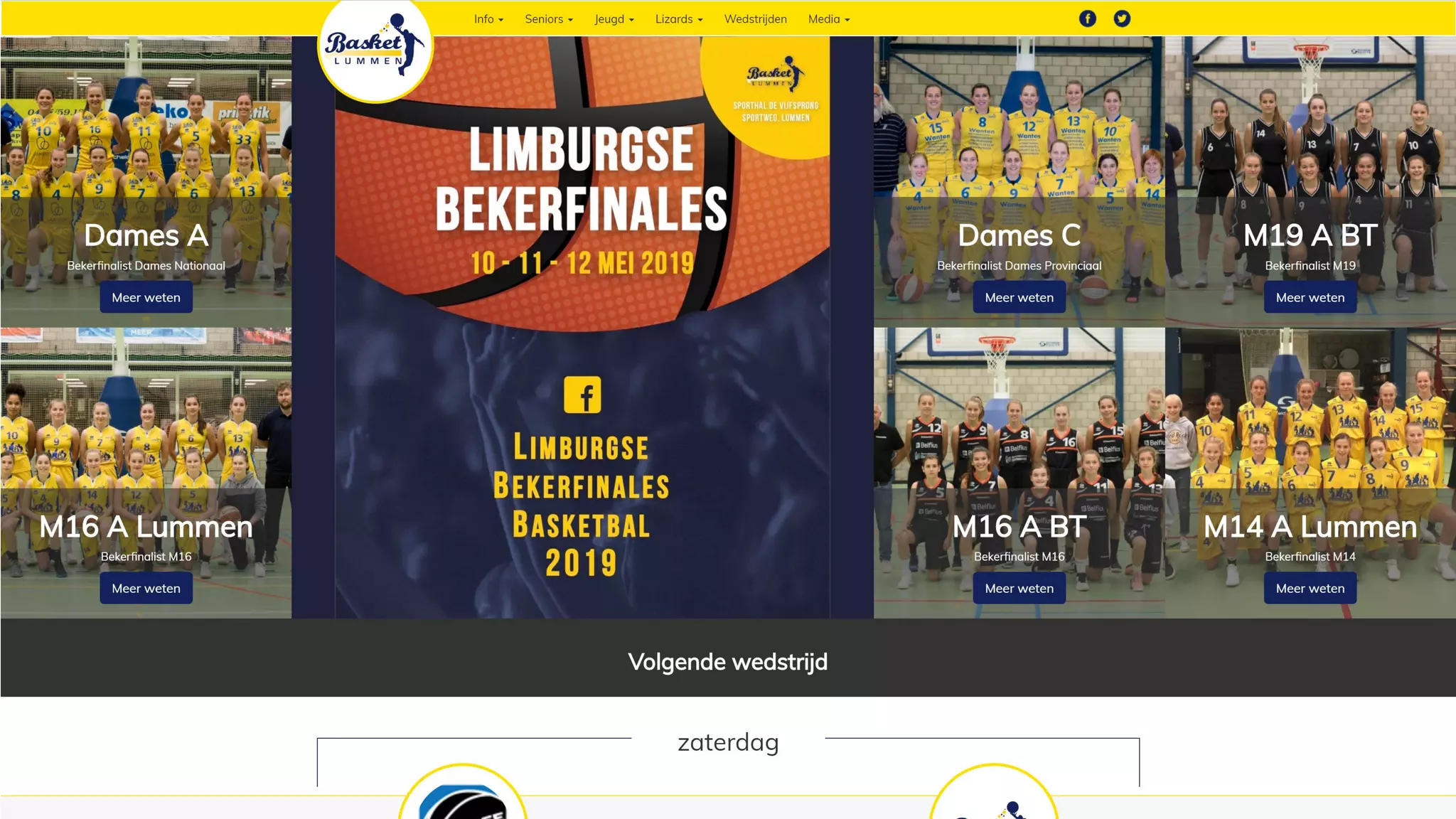
New site is a lot bigger than the old one
The story of basketlummen.be
Cost
Model
Simple
Architecture
Offline App
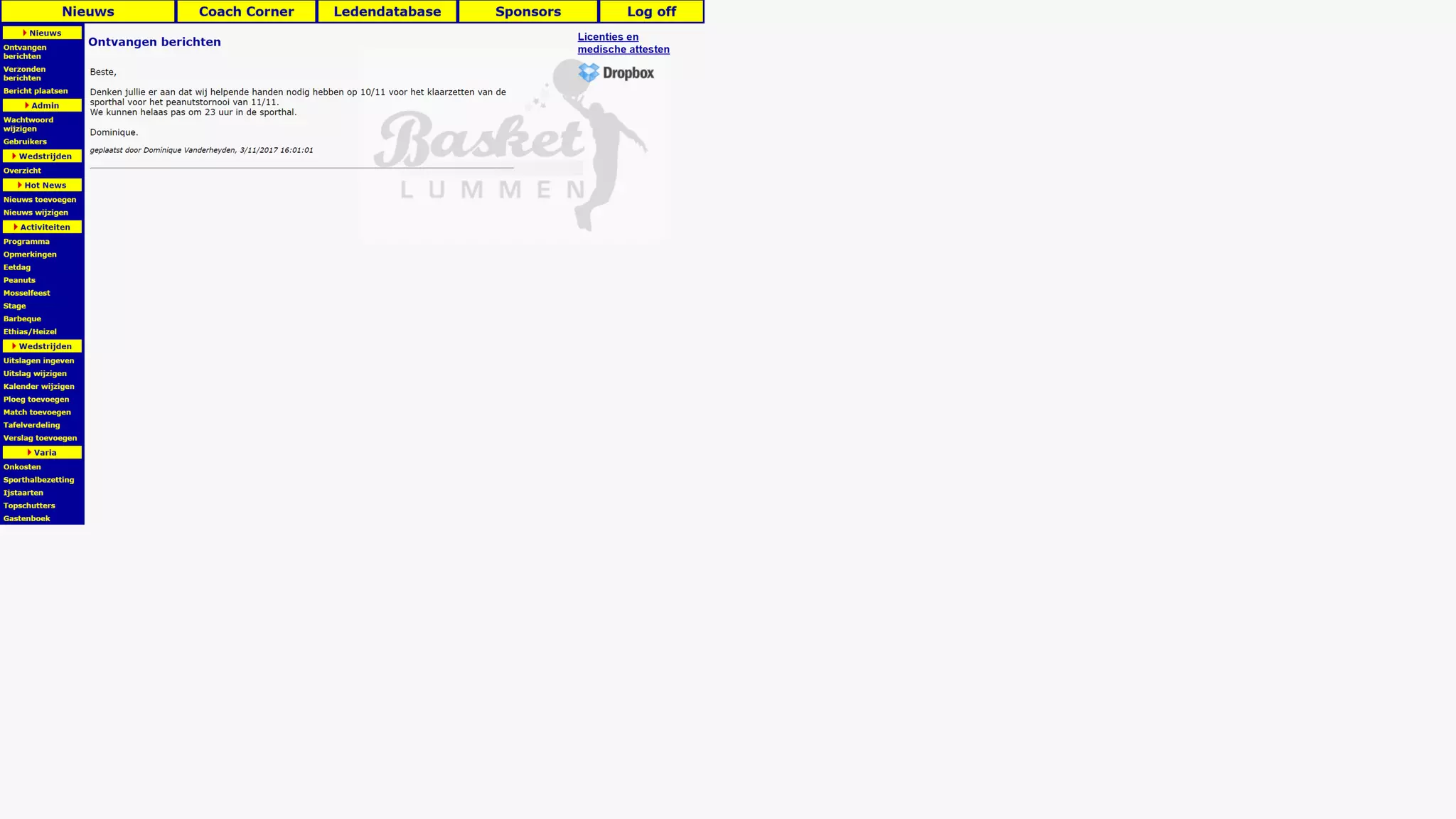
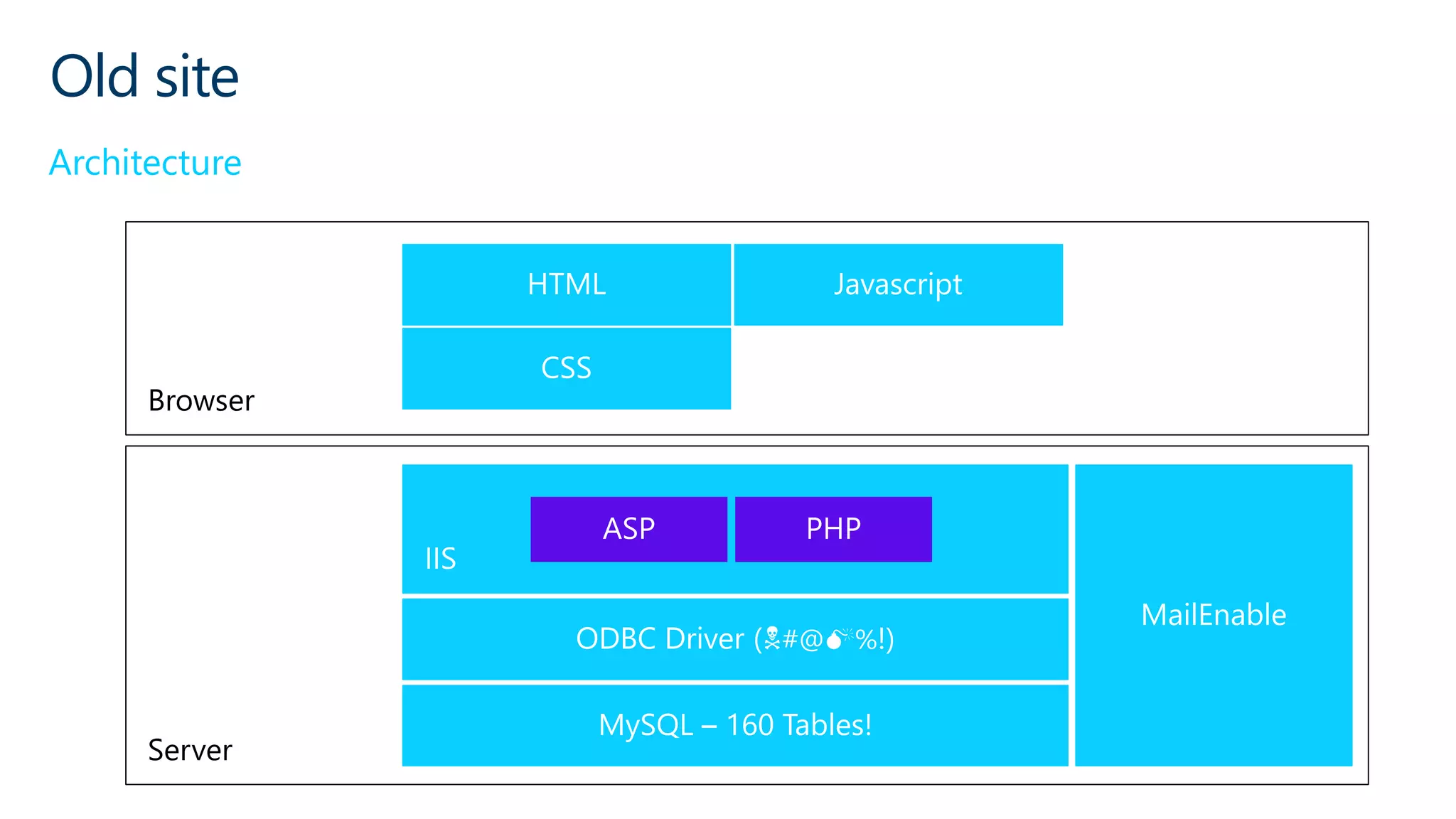
Old site
Architecture
Browser
Server
#@ %!)
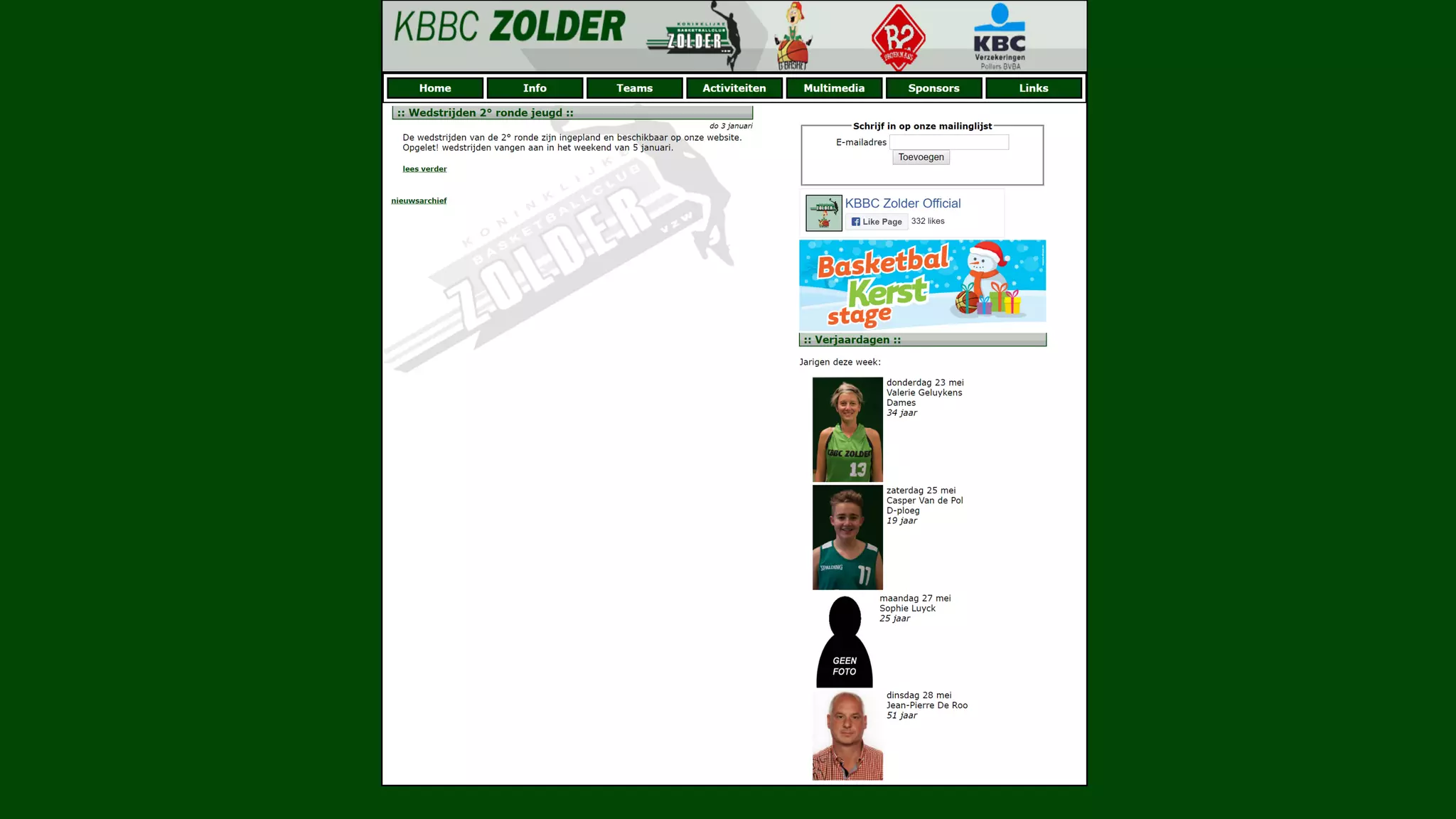
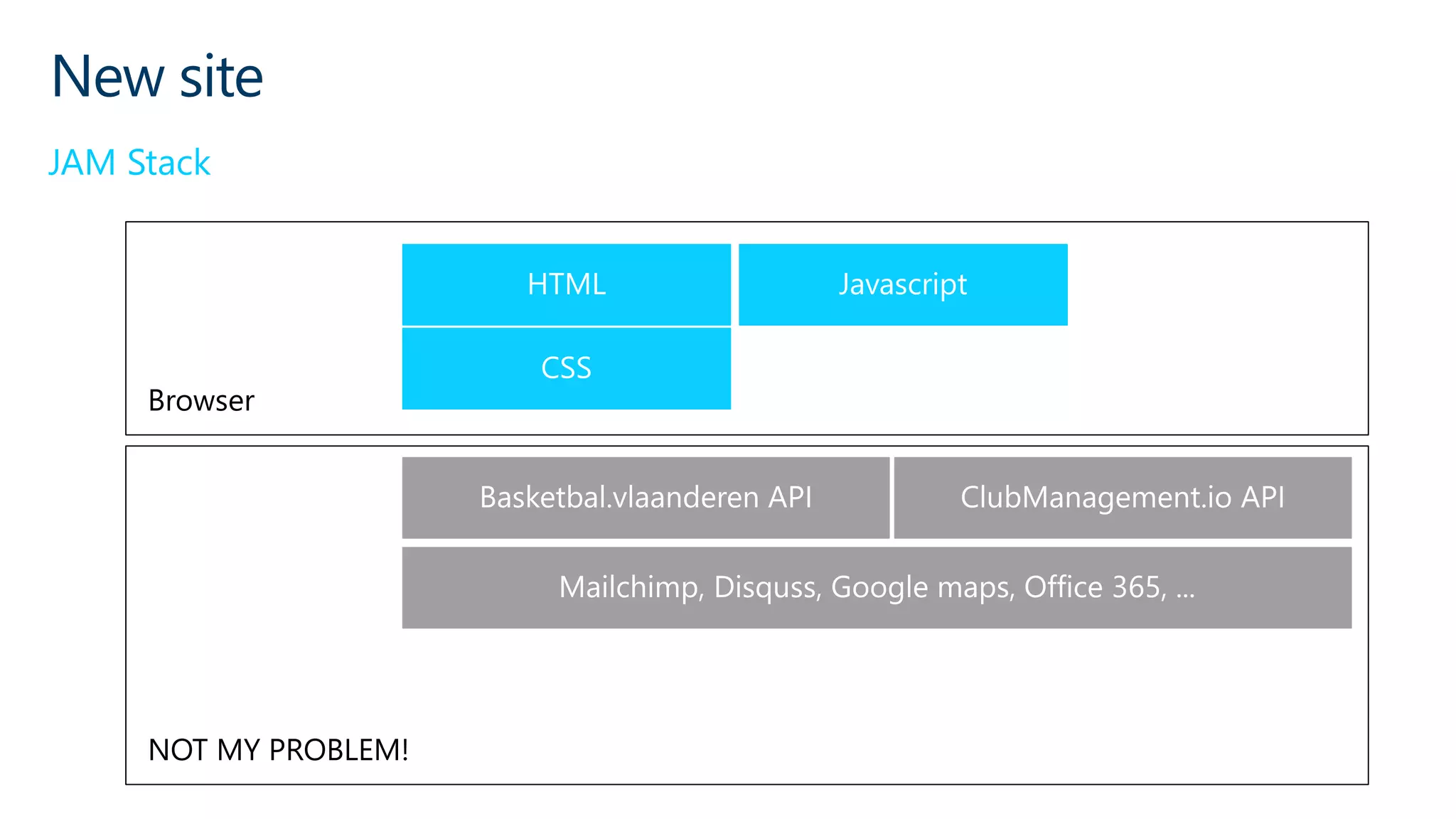
New site
JAM Stack
Browser
NOT MY PROBLEM!
The story of basketlummen.be
Cost
Model
Simple
Architecture
Offline App
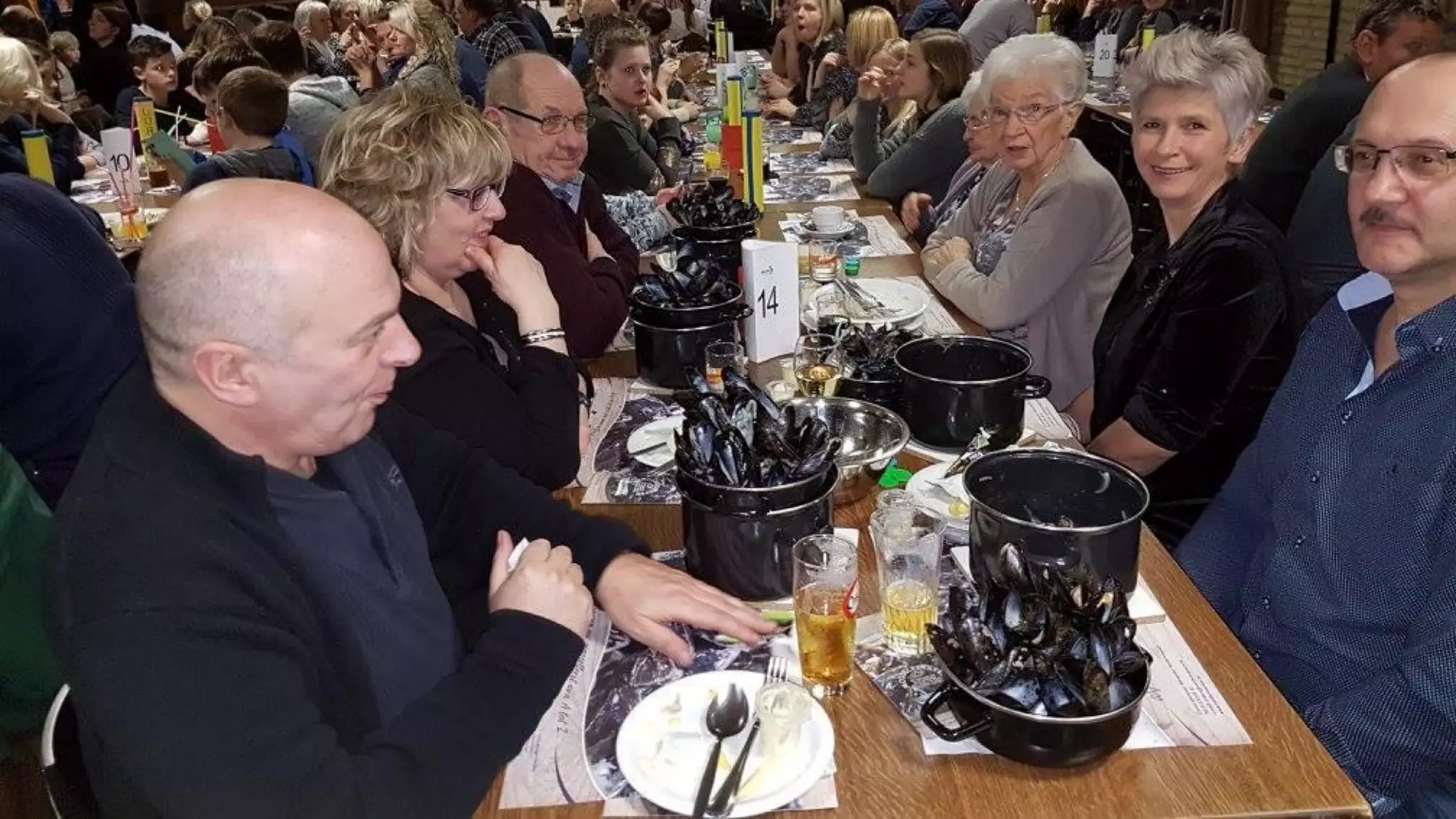
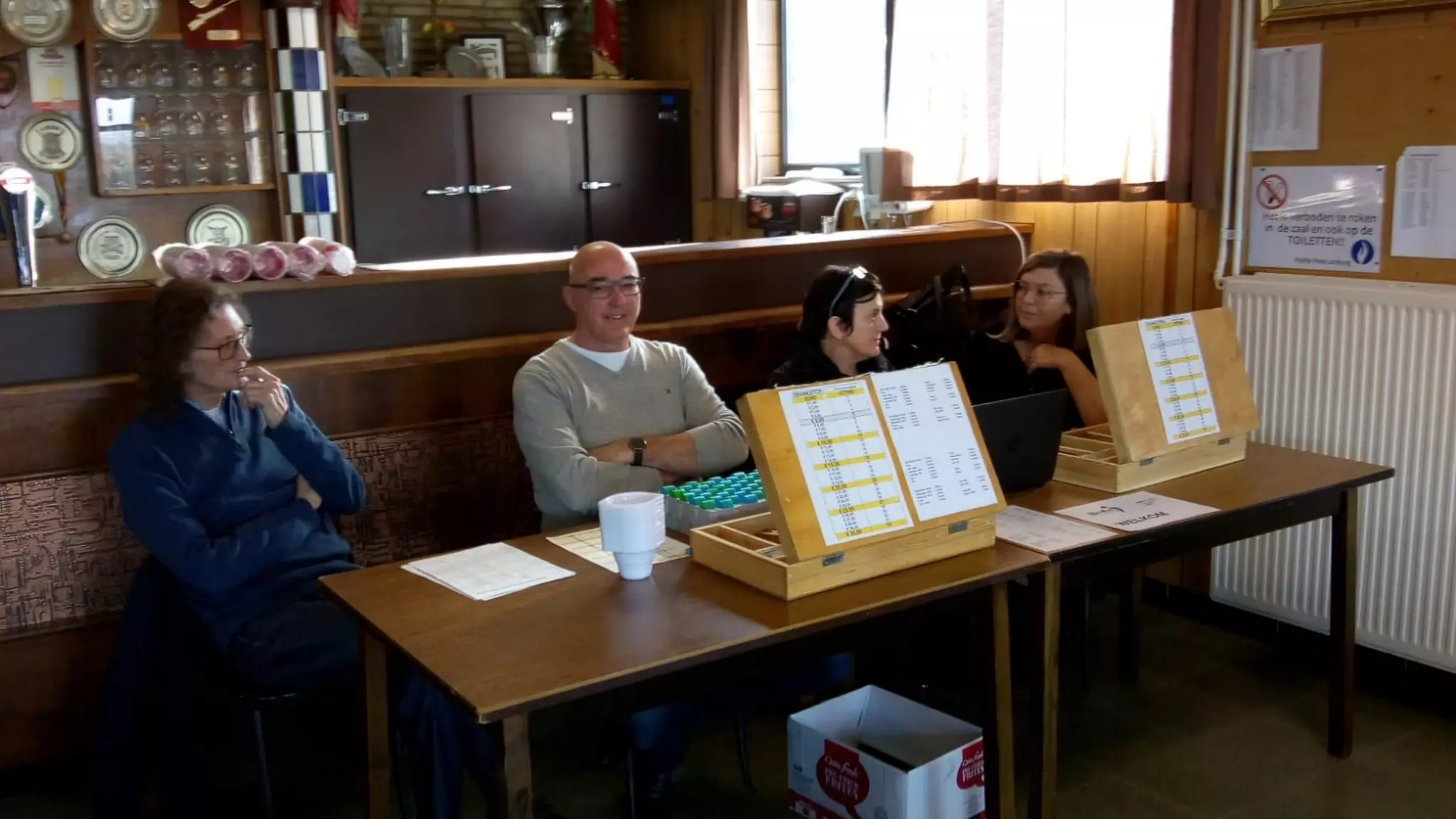
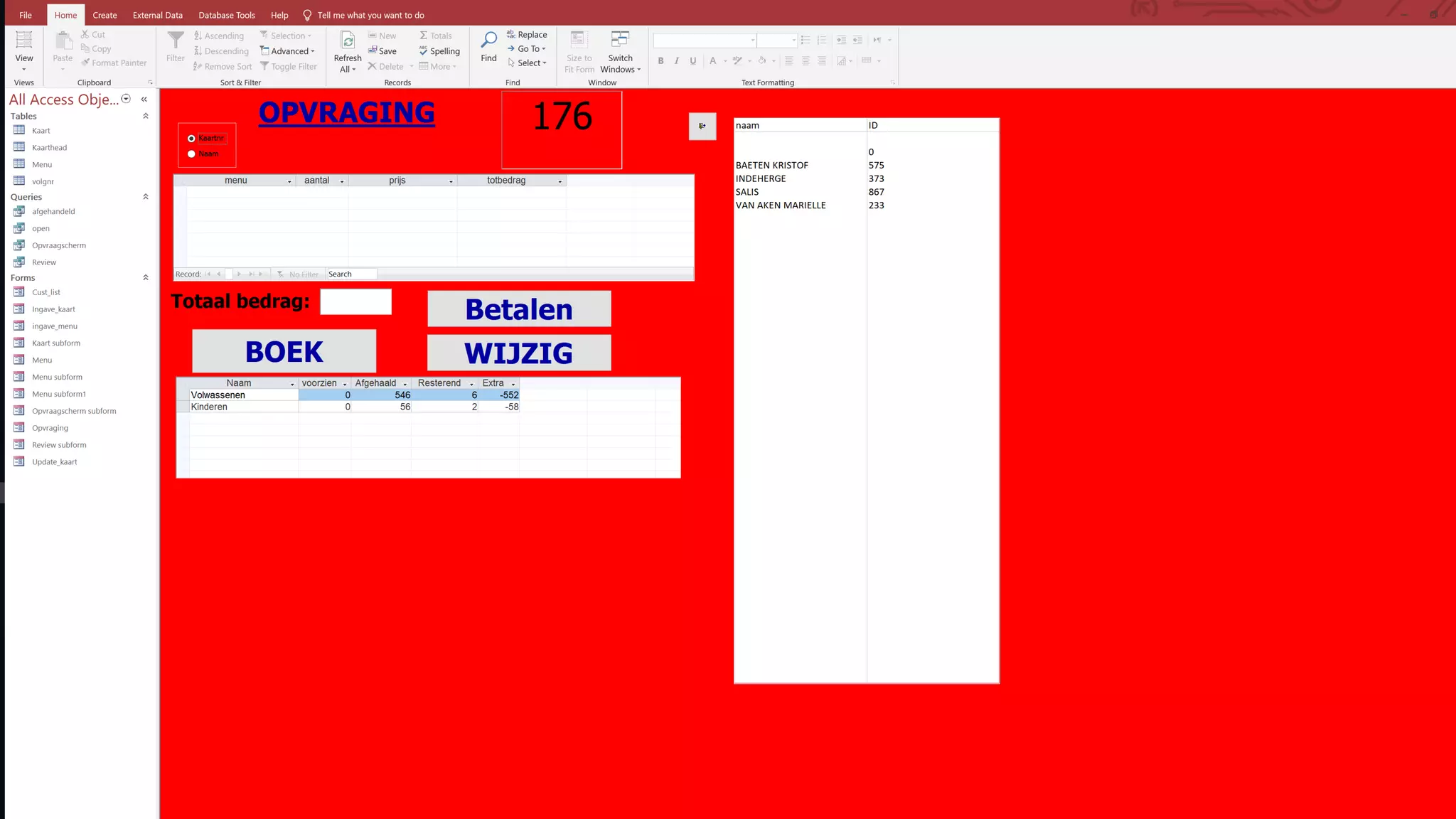
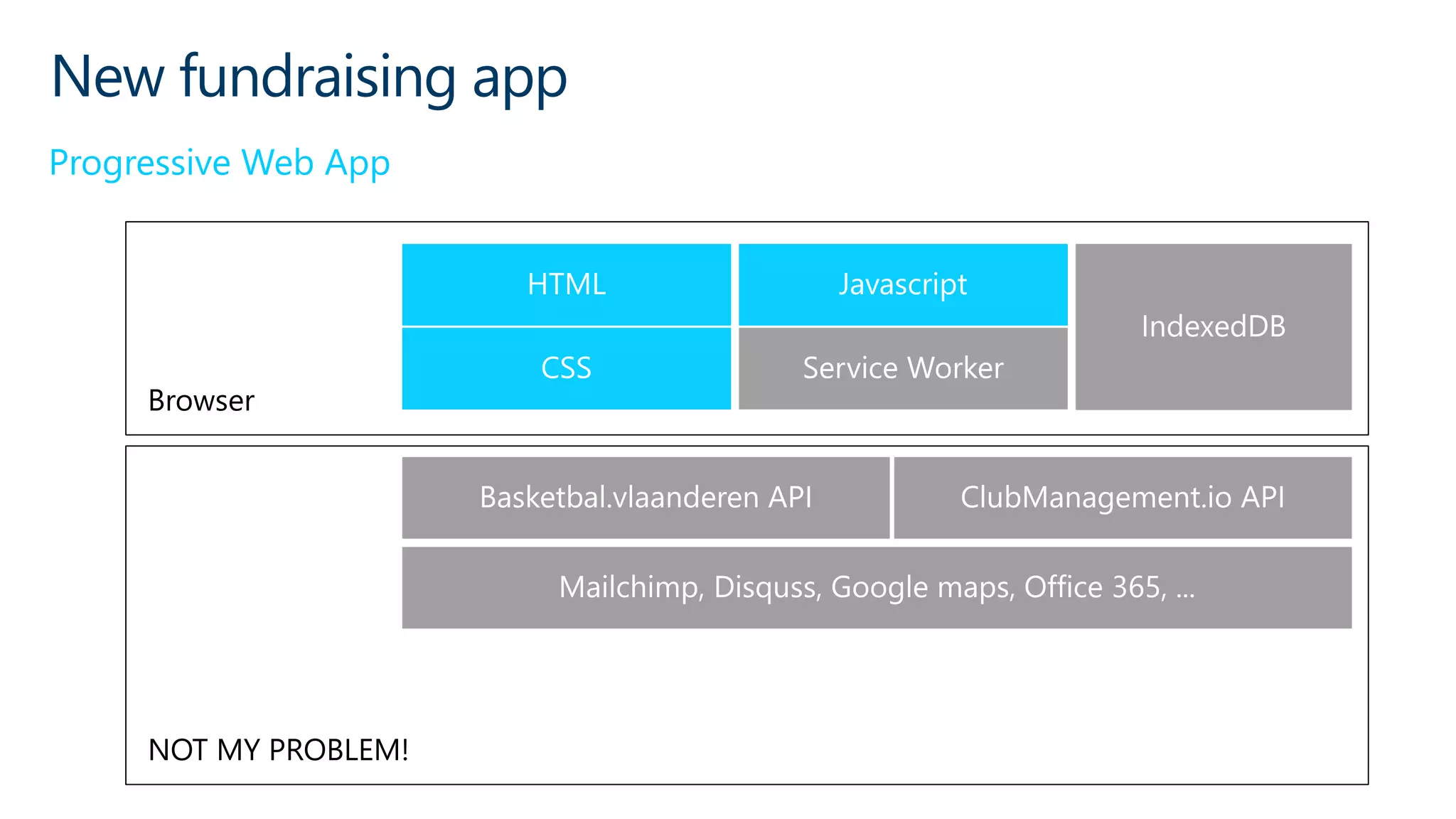
New fundraising app
Progressive Web App
Browser
NOT MY PROBLEM!
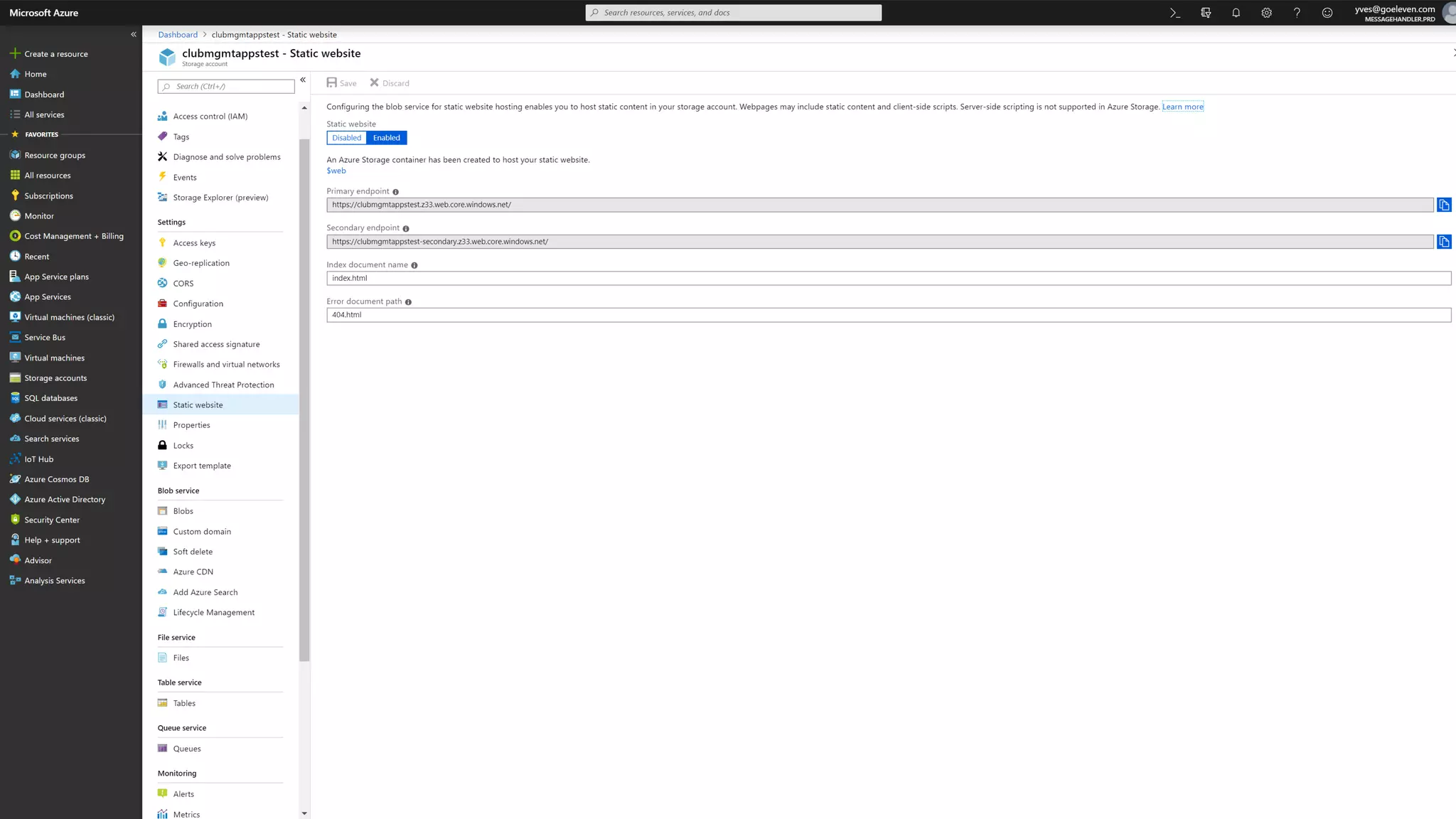
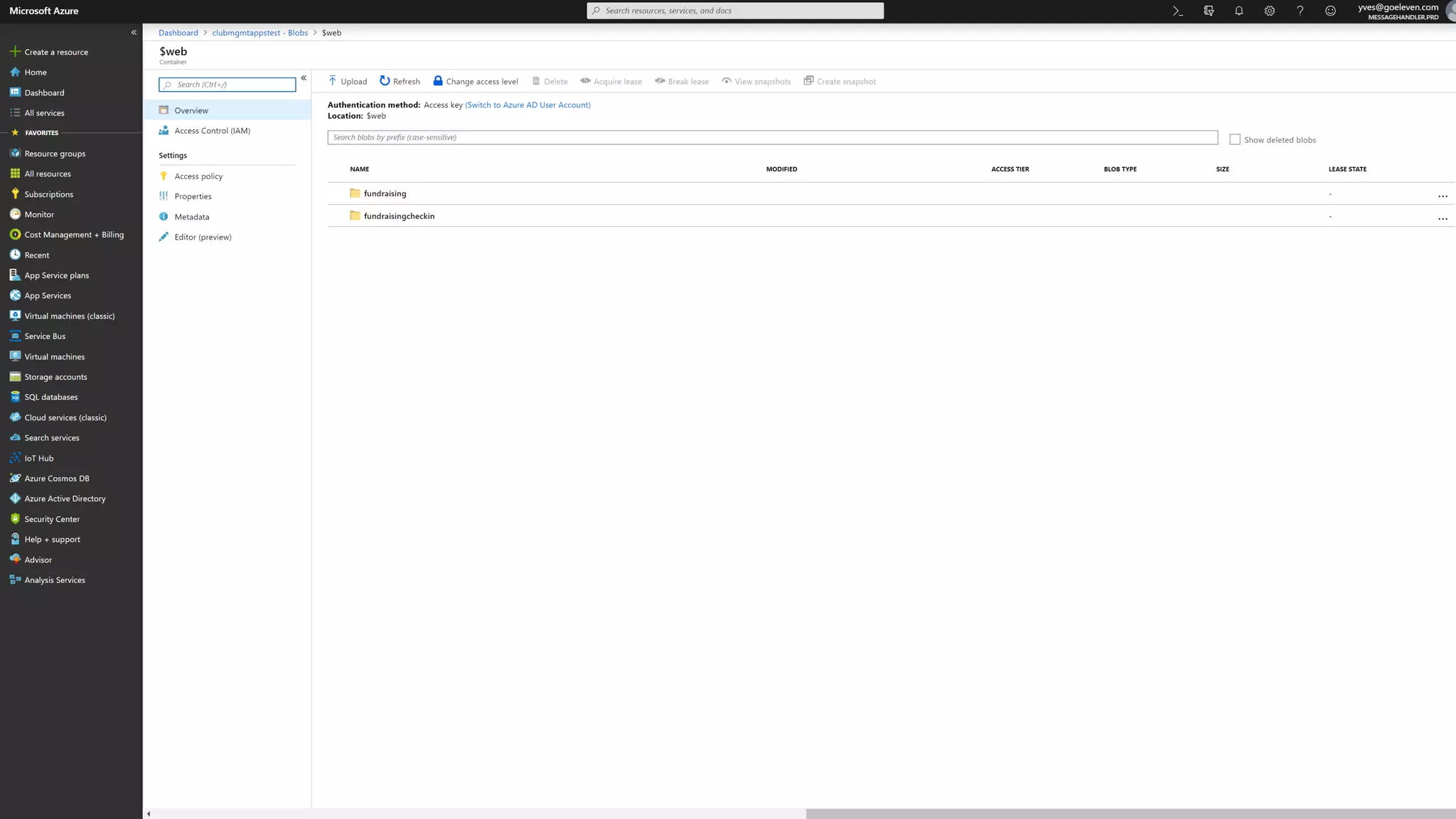
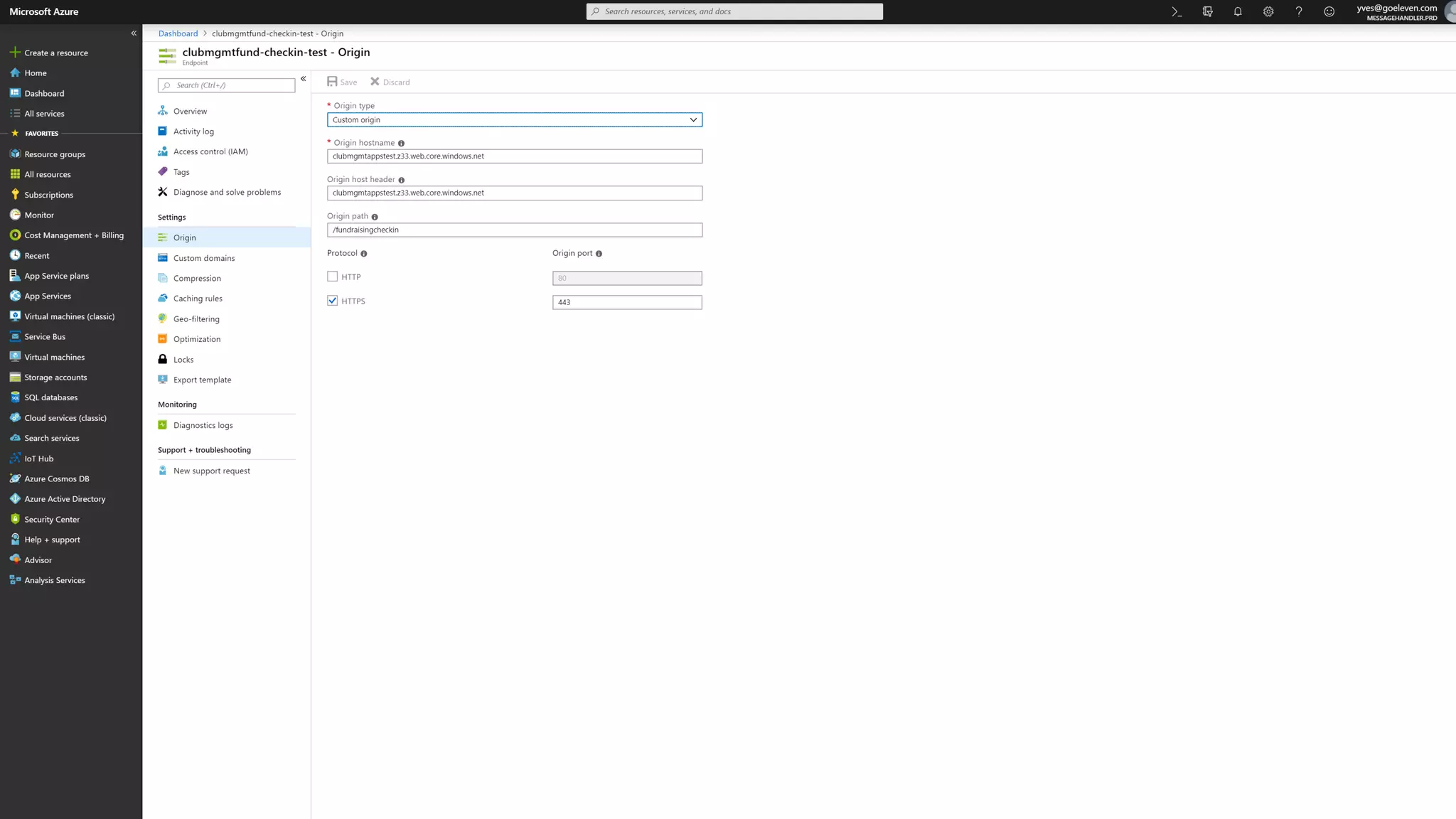
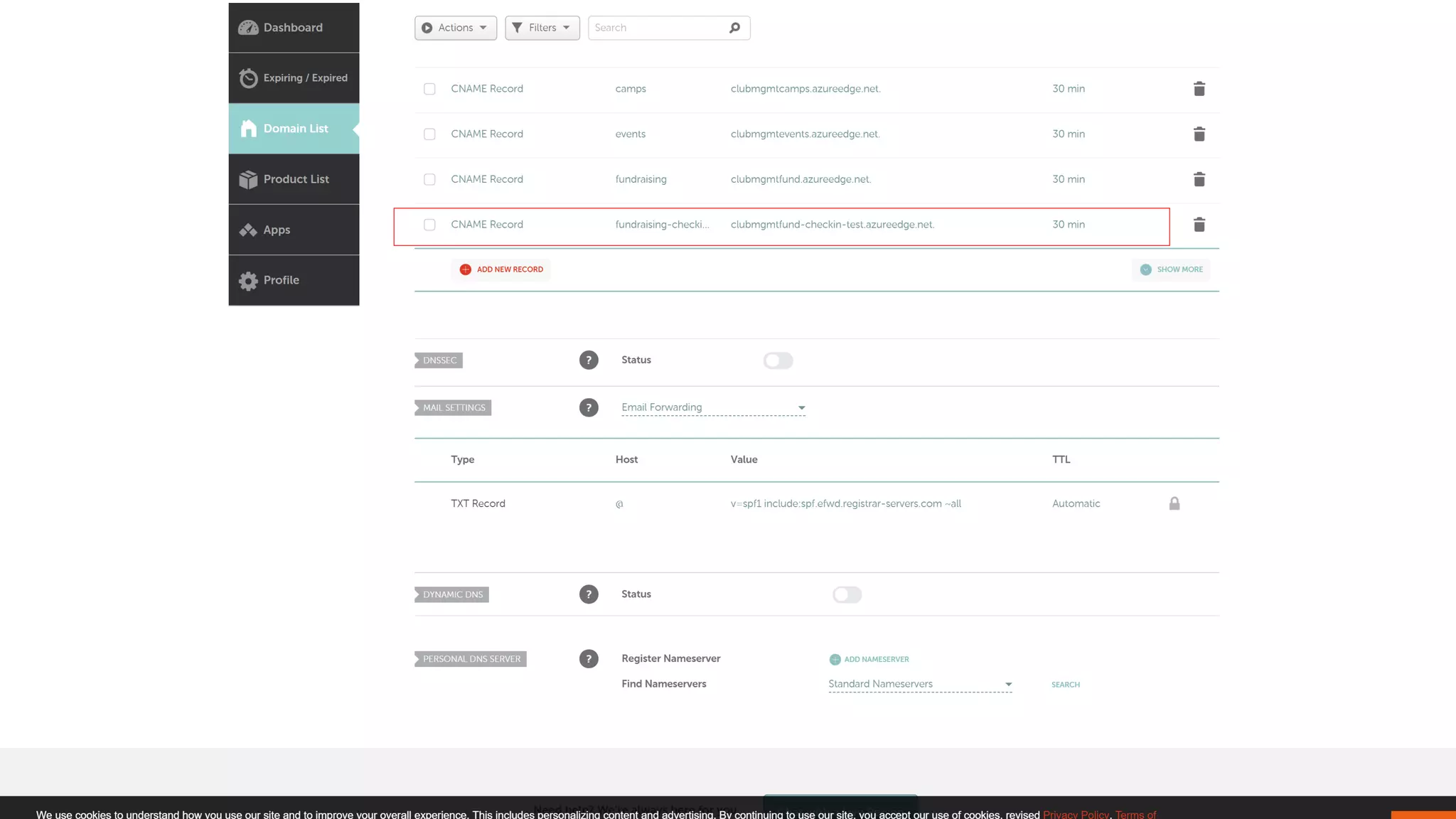
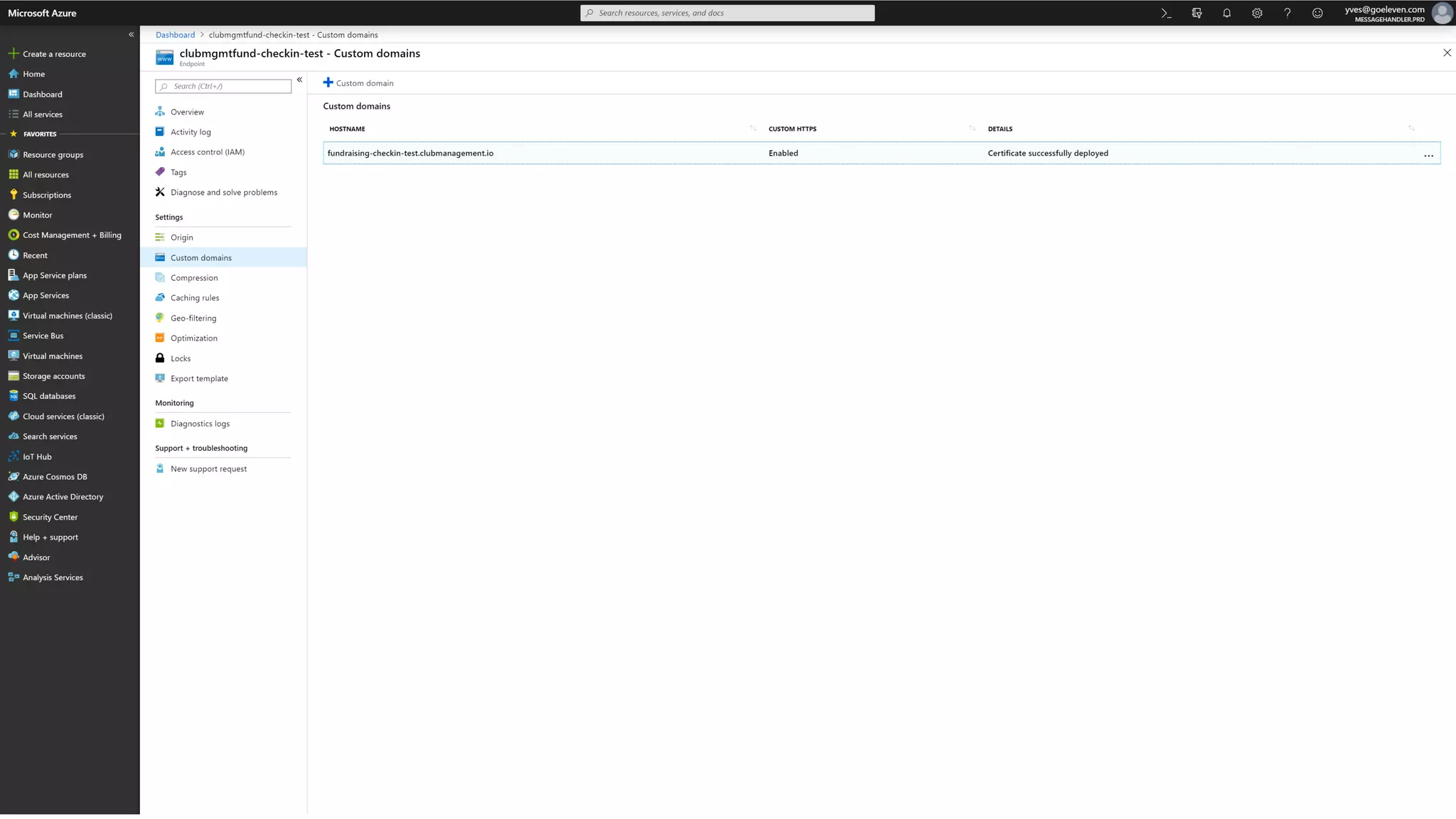
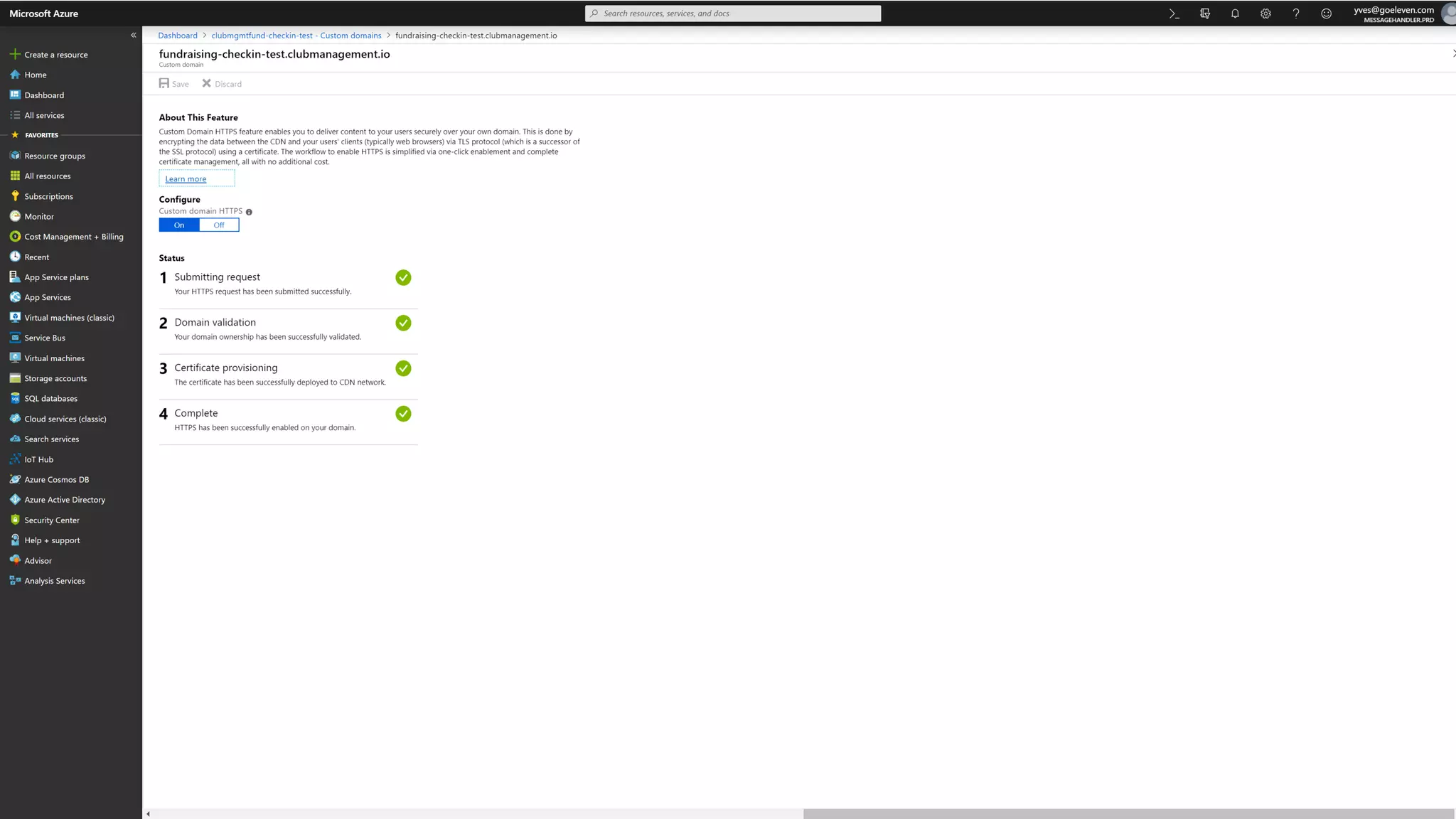
Setting up cheap hosting
Azure
Storage
Azure CDN DNS
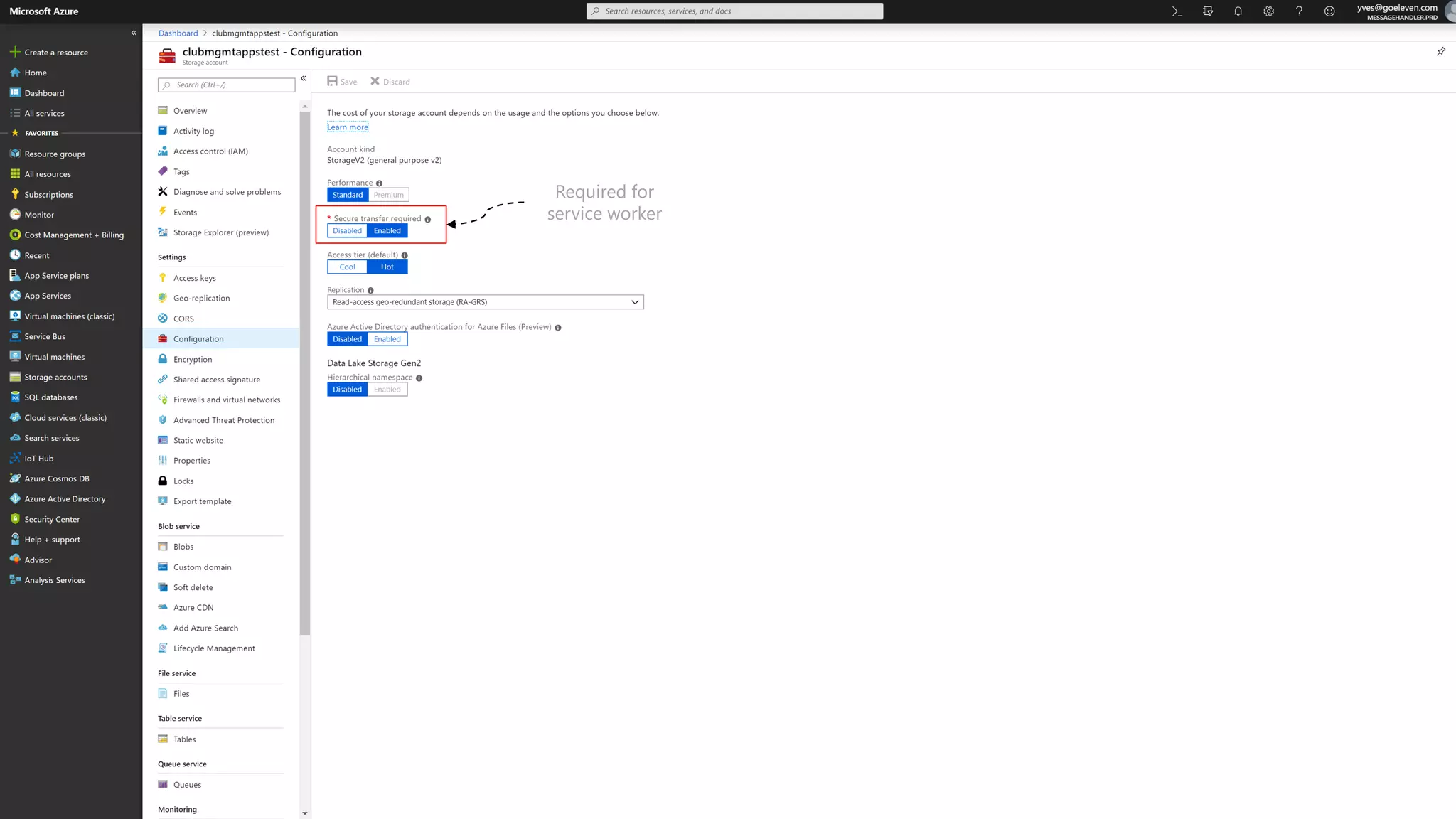
Required for
service worker
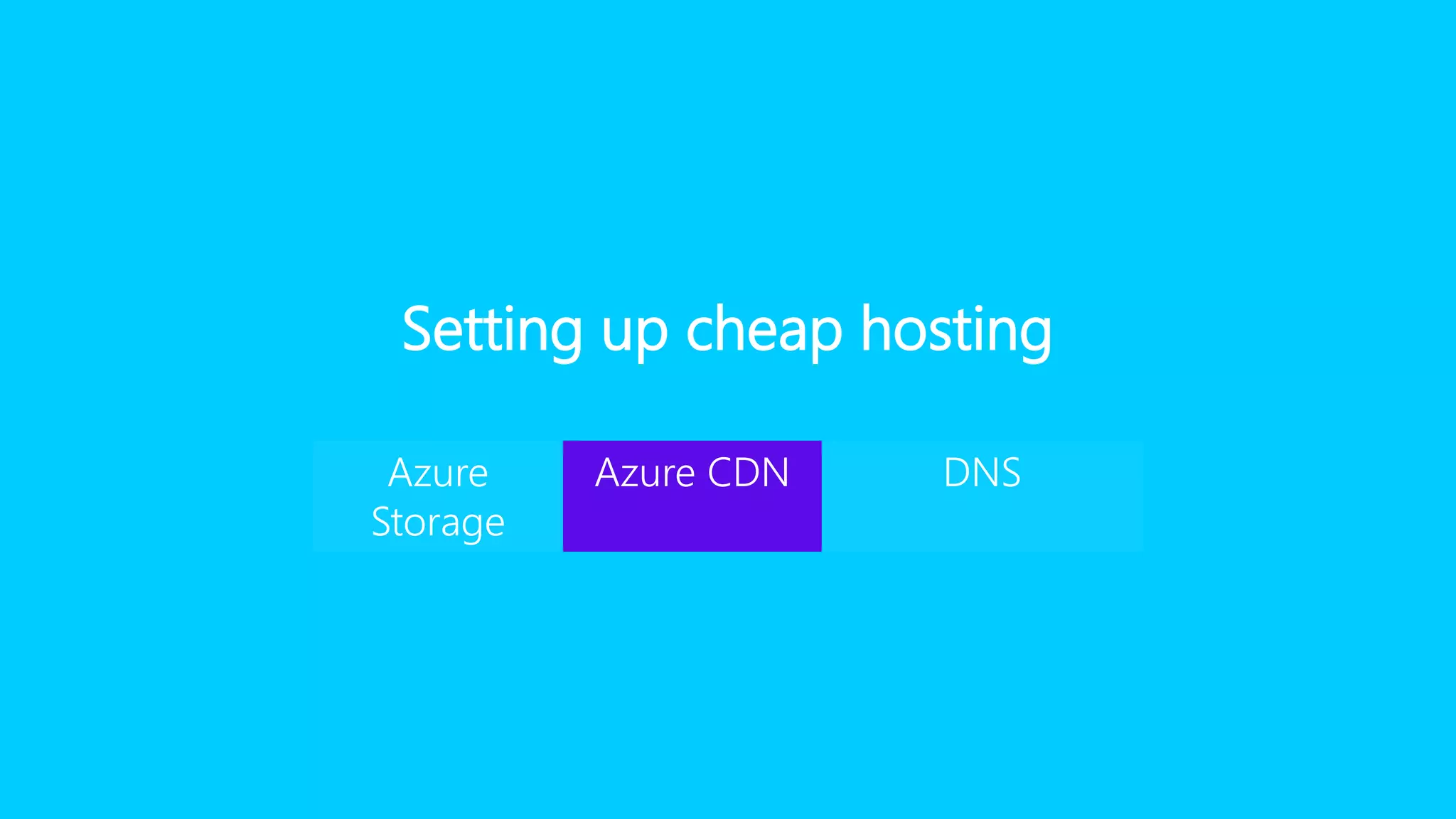
Setting up cheap hosting
Azure
Storage
Azure CDN DNS
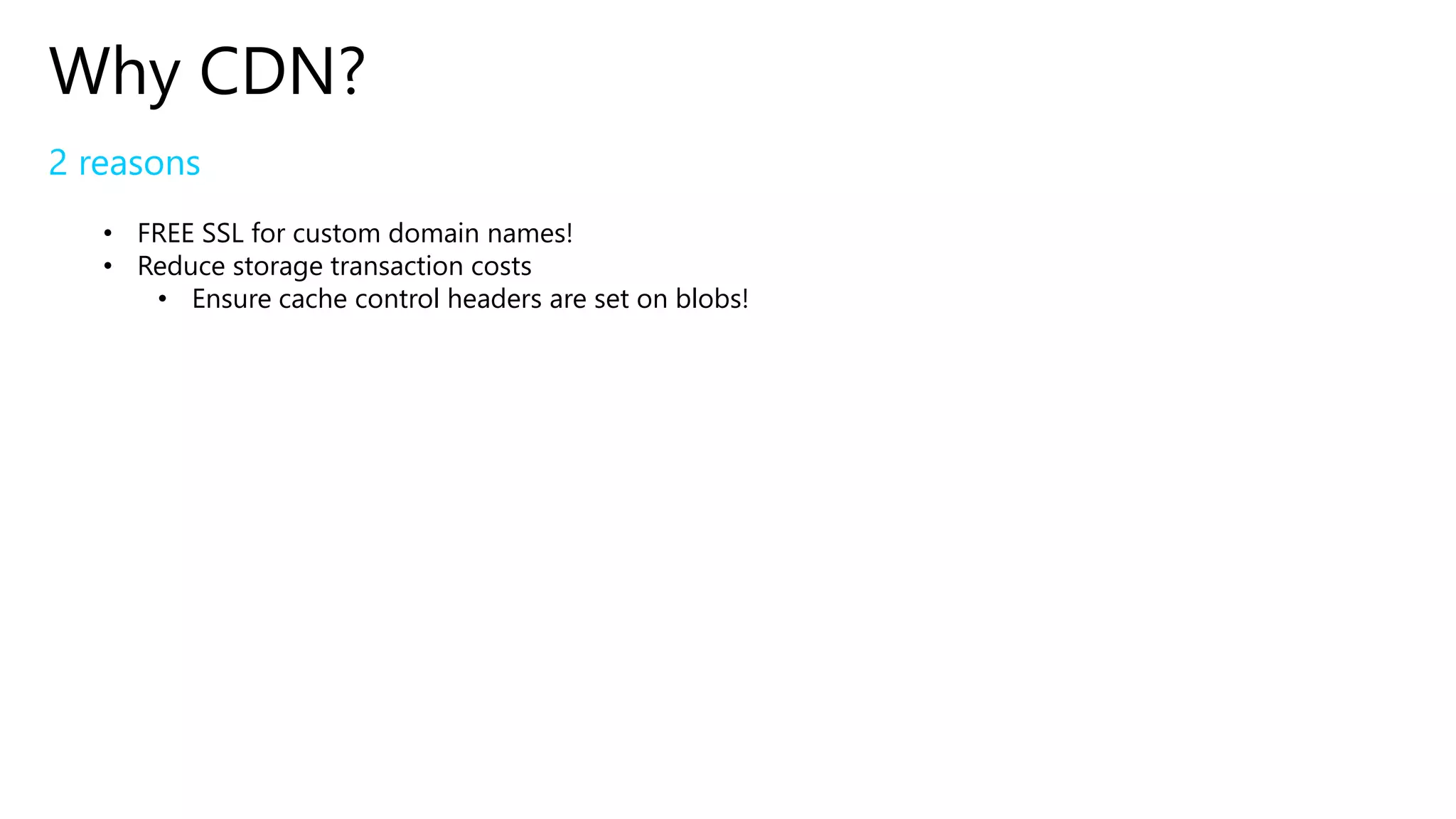
Why CDN?
2 reasons
• FREE SSL for custom domain names!
• Reduce storage transaction costs
• Ensure cache control headers are set on blobs!
Setting up cheap hosting
Azure
Storage
Azure CDN DNS
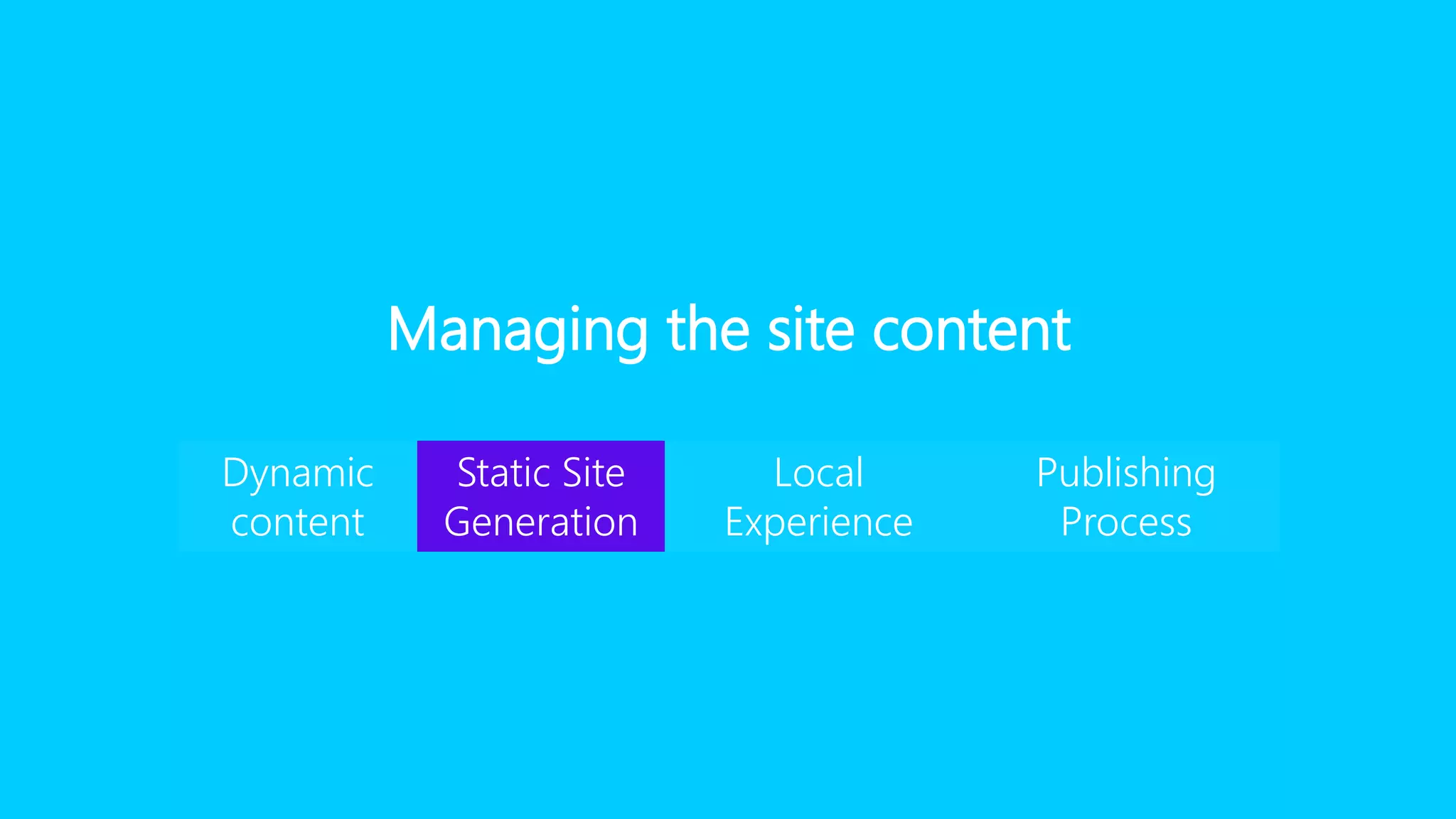
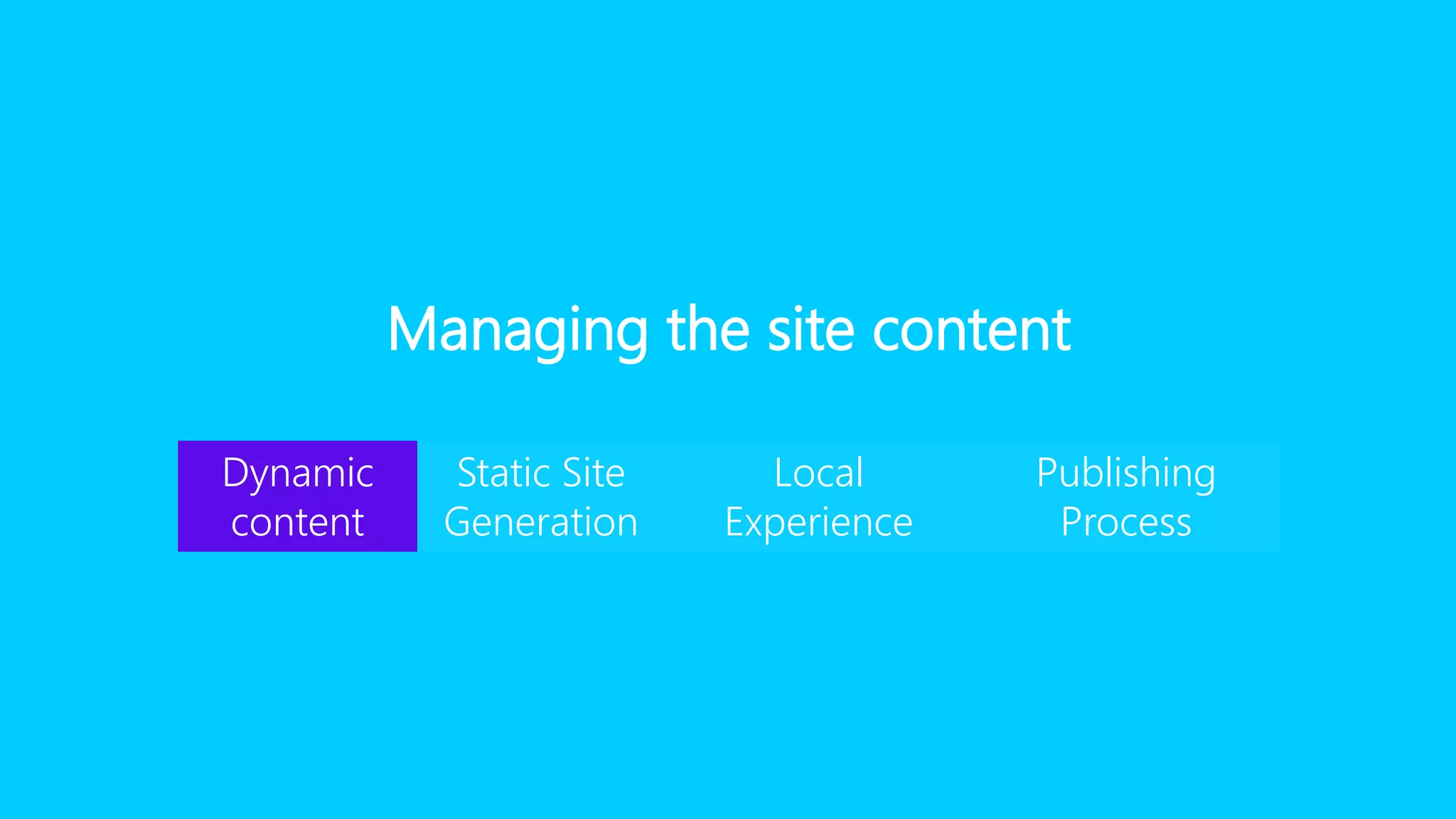
Managing the site content
Dynamic
content
Static Site
Generation
Local
Experience
Publishing
Process
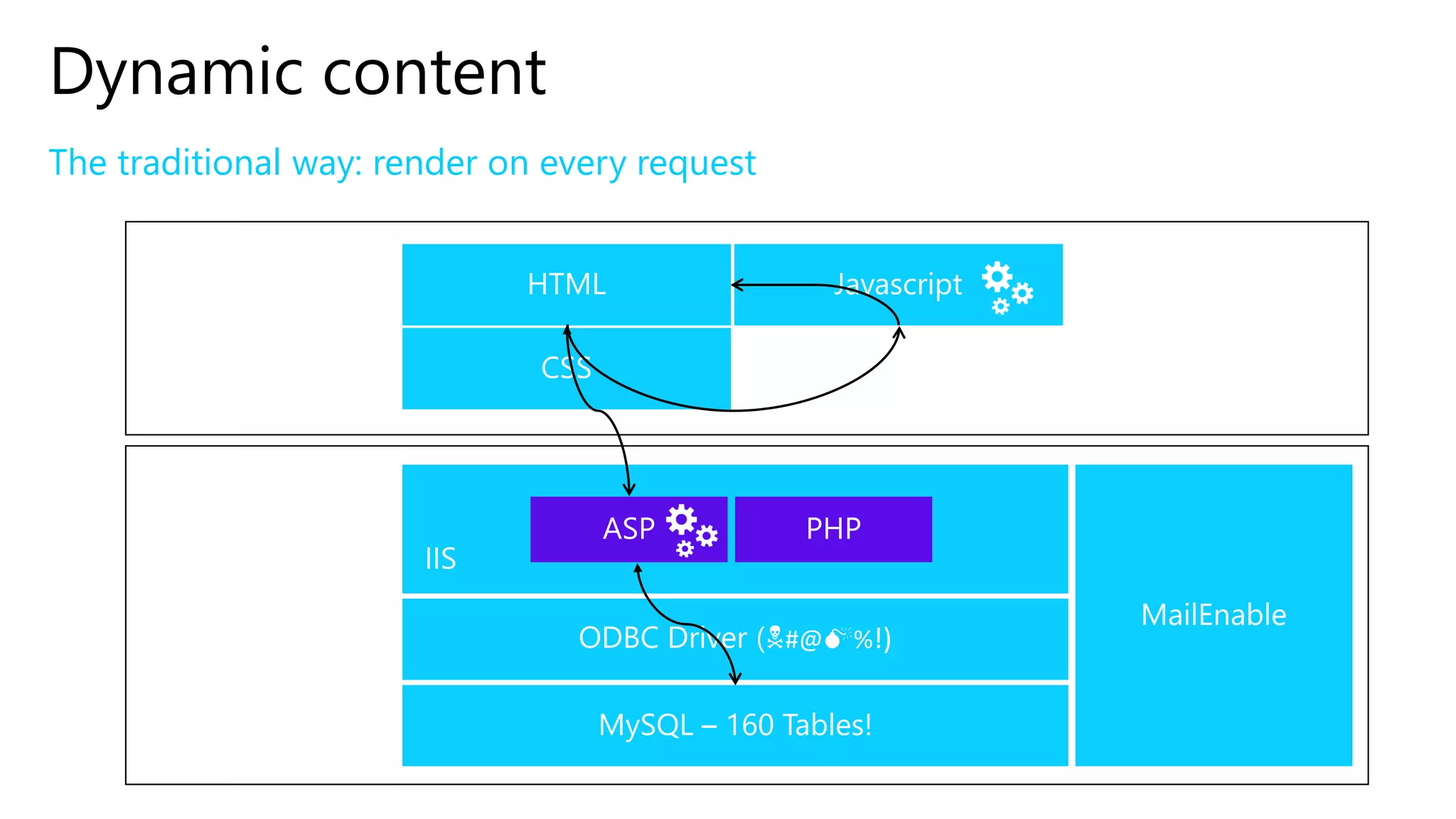
Dynamic content
The traditional way: render on every request
Browser
Server
#@ %!)
Dynamic content
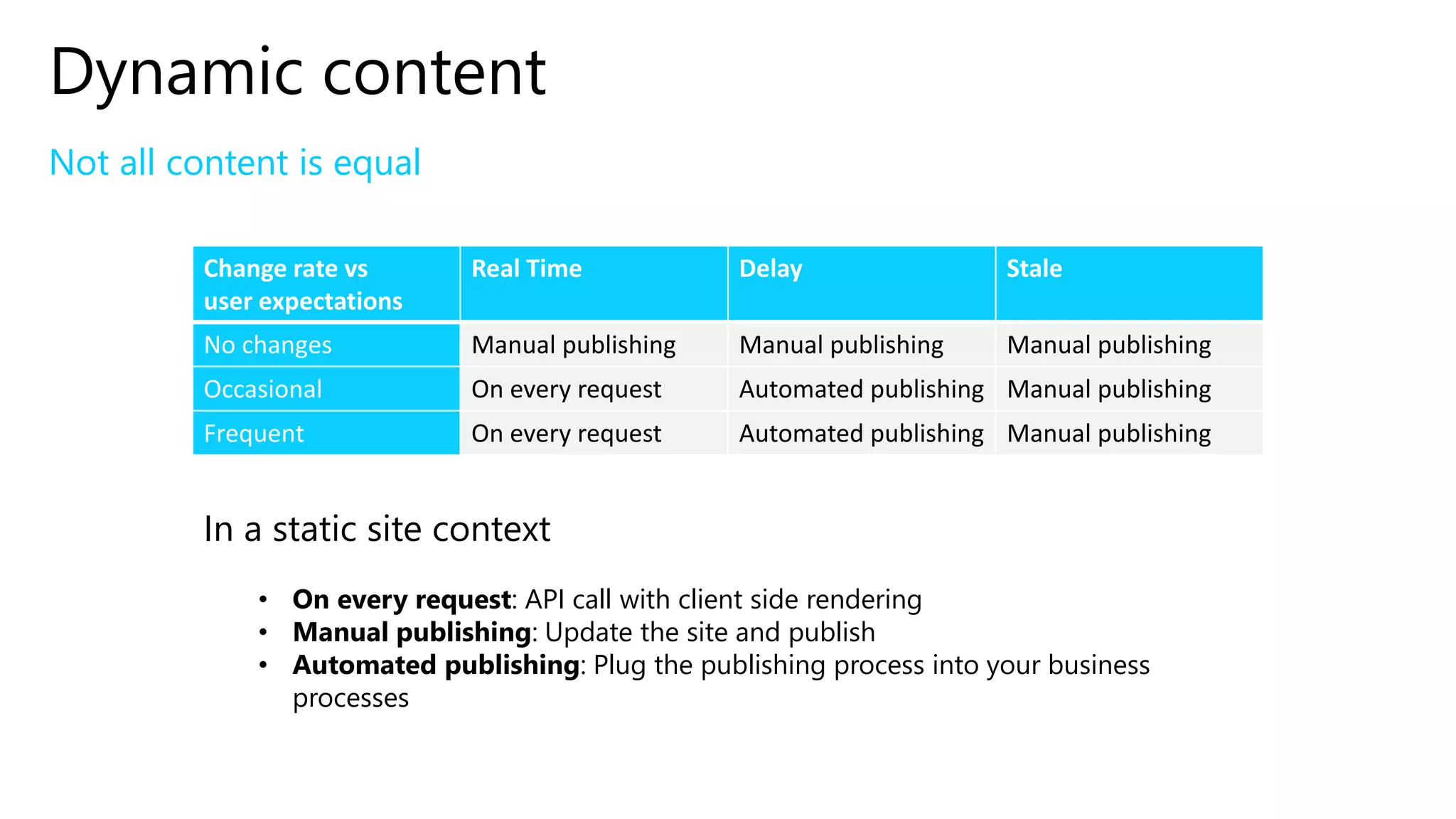
Not all content is equal
Change rate vs
user expectations
Real Time Delay Stale
No changes Manual publishing Manual publishing Manual publishing
Occasional On every request Automated publishing Manual publishing
Frequent On every request Automated publishing Manual publishing
In a static site context
• On every request: API call with client side rendering
• Manual publishing: Update the site and publish
• Automated publishing: Plug the publishing process into your business
processes
Managing the site content
Dynamic
content
Static Site
Generation
Local
Experience
Publishing
Process
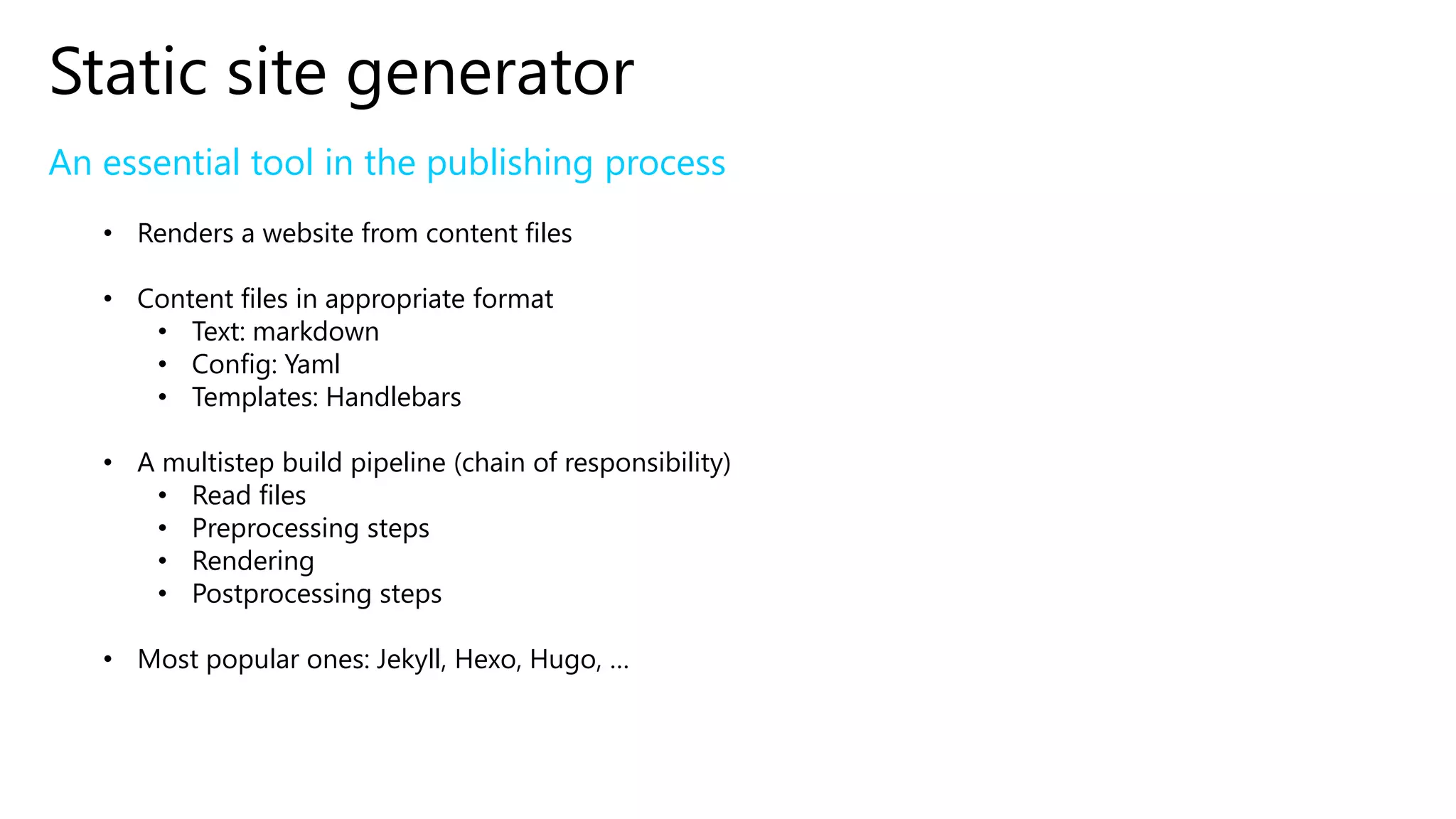
Static site generator
An essential tool in the publishing process
• Renders a website from content files
• Content files in appropriate format
• Text: markdown
• Config: Yaml
• Templates: Handlebars
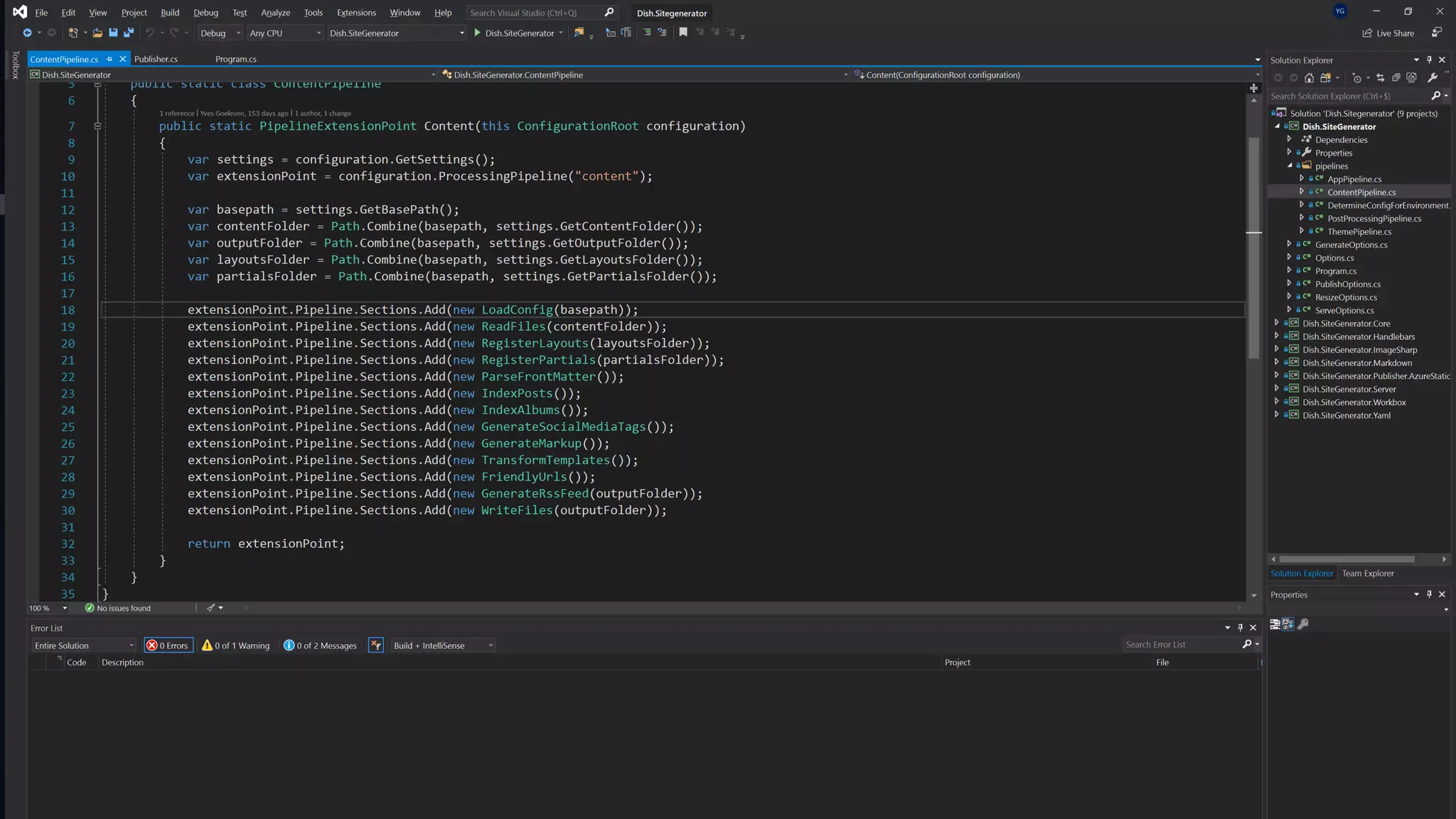
• A multistep build pipeline (chain of responsibility)
• Read files
• Preprocessing steps
• Rendering
• Postprocessing steps
• Most popular ones: Jekyll, Hexo, Hugo, …
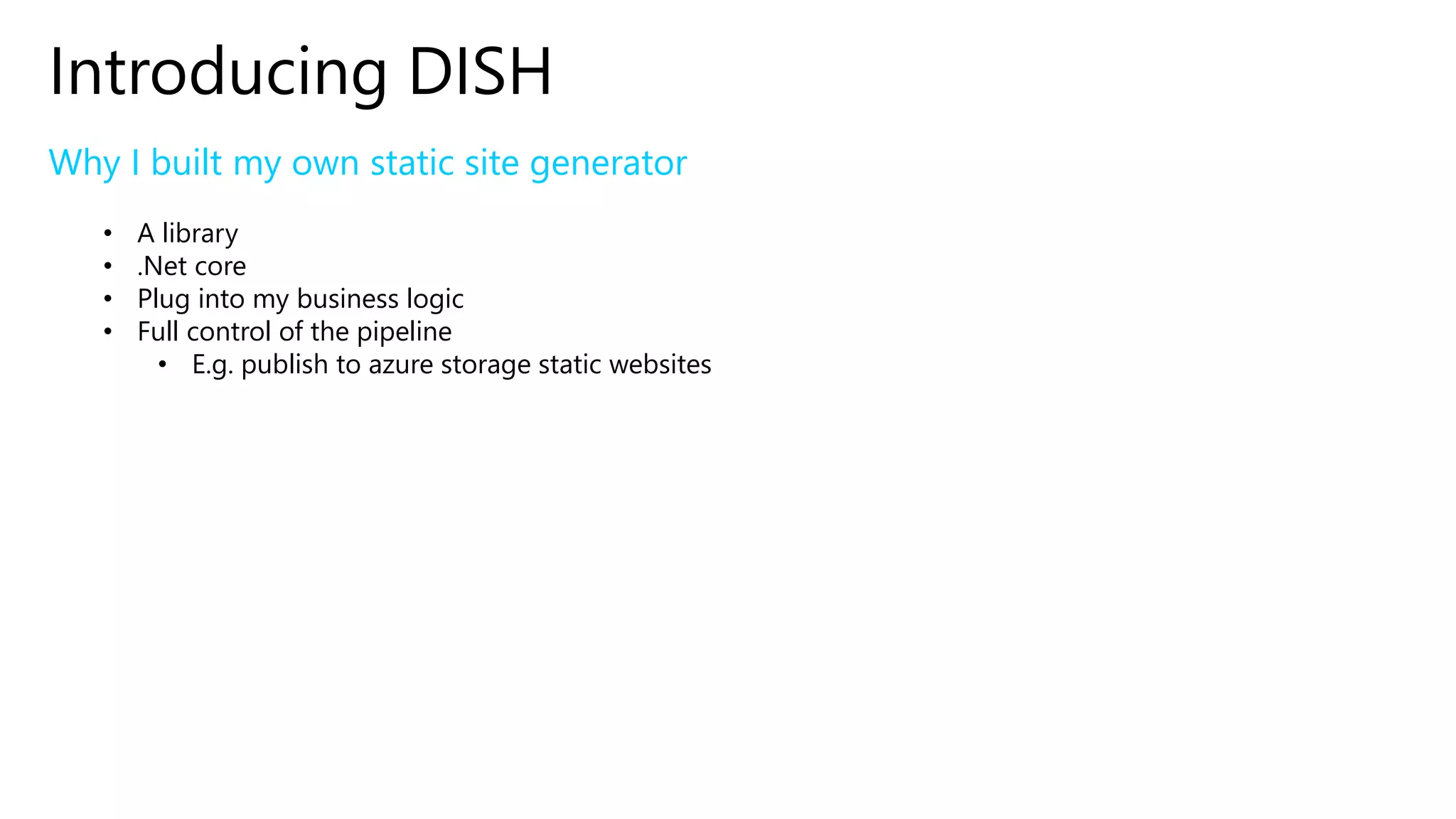
Introducing DISH
Why I built my own static site generator
• A library
• .Net core
• Plug into my business logic
• Full control of the pipeline
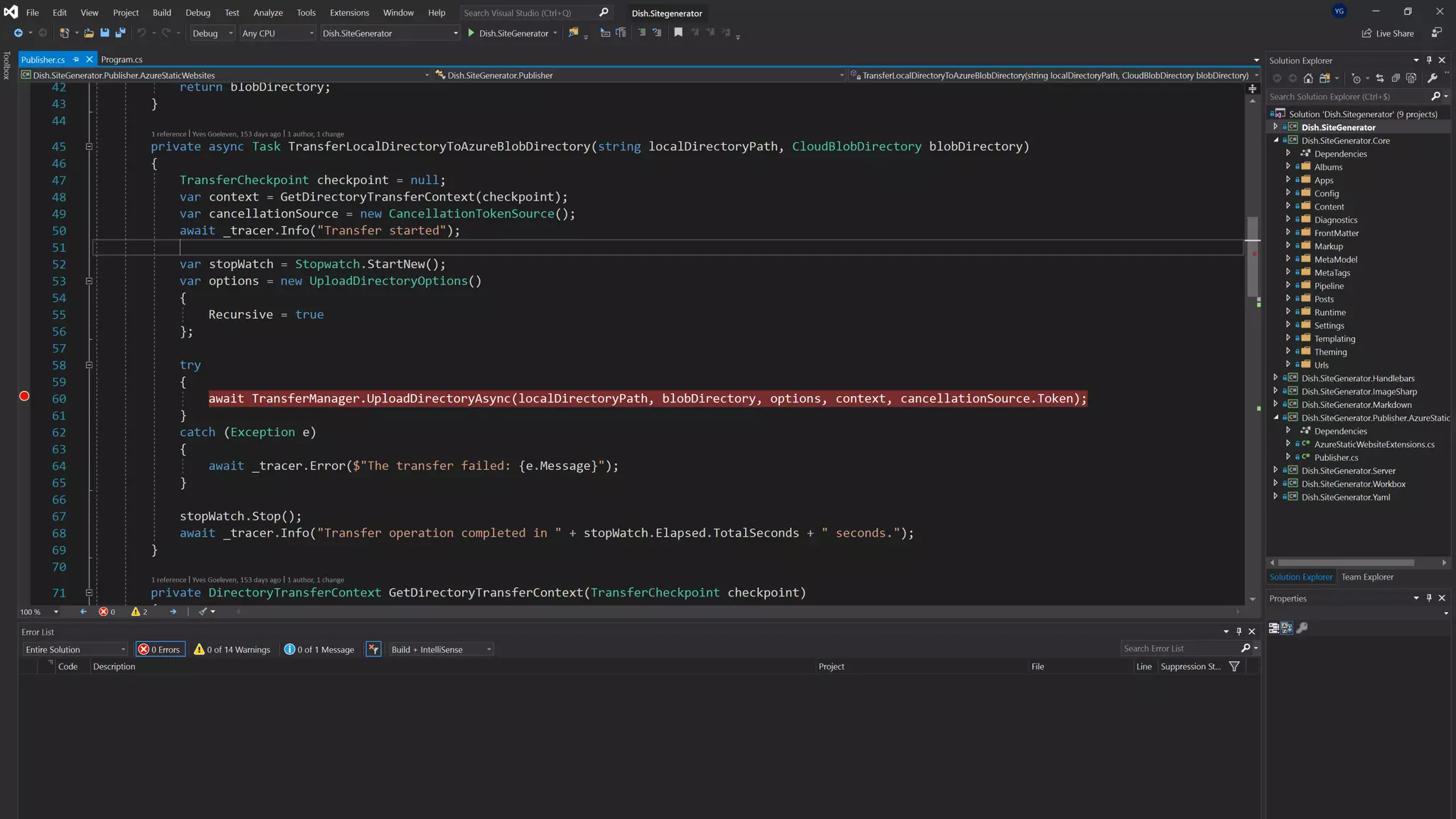
• E.g. publish to azure storage static websites
Managing the site content
Dynamic
content
Static Site
Generation
Local
Experience
Publishing
Process
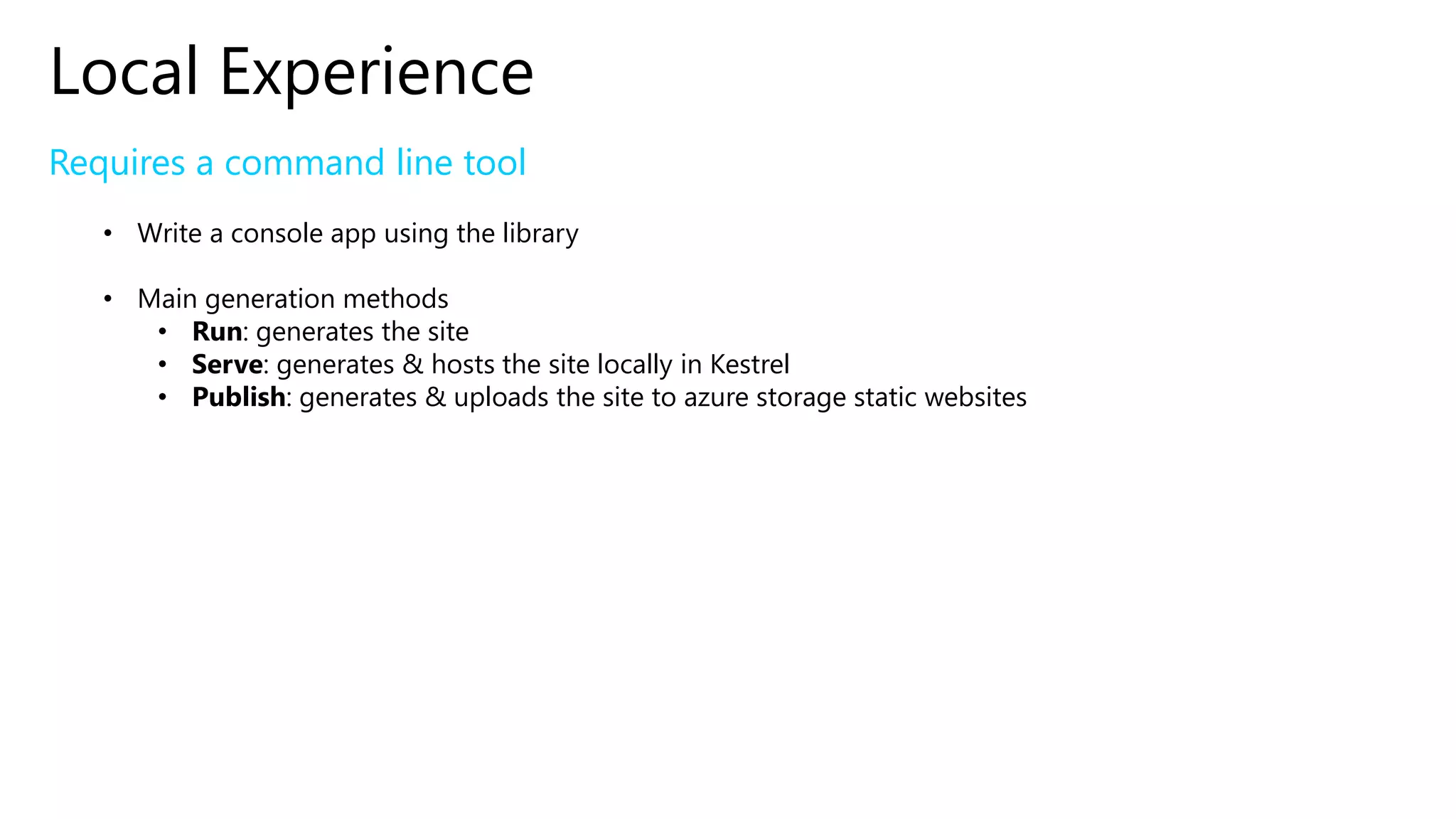
Local Experience
Requires a command line tool
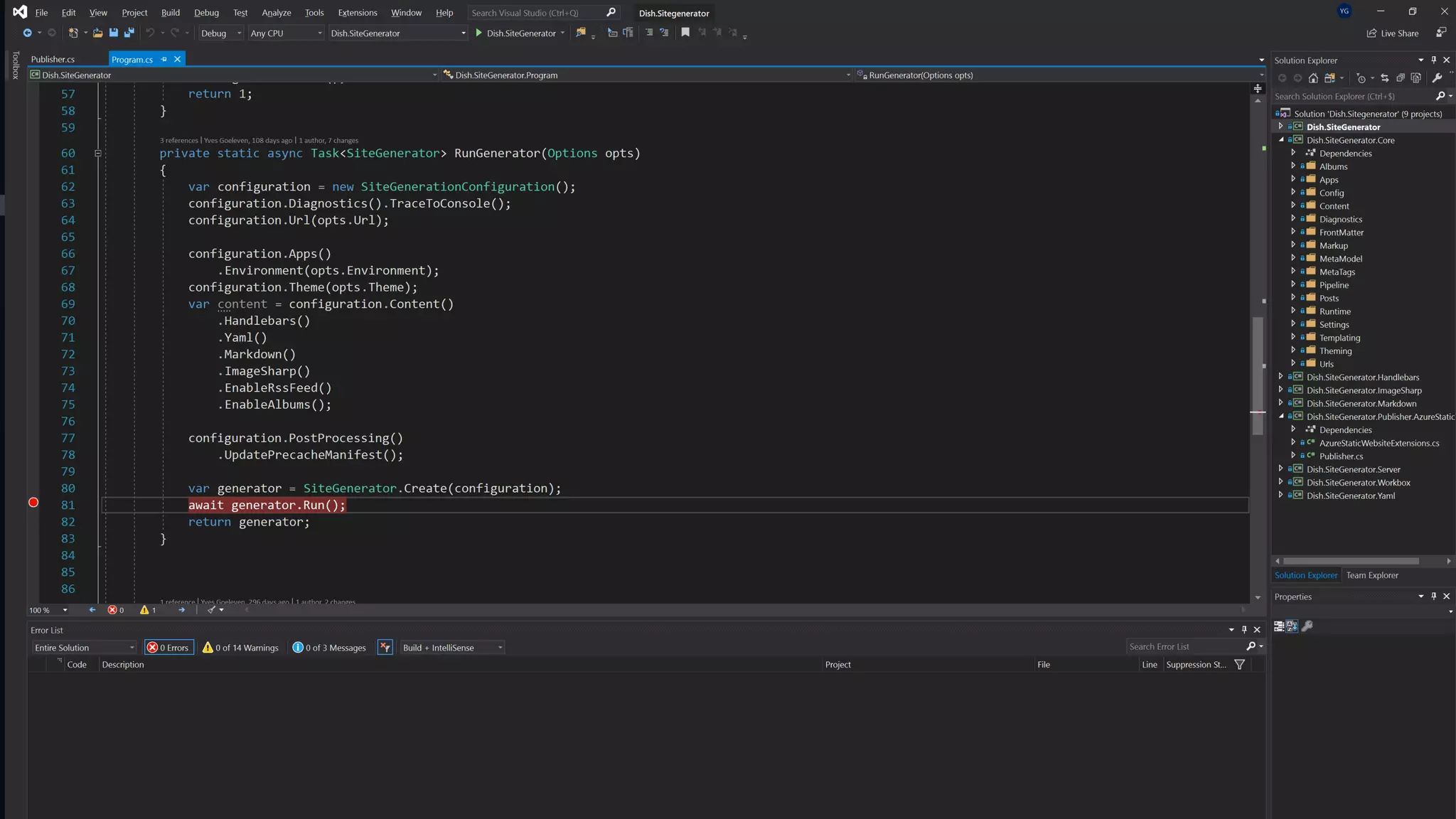
• Write a console app using the library
• Main generation methods
• Run: generates the site
• Serve: generates & hosts the site locally in Kestrel
• Publish: generates & uploads the site to azure storage static websites
Managing the site content
Dynamic
content
Static Site
Generation
Local
Experience
Publishing
Process
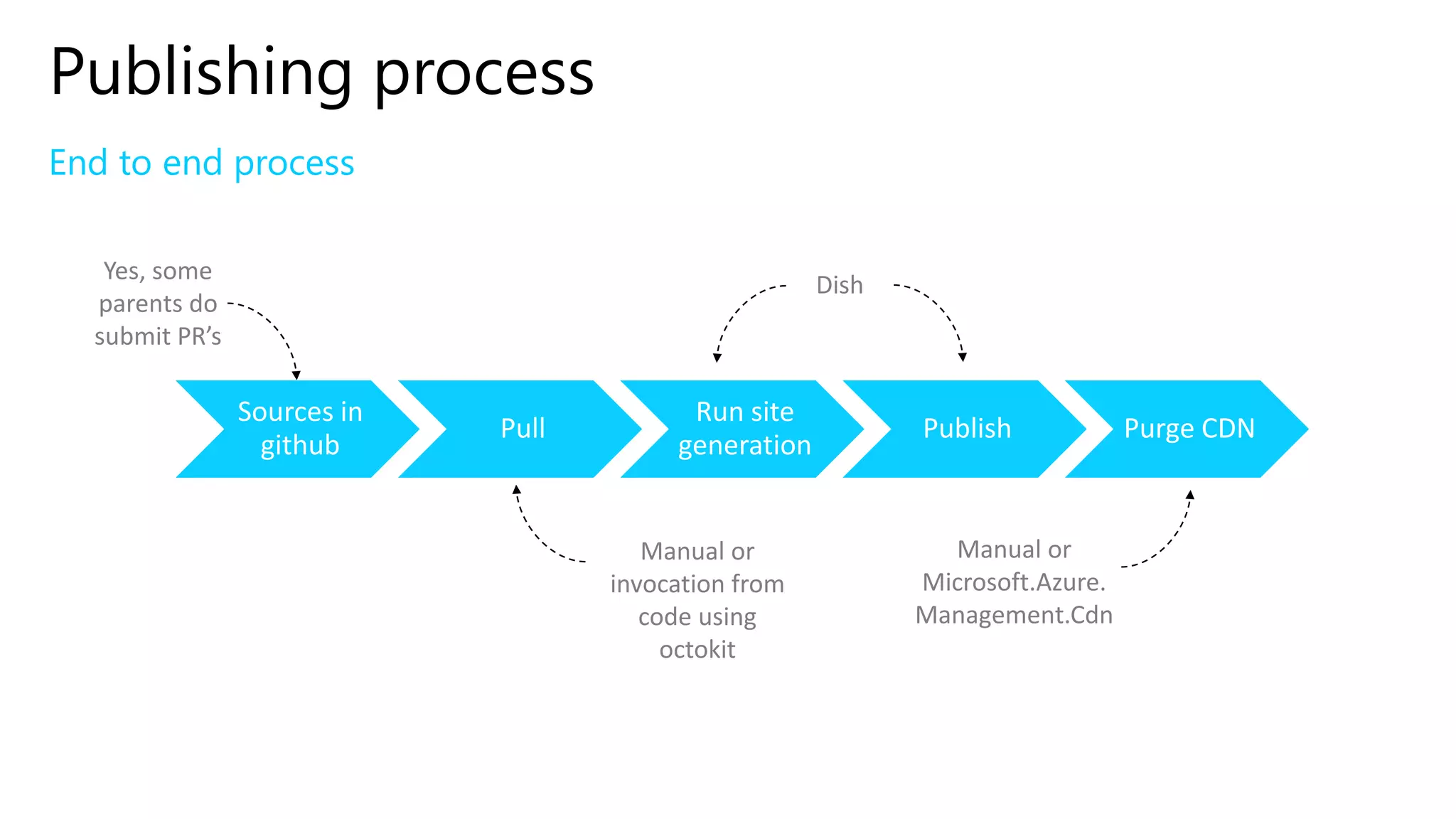
Publishing process
End to end process
Sources in
github
Pull
Run site
generation
Publish Purge CDN
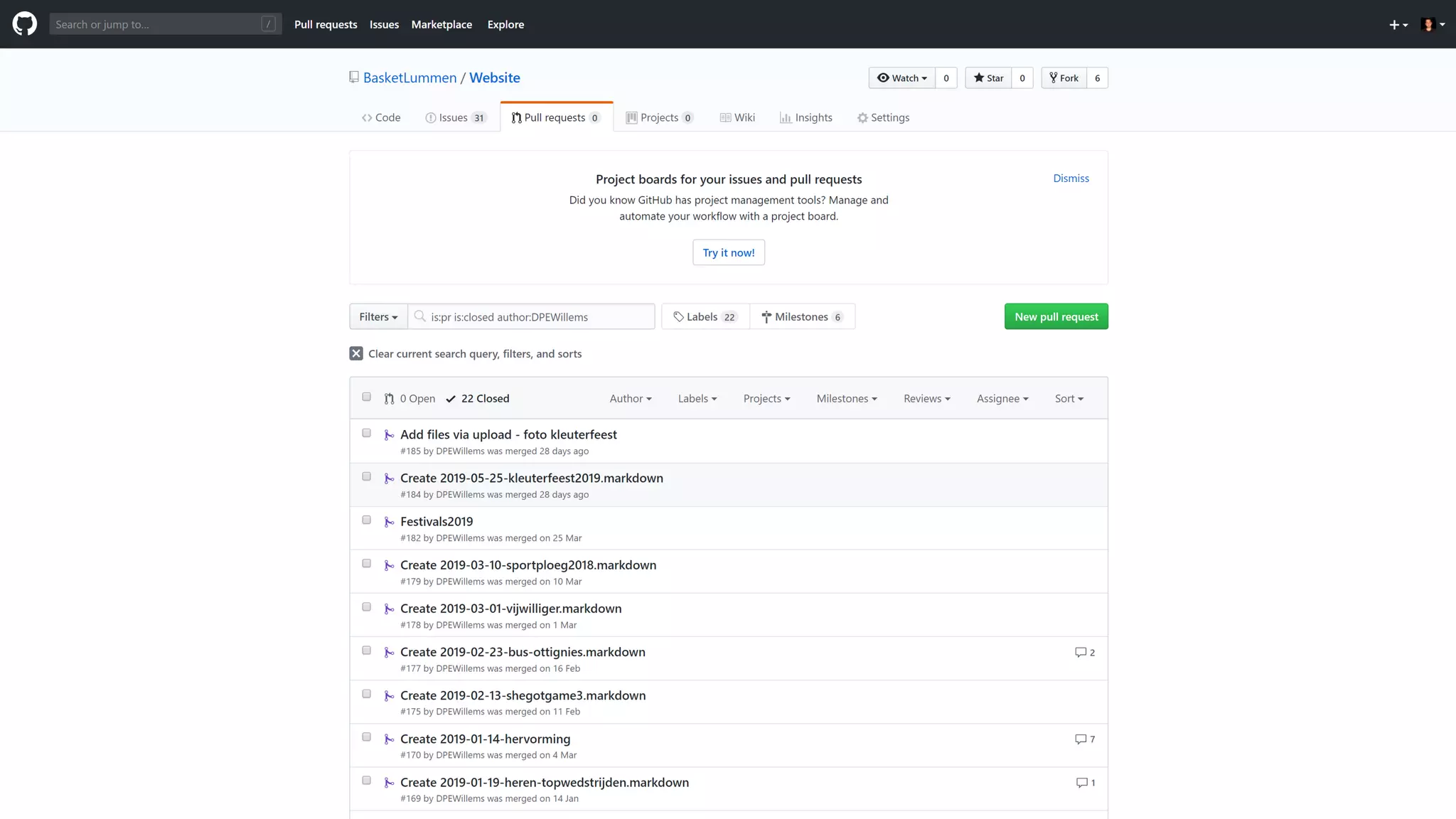
Yes, some
parents do
submit PR’s
Dish
Manual or
Microsoft.Azure.
Management.Cdn
Manual or
invocation from
code using
octokit
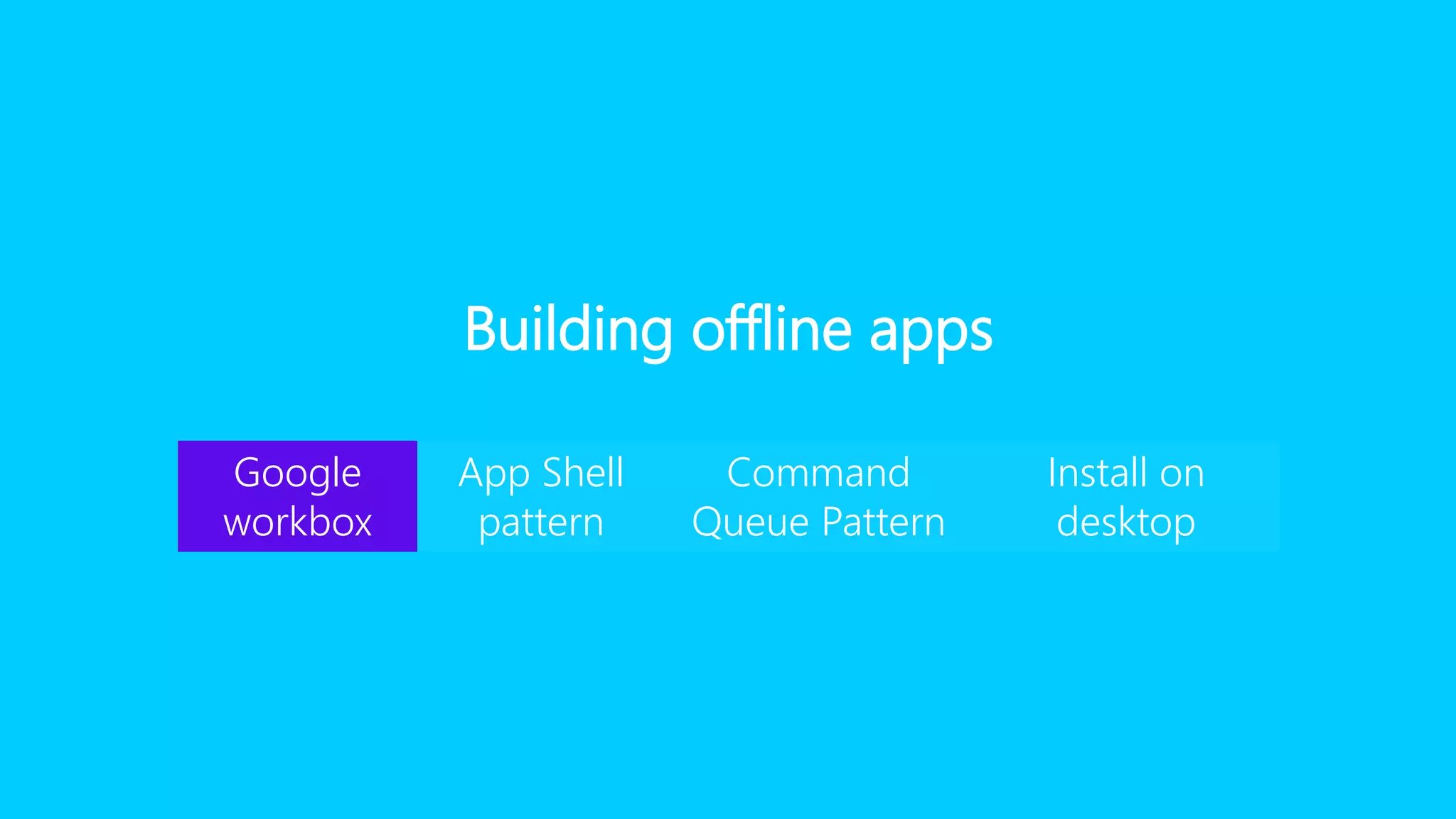
Building offline apps
Google
workbox
App Shell
pattern
Command
Queue Pattern
Install on
desktop
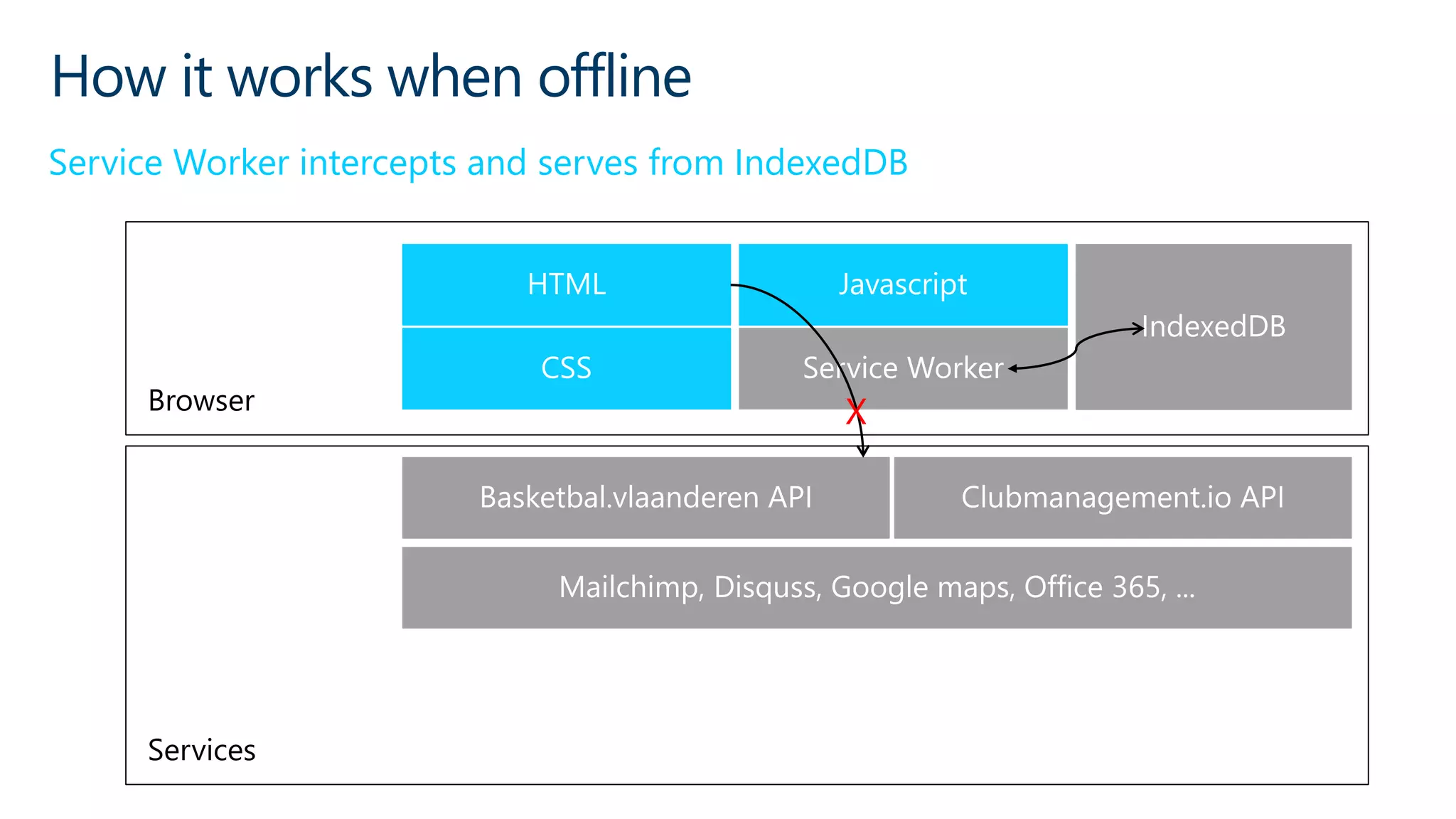
How it works when offline
Service Worker intercepts and serves from IndexedDB
Browser
Services
X
Service Worker
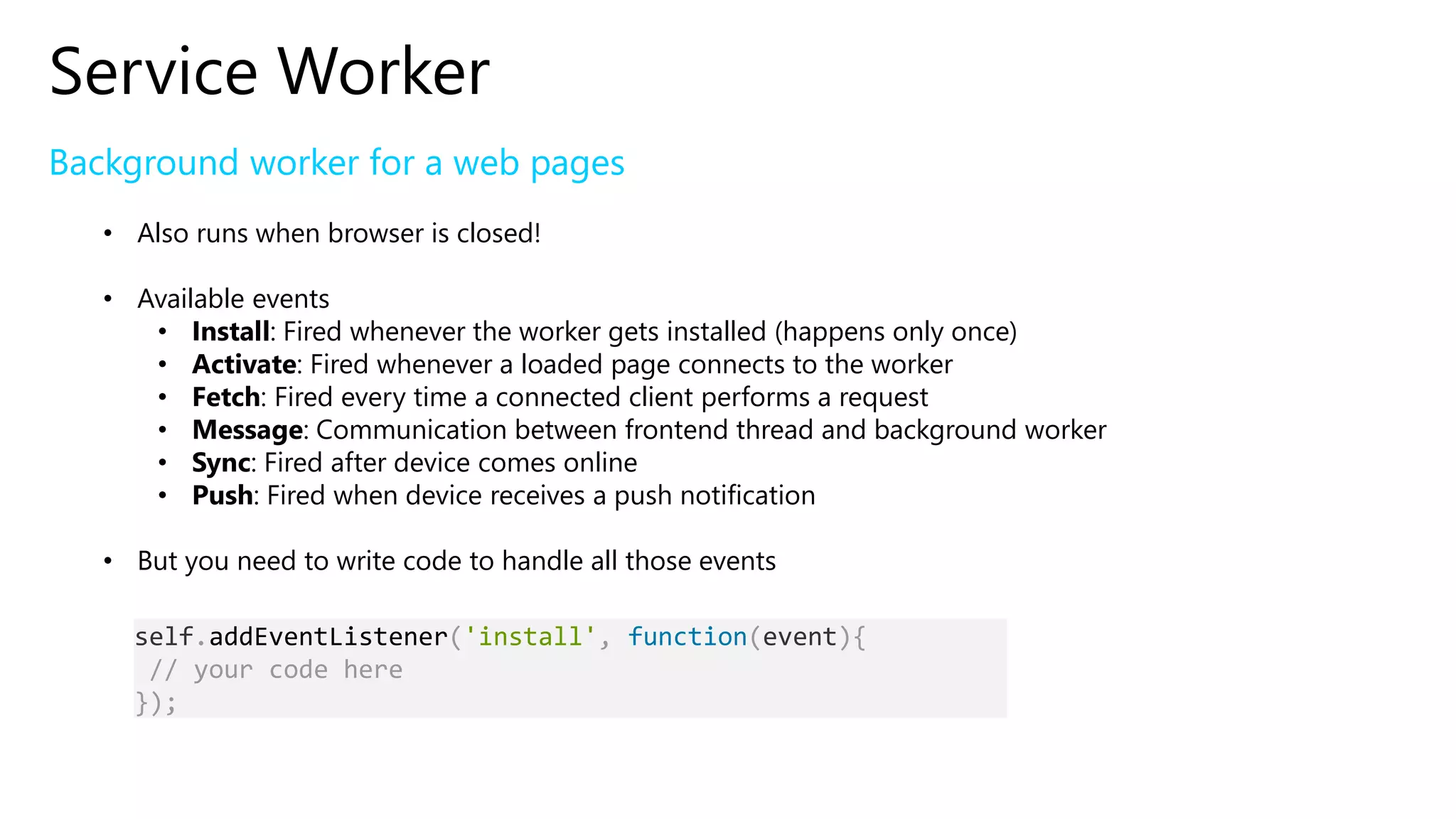
Background worker for a web pages
• Also runs when browser is closed!
• Available events
• Install: Fired whenever the worker gets installed (happens only once)
• Activate: Fired whenever a loaded page connects to the worker
• Fetch: Fired every time a connected client performs a request
• Message: Communication between frontend thread and background worker
• Sync: Fired after device comes online
• Push: Fired when device receives a push notification
• But you need to write code to handle all those events
self.addEventListener('install', function(event){
// your code here
});
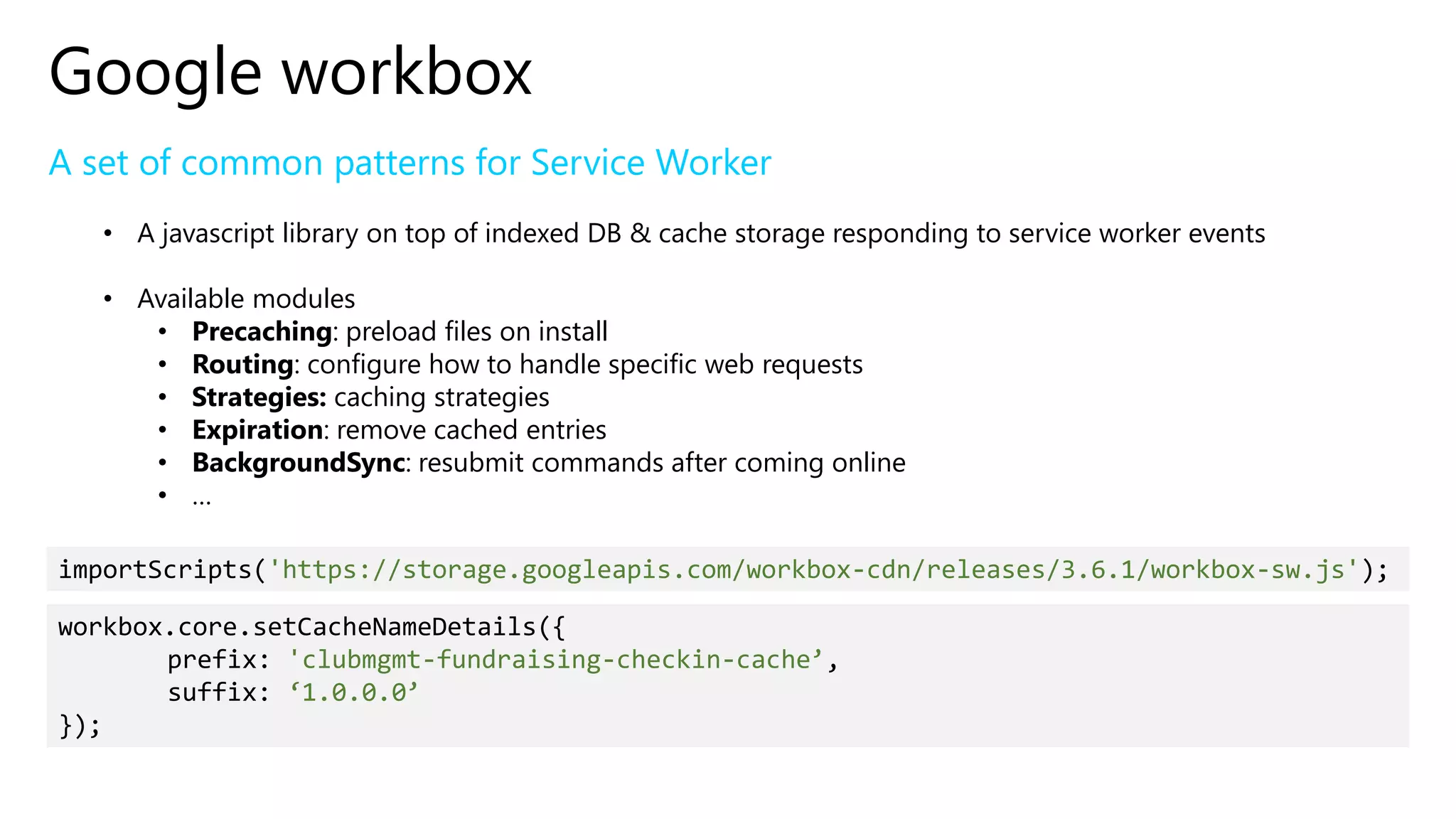
Google workbox
A set of common patterns for Service Worker
• A javascript library on top of indexed DB & cache storage responding to service worker events
• Available modules
• Precaching: preload files on install
• Routing: configure how to handle specific web requests
• Strategies: caching strategies
• Expiration: remove cached entries
• BackgroundSync: resubmit commands after coming online
• …
importScripts('https://storage.googleapis.com/workbox-cdn/releases/3.6.1/workbox-sw.js');
workbox.core.setCacheNameDetails({
prefix: 'clubmgmt-fundraising-checkin-cache’,
suffix: ‘1.0.0.0’
});
Building offline apps
Google
workbox
App Shell
pattern
Command
Queue Pattern
Install on
desktop
App Shell pattern
‘Installation’ of all files of the web app
• Service worker ‘Install’ event
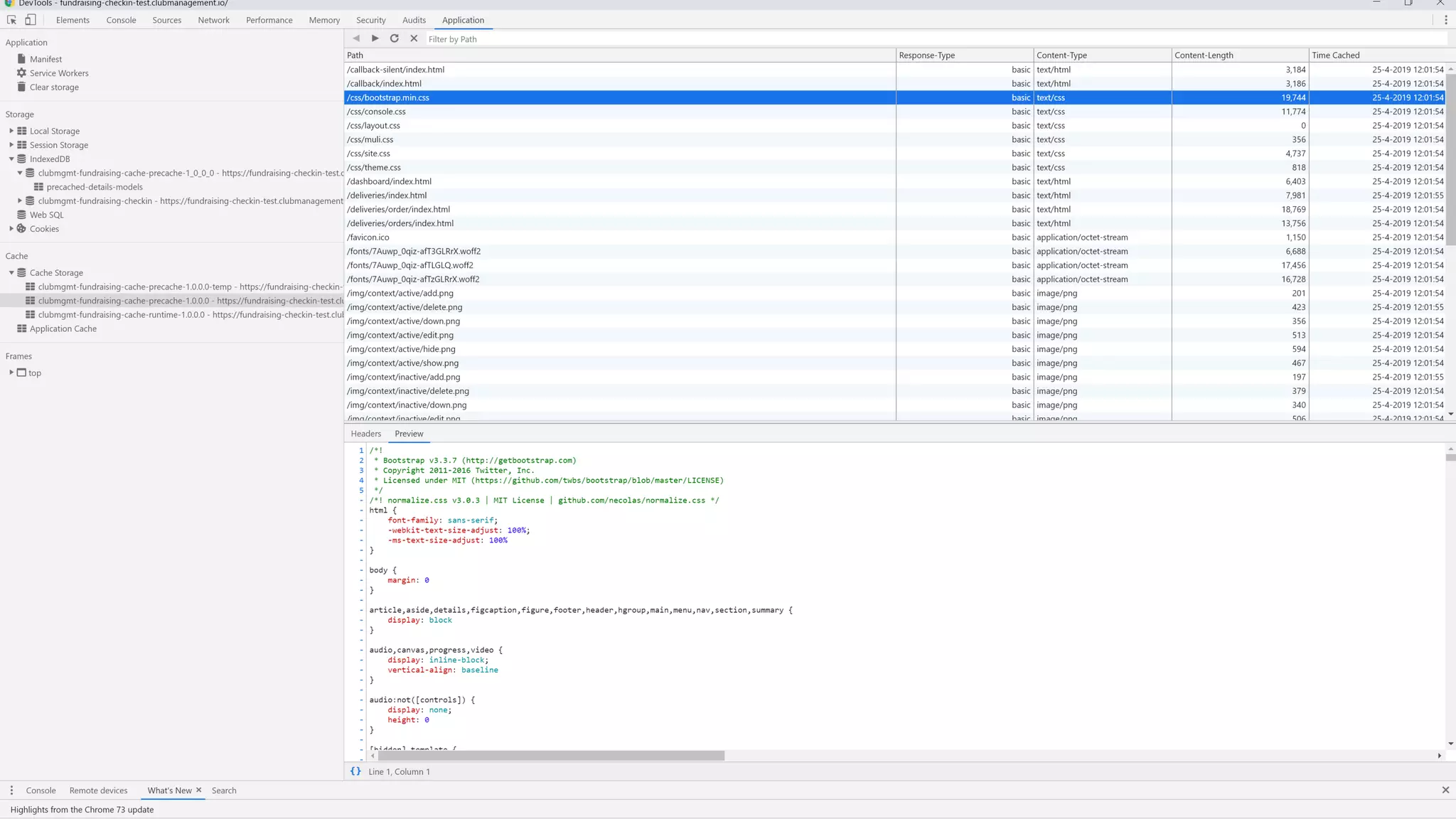
• All essential files for the app will be downloaded and cached
• Route with a ‘Cache-first’ policy: Cache Falling Back to Network
• Files must be versioned
• Revision hashes generated by Dish postprocessing step
• Embed hashes, service worker file must change for changes to take effect
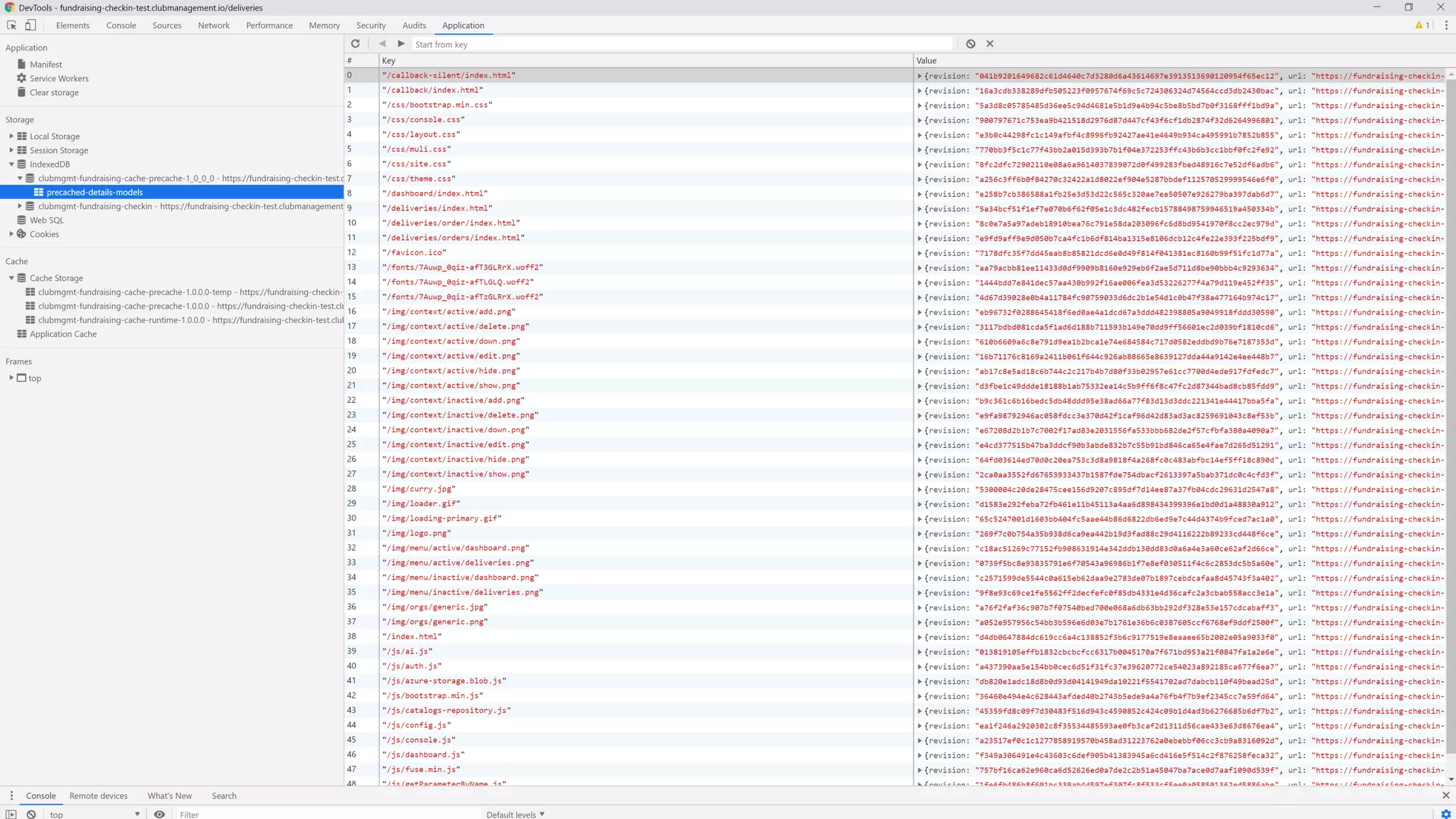
• Your app shell can run offline now, future pages served from cache
workbox.precaching.precacheAndRoute(self.__precacheManifest || []);
self.__precacheManifest = [
{ url:’/index.html', revision: '16a3cdb338289d….74564ccd3db2430bac’ },
{ url:'/css/bootstrap.min.css', revision: '5a3d8c05785485d3….8b5bd7b0f3168fff1bd9a' },
{ url:'/css/console.css', revision: '900797671c753ea9b421….f1db2874f32d6264996801' },
….
]
Building offline apps
Google
workbox
App Shell
pattern
Command
Queue Pattern
Install on
desktop
Command Queue pattern
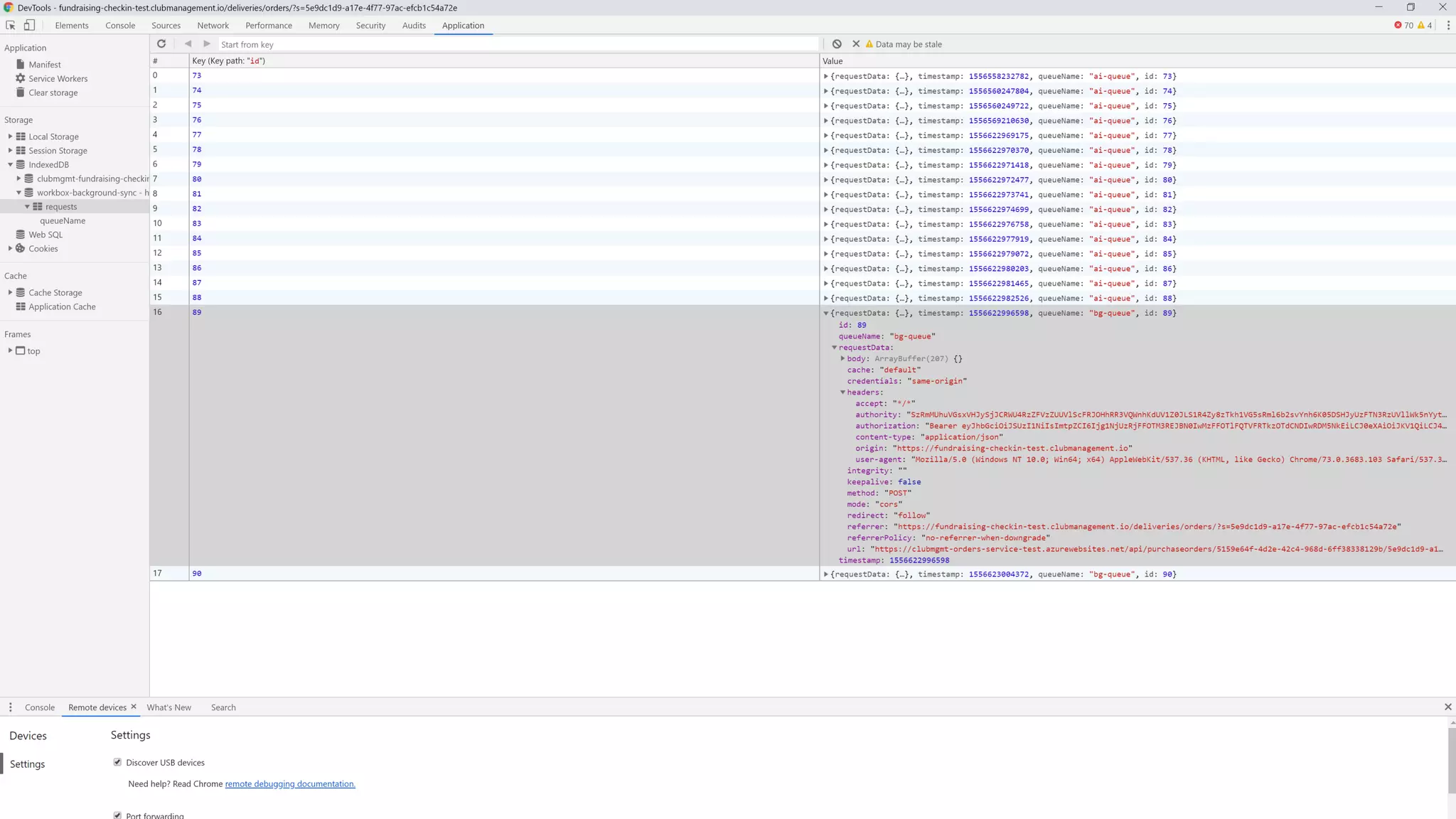
‘Store and forward’ command requests when offline
• Store ‘POST’, ‘PUT’ & ‘DELETE’ requests on failure to send
const queue = new workbox.backgroundSync.Queue('bg-queue', {
onSync: replayRequests,
maxRetentionTime: 7 * 24 * 60 // Retry for max a week
});
const bgSync = {
fetchDidFail: async ({ request }) => {
await queue.pushRequest({ request });
}
}
workbox.routing.registerRoute(
/.+/api/.+/,
new workbox.strategies.NetworkOnly({
plugins: [bgSync]
}),
'POST'
);
Command Queue pattern
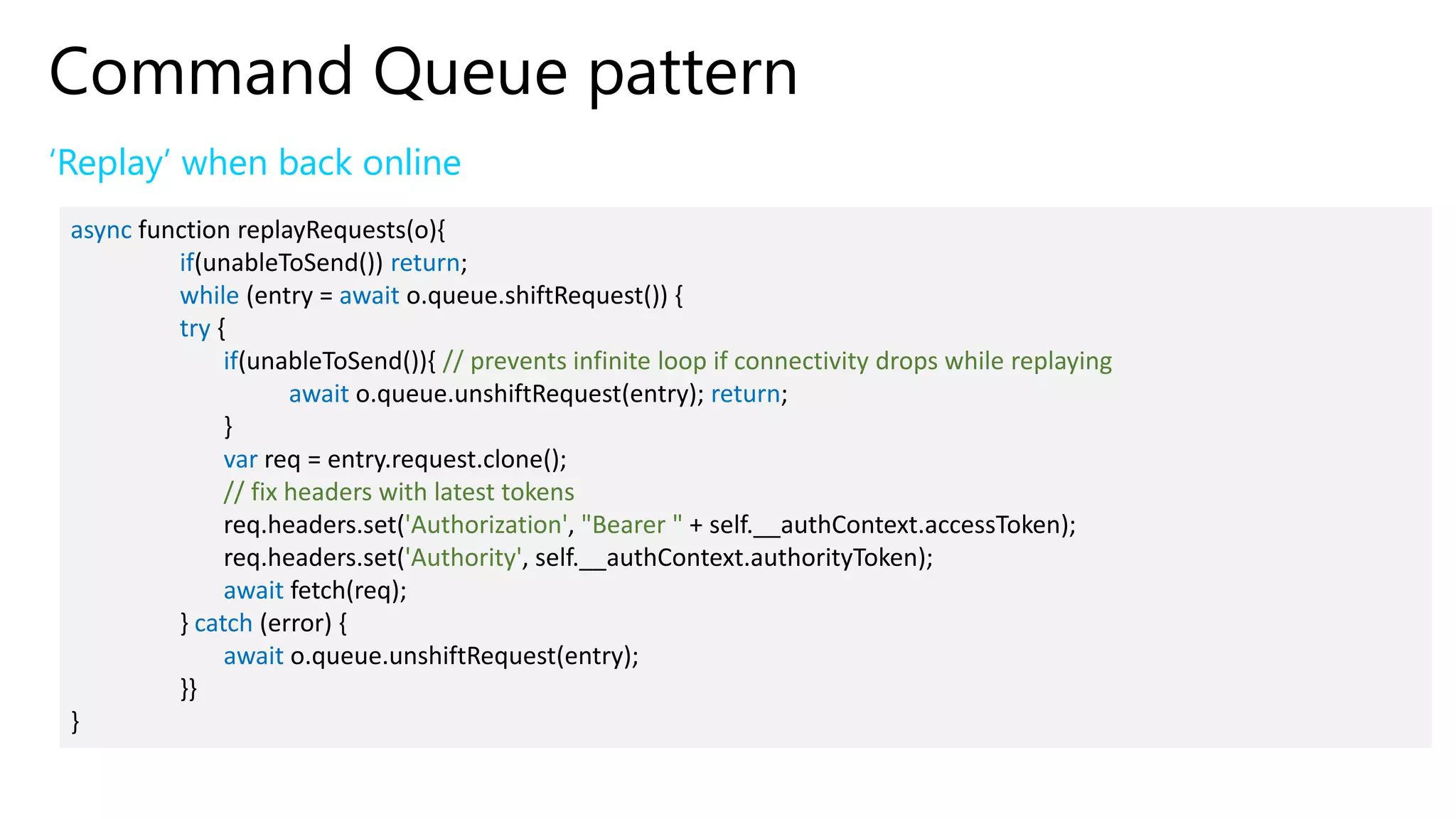
‘Replay’ when back online
async function replayRequests(o){
if(unableToSend()) return;
while (entry = await o.queue.shiftRequest()) {
try {
if(unableToSend()){ // prevents infinite loop if connectivity drops while replaying
await o.queue.unshiftRequest(entry); return;
}
var req = entry.request.clone();
// fix headers with latest tokens
req.headers.set('Authorization', "Bearer " + self.__authContext.accessToken);
req.headers.set('Authority', self.__authContext.authorityToken);
await fetch(req);
} catch (error) {
await o.queue.unshiftRequest(entry);
}}
}
Building offline apps
Google
workbox
App Shell
pattern
Command
Queue Pattern
Install on
desktop
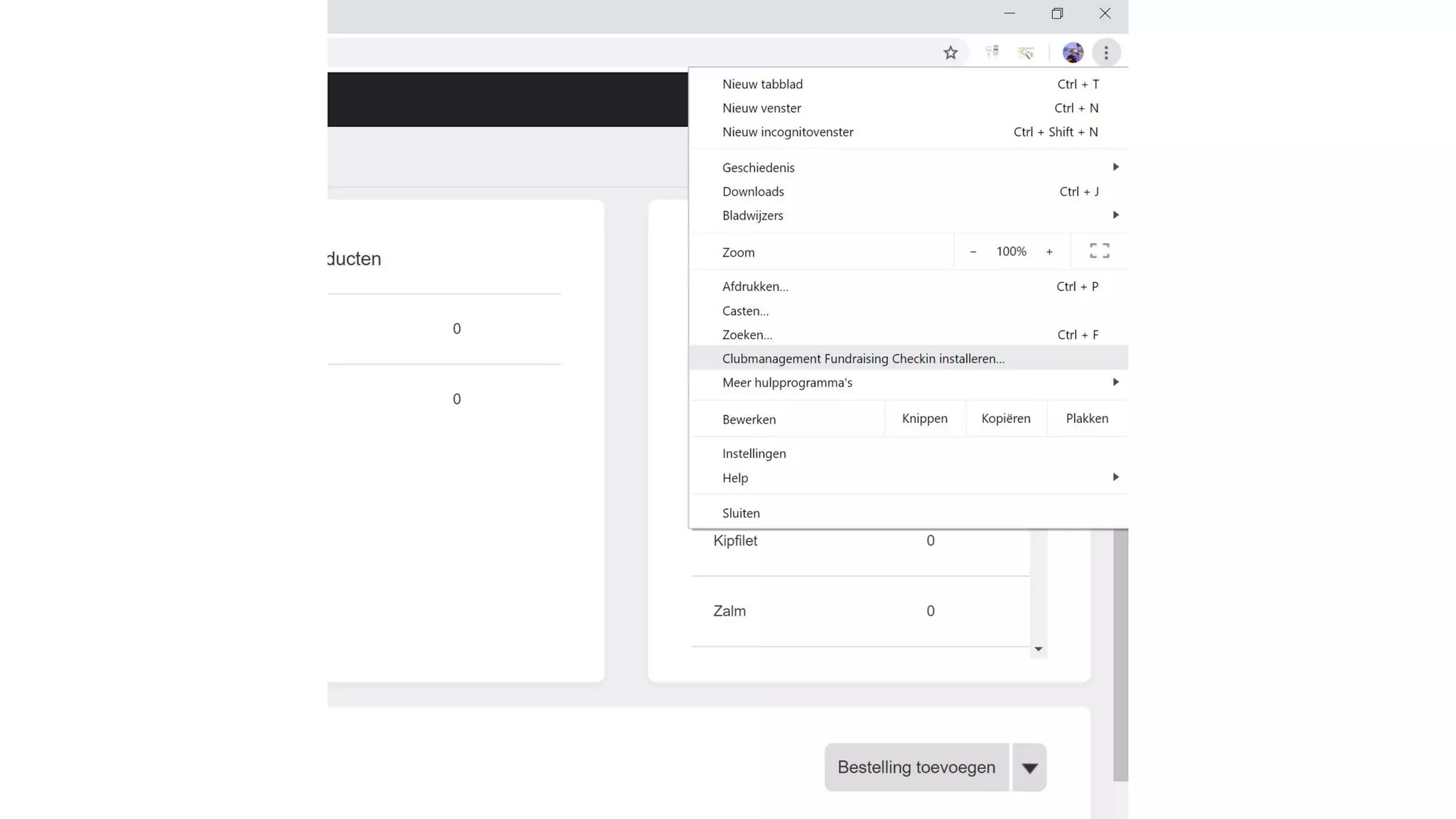
Install on desktop
Progressive Web App behaves like a mobile or desktop app
• Install experience
• Desktop
• Mobile
• Home screen / desktop icon
• Minimal requirements
• Manifest.json file
• HTTPS
• Service Worker
Web App Manifest
Manifest.json
{
"short_name": "Clubmanagement Checkin",
"name": "Clubmanagement Fundraising Checkin",
"description": "An offline tool for handling check-ins at fundraising events",
"lang": "nl-BE",
"icons": [{ "src": "/img/logo_256.png", "type": "image/png", "sizes": "256x256"},
{ "src": "/img/logo_192.png", "type": "image/png", "sizes": "192x192“},
{ "src": "/img/logo_512.png", "type": "image/png", "sizes": "512x512"}],
"start_url": "/dashboard/",
"background_color": "#EEEEEE",
"theme_color": "#00A5D5",
"display": "standalone",
"related_applications": [{
"platform": "web",
"url": "https://fundraising-checkin.clubmanagement.io"
}]
}
Ready for revenge
of the static website ?
Conclusion
Static websites provide a great client development platform
• It’s cheap!
• It’s simple!
• Single codebase for any app (PWA)
• Web, desktop & mobile apps!
• Offline
Q&A

Back to the 90s' - Revenge of the static website

  • 2.
    Yves Goeleven Solution Architect& Azure MVP • Particular Software / NServiceBus • Side projects • MessageHandler: Event stream processing & event sourcing framework • Dish: Static site generator • ClubManagement.io: Progressive Web Apps for managing sports clubs • Azure MVP since 2010 • Co-founder & board member @ AZUG.be • Board member @ Basket Lummen This means I’m old & develop software
  • 4.
    Web development A briefhistory with major milestones 1993 Today1995 First browser war! Client side incompatibilities, but you could standardize on IE 1996 2004 Second browser war! More browsers, more incompatibilities 20092007 Third browser war! Battle against mobile leads to standardization 2012
  • 5.
    Revenge of thestatic website
  • 6.
    Why? 3 reasons • It’scheap! • It’s simple! • Single codebase for any app (PWA) • Web, desktop & mobile apps! • Offline
  • 7.
    The story ofbasketlummen.be
  • 12.
    The story ofbasketlummen.be Cost Model Simple Architecture Offline App
  • 13.
  • 15.
  • 16.
    More value forless money New site is a lot bigger than the old one
  • 17.
    The story ofbasketlummen.be Cost Model Simple Architecture Offline App
  • 18.
  • 19.
  • 20.
    The story ofbasketlummen.be Cost Model Simple Architecture Offline App
  • 25.
    New fundraising app ProgressiveWeb App Browser NOT MY PROBLEM!
  • 26.
    Setting up cheaphosting Azure Storage Azure CDN DNS
  • 29.
  • 30.
    Setting up cheaphosting Azure Storage Azure CDN DNS
  • 31.
    Why CDN? 2 reasons •FREE SSL for custom domain names! • Reduce storage transaction costs • Ensure cache control headers are set on blobs!
  • 33.
    Setting up cheaphosting Azure Storage Azure CDN DNS
  • 37.
    Managing the sitecontent Dynamic content Static Site Generation Local Experience Publishing Process
  • 38.
    Dynamic content The traditionalway: render on every request Browser Server #@ %!)
  • 39.
    Dynamic content Not allcontent is equal Change rate vs user expectations Real Time Delay Stale No changes Manual publishing Manual publishing Manual publishing Occasional On every request Automated publishing Manual publishing Frequent On every request Automated publishing Manual publishing In a static site context • On every request: API call with client side rendering • Manual publishing: Update the site and publish • Automated publishing: Plug the publishing process into your business processes
  • 40.
    Managing the sitecontent Dynamic content Static Site Generation Local Experience Publishing Process
  • 41.
    Static site generator Anessential tool in the publishing process • Renders a website from content files • Content files in appropriate format • Text: markdown • Config: Yaml • Templates: Handlebars • A multistep build pipeline (chain of responsibility) • Read files • Preprocessing steps • Rendering • Postprocessing steps • Most popular ones: Jekyll, Hexo, Hugo, …
  • 42.
    Introducing DISH Why Ibuilt my own static site generator • A library • .Net core • Plug into my business logic • Full control of the pipeline • E.g. publish to azure storage static websites
  • 44.
    Managing the sitecontent Dynamic content Static Site Generation Local Experience Publishing Process
  • 45.
    Local Experience Requires acommand line tool • Write a console app using the library • Main generation methods • Run: generates the site • Serve: generates & hosts the site locally in Kestrel • Publish: generates & uploads the site to azure storage static websites
  • 47.
    Managing the sitecontent Dynamic content Static Site Generation Local Experience Publishing Process
  • 48.
    Publishing process End toend process Sources in github Pull Run site generation Publish Purge CDN Yes, some parents do submit PR’s Dish Manual or Microsoft.Azure. Management.Cdn Manual or invocation from code using octokit
  • 51.
    Building offline apps Google workbox AppShell pattern Command Queue Pattern Install on desktop
  • 52.
    How it workswhen offline Service Worker intercepts and serves from IndexedDB Browser Services X
  • 53.
    Service Worker Background workerfor a web pages • Also runs when browser is closed! • Available events • Install: Fired whenever the worker gets installed (happens only once) • Activate: Fired whenever a loaded page connects to the worker • Fetch: Fired every time a connected client performs a request • Message: Communication between frontend thread and background worker • Sync: Fired after device comes online • Push: Fired when device receives a push notification • But you need to write code to handle all those events self.addEventListener('install', function(event){ // your code here });
  • 54.
    Google workbox A setof common patterns for Service Worker • A javascript library on top of indexed DB & cache storage responding to service worker events • Available modules • Precaching: preload files on install • Routing: configure how to handle specific web requests • Strategies: caching strategies • Expiration: remove cached entries • BackgroundSync: resubmit commands after coming online • … importScripts('https://storage.googleapis.com/workbox-cdn/releases/3.6.1/workbox-sw.js'); workbox.core.setCacheNameDetails({ prefix: 'clubmgmt-fundraising-checkin-cache’, suffix: ‘1.0.0.0’ });
  • 55.
    Building offline apps Google workbox AppShell pattern Command Queue Pattern Install on desktop
  • 56.
    App Shell pattern ‘Installation’of all files of the web app • Service worker ‘Install’ event • All essential files for the app will be downloaded and cached • Route with a ‘Cache-first’ policy: Cache Falling Back to Network • Files must be versioned • Revision hashes generated by Dish postprocessing step • Embed hashes, service worker file must change for changes to take effect • Your app shell can run offline now, future pages served from cache workbox.precaching.precacheAndRoute(self.__precacheManifest || []); self.__precacheManifest = [ { url:’/index.html', revision: '16a3cdb338289d….74564ccd3db2430bac’ }, { url:'/css/bootstrap.min.css', revision: '5a3d8c05785485d3….8b5bd7b0f3168fff1bd9a' }, { url:'/css/console.css', revision: '900797671c753ea9b421….f1db2874f32d6264996801' }, …. ]
  • 59.
    Building offline apps Google workbox AppShell pattern Command Queue Pattern Install on desktop
  • 60.
    Command Queue pattern ‘Storeand forward’ command requests when offline • Store ‘POST’, ‘PUT’ & ‘DELETE’ requests on failure to send const queue = new workbox.backgroundSync.Queue('bg-queue', { onSync: replayRequests, maxRetentionTime: 7 * 24 * 60 // Retry for max a week }); const bgSync = { fetchDidFail: async ({ request }) => { await queue.pushRequest({ request }); } } workbox.routing.registerRoute( /.+/api/.+/, new workbox.strategies.NetworkOnly({ plugins: [bgSync] }), 'POST' );
  • 62.
    Command Queue pattern ‘Replay’when back online async function replayRequests(o){ if(unableToSend()) return; while (entry = await o.queue.shiftRequest()) { try { if(unableToSend()){ // prevents infinite loop if connectivity drops while replaying await o.queue.unshiftRequest(entry); return; } var req = entry.request.clone(); // fix headers with latest tokens req.headers.set('Authorization', "Bearer " + self.__authContext.accessToken); req.headers.set('Authority', self.__authContext.authorityToken); await fetch(req); } catch (error) { await o.queue.unshiftRequest(entry); }} }
  • 63.
    Building offline apps Google workbox AppShell pattern Command Queue Pattern Install on desktop
  • 64.
    Install on desktop ProgressiveWeb App behaves like a mobile or desktop app • Install experience • Desktop • Mobile • Home screen / desktop icon • Minimal requirements • Manifest.json file • HTTPS • Service Worker
  • 67.
    Web App Manifest Manifest.json { "short_name":"Clubmanagement Checkin", "name": "Clubmanagement Fundraising Checkin", "description": "An offline tool for handling check-ins at fundraising events", "lang": "nl-BE", "icons": [{ "src": "/img/logo_256.png", "type": "image/png", "sizes": "256x256"}, { "src": "/img/logo_192.png", "type": "image/png", "sizes": "192x192“}, { "src": "/img/logo_512.png", "type": "image/png", "sizes": "512x512"}], "start_url": "/dashboard/", "background_color": "#EEEEEE", "theme_color": "#00A5D5", "display": "standalone", "related_applications": [{ "platform": "web", "url": "https://fundraising-checkin.clubmanagement.io" }] }
  • 68.
    Ready for revenge ofthe static website ?
  • 69.
    Conclusion Static websites providea great client development platform • It’s cheap! • It’s simple! • Single codebase for any app (PWA) • Web, desktop & mobile apps! • Offline
  • 70.