Automating Research Data Workflows
Vas Vasiliadis
vas@uchicago.edu
STFC – January 10, 2019
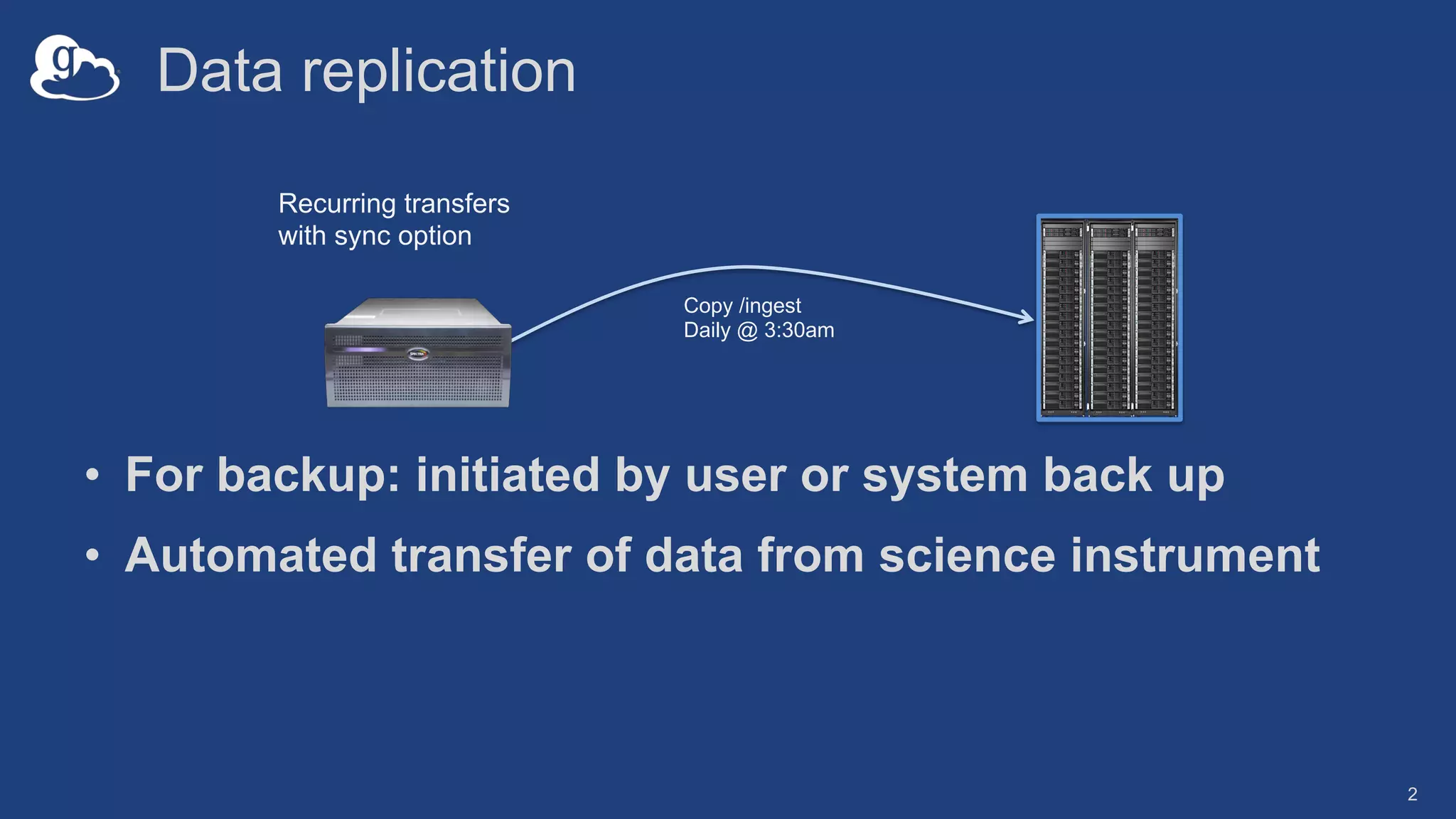
Data replication
• For backup: initiated by user or system back up
• Automated transfer of data from science instrument
2
Recurring transfers
with sync option
Copy /ingest
Daily @ 3:30am
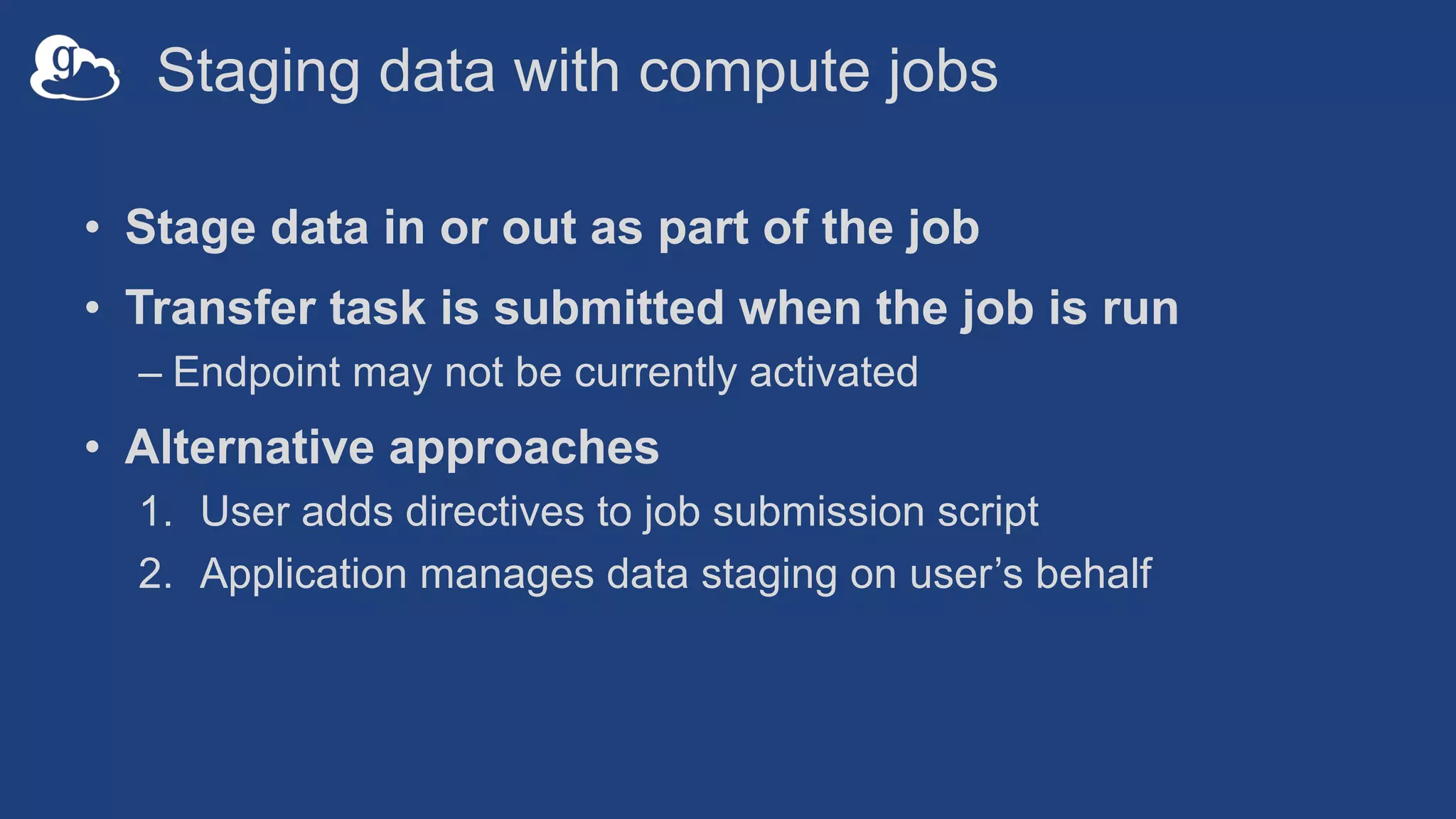
Staging data with compute jobs
• Stage data in or out as part of the job
• Transfer task is submitted when the job is run
– Endpoint may not be currently activated
• Alternative approaches
1. User adds directives to job submission script
2. Application manages data staging on user’s behalf
Application driven automation
• Application (e.g. portal, science gateway) submits a
transfer of compute results as the user
• Application monitors transfer, and initiates additional
processing and/or backup of data
Relevant Platform
Capabilities
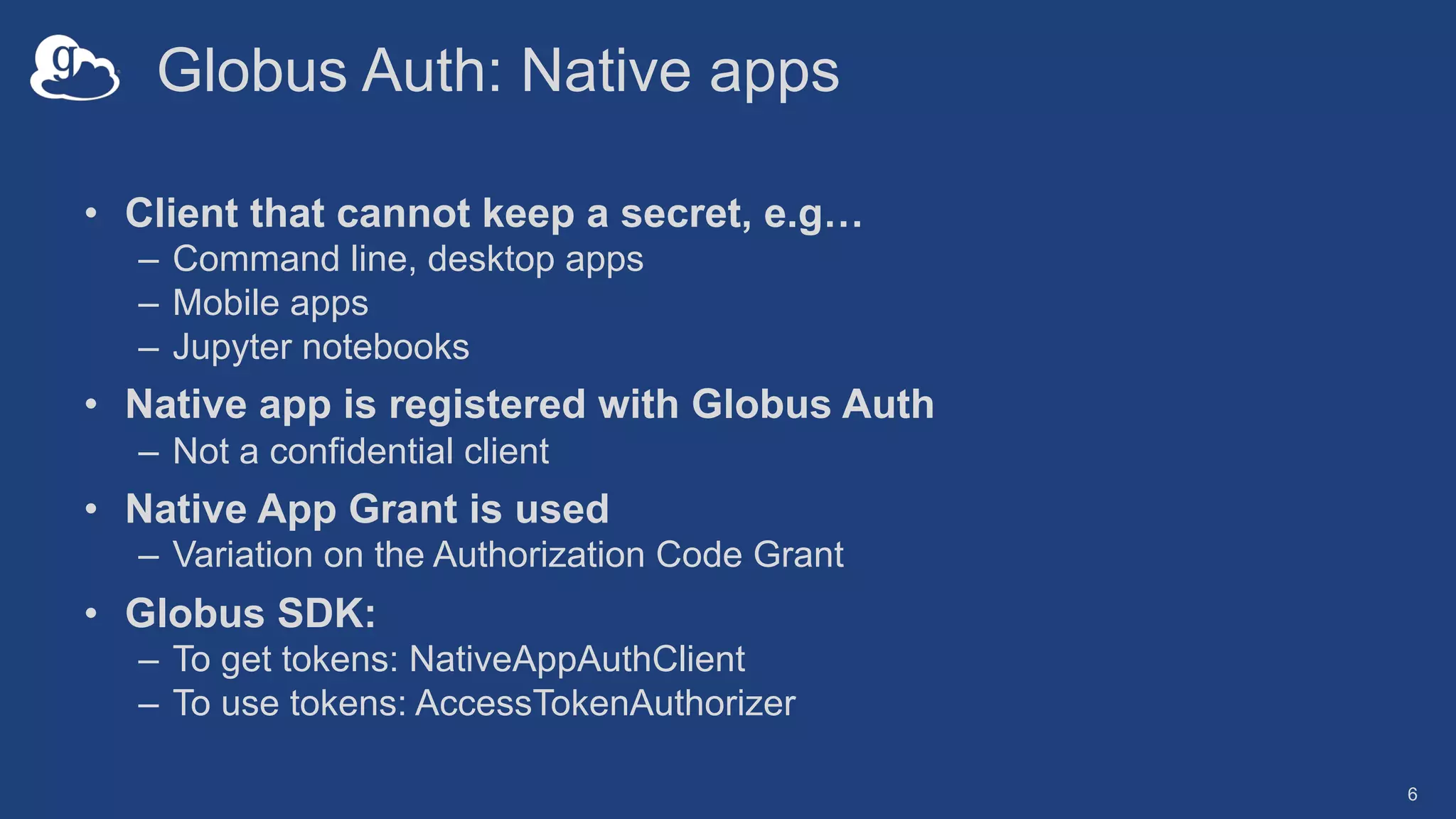
Globus Auth: Native apps
• Client that cannot keep a secret, e.g…
– Command line, desktop apps
– Mobile apps
– Jupyter notebooks
• Native app is registered with Globus Auth
– Not a confidential client
• Native App Grant is used
– Variation on the Authorization Code Grant
• Globus SDK:
– To get tokens: NativeAppAuthClient
– To use tokens: AccessTokenAuthorizer
6
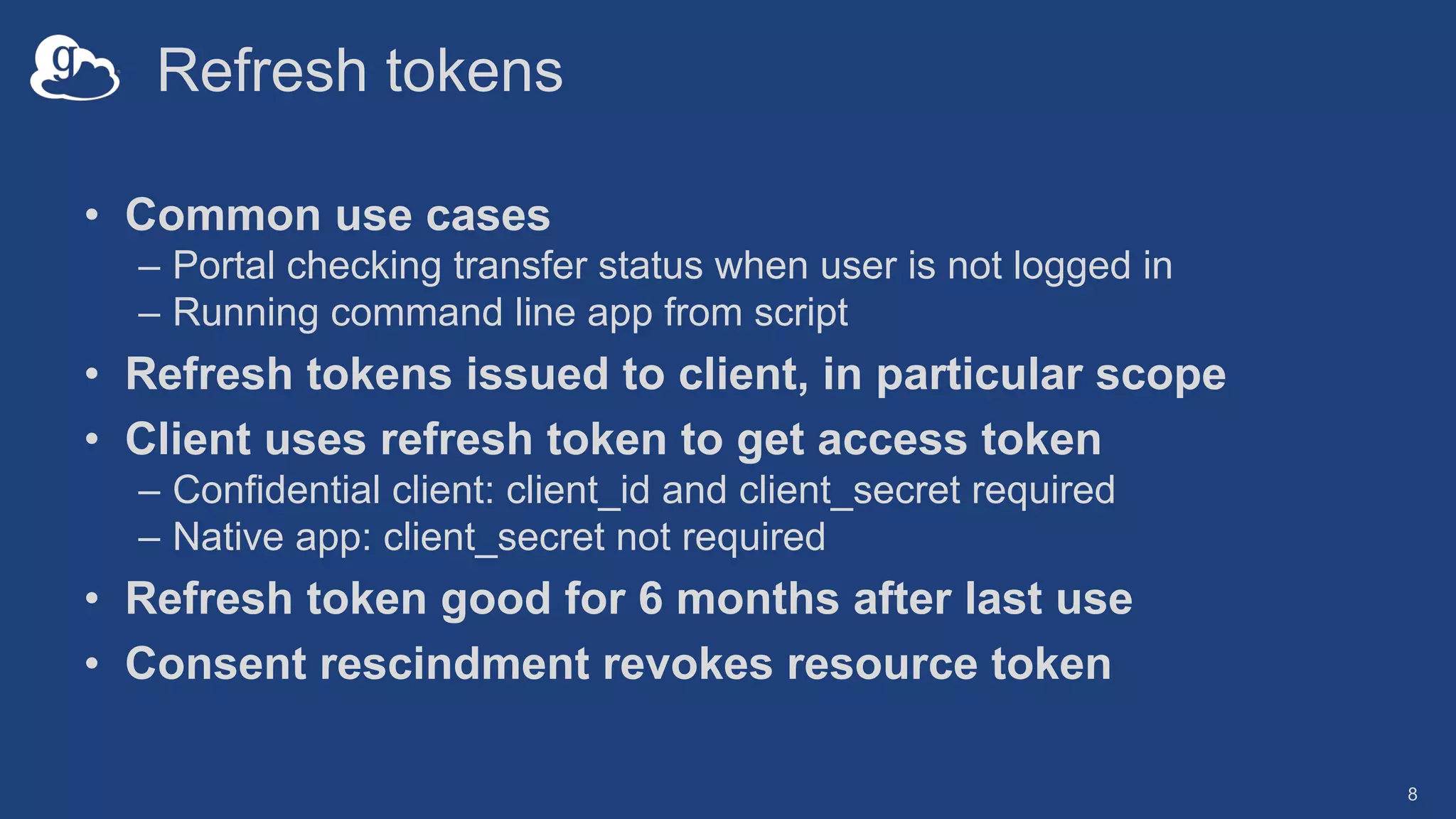
Refresh tokens
• Common use cases
– Portal checking transfer status when user is not logged in
– Running command line app from script
• Refresh tokens issued to client, in particular scope
• Client uses refresh token to get access token
– Confidential client: client_id and client_secret required
– Native app: client_secret not required
• Refresh token good for 6 months after last use
• Consent rescindment revokes resource token
8
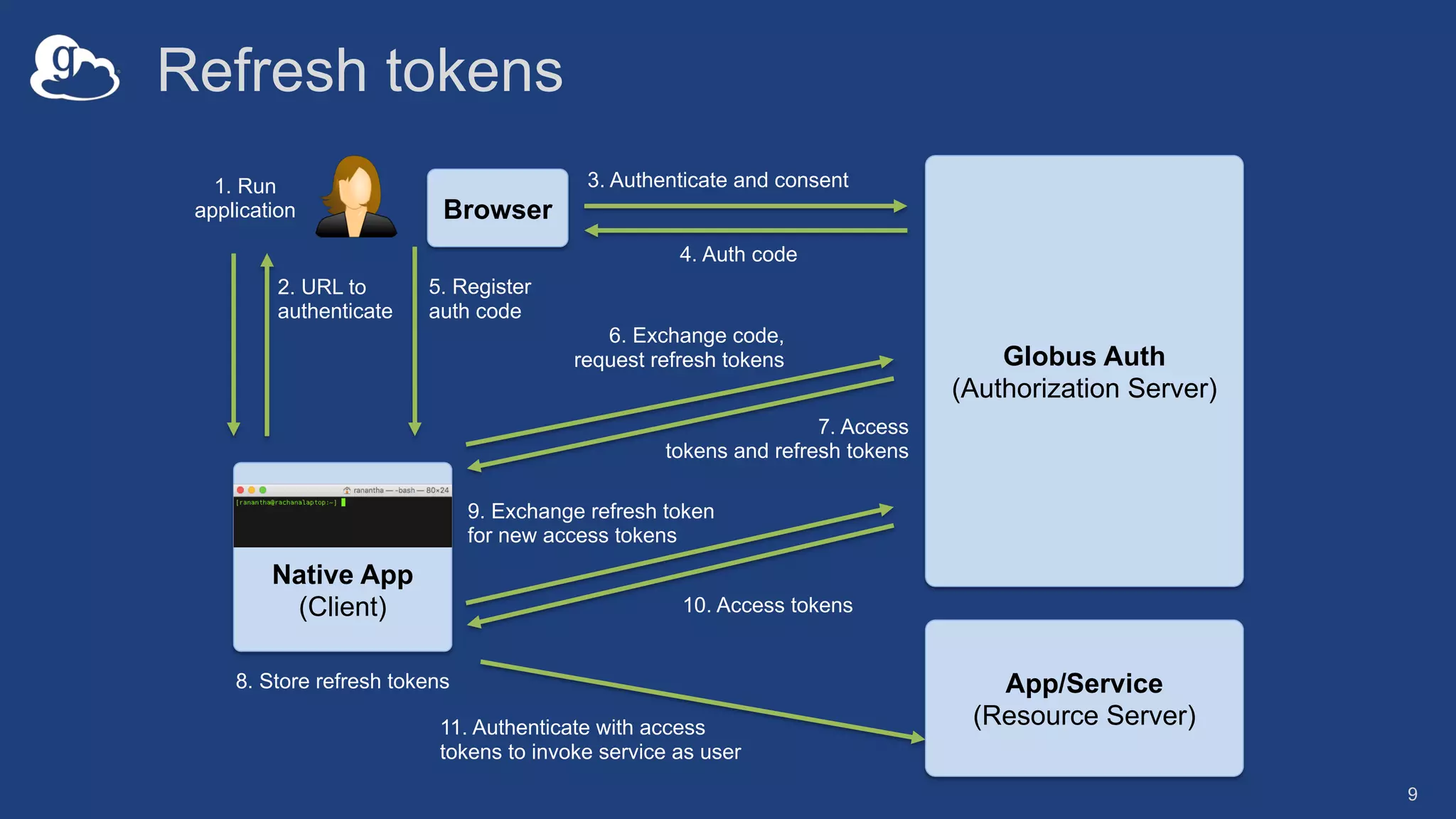
Refresh tokens
9
Native App
(Client)
App/Service
(Resource Server)
Globus Auth
(Authorization Server)
1. Run
application
2. URL to
authenticate
Browser
3. Authenticate and consent
4. Auth code
5. Register
auth code
6. Exchange code,
request refresh tokens
7. Access
tokens and refresh tokens
9. Exchange refresh token
for new access tokens
8. Store refresh tokens
10. Access tokens
11. Authenticate with access
tokens to invoke service as user
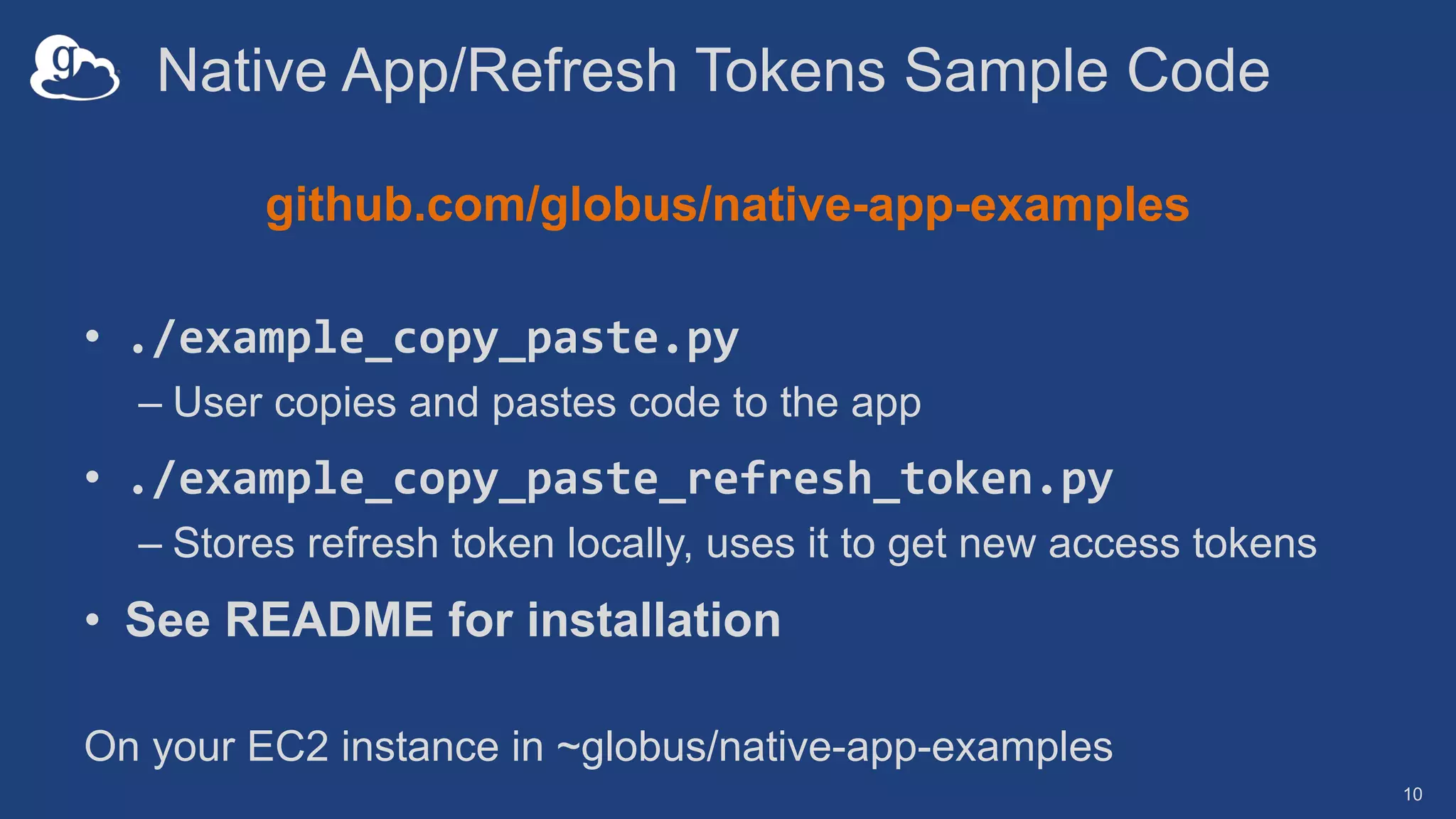
Native App/Refresh Tokens Sample Code
github.com/globus/native-app-examples
• ./example_copy_paste.py
– User copies and pastes code to the app
• ./example_copy_paste_refresh_token.py
– Stores refresh token locally, uses it to get new access tokens
• See README for installation
10
On your EC2 instance in ~globus/native-app-examples
Automation via the
Globus CLI
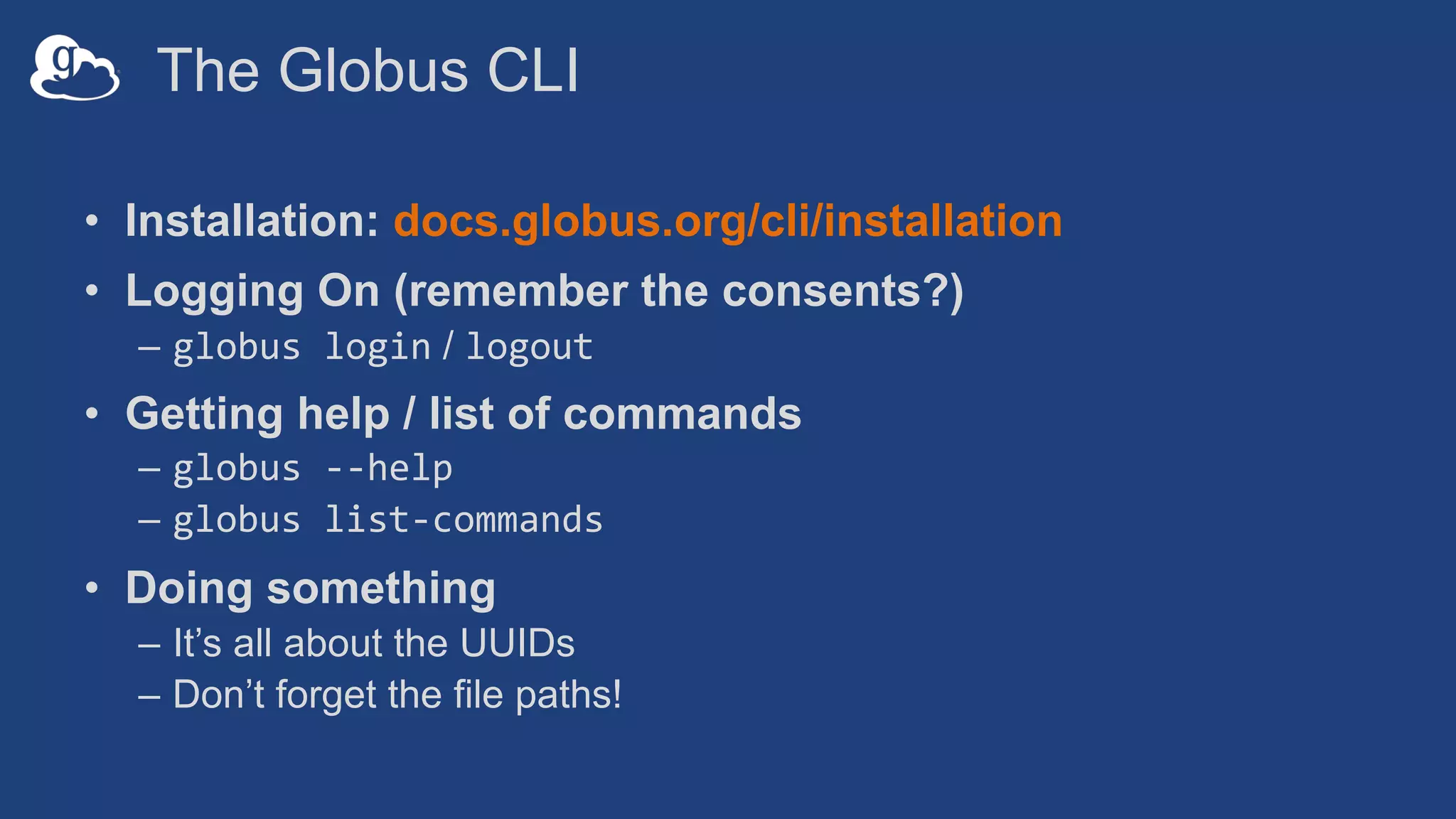
The Globus CLI
• Installation: docs.globus.org/cli/installation
• Logging On (remember the consents?)
– globus login / logout
• Getting help / list of commands
– globus --help
– globus list-commands
• Doing something
– It’s all about the UUIDs
– Don’t forget the file paths!
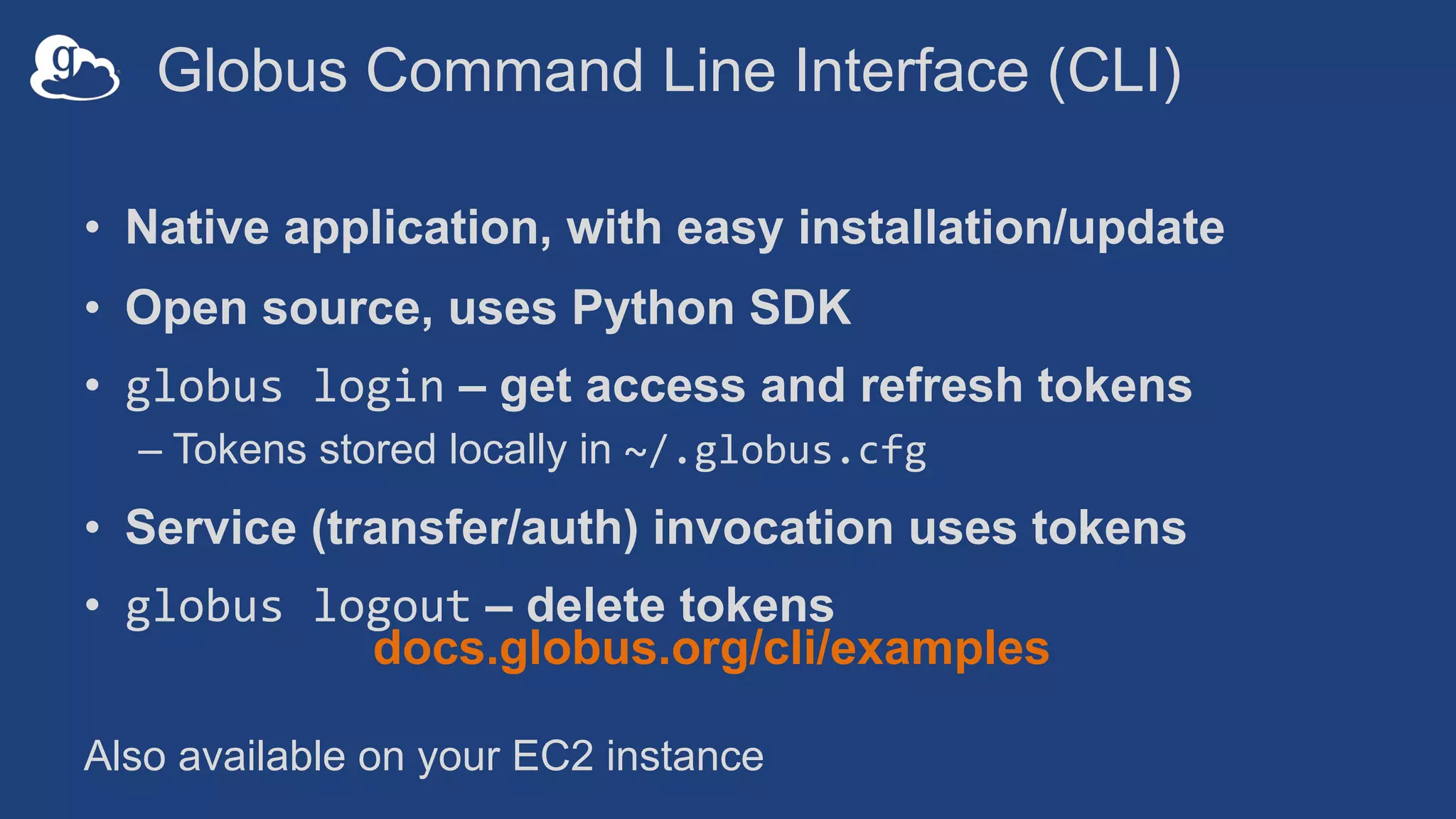
Globus Command Line Interface (CLI)
• Native application, with easy installation/update
• Open source, uses Python SDK
• globus login – get access and refresh tokens
– Tokens stored locally in ~/.globus.cfg
• Service (transfer/auth) invocation uses tokens
• globus logout – delete tokens
docs.globus.org/cli/examples
Also available on your EC2 instance
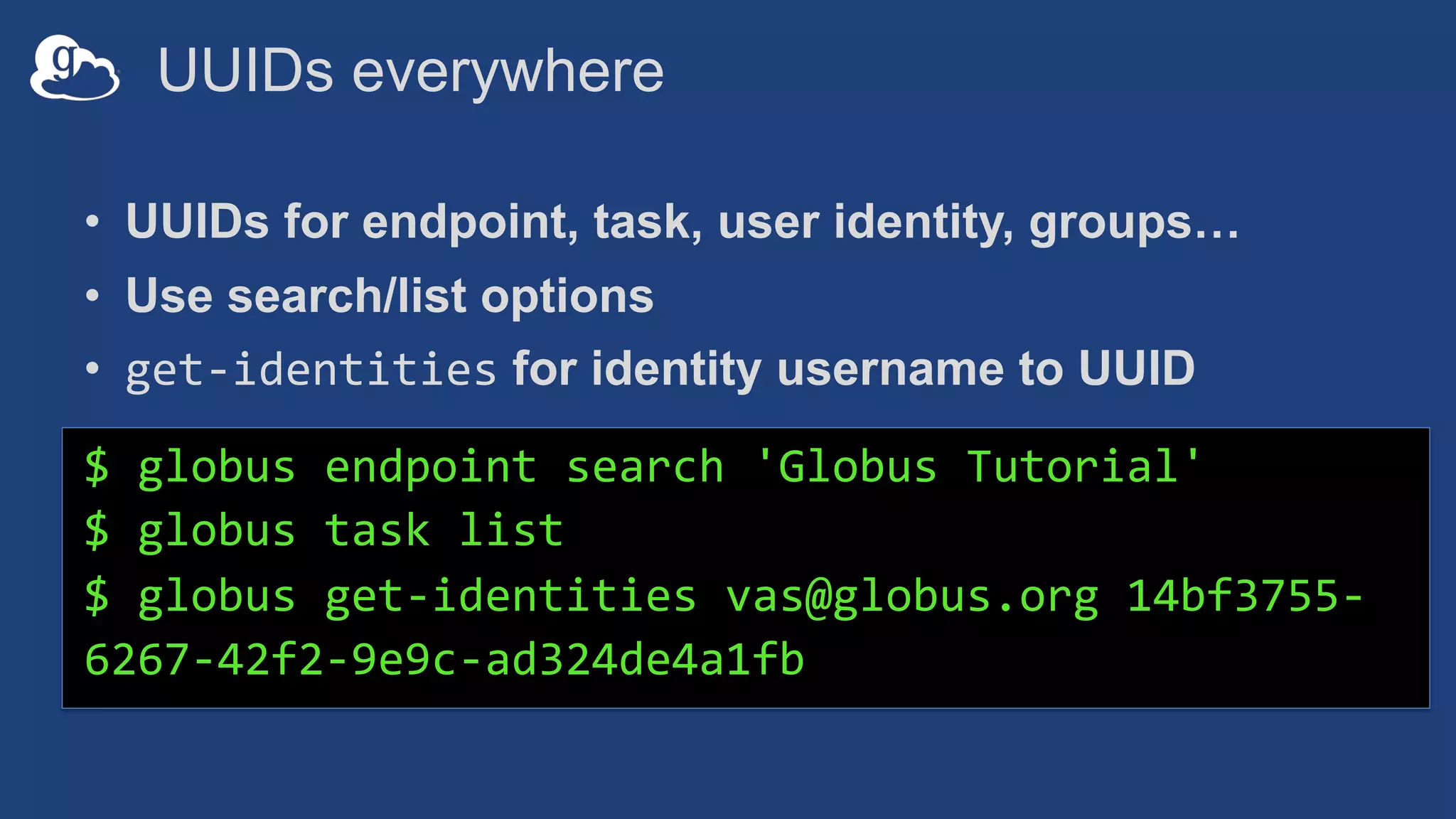
UUIDs everywhere
• UUIDs for endpoint, task, user identity, groups…
• Use search/list options
• get-identities for identity username to UUID
$ globus endpoint search 'Globus Tutorial'
$ globus task list
$ globus get-identities vas@globus.org 14bf3755-
6267-42f2-9e9c-ad324de4a1fb
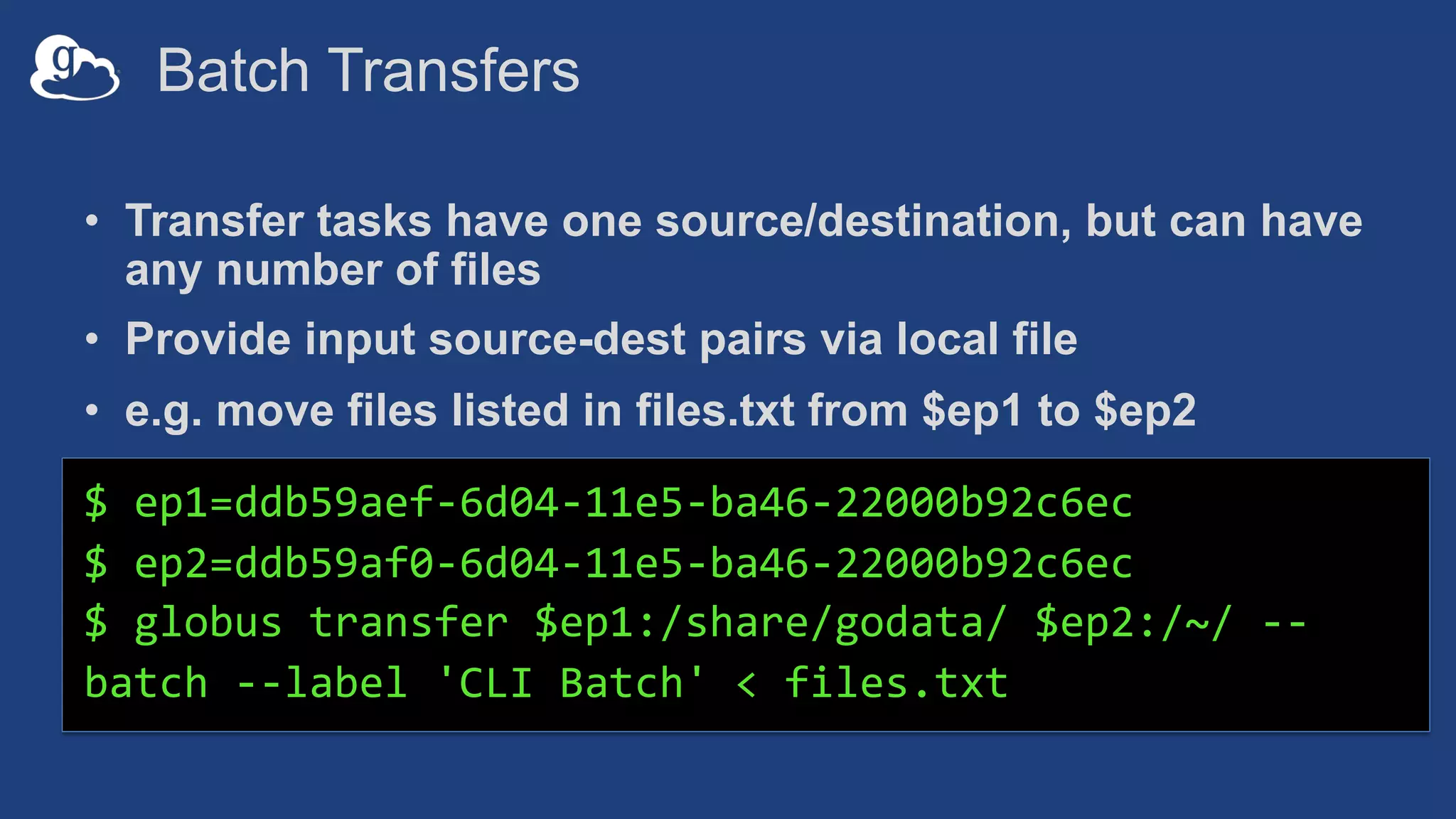
Batch Transfers
• Transfer tasks have one source/destination, but can have
any number of files
• Provide input source-dest pairs via local file
• e.g. move files listed in files.txt from $ep1 to $ep2
$ ep1=ddb59aef-6d04-11e5-ba46-22000b92c6ec
$ ep2=ddb59af0-6d04-11e5-ba46-22000b92c6ec
$ globus transfer $ep1:/share/godata/ $ep2:/~/ --
batch --label 'CLI Batch' < files.txt
Parsing CLI output
• Default output is text; for JSON output use --format json
$ globus endpoint search --filter-scope my-endpoints
$ globus endpoint search --filter-scope my-endpoints --
format json
• Extract specific attributes using --jmespath <expression>
$ globus endpoint search --filter-scope my-endpoints --
jmespath 'DATA[].[id, display_name]'
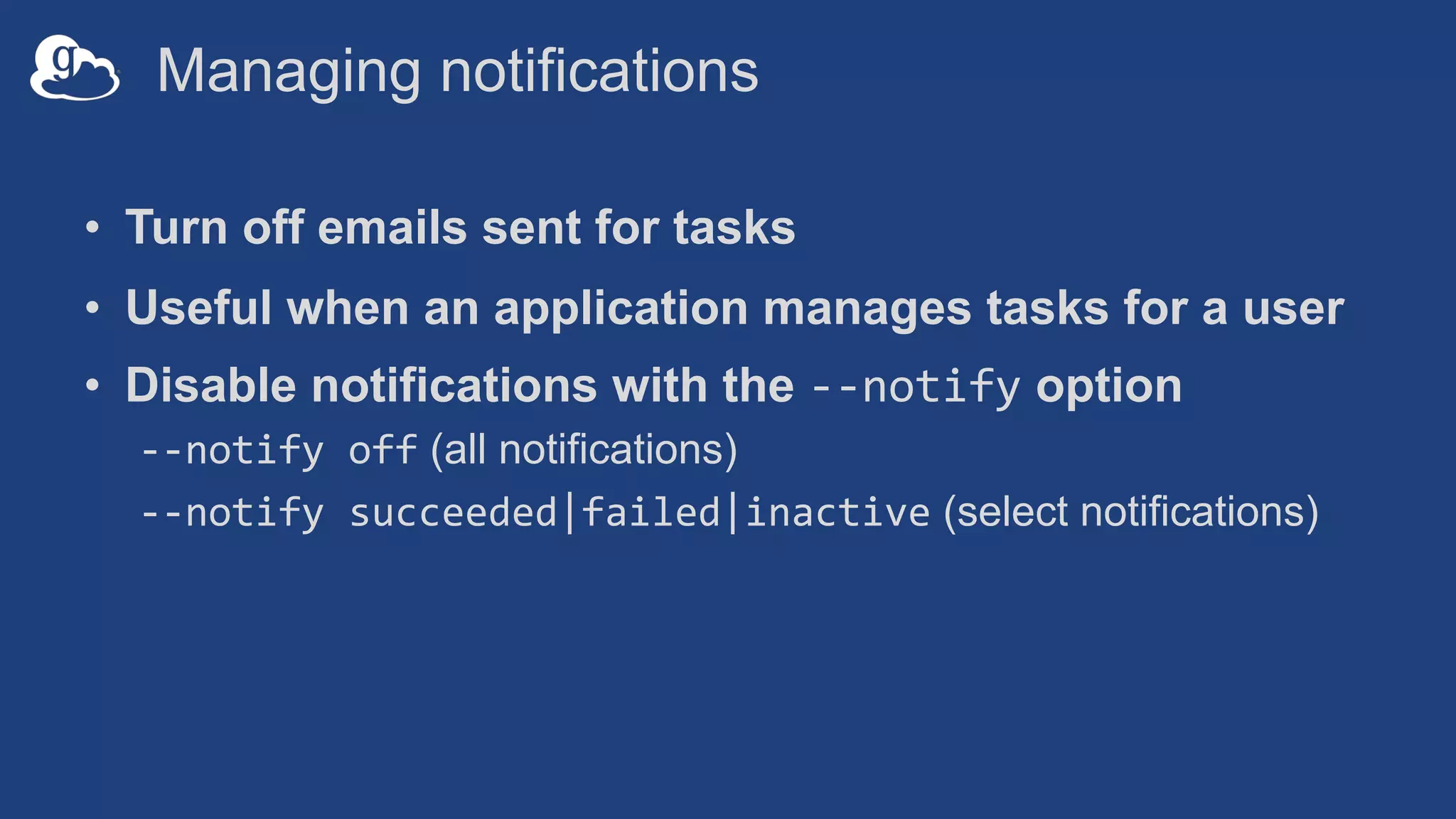
Managing notifications
• Turn off emails sent for tasks
• Useful when an application manages tasks for a user
• Disable notifications with the --notify option
--notify off (all notifications)
--notify succeeded|failed|inactive (select notifications)
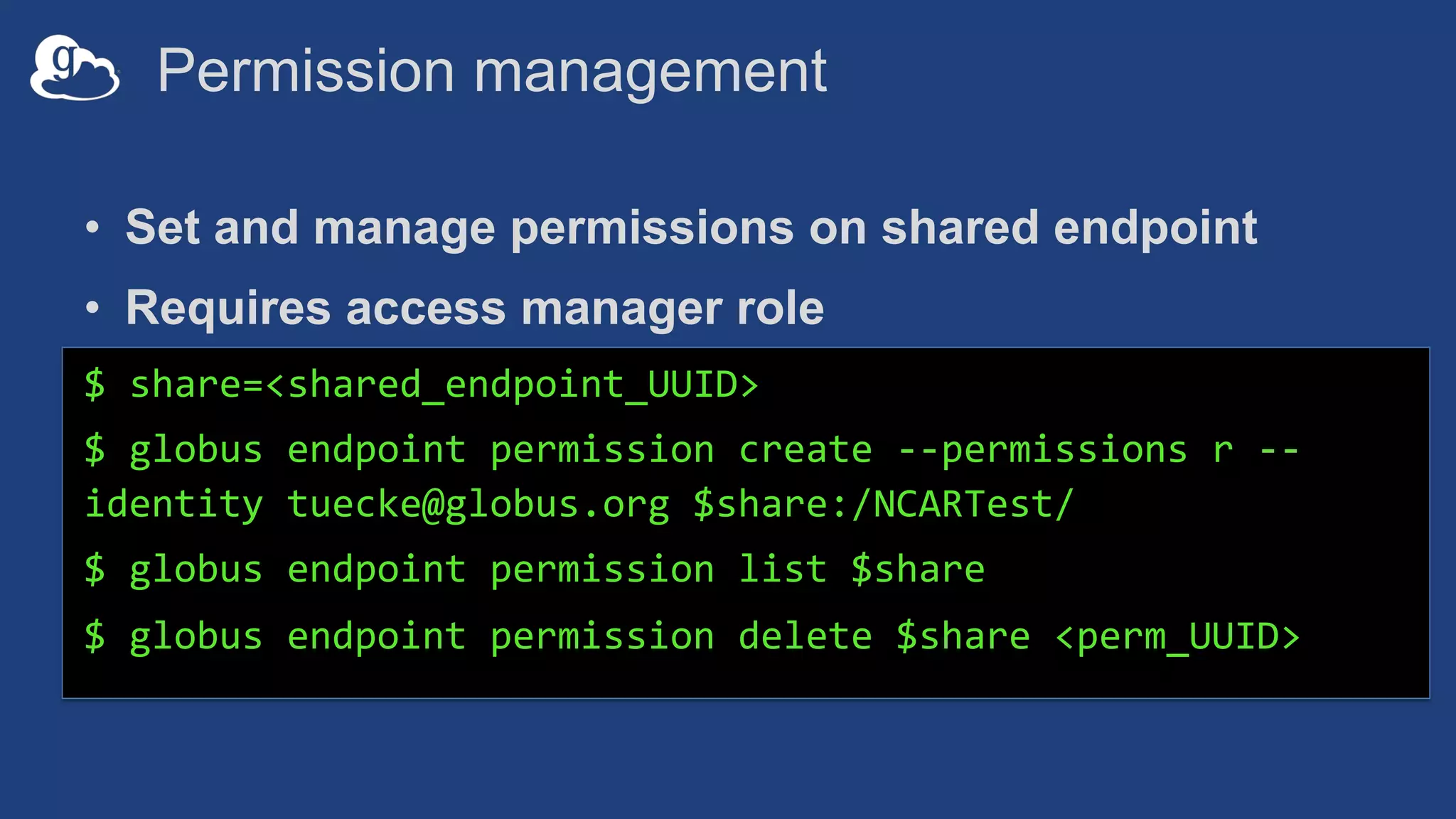
Permission management
• Set and manage permissions on shared endpoint
• Requires access manager role
$ share=<shared_endpoint_UUID>
$ globus endpoint permission create --permissions r --
identity tuecke@globus.org $share:/NCARTest/
$ globus endpoint permission list $share
$ globus endpoint permission delete $share <perm_UUID>
Automation with CLI
• Script transfers data repeatedly via task manager/cron
– Interactions are as user: both for data access and to Globus
services
• CLI commands used in job submission script
– CLI is installed on head node
– User runs globus login; tokens stored in user’s home directory
– Tokens accessible when job runs and submits stage in/out tasks
– Use --skip-activation-check to submit task even if endpoint is
not activated at submit time
Automation with portals
• Portal needs to act as the user
• User grants “offline” access to the portal
– Portal gets and stores refresh tokens for each user
– Uses client id/secret + refresh tokens to get new access tokens
– Portal maintains state about transfers being managed (task id)
Useful submission options
• Safe resubmissions
– Applies to all tasks (transfer and delete)
– Get a task UUID and use it in submission
– $ globus task generate-submission-id
– Use --submission-id option in transfer command
• Task wait
– Useful for scripting conditional on transfer task status
Walkthrough
• Sample script that uses sync option to transfer files
github.com/globus/automation-
examples/blob/master/cli-sync.sh
• Same task, via an app that uses Python SDK
github.com/globus/automation-
examples/blob/master/globus_folder_sync.py
Support resources
• Globus documentation: docs.globus.org
• Sample code: github.com/globus
• Helpdesk and issue escalation: support@globus.org
• Customer engagement team
• Globus professional services team
– Assist with portal/gateway/app architecture and design
– Develop custom applications that leverage the Globus platform
– Advise on customized deployment and integration scenarios
Join the Globus community
• Access the service: globus.org/login
• Create a personal endpoint: globus.org/app/endpoints/create-gcp
• Documentation: docs.globus.org
• Engage: globus.org/mailing-lists
• Subscribe: globus.org/subscriptions
• Need help? support@globus.org
• Follow us: @globusonline

Automating Research Data Workflows (GlobusWorld Tour - STFC)

  • 1.
    Automating Research DataWorkflows Vas Vasiliadis vas@uchicago.edu STFC – January 10, 2019
  • 2.
    Data replication • Forbackup: initiated by user or system back up • Automated transfer of data from science instrument 2 Recurring transfers with sync option Copy /ingest Daily @ 3:30am
  • 3.
    Staging data withcompute jobs • Stage data in or out as part of the job • Transfer task is submitted when the job is run – Endpoint may not be currently activated • Alternative approaches 1. User adds directives to job submission script 2. Application manages data staging on user’s behalf
  • 4.
    Application driven automation •Application (e.g. portal, science gateway) submits a transfer of compute results as the user • Application monitors transfer, and initiates additional processing and/or backup of data
  • 5.
  • 6.
    Globus Auth: Nativeapps • Client that cannot keep a secret, e.g… – Command line, desktop apps – Mobile apps – Jupyter notebooks • Native app is registered with Globus Auth – Not a confidential client • Native App Grant is used – Variation on the Authorization Code Grant • Globus SDK: – To get tokens: NativeAppAuthClient – To use tokens: AccessTokenAuthorizer 6
  • 7.
    Refresh tokens • Commonuse cases – Portal checking transfer status when user is not logged in – Running command line app from script • Refresh tokens issued to client, in particular scope • Client uses refresh token to get access token – Confidential client: client_id and client_secret required – Native app: client_secret not required • Refresh token good for 6 months after last use • Consent rescindment revokes resource token 8
  • 8.
    Refresh tokens 9 Native App (Client) App/Service (ResourceServer) Globus Auth (Authorization Server) 1. Run application 2. URL to authenticate Browser 3. Authenticate and consent 4. Auth code 5. Register auth code 6. Exchange code, request refresh tokens 7. Access tokens and refresh tokens 9. Exchange refresh token for new access tokens 8. Store refresh tokens 10. Access tokens 11. Authenticate with access tokens to invoke service as user
  • 9.
    Native App/Refresh TokensSample Code github.com/globus/native-app-examples • ./example_copy_paste.py – User copies and pastes code to the app • ./example_copy_paste_refresh_token.py – Stores refresh token locally, uses it to get new access tokens • See README for installation 10 On your EC2 instance in ~globus/native-app-examples
  • 10.
  • 11.
    The Globus CLI •Installation: docs.globus.org/cli/installation • Logging On (remember the consents?) – globus login / logout • Getting help / list of commands – globus --help – globus list-commands • Doing something – It’s all about the UUIDs – Don’t forget the file paths!
  • 12.
    Globus Command LineInterface (CLI) • Native application, with easy installation/update • Open source, uses Python SDK • globus login – get access and refresh tokens – Tokens stored locally in ~/.globus.cfg • Service (transfer/auth) invocation uses tokens • globus logout – delete tokens docs.globus.org/cli/examples Also available on your EC2 instance
  • 13.
    UUIDs everywhere • UUIDsfor endpoint, task, user identity, groups… • Use search/list options • get-identities for identity username to UUID $ globus endpoint search 'Globus Tutorial' $ globus task list $ globus get-identities vas@globus.org 14bf3755- 6267-42f2-9e9c-ad324de4a1fb
  • 14.
    Batch Transfers • Transfertasks have one source/destination, but can have any number of files • Provide input source-dest pairs via local file • e.g. move files listed in files.txt from $ep1 to $ep2 $ ep1=ddb59aef-6d04-11e5-ba46-22000b92c6ec $ ep2=ddb59af0-6d04-11e5-ba46-22000b92c6ec $ globus transfer $ep1:/share/godata/ $ep2:/~/ -- batch --label 'CLI Batch' < files.txt
  • 15.
    Parsing CLI output •Default output is text; for JSON output use --format json $ globus endpoint search --filter-scope my-endpoints $ globus endpoint search --filter-scope my-endpoints -- format json • Extract specific attributes using --jmespath <expression> $ globus endpoint search --filter-scope my-endpoints -- jmespath 'DATA[].[id, display_name]'
  • 16.
    Managing notifications • Turnoff emails sent for tasks • Useful when an application manages tasks for a user • Disable notifications with the --notify option --notify off (all notifications) --notify succeeded|failed|inactive (select notifications)
  • 17.
    Permission management • Setand manage permissions on shared endpoint • Requires access manager role $ share=<shared_endpoint_UUID> $ globus endpoint permission create --permissions r -- identity tuecke@globus.org $share:/NCARTest/ $ globus endpoint permission list $share $ globus endpoint permission delete $share <perm_UUID>
  • 18.
    Automation with CLI •Script transfers data repeatedly via task manager/cron – Interactions are as user: both for data access and to Globus services • CLI commands used in job submission script – CLI is installed on head node – User runs globus login; tokens stored in user’s home directory – Tokens accessible when job runs and submits stage in/out tasks – Use --skip-activation-check to submit task even if endpoint is not activated at submit time
  • 19.
    Automation with portals •Portal needs to act as the user • User grants “offline” access to the portal – Portal gets and stores refresh tokens for each user – Uses client id/secret + refresh tokens to get new access tokens – Portal maintains state about transfers being managed (task id)
  • 20.
    Useful submission options •Safe resubmissions – Applies to all tasks (transfer and delete) – Get a task UUID and use it in submission – $ globus task generate-submission-id – Use --submission-id option in transfer command • Task wait – Useful for scripting conditional on transfer task status
  • 21.
    Walkthrough • Sample scriptthat uses sync option to transfer files github.com/globus/automation- examples/blob/master/cli-sync.sh • Same task, via an app that uses Python SDK github.com/globus/automation- examples/blob/master/globus_folder_sync.py
  • 22.
    Support resources • Globusdocumentation: docs.globus.org • Sample code: github.com/globus • Helpdesk and issue escalation: support@globus.org • Customer engagement team • Globus professional services team – Assist with portal/gateway/app architecture and design – Develop custom applications that leverage the Globus platform – Advise on customized deployment and integration scenarios
  • 23.
    Join the Globuscommunity • Access the service: globus.org/login • Create a personal endpoint: globus.org/app/endpoints/create-gcp • Documentation: docs.globus.org • Engage: globus.org/mailing-lists • Subscribe: globus.org/subscriptions • Need help? support@globus.org • Follow us: @globusonline