Download to read offline







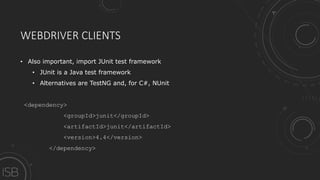
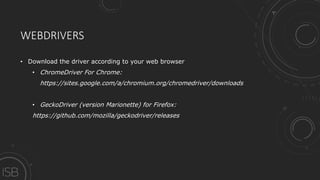
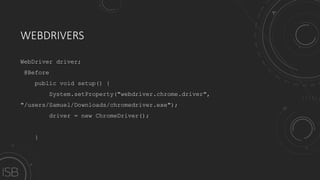
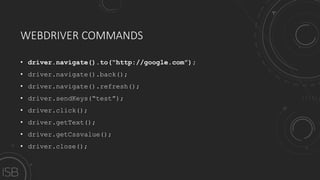
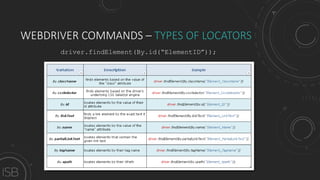
![WEBDRIVER COMMANDS - XPATH
driver.findElement(By.xpath(“/html/body/div[1]/div[2]/div/div[2]/article/div/table/tbody/tr[2]/td[1]”)).getText();](https://image.slidesharecdn.com/aimsoavbsk68epjyfh99-signature-3335bcf6b9120c358cd135f6487256275213079421161a567c1dcd20c49b7ebe-poli-170623131003/85/Automated-Testing-on-Web-Applications-24-320.jpg)
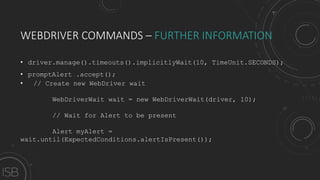
![WEBDRIVER COMMANDS – FURTHER INFORMATION
WebElement From = driver.findElement(By.xpath(".//*[@id='userChecklists']/li[1]/a/span"));
WebElement To = driver.findElement(By.xpath(".//*[@id='userChecklists']/li[4]/a/span"));
Actions builder = new Actions(driver);
Action dragAndDrop = builder.clickAndHold(From)
.moveToElement(To)
.release(To)
.build();
dragAndDrop.perform();](https://image.slidesharecdn.com/aimsoavbsk68epjyfh99-signature-3335bcf6b9120c358cd135f6487256275213079421161a567c1dcd20c49b7ebe-poli-170623131003/85/Automated-Testing-on-Web-Applications-27-320.jpg)
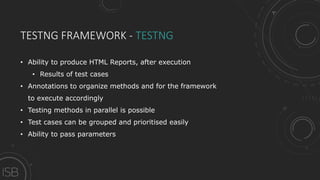
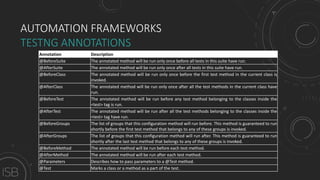



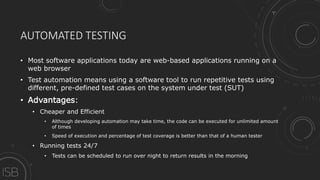
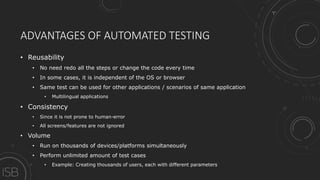
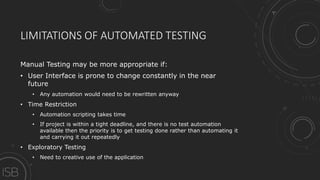
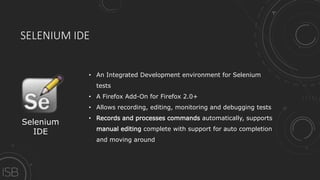
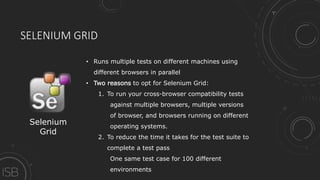
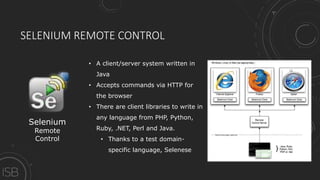
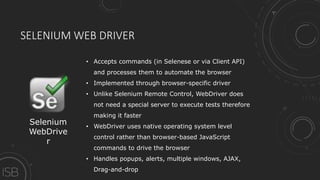
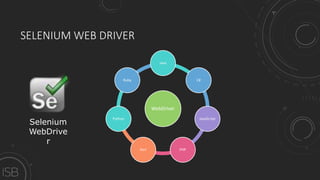
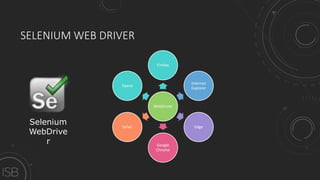
Automated testing of web applications involves using a software tool to run repetitive tests on a system under test (SUT) using predefined test cases. Some key advantages of automated testing include being cheaper and more efficient than manual testing, allowing tests to be run 24/7 and at a higher speed and coverage than human testers. Selenium is a popular open-source tool for automating tests of web applications that allows controlling different browsers across operating systems using various programming languages. It includes components like Selenium IDE for recording and editing tests, Selenium Grid for parallel testing, and Selenium WebDriver for programmatically controlling browsers. TestNG is a common framework for organizing and running automated tests that produces reports and allows features like parallel testing and parameterization.


