
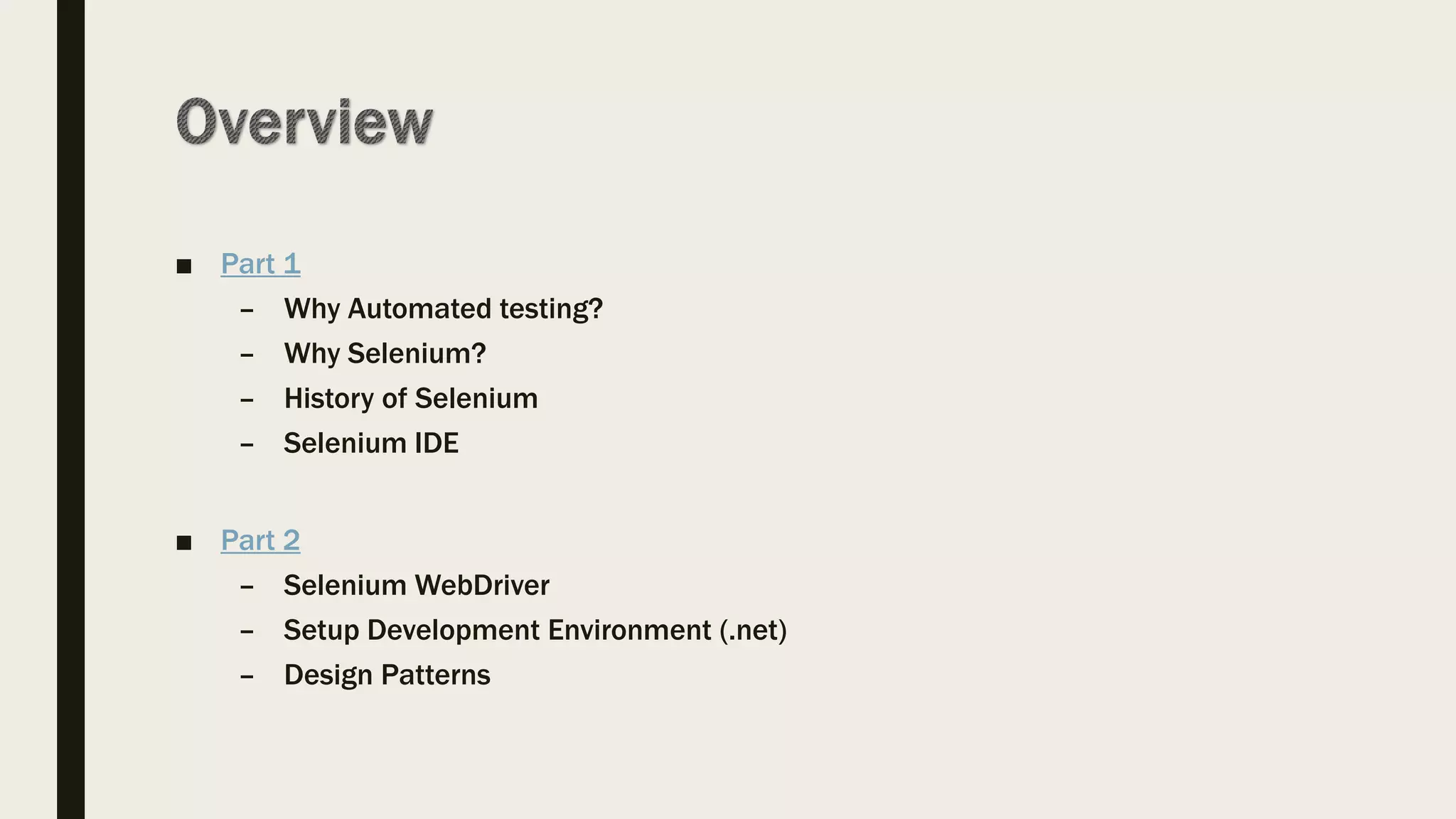









■ Part 1
– Why Automated testing?
– Why Selenium?
– History of Selenium
– Selenium IDE
■ Part 2
– Selenium WebDriver
– Setup Development Environment (.net)
– Design Patterns
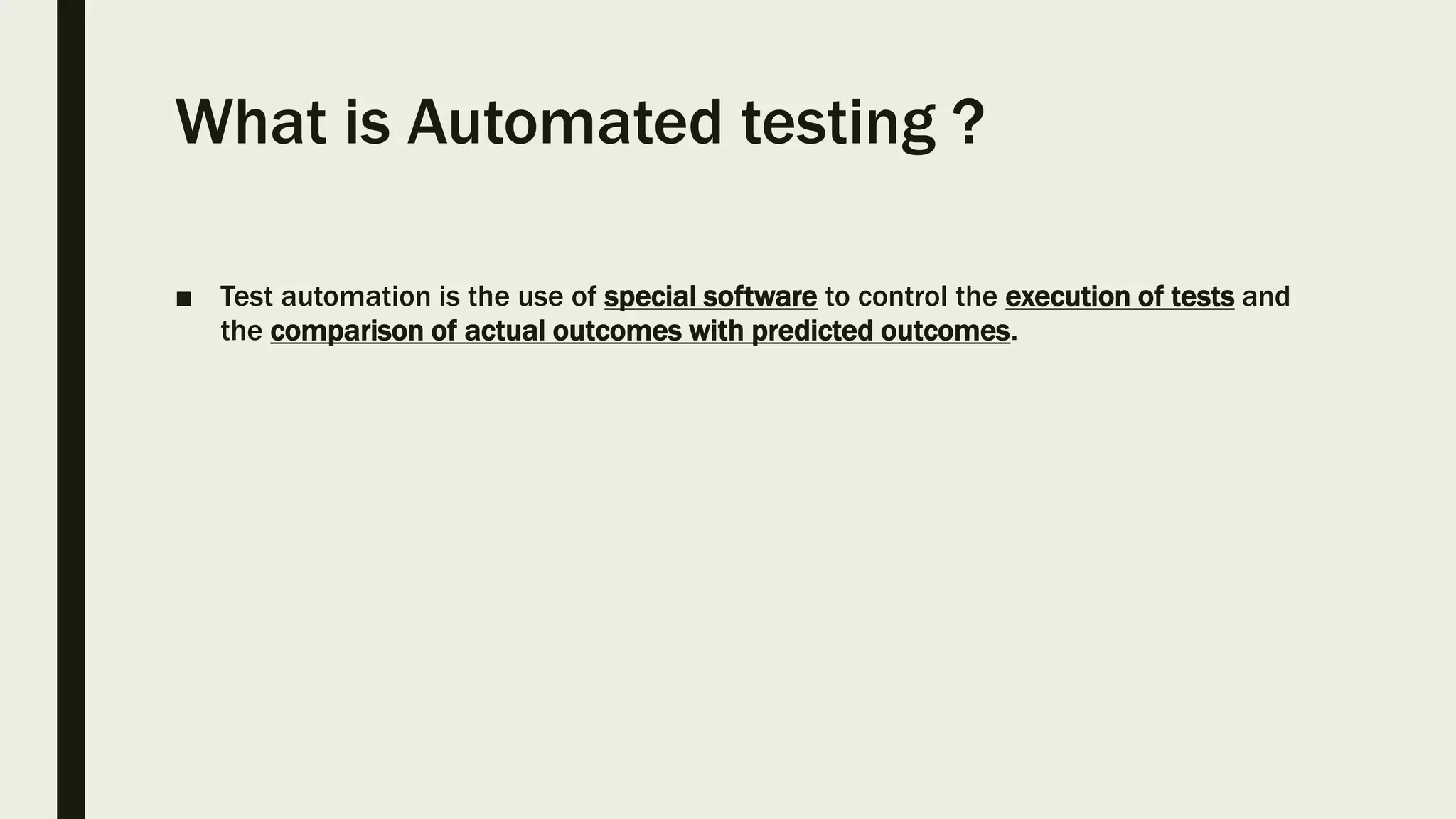
What is Automated testing ?
■ Test automation is the use of special software to control the execution of tests and
the comparison of actual outcomes with predicted outcomes.
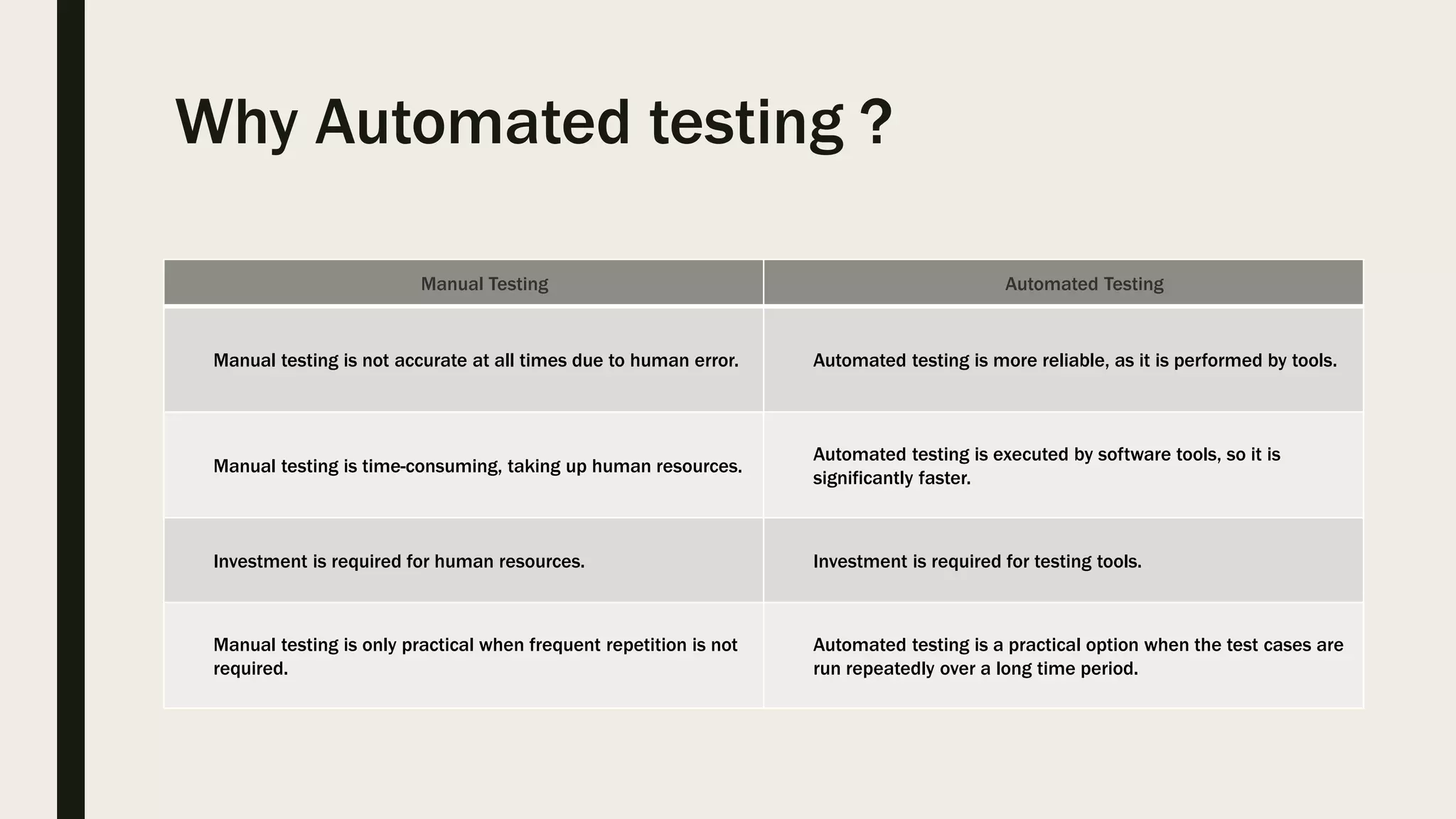
Why Automated testing ?
Manual Testing Automated Testing
Manual testing is not accurate at all times due to human error. Automated testing is more reliable, as it is performed by tools.
Manual testing is time-consuming, taking up human resources.
Automated testing is executed by software tools, so it is
significantly faster.
Investment is required for human resources. Investment is required for testing tools.
Manual testing is only practical when frequent repetition is not
required.
Automated testing is a practical option when the test cases are
run repeatedly over a long time period.
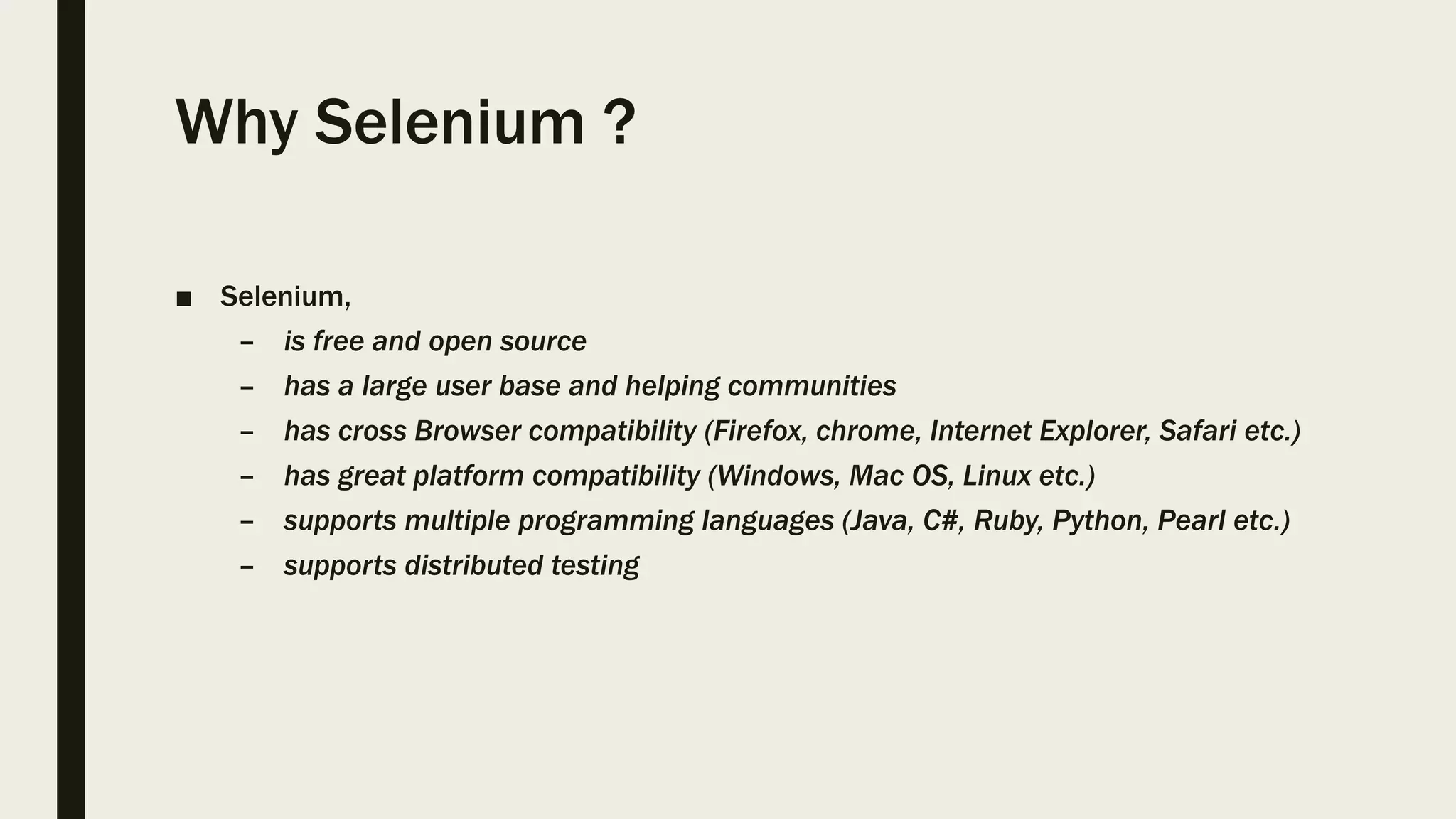
Why Selenium ?
■ Selenium,
– is free and open source
– has a large user base and helping communities
– has cross Browser compatibility (Firefox, chrome, Internet Explorer, Safari etc.)
– has great platform compatibility (Windows, Mac OS, Linux etc.)
– supports multiple programming languages (Java, C#, Ruby, Python, Pearl etc.)
– supports distributed testing
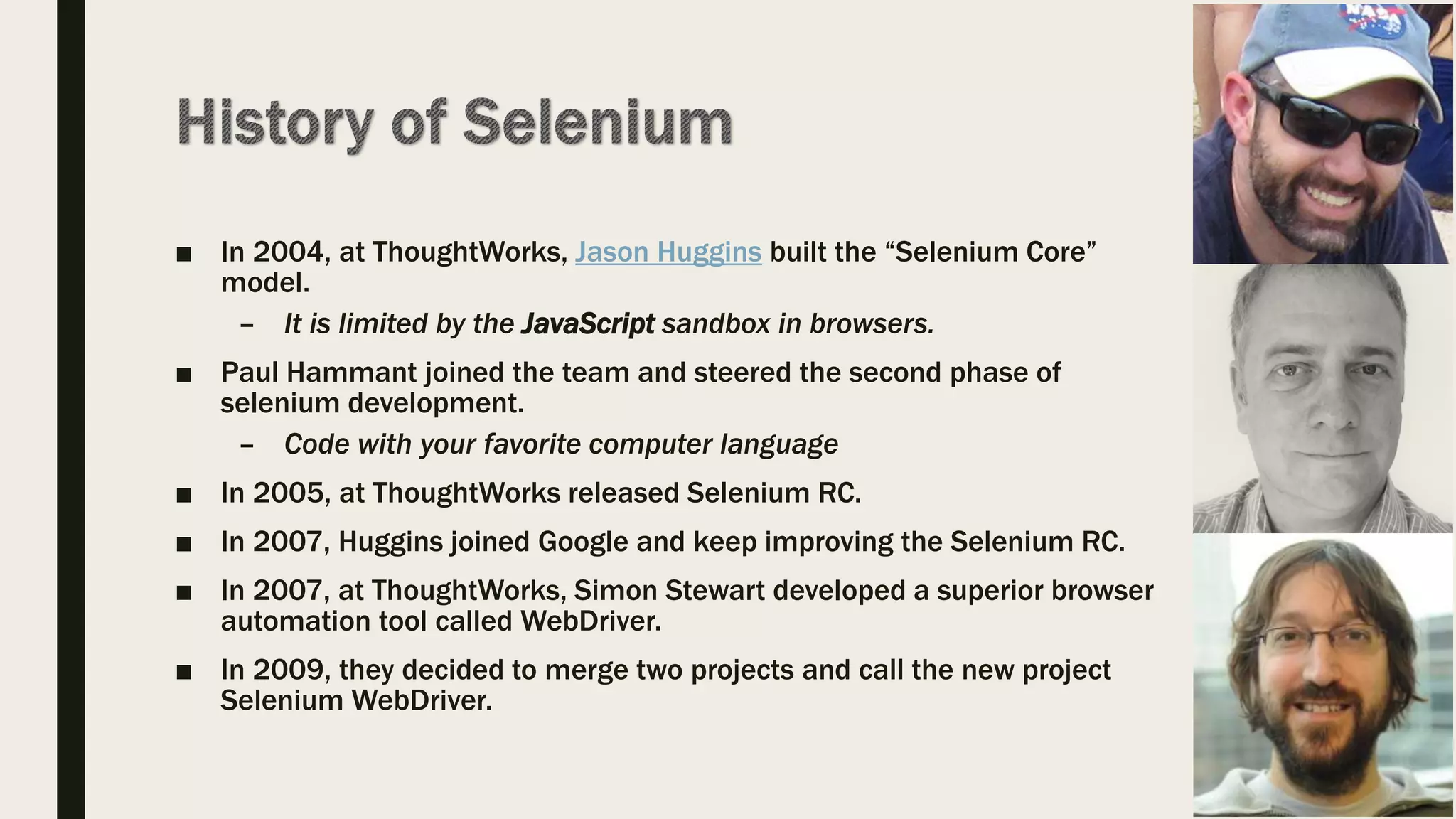
■ In 2004, at ThoughtWorks, Jason Huggins built the “Selenium Core”
model.
– It is limited by the JavaScript sandbox in browsers.
■ Paul Hammant joined the team and steered the second phase of
selenium development.
– Code with your favorite computer language
■ In 2005, at ThoughtWorks released Selenium RC.
■ In 2007, Huggins joined Google and keep improving the Selenium RC.
■ In 2007, at ThoughtWorks, Simon Stewart developed a superior browser
automation tool called WebDriver.
■ In 2009, they decided to merge two projects and call the new project
Selenium WebDriver.
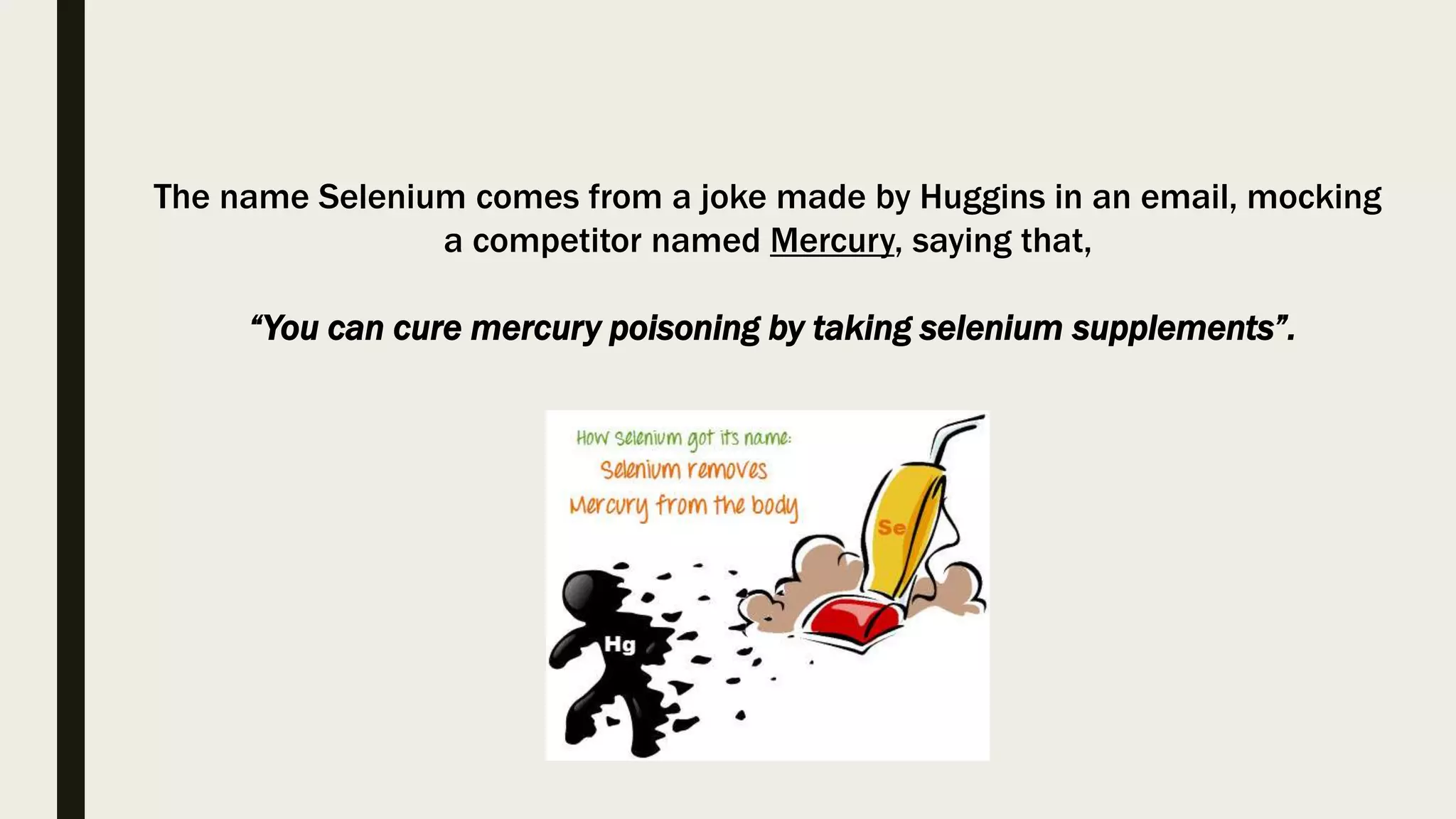
The name Selenium comes from a joke made by Huggins in an email, mocking
a competitor named Mercury, saying that,
“You can cure mercury poisoning by taking selenium supplements”.
Selenium IDE
Selenium WebDriver
Selenium Grid
Selenium RC
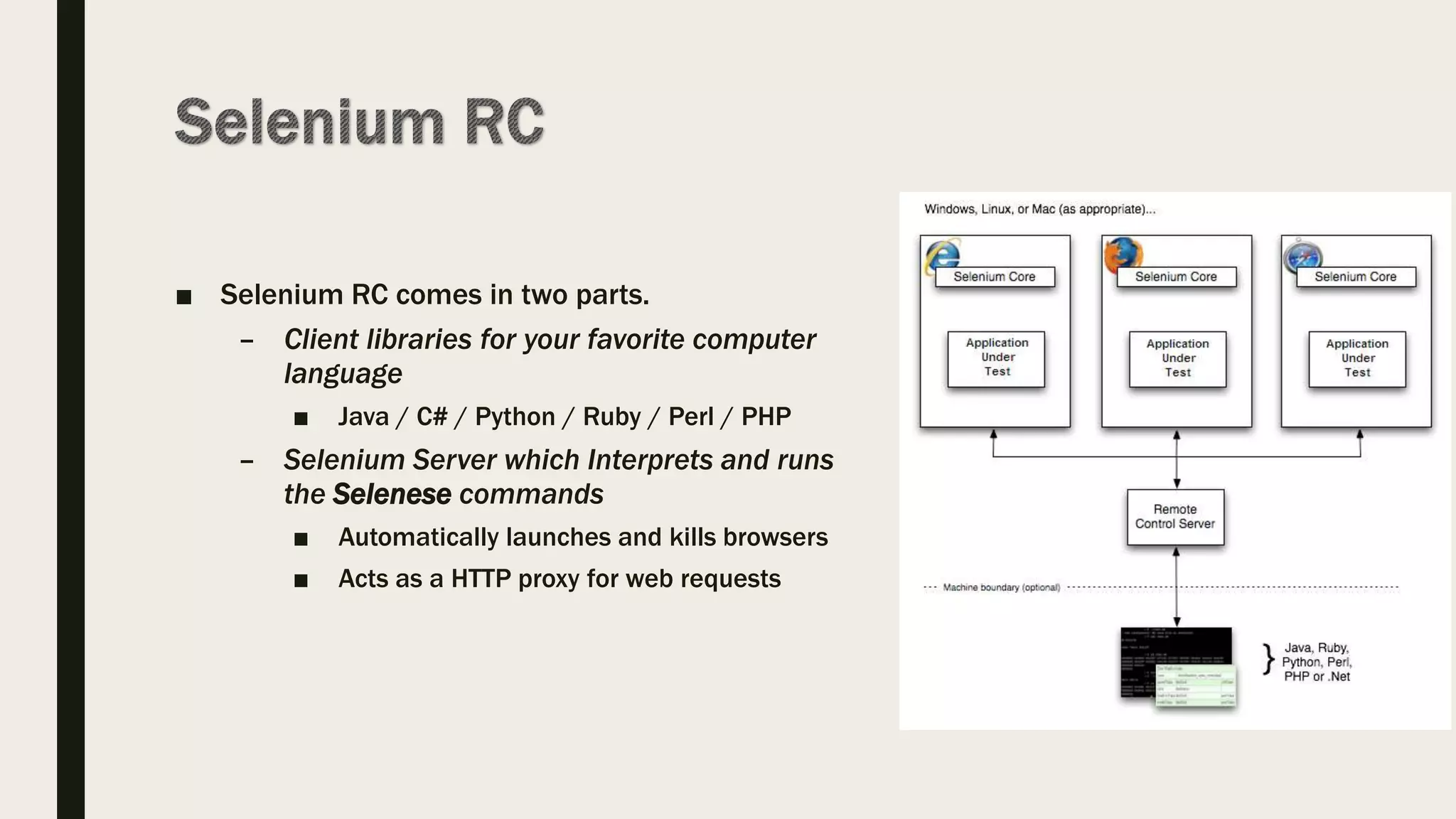
■ Selenium RC comes in two parts.
– Client libraries for your favorite computer
language
■ Java / C# / Python / Ruby / Perl / PHP
– Selenium Server which Interprets and runs
the Selenese commands
■ Automatically launches and kills browsers
■ Acts as a HTTP proxy for web requests
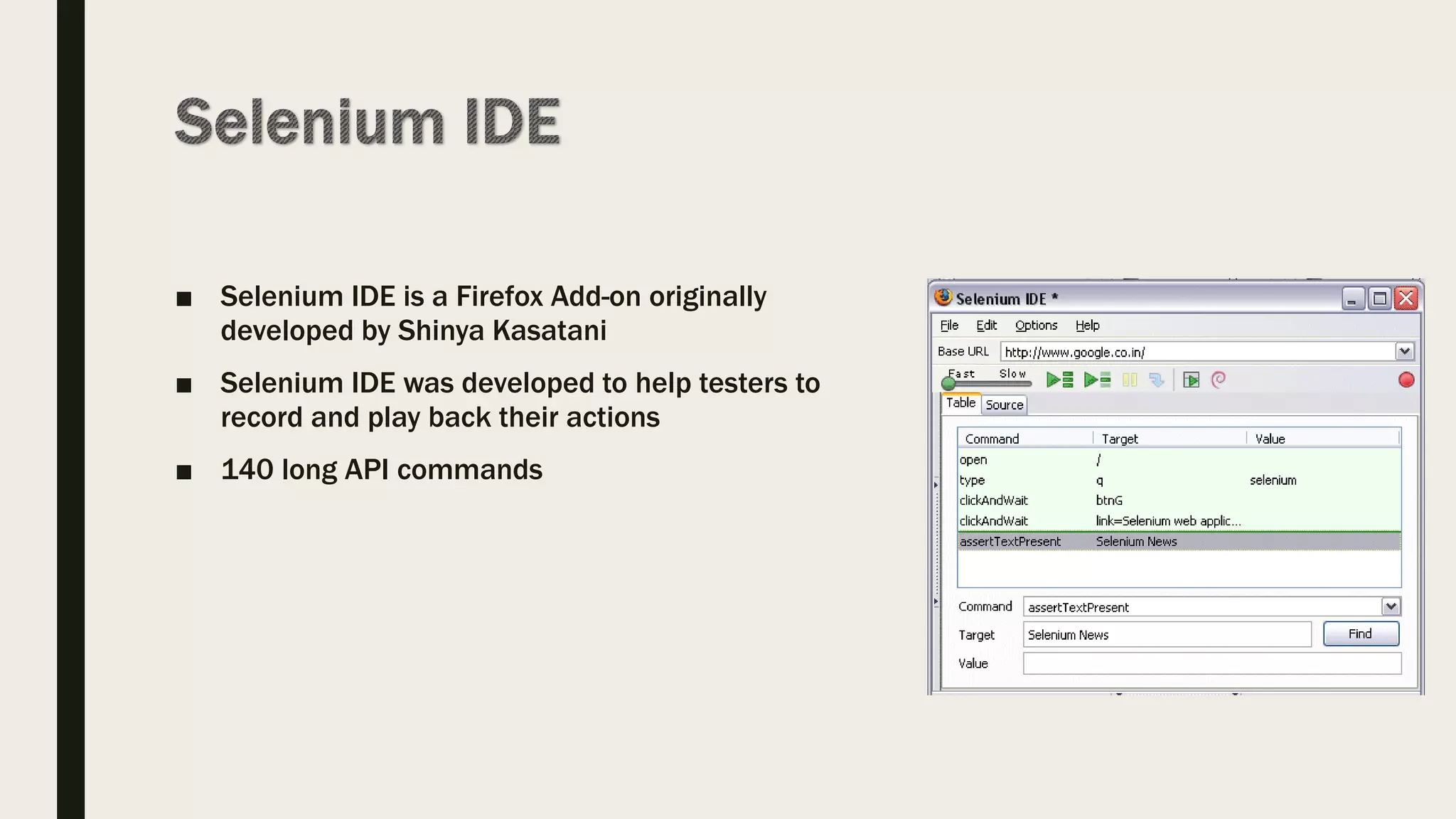
■ Selenium IDE is a Firefox Add-on originally
developed by Shinya Kasatani
■ Selenium IDE was developed to help testers to
record and play back their actions
■ 140 long API commands
■ Install Firefox
■ Go to http://www.seleniumhq.org/download/
■ Install Selenium Add-ons
■ Restart Browser
■ Firebug
■ Firefinder
■ IE Developer Tool
■ Google Chrome Developer Tool
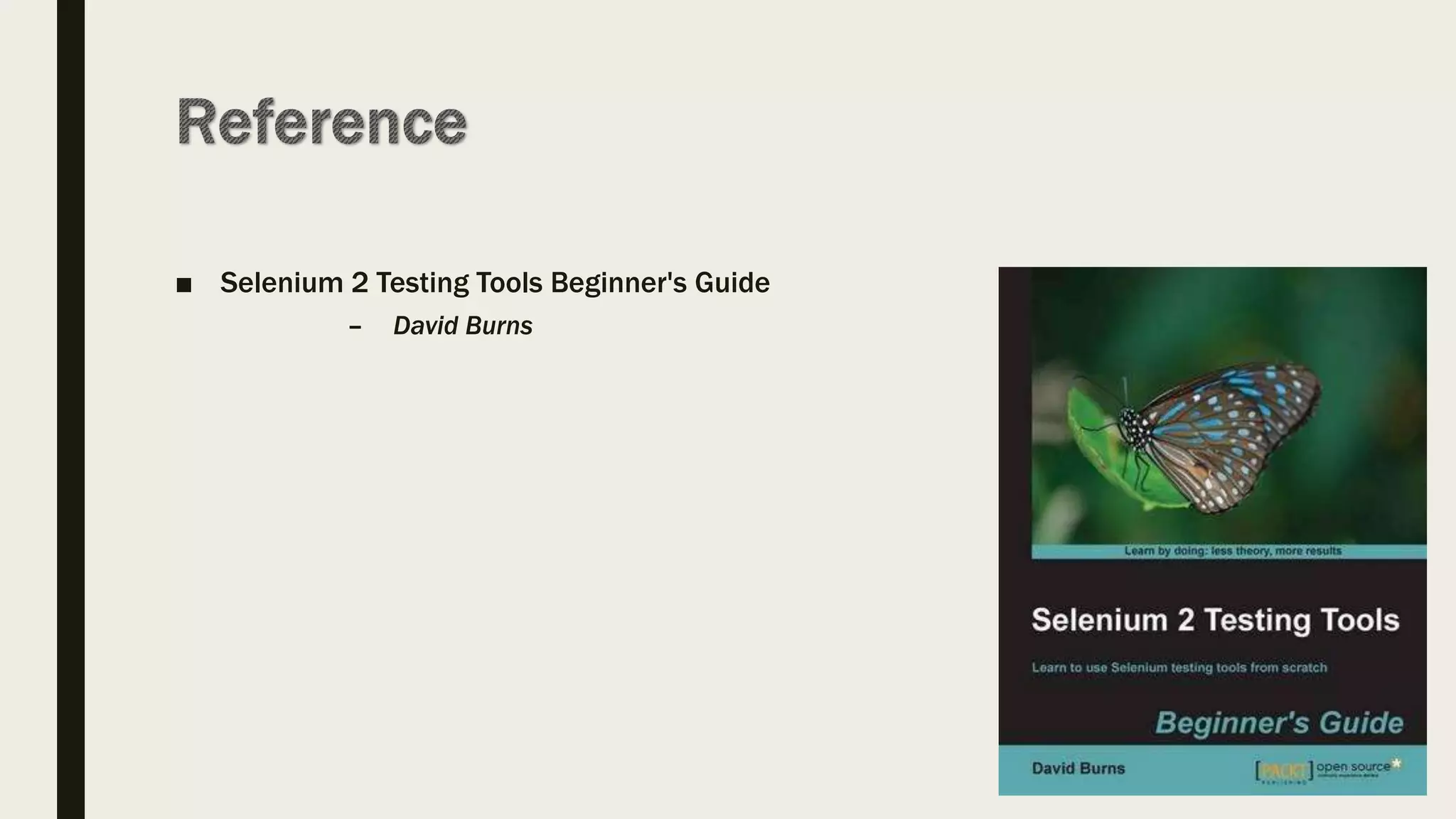
■ Selenium 2 Testing Tools Beginner's Guide
– David Burns
■ My first record and playback
■ Locators
– Locate elements by ID
– Locate elements by Name
– Locate elements by Link
– Locate elements by Xpath
■ XPath uses path expressions to select nodes or node-sets in an XML document.
– Locate elements by CSS
■ In CSS, selectors are patterns used to select the element(s) you want to style.
– Locate elements by DOM
■ When a web page is loaded, the browser creates a Document Object Model of the page.
■ The HTML DOM model is constructed as a tree of Objects:
■ Add assertion
– Assert vs Verify
■ Add comments
http://book.theautomatedtester.co.uk/
(cont..)
■ Handle Multiple Browser Windows
■ Handle Alerts
■ Working with AJAX
■ Store Variable
■ Debug Testing
■ Create Test Suit
■ Create Test Case
http://book.theautomatedtester.co.uk/
■ Silverlight and Flex/Flash applications
■ HTML5 is not fully supported with Selenium IDE.
– contentEditable=true
■ Create quick bug reproduction scripts
■ Create scripts to aid in automation-aided exploratory testing
■ Selenium RC written purely in JavaScript
■ This JavaScript would automate the browser from within the browser.
■ Selenium RC API has grown over the life of the project to support the changes that
have been happening to web applications (140 API calls)
■ Mobile devices and HTML5 not supported
■ Source tab of Selenium IDE shows selenese commands of recording
– Selenese is a HTML
– http://release.seleniumhq.org/selenium-core/1.0.1/reference.html
■ Selenium RC Proxy is for internal usage
■ Selenium WebDriver control the browser from outside the browser.
■ It controls the browser from the OS level
■ It uses browser’s accessibility API to drive the browser.
– This approach means we can control browsers in the best possible way
– Firefox use JavaScript to access API.
– While Internet Explorer uses C++.
■ But…, new browsers entering the market will not be supported straight away.
■ Visual Studio
■ Install browser specific drivers
– No need for Firefox
– Add driver location to Path variable and
■ IE11 related registry key changes
– https://code.google.com/p/selenium/wiki/InternetExplorerDriver#Required_C
onfiguration
■ Restart the PC
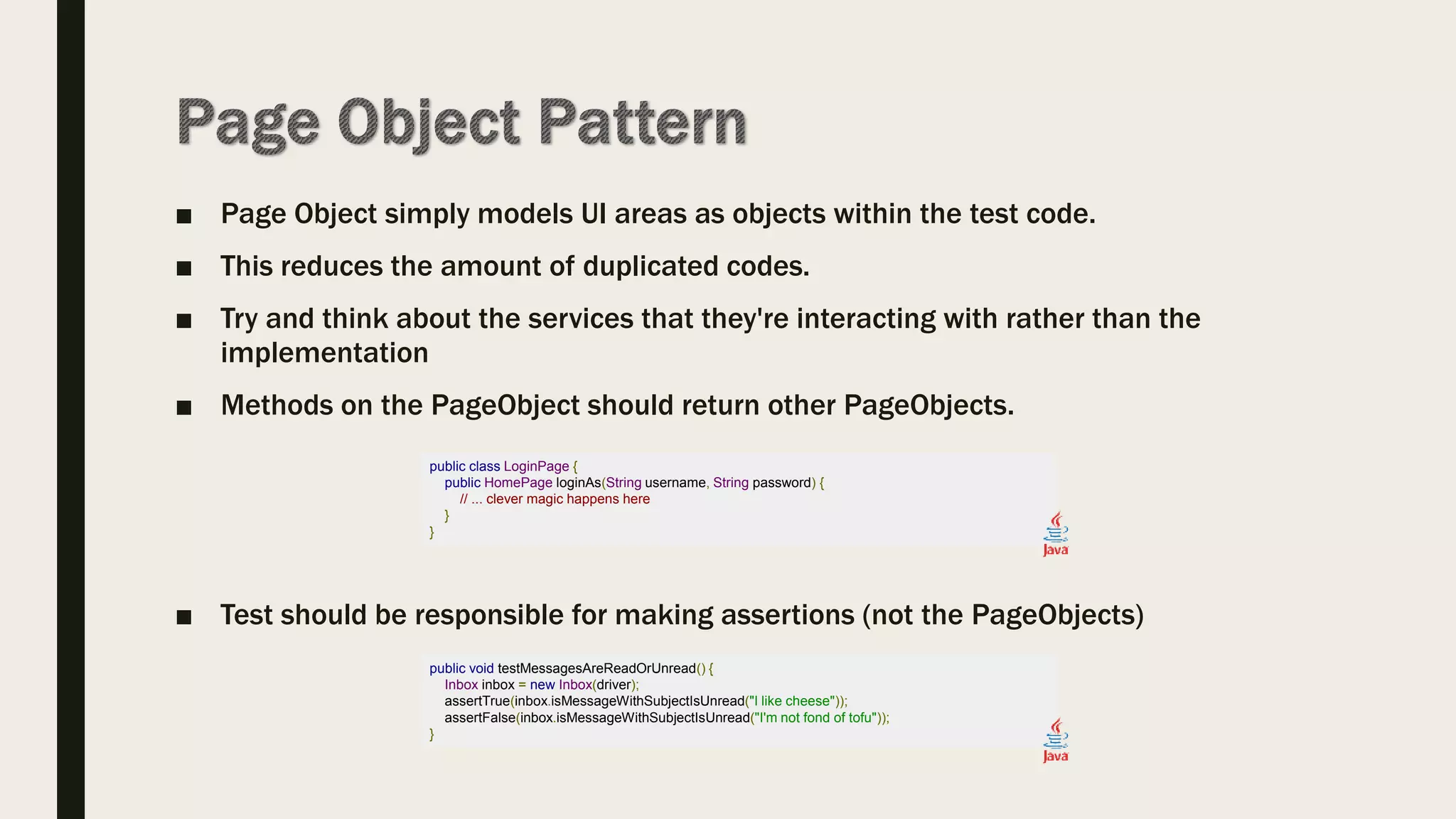
■ Page Object simply models UI areas as objects within the test code.
■ This reduces the amount of duplicated codes.
■ Try and think about the services that they're interacting with rather than the
implementation
■ Methods on the PageObject should return other PageObjects.
■ Test should be responsible for making assertions (not the PageObjects)
public class LoginPage {
public HomePage loginAs(String username, String password) {
// ... clever magic happens here
}
}
public void testMessagesAreReadOrUnread() {
Inbox inbox = new Inbox(driver);
assertTrue(inbox.isMessageWithSubjectIsUnread("I like cheese"));
assertFalse(inbox.isMessageWithSubjectIsUnread("I'm not fond of tofu"));
}
■ In order to support the PageObject pattern, WebDriver's support library contains a
factory class.
public class GoogleSearchPage {
// The element is now looked up using the name attribute
@FindBy(how = How.NAME, using = "q")
private WebElement searchBox;
public void searchFor(String text) {
// We continue using the element just as before
searchBox.sendKeys(text);
searchBox.submit();
}
}
public static void main(String[] args) {
// Create a new instance of a driver
WebDriver driver = new HtmlUnitDriver();
// Navigate to the right place
driver.get("http://www.google.com/");
// Create a new instance of the search page class
// and initialise any WebElement fields in it.
GoogleSearchPage page = PageFactory.initElements(driver, GoogleSearchPage.class);
// And now do the search.
page.searchFor("Cheese");
}
Selenium Automation
Selenium Automation
Selenium Automation

Selenium Automation

  • 2.
    ■ Part 1 –Why Automated testing? – Why Selenium? – History of Selenium – Selenium IDE ■ Part 2 – Selenium WebDriver – Setup Development Environment (.net) – Design Patterns
  • 4.
    What is Automatedtesting ? ■ Test automation is the use of special software to control the execution of tests and the comparison of actual outcomes with predicted outcomes.
  • 5.
    Why Automated testing? Manual Testing Automated Testing Manual testing is not accurate at all times due to human error. Automated testing is more reliable, as it is performed by tools. Manual testing is time-consuming, taking up human resources. Automated testing is executed by software tools, so it is significantly faster. Investment is required for human resources. Investment is required for testing tools. Manual testing is only practical when frequent repetition is not required. Automated testing is a practical option when the test cases are run repeatedly over a long time period.
  • 6.
    Why Selenium ? ■Selenium, – is free and open source – has a large user base and helping communities – has cross Browser compatibility (Firefox, chrome, Internet Explorer, Safari etc.) – has great platform compatibility (Windows, Mac OS, Linux etc.) – supports multiple programming languages (Java, C#, Ruby, Python, Pearl etc.) – supports distributed testing
  • 7.
    ■ In 2004,at ThoughtWorks, Jason Huggins built the “Selenium Core” model. – It is limited by the JavaScript sandbox in browsers. ■ Paul Hammant joined the team and steered the second phase of selenium development. – Code with your favorite computer language ■ In 2005, at ThoughtWorks released Selenium RC. ■ In 2007, Huggins joined Google and keep improving the Selenium RC. ■ In 2007, at ThoughtWorks, Simon Stewart developed a superior browser automation tool called WebDriver. ■ In 2009, they decided to merge two projects and call the new project Selenium WebDriver.
  • 8.
    The name Seleniumcomes from a joke made by Huggins in an email, mocking a competitor named Mercury, saying that, “You can cure mercury poisoning by taking selenium supplements”.
  • 9.
  • 10.
    ■ Selenium RCcomes in two parts. – Client libraries for your favorite computer language ■ Java / C# / Python / Ruby / Perl / PHP – Selenium Server which Interprets and runs the Selenese commands ■ Automatically launches and kills browsers ■ Acts as a HTTP proxy for web requests
  • 11.
    ■ Selenium IDEis a Firefox Add-on originally developed by Shinya Kasatani ■ Selenium IDE was developed to help testers to record and play back their actions ■ 140 long API commands
  • 12.
    ■ Install Firefox ■Go to http://www.seleniumhq.org/download/ ■ Install Selenium Add-ons ■ Restart Browser
  • 13.
    ■ Firebug ■ Firefinder ■IE Developer Tool ■ Google Chrome Developer Tool
  • 15.
    ■ Selenium 2Testing Tools Beginner's Guide – David Burns
  • 17.
    ■ My firstrecord and playback ■ Locators – Locate elements by ID – Locate elements by Name – Locate elements by Link – Locate elements by Xpath ■ XPath uses path expressions to select nodes or node-sets in an XML document. – Locate elements by CSS ■ In CSS, selectors are patterns used to select the element(s) you want to style. – Locate elements by DOM ■ When a web page is loaded, the browser creates a Document Object Model of the page. ■ The HTML DOM model is constructed as a tree of Objects: ■ Add assertion – Assert vs Verify ■ Add comments http://book.theautomatedtester.co.uk/
  • 18.
    (cont..) ■ Handle MultipleBrowser Windows ■ Handle Alerts ■ Working with AJAX ■ Store Variable ■ Debug Testing ■ Create Test Suit ■ Create Test Case http://book.theautomatedtester.co.uk/
  • 19.
    ■ Silverlight andFlex/Flash applications ■ HTML5 is not fully supported with Selenium IDE. – contentEditable=true
  • 20.
    ■ Create quickbug reproduction scripts ■ Create scripts to aid in automation-aided exploratory testing
  • 21.
    ■ Selenium RCwritten purely in JavaScript ■ This JavaScript would automate the browser from within the browser. ■ Selenium RC API has grown over the life of the project to support the changes that have been happening to web applications (140 API calls) ■ Mobile devices and HTML5 not supported
  • 25.
    ■ Source tabof Selenium IDE shows selenese commands of recording – Selenese is a HTML – http://release.seleniumhq.org/selenium-core/1.0.1/reference.html ■ Selenium RC Proxy is for internal usage
  • 26.
    ■ Selenium WebDrivercontrol the browser from outside the browser. ■ It controls the browser from the OS level ■ It uses browser’s accessibility API to drive the browser. – This approach means we can control browsers in the best possible way – Firefox use JavaScript to access API. – While Internet Explorer uses C++. ■ But…, new browsers entering the market will not be supported straight away.
  • 27.
    ■ Visual Studio ■Install browser specific drivers – No need for Firefox – Add driver location to Path variable and ■ IE11 related registry key changes – https://code.google.com/p/selenium/wiki/InternetExplorerDriver#Required_C onfiguration ■ Restart the PC
  • 31.
    ■ Page Objectsimply models UI areas as objects within the test code. ■ This reduces the amount of duplicated codes. ■ Try and think about the services that they're interacting with rather than the implementation ■ Methods on the PageObject should return other PageObjects. ■ Test should be responsible for making assertions (not the PageObjects) public class LoginPage { public HomePage loginAs(String username, String password) { // ... clever magic happens here } } public void testMessagesAreReadOrUnread() { Inbox inbox = new Inbox(driver); assertTrue(inbox.isMessageWithSubjectIsUnread("I like cheese")); assertFalse(inbox.isMessageWithSubjectIsUnread("I'm not fond of tofu")); }
  • 32.
    ■ In orderto support the PageObject pattern, WebDriver's support library contains a factory class. public class GoogleSearchPage { // The element is now looked up using the name attribute @FindBy(how = How.NAME, using = "q") private WebElement searchBox; public void searchFor(String text) { // We continue using the element just as before searchBox.sendKeys(text); searchBox.submit(); } } public static void main(String[] args) { // Create a new instance of a driver WebDriver driver = new HtmlUnitDriver(); // Navigate to the right place driver.get("http://www.google.com/"); // Create a new instance of the search page class // and initialise any WebElement fields in it. GoogleSearchPage page = PageFactory.initElements(driver, GoogleSearchPage.class); // And now do the search. page.searchFor("Cheese"); }