Puppet control-repo

to the next level
(an opinionated big fat control-repo)
Alessandro Franceschi
@alvagante
A control-repo contains a Puppet environment
A magic word appeared somewhere sometime giving
shape to a common pattern
A single place containing all the our Puppet manifests,
modules and, generally, Hiera data
Each environment is a directory under

/etc/puppetlabs/code/environments/
The default environment is called production

/etc/puppetlabs/code/environments/production
Puppet environments are typically managed in git control-
repos.
Control repo components
• A minimal control-repo contains:

manifest directory for common manifests

modules directory for modules

hieradata directory for Hiera data, if used

Puppetfile with list of external modules to use

environment.conf to configure the environment
• Puppetfile is used by r10k or librarian-puppet to
deploy Puppet modules from external sources (git repo
or Modules Forge)
• Find an essential skeleton here:

https://github.com/puppetlabs/control-repo 

example42 big fat control-repo
An opinionated control-repo where more is better than less,
when you have the choice to remove, featuring:
A relevant amount of customisable profiles and tools with
sample Hiera data to configure common applications
Multiple configurable Vagrant environments
Integration with Docker for VM testing and images building
Integrations with Fabric and GitLab
Fits any setup: Puppet Enterprise, Foreman, standard OSS
Find it here:

https://github.com/example42/control-repo
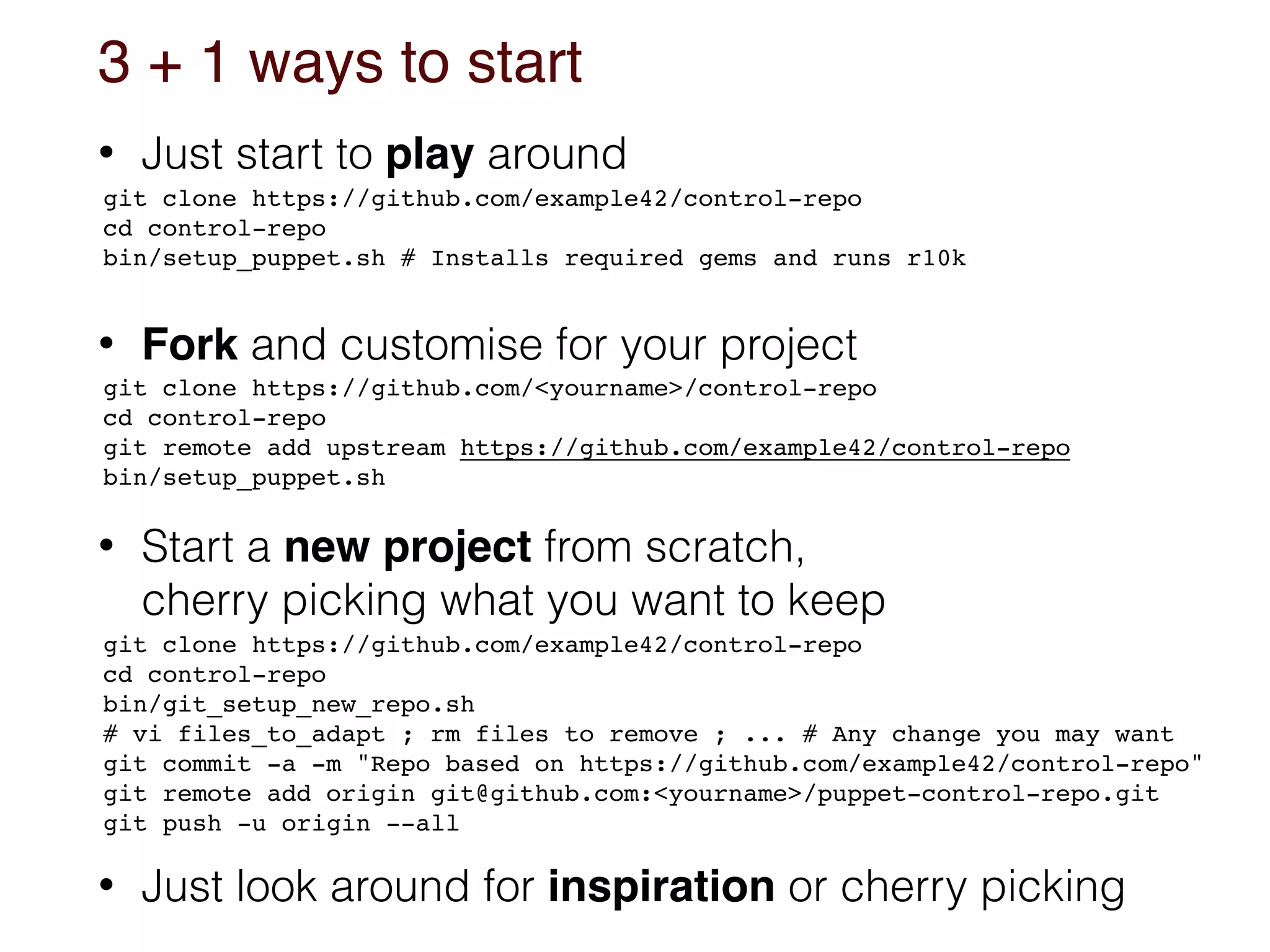
3 + 1 ways to start
• Just start to play around
• Fork and customise for your project


• Start a new project from scratch,

cherry picking what you want to keep
• Just look around for inspiration or cherry picking
git clone https://github.com/example42/control-repo
cd control-repo

bin/setup_puppet.sh # Installs required gems and runs r10k
git clone https://github.com/example42/control-repo
cd control-repo
bin/git_setup_new_repo.sh

# vi files_to_adapt ; rm files to remove ; ... # Any change you may want
git commit -a -m "Repo based on https://github.com/example42/control-repo"

git remote add origin git@github.com:<yourname>/puppet-control-repo.git
git push -u origin --all
git clone https://github.com/<yourname>/control-repo
cd control-repo
git remote add upstream https://github.com/example42/control-repo

bin/setup_puppet.sh
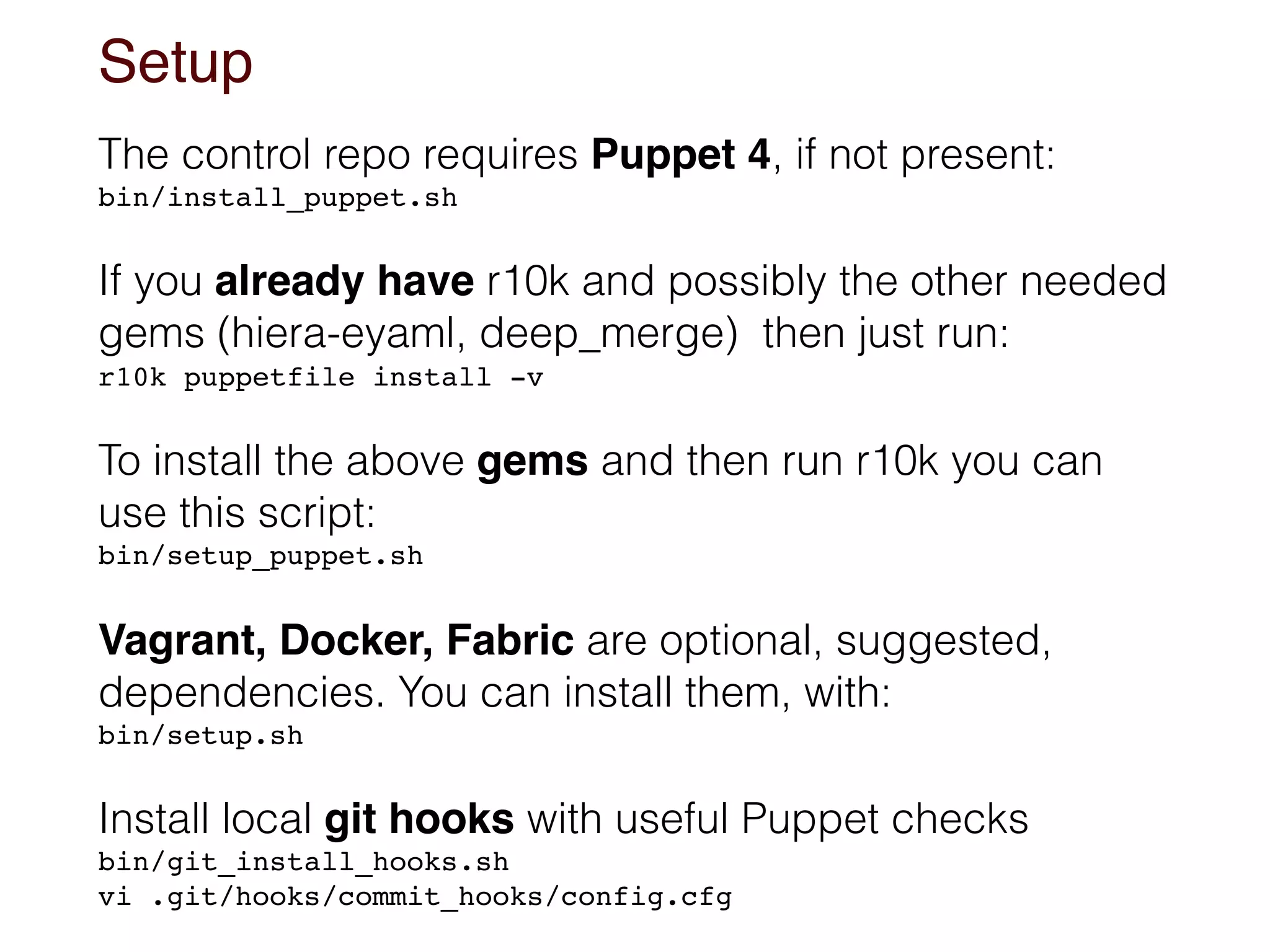
Setup
The control repo requires Puppet 4, if not present:
bin/install_puppet.sh
If you already have r10k and possibly the other needed
gems (hiera-eyaml, deep_merge) then just run:
r10k puppetfile install -v
To install the above gems and then run r10k you can
use this script:
bin/setup_puppet.sh
Vagrant, Docker, Fabric are optional, suggested,
dependencies. You can install them, with:
bin/setup.sh
Install local git hooks with useful Puppet checks
bin/git_install_hooks.sh

vi .git/hooks/commit_hooks/config.cfg
Fabric integration
Optional integration with fabric.

Install it with any of these commands ;->
pip install fabric # If you have already pip installed

tp install fabric # If you have tp installed

bin/setup.sh # Use the main setup script
Tasks are defined in the *.py files on the base dir.
Show them with:
fab -l
The ones marked as [local] are run on the local host

The [remote] ones are supposed to be run on remote
nodes, specified as follows (or via the other ways to
set nodes where to run Fabric tasks):
fab -H node1,node2 puppet.install
demo
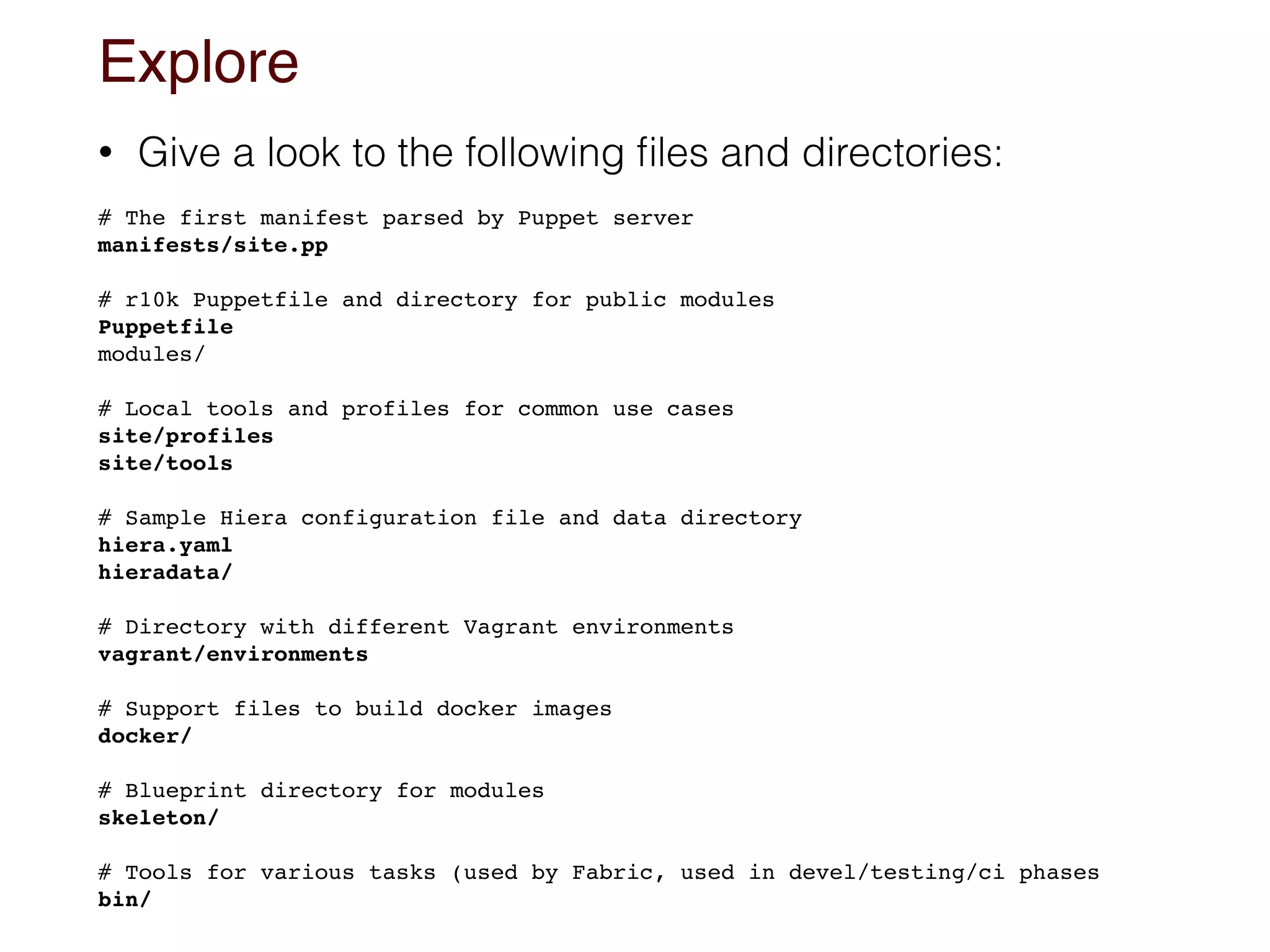
Explore
• Give a look to the following files and directories:


# The first manifest parsed by Puppet server

manifests/site.pp
# r10k Puppetfile and directory for public modules

Puppetfile
modules/
# Local tools and profiles for common use cases
site/profiles
site/tools
# Sample Hiera configuration file and data directory
hiera.yaml
hieradata/
# Directory with different Vagrant environments
vagrant/environments


# Support files to build docker images

docker/
# Blueprint directory for modules 

skeleton/
# Tools for various tasks (used by Fabric, used in devel/testing/ci phases
bin/
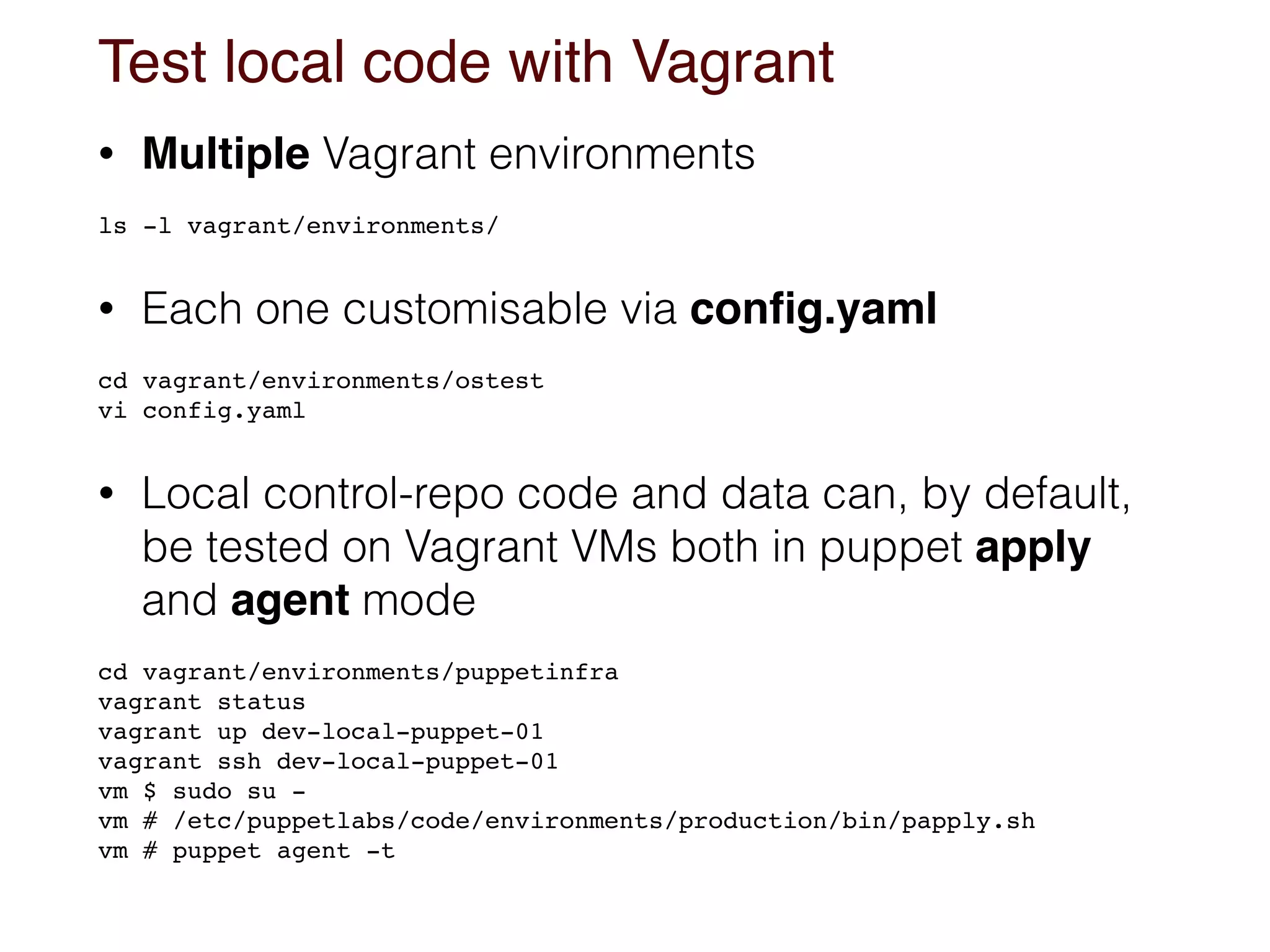
Test local code with Vagrant
• Multiple Vagrant environments


ls -l vagrant/environments/
• Each one customisable via config.yaml


cd vagrant/environments/ostest

vi config.yaml
• Local control-repo code and data can, by default,
be tested on Vagrant VMs both in puppet apply
and agent mode


cd vagrant/environments/puppetinfra

vagrant status

vagrant up dev-local-puppet-01

vagrant ssh dev-local-puppet-01

vm $ sudo su -

vm # /etc/puppetlabs/code/environments/production/bin/papply.sh
vm # puppet agent -t
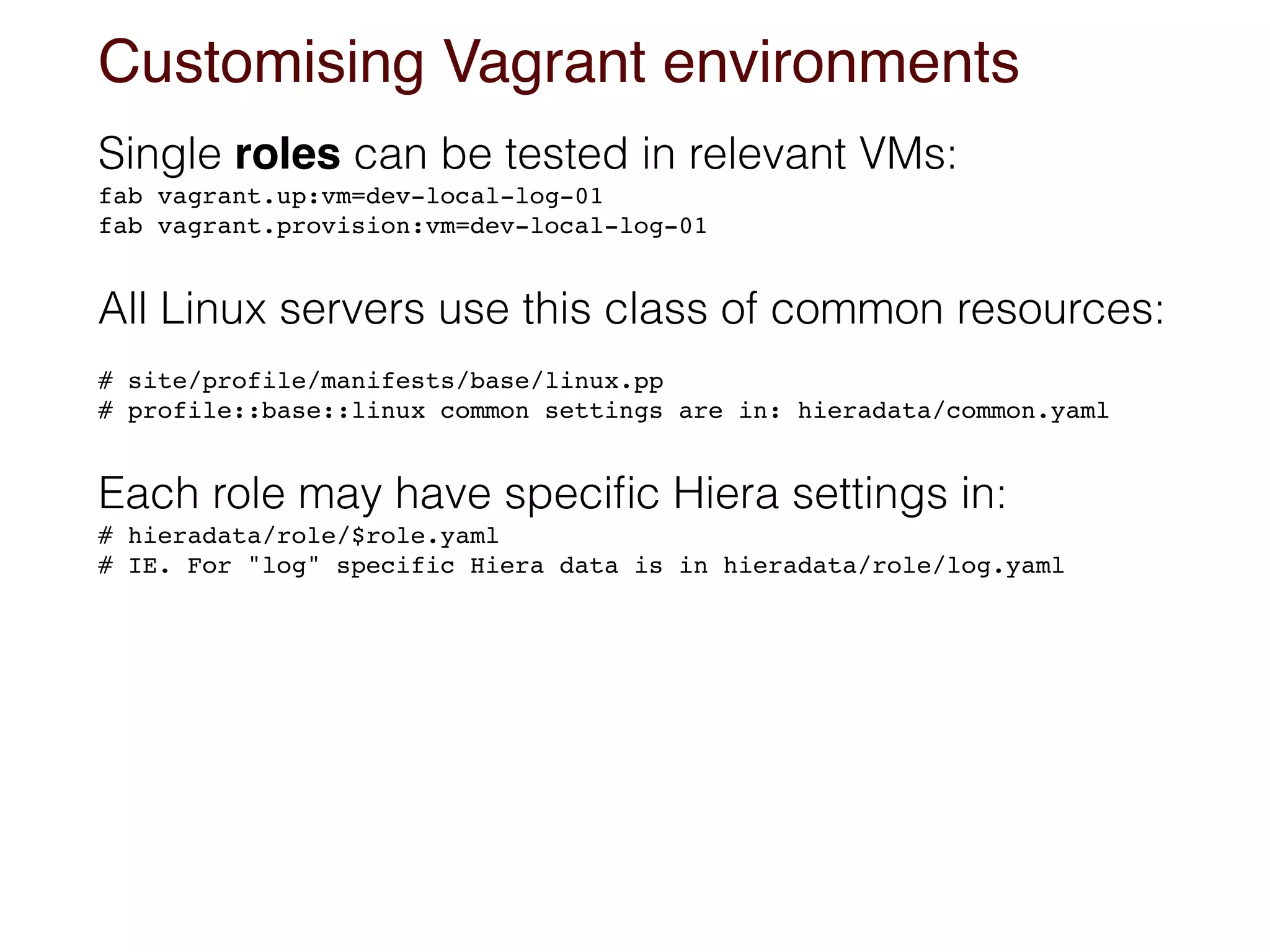
Customising Vagrant environments
Single roles can be tested in relevant VMs:
fab vagrant.up:vm=dev-local-log-01
fab vagrant.provision:vm=dev-local-log-01
All Linux servers use this class of common resources:
# site/profile/manifests/base/linux.pp
# profile::base::linux common settings are in: hieradata/common.yaml
Each role may have specific Hiera settings in:
# hieradata/role/$role.yaml

# IE. For "log" specific Hiera data is in hieradata/role/log.yaml
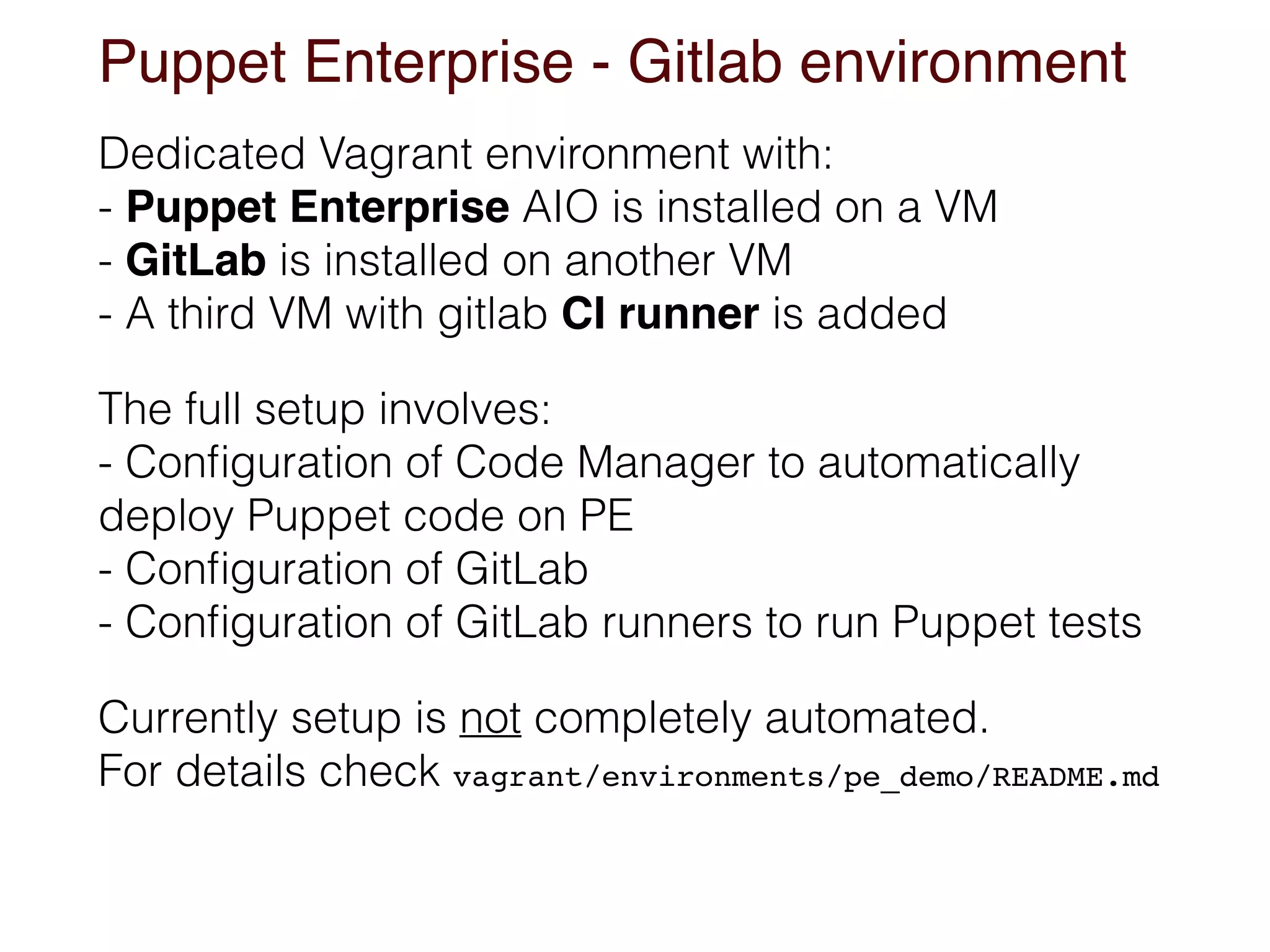
Puppet Enterprise - Gitlab environment
Dedicated Vagrant environment with:

- Puppet Enterprise AIO is installed on a VM

- GitLab is installed on another VM

- A third VM with gitlab CI runner is added
The full setup involves:

- Configuration of Code Manager to automatically
deploy Puppet code on PE

- Configuration of GitLab

- Configuration of GitLab runners to run Puppet tests
Currently setup is not completely automated.

For details check vagrant/environments/pe_demo/README.md
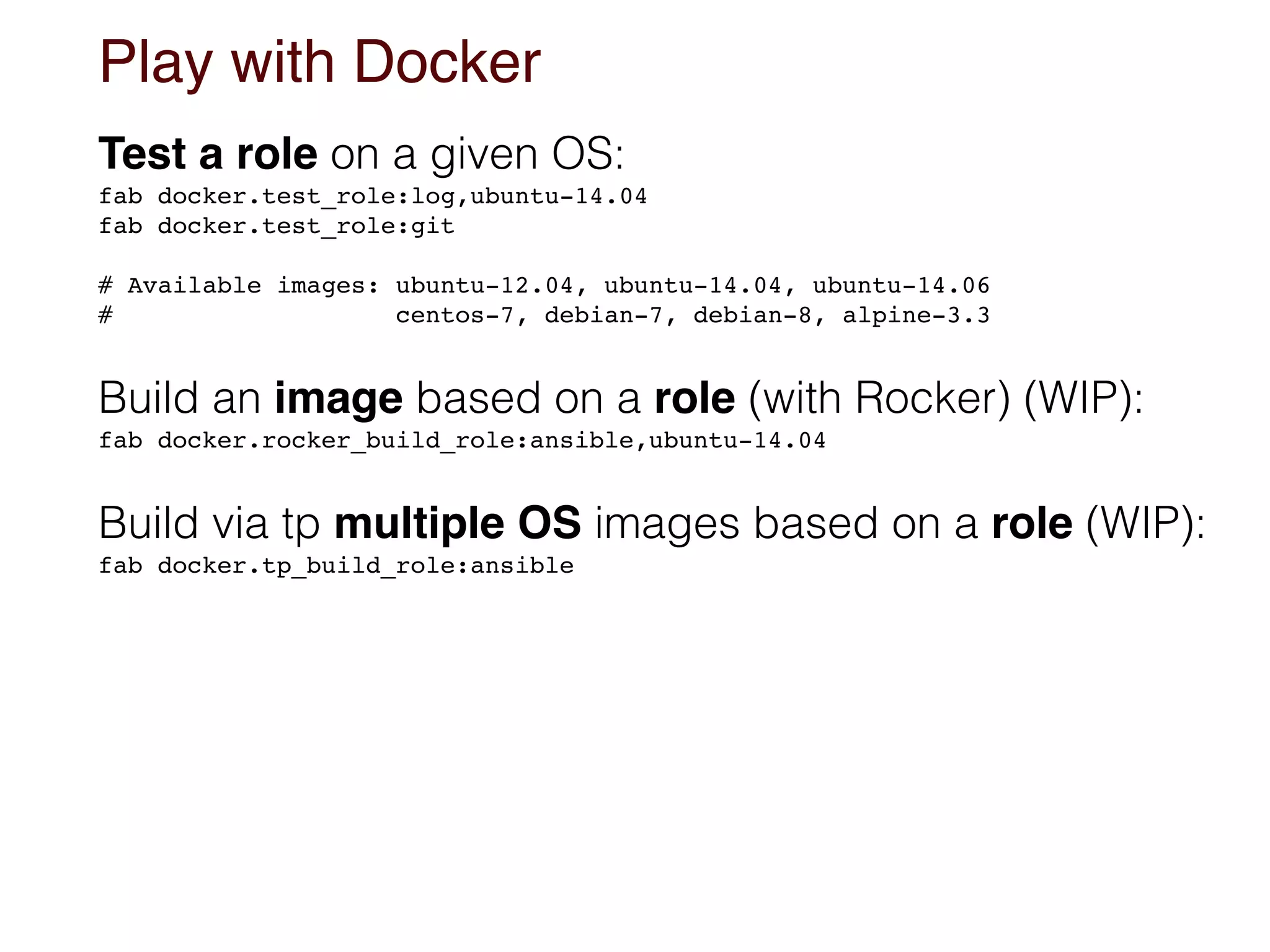
Play with Docker
Test a role on a given OS:
fab docker.test_role:log,ubuntu-14.04

fab docker.test_role:git
# Available images: ubuntu-12.04, ubuntu-14.04, ubuntu-14.06

# centos-7, debian-7, debian-8, alpine-3.3
Build an image based on a role (with Rocker) (WIP):
fab docker.rocker_build_role:ansible,ubuntu-14.04
Build via tp multiple OS images based on a role (WIP):
fab docker.tp_build_role:ansible
Some design choices (all changeable)
• Profiles loaded via hiera_include
• Hiera driven noop mode
• Wide usage of Tiny Puppet in some profiles
• OS based base profile with class indirection
• Hiera eyaml backend. Hieradata in control-repo
• Separated public and site dirs. Site modules in
control-repo
• More is better than less (because you can always remove what you don't want)
Where to customise
• The control-repo is just the starting point for a
greenfield modern Puppet setup
• Define a way to set your nodes' roles and node
defining variables (the ones used in hiera.yaml)
• Select the public modules to use and add them to
Puppetfile
• Write local profiles in site/profile/manifests
• Review hiera.yaml logic and customise data in
hieradata/
• Customise your Vagrant environments
• Customise the skeleton to use for custom modules
Mostly welcomed contributions
• Use or have ideas from it and tell us what you think
• Feedback, critics and suggestions are really
needed to guide our evolutions
• If you have good tools or profiles, valid for general
use cases, PR them. More is better than less...
• Talk with us @example42 @alvagante
enough Puppet ramblings
Thank You
for all the fish
Alessandro Franceschi
@alvagante

Puppet control-repo 
to the next level

  • 1.
    Puppet control-repo
 to thenext level (an opinionated big fat control-repo) Alessandro Franceschi @alvagante
  • 2.
    A control-repo containsa Puppet environment A magic word appeared somewhere sometime giving shape to a common pattern A single place containing all the our Puppet manifests, modules and, generally, Hiera data Each environment is a directory under
 /etc/puppetlabs/code/environments/ The default environment is called production
 /etc/puppetlabs/code/environments/production Puppet environments are typically managed in git control- repos.
  • 3.
    Control repo components •A minimal control-repo contains:
 manifest directory for common manifests
 modules directory for modules
 hieradata directory for Hiera data, if used
 Puppetfile with list of external modules to use
 environment.conf to configure the environment • Puppetfile is used by r10k or librarian-puppet to deploy Puppet modules from external sources (git repo or Modules Forge) • Find an essential skeleton here:
 https://github.com/puppetlabs/control-repo 

  • 4.
    example42 big fatcontrol-repo An opinionated control-repo where more is better than less, when you have the choice to remove, featuring: A relevant amount of customisable profiles and tools with sample Hiera data to configure common applications Multiple configurable Vagrant environments Integration with Docker for VM testing and images building Integrations with Fabric and GitLab Fits any setup: Puppet Enterprise, Foreman, standard OSS Find it here:
 https://github.com/example42/control-repo
  • 5.
    3 + 1ways to start • Just start to play around • Fork and customise for your project
 
 • Start a new project from scratch,
 cherry picking what you want to keep • Just look around for inspiration or cherry picking git clone https://github.com/example42/control-repo cd control-repo
 bin/setup_puppet.sh # Installs required gems and runs r10k git clone https://github.com/example42/control-repo cd control-repo bin/git_setup_new_repo.sh
 # vi files_to_adapt ; rm files to remove ; ... # Any change you may want git commit -a -m "Repo based on https://github.com/example42/control-repo"
 git remote add origin git@github.com:<yourname>/puppet-control-repo.git git push -u origin --all git clone https://github.com/<yourname>/control-repo cd control-repo git remote add upstream https://github.com/example42/control-repo
 bin/setup_puppet.sh
  • 6.
    Setup The control reporequires Puppet 4, if not present: bin/install_puppet.sh If you already have r10k and possibly the other needed gems (hiera-eyaml, deep_merge) then just run: r10k puppetfile install -v To install the above gems and then run r10k you can use this script: bin/setup_puppet.sh Vagrant, Docker, Fabric are optional, suggested, dependencies. You can install them, with: bin/setup.sh Install local git hooks with useful Puppet checks bin/git_install_hooks.sh
 vi .git/hooks/commit_hooks/config.cfg
  • 7.
    Fabric integration Optional integrationwith fabric.
 Install it with any of these commands ;-> pip install fabric # If you have already pip installed
 tp install fabric # If you have tp installed
 bin/setup.sh # Use the main setup script Tasks are defined in the *.py files on the base dir. Show them with: fab -l The ones marked as [local] are run on the local host
 The [remote] ones are supposed to be run on remote nodes, specified as follows (or via the other ways to set nodes where to run Fabric tasks): fab -H node1,node2 puppet.install
  • 8.
  • 9.
    Explore • Give alook to the following files and directories: 
 # The first manifest parsed by Puppet server
 manifests/site.pp # r10k Puppetfile and directory for public modules
 Puppetfile modules/ # Local tools and profiles for common use cases site/profiles site/tools # Sample Hiera configuration file and data directory hiera.yaml hieradata/ # Directory with different Vagrant environments vagrant/environments 
 # Support files to build docker images
 docker/ # Blueprint directory for modules 
 skeleton/ # Tools for various tasks (used by Fabric, used in devel/testing/ci phases bin/
  • 10.
    Test local codewith Vagrant • Multiple Vagrant environments 
 ls -l vagrant/environments/ • Each one customisable via config.yaml 
 cd vagrant/environments/ostest
 vi config.yaml • Local control-repo code and data can, by default, be tested on Vagrant VMs both in puppet apply and agent mode 
 cd vagrant/environments/puppetinfra
 vagrant status
 vagrant up dev-local-puppet-01
 vagrant ssh dev-local-puppet-01
 vm $ sudo su -
 vm # /etc/puppetlabs/code/environments/production/bin/papply.sh vm # puppet agent -t
  • 11.
    Customising Vagrant environments Singleroles can be tested in relevant VMs: fab vagrant.up:vm=dev-local-log-01 fab vagrant.provision:vm=dev-local-log-01 All Linux servers use this class of common resources: # site/profile/manifests/base/linux.pp # profile::base::linux common settings are in: hieradata/common.yaml Each role may have specific Hiera settings in: # hieradata/role/$role.yaml
 # IE. For "log" specific Hiera data is in hieradata/role/log.yaml
  • 12.
    Puppet Enterprise -Gitlab environment Dedicated Vagrant environment with:
 - Puppet Enterprise AIO is installed on a VM
 - GitLab is installed on another VM
 - A third VM with gitlab CI runner is added The full setup involves:
 - Configuration of Code Manager to automatically deploy Puppet code on PE
 - Configuration of GitLab
 - Configuration of GitLab runners to run Puppet tests Currently setup is not completely automated.
 For details check vagrant/environments/pe_demo/README.md
  • 13.
    Play with Docker Testa role on a given OS: fab docker.test_role:log,ubuntu-14.04
 fab docker.test_role:git # Available images: ubuntu-12.04, ubuntu-14.04, ubuntu-14.06
 # centos-7, debian-7, debian-8, alpine-3.3 Build an image based on a role (with Rocker) (WIP): fab docker.rocker_build_role:ansible,ubuntu-14.04 Build via tp multiple OS images based on a role (WIP): fab docker.tp_build_role:ansible
  • 14.
    Some design choices(all changeable) • Profiles loaded via hiera_include • Hiera driven noop mode • Wide usage of Tiny Puppet in some profiles • OS based base profile with class indirection • Hiera eyaml backend. Hieradata in control-repo • Separated public and site dirs. Site modules in control-repo • More is better than less (because you can always remove what you don't want)
  • 15.
    Where to customise •The control-repo is just the starting point for a greenfield modern Puppet setup • Define a way to set your nodes' roles and node defining variables (the ones used in hiera.yaml) • Select the public modules to use and add them to Puppetfile • Write local profiles in site/profile/manifests • Review hiera.yaml logic and customise data in hieradata/ • Customise your Vagrant environments • Customise the skeleton to use for custom modules
  • 16.
    Mostly welcomed contributions •Use or have ideas from it and tell us what you think • Feedback, critics and suggestions are really needed to guide our evolutions • If you have good tools or profiles, valid for general use cases, PR them. More is better than less... • Talk with us @example42 @alvagante
  • 17.
    enough Puppet ramblings ThankYou
for all the fish Alessandro Franceschi @alvagante