■ Group Members
■ Name ID
• Shimmy, Tauhida Shabrin 16-31707-1
• Sajid, Abdullah Al 16-31718-1
• Samia Parvin 16-31712-1
• Mahin, S.M. Al 16-31701-1
• Tonmoy, Shoaib Azad 16-31837-1
Course : Digital Electronics
Teacher: Rethwan Faiz
What Is An ATM?
■ ATM stands for “Automated Teller Machine”.
■ ATM is a computerized telecommunications device that provides the customers of
a financial institution / bank with access to financial transactions in a public space
without the need for a human clerk or bank teller round the clock (24 hrs a day)
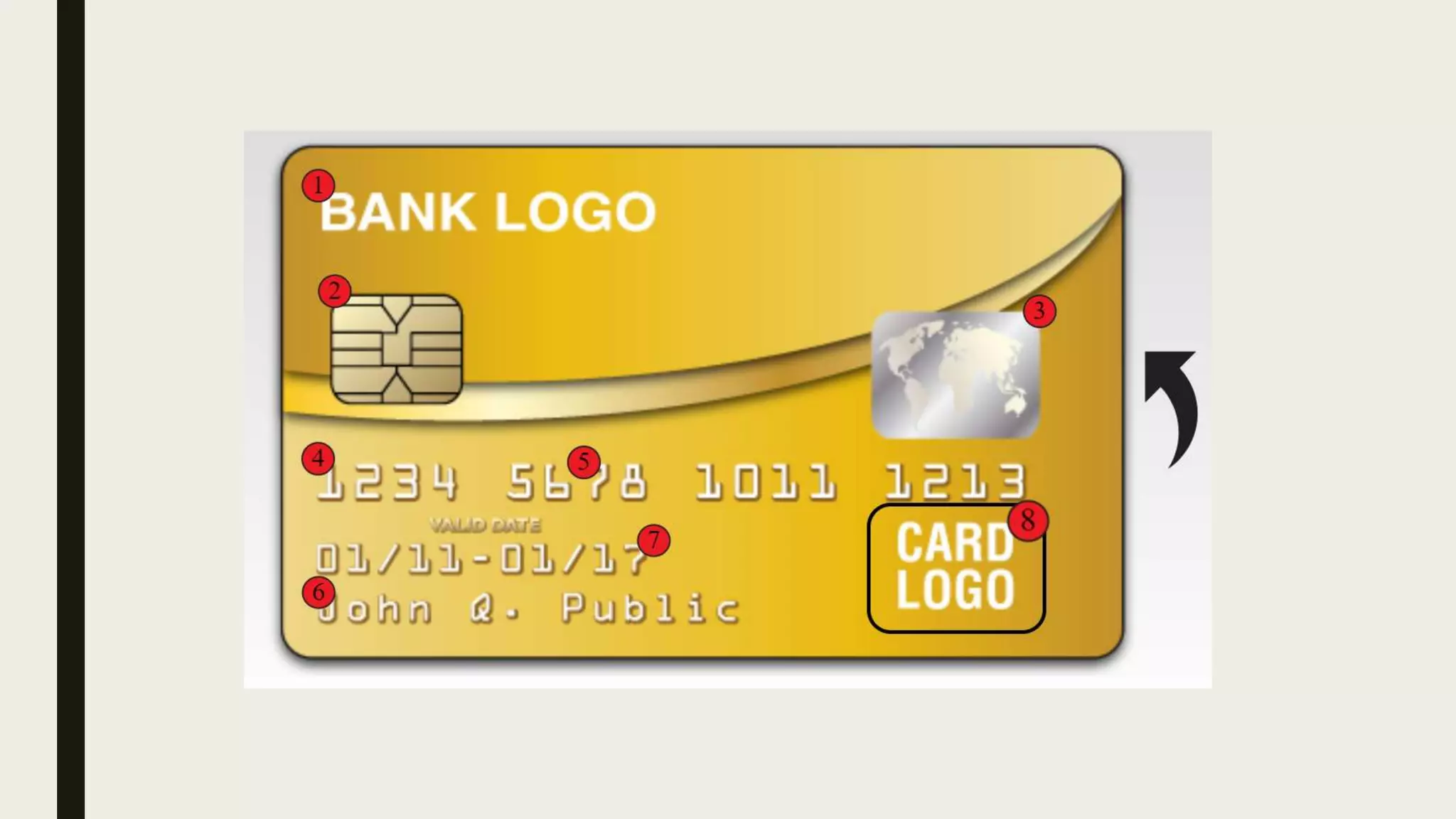
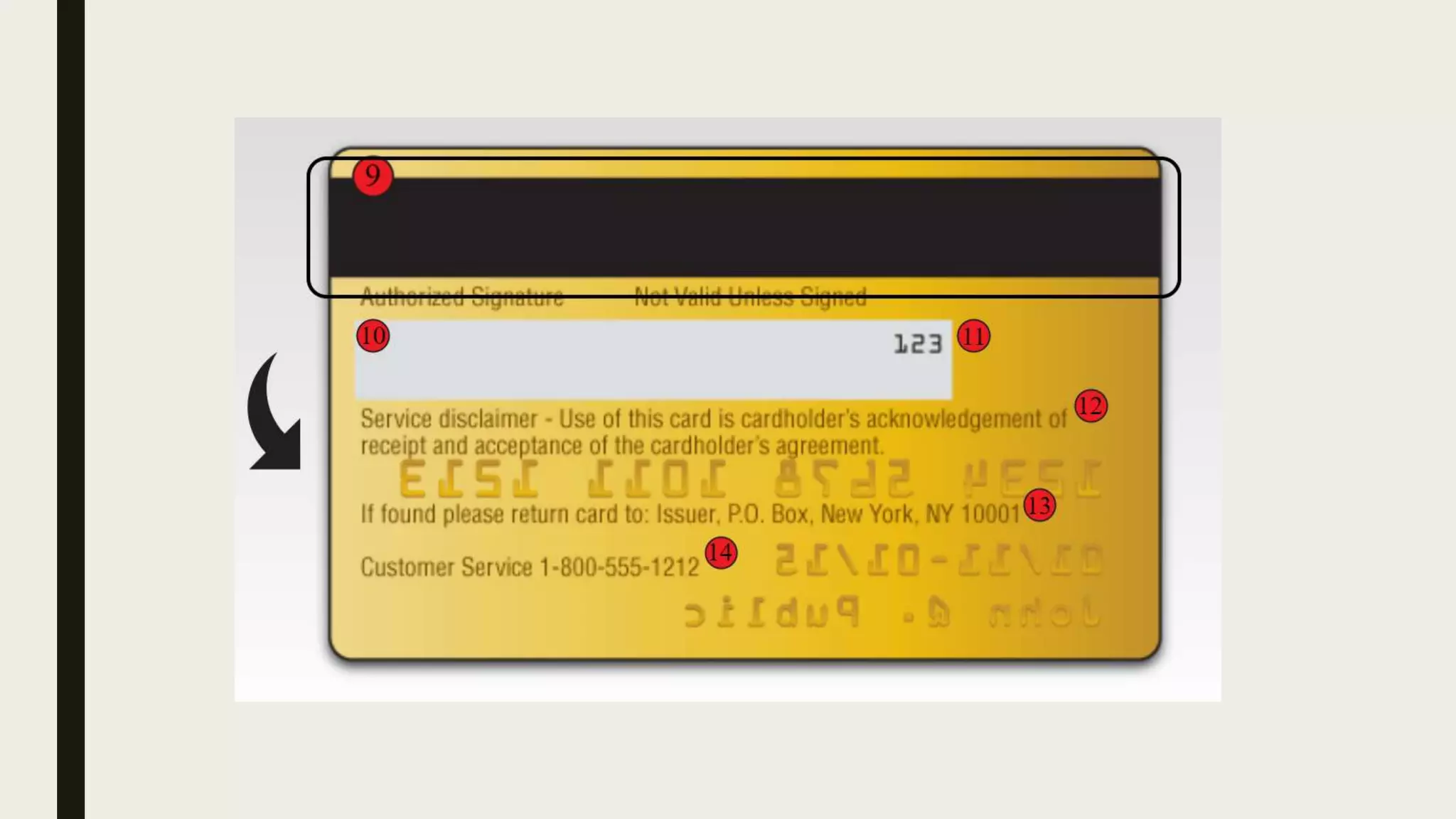
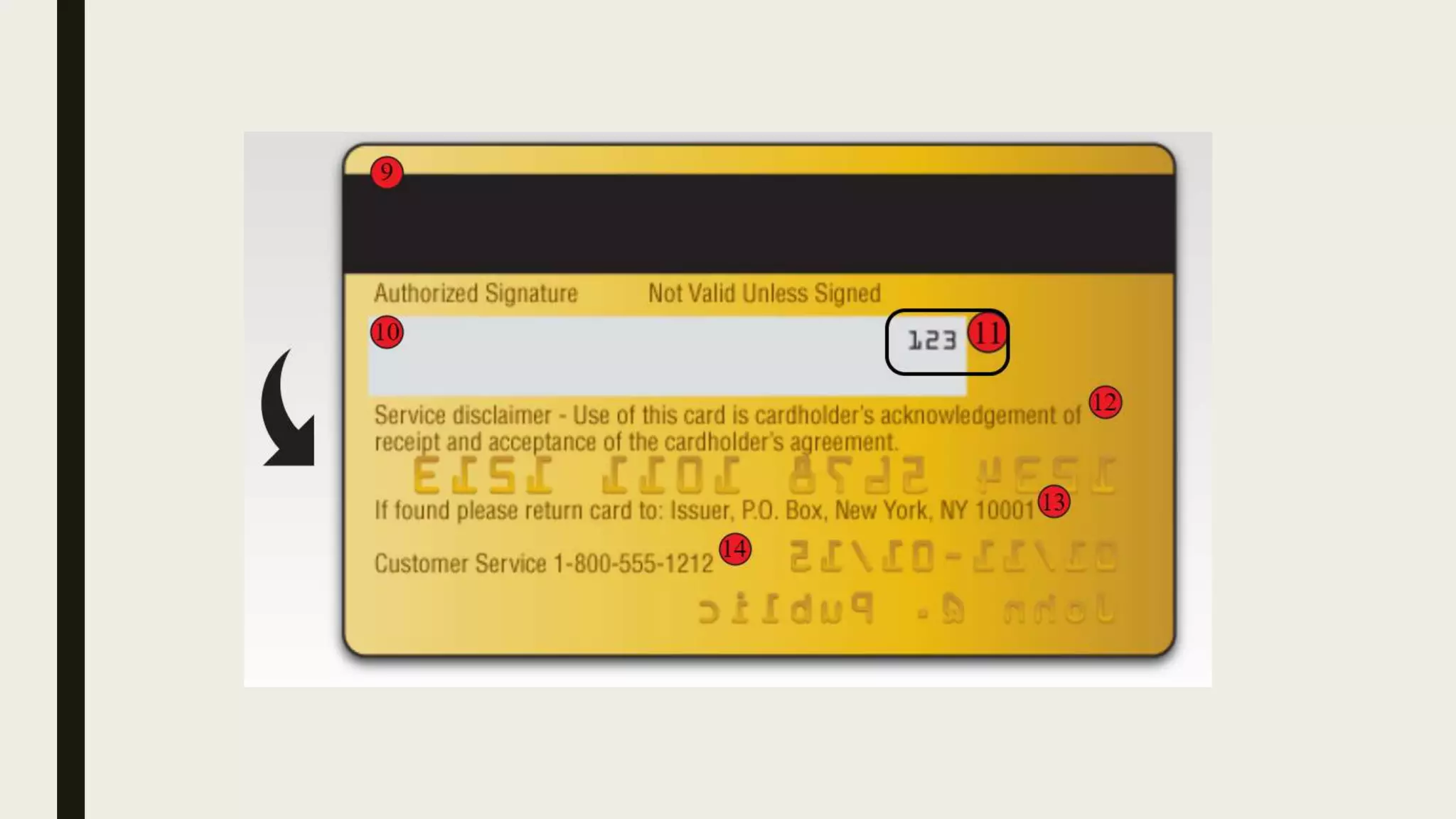
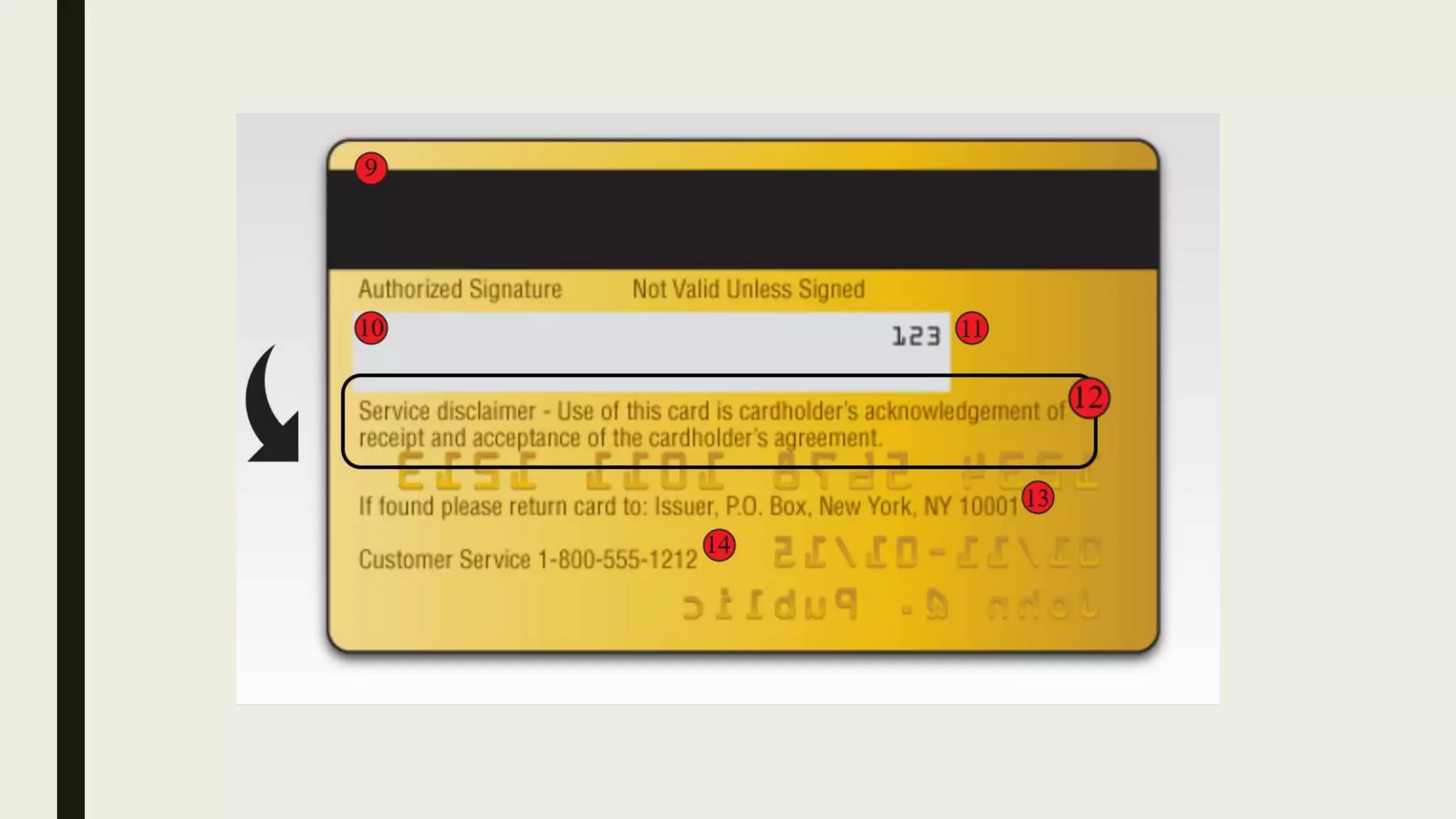
ATM Card
On most modern ATMs, the customer is identified by inserting a ATM
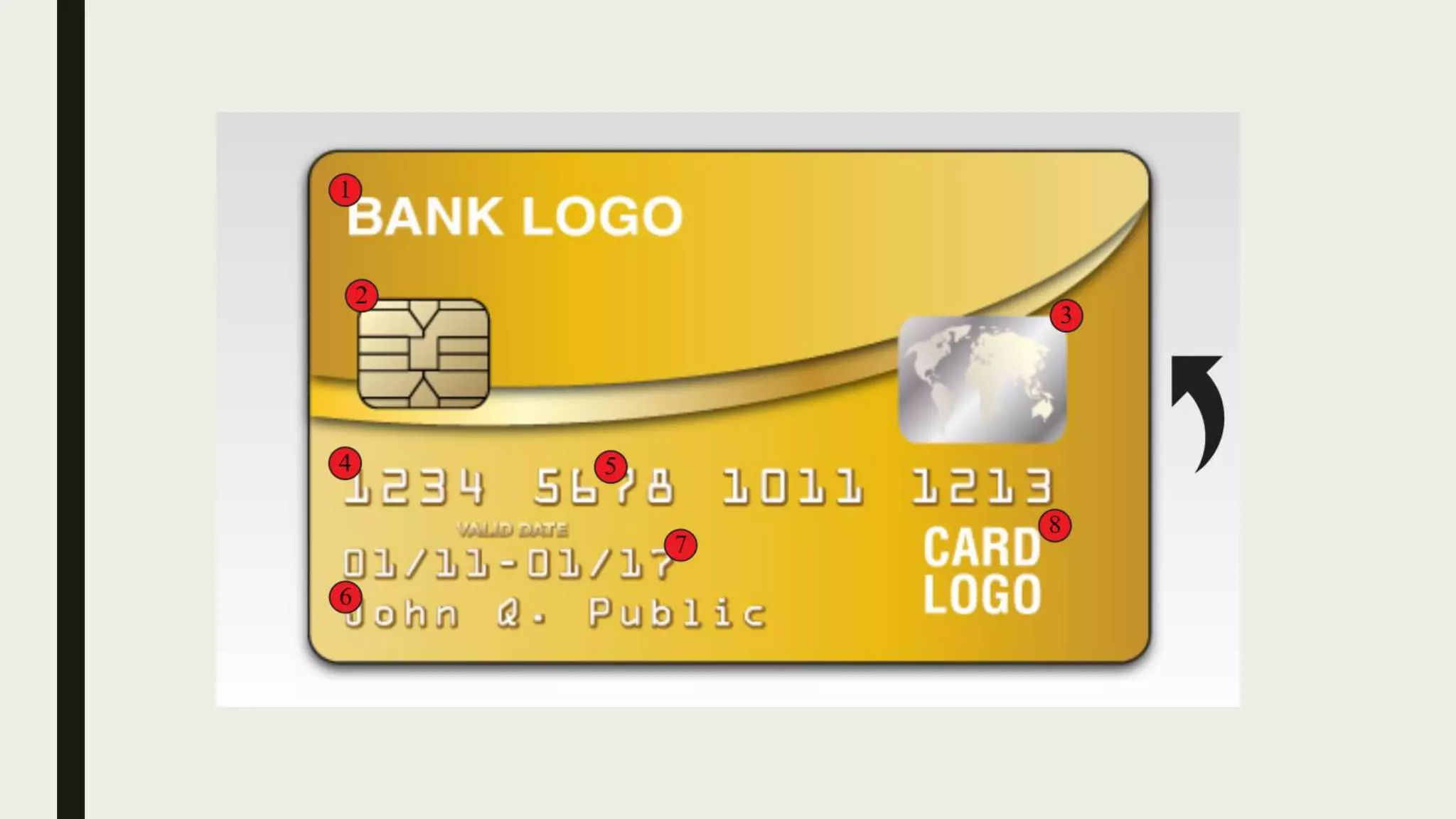
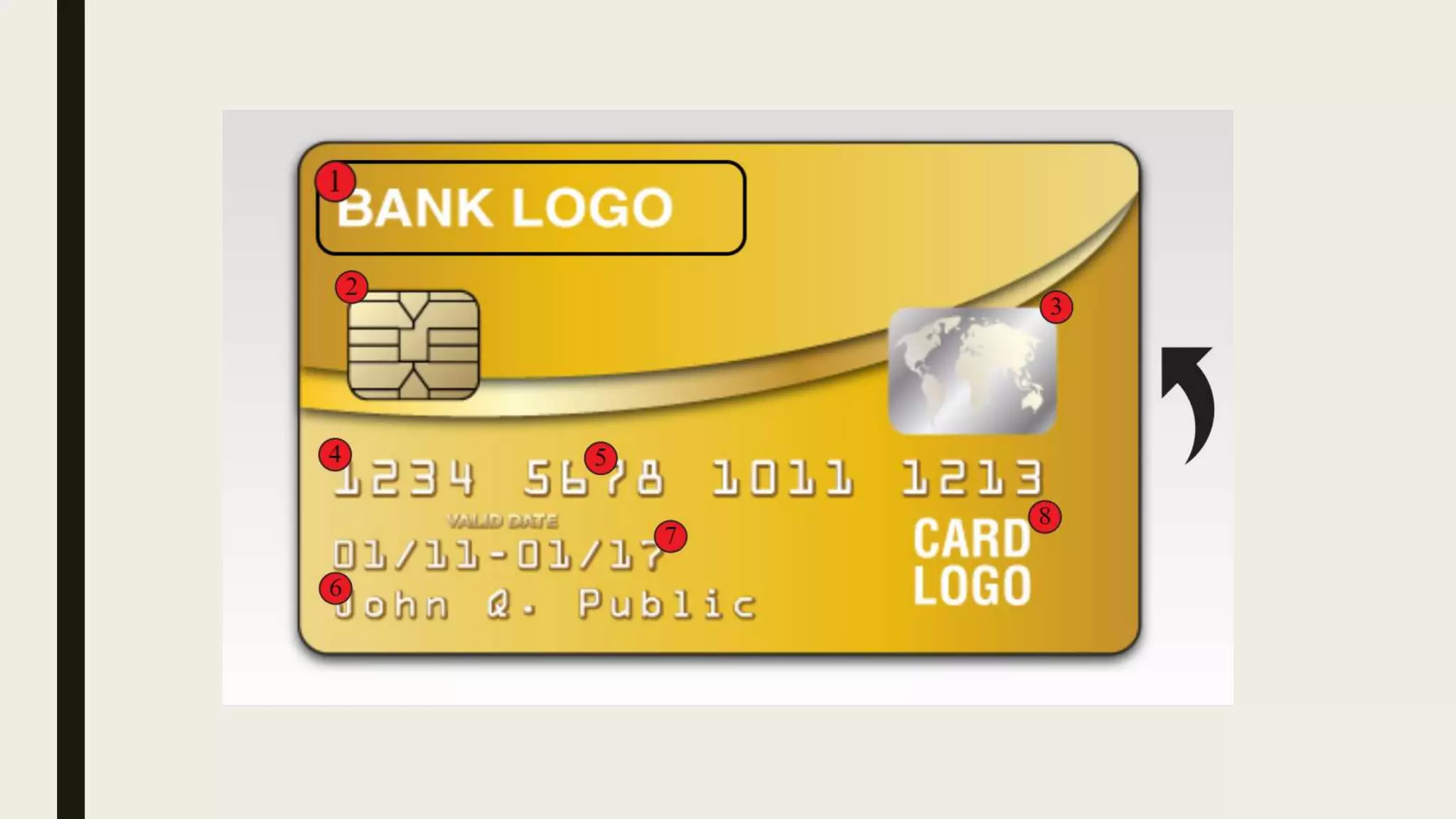
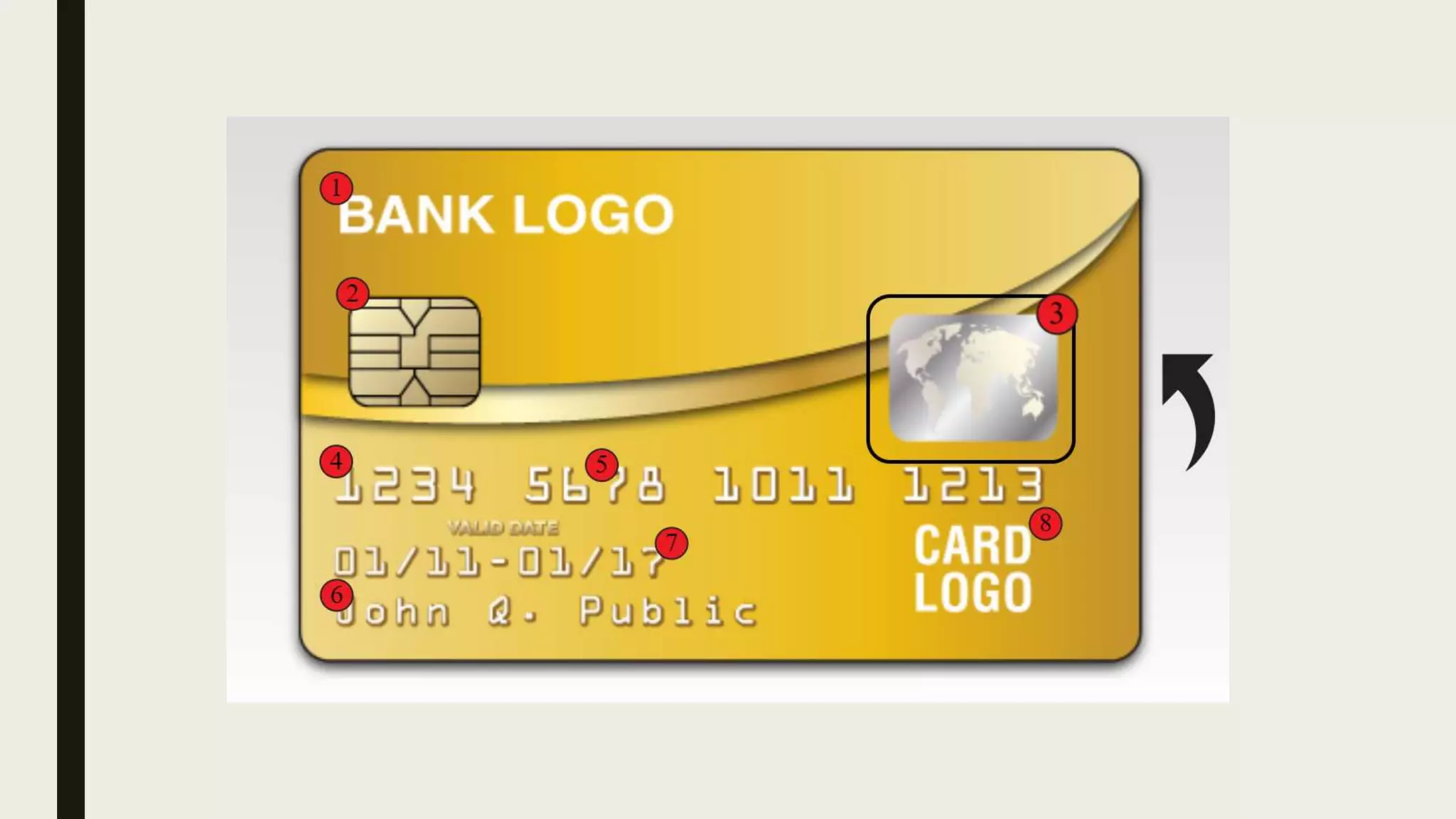
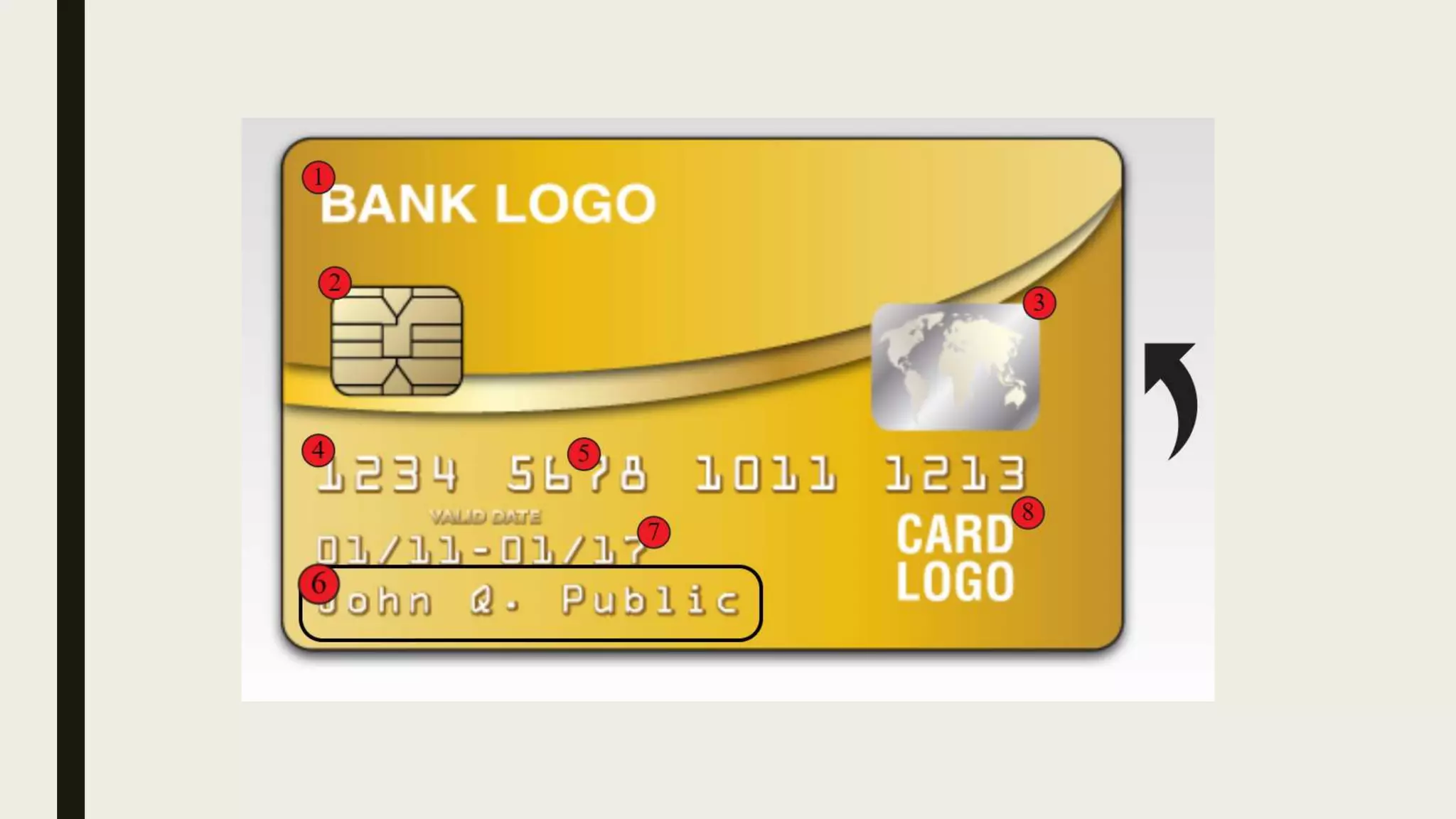
■ ATM card is a plastic card with a magnetic stripe or a plastic smartcard with a chip
■ It contains a unique card number and some security information.
■ Security is provided by the customer entering a personal identification number
(PIN)
Functions Of ATM
■ 24-hour access to cash
■ View Account Balances & Mini-statements
■ Order a Cheque Book / Account Statement
■ Transfer Funds between accounts
■ Refill your Prepaid card
■ Pay your utility bills
■ Deposit cash or cheques
■ Change your PIN
■ Learn about other products
Types of ATMs
■ On-Line Atms
■ Off -line Atms
■ On- site ATMs
■ Off-Site Atms
■ Mobile Atms
■ Biometric ATMs
■ Talking Atms
■ ATMs For Blinds
■ Drive In Atms
COMPONENTS OF
AUTOMATED TELLER
MACHINE
CARD READER
■ If there will be no card reader, then ATM card can not be read so no transaction can
be done by machine.
■ ATM card is required to swipe through this card reader slot. After swiping card it
captures the account information through magnetic stripe of ATM.
■ After retrieving the correct information of your account, card reader send this
information to the host processor for further process.
HOSR PROCESSOR
■ Host processor is the heart of ATM machine.
■ It contacts the bank server and retrieves your account details such as available
balance, previous transactions, PIN etc
■ It verifies your PIN number and if it matches with the provided PIN number from
the bank server, you are allowed to make the transaction.
■ To take your PIN and other requests form user, there will be a keypad or touch pad.
KEYPAD/TOUCHPAD
■ Key pad or touch pad is responsible for taking input from the user.
■ On this pad, numbers and few other keys such as Clear, OK etc., will be placed.
■ Key pad transfers your inputted data to host controller to process the request
SPEAKER
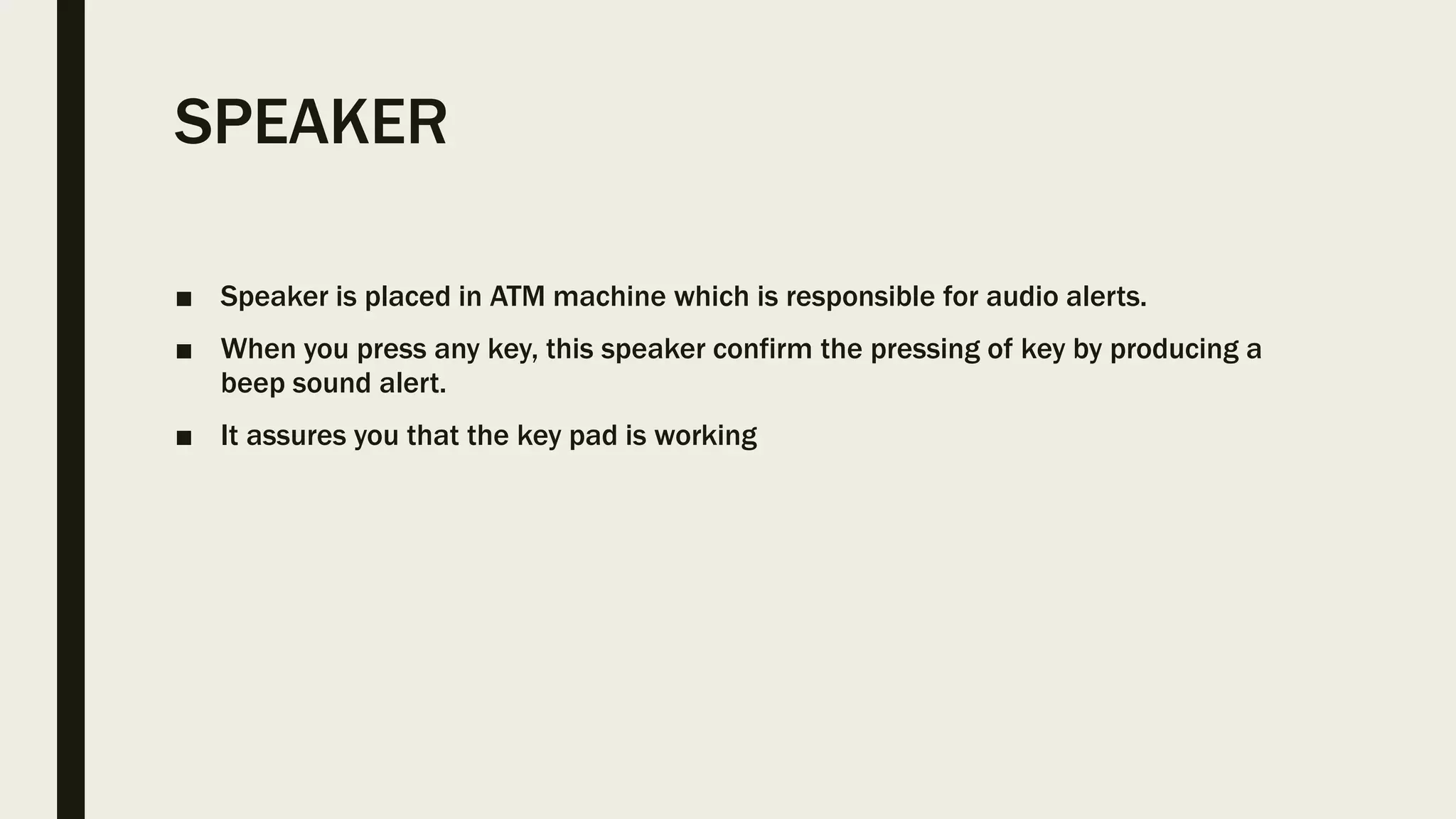
■ Speaker is placed in ATM machine which is responsible for audio alerts.
■ When you press any key, this speaker confirm the pressing of key by producing a
beep sound alert.
■ It assures you that the key pad is working
CRT OR LCD SCREEN
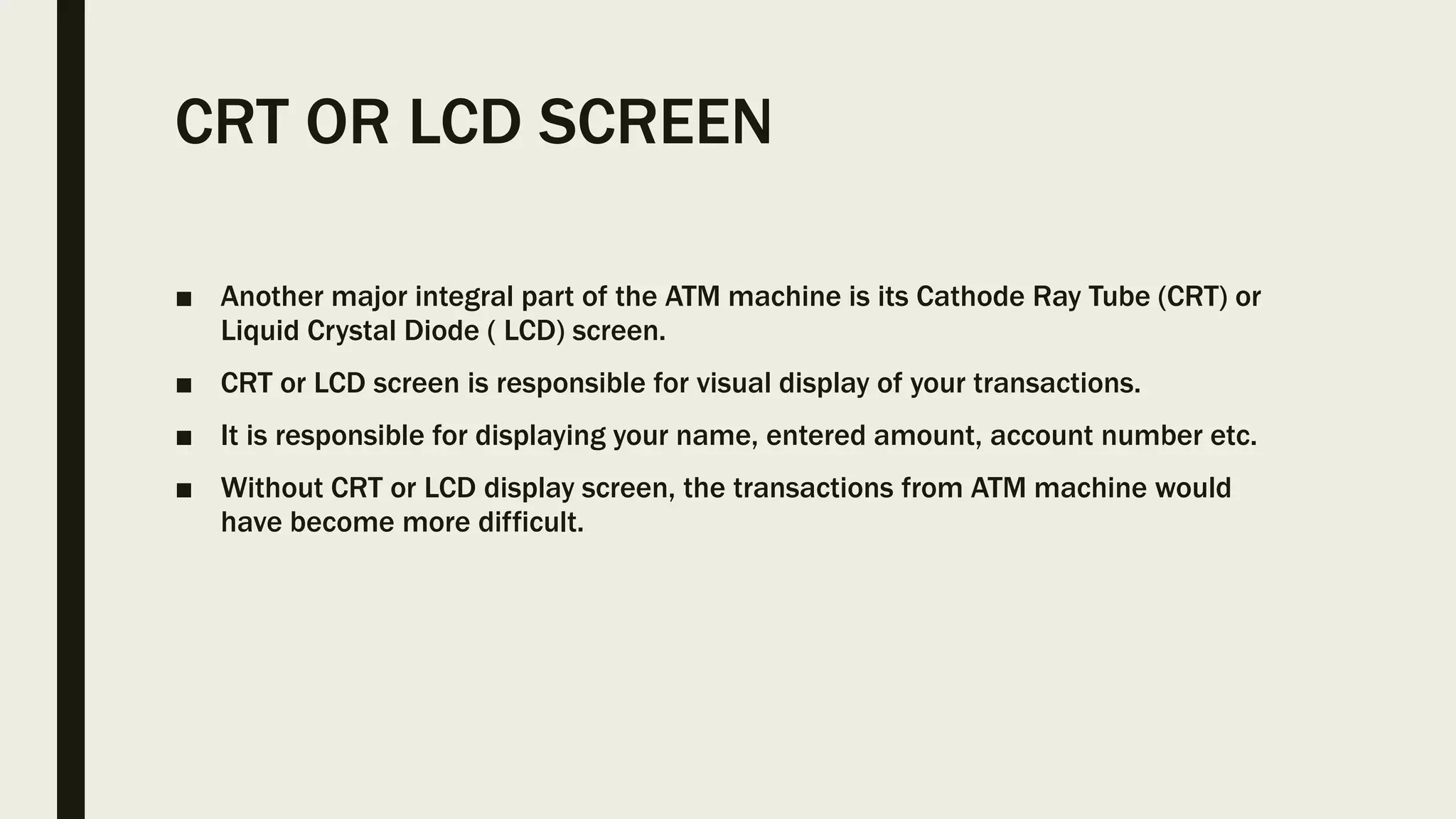
■ Another major integral part of the ATM machine is its Cathode Ray Tube (CRT) or
Liquid Crystal Diode ( LCD) screen.
■ CRT or LCD screen is responsible for visual display of your transactions.
■ It is responsible for displaying your name, entered amount, account number etc.
■ Without CRT or LCD display screen, the transactions from ATM machine would
have become more difficult.
RECEIPT PRINTER
■ Receipt printer is responsible for the printing of your transactions receipt.
■ It will print whether the transaction is successful or not.
■ It contains the important information in the form of fixed codes by which we can
assess the transaction status and its reason of failure.
■ SO receipt printer is a vital part of automated teller machine.
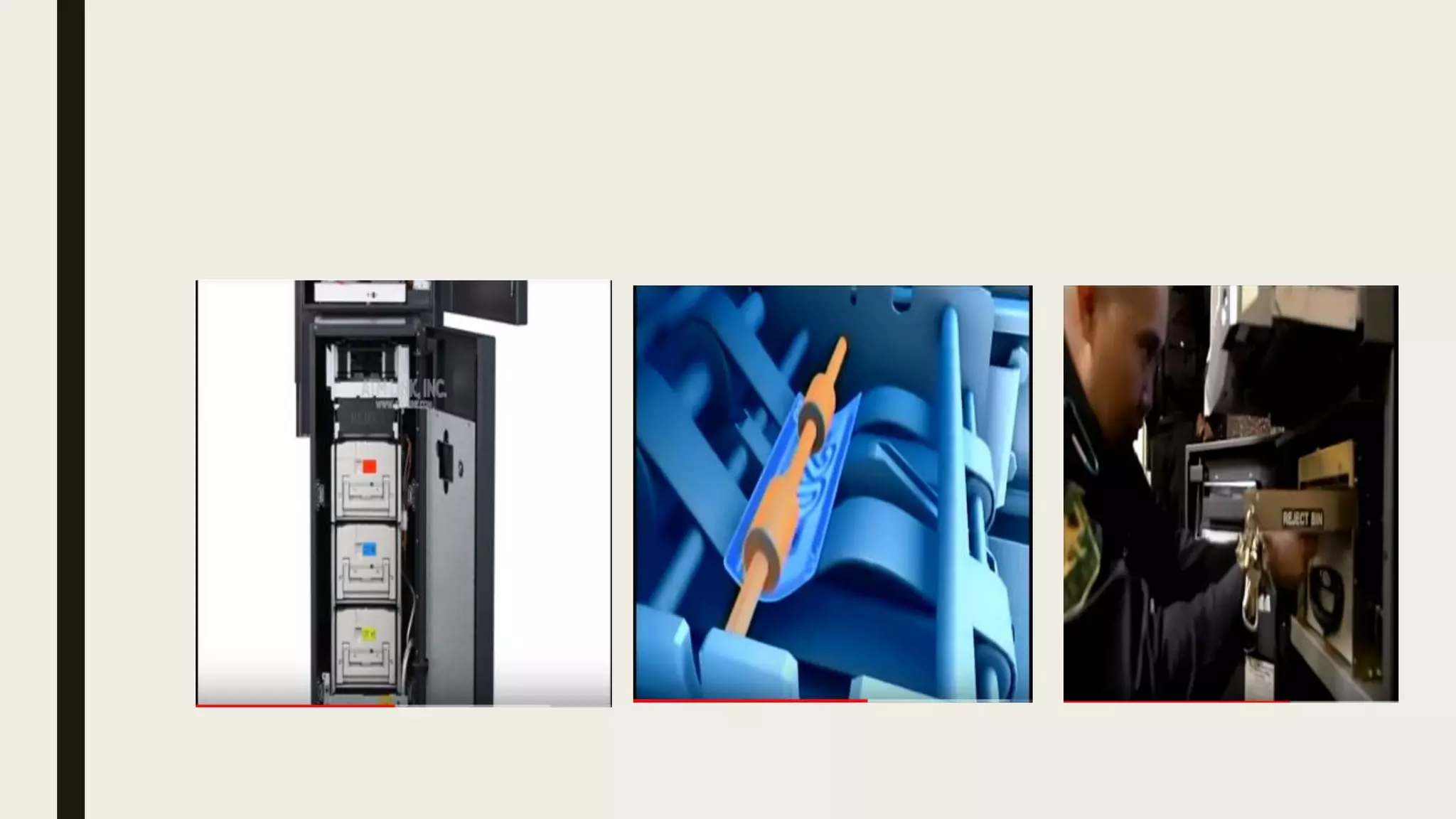
CASH DISPENSER
■ The most important part of automated teller machine is its cash dispenser.
■ The cash dispenser is responsible for giving out the correct amount of cash you
have requested for.
■ So after getting instruction from host controller to pay the money, cash dispenser
will count the money and dispenses the money out of it.
ATM & it’s parts
■ CPU
■ Magnetic or chip card reader
■ PIN pad (similar in layout to a touch tone or calculator keypad)
■ Display
■ Function key buttons
■ Record printer
■ Vault
■ Sensors and indicators
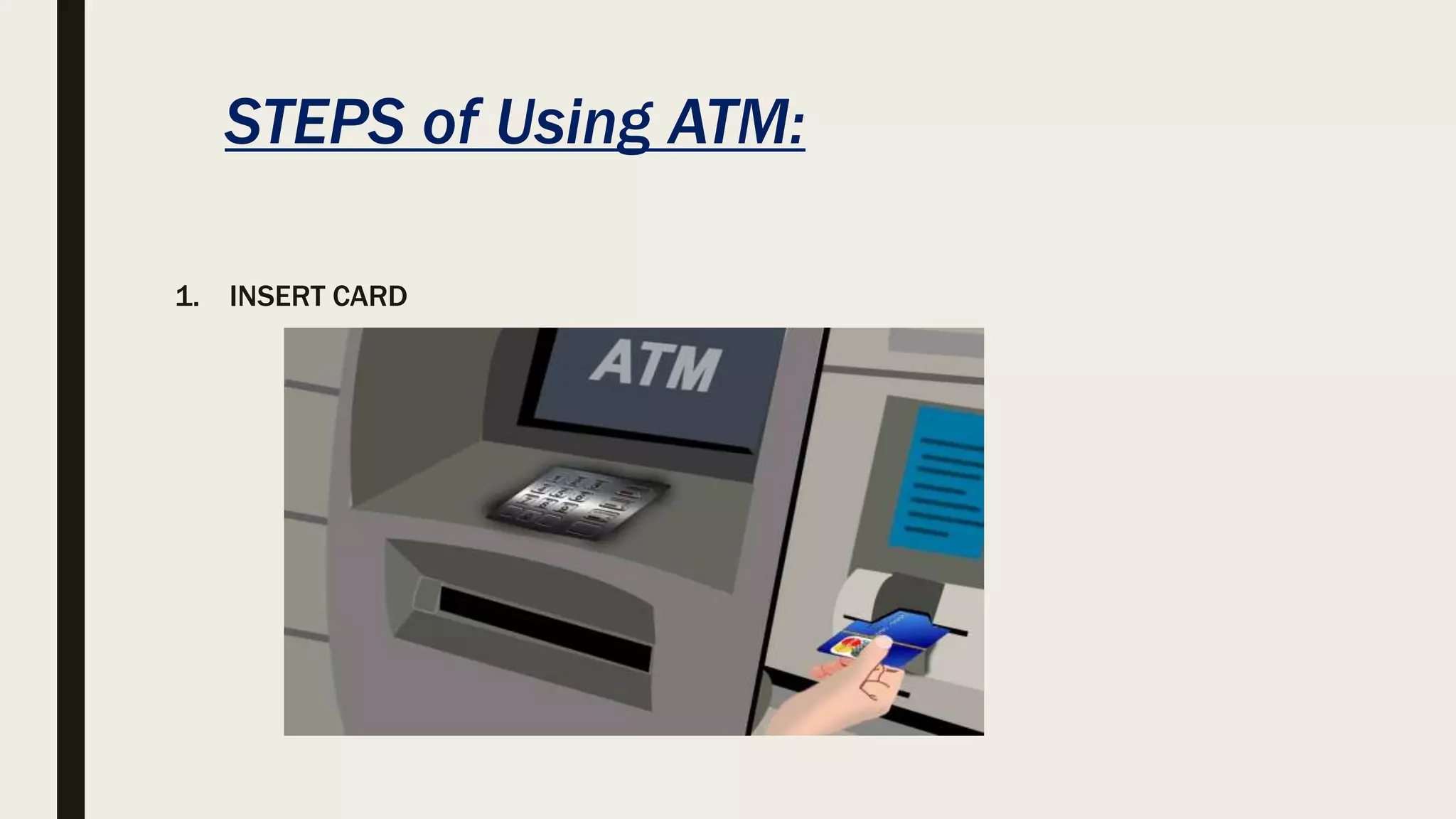
STEPS of Using ATM:
1. INSERT CARD
2. SELECT your Language
3. Enter your PIN
4. Transaction Type
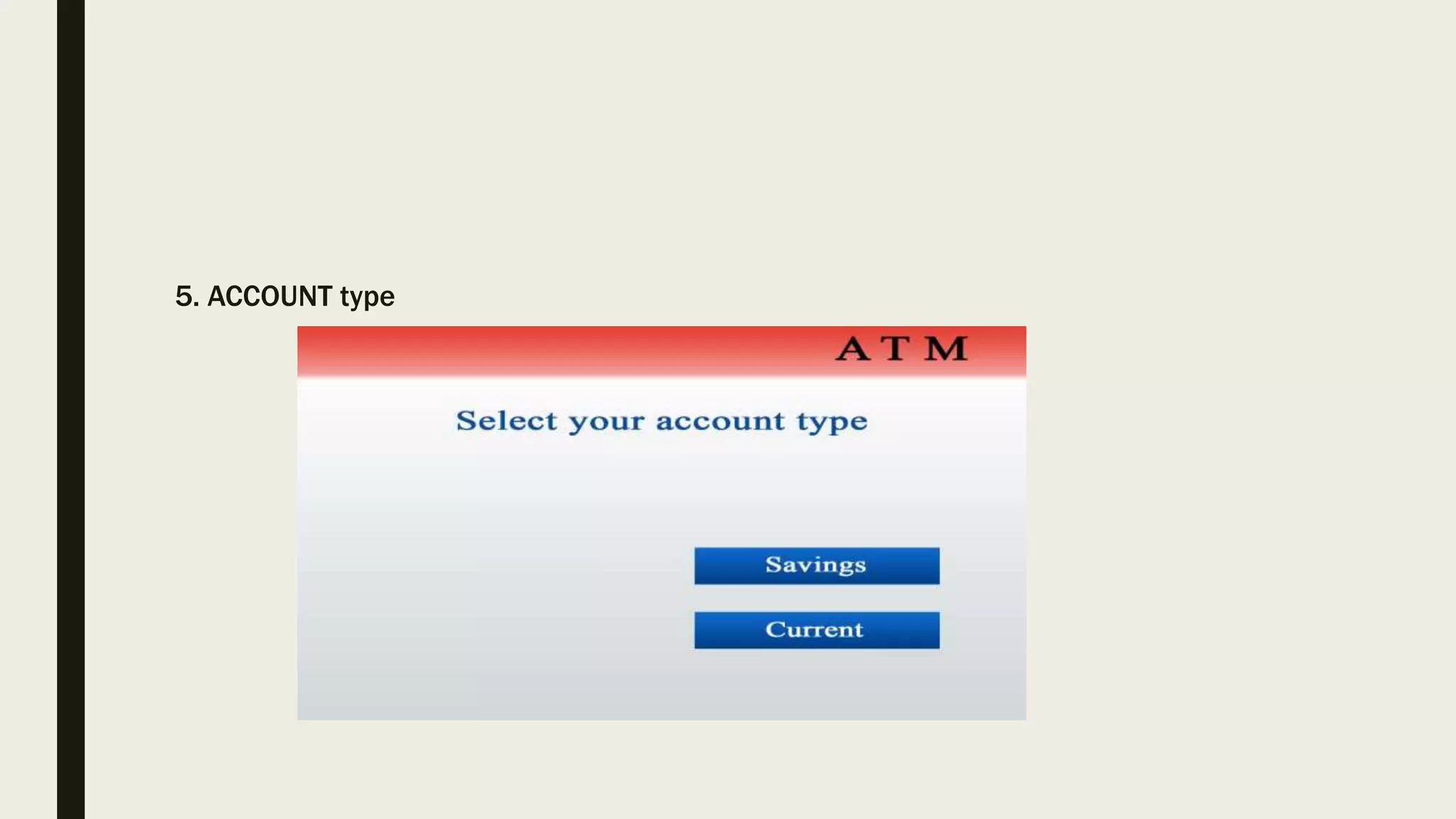
5. ACCOUNT type
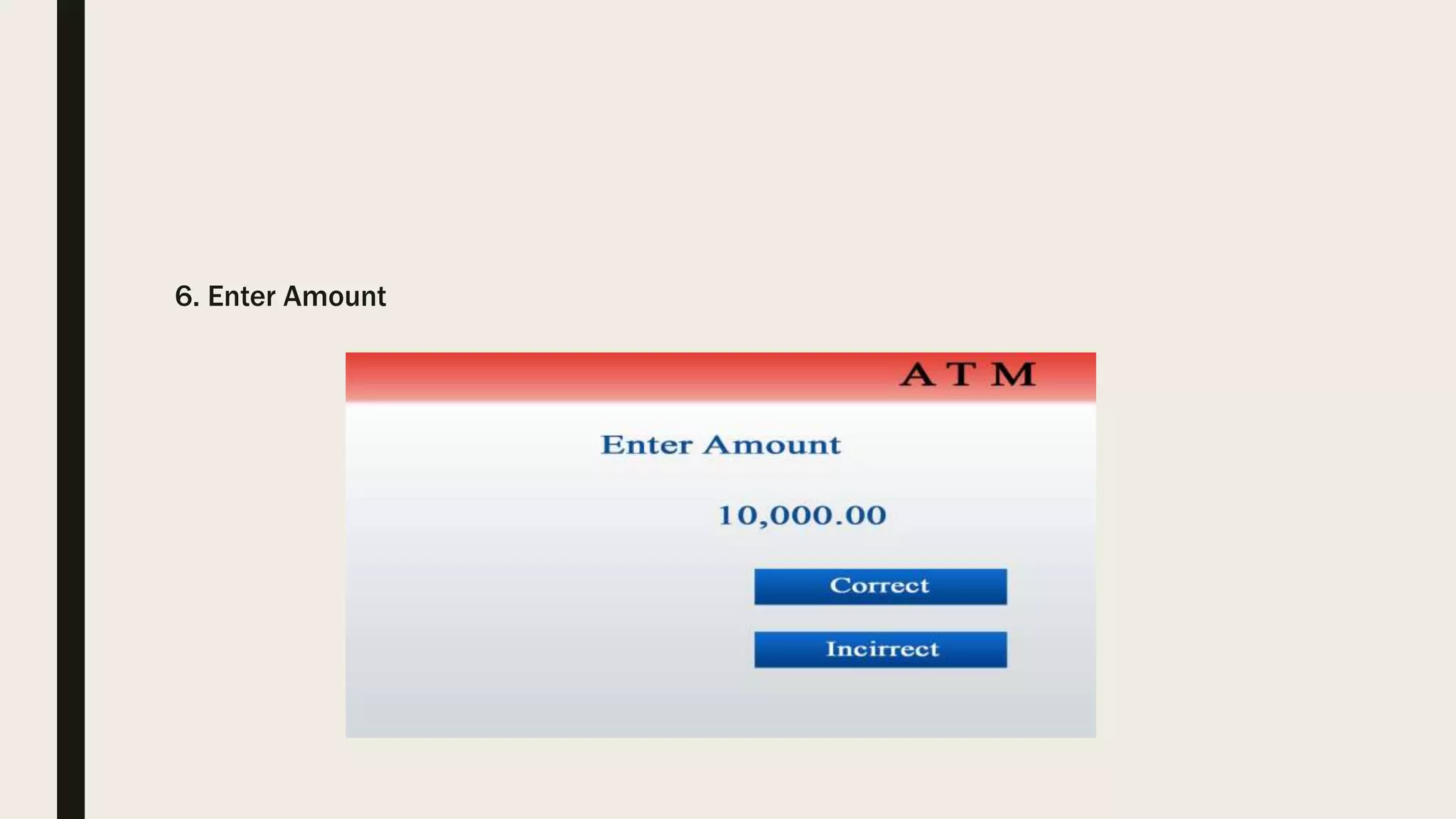
6. Enter Amount
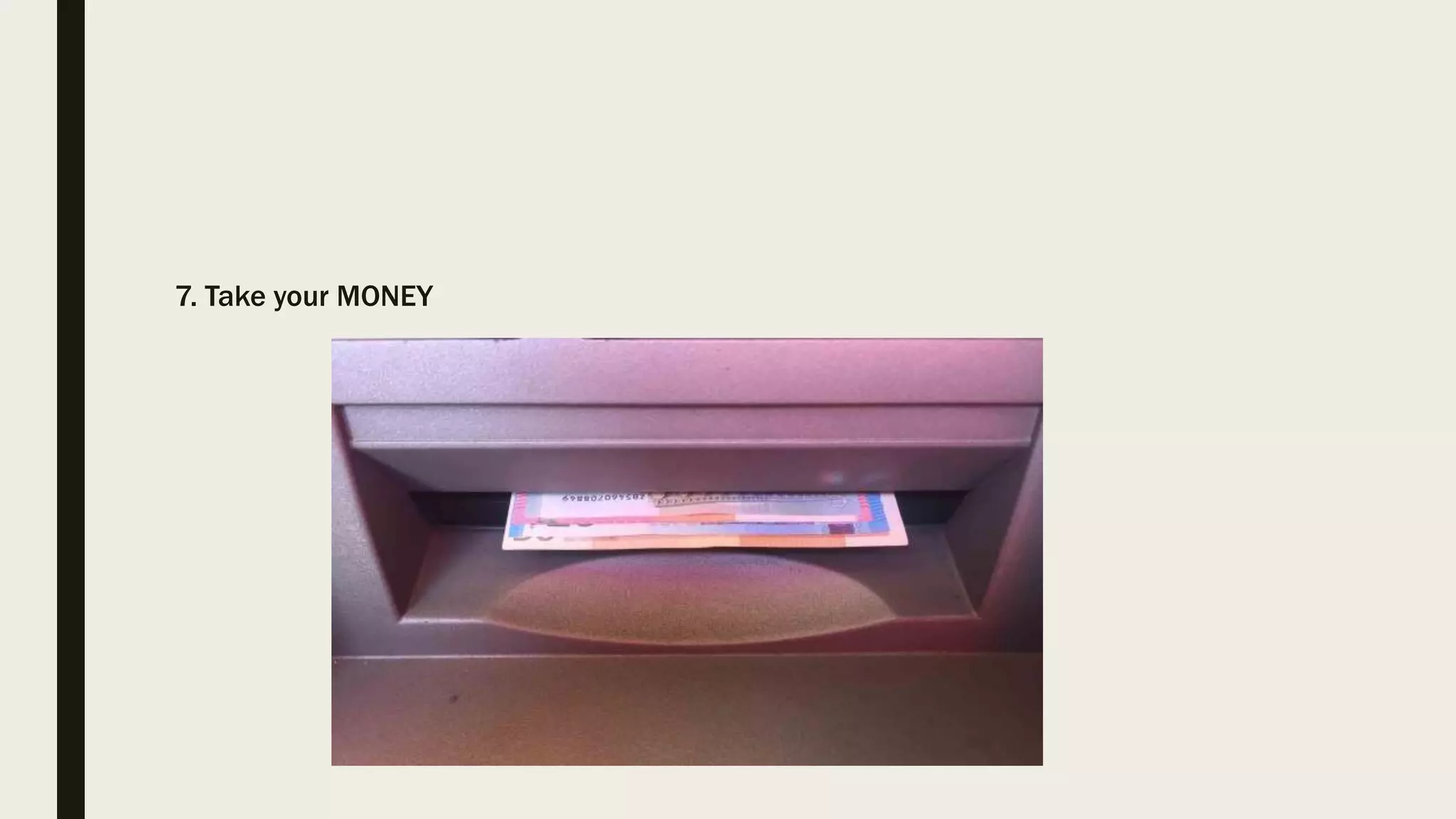
7. Take your MONEY
ATM card Skimmers:
1. Collecting Your Account Information
2. Stealing your PIN
THANK YOU
QUESTION?

ATM

  • 1.
    ■ Group Members ■Name ID • Shimmy, Tauhida Shabrin 16-31707-1 • Sajid, Abdullah Al 16-31718-1 • Samia Parvin 16-31712-1 • Mahin, S.M. Al 16-31701-1 • Tonmoy, Shoaib Azad 16-31837-1 Course : Digital Electronics Teacher: Rethwan Faiz
  • 2.
    What Is AnATM? ■ ATM stands for “Automated Teller Machine”. ■ ATM is a computerized telecommunications device that provides the customers of a financial institution / bank with access to financial transactions in a public space without the need for a human clerk or bank teller round the clock (24 hrs a day)
  • 3.
    ATM Card On mostmodern ATMs, the customer is identified by inserting a ATM ■ ATM card is a plastic card with a magnetic stripe or a plastic smartcard with a chip ■ It contains a unique card number and some security information. ■ Security is provided by the customer entering a personal identification number (PIN)
  • 4.
    Functions Of ATM ■24-hour access to cash ■ View Account Balances & Mini-statements ■ Order a Cheque Book / Account Statement ■ Transfer Funds between accounts ■ Refill your Prepaid card ■ Pay your utility bills ■ Deposit cash or cheques ■ Change your PIN ■ Learn about other products
  • 5.
    Types of ATMs ■On-Line Atms ■ Off -line Atms ■ On- site ATMs ■ Off-Site Atms ■ Mobile Atms ■ Biometric ATMs ■ Talking Atms ■ ATMs For Blinds ■ Drive In Atms
  • 23.
  • 25.
    CARD READER ■ Ifthere will be no card reader, then ATM card can not be read so no transaction can be done by machine. ■ ATM card is required to swipe through this card reader slot. After swiping card it captures the account information through magnetic stripe of ATM. ■ After retrieving the correct information of your account, card reader send this information to the host processor for further process.
  • 26.
    HOSR PROCESSOR ■ Hostprocessor is the heart of ATM machine. ■ It contacts the bank server and retrieves your account details such as available balance, previous transactions, PIN etc ■ It verifies your PIN number and if it matches with the provided PIN number from the bank server, you are allowed to make the transaction. ■ To take your PIN and other requests form user, there will be a keypad or touch pad.
  • 27.
    KEYPAD/TOUCHPAD ■ Key pador touch pad is responsible for taking input from the user. ■ On this pad, numbers and few other keys such as Clear, OK etc., will be placed. ■ Key pad transfers your inputted data to host controller to process the request
  • 28.
    SPEAKER ■ Speaker isplaced in ATM machine which is responsible for audio alerts. ■ When you press any key, this speaker confirm the pressing of key by producing a beep sound alert. ■ It assures you that the key pad is working
  • 29.
    CRT OR LCDSCREEN ■ Another major integral part of the ATM machine is its Cathode Ray Tube (CRT) or Liquid Crystal Diode ( LCD) screen. ■ CRT or LCD screen is responsible for visual display of your transactions. ■ It is responsible for displaying your name, entered amount, account number etc. ■ Without CRT or LCD display screen, the transactions from ATM machine would have become more difficult.
  • 30.
    RECEIPT PRINTER ■ Receiptprinter is responsible for the printing of your transactions receipt. ■ It will print whether the transaction is successful or not. ■ It contains the important information in the form of fixed codes by which we can assess the transaction status and its reason of failure. ■ SO receipt printer is a vital part of automated teller machine.
  • 31.
    CASH DISPENSER ■ Themost important part of automated teller machine is its cash dispenser. ■ The cash dispenser is responsible for giving out the correct amount of cash you have requested for. ■ So after getting instruction from host controller to pay the money, cash dispenser will count the money and dispenses the money out of it.
  • 32.
    ATM & it’sparts ■ CPU ■ Magnetic or chip card reader ■ PIN pad (similar in layout to a touch tone or calculator keypad) ■ Display ■ Function key buttons ■ Record printer ■ Vault ■ Sensors and indicators
  • 33.
    STEPS of UsingATM: 1. INSERT CARD
  • 35.
  • 36.
  • 38.
  • 39.
  • 40.
  • 42.
  • 43.
    ATM card Skimmers: 1.Collecting Your Account Information
  • 44.
  • 47.
  • 48.