Asynchronous communication in
Twinspace
Angeliki Kougiourouki
eTwinning ambassador, Greece
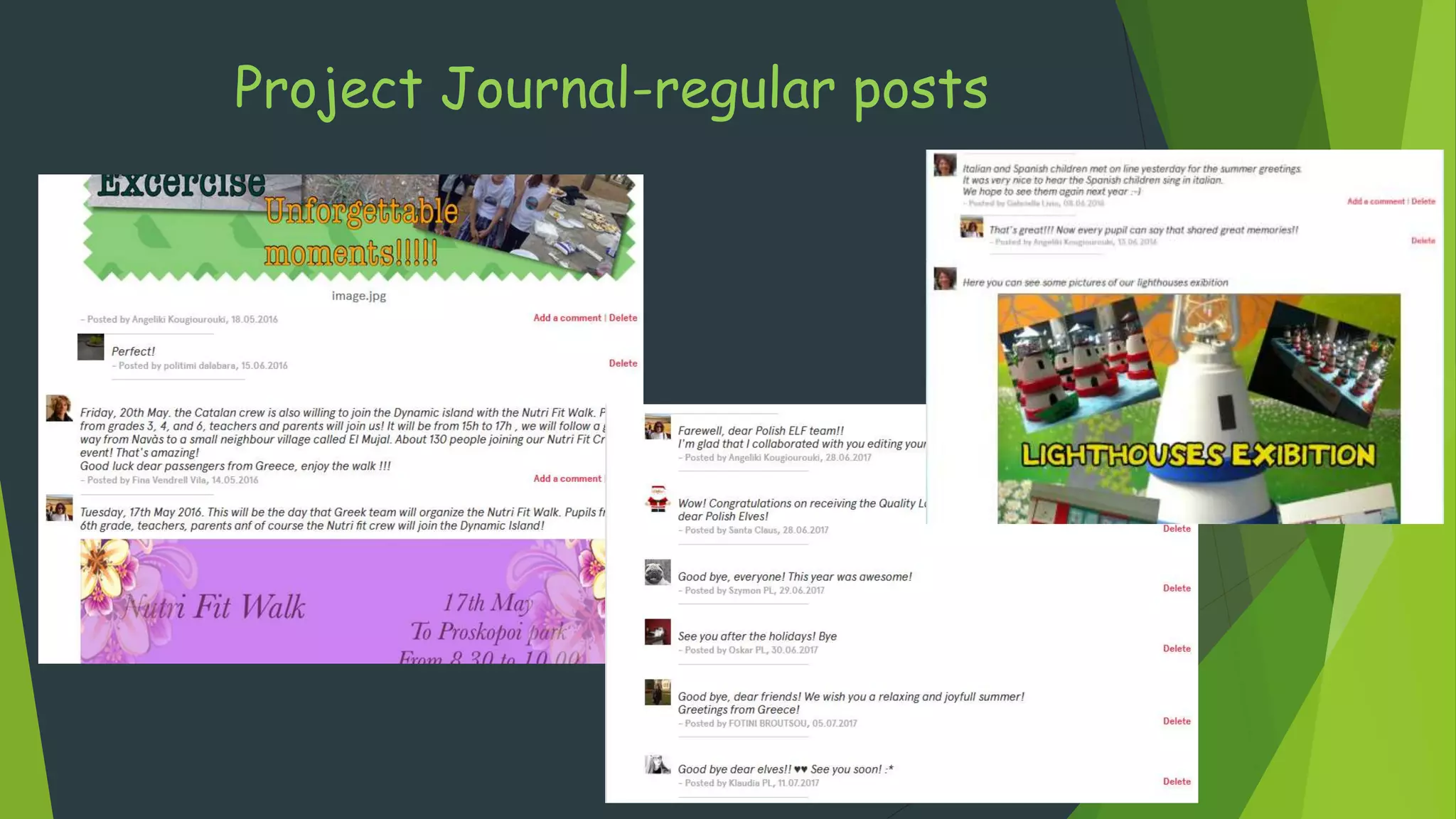
Project Journal-regular posts
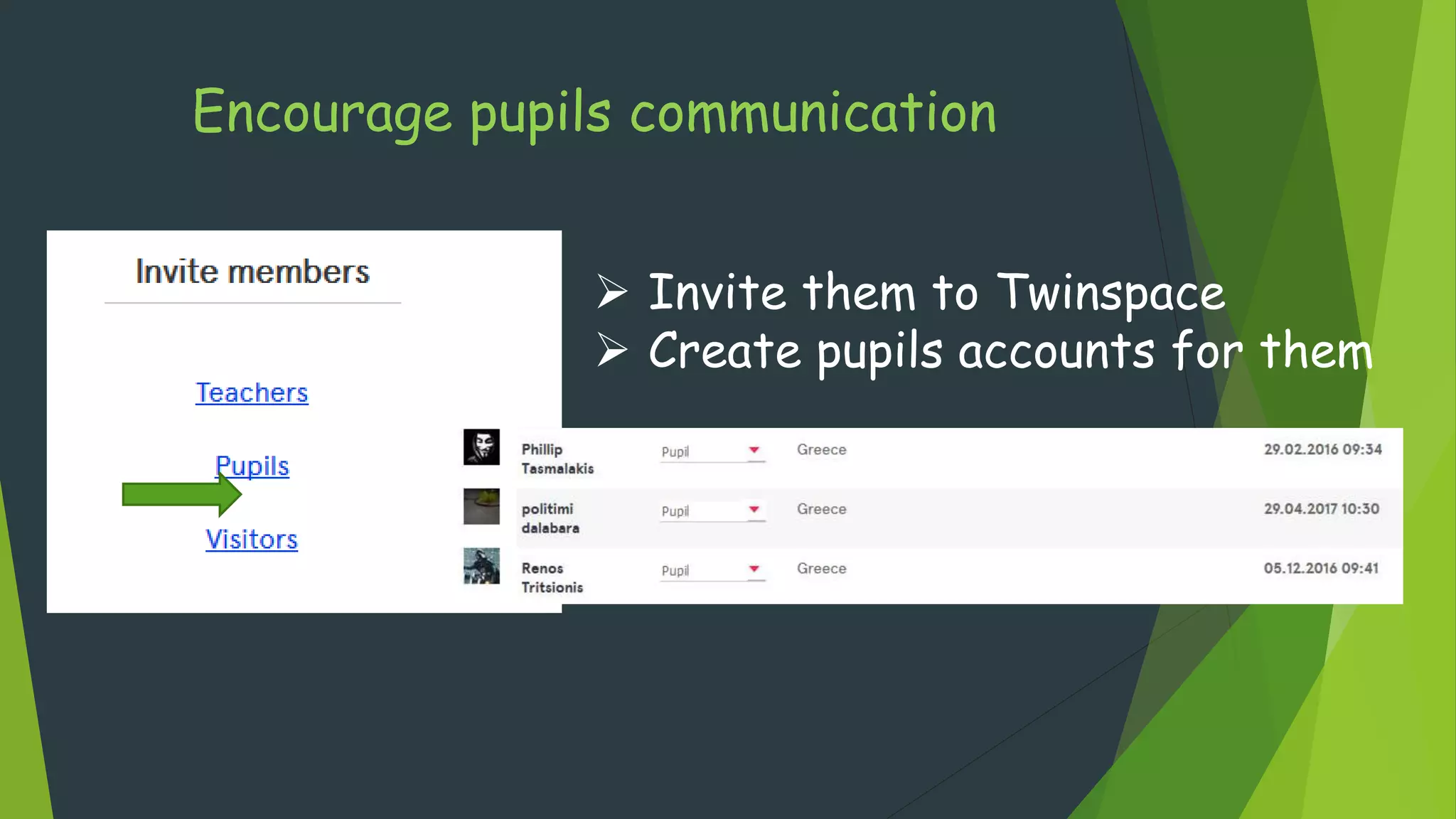
Encourage pupils communication
 Invite them to Twinspace
 Create pupils accounts for them
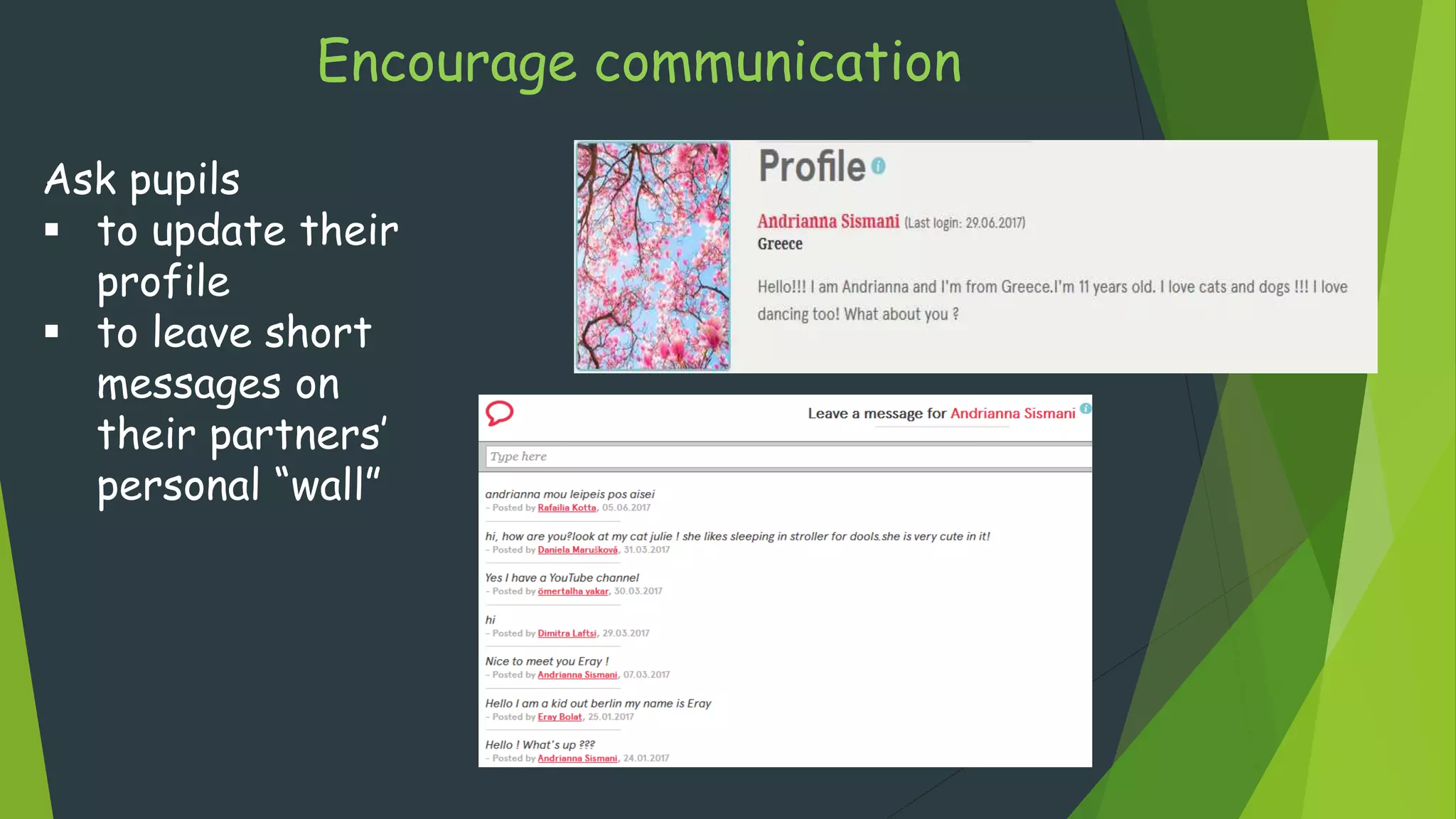
Encourage communication
Ask pupils
 to update their
profile
 to leave short
messages on
their partners’
personal “wall”
Encourage communication
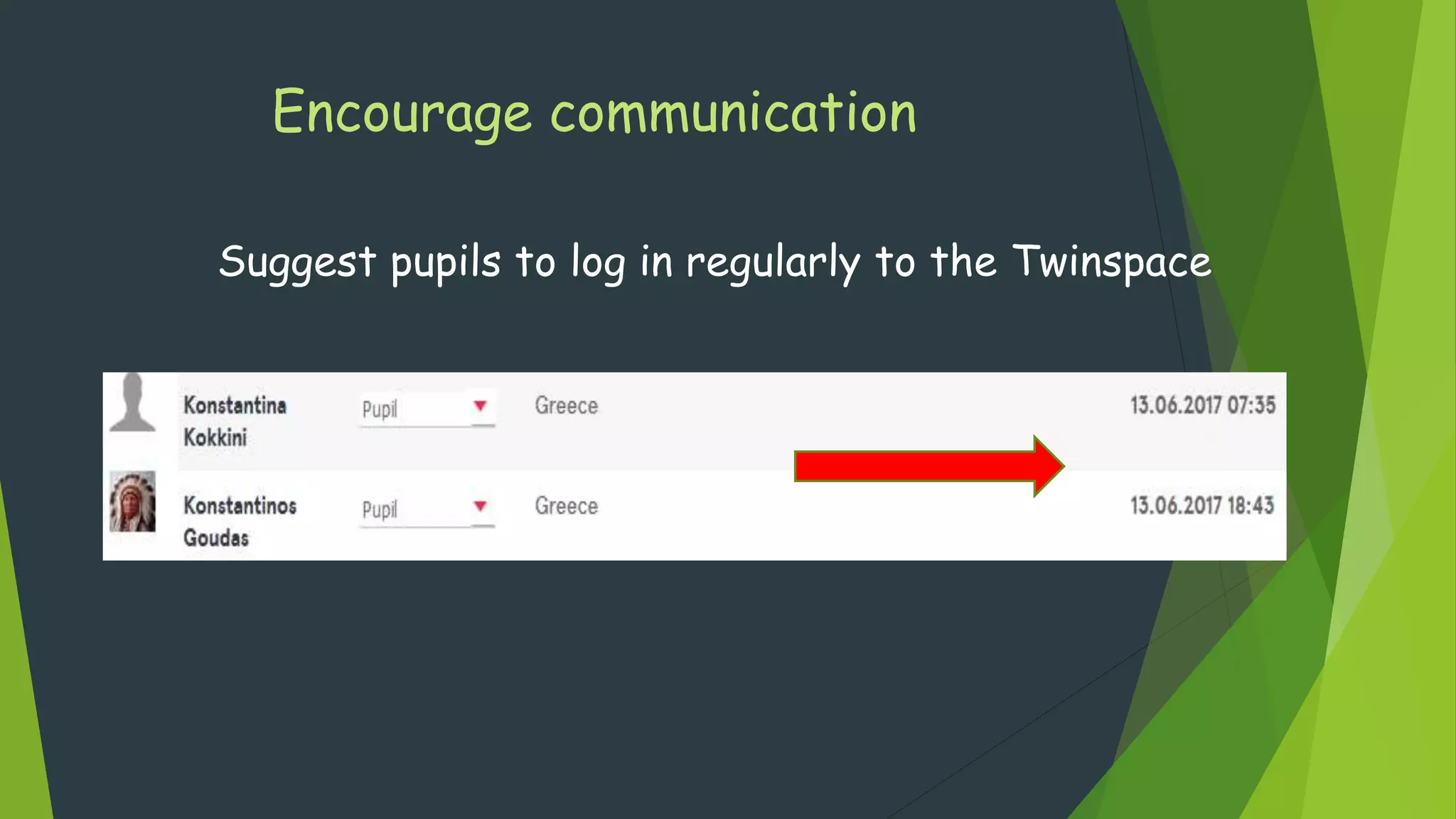
Suggest pupils to log in regularly to the Twinspace
Encourage communication
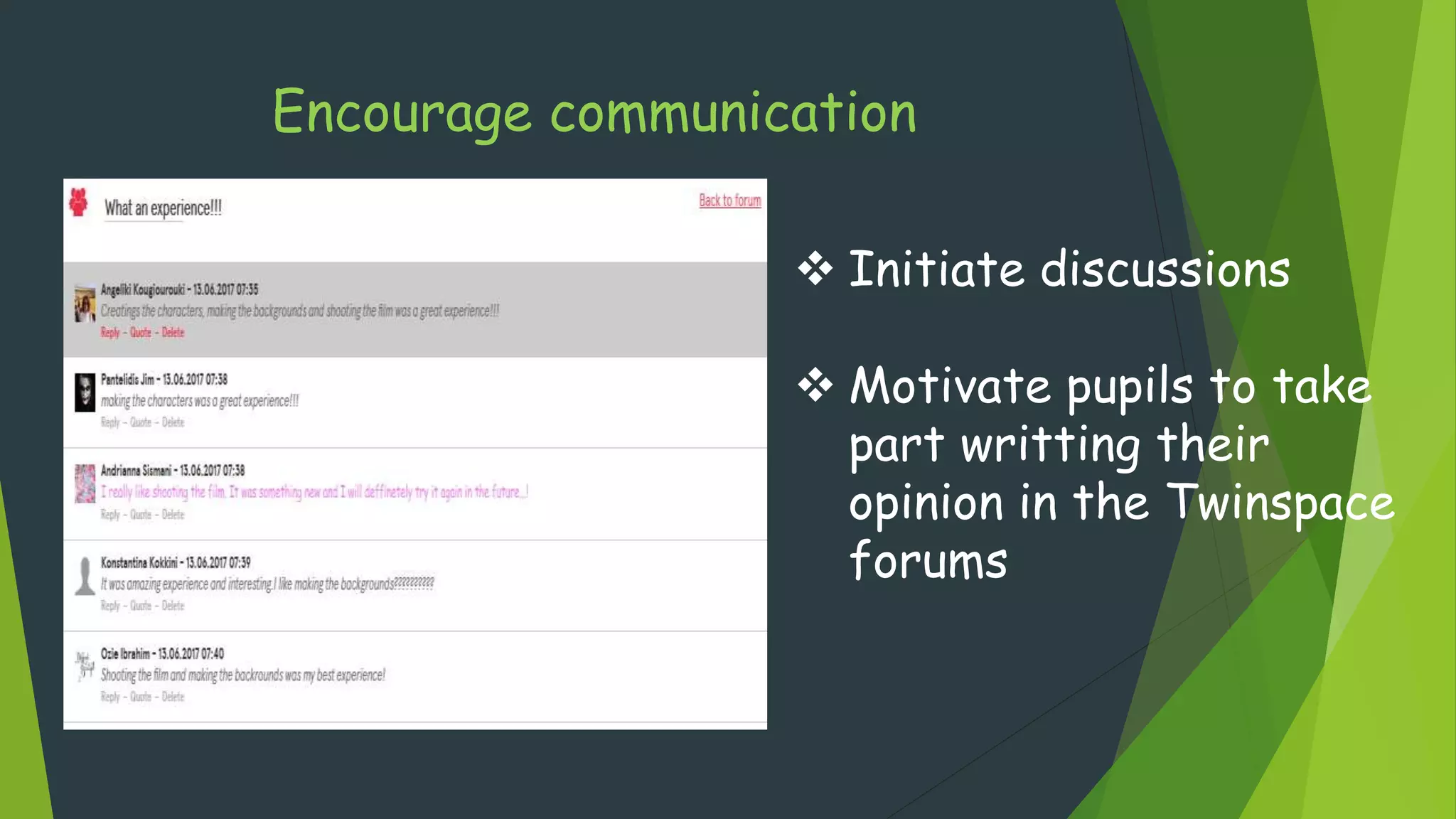
 Initiate discussions
 Motivate pupils to take
part writting their
opinion in the Twinspace
forums
Encourage communication
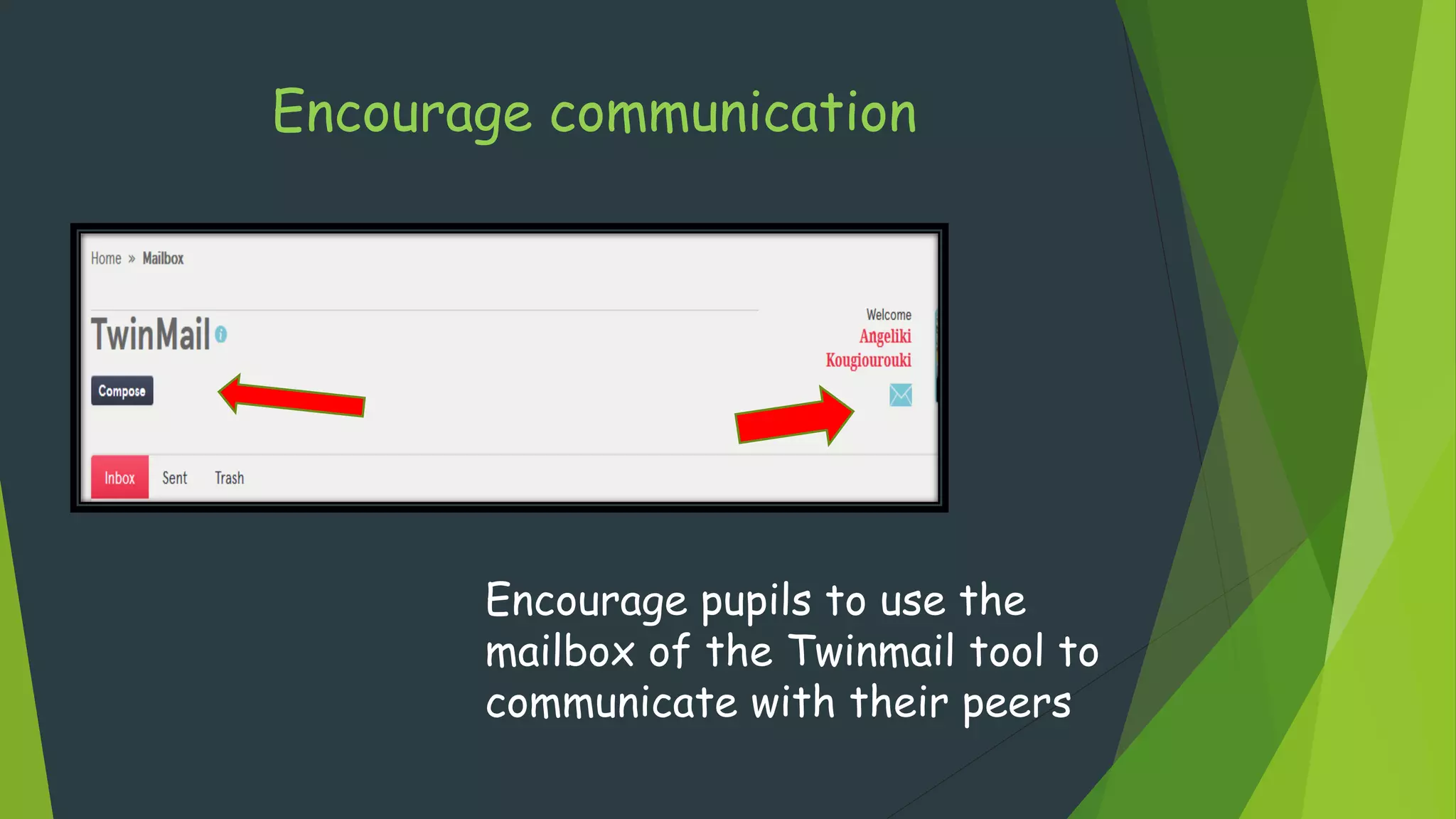
Encourage pupils to use the
mailbox of the Twinmail tool to
communicate with their peers
Encourage communication
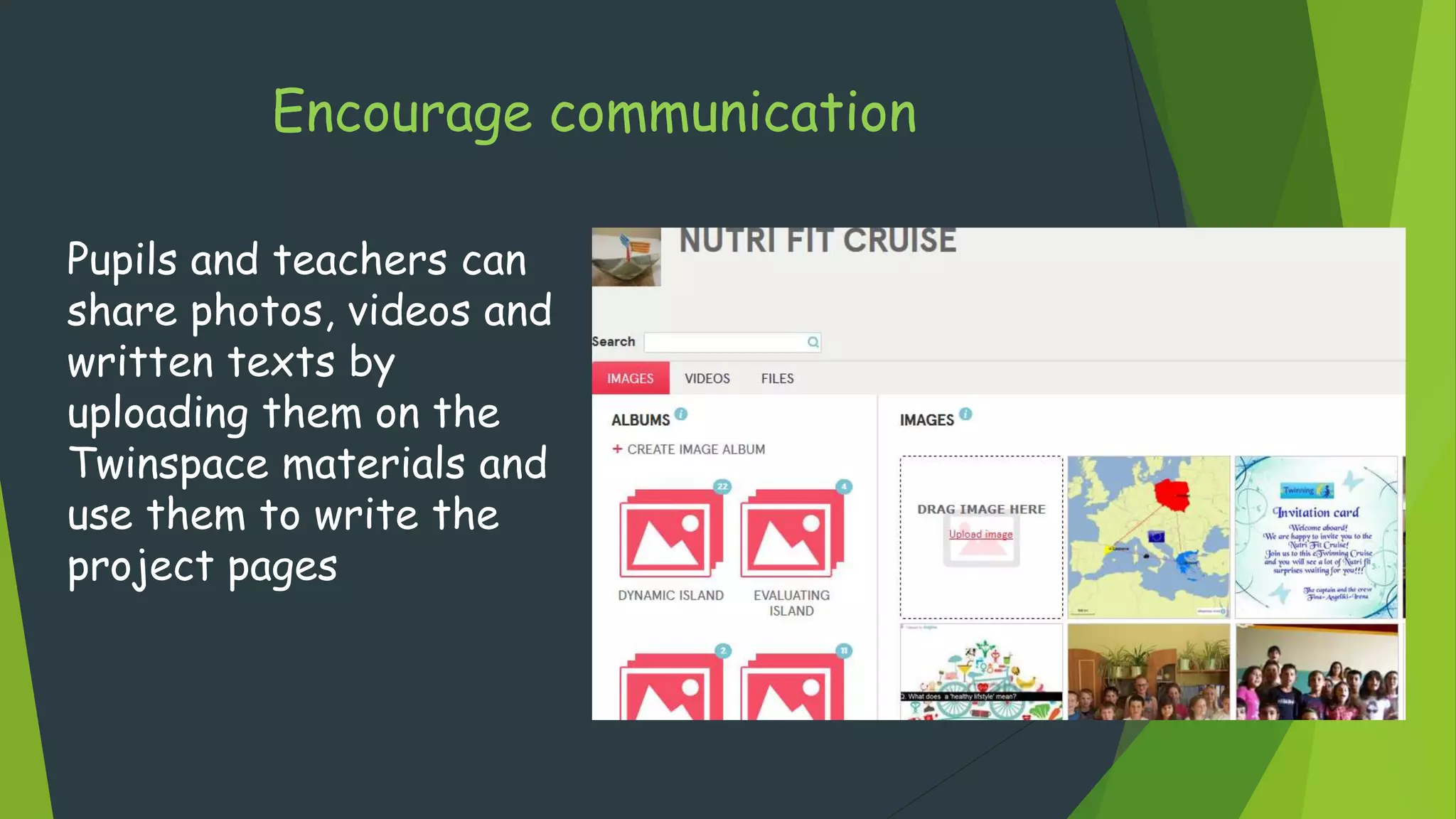
Pupils and teachers can
share photos, videos and
written texts by
uploading them on the
Twinspace materials and
use them to write the
project pages
Encourage communication
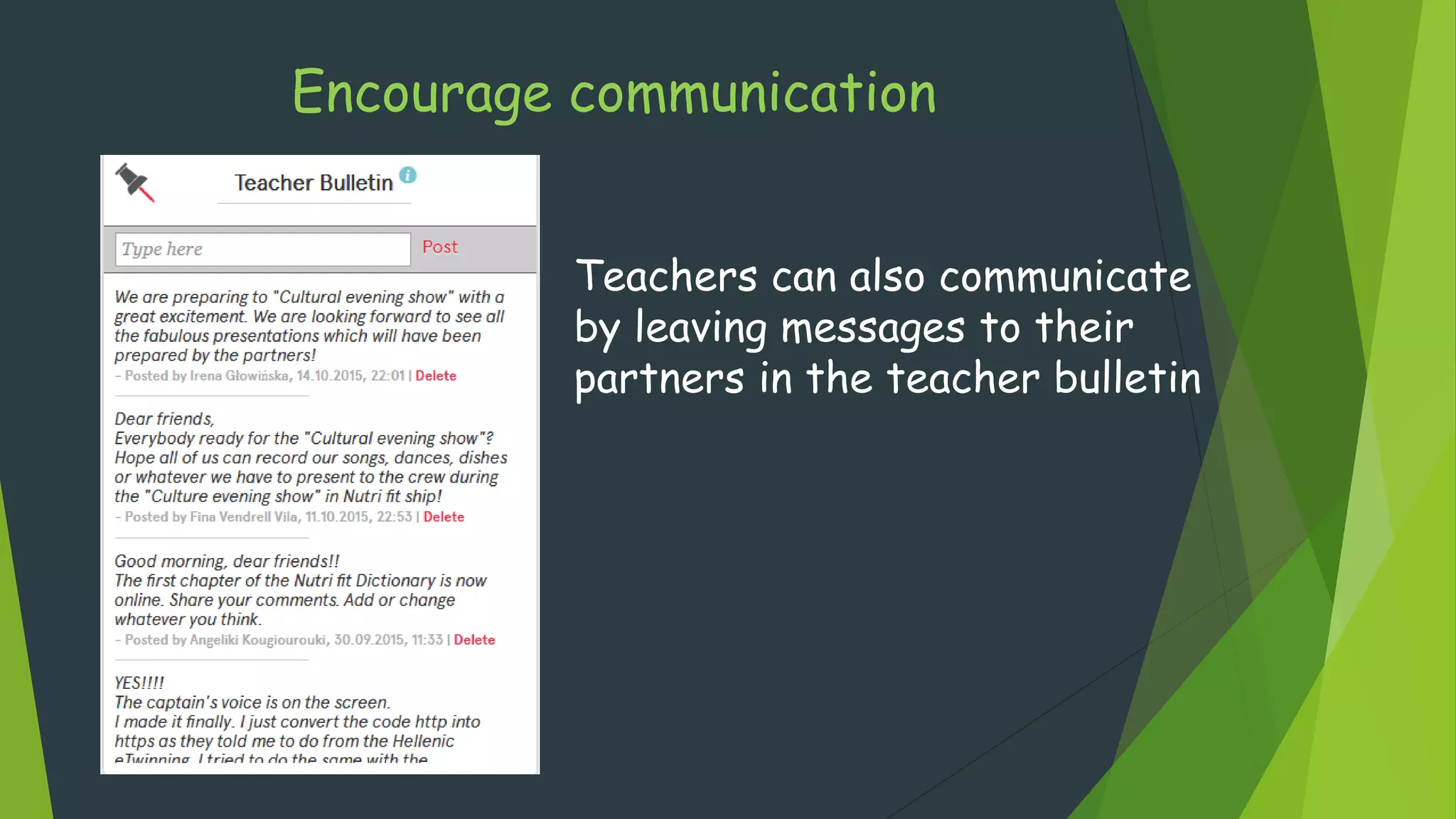
Teachers can also communicate
by leaving messages to their
partners in the teacher bulletin
Encourage communication throughout
collaborative activities
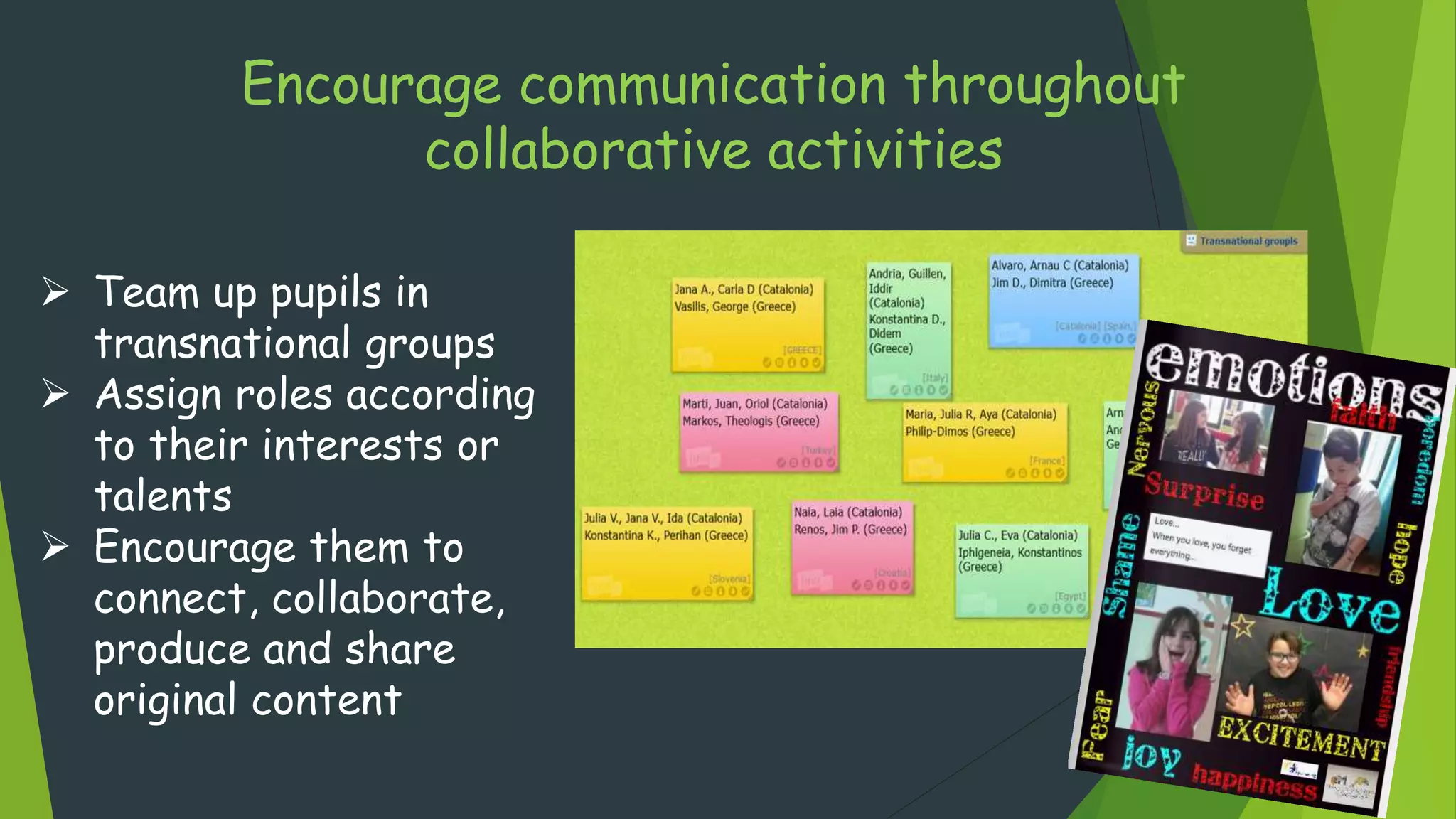
 Team up pupils in
transnational groups
 Assign roles according
to their interests or
talents
 Encourage them to
connect, collaborate,
produce and share
original content
Encourage communication providing
feedback
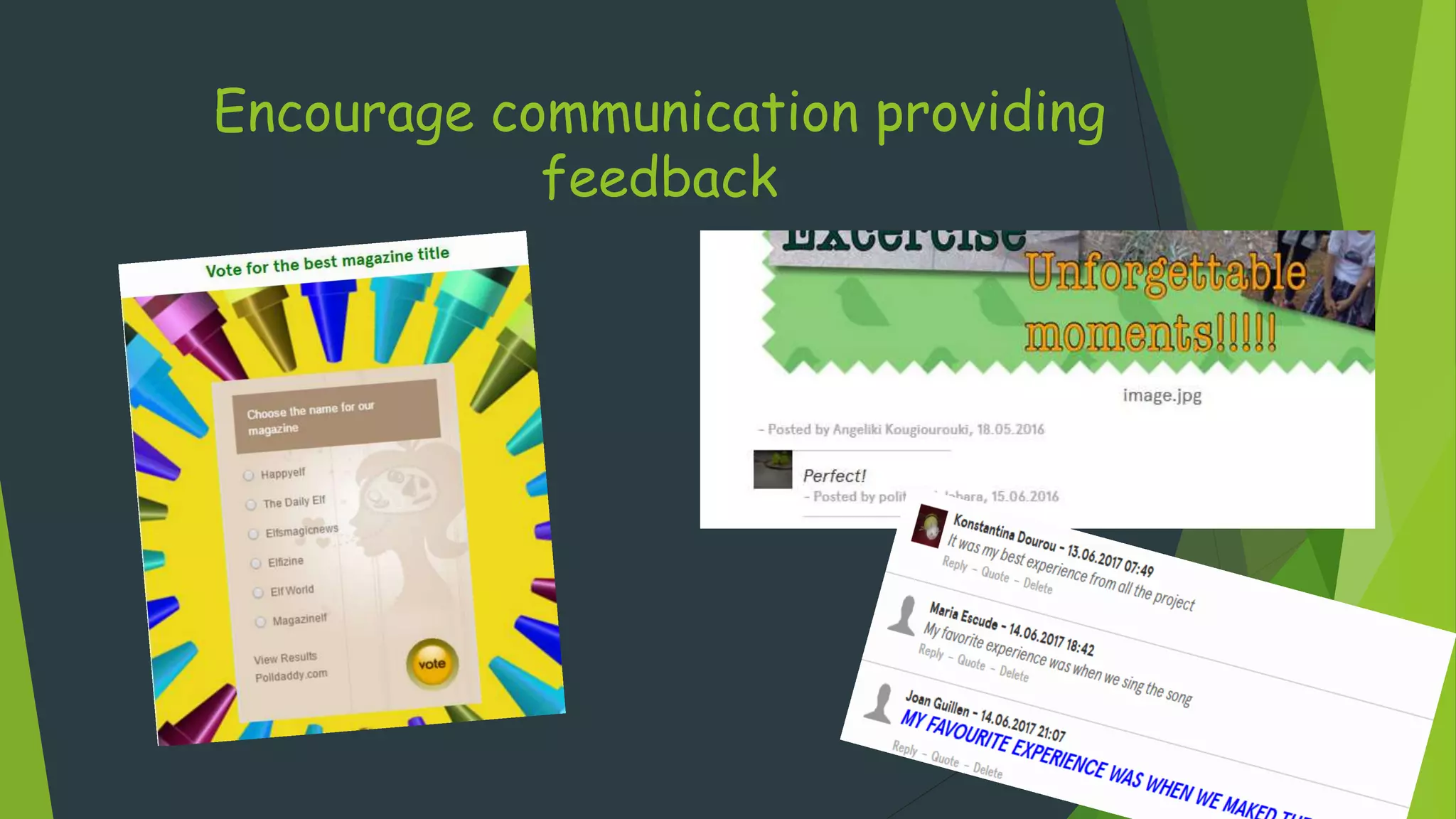
 Motivate students to comment on each others’
work (project journal, forums, padlets inside
the pages)
 Use polls, surveys and assessment activities
throughout the project
Encourage communication providing
feedback
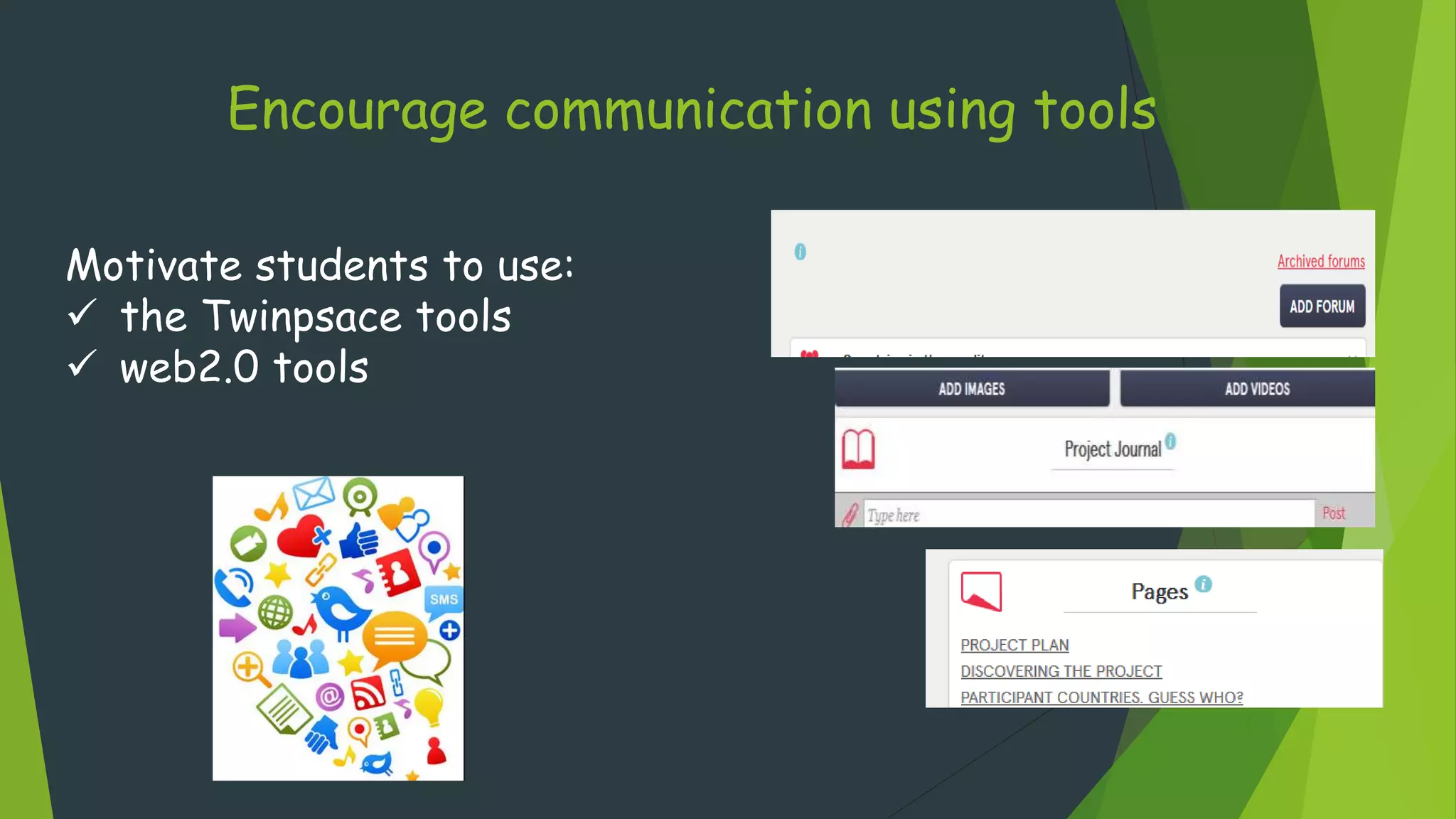
Encourage communication using tools
Motivate students to use:
 the Twinpsace tools
 web2.0 tools
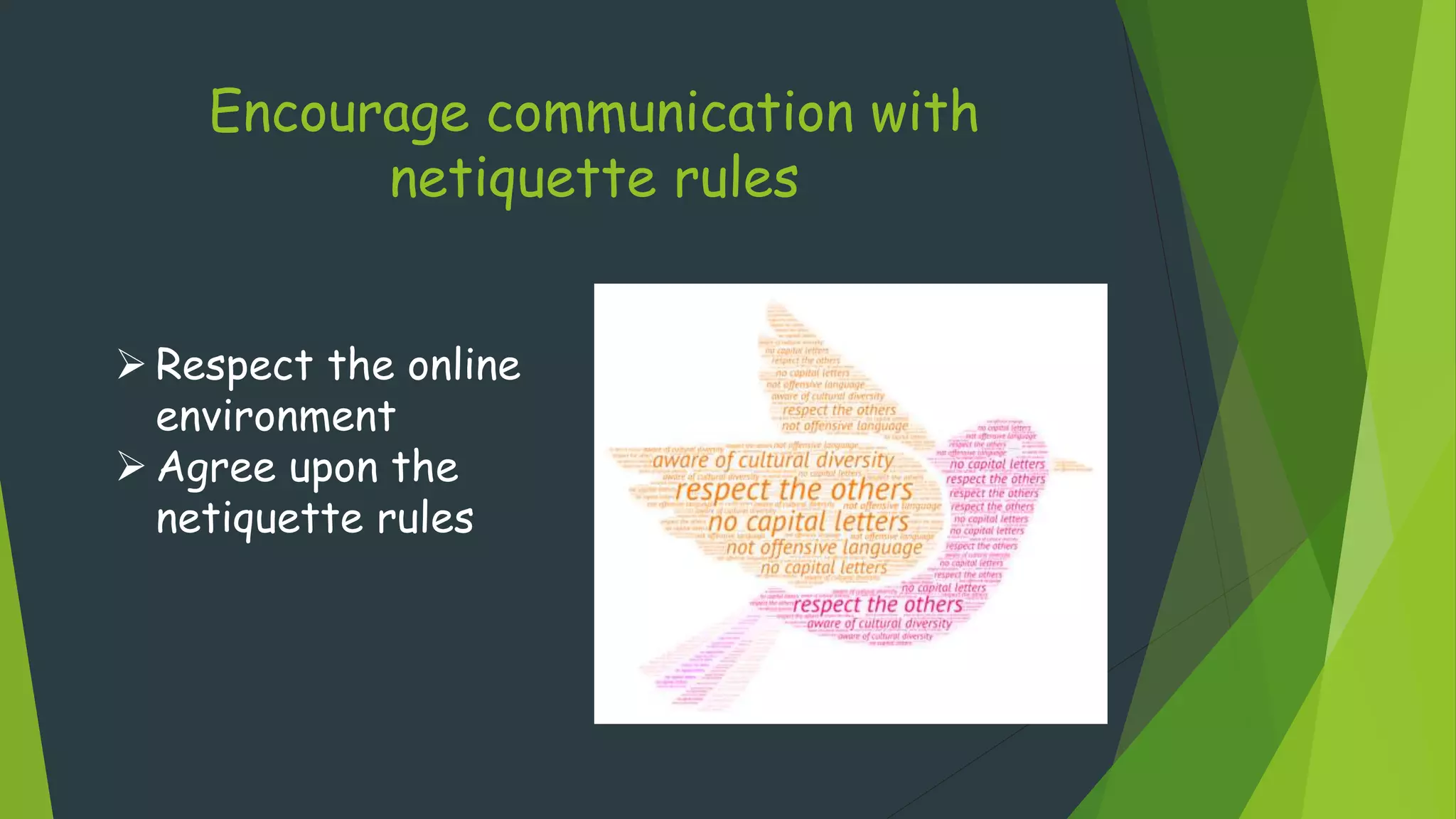
Encourage communication with
netiquette rules
 Respect the online
environment
 Agree upon the
netiquette rules

Asynchronous communication