www.etwinning.net
Creating a successful
project
1
Angeliki Kougiourouki & Rania Bekiri
Greek ambassadors
www.etwinning.net
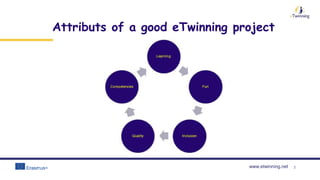
Attributs of a good eTwinning project
2
www.etwinning.net 3
What is a good eTwinning project?
An eTwinning project enables students to:
 learn in a creative and innovative way
 connect lessons with real life
 show initiative and creativity in problem solving
 apply different ways of working and learning (teamwork, peer learning,
informal learning)
 Use effective ways of collaboration through project-based learning
www.etwinning.net
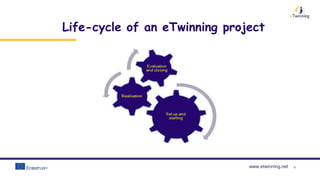
Life-cycle of an eTwinning project
4
www.etwinning.net 5
www.etwinning.net
Create a detailed schedule for my project
➢ Starting and ending dates of the activities
➢ Brief description of the activities
➢ Holidays dates, holidays, starting and ending of the
school year
What to do?
www.etwinning.net
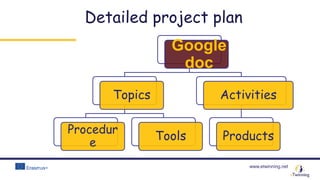
Detailed project plan
Google
doc
Topics
Procedur
e
Tools
Activities
Products
www.etwinning.net
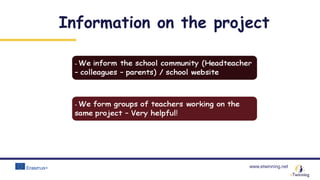
Information on the project
www.etwinning.net
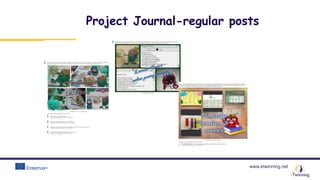
Project Journal-regular posts
www.etwinning.net
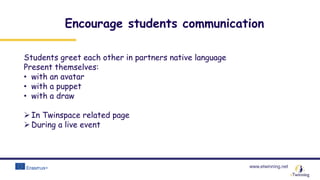
Encourage students communication
Students greet each other in partners native language
Present themselves:
• with an avatar
• with a puppet
• with a draw
In Twinspace related page
During a live event
www.etwinning.net
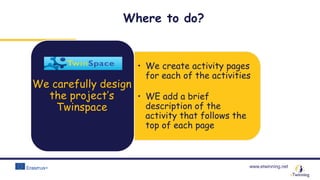
• We create activity pages
for each of the activities
• WE add a brief
description of the
activity that follows the
top of each page
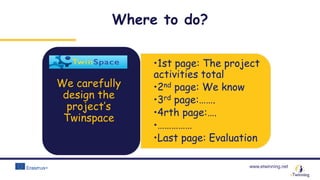
We carefully design
the project’s
Twinspace
Where to do?
www.etwinning.net
•1st page: The project
activities total
•2nd page: We know
•3rd page:…….
•4rth page:….
•……………
•Last page: Evaluation
We carefully
design the
project’s
Twinspace
Where to do?
www.etwinning.net
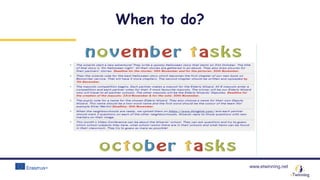
When to do?
www.etwinning.net
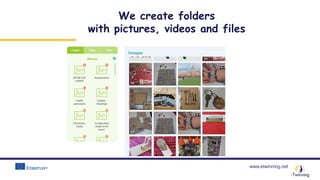
We create folders
with pictures, videos and files
www.etwinning.net
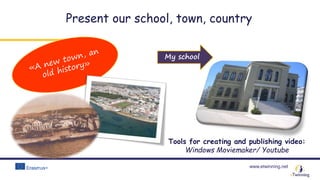
Present our school, town, country
Tools for creating and publishing video:
Windows Moviemaker/ Youtube
My school
www.etwinning.net
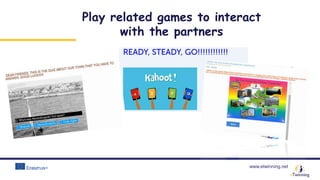
Play related games to interact
with the partners
www.etwinning.net
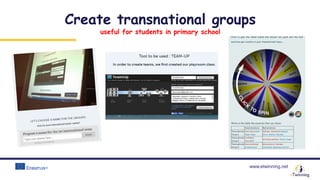
Create transnational groups
useful for students in primary school
www.etwinning.net
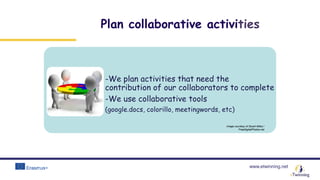
Plan collaborative activities
-We plan activities that need the
contribution of our collaborators to complete
-We use collaborative tools
(google.docs, colorillo, meetingwords, etc)
Image courtesy of Stuart Miles /
FreeDigitalPhotos.net
www.etwinning.net
Ideas and examples of collaborative activities
Image courtesy of Stuart Miles /
FreeDigitalPhotos.net
www.etwinning.net
AWARDED PROJECTS
Getting ideas from awarded projects is a very good practice!
Awarded projects use many tools and have achieved a high
degree of collaboration among the pupils!
www.etwinning.net
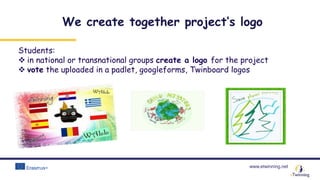
Students:
 in national or transnational groups create a logo for the project
 vote the uploaded in a padlet, googleforms, Twinboard logos
We create together project’s logo
www.etwinning.net
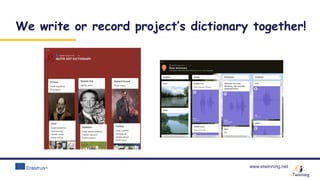
We write or record project’s dictionary together!
www.etwinning.net
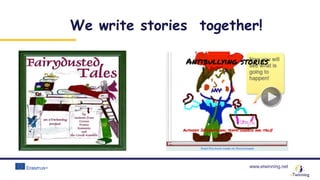
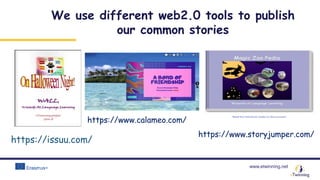
We write stories together!
www.etwinning.net
https://issuu.com/
https://www.storyjumper.com/
We use different web2.0 tools to publish
our common stories
https://www.calameo.com/
www.etwinning.net
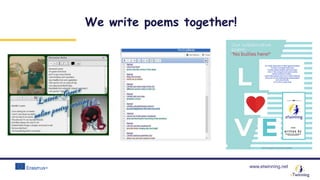
We write poems together!
www.etwinning.net
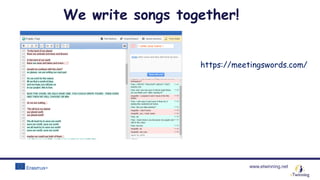
https://meetingswords.com/
We write songs together!
www.etwinning.net
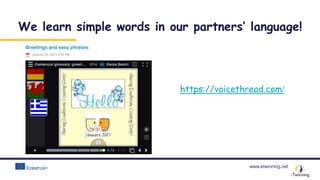
We learn simple words in our partners’ language!
https://voicethread.com/
www.etwinning.net
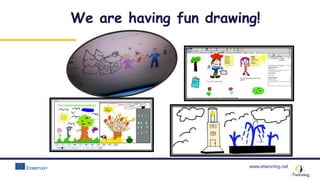
We are having fun drawing!
www.etwinning.net
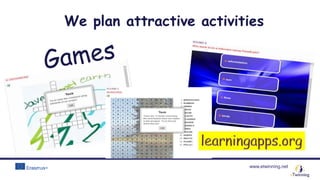
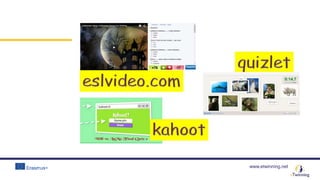
We plan attractive activities
www.etwinning.net
www.etwinning.net
www.etwinning.net
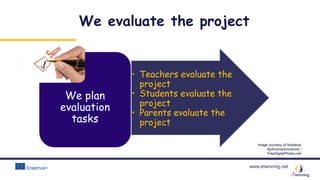
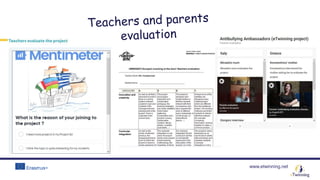
• Teachers evaluate the
project
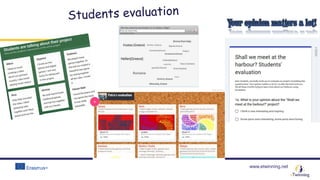
• Students evaluate the
project
• Parents evaluate the
project
We plan
evaluation
tasks
Image courtesy of Nutdanai
Apikhomboonwaroot /
FreeDigitalPhotos.net
We evaluate the project
www.etwinning.net
www.etwinning.net
www.etwinning.net
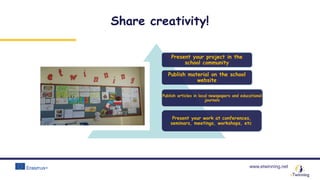
Share creativity!
Present your project in the
school community
Publish material on the school
website
Publish articles in local newspapers and educational
journals
Present your work at conferences,
seminars, meetings, workshops, etc.
www.etwinning.net
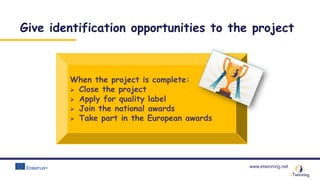
When the project is complete:
 Close the project
 Apply for quality label
 Join the national awards
 Take part in the European awards
Give identification opportunities to the project
www.etwinning.net
Important!
 Respect other people’ work
 Use your own material
 Teach your students to respect Intellectual property
– Learn about copyright issues!
 Be aware of sharing personal data
 Search for creative commons music/images

Criteria for a successful project