“ eLearning Made Easy”    ASTD Maryland Conference October 2, 2007   Dr. Greg Williams
What Do Want to Learn ? Your experiences with eLearning? Likes or dislikes?  What don’t you understand?  Personal barriers to using it? Organizational barriers?
Quiz  “eLearning Myths”  Takes a long time to develop Is expensive Requires lot of resources Puts trainers out of work Is impersonal
Quiz  “eLearning Myths”  Won’t be accepted  One size fits all It’s too hard to learn Low quality
What is eLearning?  Not really understood  Instruction delivered electronically In part, or totally  Has structure and purpose (objectives) Variety of delivery methods Learning tool (e.g. screwdriver)
eLearning History  eLearning is not new Educational TV in 1960s Introduction of PC early 1980s Growth of Internet early 1990s Impact of September 11th
eLearning’s Recent Past  Increased use of multi-media Mobile learning, iPod, cell phone,  PDAs, digital cameras, video Growth of “personal broadcasting”
eLearning’s Future  100% growth in dollars spent ($11B) from 2001 to 2004 (ASTD)  “ eLearning” to simply “Learning” New competencies for trainers Career opportunities
Why Is It Growing?  Learn anytime, anywhere Incorporate multi-media Learner control On demand, just in time Can cost less Growth of digital culture, entertainment
Jump in the  eLearning Pool? Ask why, before how Problem to be solved? eLearning is a tool Use right tool for right job
eLearning Benefits  Ongoing communication Informal learning Learning communities More effective use of time Training feedback after course
eLearning Benefits  Access to worldwide experts Richer learning experience  with multimedia Feedback and follow-up Vehicle for coaching
eLearning Benefits (employer view) Increase access to learning  Reduce time in classroom Reduce travel and hotel costs  Consistent delivery & content
Is My Organization  Ready for eLearning?  Management support? Business case for it? Do users have access & skills? Have expertise, or buy it?
When to Use It  When audience is spread out Good for repetitive training content Consistent instruction Better use of trainer’s & learner’s time To save money (potentially)
When to Use It  Ongoing communication and feedback  (process not an event) Access to learning resources & info Content that requires frequent changes Increase “informal learning ”
Barriers to eLearning  Access  Technology issues  Cost Not equally effective for all content Learner motivation & initiative Learner preferences  Doing it for wrong reasons (because we can)
What Does  eLearning Look Like?  “ I know it when I see it” Potter Stewart,  Former Supreme Court Justice,  describing pornography
What Does eLearning  Look Like?  That’s depends Goals, budget, expertise,  resources, scale Compare to in-person course “ House” comparison
Delivery Formats  Synchronous Asynchronous Blended or hybrid Instructor led, or no instructor
Delivery Vehicles  Stand alone PC DVD, CD, VHS tapes  Web-based, Internet or intranet Video, audio, satellite Video conferencing
Free & Inexpensive Tools  Skype  Blogger Audacity, audio software Webcams, video @ your PC
Free & Inexpensive Tools  Moodle, LMS  YouTube, video hosting  Online surveys, Survey Monkey,  Zoomerang
eLearning Demos  Threaded Discussion (Blackboard) Audio (Audacity) PowerPoint with Audio (Walsh) PowerPoint to Flash (Articulate)  Webcam (Logitech) YouTube
Group Exercise #1
Career Impact Impact for trainers? Trainer’s portfolios Problem or opportunity?
eLearning & Your Career  It’s not for everyone It’s not going away Opportunities are increasing  Career choices and options  Too old?, Meet Jim Manion
Getting Started  Ask why before how Don’t do it “because you can” Start small and slow Don’t spend a lot of money Test and experiment
How Can I Create eLearning?  What are you trying to accomplish? Resources, expertise, audience? Instructional goals? What if I’m not technical? Don’t do just because you can
If I Can Do It… How I got started Not as hard as you think Technology get easier (really)
If I Can Do It… Try being a student first Add some eLearning to current training Try blended learning approach Be a team teacher Start slowly, experiment
Group Exercise #2
Closing Thoughts  eLearning is not going away Embrace it as an opportunity It’s simpler than you think Don’t let cost or technology stop you You can do it! (if you want to)
Resources  Websites Associations Handouts
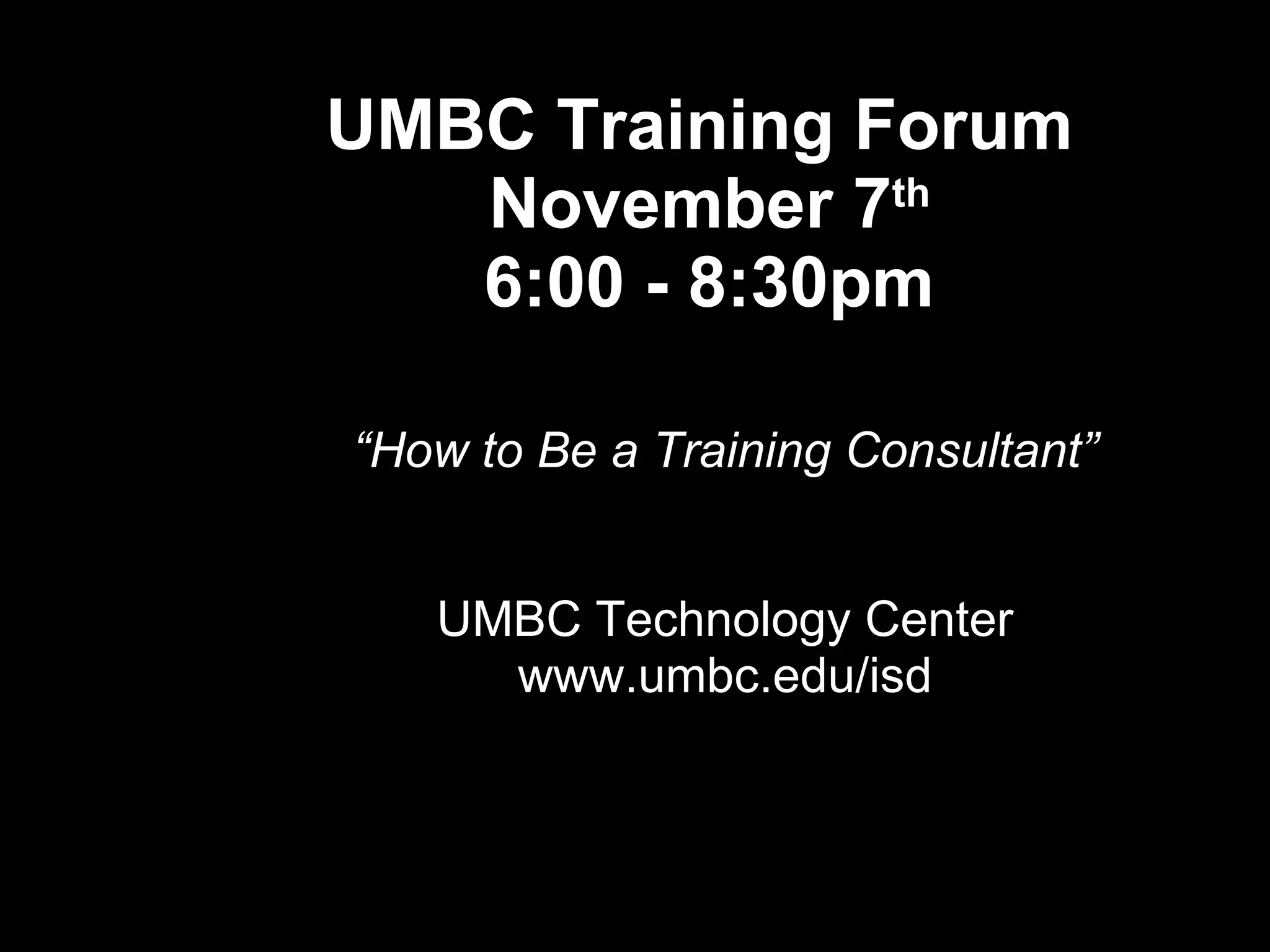
UMBC Training Forum  November 7 th 6:00 - 8:30pm “ How to Be a Training Consultant” UMBC Technology Center www.umbc.edu/isd
 
Questions & Discussion
Dr. Greg Williams Director & Clinical Assistant Professor UMBC, ISD Program 410-455-6773 [email_address] www.umbc.edu/isd

ASTD Conference Presentation Oct 2007

  • 1.
    “ eLearning MadeEasy” ASTD Maryland Conference October 2, 2007 Dr. Greg Williams
  • 2.
    What Do Wantto Learn ? Your experiences with eLearning? Likes or dislikes? What don’t you understand? Personal barriers to using it? Organizational barriers?
  • 3.
    Quiz “eLearningMyths” Takes a long time to develop Is expensive Requires lot of resources Puts trainers out of work Is impersonal
  • 4.
    Quiz “eLearningMyths” Won’t be accepted One size fits all It’s too hard to learn Low quality
  • 5.
    What is eLearning? Not really understood Instruction delivered electronically In part, or totally Has structure and purpose (objectives) Variety of delivery methods Learning tool (e.g. screwdriver)
  • 6.
    eLearning History eLearning is not new Educational TV in 1960s Introduction of PC early 1980s Growth of Internet early 1990s Impact of September 11th
  • 7.
    eLearning’s Recent Past Increased use of multi-media Mobile learning, iPod, cell phone, PDAs, digital cameras, video Growth of “personal broadcasting”
  • 8.
    eLearning’s Future 100% growth in dollars spent ($11B) from 2001 to 2004 (ASTD) “ eLearning” to simply “Learning” New competencies for trainers Career opportunities
  • 9.
    Why Is ItGrowing? Learn anytime, anywhere Incorporate multi-media Learner control On demand, just in time Can cost less Growth of digital culture, entertainment
  • 10.
    Jump in the eLearning Pool? Ask why, before how Problem to be solved? eLearning is a tool Use right tool for right job
  • 11.
    eLearning Benefits Ongoing communication Informal learning Learning communities More effective use of time Training feedback after course
  • 12.
    eLearning Benefits Access to worldwide experts Richer learning experience with multimedia Feedback and follow-up Vehicle for coaching
  • 13.
    eLearning Benefits (employerview) Increase access to learning Reduce time in classroom Reduce travel and hotel costs Consistent delivery & content
  • 14.
    Is My Organization Ready for eLearning? Management support? Business case for it? Do users have access & skills? Have expertise, or buy it?
  • 15.
    When to UseIt When audience is spread out Good for repetitive training content Consistent instruction Better use of trainer’s & learner’s time To save money (potentially)
  • 16.
    When to UseIt Ongoing communication and feedback (process not an event) Access to learning resources & info Content that requires frequent changes Increase “informal learning ”
  • 17.
    Barriers to eLearning Access Technology issues Cost Not equally effective for all content Learner motivation & initiative Learner preferences Doing it for wrong reasons (because we can)
  • 18.
    What Does eLearning Look Like? “ I know it when I see it” Potter Stewart, Former Supreme Court Justice, describing pornography
  • 19.
    What Does eLearning Look Like? That’s depends Goals, budget, expertise, resources, scale Compare to in-person course “ House” comparison
  • 20.
    Delivery Formats Synchronous Asynchronous Blended or hybrid Instructor led, or no instructor
  • 21.
    Delivery Vehicles Stand alone PC DVD, CD, VHS tapes Web-based, Internet or intranet Video, audio, satellite Video conferencing
  • 22.
    Free & InexpensiveTools Skype Blogger Audacity, audio software Webcams, video @ your PC
  • 23.
    Free & InexpensiveTools Moodle, LMS YouTube, video hosting Online surveys, Survey Monkey, Zoomerang
  • 24.
    eLearning Demos Threaded Discussion (Blackboard) Audio (Audacity) PowerPoint with Audio (Walsh) PowerPoint to Flash (Articulate) Webcam (Logitech) YouTube
  • 25.
  • 26.
    Career Impact Impactfor trainers? Trainer’s portfolios Problem or opportunity?
  • 27.
    eLearning & YourCareer It’s not for everyone It’s not going away Opportunities are increasing Career choices and options Too old?, Meet Jim Manion
  • 28.
    Getting Started Ask why before how Don’t do it “because you can” Start small and slow Don’t spend a lot of money Test and experiment
  • 29.
    How Can ICreate eLearning? What are you trying to accomplish? Resources, expertise, audience? Instructional goals? What if I’m not technical? Don’t do just because you can
  • 30.
    If I CanDo It… How I got started Not as hard as you think Technology get easier (really)
  • 31.
    If I CanDo It… Try being a student first Add some eLearning to current training Try blended learning approach Be a team teacher Start slowly, experiment
  • 32.
  • 33.
    Closing Thoughts eLearning is not going away Embrace it as an opportunity It’s simpler than you think Don’t let cost or technology stop you You can do it! (if you want to)
  • 34.
    Resources WebsitesAssociations Handouts
  • 35.
    UMBC Training Forum November 7 th 6:00 - 8:30pm “ How to Be a Training Consultant” UMBC Technology Center www.umbc.edu/isd
  • 36.
  • 37.
  • 38.
    Dr. Greg WilliamsDirector & Clinical Assistant Professor UMBC, ISD Program 410-455-6773 [email_address] www.umbc.edu/isd