Download as PDF, PPTX
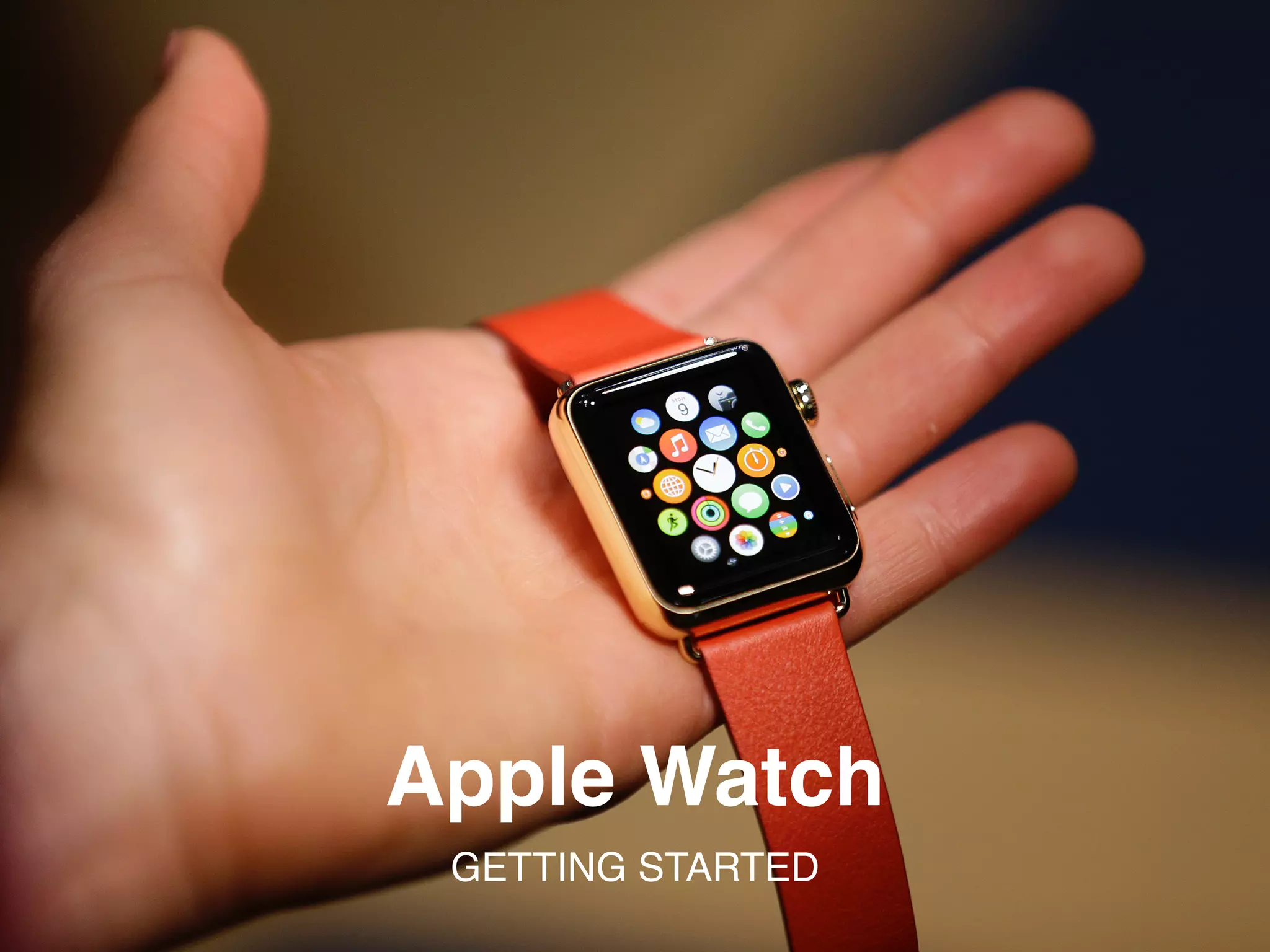
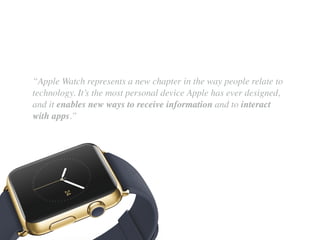
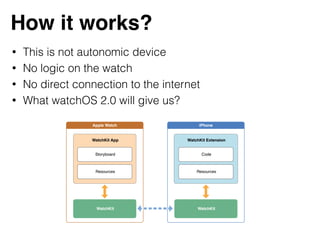
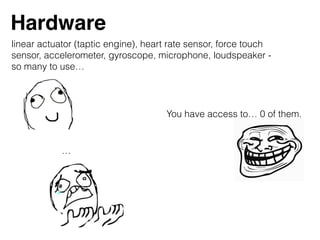
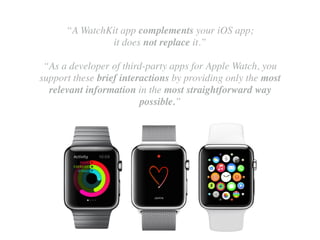
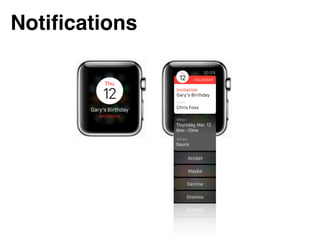
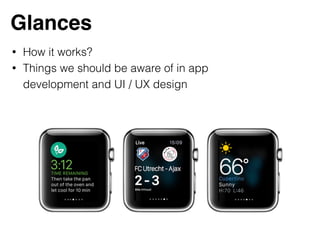
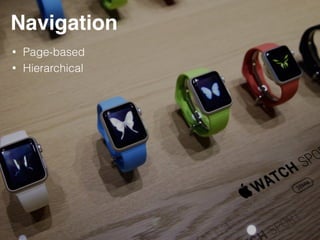
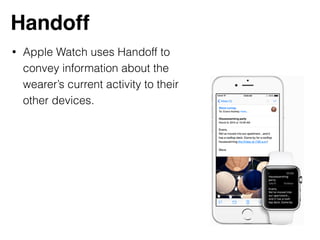
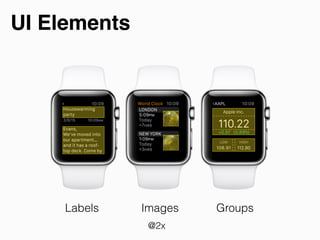
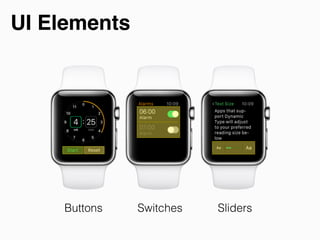
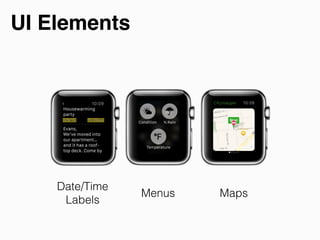
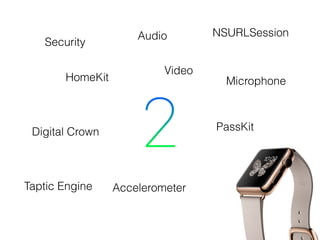

The document provides an overview of getting started with the Apple Watch, emphasizing its personal device nature and interaction capabilities. It highlights essential components of watchOS 2.0, such as user interface design and app development considerations, noting that the watch is not an independent device but rather complements iOS apps. Key features and hardware like sensors, notifications, and navigation methods are also discussed.


![Como A Informatica Pode Ser Utilizada Na Matematica[1]](https://cdn.slidesharecdn.com/ss_thumbnails/comoainformaticapodeserutilizadanamatematica1-091105062312-phpapp02-thumbnail.jpg?width=640&height=640&fit=bounds)


![[CocoaHeads Tricity] watchOS 2 - native apps are coming](https://cdn.slidesharecdn.com/ss_thumbnails/cocoaheads-watchos2-151008121813-lva1-app6891-thumbnail.jpg?width=640&height=640&fit=bounds)


![[PL] MVP do MVVM - separacja warstw w aplikacji androidowej](https://cdn.slidesharecdn.com/ss_thumbnails/mvpdomvvm-separacjawarstwwaplikacjiandroidowej-151005192130-lva1-app6892-thumbnail.jpg?width=640&height=640&fit=bounds)


