Boost Your WatchKit App
Max Mai
Hepeng Zhang
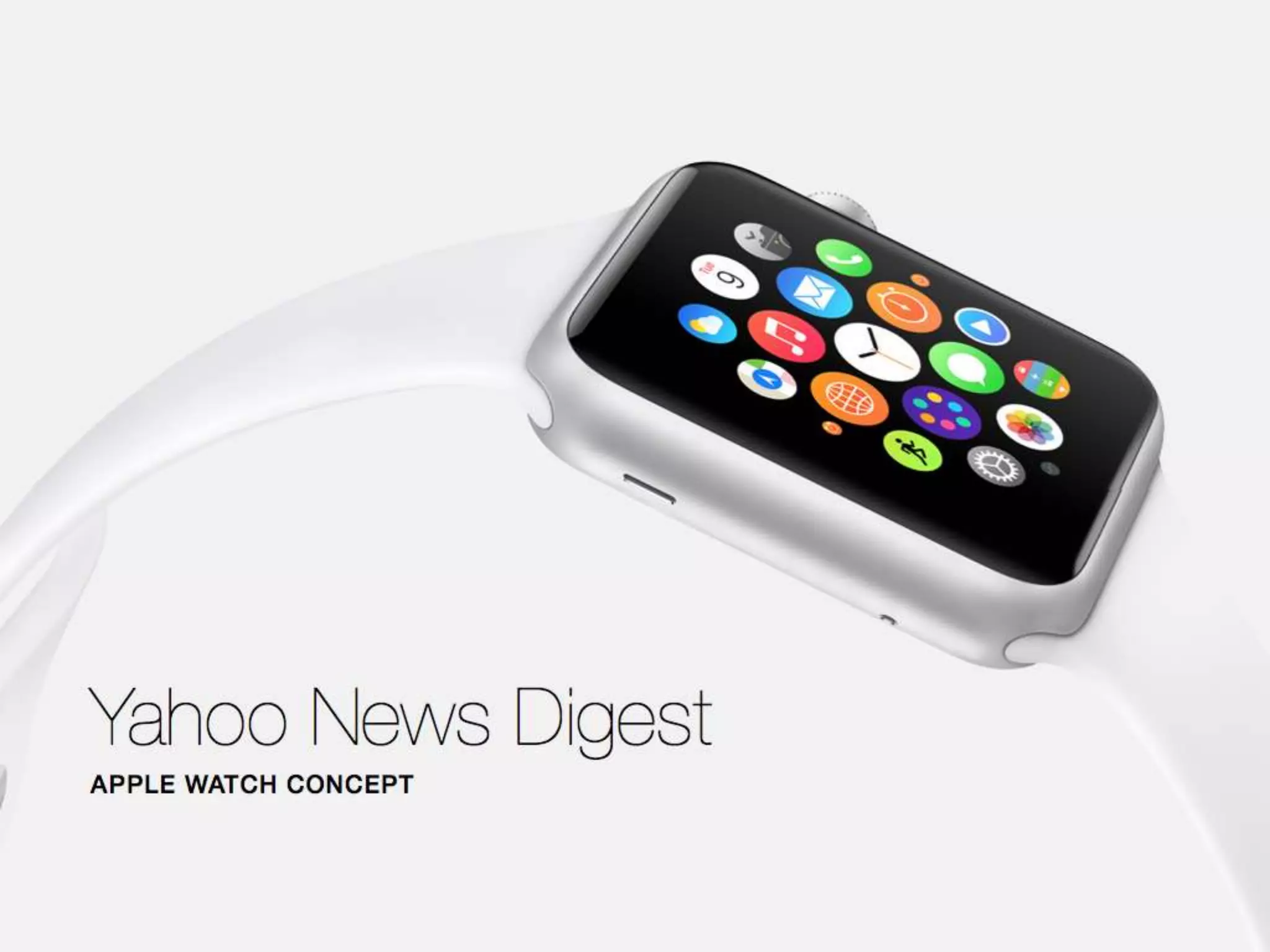
Yahoo News Digest
Demo
Engineering Challenges
Architecture
Best practices
Known issues
Thoughts
Engineering Challenges
Architecture
Best practices
Known issues
Thoughts
Challenges
● Quick interaction
● Communication between iphone and watch
● Strictly limited memory
Engineering Challenges
Architecture
Best practices
Known issues
Thoughts
Architecture
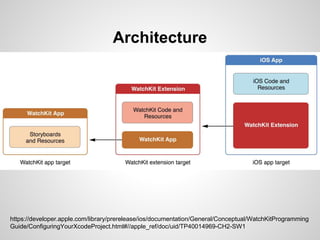
Architecture
https://developer.apple.com/library/prerelease/ios/documentation/General/Conceptual/WatchKitProgramming
Guide/ConfiguringYourXcodeProject.html#//apple_ref/doc/uid/TP40014969-CH2-SW1
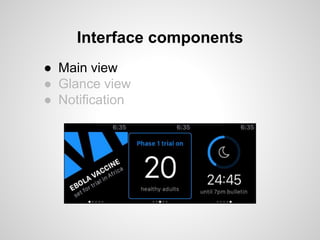
Interface components
● Main view
● Glance view
● Notification
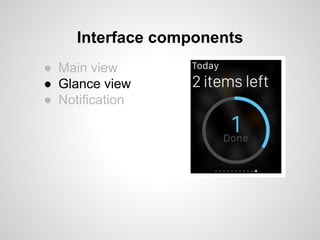
Interface components
● Main view
● Glance view
● Notification
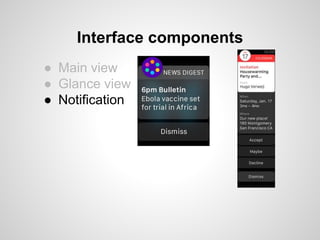
Interface components
● Main view
● Glance view
● Notification
Engineering Challenges
Architecture
Best practices
Known issues
Thoughts
● Avoid UIImage methods.
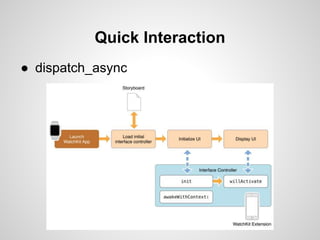
Quick Interaction
● dispatch_async
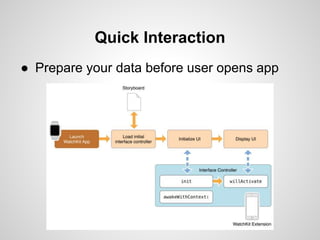
Quick Interaction
● Prepare your data before user opens app
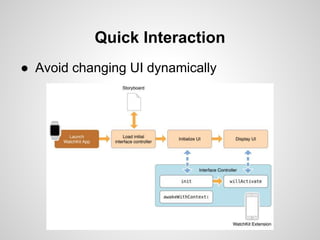
Quick Interaction
● Avoid changing UI dynamically
Quick Interaction
● NSUserDefaults
● Shared group container
● Watchkit special treat
+ (void) openParentApplication:reply:
- (void)application:(UIApplication *)application handleWatchKitExtensionRequest:(NSDictionary *)userInfo reply:(void
(^)(NSDictionary *replyInfo))reply
But, reply info must be serializable as plist data.
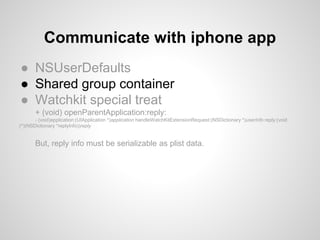
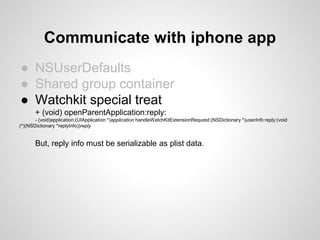
Communicate with iphone app
● NSUserDefaults
● Shared group container
● Watchkit special treat
+ (void) openParentApplication:reply:
- (void)application:(UIApplication *)application handleWatchKitExtensionRequest:(NSDictionary *)userInfo reply:(void
(^)(NSDictionary *replyInfo))reply
But, reply info must be serializable as plist data.
Communicate with iphone app
● NSUserDefaults
● Shared group container
● Watchkit special treat
+ (void) openParentApplication:reply:
- (void)application:(UIApplication *)application handleWatchKitExtensionRequest:(NSDictionary *)userInfo reply:(void
(^)(NSDictionary *replyInfo))reply
But, reply info must be serializable as plist data.
Communicate with iphone app
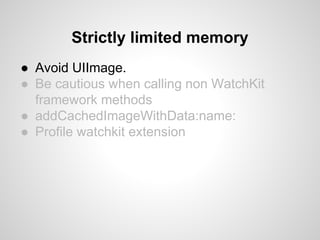
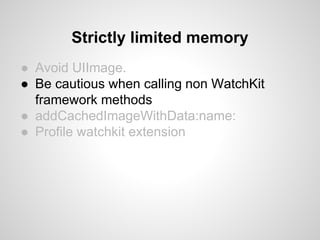
● Avoid UIImage.
● Be cautious when calling non WatchKit
framework methods
● addCachedImageWithData:name:
● Profile watchkit extension
Strictly limited memory
● Avoid UIImage.
● Be cautious when calling non WatchKit
framework methods
● addCachedImageWithData:name:
● Profile watchkit extension
Strictly limited memory
● Avoid UIImage.
● Be cautious when calling non WatchKit
framework methods
● addCachedImageWithData:name:
● Profile watchkit extension
Strictly limited memory
● Avoid UIImage.
● Be cautious when calling non WatchKit
framework methods
● addCachedImageWithData:name:
● Profile watchkit extension
Strictly limited memory
Engineering Challenges
Architecture
Best practices
Known issues
Thoughts
Known issues
CFBundleName in watchkit extension target and watchkit
app is ignored.
Display name for your watchkit app is CFBundleName of
your main app
add background task that ends 2 seconds later after reply
Known issues
- (void)application:(UIApplication *)application
handleWatchKitExtensionRequest:(NSDictionary *)userInfo reply:(void (^)(NSDictionary
*))reply
{
UIBackgroundTaskIdentifier watchBackgroundTask;
watchBackgroundTask = [[UIApplication sharedApplication]
beginBackgroundTaskWithExpirationHandler:^{
[[UIApplication sharedApplication] endBackgroundTask:watchBackgroundTask];
}];
/**
Handle request
*/
reply(something);
dispatch_after(dispatch_time(DISPATCH_TIME_NOW, (int64_t)(2 * NSEC_PER_SEC)),
dispatch_get_main_queue(), ^{
[[UIApplication sharedApplication] endBackgroundTask:watchBackgroundTask];
});
}
Best tips
https://developer.apple.com/watchkit/tips/
Engineering Challenges
Architecture
Best practices
Known issues
Thoughts
Thoughts
- Swift or Objective-C?
- Reuse iphone app code base?
Designing for the Apple
Watch
Yahoo Fantasy Sports App
Ed Lu - UX Designer
@superindustrial
Where we started
Where we started
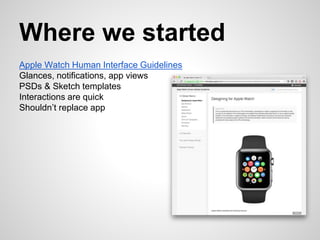
Apple Watch Human Interface Guidelines
Glances, notifications, app views
PSDs & Sketch templates
Interactions are quick
Shouldn’t replace app
Fantasy design
Use cases
1. I’m on a date. Am I winning?
2. She’s in the bathroom. Winning by what margin?
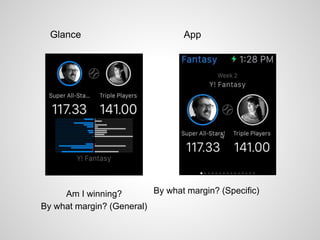
Am I winning?
By what margin? (General)
By what margin? (Specific)
Glance App
Best practices
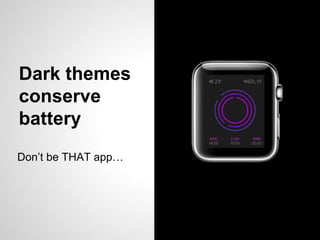
Dark themes
conserve
battery
Don’t be THAT app…
Get creative with
Glance
templates
Can your
animations
Everything looks
way too big in
comps so…
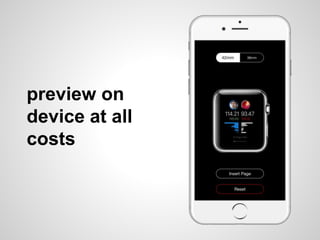
preview on
device at all
costs
I’ll be WATCHing you
Still too early to understand use patterns.
Analytics will be very important.
Thanks!
Flurry Analytics –
Apple Watch Support
PRESENTED BY
Brad Jones | Product Management, Flurry Analytics
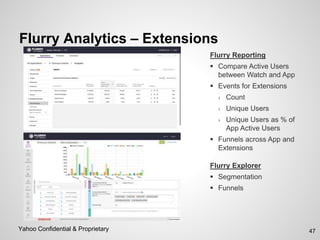
Flurry Analytics – Extensions
47Yahoo Confidential & Proprietary
Flurry Reporting
 Compare Active Users
between Watch and App
 Events for Extensions
› Count
› Unique Users
› Unique Users as % of
App Active Users
 Funnels across App and
Extensions
Flurry Explorer
 Segmentation
 Funnels
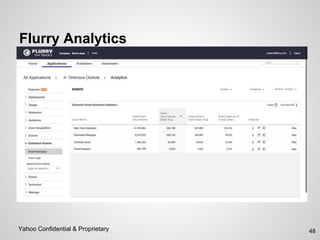
Flurry Analytics
48Yahoo Confidential & Proprietary

Apple watch deck yodel meetup 4-16

Editor's Notes

  • #3 Not the Performance Meeting Not Google Watch/Android Watch NO Raffles
  • #4 Not the Performance Meeting Not Google Watch/Android Watch NO Raffles
  • #11 Watch app main interface Glance view interface A supplemental way for the user to view important information from your app Specific layouts are provided. Unable to customize Notification interface static (based on title and body in aps payload) dynamic (optional)
  • #12 Watch app main interface Glance view interface A supplemental way for the user to view important information from your app Specific layouts are provided. Unable to customize Notification interface static (based on title and body in aps payload) dynamic (optional)
  • #13 Watch app main interface Glance view interface A supplemental way for the user to view important information from your app Specific layouts are provided. Unable to customize Notification interface static (based on title and body in aps payload) dynamic (optional)
  • #15 Use WKInterfaceGroup to achieve complicate layout Add screen size in interface builder for 38mm 42mm
  • #16 Use WKInterfaceGroup to achieve complicate layout Add screen size in interface builder for 38mm 42mm
  • #17 Use WKInterfaceGroup to achieve complicate layout Add screen size in interface builder for 38mm 42mm
  • #18 Use WKInterfaceGroup to achieve complicate layout Add screen size in interface builder for 38mm 42mm
  • #19 remote device programming (no native till later) remember remote desktop?
  • #20 remote device programming (no native till later) remember remote desktop?
  • #21 remote device programming (no native till later) remember remote desktop?
  • #22 remote device programming (no native till later) remember remote desktop?
  • #23 remote device programming (no native till later) remember remote desktop?
  • #24 remote device programming (no native till later) remember remote desktop?
  • #25 remote device programming (no native till later) remember remote desktop?
  • #40 Battery consumption & “edgeless” appearance
  • #41 Programmatically limited to a layout from Row 1 with layout from Row 2 or 3
  • #42 Can animations as PNG sequences that live on the watch for optimum frame rate Sending animations in realtime from phone gets you 8-10 FPS max
  • #44 and don’t forget there’s black space between the screen and the bezel
  • #45 Still lots we don’t know, so instrumentation and analytics are key to understanding what users expect and how the use the watch