






1
Mr.R.D.SIVAKUMAR,M.Sc.,M.Phil.,M.Tech.,Mr.R.D.SIVAKUMAR,M.Sc.,M.Phil.,M.Tech.,
Assistant Professor of Computer ScienceAssistant Professor of Computer Science
& Head of M.Com.(CA) Department& Head of M.Com.(CA) Department
and Technical Trainer in CTELand Technical Trainer in CTEL
AYYA NADAR JANAKI AMMAL COLLEGEAYYA NADAR JANAKI AMMAL COLLEGE
(Affiliated to Madurai Kamaraj University, Madurai, Re-accredited (3rd
Cycle) with
‘A’ Grade (CGPA 3.67 out of 4) by NAAC, Recognized by DBT as Star College,
College of Excellence by UGC and and Ranked 13th
at National Level in NIRF 2017)
SIVAKASI – 626 124.SIVAKASI – 626 124.
(Website: http://rdsivakumar.netne.net
www.rdsivakumar.blogspot.in)
Mobile Apps : Google Play Store – rds academic
E-mail : sivamsccsit@gmail.com Mobile : 99440-42243
WORD PROCESSWORD PROCESS
• LibreOffice is a free and open source office suite.
• It was developed in the year openoffice.org in 2010
• The LibreOffice suite comprises programs for word
processing, the creation and editing of spreadsheets,
slideshows, diagrams and drawings, working with databases,
and composing mathematical formulae.
• It is available in 110 languages
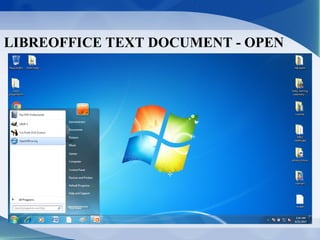
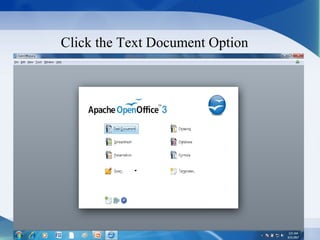
LIBREOFFICE TEXT DOCUMENT - OPEN
Click the Text Document Option
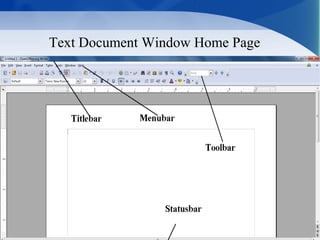
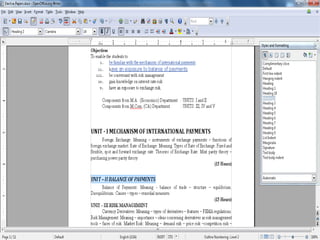
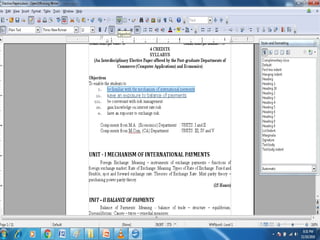
Text Document Window Home Page
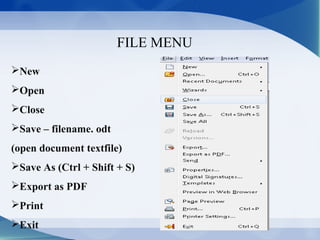
FILE MENU
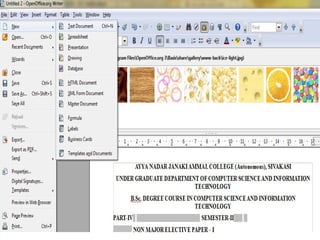
New
Open
Close
Save – filename. odt
(open document textfile)
Save As (Ctrl + Shift + S)
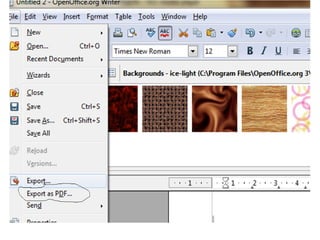
Export as PDF
Print
Exit
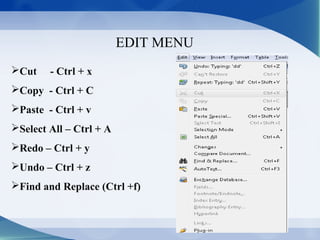
EDIT MENU
Cut - Ctrl + x
Copy - Ctrl + C
Paste - Ctrl + v
Select All – Ctrl + A
Redo – Ctrl + y
Undo – Ctrl + z
Find and Replace (Ctrl +f)
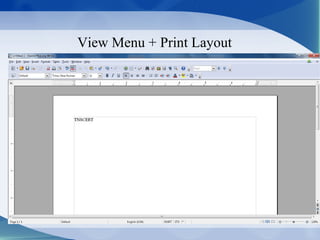
View Menu + Print Layout
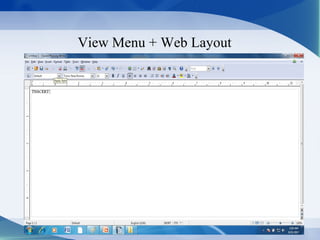
View Menu + Web Layout
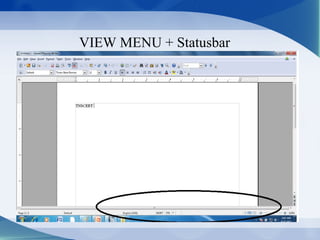
VIEW MENU + Statusbar
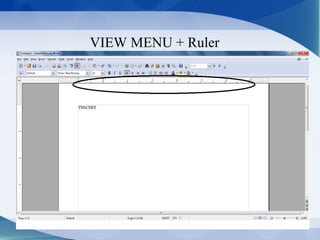
VIEW MENU + Ruler
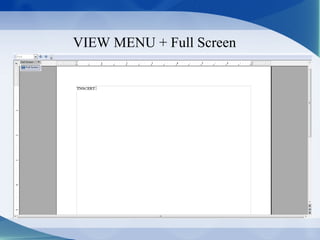
VIEW MENU + Full Screen
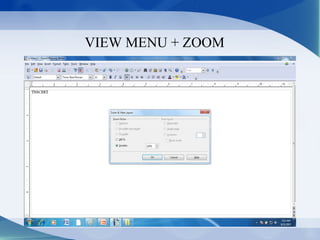
VIEW MENU + ZOOM
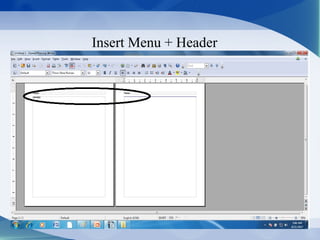
Insert Menu + Header
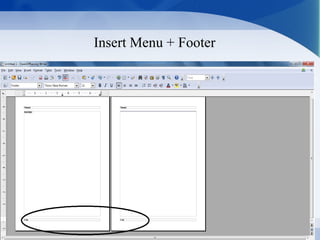
Insert Menu + Footer
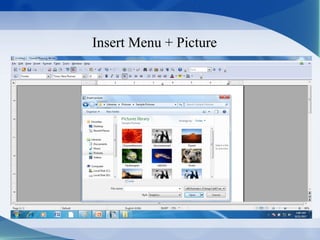
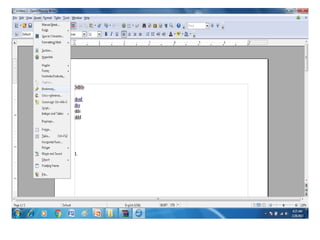
Insert Menu + Picture
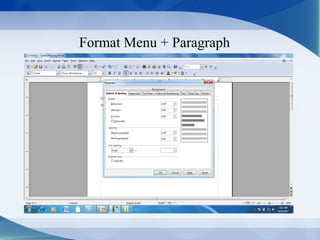
Format Menu + Paragraph
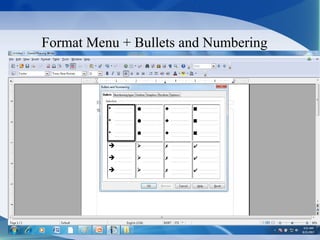
Format Menu + Bullets and Numbering
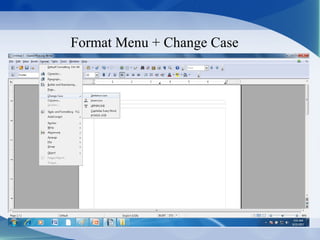
Format Menu + Change Case
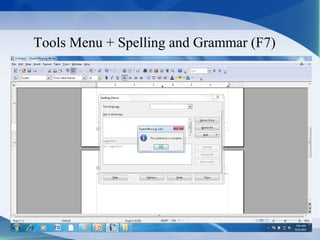
Tools Menu + Spelling and Grammar (F7)
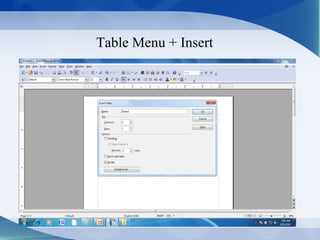
Table Menu + Insert
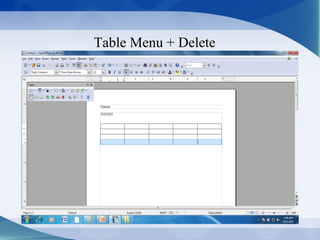
Table Menu + Delete
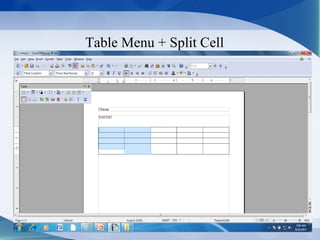
Table Menu + Split Cell
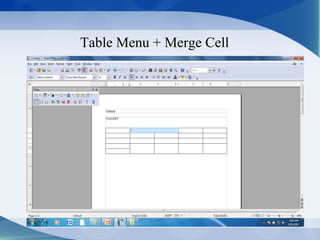
Table Menu + Merge Cell
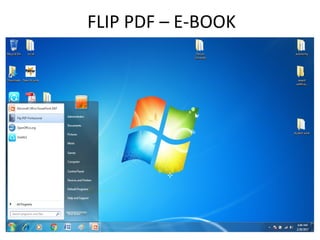
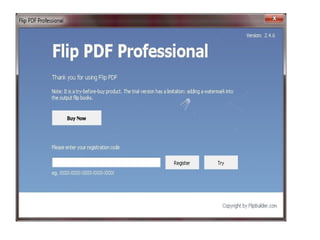
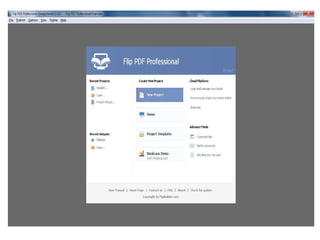
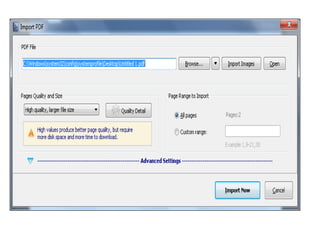
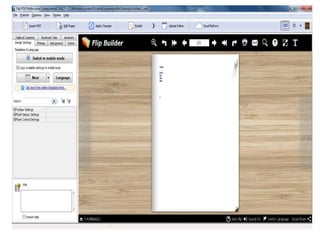
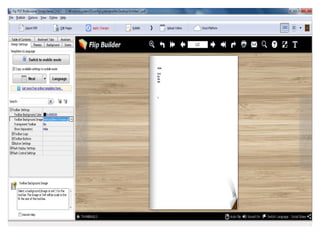
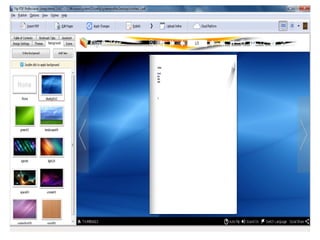
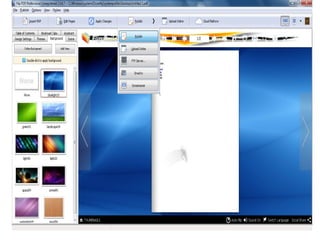
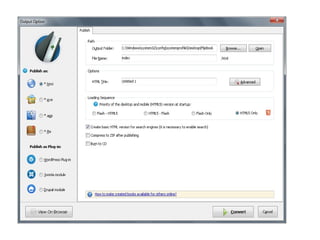
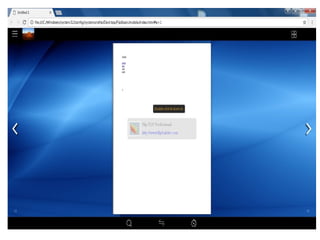
CREATE A E-BOOK
FLIP PDF – E-BOOK
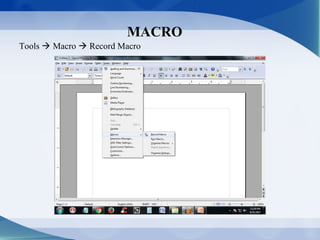
MACRO
Tools  Macro  Record Macro
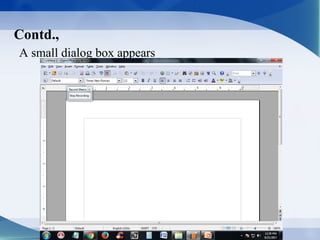
Contd.,
A small dialog box appears
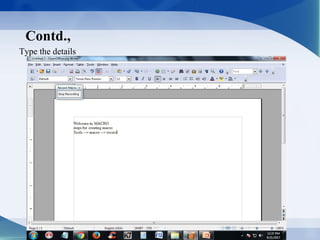
Contd.,
Type the details
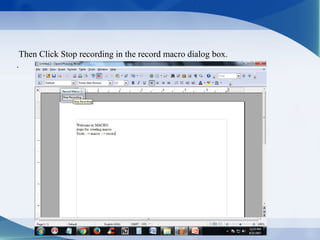
Then Click Stop recording in the record macro dialog box.
.
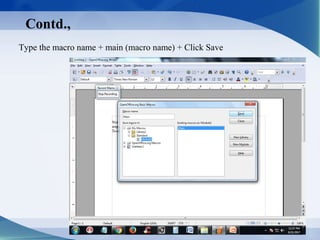
Contd.,
Type the macro name + main (macro name) + Click Save
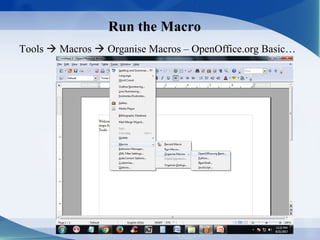
Run the Macro
Tools  Macros  Organise Macros – OpenOffice.org Basic…
Contd.,
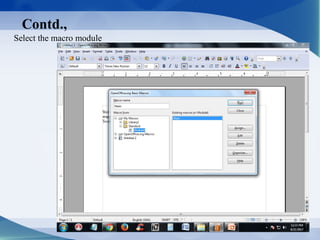
Select the macro module
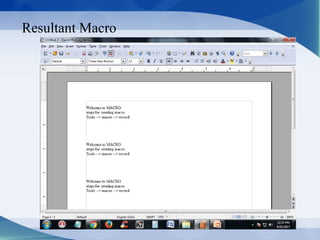
Resultant Macro
The largest part of the screen, in the center, is the drawing canvas.
MAIL MERGE
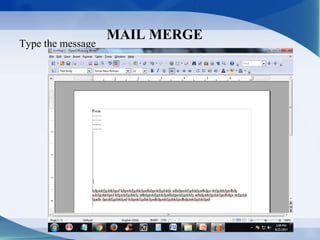
Type the message
Contd.,
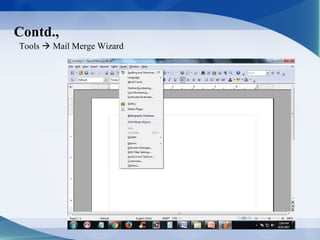
Tools  Mail Merge Wizard
Contd.,
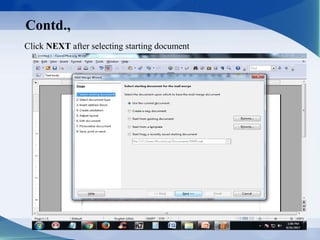
Click NEXT after selecting starting document
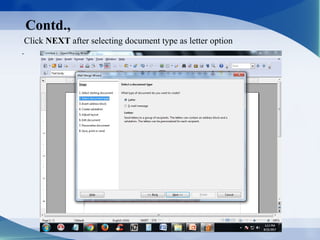
Click NEXT after selecting document type as letter option
.
Contd.,
Contd.,
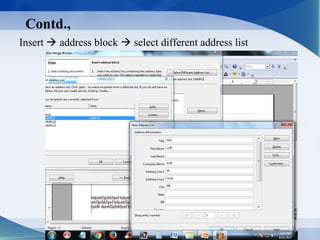
Insert  address block  select different address list
Contd.,
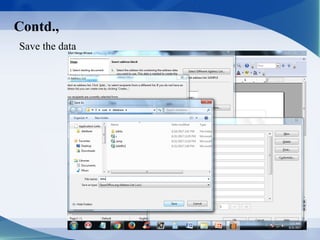
Save the data
Contd.,
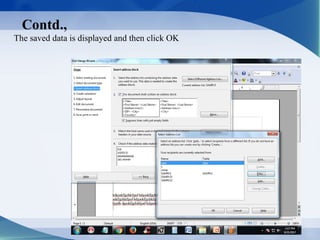
The saved data is displayed and then click OK
Contd.,
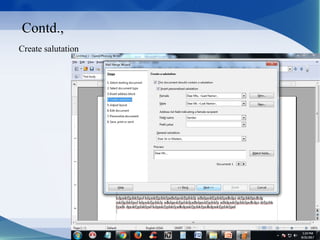
Create salutation
Contd.,
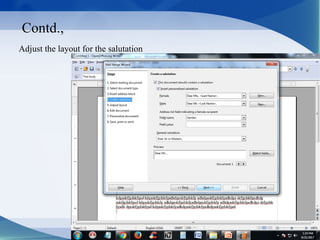
Adjust the layout for the salutation
Contd.,
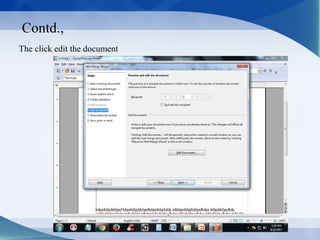
The click edit the document
Contd.,
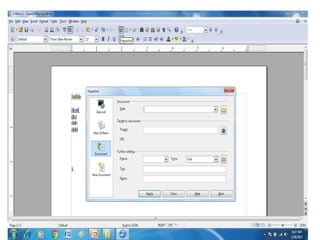
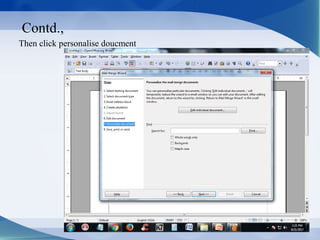
Then click personalise doucment
Contd.,
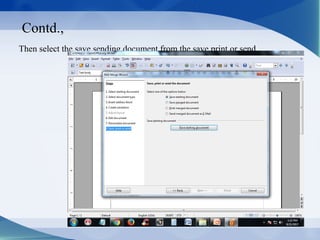
Then select the save sending document from the save,print or send
Contd.,
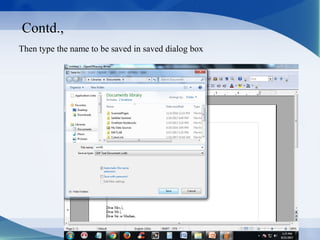
Then type the name to be saved in saved dialog box
Contd.,
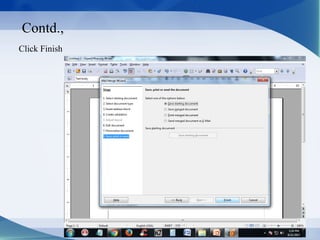
Click Finish
Contd.,
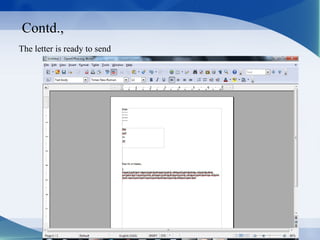
The letter is ready to send
Future Plan
74
77
R.D.SIVAKUMAR,M.Sc.,M.Phil.,M.Tech.,R.D.SIVAKUMAR,M.Sc.,M.Phil.,M.Tech.,
Assistant Professor of Computer Science &Assistant Professor of Computer Science &
Head of M.Com.(CA) Department andHead of M.Com.(CA) Department and
Technical Trainer in CTELTechnical Trainer in CTEL
AYYA NADAR JANAKI AMMAL COLLEGEAYYA NADAR JANAKI AMMAL COLLEGE
(Affiliated to Madurai Kamaraj University, Madurai, Re-accredited (3rd
Cycle) with
‘A’ Grade (CGPA 3.67 out of 4) by NAAC, Recognized by DBT as Star College,
College of Excellence by UGC and and Ranked 13th
at National Level in NIRF 2017)
SIVAKASI – 626 124.SIVAKASI – 626 124.
(Website: http://rdsivakumar.netne.net
www.rdsivakumar.blogspot.in)
Mobile Apps : Google Play Store – RDS Academic
E-mail : sivamsccsit@gmail.com Mobile : 99440-42243

Apache Open Office Word Process -R.D.Sivakumar