
Download to read offline

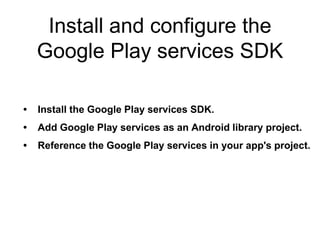
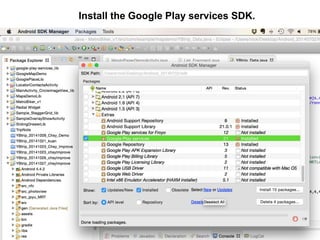
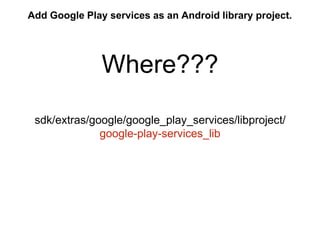
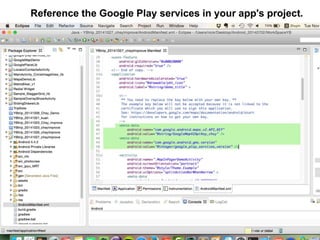
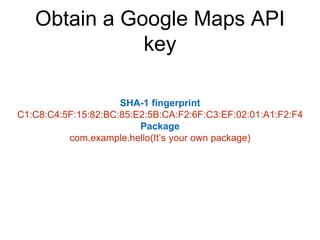
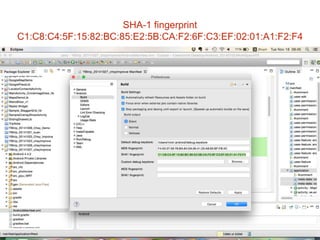
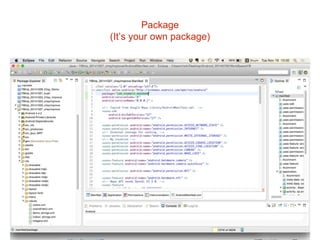
The document provides instructions for installing and configuring the Google Play services SDK and obtaining a Google Maps API key for an Android application. It lists the steps as installing the Google Play services SDK, adding it as an Android library project, referencing it in the app project, obtaining the SHA-1 fingerprint and package name, creating an API project to get a key from the Google APIs Console, and referencing the documentation.


![[English] Create Mobile LBS Application Using Maps API](https://cdn.slidesharecdn.com/ss_thumbnails/createmobilelbsapplicationusingmapsapi-googleonemobileeventen-150422202736-conversion-gate01-thumbnail.jpg?width=640&height=640&fit=bounds)


