Improve Performance Quick and Cheap:
Optimize Memory and Upgrade to Ruby 2.1
http://www.slideshare.net/adymo/adymo-railsconf-improveperformance
Part 1
Why?
Memory optimization is the #1 thing that
makes your Ruby application fast
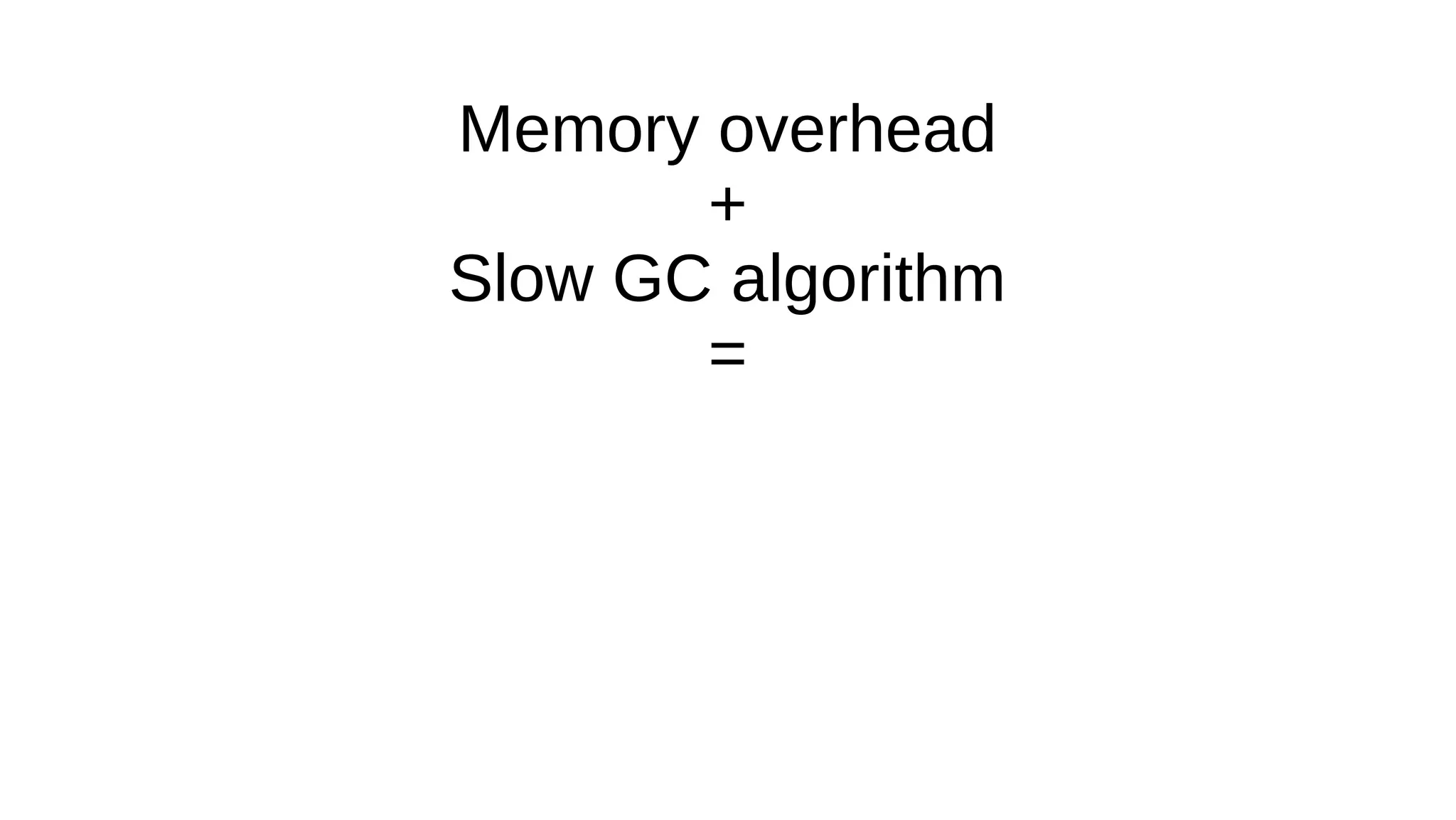
Memory overhead
+
Slow GC algorithm
=
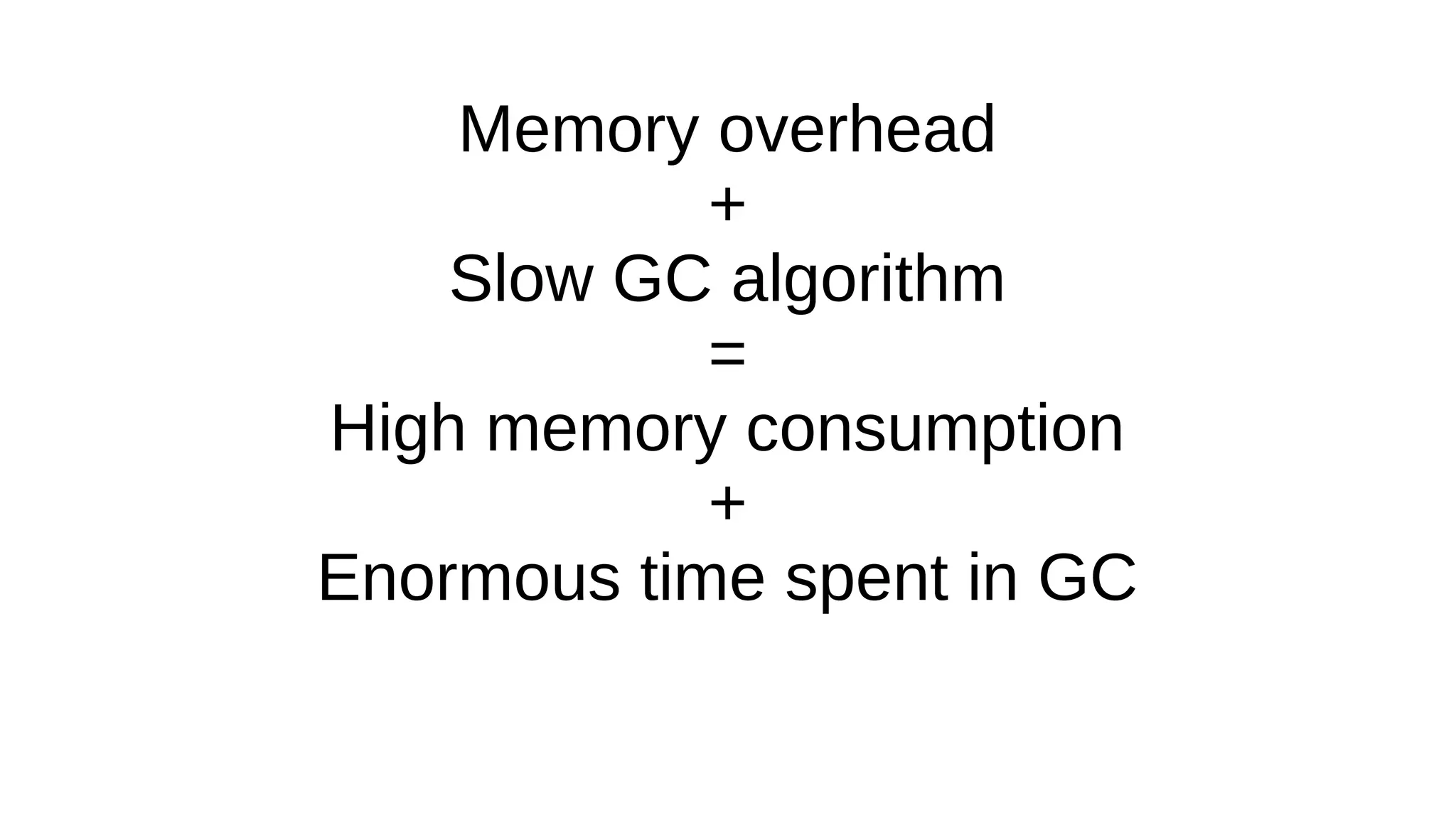
Memory overhead
+
Slow GC algorithm
=
High memory consumption
+
Enormous time spent in GC
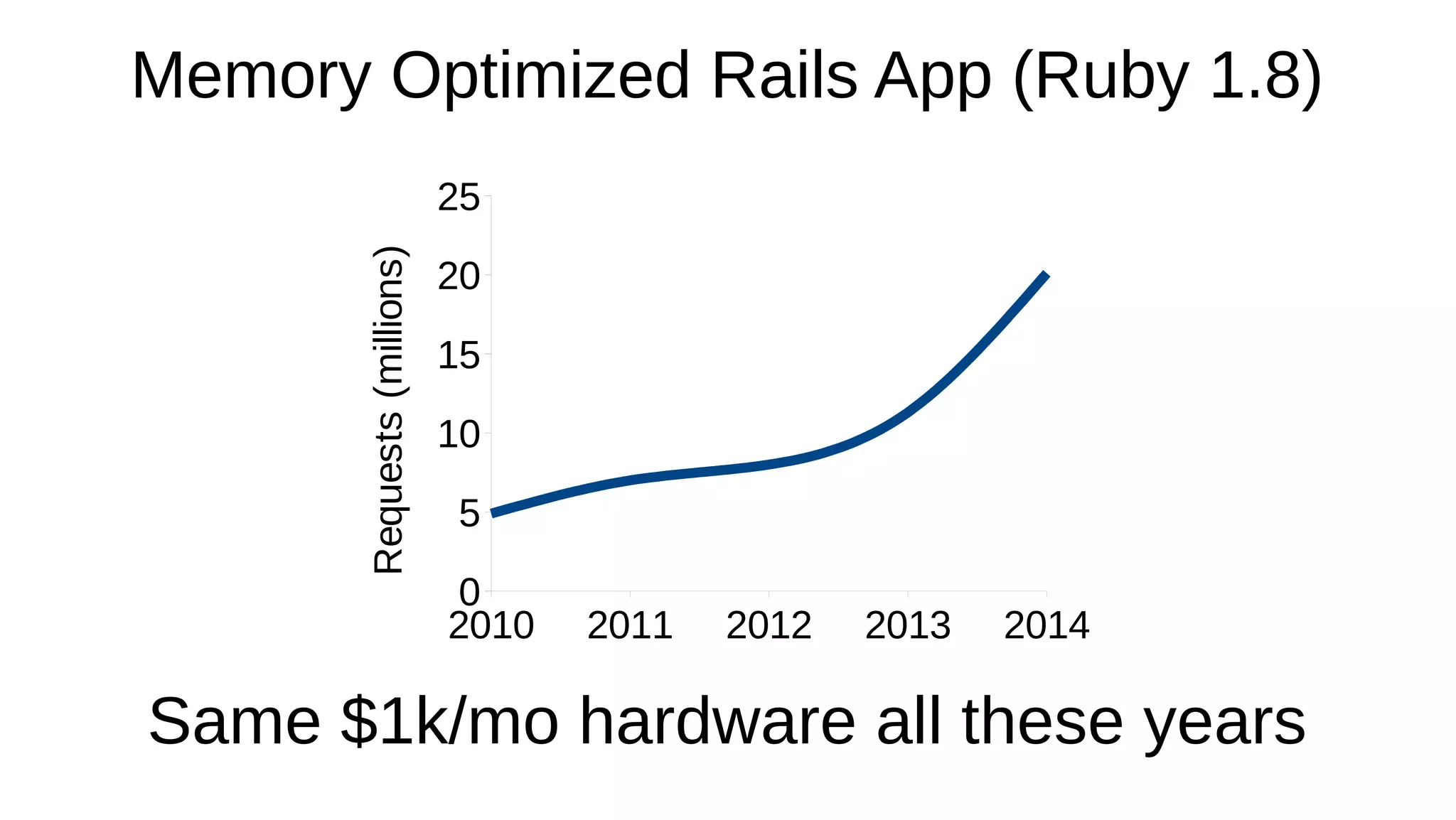
2010 2011 2012 2013 2014
0
5
10
15
20
25
Requests(millions)
Memory Optimized Rails App (Ruby 1.8)
Same $1k/mo hardware all these years
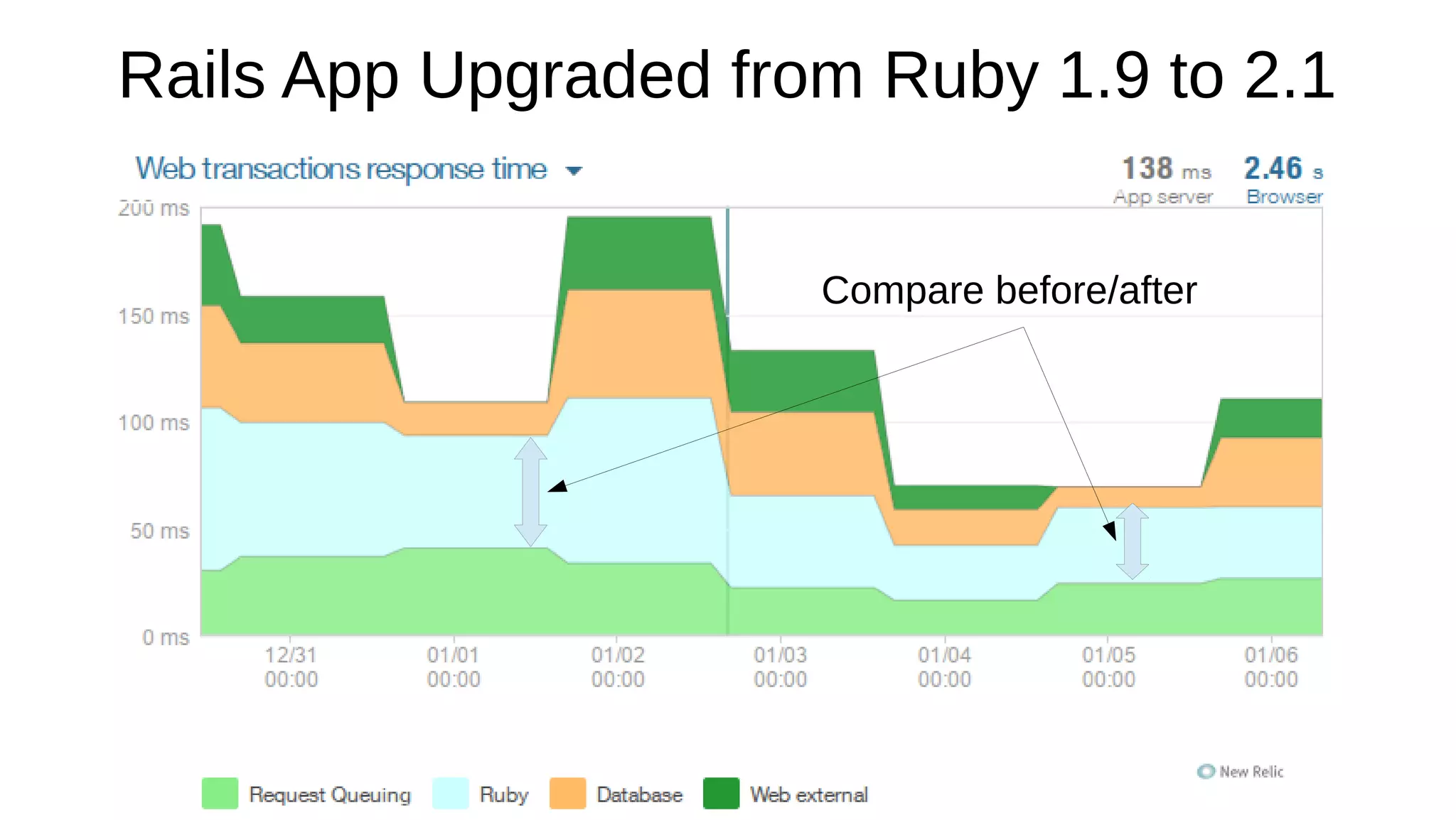
Rails App Upgraded from Ruby 1.9 to 2.1
Compare before/after
Optimize Memory and
Optionally
Upgrade to Ruby 2.1
require "csv"
data = CSV.open("data.csv")
output = data.readlines.map do |line|
line.map do |col|
col.downcase.gsub(/b('?[a-z])/) { $1.capitalize } }
end
end
File.open("output.csv", "w+") do |f|
f.write output.join("n")
end
Unoptimized Program
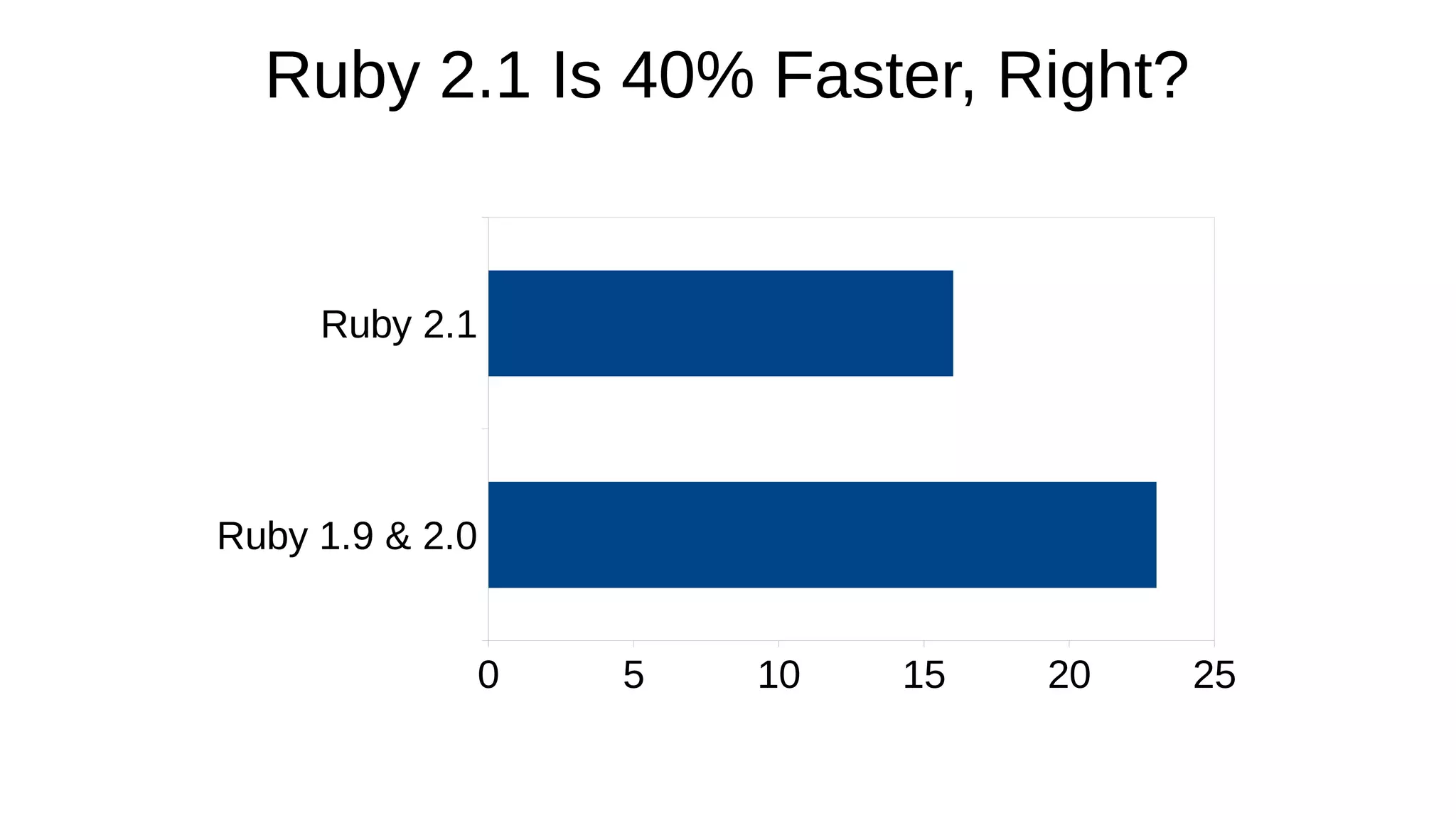
Ruby 1.9 & 2.0
Ruby 2.1
0 5 10 15 20 25
Ruby 2.1 Is 40% Faster, Right?
require "csv"
output = File.open("output.csv", "w+")
CSV.open("examples/data.csv", "r").each do |line|
output.puts line.map do |col|
col.downcase!
col.gsub!(/b('?[a-z])/) { $1.capitalize! }
end.join(",")
end
Memory Optimized Program
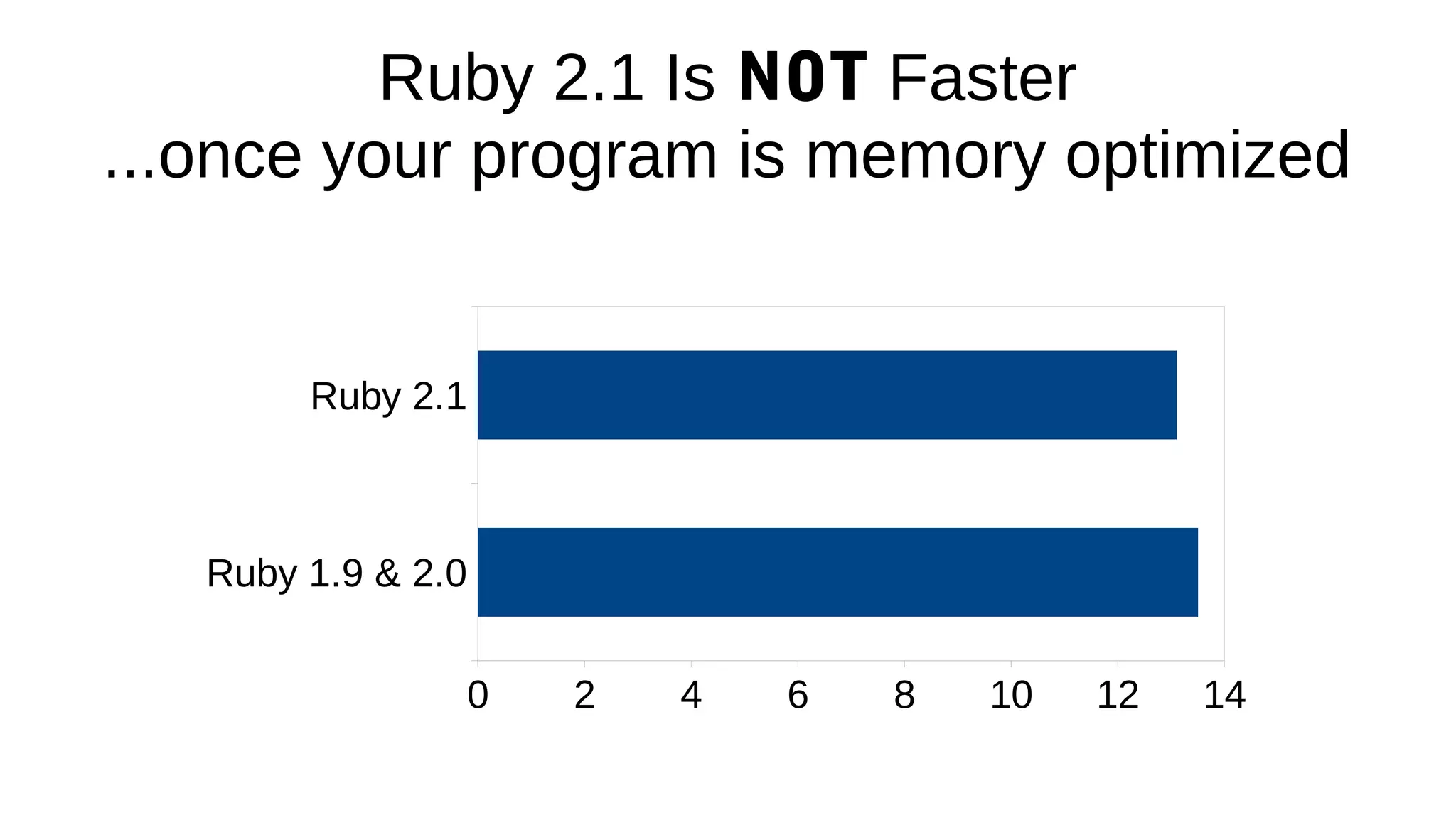
Ruby 2.1 Is NOT Faster
...once your program is memory optimized
Ruby 1.9 & 2.0
Ruby 2.1
0 2 4 6 8 10 12 14
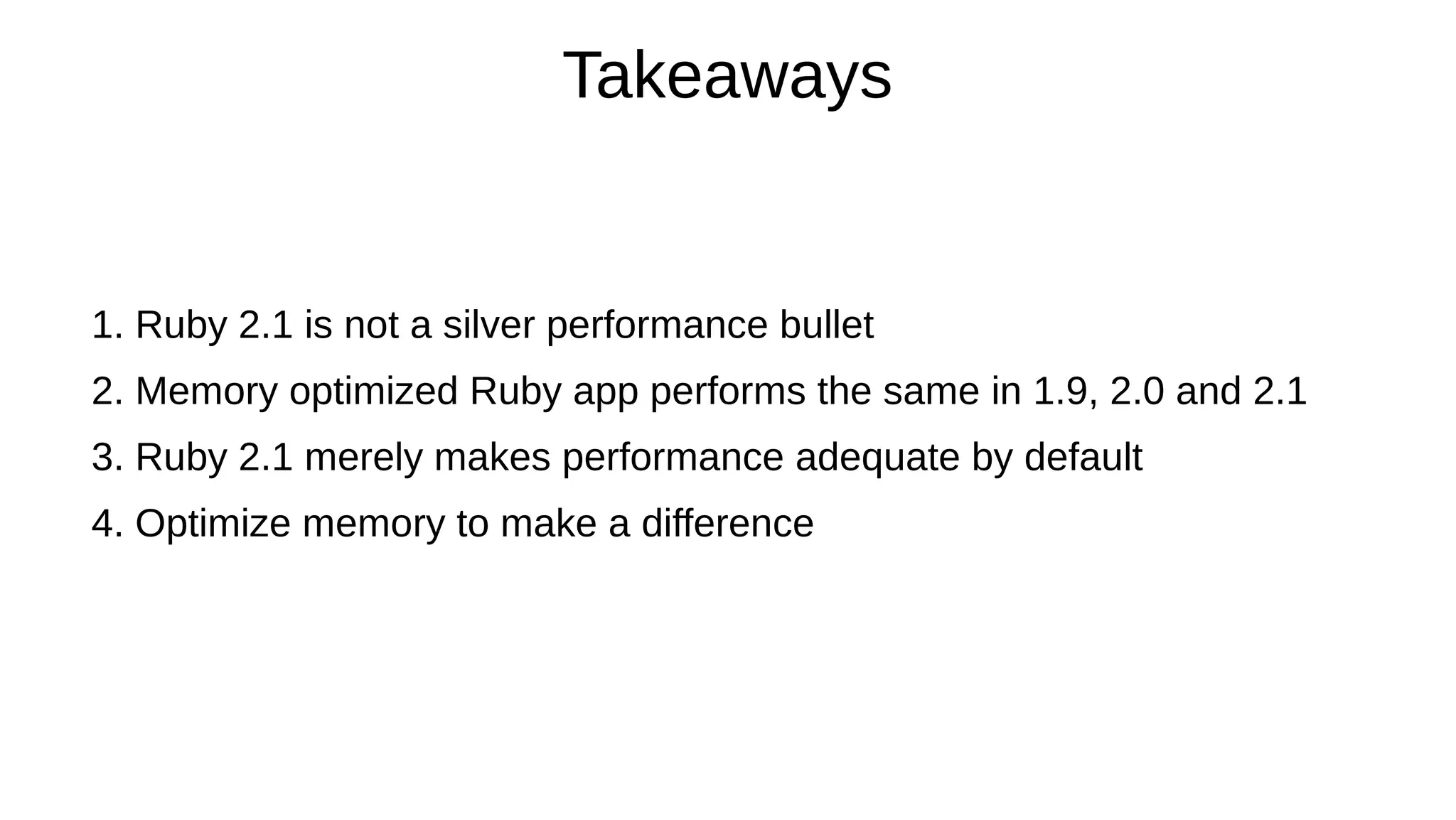
Takeaways
1. Ruby 2.1 is not a silver performance bullet
2. Memory optimized Ruby app performs the same in 1.9, 2.0 and 2.1
3. Ruby 2.1 merely makes performance adequate by default
4. Optimize memory to make a difference
Part 2
How?
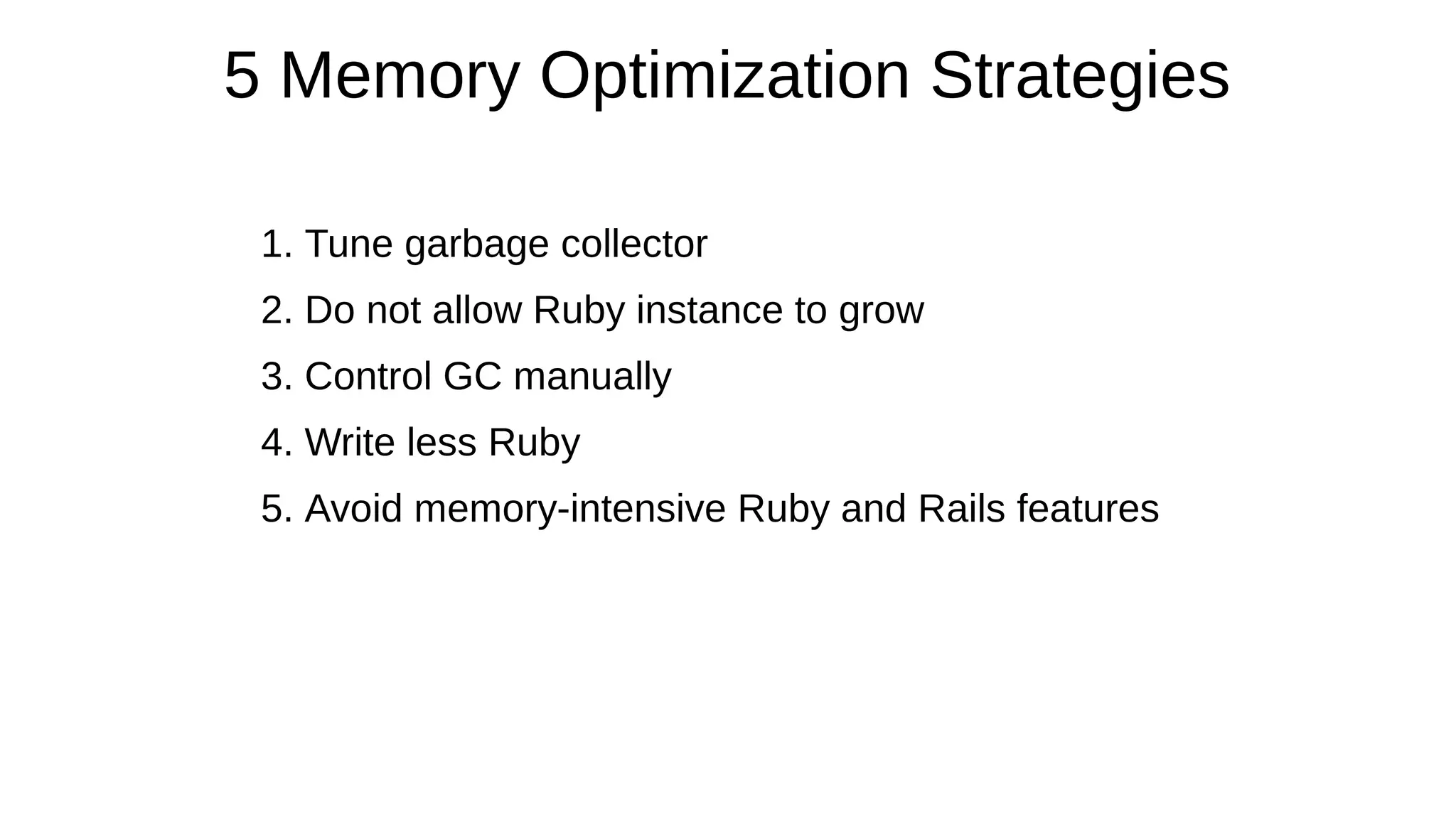
5 Memory Optimization Strategies
1. Tune garbage collector
2. Do not allow Ruby instance to grow
3. Control GC manually
4. Write less Ruby
5. Avoid memory-intensive Ruby and Rails features
Strategy 1
Tune Ruby GC
Ruby GC Tuning Goal
Goal: balance the number of GC runs and peak memory usage
How to check:
> GC.stat[:minor_gc_count]
> GC.stat[:major_gc_count]
> `ps -o rss= -p #{Process.pid}`.chomp.to_i / 1024 #MB
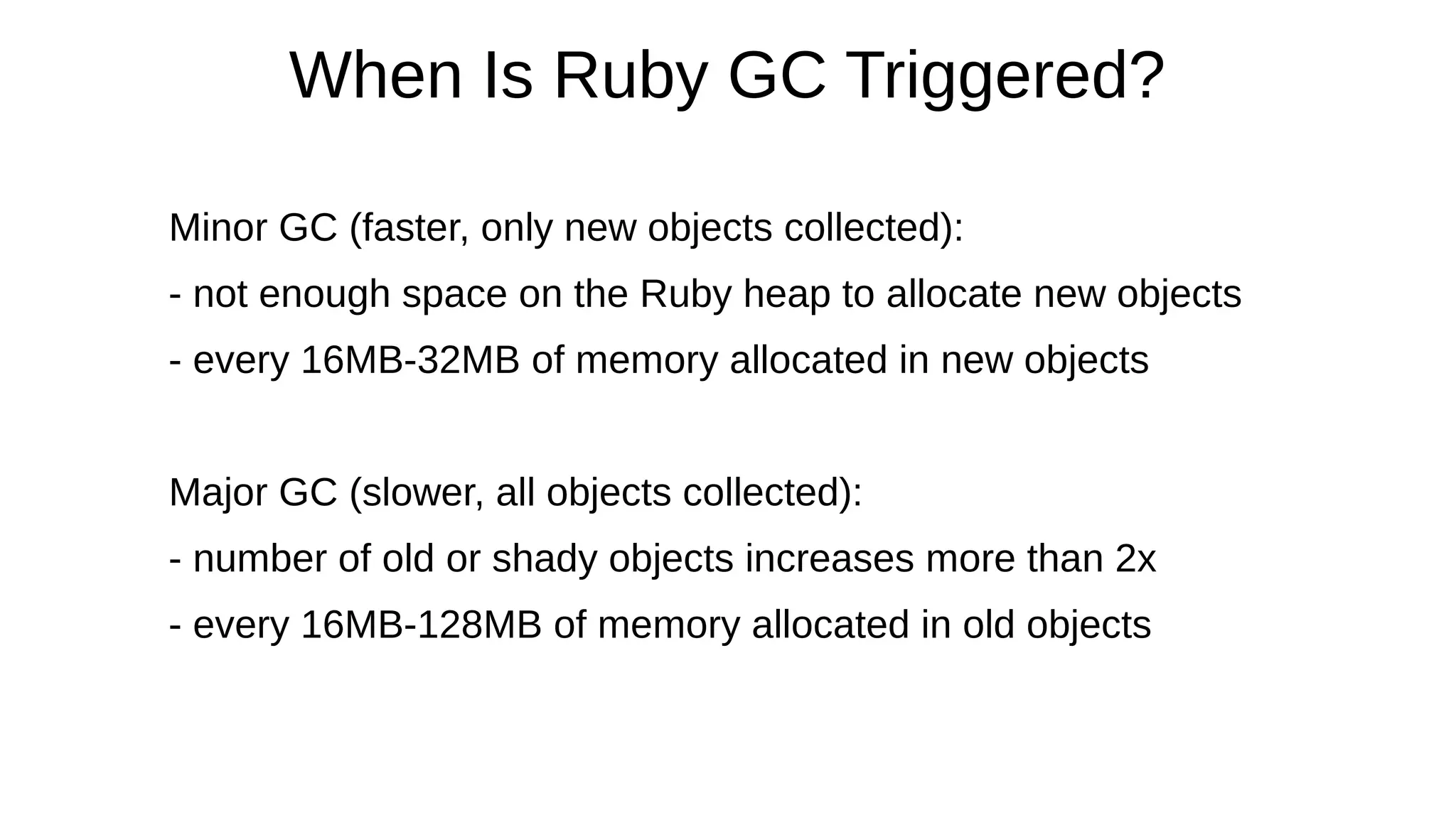
When Is Ruby GC Triggered?
Minor GC (faster, only new objects collected):
- not enough space on the Ruby heap to allocate new objects
- every 16MB-32MB of memory allocated in new objects
Major GC (slower, all objects collected):
- number of old or shady objects increases more than 2x
- every 16MB-128MB of memory allocated in old objects
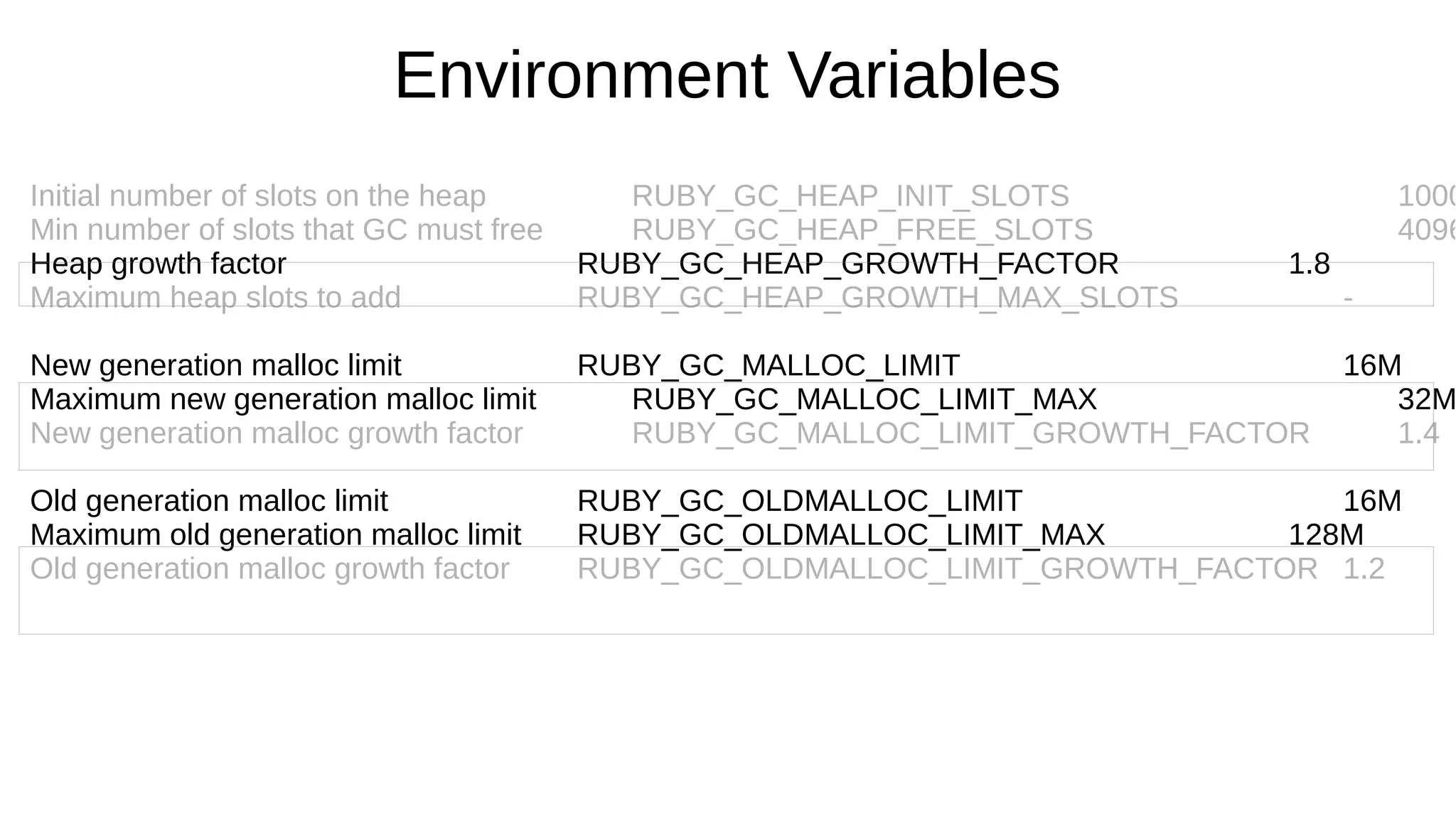
Environment Variables
Initial number of slots on the heap RUBY_GC_HEAP_INIT_SLOTS 1000
Min number of slots that GC must free RUBY_GC_HEAP_FREE_SLOTS 4096
Heap growth factor RUBY_GC_HEAP_GROWTH_FACTOR 1.8
Maximum heap slots to add RUBY_GC_HEAP_GROWTH_MAX_SLOTS -
New generation malloc limit RUBY_GC_MALLOC_LIMIT 16M
Maximum new generation malloc limit RUBY_GC_MALLOC_LIMIT_MAX 32M
New generation malloc growth factor RUBY_GC_MALLOC_LIMIT_GROWTH_FACTOR 1.4
Old generation malloc limit RUBY_GC_OLDMALLOC_LIMIT 16M
Maximum old generation malloc limit RUBY_GC_OLDMALLOC_LIMIT_MAX 128M
Old generation malloc growth factor RUBY_GC_OLDMALLOC_LIMIT_GROWTH_FACTOR 1.2
When Is Ruby GC Triggered?
ruby-performance-book.com
http://samsaffron.com/archive/2013/11/22/demystifying-the-ruby-gc
http://thorstenball.com/blog/2014/03/12/watching-understanding-ruby-2.1-garbage-collector/
Strategy 2
Limit Growth
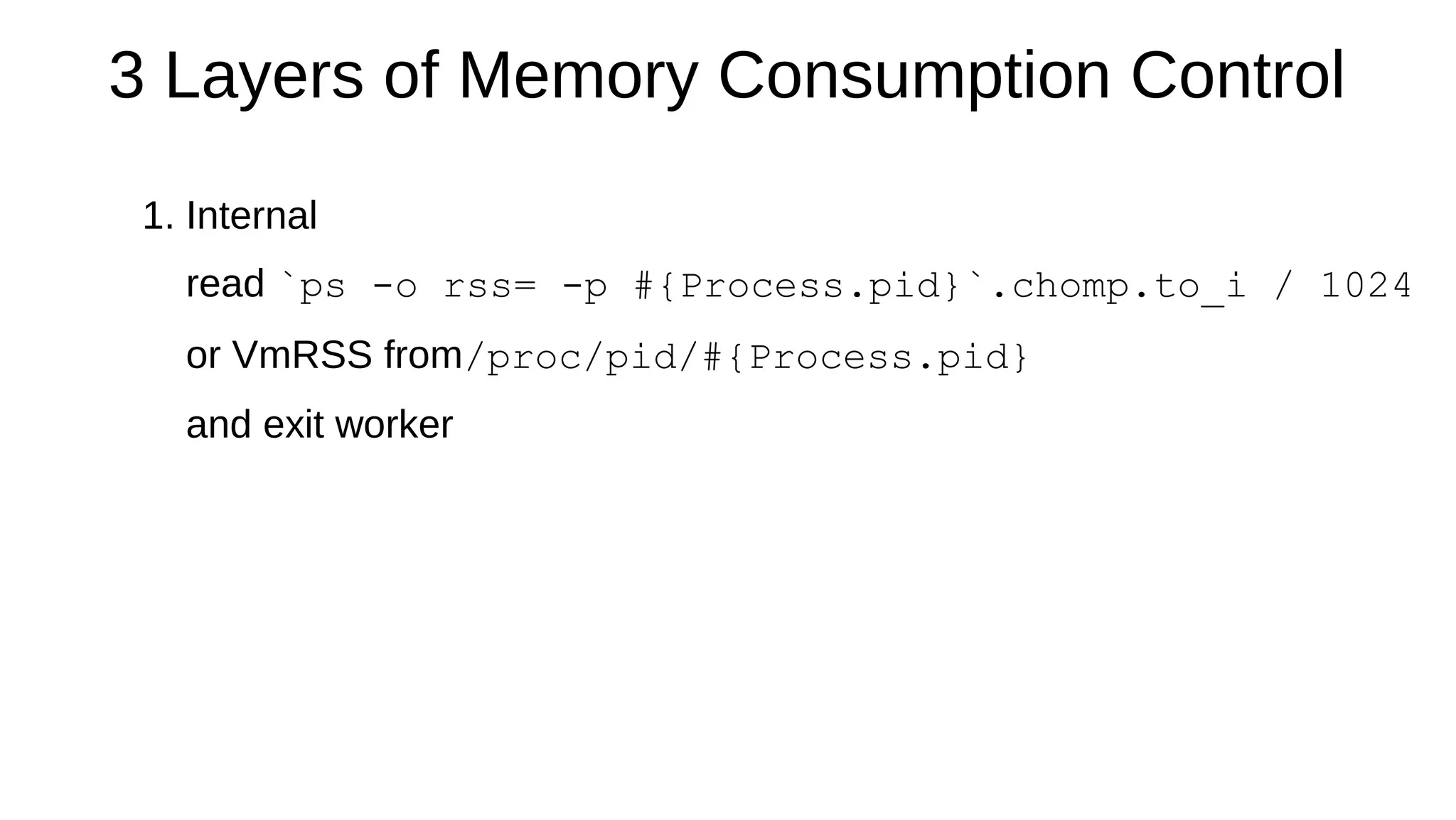
3 Layers of Memory Consumption Control
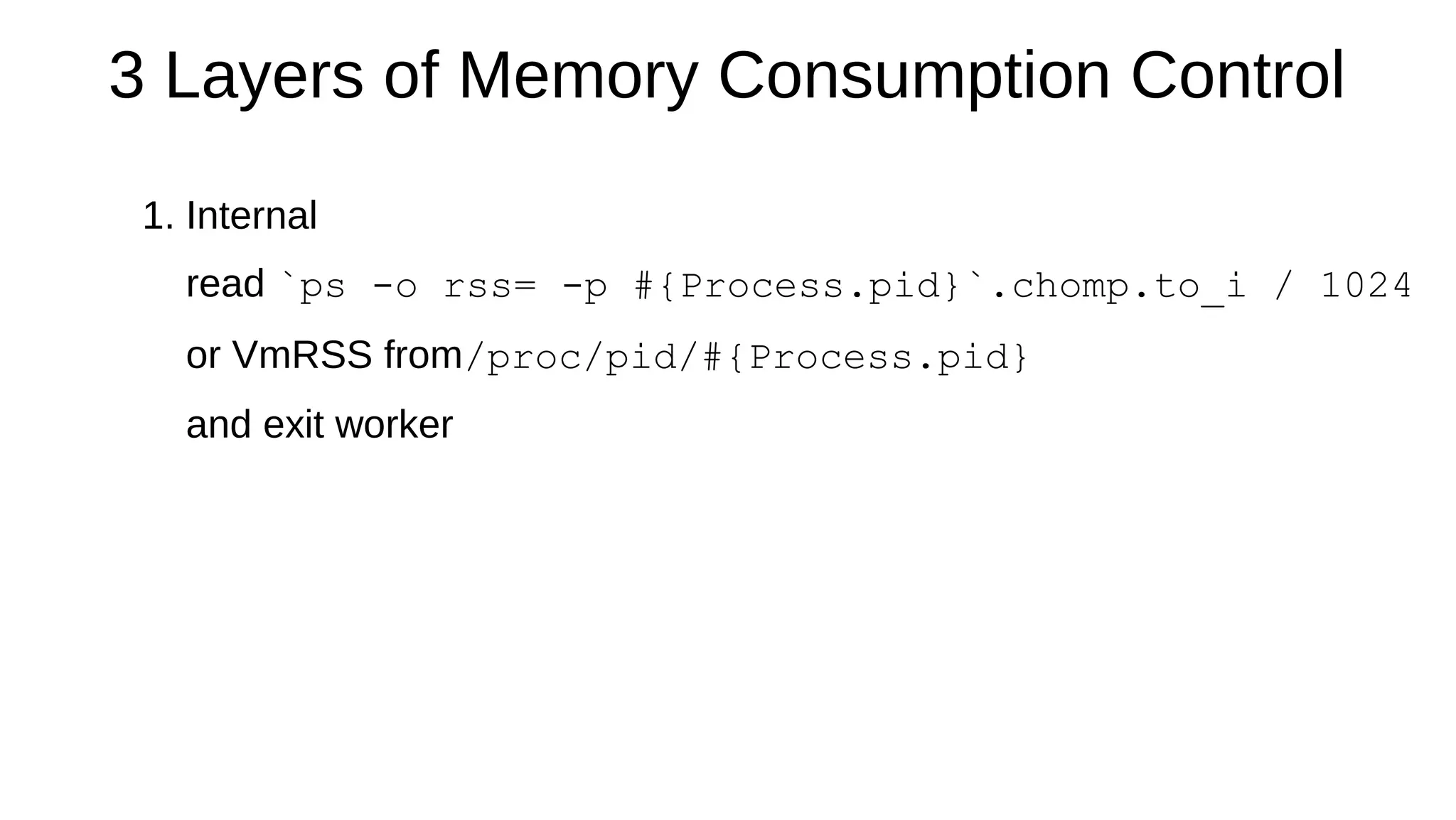
1. Internal
read `ps -o rss= -p #{Process.pid}`.chomp.to_i / 1024
or VmRSS from/proc/pid/#{Process.pid}
and exit worker
3 Layers of Memory Consumption Control
1. Internal
read `ps -o rss= -p #{Process.pid}`.chomp.to_i / 1024
or VmRSS from/proc/pid/#{Process.pid}
and exit worker
3 Layers of Memory Consumption Control
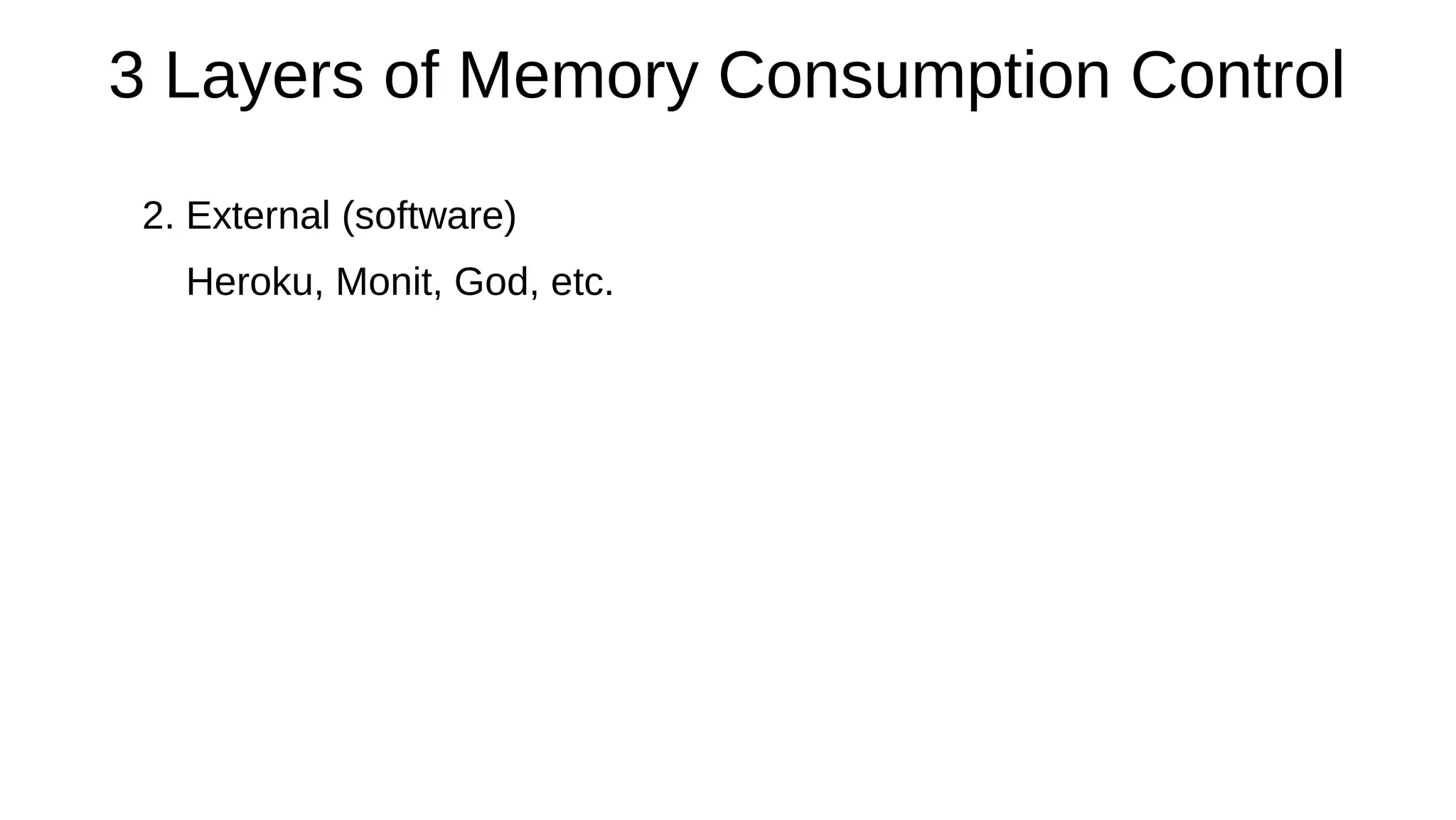
2. External (software)
Heroku, Monit, God, etc.
3 Layers of Memory Consumption Control
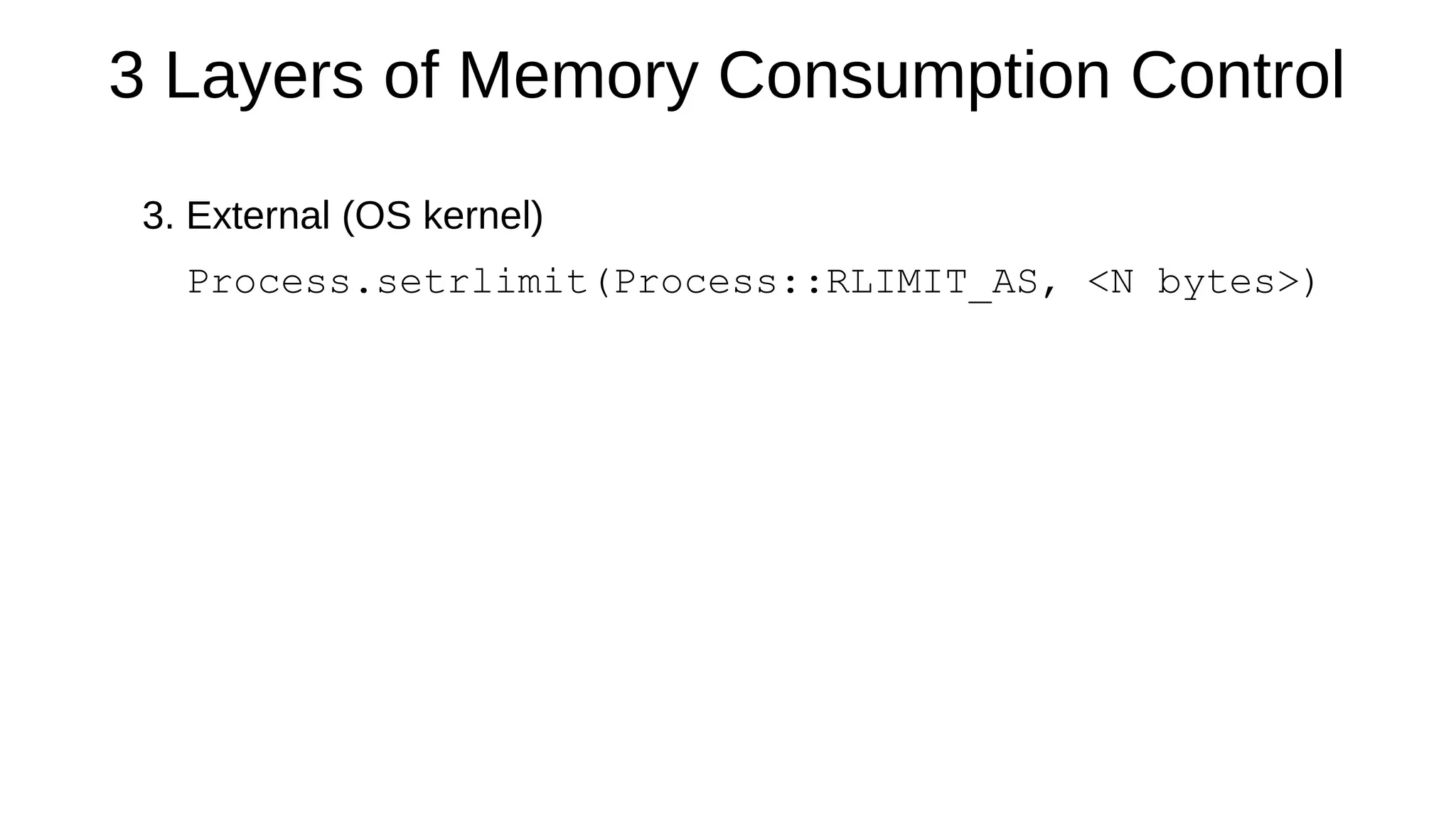
3. External (OS kernel)
Process.setrlimit(Process::RLIMIT_AS, <N bytes>)
What about Background Jobs?
Fork et Impera:
# setup background job
fork do
# do something heavy
end
Strategy 3
Control GC Manually
GC Between Requests in Unicorn
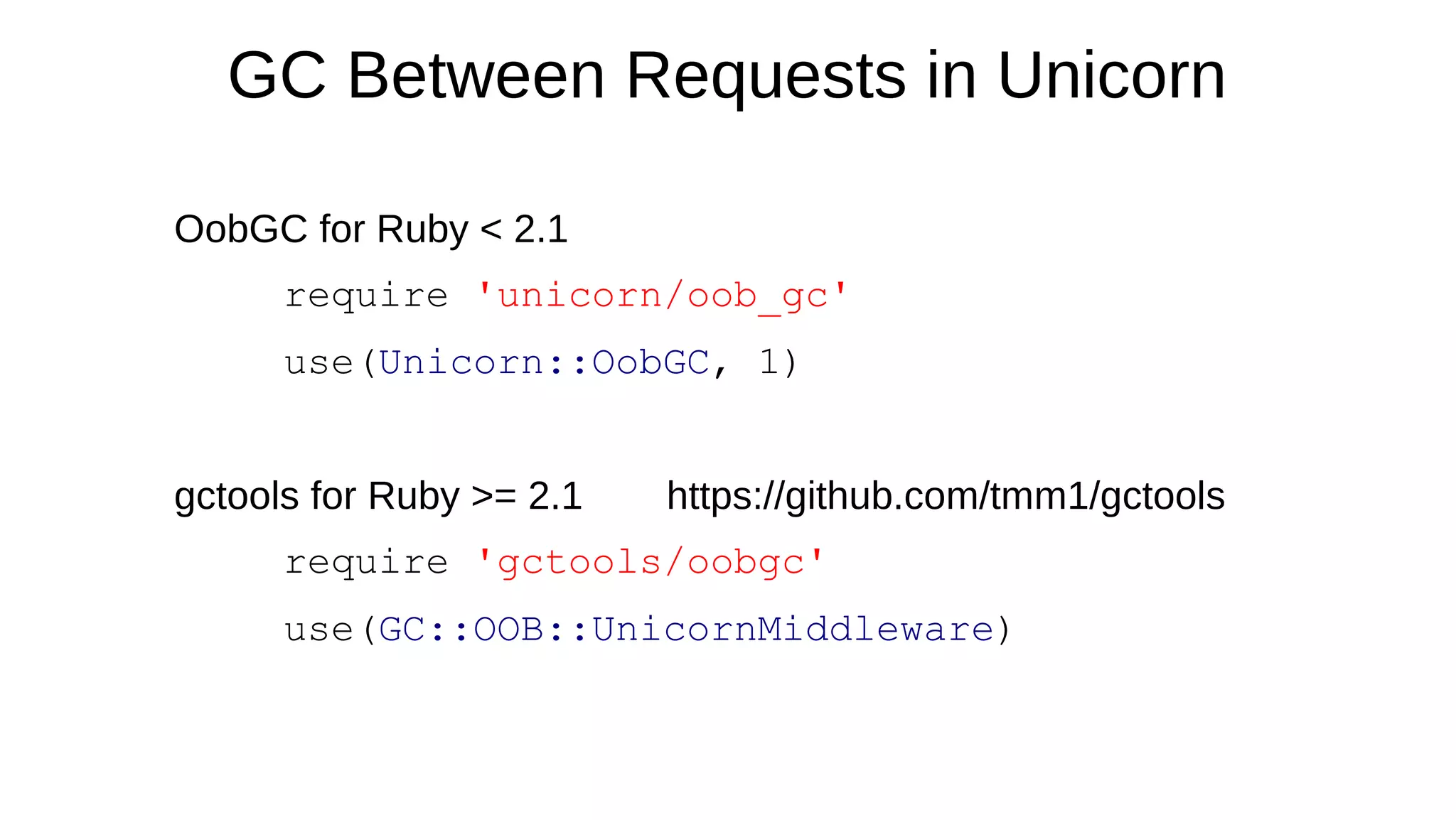
OobGC for Ruby < 2.1
require 'unicorn/oob_gc'
use(Unicorn::OobGC, 1)
gctools for Ruby >= 2.1 https://github.com/tmm1/gctools
require 'gctools/oobgc'
use(GC::OOB::UnicornMiddleware)
GC Between Requests in Unicorn
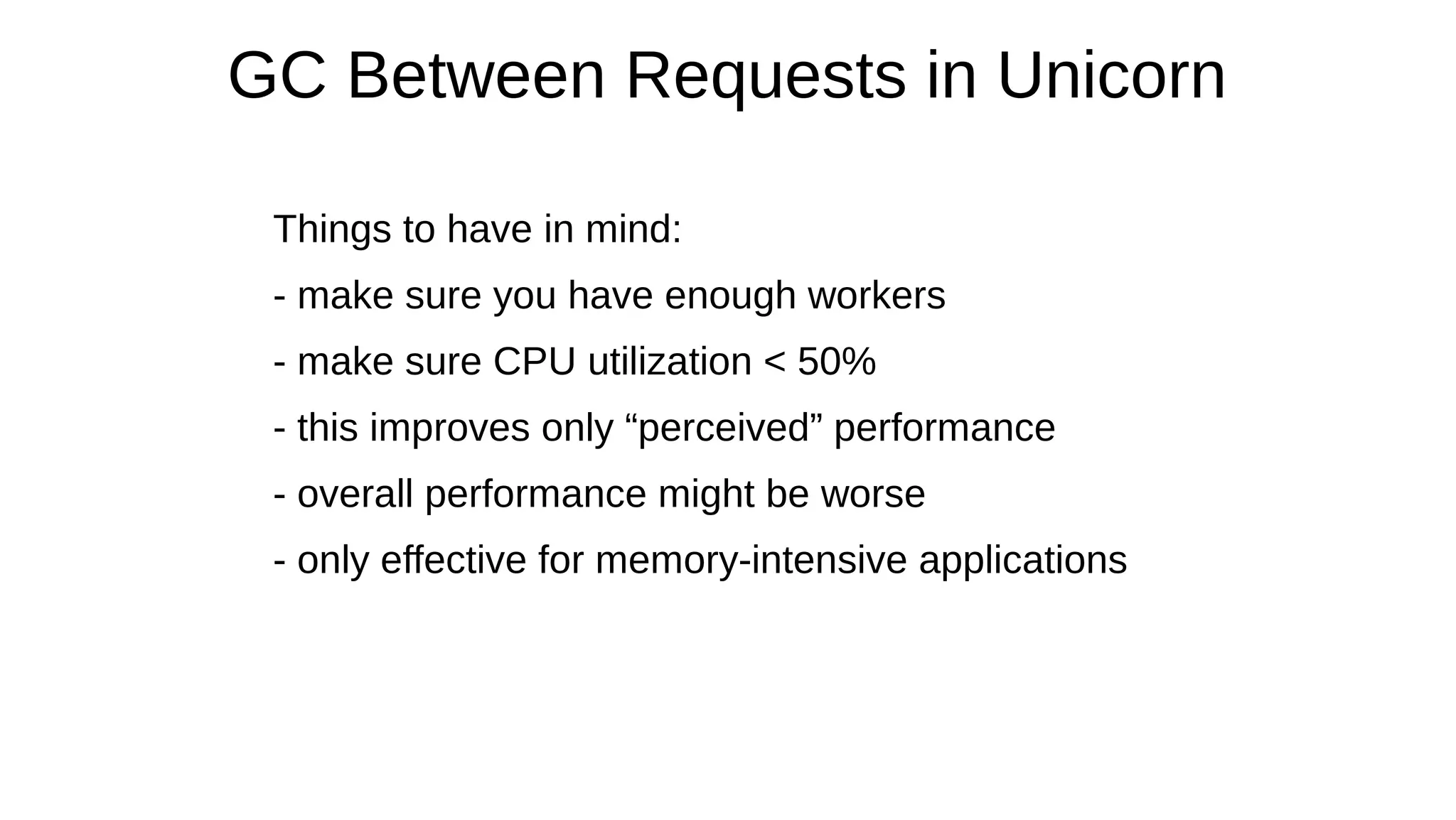
Things to have in mind:
- make sure you have enough workers
- make sure CPU utilization < 50%
- this improves only “perceived” performance
- overall performance might be worse
- only effective for memory-intensive applications
Strategy 4
Write Less Ruby
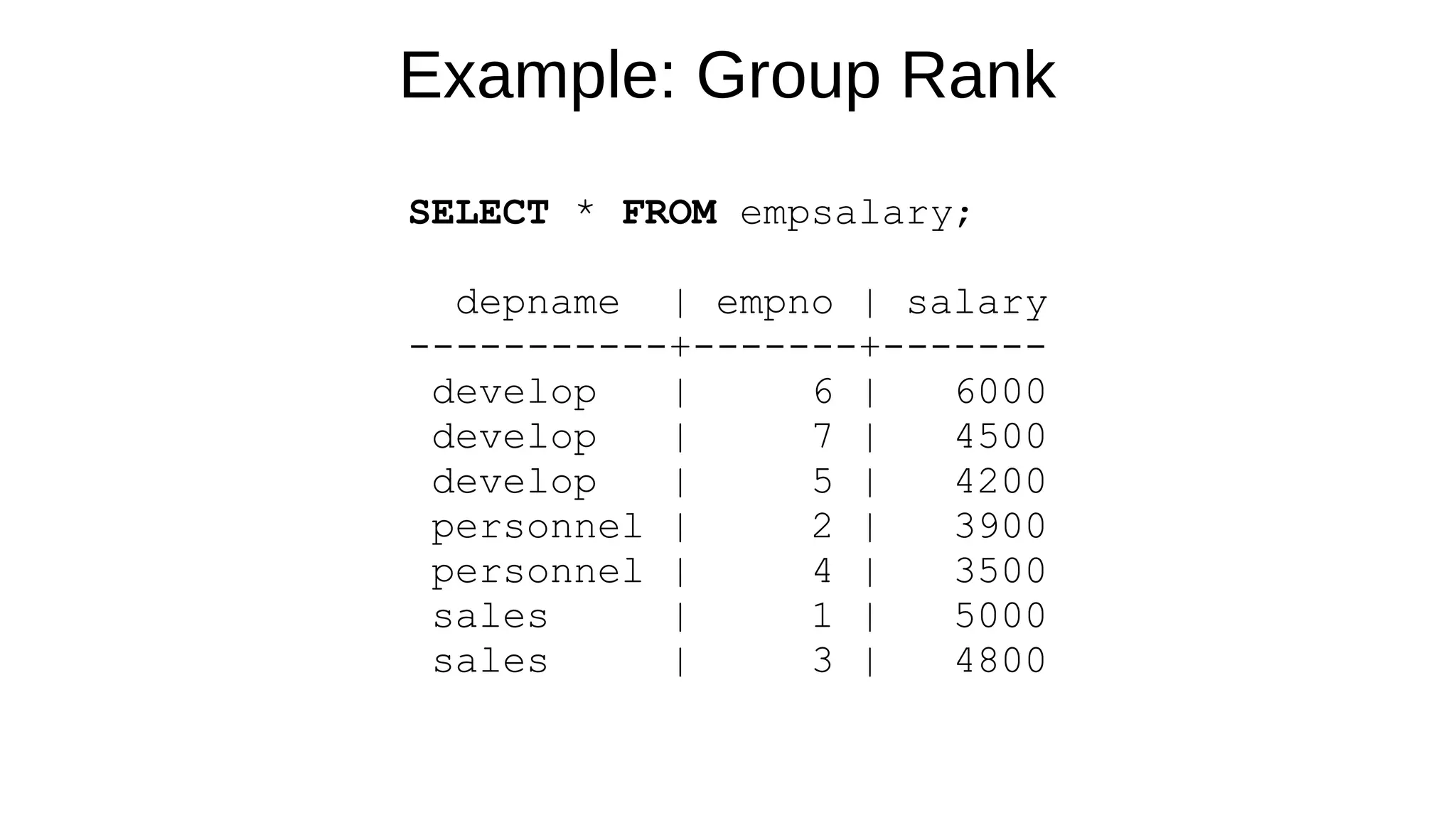
Example: Group Rank
SELECT * FROM empsalary;
depname | empno | salary
-----------+-------+-------
develop | 6 | 6000
develop | 7 | 4500
develop | 5 | 4200
personnel | 2 | 3900
personnel | 4 | 3500
sales | 1 | 5000
sales | 3 | 4800
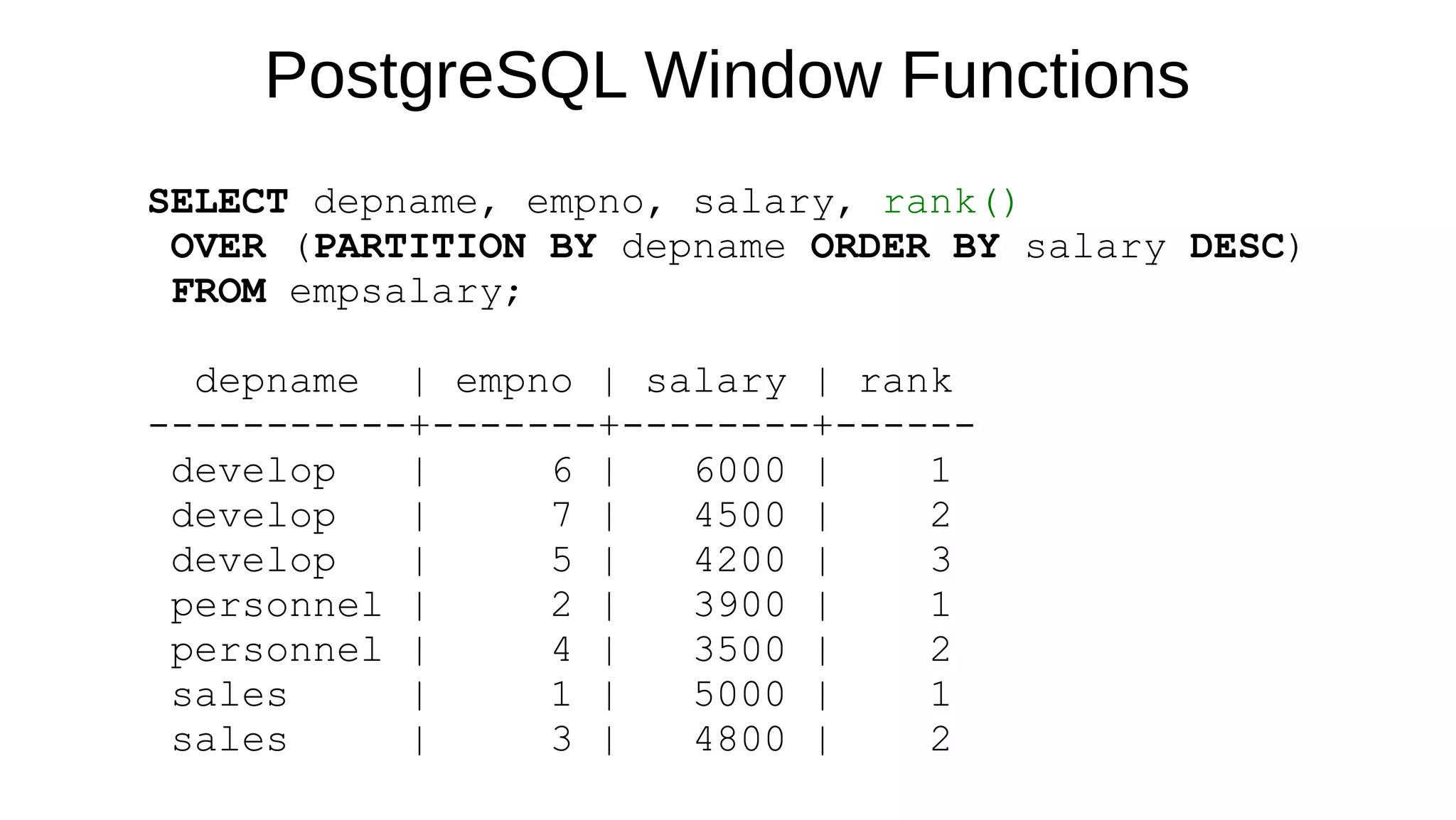
PostgreSQL Window Functions
SELECT depname, empno, salary, rank()
OVER (PARTITION BY depname ORDER BY salary DESC)
FROM empsalary;
depname | empno | salary | rank
-----------+-------+--------+------
develop | 6 | 6000 | 1
develop | 7 | 4500 | 2
develop | 5 | 4200 | 3
personnel | 2 | 3900 | 1
personnel | 4 | 3500 | 2
sales | 1 | 5000 | 1
sales | 3 | 4800 | 2
Finally Learn SQL
Strategy 5
Avoid Memory Hogs
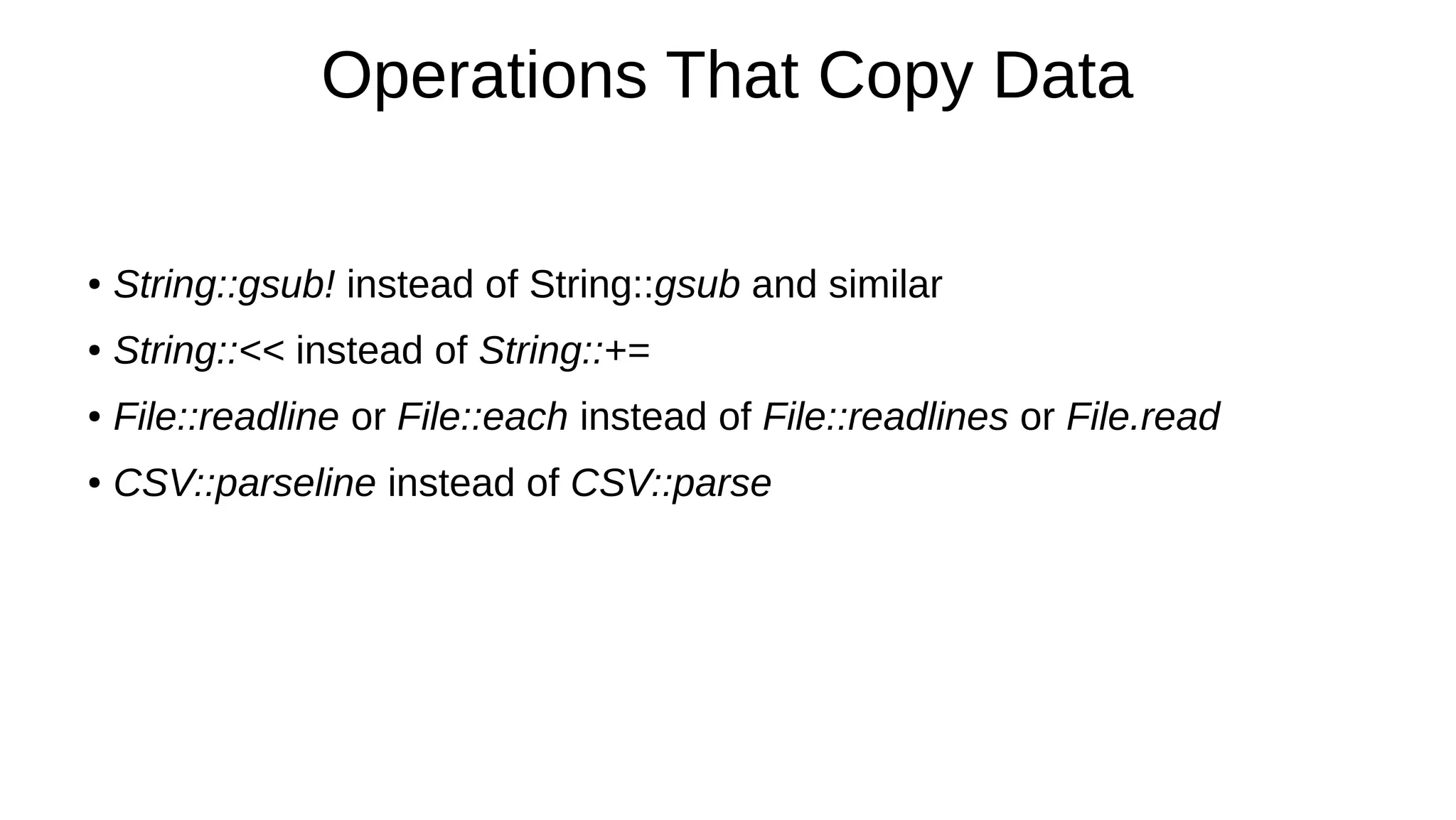
Operations That Copy Data
● String::gsub! instead of String::gsub and similar
● String::<< instead of String::+=
● File::readline or File::each instead of File::readlines or File.read
● CSV::parseline instead of CSV::parse
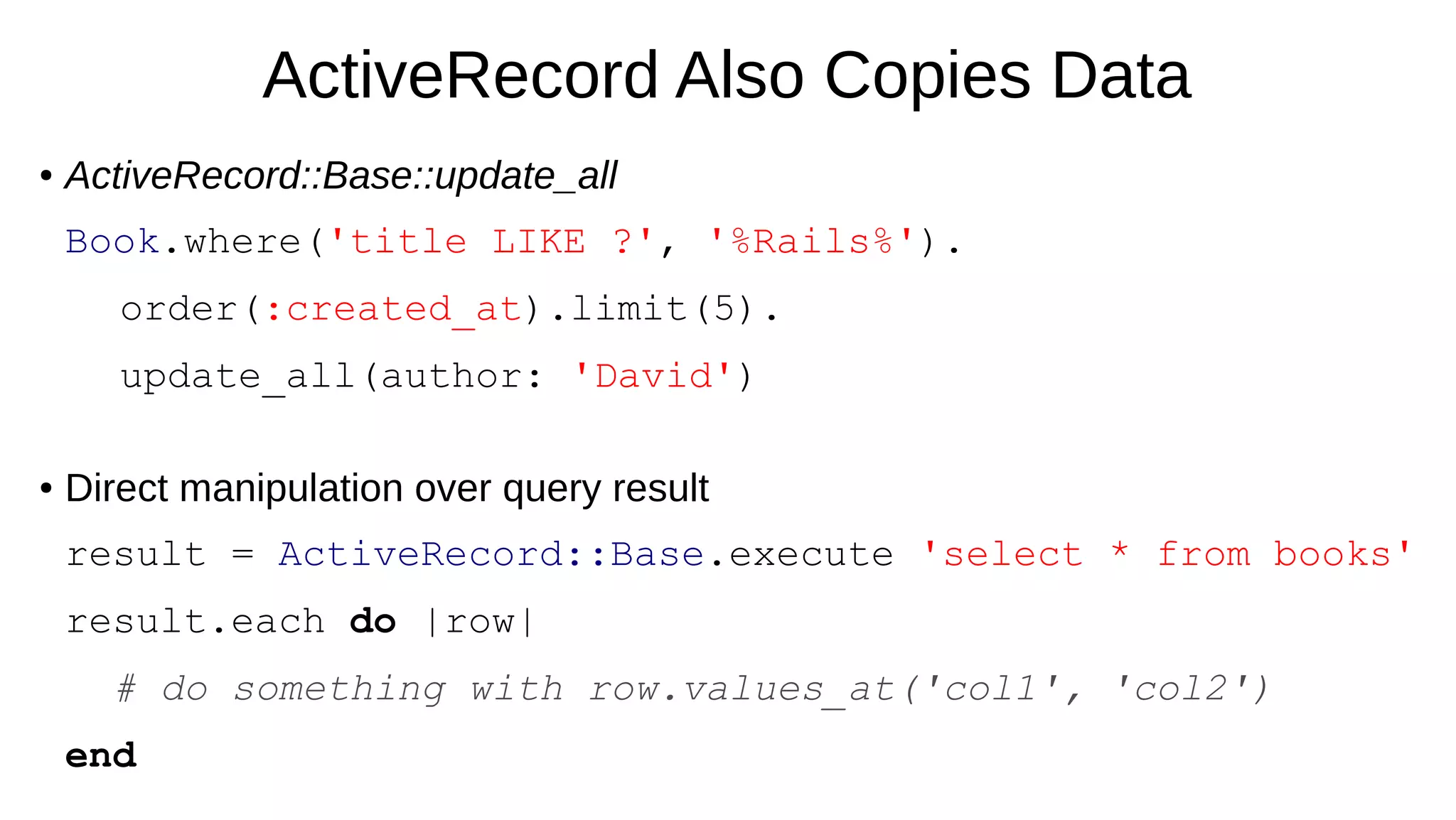
ActiveRecord Also Copies Data
● ActiveRecord::Base::update_all
Book.where('title LIKE ?', '%Rails%').
order(:created_at).limit(5).
update_all(author: 'David')
● Direct manipulation over query result
result = ActiveRecord::Base.execute 'select * from books'
result.each do |row|
# do something with row.values_at('col1', 'col2')
end
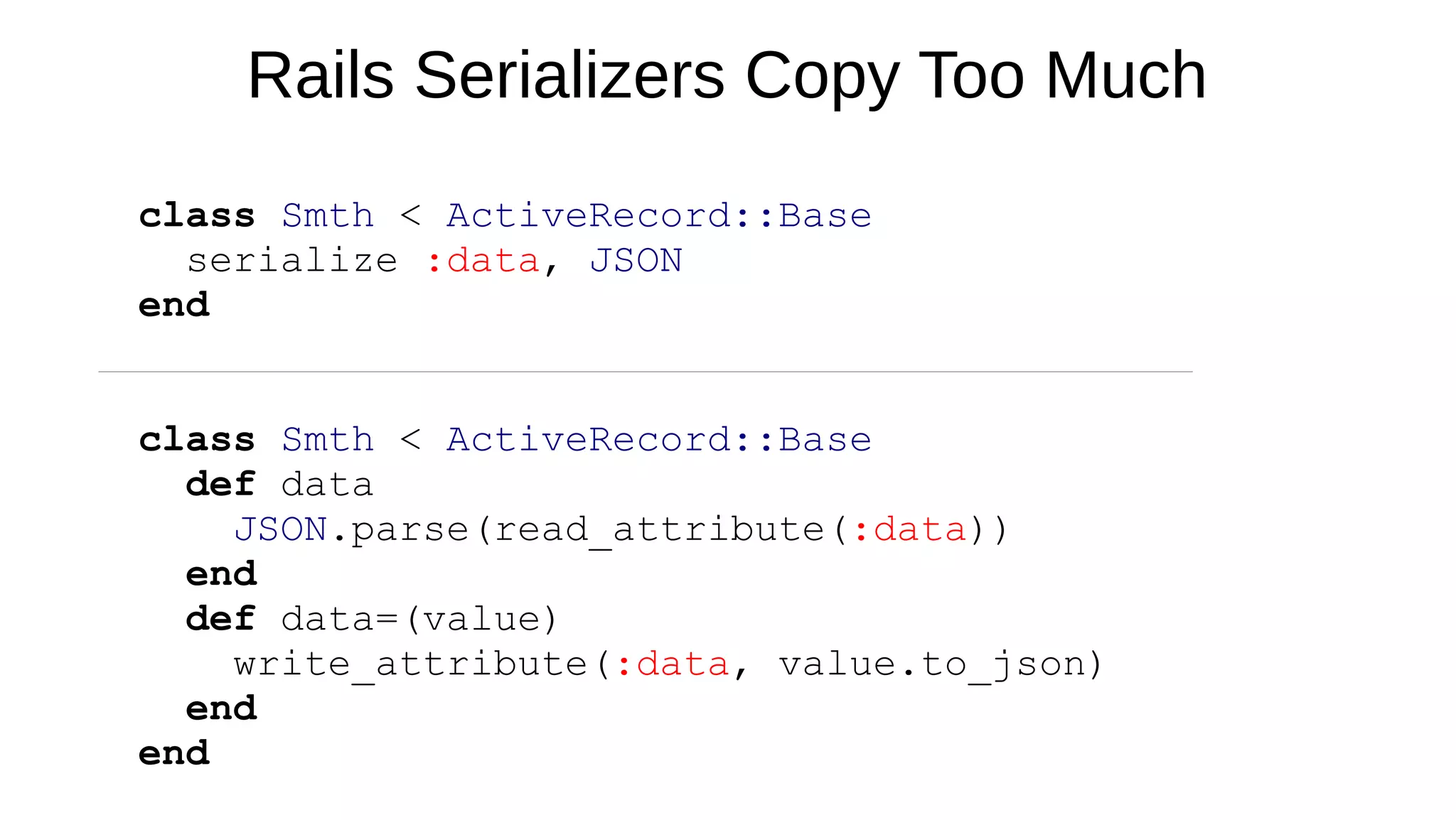
Rails Serializers Copy Too Much
class Smth < ActiveRecord::Base
serialize :data, JSON
end
class Smth < ActiveRecord::Base
def data
JSON.parse(read_attribute(:data))
end
def data=(value)
write_attribute(:data, value.to_json)
end
end
Part 3
Tools
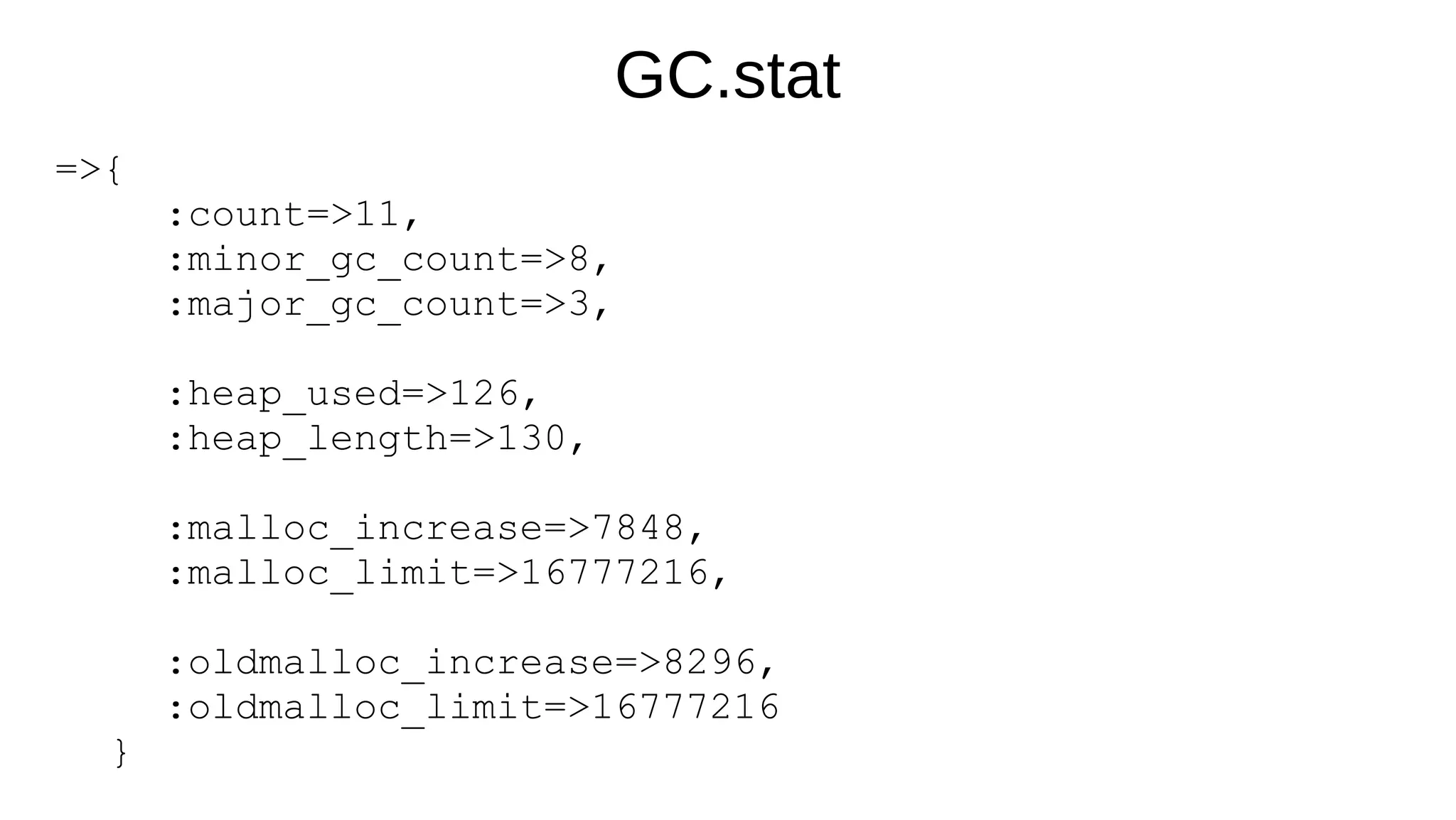
GC.stat
=>{
:count=>11,
:minor_gc_count=>8,
:major_gc_count=>3,
:heap_used=>126,
:heap_length=>130,
:malloc_increase=>7848,
:malloc_limit=>16777216,
:oldmalloc_increase=>8296,
:oldmalloc_limit=>16777216
}
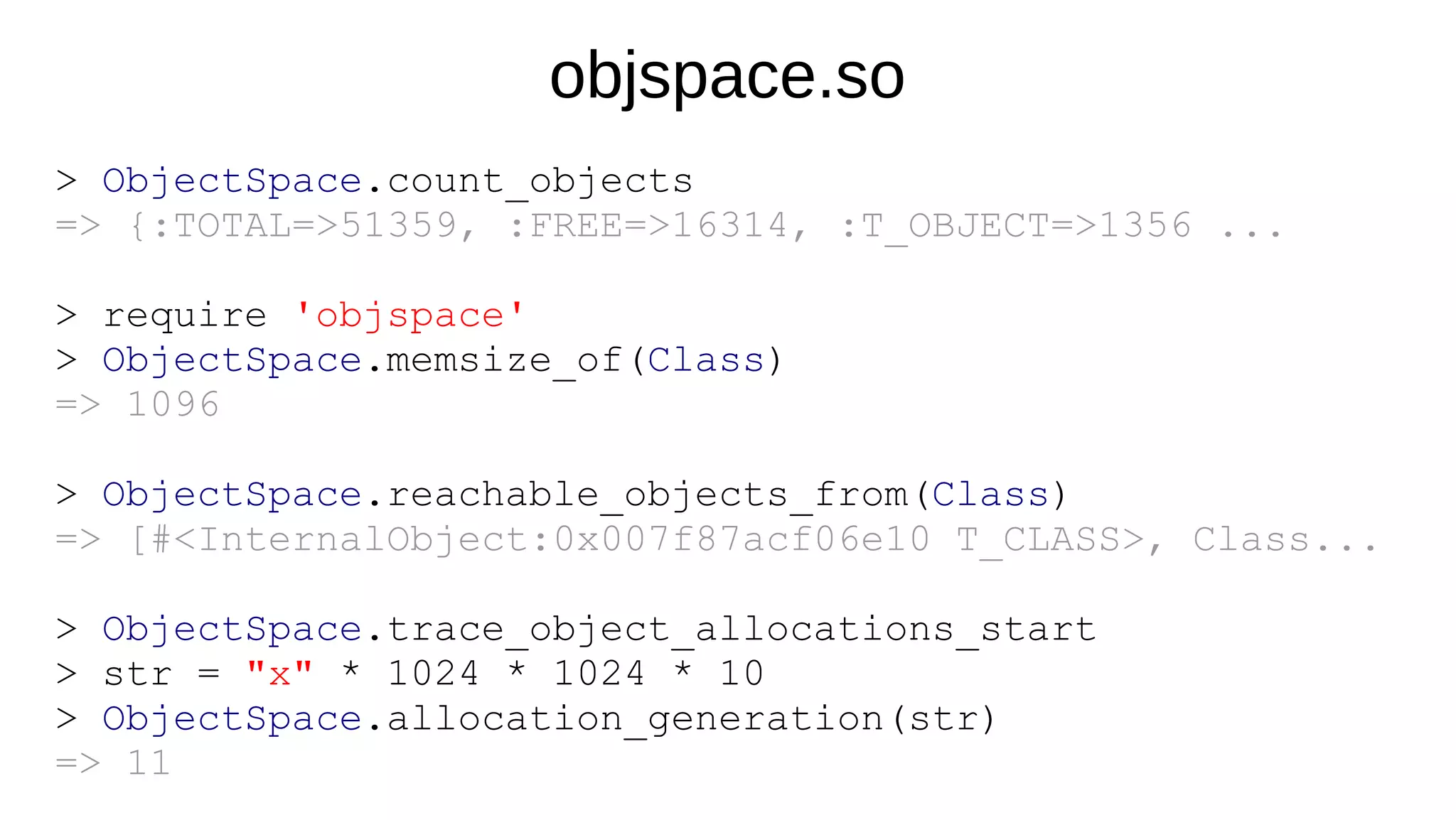
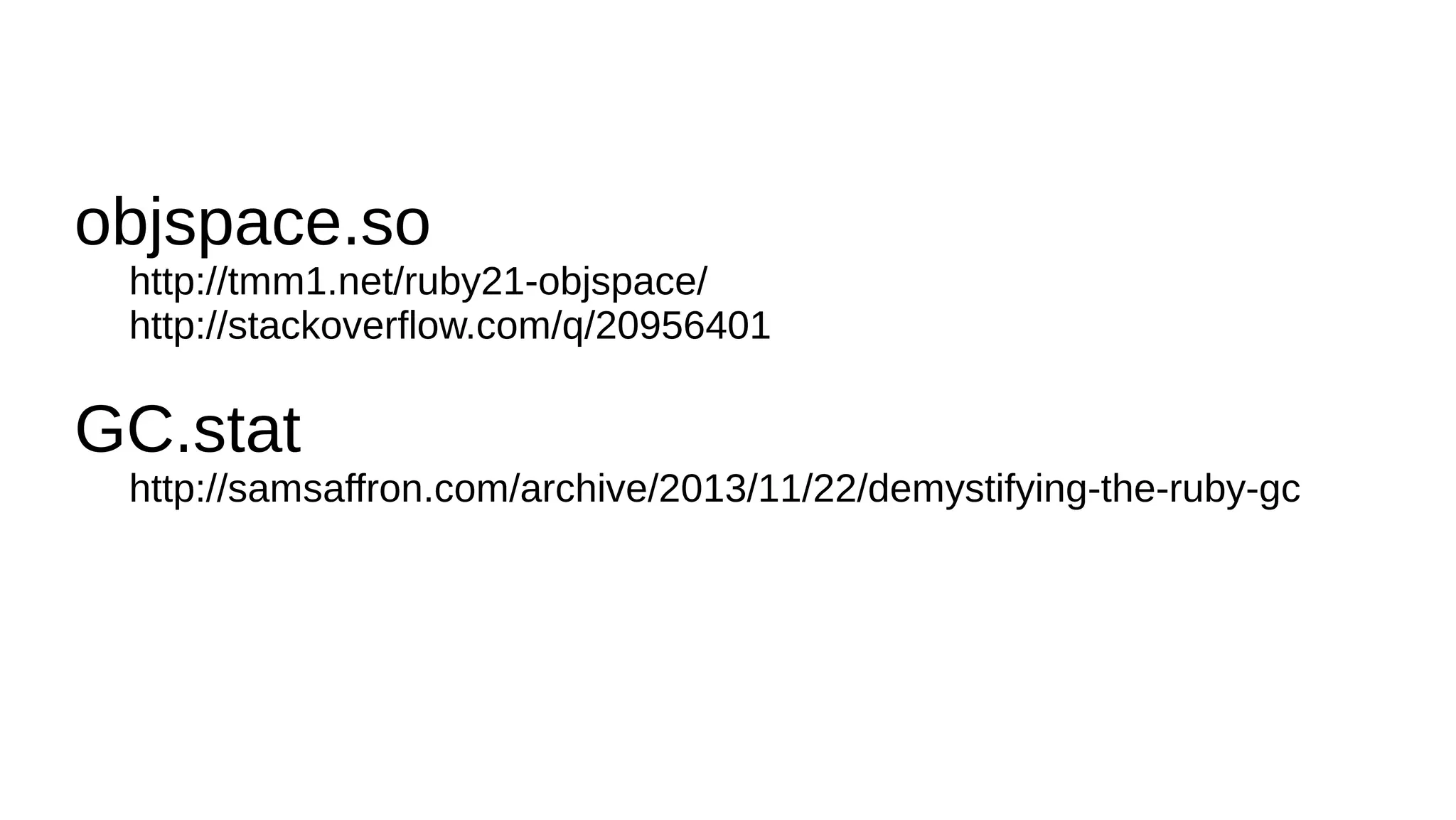
objspace.so
> ObjectSpace.count_objects
=> {:TOTAL=>51359, :FREE=>16314, :T_OBJECT=>1356 ...
> require 'objspace'
> ObjectSpace.memsize_of(Class)
=> 1096
> ObjectSpace.reachable_objects_from(Class)
=> [#<InternalObject:0x007f87acf06e10 T_CLASS>, Class...
> ObjectSpace.trace_object_allocations_start
> str = "x" * 1024 * 1024 * 10
> ObjectSpace.allocation_generation(str)
=> 11
objspace.so
http://tmm1.net/ruby21-objspace/
http://stackoverflow.com/q/20956401
GC.stat
http://samsaffron.com/archive/2013/11/22/demystifying-the-ruby-gc
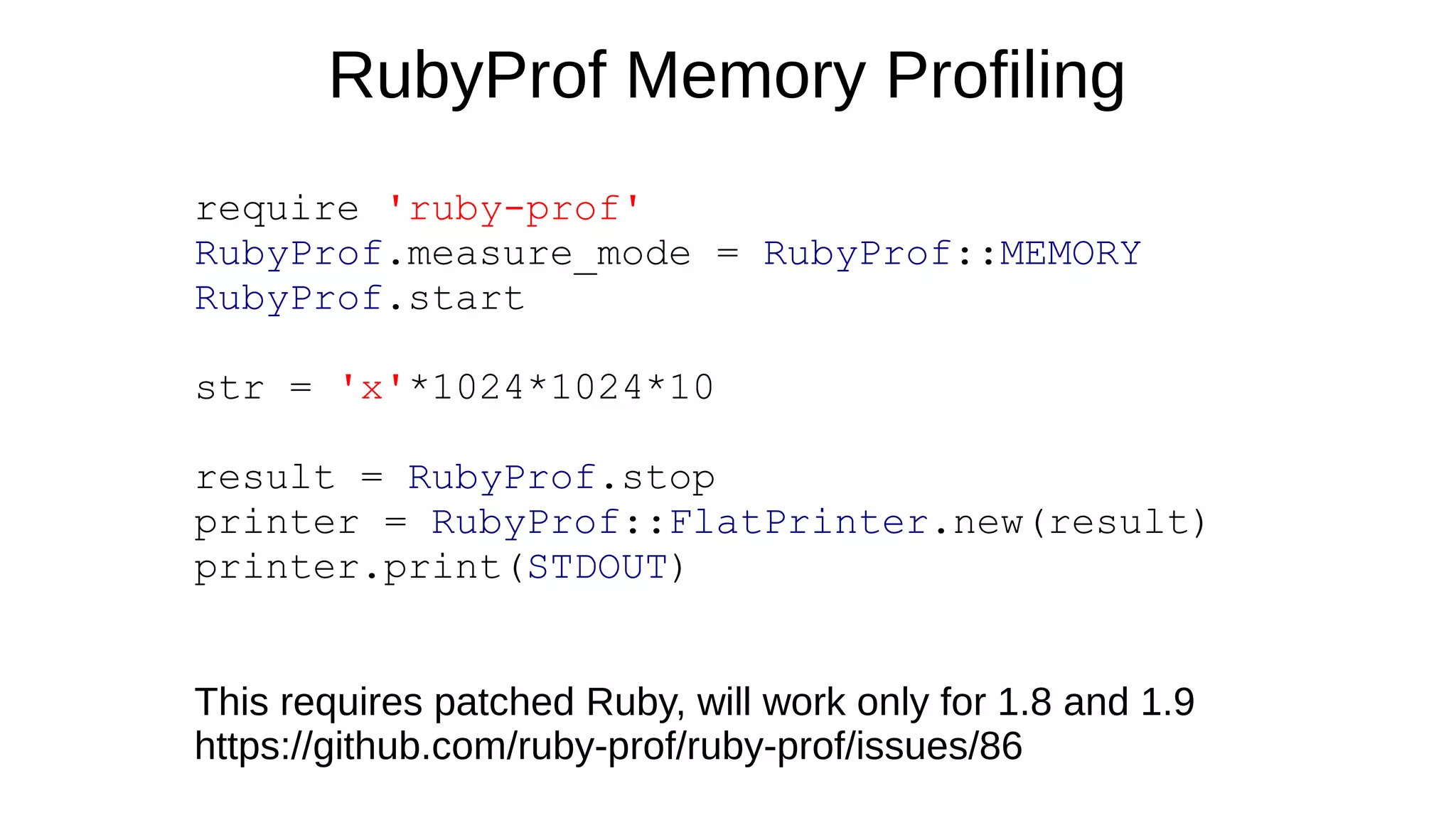
RubyProf Memory Profiling
require 'ruby-prof'
RubyProf.measure_mode = RubyProf::MEMORY
RubyProf.start
str = 'x'*1024*1024*10
result = RubyProf.stop
printer = RubyProf::FlatPrinter.new(result)
printer.print(STDOUT)
This requires patched Ruby, will work only for 1.8 and 1.9
https://github.com/ruby-prof/ruby-prof/issues/86
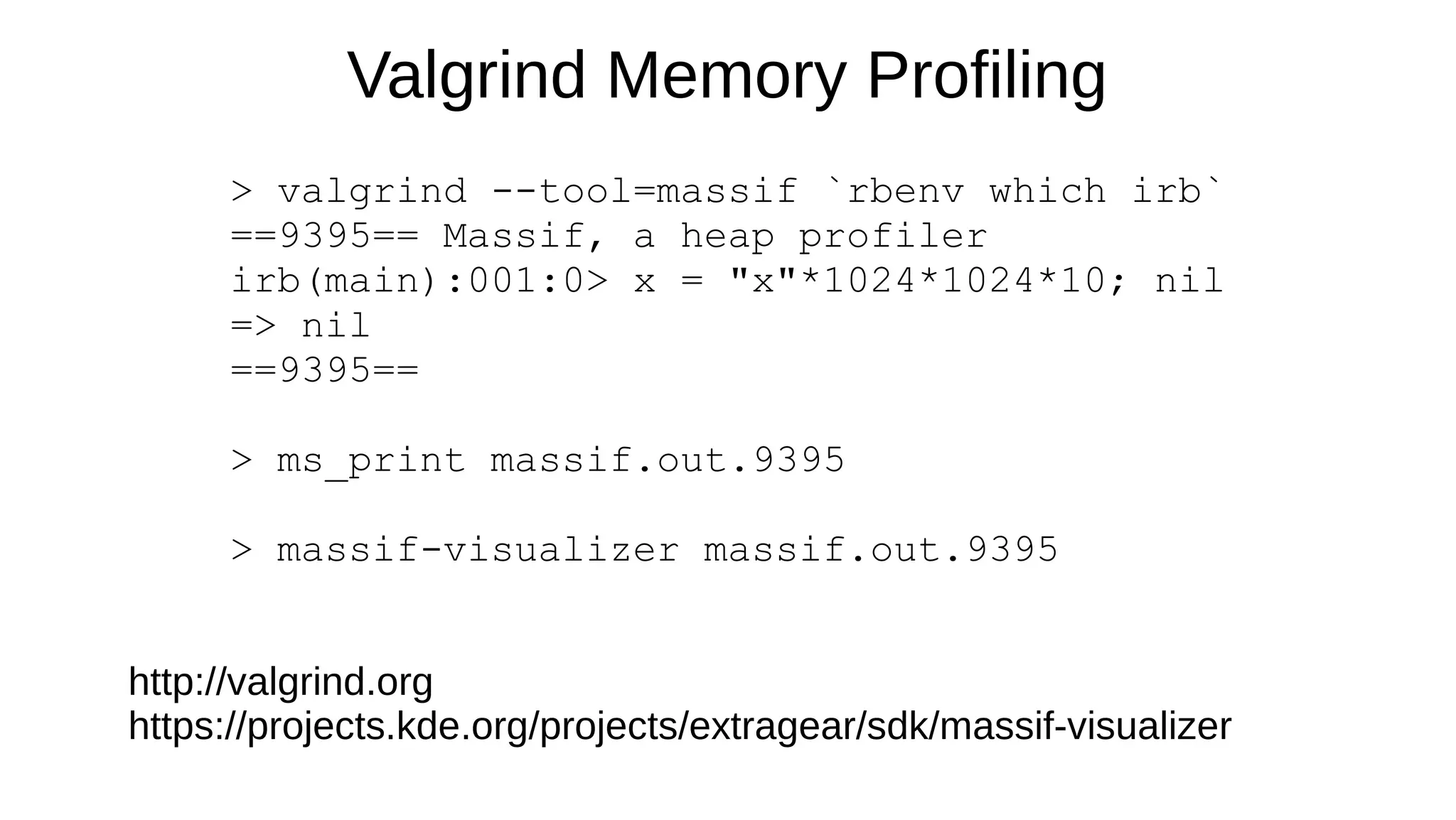
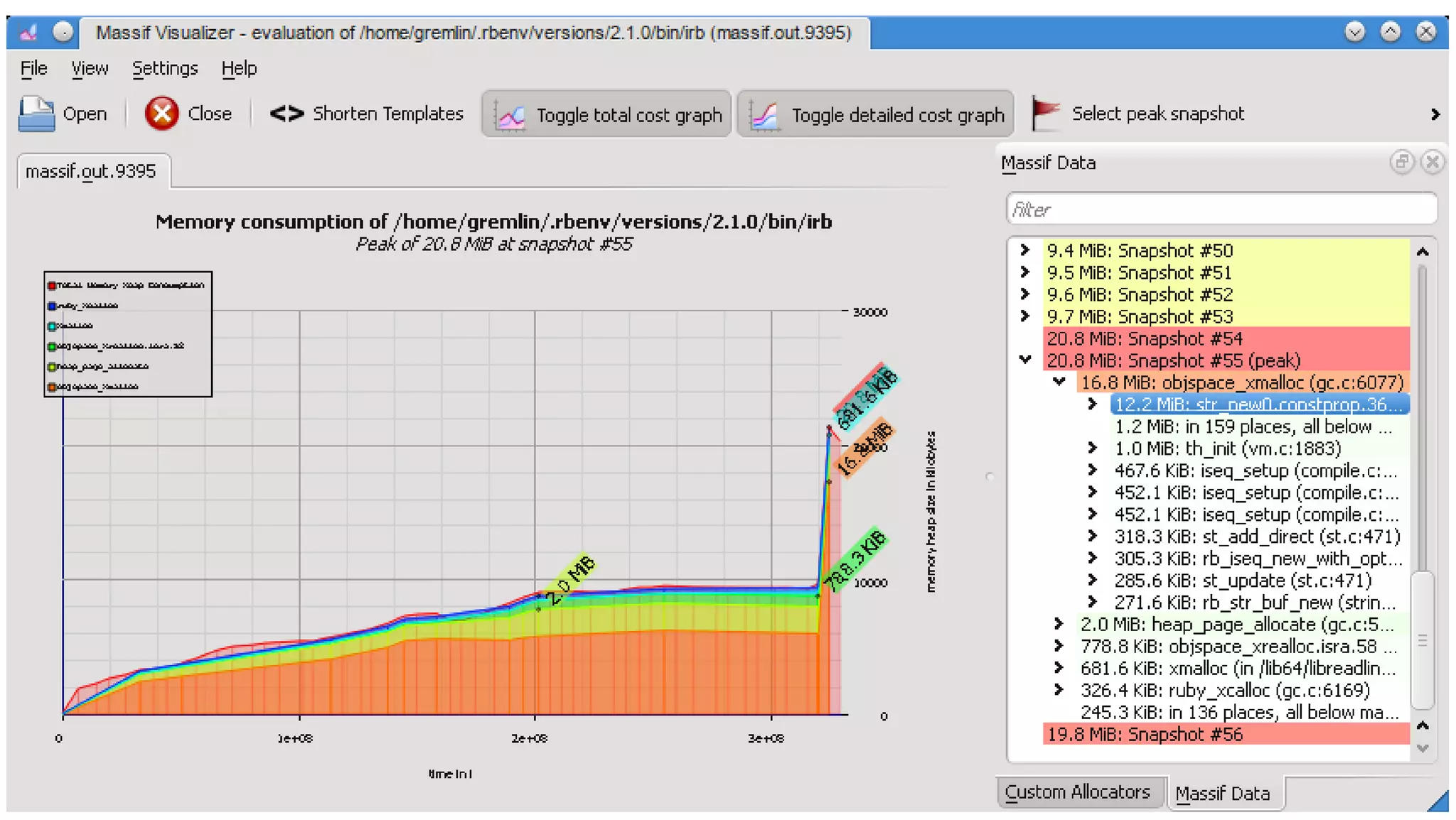
Valgrind Memory Profiling
> valgrind --tool=massif `rbenv which irb`
==9395== Massif, a heap profiler
irb(main):001:0> x = "x"*1024*1024*10; nil
=> nil
==9395==
> ms_print massif.out.9395
> massif-visualizer massif.out.9395
http://valgrind.org
https://projects.kde.org/projects/extragear/sdk/massif-visualizer
http://www.slideshare.net/adymo/adymo-railsconf-improveperformance
Sign up for my upcoming book updates:
ruby-performance-book.com
Ask me:
alex@alexdymo.com
@alexander_dymo
AirPair with me:
airpair.me/adymo

Alexander Dymo - RailsConf 2014 - Improve performance: Optimize Memory and Upgrade to Ruby 2.1

  • 1.
    Improve Performance Quickand Cheap: Optimize Memory and Upgrade to Ruby 2.1 http://www.slideshare.net/adymo/adymo-railsconf-improveperformance
  • 2.
  • 3.
    Memory optimization isthe #1 thing that makes your Ruby application fast
  • 4.
  • 5.
    Memory overhead + Slow GCalgorithm = High memory consumption + Enormous time spent in GC
  • 6.
    2010 2011 20122013 2014 0 5 10 15 20 25 Requests(millions) Memory Optimized Rails App (Ruby 1.8) Same $1k/mo hardware all these years
  • 7.
    Rails App Upgradedfrom Ruby 1.9 to 2.1 Compare before/after
  • 8.
  • 9.
    require "csv" data =CSV.open("data.csv") output = data.readlines.map do |line| line.map do |col| col.downcase.gsub(/b('?[a-z])/) { $1.capitalize } } end end File.open("output.csv", "w+") do |f| f.write output.join("n") end Unoptimized Program
  • 10.
    Ruby 1.9 &2.0 Ruby 2.1 0 5 10 15 20 25 Ruby 2.1 Is 40% Faster, Right?
  • 11.
    require "csv" output =File.open("output.csv", "w+") CSV.open("examples/data.csv", "r").each do |line| output.puts line.map do |col| col.downcase! col.gsub!(/b('?[a-z])/) { $1.capitalize! } end.join(",") end Memory Optimized Program
  • 12.
    Ruby 2.1 IsNOT Faster ...once your program is memory optimized Ruby 1.9 & 2.0 Ruby 2.1 0 2 4 6 8 10 12 14
  • 13.
    Takeaways 1. Ruby 2.1is not a silver performance bullet 2. Memory optimized Ruby app performs the same in 1.9, 2.0 and 2.1 3. Ruby 2.1 merely makes performance adequate by default 4. Optimize memory to make a difference
  • 14.
  • 15.
    5 Memory OptimizationStrategies 1. Tune garbage collector 2. Do not allow Ruby instance to grow 3. Control GC manually 4. Write less Ruby 5. Avoid memory-intensive Ruby and Rails features
  • 16.
  • 17.
    Ruby GC TuningGoal Goal: balance the number of GC runs and peak memory usage How to check: > GC.stat[:minor_gc_count] > GC.stat[:major_gc_count] > `ps -o rss= -p #{Process.pid}`.chomp.to_i / 1024 #MB
  • 18.
    When Is RubyGC Triggered? Minor GC (faster, only new objects collected): - not enough space on the Ruby heap to allocate new objects - every 16MB-32MB of memory allocated in new objects Major GC (slower, all objects collected): - number of old or shady objects increases more than 2x - every 16MB-128MB of memory allocated in old objects
  • 19.
    Environment Variables Initial numberof slots on the heap RUBY_GC_HEAP_INIT_SLOTS 1000 Min number of slots that GC must free RUBY_GC_HEAP_FREE_SLOTS 4096 Heap growth factor RUBY_GC_HEAP_GROWTH_FACTOR 1.8 Maximum heap slots to add RUBY_GC_HEAP_GROWTH_MAX_SLOTS - New generation malloc limit RUBY_GC_MALLOC_LIMIT 16M Maximum new generation malloc limit RUBY_GC_MALLOC_LIMIT_MAX 32M New generation malloc growth factor RUBY_GC_MALLOC_LIMIT_GROWTH_FACTOR 1.4 Old generation malloc limit RUBY_GC_OLDMALLOC_LIMIT 16M Maximum old generation malloc limit RUBY_GC_OLDMALLOC_LIMIT_MAX 128M Old generation malloc growth factor RUBY_GC_OLDMALLOC_LIMIT_GROWTH_FACTOR 1.2
  • 20.
    When Is RubyGC Triggered? ruby-performance-book.com http://samsaffron.com/archive/2013/11/22/demystifying-the-ruby-gc http://thorstenball.com/blog/2014/03/12/watching-understanding-ruby-2.1-garbage-collector/
  • 21.
  • 22.
    3 Layers ofMemory Consumption Control 1. Internal read `ps -o rss= -p #{Process.pid}`.chomp.to_i / 1024 or VmRSS from/proc/pid/#{Process.pid} and exit worker
  • 23.
    3 Layers ofMemory Consumption Control 1. Internal read `ps -o rss= -p #{Process.pid}`.chomp.to_i / 1024 or VmRSS from/proc/pid/#{Process.pid} and exit worker
  • 24.
    3 Layers ofMemory Consumption Control 2. External (software) Heroku, Monit, God, etc.
  • 25.
    3 Layers ofMemory Consumption Control 3. External (OS kernel) Process.setrlimit(Process::RLIMIT_AS, <N bytes>)
  • 26.
    What about BackgroundJobs? Fork et Impera: # setup background job fork do # do something heavy end
  • 27.
  • 28.
    GC Between Requestsin Unicorn OobGC for Ruby < 2.1 require 'unicorn/oob_gc' use(Unicorn::OobGC, 1) gctools for Ruby >= 2.1 https://github.com/tmm1/gctools require 'gctools/oobgc' use(GC::OOB::UnicornMiddleware)
  • 29.
    GC Between Requestsin Unicorn Things to have in mind: - make sure you have enough workers - make sure CPU utilization < 50% - this improves only “perceived” performance - overall performance might be worse - only effective for memory-intensive applications
  • 30.
  • 31.
    Example: Group Rank SELECT* FROM empsalary; depname | empno | salary -----------+-------+------- develop | 6 | 6000 develop | 7 | 4500 develop | 5 | 4200 personnel | 2 | 3900 personnel | 4 | 3500 sales | 1 | 5000 sales | 3 | 4800
  • 32.
    PostgreSQL Window Functions SELECTdepname, empno, salary, rank() OVER (PARTITION BY depname ORDER BY salary DESC) FROM empsalary; depname | empno | salary | rank -----------+-------+--------+------ develop | 6 | 6000 | 1 develop | 7 | 4500 | 2 develop | 5 | 4200 | 3 personnel | 2 | 3900 | 1 personnel | 4 | 3500 | 2 sales | 1 | 5000 | 1 sales | 3 | 4800 | 2
  • 33.
  • 34.
  • 35.
    Operations That CopyData ● String::gsub! instead of String::gsub and similar ● String::<< instead of String::+= ● File::readline or File::each instead of File::readlines or File.read ● CSV::parseline instead of CSV::parse
  • 36.
    ActiveRecord Also CopiesData ● ActiveRecord::Base::update_all Book.where('title LIKE ?', '%Rails%'). order(:created_at).limit(5). update_all(author: 'David') ● Direct manipulation over query result result = ActiveRecord::Base.execute 'select * from books' result.each do |row| # do something with row.values_at('col1', 'col2') end
  • 37.
    Rails Serializers CopyToo Much class Smth < ActiveRecord::Base serialize :data, JSON end class Smth < ActiveRecord::Base def data JSON.parse(read_attribute(:data)) end def data=(value) write_attribute(:data, value.to_json) end end
  • 38.
  • 39.
  • 40.
    objspace.so > ObjectSpace.count_objects => {:TOTAL=>51359,:FREE=>16314, :T_OBJECT=>1356 ... > require 'objspace' > ObjectSpace.memsize_of(Class) => 1096 > ObjectSpace.reachable_objects_from(Class) => [#<InternalObject:0x007f87acf06e10 T_CLASS>, Class... > ObjectSpace.trace_object_allocations_start > str = "x" * 1024 * 1024 * 10 > ObjectSpace.allocation_generation(str) => 11
  • 41.
  • 42.
    RubyProf Memory Profiling require'ruby-prof' RubyProf.measure_mode = RubyProf::MEMORY RubyProf.start str = 'x'*1024*1024*10 result = RubyProf.stop printer = RubyProf::FlatPrinter.new(result) printer.print(STDOUT) This requires patched Ruby, will work only for 1.8 and 1.9 https://github.com/ruby-prof/ruby-prof/issues/86
  • 43.
    Valgrind Memory Profiling >valgrind --tool=massif `rbenv which irb` ==9395== Massif, a heap profiler irb(main):001:0> x = "x"*1024*1024*10; nil => nil ==9395== > ms_print massif.out.9395 > massif-visualizer massif.out.9395 http://valgrind.org https://projects.kde.org/projects/extragear/sdk/massif-visualizer
  • 45.
    http://www.slideshare.net/adymo/adymo-railsconf-improveperformance Sign up formy upcoming book updates: ruby-performance-book.com Ask me: alex@alexdymo.com @alexander_dymo AirPair with me: airpair.me/adymo

Editor's Notes

  • #2 Ok, Let&amp;apos;s talk about performance Can I have a show of hands. Who here thinks Ruby is fast: C&amp;apos;mon, only a few people – I disagree, Ruby is fast, especially the latest version except for one thing – memory consumption and garbage collection make it slow. Oh, most people here think it&amp;apos;s fast – I do agree, ruby is fast until your program takes so much memory that it becomes slow.
  • #3 Why am I talking so much about memory? Here&amp;apos;s why.
  • #5 Why? Two reasons: Large memory overhead where every object takes at least 40 bytes in memory Plus Slow gc algorithm that got improved in 2.1 but not as much as we will later see That all equals not universal love an peace
  • #6 But high memory consumption and because of that enormous time that app spends doing GC That is why memory optimization is so important. It saves you that GC time That&amp;apos;s also why Ruby 2.1 is so important. It makes GC so much faster.
  • #7 Some examples from my own experience.
  • #8 Here&amp;apos;s another example. No memory optimization done, but Ruby upgraded from 1.9 to 2.1
  • #9 But here&amp;apos;s another thing. If you can upgrade – fine. If not - you can still get same and better performance by optimizing memory.
  • #19 How does tuning help? You can balance... By default this balance is to do more GC and reduce memory peaks. You can shift this balance. Change GC settings and see how often GC is called and what your memory usage is
  • #20 Let&amp;apos;s step back for a minute and look when GC is triggered
  • #35 There has been a sentiment inside Rails community that sql is somehow bad, that you should avoid it at all costs. People invent more and more things to stay out of sql. Just to mention AREL. Guys, I wholeheartedly disagree with this. Web frameworks come and go. Sql stays. We had sql for 40 years. It&amp;apos;s not going away.
  • #49 So, our time is out. If you&amp;apos;d like to learn more about ruby performance optimization, please sign up for my book mailing list updates. If you need help, just email me or airpair with me. And thank you for listening.