Advising Upgrade: Installing Technology into Everyday Advising Josh Nichols, Dickinson State University
Overview Digital Natives, Digital Immigrants Evaluating the limitations of traditional advising approaches. Cheap/Free Technologies Planning: What technologies could I try at my institution. Wrap-up Discussion Questions Collect Evaluations
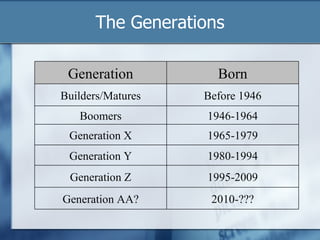
The Generations Generation Born Builders/Matures Before 1946 Boomers 1946-1964 Generation X 1965-1979 Generation Y 1980-1994 Generation Z 1995-2009 Generation AA? 2010-???
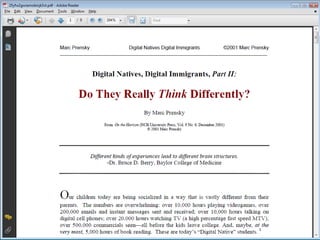
The Language of the Net Gen Digital Natives, Digital Immigrants (Prensky, 2001) Our students today are all “native speakers” of the digital language.  “ Today’s Students think and process information fundamentally differently from their predecessors.” “ Digital Immigrants typically have very little appreciation for these new skills that the Natives have acquired and perfected through years of interaction and practice.”
Digital Immigrants Digital Natives, Digital Immigrants (Prensky, 2001) “ Digital Immigrants learn – like all immigrants, some better than others – to adapt to their environment, they always retain, to some degree, their "accent," that is, their foot in the past.”
Accents Digital Natives, Digital Immigrants (Prensky, 2001) Printing your email. Making hard copies to be edited. Showing someone a website rather then forwarding it to them. Reading the manual for a program rather than assuming that the program itself will teach us to use it. The “Did you get my email?” phone call.
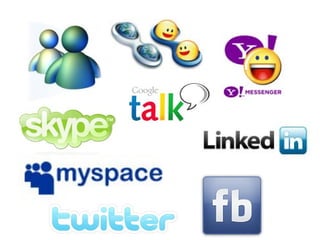
Academically Driven Creators and Explorers Technologically Adept Service-Minded Social Creatures Multi-taskers Mobile Users Neomillennial Learning Preferences Father Google and Mother IM (Carie Windham 2207)
Us Versus Them Who They Are Vs. Who We See Their Cons Vs. Our Cons What They Want Vs. What We’re Willing to Do
Activity #1 Discuss with each other the problems and/or limitations you are facing using traditional methods of advising. Discuss some of the difficulties you currently face when utilizing technology to advise. Share your thoughts with the group.
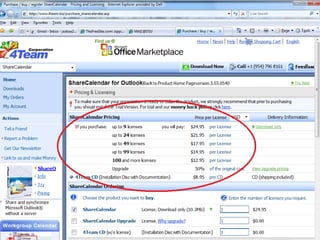
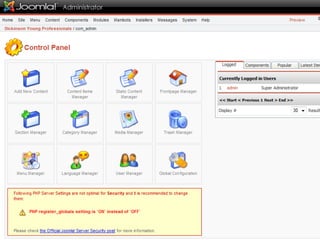
Technology Concerns What if my students aren’t computer literate? What if my students don’t have a computer or the Internet? How do you expect me to do my current job  AND  learn a new technology? Our university can’t afford these new technologies (or it’s not a priority).
 
 
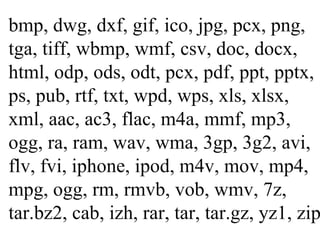
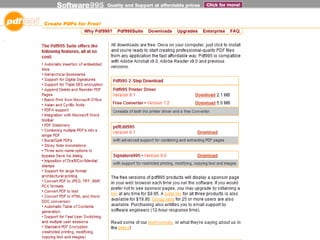
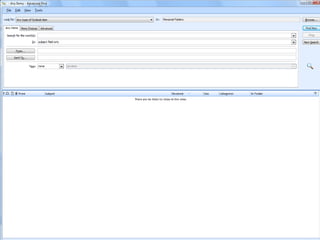
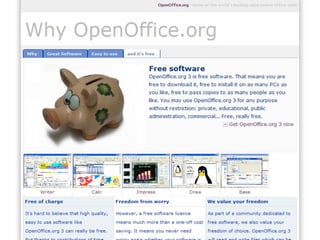
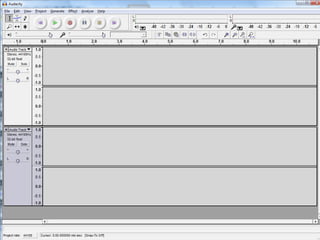
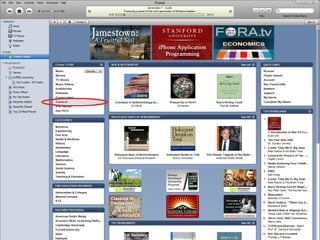
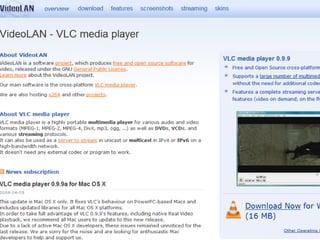
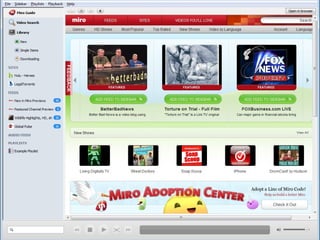
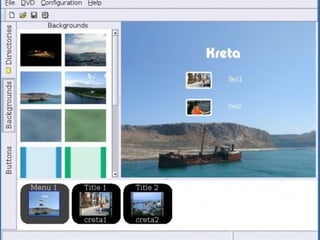
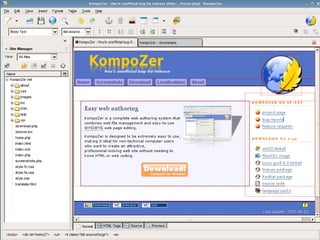
bmp, dwg, dxf, gif, ico, jpg, pcx, png, tga, tiff, wbmp, wmf, csv, doc, docx, html, odp, ods, odt, pcx, pdf, ppt, pptx, ps, pub, rtf, txt, wpd, wps, xls, xlsx, xml, aac, ac3, flac, m4a, mmf, mp3, ogg, ra, ram, wav, wma, 3gp, 3g2, avi, flv, fvi, iphone, ipod, m4v, mov, mp4, mpg, ogg, rm, rmvb, vob, wmv, 7z, tar.bz2, cab, izh, rar, tar, tar.gz, yz1, zip


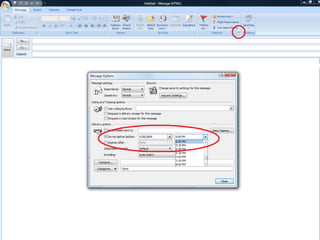
Activity #2 Discuss with each other what new technologies you plan to utilize and/or what might you change about the way you currently use technology. Brainstorm which technologies could enhance what you are already doing to advise students. Share your thoughts with the group.
Imperfect and Unstoppable  Technology is great . . . when it works. It’s efficient . . . but time consuming. The Internet is informative . . . if you can sift through the garbage. There are hundreds of options . . . but no one solution. It’s unstoppable . . . whether we like it or not.
Questions?
Related Materials Oblinger, Diana G. and James L. Oblinger, editors.  Educating the Net Generation . Educause, June 2005. Prensky, M. (2001a, September/October). Digital natives, digital immigrants.  On the Horizon ,  9 (5), 1-6. Retrieved April 30, 2003, from  http://www.marcprensky.com/writing/Prensky%20-%20Digital%20Natives,%20Digital%20Immigrants%20-%20Part1.pdf Pletka, Bob.  Educating the Net Generation: How to Engage Students in the 21st Century . Santa Monica, CA: Santa Monica Press, 2007.
Contact Info Josh Nichols Educational Enhancement Services 291 Campus Drive Dickinson, ND 58601 [email_address]

Advising Upgrade Presentation

  • 1.
    Advising Upgrade: InstallingTechnology into Everyday Advising Josh Nichols, Dickinson State University
  • 2.
    Overview Digital Natives,Digital Immigrants Evaluating the limitations of traditional advising approaches. Cheap/Free Technologies Planning: What technologies could I try at my institution. Wrap-up Discussion Questions Collect Evaluations
  • 3.
    The Generations GenerationBorn Builders/Matures Before 1946 Boomers 1946-1964 Generation X 1965-1979 Generation Y 1980-1994 Generation Z 1995-2009 Generation AA? 2010-???
  • 4.
    The Language ofthe Net Gen Digital Natives, Digital Immigrants (Prensky, 2001) Our students today are all “native speakers” of the digital language. “ Today’s Students think and process information fundamentally differently from their predecessors.” “ Digital Immigrants typically have very little appreciation for these new skills that the Natives have acquired and perfected through years of interaction and practice.”
  • 5.
    Digital Immigrants DigitalNatives, Digital Immigrants (Prensky, 2001) “ Digital Immigrants learn – like all immigrants, some better than others – to adapt to their environment, they always retain, to some degree, their "accent," that is, their foot in the past.”
  • 6.
    Accents Digital Natives,Digital Immigrants (Prensky, 2001) Printing your email. Making hard copies to be edited. Showing someone a website rather then forwarding it to them. Reading the manual for a program rather than assuming that the program itself will teach us to use it. The “Did you get my email?” phone call.
  • 7.
    Academically Driven Creatorsand Explorers Technologically Adept Service-Minded Social Creatures Multi-taskers Mobile Users Neomillennial Learning Preferences Father Google and Mother IM (Carie Windham 2207)
  • 8.
    Us Versus ThemWho They Are Vs. Who We See Their Cons Vs. Our Cons What They Want Vs. What We’re Willing to Do
  • 9.
    Activity #1 Discusswith each other the problems and/or limitations you are facing using traditional methods of advising. Discuss some of the difficulties you currently face when utilizing technology to advise. Share your thoughts with the group.
  • 10.
    Technology Concerns Whatif my students aren’t computer literate? What if my students don’t have a computer or the Internet? How do you expect me to do my current job AND learn a new technology? Our university can’t afford these new technologies (or it’s not a priority).
  • 11.
  • 12.
  • 13.
    bmp, dwg, dxf,gif, ico, jpg, pcx, png, tga, tiff, wbmp, wmf, csv, doc, docx, html, odp, ods, odt, pcx, pdf, ppt, pptx, ps, pub, rtf, txt, wpd, wps, xls, xlsx, xml, aac, ac3, flac, m4a, mmf, mp3, ogg, ra, ram, wav, wma, 3gp, 3g2, avi, flv, fvi, iphone, ipod, m4v, mov, mp4, mpg, ogg, rm, rmvb, vob, wmv, 7z, tar.bz2, cab, izh, rar, tar, tar.gz, yz1, zip
  • 14.
  • 15.
  • 16.
  • 17.
  • 18.
  • 19.
  • 20.
  • 21.
  • 22.
  • 23.
  • 24.
  • 25.
  • 26.
  • 27.
  • 28.
  • 29.
  • 30.
  • 31.
  • 32.
  • 33.
  • 34.
  • 35.
  • 36.
  • 37.
  • 38.
  • 39.
  • 40.
  • 41.
  • 42.
  • 43.
  • 44.
  • 45.
  • 46.
  • 47.
  • 48.
    Activity #2 Discusswith each other what new technologies you plan to utilize and/or what might you change about the way you currently use technology. Brainstorm which technologies could enhance what you are already doing to advise students. Share your thoughts with the group.
  • 49.
    Imperfect and Unstoppable Technology is great . . . when it works. It’s efficient . . . but time consuming. The Internet is informative . . . if you can sift through the garbage. There are hundreds of options . . . but no one solution. It’s unstoppable . . . whether we like it or not.
  • 50.
  • 51.
    Related Materials Oblinger,Diana G. and James L. Oblinger, editors. Educating the Net Generation . Educause, June 2005. Prensky, M. (2001a, September/October). Digital natives, digital immigrants. On the Horizon , 9 (5), 1-6. Retrieved April 30, 2003, from http://www.marcprensky.com/writing/Prensky%20-%20Digital%20Natives,%20Digital%20Immigrants%20-%20Part1.pdf Pletka, Bob. Educating the Net Generation: How to Engage Students in the 21st Century . Santa Monica, CA: Santa Monica Press, 2007.
  • 52.
    Contact Info JoshNichols Educational Enhancement Services 291 Campus Drive Dickinson, ND 58601 [email_address]

Editor's Notes