Accessibility for content designers
Alistair Duggin
Head of Accessibility
Government Digital Service
@dugboticus
What is accessibility?
Why accessibility matters
Accessible content design
How do you know if it’s accessible?
Lessons from a service
How can GDS help?
What is accessibility?
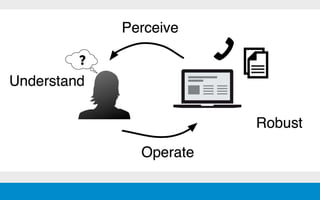
Accessibility = no barriers
The inclusive practice of removing barriers
that prevent interaction with, or access to
websites and services, by people with
disabilities.
Accessibility = empowerment
Accessibility means that people with disabilities
can use things independently
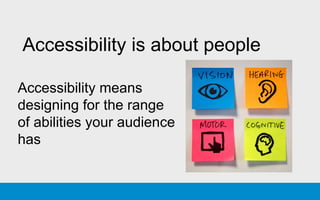
Accessibility is about people
Accessibility means
designing for the range
of abilities your audience
has
Accessibility means people can use
the assistive technologies they
rely on
Accessibility is achieved through
• content
• design
• code
Accessibility means ensuring that
people can successfully use a
service - regardless of impairment
or assistive technology
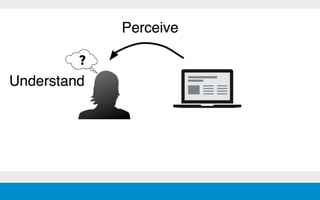
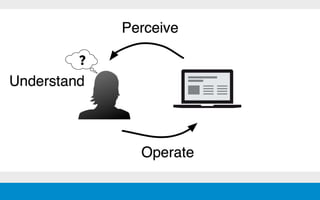
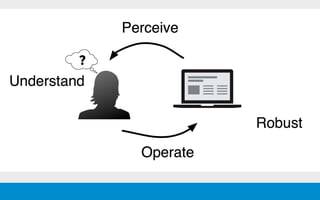
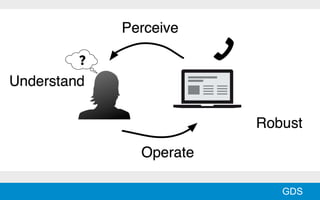
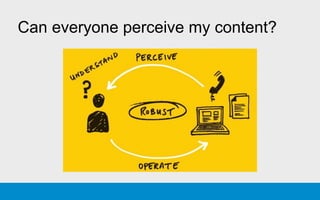
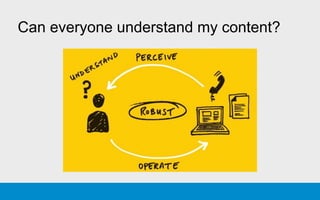
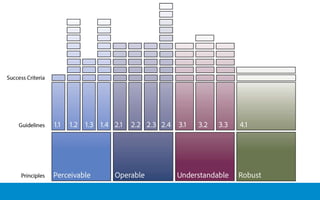
Accessibility has 4 characteristics
• Perceivable
• Operable
• Understandable
• Robust
GDS
Accessibility includes providing
alternative formats
Accessibility = no barriers
Assisted digital = help to use
Why accessibility
matters
This is for everyone
We build our digital service for all our citizens.
Everyone needs to be able to use them -
regardless of ability and technology used to
access them.
1 in 5 people
have a disability
Visual impairments
2 million people in the UK have significant
sight loss
360,000 people are blind or partially sighted
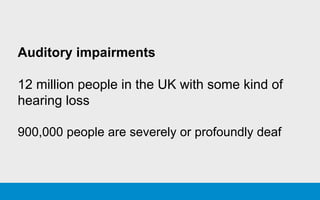
Auditory impairments
12 million people in the UK with some kind of
hearing loss
900,000 people are severely or profoundly deaf
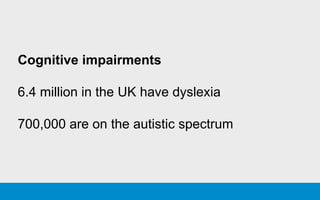
Cognitive impairments
6.4 million in the UK have dyslexia
700,000 are on the autistic spectrum
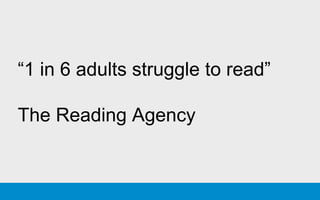
“1 in 6 adults struggle to read”
The Reading Agency
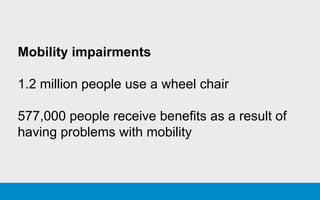
Mobility impairments
1.2 million people use a wheel chair
577,000 people receive benefits as a result of
having problems with mobility
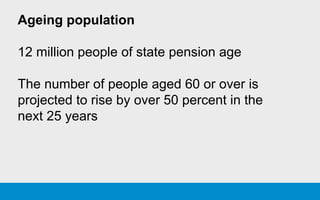
Ageing population
12 million people of state pension age
The number of people aged 60 or over is
projected to rise by over 50 percent in the
next 25 years
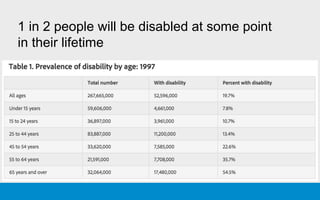
1 in 2 people will be disabled at some point
in their lifetime
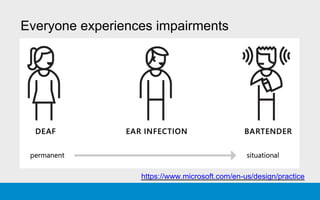
Everyone experiences impairments
https://www.microsoft.com/en-us/design/practice
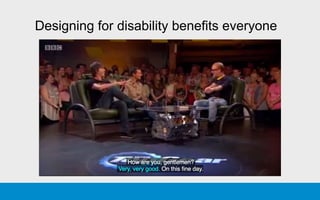
Designing for disability benefits everyone
If people are excluded from digital
services they will have to use older
more expensive channels
Equality Act 2010
We have a legal obligation to provide
equal access to people with disabilities
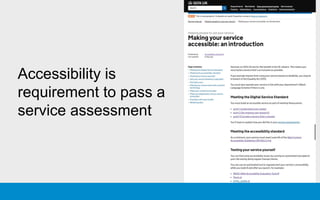
Accessibility is
requirement to pass a
service assessment
Accessible content
design
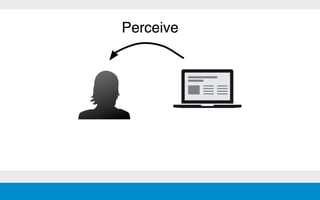
Can everyone perceive my content?
Ensure text has good legibility and
readability
• size
• contrast
• line height
• line length
Ensure information is not
communicated by colour alone
Ensure instructions do not rely on
shape, colour or location
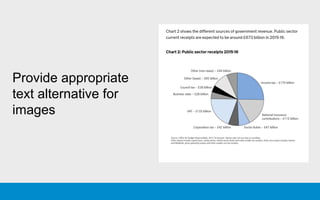
Provide appropriate
text alternative for
images
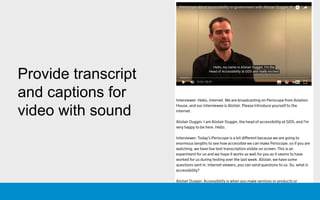
Provide transcript
and captions for
video with sound
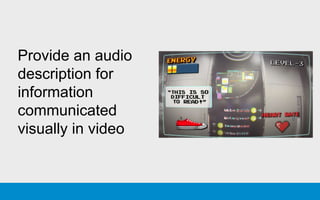
Provide an audio
description for
information
communicated
visually in video
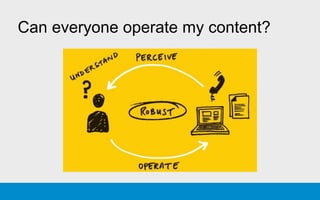
Can everyone operate my content?
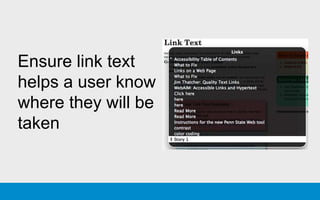
Ensure link text
helps a user know
where they will be
taken
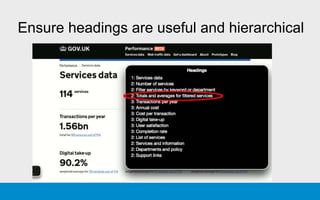
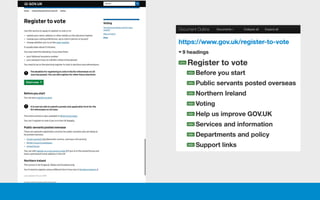
Ensure headings are useful and hierarchical
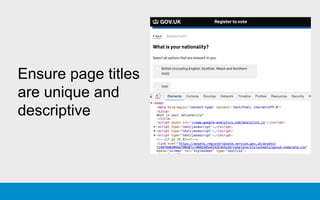
Ensure page titles
are unique and
descriptive
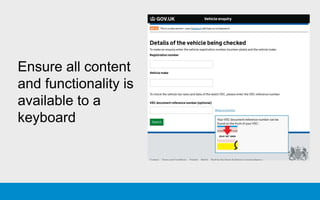
Ensure all content
and functionality is
available to a
keyboard
Can everyone understand my content?
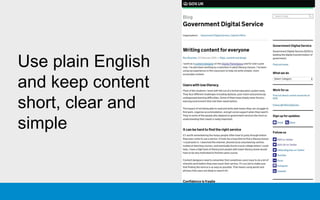
Use plain English
and keep content
short, clear and
simple
Avoid jargon, metaphors,
colloquialisms and slang
Use contractions carefully
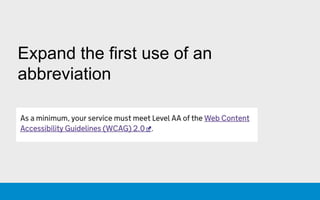
Expand the first use of an
abbreviation
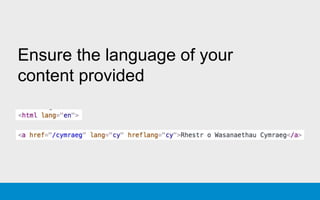
Ensure the language of your
content provided
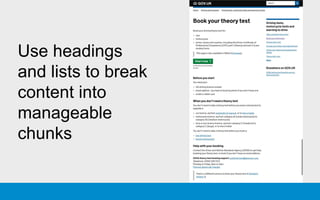
Use headings
and lists to break
content into
manageable
chunks
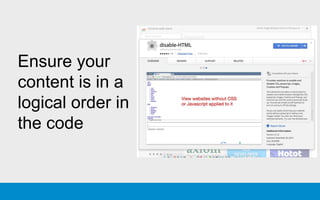
Ensure your
content is in a
logical order in
the code
Provide clear form labels and hints
Provide helpful error messages
Ensure tables are simple and use
the correct HTML
Provide a summary for complex
information such as tables and
charts
Consider using images and videos
to support meaning
Avoid PDFs whenever possible
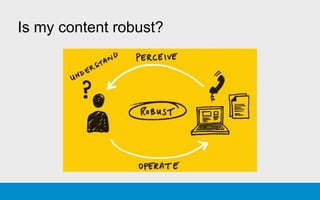
Is my content robust?
Is the code good?
HTML - most appropriate elements
CSS - no barriers
Javascript - no barriers
Has your service been tested with a range of
assistive technologies?
Who is everyone?
GDS
Example of people with
visual impairments
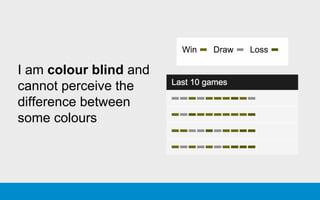
I am colour blind and
cannot perceive the
difference between
some colours
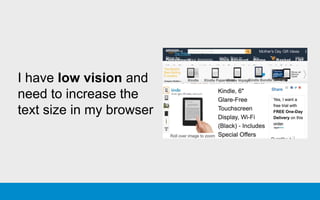
I have low vision and
need to increase the
text size in my browser
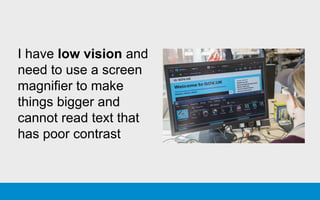
I have low vision and
need to use a screen
magnifier to make
things bigger and
cannot read text that
has poor contrast
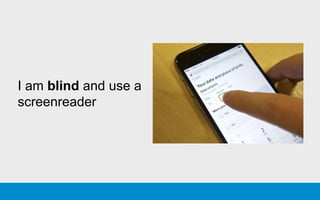
I am blind and use a
screenreader
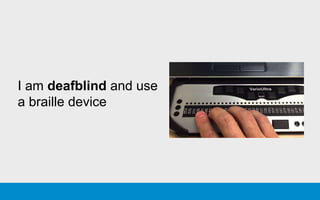
I am deafblind and use
a braille device
Example of people with
hearing impairments
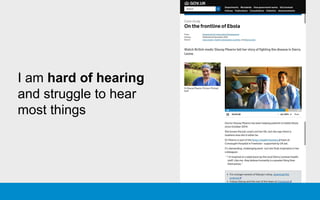
I am hard of hearing
and struggle to hear
most things
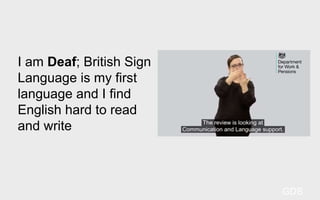
I am Deaf; British Sign
Language is my first
language and I find
English hard to read
and write
GDS
Example of people with
motor impairments
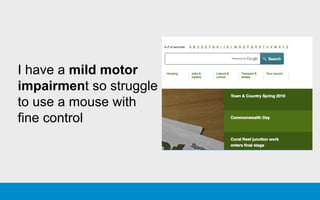
I have a mild motor
impairment so struggle
to use a mouse with
fine control
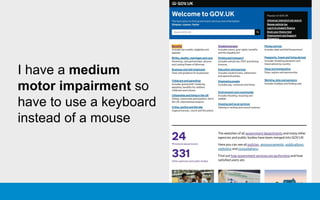
I have a medium
motor impairment so
have to use a keyboard
instead of a mouse
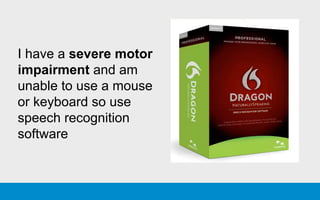
I have a severe motor
impairment and am
unable to use a mouse
or keyboard so use
speech recognition
software
Example of people with
cognitive impairments
I have dyslexia and struggle to process
written text
I am on the autistic spectrum and have
a literal understanding of text
I have attention deficit hyperactivity disorder
(ADHD) and find it hard to concentrate
I have a learning difficulty and need thing to
be simple and easy to understand
I have a poor memory and I get easily confused
How do you know if
it’s accessible?
Getting an accessibility
specialist to evaluate your
service against WCAG 2.0
is an effective way to
identify accessibility barriers
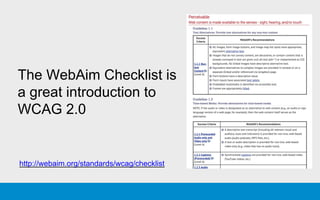
The WebAim Checklist is
a great introduction to
WCAG 2.0
http://webaim.org/standards/wcag/checklist
Include a range of
people with disabilities
in your user research,
throughout the project
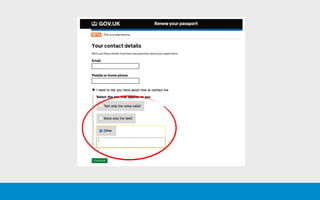
Lessons from the
Passport Renewal
Service
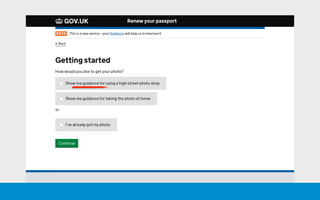
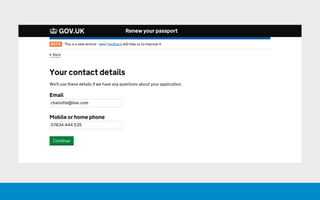
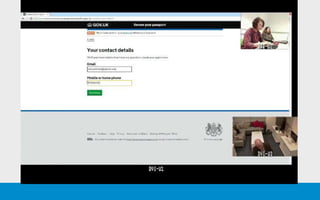
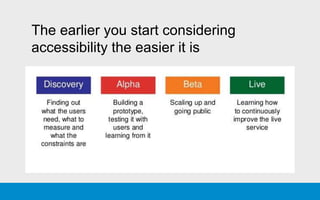
The earlier you start considering
accessibility the easier it is
Join the Accessibility
Community
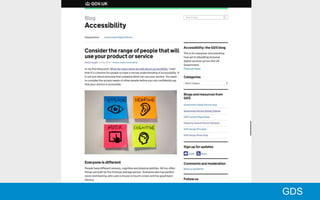
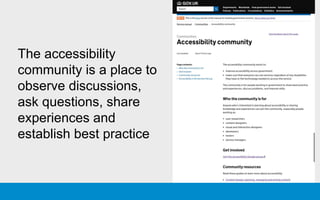
The accessibility
community is a place to
observe discussions,
ask questions, share
experiences and
establish best practice
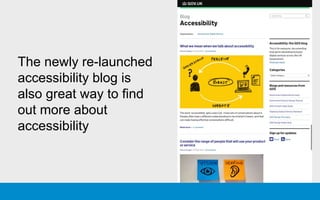
The newly re-launched
accessibility blog is
also great way to find
out more about
accessibility
Help GDS understand
your needs?
What challenges do you face?
What support and resources
would be useful?
Thanks!
Alistair Duggin
Head of Accessibility
Government Digital Service
@dugboticus

Accessibility for content designers

Editor's Notes

  • #3 Overview of the topics coming up Accessibility matters because people have access needs Building for accessibility: technical things you can do Accessibility for real people: working with people with access needs
  • #12 To use something, you’ve got to perceive, understand and operate it. That means: Ensuring they can perceive, understand, navigate, and interact with a service
  • #13 To use something, you’ve got to perceive, understand and operate it. That means: Ensuring they can perceive, understand, navigate, and interact with a service
  • #14 To use something, you’ve got to perceive, understand and operate it. That means: Ensuring they can perceive, understand, navigate, and interact with a service
  • #15 To use something, you’ve got to perceive, understand and operate it. That means: Ensuring they can perceive, understand, navigate, and interact with a service
  • #16 To use something, you’ve got to perceive, understand and operate it. That means: Ensuring they can perceive, understand, navigate, and interact with a service
  • #17 To use something, you’ve got to perceive, understand and operate it. That means: Ensuring they can perceive, understand, navigate, and interact with a service
  • #18 To use something, you’ve got to perceive, understand and operate it. That means: Ensuring they can perceive, understand, navigate, and interact with a service
  • #32 People who temporarily do not have use of there senses due to illness or injury, or because they need to do something else at the same time
  • #33 People who temporarily do not have use of there senses due to illness or injury, or because they need to do something else at the same time
  • #91 4 characteristics of Accessibility: POUR
  • #92 - WCAG documentation can be quite daunting - a good way to get started is the WebAim Checklist - A single page in plain English