NAME OF THE FACULTY : SIR VENKATESH
DESIGNATION : TEACHING ASSOCIATE
NAME OF THE SUBJECT: PROFESSIONAL COMMUNICATION
STUDENT NAME : MOHAMMED FARHAN
SECTION / BRANCH: F / IT (CT /IS)
REGISTRATION NUMBER: 19BBTIT051
INTRODUCTION
COMPUTER =
Common Operating Machine Purposely Used for Technological and Educational Research.
The computer as we know it today had its beginning with a 19th century English
mathematics professor name Charles Babbage.
He designed the Analytical Engine and it was this design that the basic
framework of the computers of today are based on.
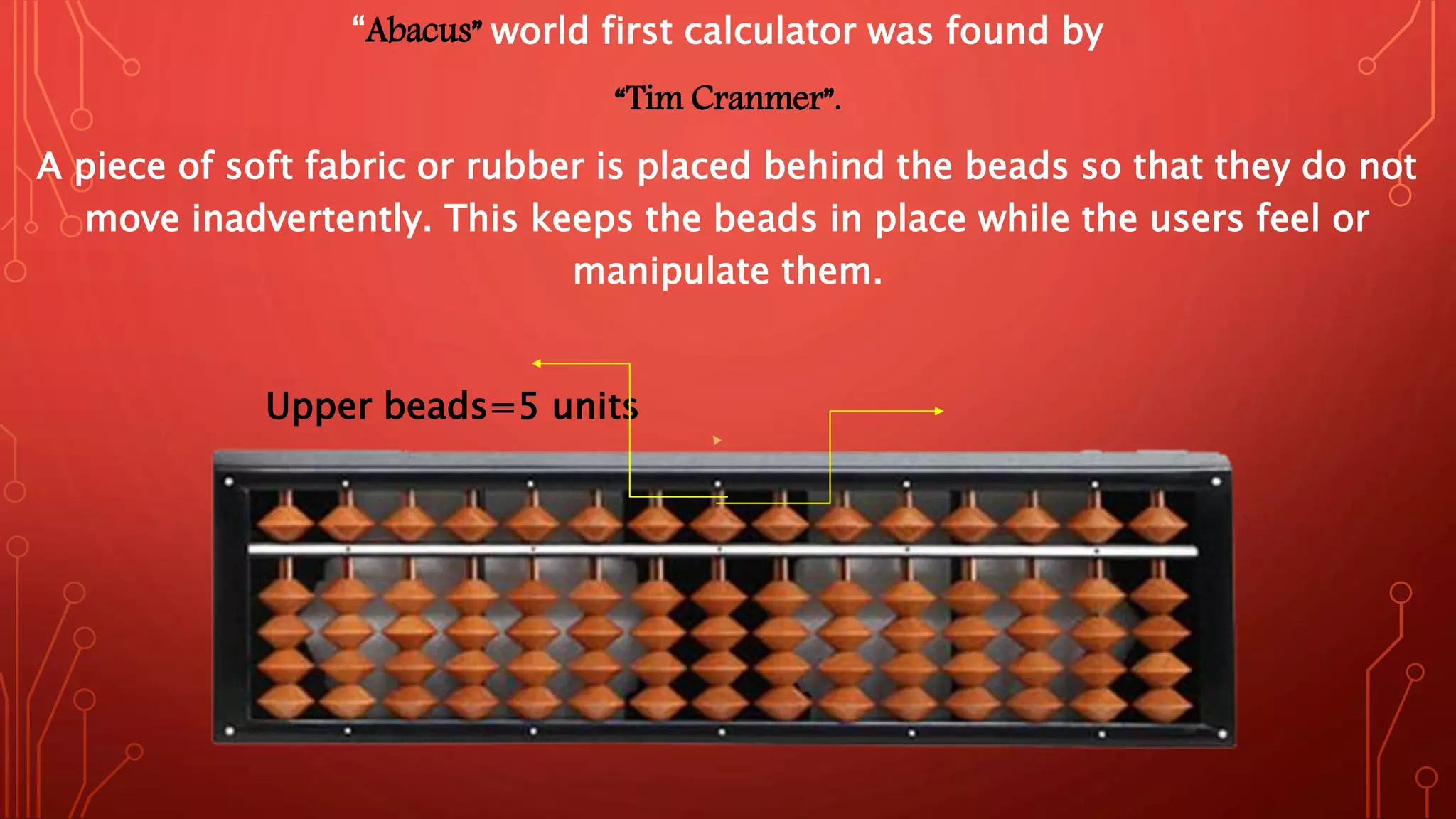
“Abacus” world first calculator was found by
“Tim Cranmer”.
A piece of soft fabric or rubber is placed behind the beads so that they do not
move inadvertently. This keeps the beads in place while the users feel or
manipulate them.
Upper beads=5 units
Unit rod
GENERATION & DESCRIPTION
• First Generation:
The period of first generation: 1946-1959. Vacuum tube based.
• Second Generation
The period of second generation: 1959-1965. Transistor based.
• Third Generation
The period of third generation: 1965-1971. Integrated Circuit based.
• Fourth Generation
• The period of fourth generation: 1971-1980. VLSI microprocessor based.
• Fifth Generation
The period of fifth generation: 1980-onwards. ULSI microprocessor based.
TYPES OF COMPUTERS
There are four types of Computers are:
1. Supercomputer
2. ​Mainframe Computer
3. Minicomputer
4. ​Microcomputer
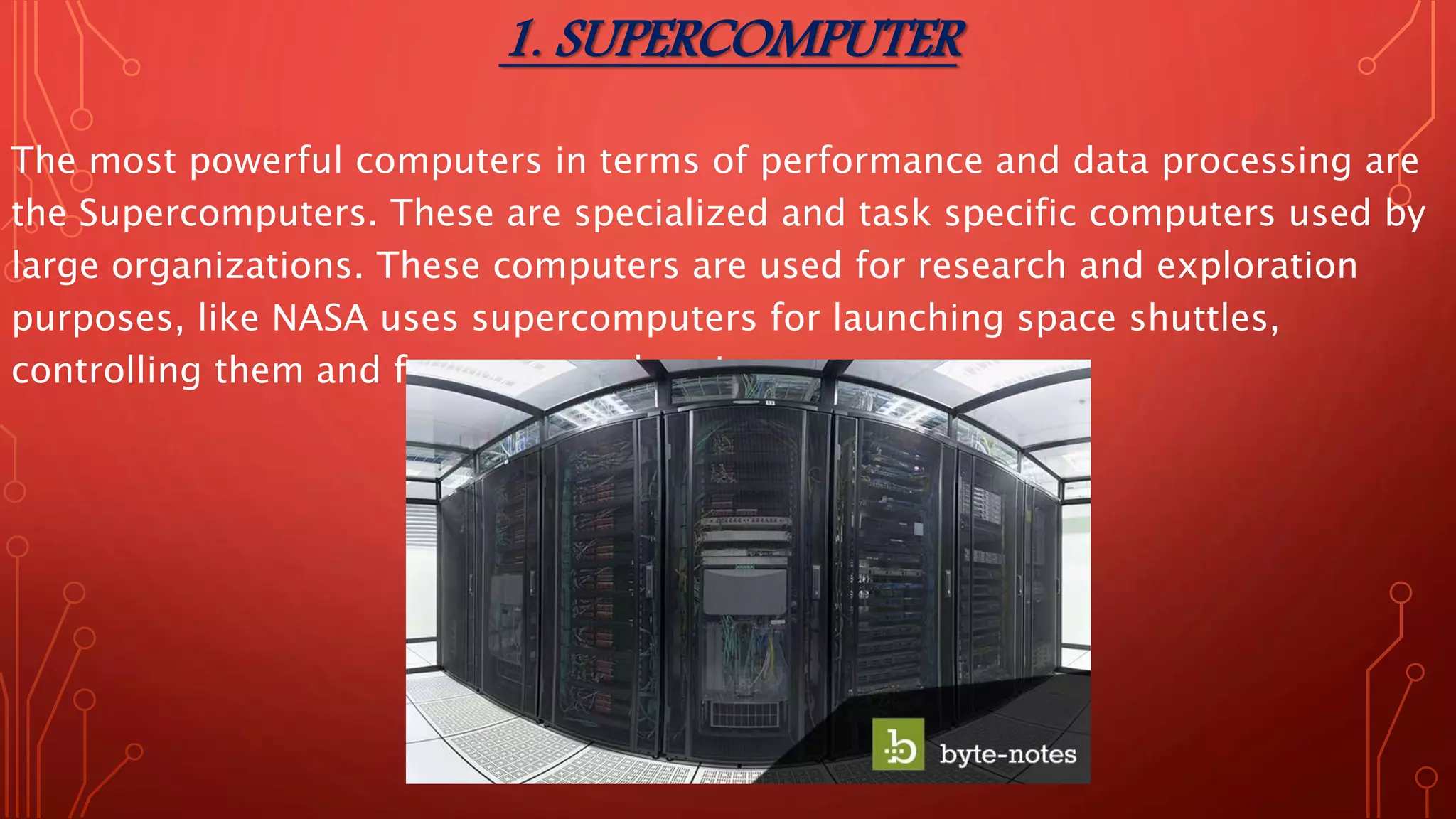
1. SUPERCOMPUTER
The most powerful computers in terms of performance and data processing are
the Supercomputers. These are specialized and task specific computers used by
large organizations. These computers are used for research and exploration
purposes, like NASA uses supercomputers for launching space shuttles,
controlling them and for space exploration purpose.
Use of Super Computers:
1. Space Exploration
2. Earthquake Studies
3. Weather Forecasting
4. Nuclear Weapons Testing
Popular Supercomputers:
• IBM’s Sequoia, in United States
• ​Fujitsu’s K Computer in Japan
• ​IBM’s Mira in United States
• ​IBM’s Super MUC in Germany
• ​NUDT Tianhe-1A in China
2. MAINFRAME COMPUTER
Although Mainframes are not as powerful as supercomputers, but certainly they
are quite expensive nonetheless, and many large firms & government
organizations uses Mainframes to run their business operations. The Mainframe
computers can be accommodated in large air-conditioned rooms because of its
size. Super-computers are the fastest computers with large data storage
capacity, Mainframes can also process & store large amount of data.
Banks educational institutions & insurance companies use mainframe
computers to store data about their customers, students & insurance
policy holders.
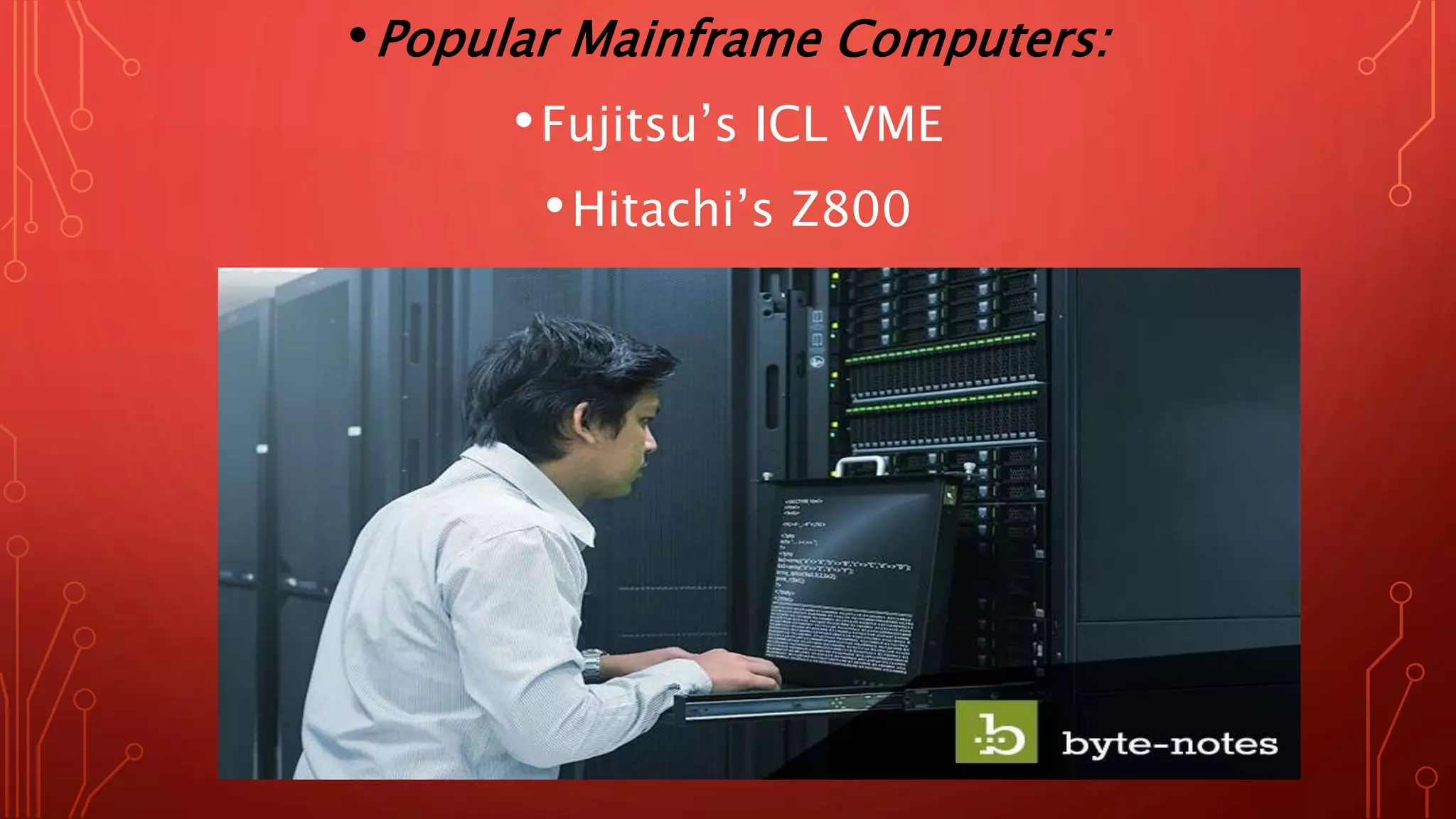
•Popular Mainframe Computers:
•​Fujitsu’s ICL VME
•​Hitachi’s Z800
3. MINICOMPUTER
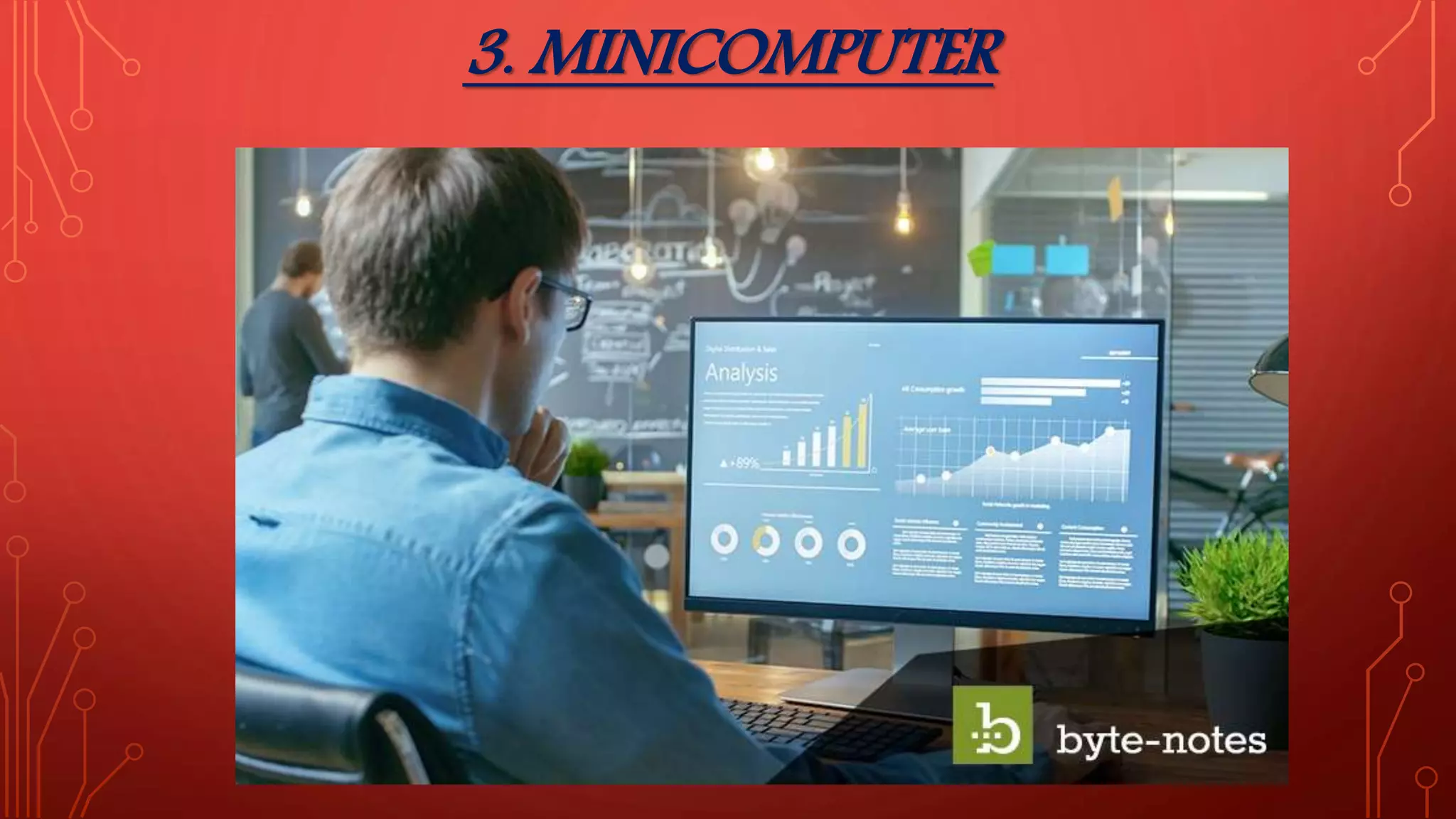
Minicomputers are used by small businesses & firms. Minicomputers are
also called as “Midrange Computers”. These are small machines and can be
accommodated on a disk with not as processing and data storage
capabilities as super-computers & Mainframes. These computers are not
designed for a single user.
Individual departments of a large company or organizations use
Mini-computers for specific purposes. For example, a
production department can use Mini-computers for monitoring
certain production process.
Popular Minicomputers:
K-202
Texas Instrument TI-990
SDS-92
IBM Midrange computers
4. MICROCOMPUTER
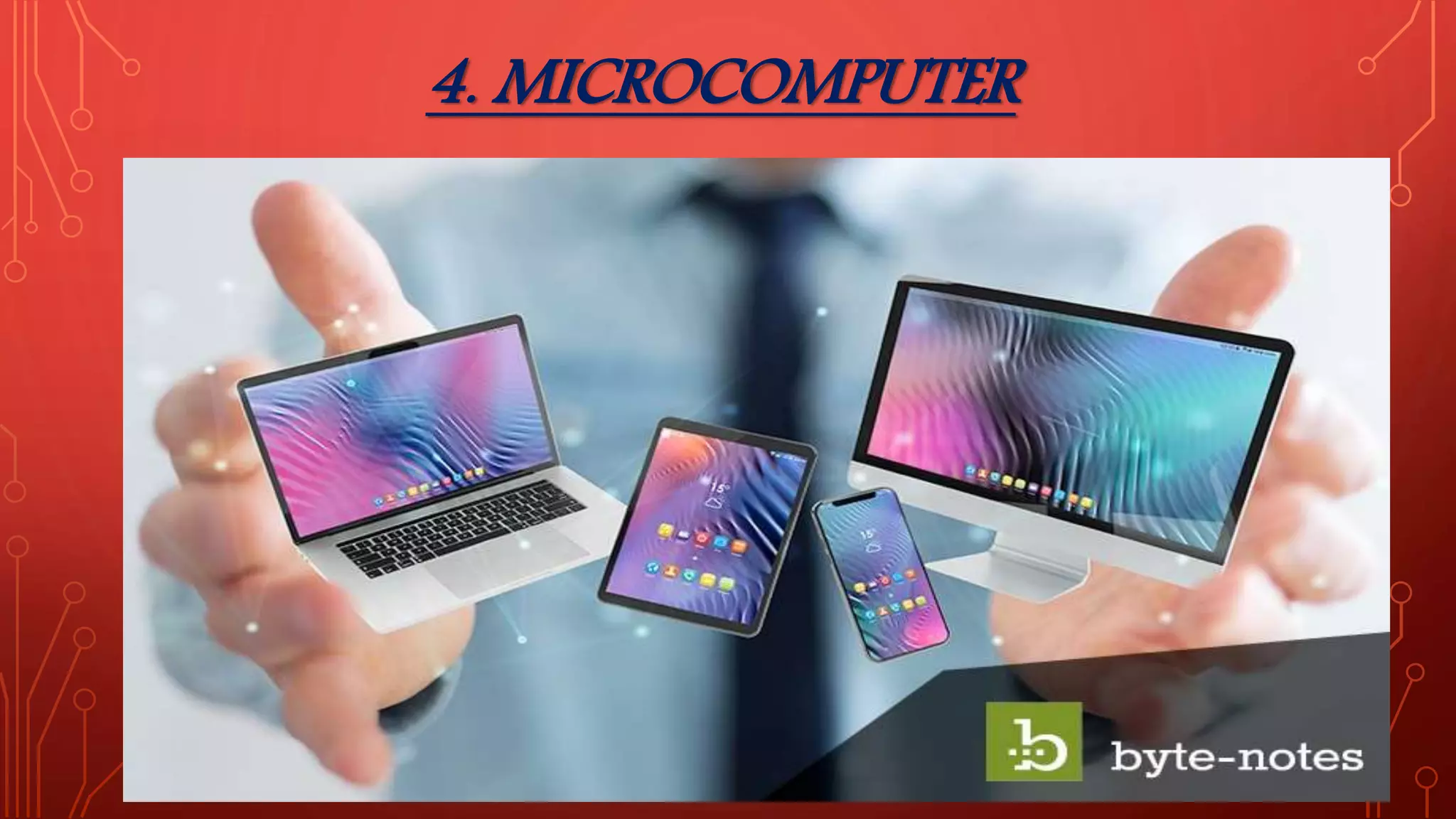
• Desktop computers, laptops, personal digital assistant (PDA),
tablets & smartphones are all types of microcomputers. The micro-
computers are widely used & the fastest growing computers. These
computers are the cheapest among the other three types of
computers. The Micro-computers are specially designed for general
usage like entertainment, education and work purposes. Well
known manufacturers of Micro-computer are Dell, Apple, Samsung,
Sony & Toshiba.
Desktop computers, Gaming consoles, Sound & Navigation
system of a car, Netbooks, Notebooks, PDA’s, Tablet PC’s,
Smartphones, Calculators are all type of Microcomputers.
NEED TO BUILT COMPUTERS
Fast data process
Reducing human work
Getting more accuracy in calculation
Vast storage area
Reduce change of data loss
Reduce use of paper
High efficiency
ADVANTAGES OF COMPUTERS:
• 1. fast working
• 2. high efficiency
• 3. Low cost setup
• 4. Easy to access data from anywhere
• 5. Easy to carry
• 6. User friendly
• 7. High durability
• 8. No chances of data loss
• 9. No wastage of papers
• 10. Eco-friendly
DISADVANTAGES OF COMPUTERS
1. If system is broken, then is few possibilities to get data backup.
2. Systems can bypass by using authority process.
3. Chances of data Sniffing.
4. Securities can interruption.
5. Less written work, which leads to bad handwriting.
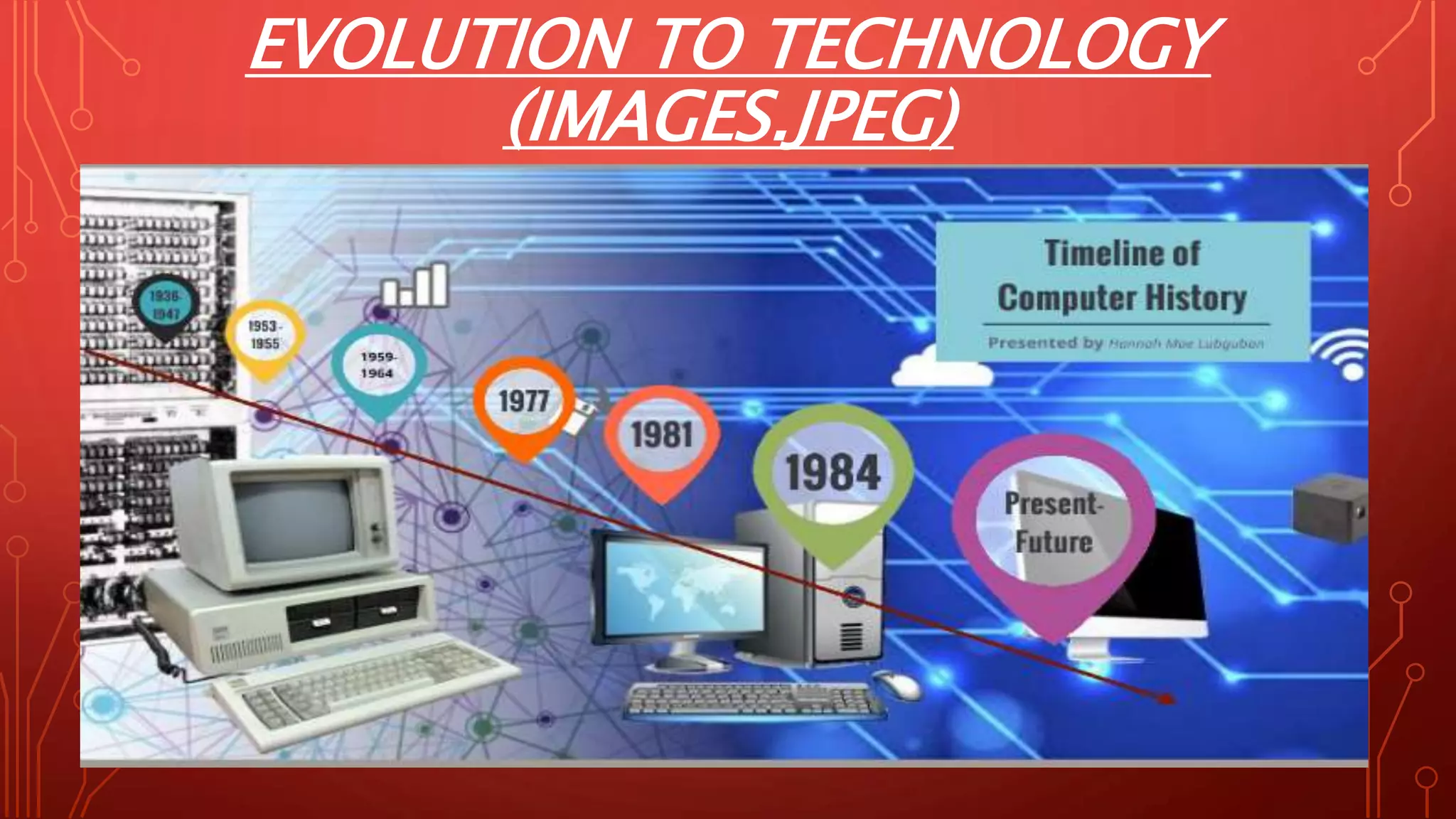
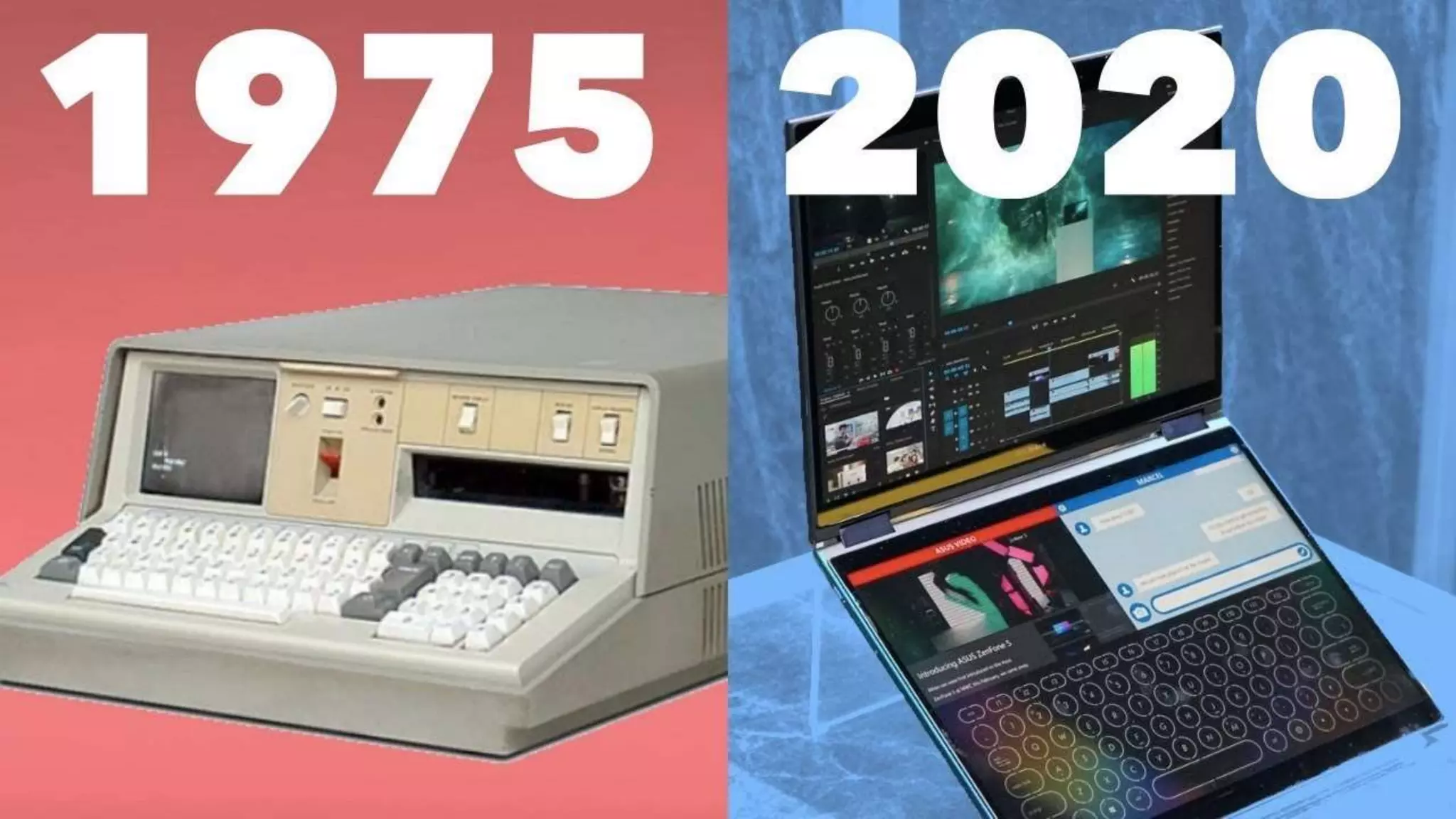
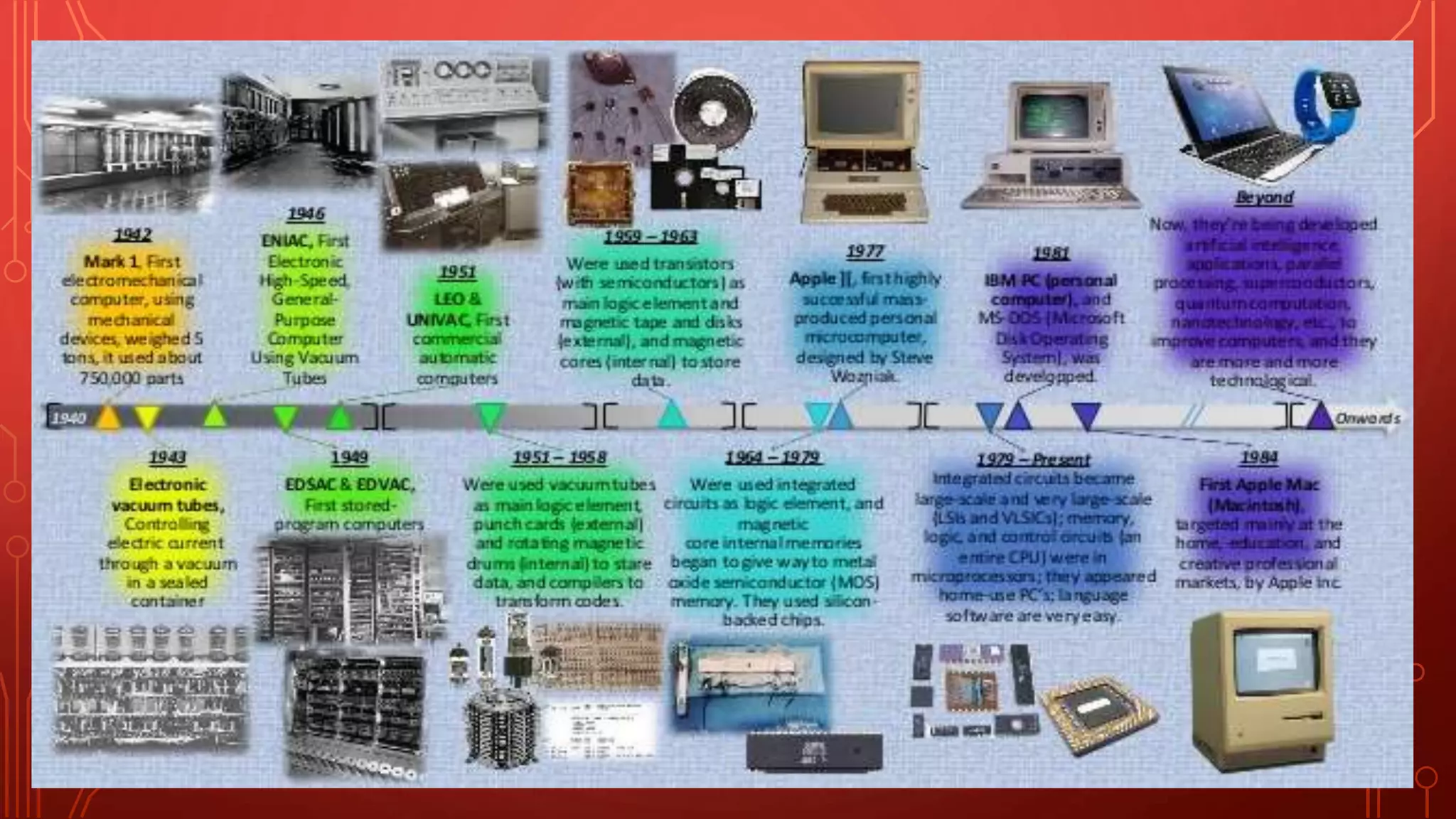
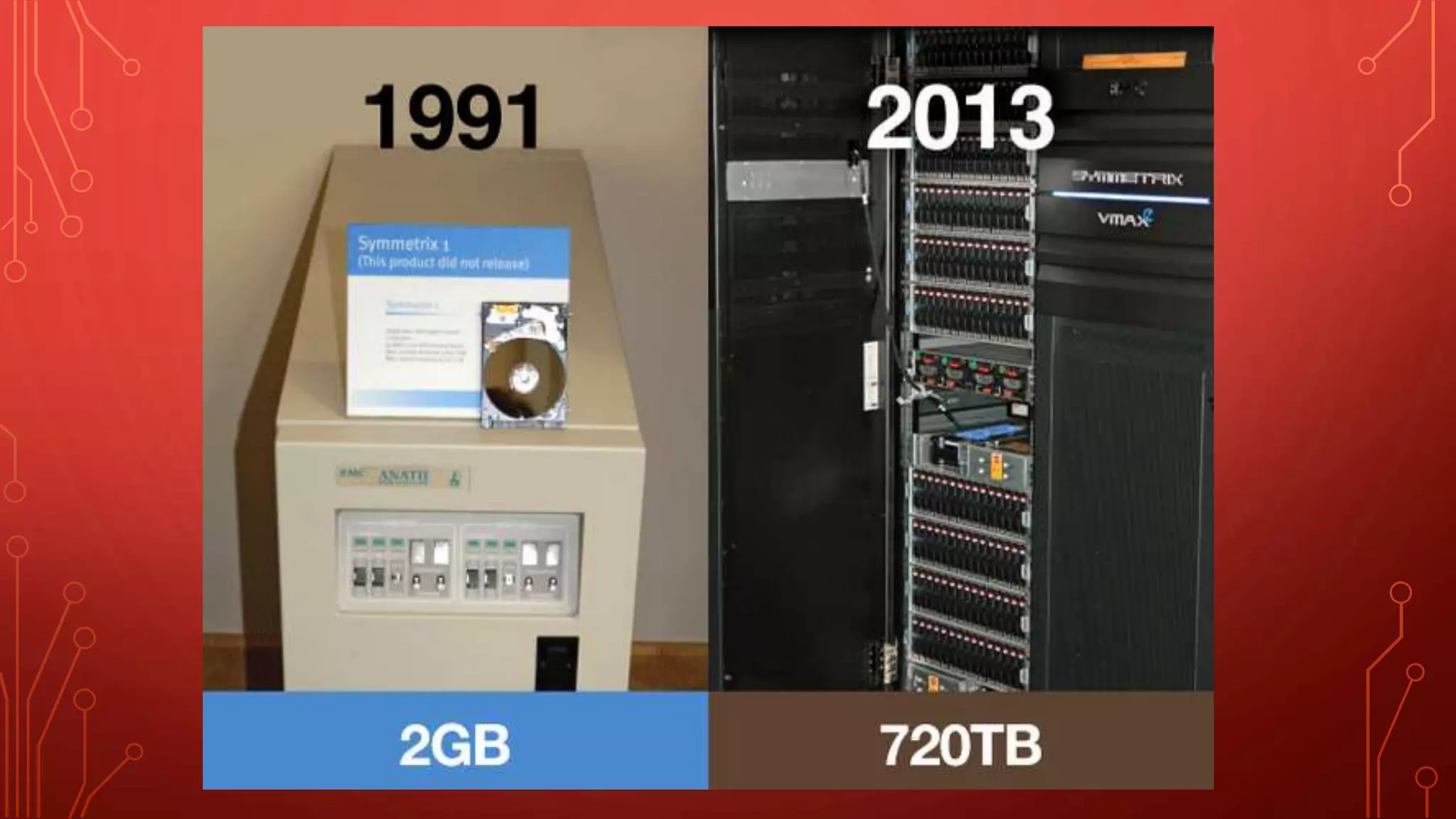
EVOLUTION TO TECHNOLOGY
(IMAGES.JPEG)
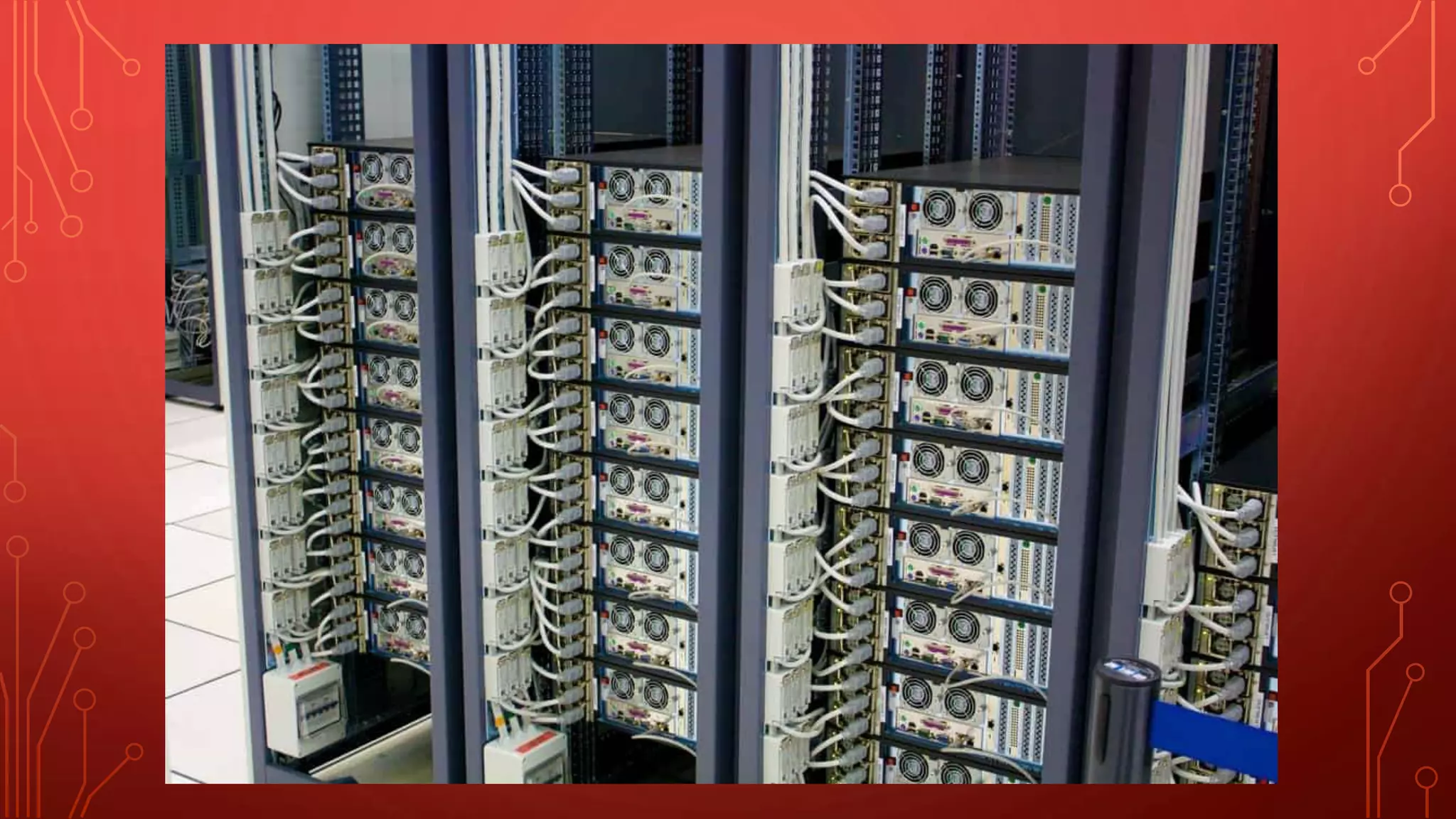
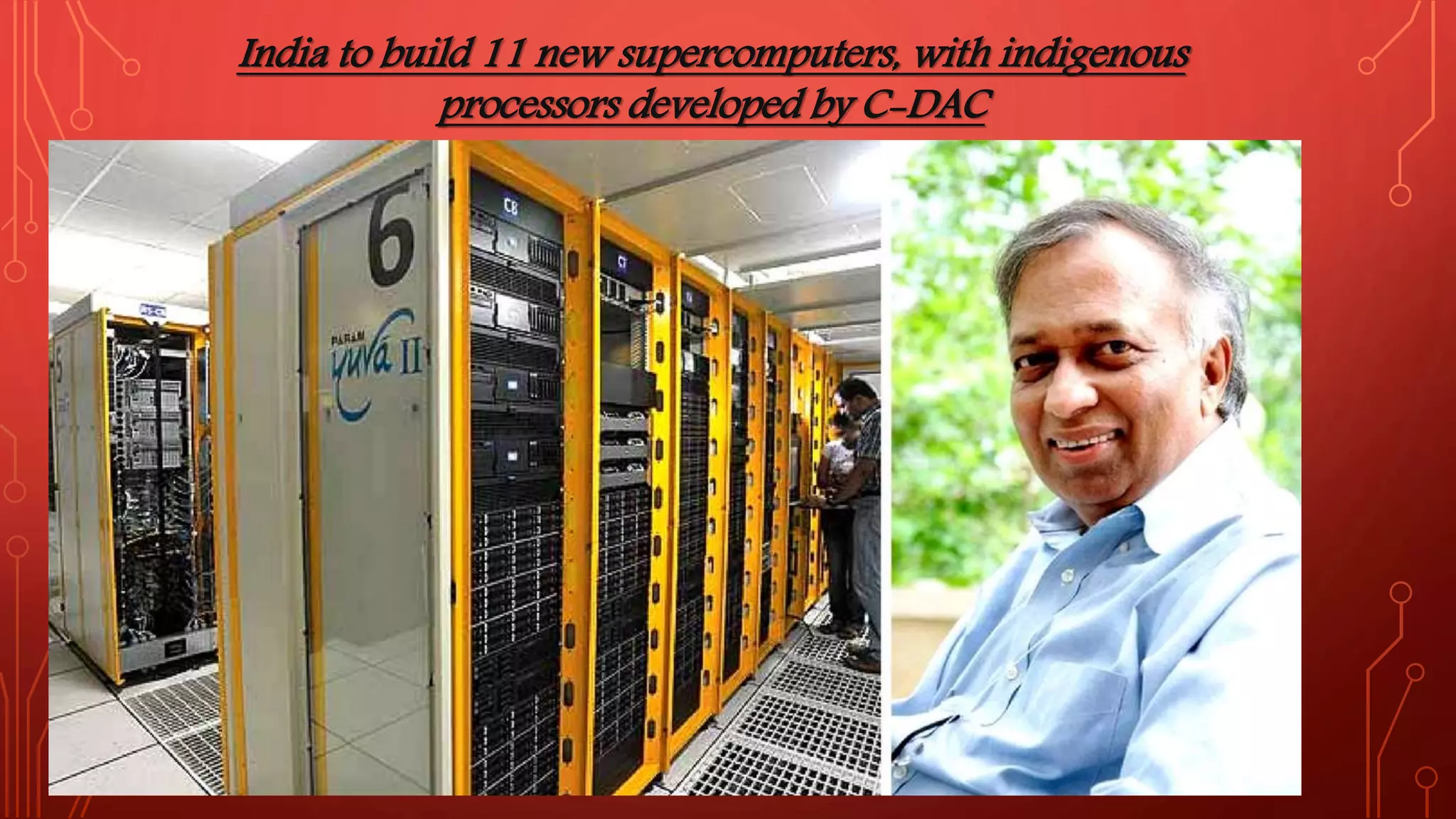
India to build 11 new supercomputers, with indigenous
processors developed by C-DAC
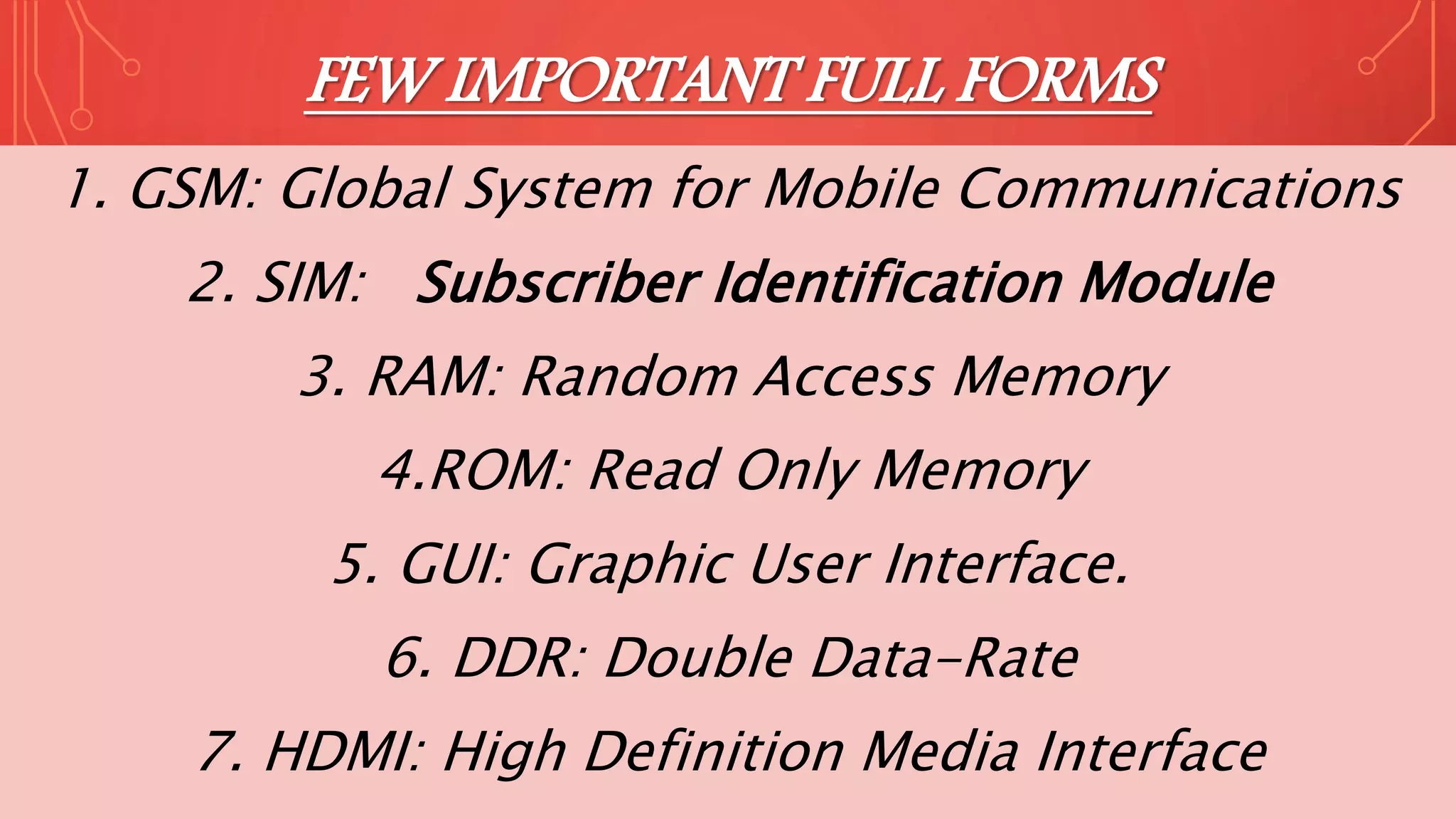
FEW IMPORTANT FULL FORMS
1. GSM: Global System for Mobile Communications
2. SIM: Subscriber Identification Module
3. RAM: Random Access Memory
4.ROM: Read Only Memory
5. GUI: Graphic User Interface.
6. DDR: Double Data-Rate
7. HDMI: High Definition Media Interface
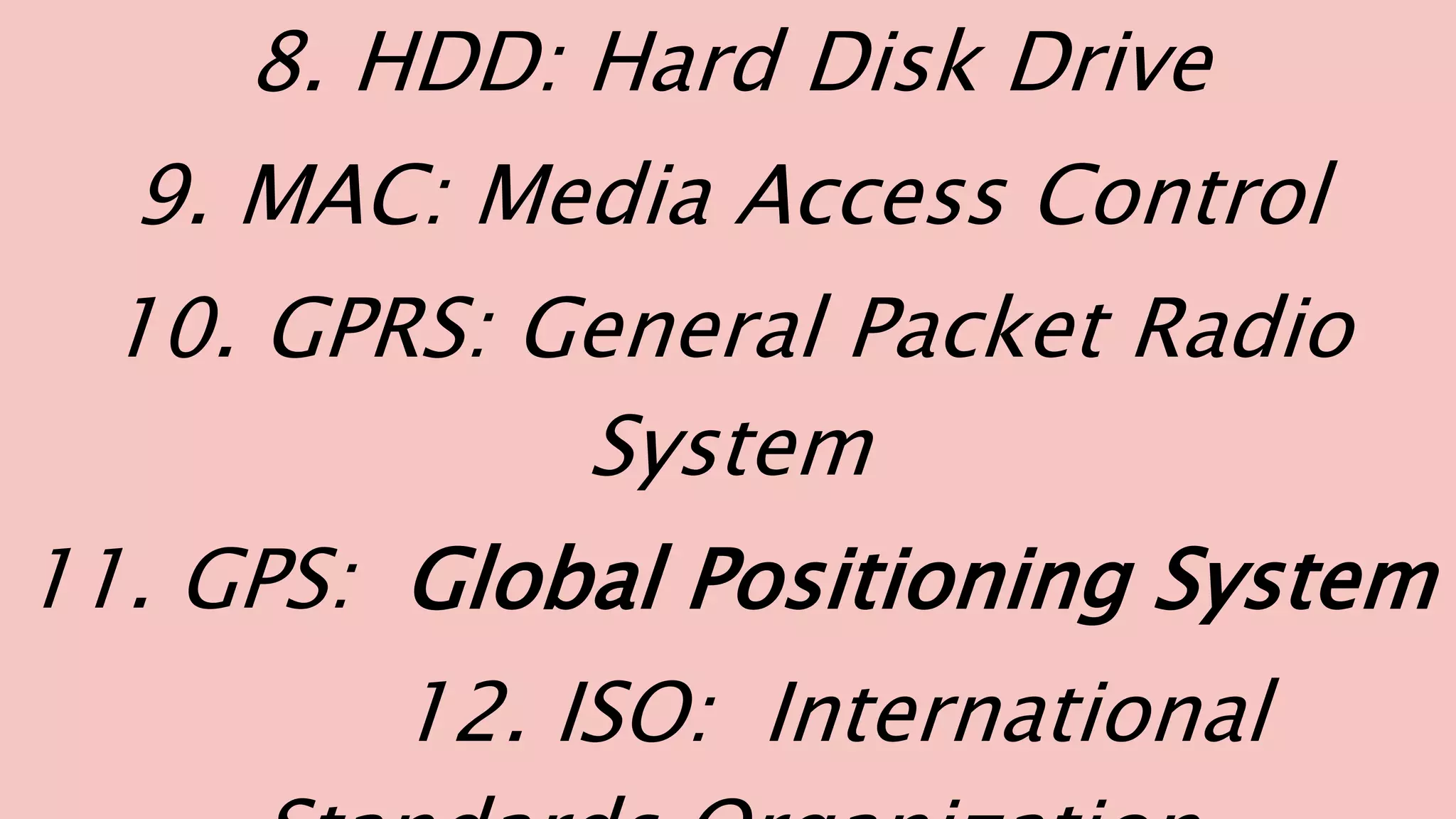
8. HDD: Hard Disk Drive
9. MAC: Media Access Control
10. GPRS: General Packet Radio
System
11. GPS: Global Positioning System
12. ISO: International
About the computers from history to future

About the computers from history to future

  • 1.
    NAME OF THEFACULTY : SIR VENKATESH DESIGNATION : TEACHING ASSOCIATE NAME OF THE SUBJECT: PROFESSIONAL COMMUNICATION STUDENT NAME : MOHAMMED FARHAN SECTION / BRANCH: F / IT (CT /IS) REGISTRATION NUMBER: 19BBTIT051
  • 3.
    INTRODUCTION COMPUTER = Common OperatingMachine Purposely Used for Technological and Educational Research. The computer as we know it today had its beginning with a 19th century English mathematics professor name Charles Babbage. He designed the Analytical Engine and it was this design that the basic framework of the computers of today are based on.
  • 4.
    “Abacus” world firstcalculator was found by “Tim Cranmer”. A piece of soft fabric or rubber is placed behind the beads so that they do not move inadvertently. This keeps the beads in place while the users feel or manipulate them. Upper beads=5 units Unit rod
  • 5.
    GENERATION & DESCRIPTION •First Generation: The period of first generation: 1946-1959. Vacuum tube based. • Second Generation The period of second generation: 1959-1965. Transistor based. • Third Generation The period of third generation: 1965-1971. Integrated Circuit based. • Fourth Generation • The period of fourth generation: 1971-1980. VLSI microprocessor based. • Fifth Generation The period of fifth generation: 1980-onwards. ULSI microprocessor based.
  • 6.
    TYPES OF COMPUTERS Thereare four types of Computers are: 1. Supercomputer 2. ​Mainframe Computer 3. Minicomputer 4. ​Microcomputer
  • 7.
    1. SUPERCOMPUTER The mostpowerful computers in terms of performance and data processing are the Supercomputers. These are specialized and task specific computers used by large organizations. These computers are used for research and exploration purposes, like NASA uses supercomputers for launching space shuttles, controlling them and for space exploration purpose.
  • 8.
    Use of SuperComputers: 1. Space Exploration 2. Earthquake Studies 3. Weather Forecasting 4. Nuclear Weapons Testing Popular Supercomputers: • IBM’s Sequoia, in United States • ​Fujitsu’s K Computer in Japan • ​IBM’s Mira in United States • ​IBM’s Super MUC in Germany • ​NUDT Tianhe-1A in China
  • 9.
    2. MAINFRAME COMPUTER AlthoughMainframes are not as powerful as supercomputers, but certainly they are quite expensive nonetheless, and many large firms & government organizations uses Mainframes to run their business operations. The Mainframe computers can be accommodated in large air-conditioned rooms because of its size. Super-computers are the fastest computers with large data storage capacity, Mainframes can also process & store large amount of data. Banks educational institutions & insurance companies use mainframe computers to store data about their customers, students & insurance policy holders.
  • 10.
  • 11.
  • 12.
    Minicomputers are usedby small businesses & firms. Minicomputers are also called as “Midrange Computers”. These are small machines and can be accommodated on a disk with not as processing and data storage capabilities as super-computers & Mainframes. These computers are not designed for a single user. Individual departments of a large company or organizations use Mini-computers for specific purposes. For example, a production department can use Mini-computers for monitoring certain production process.
  • 13.
    Popular Minicomputers: K-202 Texas InstrumentTI-990 SDS-92 IBM Midrange computers
  • 14.
  • 15.
    • Desktop computers,laptops, personal digital assistant (PDA), tablets & smartphones are all types of microcomputers. The micro- computers are widely used & the fastest growing computers. These computers are the cheapest among the other three types of computers. The Micro-computers are specially designed for general usage like entertainment, education and work purposes. Well known manufacturers of Micro-computer are Dell, Apple, Samsung, Sony & Toshiba. Desktop computers, Gaming consoles, Sound & Navigation system of a car, Netbooks, Notebooks, PDA’s, Tablet PC’s, Smartphones, Calculators are all type of Microcomputers.
  • 16.
    NEED TO BUILTCOMPUTERS Fast data process Reducing human work Getting more accuracy in calculation Vast storage area Reduce change of data loss Reduce use of paper High efficiency
  • 17.
    ADVANTAGES OF COMPUTERS: •1. fast working • 2. high efficiency • 3. Low cost setup • 4. Easy to access data from anywhere • 5. Easy to carry • 6. User friendly • 7. High durability • 8. No chances of data loss • 9. No wastage of papers • 10. Eco-friendly
  • 18.
    DISADVANTAGES OF COMPUTERS 1.If system is broken, then is few possibilities to get data backup. 2. Systems can bypass by using authority process. 3. Chances of data Sniffing. 4. Securities can interruption. 5. Less written work, which leads to bad handwriting.
  • 19.
  • 24.
    India to build11 new supercomputers, with indigenous processors developed by C-DAC
  • 27.
    FEW IMPORTANT FULLFORMS 1. GSM: Global System for Mobile Communications 2. SIM: Subscriber Identification Module 3. RAM: Random Access Memory 4.ROM: Read Only Memory 5. GUI: Graphic User Interface. 6. DDR: Double Data-Rate 7. HDMI: High Definition Media Interface
  • 28.
    8. HDD: HardDisk Drive 9. MAC: Media Access Control 10. GPRS: General Packet Radio System 11. GPS: Global Positioning System 12. ISO: International