1
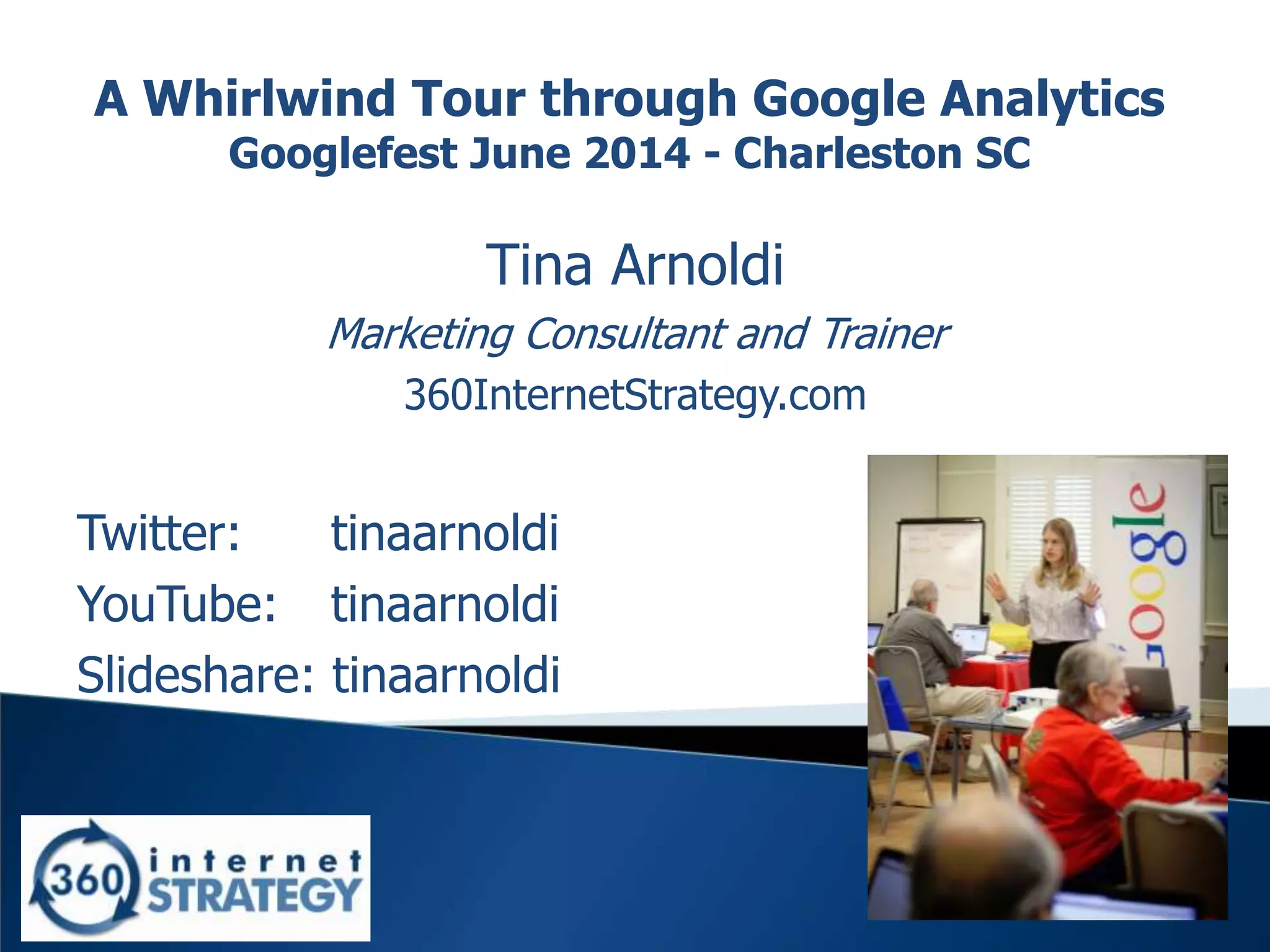
A Whirlwind Tour through Google Analytics
Googlefest June 2014 - Charleston SC
Tina Arnoldi
Marketing Consultant and Trainer
360InternetStrategy.com
Twitter: tinaarnoldi
YouTube: tinaarnoldi
Slideshare: tinaarnoldi
2
3
Why use it?
• See which marketing efforts are working
• Look for traffic patterns & trends
• Learn which referral sources are useful
• See where people leave the site
• Oh.. And it’s free
4
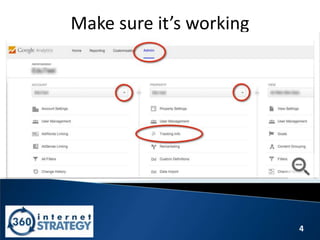
Make sure it’s working
5
Make sure it’s installed
•Right click
–View source
•UA-xxxxxxx-01
6
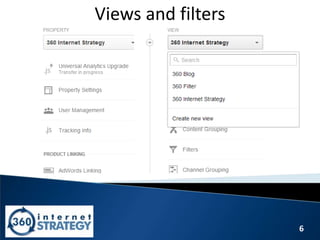
Views and filters
7
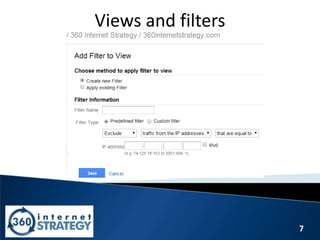
Views and filters
8
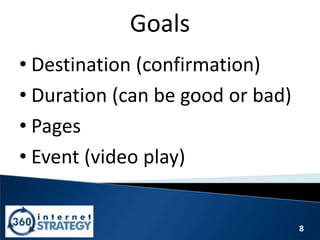
Goals
• Destination (confirmation)
• Duration (can be good or bad)
• Pages
• Event (video play)
9
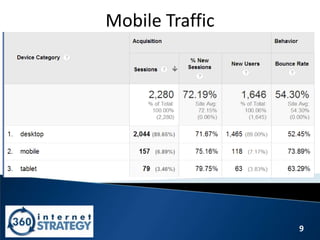
Mobile Traffic
10
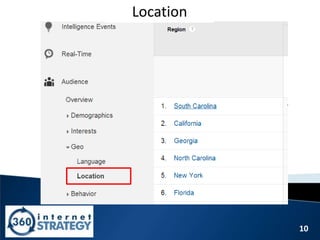
Location
11
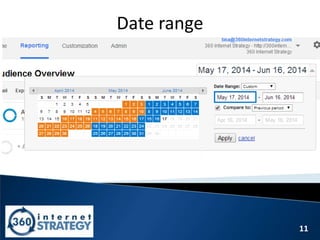
Date range
12
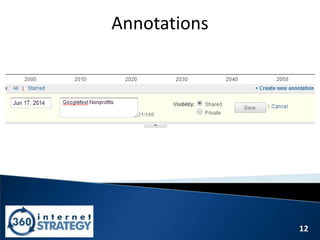
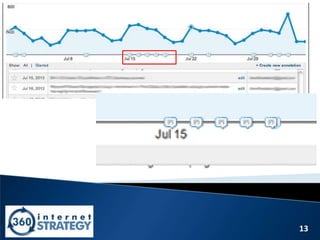
Annotations
13
14
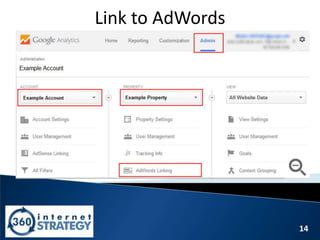
Link to AdWords
15
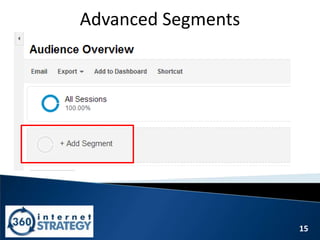
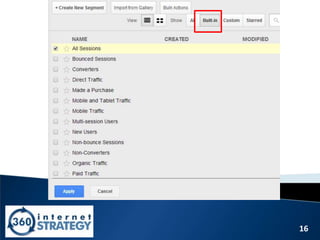
Advanced Segments
16
17
Tag campaigns – URL Builder
• Website URL –
360InternetStrategy.com
• Campaign Source (Referrer) -
SlideShare
• Medium –
Googlefest
18
Tag campaigns – URL Builder
• You see and click on
–http://www.360internetstrategy.com/
• You land on
–http://360internetstrategy.com/?utm_sourc
e=SlideShare&utm_medium=Googlefest&ut
m_campaign=Gfest%20Slides
19
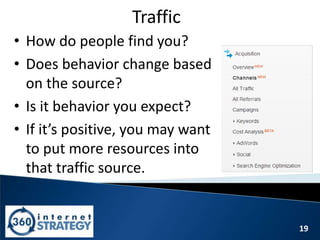
Traffic
• How do people find you?
• Does behavior change based
on the source?
• Is it behavior you expect?
• If it’s positive, you may want
to put more resources into
that traffic source.
20
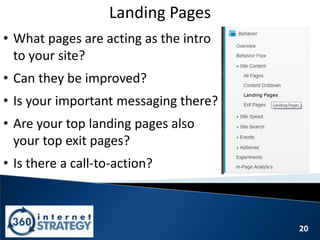
Landing Pages
• What pages are acting as the intro
to your site?
• Can they be improved?
• Is your important messaging there?
• Are your top landing pages also
your top exit pages?
• Is there a call-to-action?
21
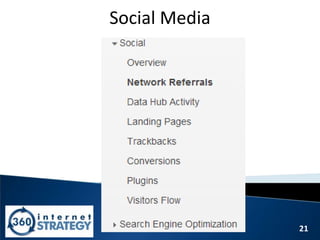
Social Media
22
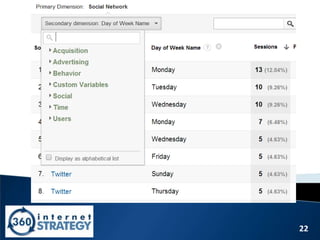
When to post
23
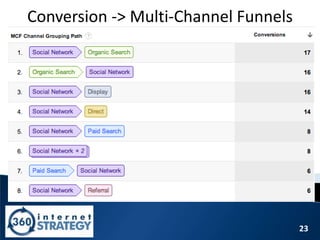
Conversion -> Multi-Channel Funnels
24
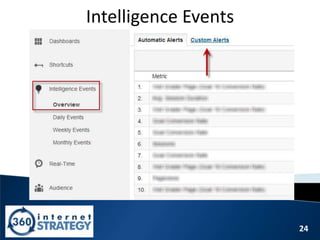
Intelligence Events
25
Bounce Rate
26
So how do you lower bounce rate?
• Limit how much is in the sidebar of the
page so visitors aren’t overwhelmed.
–Ex. 3 posts instead of 30 posts
• Additional resources are good but don’t
overdo it with external links.
• Make related content stand out.
27
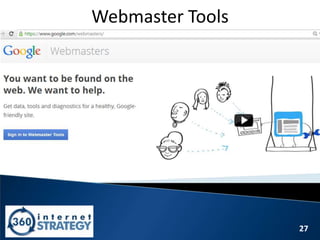
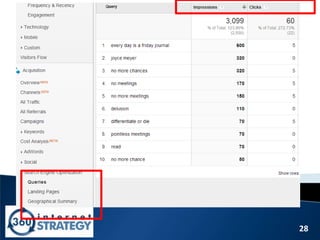
Webmaster Tools
28
29
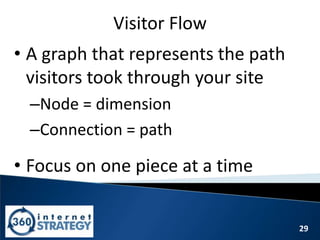
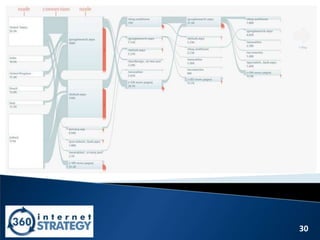
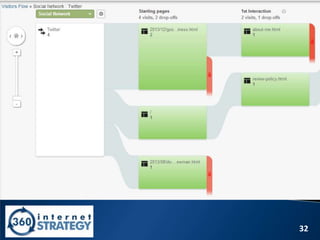
Visitor Flow
• A graph that represents the path
visitors took through your site
–Node = dimension
–Connection = path
• Focus on one piece at a time
30
31
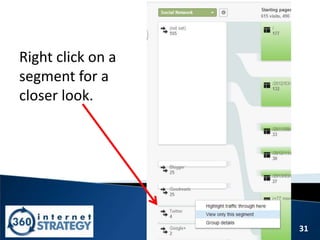
Right click on a
segment for a
closer look.
32
33
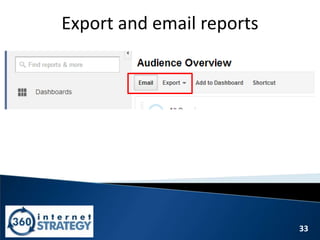
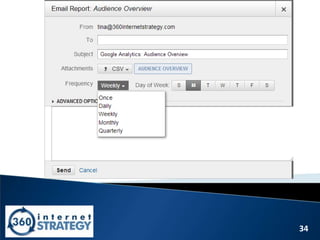
Export and email reports
34
35
Resources
36
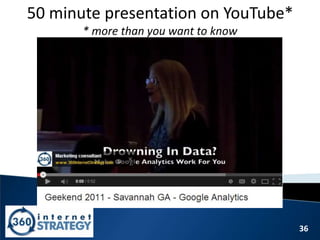
50 minute presentation on YouTube*
* more than you want to know
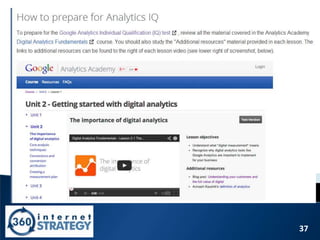
37
38
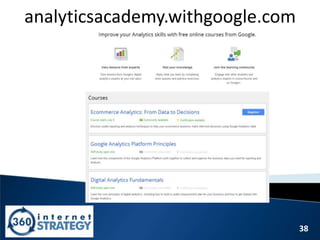
analyticsacademy.withgoogle.com
39
Thank you!
Tina Arnoldi
Marketing Consultant and Trainer
360InternetStrategy.com
Twitter: tinaarnoldi
YouTube: tinaarnoldi
Slideshare: tinaarnoldi

A Whirlwind Tour through Google Analytics- Googlefest June 2014