Files and C Input/Output
Learning outcomes
 At the end of this section you will be able to
 Understand the concepts involved in accessing
secondary storage by computer programs
 Understand how to deal with disk files in C
 Write programs those read and write into files in a
secondary storage
Introduction
 All input and output in C are from and to files.
 File is a sequence of bytes. (text files use n)
 Open, Process, Close
 An open file is identified by a “File Access
Control Block”
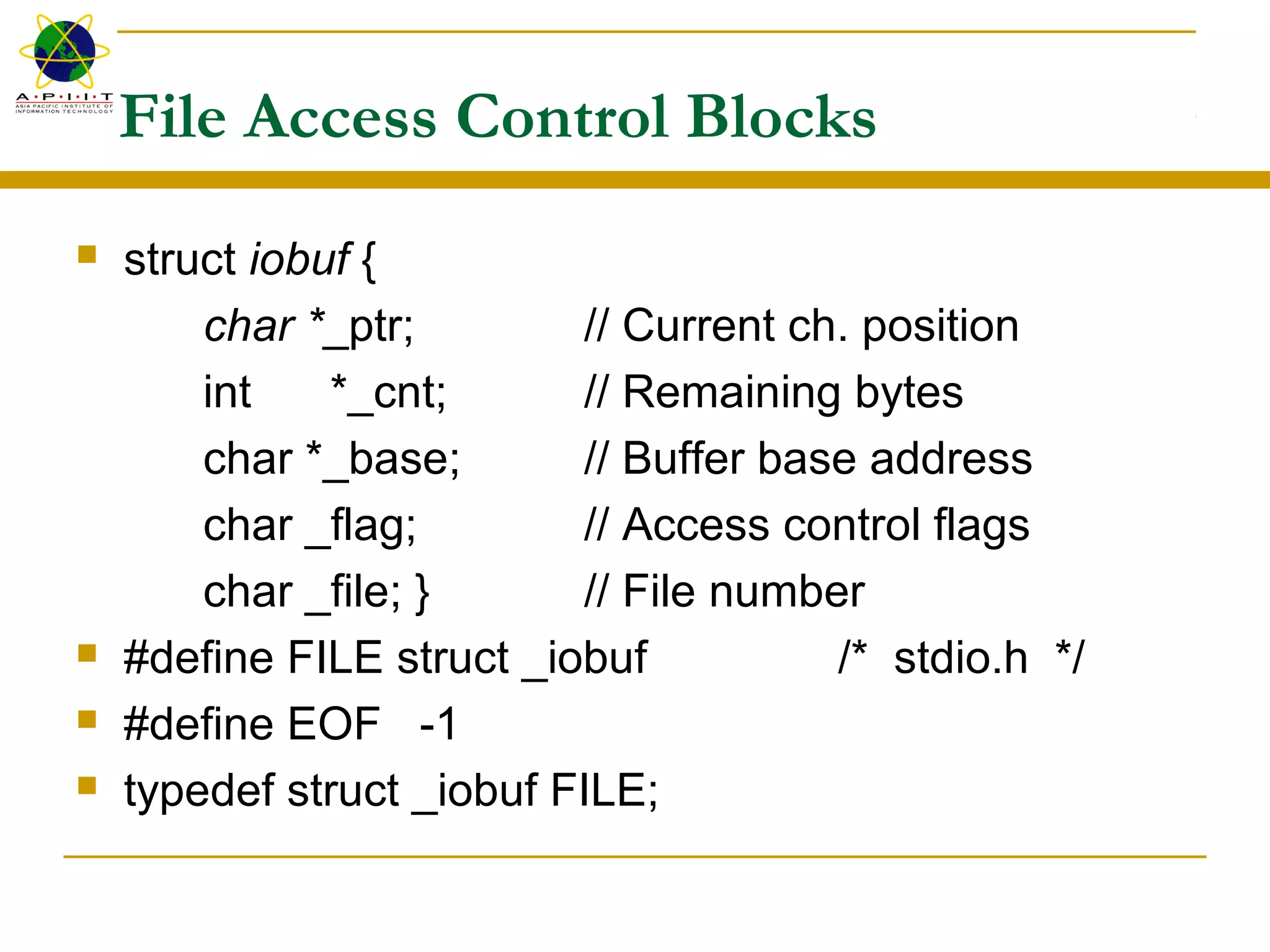
File Access Control Blocks
 struct iobuf {
char *_ptr; // Current ch. position
int *_cnt; // Remaining bytes
char *_base; // Buffer base address
char _flag; // Access control flags
char _file; } // File number
 #define FILE struct _iobuf /* stdio.h */
 #define EOF -1
 typedef struct _iobuf FILE;
FCB’s cont…
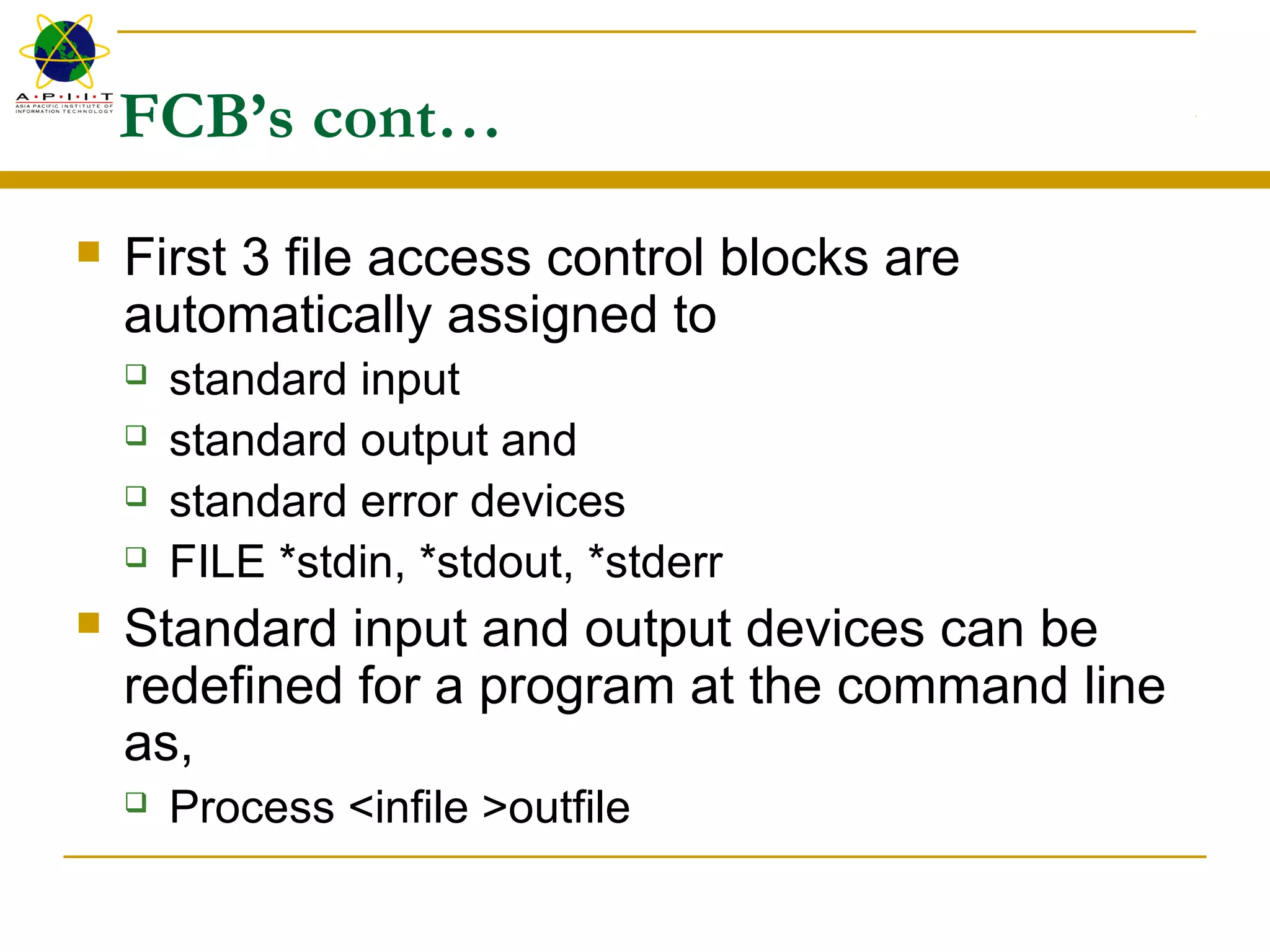
 First 3 file access control blocks are
automatically assigned to
 standard input
 standard output and
 standard error devices
 FILE *stdin, *stdout, *stderr
 Standard input and output devices can be
redefined for a program at the command line
as,
 Process <infile >outfile
stdio.h
 Many IO libray functions come in pairs (or in triplets)
whose operational differs only slightly.
 printf(“Hello world”); // prints to stdout
 fprintf(fp,“Hello world”) // prints to a file identified by fp
 fprintf(stdout,“Hello world”) // same as the first
 fp is a pointer to a file access control block and is
returned by a successful fopen() operation.
fopen()
FILE *fp; /* declares a file pointer or a stream */
char s[]=“c:mydirtemp.txt”;
If ((fp=fopen(s,“wt”)) == NULL) printf(“file open error”);
 Mode string  “r | w | a [+] [ t | b ]”
 r : open for read
 w : create for write
 a : open for append/create for write
 + : permits both read and write
 t | b : in text or binary mode
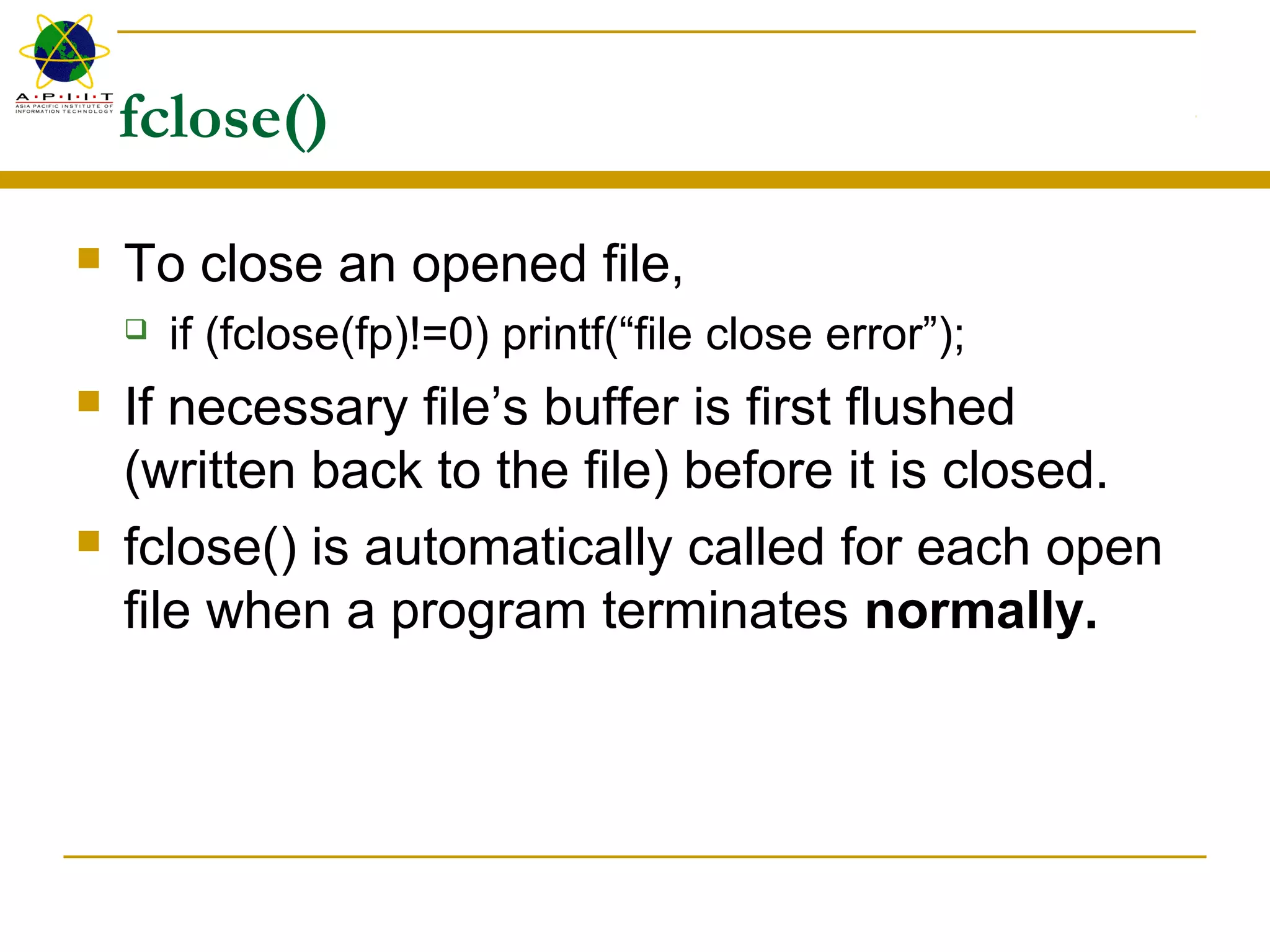
fclose()
 To close an opened file,
 if (fclose(fp)!=0) printf(“file close error”);
 If necessary file’s buffer is first flushed
(written back to the file) before it is closed.
 fclose() is automatically called for each open
file when a program terminates normally.
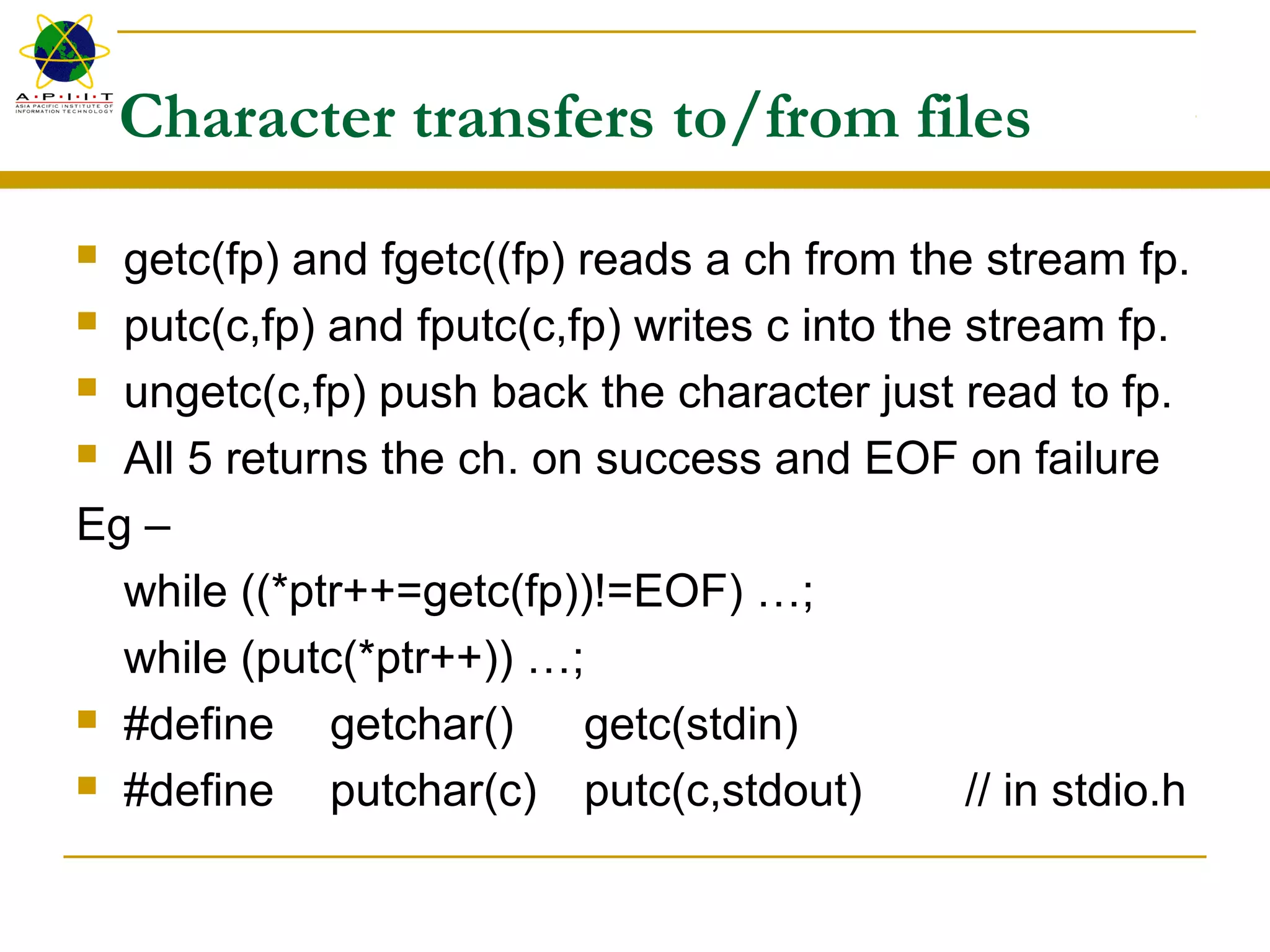
Character transfers to/from files
 getc(fp) and fgetc((fp) reads a ch from the stream fp.
 putc(c,fp) and fputc(c,fp) writes c into the stream fp.
 ungetc(c,fp) push back the character just read to fp.
 All 5 returns the ch. on success and EOF on failure
Eg –
while ((*ptr++=getc(fp))!=EOF) …;
while (putc(*ptr++)) …;
 #define getchar() getc(stdin)
 #define putchar(c) putc(c,stdout) // in stdio.h
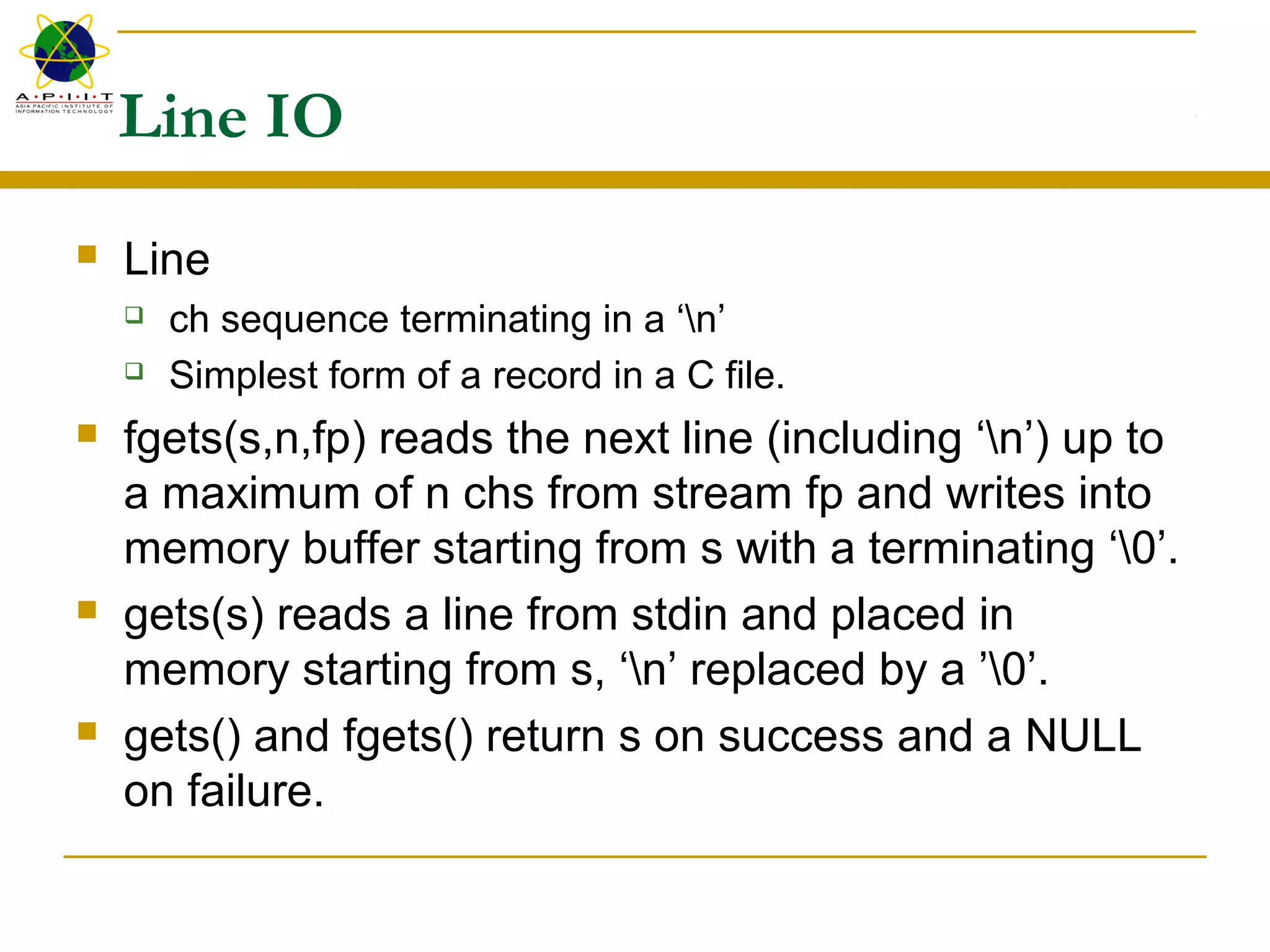
Line IO
 Line
 ch sequence terminating in a ‘n’
 Simplest form of a record in a C file.
 fgets(s,n,fp) reads the next line (including ‘n’) up to
a maximum of n chs from stream fp and writes into
memory buffer starting from s with a terminating ‘0’.
 gets(s) reads a line from stdin and placed in
memory starting from s, ‘n’ replaced by a ’0’.
 gets() and fgets() return s on success and a NULL
on failure.
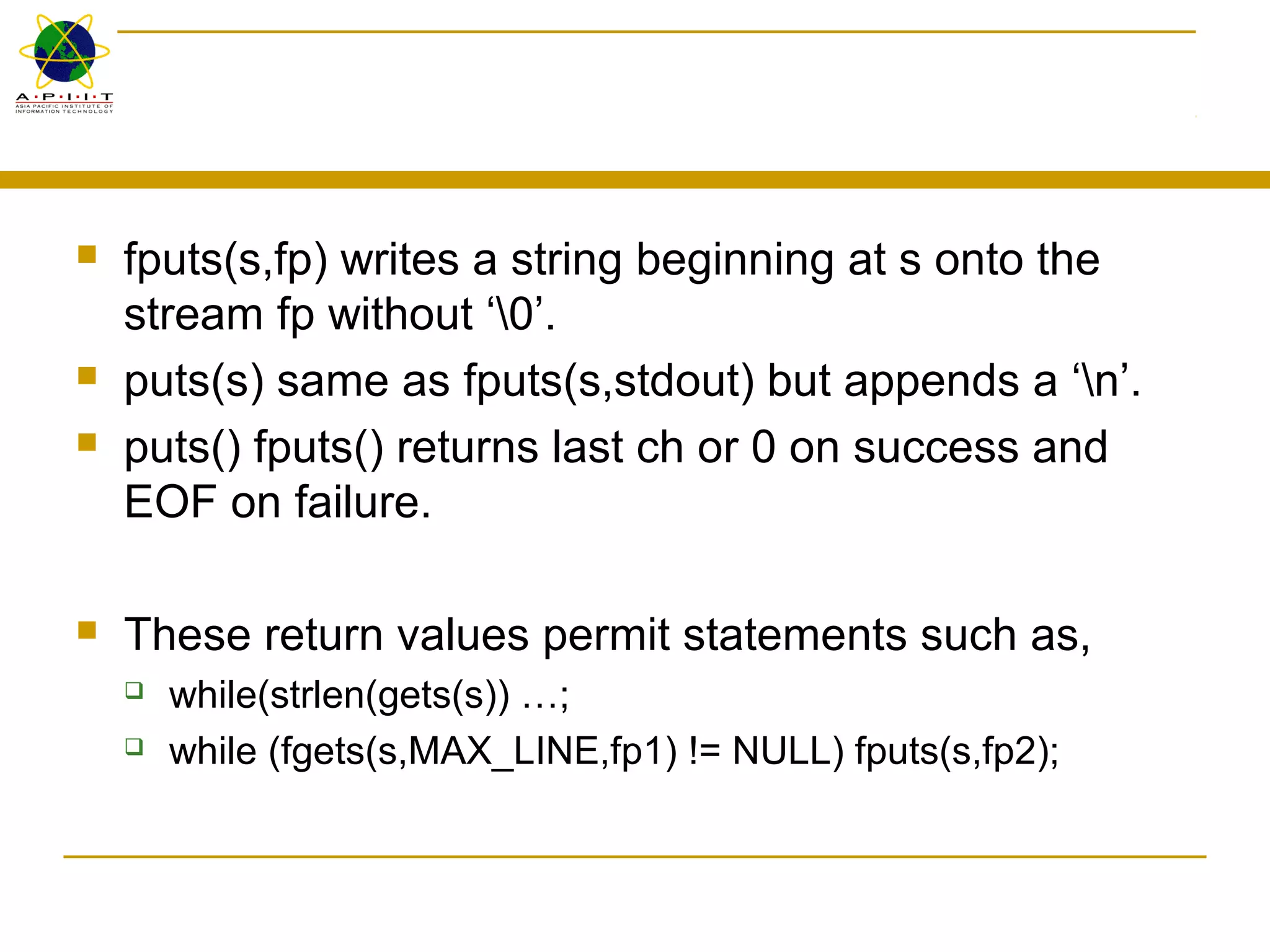
 fputs(s,fp) writes a string beginning at s onto the
stream fp without ‘0’.
 puts(s) same as fputs(s,stdout) but appends a ‘n’.
 puts() fputs() returns last ch or 0 on success and
EOF on failure.
 These return values permit statements such as,
 while(strlen(gets(s)) …;
 while (fgets(s,MAX_LINE,fp1) != NULL) fputs(s,fp2);
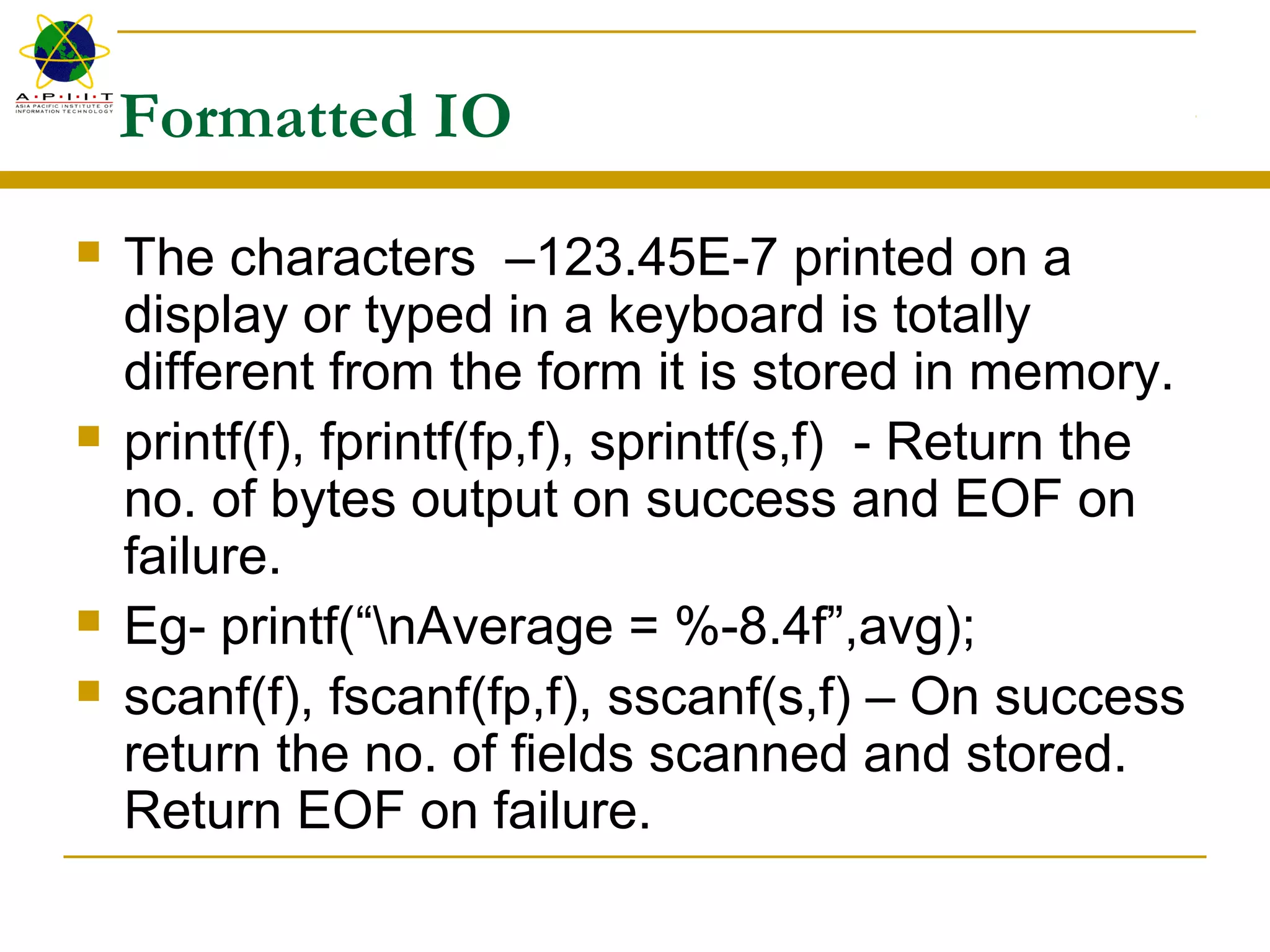
Formatted IO
 The characters –123.45E-7 printed on a
display or typed in a keyboard is totally
different from the form it is stored in memory.
 printf(f), fprintf(fp,f), sprintf(s,f) - Return the
no. of bytes output on success and EOF on
failure.
 Eg- printf(“nAverage = %-8.4f”,avg);
 scanf(f), fscanf(fp,f), sscanf(s,f) – On success
return the no. of fields scanned and stored.
Return EOF on failure.
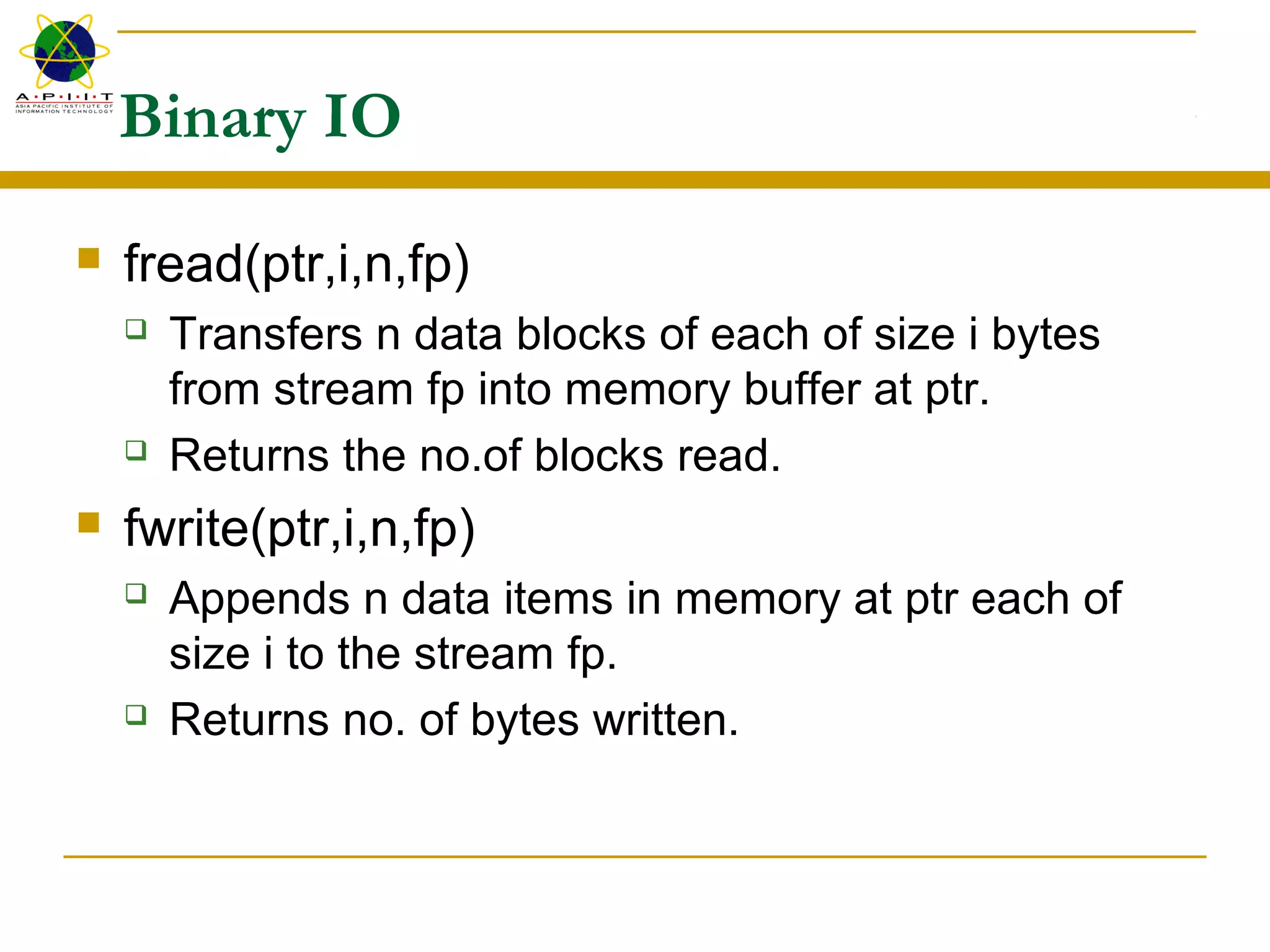
Binary IO
 fread(ptr,i,n,fp)
 Transfers n data blocks of each of size i bytes
from stream fp into memory buffer at ptr.
 Returns the no.of blocks read.
 fwrite(ptr,i,n,fp)
 Appends n data items in memory at ptr each of
size i to the stream fp.
 Returns no. of bytes written.
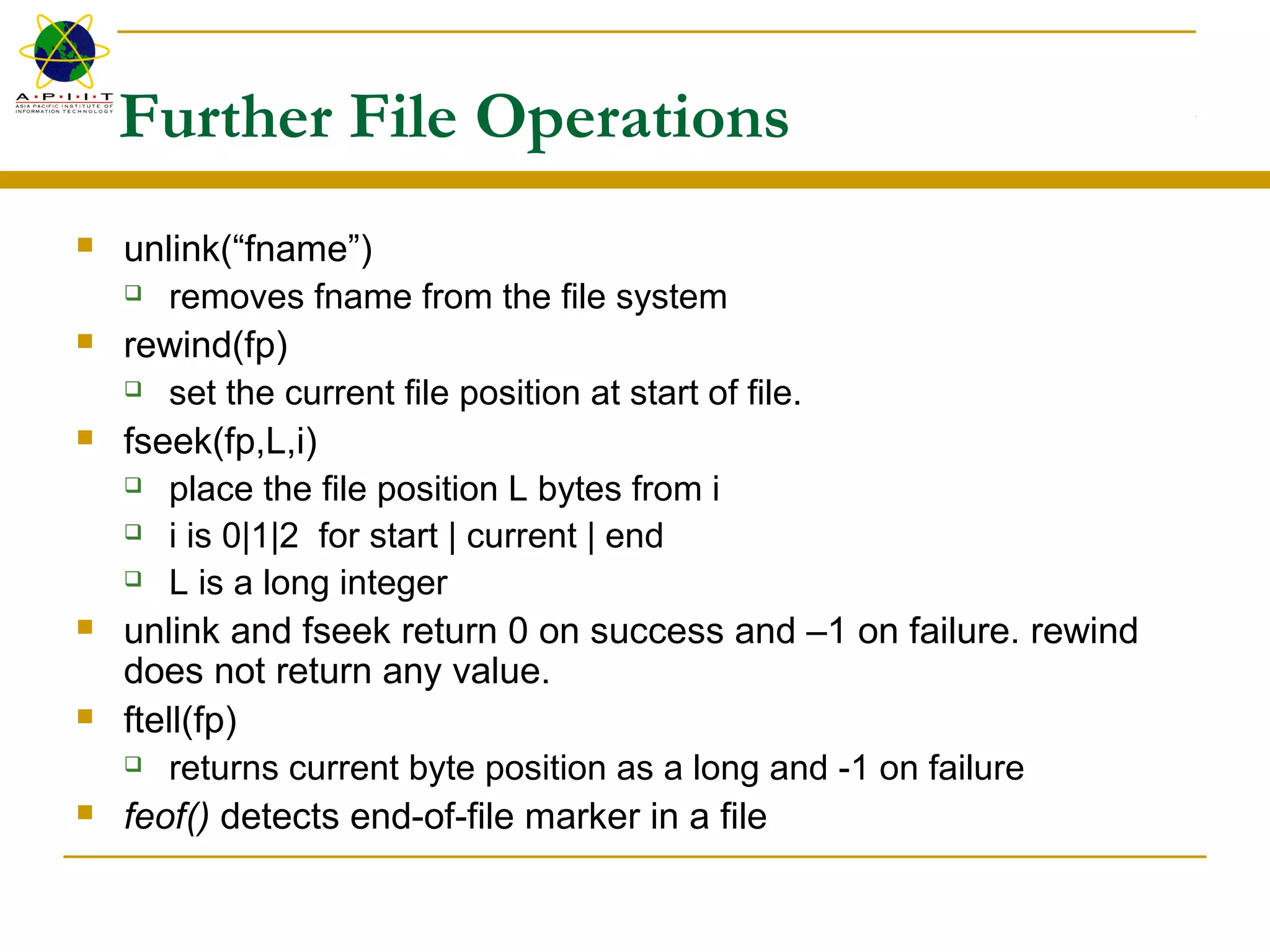
Further File Operations
 unlink(“fname”)
 removes fname from the file system
 rewind(fp)
 set the current file position at start of file.
 fseek(fp,L,i)
 place the file position L bytes from i
 i is 0|1|2 for start | current | end
 L is a long integer
 unlink and fseek return 0 on success and –1 on failure. rewind
does not return any value.
 ftell(fp)
 returns current byte position as a long and -1 on failure
 feof() detects end-of-file marker in a file

7.0 files and c input

  • 1.
    Files and CInput/Output
  • 2.
    Learning outcomes  Atthe end of this section you will be able to  Understand the concepts involved in accessing secondary storage by computer programs  Understand how to deal with disk files in C  Write programs those read and write into files in a secondary storage
  • 3.
    Introduction  All inputand output in C are from and to files.  File is a sequence of bytes. (text files use n)  Open, Process, Close  An open file is identified by a “File Access Control Block”
  • 4.
    File Access ControlBlocks  struct iobuf { char *_ptr; // Current ch. position int *_cnt; // Remaining bytes char *_base; // Buffer base address char _flag; // Access control flags char _file; } // File number  #define FILE struct _iobuf /* stdio.h */  #define EOF -1  typedef struct _iobuf FILE;
  • 5.
    FCB’s cont…  First3 file access control blocks are automatically assigned to  standard input  standard output and  standard error devices  FILE *stdin, *stdout, *stderr  Standard input and output devices can be redefined for a program at the command line as,  Process <infile >outfile
  • 6.
    stdio.h  Many IOlibray functions come in pairs (or in triplets) whose operational differs only slightly.  printf(“Hello world”); // prints to stdout  fprintf(fp,“Hello world”) // prints to a file identified by fp  fprintf(stdout,“Hello world”) // same as the first  fp is a pointer to a file access control block and is returned by a successful fopen() operation.
  • 7.
    fopen() FILE *fp; /*declares a file pointer or a stream */ char s[]=“c:mydirtemp.txt”; If ((fp=fopen(s,“wt”)) == NULL) printf(“file open error”);  Mode string  “r | w | a [+] [ t | b ]”  r : open for read  w : create for write  a : open for append/create for write  + : permits both read and write  t | b : in text or binary mode
  • 8.
    fclose()  To closean opened file,  if (fclose(fp)!=0) printf(“file close error”);  If necessary file’s buffer is first flushed (written back to the file) before it is closed.  fclose() is automatically called for each open file when a program terminates normally.
  • 9.
    Character transfers to/fromfiles  getc(fp) and fgetc((fp) reads a ch from the stream fp.  putc(c,fp) and fputc(c,fp) writes c into the stream fp.  ungetc(c,fp) push back the character just read to fp.  All 5 returns the ch. on success and EOF on failure Eg – while ((*ptr++=getc(fp))!=EOF) …; while (putc(*ptr++)) …;  #define getchar() getc(stdin)  #define putchar(c) putc(c,stdout) // in stdio.h
  • 10.
    Line IO  Line ch sequence terminating in a ‘n’  Simplest form of a record in a C file.  fgets(s,n,fp) reads the next line (including ‘n’) up to a maximum of n chs from stream fp and writes into memory buffer starting from s with a terminating ‘0’.  gets(s) reads a line from stdin and placed in memory starting from s, ‘n’ replaced by a ’0’.  gets() and fgets() return s on success and a NULL on failure.
  • 11.
     fputs(s,fp) writesa string beginning at s onto the stream fp without ‘0’.  puts(s) same as fputs(s,stdout) but appends a ‘n’.  puts() fputs() returns last ch or 0 on success and EOF on failure.  These return values permit statements such as,  while(strlen(gets(s)) …;  while (fgets(s,MAX_LINE,fp1) != NULL) fputs(s,fp2);
  • 12.
    Formatted IO  Thecharacters –123.45E-7 printed on a display or typed in a keyboard is totally different from the form it is stored in memory.  printf(f), fprintf(fp,f), sprintf(s,f) - Return the no. of bytes output on success and EOF on failure.  Eg- printf(“nAverage = %-8.4f”,avg);  scanf(f), fscanf(fp,f), sscanf(s,f) – On success return the no. of fields scanned and stored. Return EOF on failure.
  • 13.
    Binary IO  fread(ptr,i,n,fp) Transfers n data blocks of each of size i bytes from stream fp into memory buffer at ptr.  Returns the no.of blocks read.  fwrite(ptr,i,n,fp)  Appends n data items in memory at ptr each of size i to the stream fp.  Returns no. of bytes written.
  • 14.
    Further File Operations unlink(“fname”)  removes fname from the file system  rewind(fp)  set the current file position at start of file.  fseek(fp,L,i)  place the file position L bytes from i  i is 0|1|2 for start | current | end  L is a long integer  unlink and fseek return 0 on success and –1 on failure. rewind does not return any value.  ftell(fp)  returns current byte position as a long and -1 on failure  feof() detects end-of-file marker in a file