7 Must-haves
for Your Website
MAKING YOUR WEBSITE WORK FOR YOU
Reiko Beach
TRB Design, Inc.
The Toolbox, Inc.
October 2015
Reiko Beach
@reikob
Who am I?
What has your website done for you lately?
What??
What are the latest trends - is your website showing it’s age?
What??
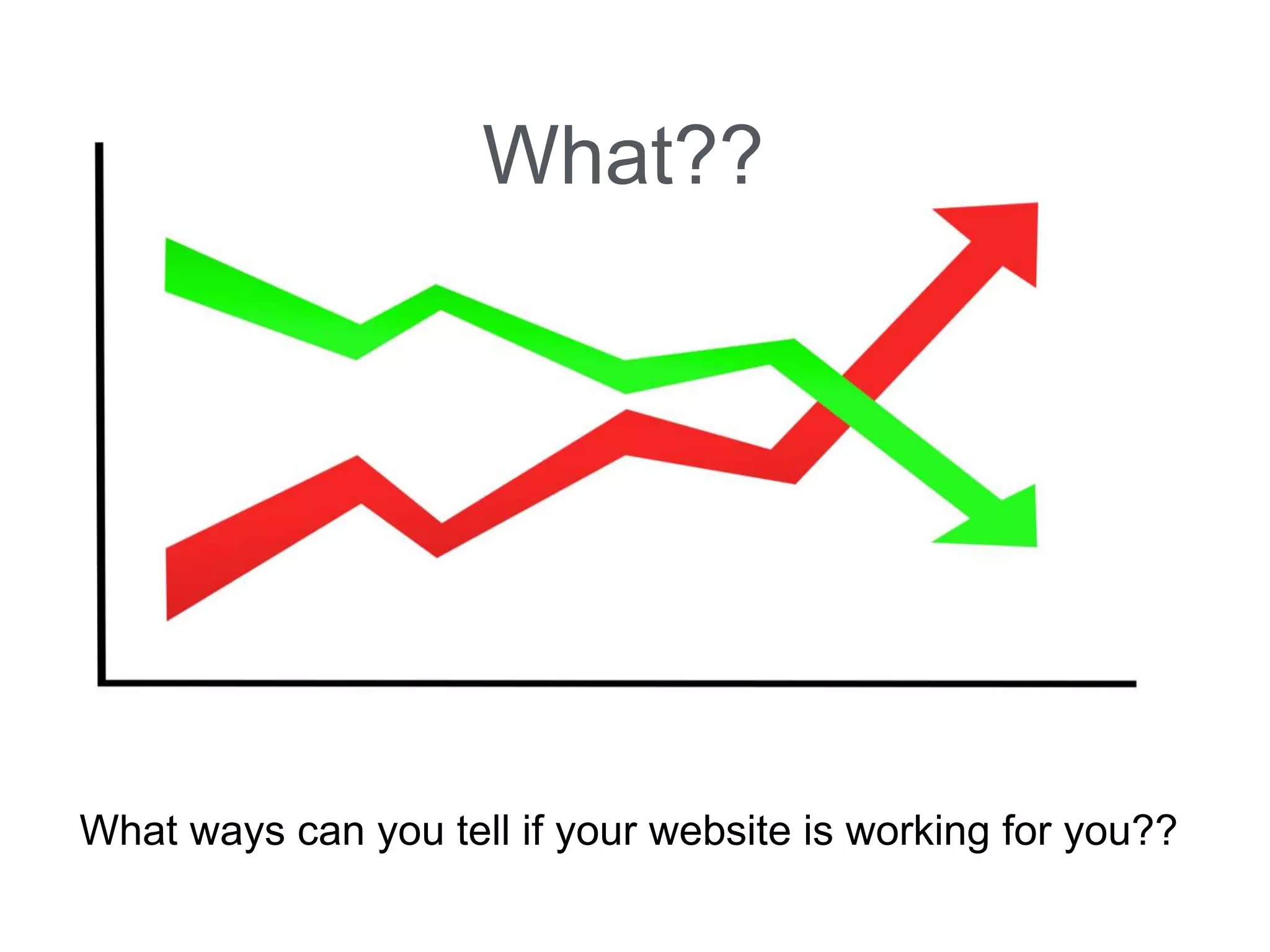
What ways can you tell if your website is working for you??
What??
What are we going
to talk about?
1. BRANDING
2. ORGANIZATION
3. CONTENT MANAGEMENT
4. ANALYTICS
5. SEO
6. SHARABLE CONTENT
7. TABLETS AND PHONES
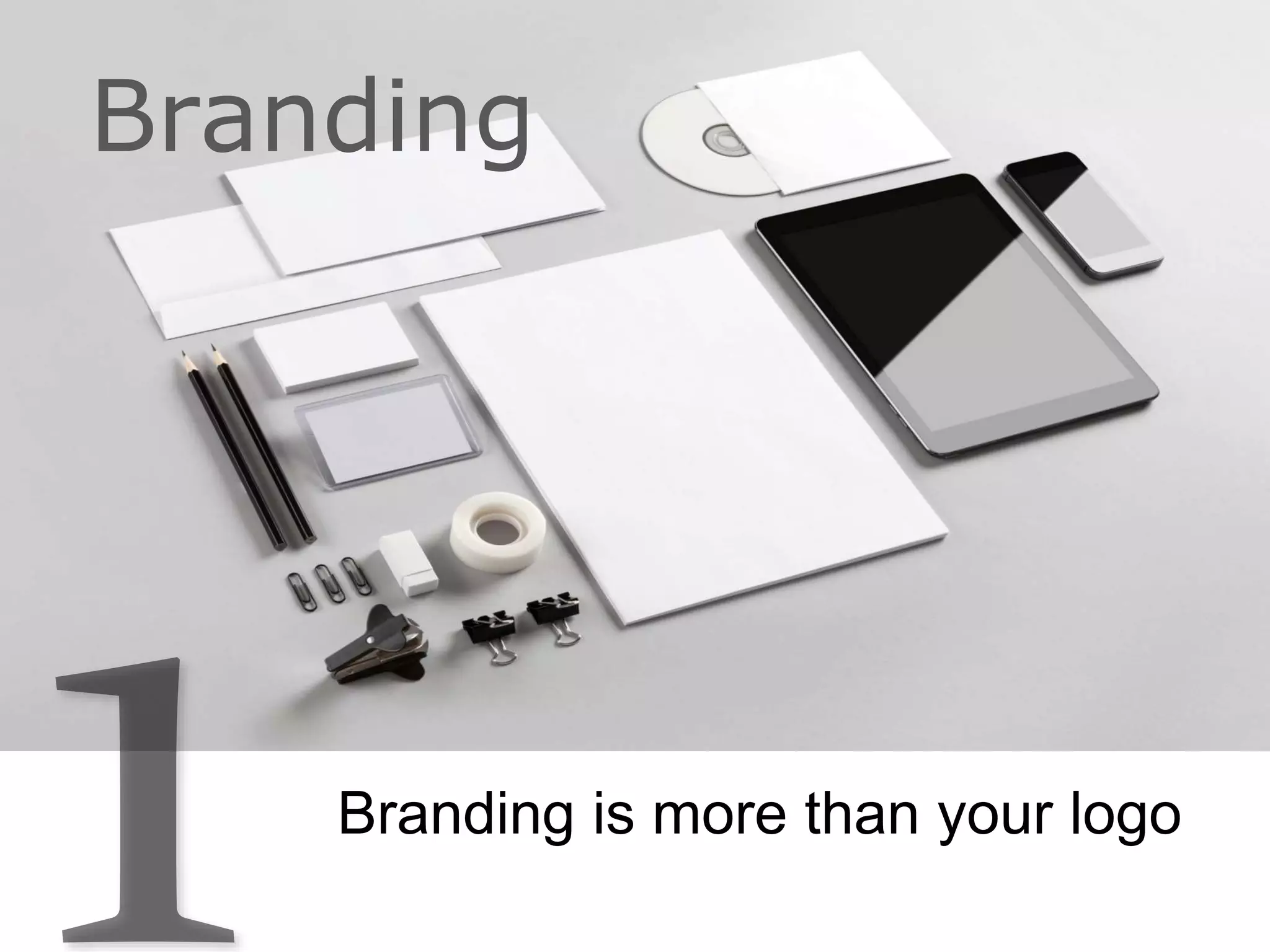
Branding is more than your logo
Branding
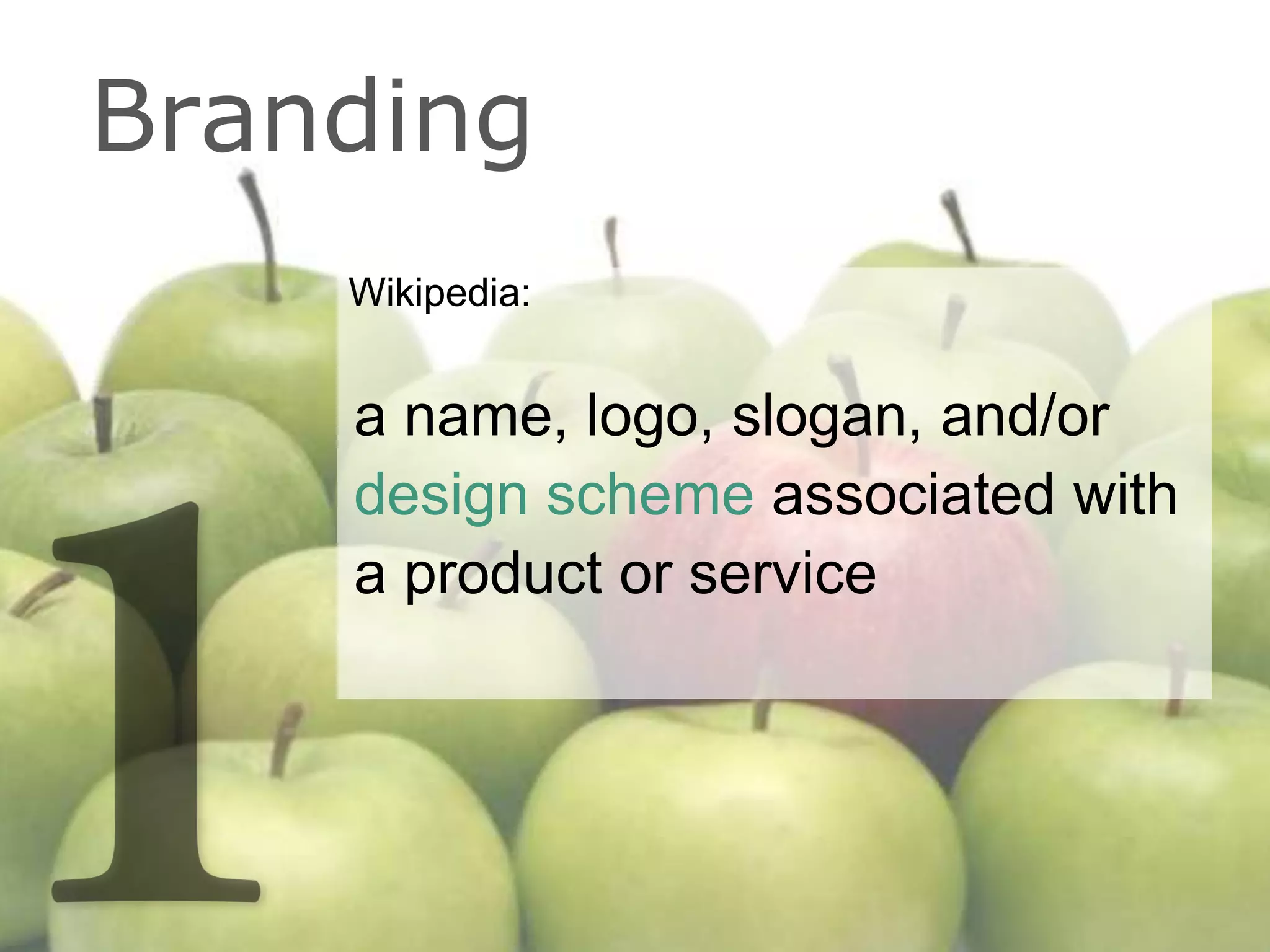
Wikipedia:
a name, logo, slogan, and/or
design scheme associated with
a product or service
Branding
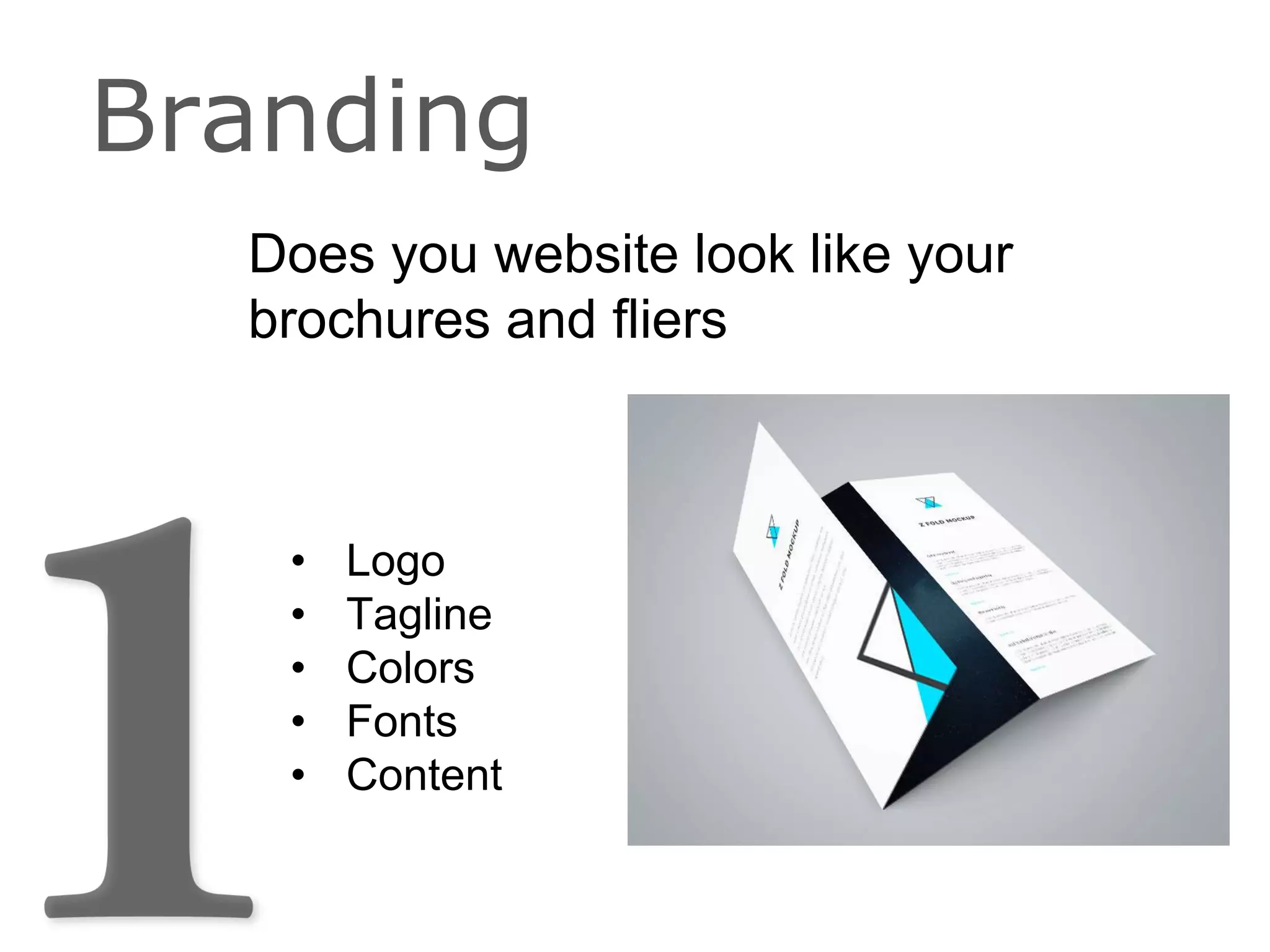
Does you website look like your
brochures and fliers
Branding
• Logo
• Tagline
• Colors
• Fonts
• Content
Does you website look like your
business cards
Branding
?
Does you website look like your
social media
Branding
?
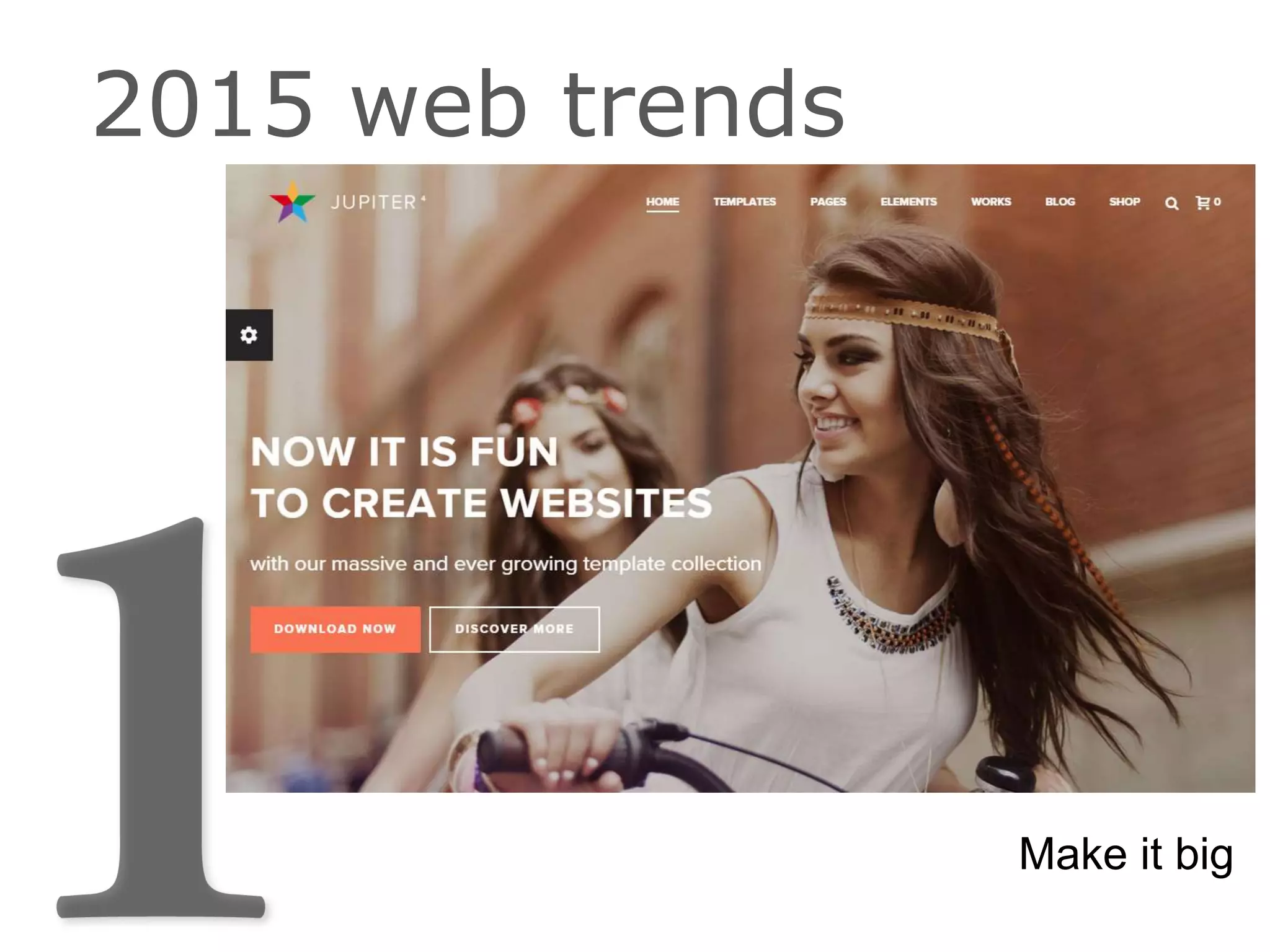
Make it big
2015 web trends
The Parallax effect - Parallax has evolved
into many different mutations.
Use of page scrolling or mouse movement to
animate elements or properties of the page.
Flat Design
2015 web trends
Example: http://www.elegantthemes.com/demo/?theme=Divi
Good article on other trends:
https://99designs.com/designer-blog/2015/01/16/top-web-design-trends-2015/
Why is this important?
Consistency
• Helps you manage perceptions.
• Conveys your outlook and attitude.
• Protects your investment.
• Builds upon previous successes.
Branding Consistency
Objective:
To drive awareness, engagement
and loyalty
Branding Consistency
Organization
How is your website organized?
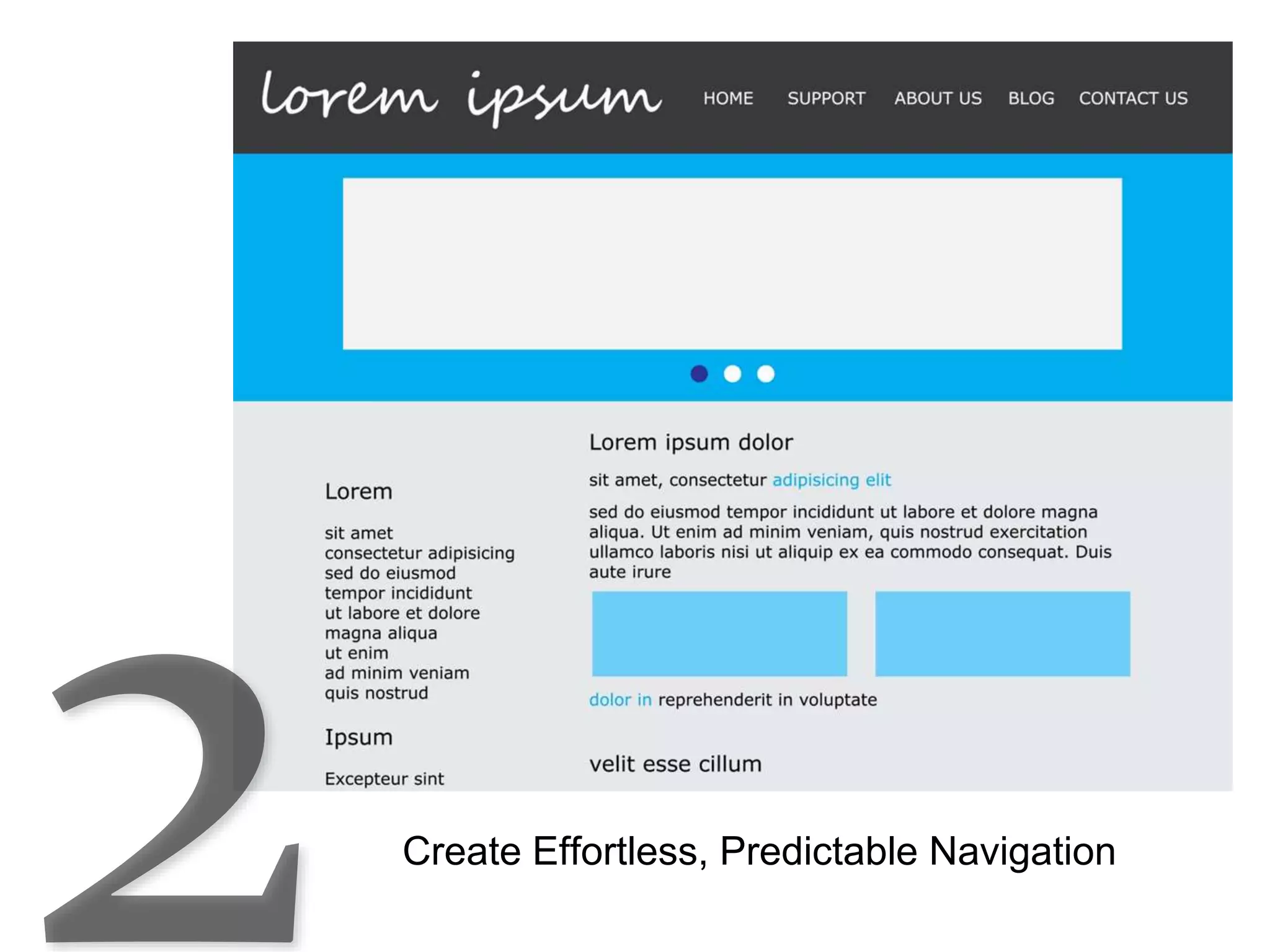
Create Effortless, Predictable Navigation
Is it logical? http://www.bluebell.com/
Mystery meat navigation
Does it have only one call to action on each
page?
What is a Call-to-
Action (CTA)?
In web design, a CTA is a banner, button, or
some type of graphic or text on a website
meant to prompt a user to click it and
continue down a conversion funnel.
- Wikipedia
Simple Example
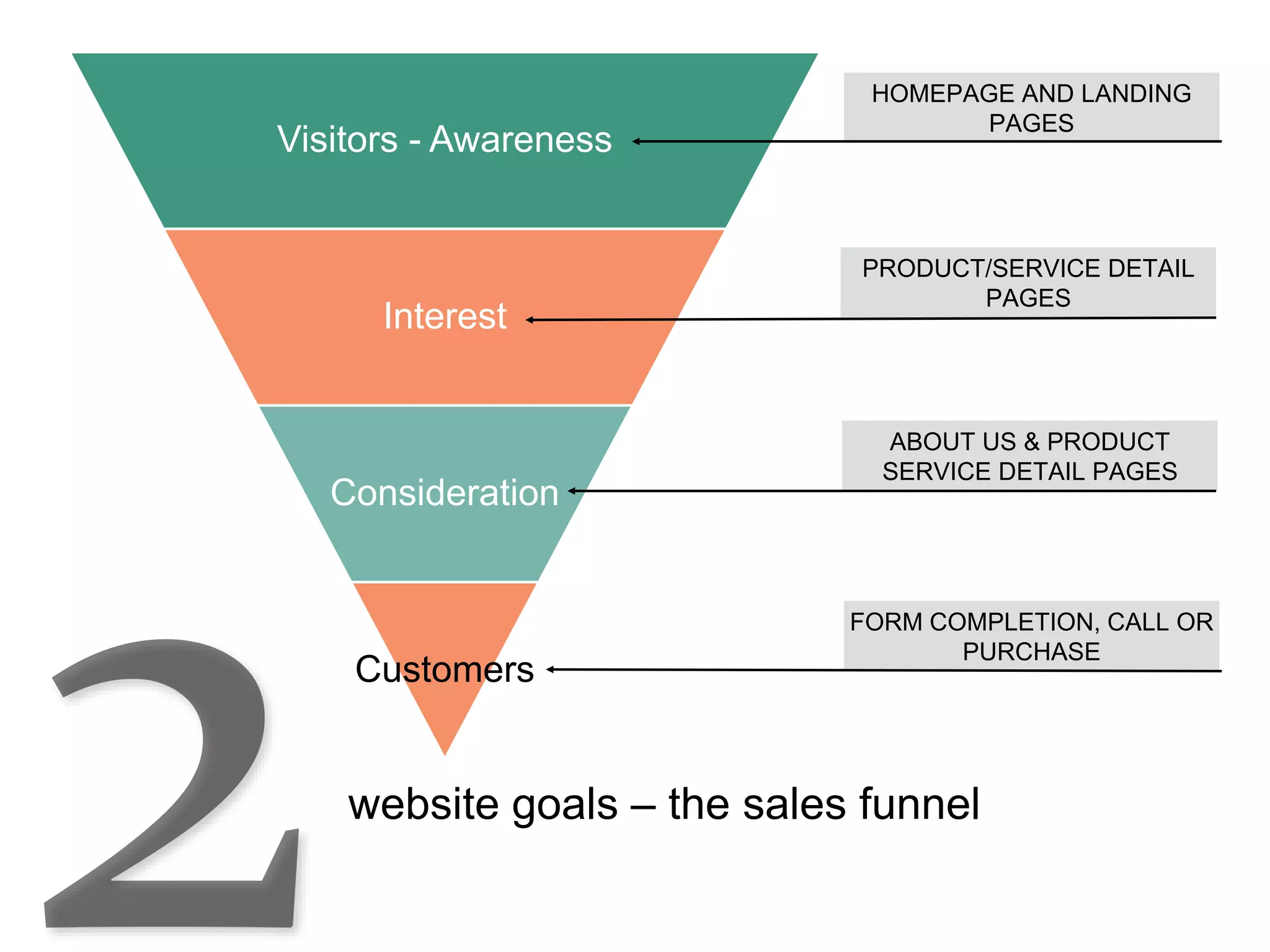
website goals – the sales funnel
Visitors - Awareness
Interest
Consideration
Customers
HOMEPAGE AND LANDING
PAGES
PRODUCT/SERVICE DETAIL
PAGES
ABOUT US & PRODUCT
SERVICE DETAIL PAGES
FORM COMPLETION, CALL OR
PURCHASE
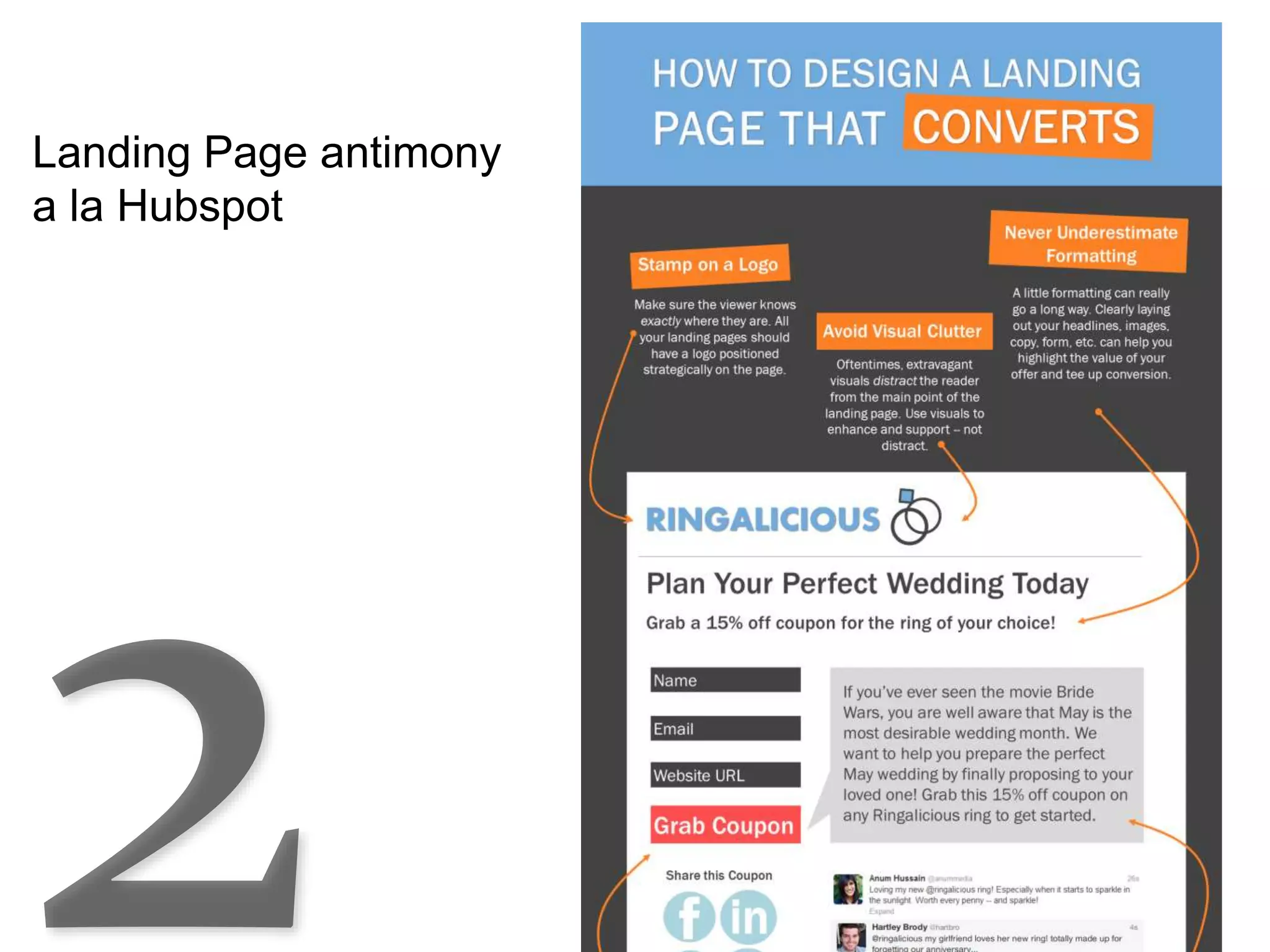
Landing Pages
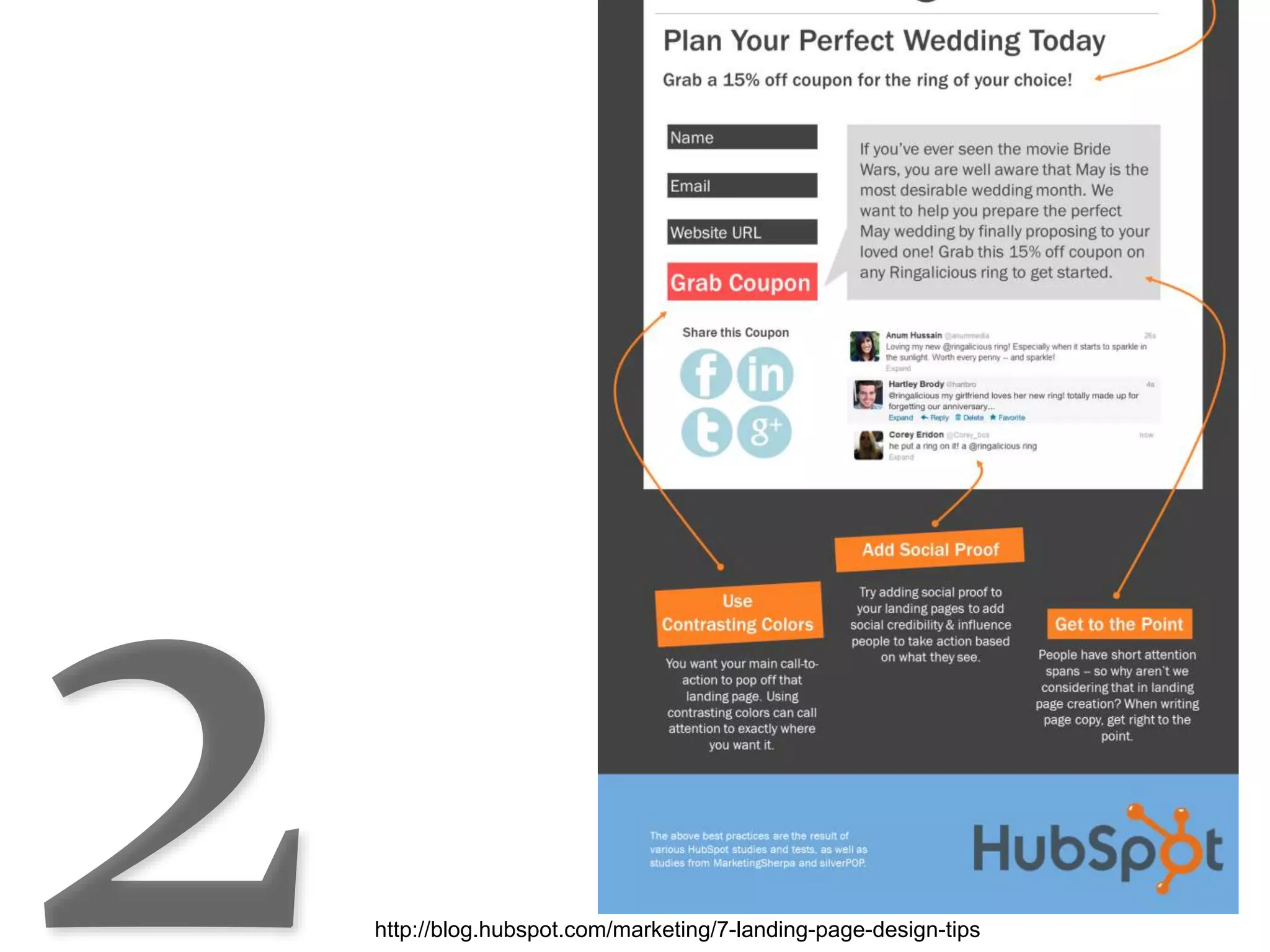
Landing Page antimony
a la Hubspot
http://blog.hubspot.com/marketing/7-landing-page-design-tips
Organization
• The organization of the pages
• Logical navigation
• Being concise and clear in your copy/text
• Have one CTA per page (except homepage)
• Use landing pages
Focus on user centric design with:
Content Management
There are lots of ways to build a website
Content Management
Can you make changes to your website on
your own?
Content Management
Is it easy to add functionality?
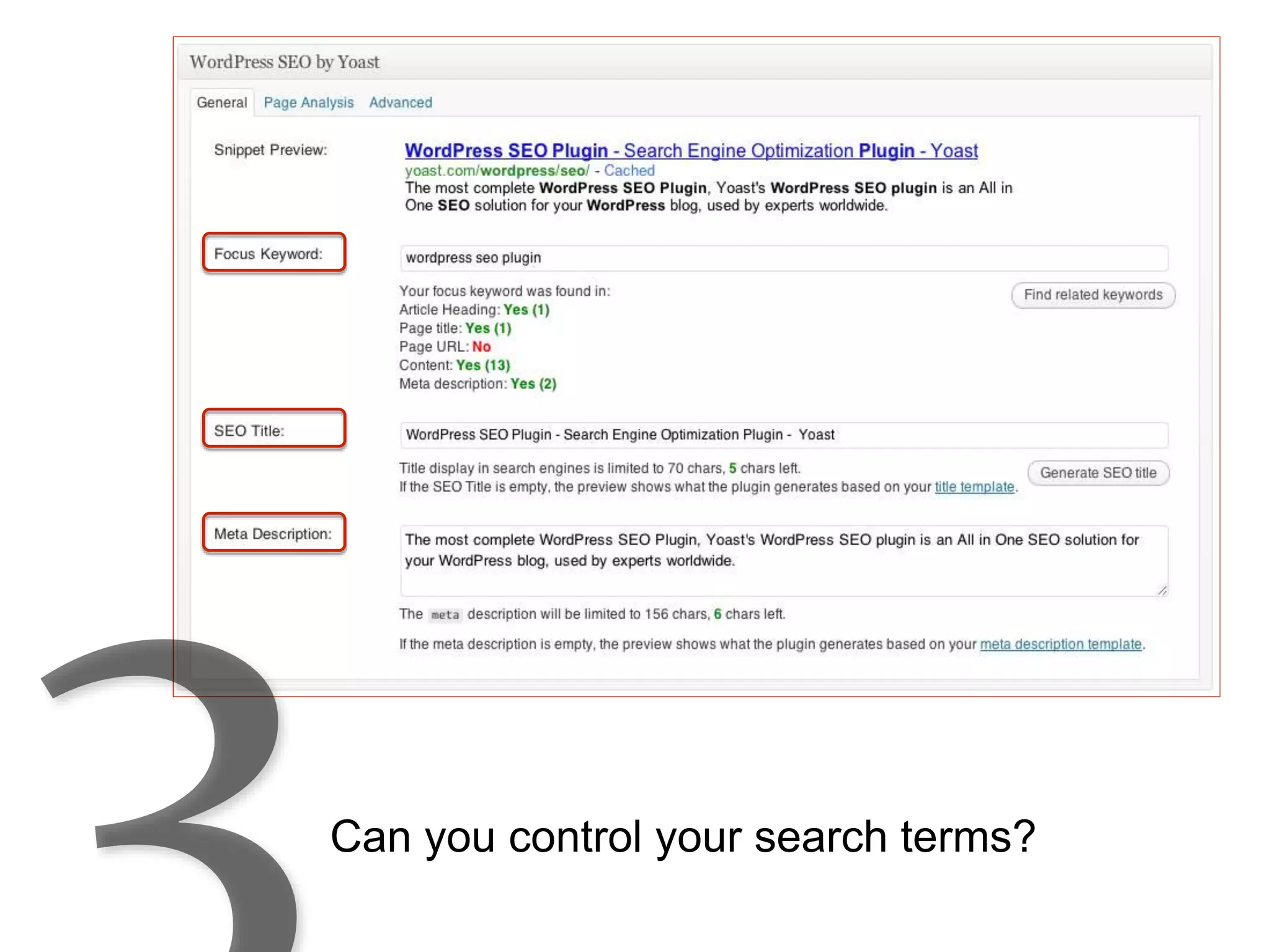
Can you control your search terms?
WordPress
WordPress is 24% of the web and is an example
of a good CMS (content management system)
WordPress
• 76.5 million sites run on WordPress (3/2015)
• # of sites built on WordPress in 2014 – 18 million
• 40 thousand plugin (there’s an app for that)
• “Out of the box” is 80% optimized for search
• Scalable, responsive, open source
Analytics
Do you know:
• How many people are visiting your site?
• Where they are coming from?
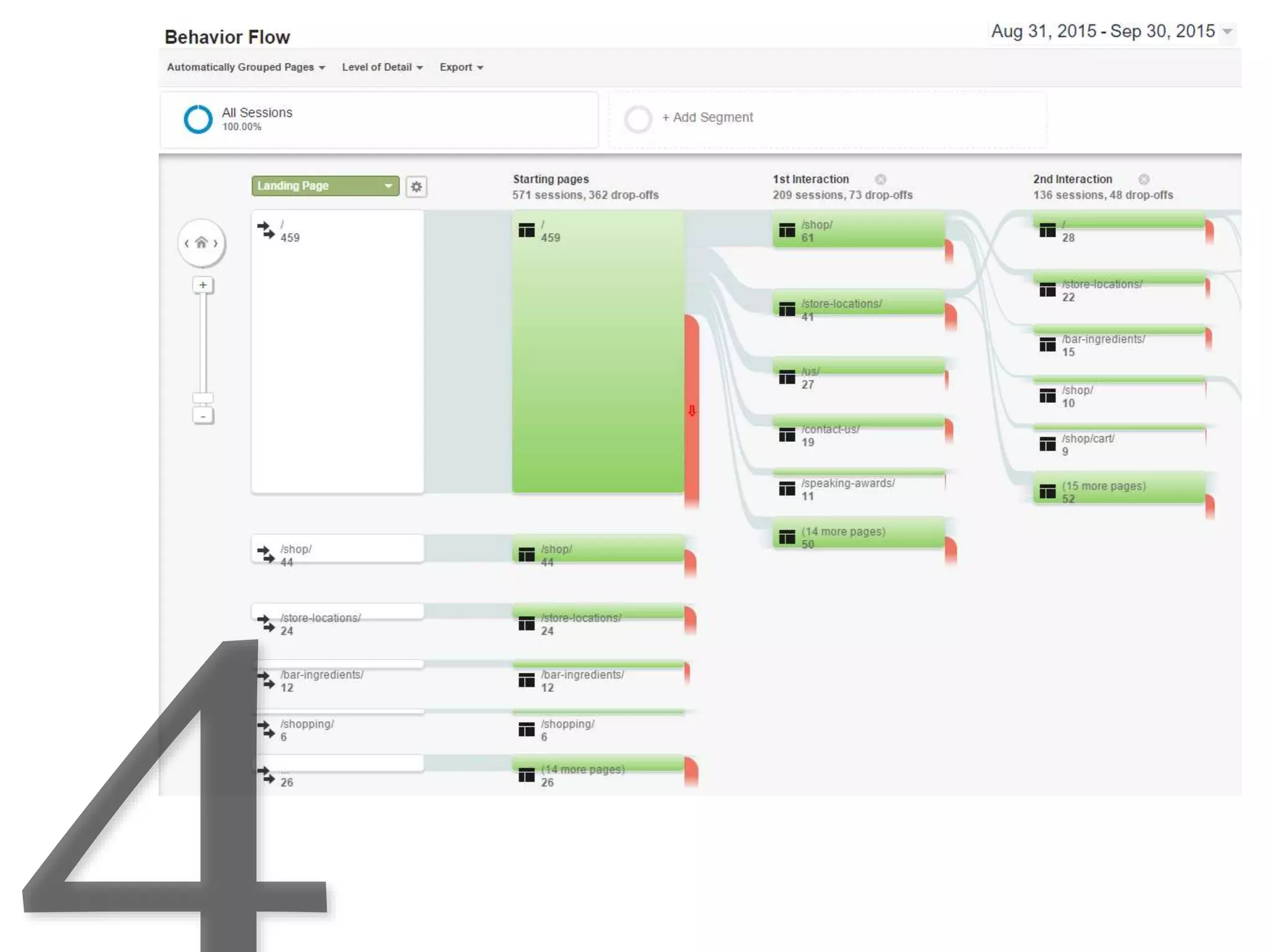
• What they are doing when they arrive?
Analytics
Why is that important?
By referring to these statistics you can:
• Improve the conversion from visitor to customer
• Understand your visitors, leads, prospect,
customers
• Learn what to do to optimize your website
Your Audience
• How many visits
• Were they new or returning visitors
• Demographics – what country, state, city are they
visiting from
• What browser are they using
• What device are they using
Analytics
Audience Behavior
• Where they first landed (homepage, landing page, etc.)
• What pages are most popular
• How long did they spend on your site
• Where they exited the site
Analytics
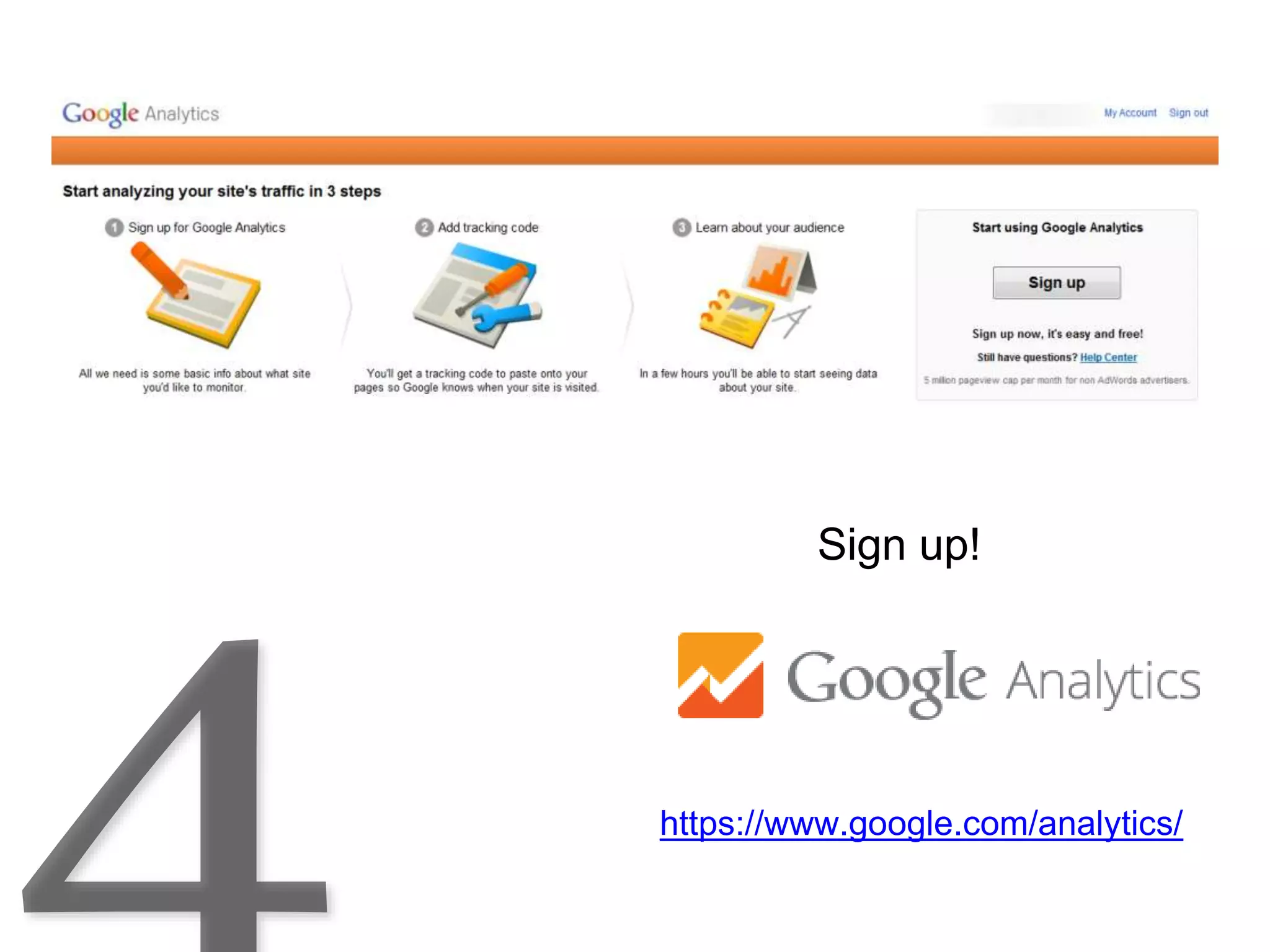
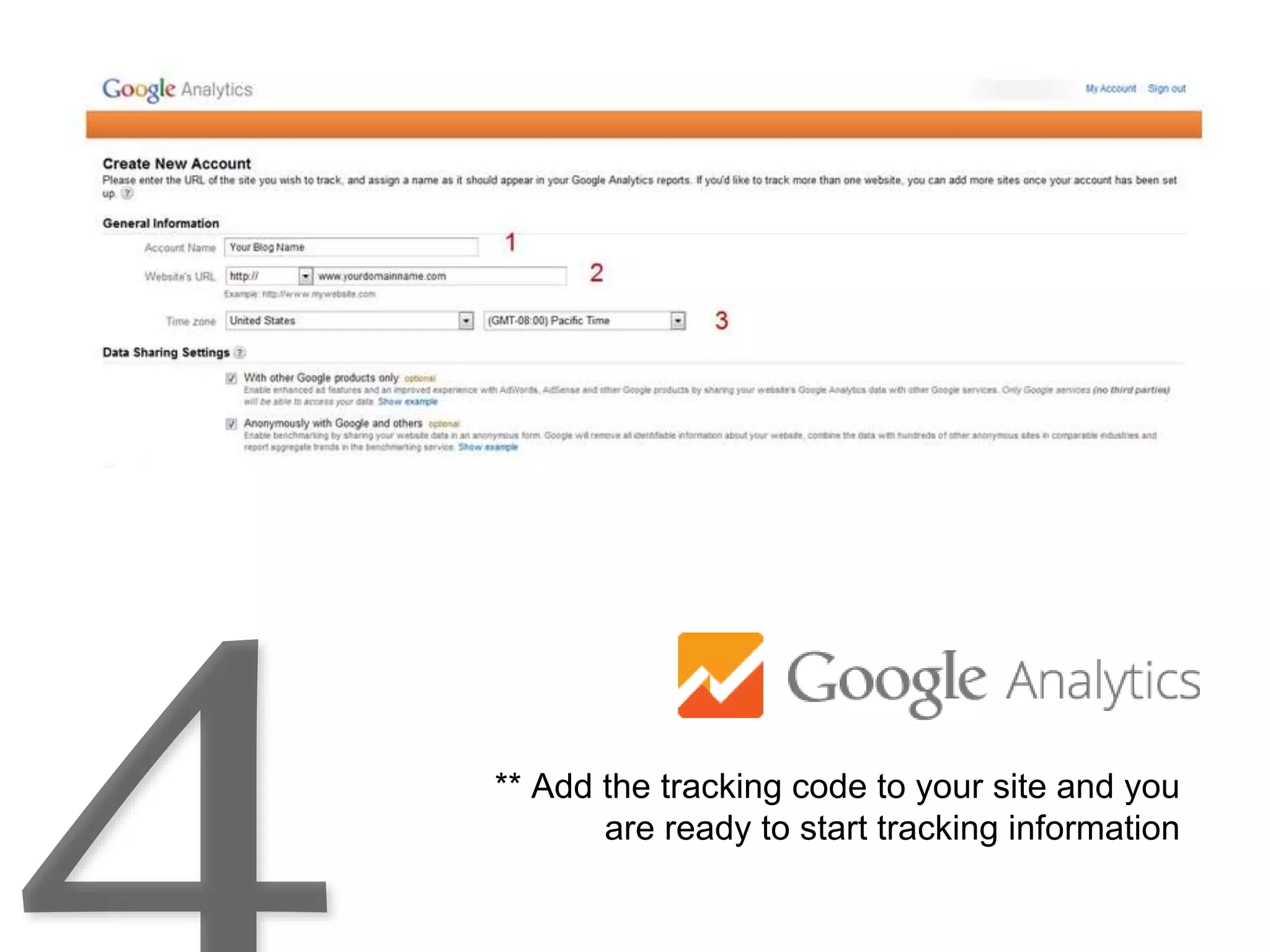
Google Analytics – it’s free!
Analytics
https://www.google.com/analytics/
Sign up!
** Add the tracking code to your site and you
are ready to start tracking information
https://www.google.com/analytics/
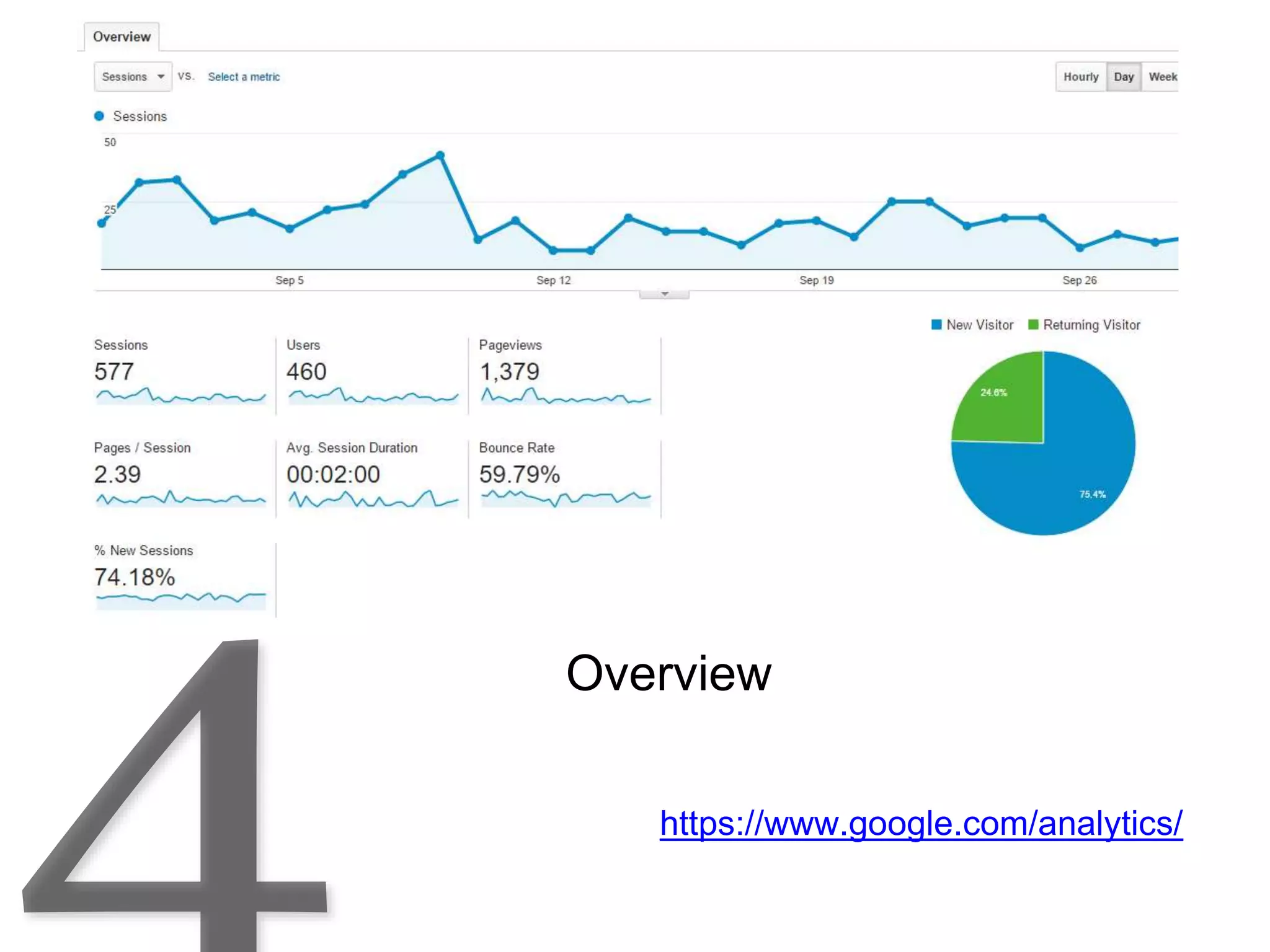
Overview
https://www.google.com/analytics/
NEW vs RETURNING
https://www.google.com/analytics/
Demographics
https://www.google.com/analytics/
Demographics
https://www.google.com/analytics/
Demographics
https://www.google.com/analytics/
Demographics
https://www.google.com/analytics/
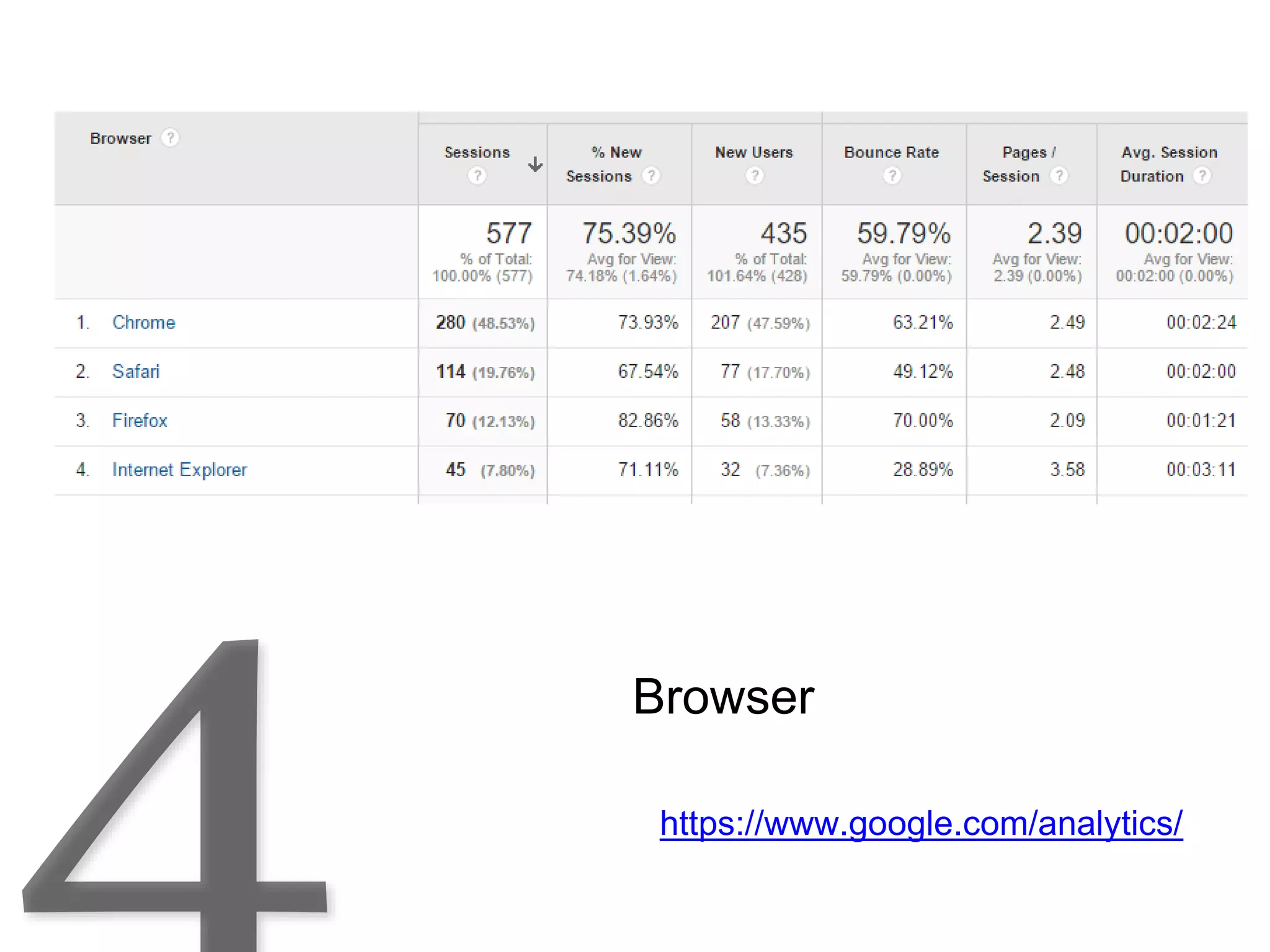
Browser
https://www.google.com/analytics/
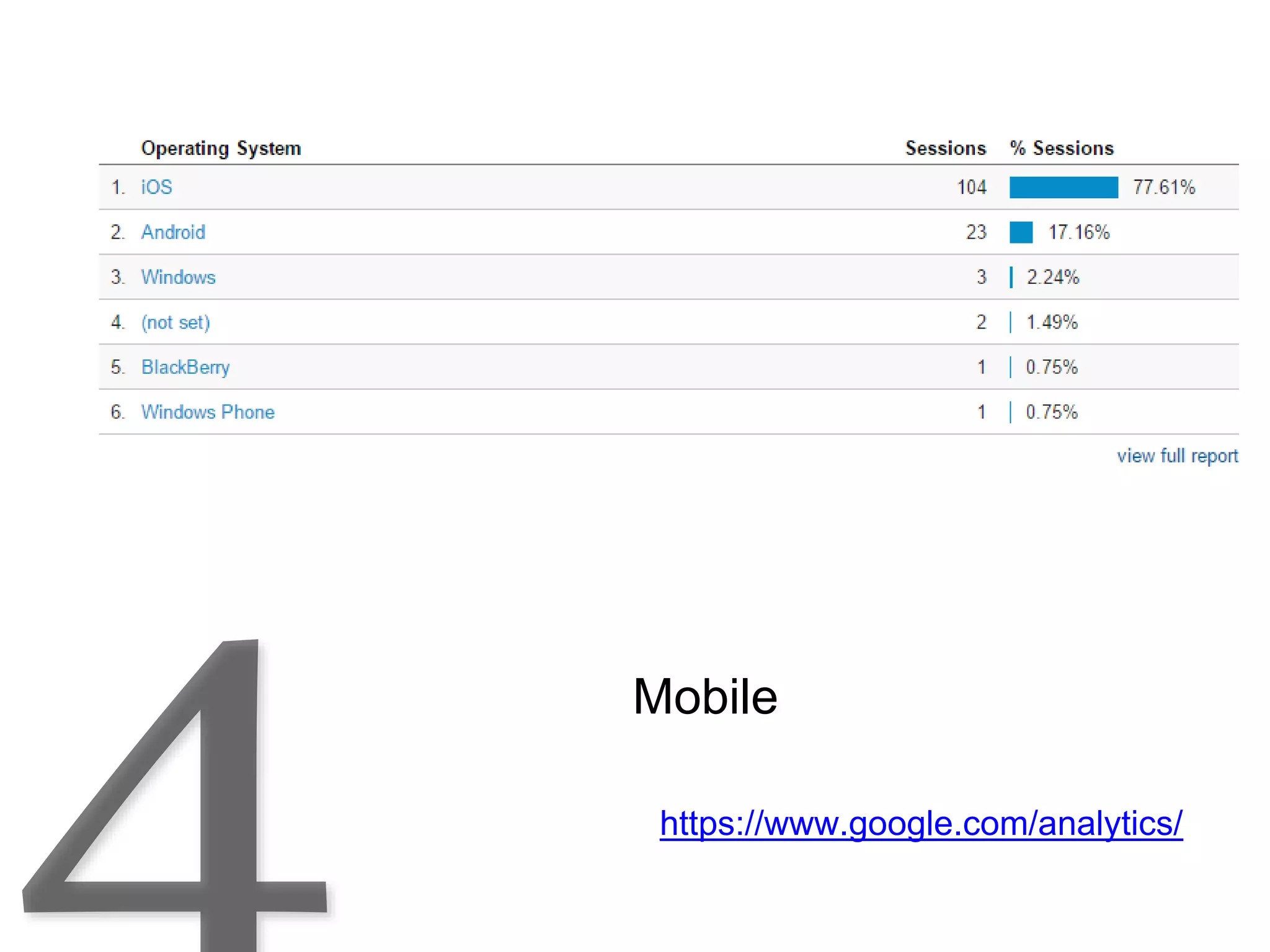
Mobile
https://www.google.com/analytics/
Page visits
1. Learn about your visitors via Analytics
2. Then make them your customers by
giving them the content they are
looking for
Analytics
Search Engine
Optimization
“SEO” is a process of affecting the visibility
of a website or a web page in a search
engine's "natural" or un-paid ("organic")
search .
The majority of web traffic is generated
through the major search engines: Google,
Yahoo, Bing
Search Engine
Optimization
• Do you have a “blog”? [Google likes new content]
• Is it easy to emphasis pages and posts, to tag, for
search?
• Do you have a content creation plan?
Content Creation and
Keyword Marketing
“Content is
King”
Planning and
writing your
content is only
part of the
process.
Content Creation and
Keyword Marketing
Quality Content is Key
You need to create original, quality content
that is valuable to visitors.
That will attract search engines to move you
up in the natural search rankings
Google.com/trends
Do I write about “content marketing” or “content creation”?
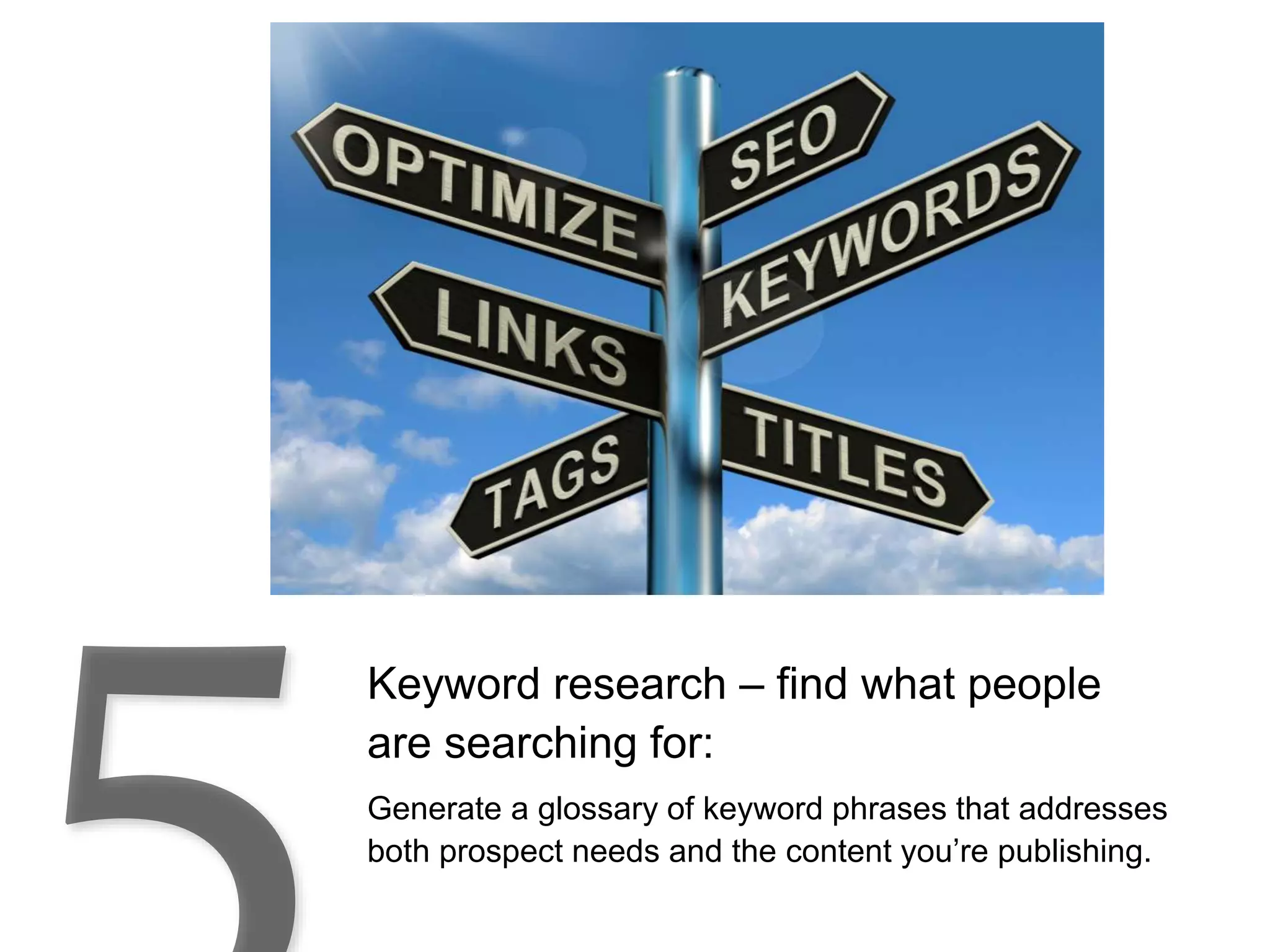
Keyword research – find what people
are searching for:
Generate a glossary of keyword phrases that addresses
both prospect needs and the content you’re publishing.
Some Key word research tools:
Keyword Discovery
Word Tracker
Google Keyword Planner
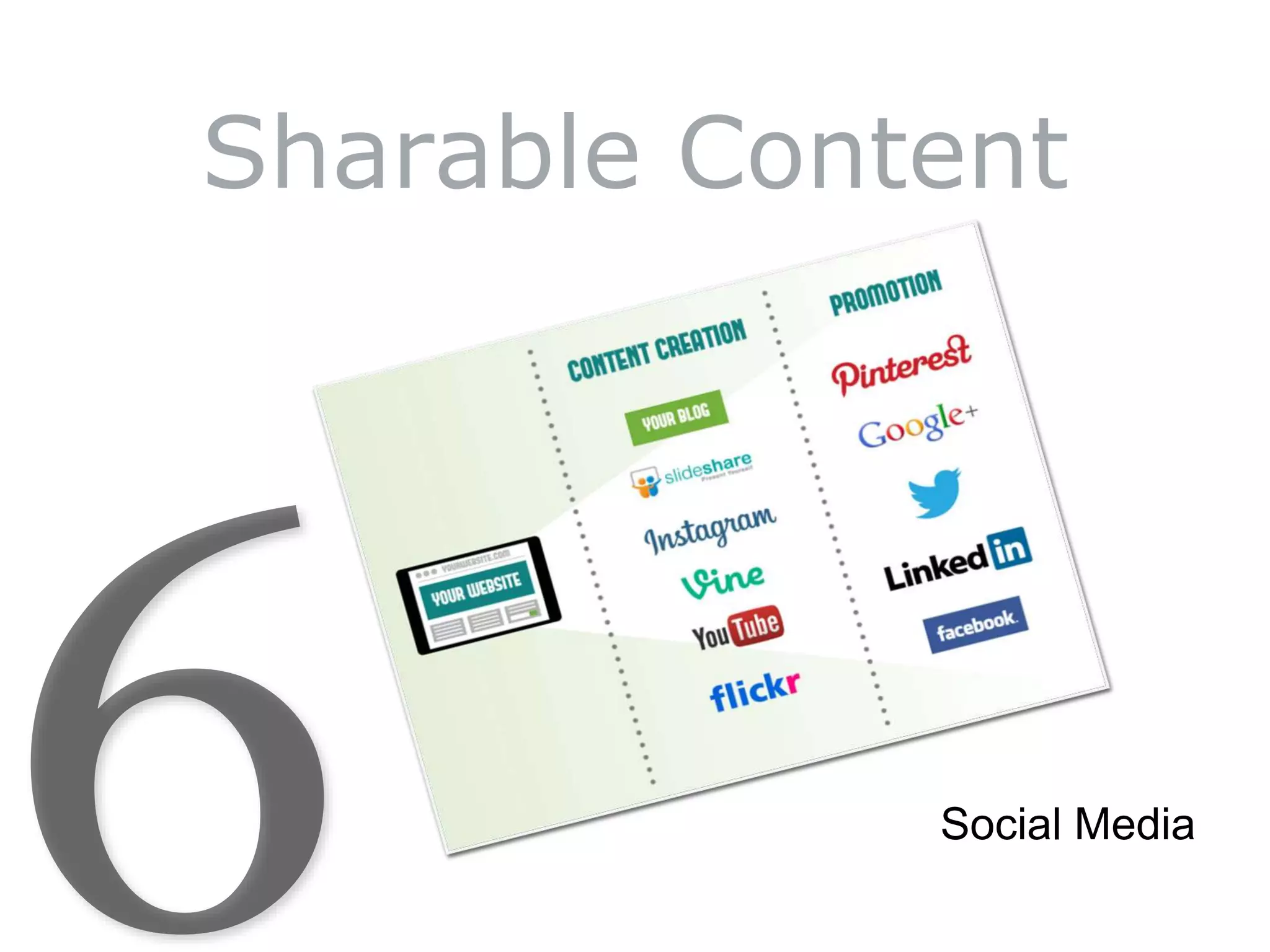
Sharable Content
Social Media
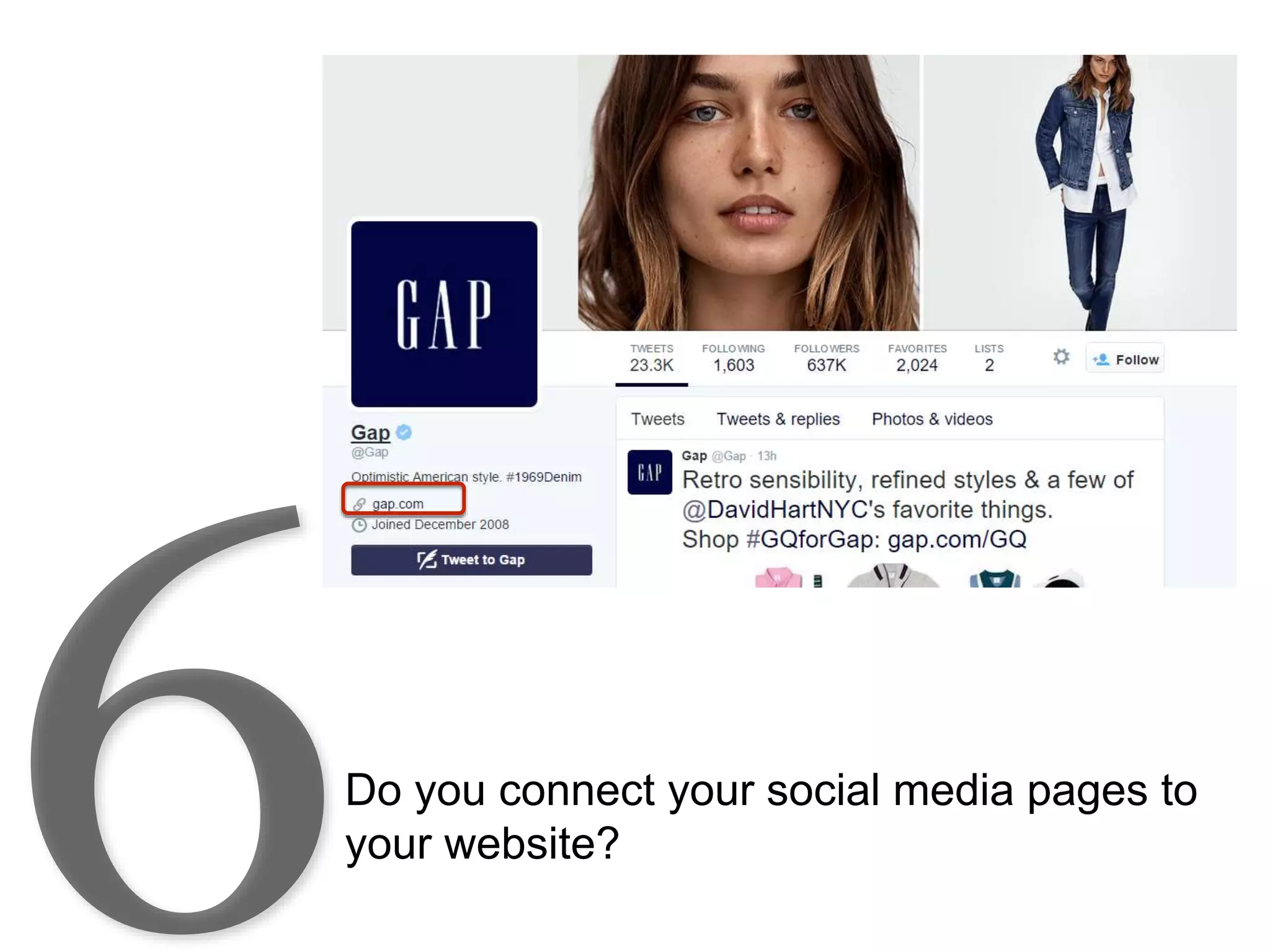
Do you connect your social media pages to
your website?
Do you connect your social media pages to
your website?
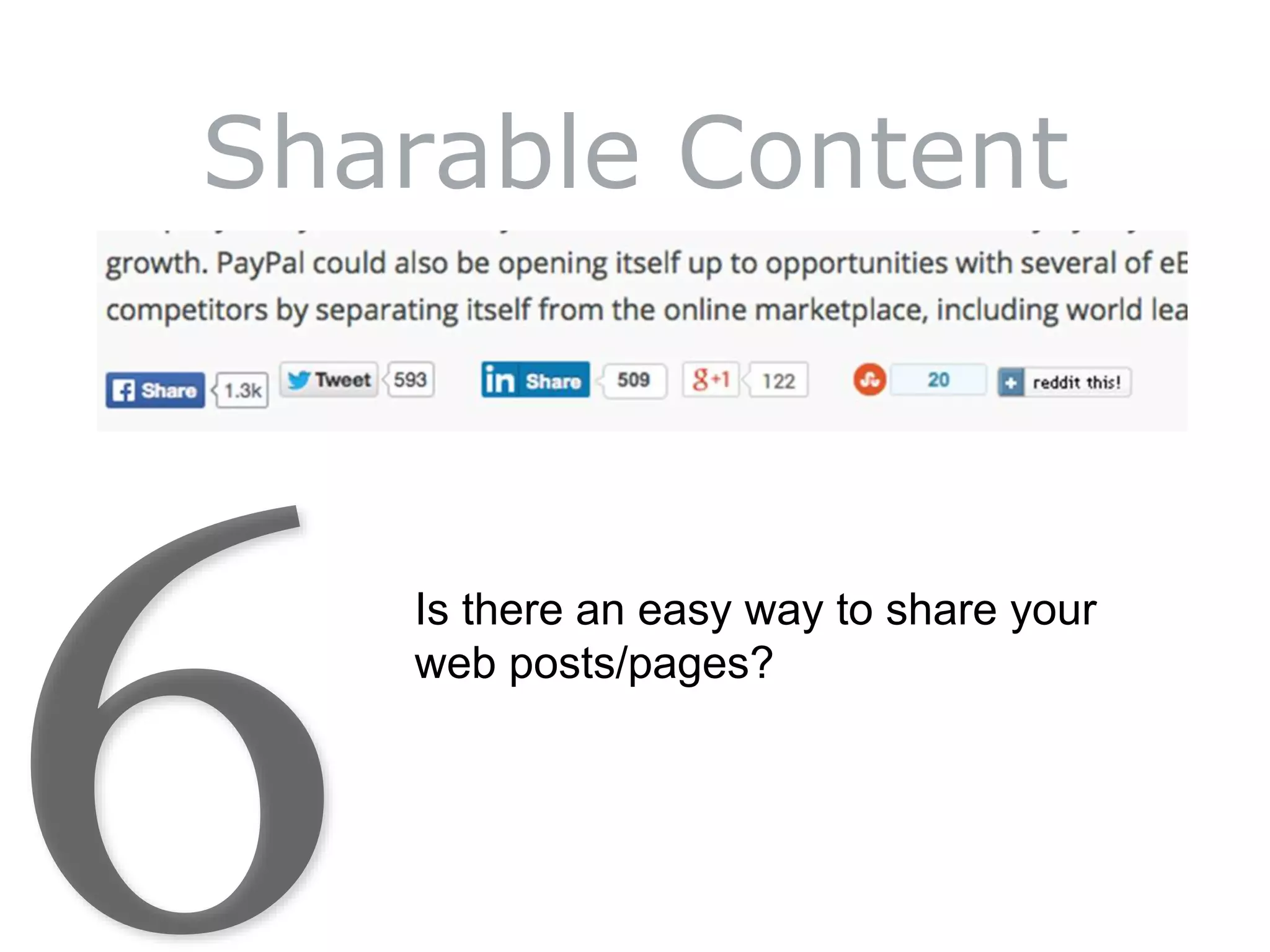
Sharable Content
Is there an easy way to share your
web posts/pages?
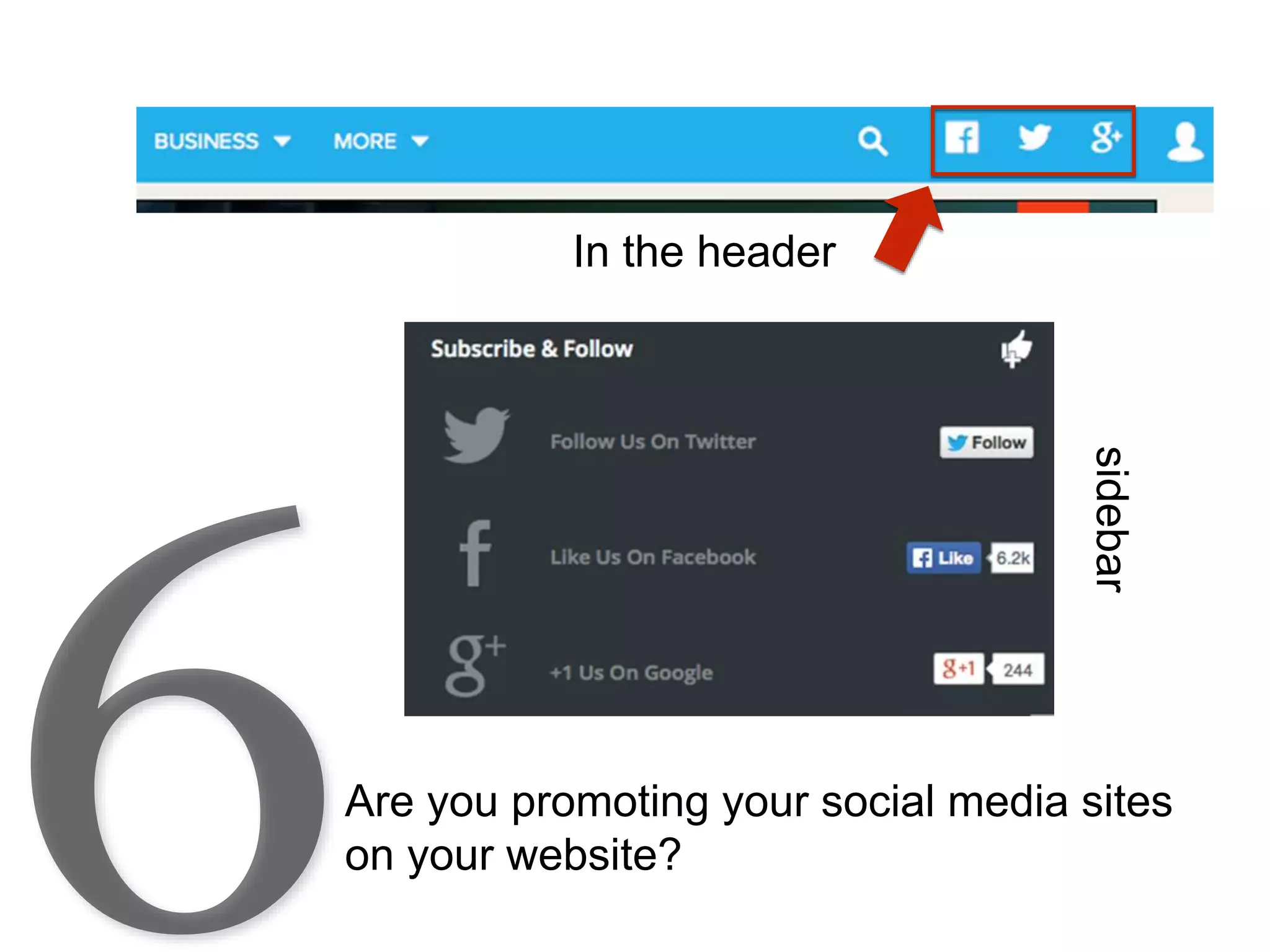
Are you promoting your social media sites
on your website?
In the header
sidebar
And in the Footer
Sharable Content Tip
10 Is the Magic Number
• Everyone loves lists.
• We love lists of 10 things most of all.
• 10-item lists on average received the most
social sharing.
• They had four times as many social shares on
average than the second most popular list
number: 23.
http://www.inc.com/jessica-stillman/5-ways-to-make-your-content-shareable.html
Sharable Content Tip
BuzzSumo found:
Tuesday may seem like a pretty dull day,
lacking the excitement of Friday, the
freshness of Monday, and even the
distinction of being "hump day,"
but apparently its very blah-ness means more
folks are on the lookout for interesting content
to brighten it up.
http://www.inc.com/jessica-stillman/5-ways-to-make-your-content-shareable.html
Sharable Content Tip
Write Headlines That Are Human
https://blog.bufferapp.com/shareable-content-social-media-research
Sharable Content Tip
Write Headlines That Are Emotional
https://blog.bufferapp.com/shareable-content-social-media-research
Advanced Marketing Institute makes a
free Headline Analyzer Tool
Existing Headline: How To Discover Your Passion
(EMV 20%)
Higher EMV Score: How To Find Your Passion
Before It’s Too Late (EMV 33%)
http://www.aminstitute.com/headline/
Sharable Content
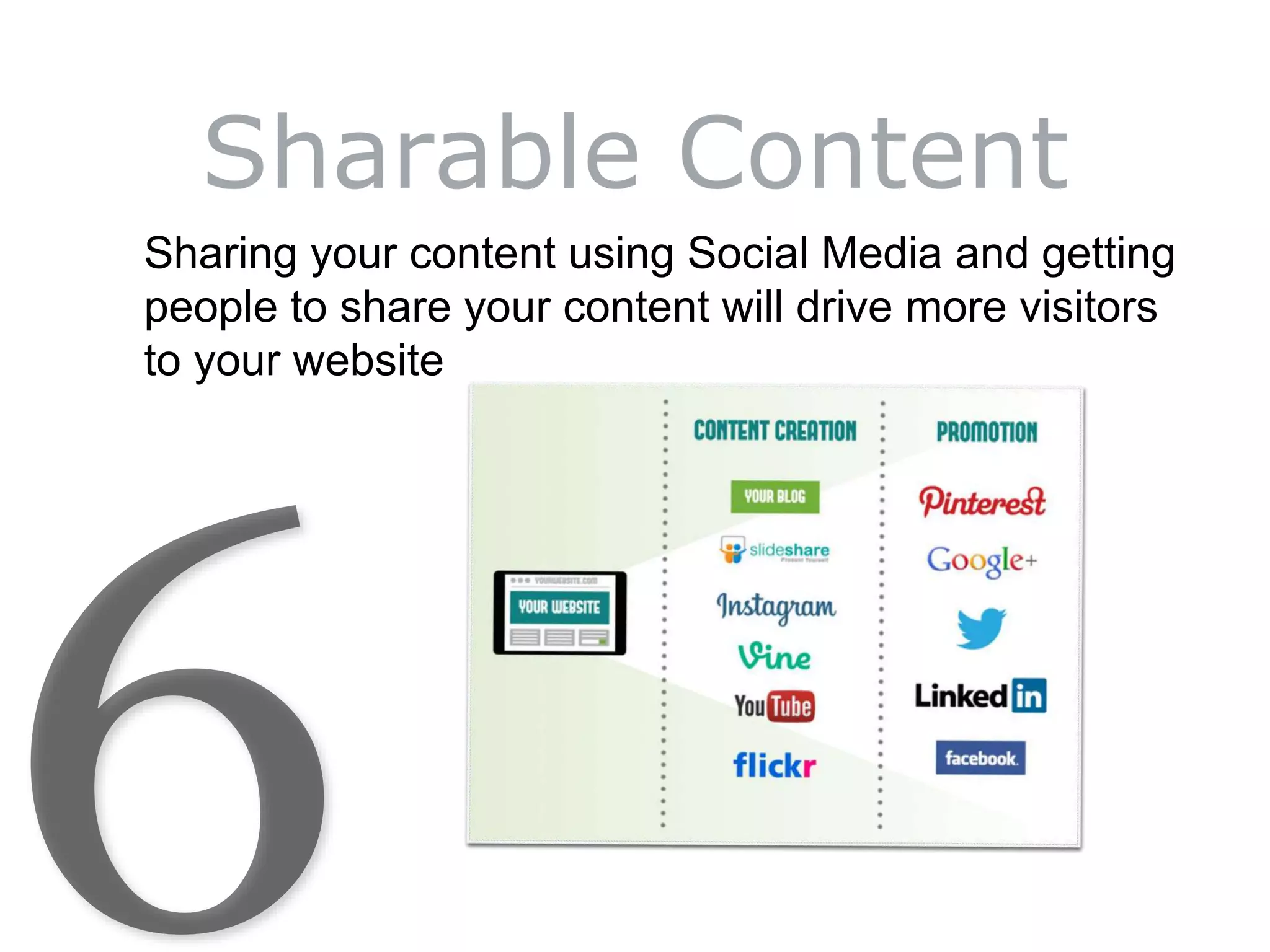
Sharing your content using Social Media and getting
people to share your content will drive more visitors
to your website
As of January 2014:
• 90% of American adults have a cell phone
• 58% of American adults have a smartphone
http://www.pewinternet.org/fact-sheets/mobile-technology-fact-sheet/
Tablets and Phones
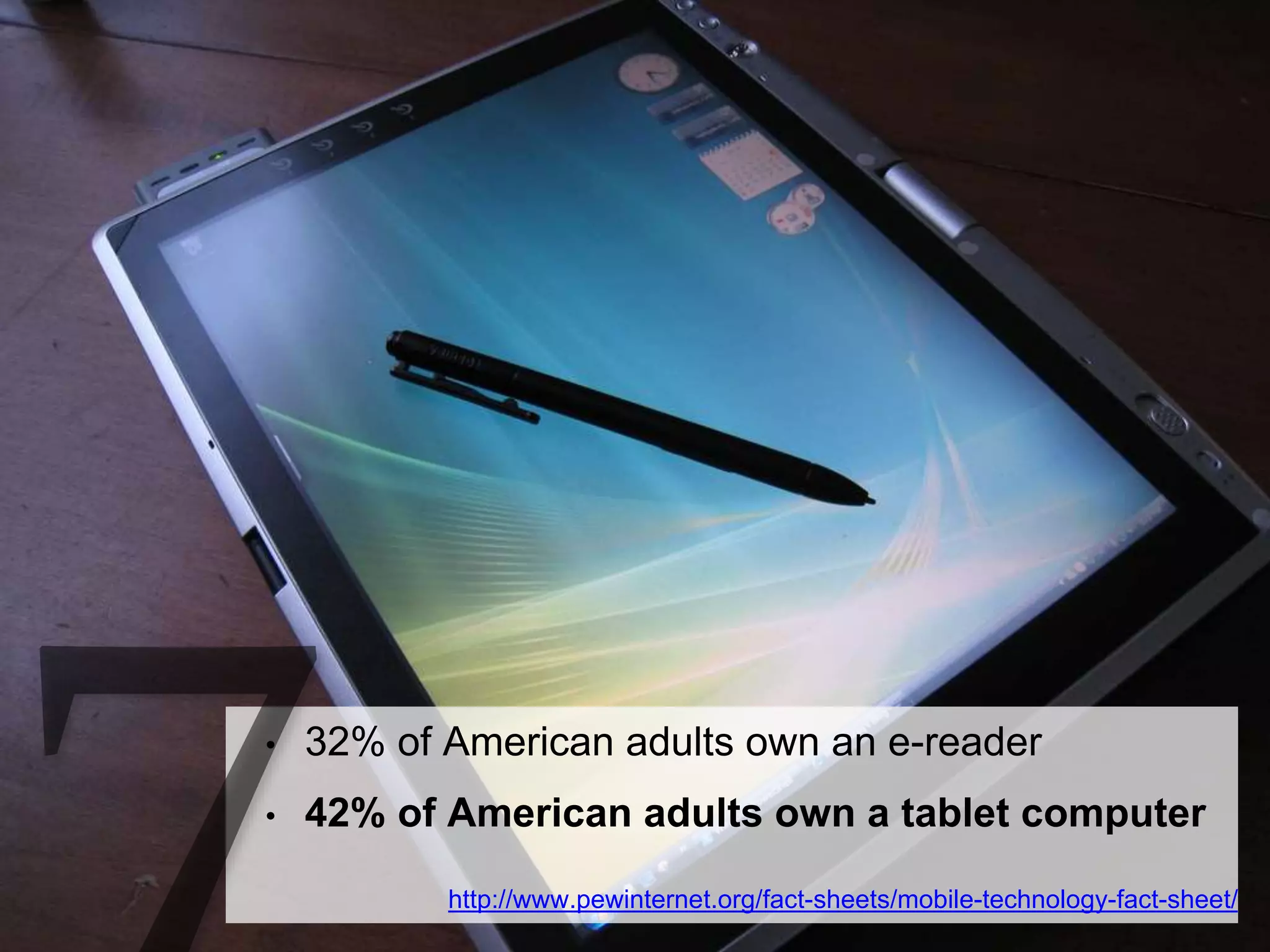
• 32% of American adults own an e-reader
• 42% of American adults own a tablet computer
http://www.pewinternet.org/fact-sheets/mobile-technology-fact-sheet/
Mobile devices accounted for 55% of
Internet usage in the United States
and growing
- January 2014
http://money.cnn.com/2014/02/28/technology/mobile/mobile-apps-internet/
Responsive design vs. Mobile
sites vs. Dynamic serving
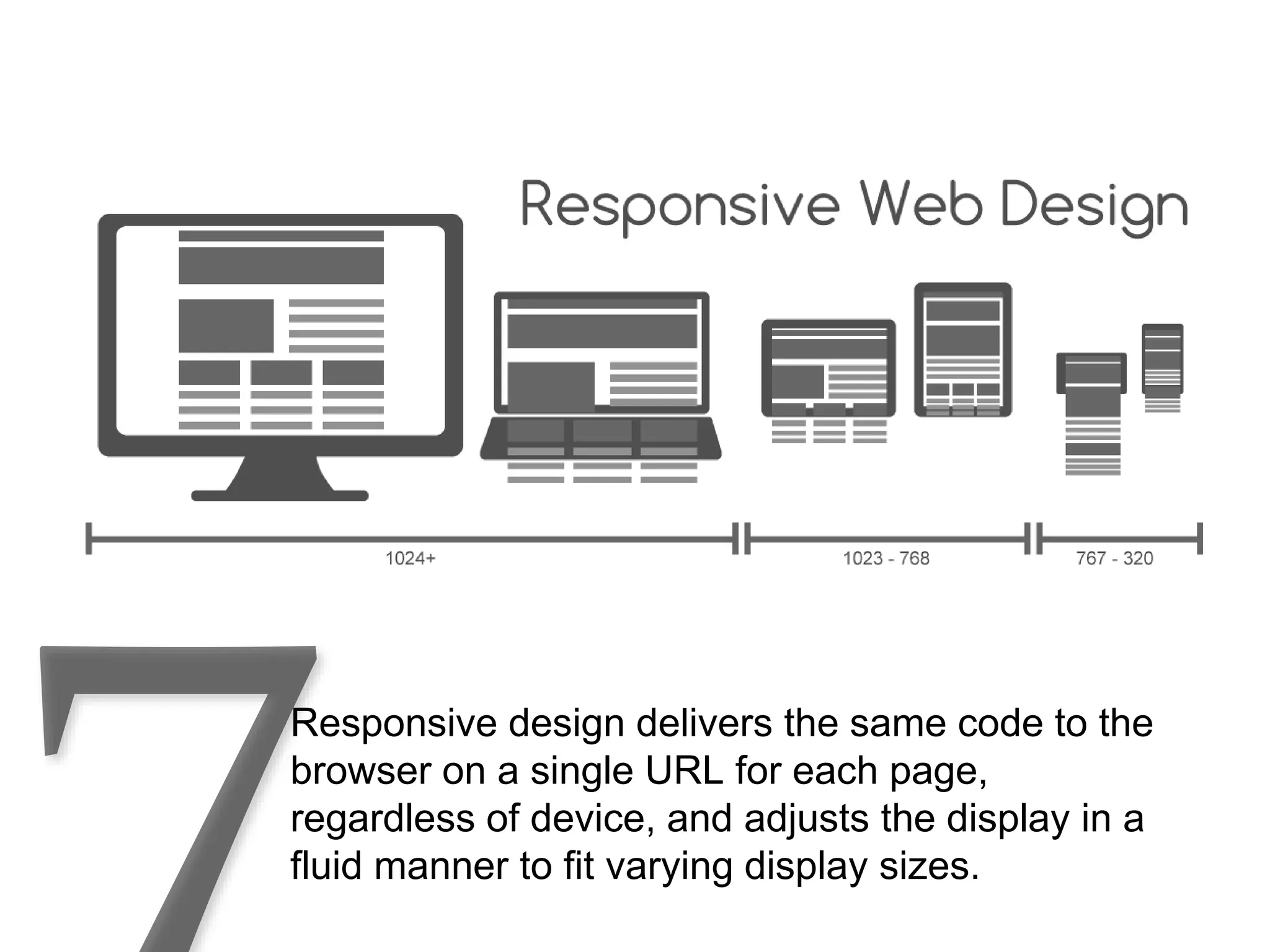
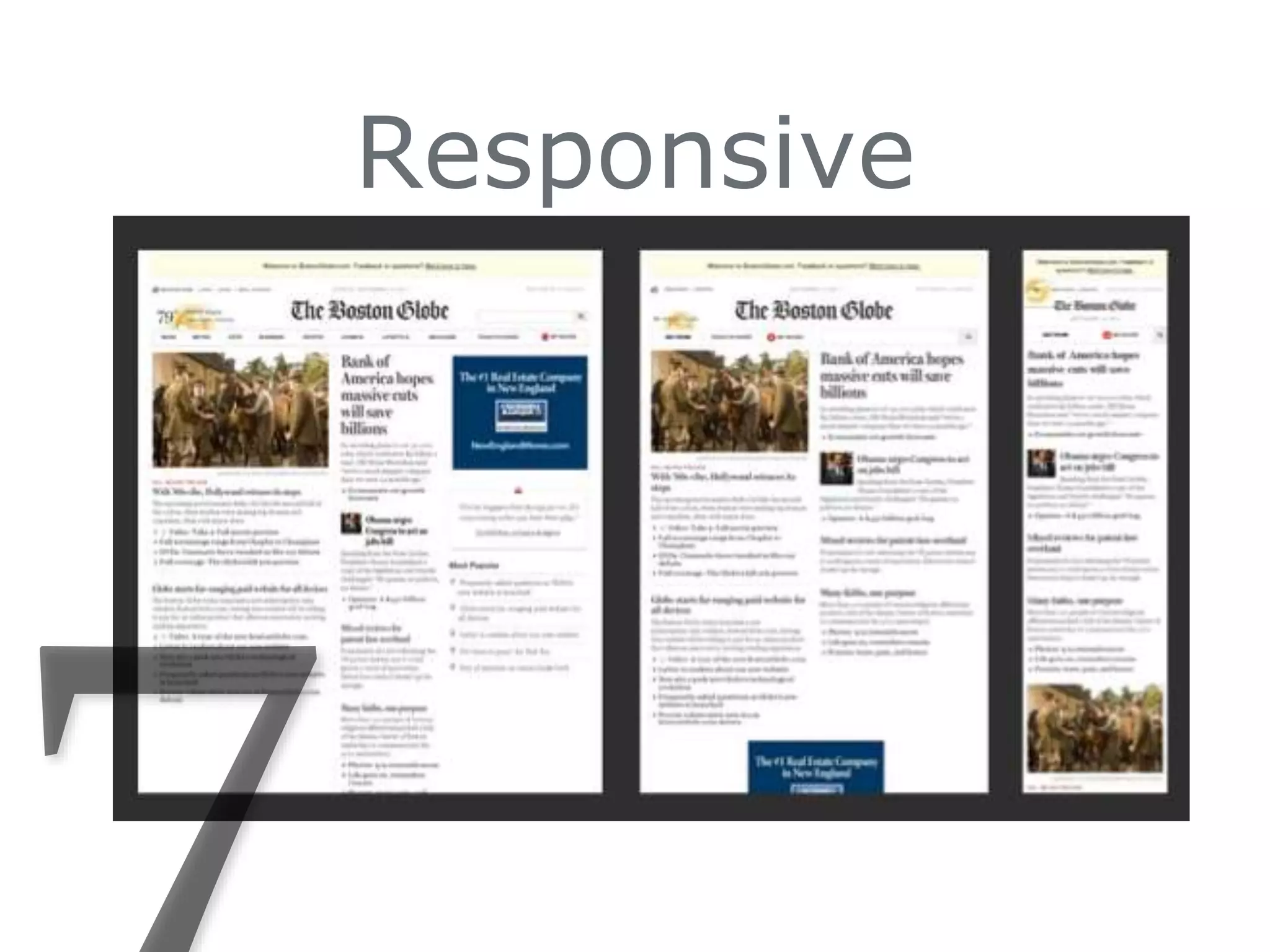
Responsive design delivers the same code to the
browser on a single URL for each page,
regardless of device, and adjusts the display in a
fluid manner to fit varying display sizes.
Responsive
Mobile sites
Separate website – different url (domain)
http://www.clickseed.com/seo/responsive-design-vs-separate-mobile-site-vs-dynamic-serving
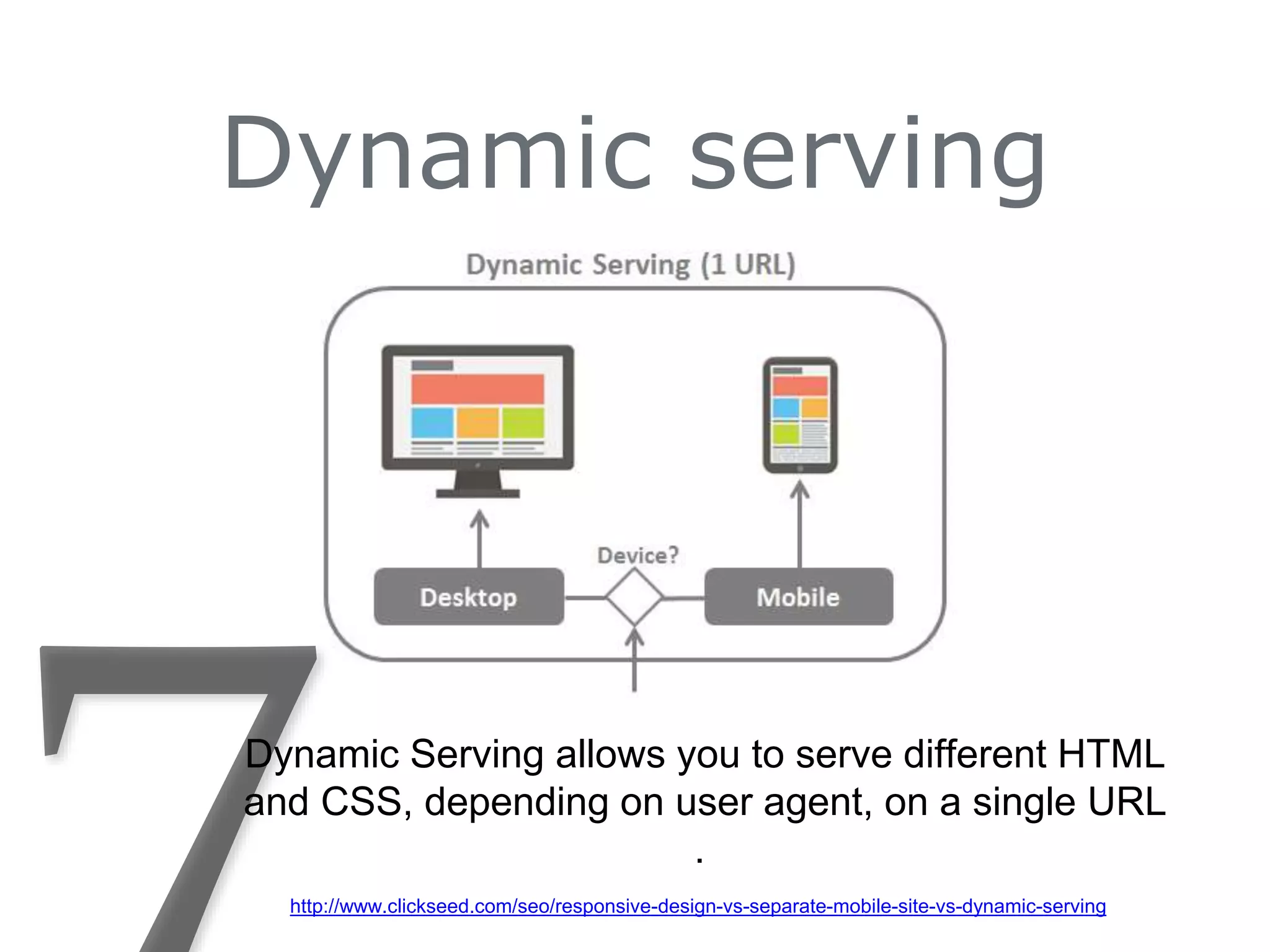
Dynamic serving
Dynamic Serving allows you to serve different HTML
and CSS, depending on user agent, on a single URL
.
http://www.clickseed.com/seo/responsive-design-vs-separate-mobile-site-vs-dynamic-serving
Tablets & Phone
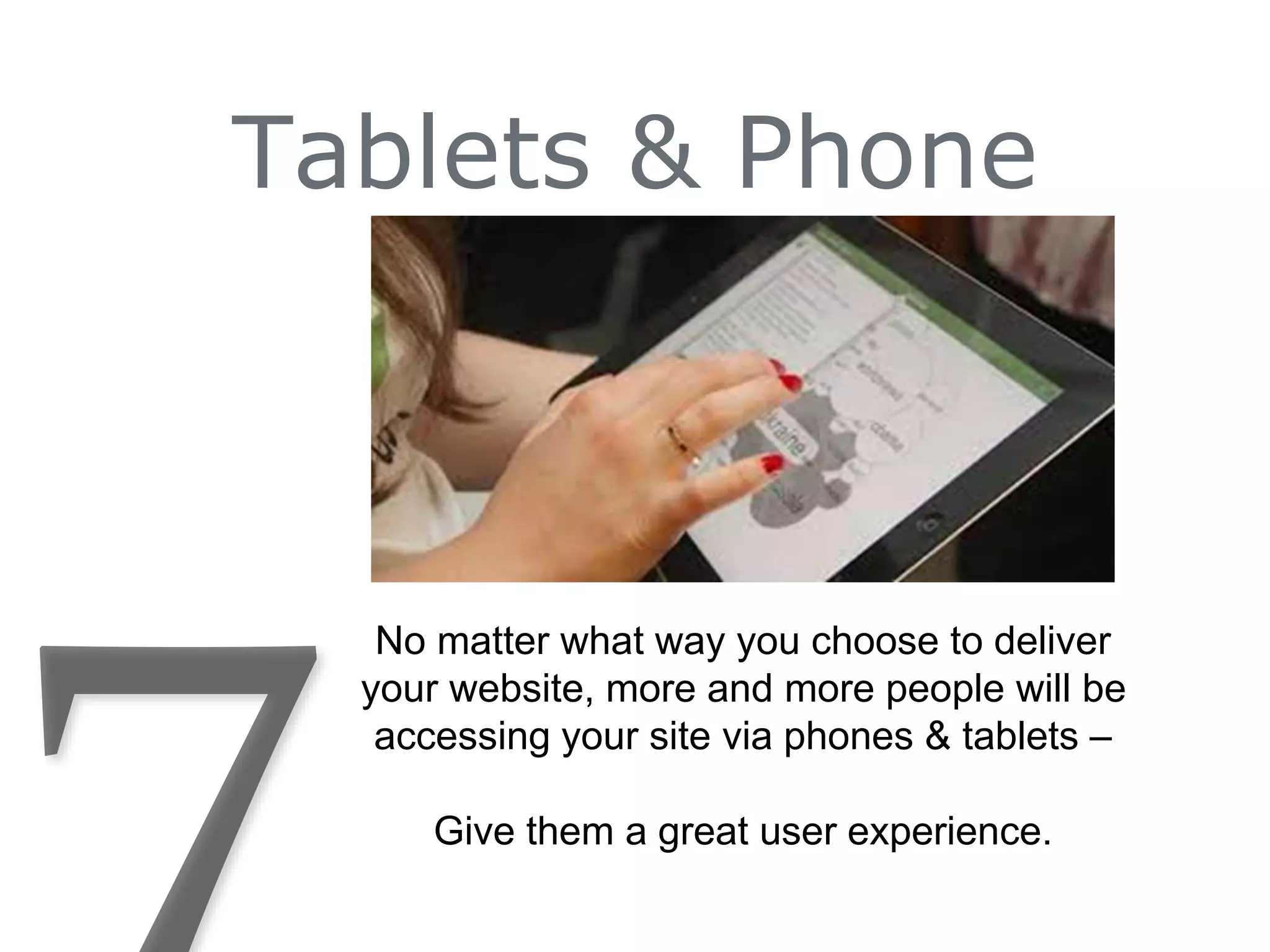
No matter what way you choose to deliver
your website, more and more people will be
accessing your site via phones & tablets –
Give them a great user experience.
Questions?
How does your website add up?
What are your next steps?
Twitter: Reikob or TechDayCamp
FaceBook: Tech Day Camp
Linkedin: ReikoBeach
Reiko@trbdesigns.com
phone: 781.987.1655
TRBDesigns.com TheToolboxInc.com
Let’s connect:
1. BRANDING
2. ORGANIZATION
3. CONTENT MANAGEMENT
4. ANALYTICS
5. SEO
6. SHARABLE CONTENT
7. TABLETS AND PHONES

7 Things You Need for a Business Website Oct-2015