Matt Pierce
TechSmith Corporation
@PIERCEMR
www.linkedin.com/in/matthewrpierce/
50 Tips for Making Better Videos
Preparation
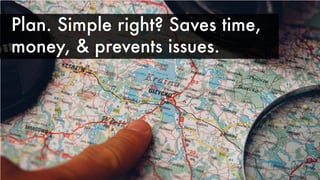
Plan. Simple right? Saves time,
money, & prevents issues.
Practice a workflow. Keeps things
moving & shows whatʼs missing.
Know the goals. Donʼt create
without a destination.
Learn about your audience, who they
are & design for them.
Write a script or create solid
outline. Be more concise & clearer.
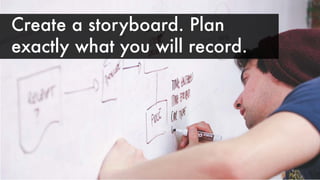
Create a storyboard. Plan
exactly what you will record.
Get feedback from multiple people. The more
critical the better. Tear it apart yourself.
Gather assets before starting.
Audio
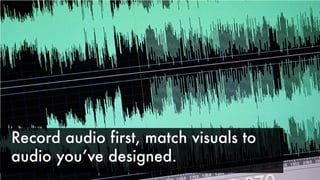
Record audio first, match visuals to
audio youʼve designed.
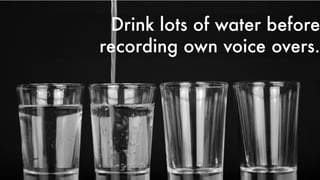
Drink lots of water before
recording own voice overs.
Trust your voice. You can use VO
talent, but you have a great voice too.
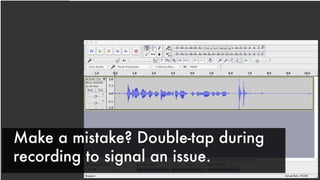
Make a mistake? Double-tap during
recording to signal an issue.
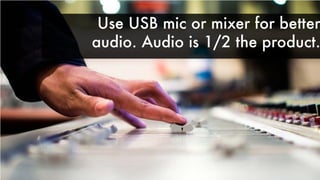
Use USB mic or mixer for better
audio. Audio is 1/2 the product.
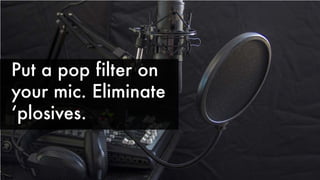
Put a pop filter on
your mic. Eliminate
ʻplosives.
Check, check, check the mic! Too close/
far sounds bleh. Watch for noises.
Test audio levels in different scenarios:
Headphones, laptop, desk speakers.
Test audio levels. Too hot will distort,
too low hard to hear. Both hard to fix.
Music is great, but not for all videos.
Turn it down, unless itʼs the focus.
Production
Remove the oil & shine from
talent with rice paper.
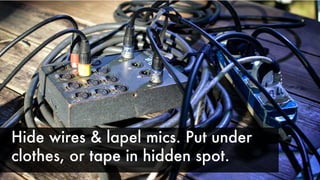
Hide wires & lapel mics. Put under
clothes, or tape in hidden spot.
www.linkedin.com/in/matthewrpierce/
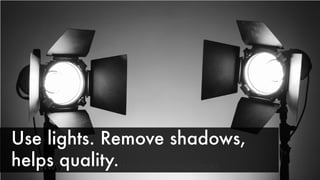
Use lights. Remove shadows,
helps quality.
Canʼt buy gear? Rent nice cameras
& lenses to use.
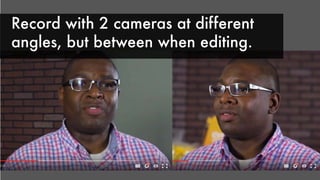
Record with 2 cameras at different
angles, but between when editing.
Record lots of b-roll to help with
transition between cuts.
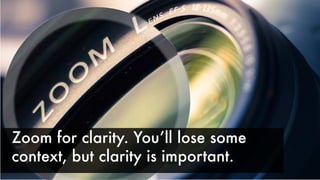
Zoom for clarity. Youʼll lose some
context, but clarity is important.
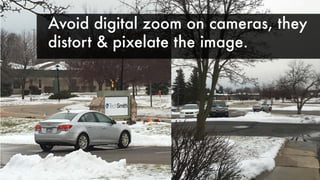
Avoid digital zoom on cameras, they
distort & pixelate the image.
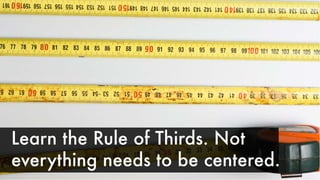
Learn the Rule of Thirds. Not
everything needs to be centered.
Keep clips short. Lots of time spent on
same clip can be dull. Mix it up.
Keep things moving. Even little moves
draw focus. Have purpose.
Speed up or slow down video clips
for effect, to save or fill time.
Add transitions. Professionals use jump cut
or dissolve(fade). Keep star wipe at home.
If using ʻwackyʼ transitions, use them
with purpose not because theyʼre cool.
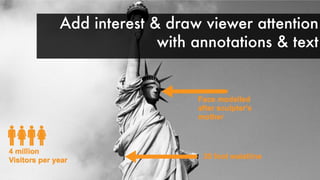
Add interest & draw viewer attention
with annotations & text
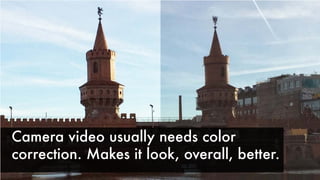
Camera video usually needs color
correction. Makes it look, overall, better.
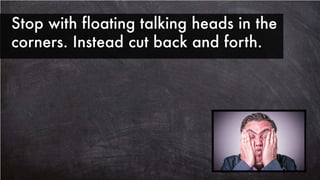
Stop with floating talking heads in the
corners. Instead cut back and forth.
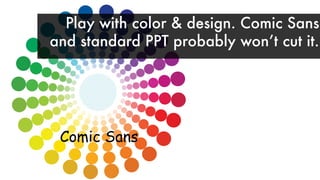
Comic Sans
Play with color & design. Comic Sans
and standard PPT probably wonʼt cut it.
Bacon ipsum dolor amet ribeye minim capicola
laborum kielbasa magna andouille shoulder. Turkey
jerky bresaola dolore eu tail ex bacon t-bone. Adipi-
sicing pork chop ground round flank tri-tip salami
cillum anim reprehenderit t-bone. Short loin quis
fugiat tempor beef, turducken adipisicing ut lorem.
Beef ribs pastrami dolor kevin porchetta cupim
boudin pork belly. Ball tip pork loin cupidatat beef
ribs tri-tip pork chop. Sint laborum voluptate rump.
Ipsum spare ribs qui dolore consectetur, pork chop
sirloin exercitation. Quis ham est elit incididunt
aliqua bresaola filet mignon salami adipisicing
spare ribs. Ut dolore short loin ex anim, pork loin
ham hock commodo jerky pariatur magna incidi-
dunt filet mignon. Salami fugiat velit beef rump ut
excepteur proident. Consequat eiusmod beef ribs
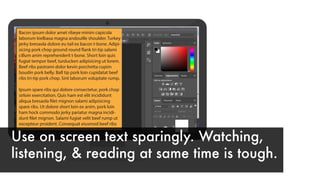
Use on screen text sparingly. Watching,
listening, & reading at same time is tough.
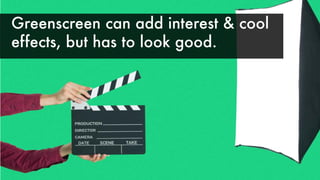
Greenscreen can add interest & cool
effects, but has to look good.
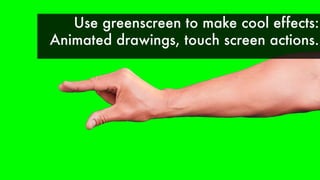
Use greenscreen to make cool effects:
Animated drawings, touch screen actions.
Be kind & SEO smart. Add captions
for accessibility & SEO.
Screencasting
Setup user profile
that is clean &
ready. Keep your
messy desktop
messy.
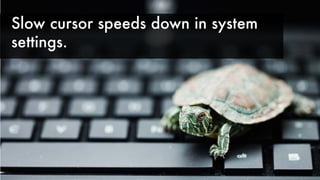
Slow cursor speeds down in system
settings.
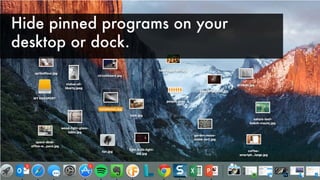
Hide pinned programs on your
desktop or dock.
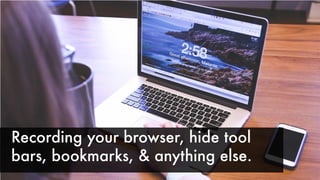
Recording your browser, hide tool
bars, bookmarks, & anything else.
Turn off notifications when recording
screen.
Double check final dimensions. Donʼt
make the wrong sized video. Optimize.
Close unneeded apps during
recording & plug in your machine.
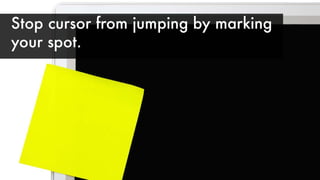
Stop cursor from jumping by marking
your spot.
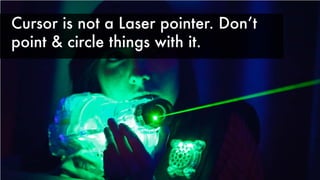
Cursor is not a Laser pointer. Donʼt
point & circle things with it.
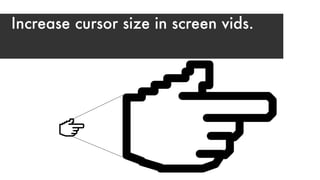
Increase cursor size in screen vids.
Matt Pierce
TechSmith Corporation
Email for Presentation
pierce.preso@gmail.com
Use subject: ATDTK2016
@PIERCEMR

50 Tips (Yes 50!) for Video