How did you use new media
technologies in the planning and
   research, construction and
       evaluation stages?
BLOGGER
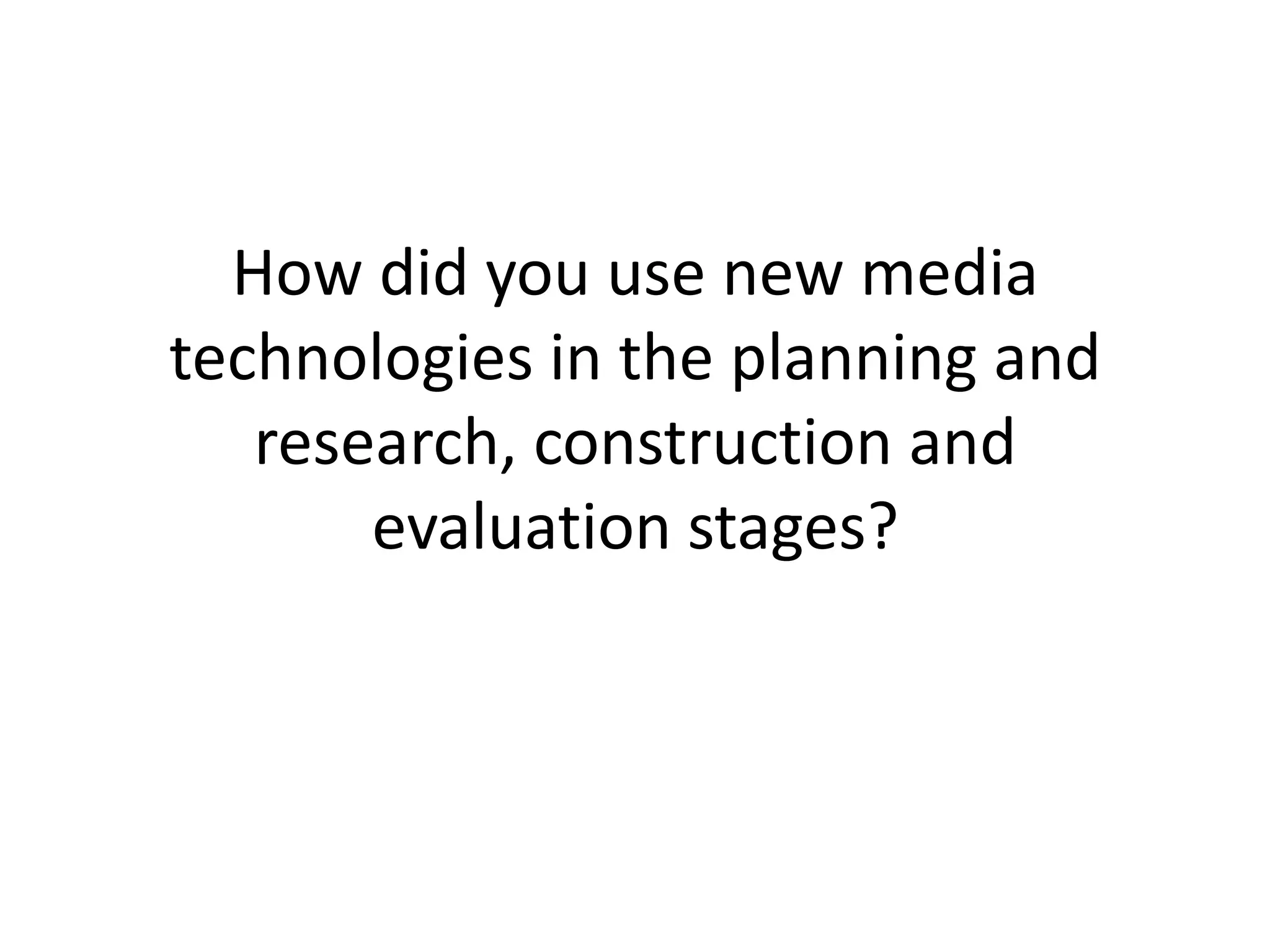
   I used the same blog from last year,
   however, changed my blogger address.
   This site is easy to use and work around. I
   am able to directly write into the space
   provided, copy and past work
   from Microsoft Word (ensure spelling is
   correct) or copy the embed code straight
   onto my blog as I used Slideshare
   numerous times.

   I was able to change the structure of my
   blog by changing the published date –
   allowing my blog to be presented in an
   orderly fashion.
USB
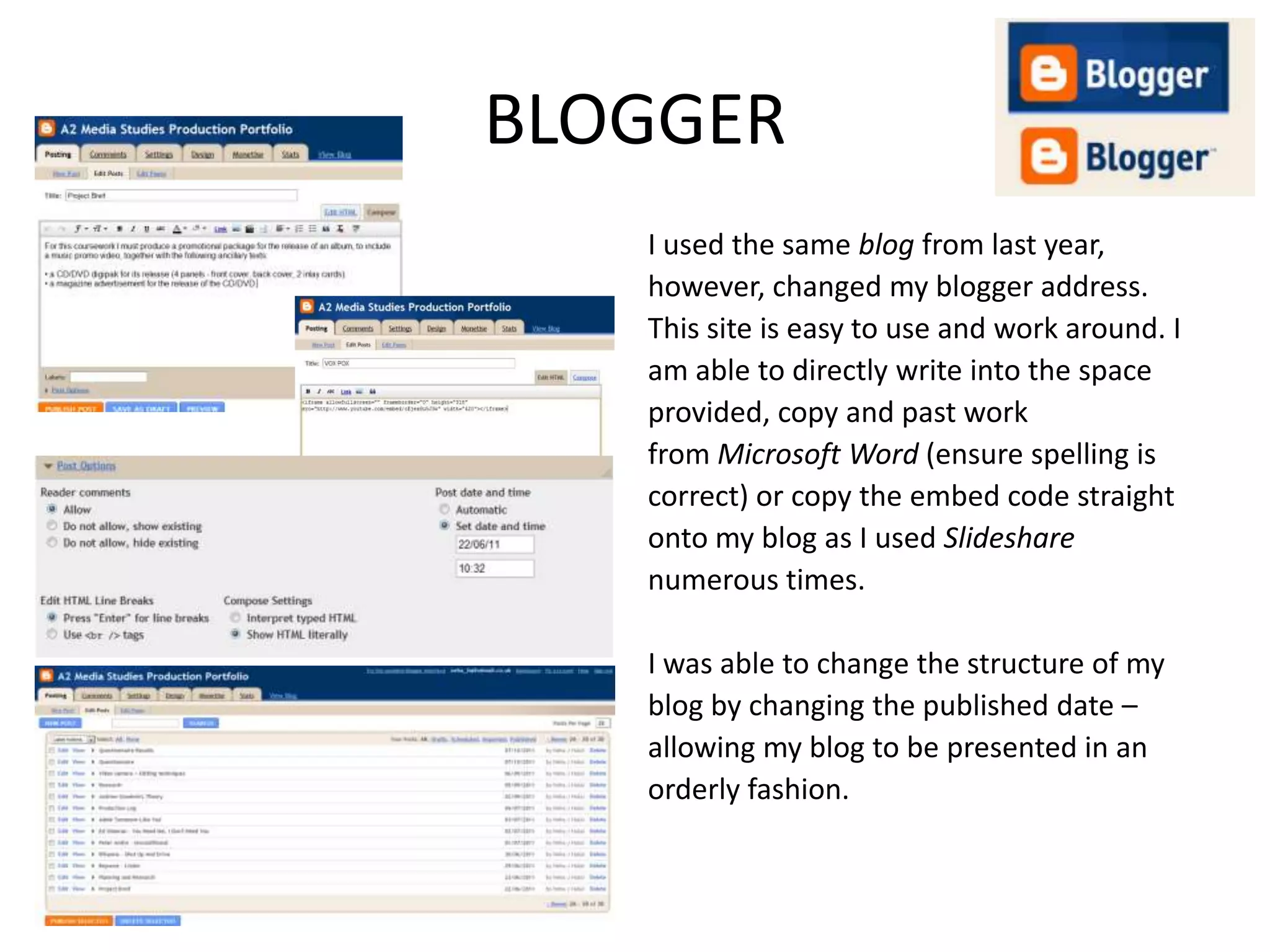
 Throughout the coursework, I used two
 USBs.
 I used one to store all my planning and
 research, pictures, and evaluation. I used
 the other one to store my Photoshop files
 as the second USB had more gigabyte.
Hotmail
   I found Hotmail was the best way to
   communicate with the musician (Amy
   Piner) who let us use her music and with
   my group as I was able to send them
   emails showing them my ideas for
   example for the CD covering and
   magazine advert.
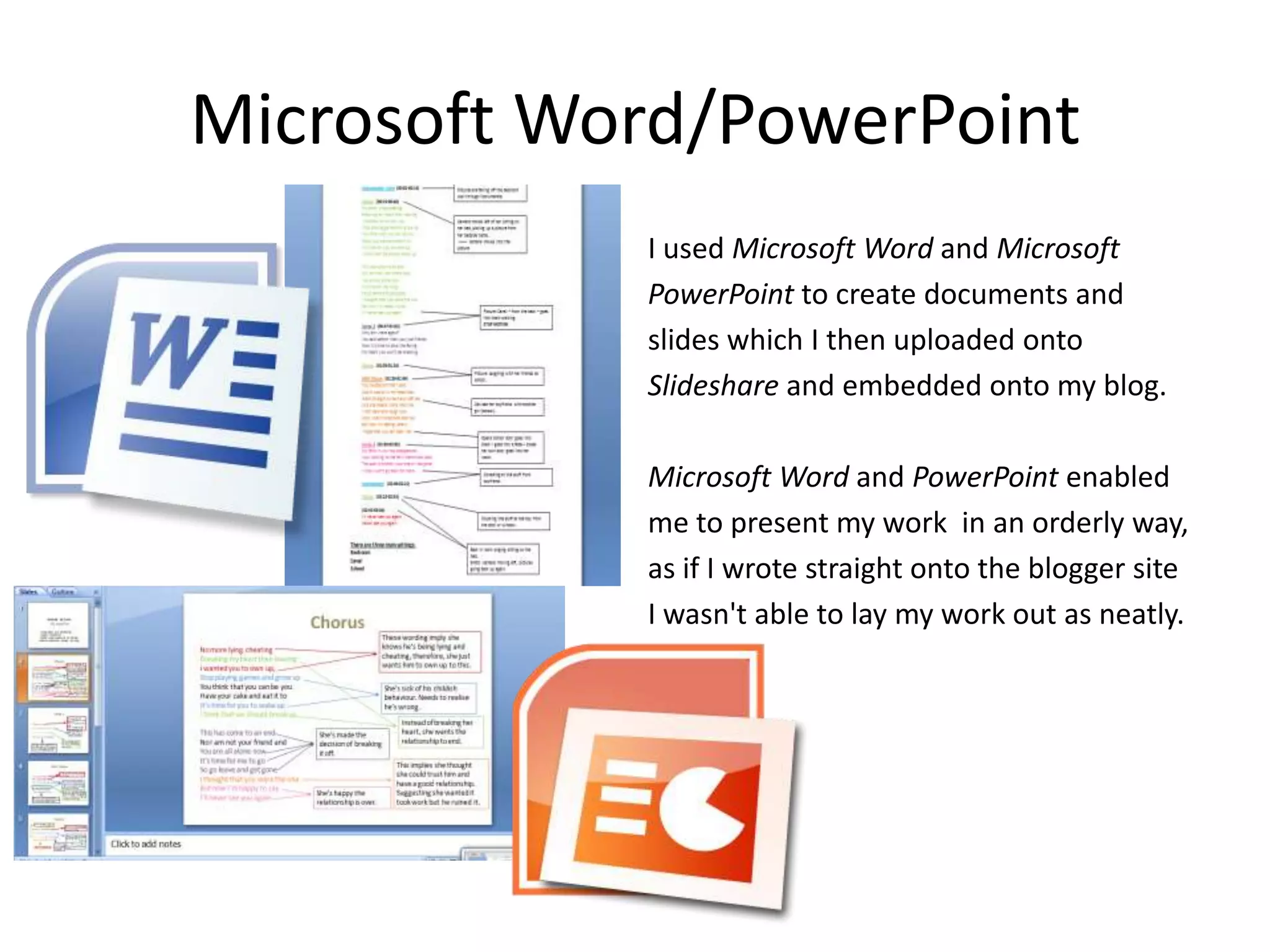
Microsoft Word/PowerPoint
            I used Microsoft Word and Microsoft
            PowerPoint to create documents and
            slides which I then uploaded onto
            Slideshare and embedded onto my blog.

            Microsoft Word and PowerPoint enabled
            me to present my work in an orderly way,
            as if I wrote straight onto the blogger site
            I wasn't able to lay my work out as neatly.
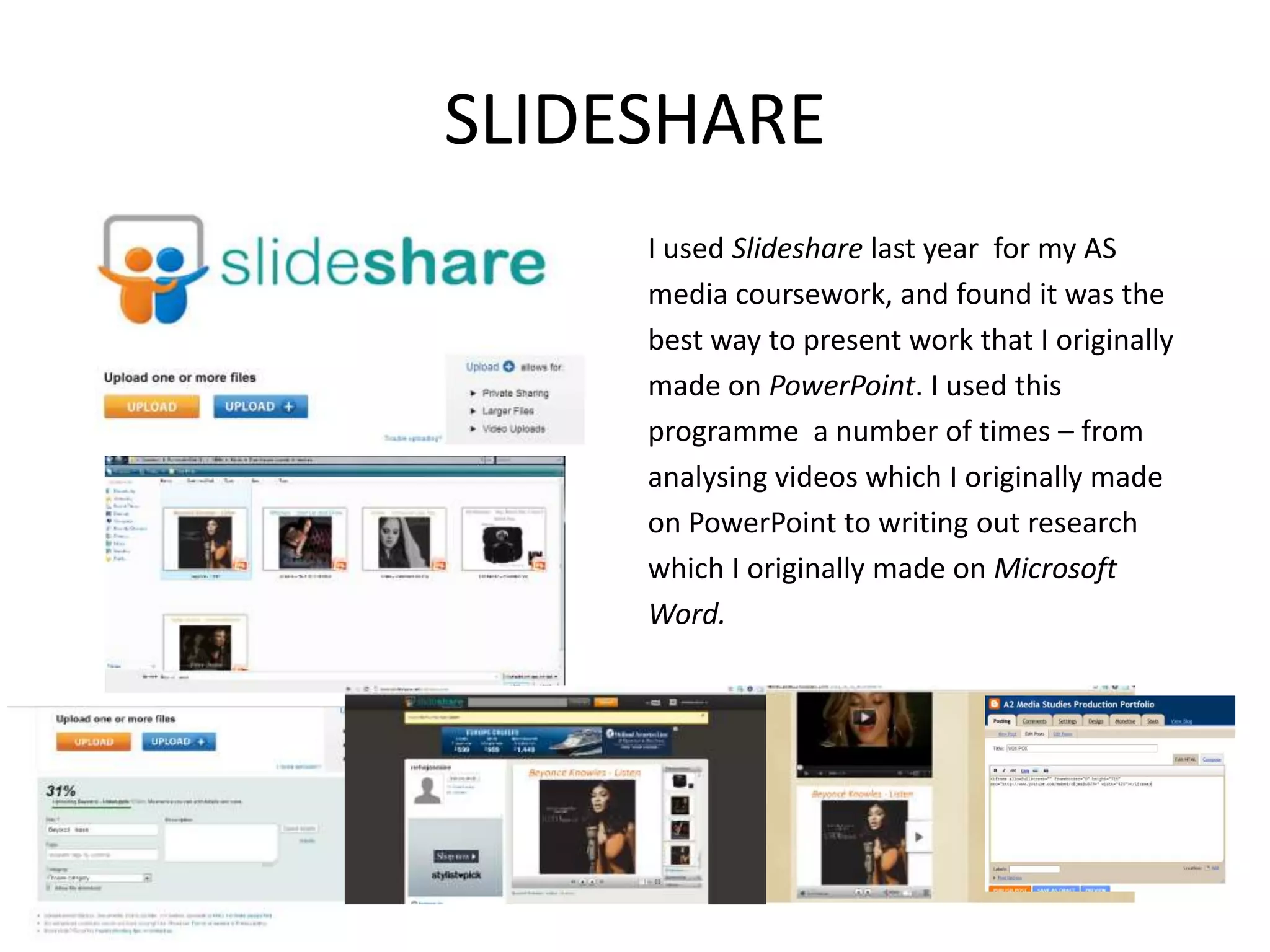
SLIDESHARE
     I used Slideshare last year for my AS
     media coursework, and found it was the
     best way to present work that I originally
     made on PowerPoint. I used this
     programme a number of times – from
     analysing videos which I originally made
     on PowerPoint to writing out research
     which I originally made on Microsoft
     Word.
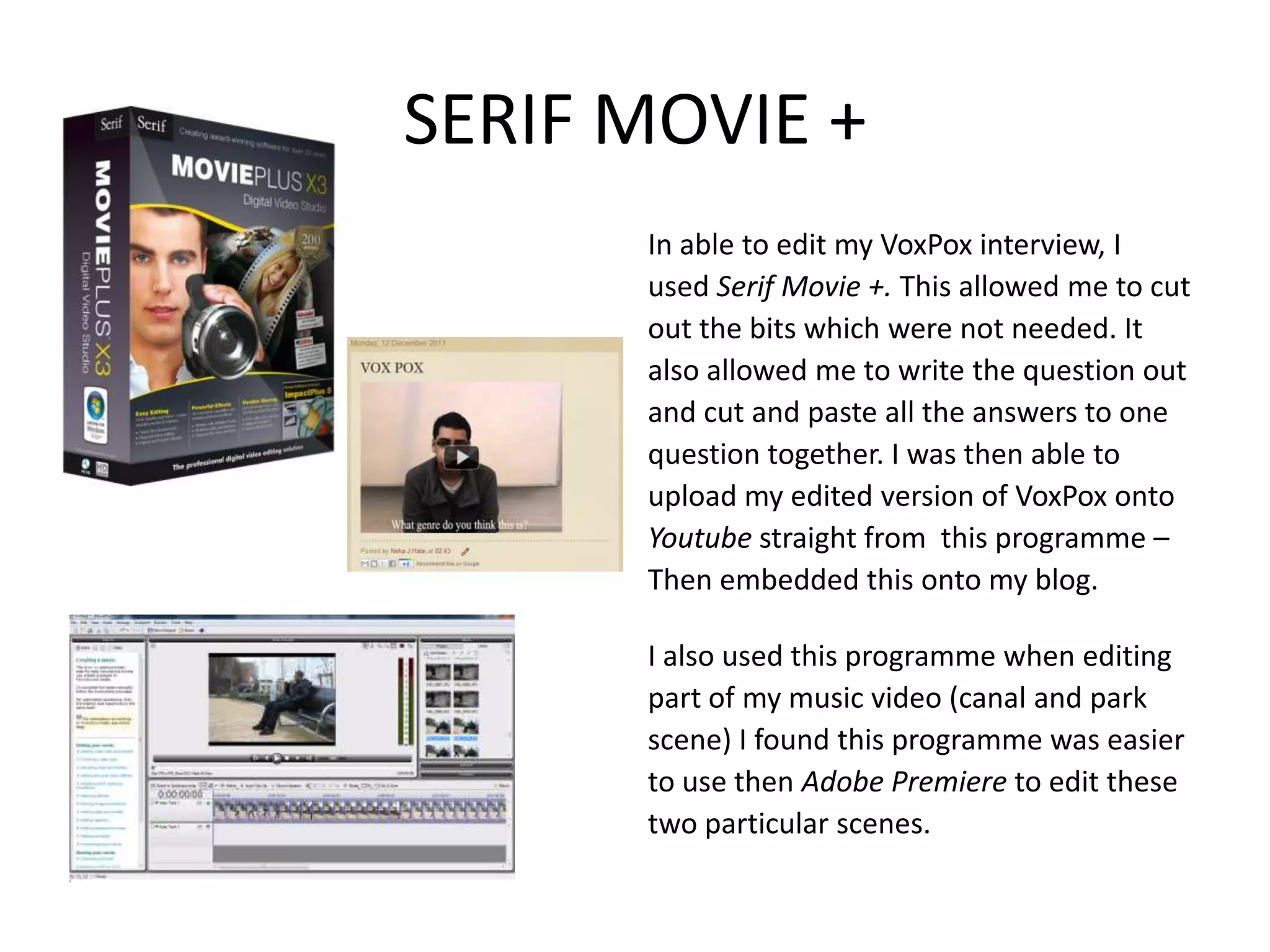
SERIF MOVIE +
      In able to edit my VoxPox interview, I
      used Serif Movie +. This allowed me to cut
      out the bits which were not needed. It
      also allowed me to write the question out
      and cut and paste all the answers to one
      question together. I was then able to
      upload my edited version of VoxPox onto
      Youtube straight from this programme –
      Then embedded this onto my blog.

      I also used this programme when editing
      part of my music video (canal and park
      scene) I found this programme was easier
      to use then Adobe Premiere to edit these
      two particular scenes.
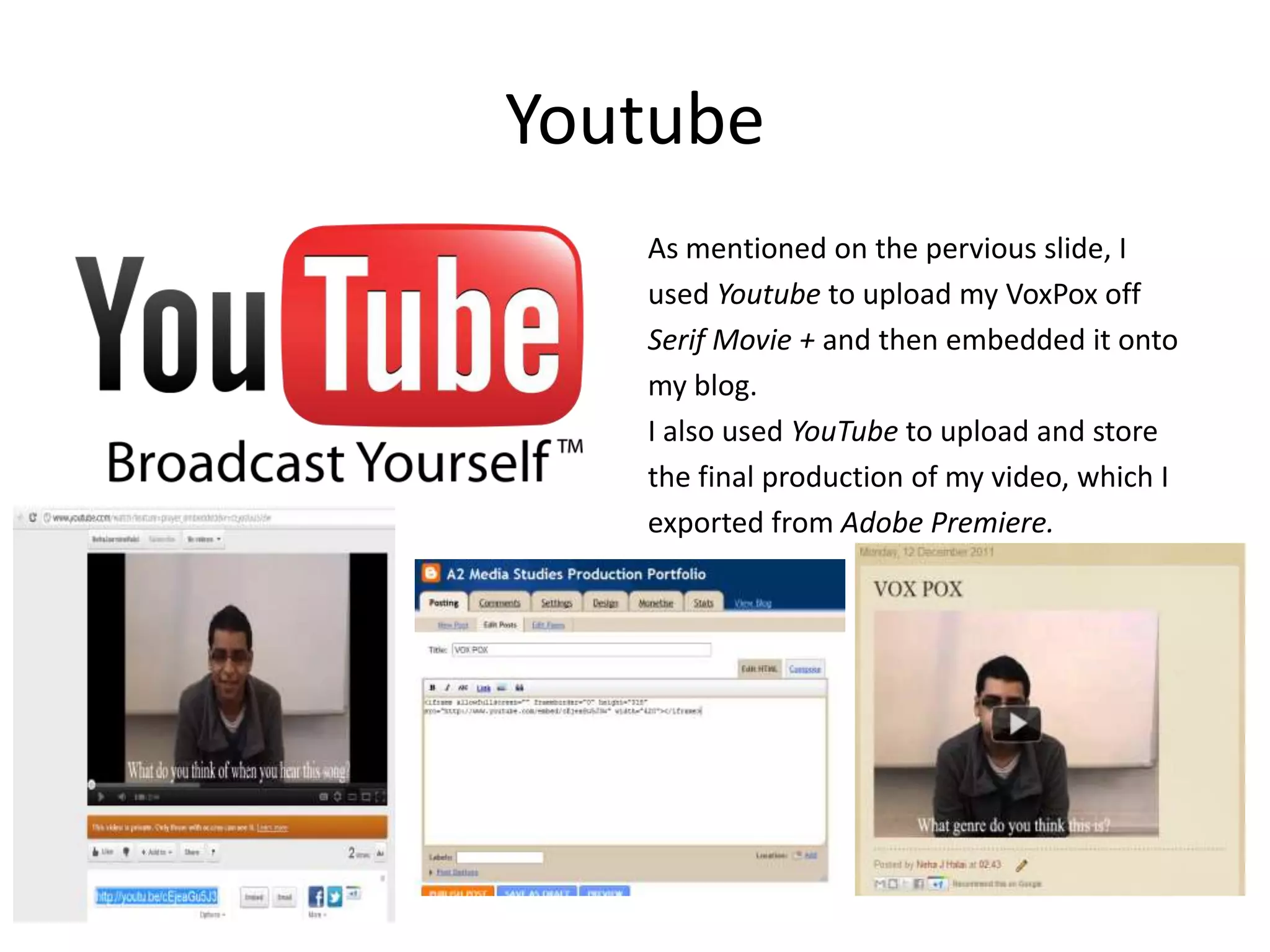
Youtube
   As mentioned on the pervious slide, I
   used Youtube to upload my VoxPox off
   Serif Movie + and then embedded it onto
   my blog.
   I also used YouTube to upload and store
   the final production of my video, which I
   exported from Adobe Premiere.
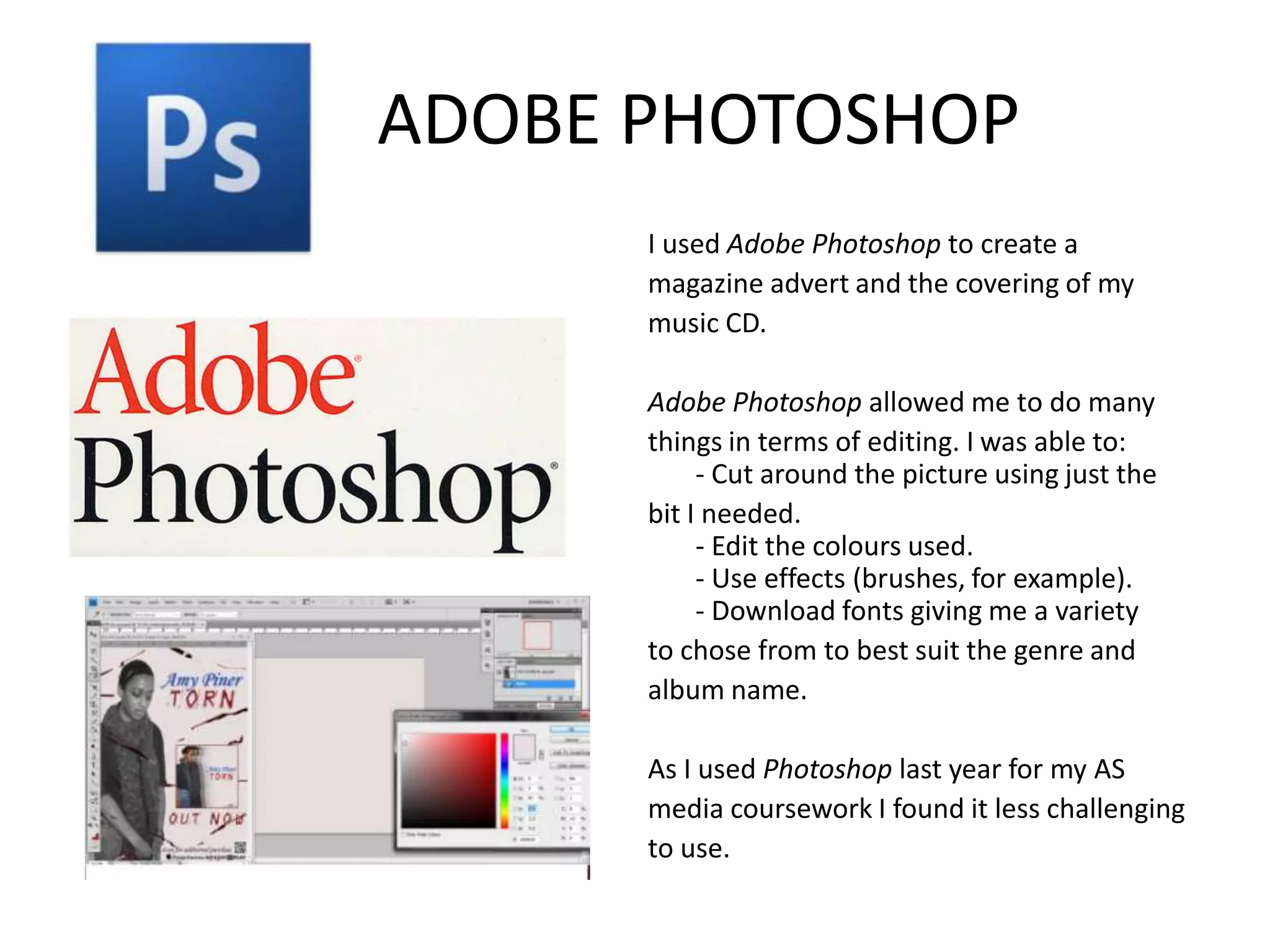
ADOBE PHOTOSHOP
      I used Adobe Photoshop to create a
      magazine advert and the covering of my
      music CD.

      Adobe Photoshop allowed me to do many
      things in terms of editing. I was able to:
           - Cut around the picture using just the
      bit I needed.
           - Edit the colours used.
           - Use effects (brushes, for example).
           - Download fonts giving me a variety
      to chose from to best suit the genre and
      album name.

      As I used Photoshop last year for my AS
      media coursework I found it less challenging
      to use.
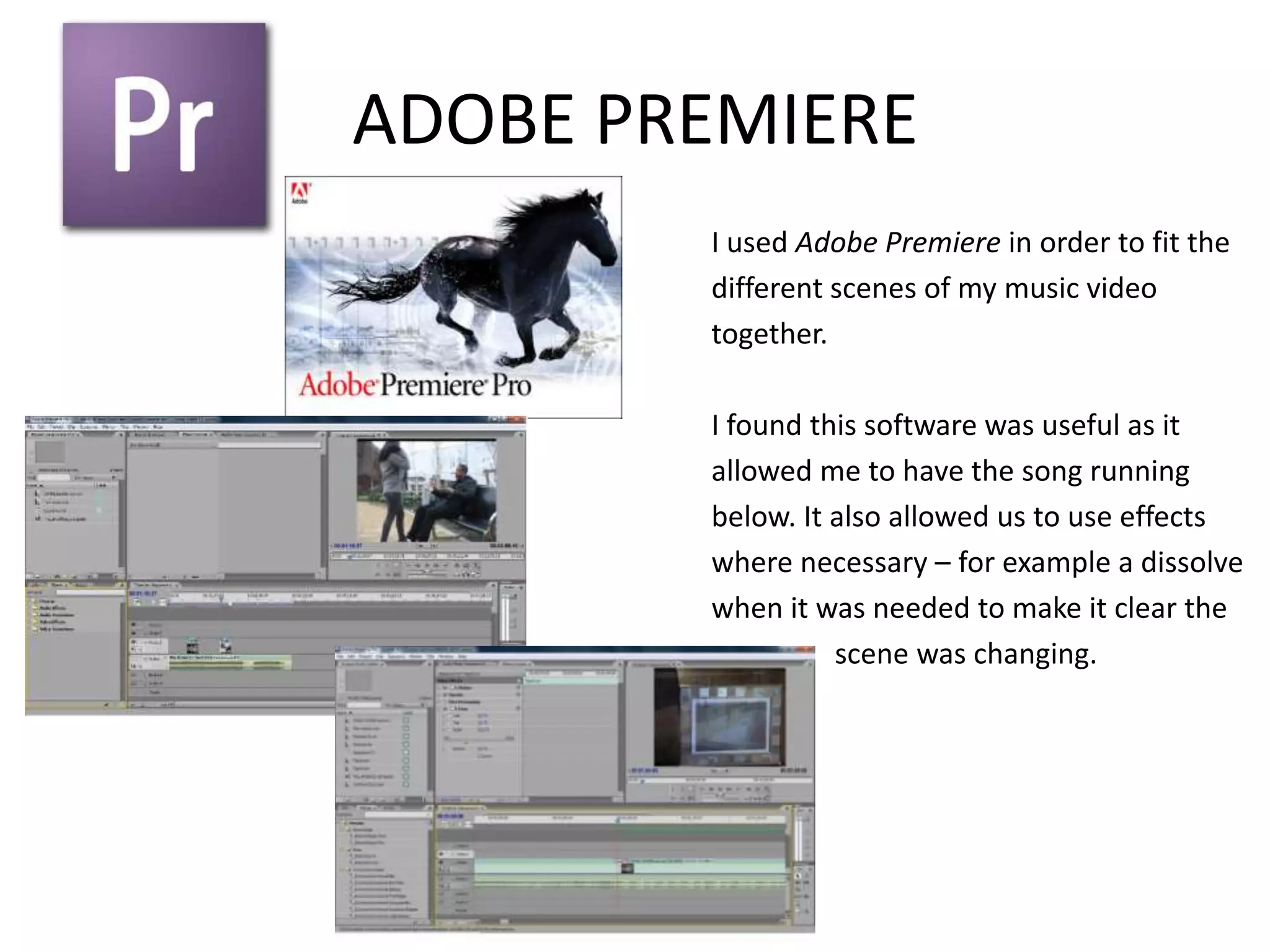
ADOBE PREMIERE
        I used Adobe Premiere in order to fit the
        different scenes of my music video
        together.

        I found this software was useful as it
        allowed me to have the song running
        below. It also allowed us to use effects
        where necessary – for example a dissolve
        when it was needed to make it clear the
                  scene was changing.
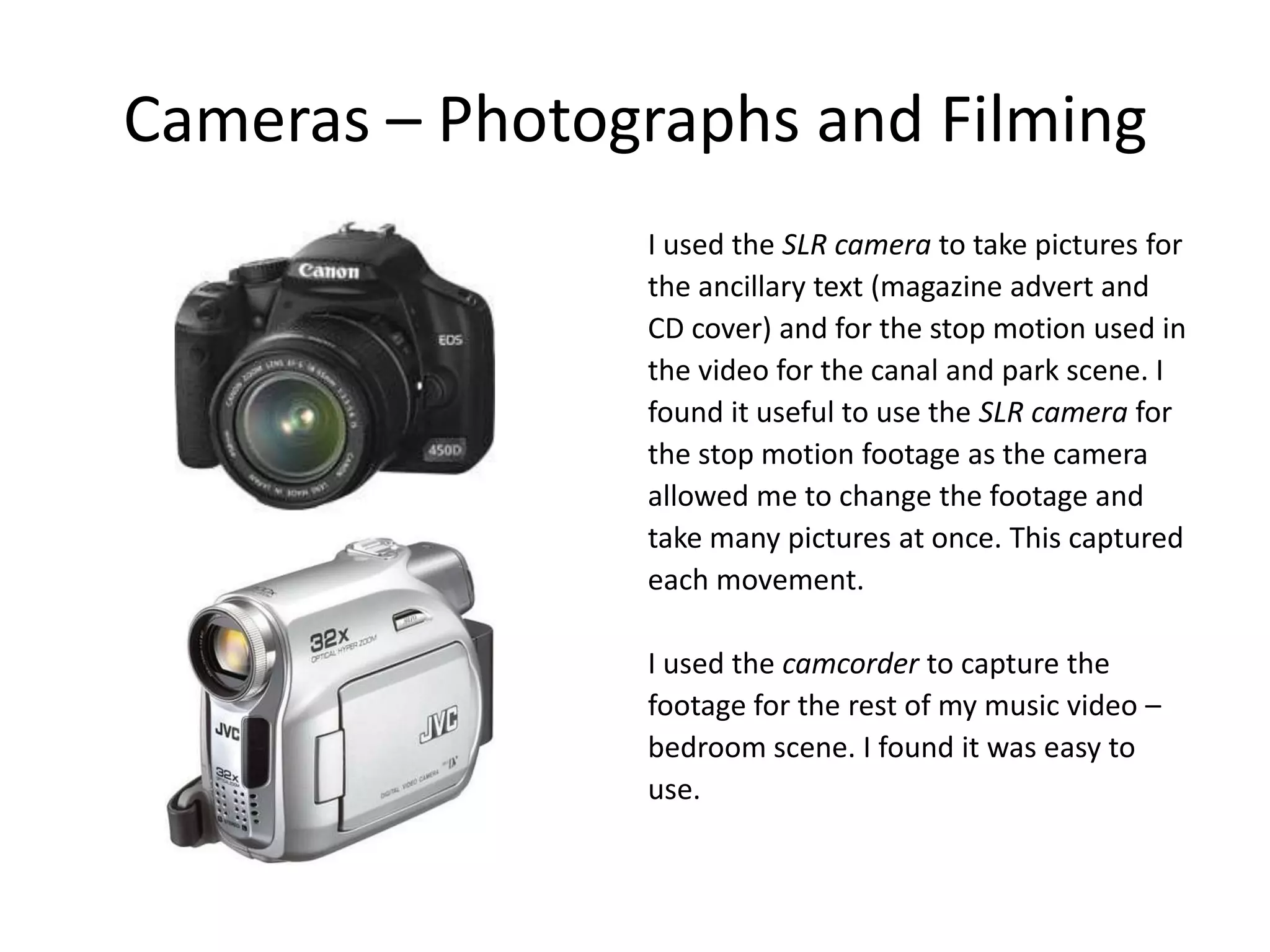
Cameras – Photographs and Filming
                I used the SLR camera to take pictures for
                the ancillary text (magazine advert and
                CD cover) and for the stop motion used in
                the video for the canal and park scene. I
                found it useful to use the SLR camera for
                the stop motion footage as the camera
                allowed me to change the footage and
                take many pictures at once. This captured
                each movement.

                I used the camcorder to capture the
                footage for the rest of my music video –
                bedroom scene. I found it was easy to
                use.

4 how did you use new media technologies in

  • 1.
    How did youuse new media technologies in the planning and research, construction and evaluation stages?
  • 2.
    BLOGGER I used the same blog from last year, however, changed my blogger address. This site is easy to use and work around. I am able to directly write into the space provided, copy and past work from Microsoft Word (ensure spelling is correct) or copy the embed code straight onto my blog as I used Slideshare numerous times. I was able to change the structure of my blog by changing the published date – allowing my blog to be presented in an orderly fashion.
  • 3.
    USB Throughout thecoursework, I used two USBs. I used one to store all my planning and research, pictures, and evaluation. I used the other one to store my Photoshop files as the second USB had more gigabyte.
  • 4.
    Hotmail I found Hotmail was the best way to communicate with the musician (Amy Piner) who let us use her music and with my group as I was able to send them emails showing them my ideas for example for the CD covering and magazine advert.
  • 5.
    Microsoft Word/PowerPoint I used Microsoft Word and Microsoft PowerPoint to create documents and slides which I then uploaded onto Slideshare and embedded onto my blog. Microsoft Word and PowerPoint enabled me to present my work in an orderly way, as if I wrote straight onto the blogger site I wasn't able to lay my work out as neatly.
  • 6.
    SLIDESHARE I used Slideshare last year for my AS media coursework, and found it was the best way to present work that I originally made on PowerPoint. I used this programme a number of times – from analysing videos which I originally made on PowerPoint to writing out research which I originally made on Microsoft Word.
  • 7.
    SERIF MOVIE + In able to edit my VoxPox interview, I used Serif Movie +. This allowed me to cut out the bits which were not needed. It also allowed me to write the question out and cut and paste all the answers to one question together. I was then able to upload my edited version of VoxPox onto Youtube straight from this programme – Then embedded this onto my blog. I also used this programme when editing part of my music video (canal and park scene) I found this programme was easier to use then Adobe Premiere to edit these two particular scenes.
  • 8.
    Youtube As mentioned on the pervious slide, I used Youtube to upload my VoxPox off Serif Movie + and then embedded it onto my blog. I also used YouTube to upload and store the final production of my video, which I exported from Adobe Premiere.
  • 9.
    ADOBE PHOTOSHOP I used Adobe Photoshop to create a magazine advert and the covering of my music CD. Adobe Photoshop allowed me to do many things in terms of editing. I was able to: - Cut around the picture using just the bit I needed. - Edit the colours used. - Use effects (brushes, for example). - Download fonts giving me a variety to chose from to best suit the genre and album name. As I used Photoshop last year for my AS media coursework I found it less challenging to use.
  • 10.
    ADOBE PREMIERE I used Adobe Premiere in order to fit the different scenes of my music video together. I found this software was useful as it allowed me to have the song running below. It also allowed us to use effects where necessary – for example a dissolve when it was needed to make it clear the scene was changing.
  • 11.
    Cameras – Photographsand Filming I used the SLR camera to take pictures for the ancillary text (magazine advert and CD cover) and for the stop motion used in the video for the canal and park scene. I found it useful to use the SLR camera for the stop motion footage as the camera allowed me to change the footage and take many pictures at once. This captured each movement. I used the camcorder to capture the footage for the rest of my music video – bedroom scene. I found it was easy to use.