The Ultimate
Platform
for Android App
Development
Presentors:
Duarte | Laborte | Wu | Bermido
Android Studio is the ultimate platform for Android
app development.
It is an integrated development environment (IDE)
that is free and open-source and offers developers a
full range of tools for creating, coding, testing, and
debugging Android applications.
In this paper, we'll examine Android Studio's
capabilities and advantages as well as how it's
changed how Android apps are created. We will also
look at how Android Studio has helped the Android
app industry expand and how it has made it possible
for programmers to make cutting-edge, user-friendly
applications.
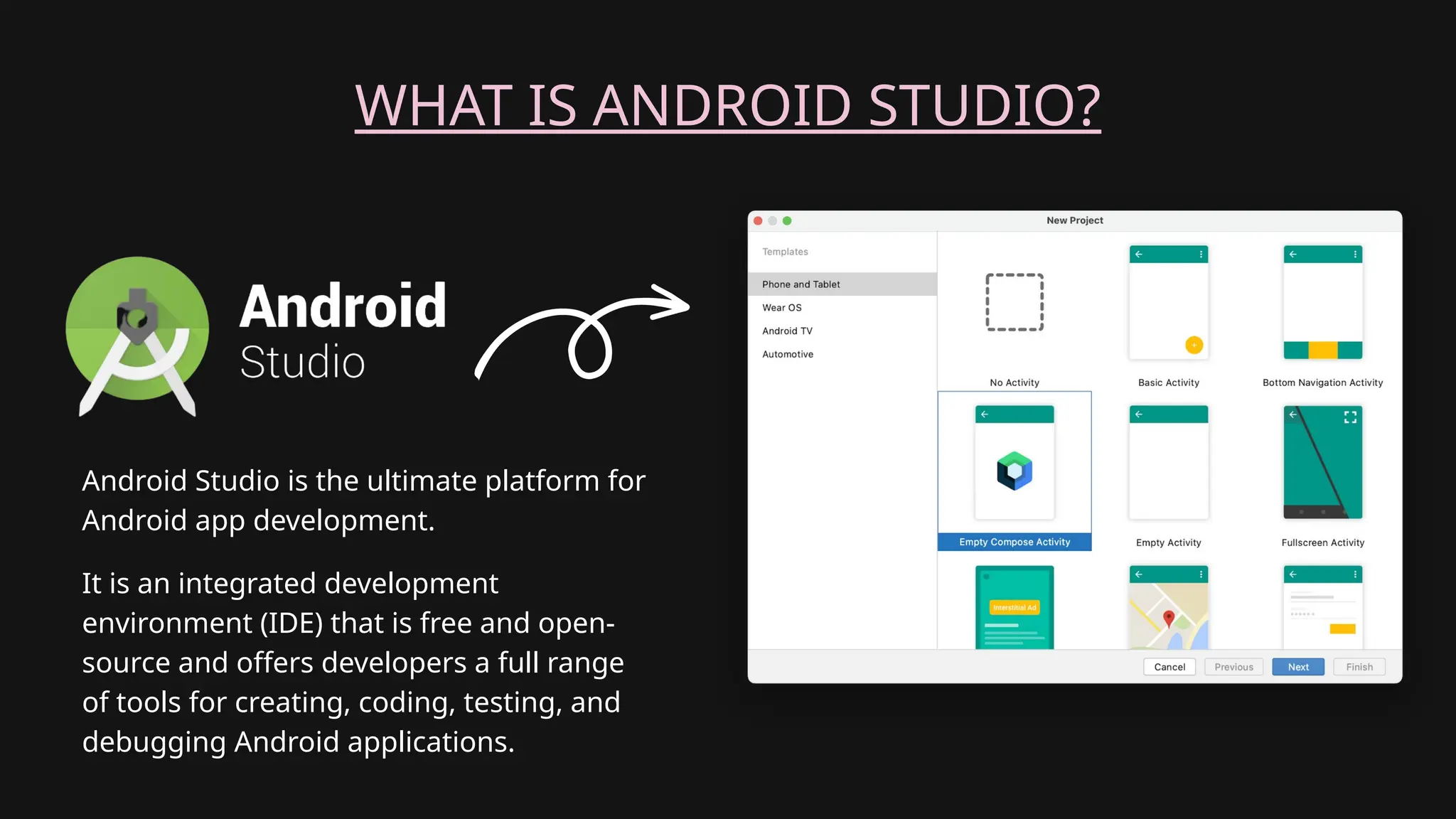
WHAT IS ANDROID STUDIO?
Android Studio is the ultimate platform for
Android app development.
It is an integrated development
environment (IDE) that is free and open-
source and offers developers a full range
of tools for creating, coding, testing, and
debugging Android applications.
GOALS
• To give a general overview of Android Studio’s capabilities.
• Will go through the advantages of utilizing Android Studio for
creating Android apps.
• To list the difficulties that developers encounter when creating
Android apps and how Android Studio handles them.
• To show how Android Studio may boost the effectiveness and
productivity of developers of Android apps.
• To highlight the accomplishments of app developers who have
created successful Android apps using Android Studio.
• To assess Android Studio’s influence on the Android app
development sector.
• To make recommendations for potential Android Studio upgrades
that would further enhance the process of creating Android apps.
What are the challenges of Android
Studio?
It can be difficult to create
an Android app, especially
if you’ve never worked on
one before.
It necessitates familiarity with
programming languages,
frameworks for creating
mobile applications, and the
Android environment.
The development process can
become more difficult because
there are several device
configurations and operating
system versions to take into
account.
ANDROID STUDIO'S CAPABILITIES:
• Code Editing
• Layout Editor
• Android Emulator
• Debugging and Profiling Tools
• Testing Frameworks
• Build and Deployment
• Version Control Integration
• Extensibility and Plugin
Ecosystem
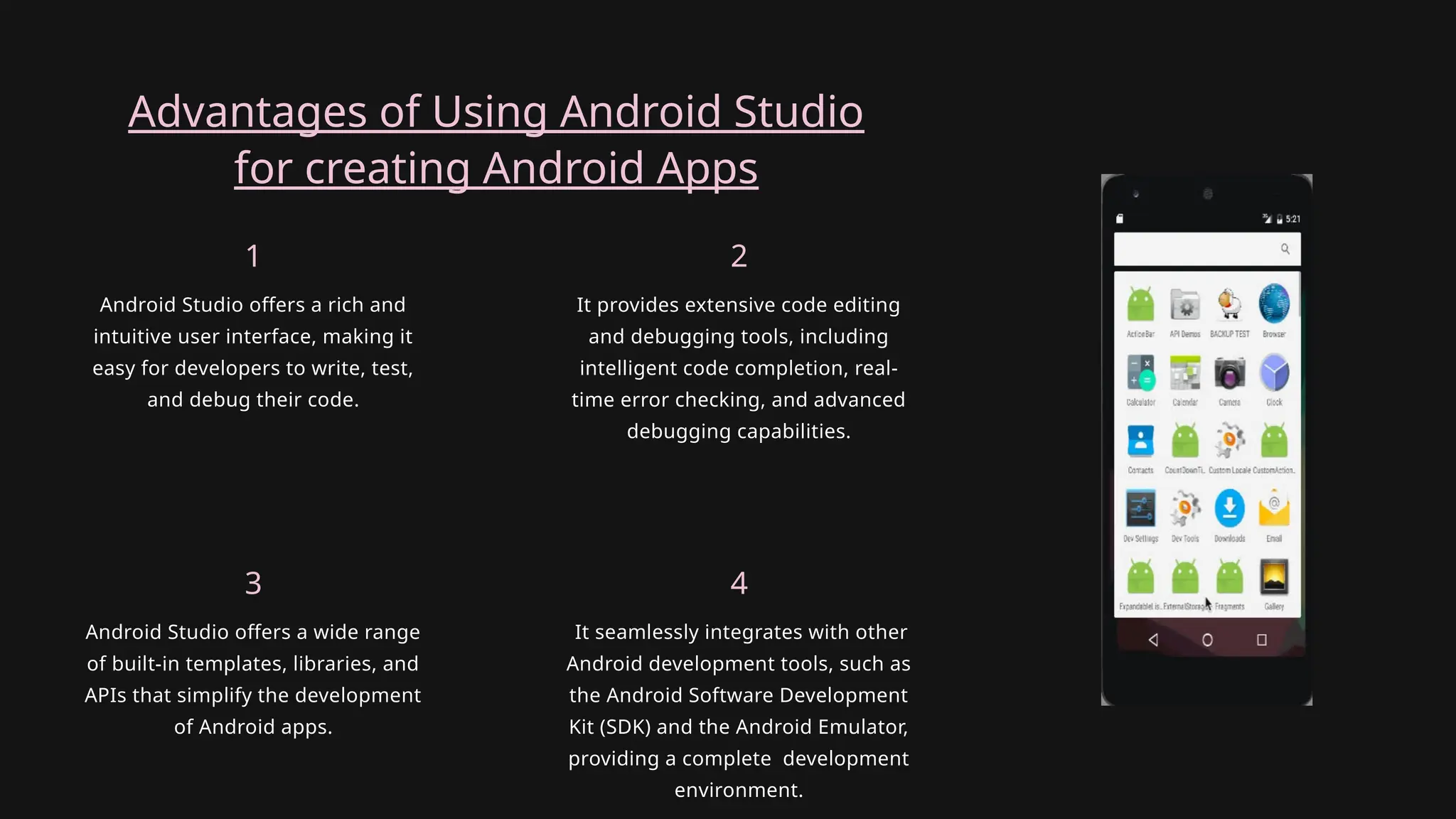
Advantages of Using Android Studio
for creating Android Apps
Android Studio offers a wide range
of built-in templates, libraries, and
APIs that simplify the development
of Android apps.
3
It seamlessly integrates with other
Android development tools, such as
the Android Software Development
Kit (SDK) and the Android Emulator,
providing a complete development
environment.
4
Android Studio offers a rich and
intuitive user interface, making it
easy for developers to write, test,
and debug their code.
1
It provides extensive code editing
and debugging tools, including
intelligent code completion, real-
time error checking, and advanced
debugging capabilities.
2
Android Studio offers a robust code
editor with powerful code analysis
tools, helping developers detect
and fix errors, inefficiencies, and
potential bugs in their code.
Handling difficulties faced
by developers:
1. It provides a variety of testing tools, including an emulator for simulating
different devices and configurations, as well as tools for automated unit
testing and UI testing.
2. Android Studio integrates with version control systems like Git, enabling
efficient collaboration and easy management of source code changes.
Android Studio supports a wide range of shortcuts, keyboard commands, and customizable
templates to speed up coding and improve productivity.
BOOSTING EFFECTIVENESS AND PRODUCTIVITY
OF DEVELOPERS:
1. It offers a visual layout editor that allows developers to build and modify
app layouts using a drag-and-drop interface, saving time and effort.
2. Android Studio provides performance profiling tools to help developers
optimize their app's performance and memory usage.
ACCOMPLISHMENTS OF
SUCCESSFUL APP DEVELOPERS
USING ANDROID STUDIO:
Instagram
ACC. 01
Snapchat
ACC. 02
Facebook
ACC. 04
Twitter
ACC. 03
Android Studio has become the de facto standard IDE for Android app
development, significantly impacting the industry.
Its continuous updates and improvements have helped drive innovation and
empower developers to create cutting-edge apps.
INFLUENCE OF ANDROID STUDIO ON
THE ANDROID APP DEVELOPMENT
SECTOR
With approximately 72% of smartphones in use worldwide running the Android
operating system as of 2022, it has dominated the mobile market. A reliable and
effective platform is required for developers to create applications as the
demand for mobile apps rises. An extensive integrated development
environment (IDE) for creating top-notch Android applications is offered by
Android Studio to developers.
How the Platform/Service Aids
Community Recommendations and
Plans
308-PRESENTATION-ANDROID-STUDIO-APP.pptx

308-PRESENTATION-ANDROID-STUDIO-APP.pptx

  • 1.
    The Ultimate Platform for AndroidApp Development Presentors: Duarte | Laborte | Wu | Bermido
  • 2.
    Android Studio isthe ultimate platform for Android app development. It is an integrated development environment (IDE) that is free and open-source and offers developers a full range of tools for creating, coding, testing, and debugging Android applications. In this paper, we'll examine Android Studio's capabilities and advantages as well as how it's changed how Android apps are created. We will also look at how Android Studio has helped the Android app industry expand and how it has made it possible for programmers to make cutting-edge, user-friendly applications.
  • 3.
    WHAT IS ANDROIDSTUDIO? Android Studio is the ultimate platform for Android app development. It is an integrated development environment (IDE) that is free and open- source and offers developers a full range of tools for creating, coding, testing, and debugging Android applications.
  • 4.
    GOALS • To givea general overview of Android Studio’s capabilities. • Will go through the advantages of utilizing Android Studio for creating Android apps. • To list the difficulties that developers encounter when creating Android apps and how Android Studio handles them. • To show how Android Studio may boost the effectiveness and productivity of developers of Android apps. • To highlight the accomplishments of app developers who have created successful Android apps using Android Studio. • To assess Android Studio’s influence on the Android app development sector. • To make recommendations for potential Android Studio upgrades that would further enhance the process of creating Android apps.
  • 5.
    What are thechallenges of Android Studio? It can be difficult to create an Android app, especially if you’ve never worked on one before. It necessitates familiarity with programming languages, frameworks for creating mobile applications, and the Android environment. The development process can become more difficult because there are several device configurations and operating system versions to take into account.
  • 6.
    ANDROID STUDIO'S CAPABILITIES: •Code Editing • Layout Editor • Android Emulator • Debugging and Profiling Tools • Testing Frameworks • Build and Deployment • Version Control Integration • Extensibility and Plugin Ecosystem
  • 7.
    Advantages of UsingAndroid Studio for creating Android Apps Android Studio offers a wide range of built-in templates, libraries, and APIs that simplify the development of Android apps. 3 It seamlessly integrates with other Android development tools, such as the Android Software Development Kit (SDK) and the Android Emulator, providing a complete development environment. 4 Android Studio offers a rich and intuitive user interface, making it easy for developers to write, test, and debug their code. 1 It provides extensive code editing and debugging tools, including intelligent code completion, real- time error checking, and advanced debugging capabilities. 2
  • 8.
    Android Studio offersa robust code editor with powerful code analysis tools, helping developers detect and fix errors, inefficiencies, and potential bugs in their code. Handling difficulties faced by developers: 1. It provides a variety of testing tools, including an emulator for simulating different devices and configurations, as well as tools for automated unit testing and UI testing. 2. Android Studio integrates with version control systems like Git, enabling efficient collaboration and easy management of source code changes.
  • 9.
    Android Studio supportsa wide range of shortcuts, keyboard commands, and customizable templates to speed up coding and improve productivity. BOOSTING EFFECTIVENESS AND PRODUCTIVITY OF DEVELOPERS: 1. It offers a visual layout editor that allows developers to build and modify app layouts using a drag-and-drop interface, saving time and effort. 2. Android Studio provides performance profiling tools to help developers optimize their app's performance and memory usage.
  • 10.
    ACCOMPLISHMENTS OF SUCCESSFUL APPDEVELOPERS USING ANDROID STUDIO: Instagram ACC. 01 Snapchat ACC. 02 Facebook ACC. 04 Twitter ACC. 03
  • 11.
    Android Studio hasbecome the de facto standard IDE for Android app development, significantly impacting the industry. Its continuous updates and improvements have helped drive innovation and empower developers to create cutting-edge apps. INFLUENCE OF ANDROID STUDIO ON THE ANDROID APP DEVELOPMENT SECTOR
  • 12.
    With approximately 72%of smartphones in use worldwide running the Android operating system as of 2022, it has dominated the mobile market. A reliable and effective platform is required for developers to create applications as the demand for mobile apps rises. An extensive integrated development environment (IDE) for creating top-notch Android applications is offered by Android Studio to developers. How the Platform/Service Aids Community Recommendations and Plans